

Editable Invoice Template Excel: A Practical Guide
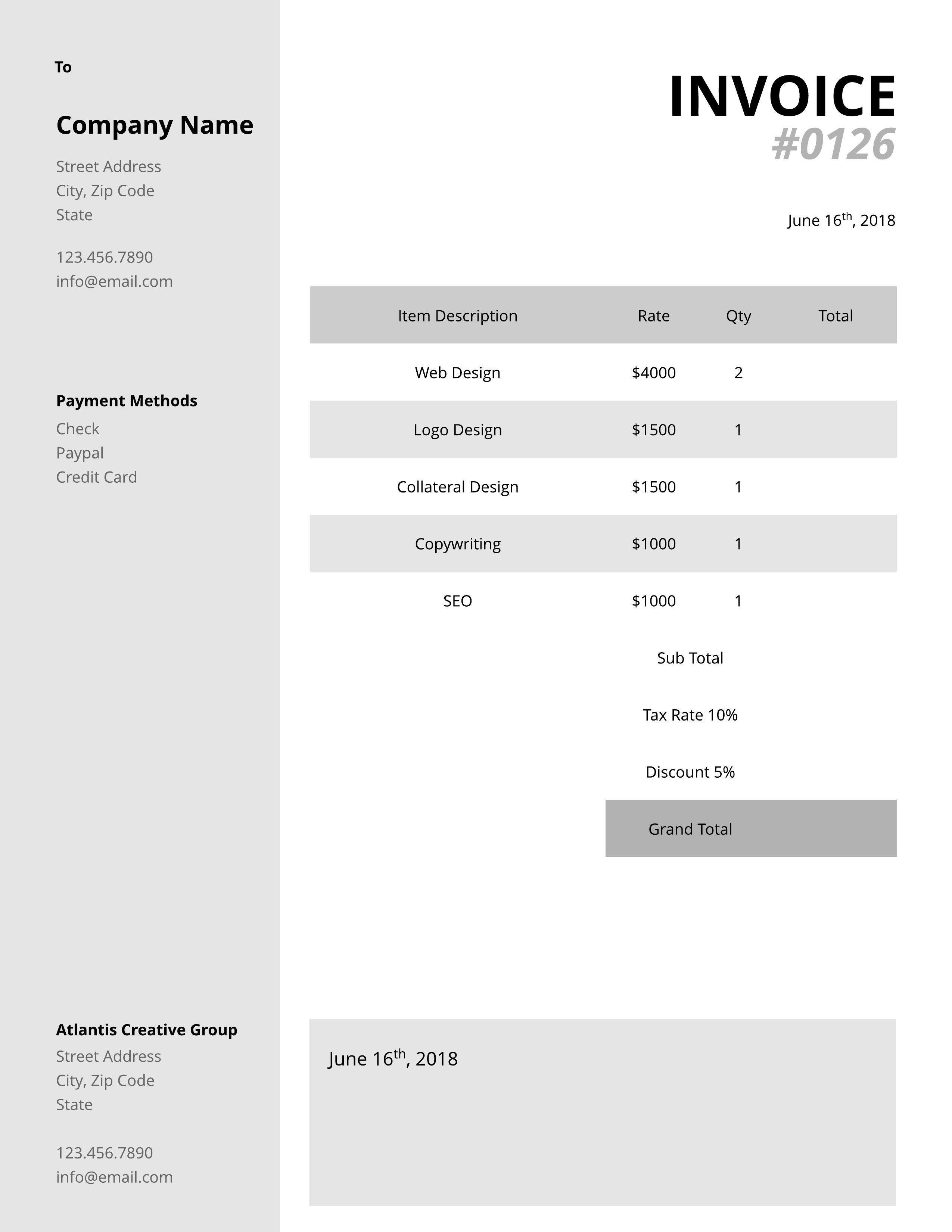
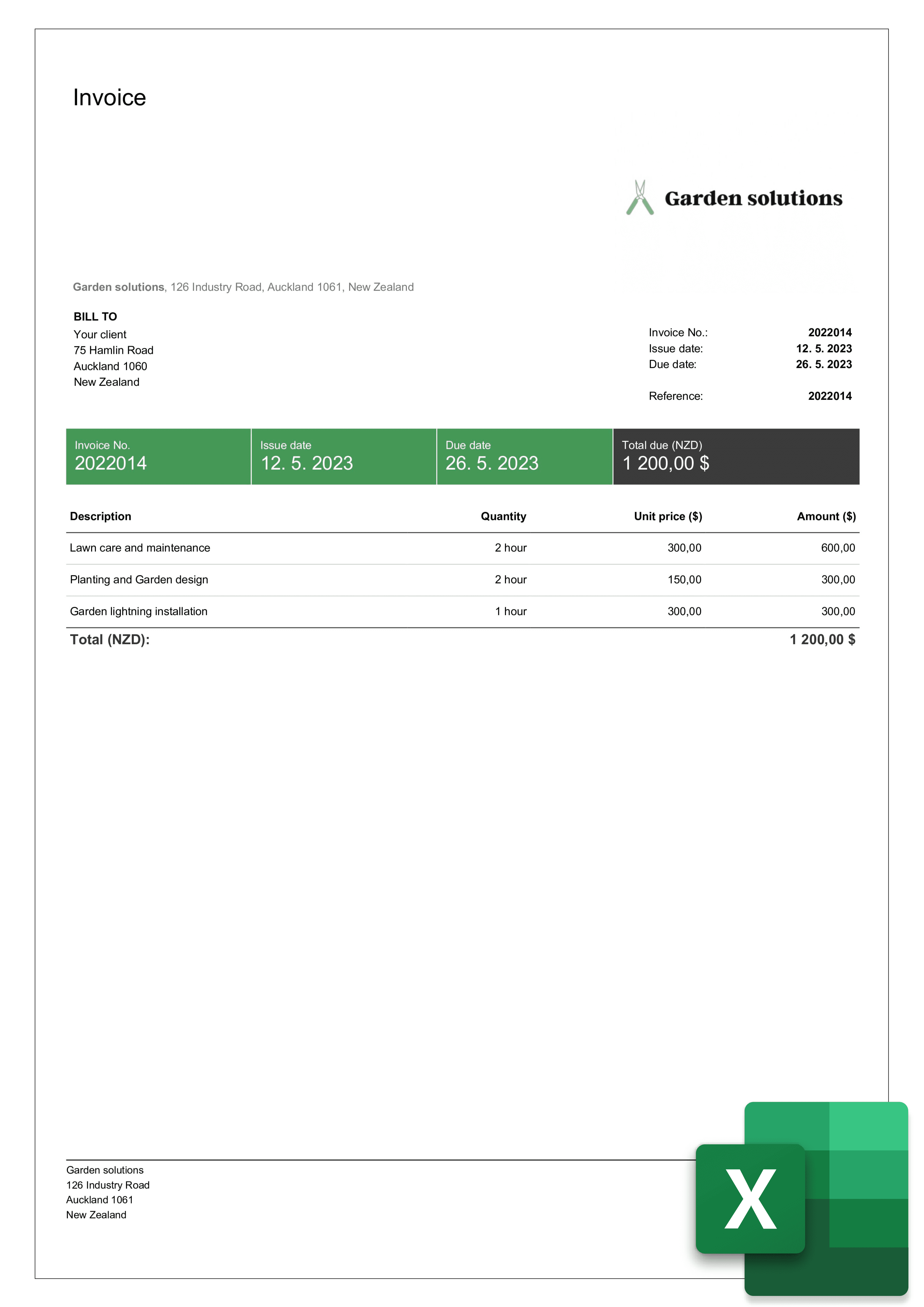
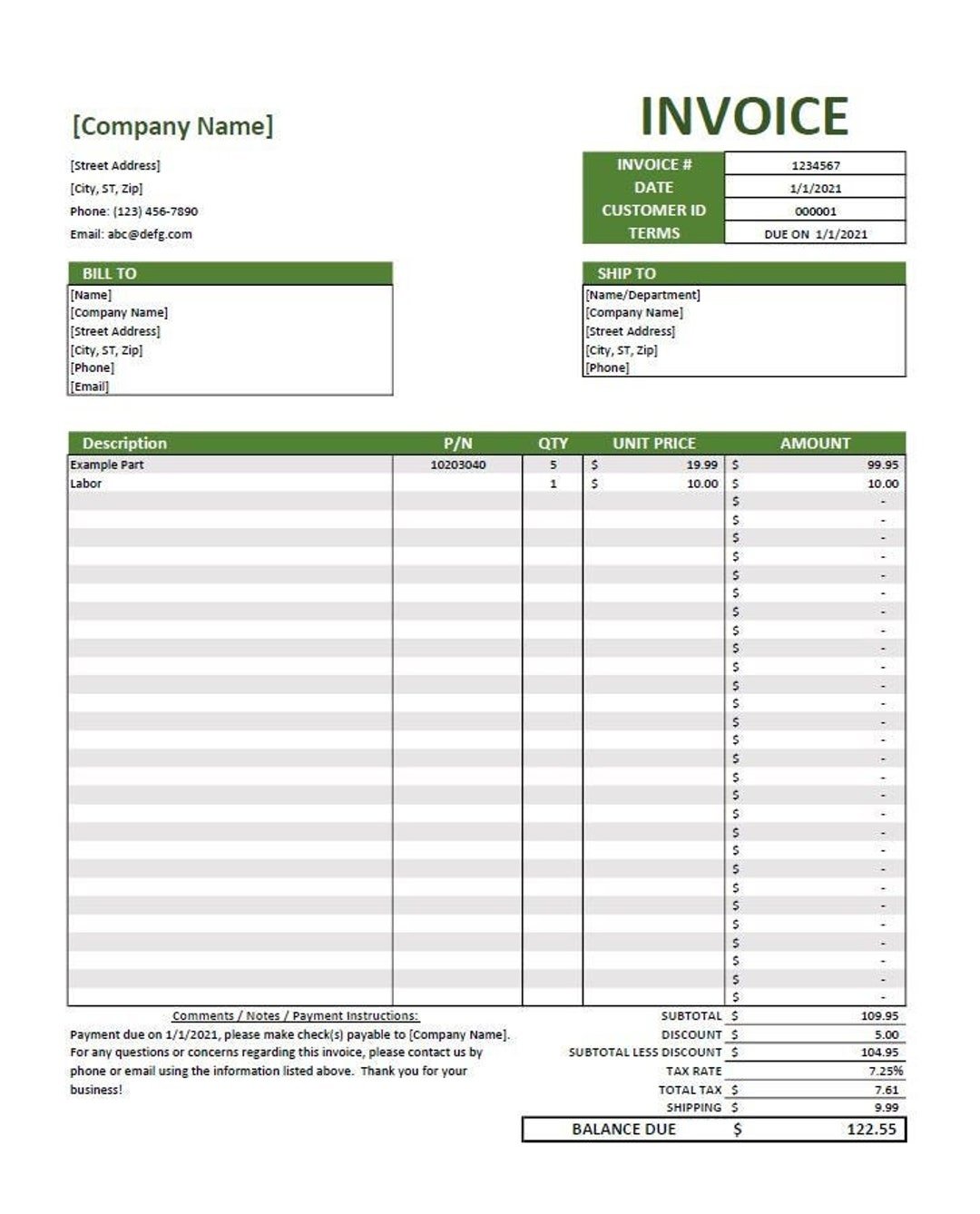
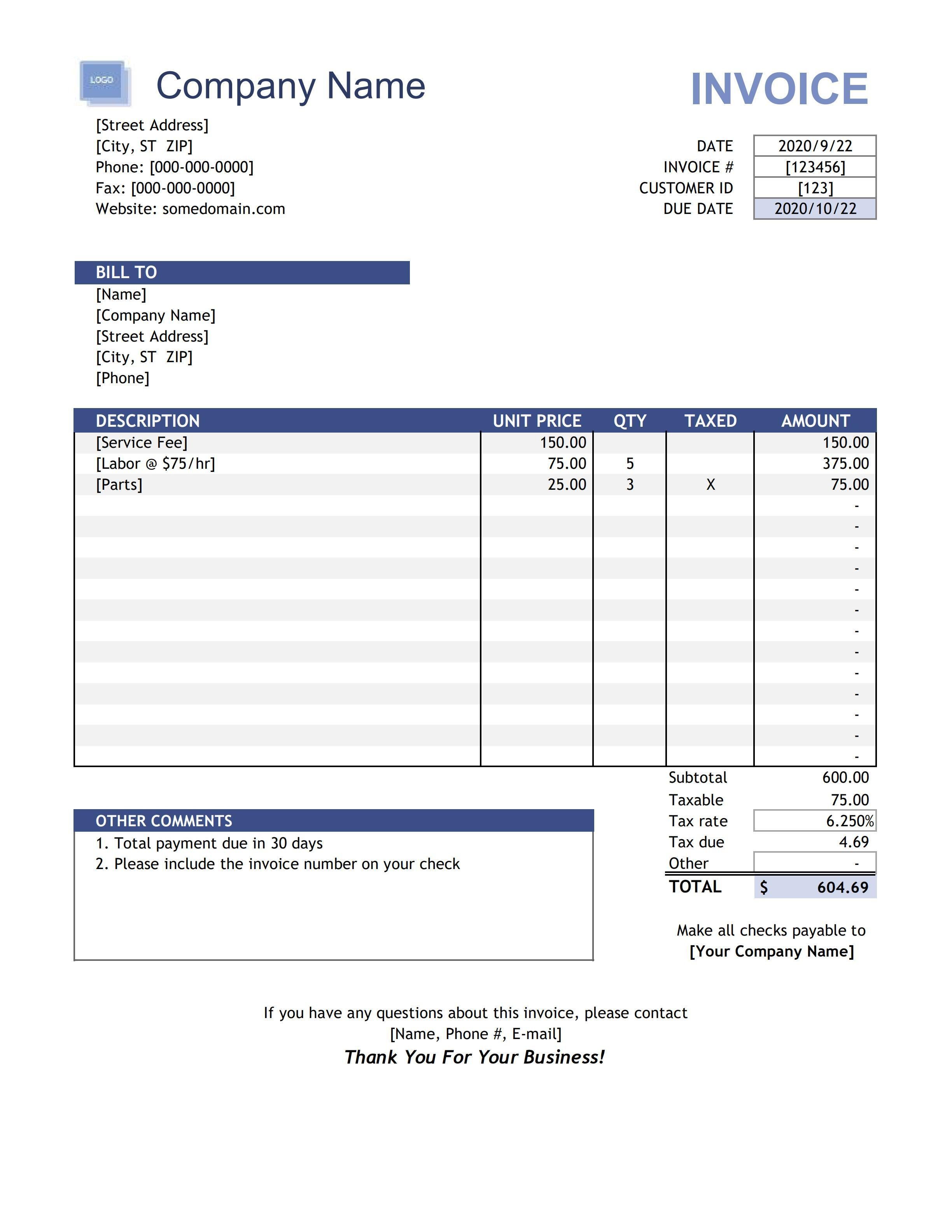
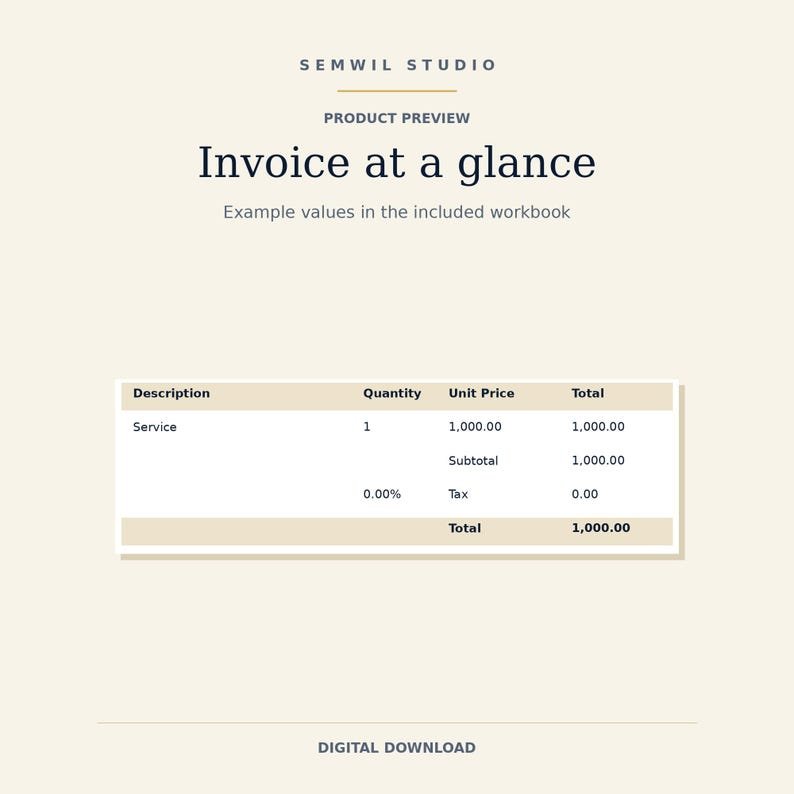
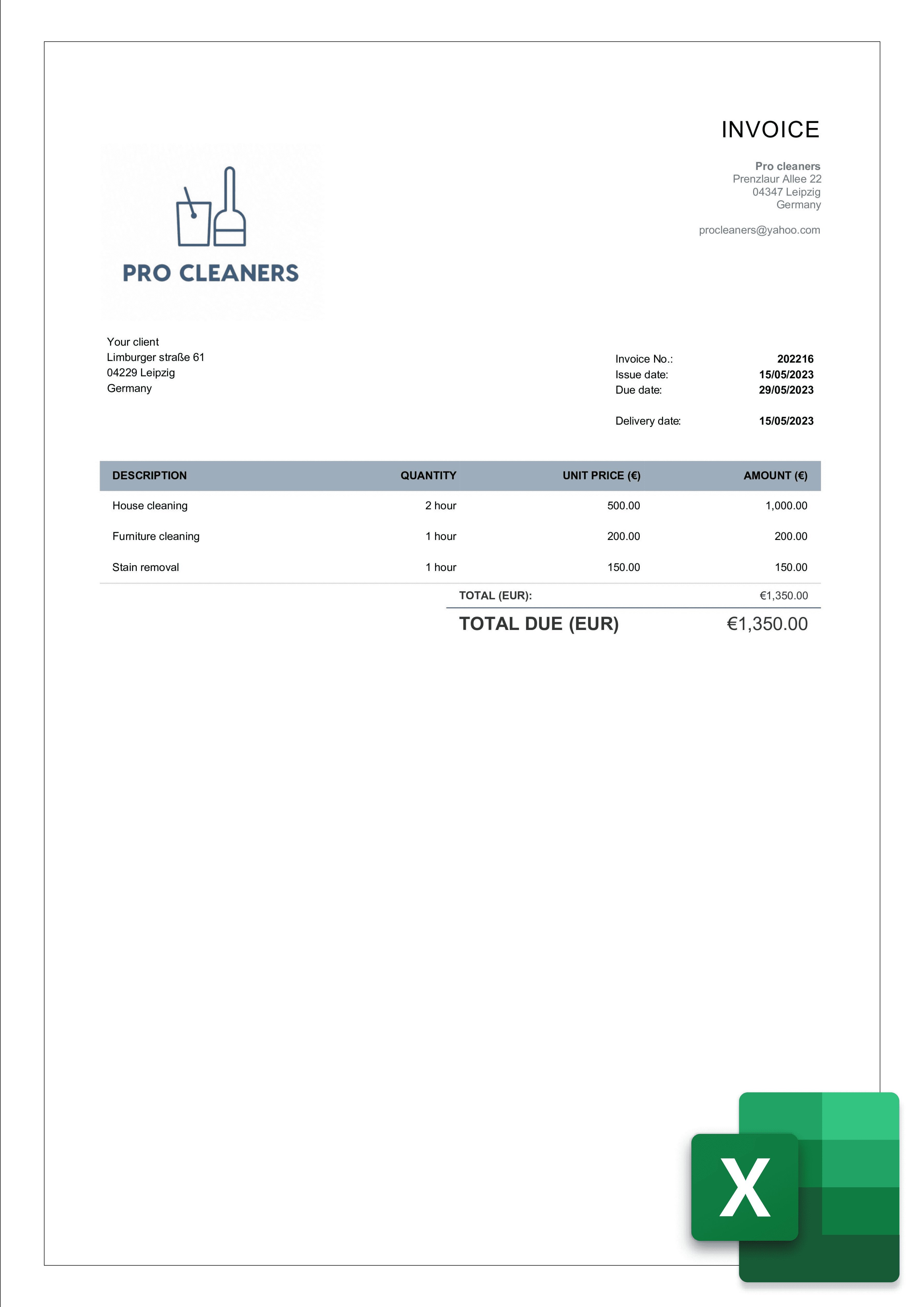
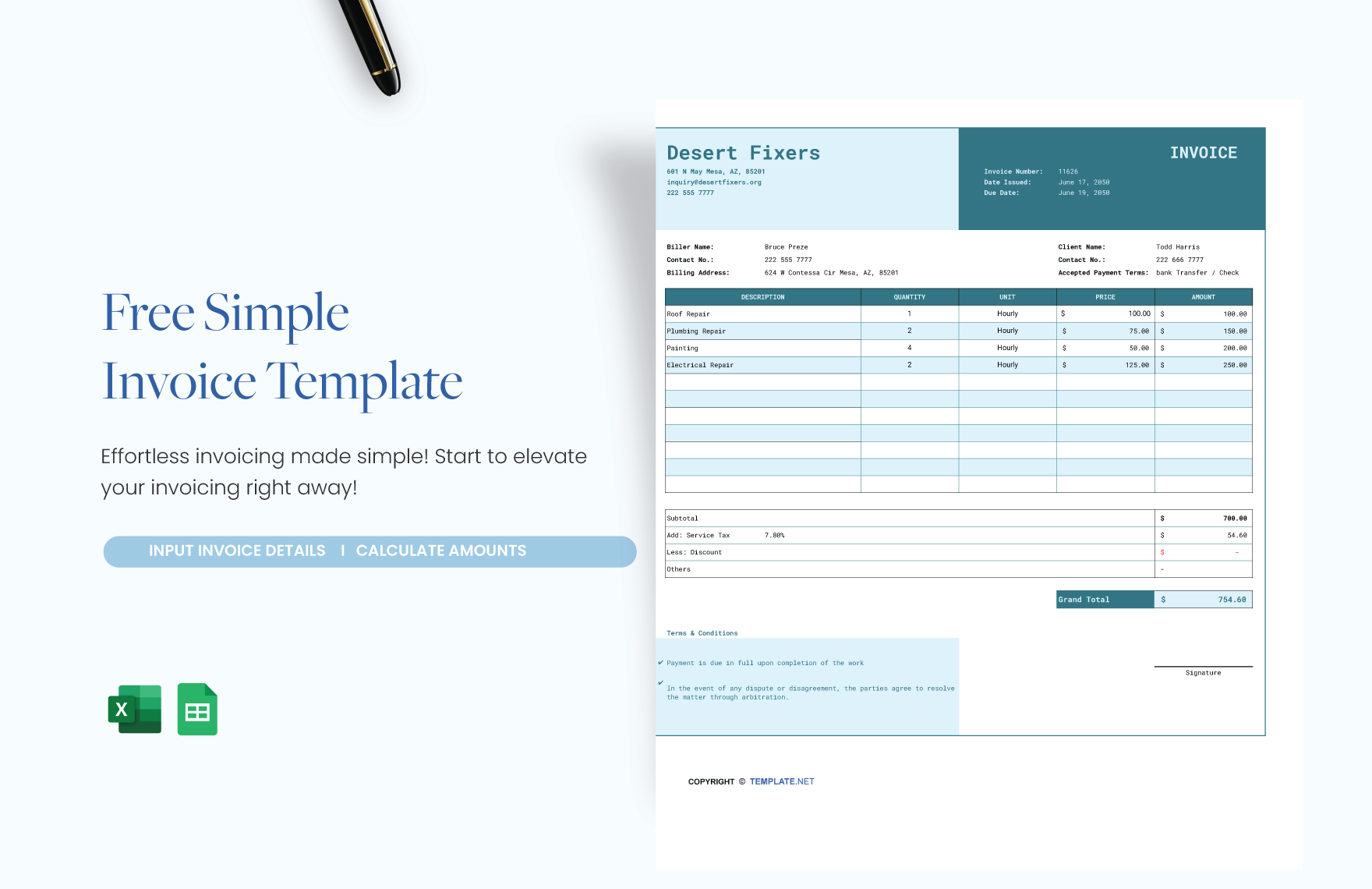
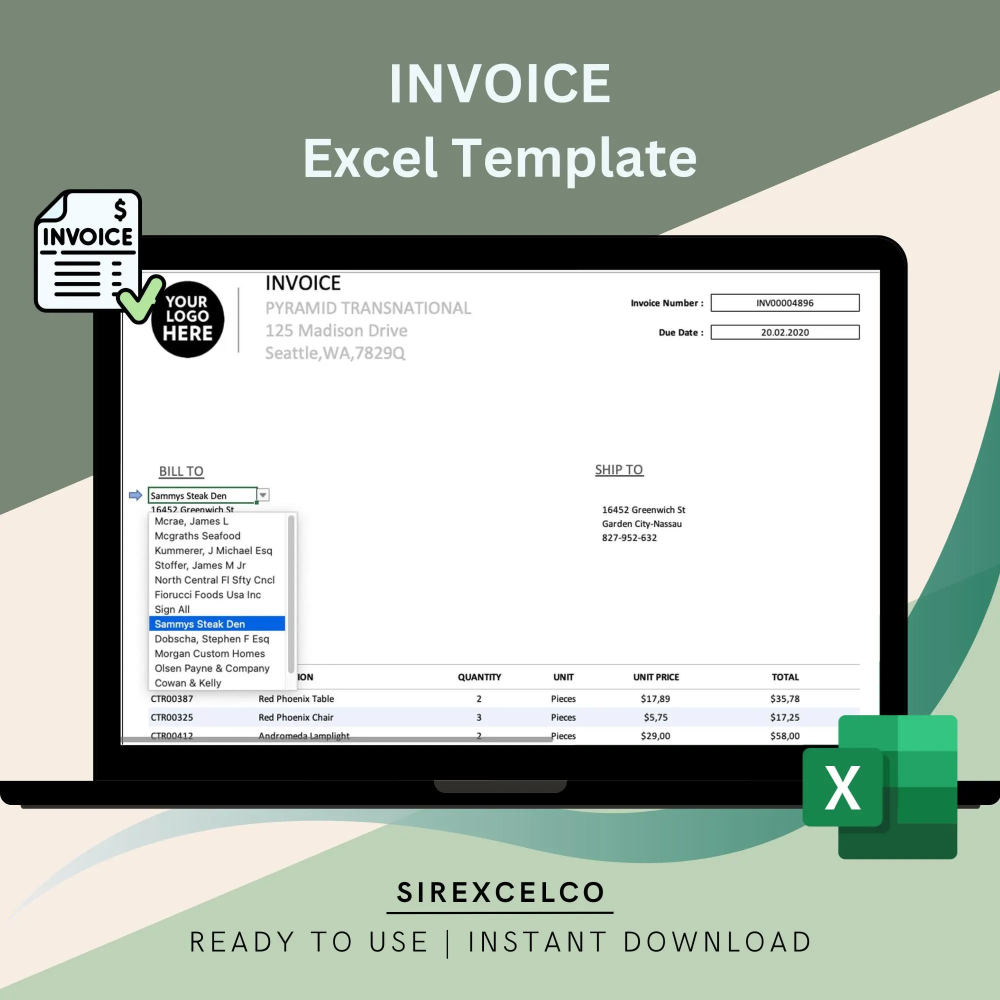
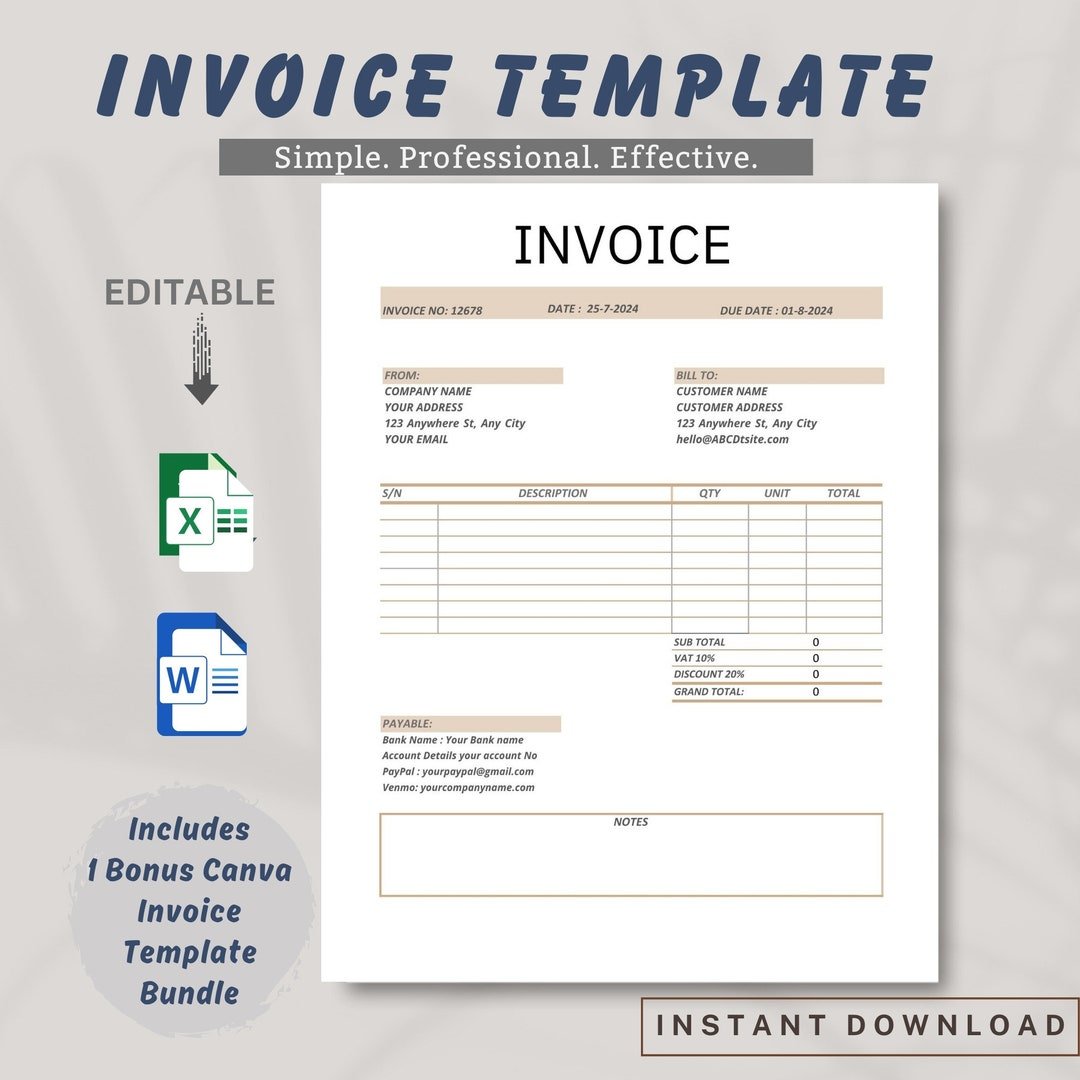
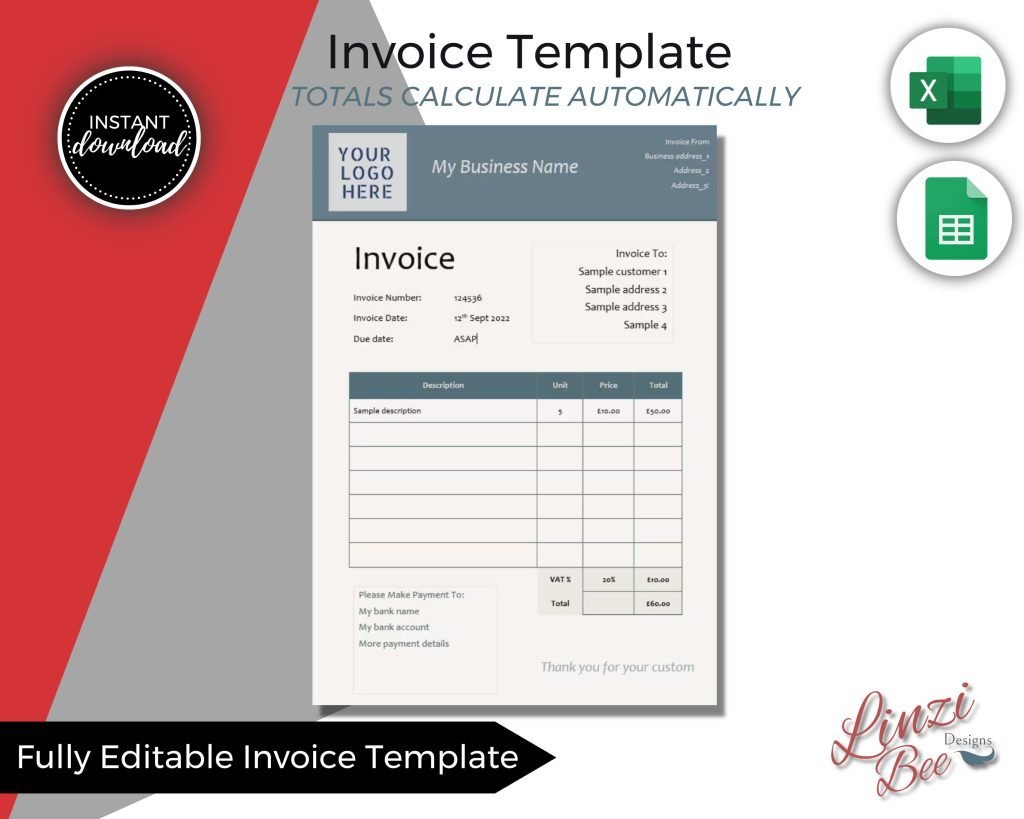
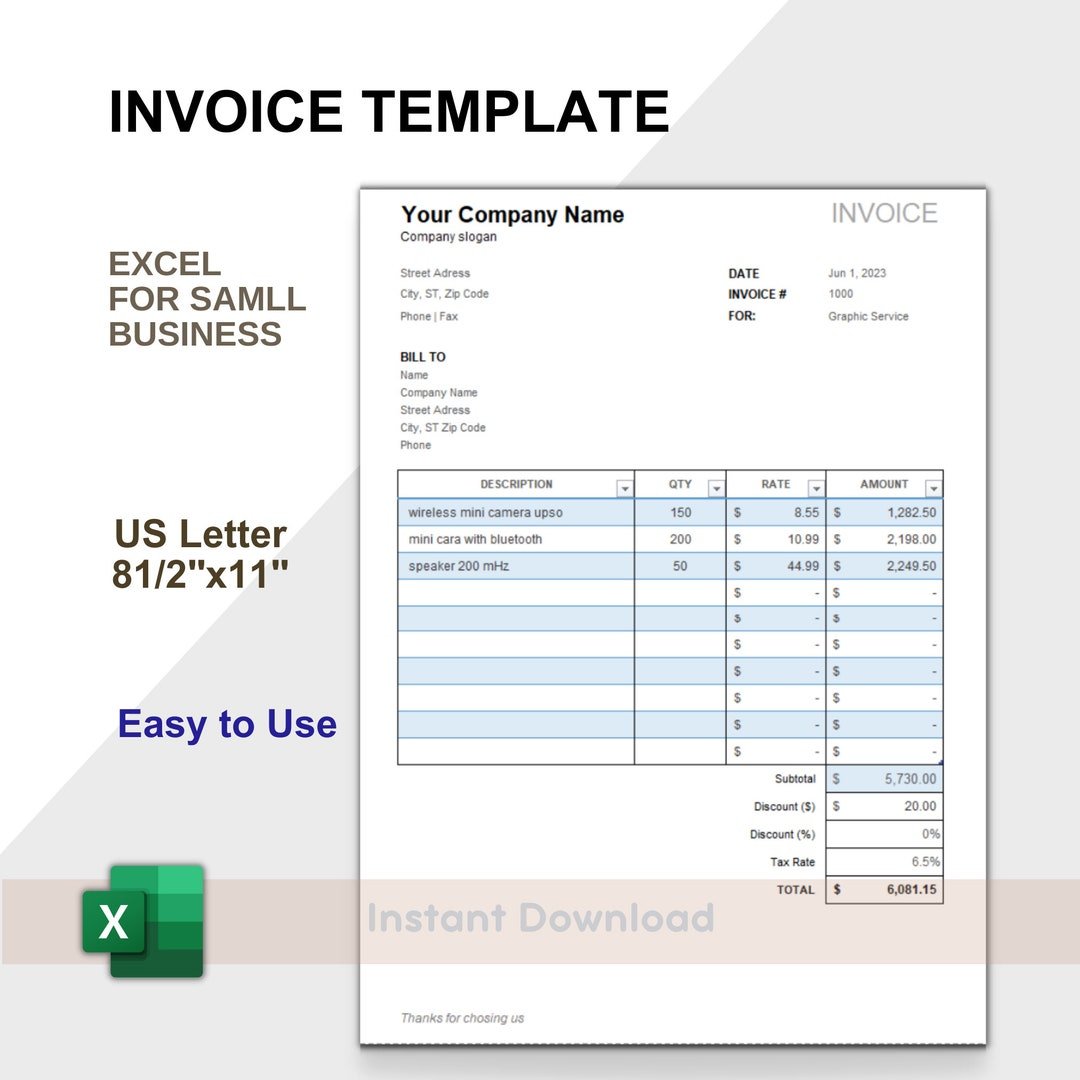
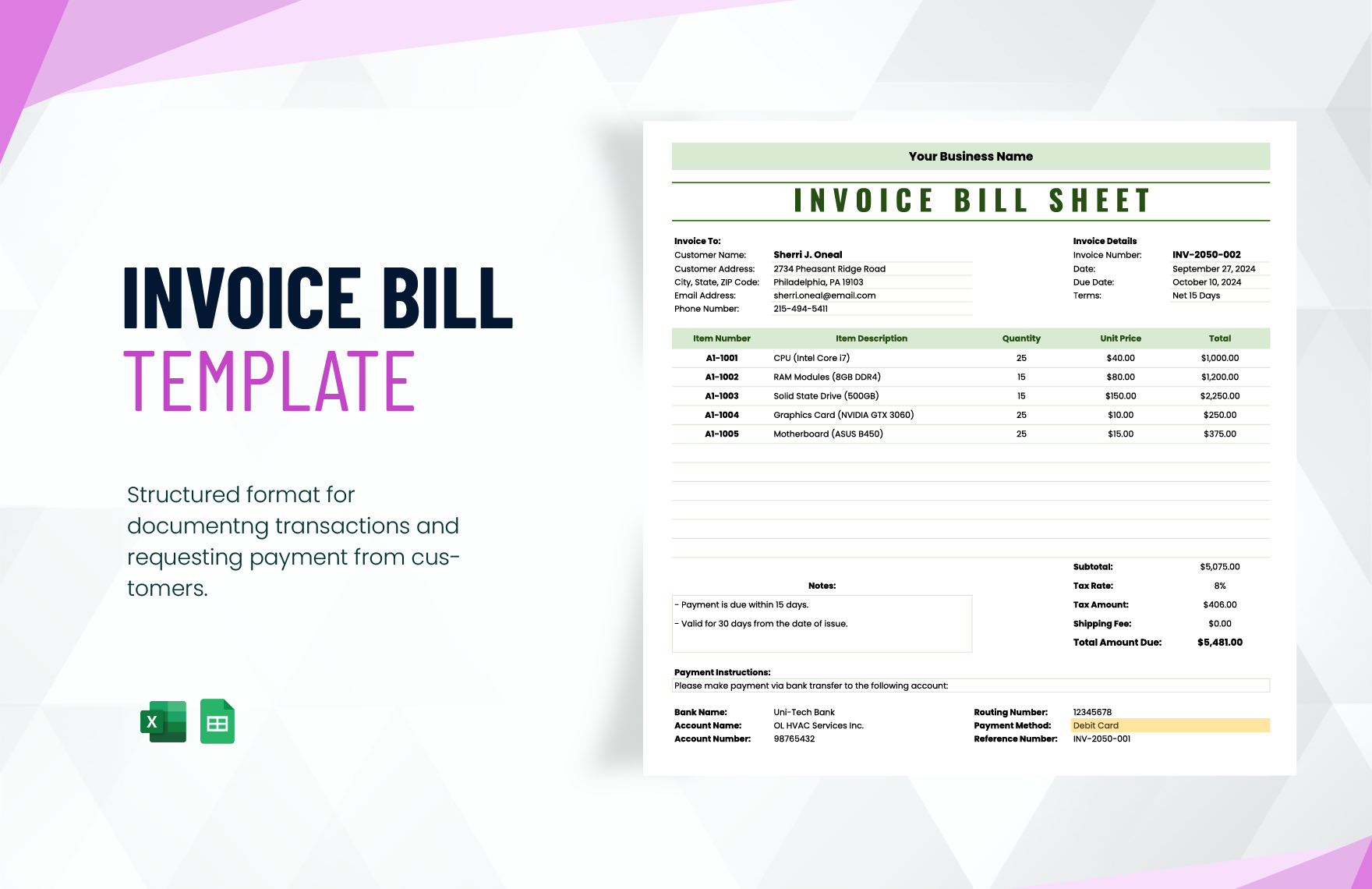
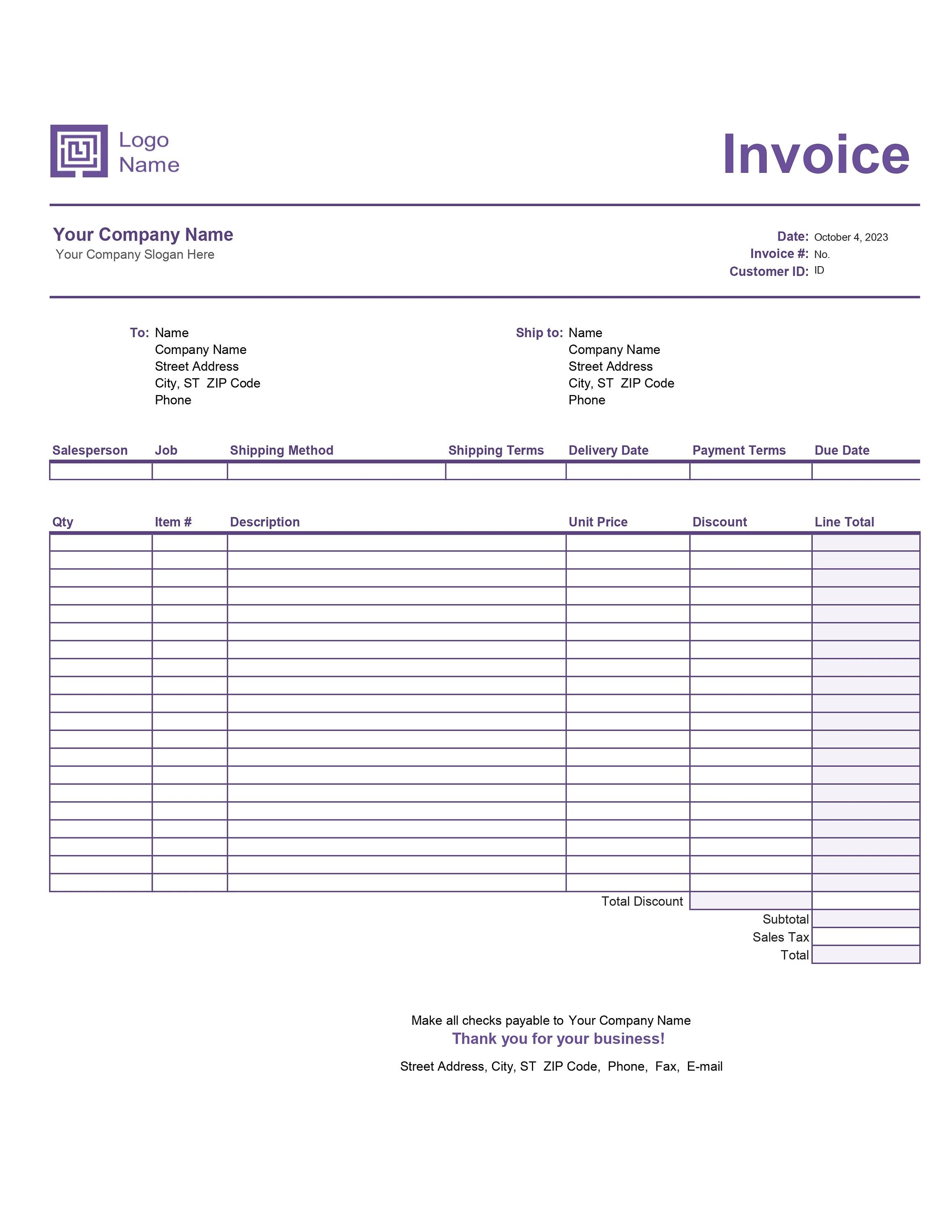
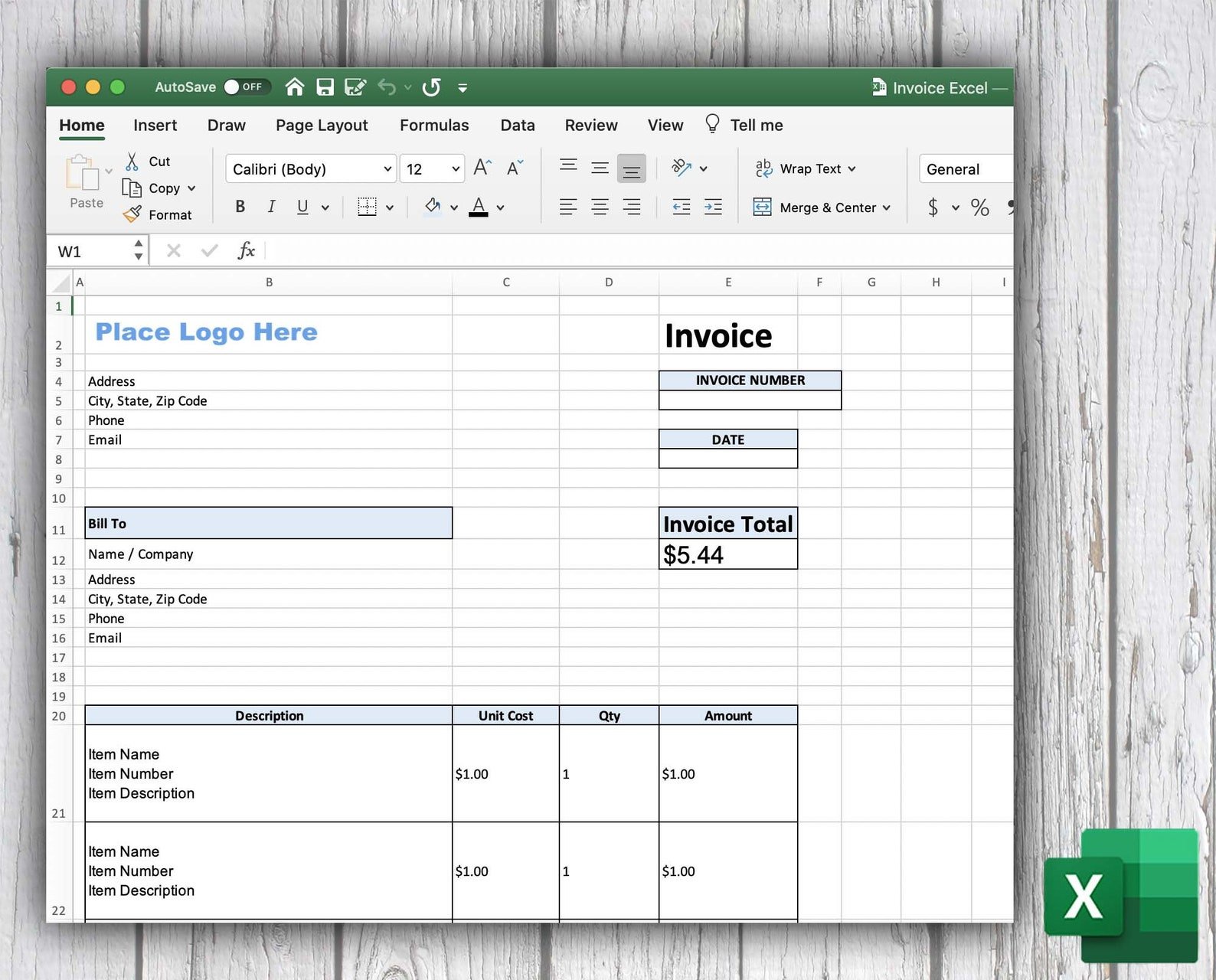
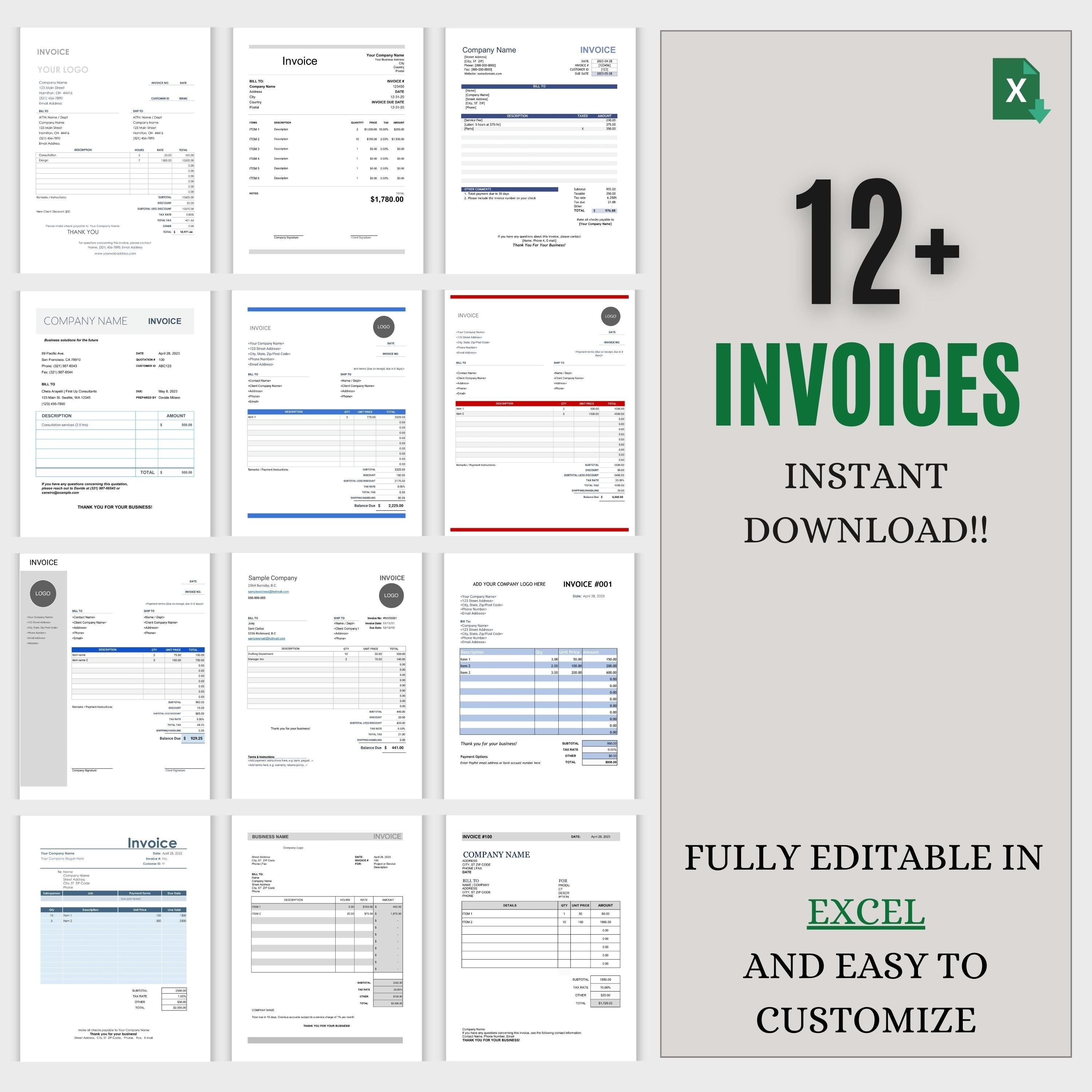
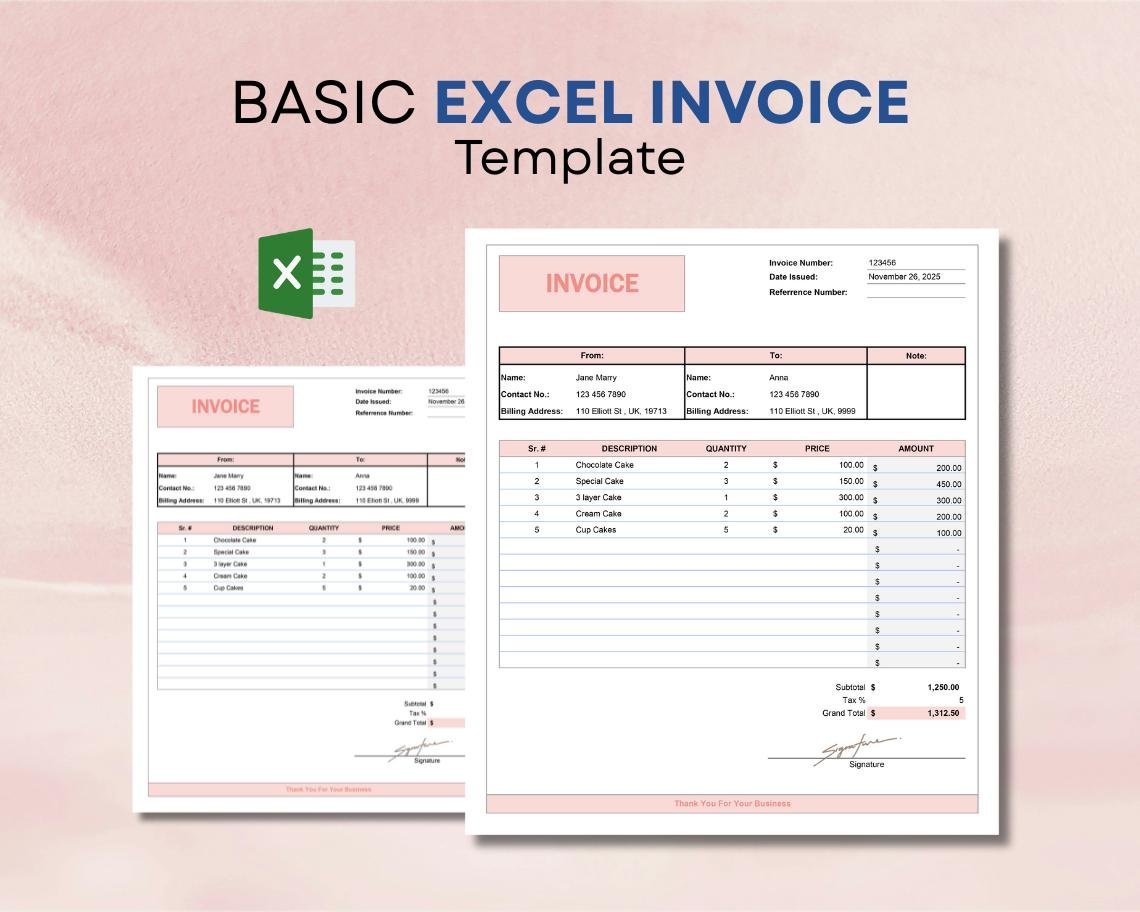
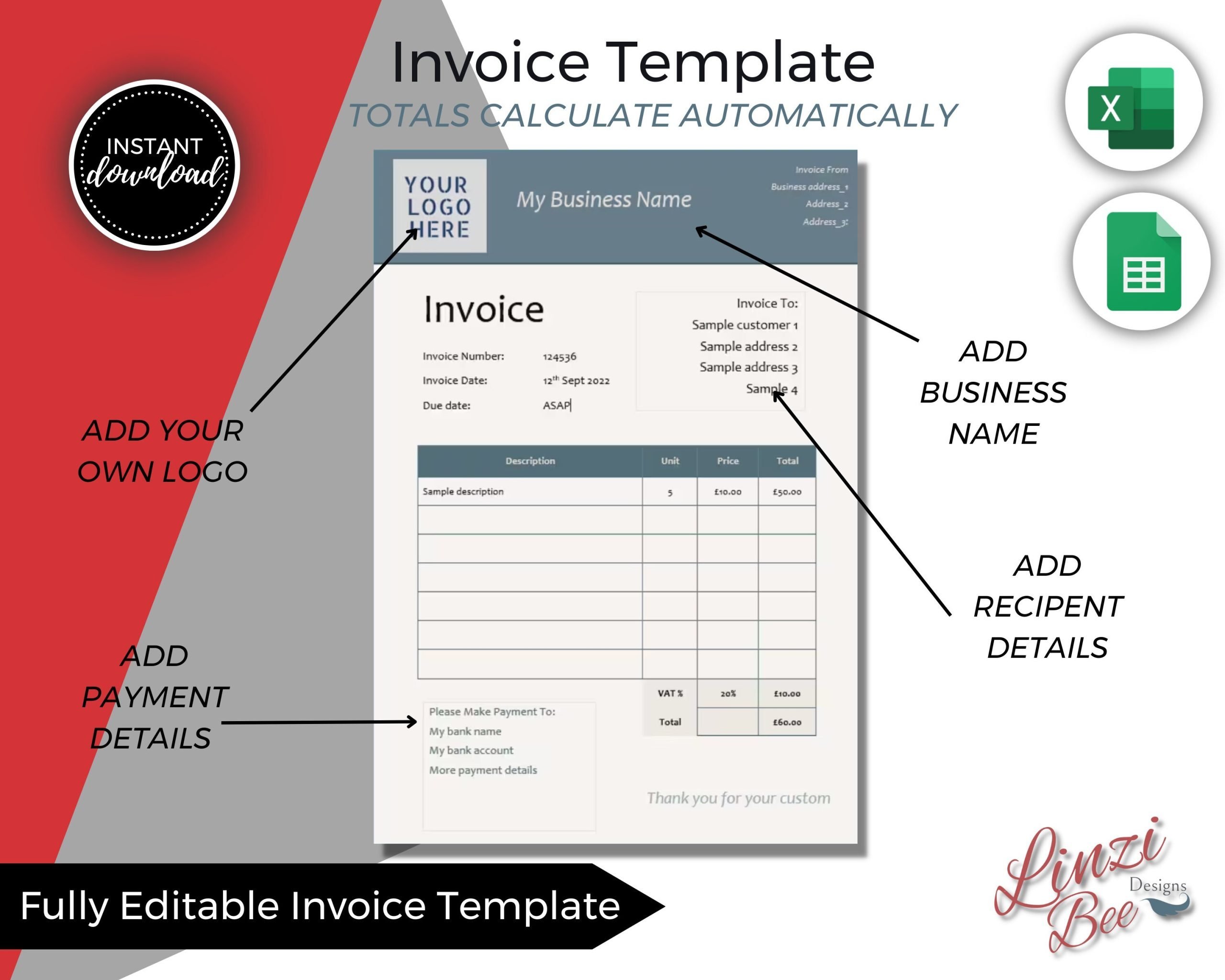
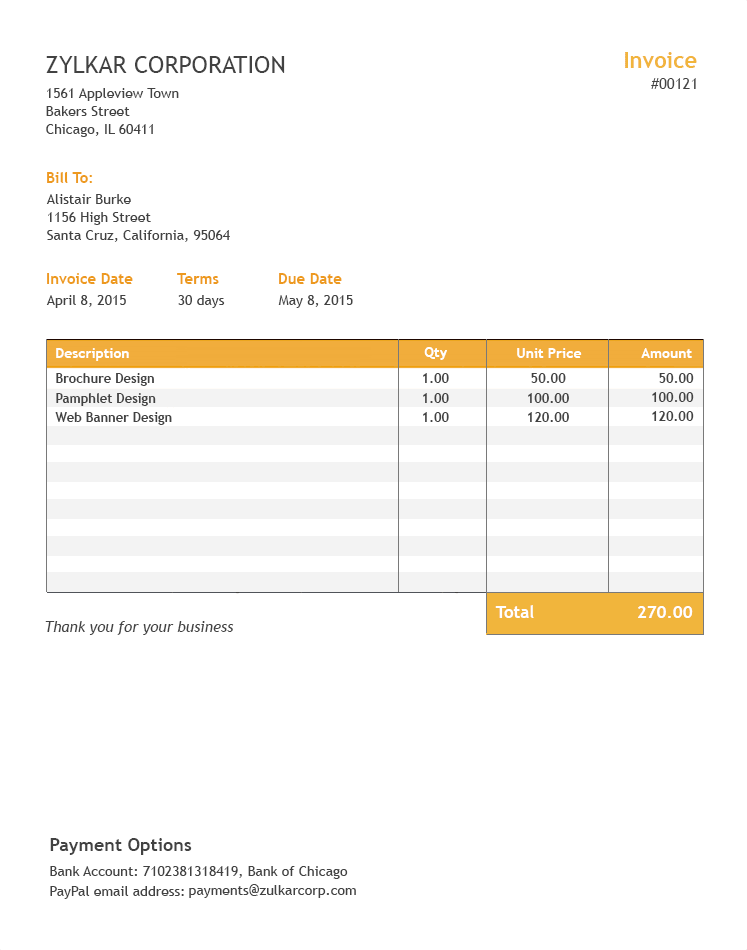
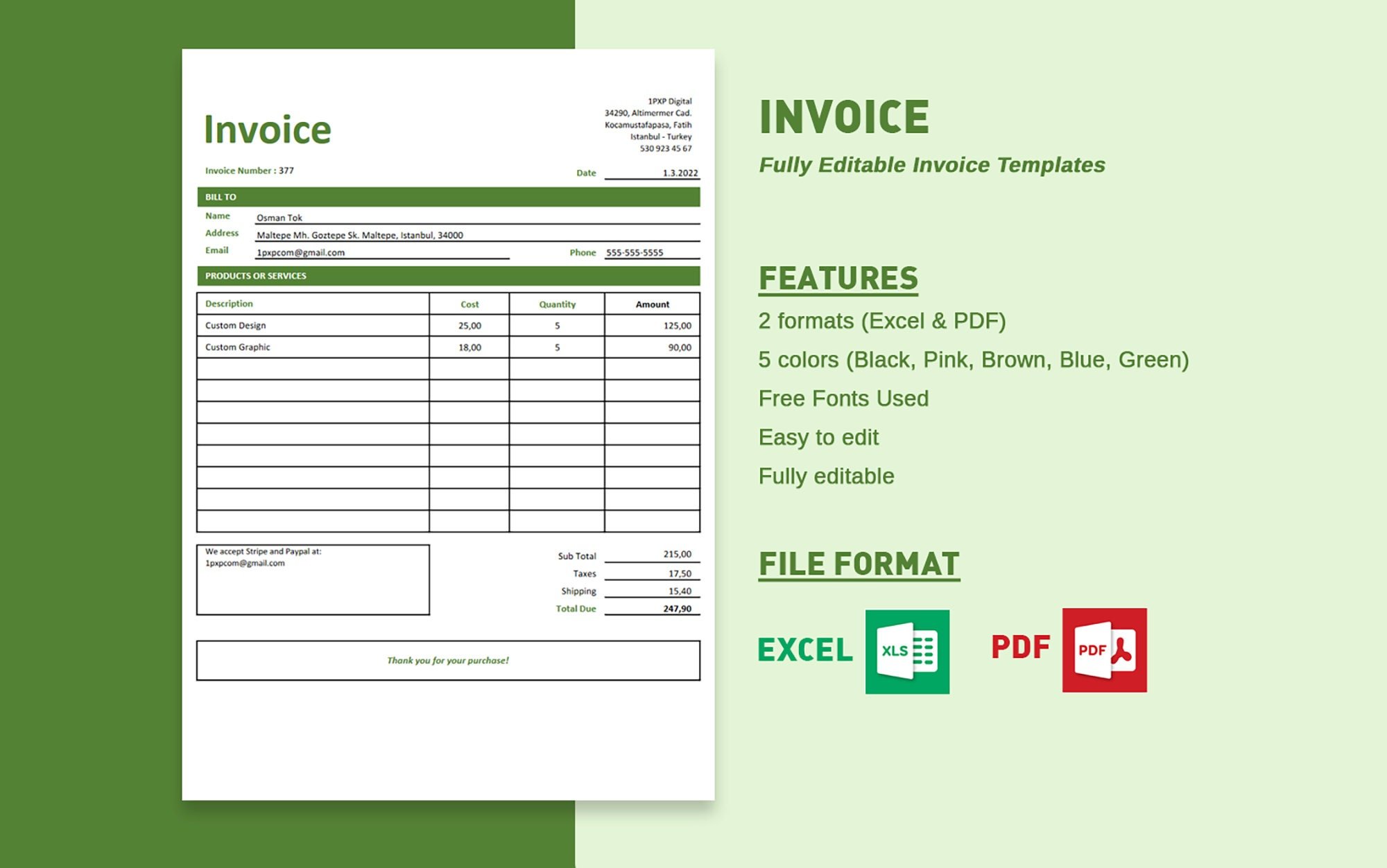
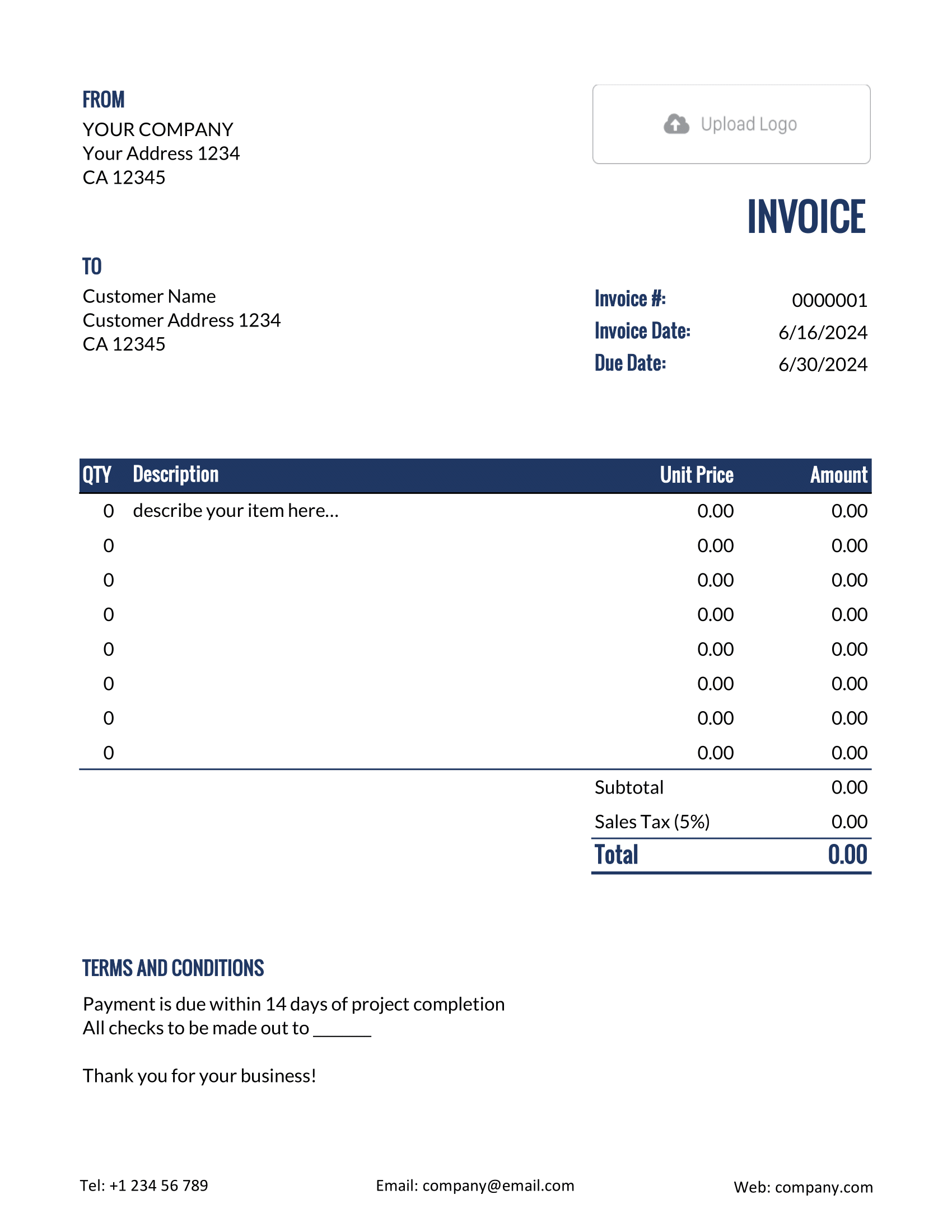
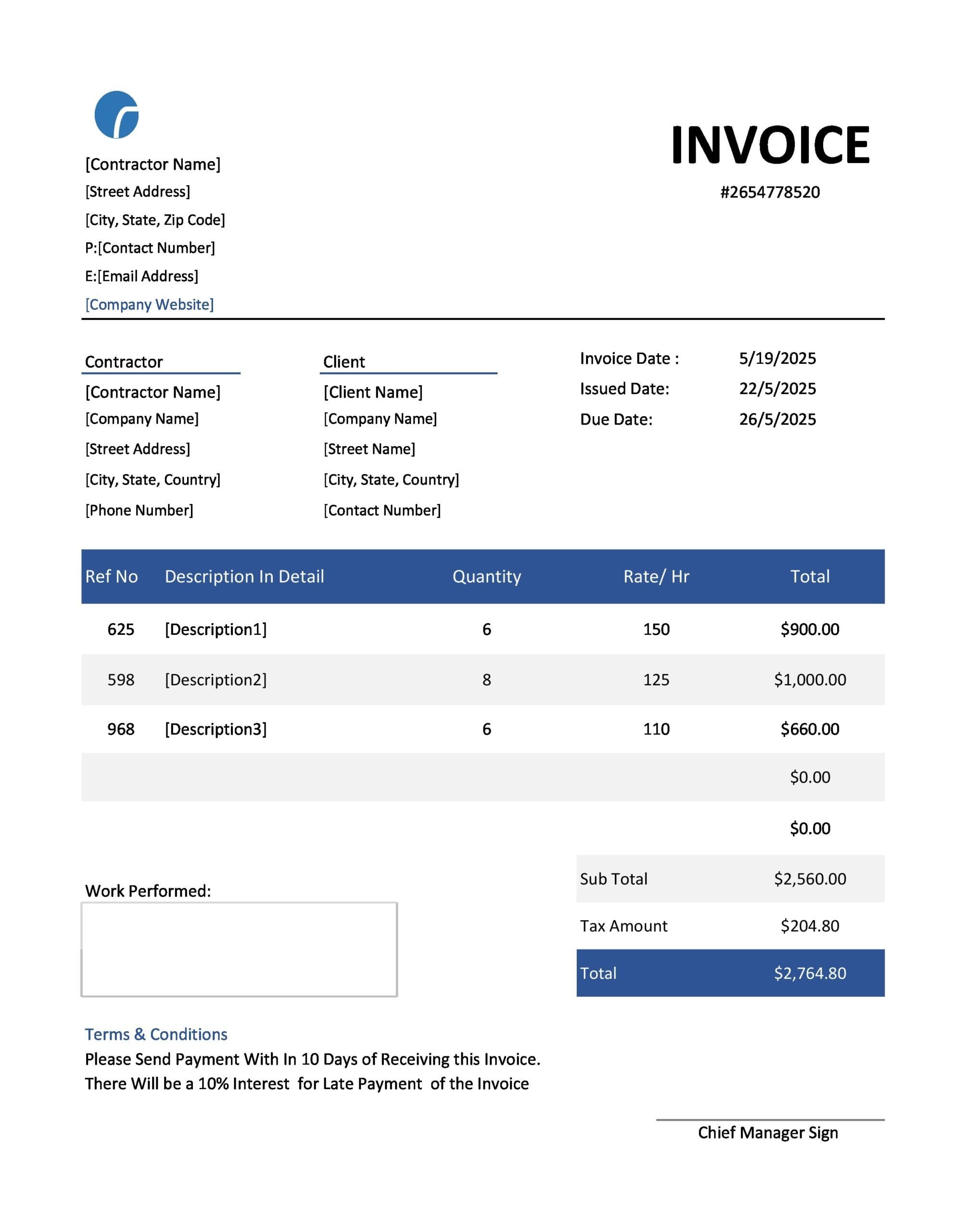
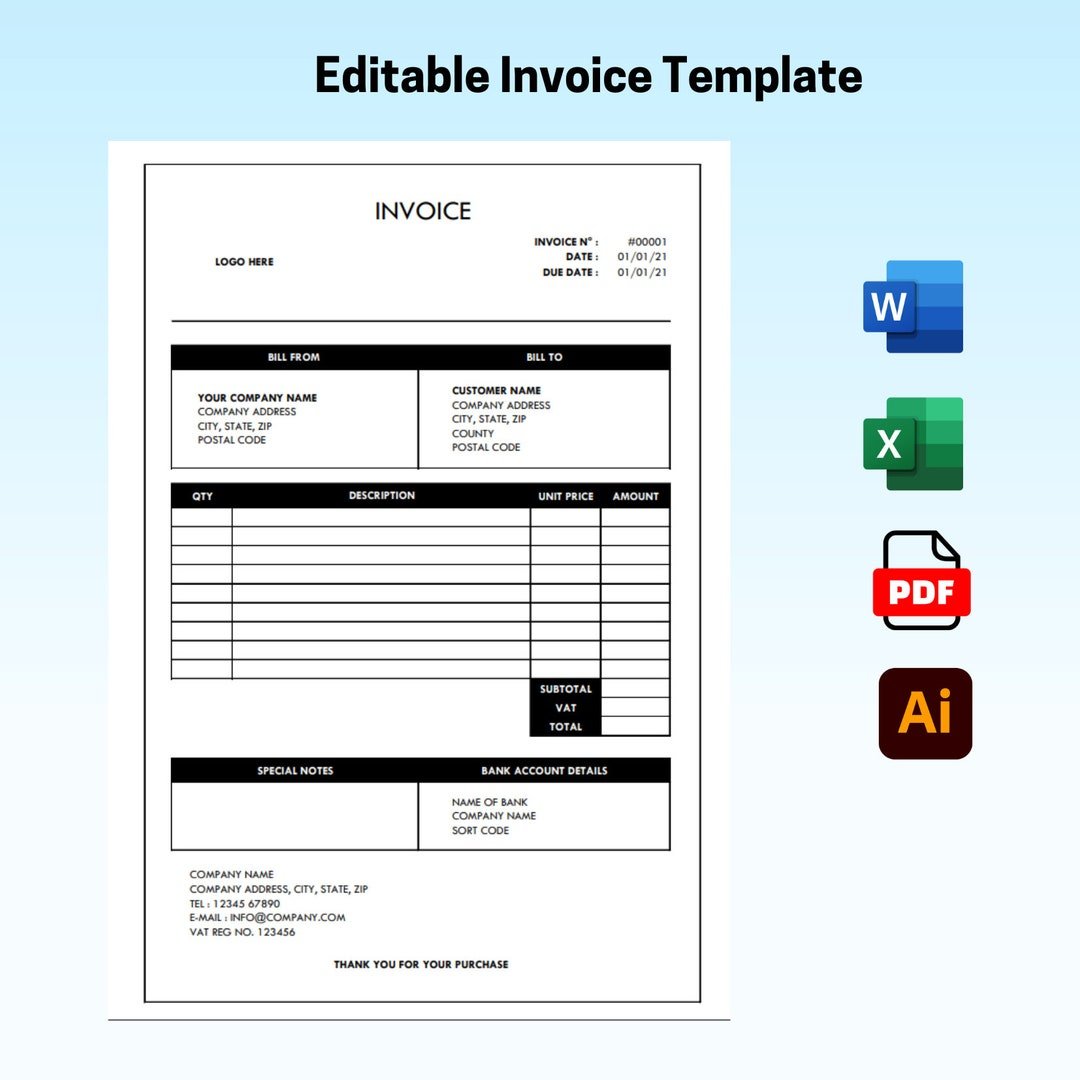
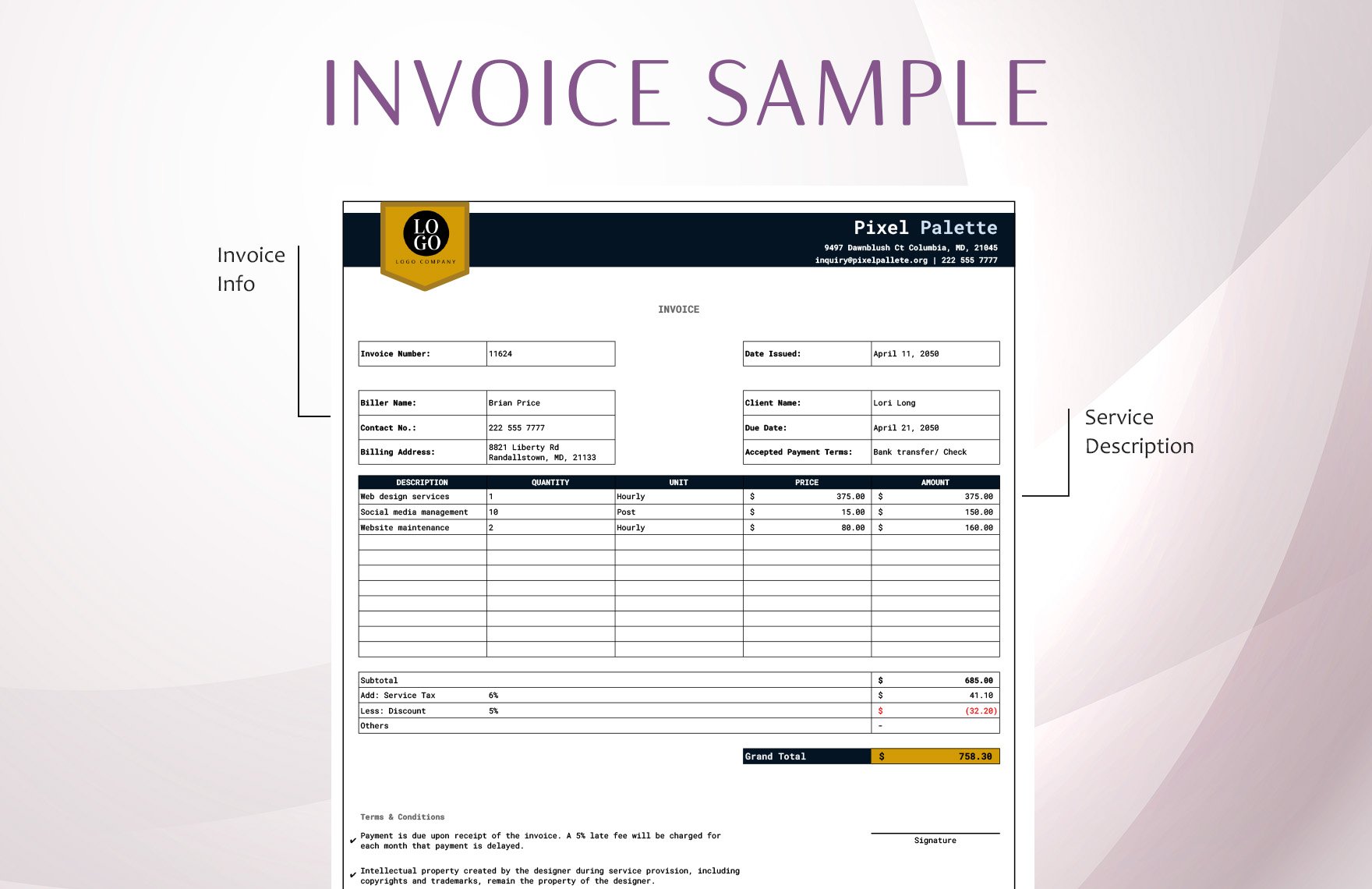
An editable invoice template excel is a valuable tool for businesses, offering a customizable and efficient way to generate professional invoices. When looking into editable invoice template excel, the details quickly stand out. With various options available, these templates streamline the billing process, ensuring accuracy and a polished presentation.
Popular Options and Platforms
When it comes to editable invoice template excel, several platforms provide user-friendly solutions:
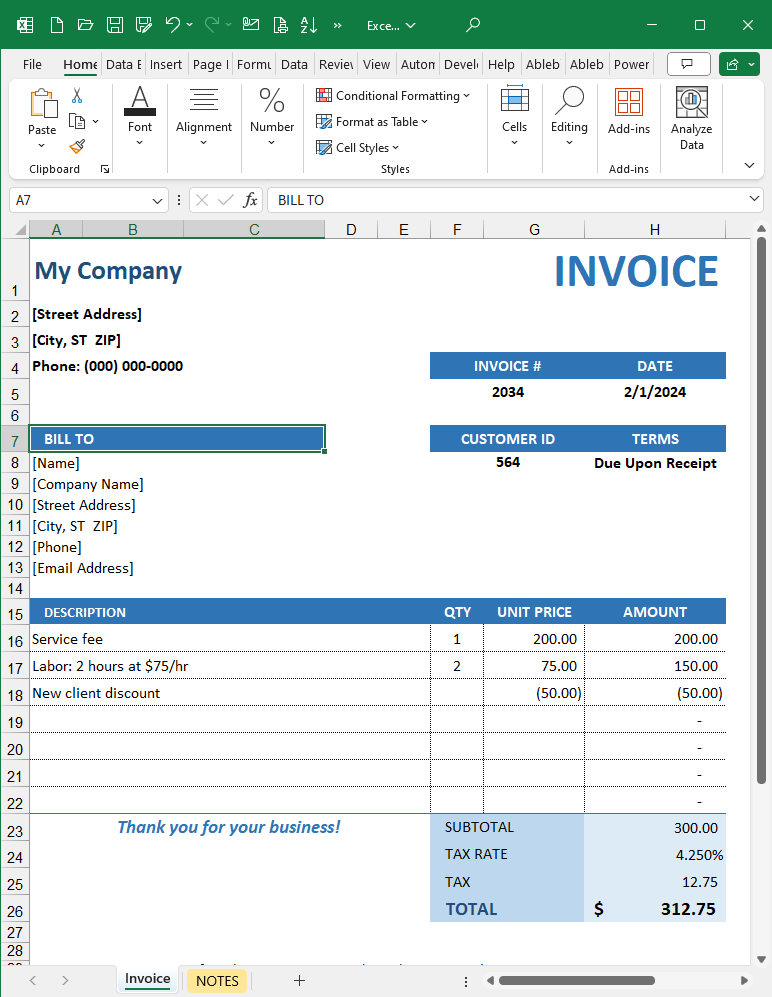
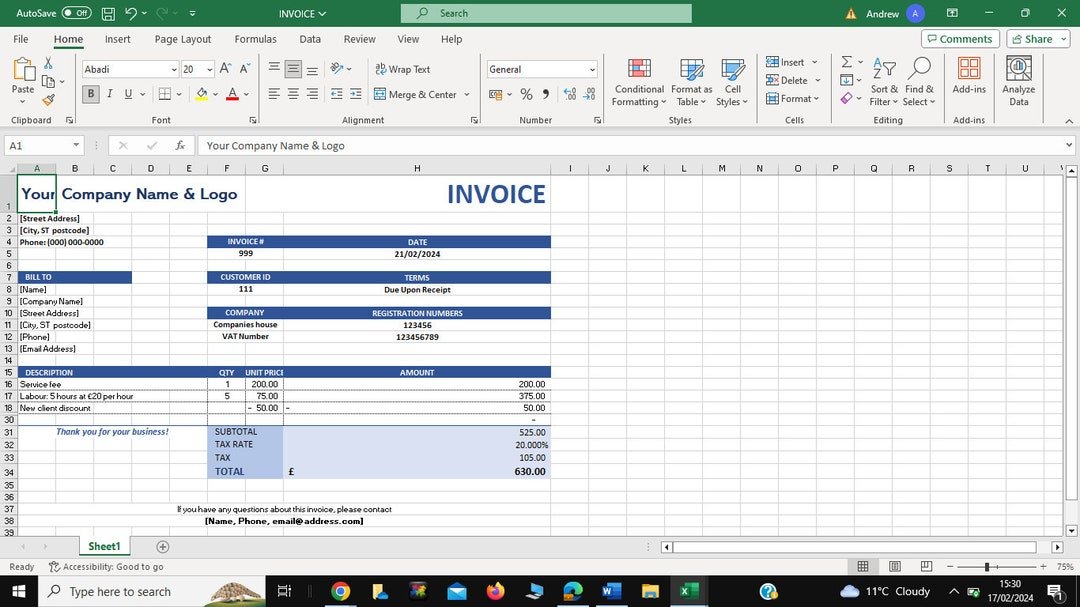
- Microsoft Excel: Offers a range of free invoice templates with built-in formulas and AI tools for easy customization and calculation.
- Invoice Simple: A powerful tool with an estimate creator feature, allowing you to create unlimited invoices and estimates digitally.
- Skynova: Provides printable invoice templates with the option to edit, print, download, or email, ensuring flexibility.
- Vertex42: Known for its free invoice templates for Excel, including options for billing both labor and goods.
Key Features and Benefits
Customization
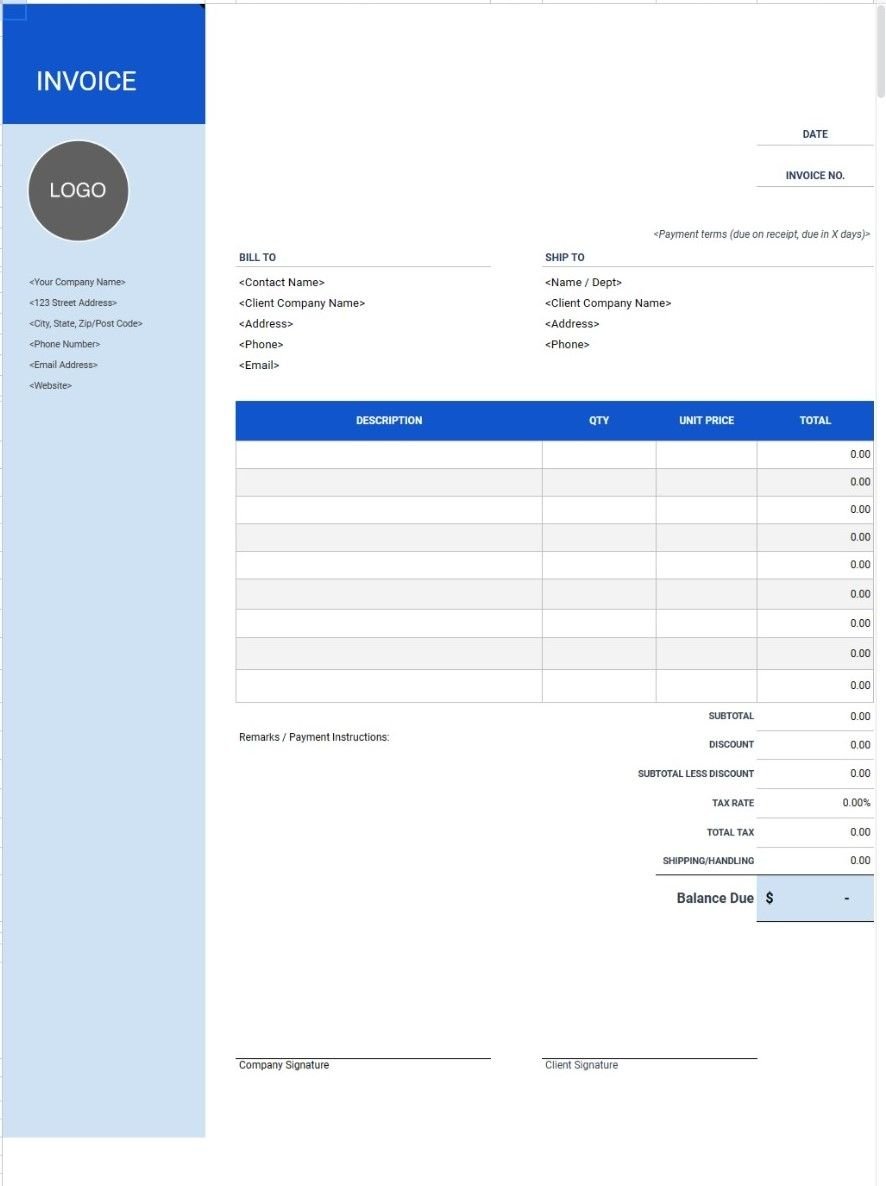
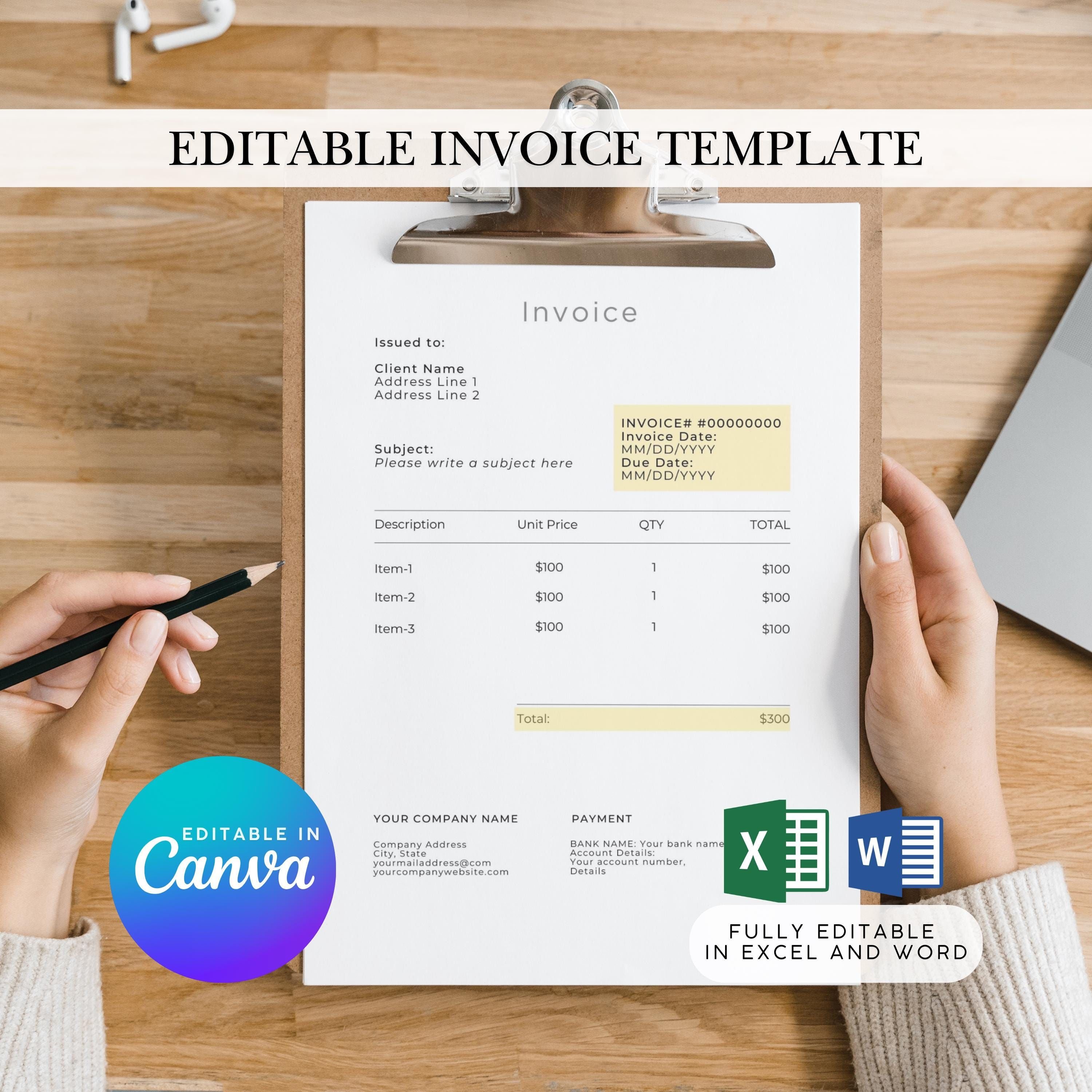
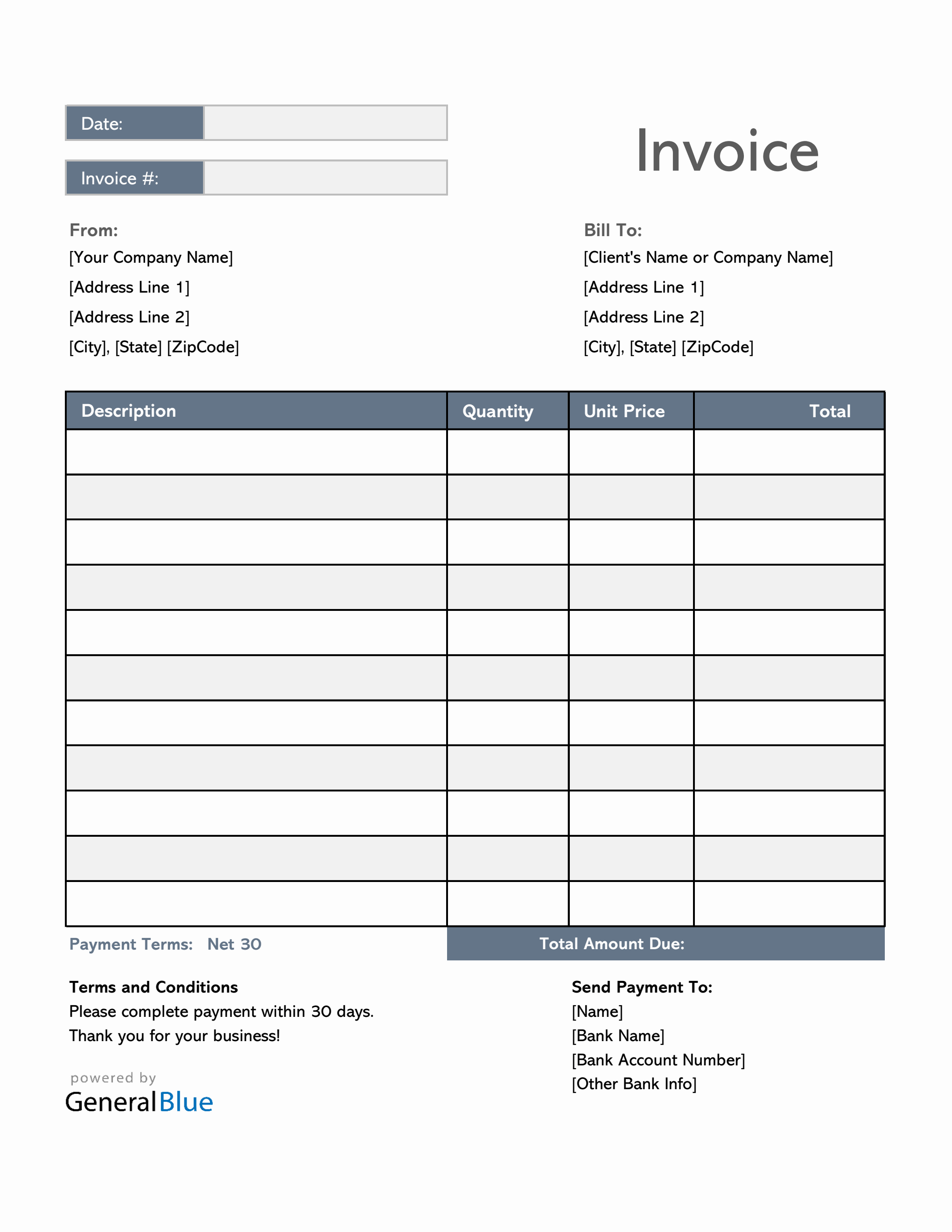
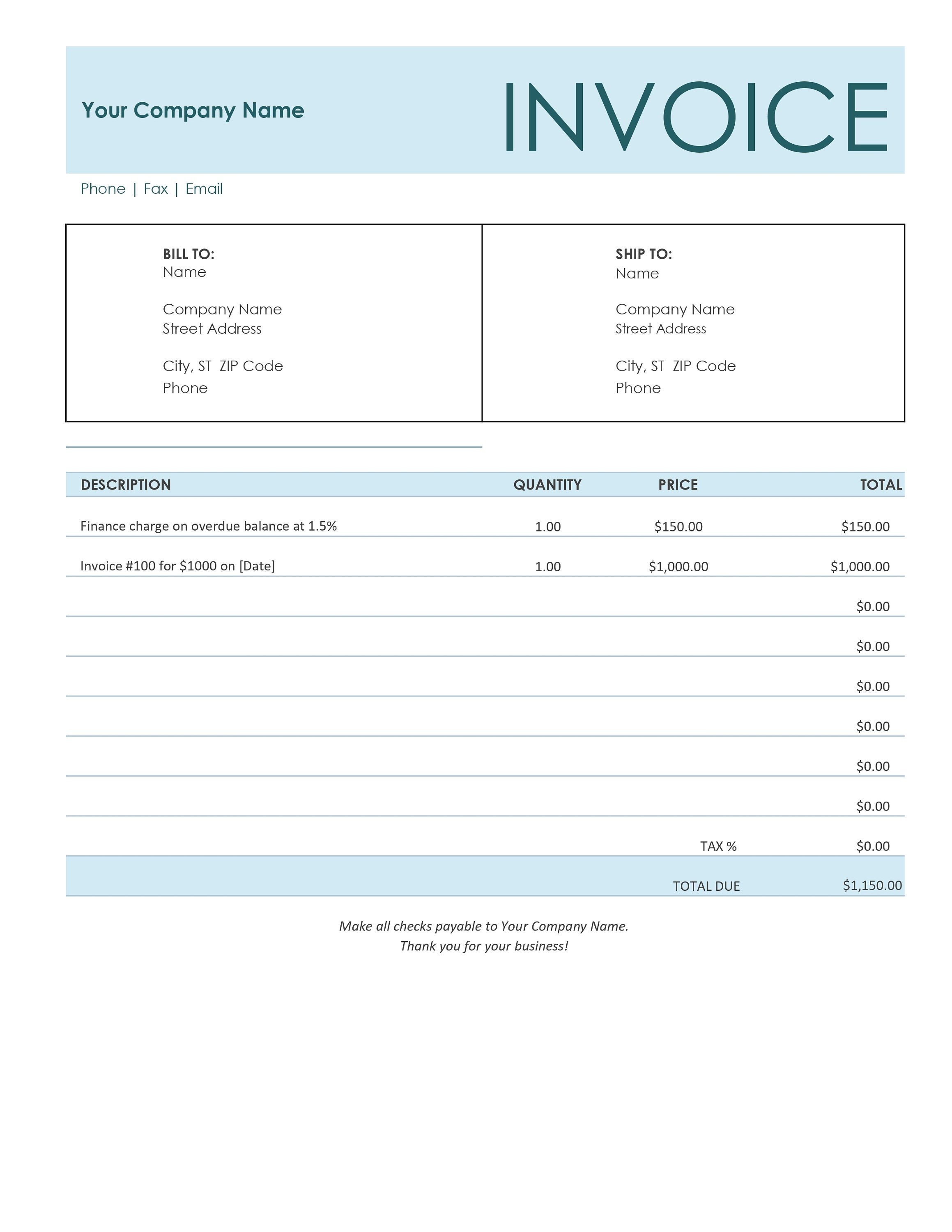
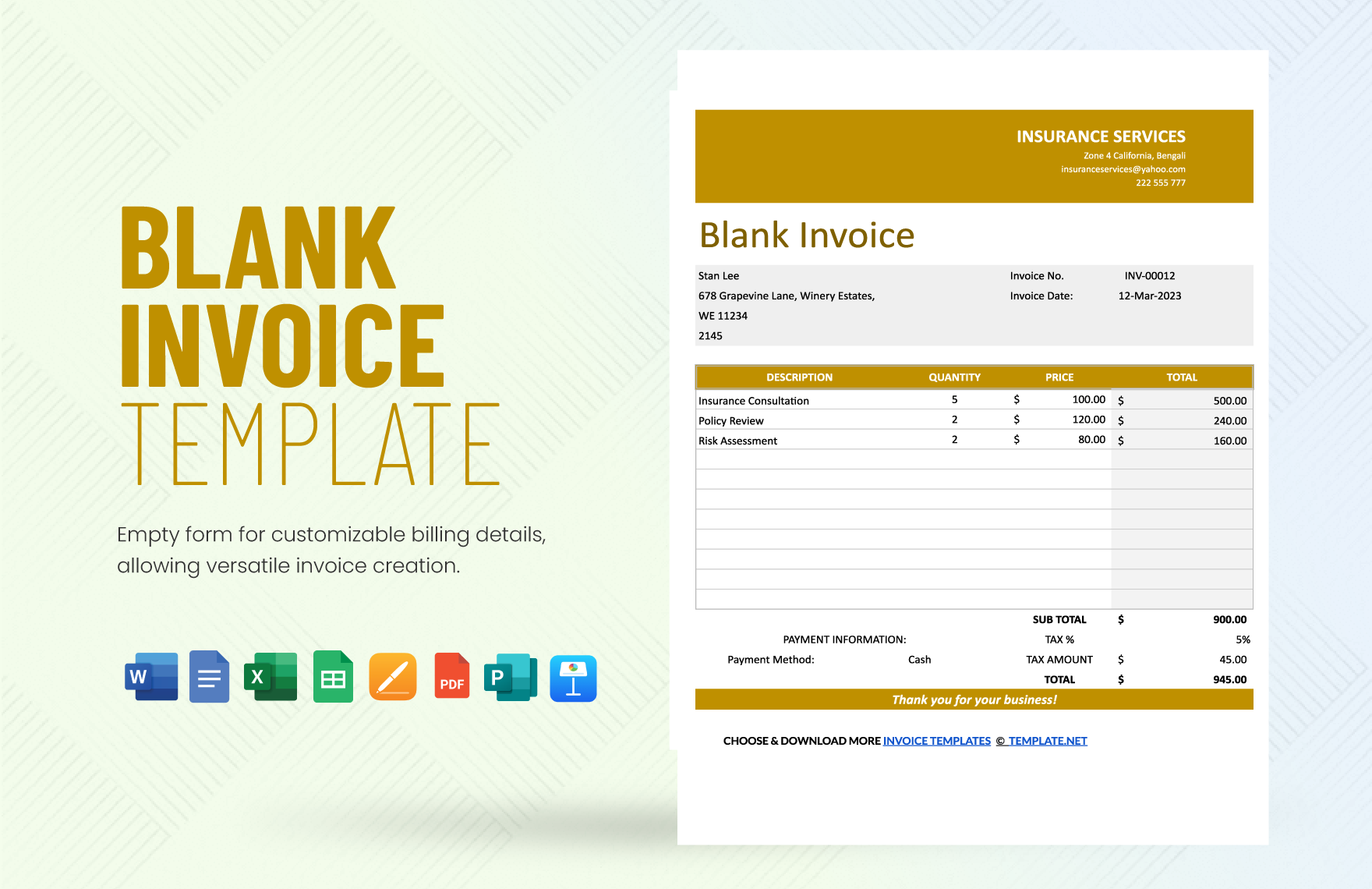
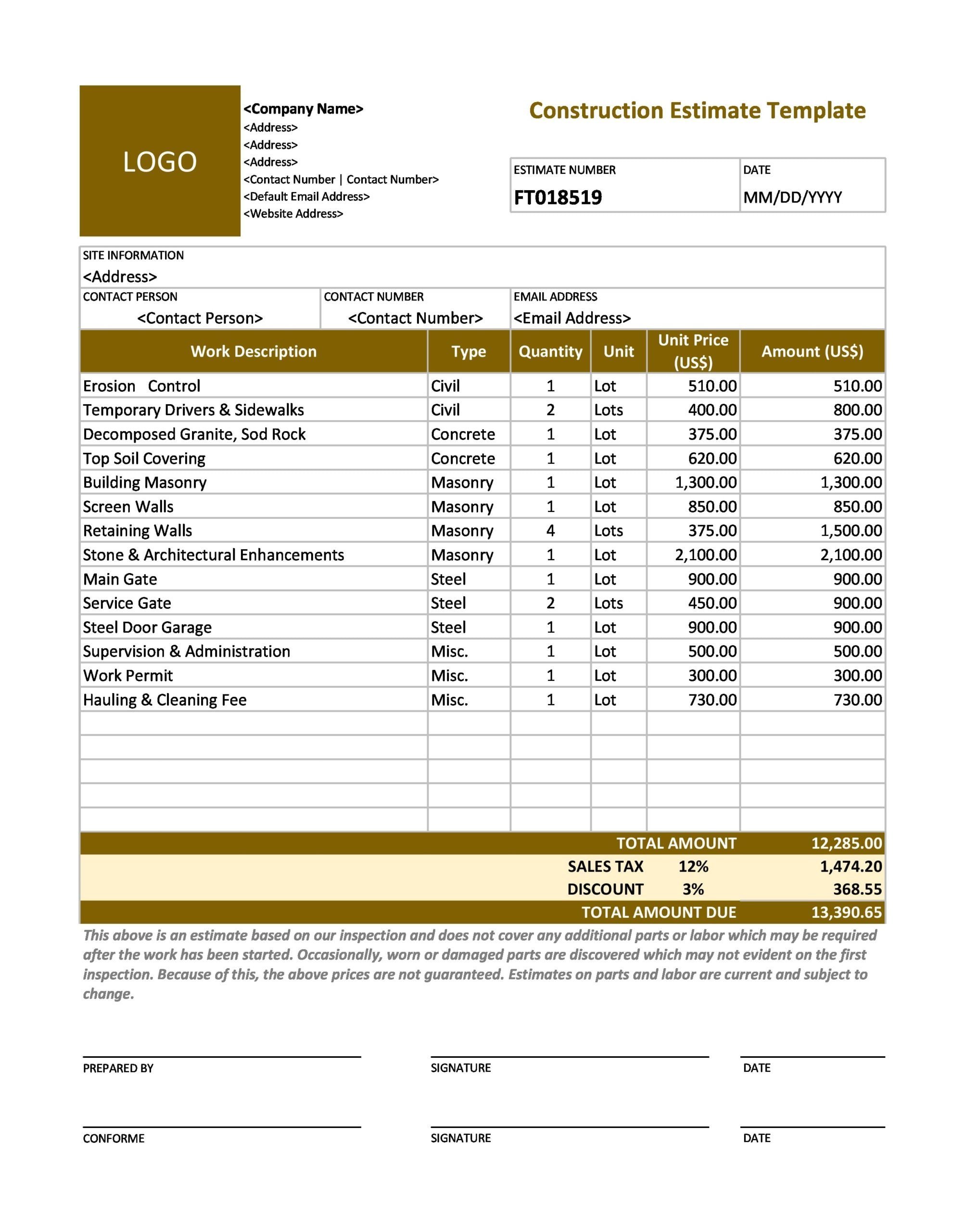
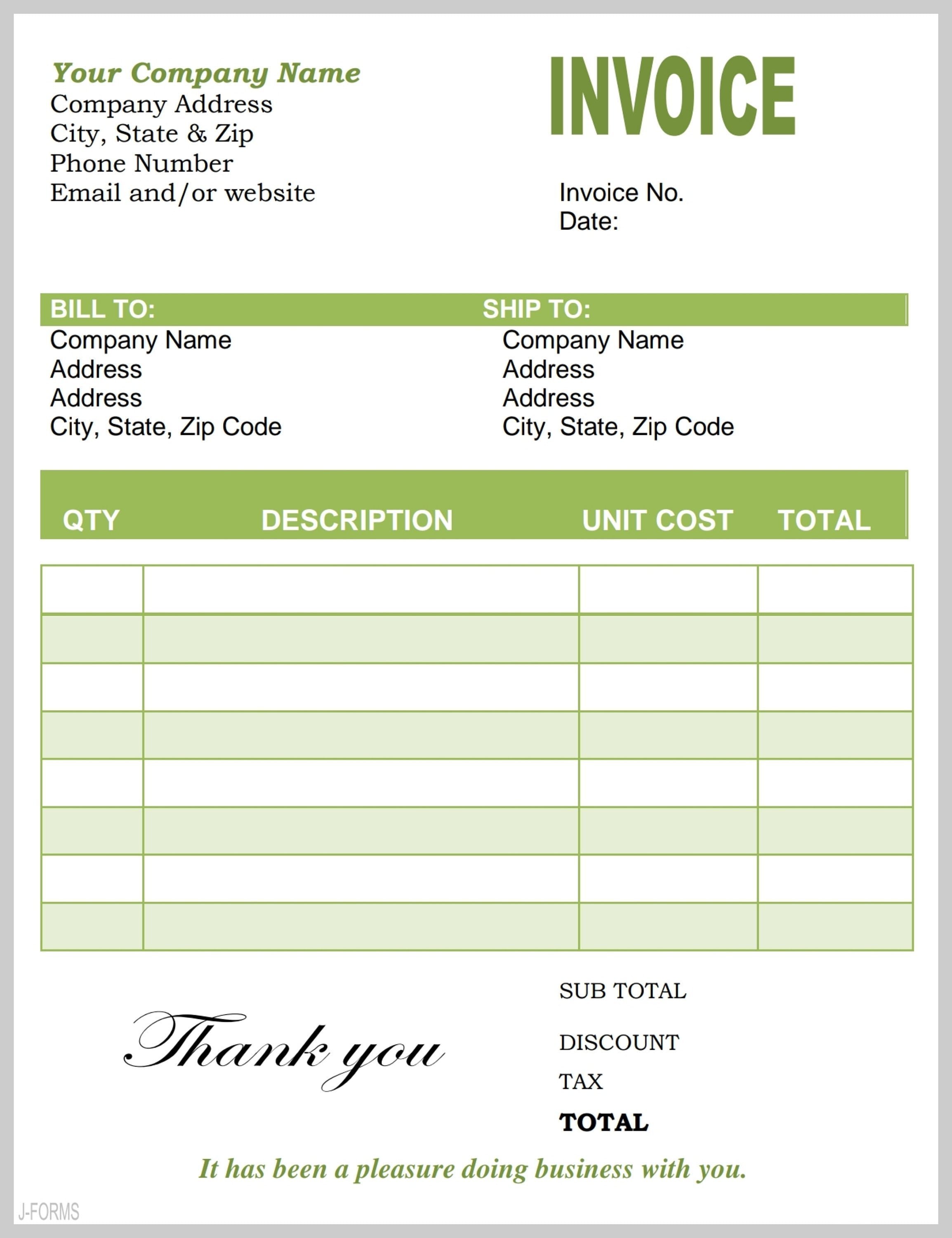
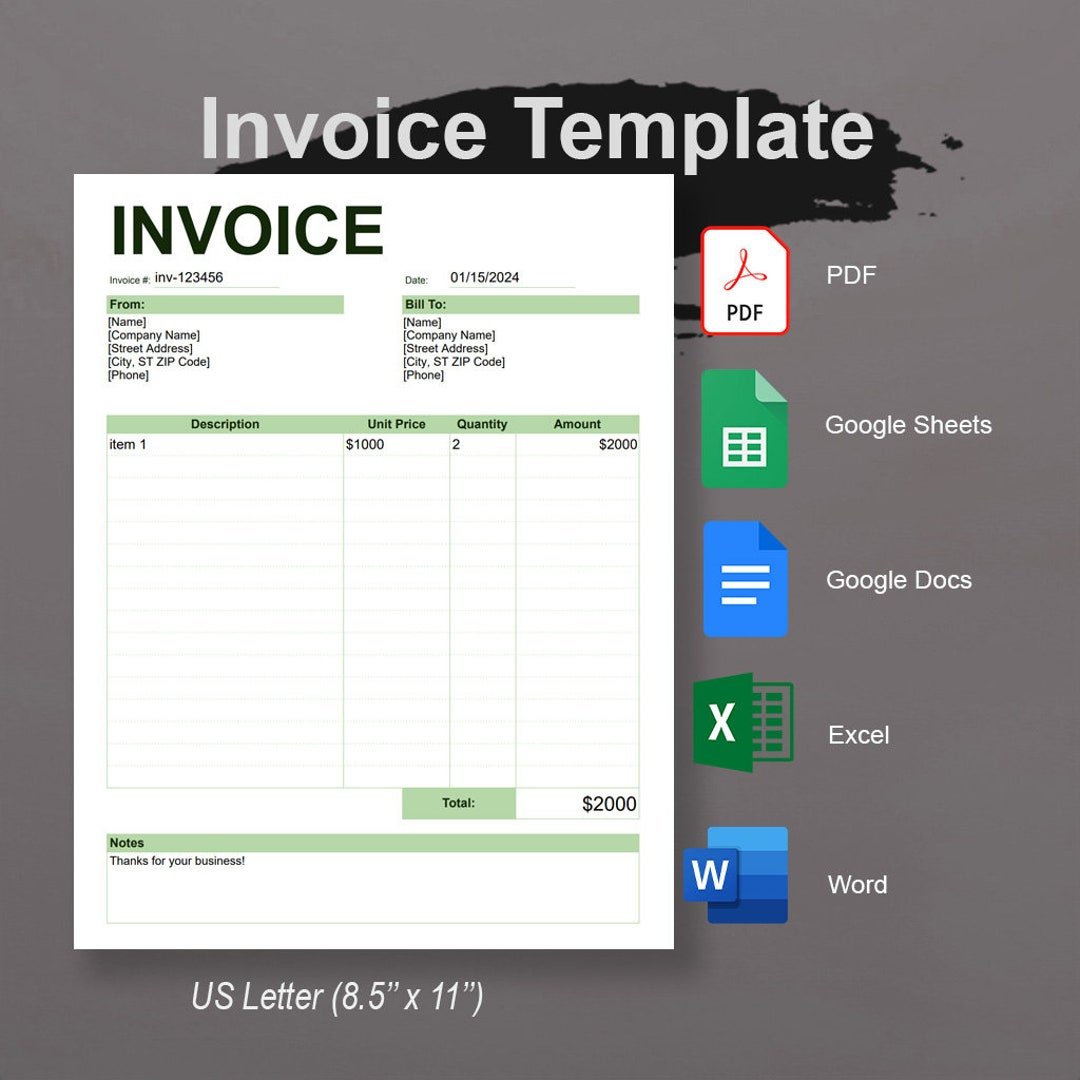
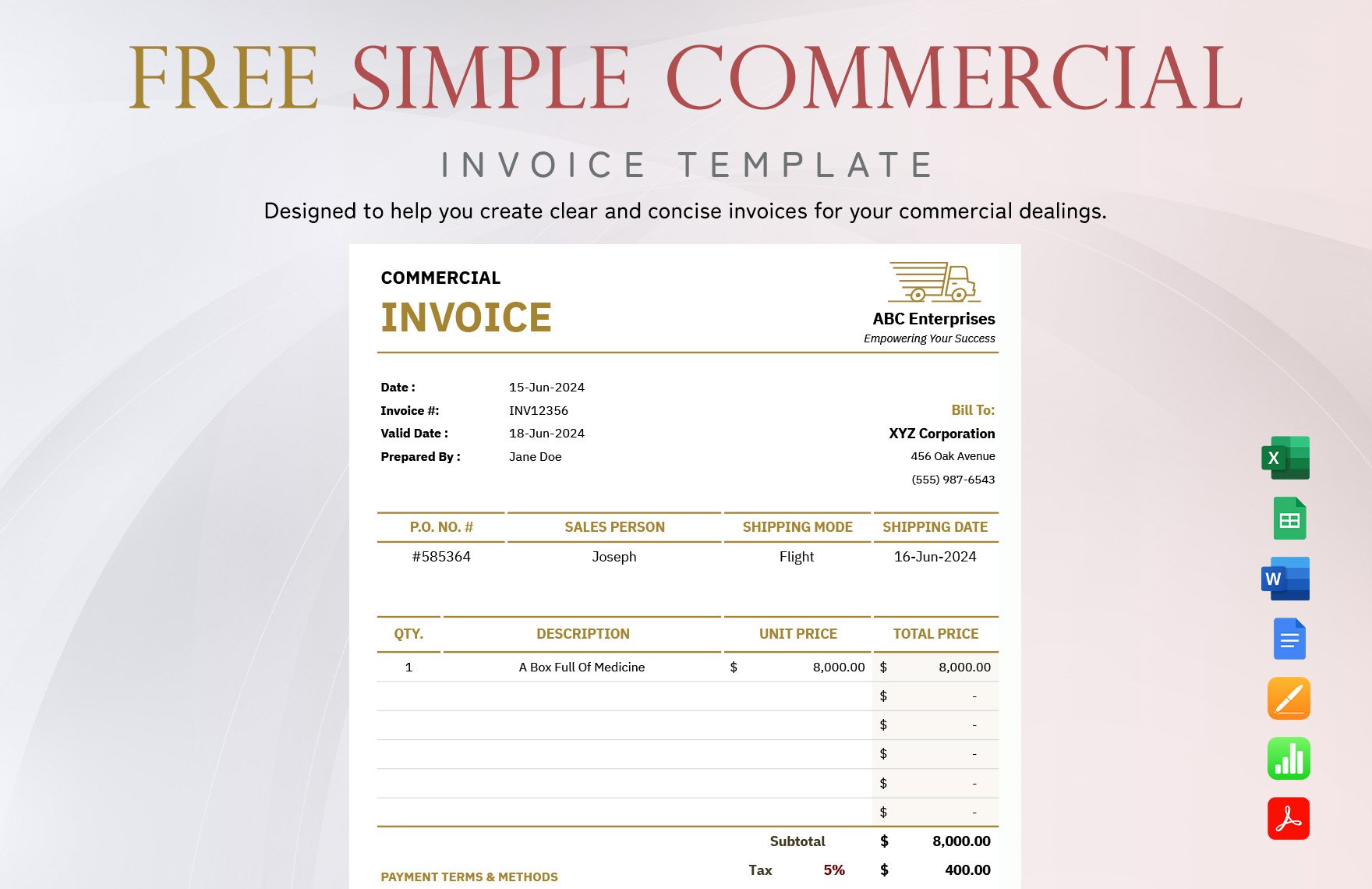
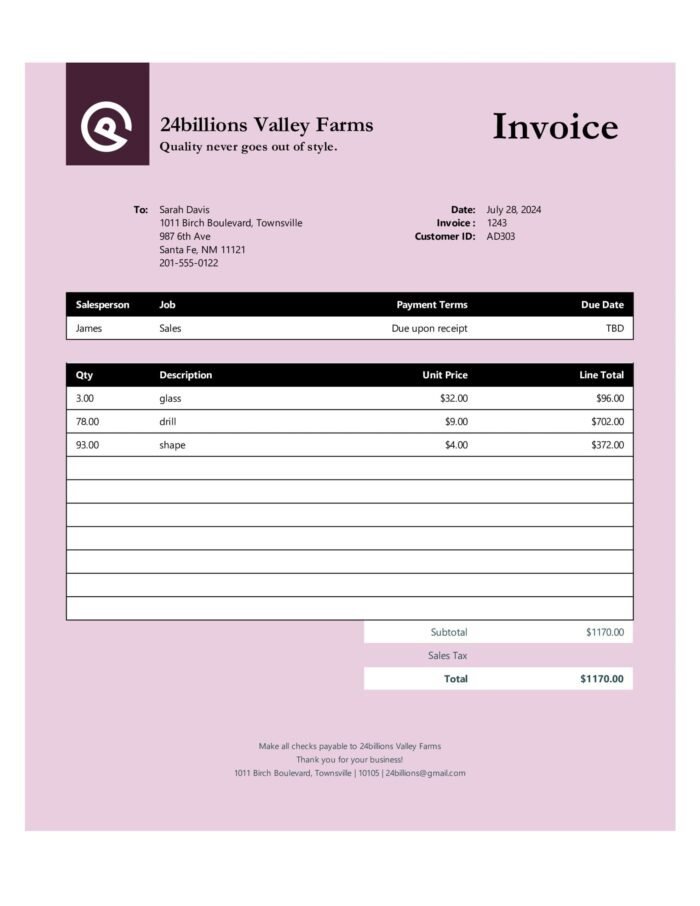
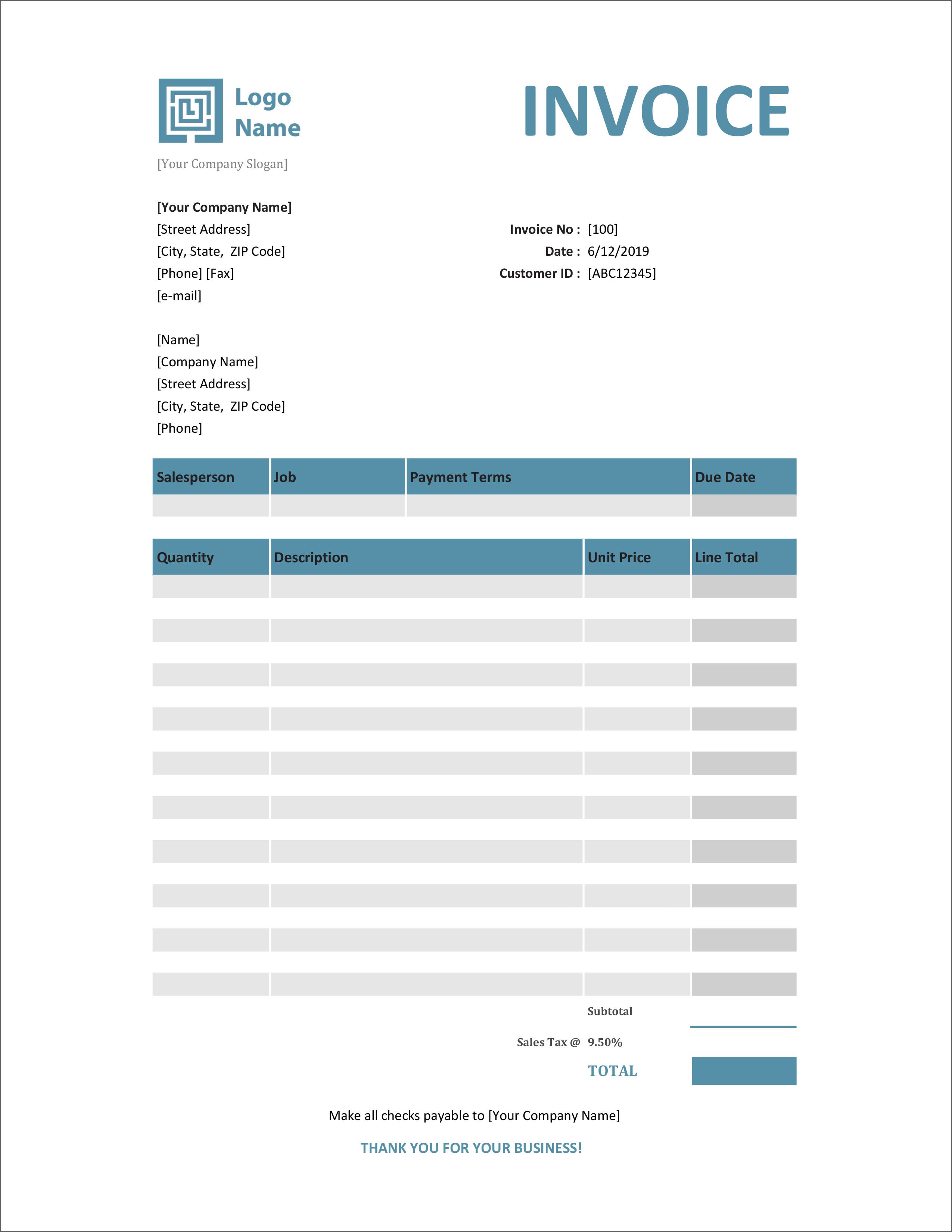
- Editable Fields: Easily modify and personalize your invoice with client details, product/service descriptions, quantities, and prices.
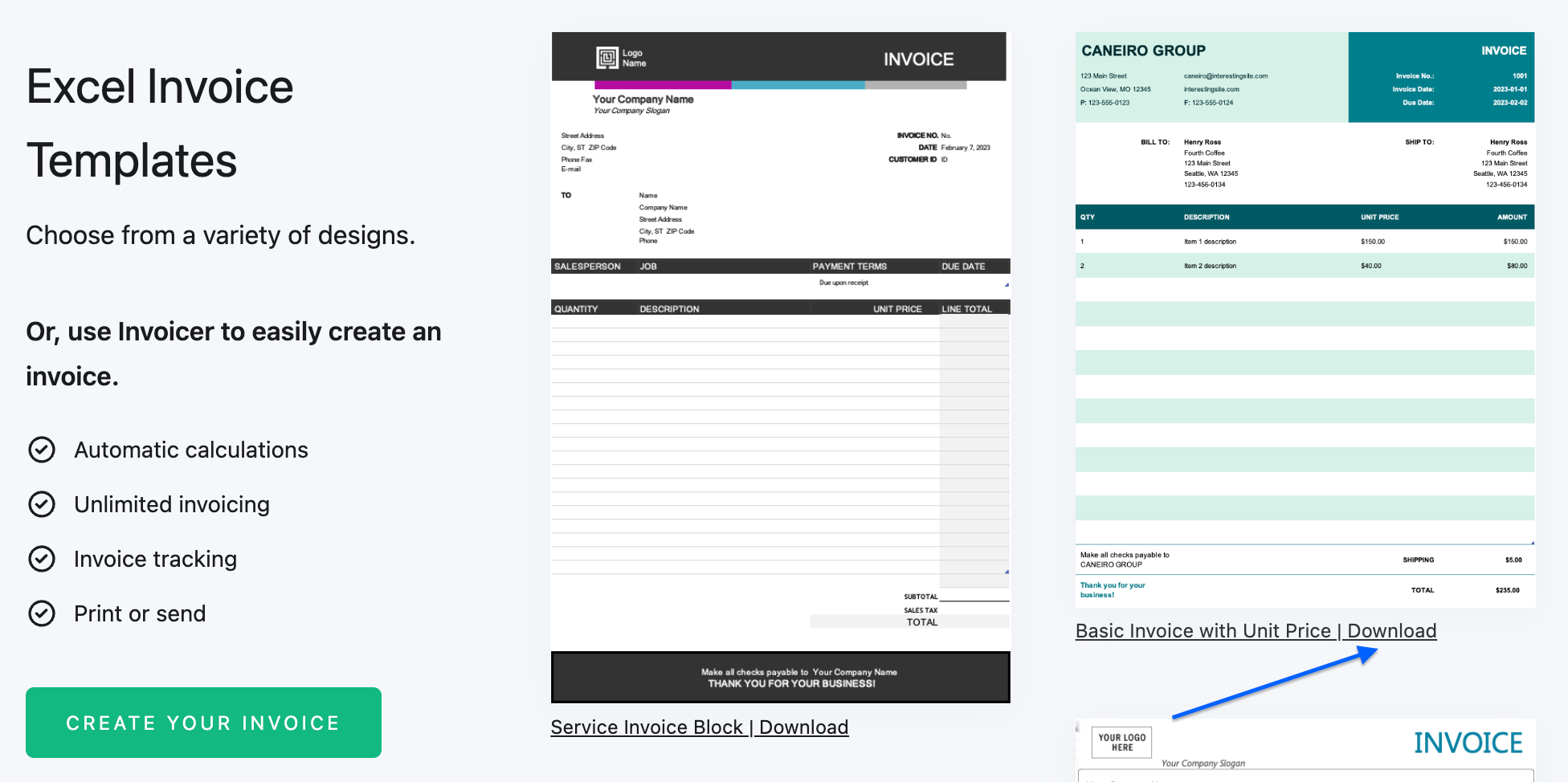
- Design Options: Choose from a variety of professional designs to align with your brand and preferences.
Efficiency and Accuracy
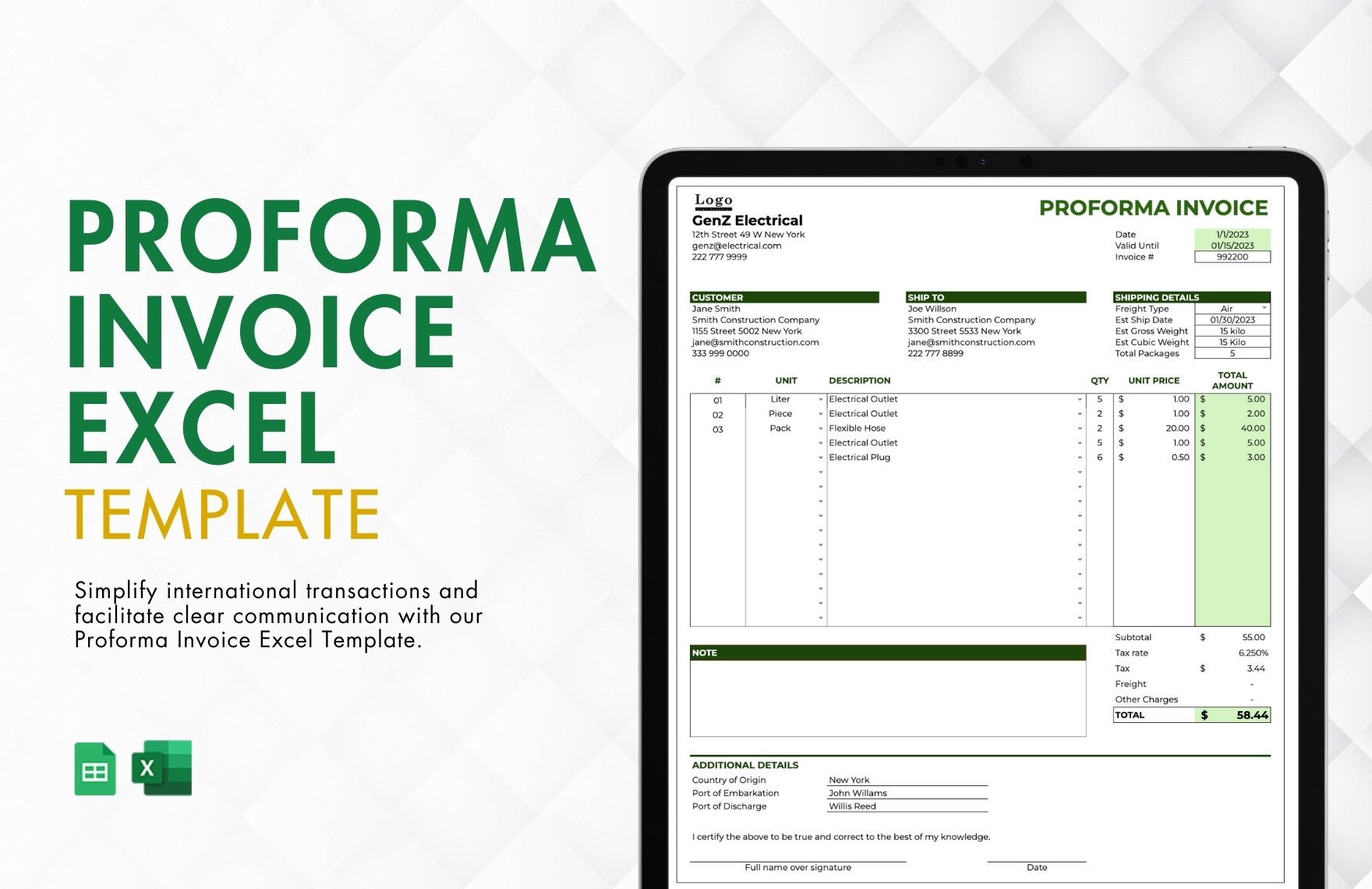
- Formulas and Calculations: Excel's built-in functions automate total calculations, ensuring accuracy and saving time.
- Data Tracking: Keep a digital record of billing information, making it simple to access and manage.
Flexibility and Accessibility
- Digital Invoicing: Create and send invoices instantly, eliminating the need for manual printing and mailing.
- Cloud-Based Solutions: Access your templates and invoices from anywhere, ensuring convenience and collaboration.
Getting Started
To begin using an editable invoice template excel, follow these steps:
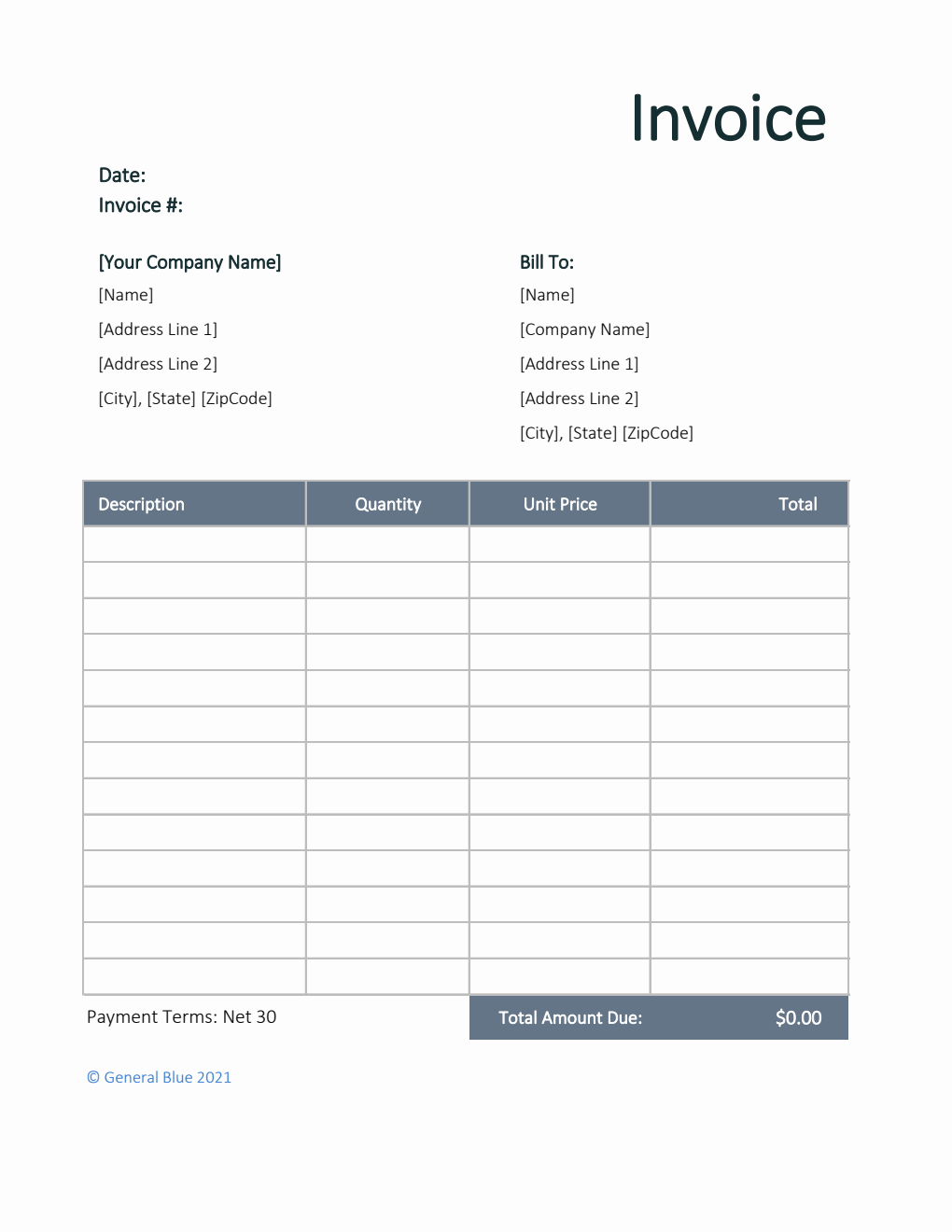
- Choose a Template: Select a template that suits your needs and preferences from the platforms mentioned above.
- Personalize: Input your business and client details, product/service descriptions, and pricing.
- Preview and Edit: Review the invoice, making any necessary adjustments to ensure accuracy.
- Save and Export: Save the template for future use and export the invoice as a PDF or other desired format.
Additional Resources
For further assistance and inspiration, consider the following:
- Explore super simple flash cards editable to enhance your learning materials.
- Check out blank estimate template free printable for quick and easy estimates.
- Discover independent contractor invoice template free for a hassle-free invoicing experience.
- Get creative with kpop demon hunter colouring pages template.
- Learn about better word to use than dummy invoice template for more professional alternatives.
- Teach kids about money with receipt template word for kids.
Remember, an editable invoice template excel is a versatile tool, offering a streamlined and professional approach to billing. With the right template and a few clicks, you can create invoices that impress your clients and reflect your brand's quality.