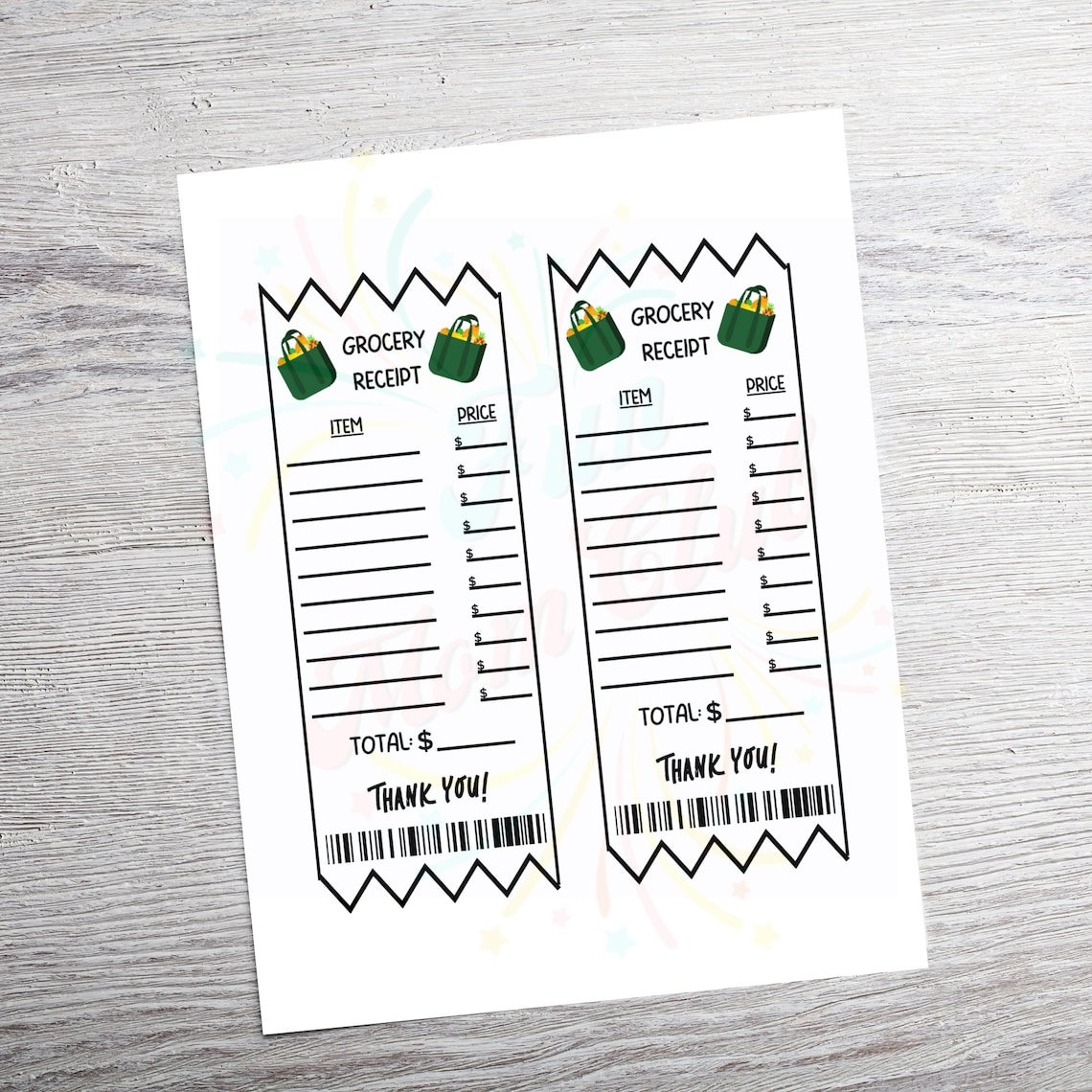
Grocery Receipt Tracker Google Sheets for Kids
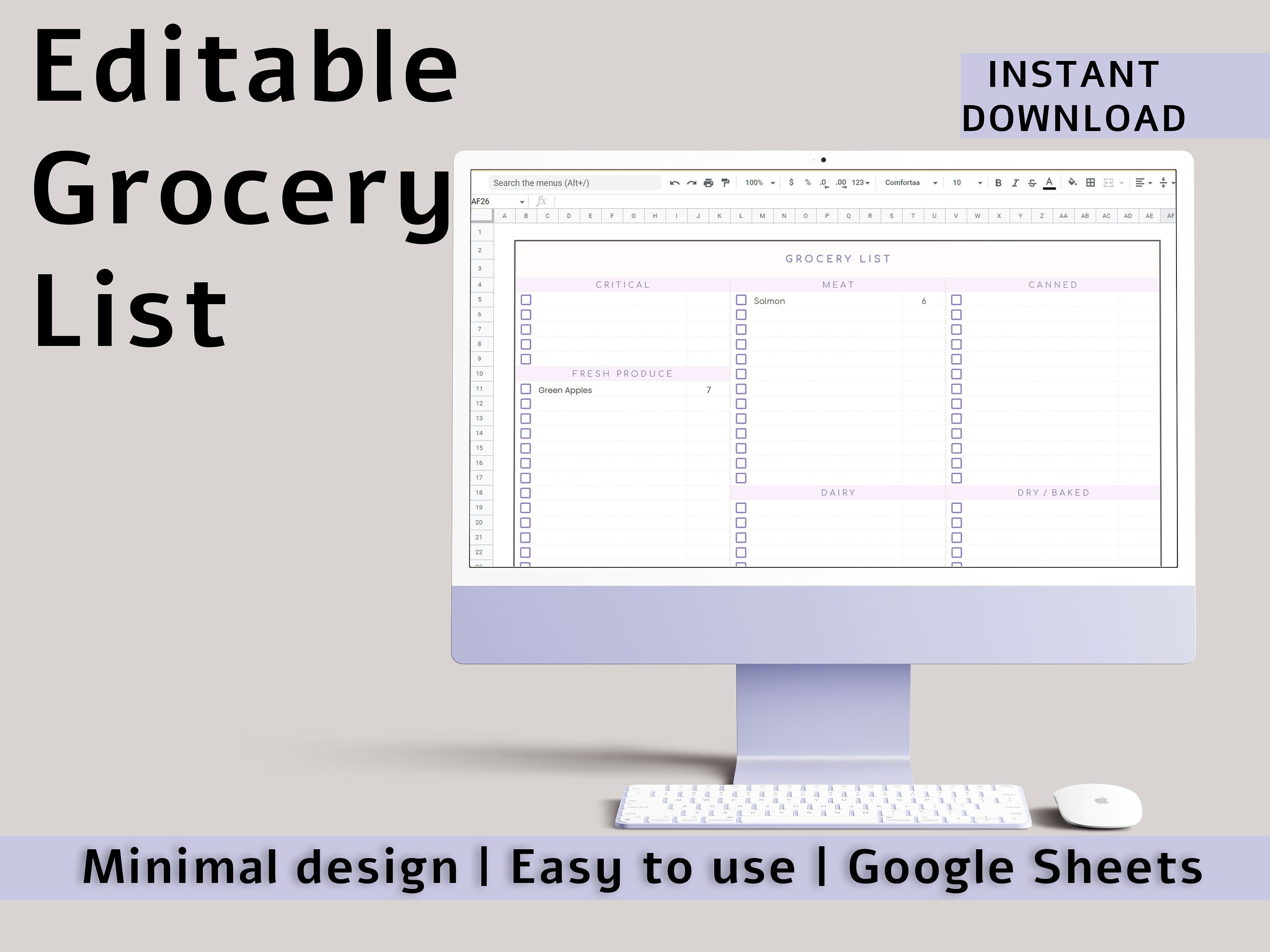
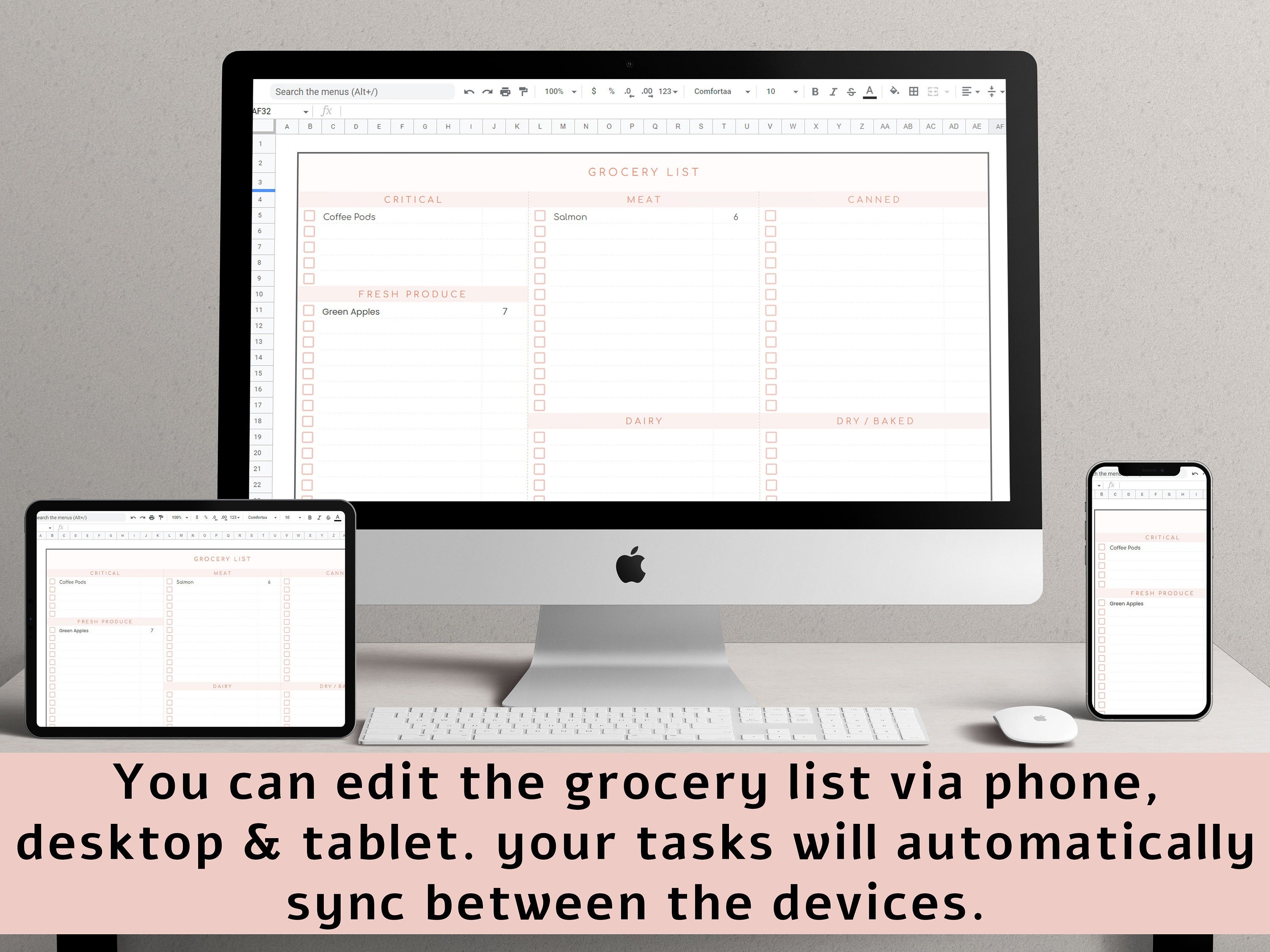
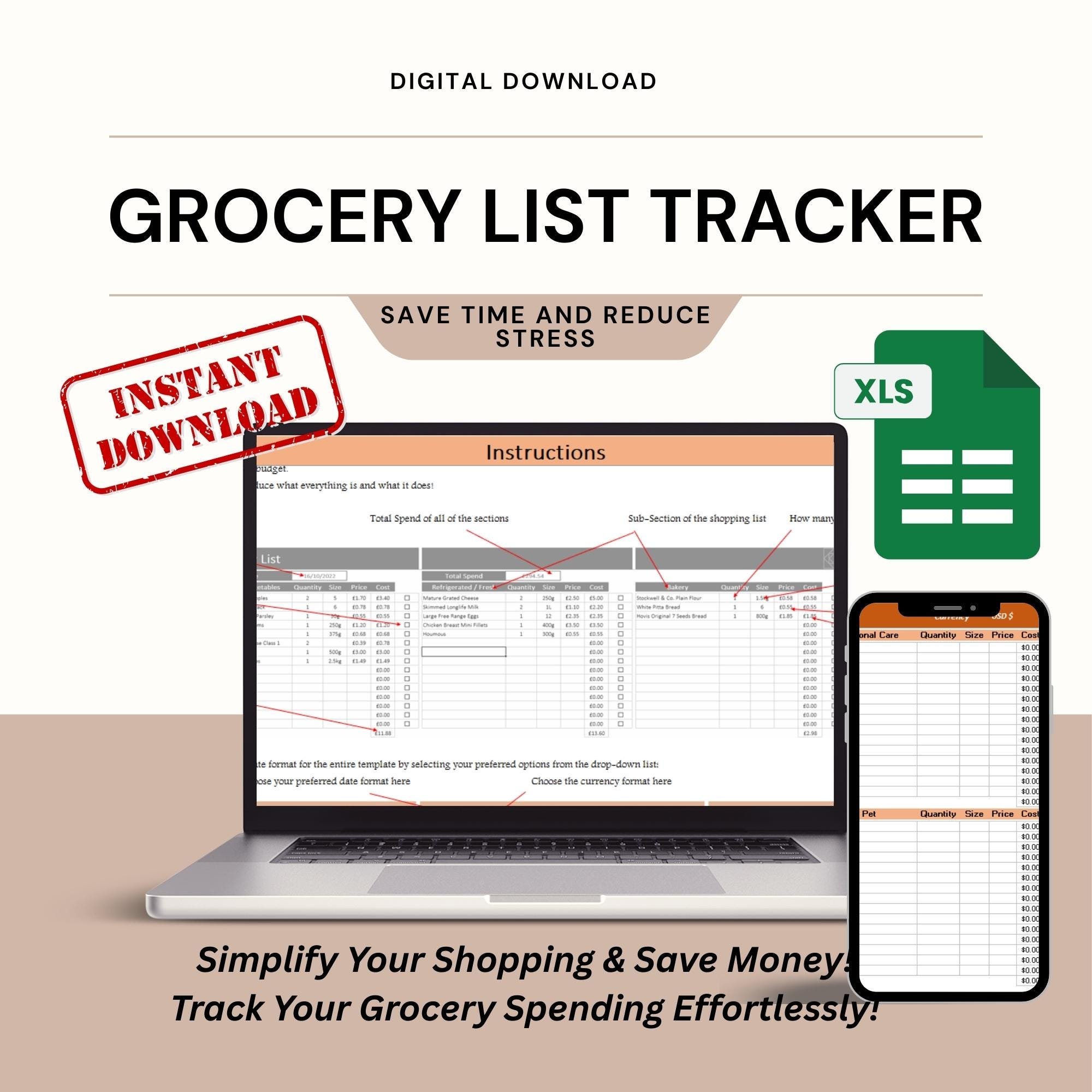
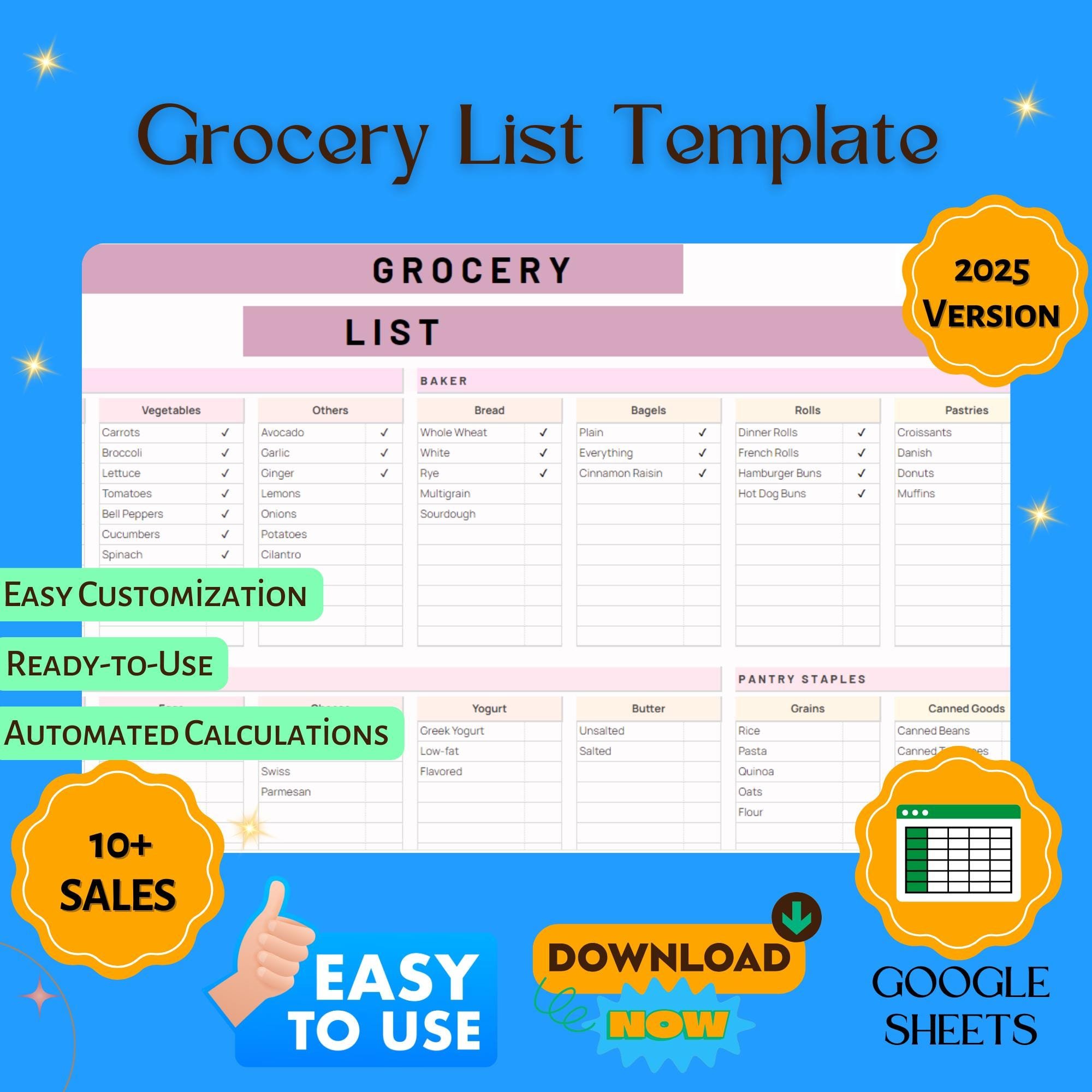
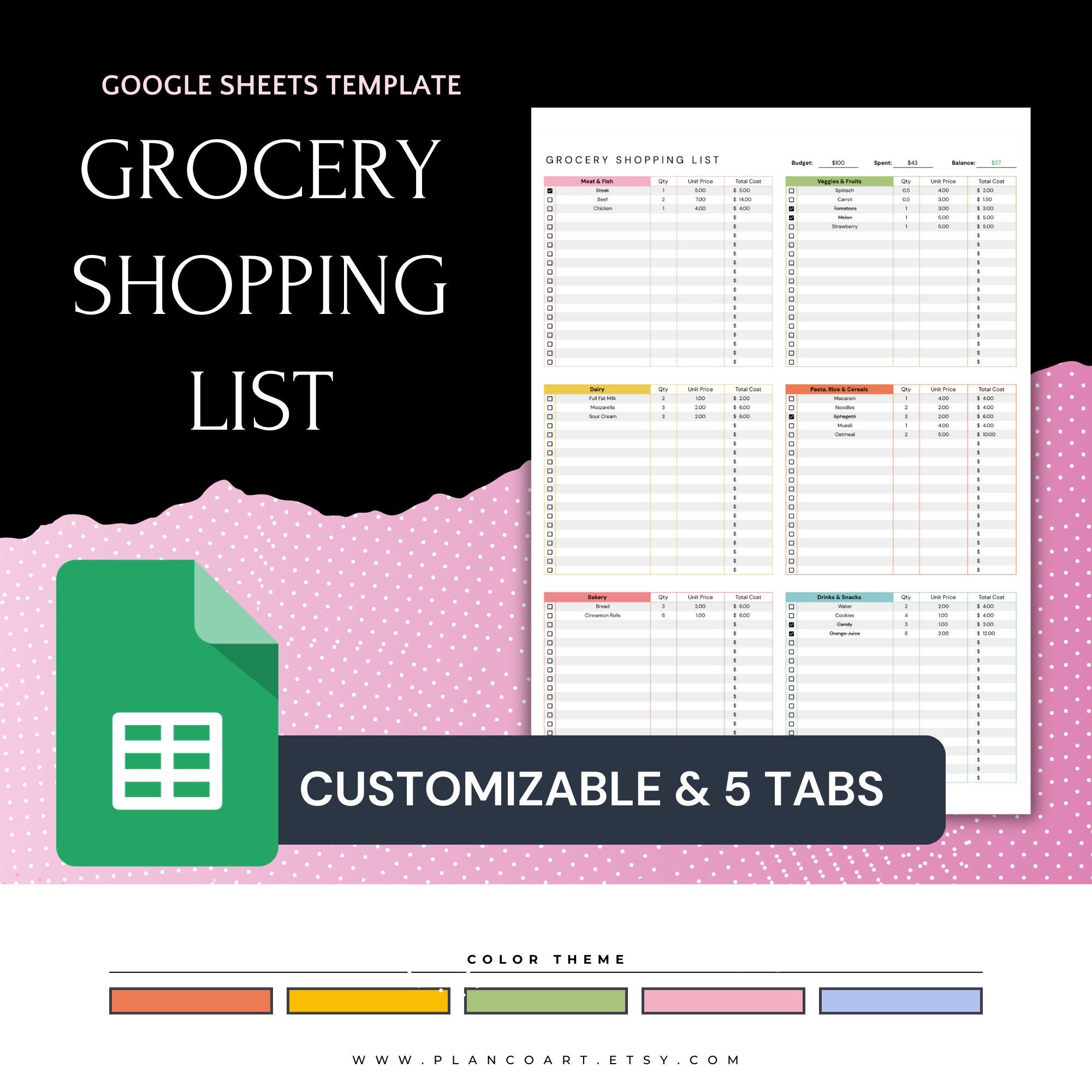
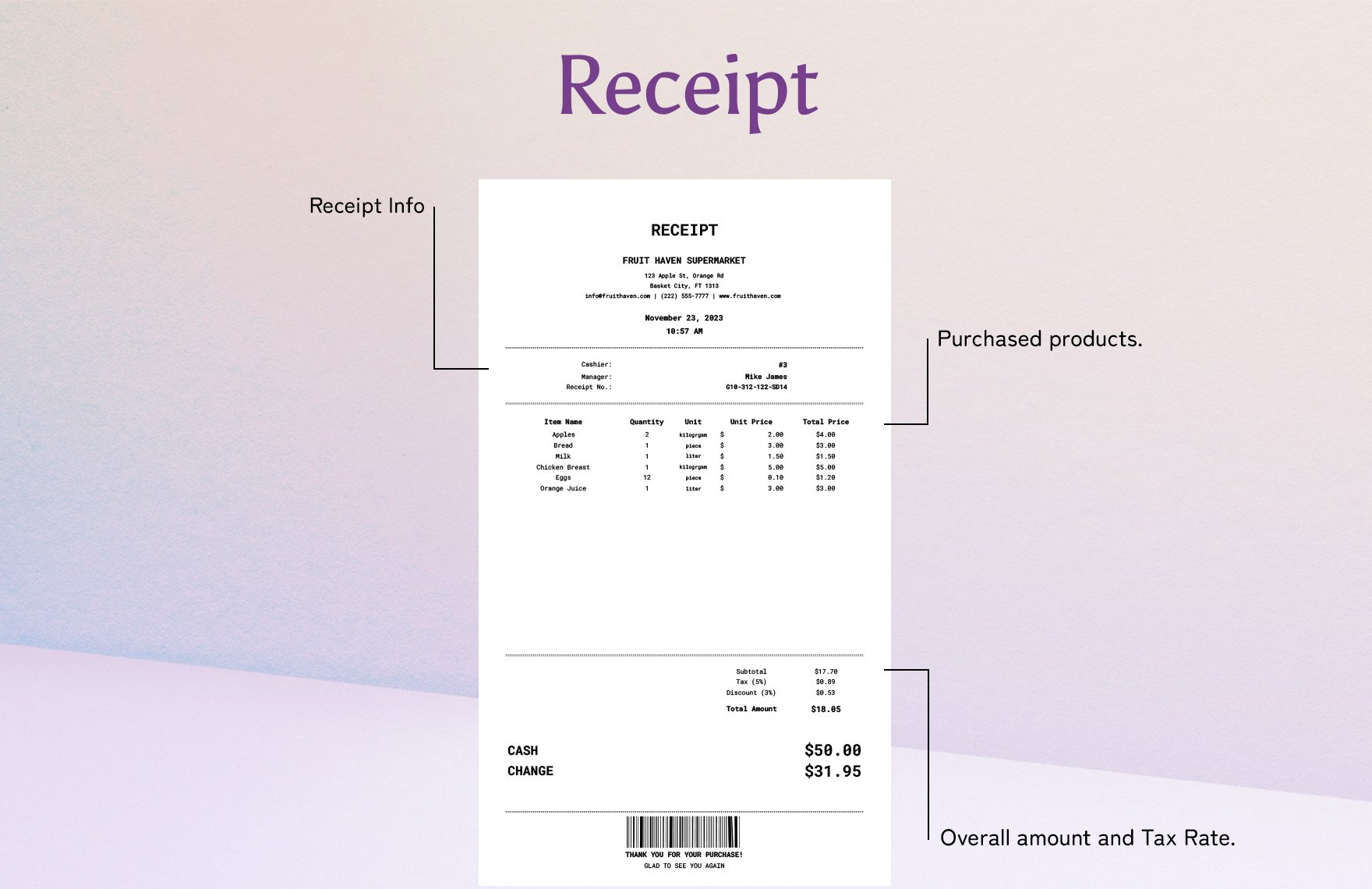
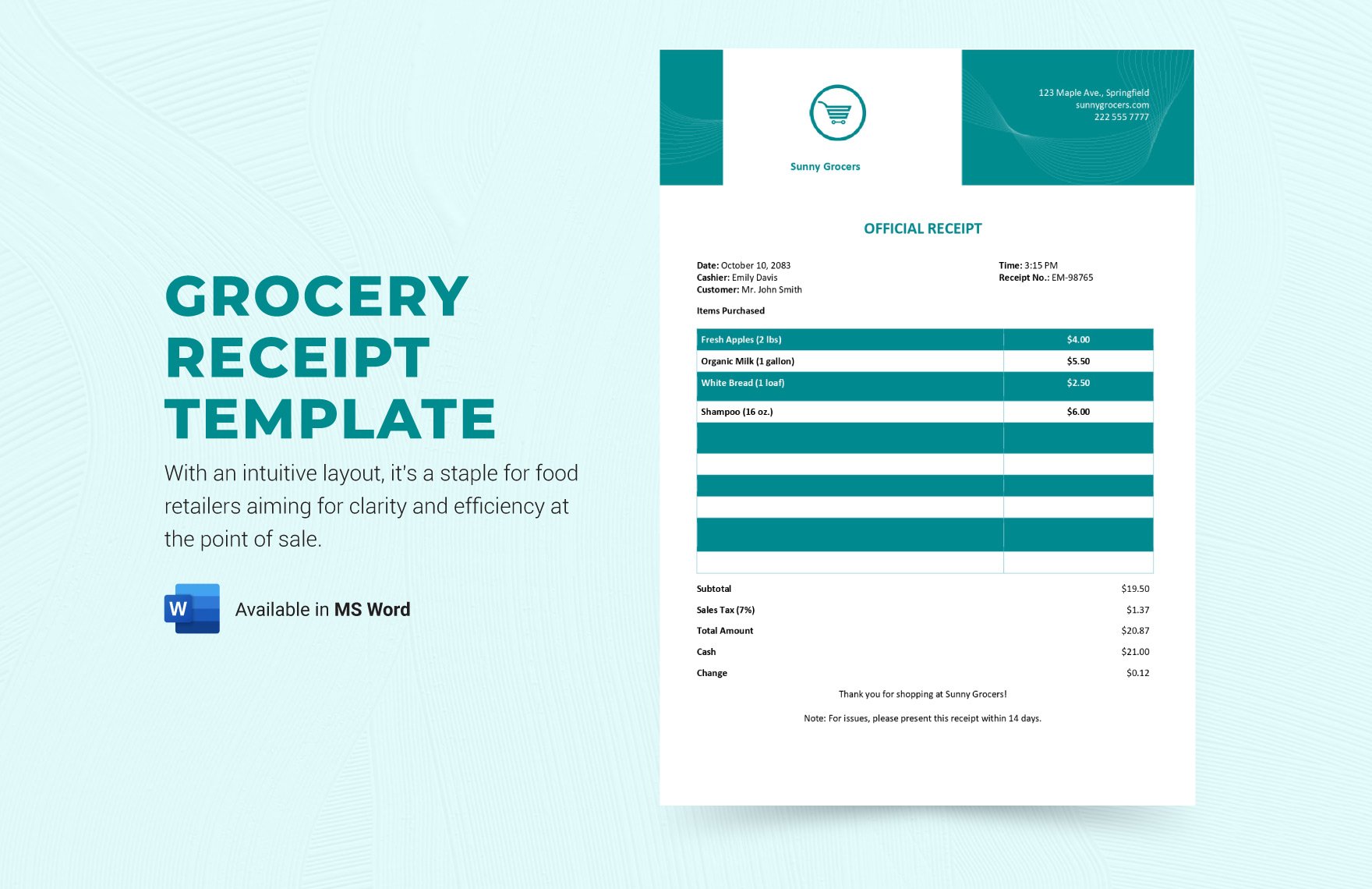
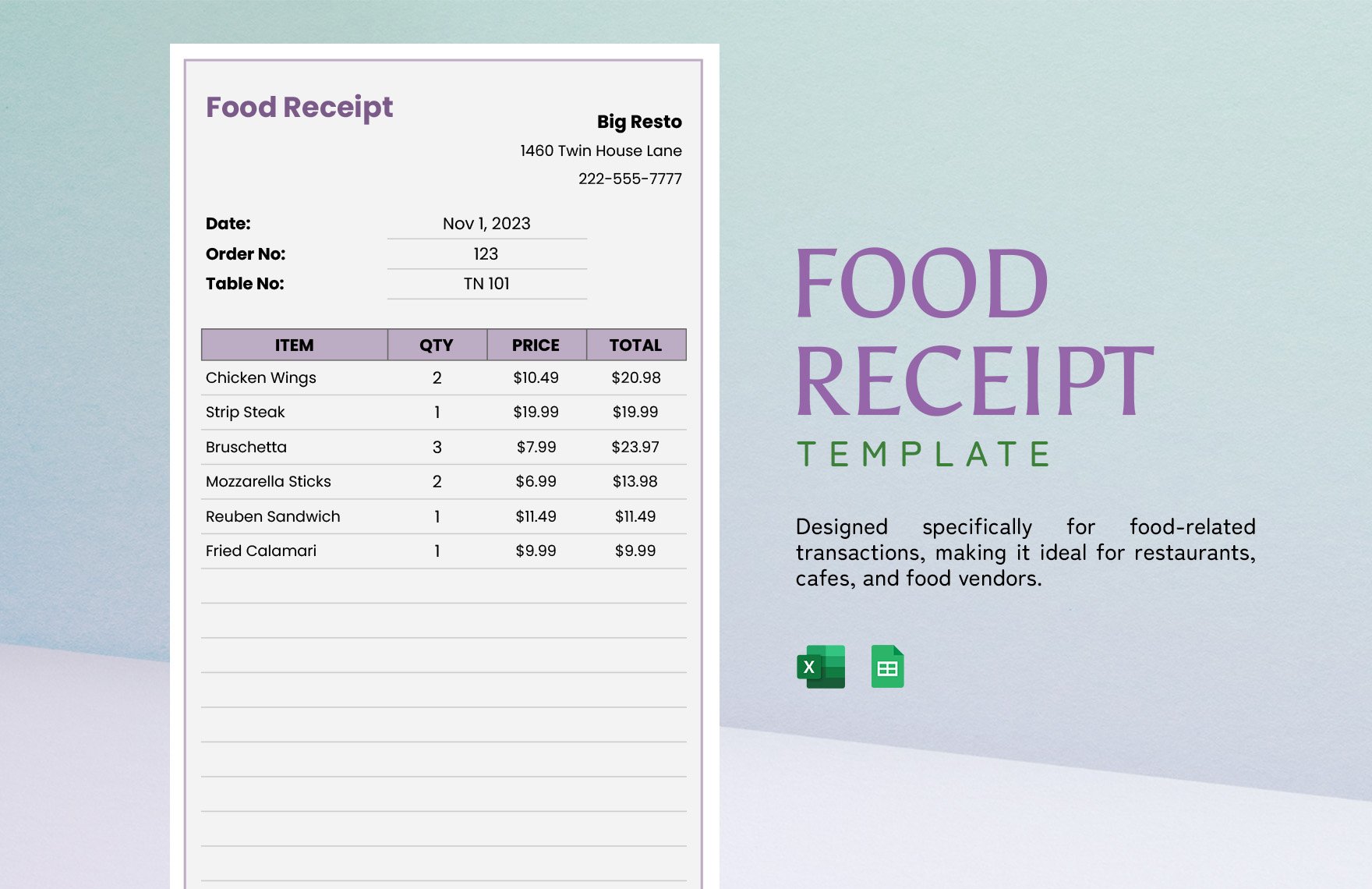
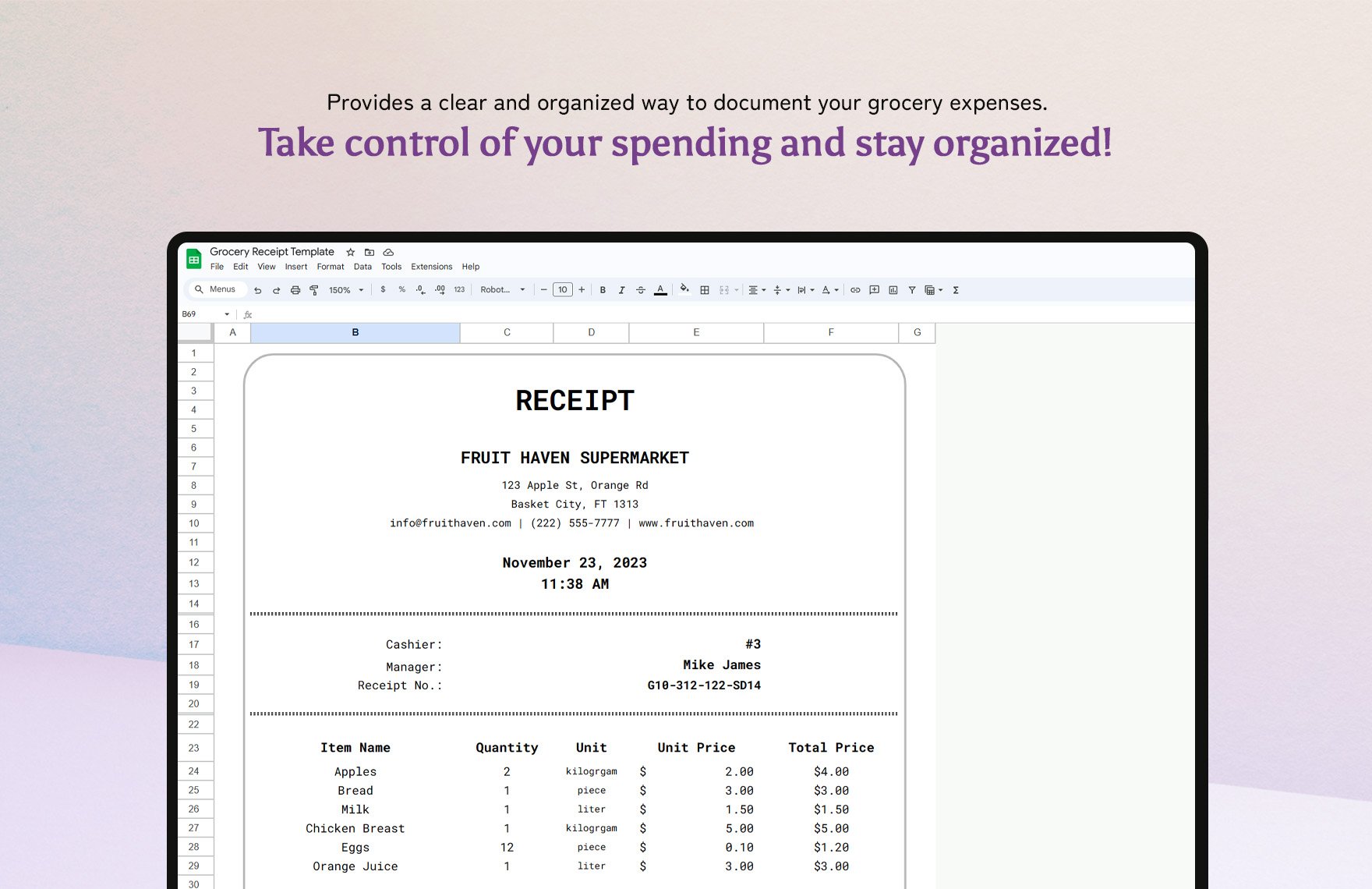
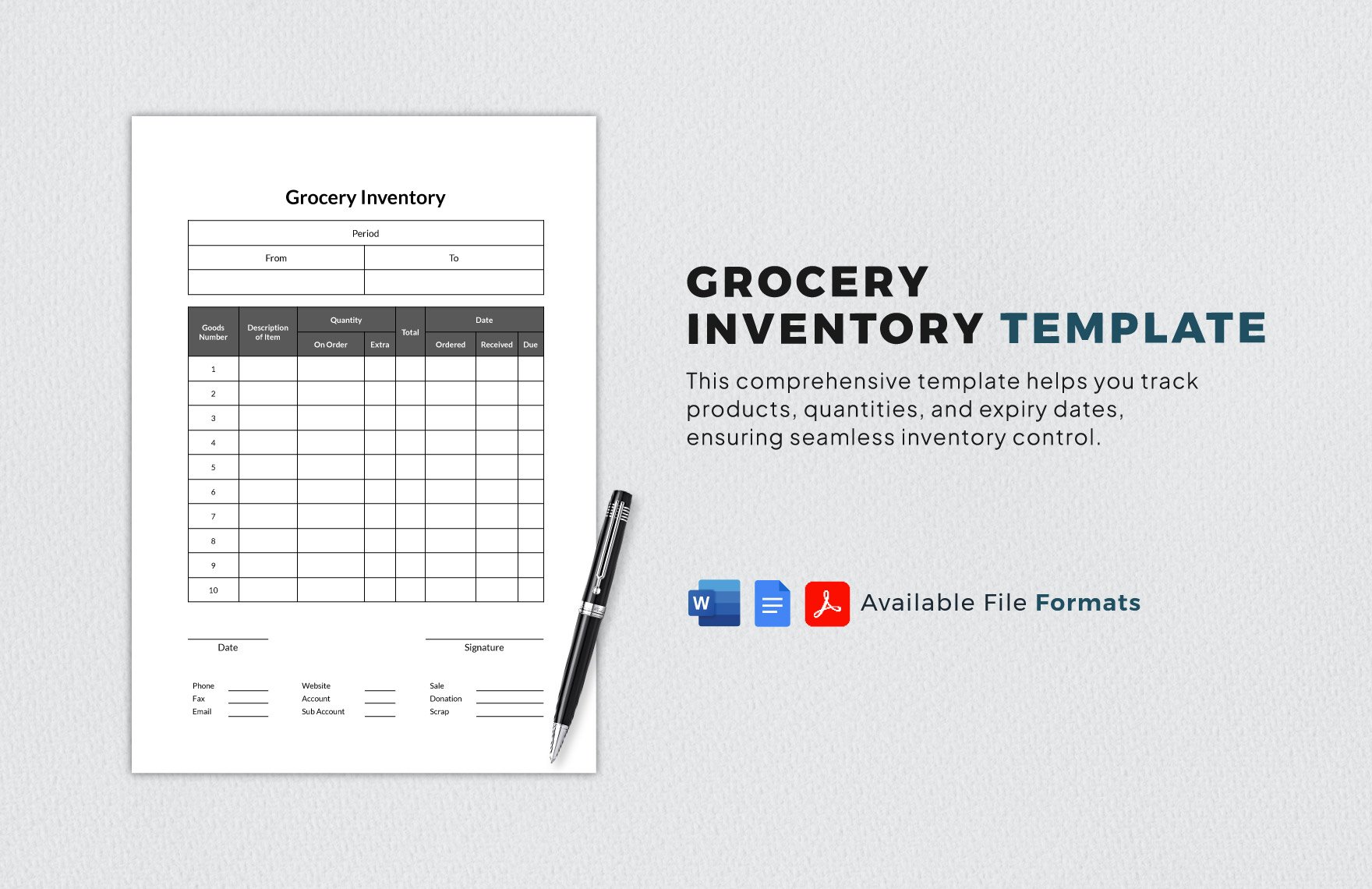
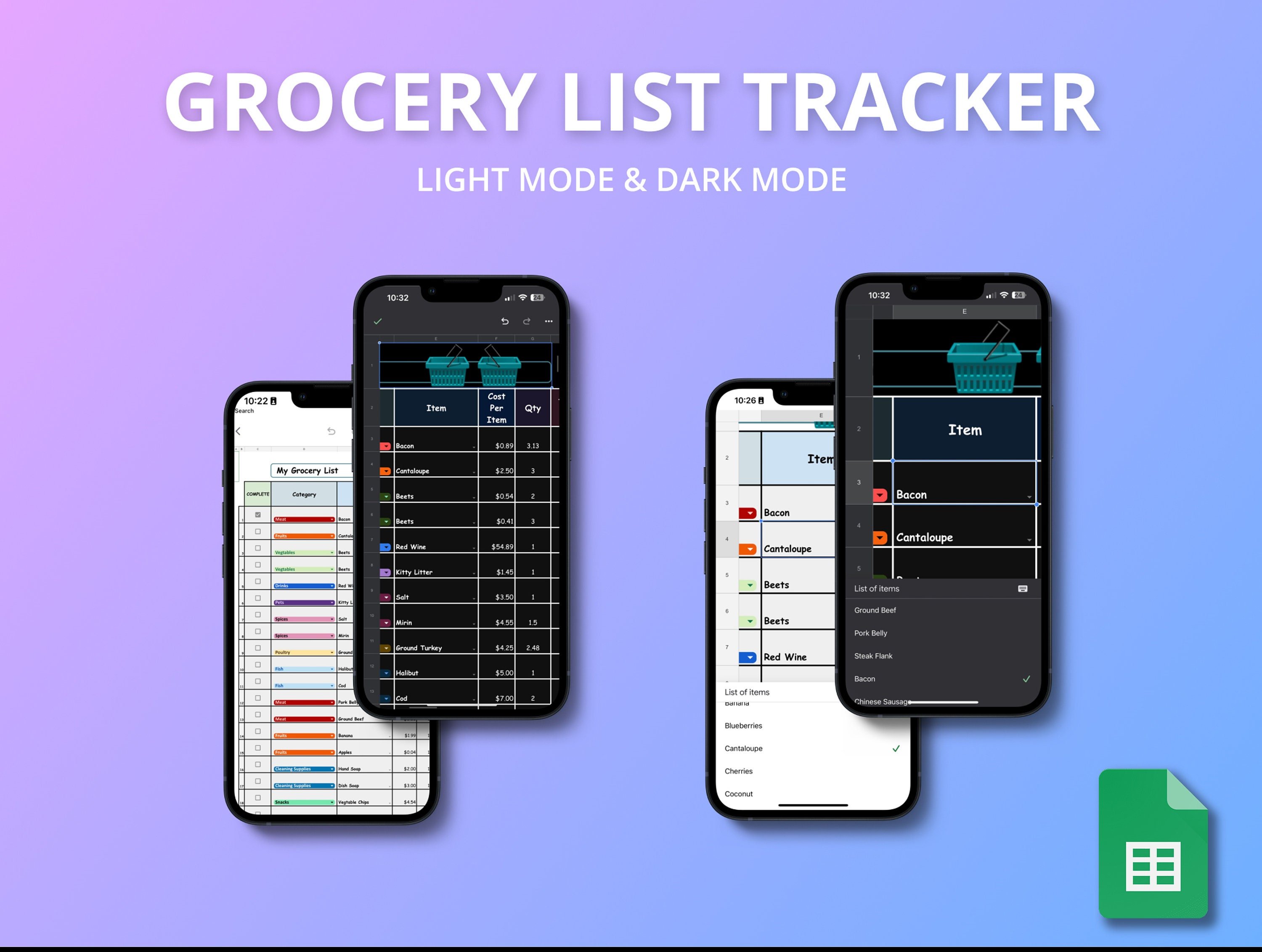
A grocery receipt tracker is a handy tool to help kids learn about budgeting and money management. When looking into grocery receipt tracker google sheets for kids, the details quickly stand out. With a simple Google Sheets template, they can easily record and organize their grocery expenses, providing a great introduction to financial tracking.
Popular Options and Variations
There are several grocery receipt tracker templates available, offering different features and levels of customization. Some key options include:
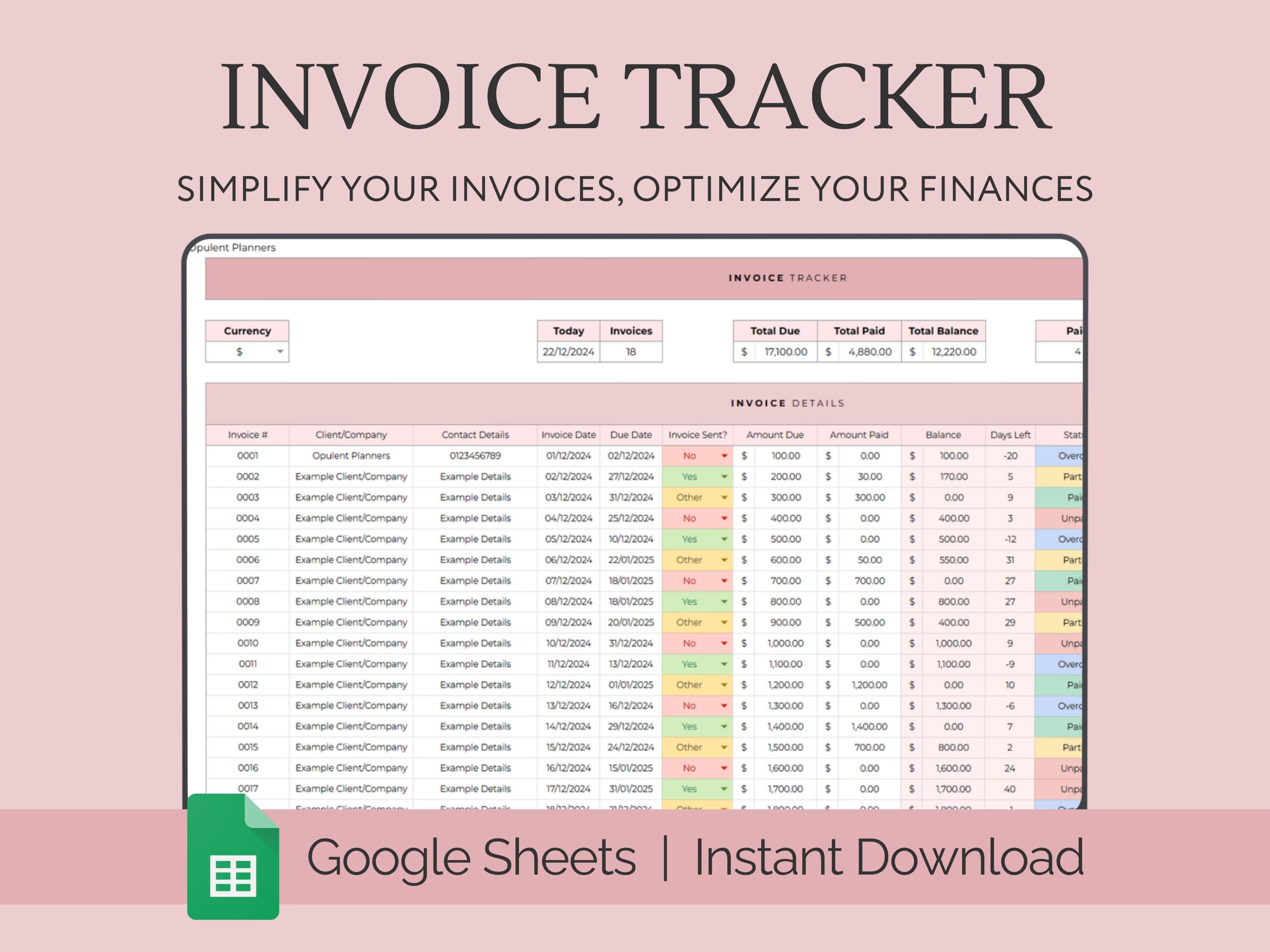
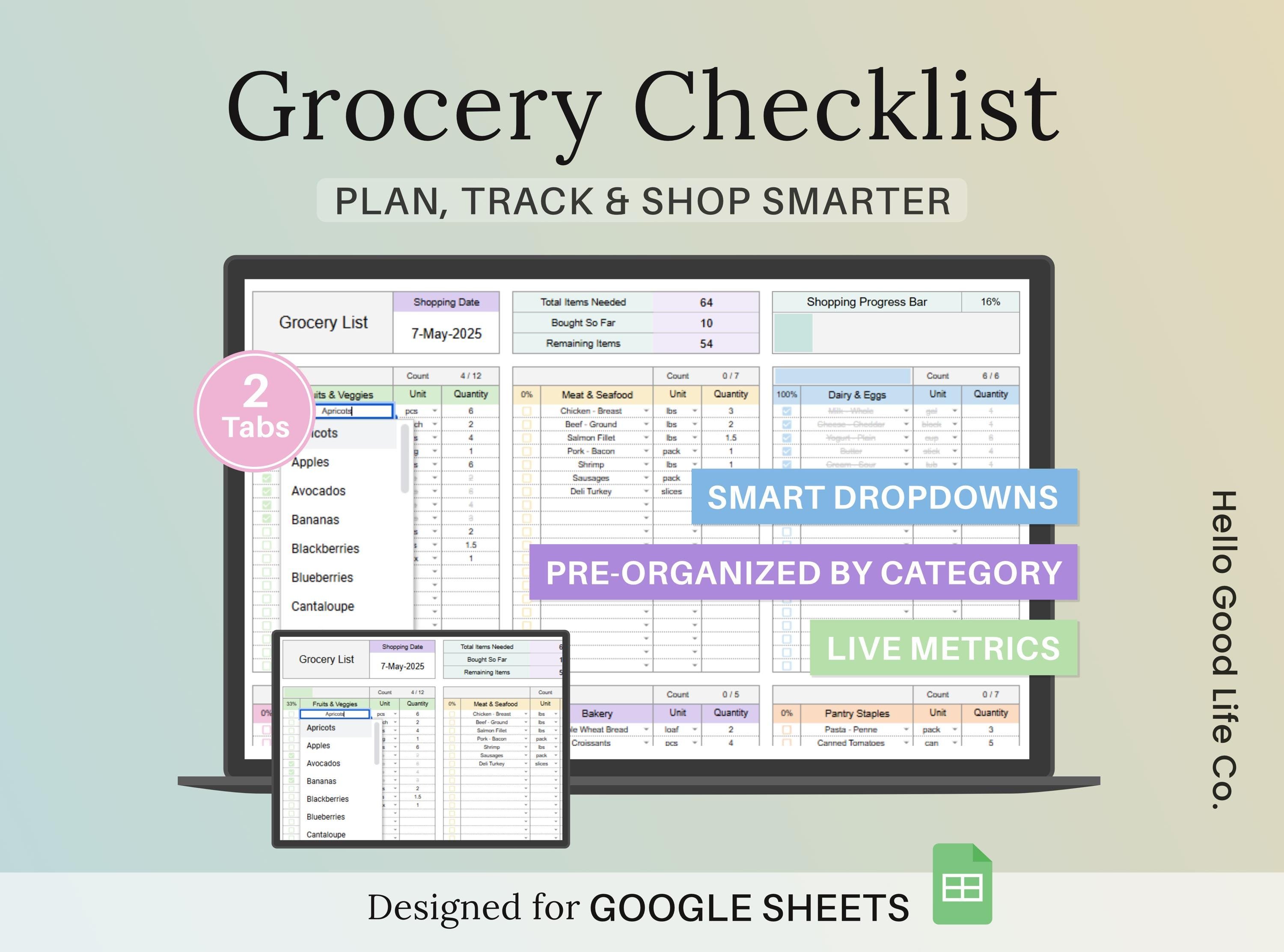
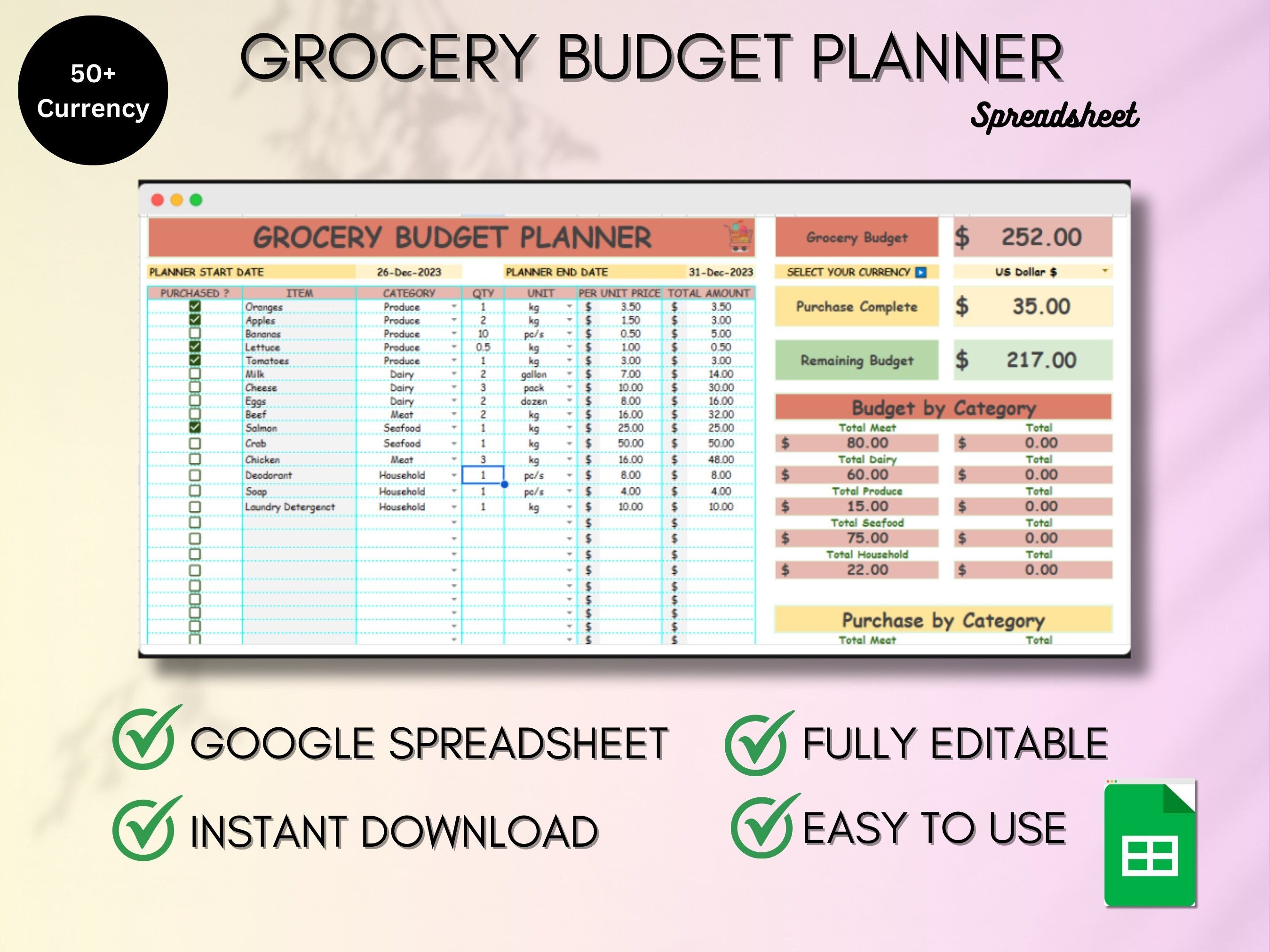
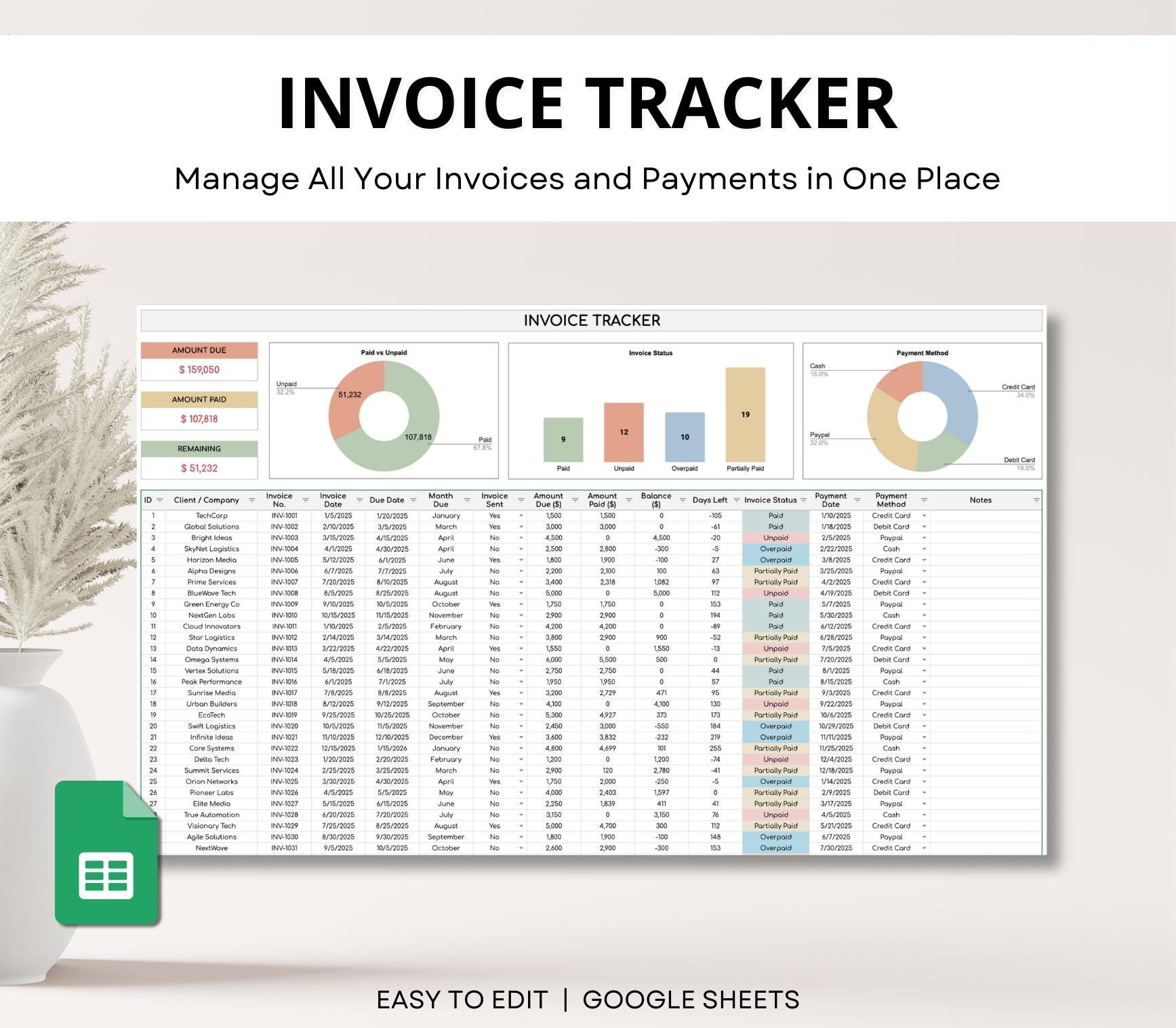
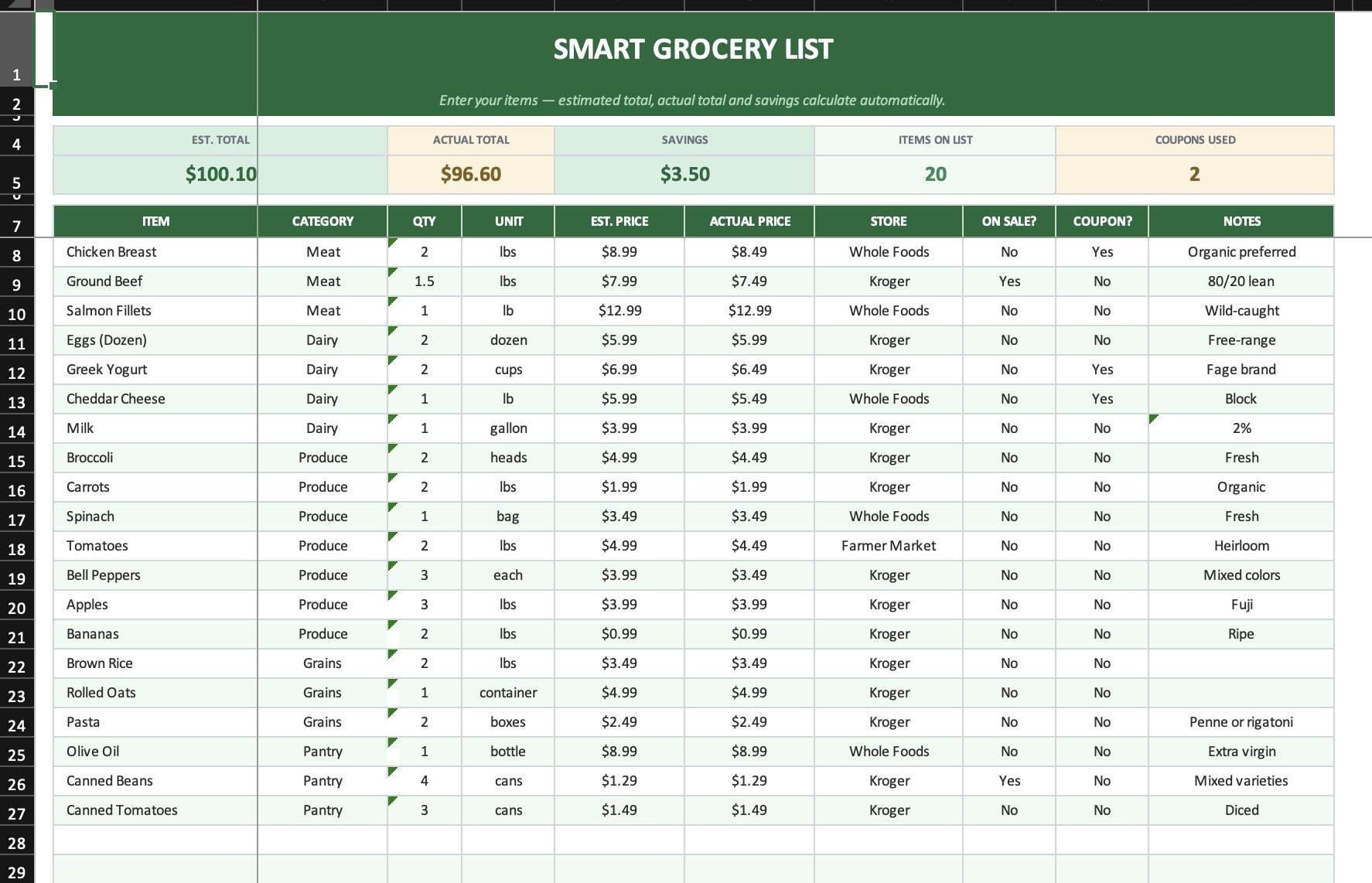
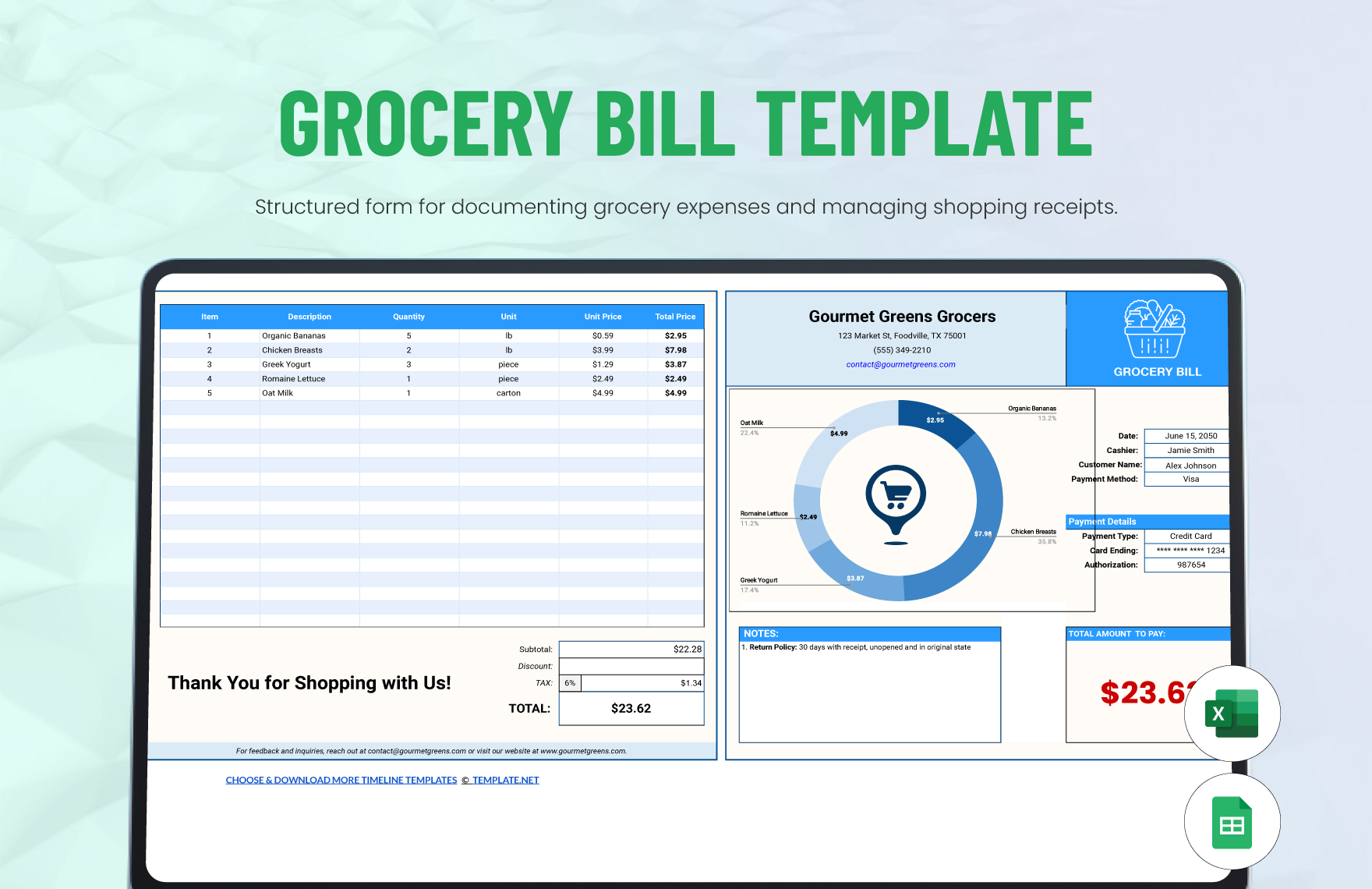
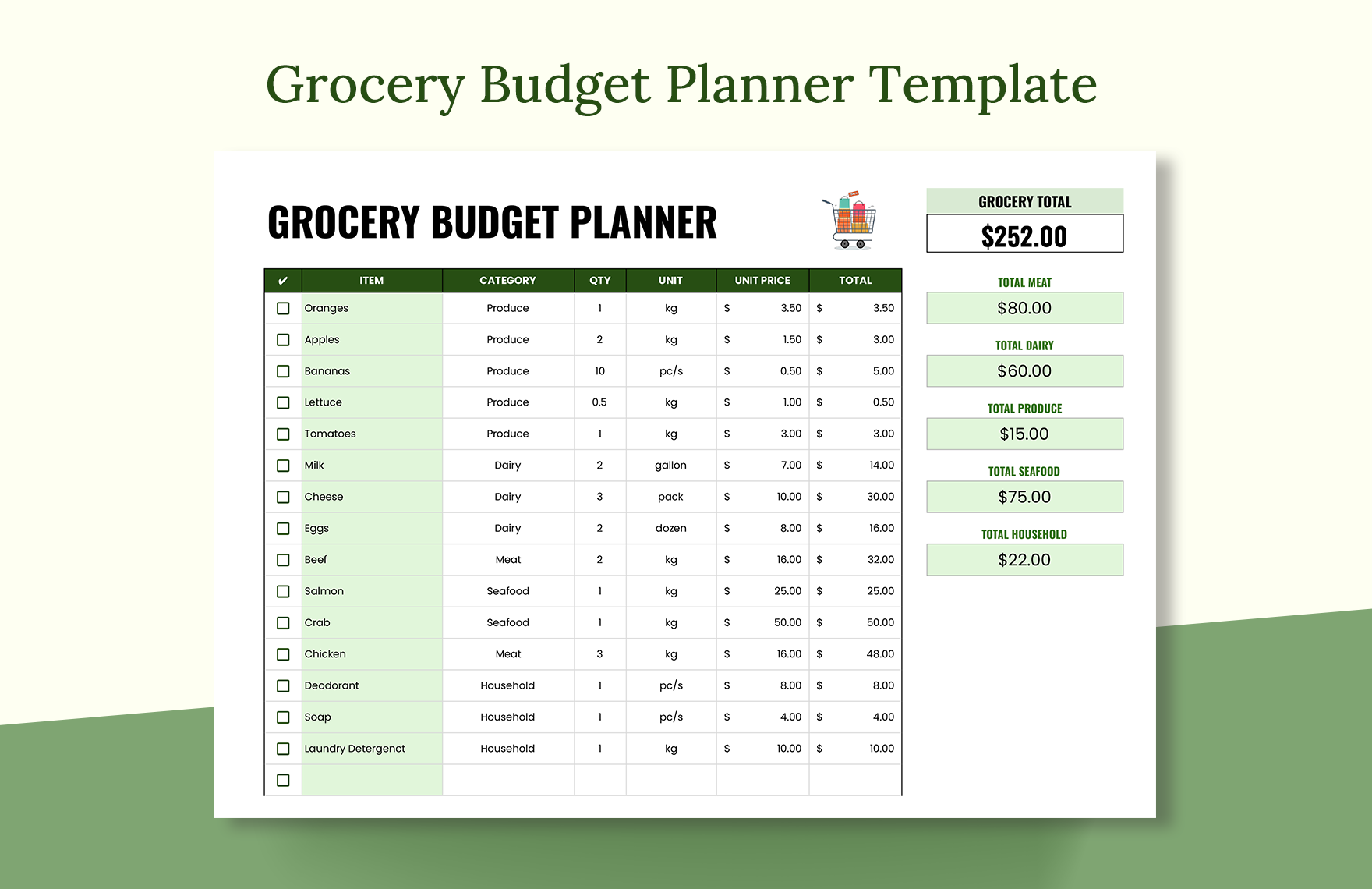
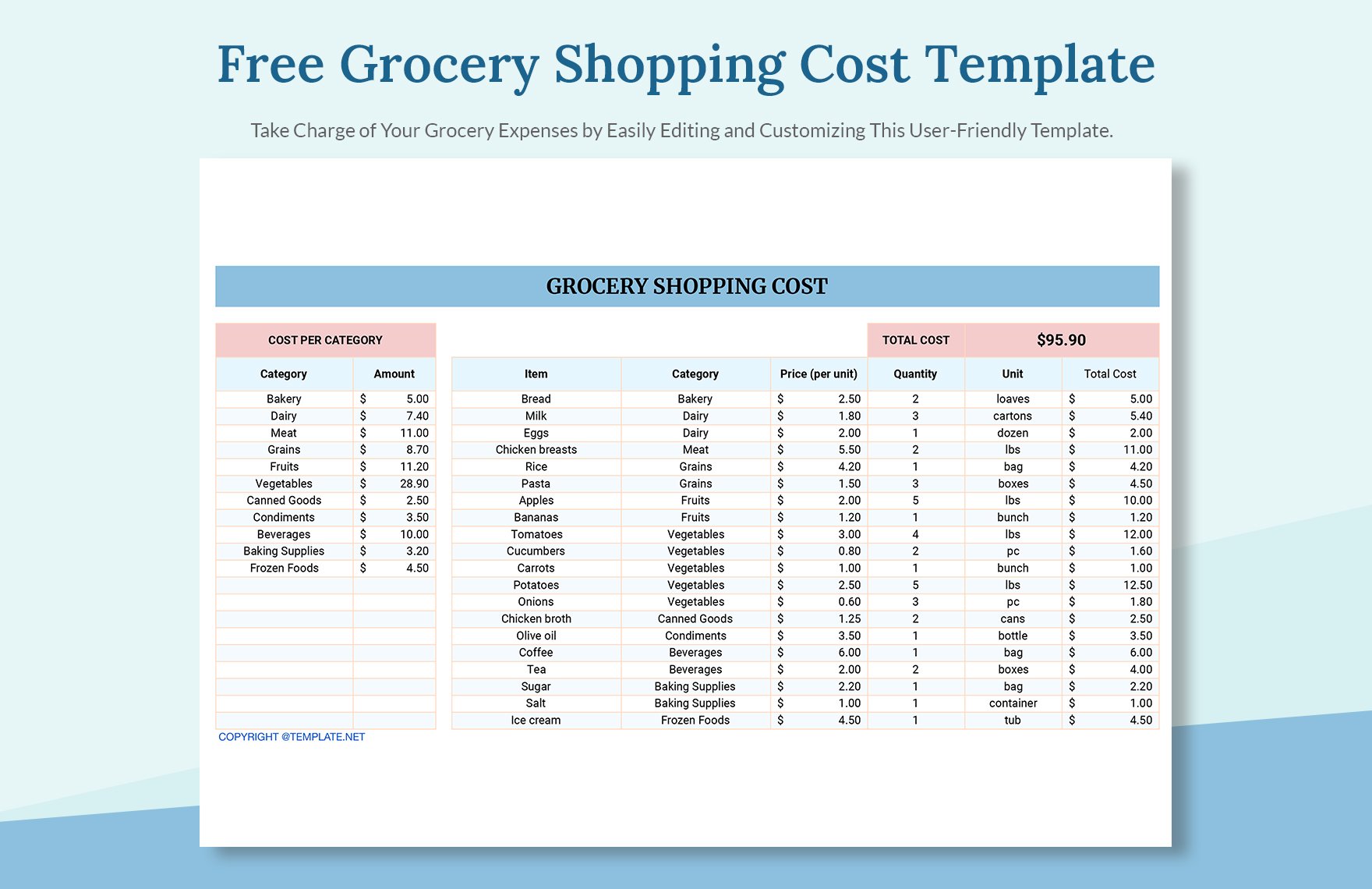
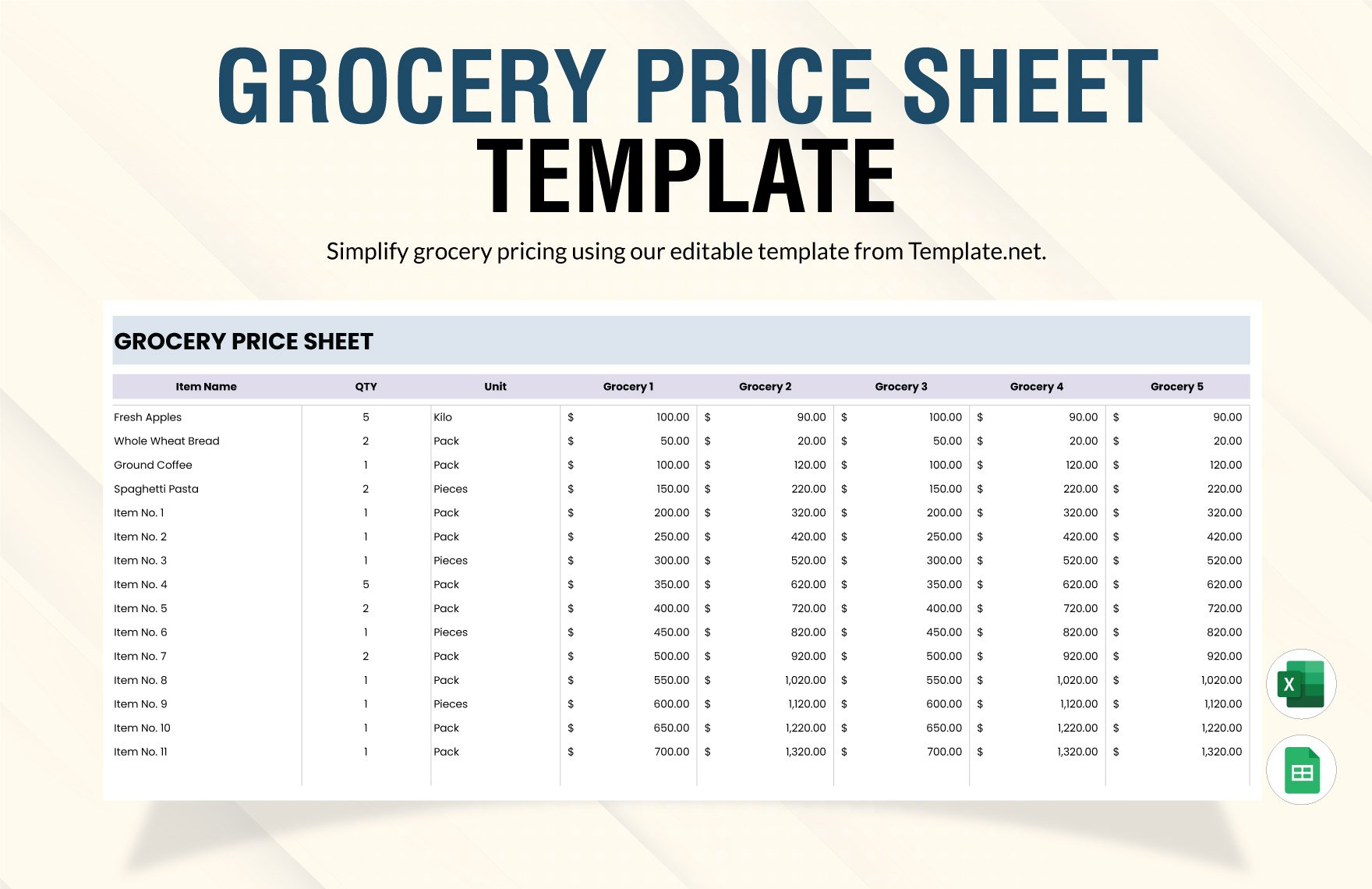
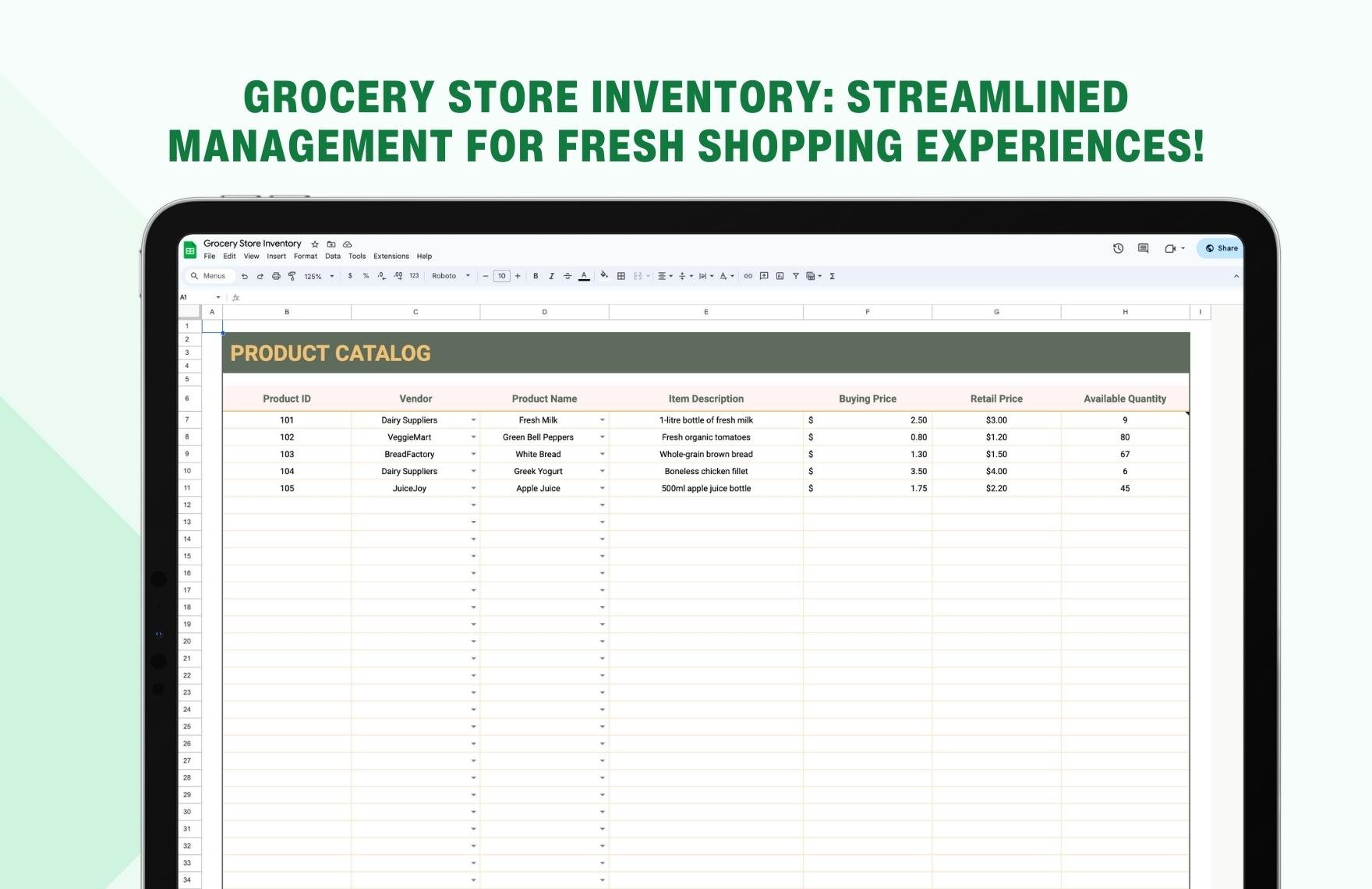
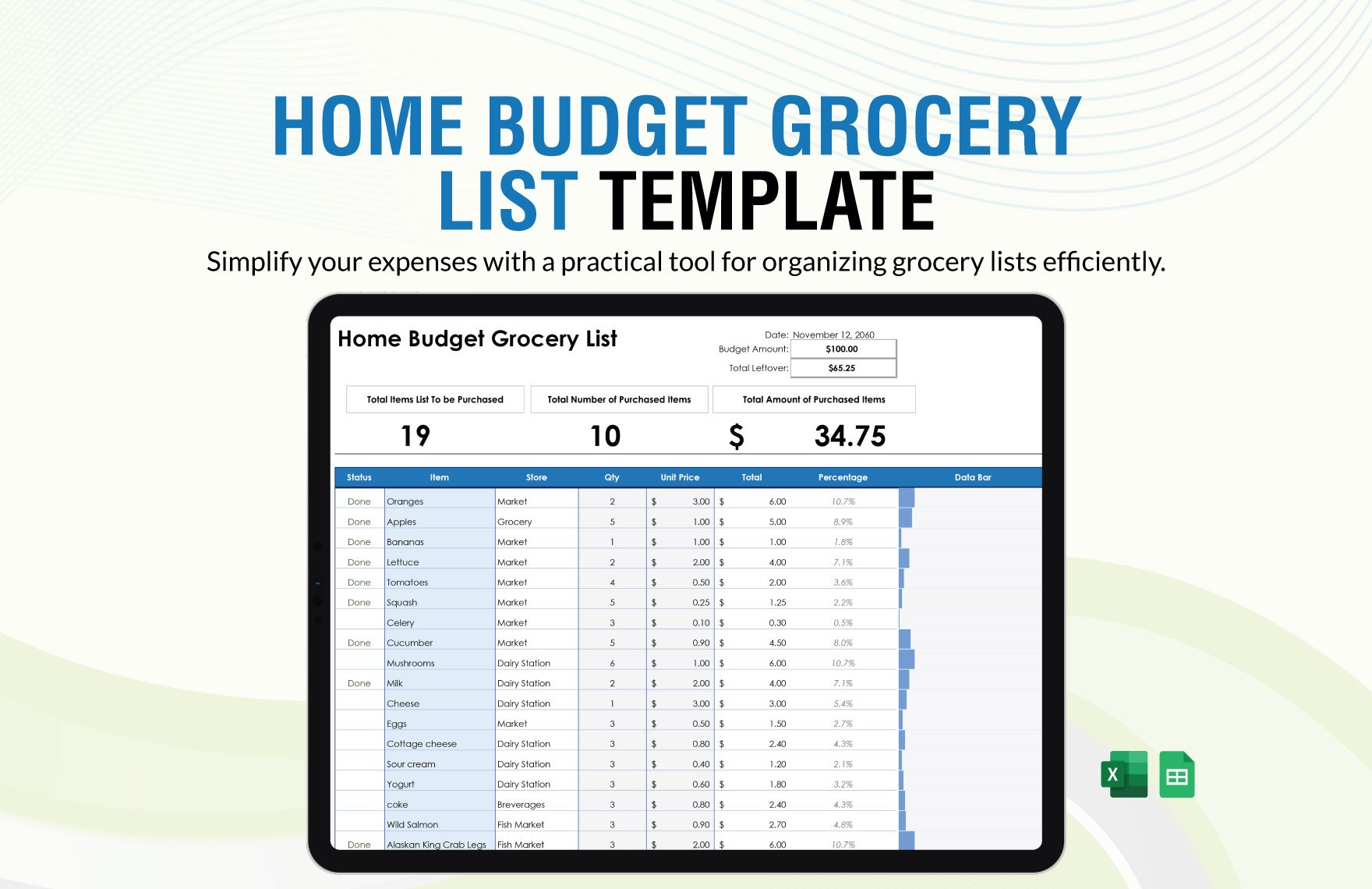
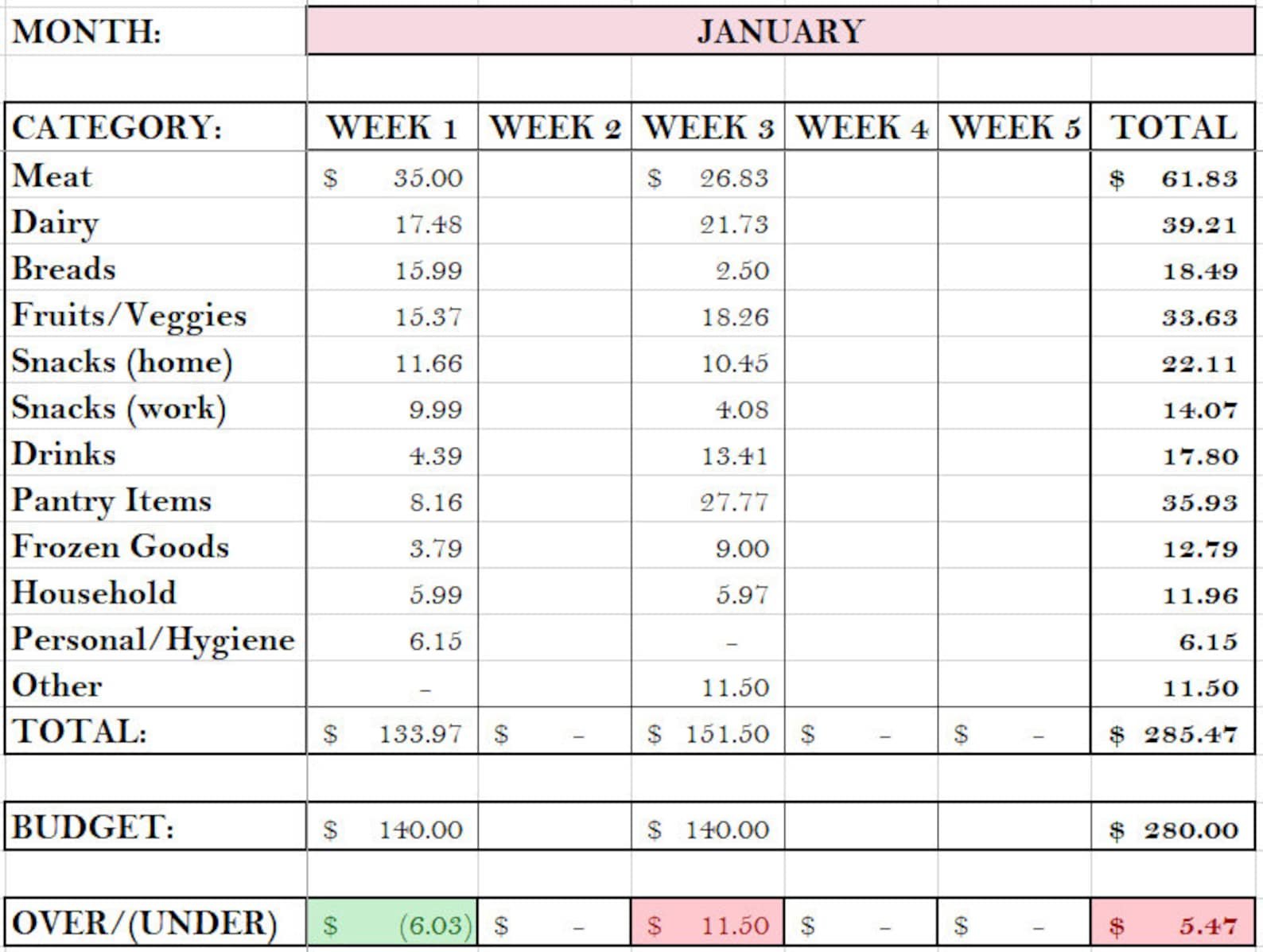
- Free Grocery Budget Spreadsheet: This template provides a color-coded, easy-to-use spreadsheet to plan, record, and analyze grocery expenses. It's a great option for a basic tracker.
- Gastos MCP: Designed for tracking grocery prices, this template uses AI assistants to parse receipts and analyze price history. It's ideal for comparing supermarket prices.
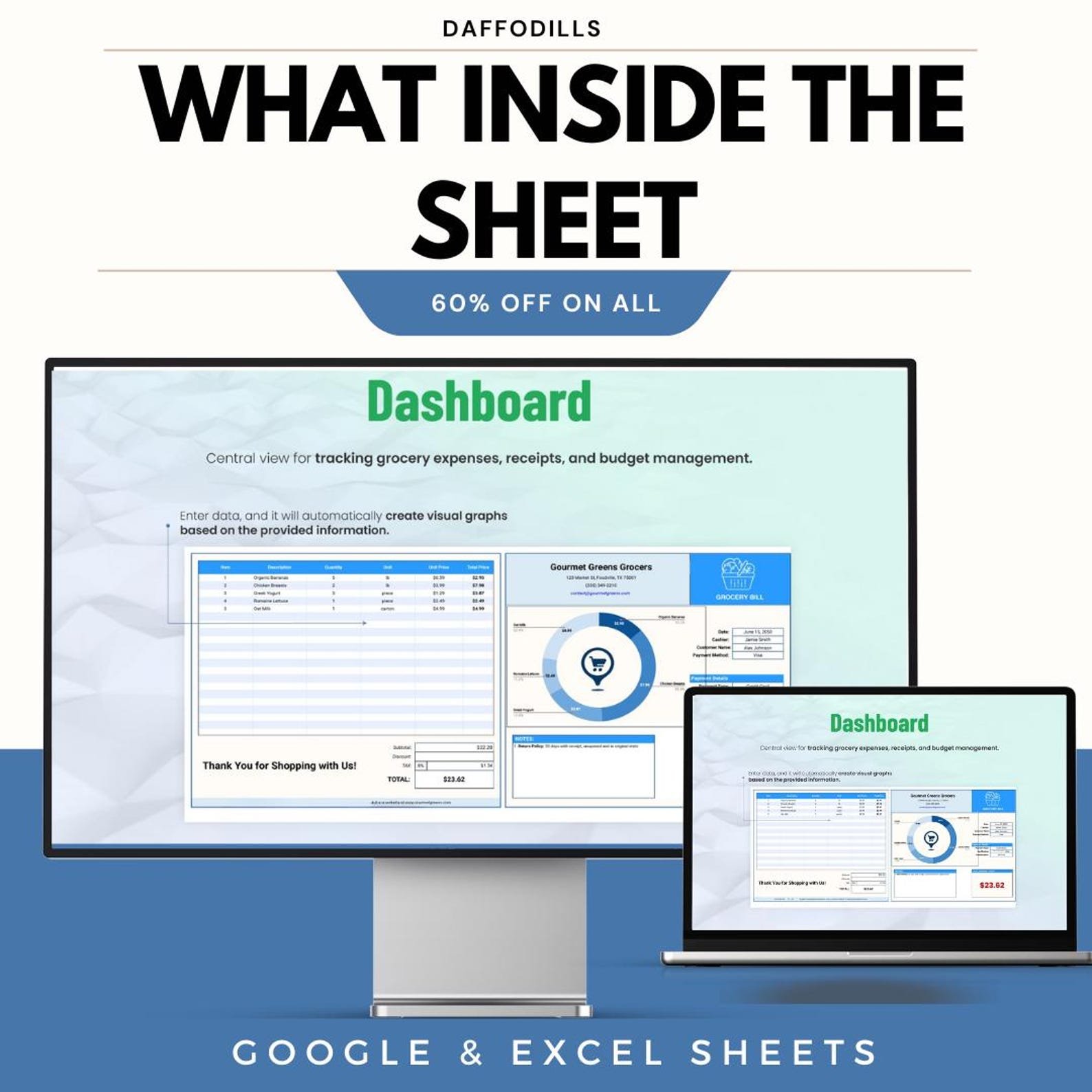
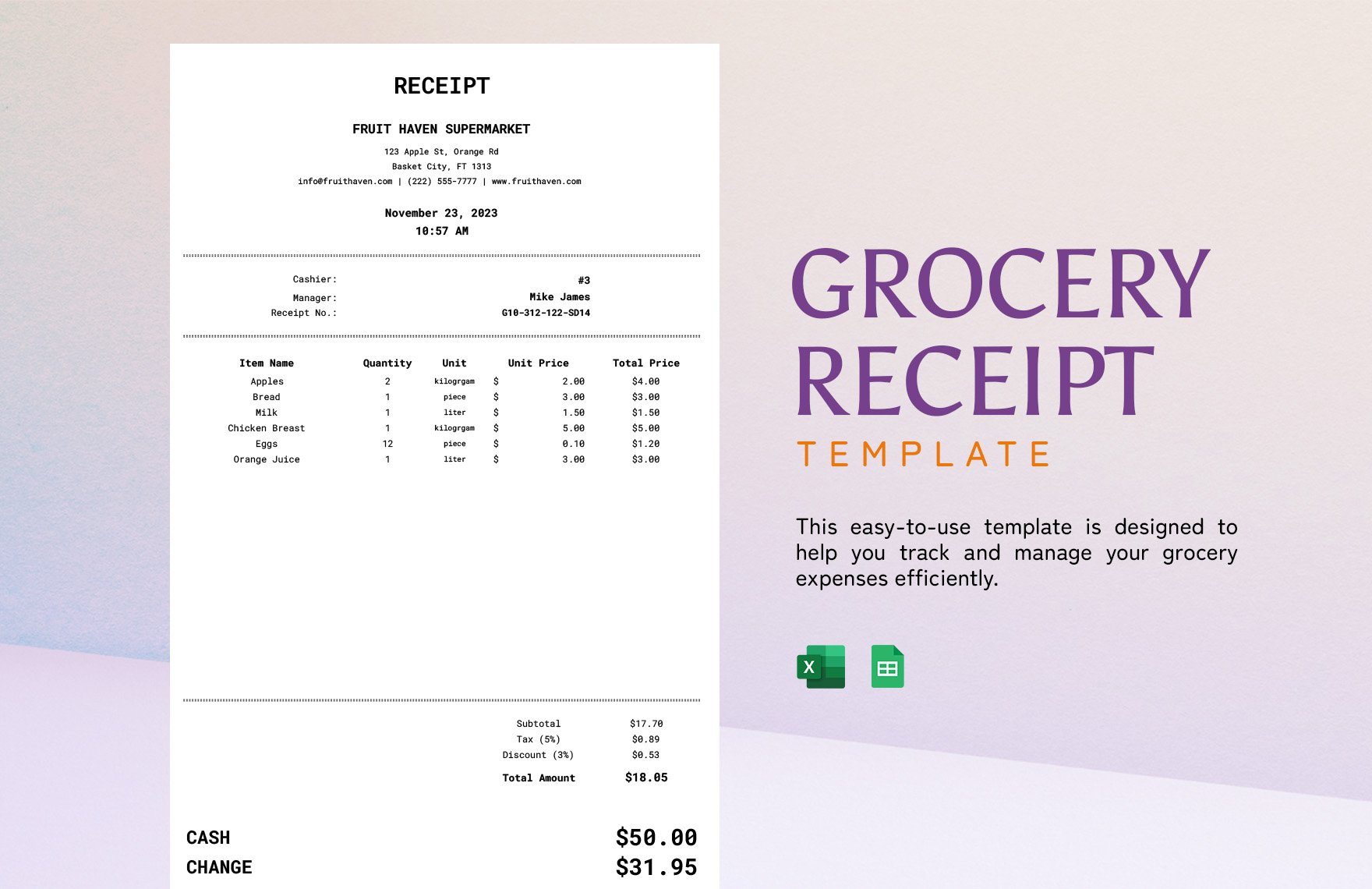
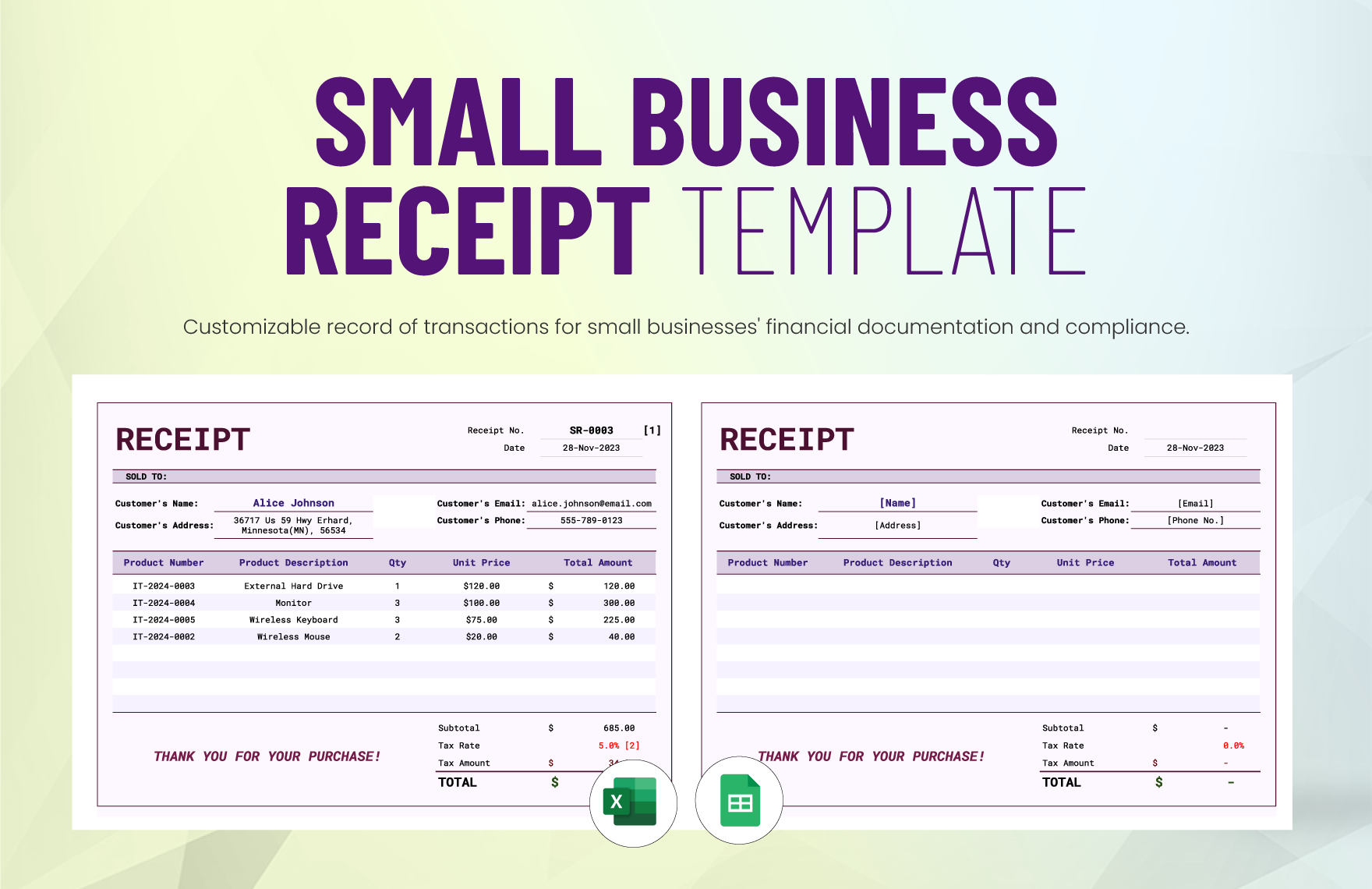
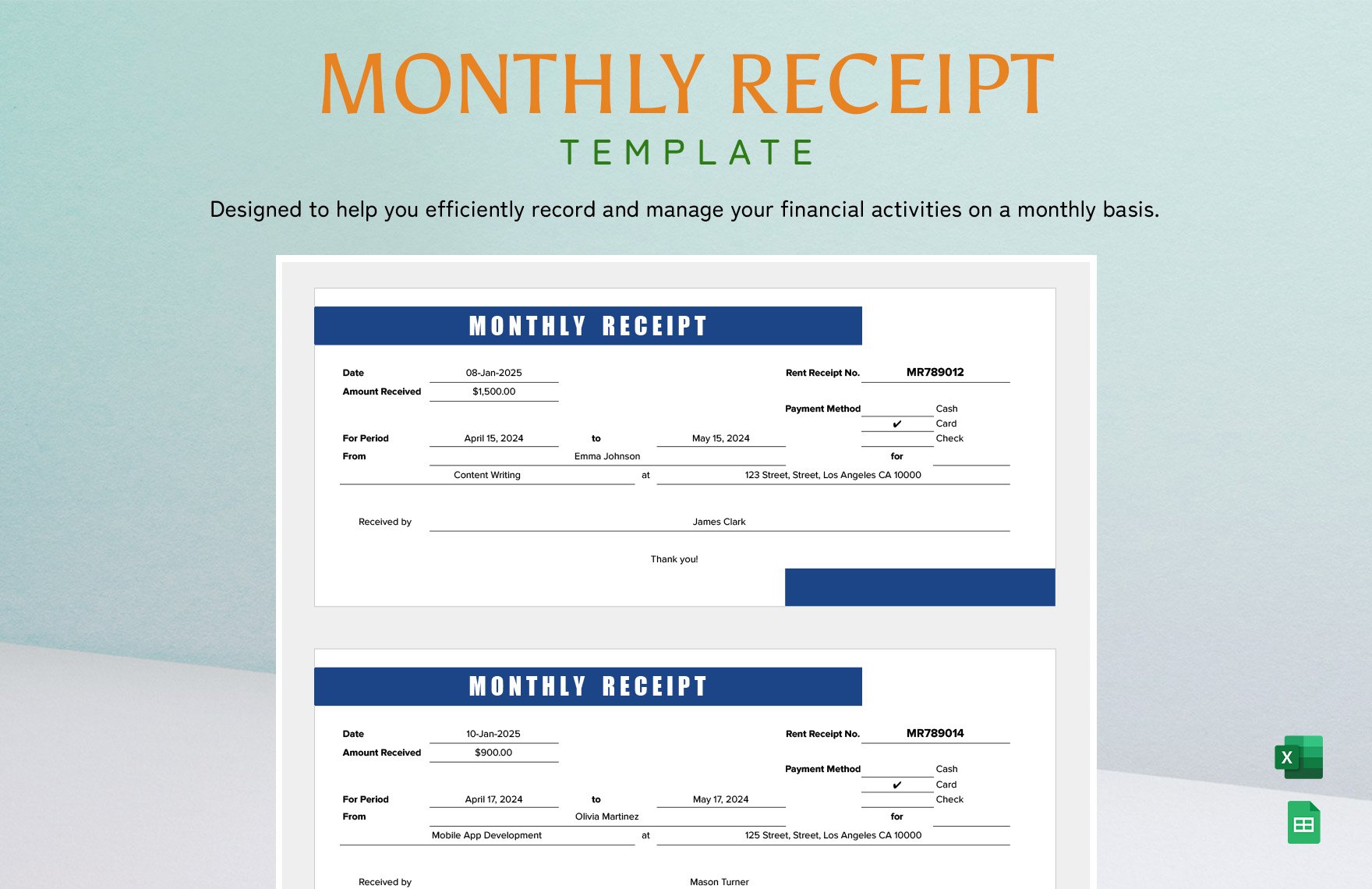
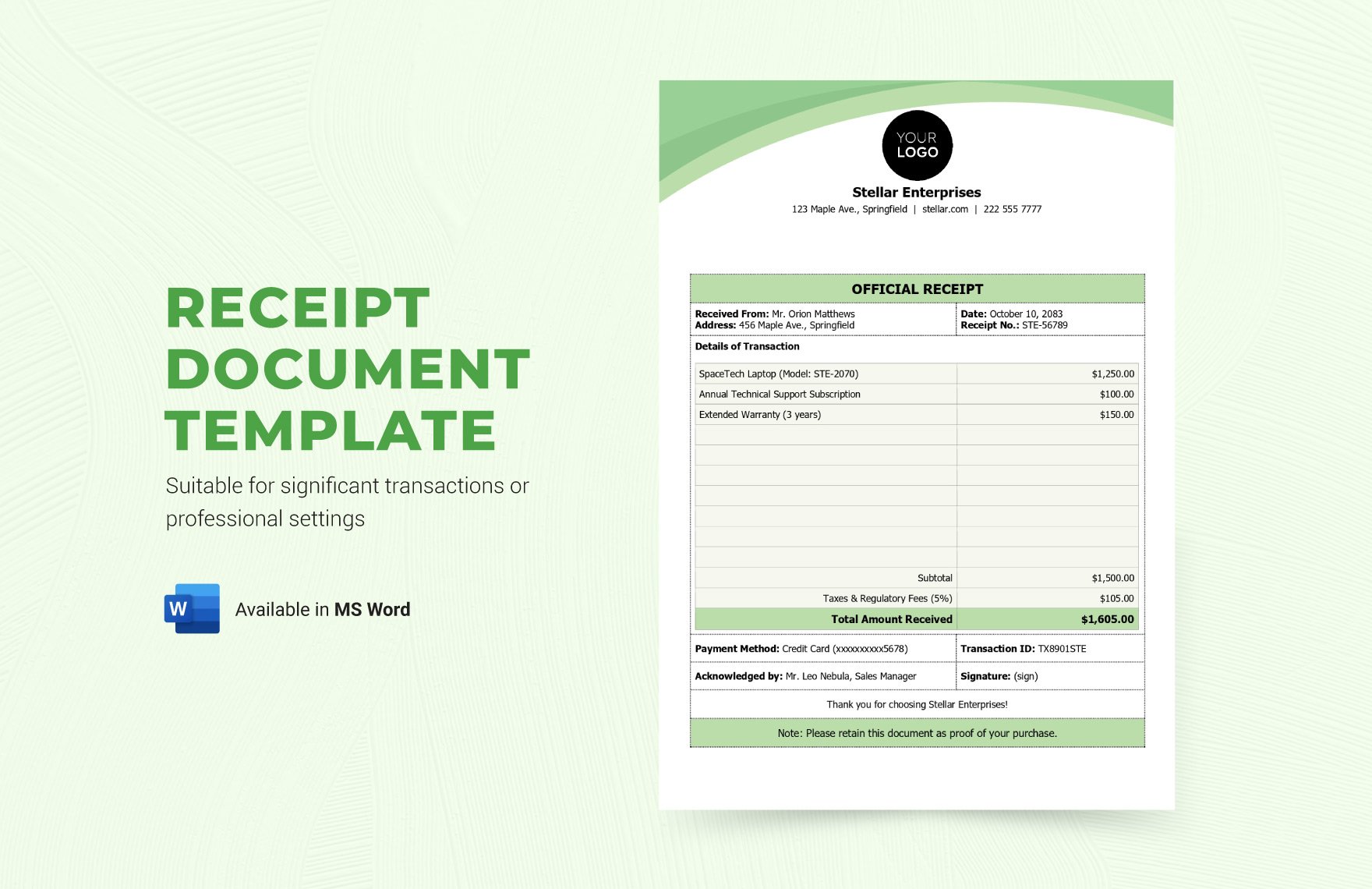
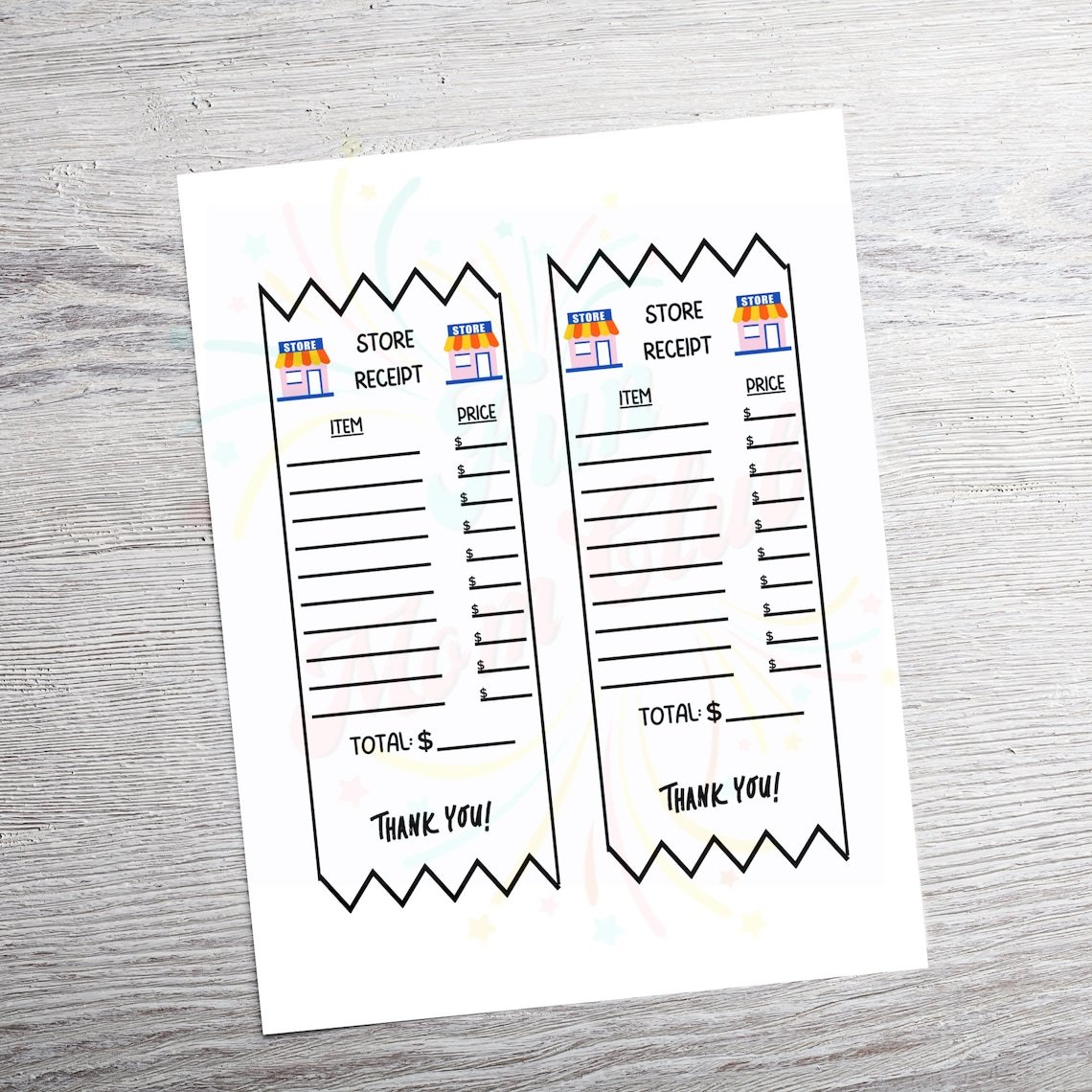
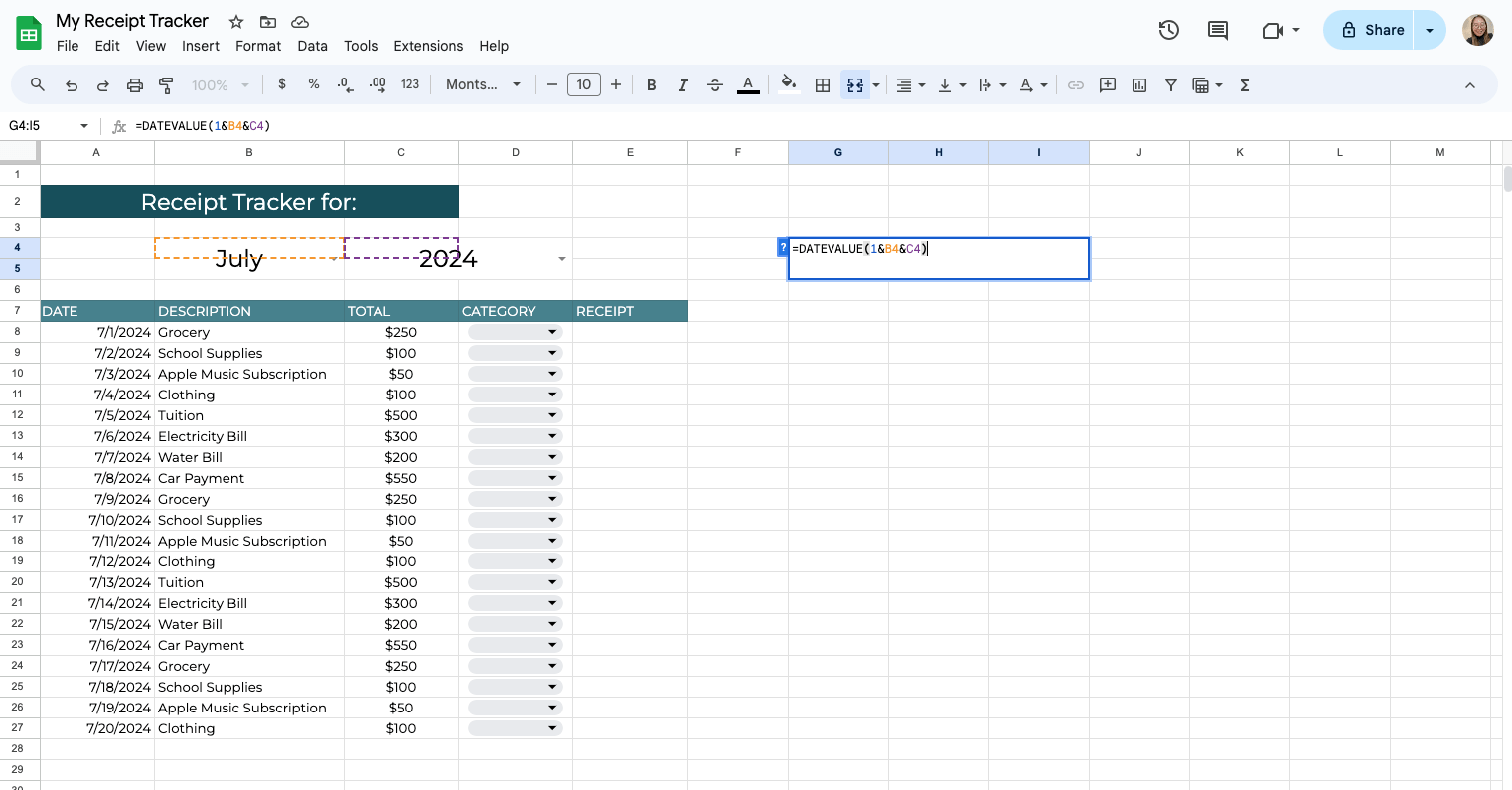
- Free Receipt Tracker Template: A simple, customizable template available for Google Sheets, Excel, and PDF. It allows for easy management of finances and receipt organization.
Template Customization and Features
When choosing a grocery receipt tracker template, consider these features:
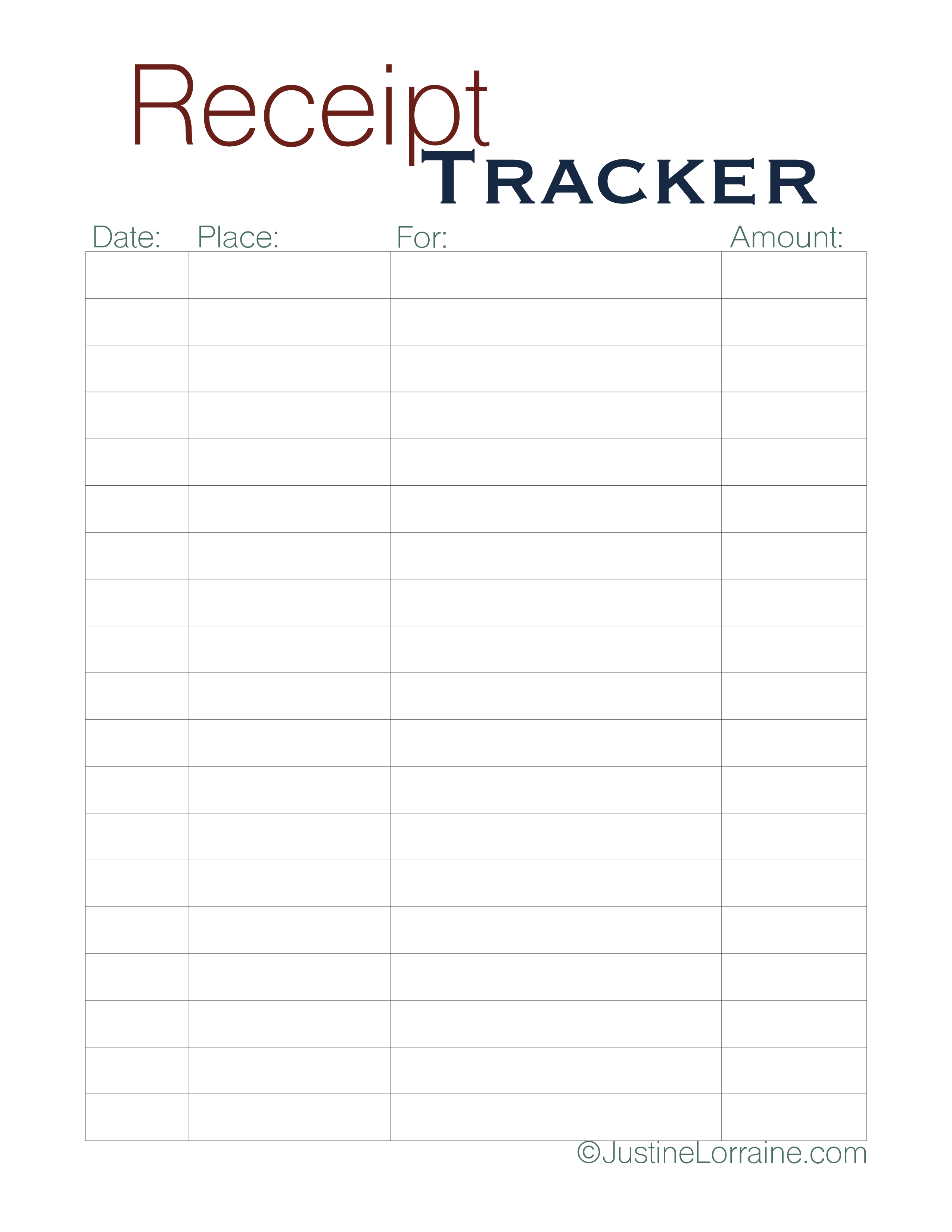
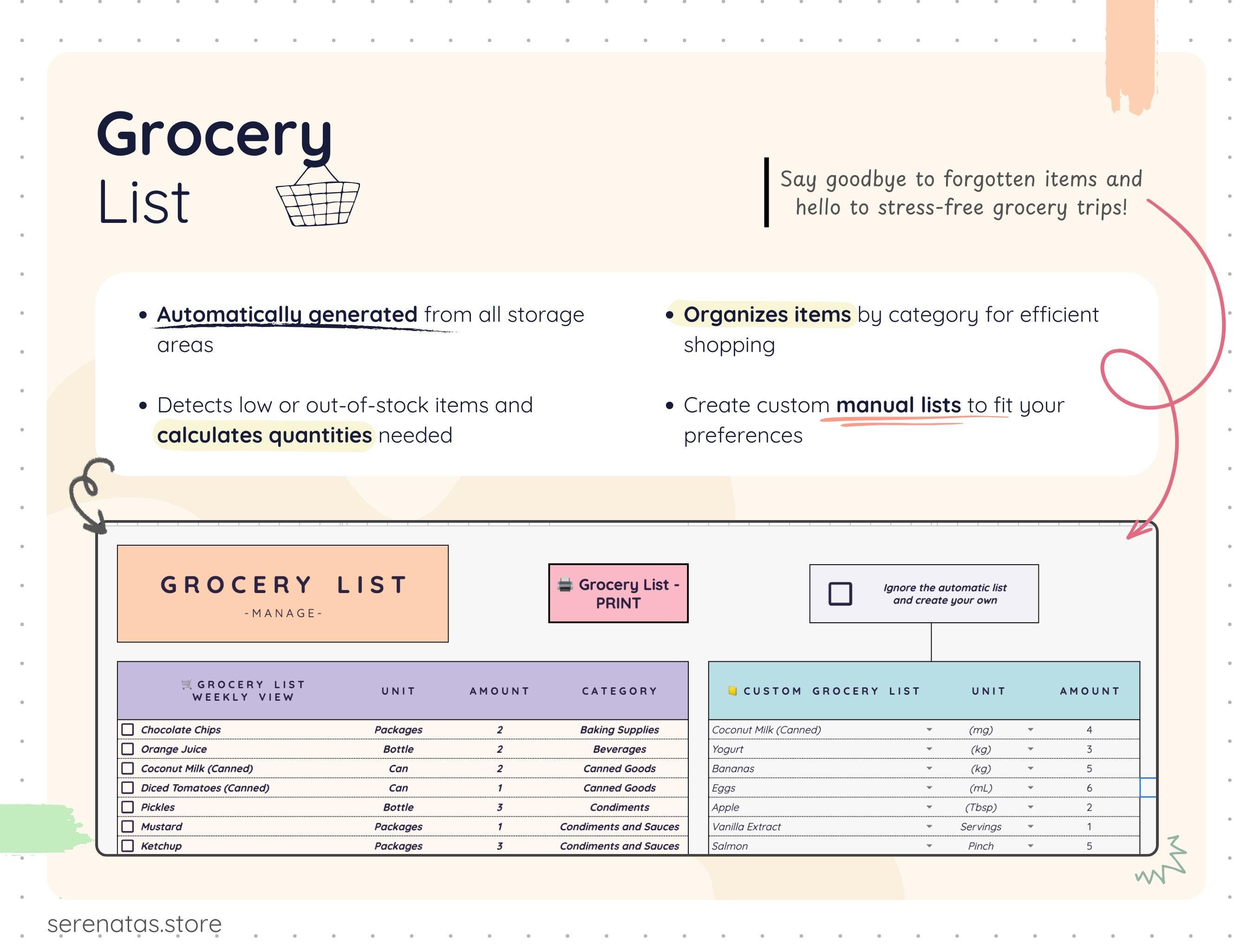
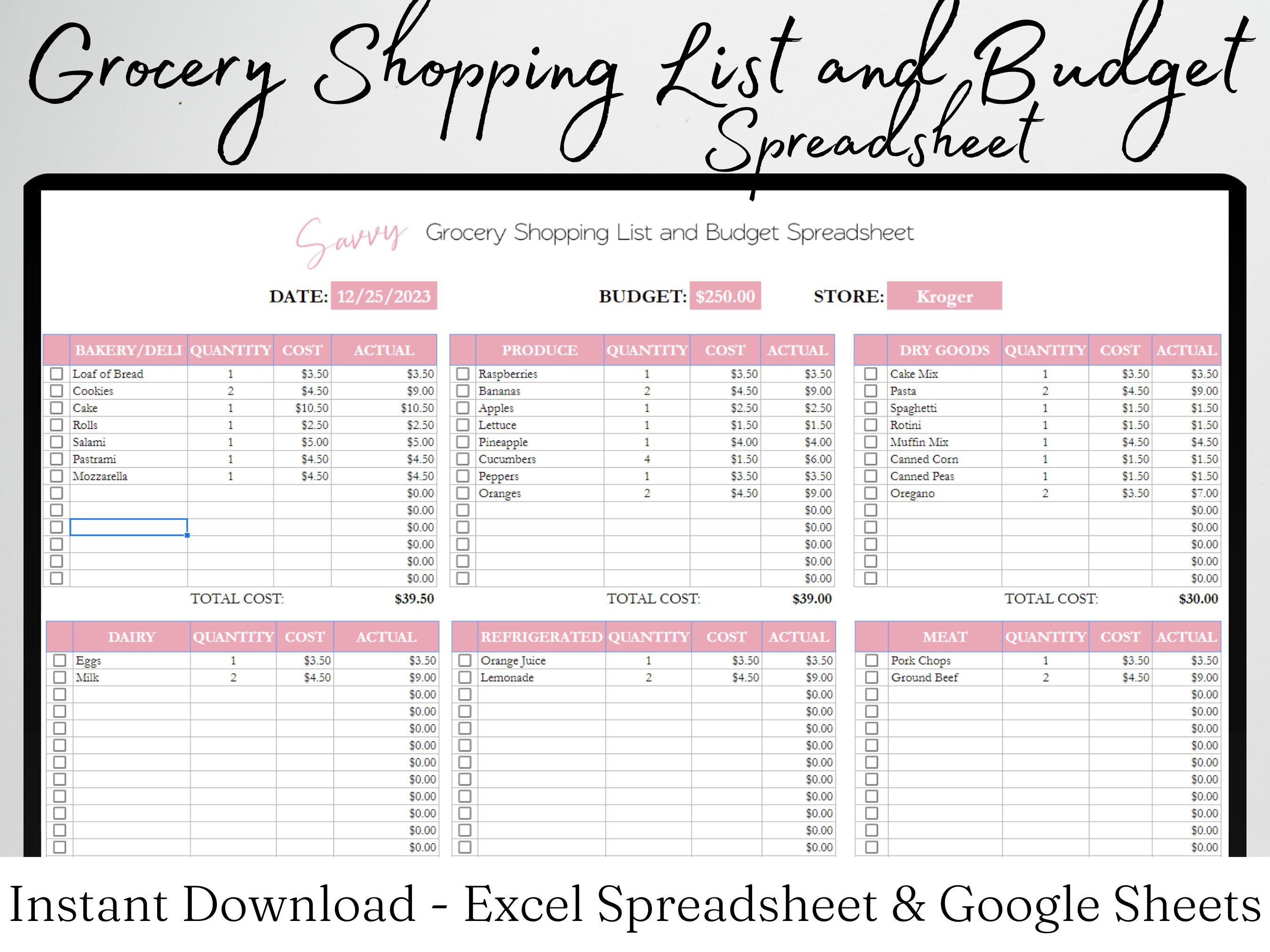
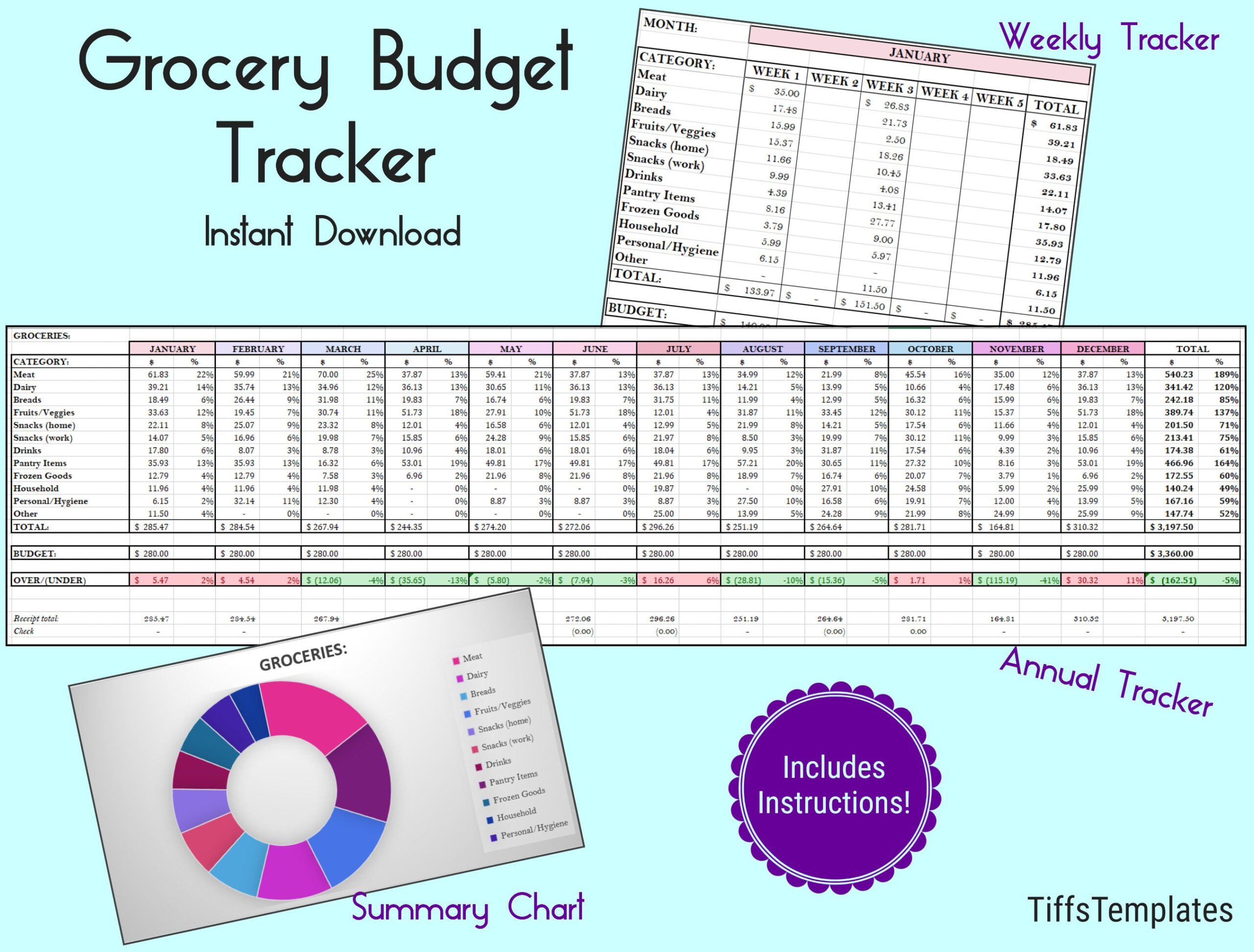
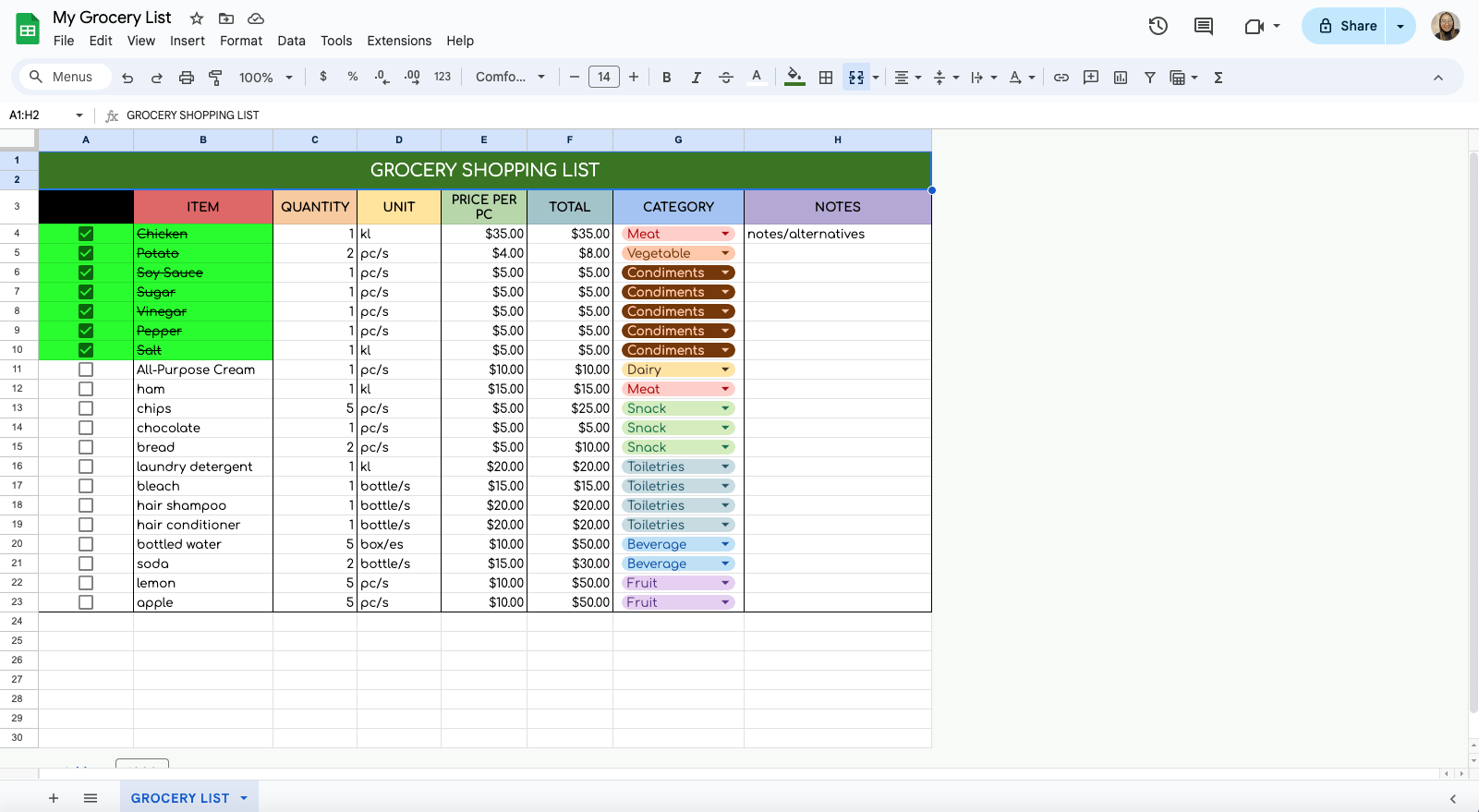
- Category Breakdowns: Look for templates that allow you to categorize expenses, making it easier to track spending on specific items or types of groceries.
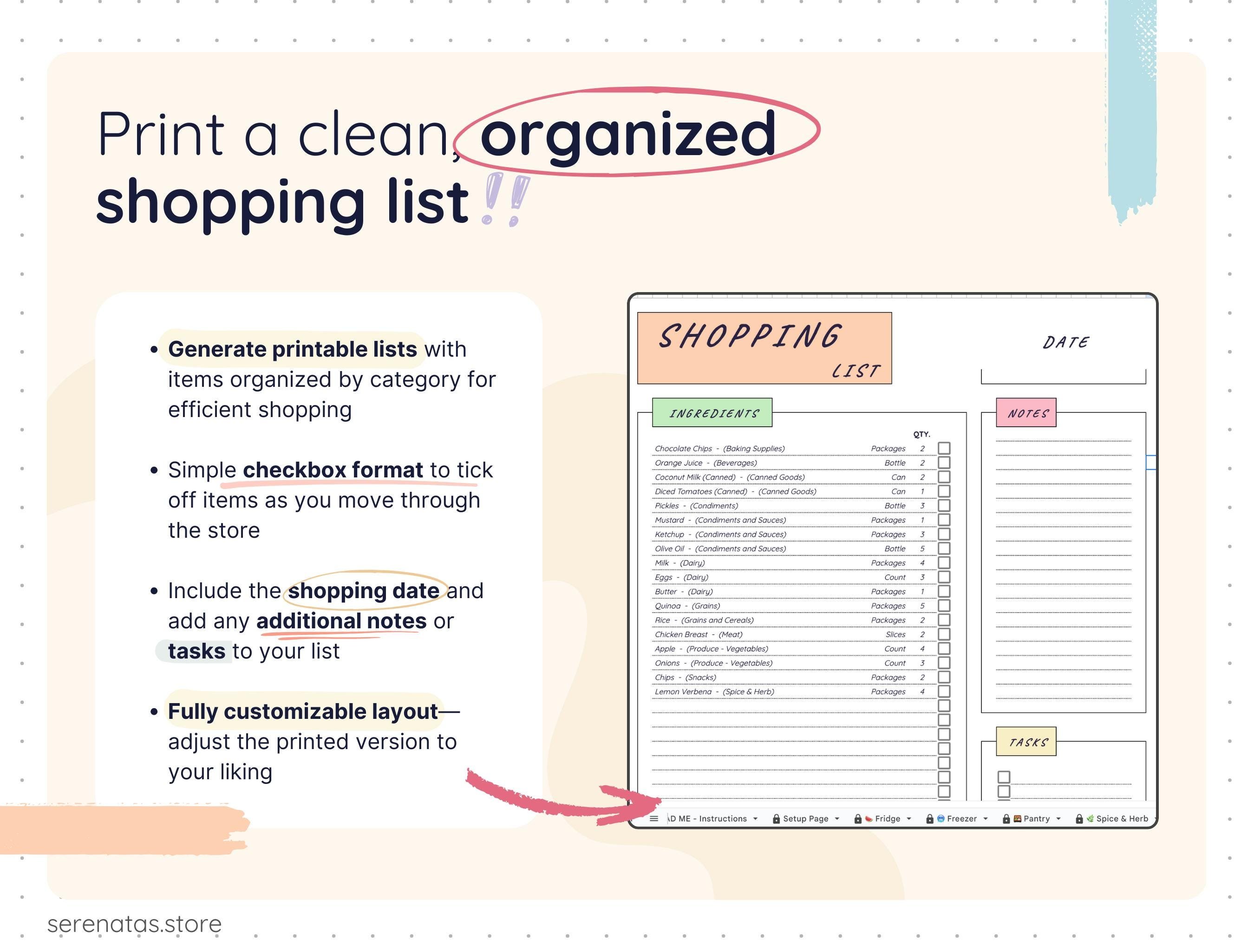
- Digital Organization: Opt for templates that offer digital receipt tracking, reducing the need for physical storage and providing an accessible, organized system.
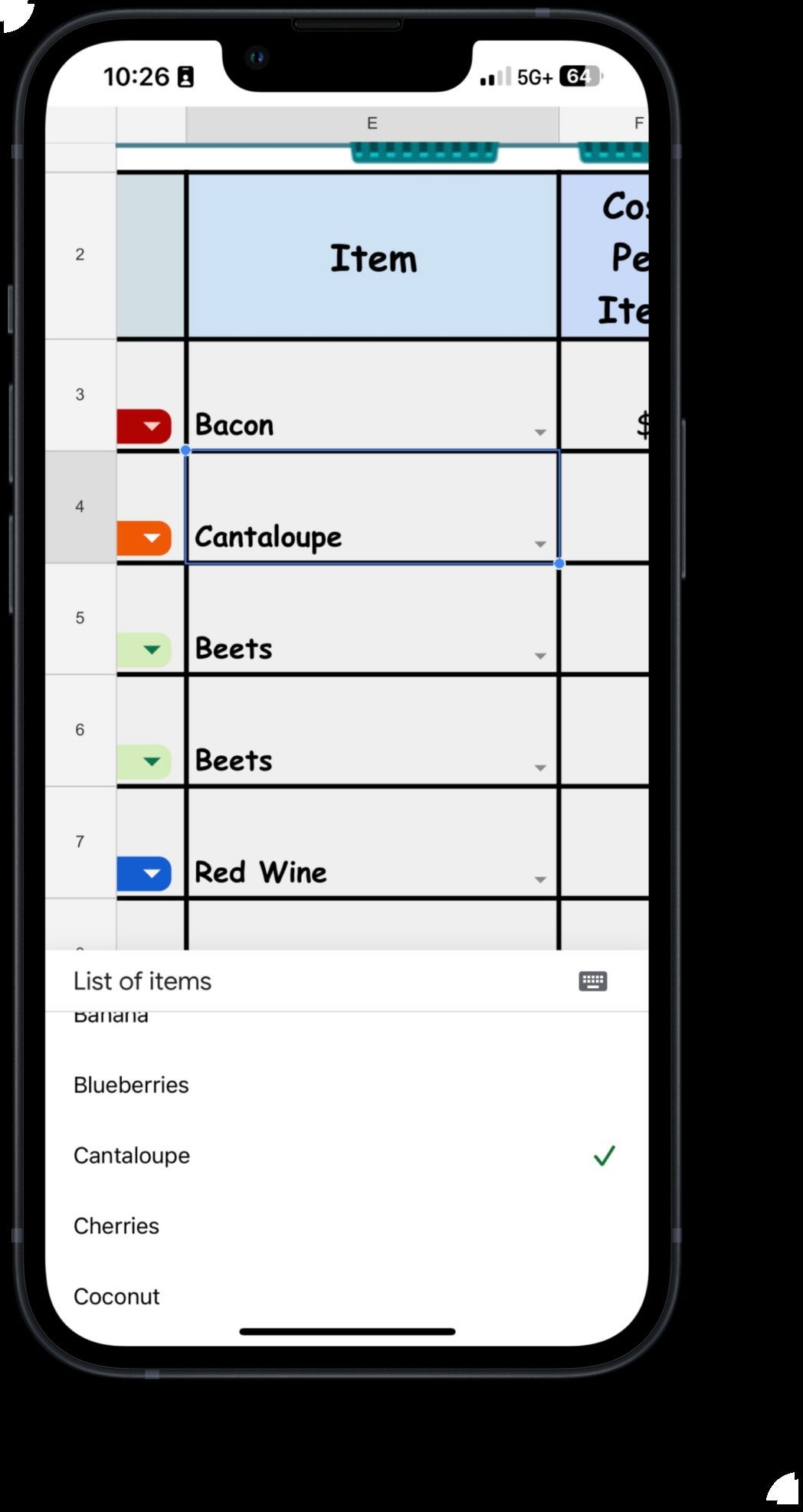
- Customizable Fields: Ensure the template is editable, allowing kids to input their own data and personalize the tracker to their needs.
Getting Started with Google Sheets
To create a grocery receipt tracker in Google Sheets:
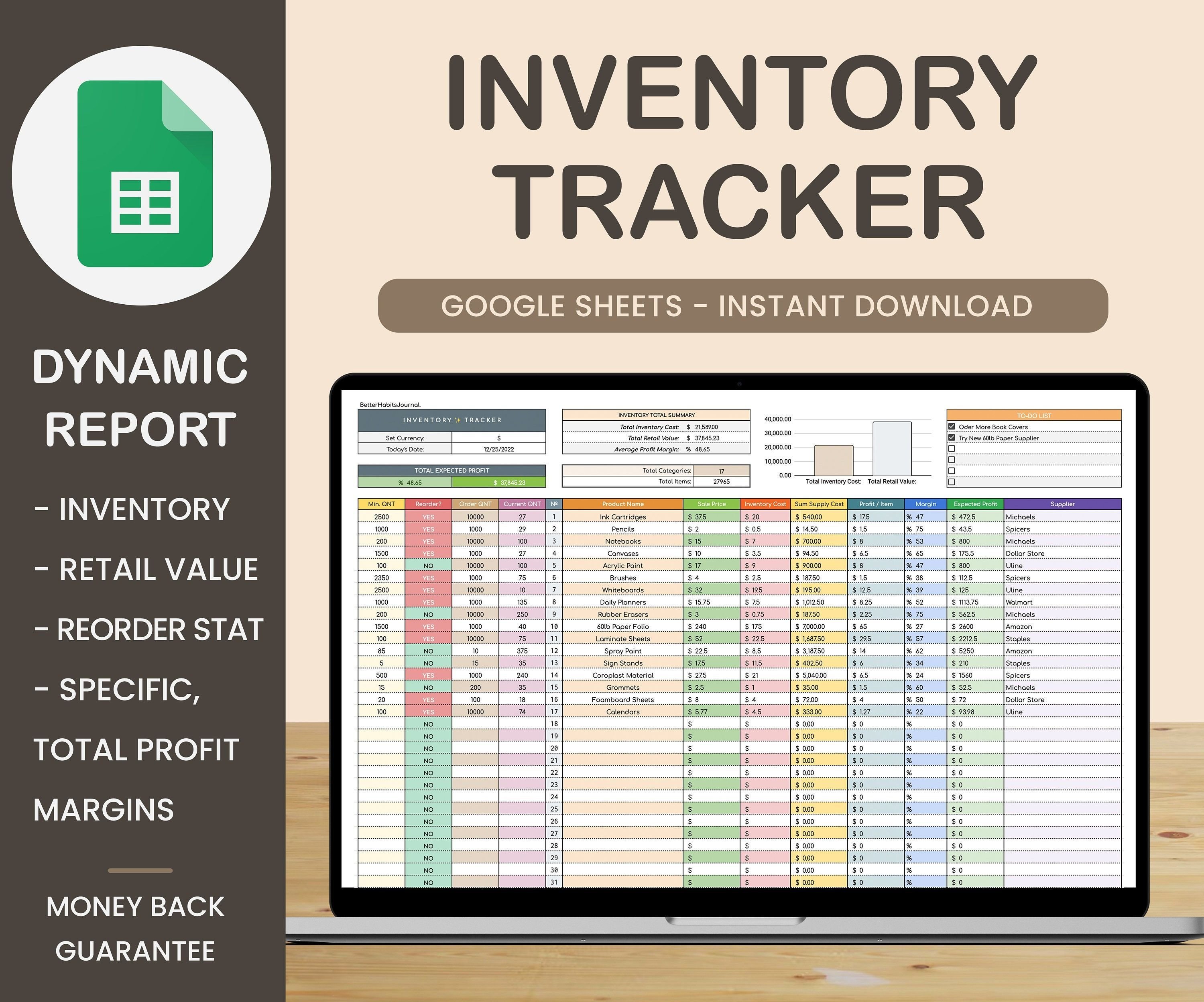
- Open a new Google Sheets document.
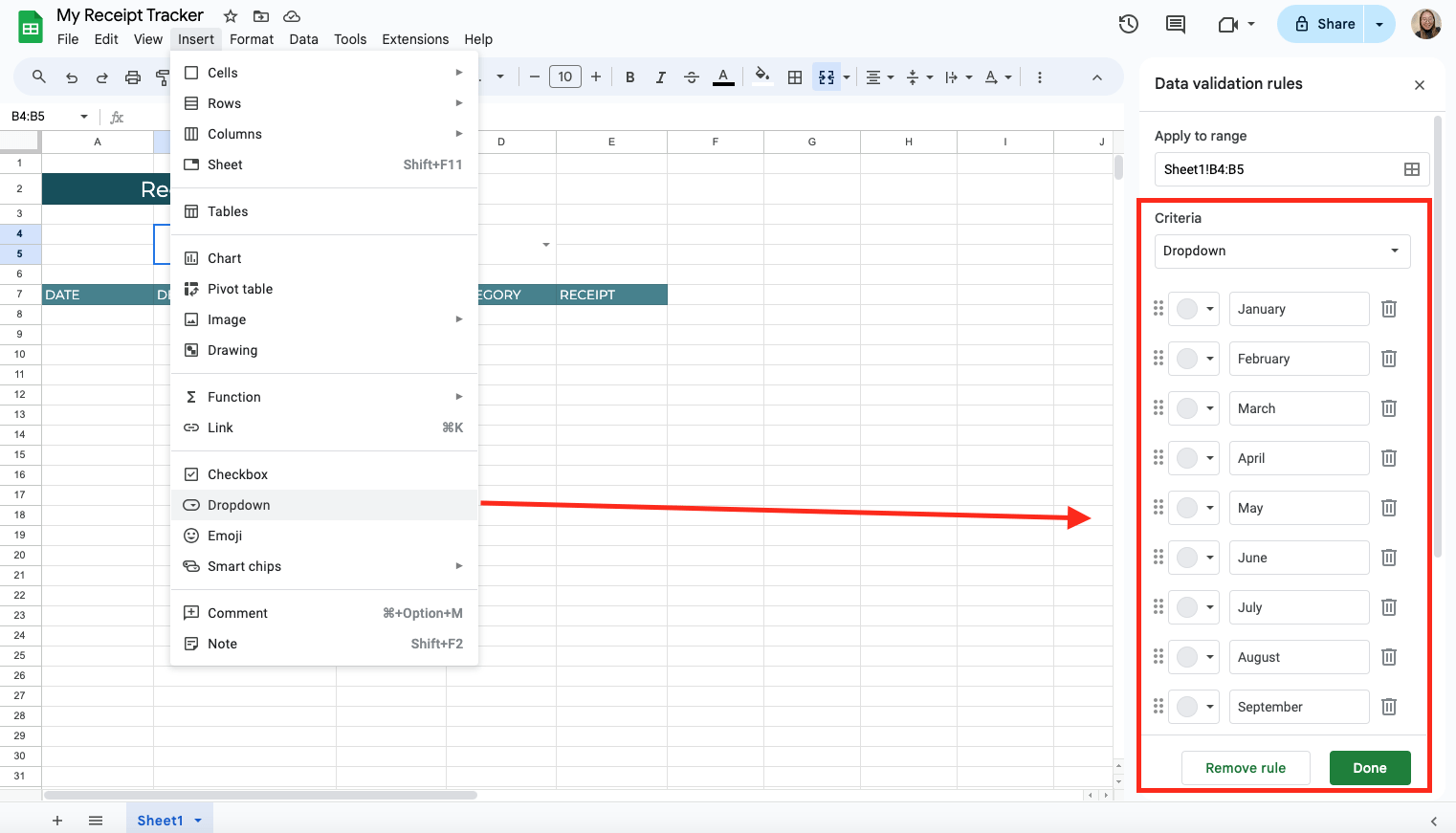
- Select the template you prefer, or use a built-in template provided by Google Sheets.
- Customize the template by adding relevant categories and fields.
- Teach kids how to input data accurately, ensuring they understand the importance of consistent tracking.
Tracking Tips for Kids
Encourage kids to:
- Record receipts immediately after shopping, ensuring they don't forget any details.
- Review their tracker regularly to understand their spending habits and identify areas for improvement.
- Set small, achievable goals, like reducing impulse purchases or comparing prices to find the best deals.
Additional Resources
For further guidance, explore these related resources:
- Free Printable Gratitude Worksheets Grade 4
- Pixelated Color by Number Game Easy
- Kpop Demon Hunter Colouring Pages Free Printable
Remember, a grocery receipt tracker is a valuable tool for teaching kids about financial responsibility and budgeting skills.