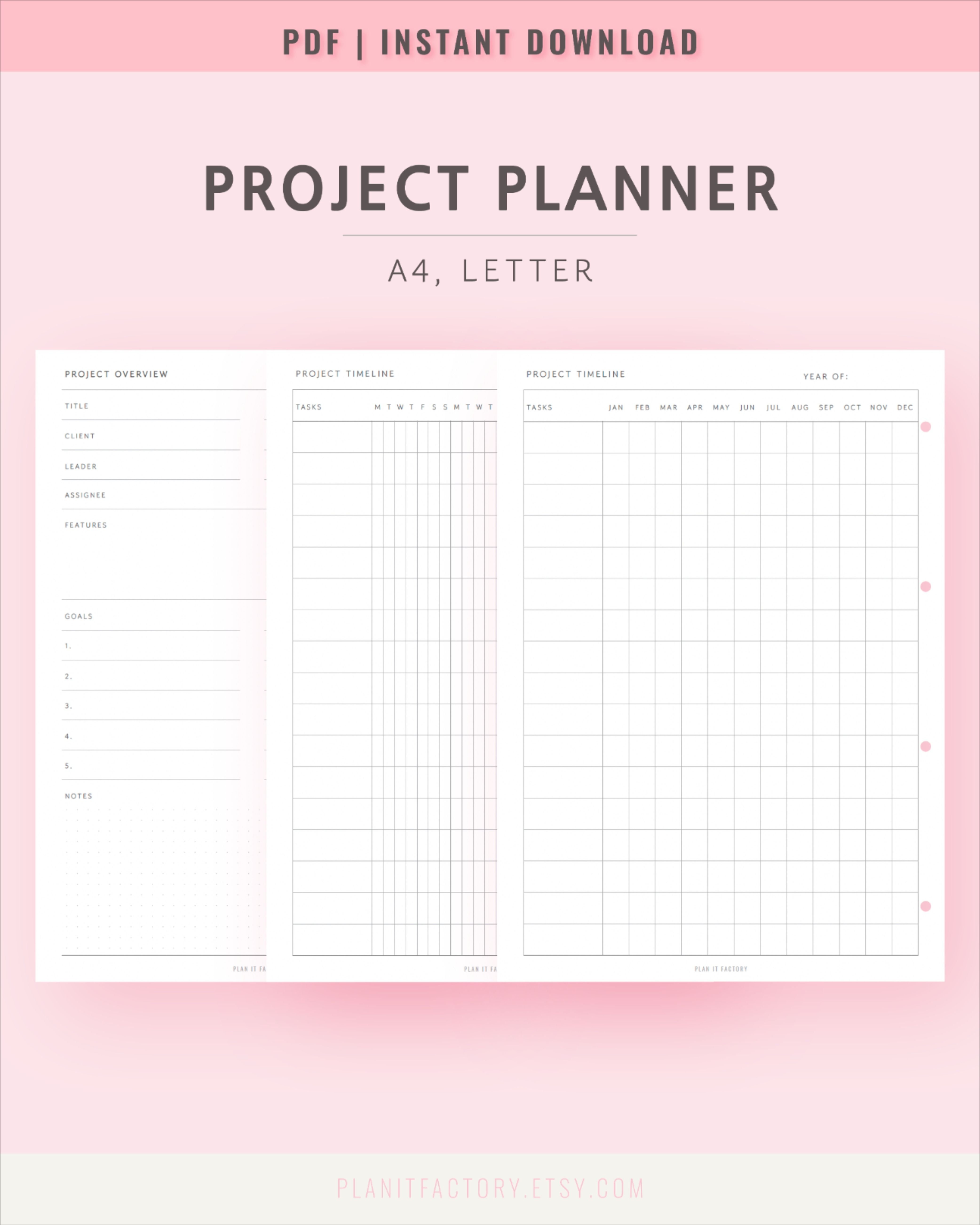
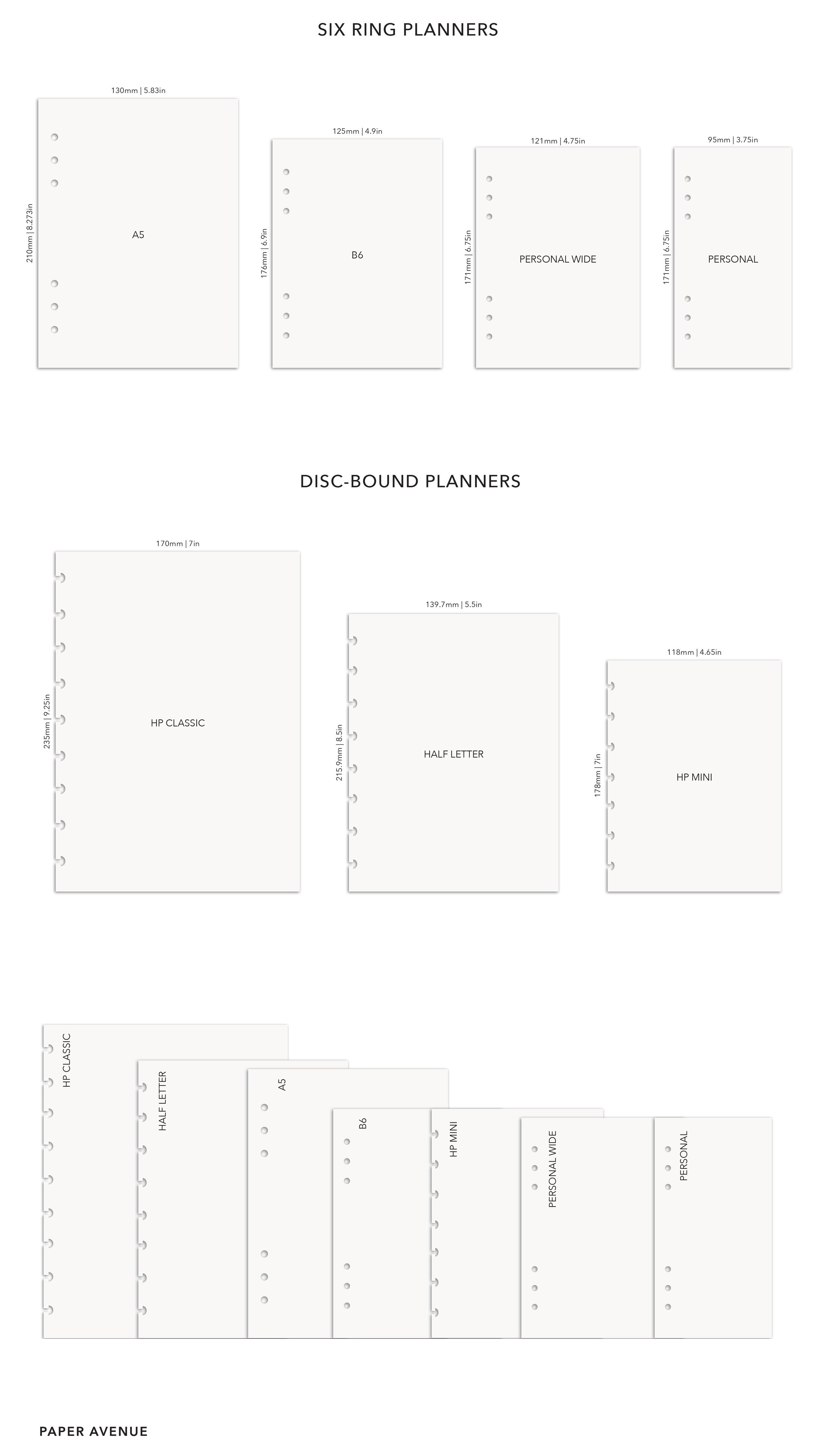
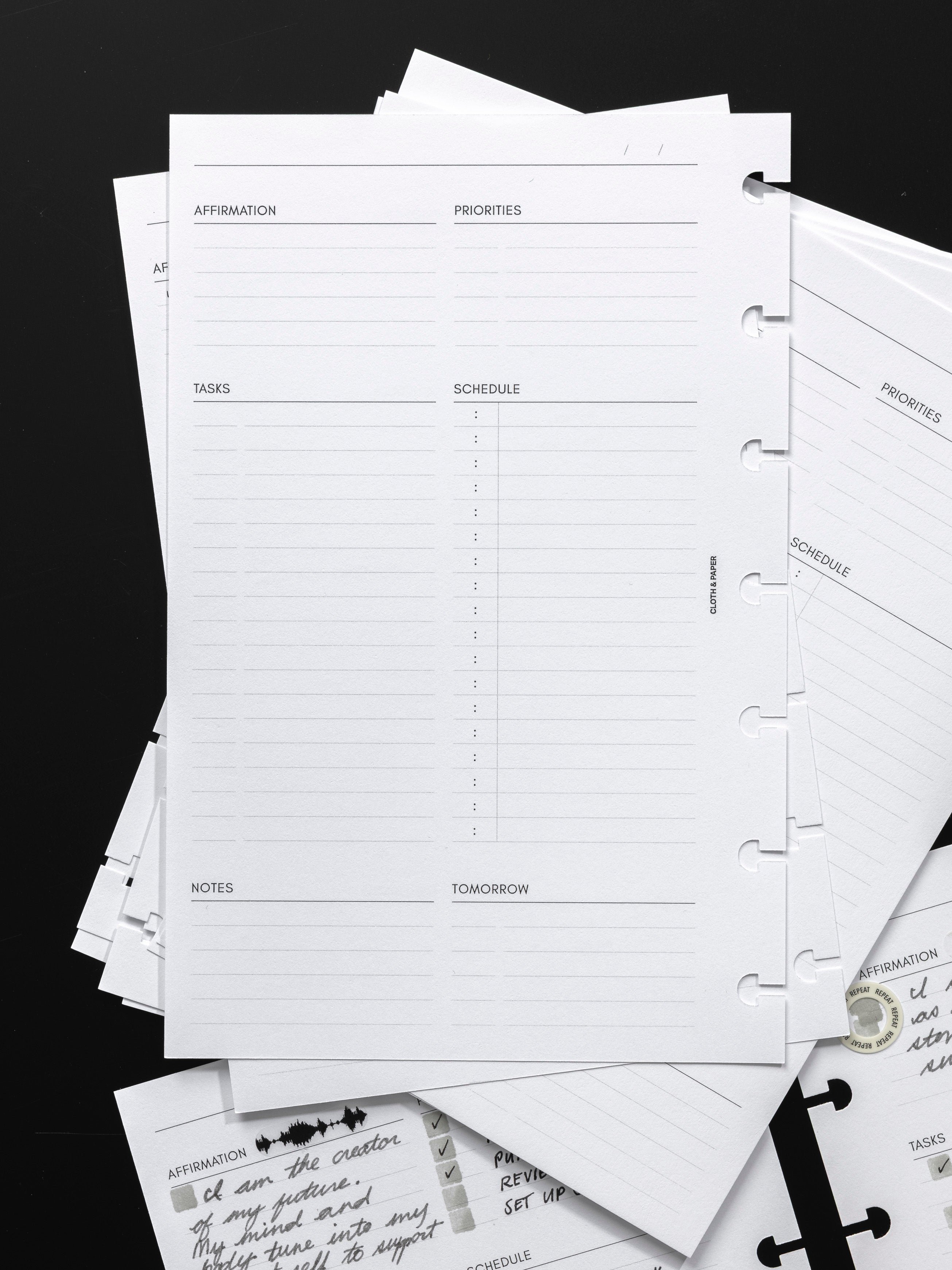
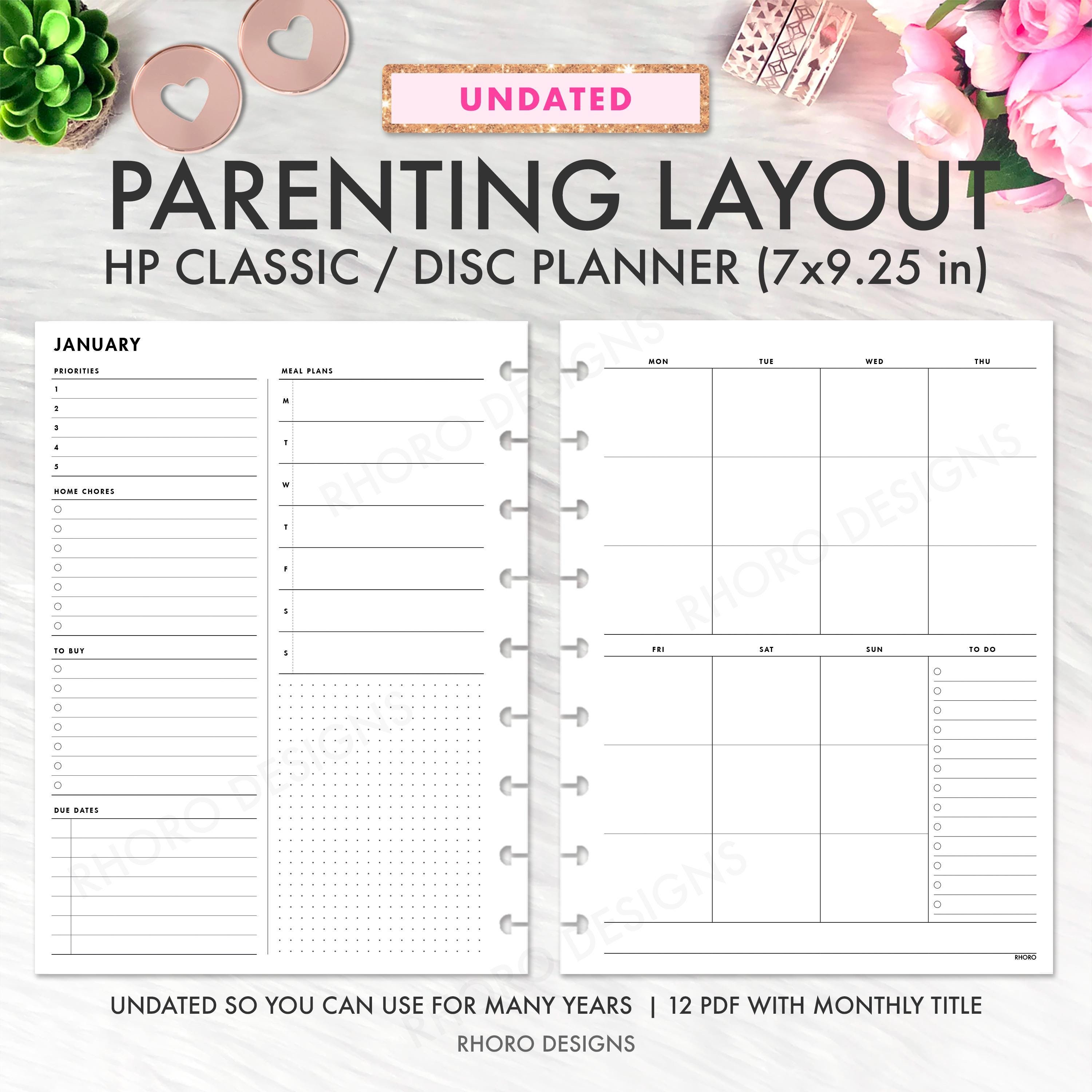
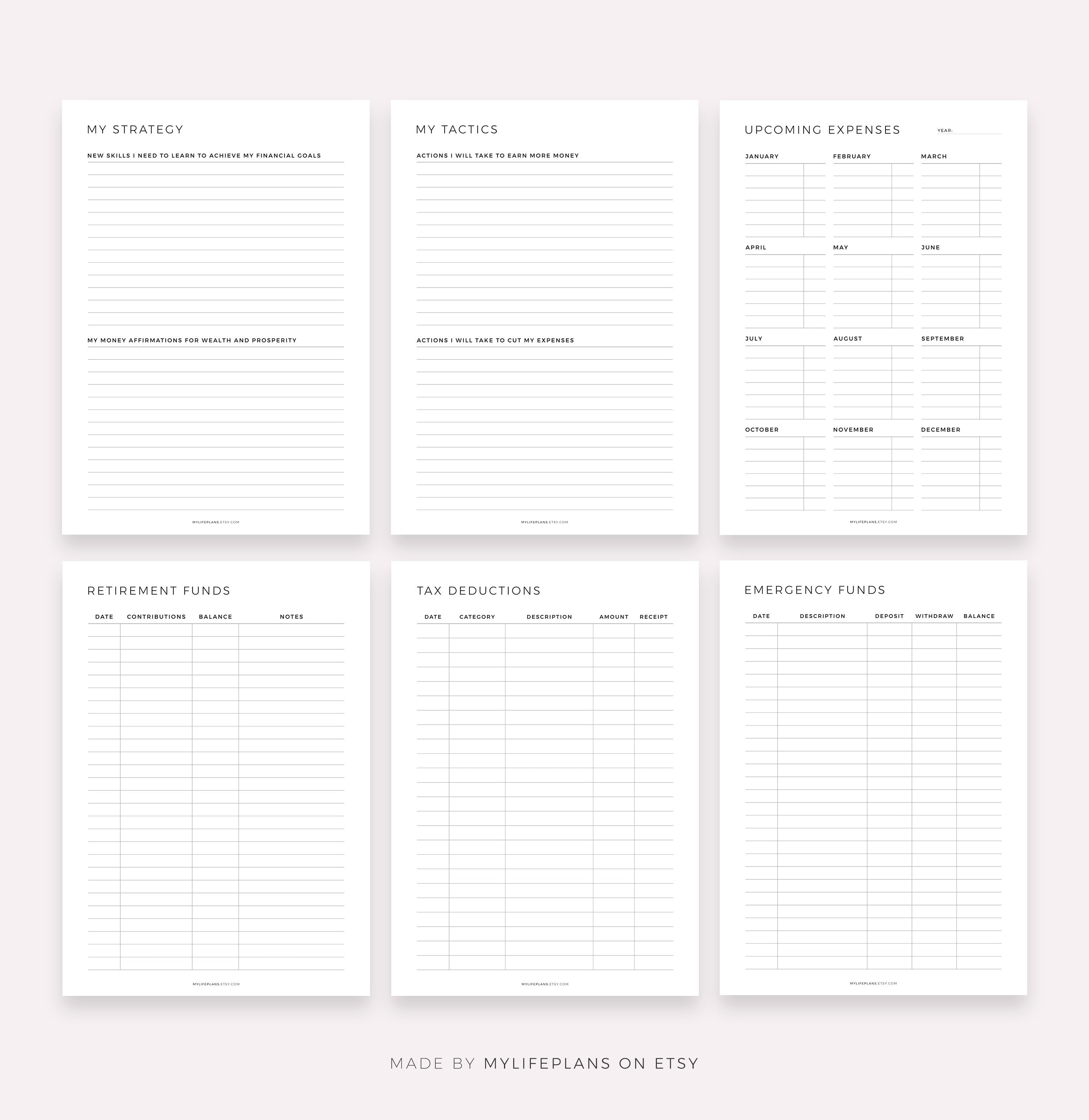
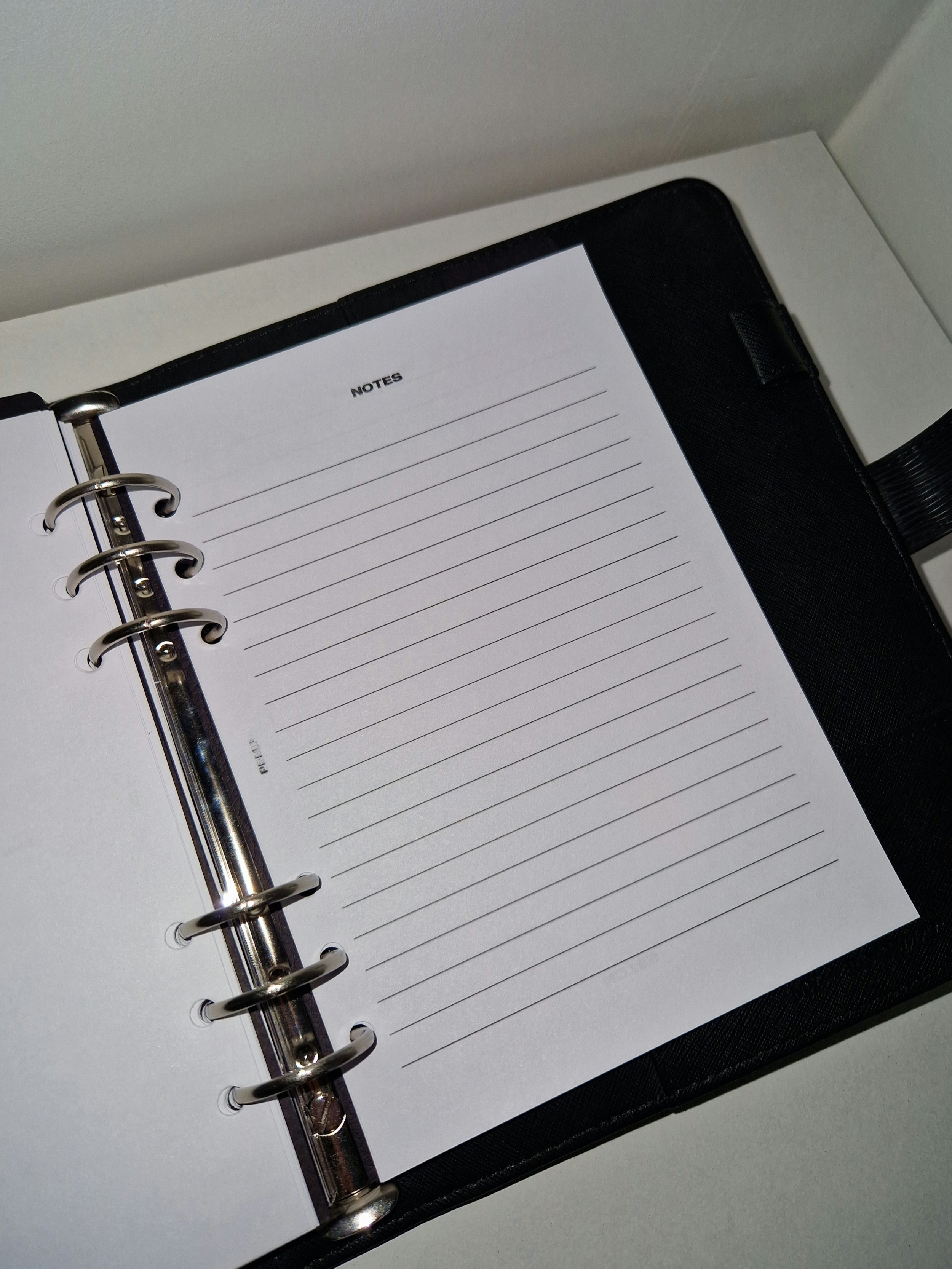
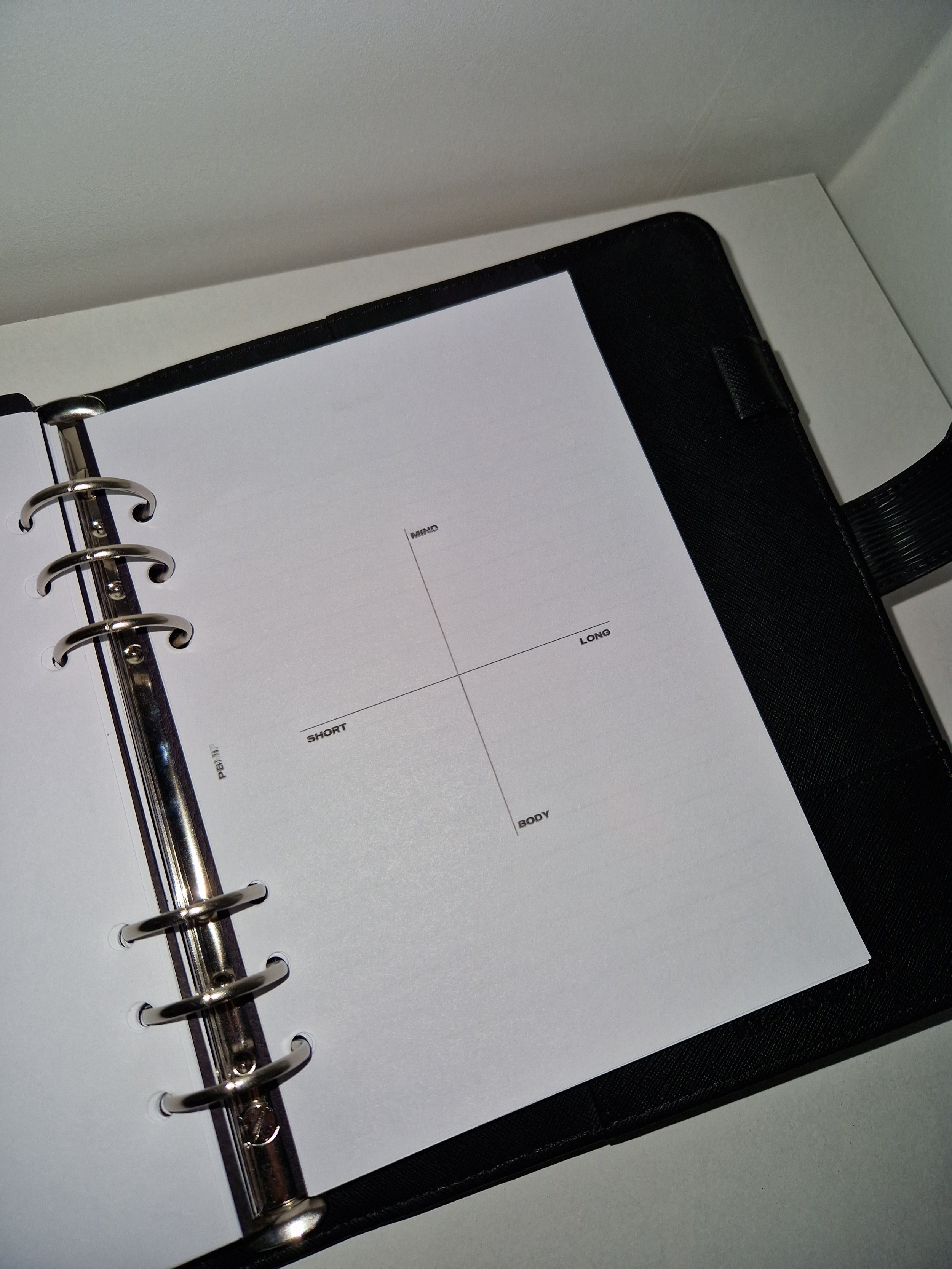
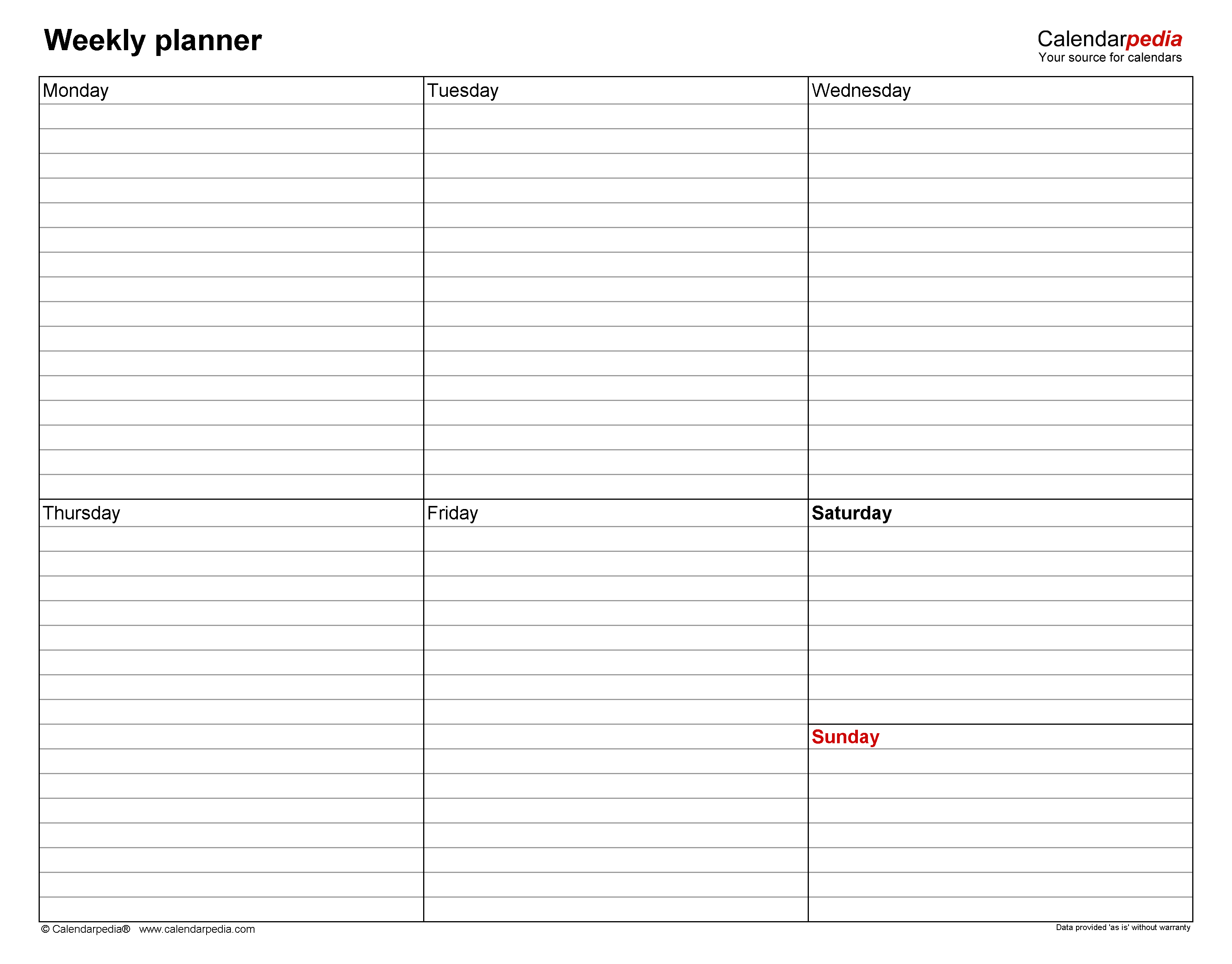
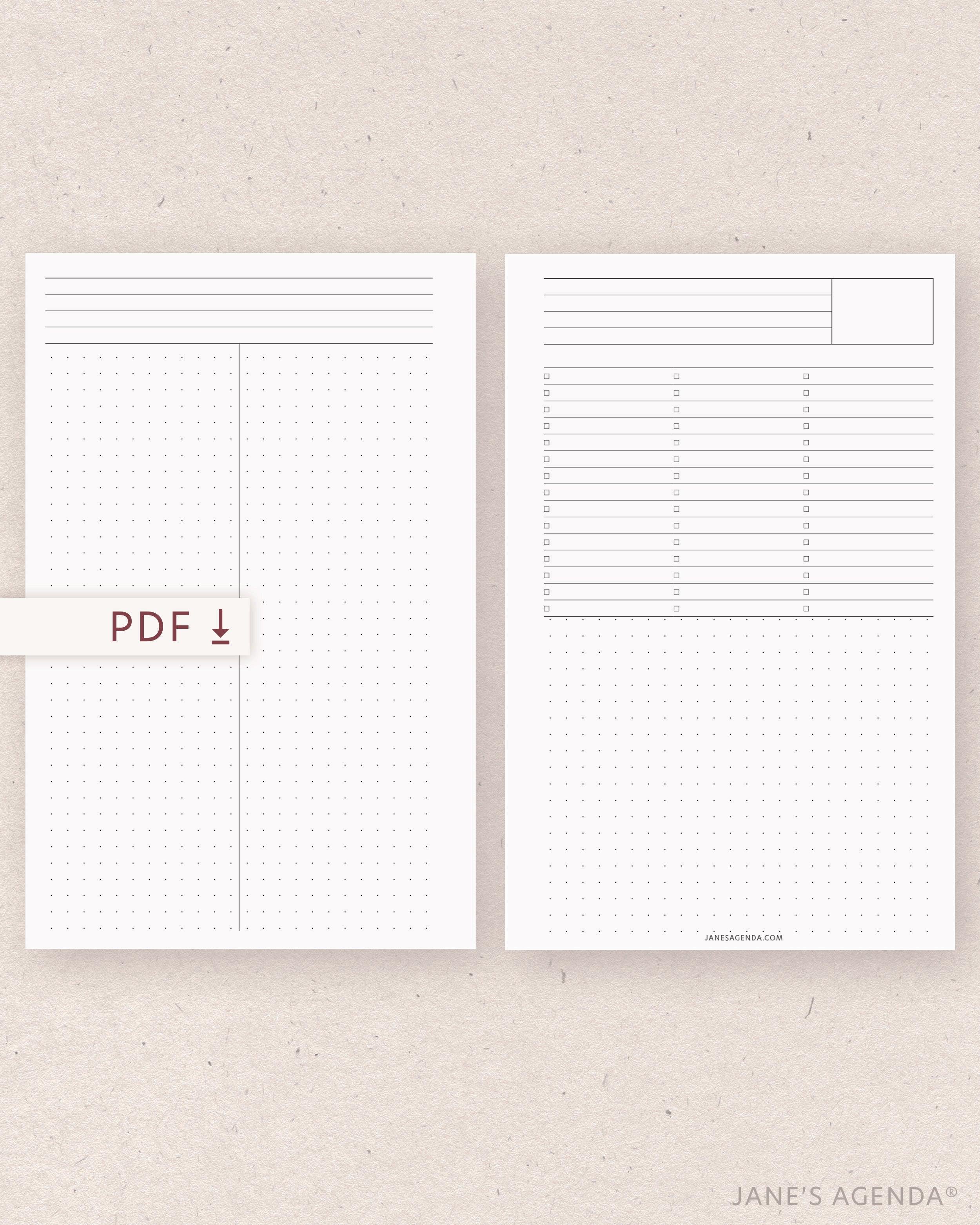
How To Create Planner Inserts In Word Happy Planner Mini Hobonichi Style Printable
Appears cleanly at the top edge when printed. Nothing is sent to a server.
Preparing print layout...
Appears cleanly at the top edge when printed. Nothing is sent to a server.
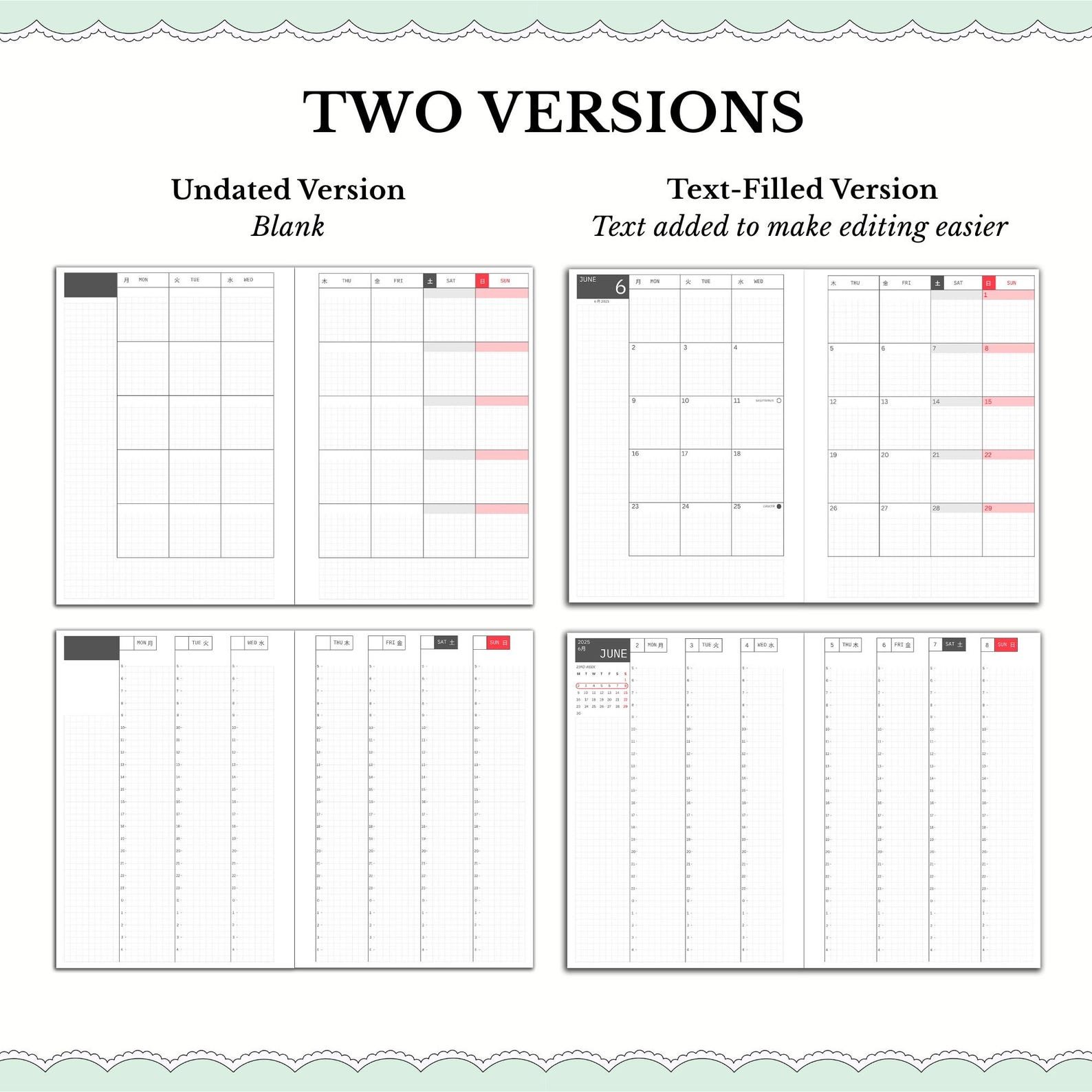
Sheet #17 from the how to create planner inserts in word gallery uses a square frame layout at 1588×1588 px (JPG).
Prints centered on either US Letter or A4 in Portrait mode with even margins. Regular 80–100 GSM copy paper works fine for daily drills, while 160–200 GSM cardstock or a dry-erase pocket holds up for repeat sessions.
Collection Context: Part of the how to create planner inserts in word printable set formatted for home and classroom printing. View every option in the full how to create planner inserts in word gallery.
View full how to create planner inserts in word collection