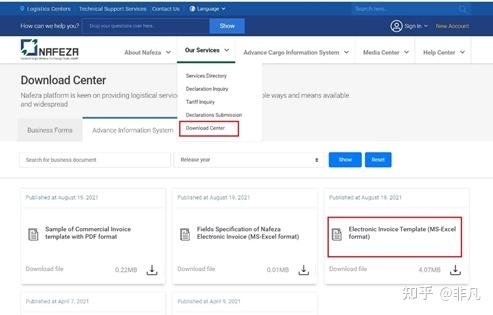
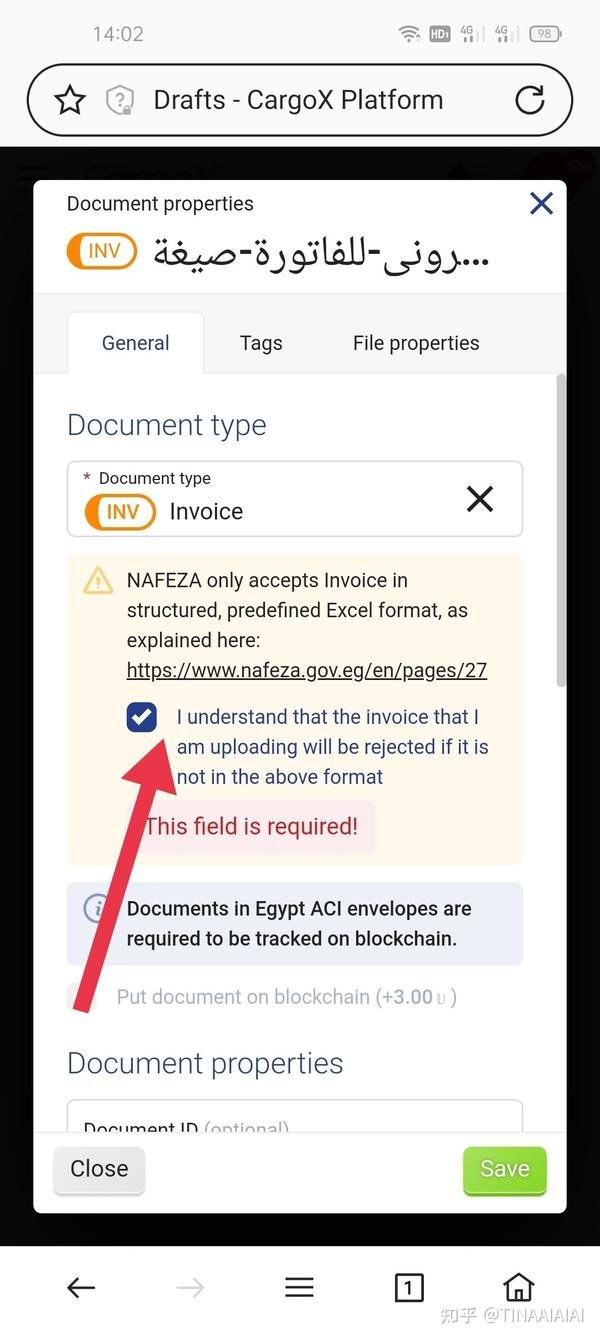
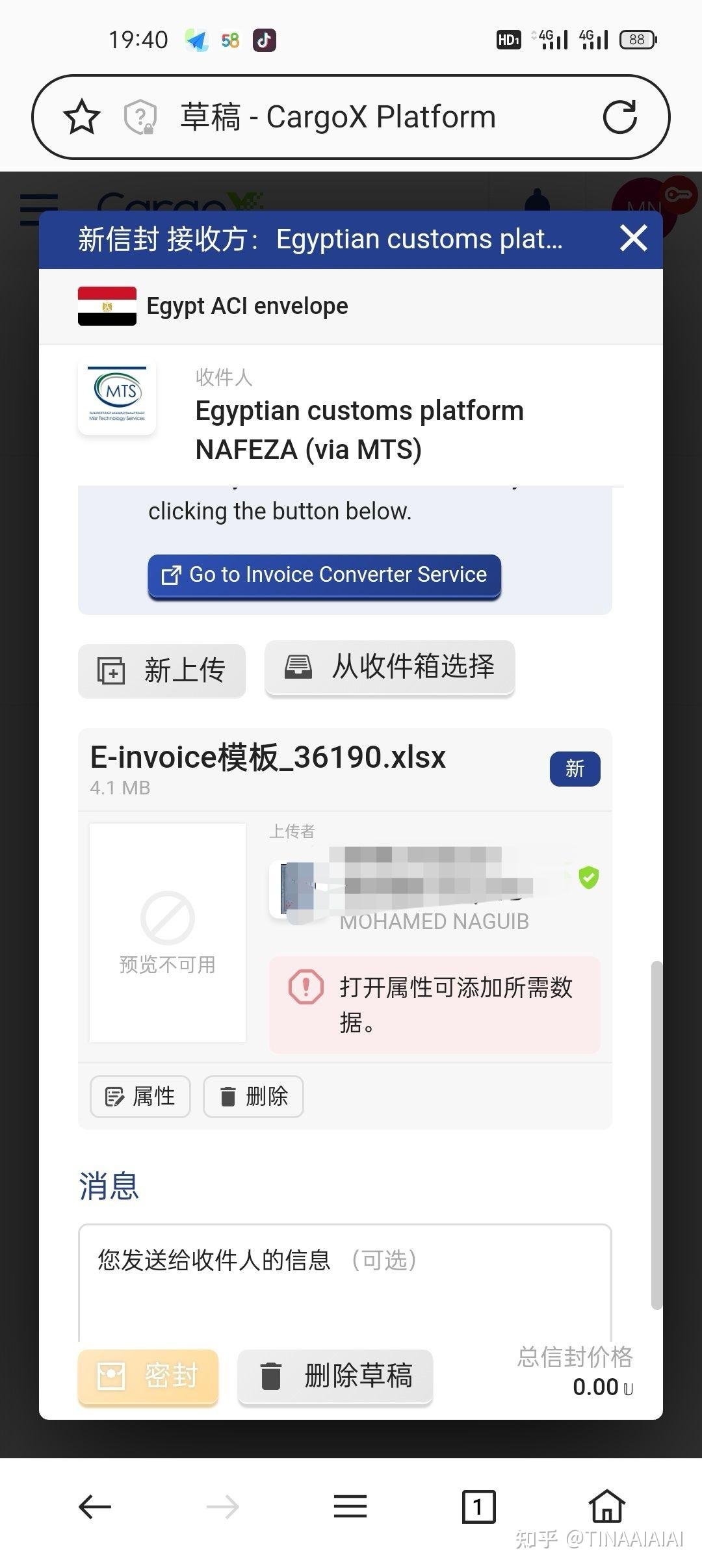
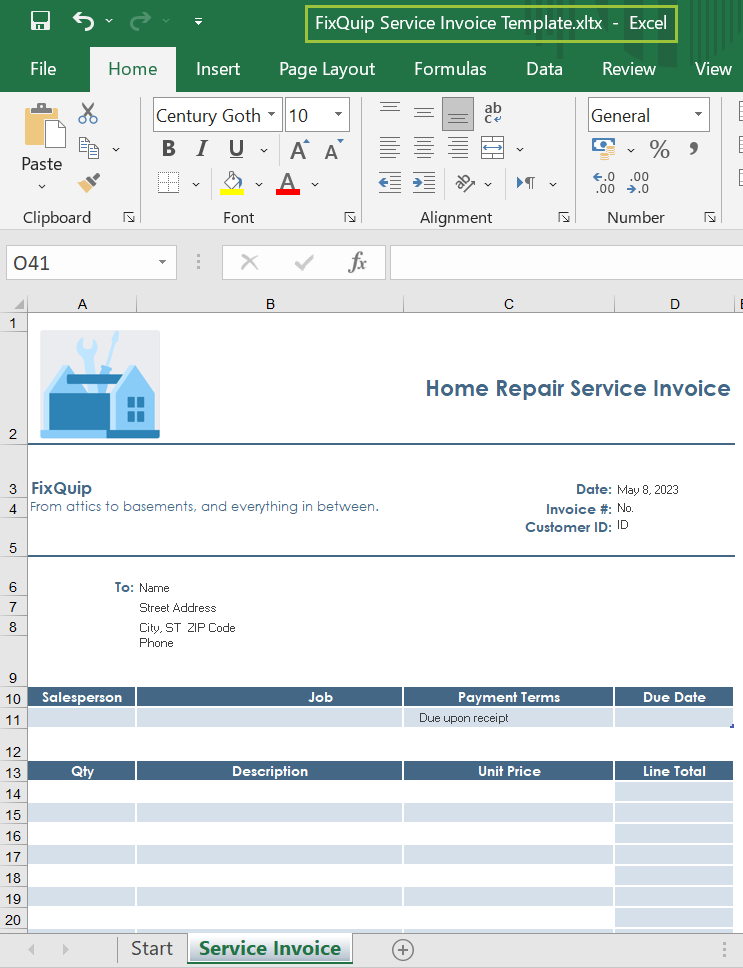
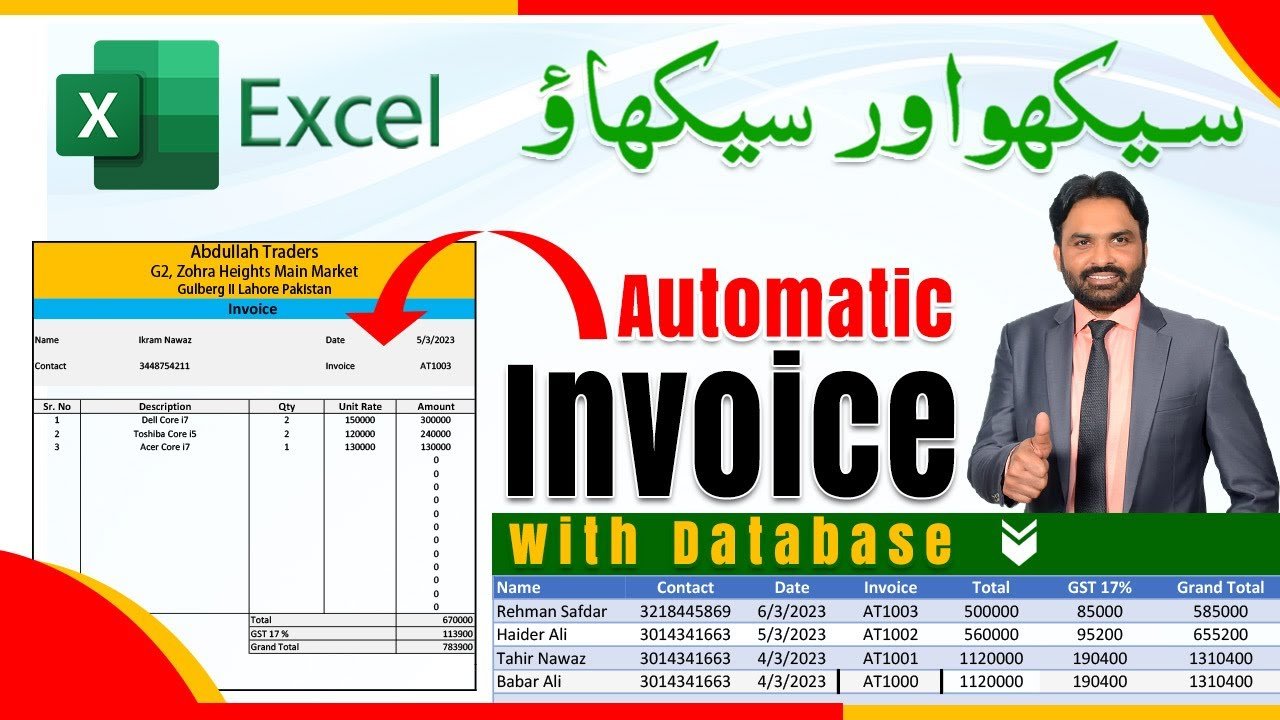
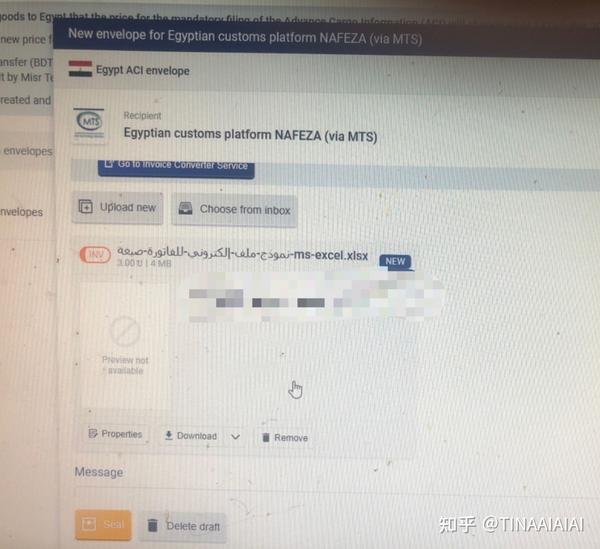
出口埃及 如何在CARGO X系统发送Nafeza要求的Excel发票 知乎 (Nafeza Excel)
Appears cleanly at the top edge when printed. Nothing is sent to a server.
Preparing print layout...
Appears cleanly at the top edge when printed. Nothing is sent to a server.
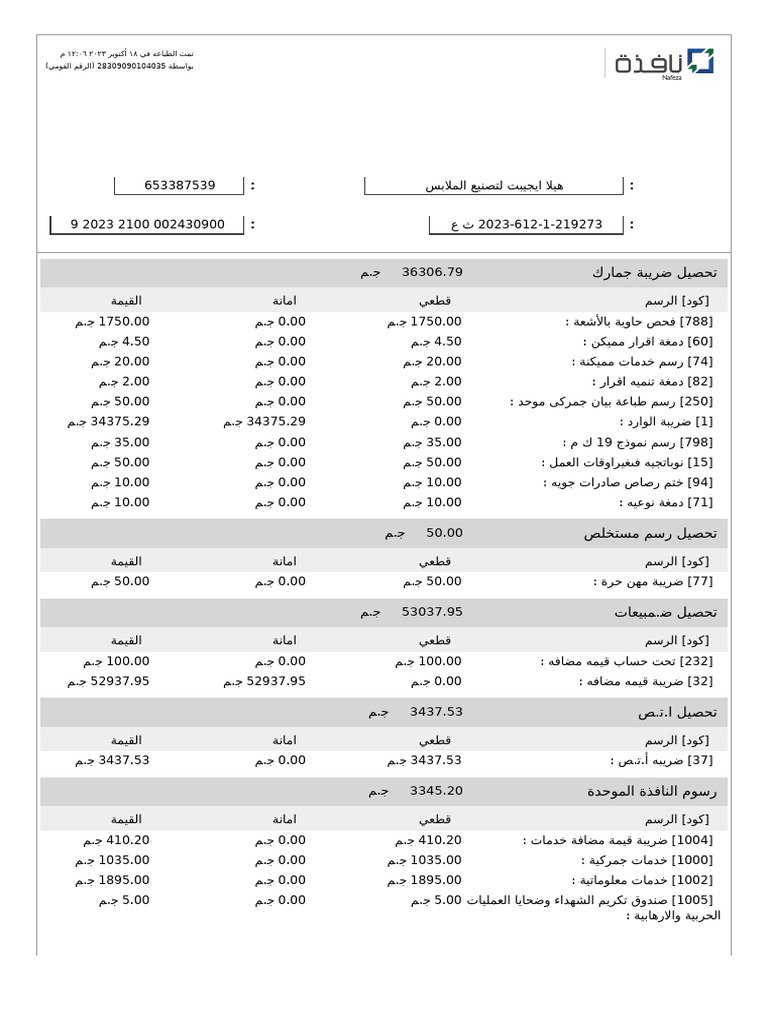
This portrait nafeza excel layout (出口埃及 如何在CARGO X系统发送Nafeza要求的Excel发票 知乎 (Nafeza Excel), ID #F8) measures 1000×1200 px in JPG format.
Keep Portrait orientation selected for clean alignment on US Letter (8.5 × 11 in) or A4 paper. Choose Fit to Printable Area or Actual Size (100%) so edges do not clip. Enter a name in the box above if you want a printed header.
Collection Context: Part of the nafeza excel printable set formatted for home and classroom printing. View every option in the full nafeza excel gallery.
View full nafeza excel collection