


Painting Invoice Template Google Sheets: A Practical Solution
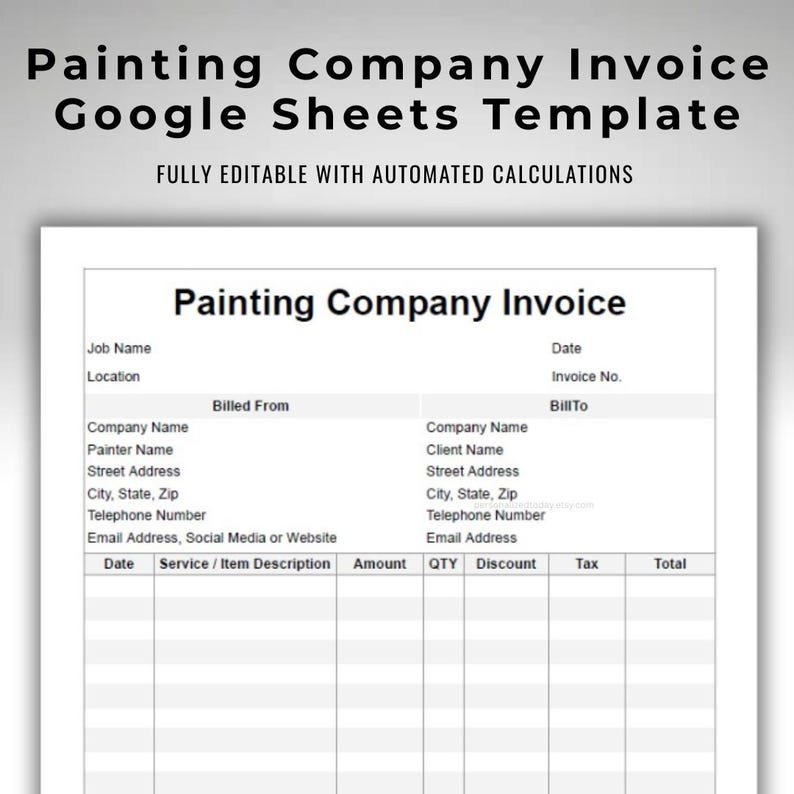
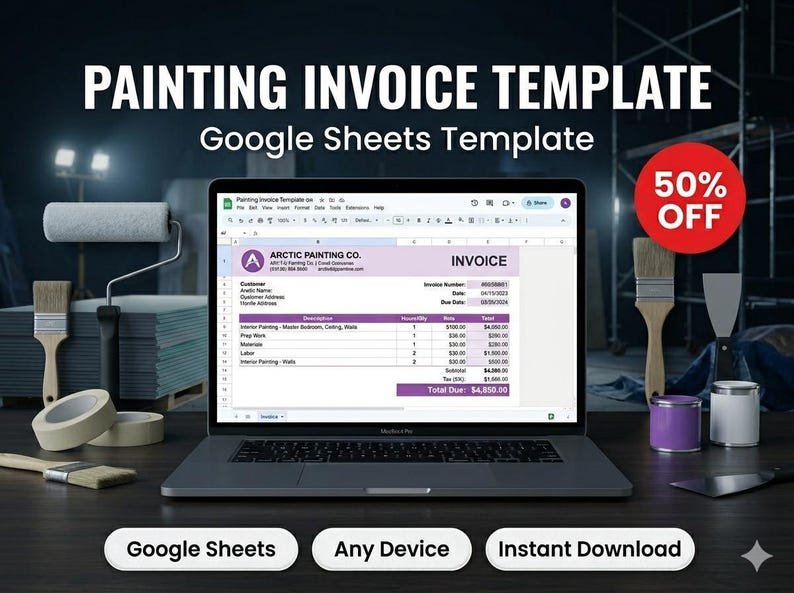
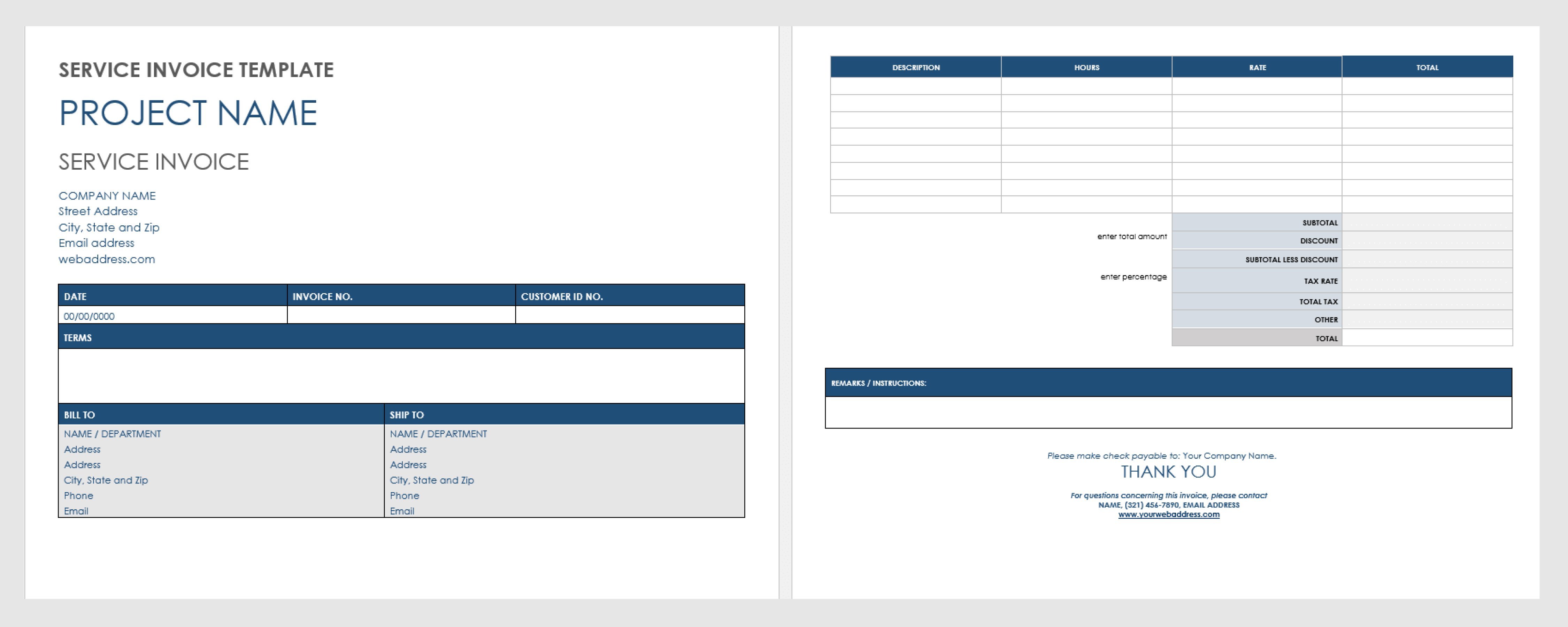
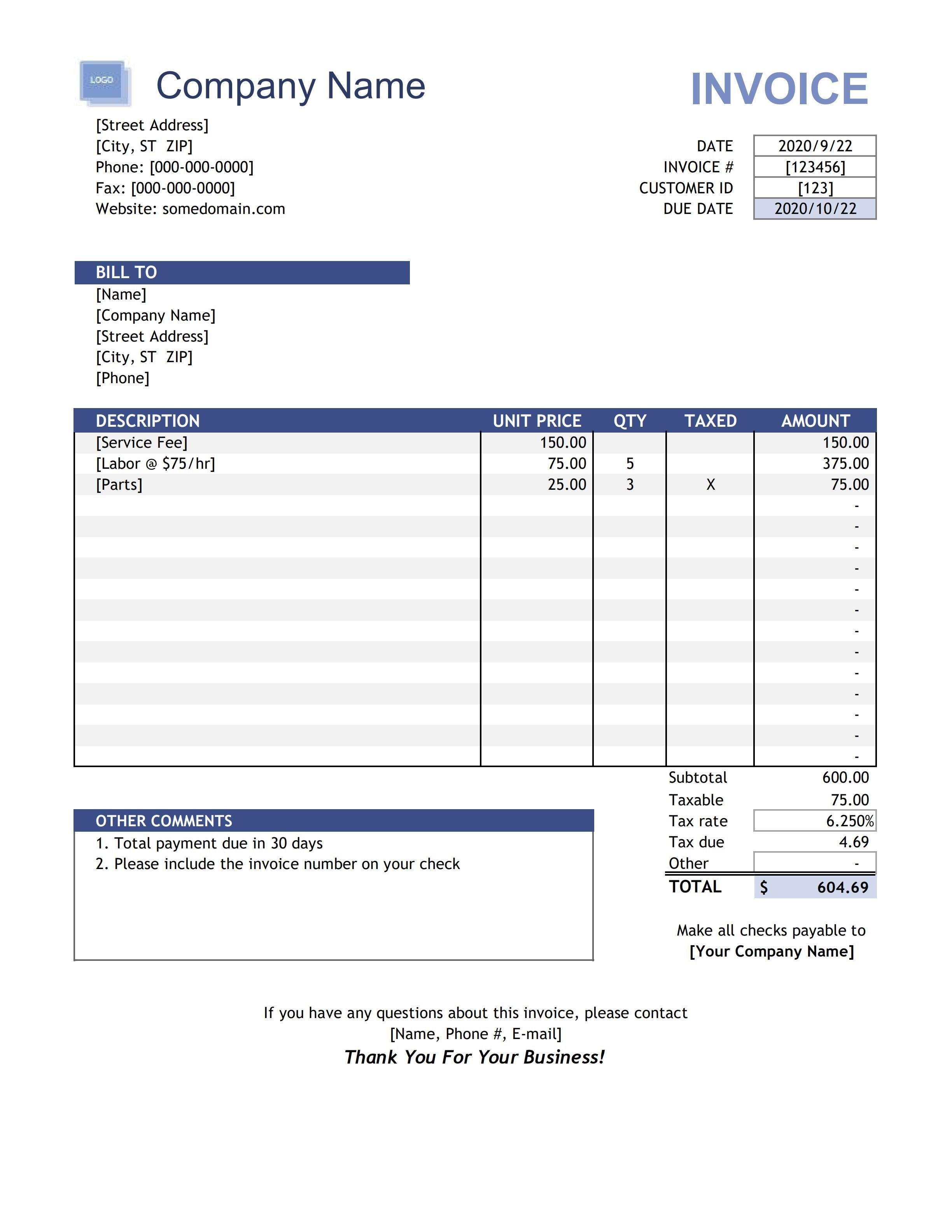
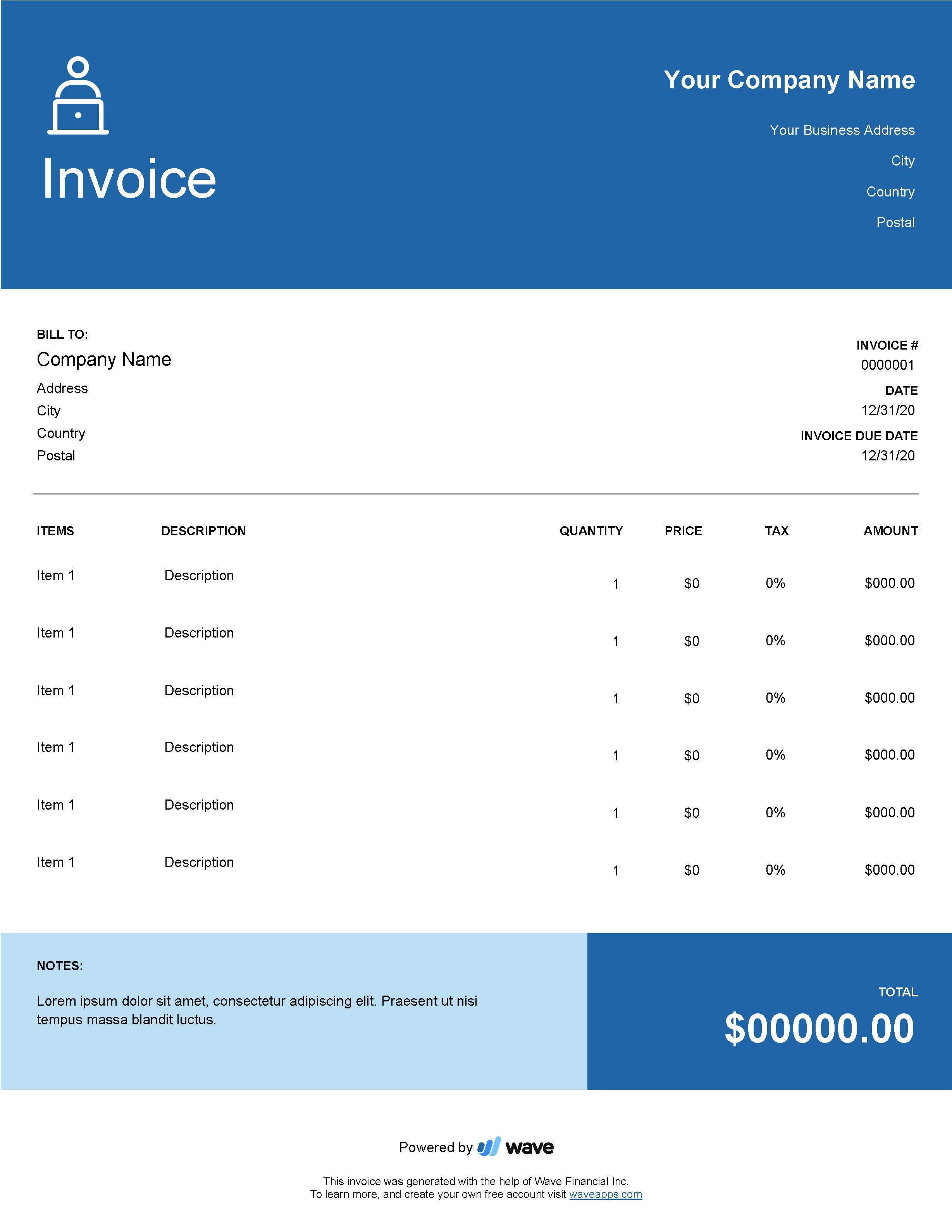
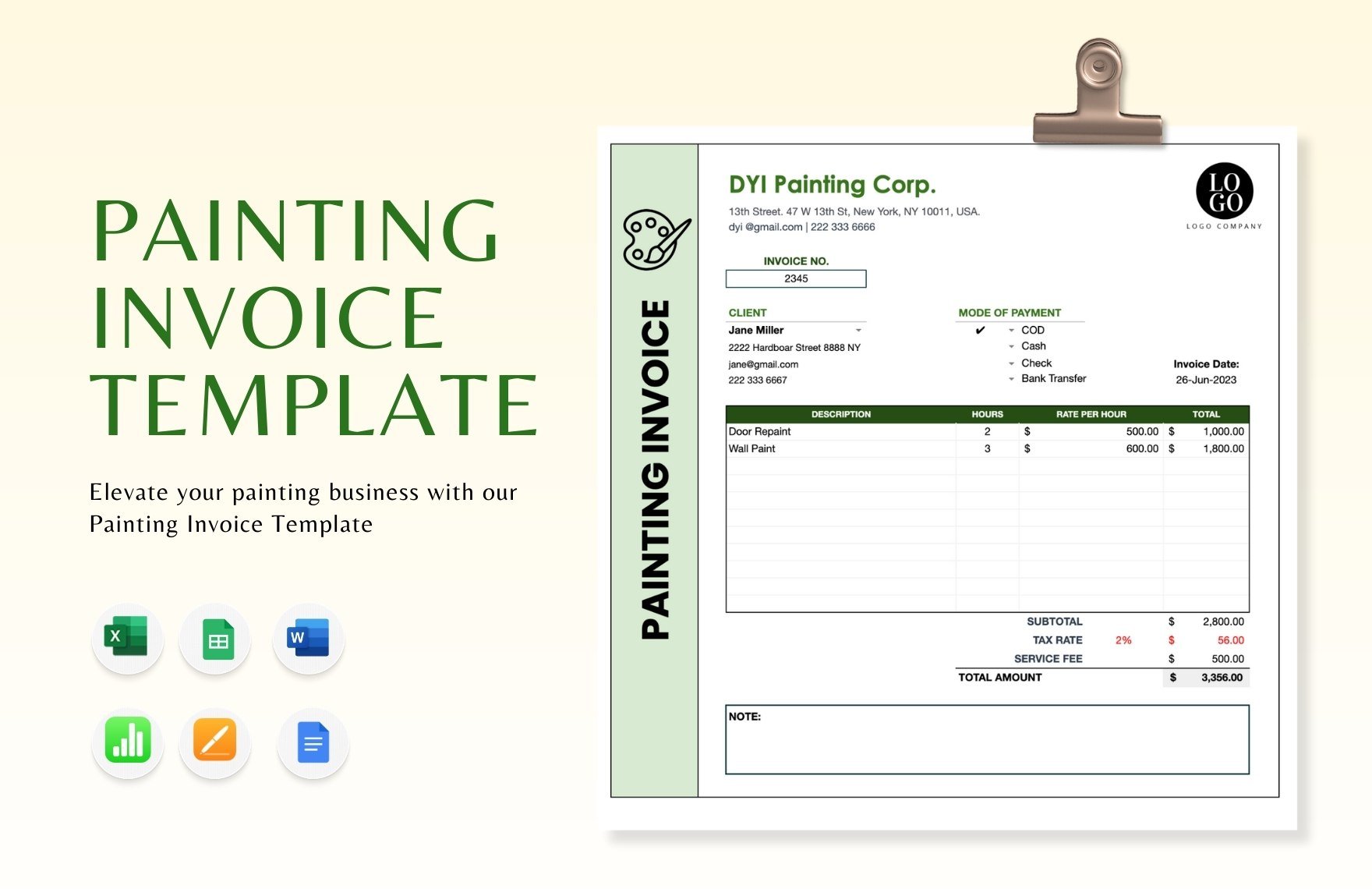
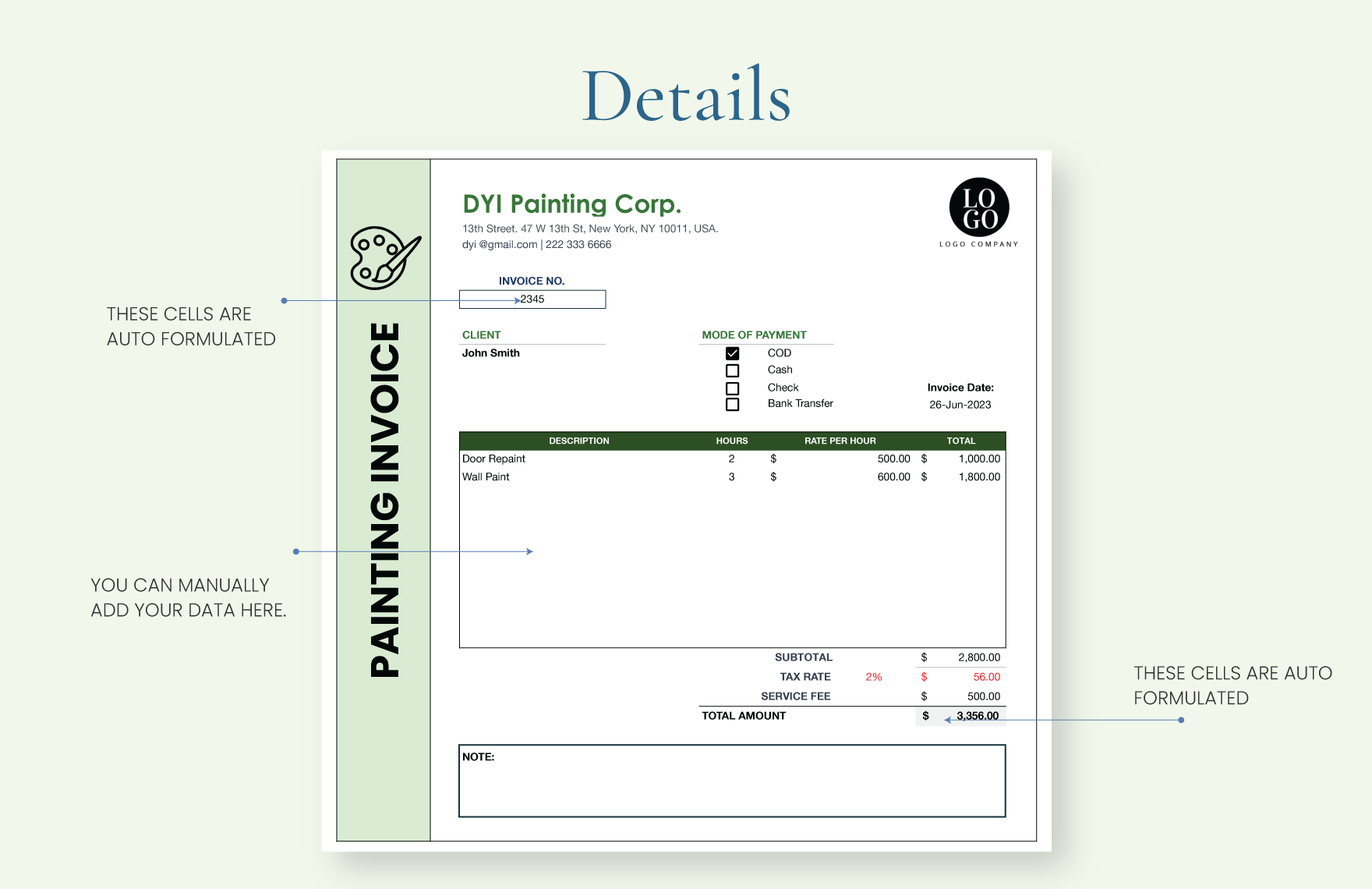
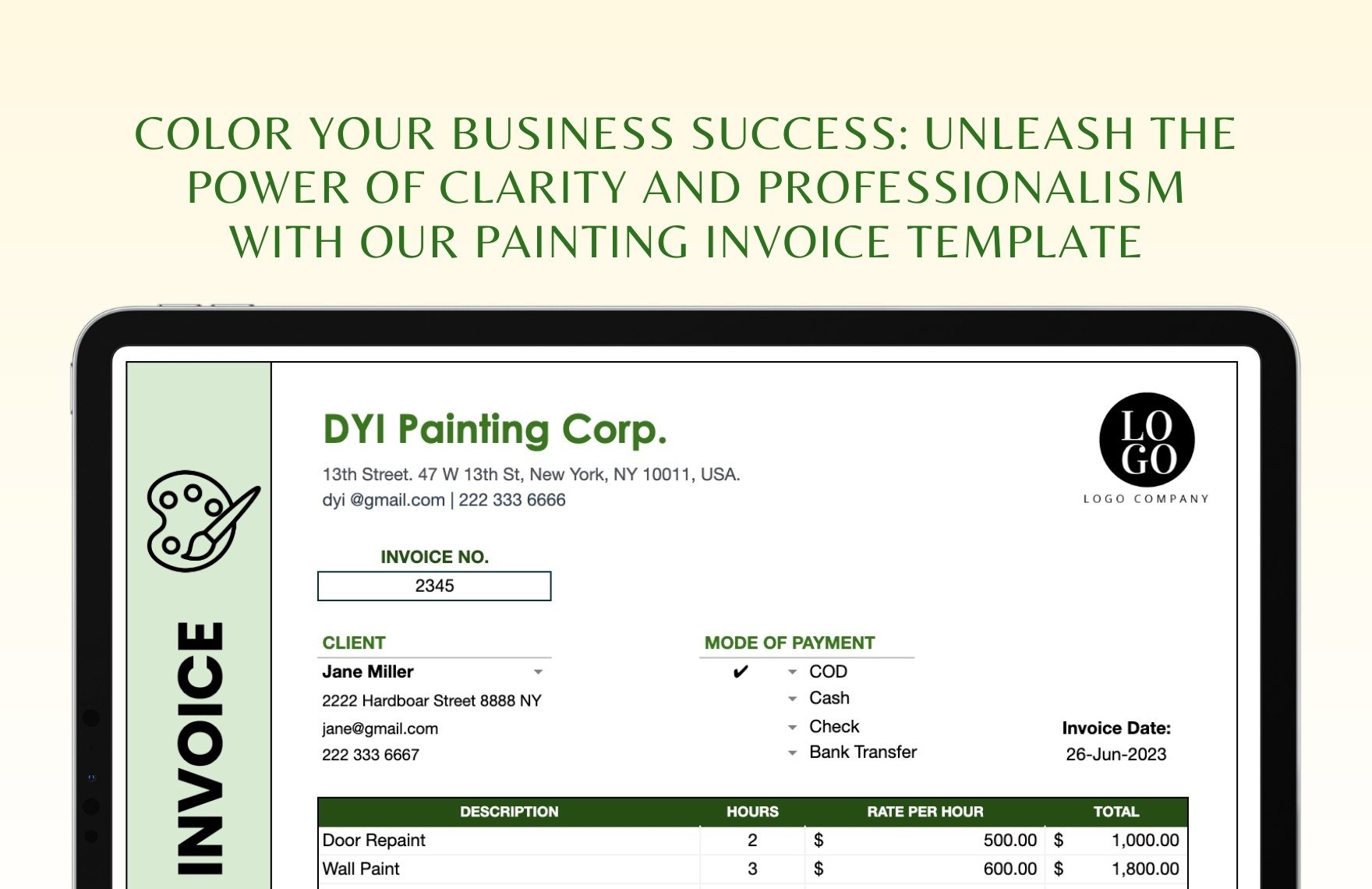
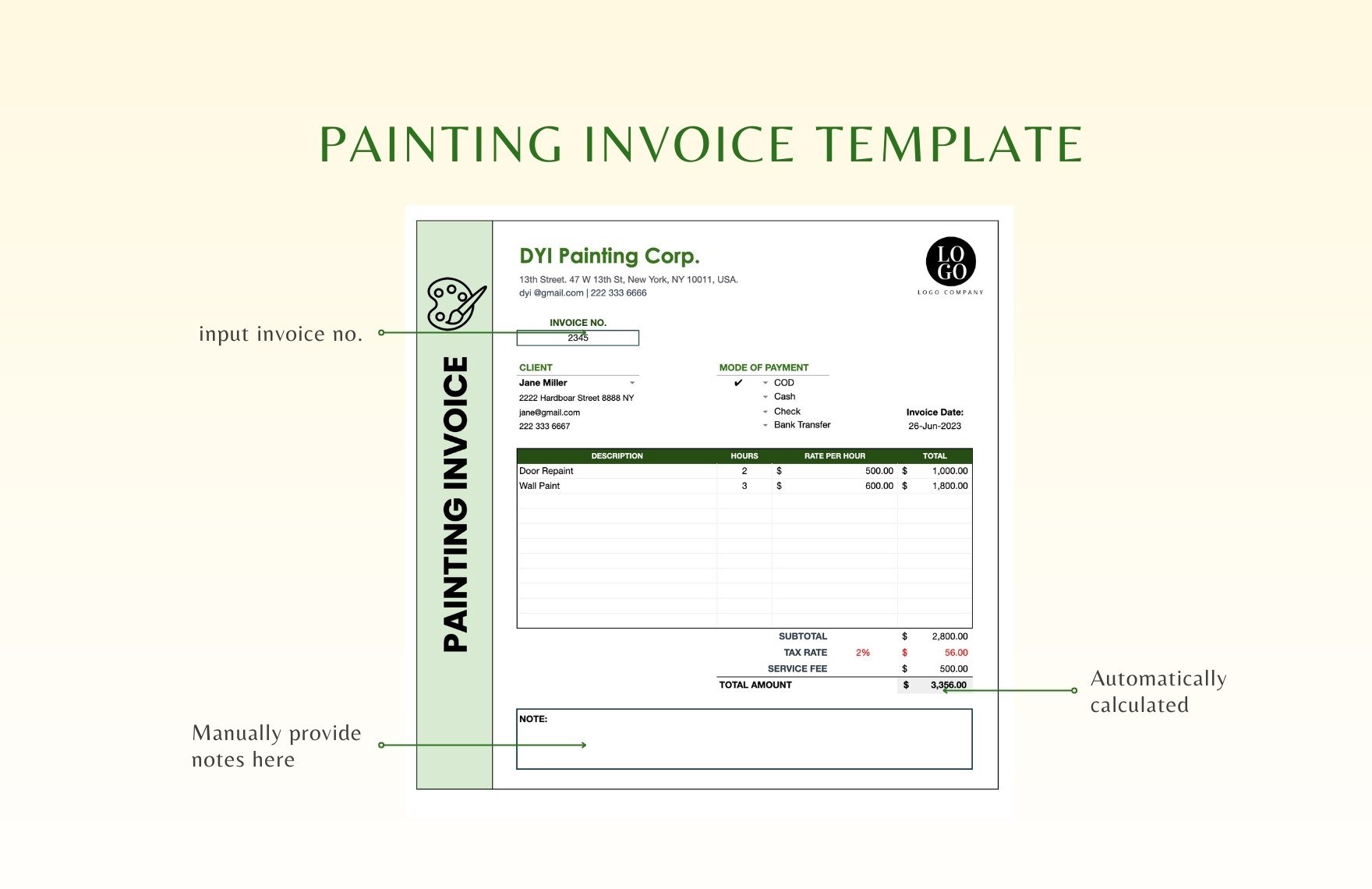
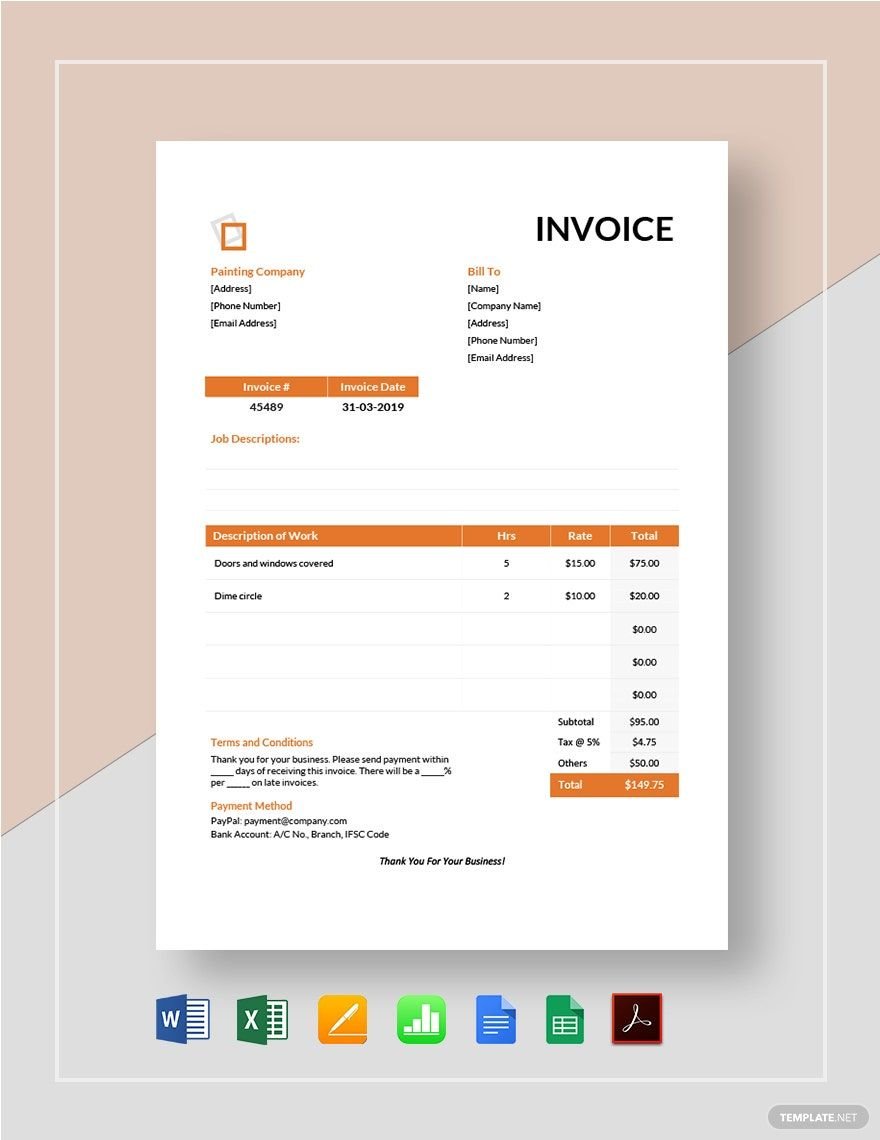
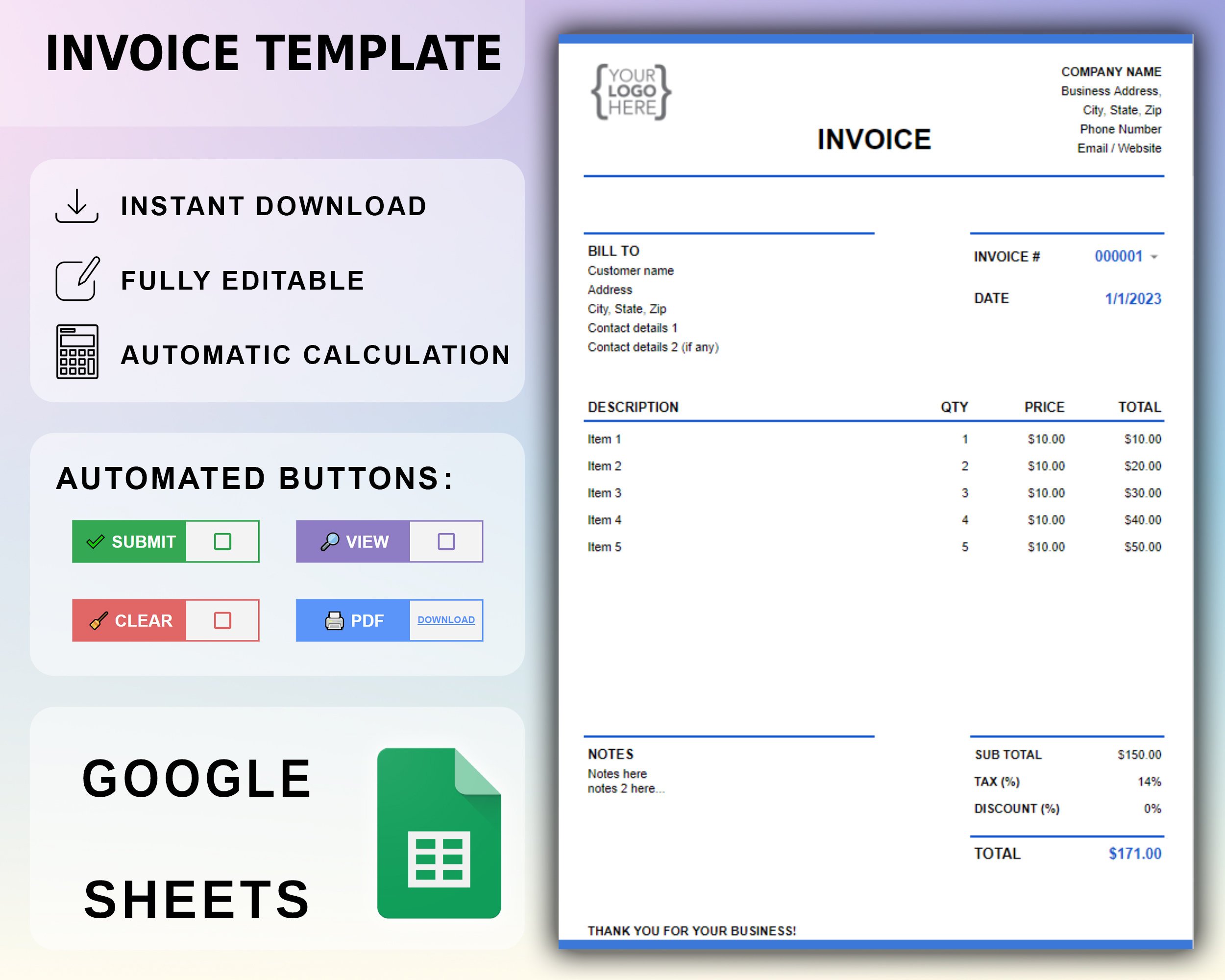
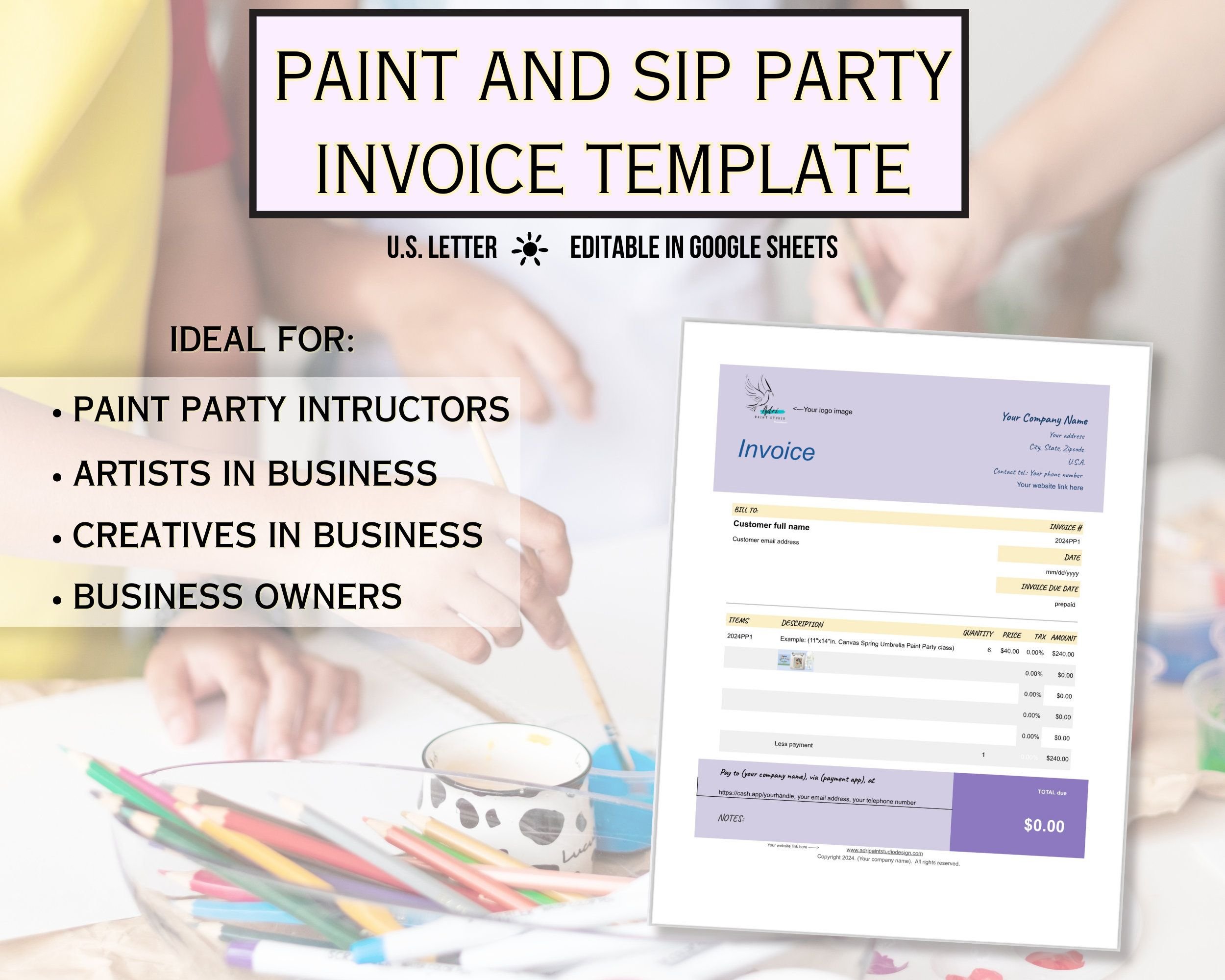
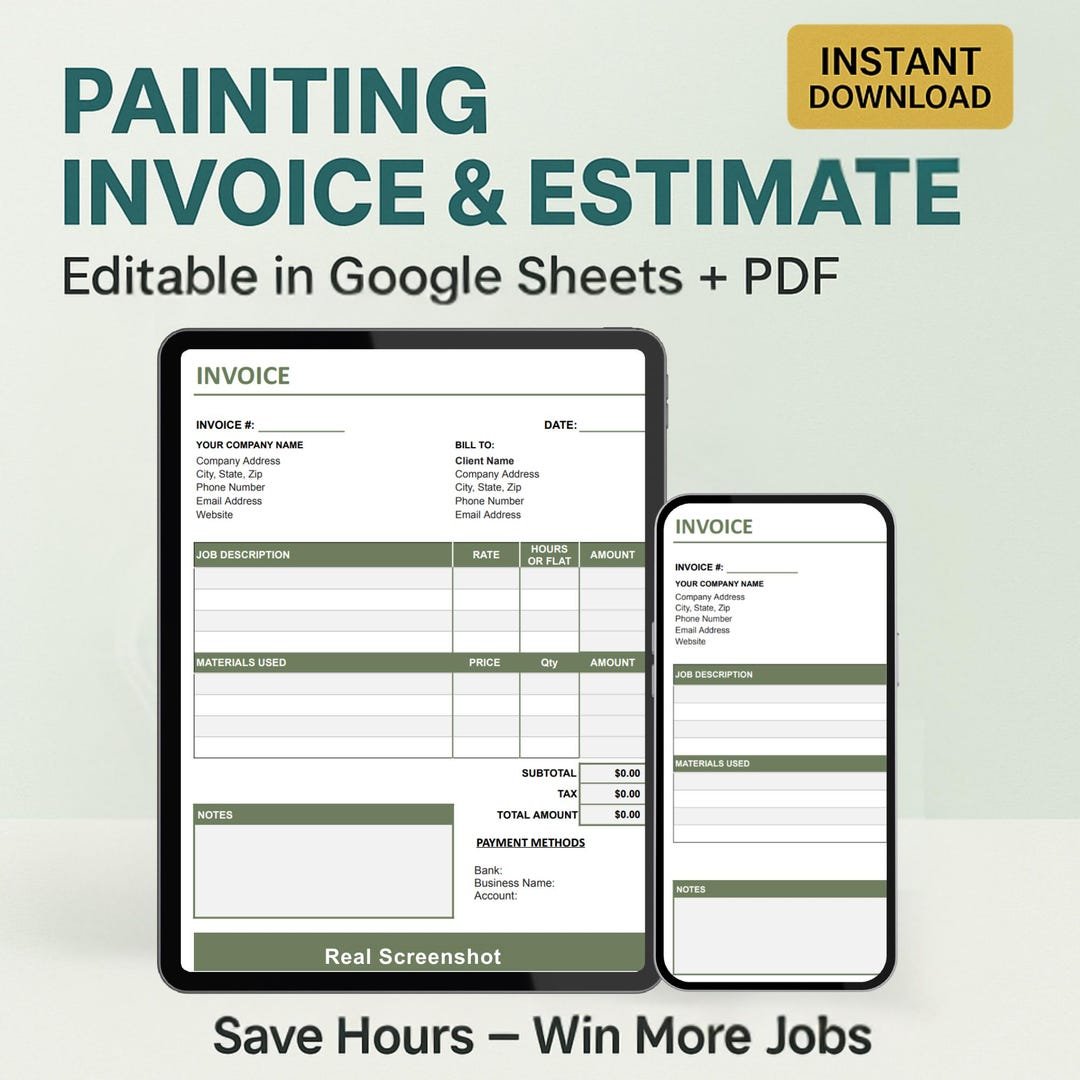
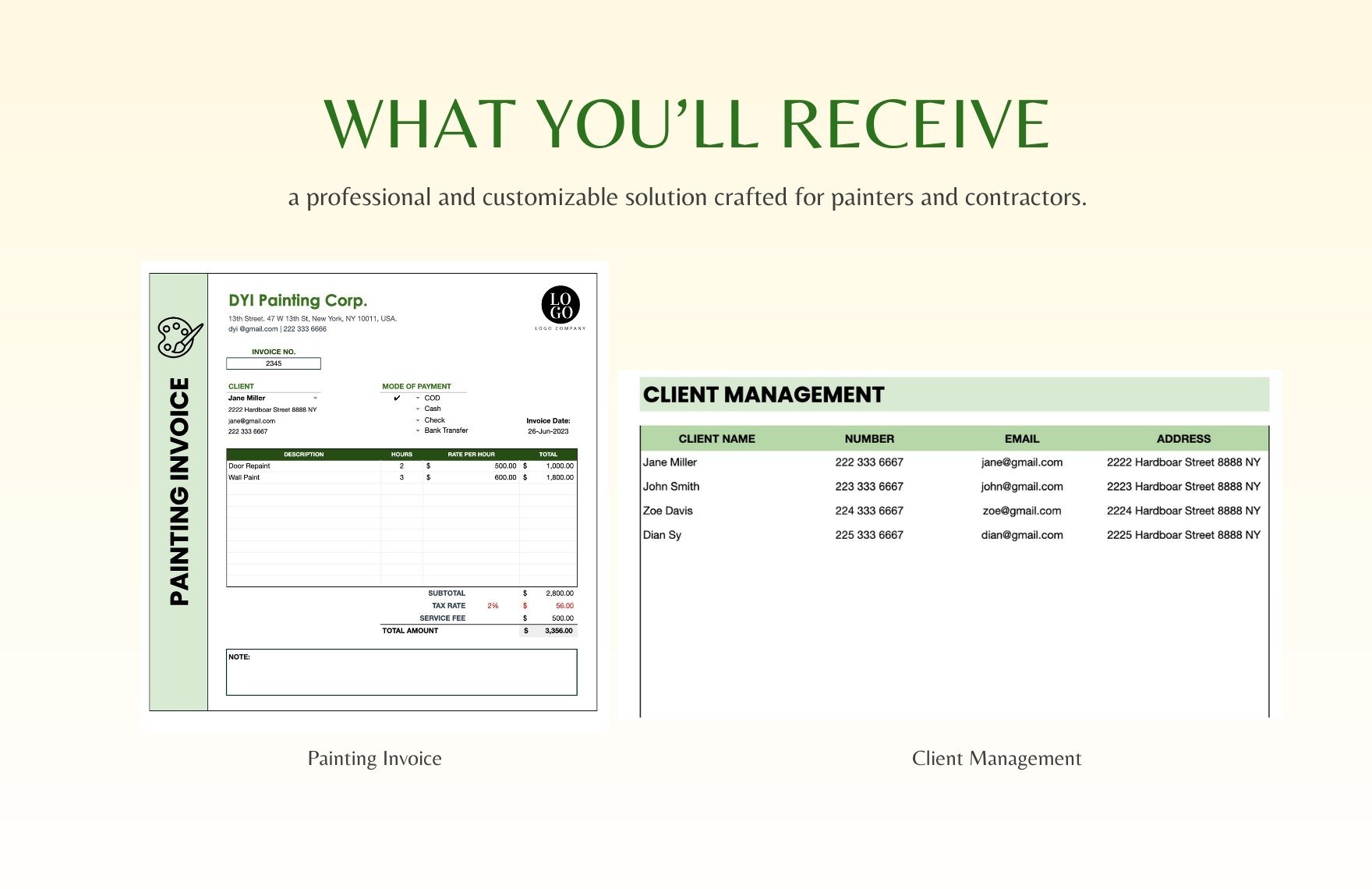
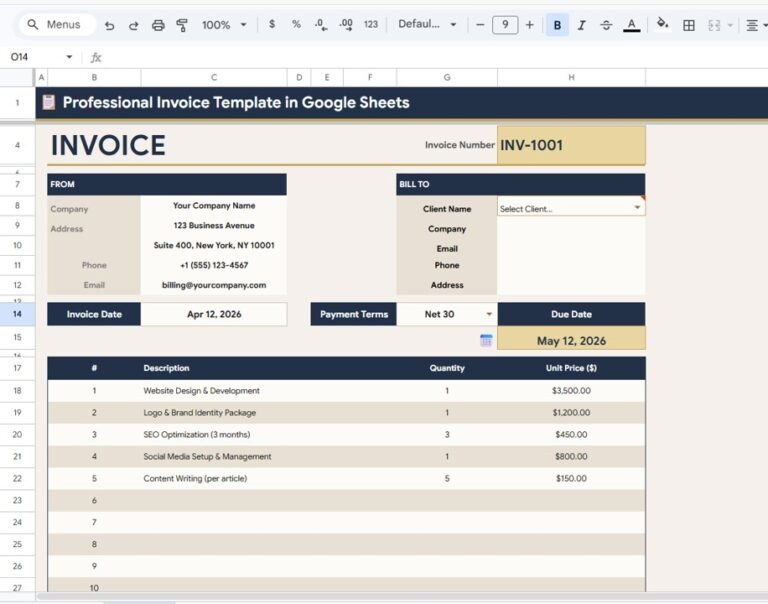
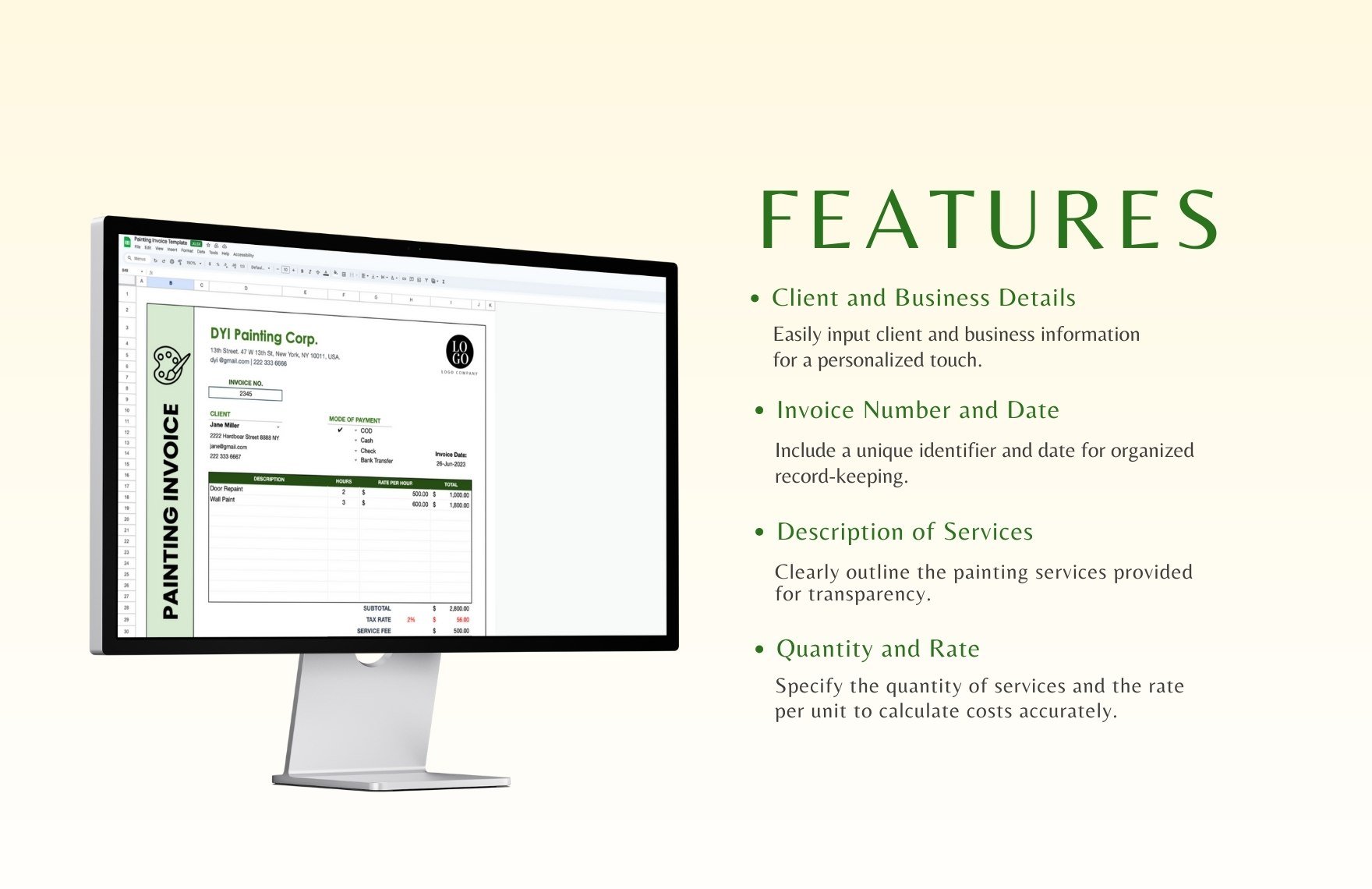
A painting invoice template in Google Sheets offers a convenient and customizable option for painting contractors and businesses. When looking into painting invoice template google sheets, the details quickly stand out. It provides an efficient way to generate invoices, track expenses, and manage payments, all within the familiar Google Sheets interface.
Popular Options and Variations
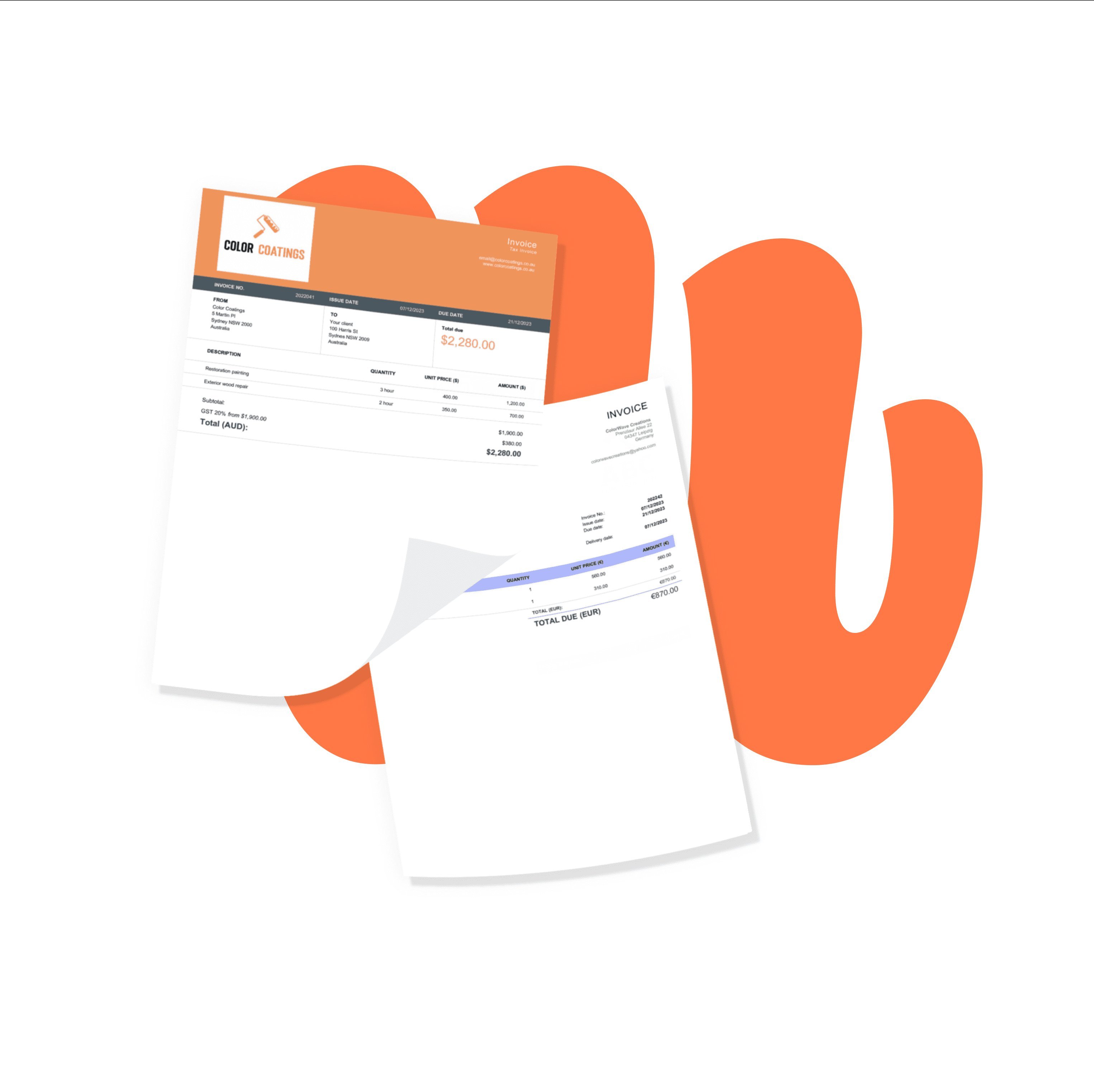
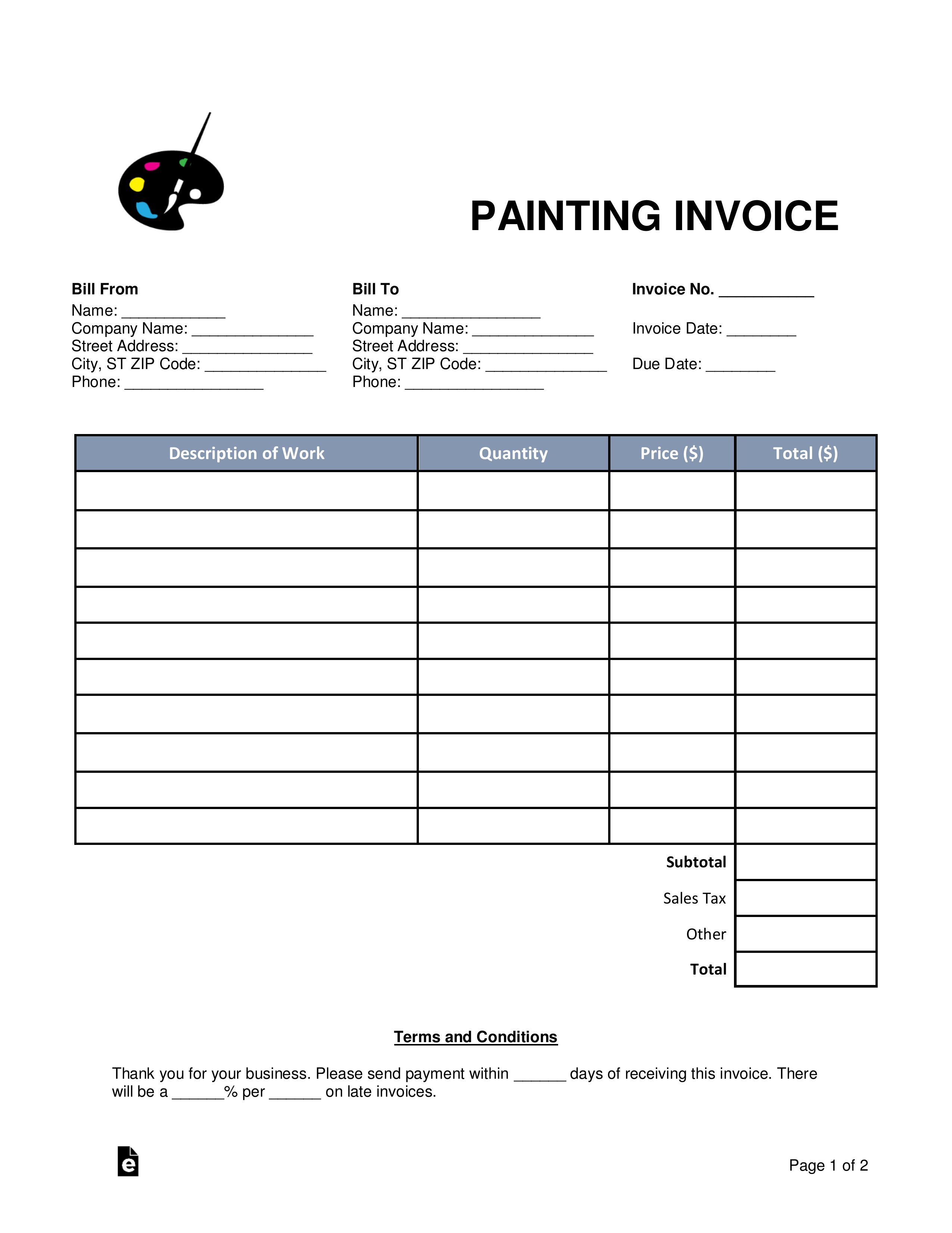
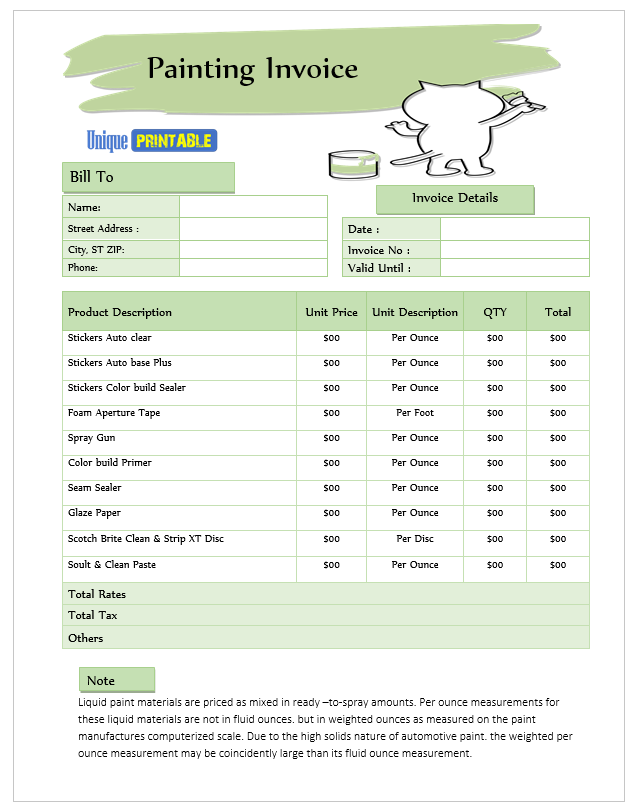
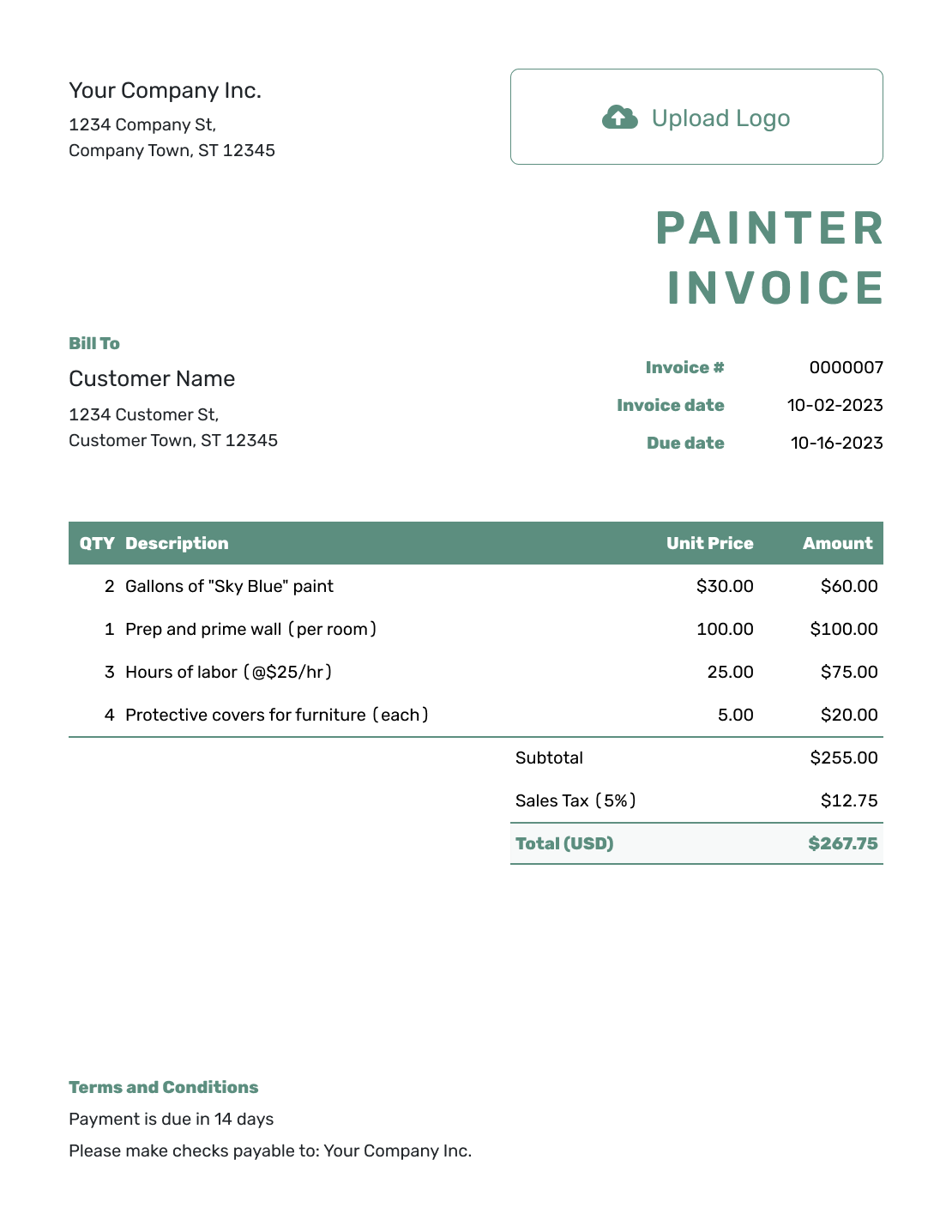
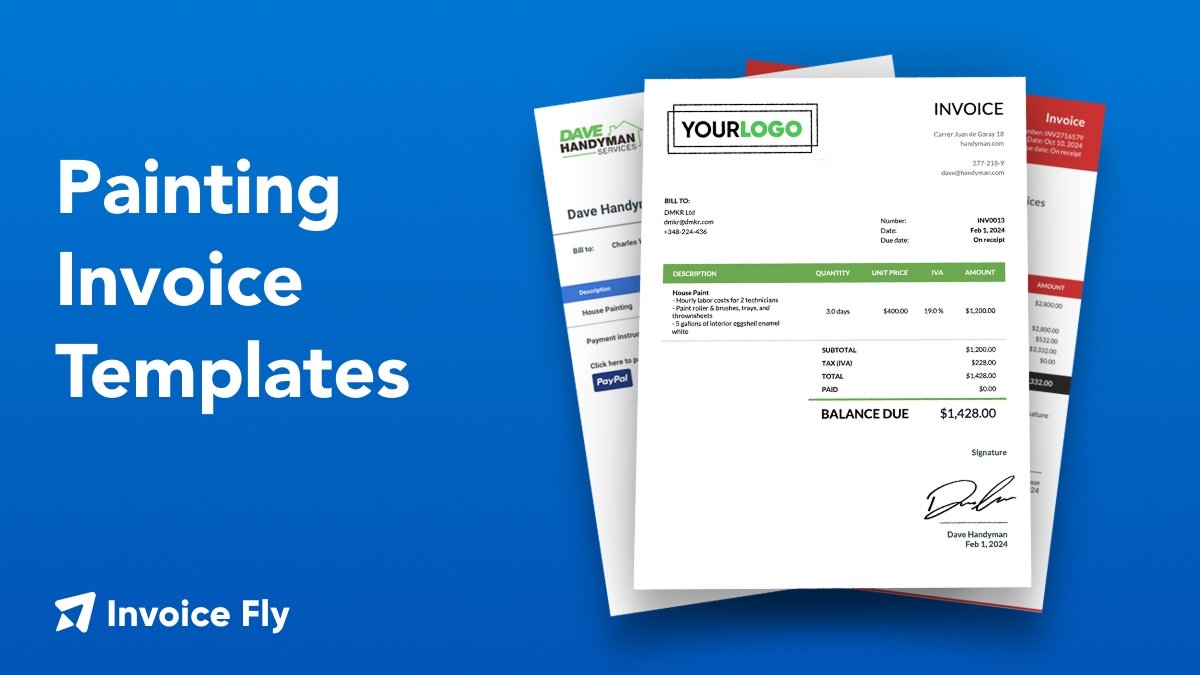
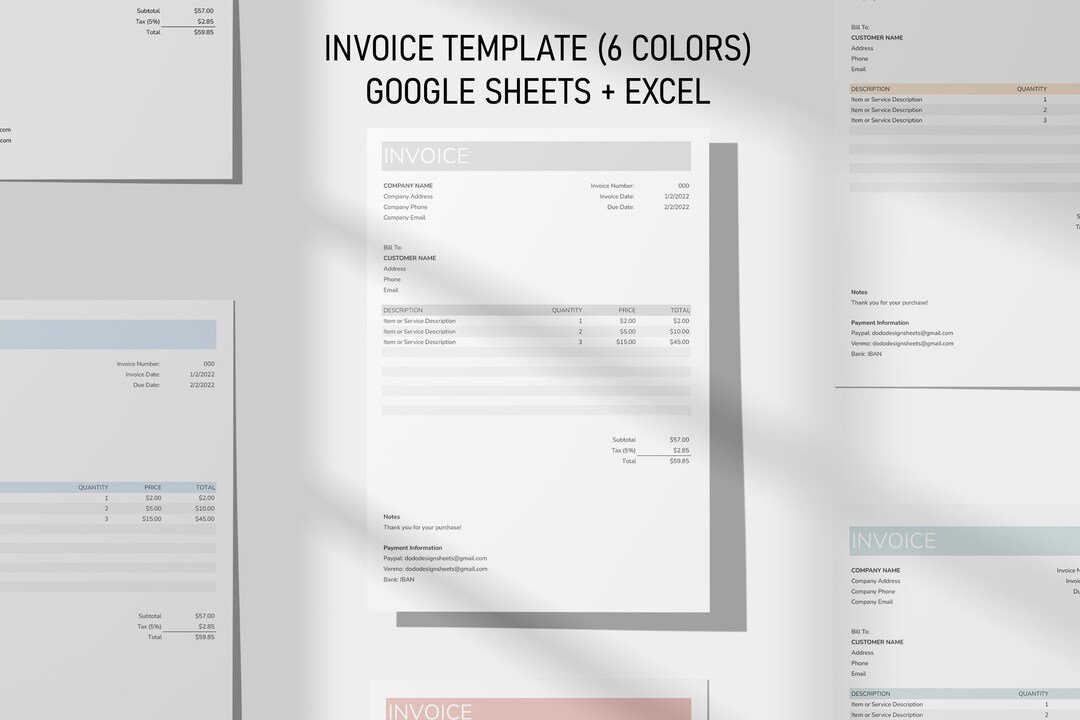
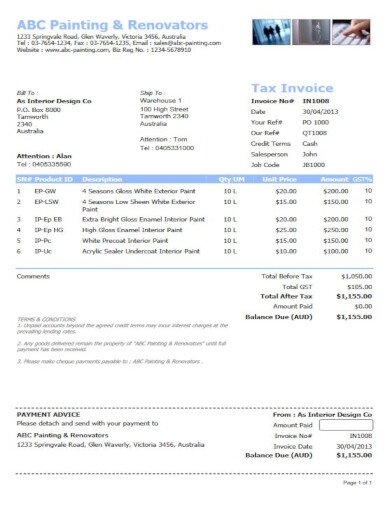
- Invoice Fly: This platform offers a free painting invoice template that can be customized in various formats, including Google Sheets. It allows for easy addition of labor, paint, materials, and service costs, with automatic calculations for totals.
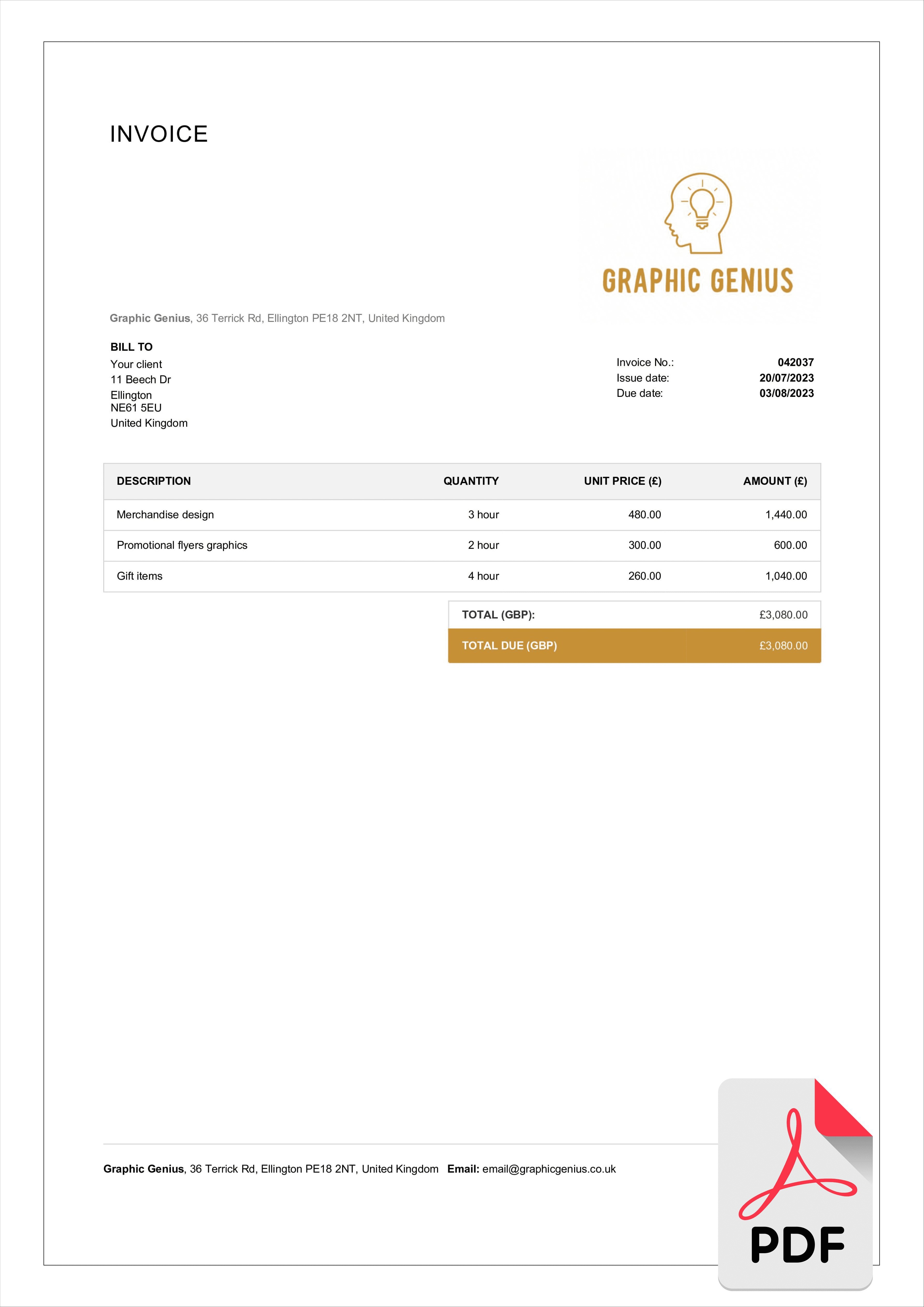
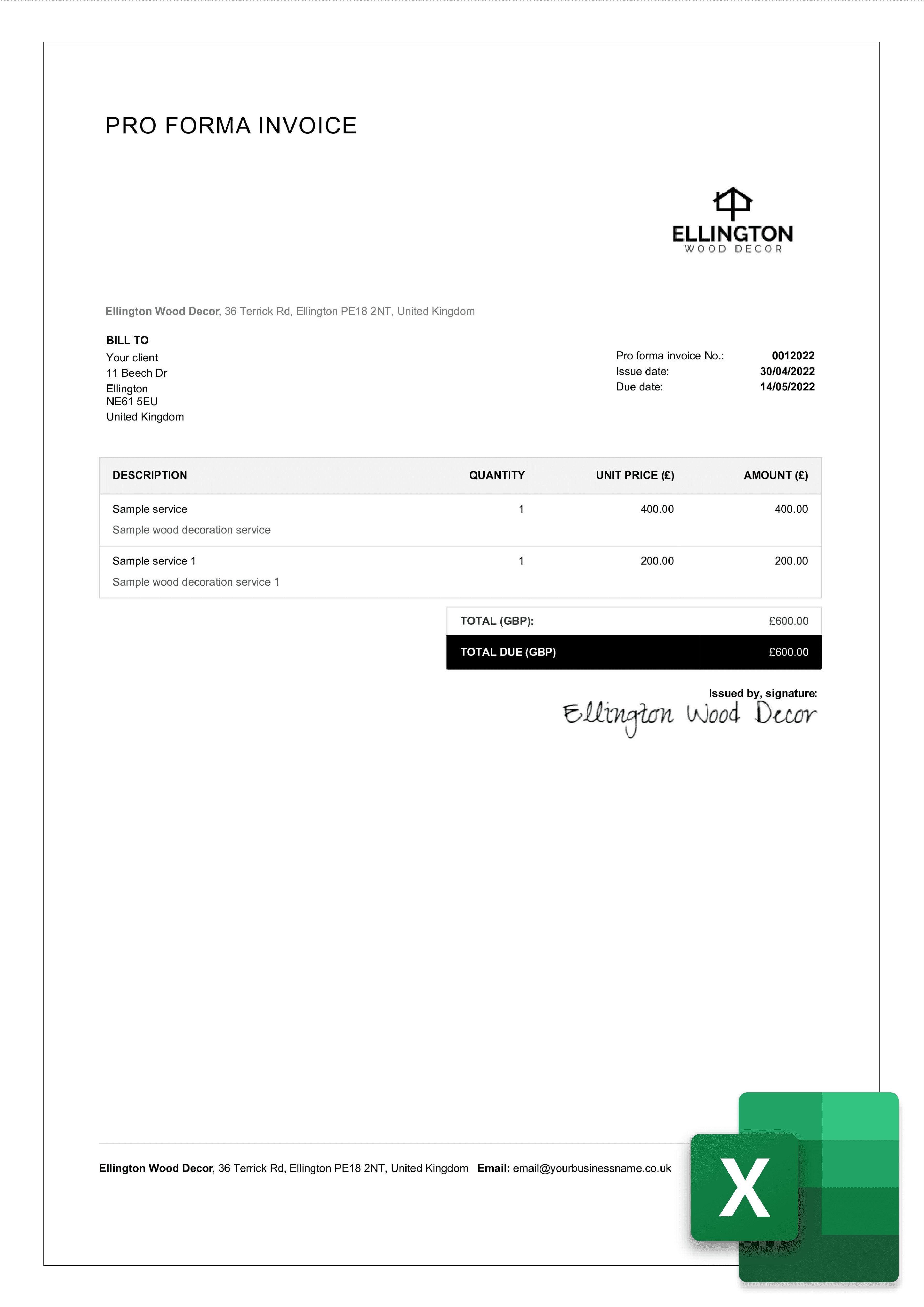
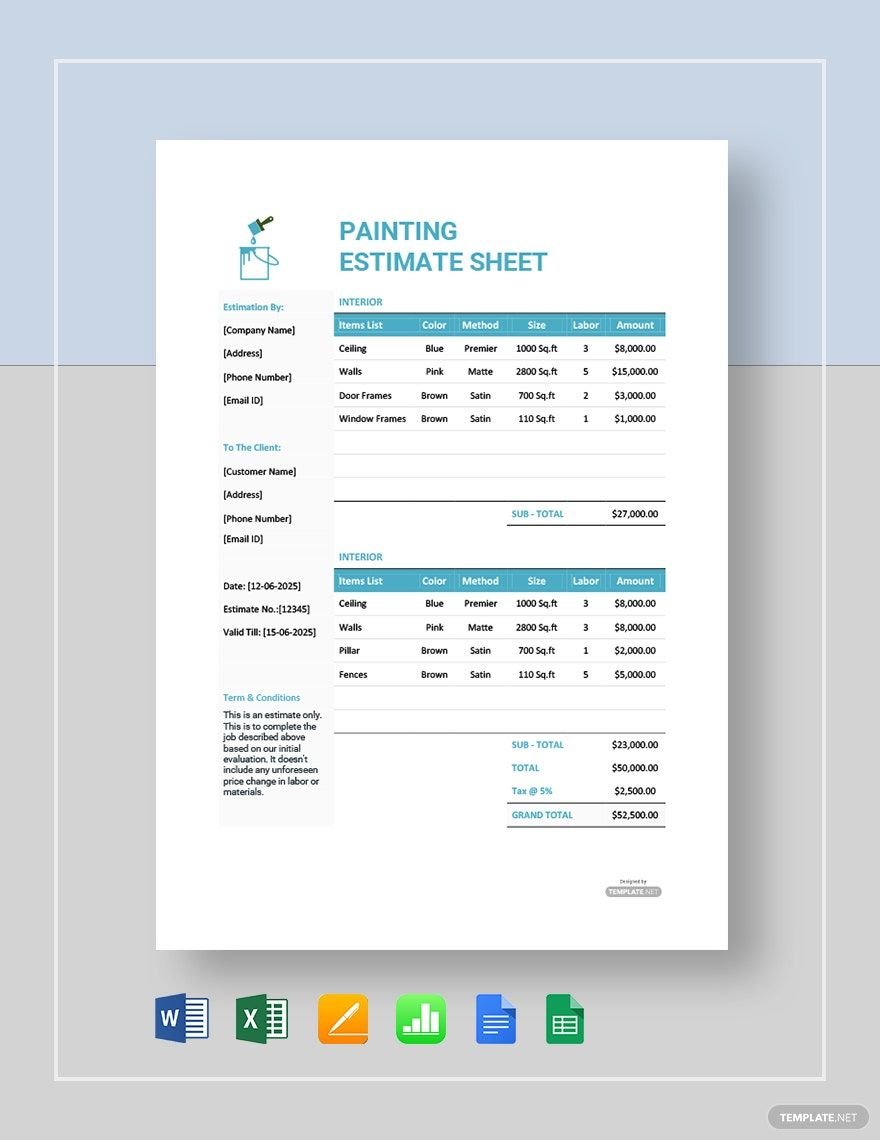
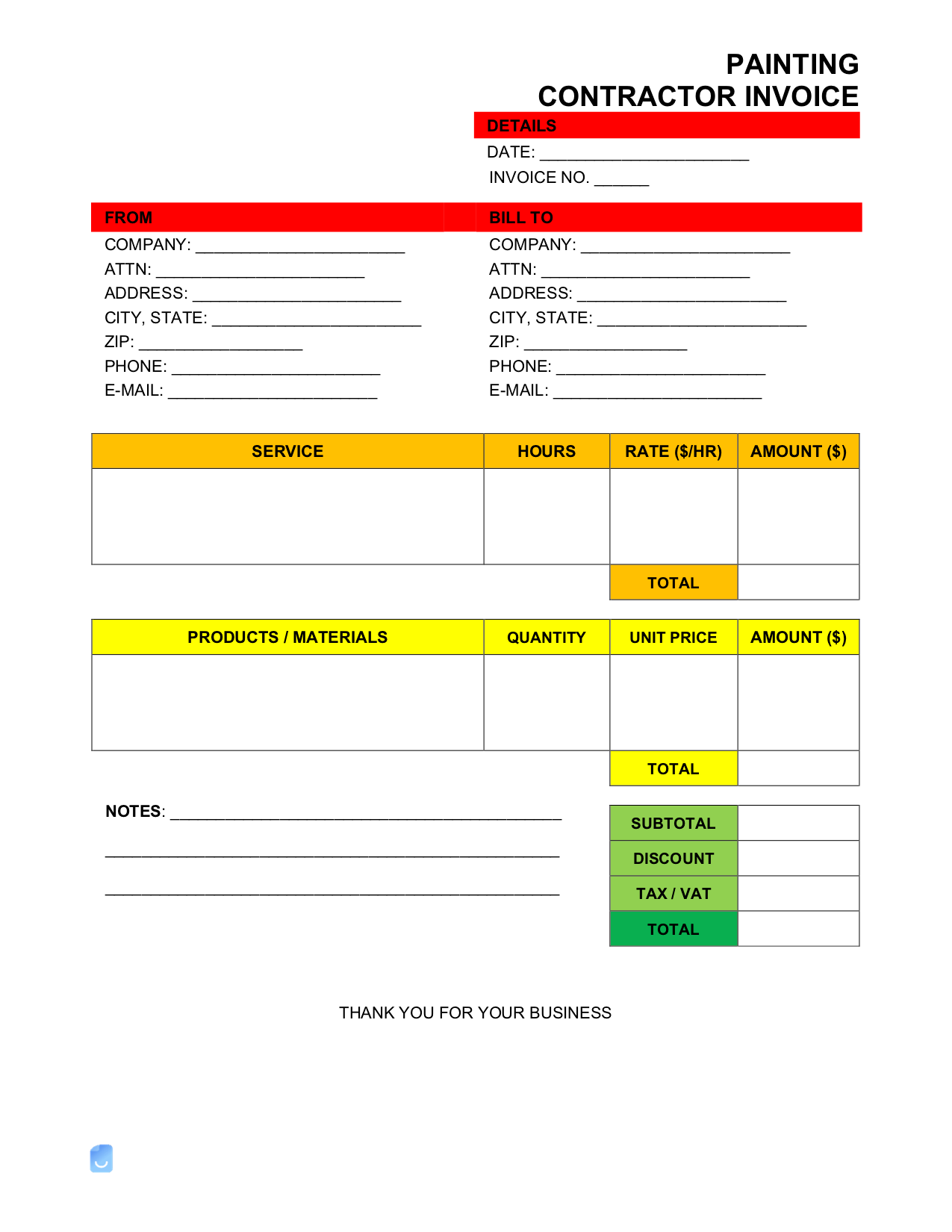
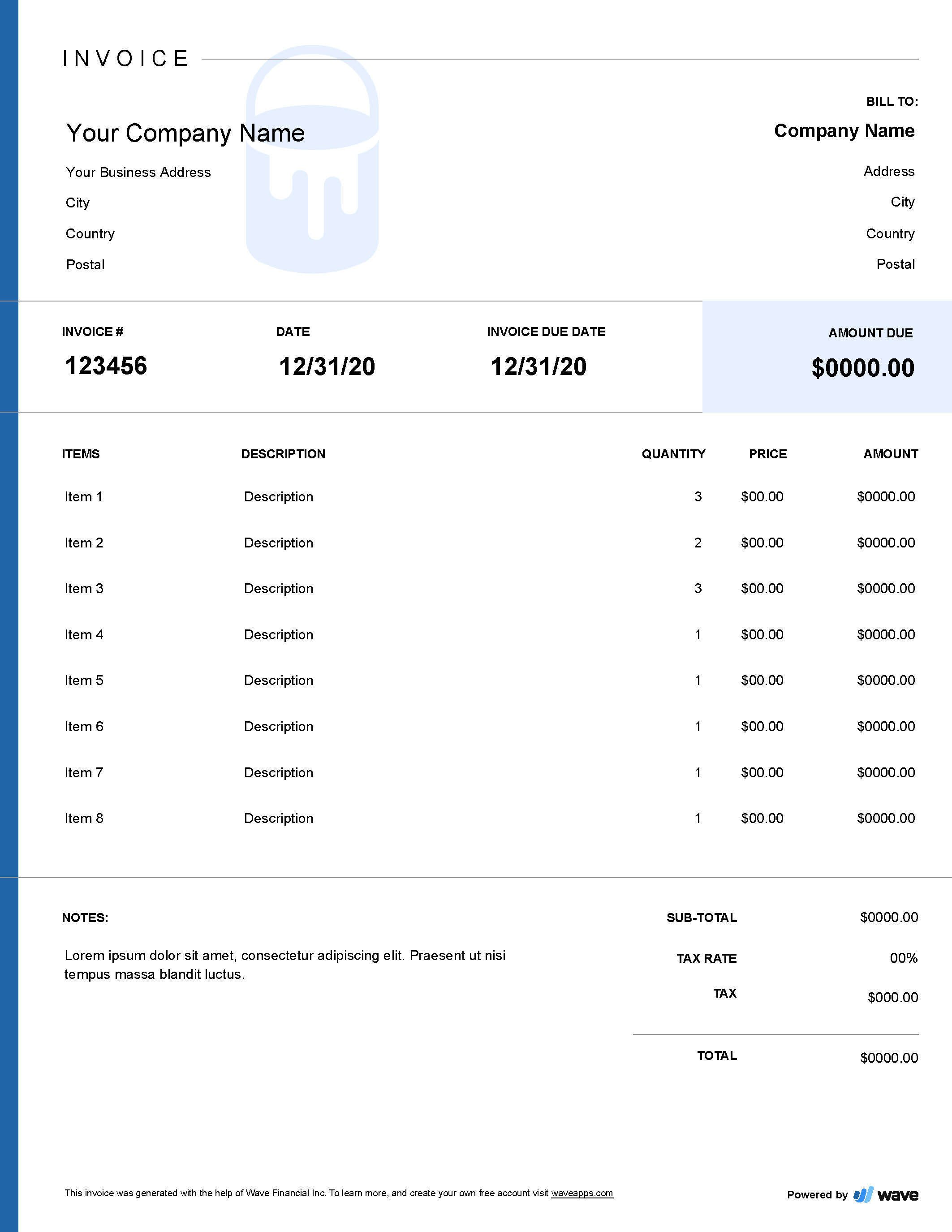
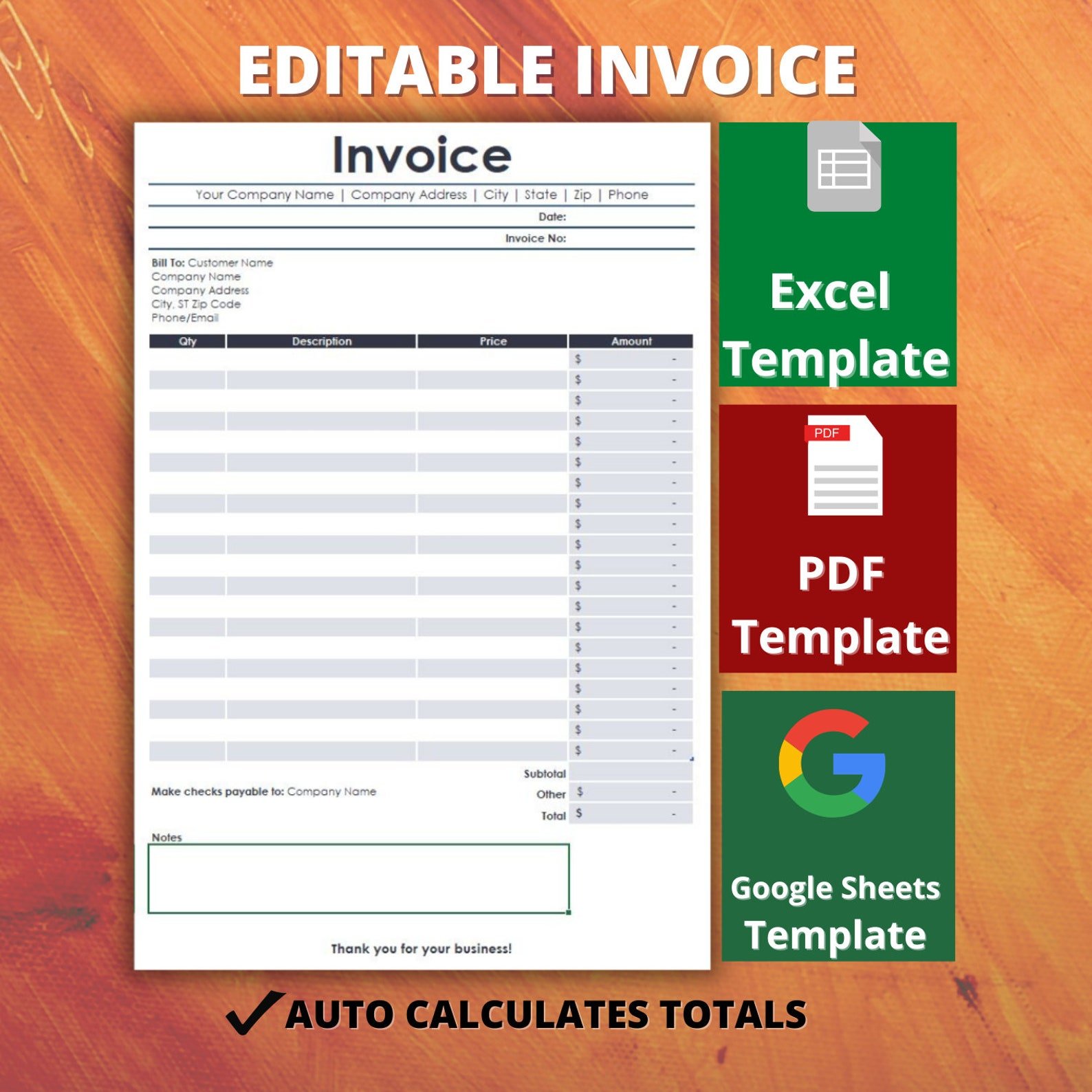
- Free Painting Invoice Template: Downloadable templates are available in multiple formats, including Excel, Word, PDF, and Google Sheets. These templates often come pre-filled with line items specific to the painting industry, making them ready for immediate use.
Sizing and Specifications
- Google Sheets painting invoice templates are designed to fit standard paper sizes, typically letter size (8.5" x 11") or A4.
- The templates are flexible and can be adjusted to suit different printing needs, ensuring a professional and readable invoice.
Materials and Styling
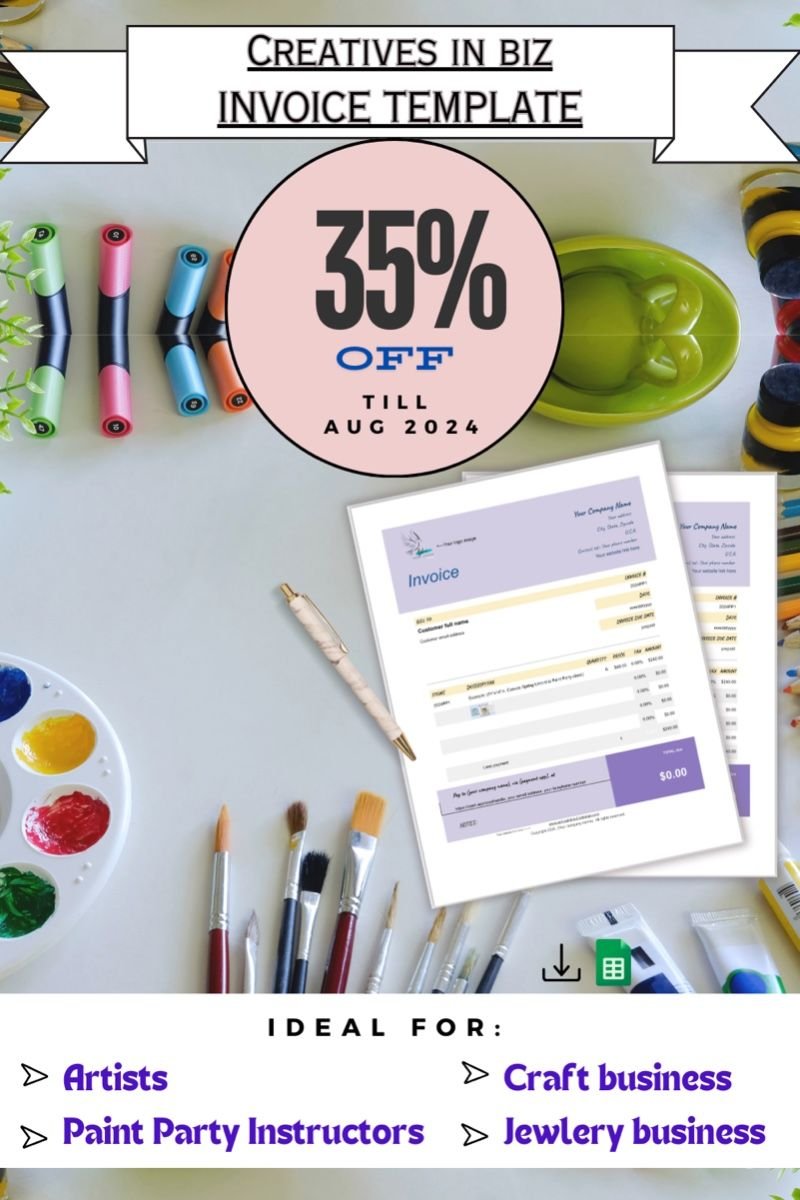
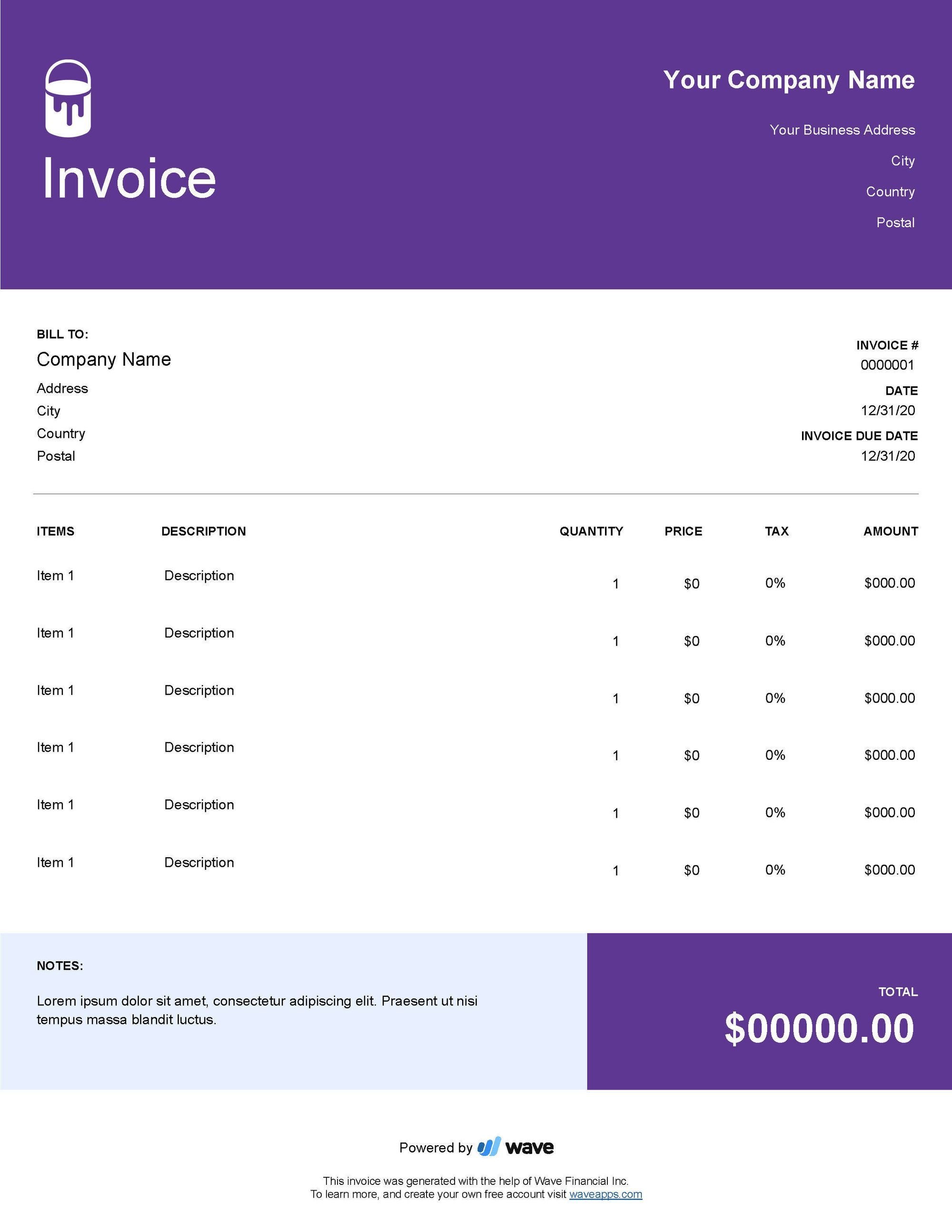
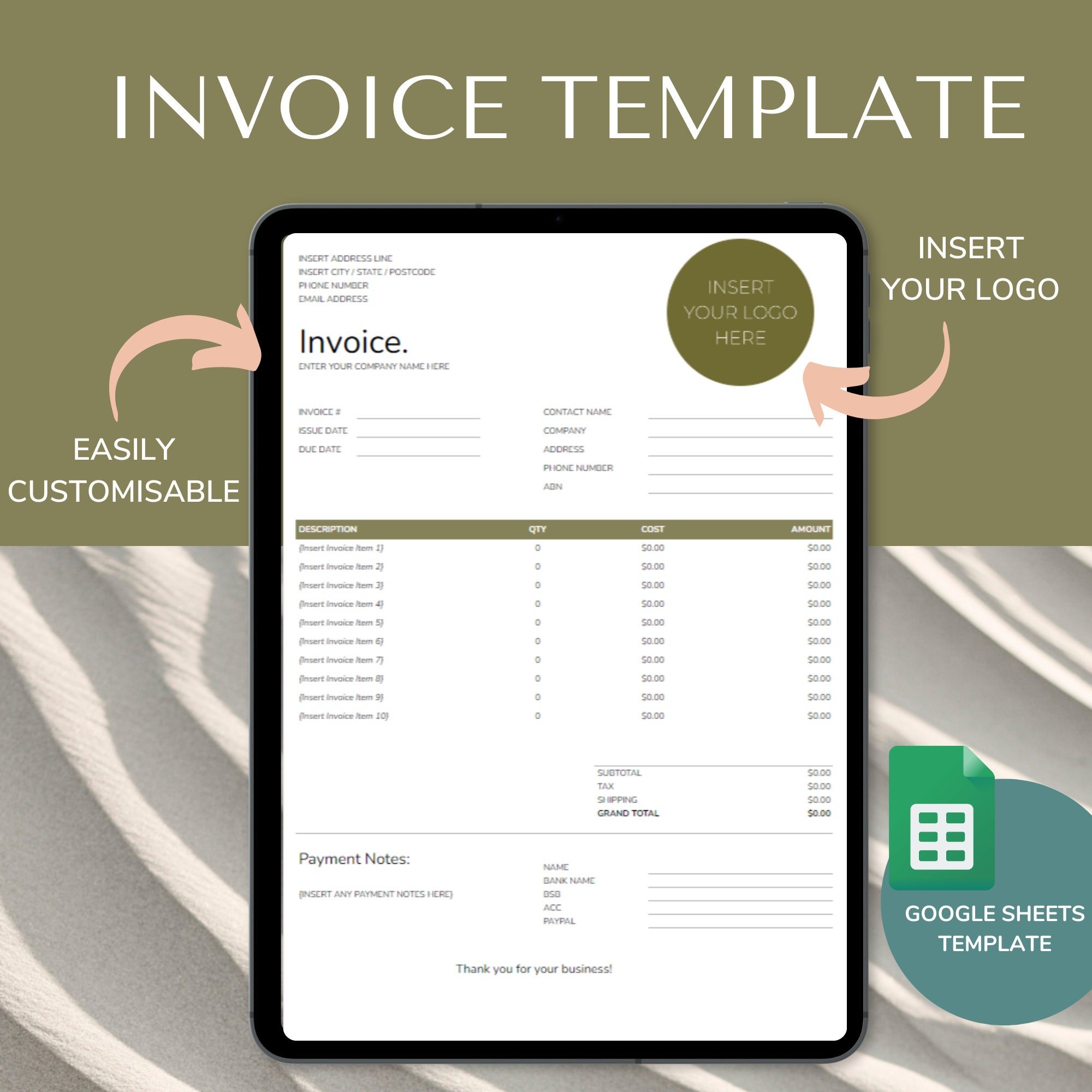
- The beauty of Google Sheets templates lies in their customizability. You can add your business logo, choose color schemes, and format the invoice to match your brand identity.
- Templates often include compliant fields for different regions, such as the US, Australia, the UK, and Canada, ensuring legal compliance.
Placement and Usage
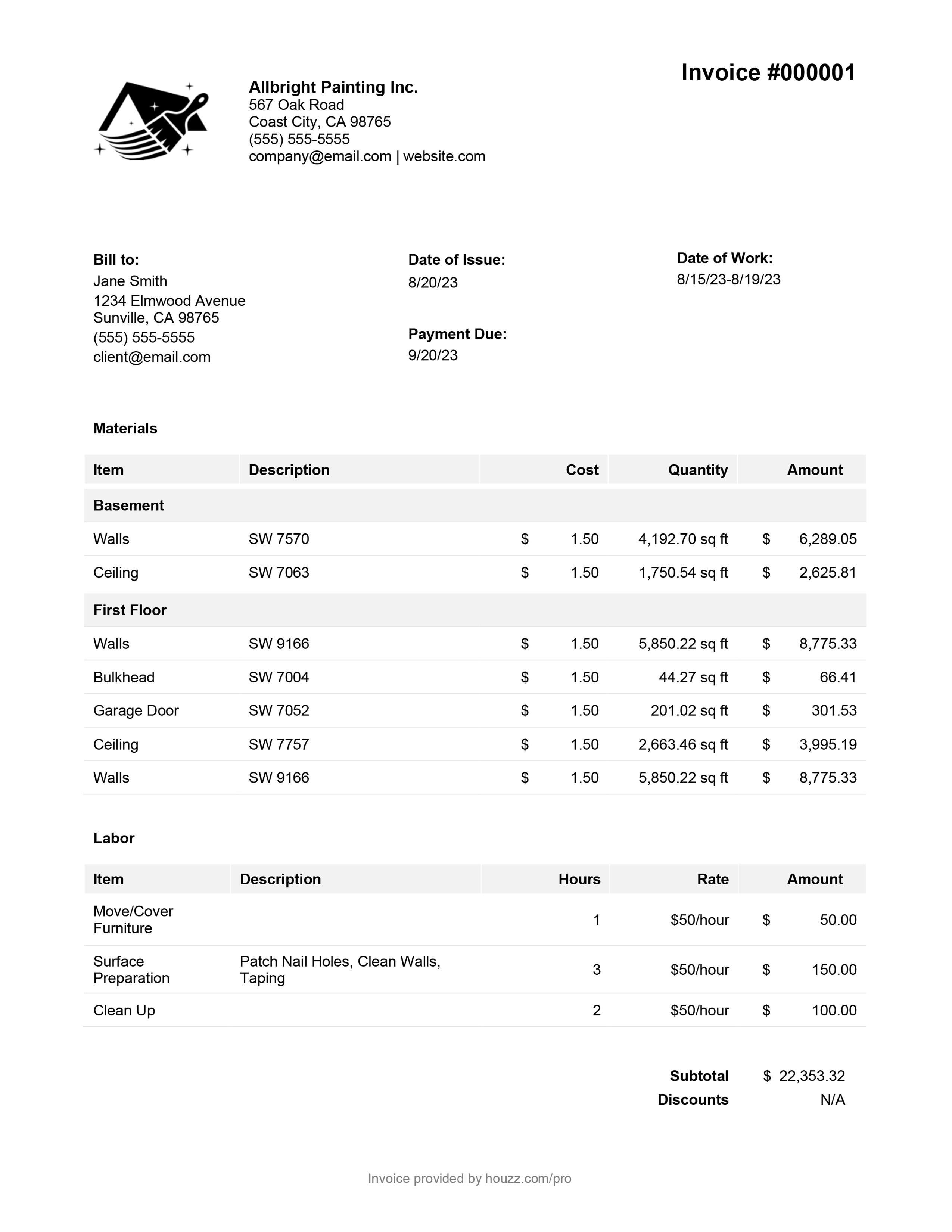
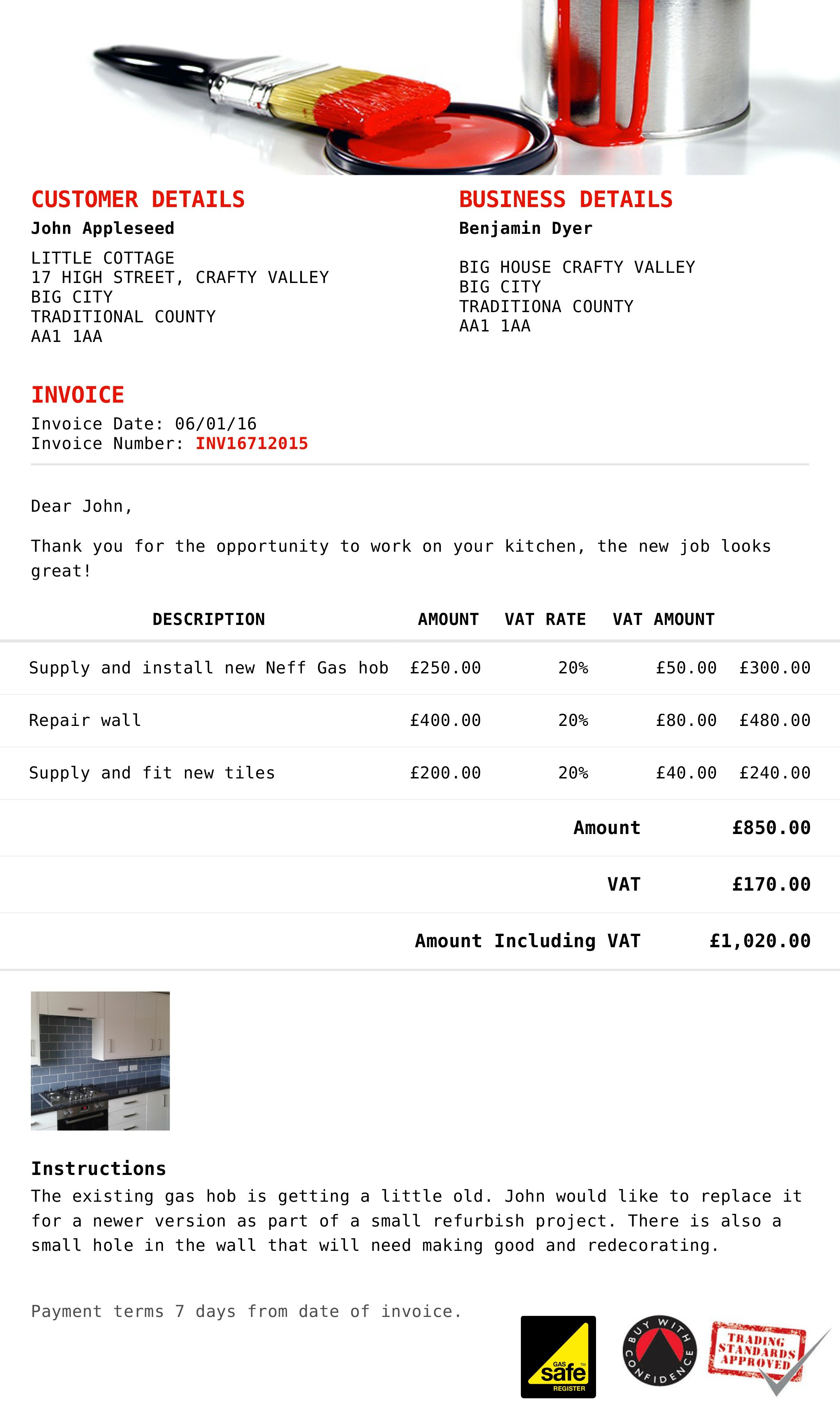
- Interior Painting Jobs: Generate invoices for residential or commercial interior painting projects, detailing the work done, materials used, and labor costs.
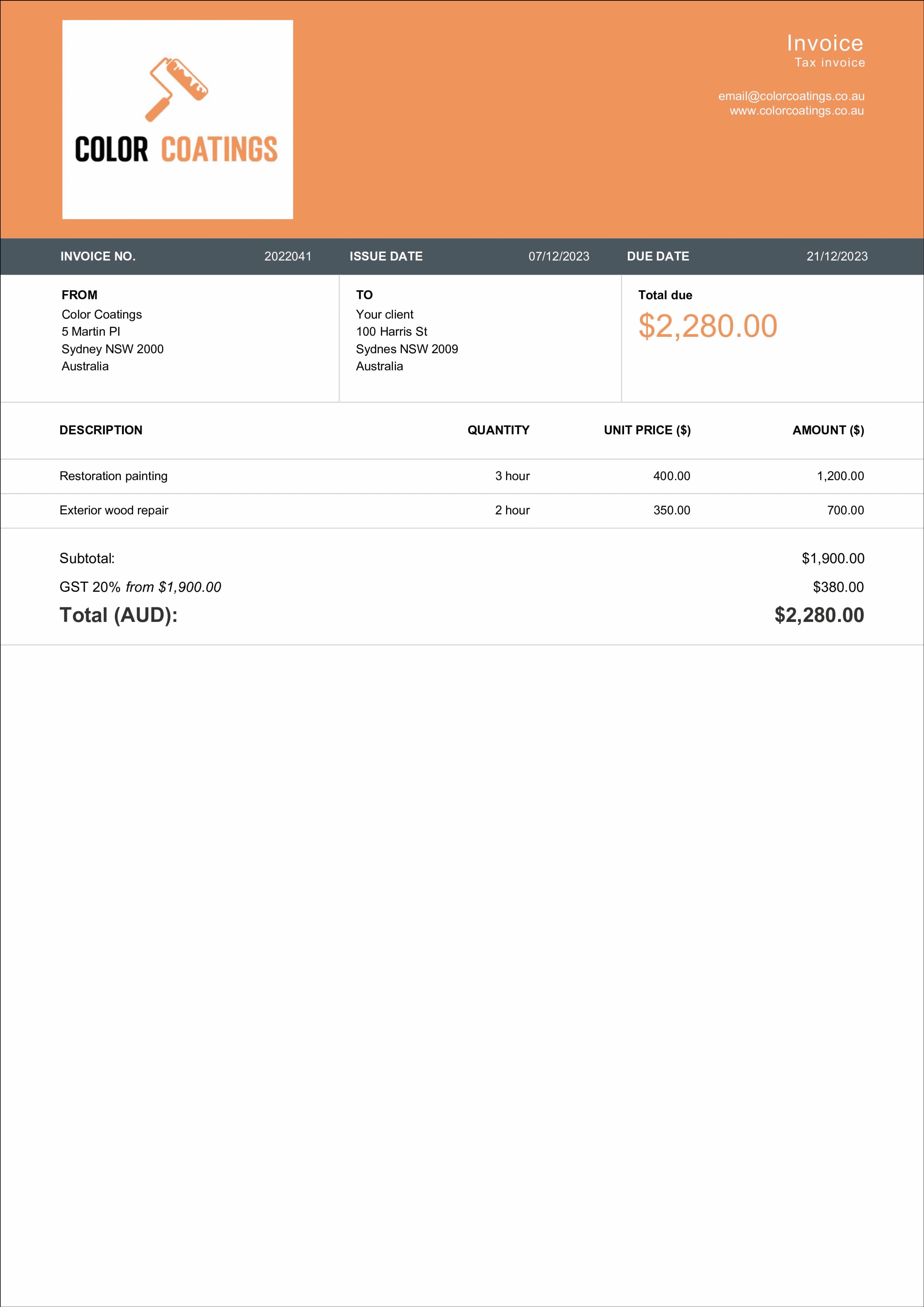
- Exterior Repaints: Create invoices for exterior painting services, including prep work, paint type, and any additional services provided.
- Apartment Turnovers: Efficiently manage invoices for apartment painting jobs, tracking costs and ensuring a professional presentation.
What to Check Before Downloading or Creating
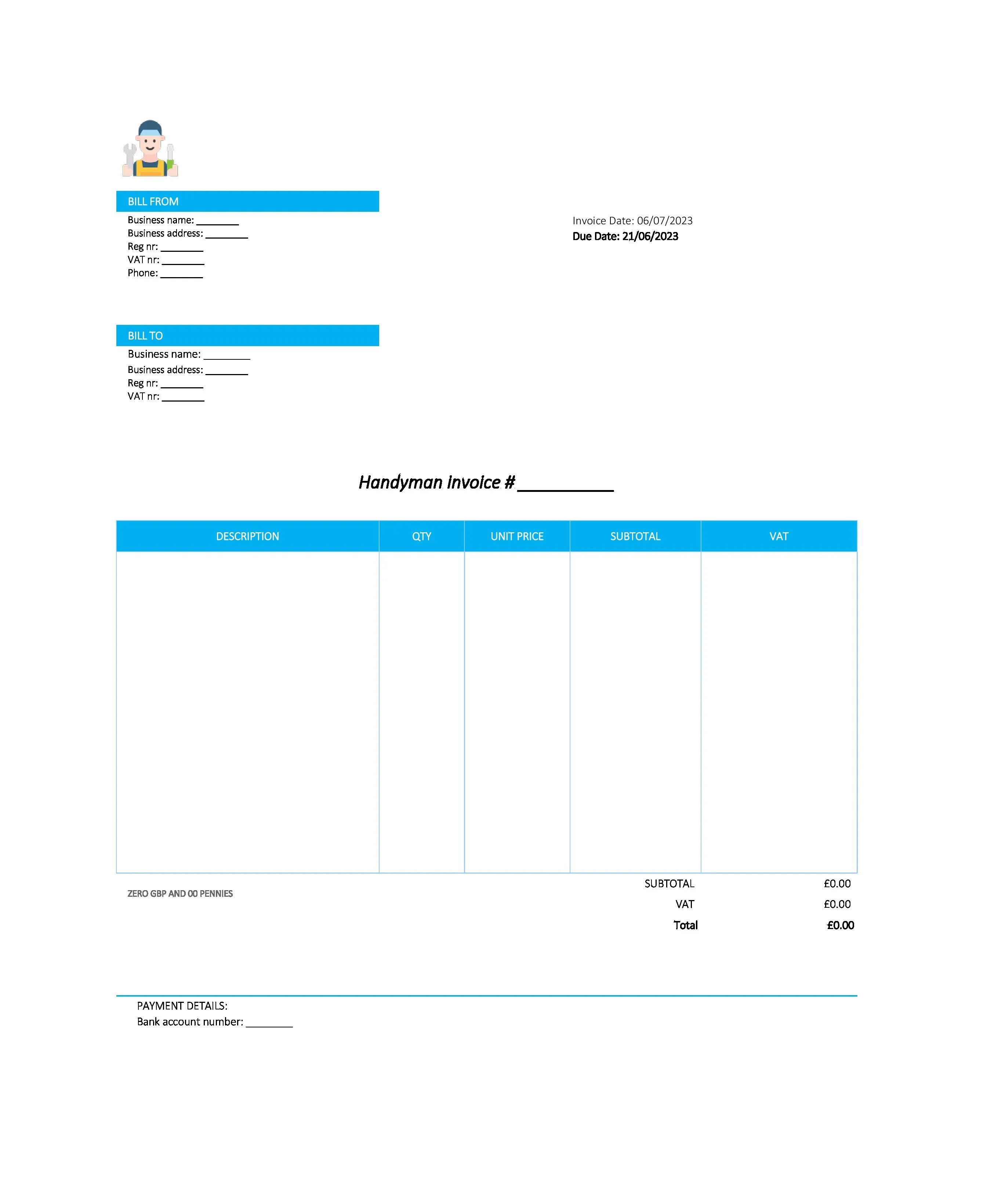
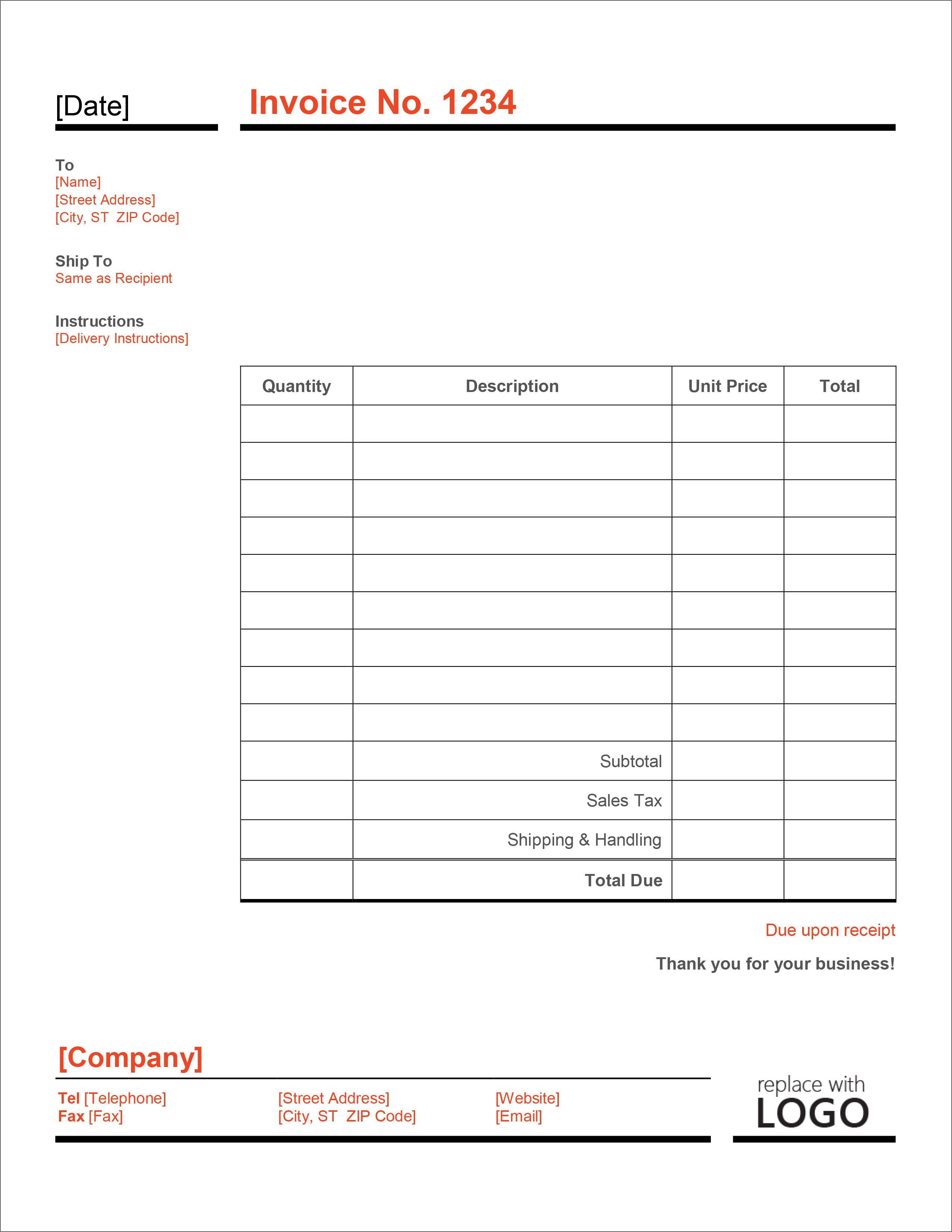
- Ensure the template includes all necessary fields, such as client information, job details, line items for labor and materials, and payment terms.
- Check for compatibility with your preferred software. While Google Sheets is widely accessible, some templates may require additional add-ons or extensions.
- Review the template's formatting and design to ensure it aligns with your branding and professional standards.
Additional Resources
- For a similar solution, explore our hood cleaning invoice template, offering a specialized approach for cleaning services.
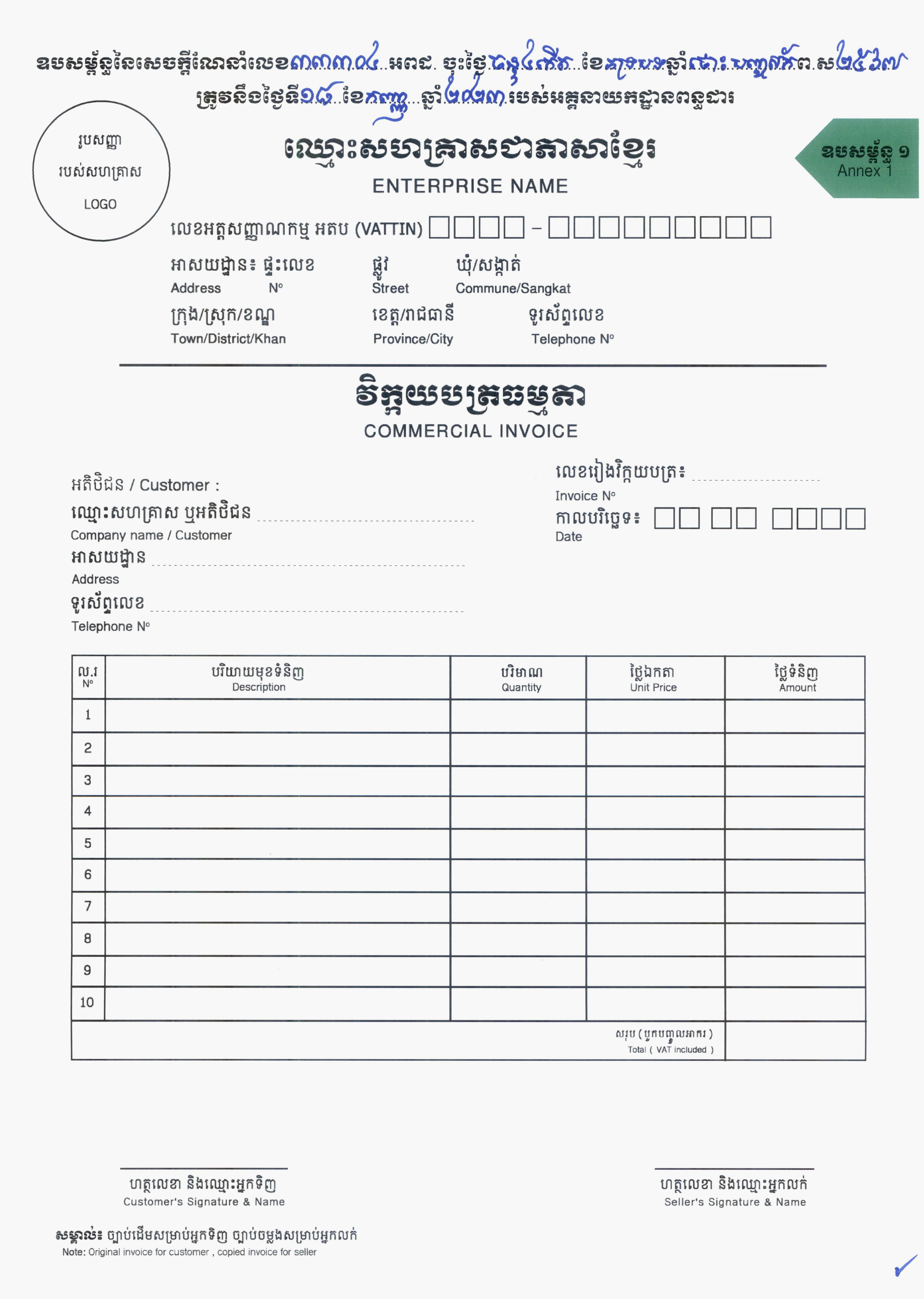
- If you're looking for a unique design, check out our Khmer restaurant invoice template PDF for a culturally inspired option.
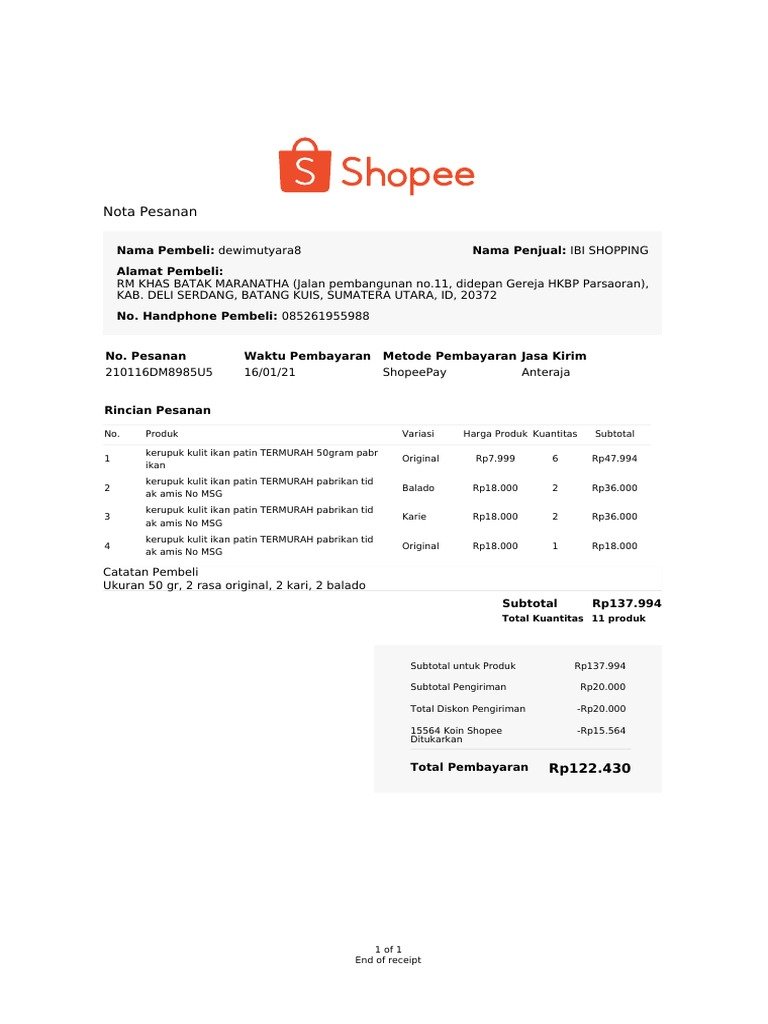
- Need help with billing inquiries? Learn how to locate your ATT billing invoice number for efficient customer support.
- For a simple and effective solution, our simple invoice customer service number guide provides essential contact details.
- Compare the benefits of Google Sheets with our Excel invoice template article, offering insights into different platforms.
- If you prefer a different format, our receipt template in Word letter size provides an alternative option.