

Printable Invoice Amazon: A Guide to Your Options
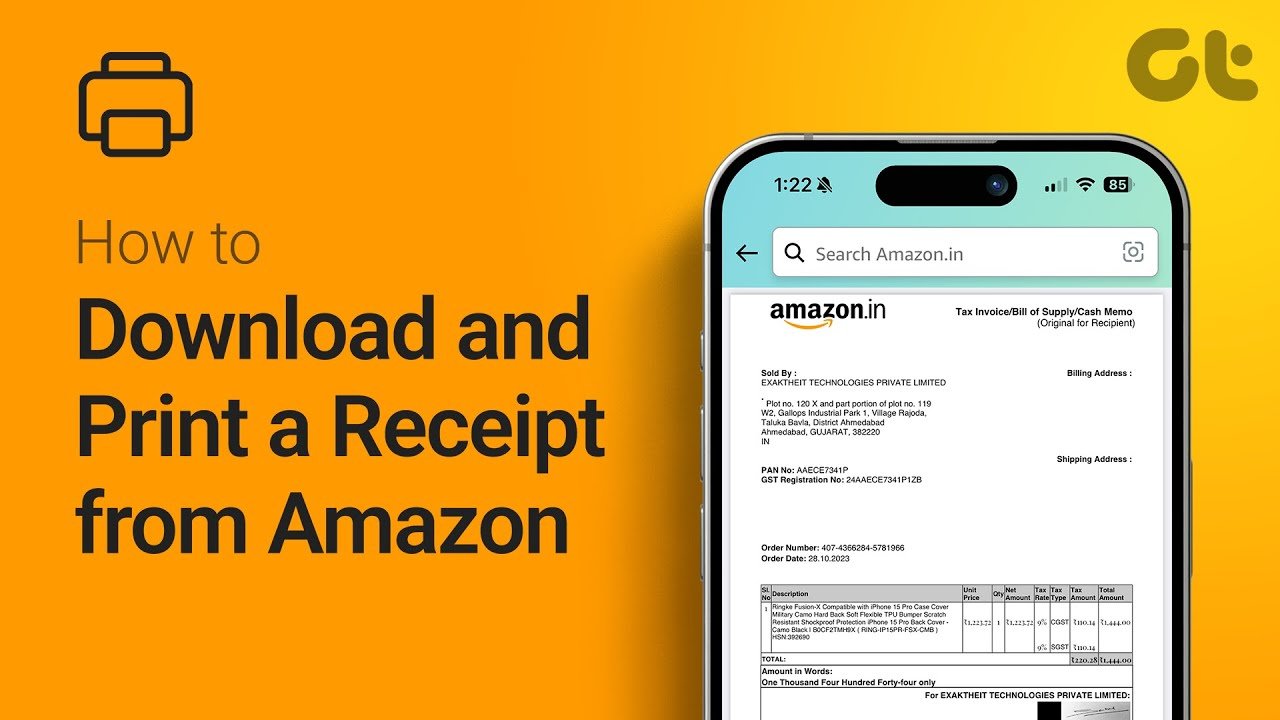
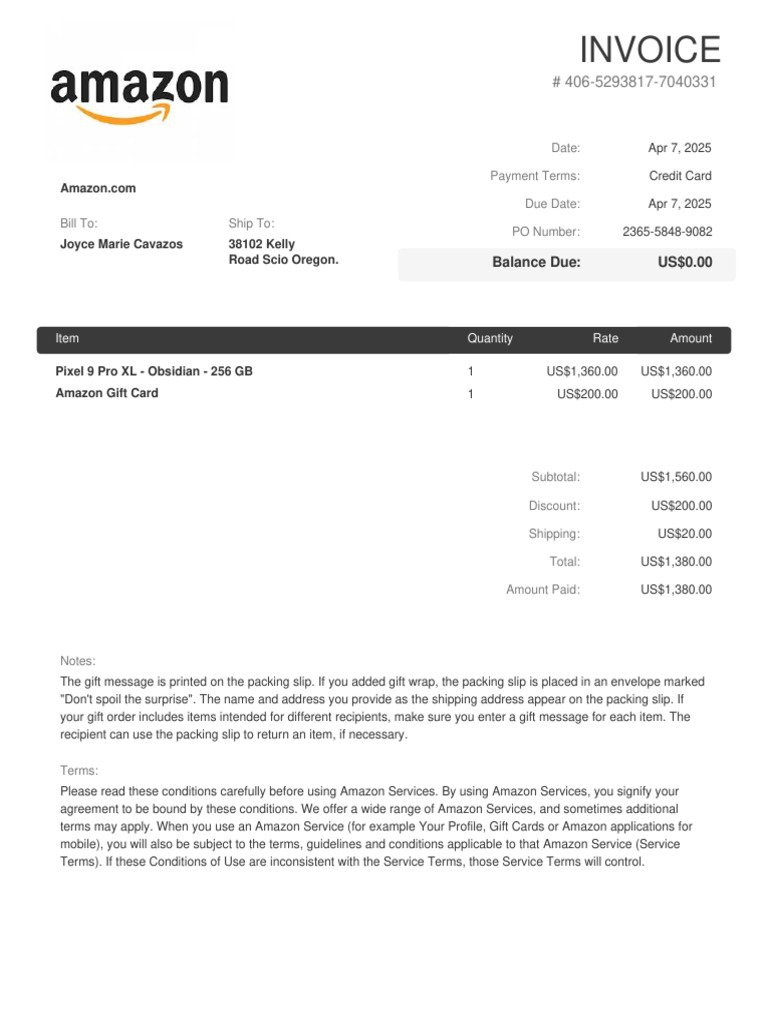
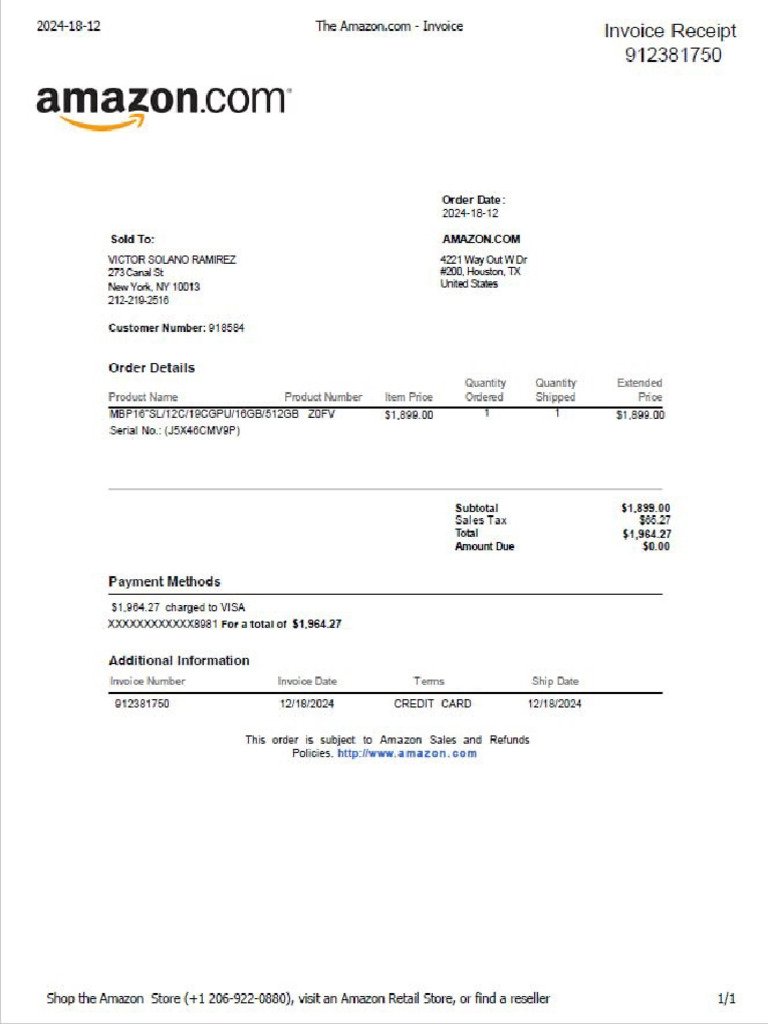
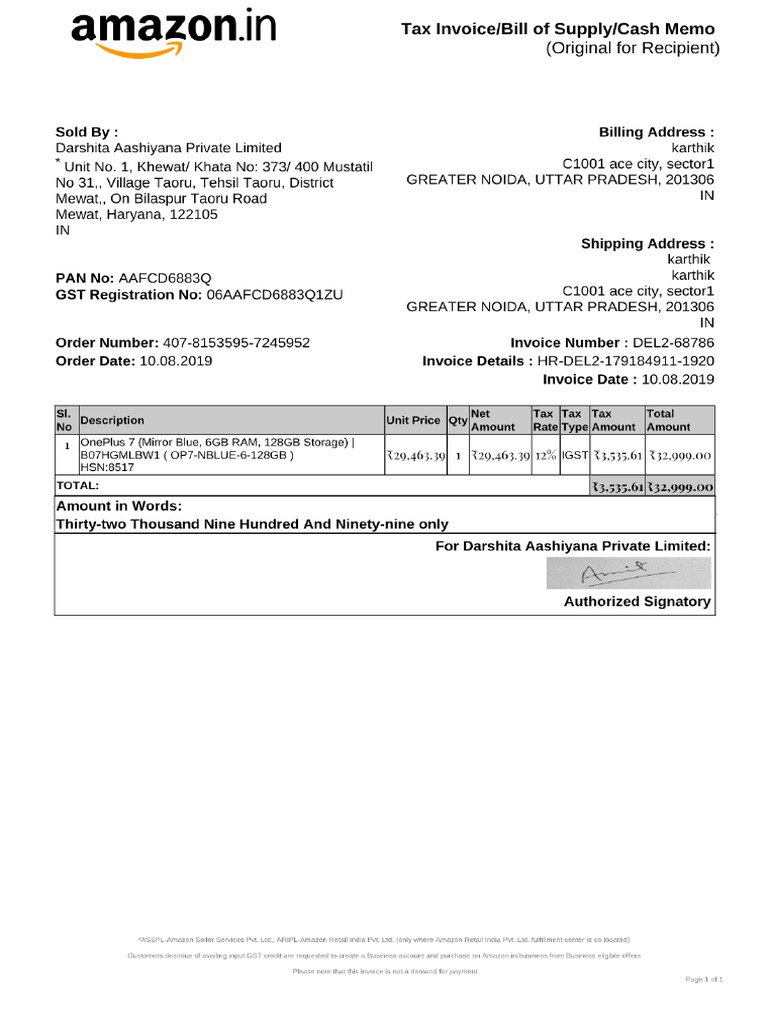
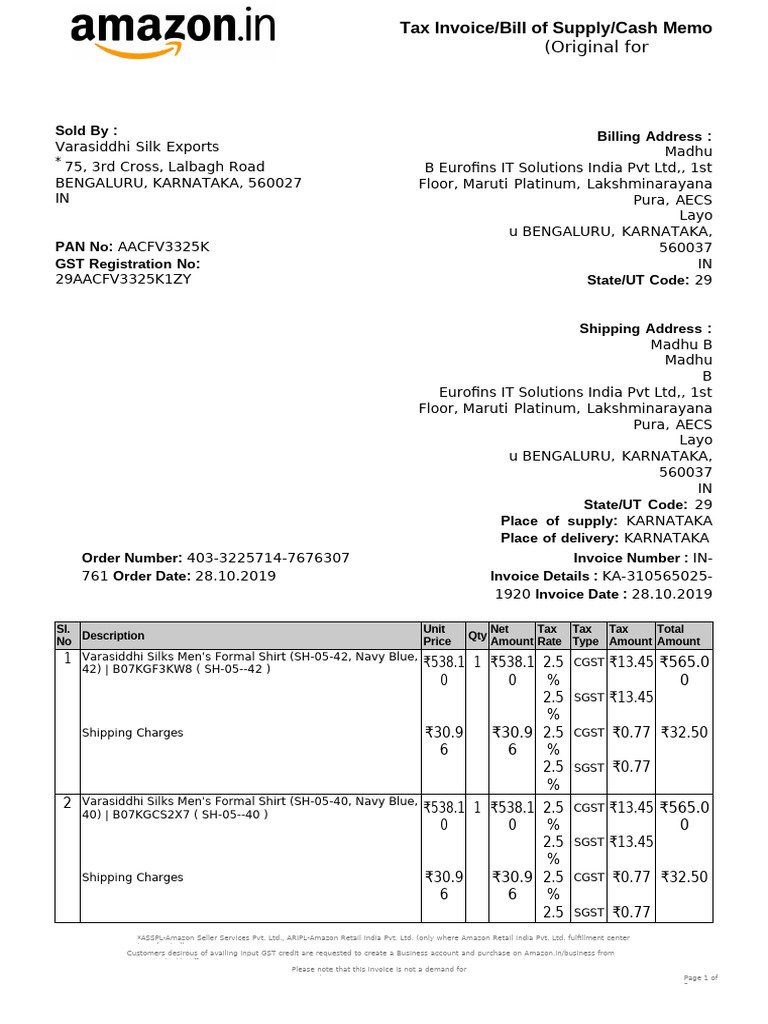
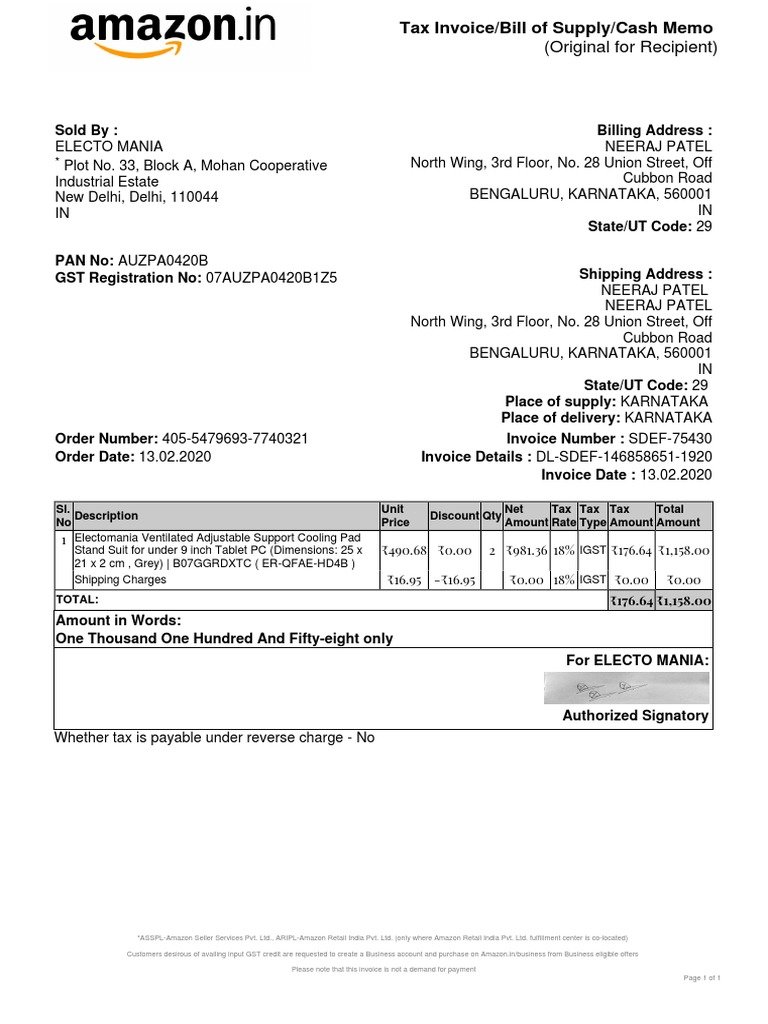
Amazon offers a straightforward way to access and print invoices for your orders, providing a convenient method to keep track of your purchases and manage your business needs. When looking into printable invoice amazon, the details quickly stand out. Here's a direct breakdown of the process and some useful alternatives.
Popular Options and Variations
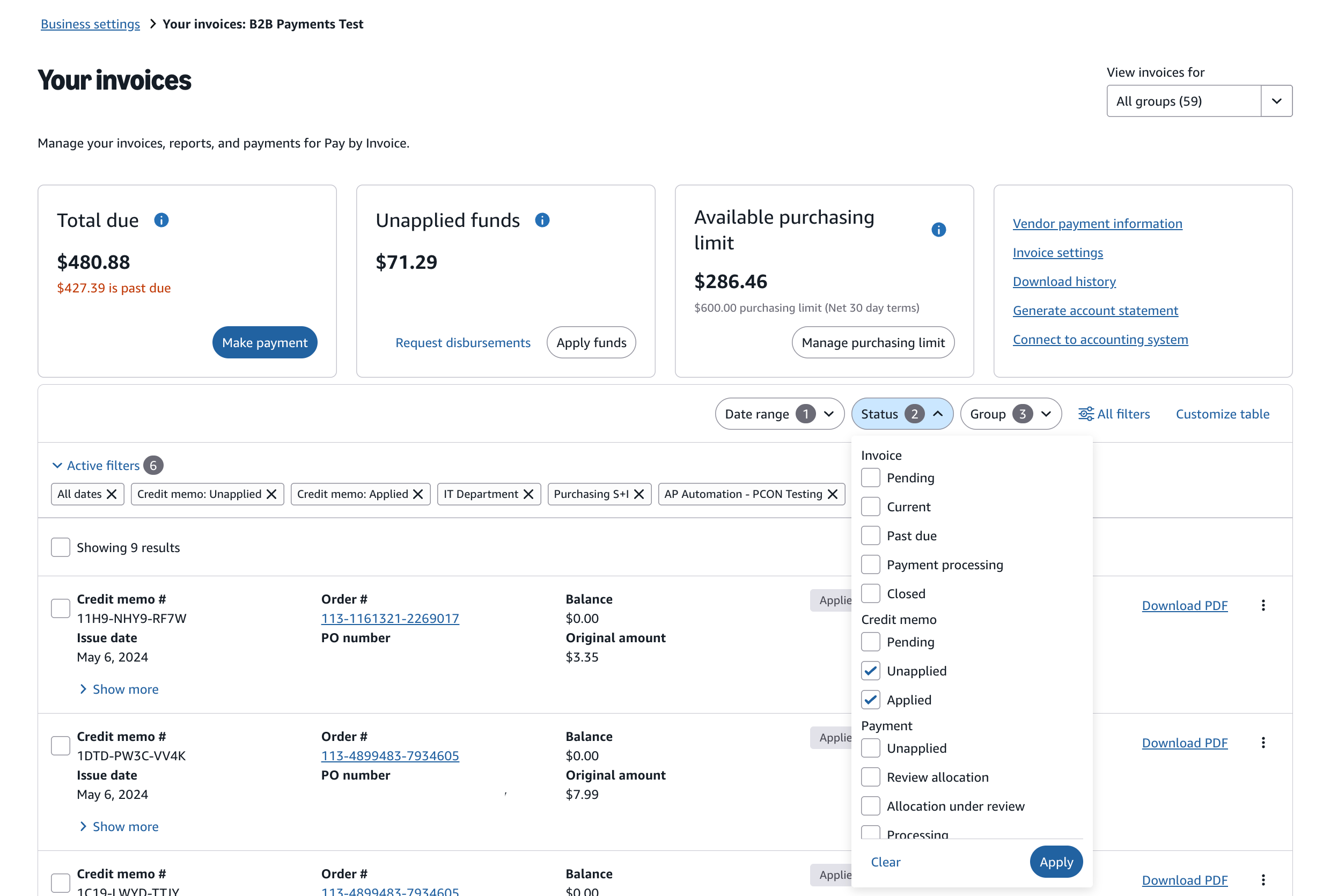
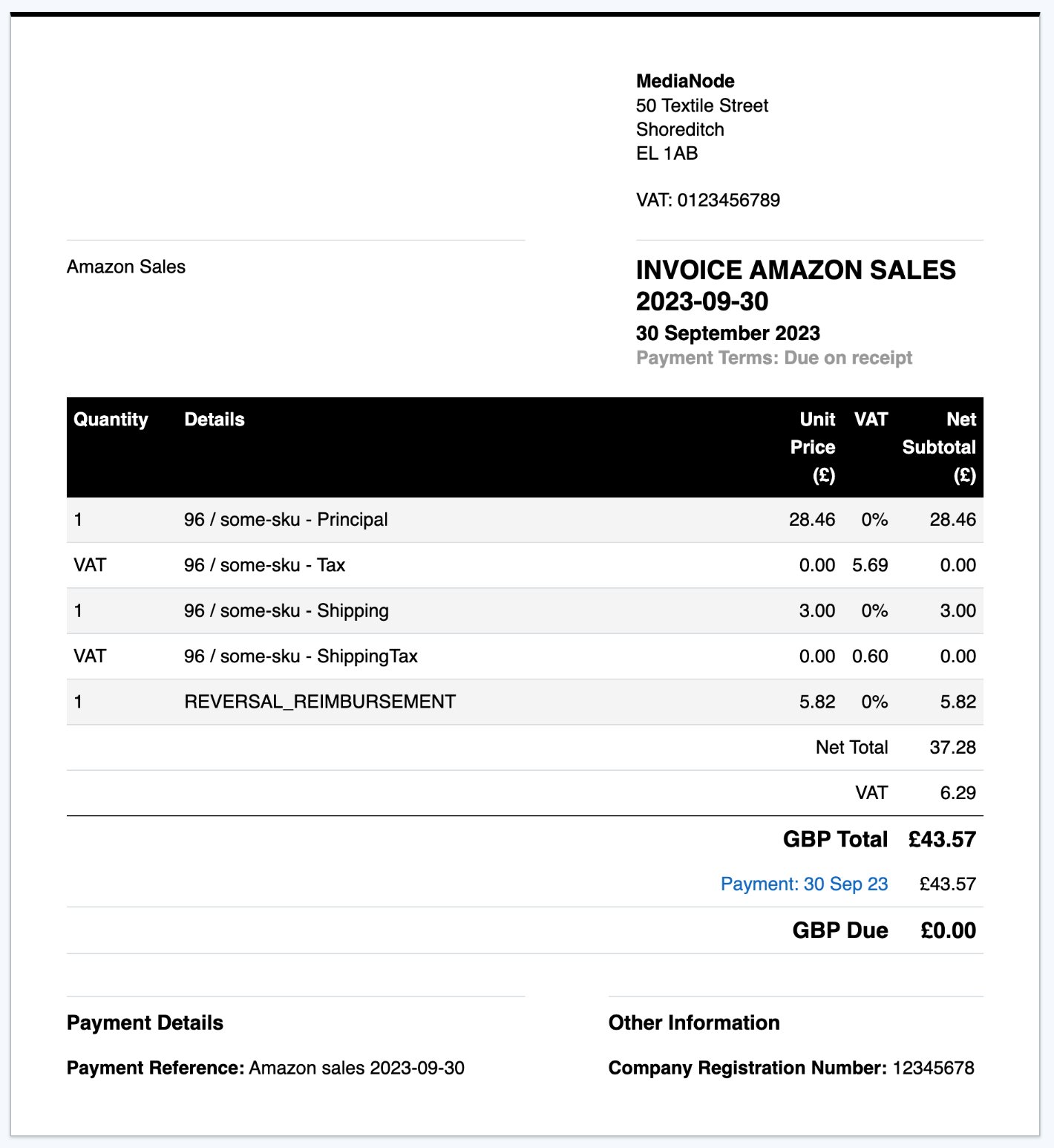
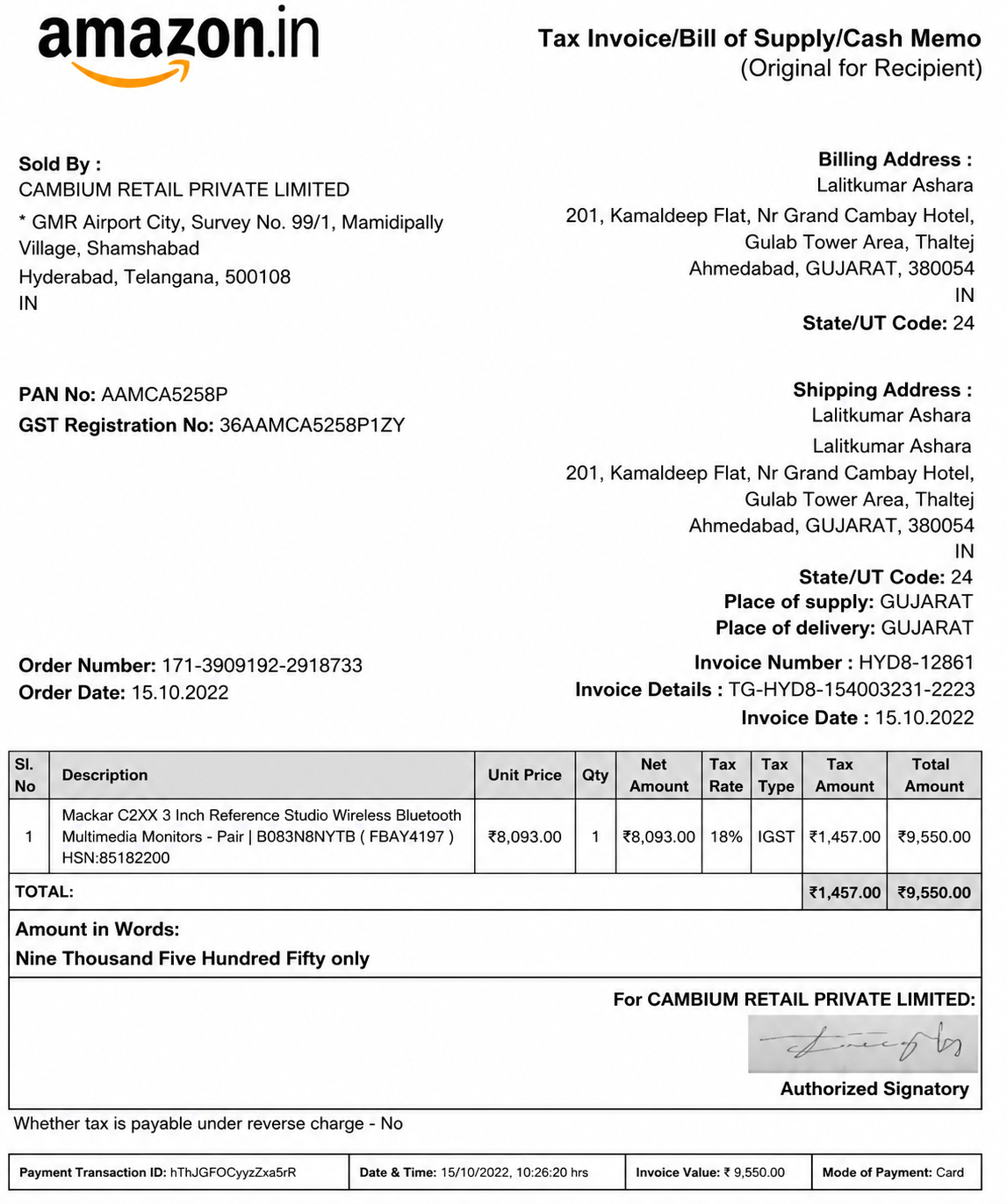
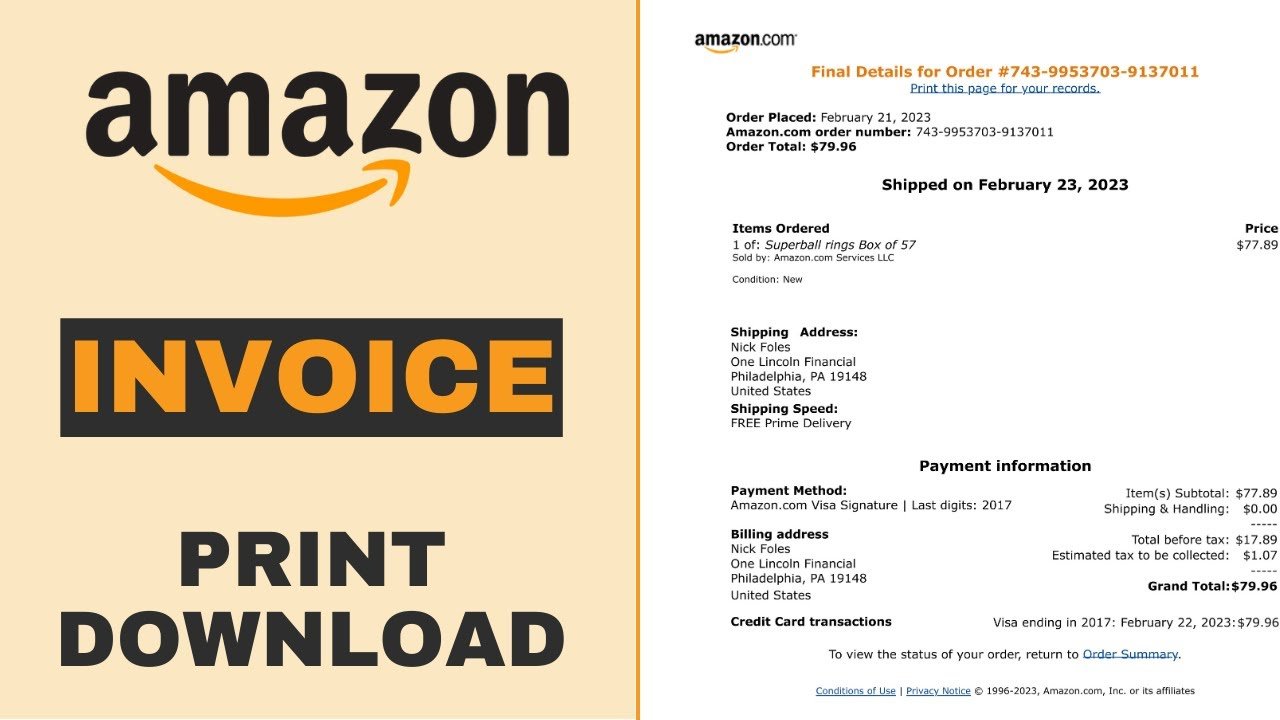
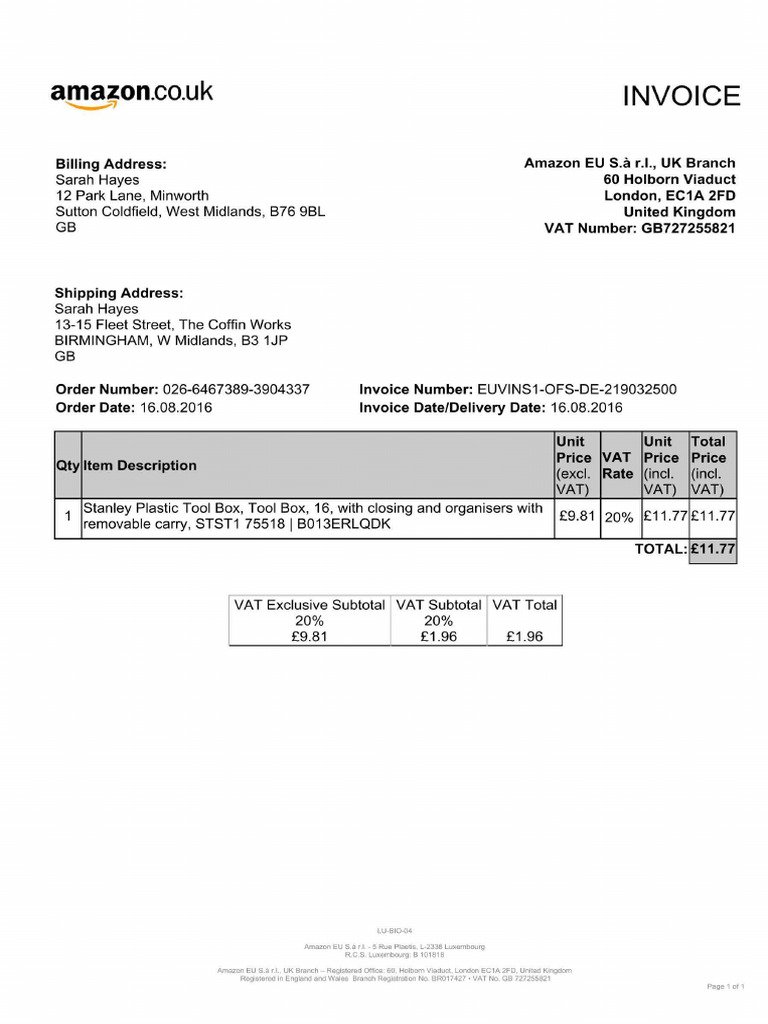
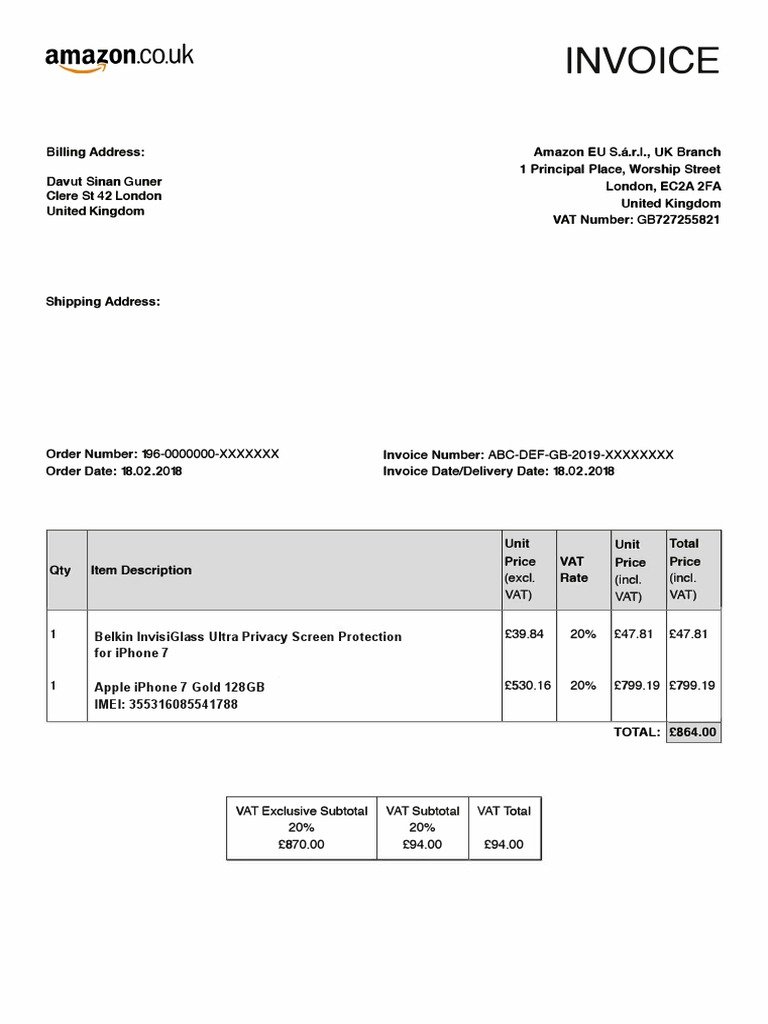
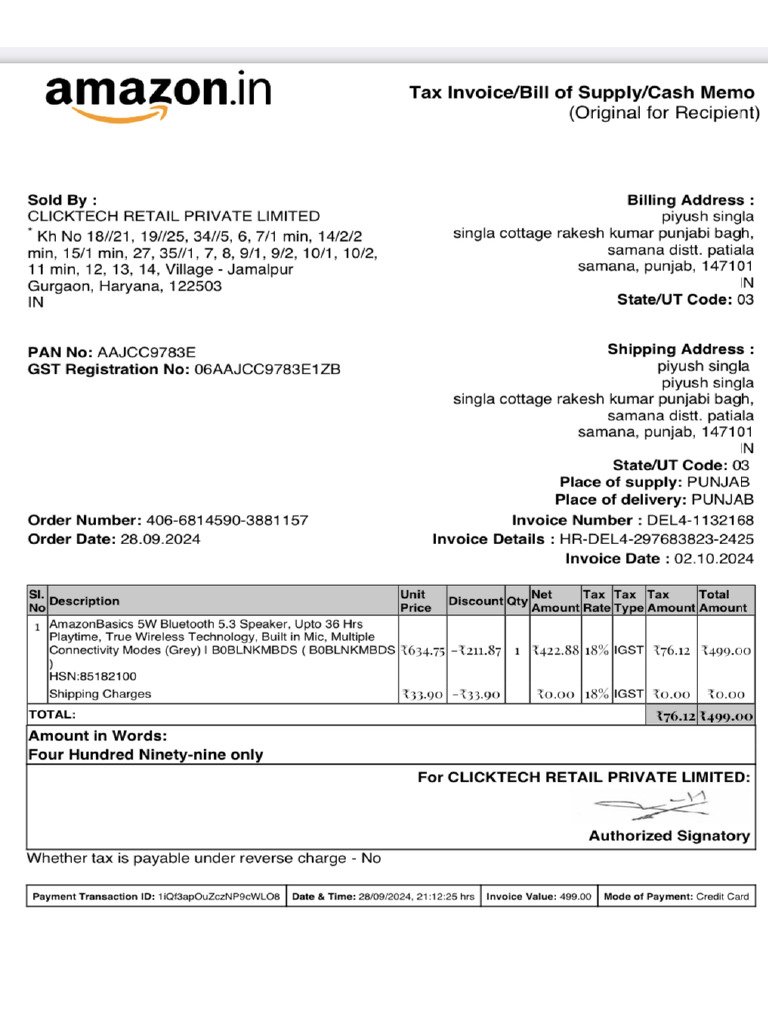
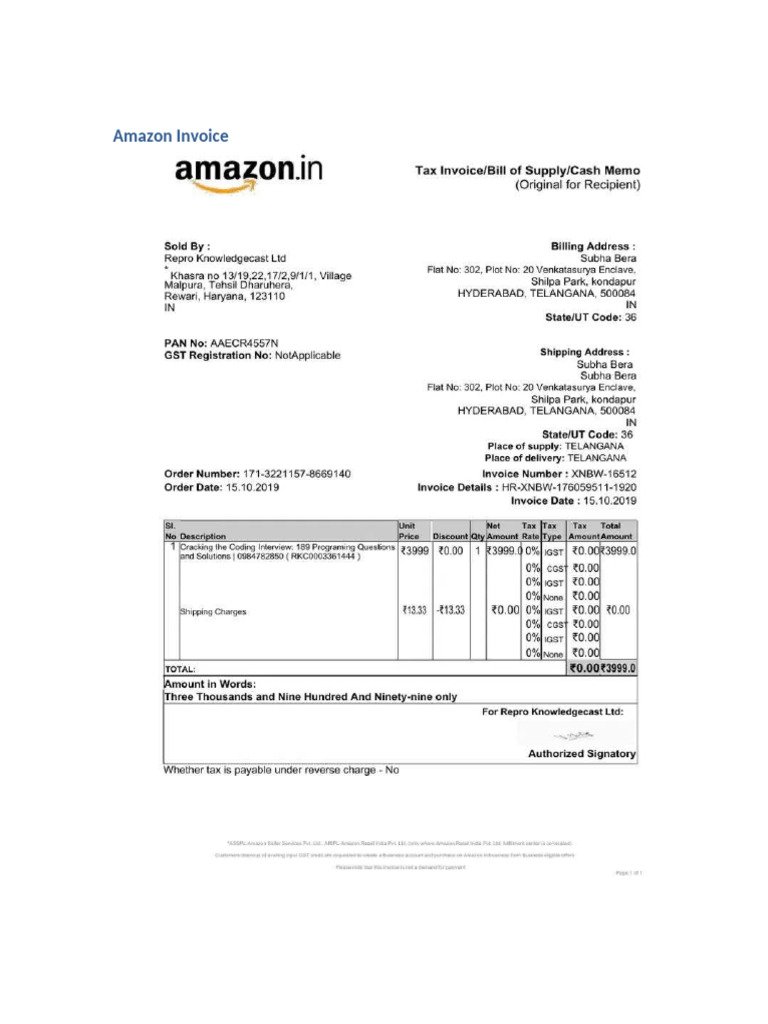
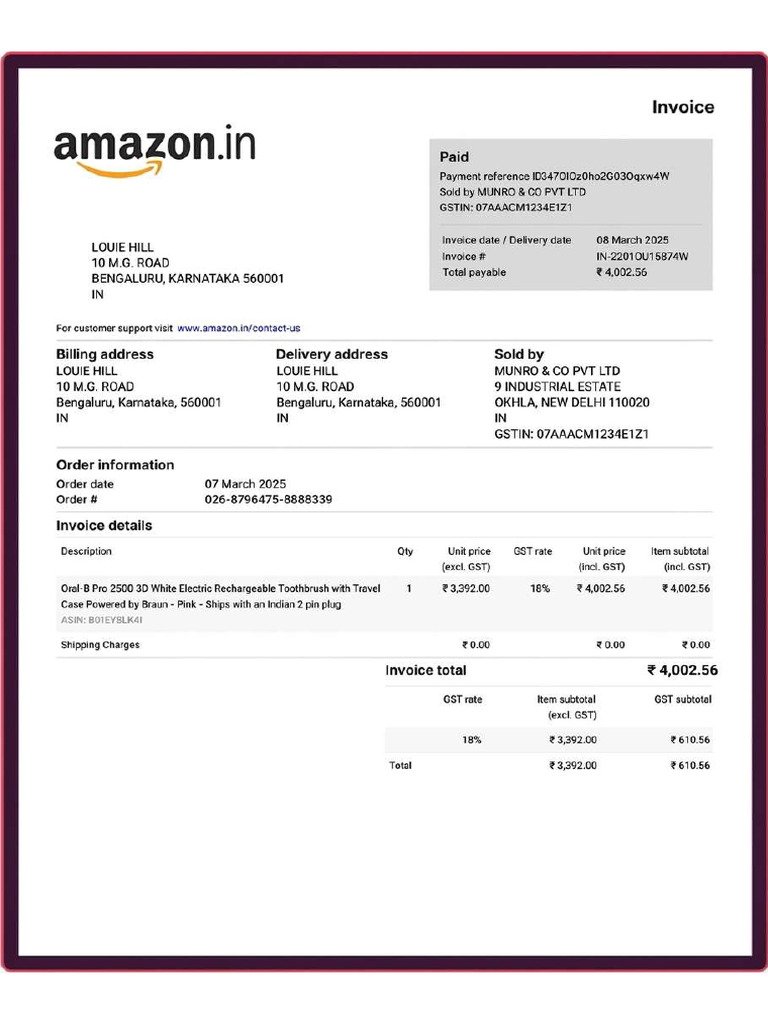
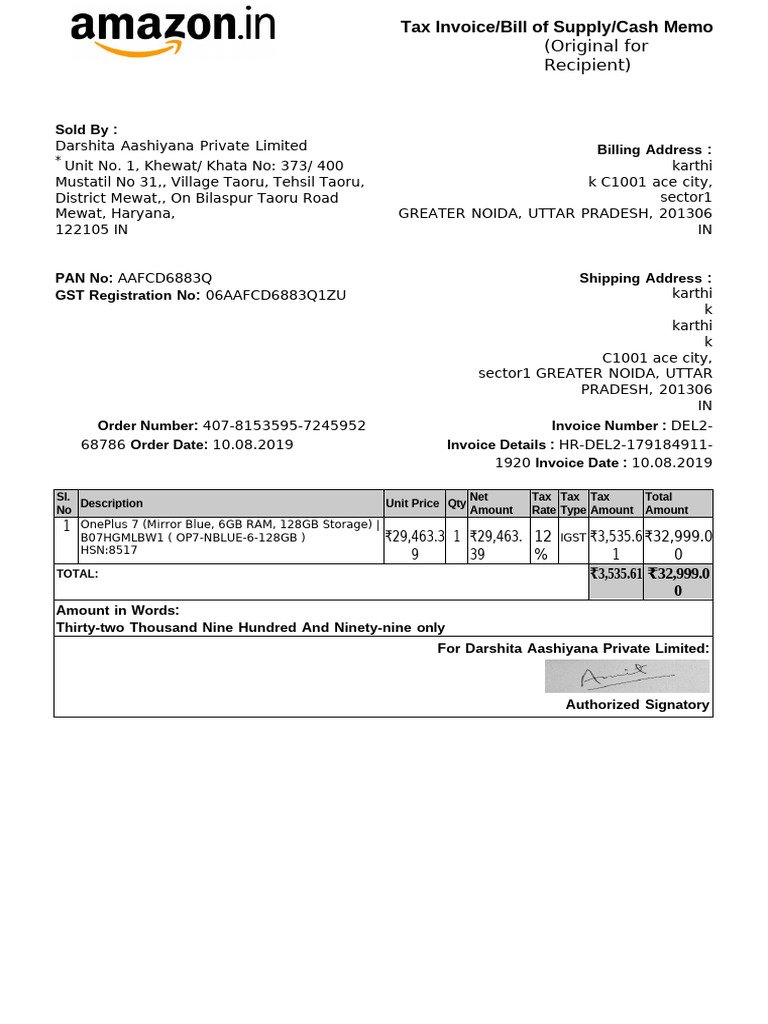
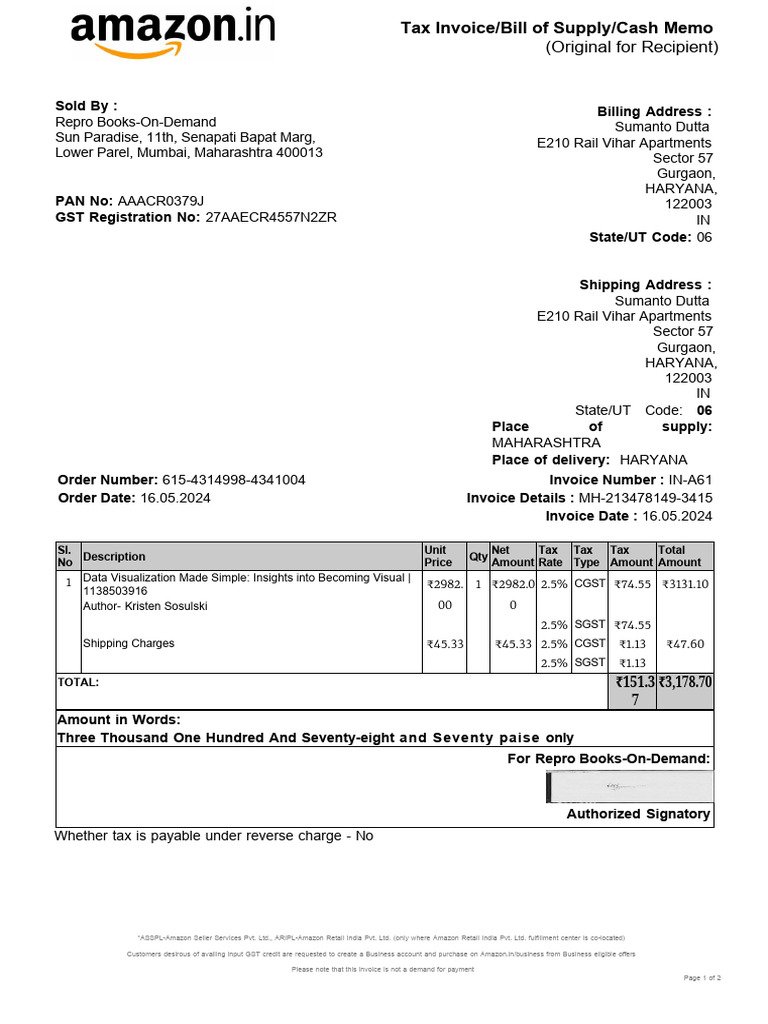
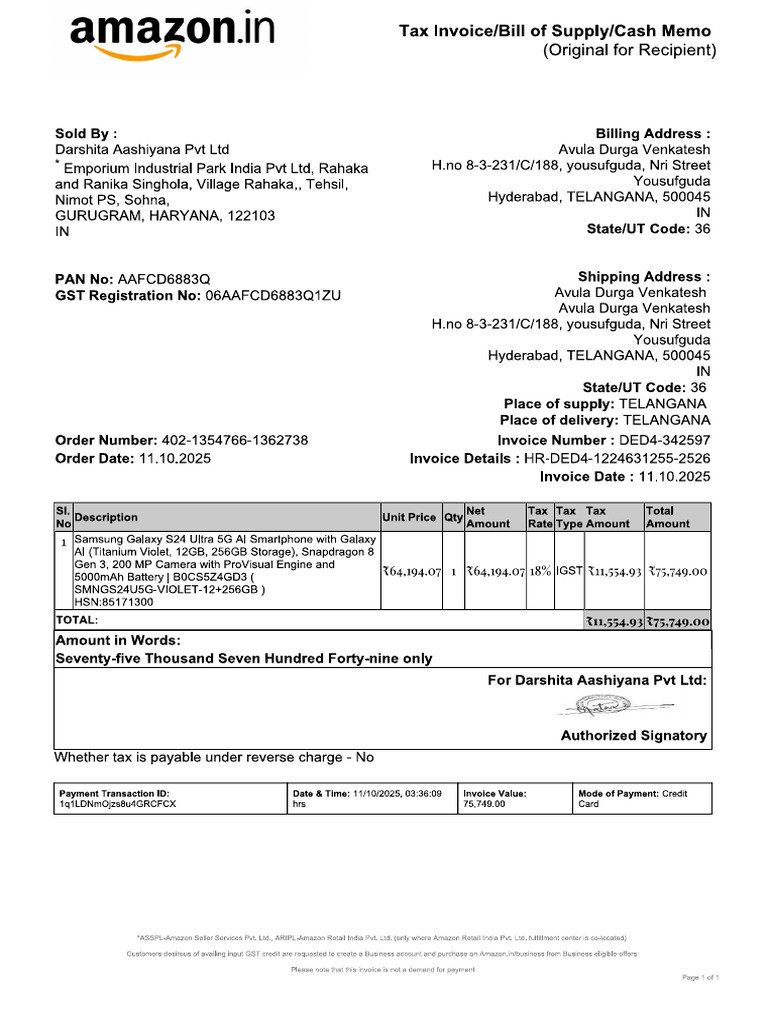
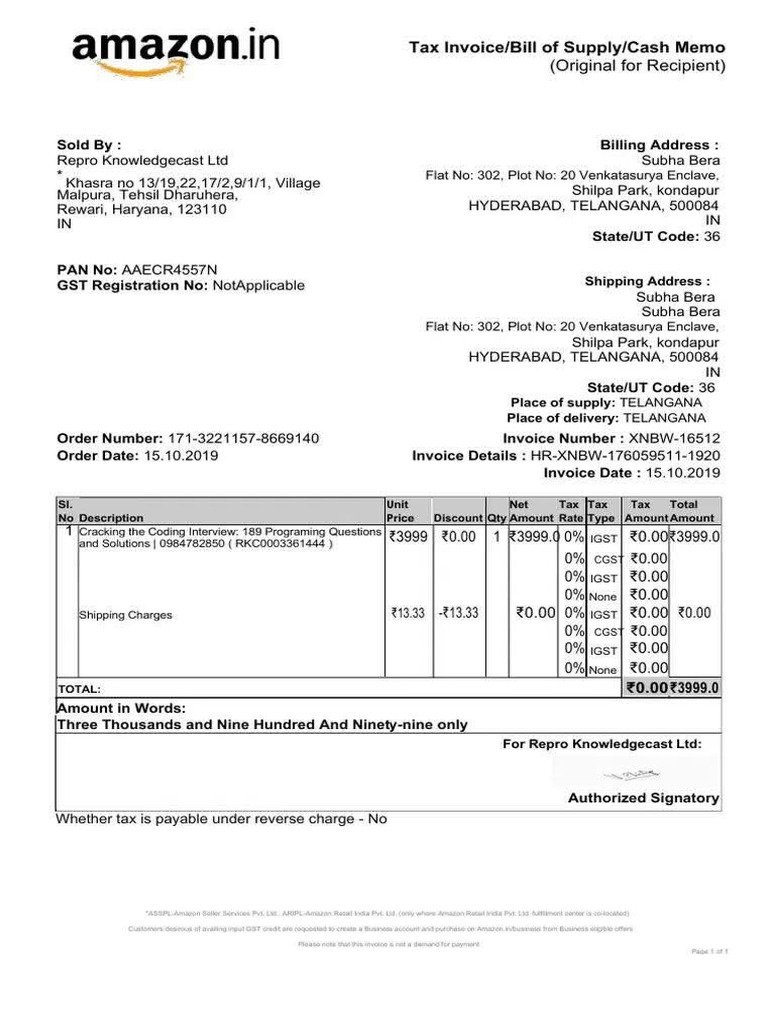
Amazon's Invoice Service: Print an invoice for your Amazon orders is a simple process. Once your order is shipped, you can access it through your account. For orders with multiple shipments, you can download the invoice from the Amazon website.
Third-Party Sellers: Some third-party sellers on Amazon may have their own invoicing systems. If you purchase from these sellers, check their individual policies for invoice access.
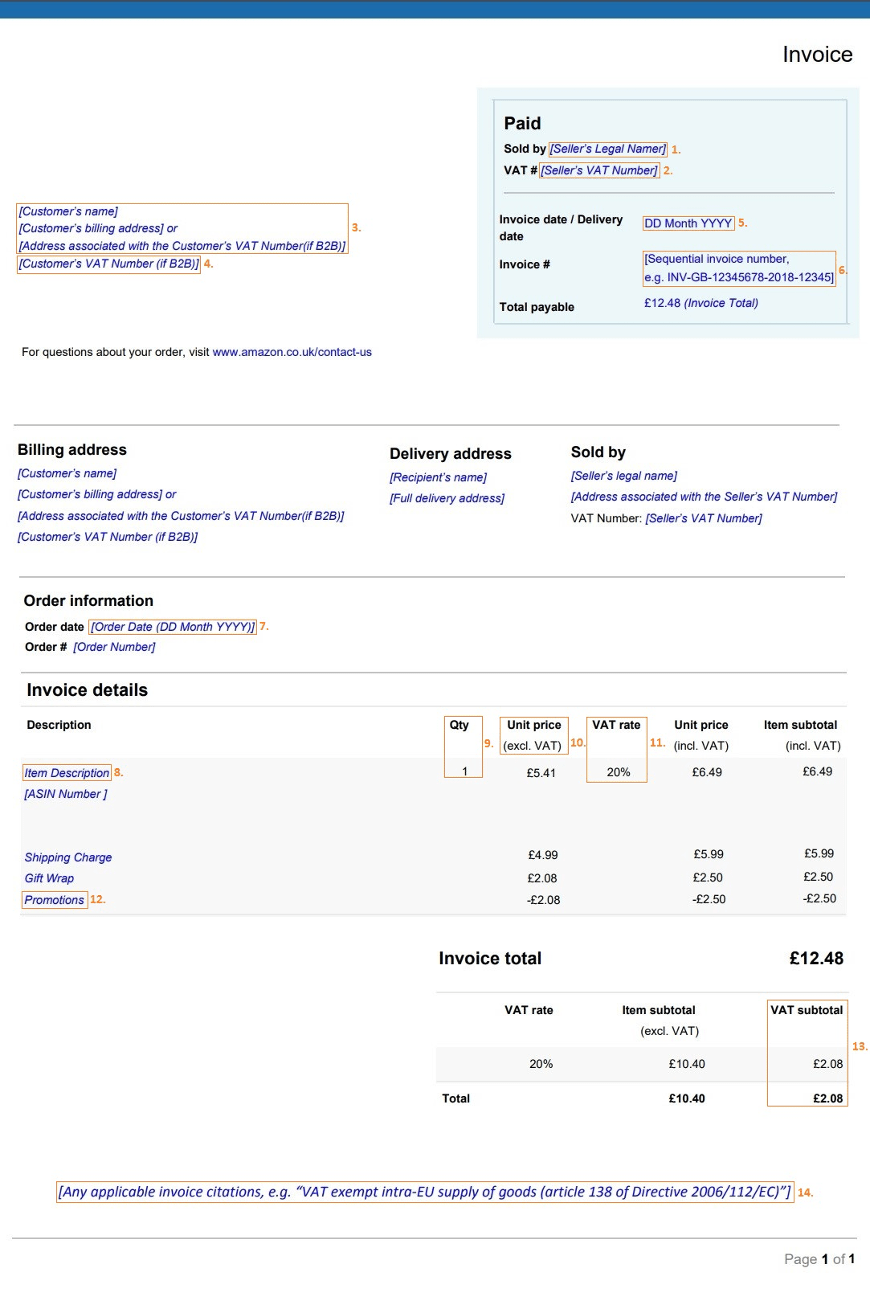
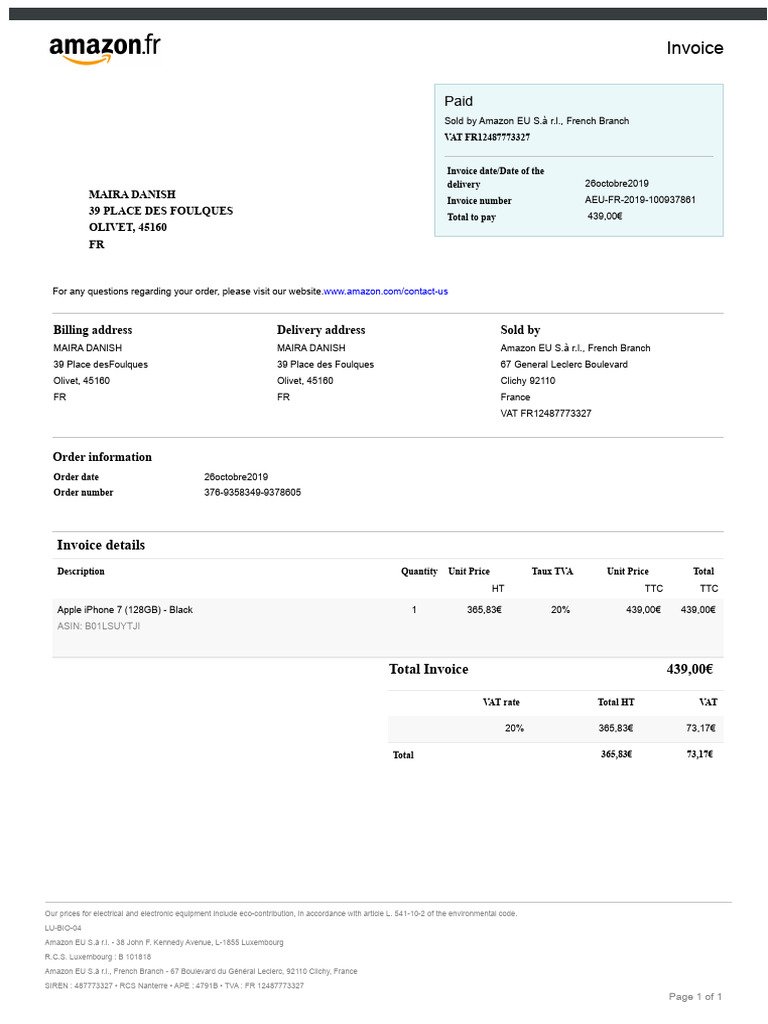
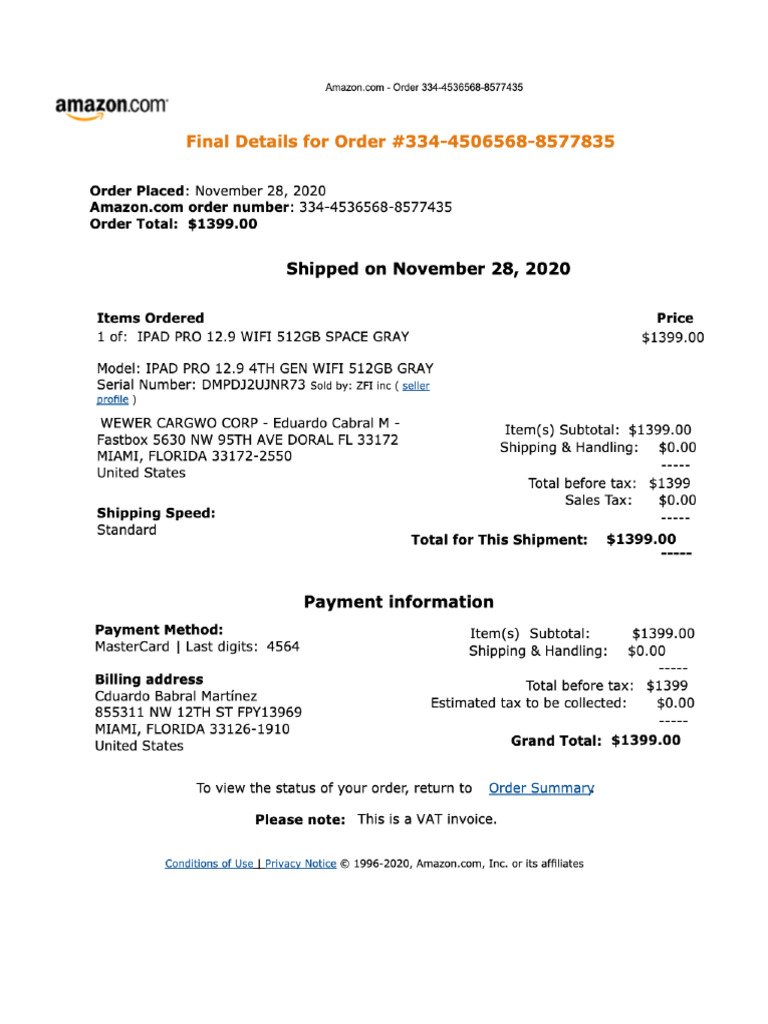
Digital Products and Services: For digital orders, Amazon provides a way to print a VAT invoice. You can find and download these invoices from your account, offering a clear record of your digital purchases.
How to Access and Print Invoices
- Go to your Amazon account and navigate to the "Your Orders" section.
- Locate the specific order for which you need an invoice.
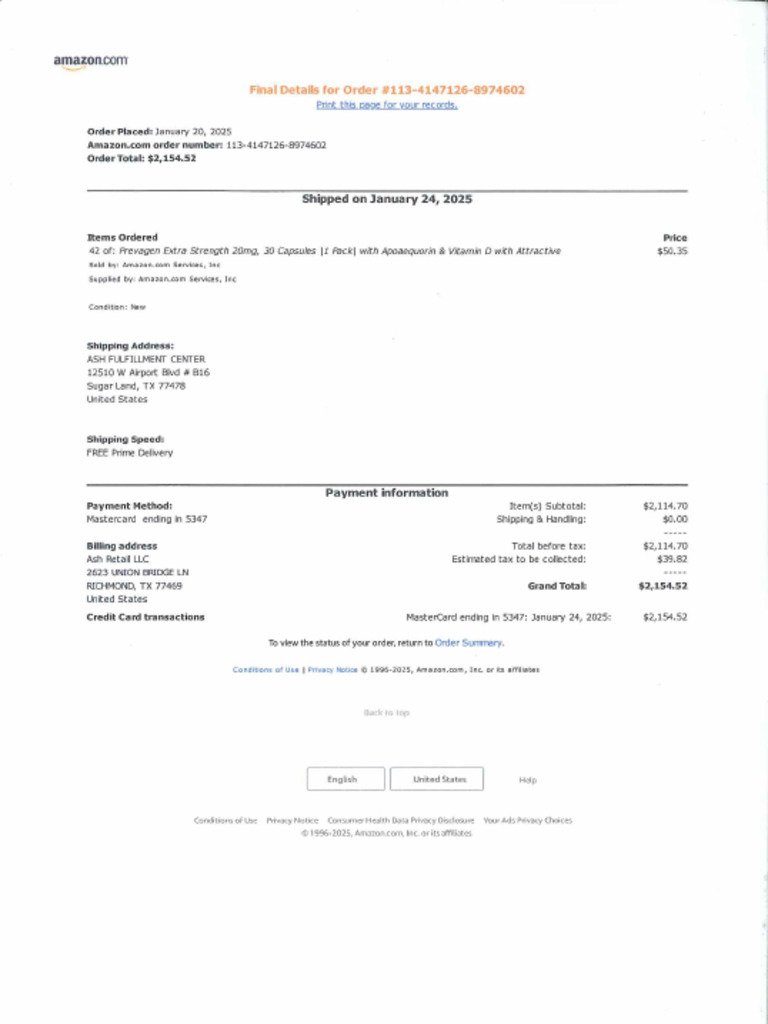
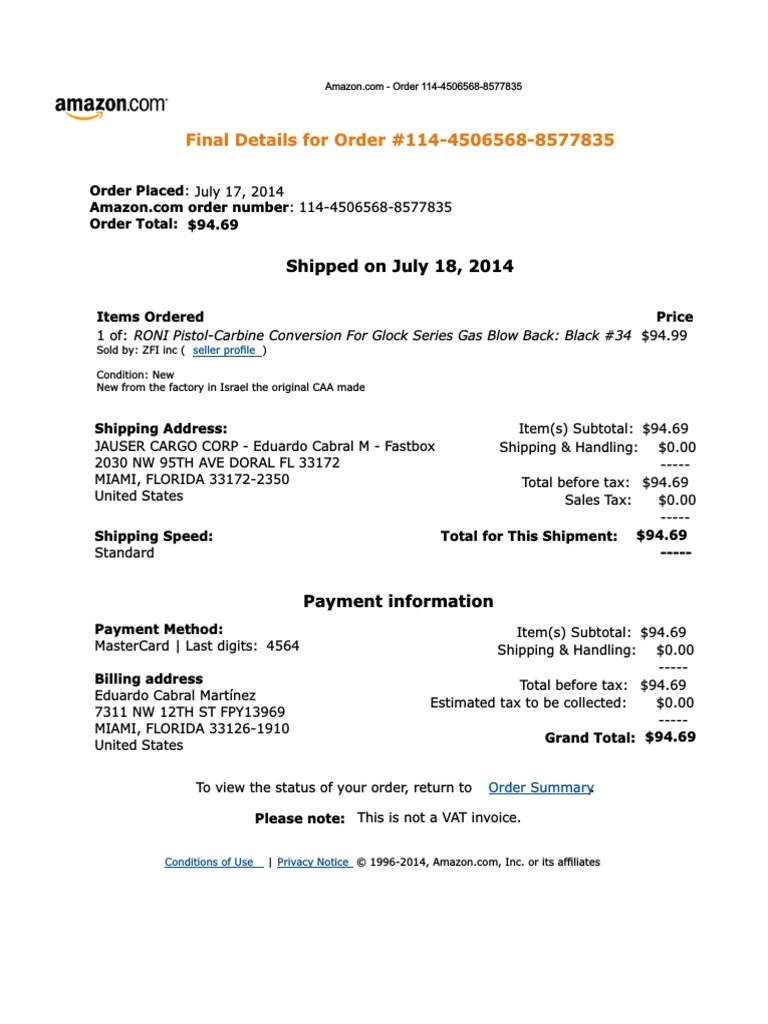
- Depending on the order type and seller, you will see an option to either print an invoice or a printable order summary.
- Select the appropriate link, and you can either print the invoice directly or save it as a PDF for future reference.
What to Check Before Printing
- Order Status: Ensure your order is shipped before attempting to print the invoice. Invoices are usually available once the order is in transit.
- Seller Information: For third-party sellers, verify if they provide invoices and how to access them.
- Digital Orders: If you purchased digital products, check the process for obtaining a VAT invoice.
Alternative Invoice Solutions
If you're looking for a more comprehensive invoicing system, especially for business purposes, consider these options:
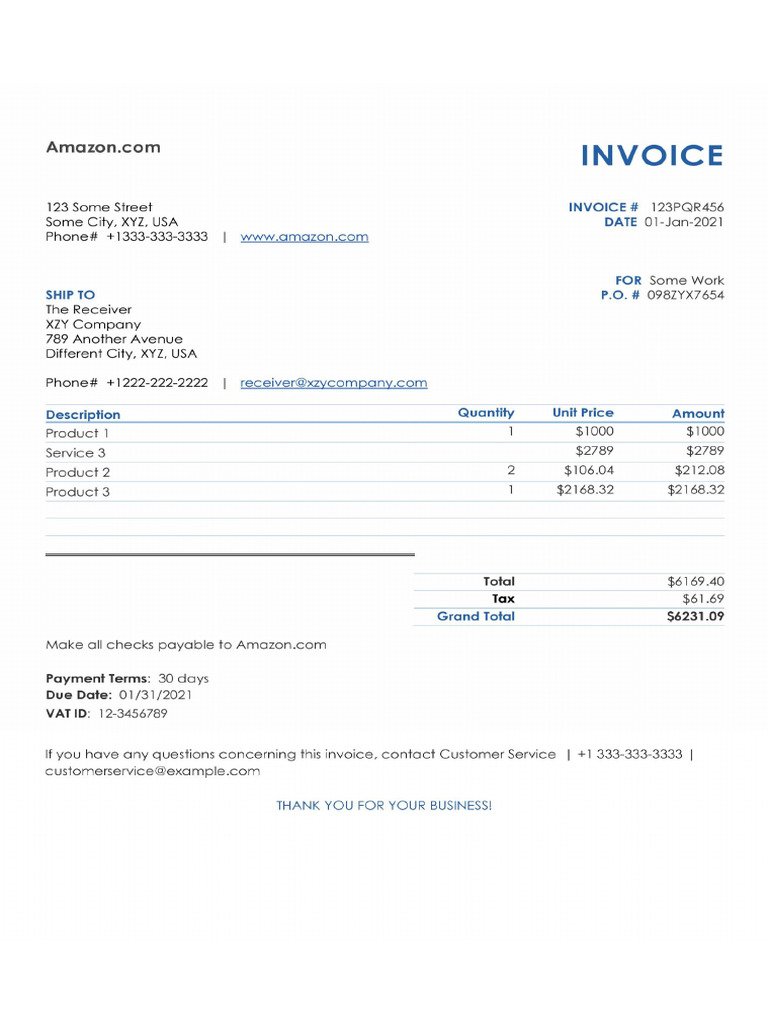
- Free Invoice Generator: Offers a wide range of creative templates to generate and send professional PDF invoices.
- Amazon Business Account: Create a free business account to access business-only pricing and save on purchases.
- Skynova Account: Provides an easy way to create, edit, and manage invoices, with options to print, download, or email.
Additional Resources
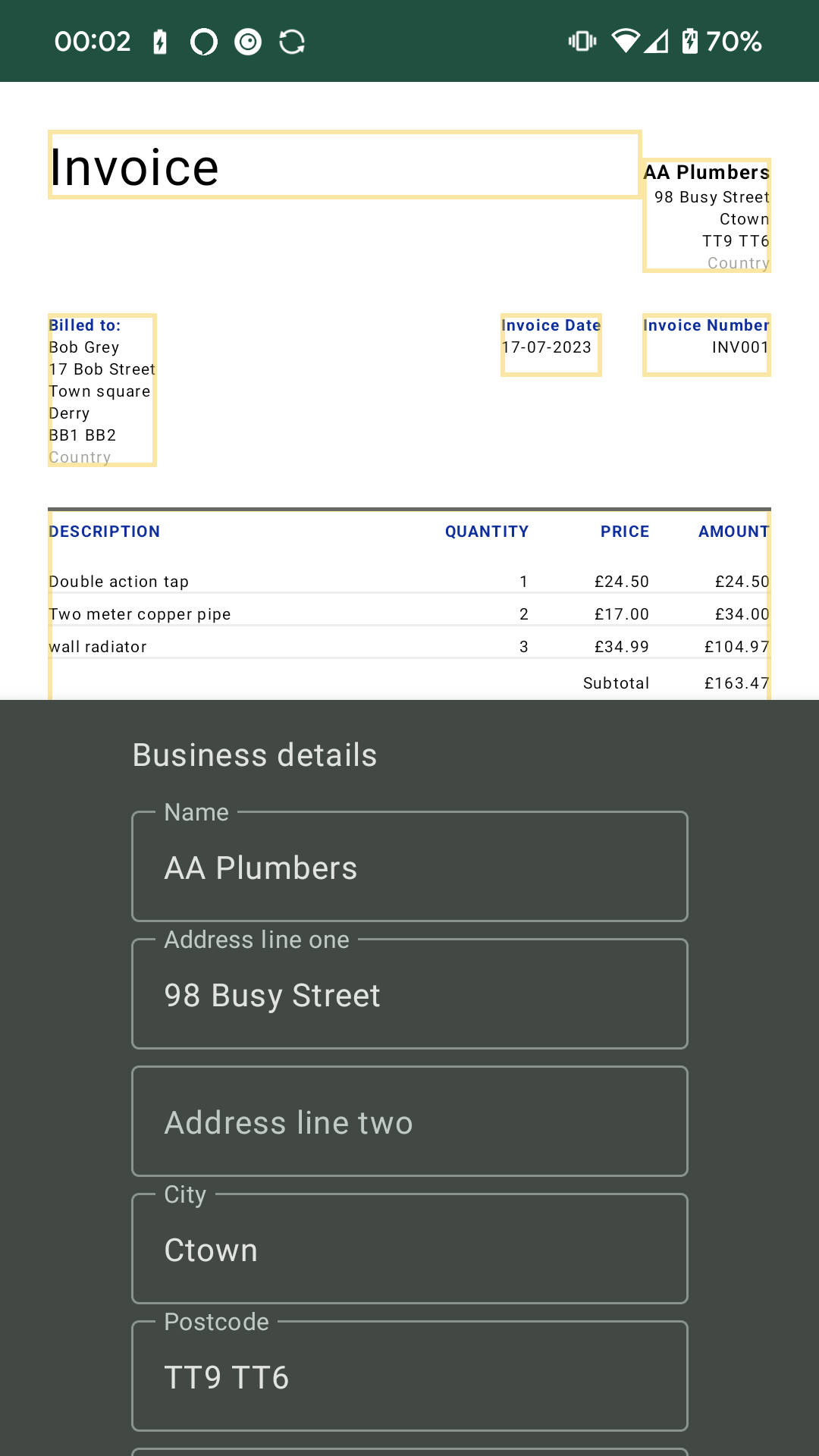
- Handyman Invoice App: A dedicated app for managing invoices and estimates for handyman services.
- Invoice Excel Data: Explore how to manage and organize invoice data using Excel.
- Handyman Invoice Template Google Sheets: A template for creating professional invoices using Google Sheets.