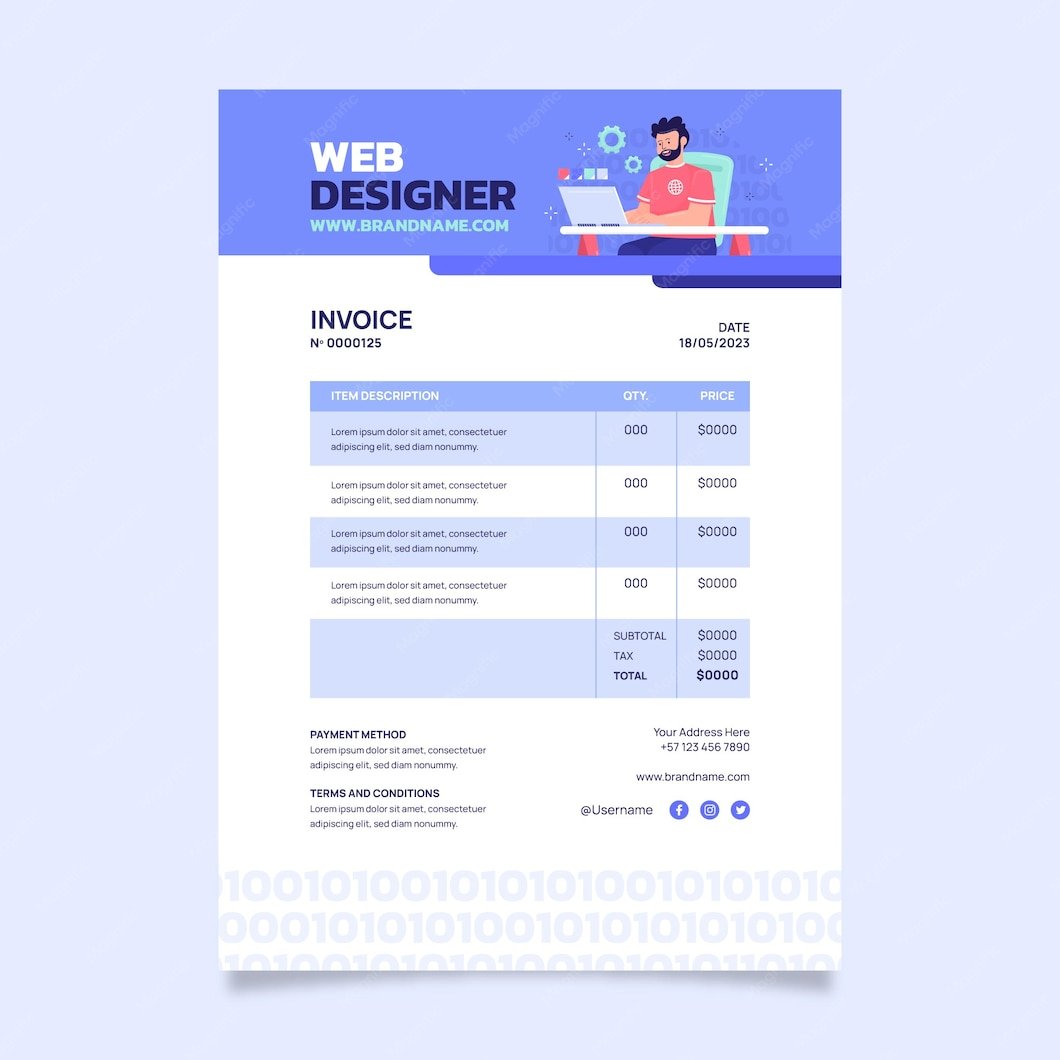
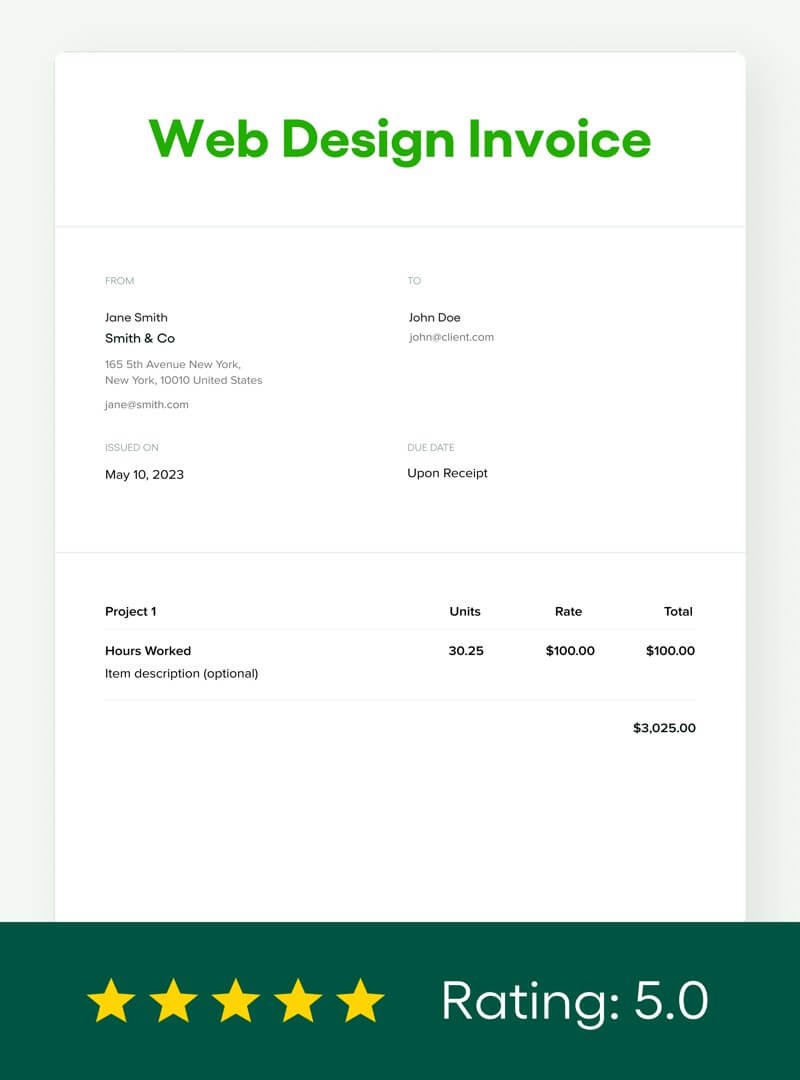
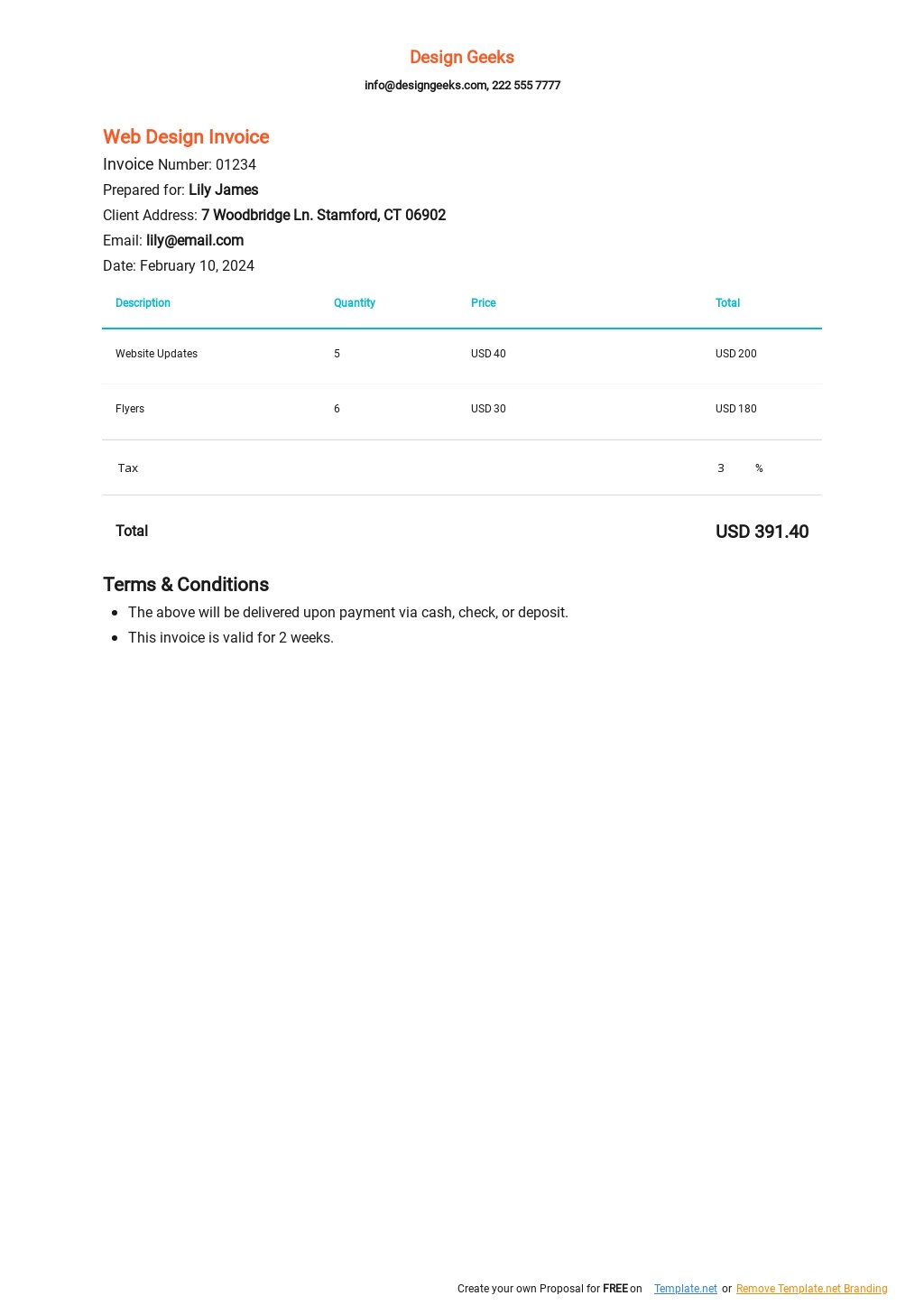
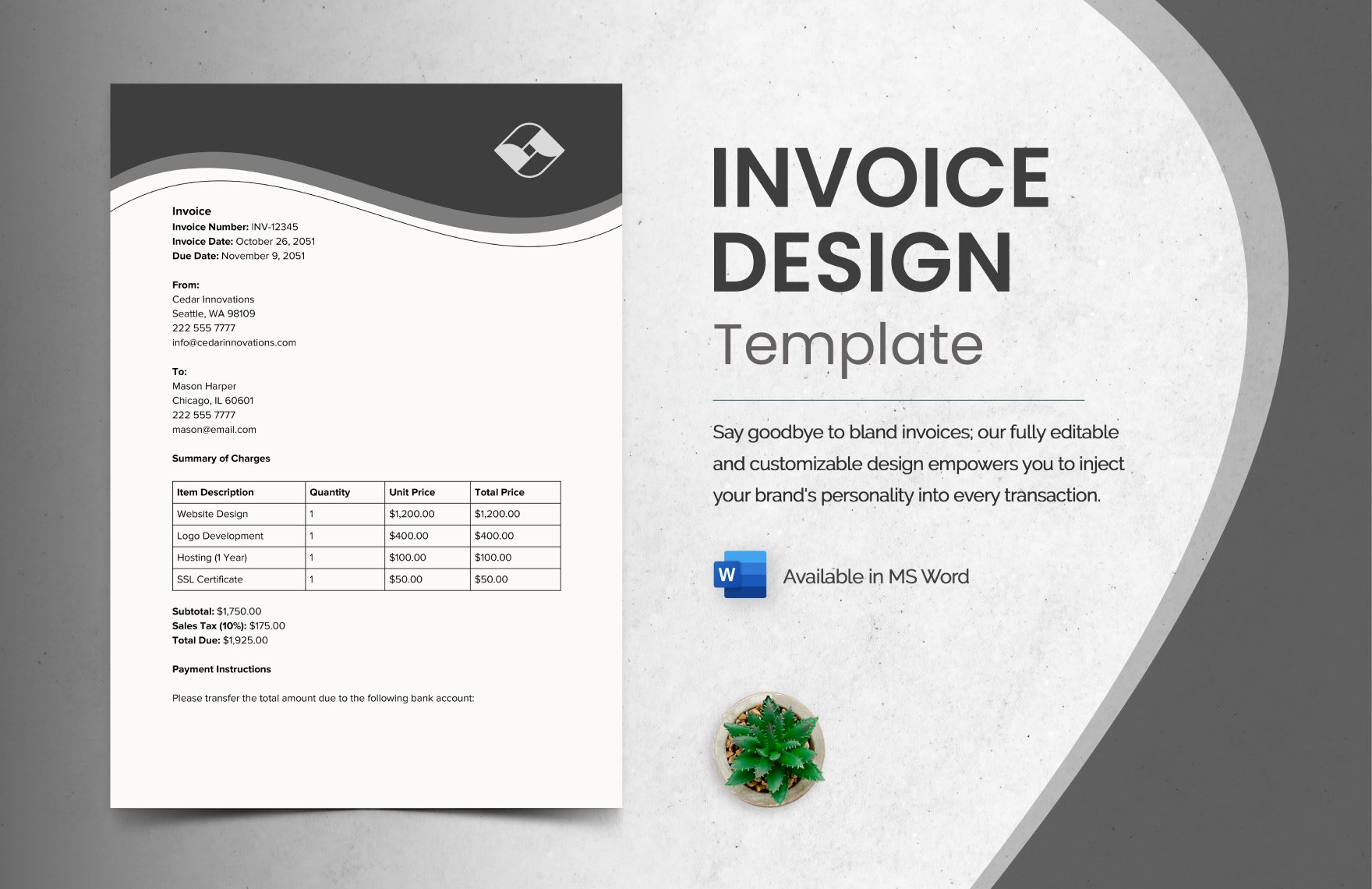



Popular Options and Variations
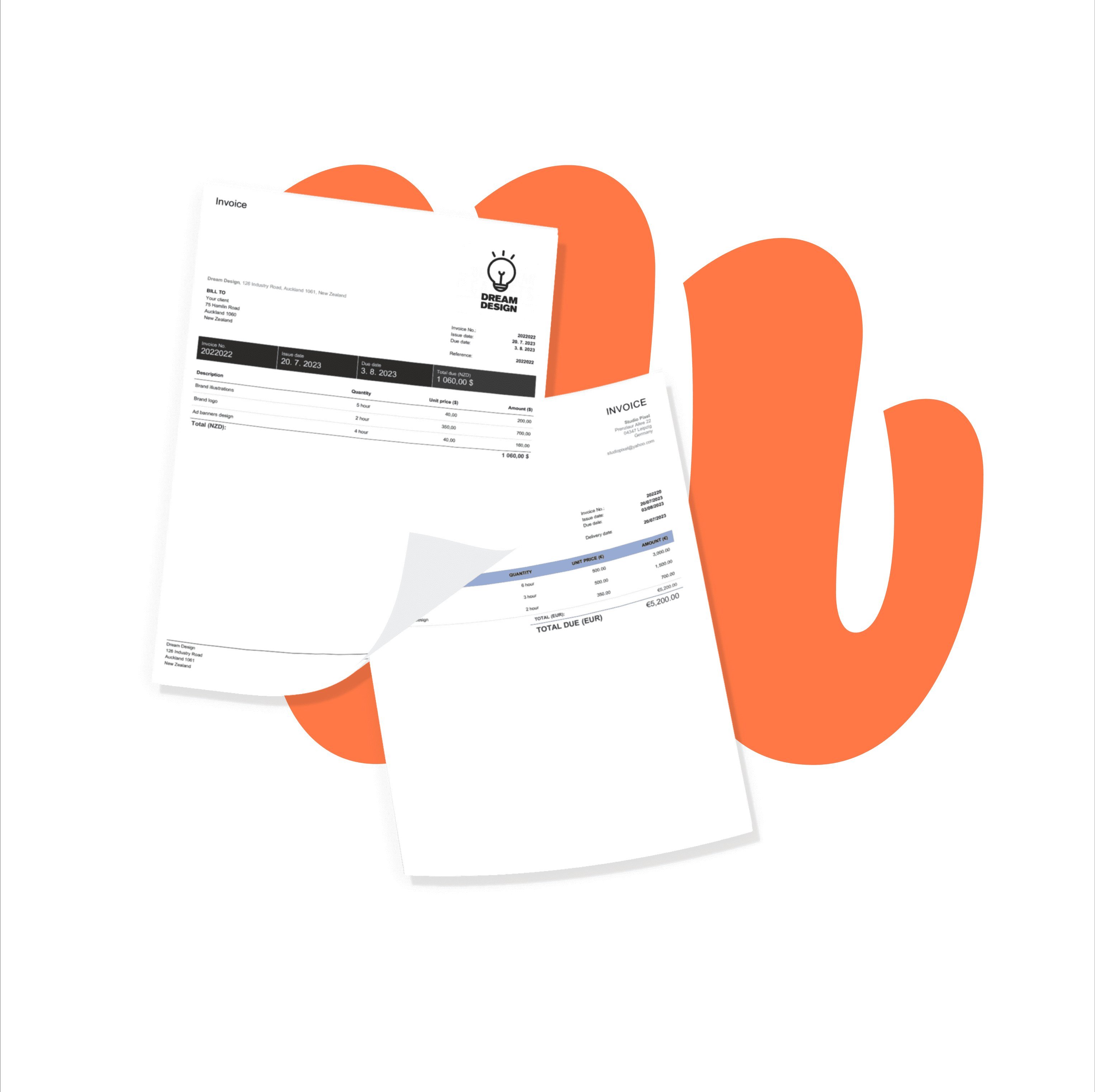
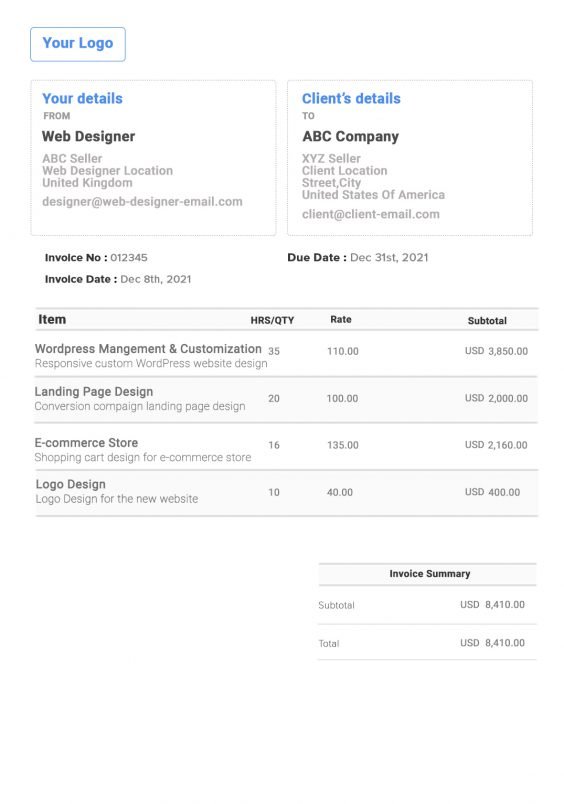
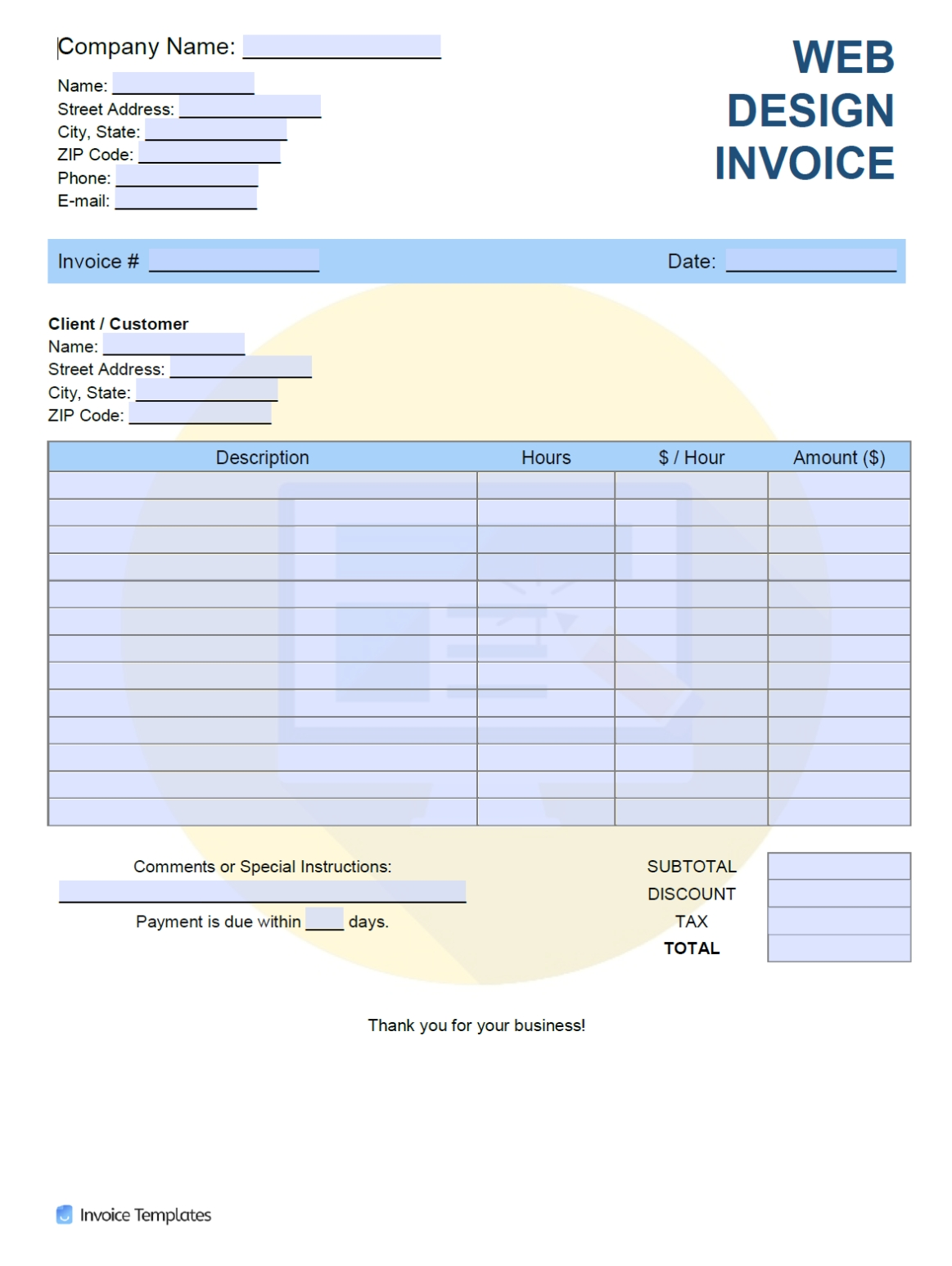
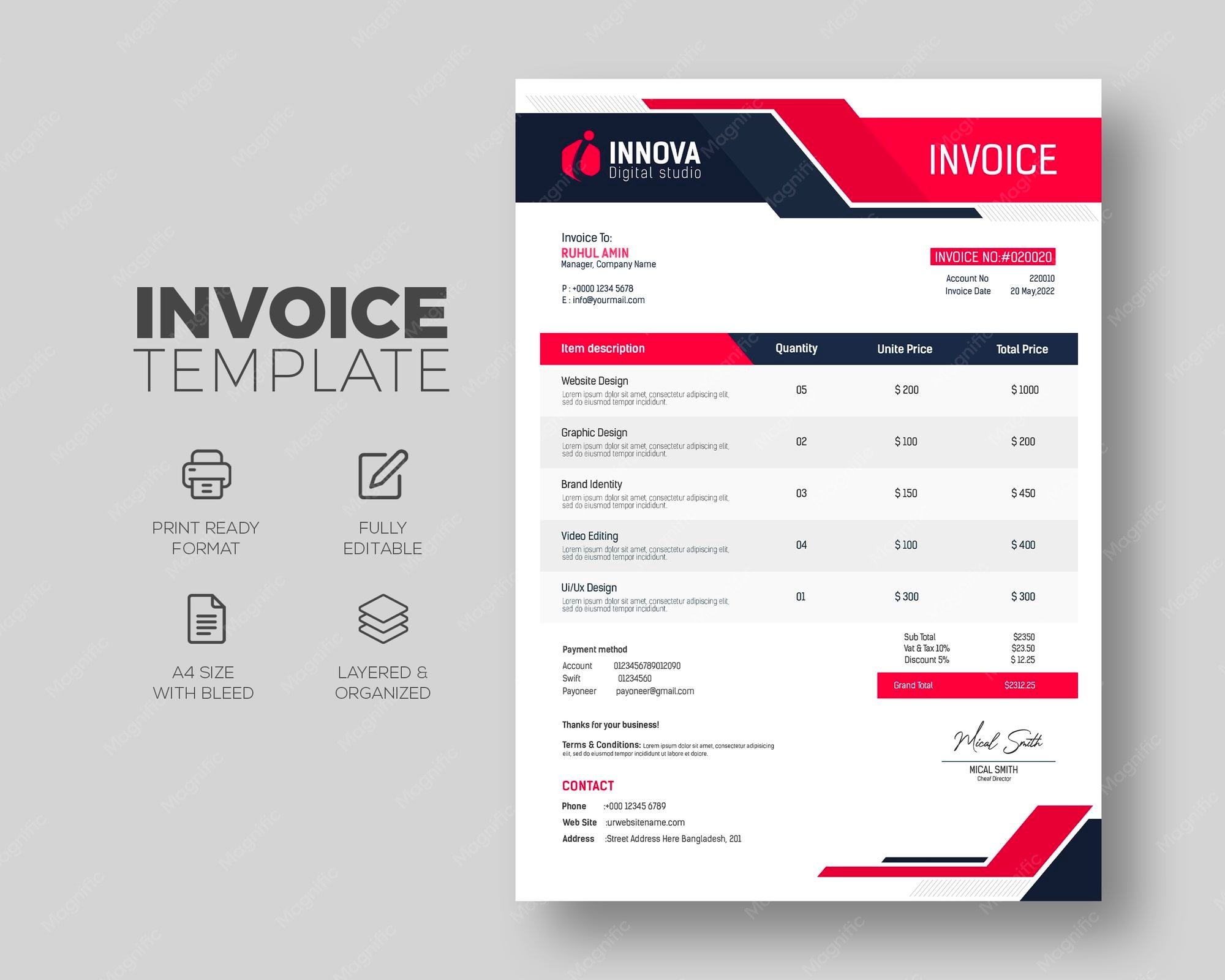
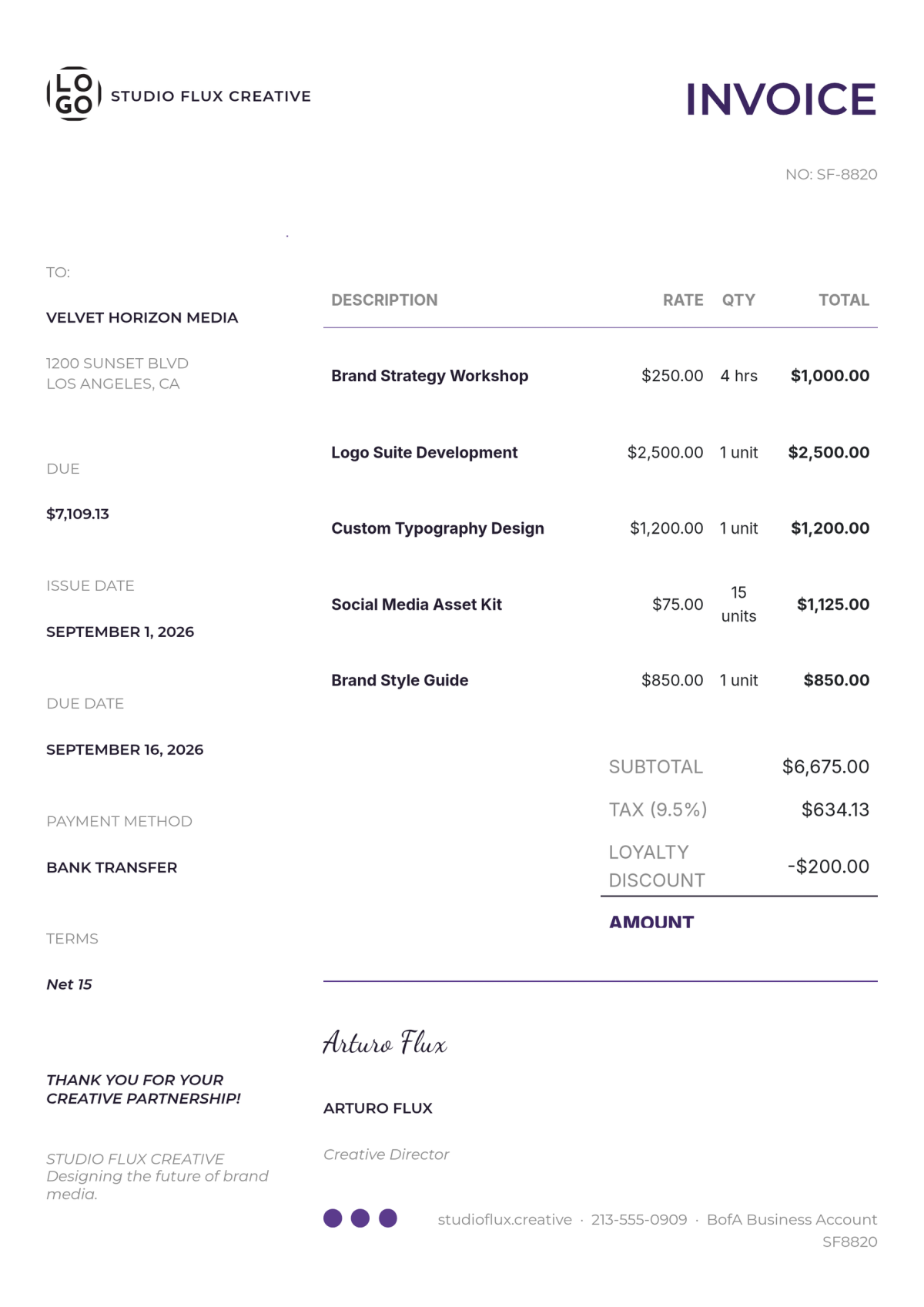
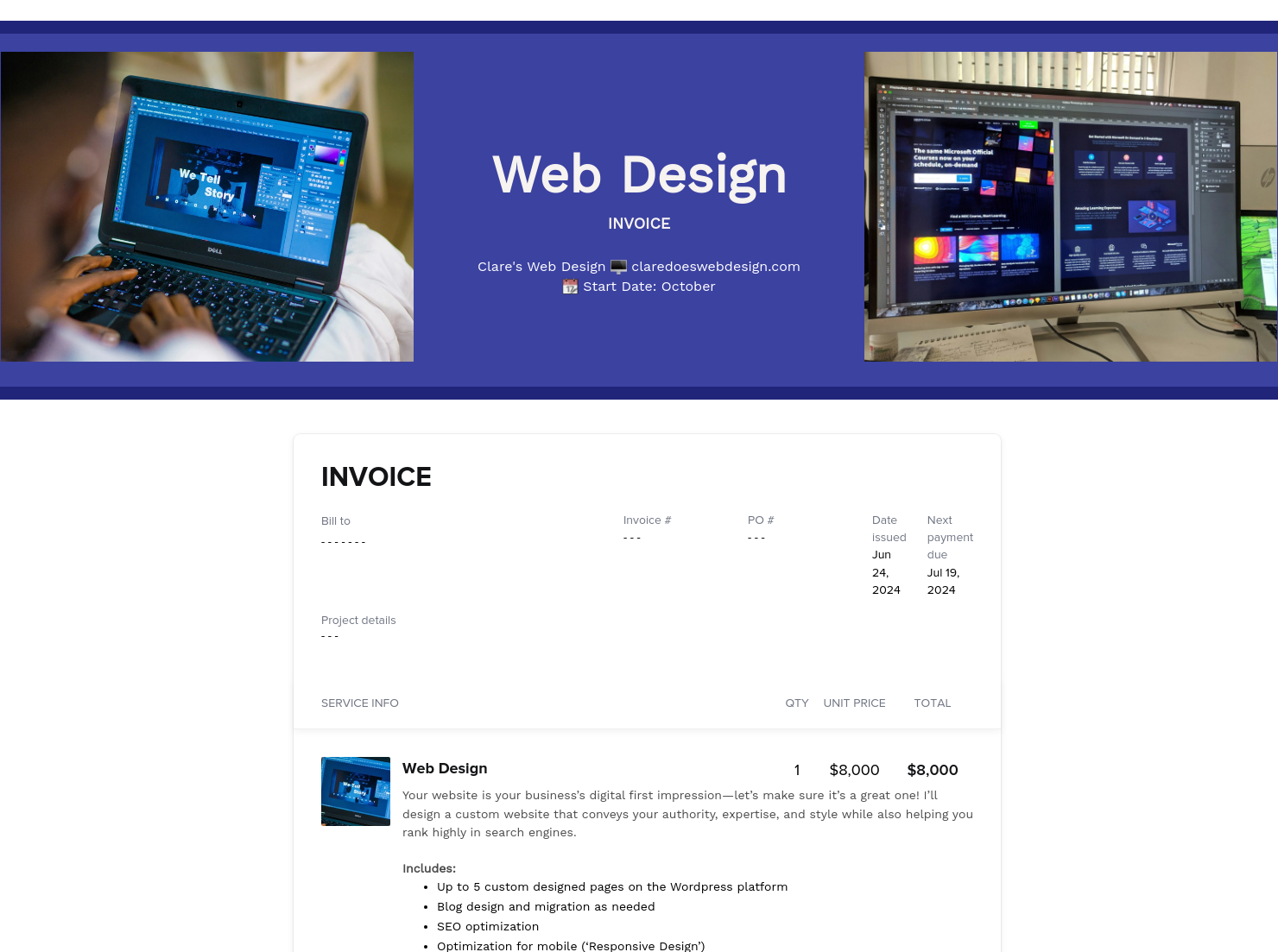
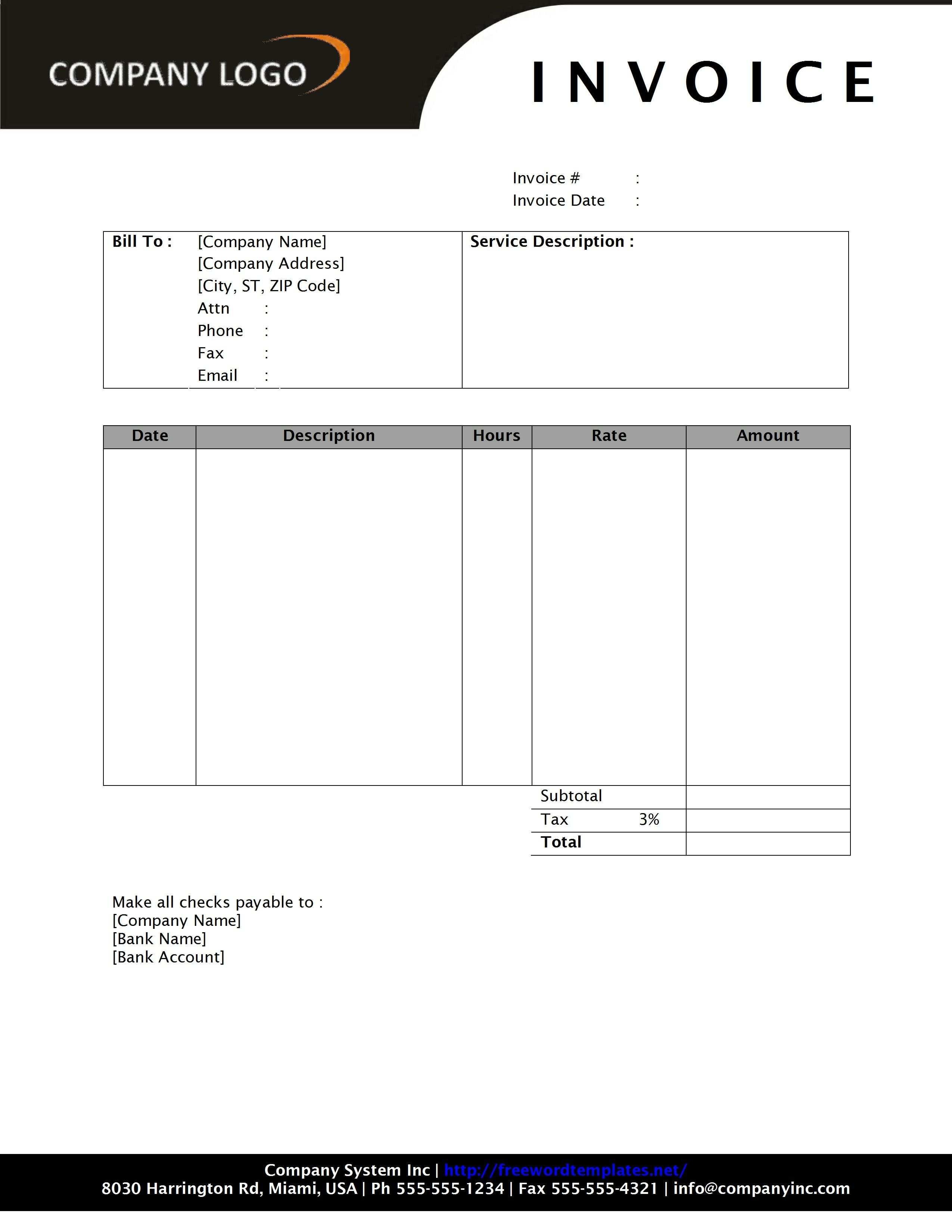
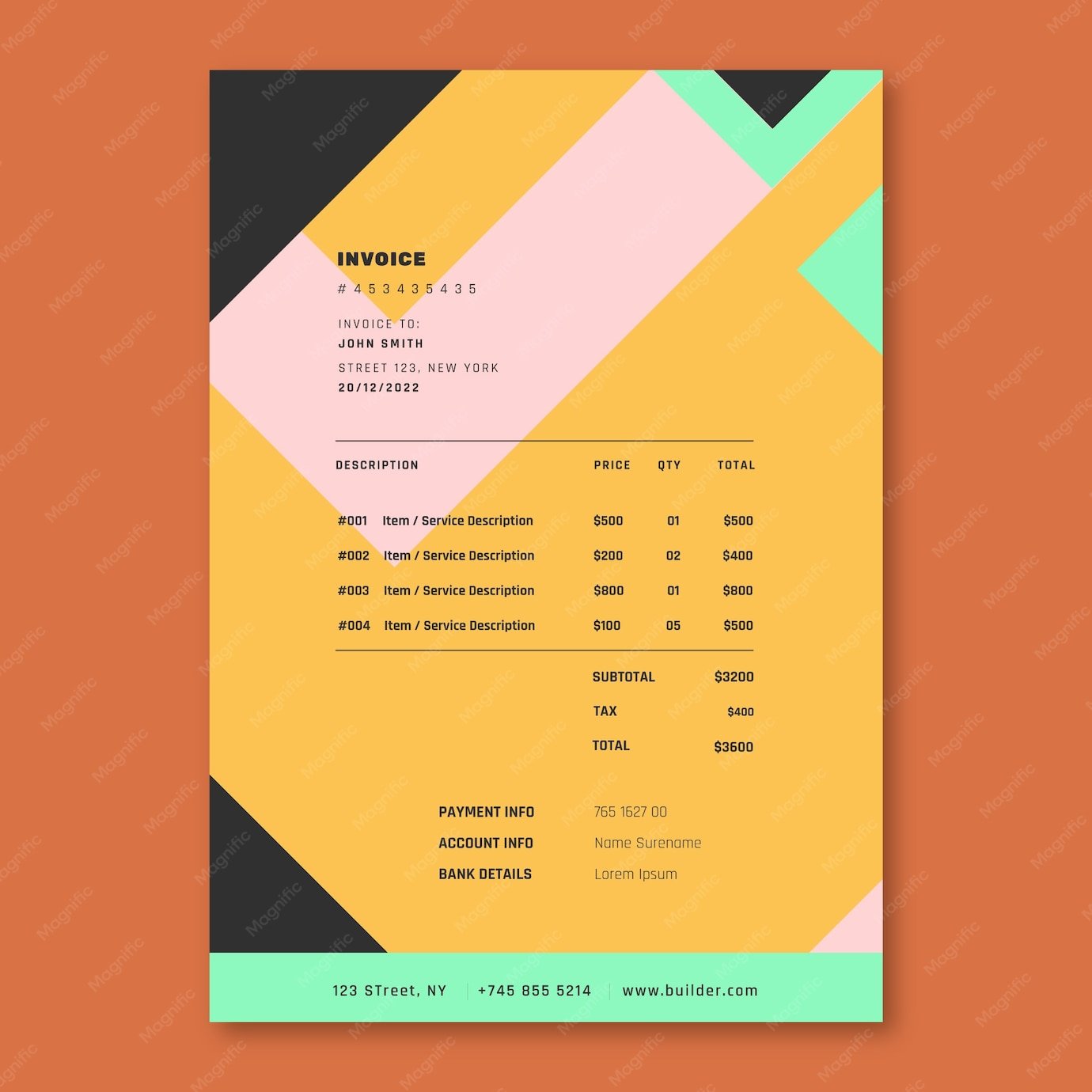
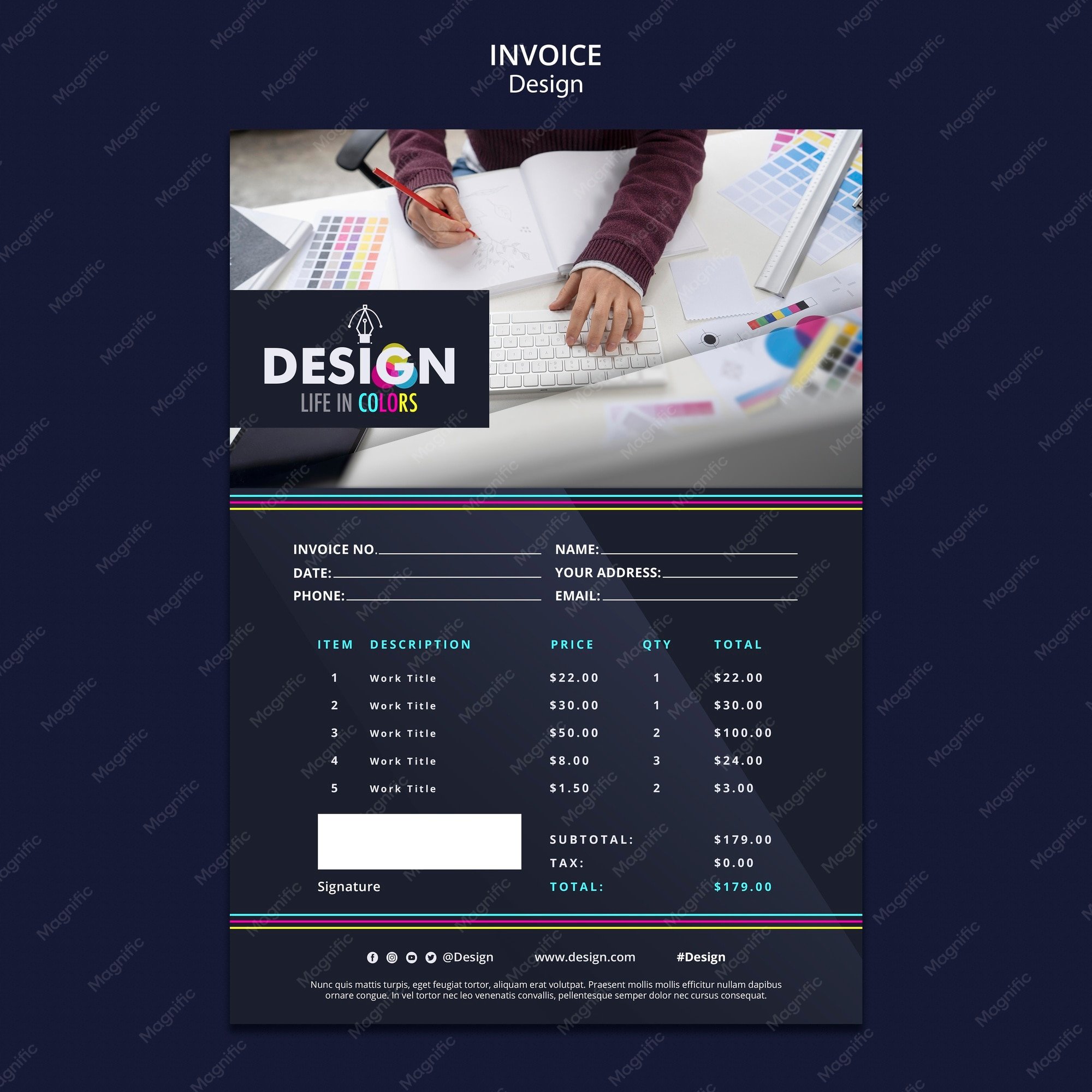
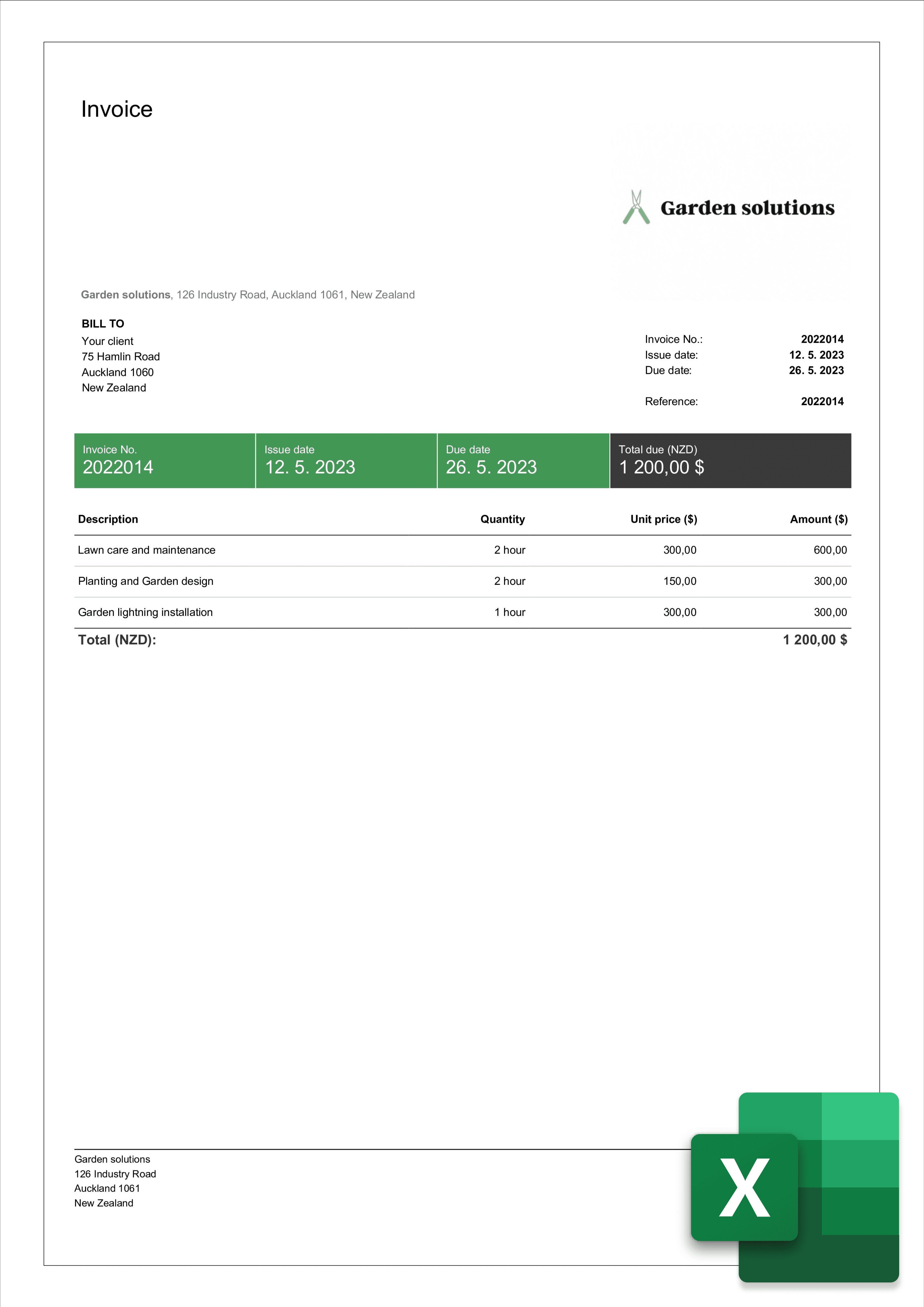
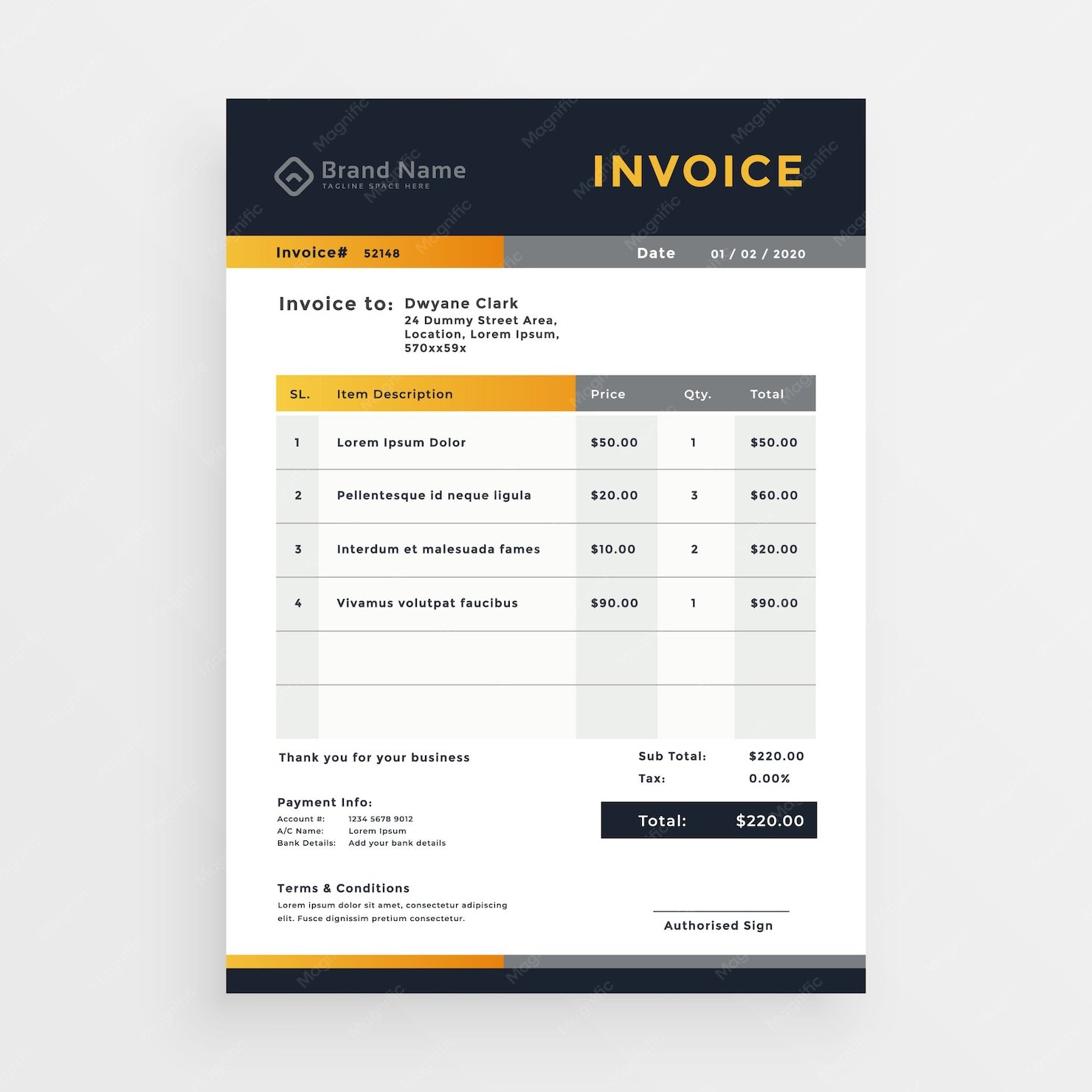
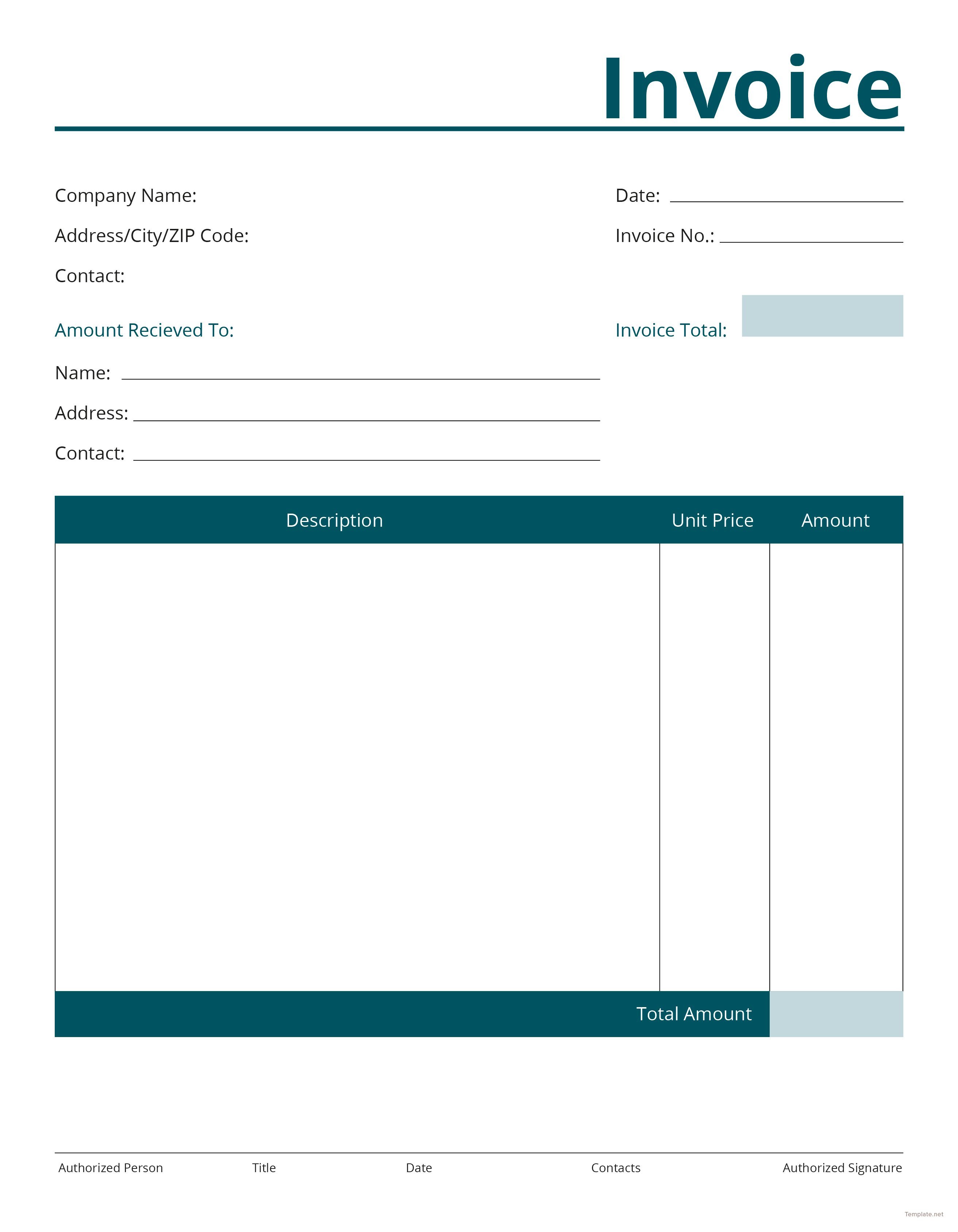
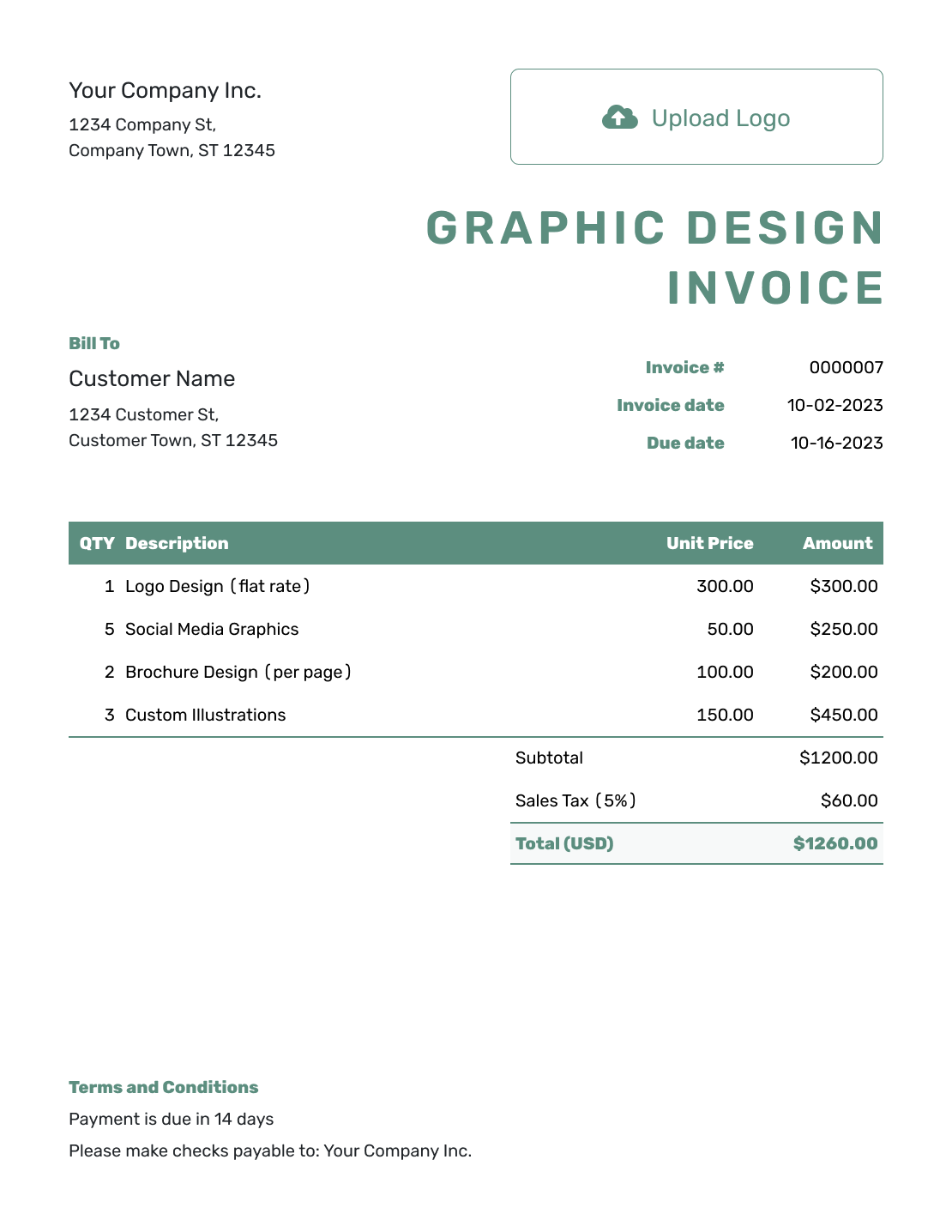
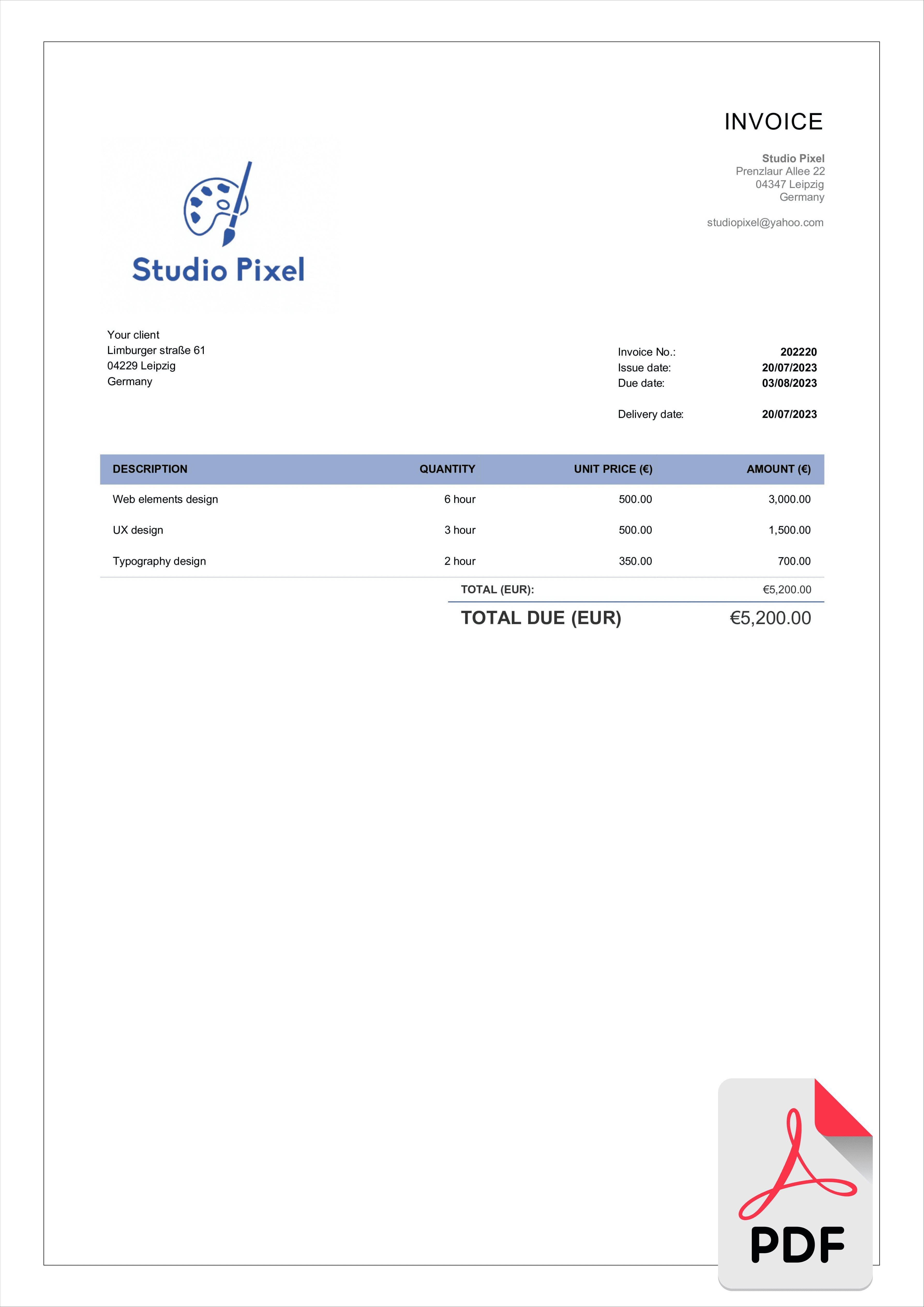
There are numerous platforms offering free and paid web design invoice templates, each with its unique features and benefits. For a closer look at something similar, my post on format invoice kosong excel covers the details.
Free Invoice Generator: Provides a range of templates, including design invoice templates, with the option to download, edit, and use in Word, Excel, or PDF formats.
Xero Accounting Software: Offers a 30-day free trial, allowing users to explore its invoice template word and other features. It's a comprehensive solution for small businesses and freelancers. For a closer look at something similar, my post on origtin of word invoice covers the details.
Skynova: A user-friendly platform with a simple interface, perfect for creating web design invoice templates and other business documents.
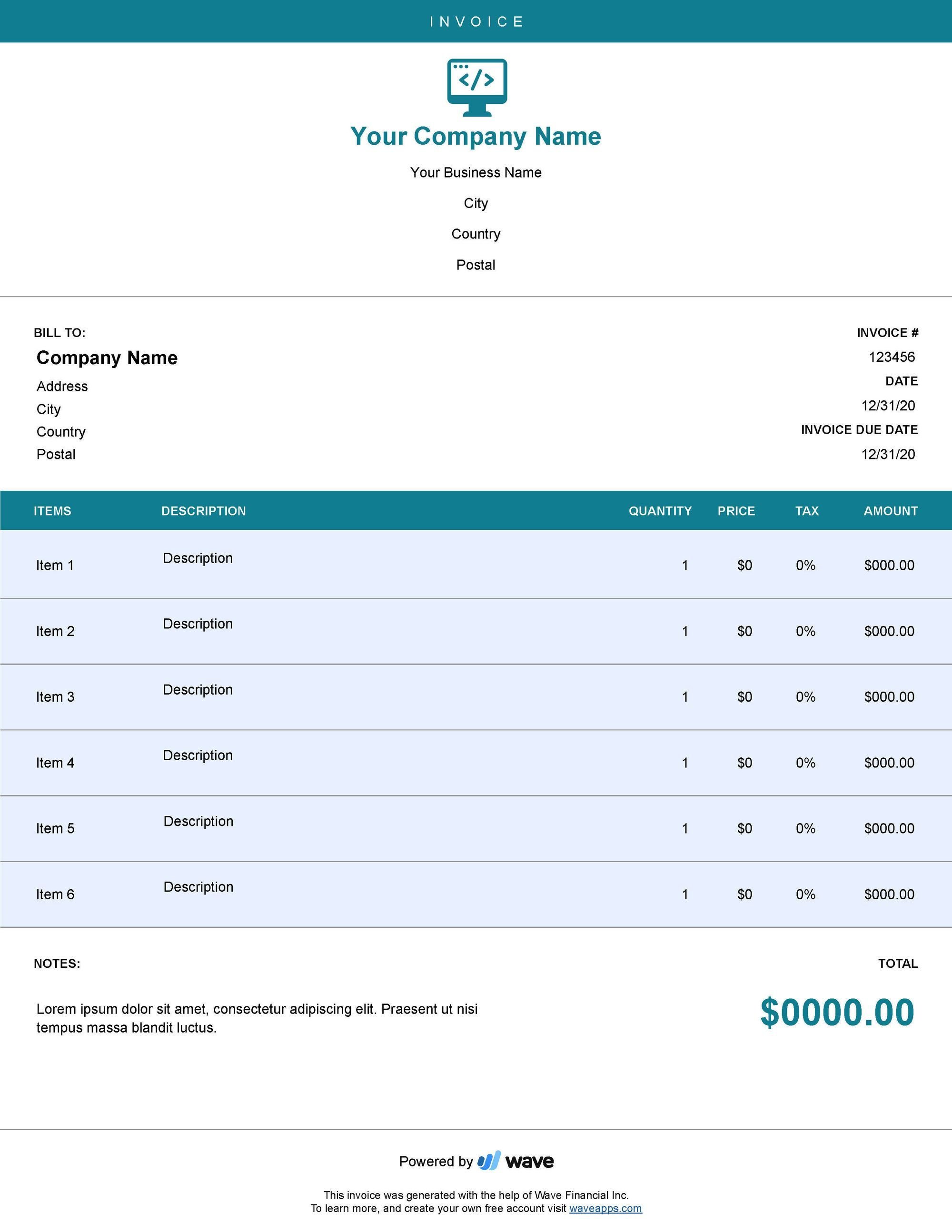
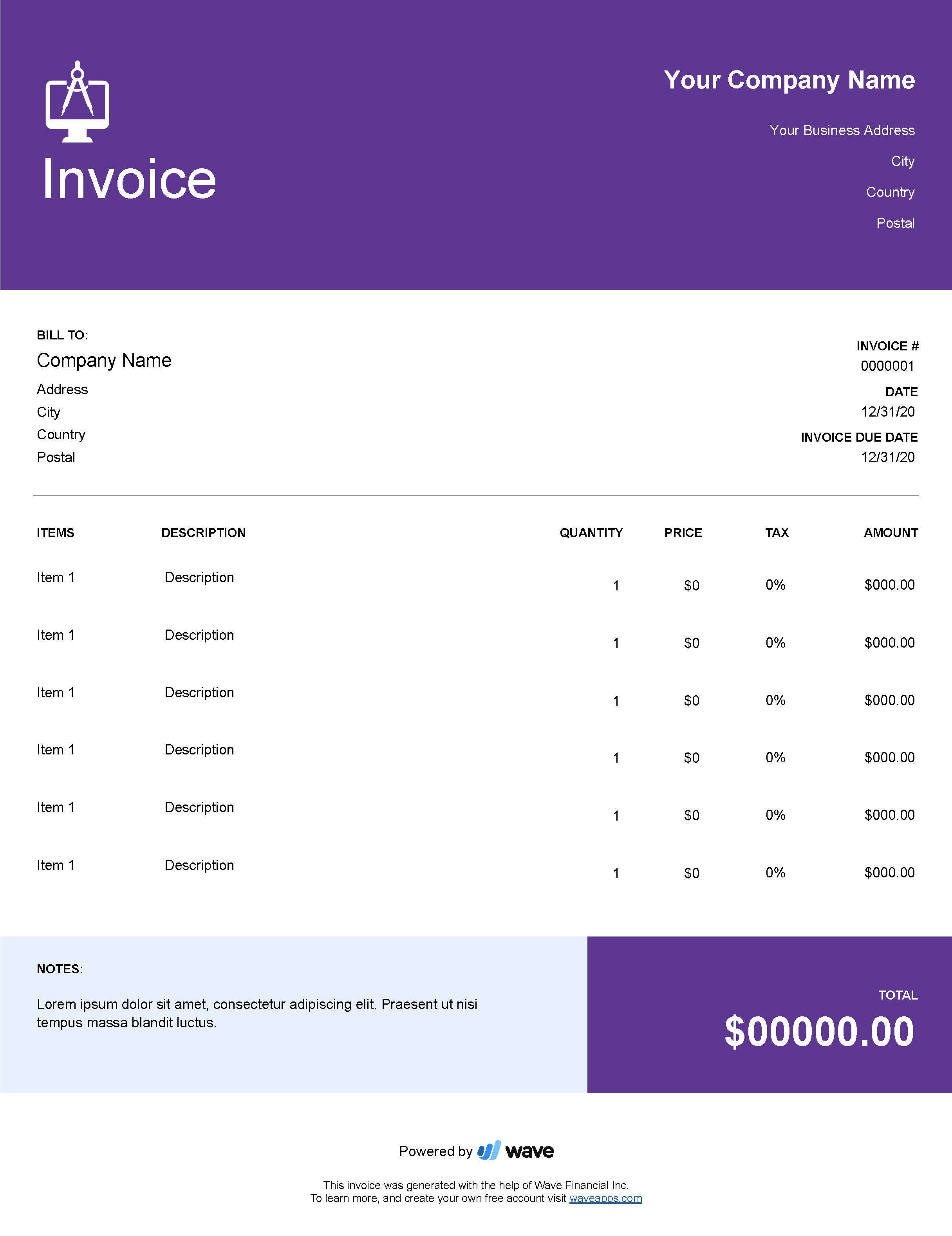
Wave Financial: Specializes in providing elegant and polished invoice templates tailored for web designers, available in various formats like Word, Excel, and PDF. For a closer look at something similar, my post on better word to use than dummy invoice letter size covers the details.
Template Specifications and Customization
When choosing or creating a professional web design invoice template doc, consider the following:
File Format: Ensure the template is compatible with your preferred software, whether it's Word, Excel, PDF, Google Docs, or Google Sheets. For a closer look at something similar, my post on att billing invoice number covers the details.
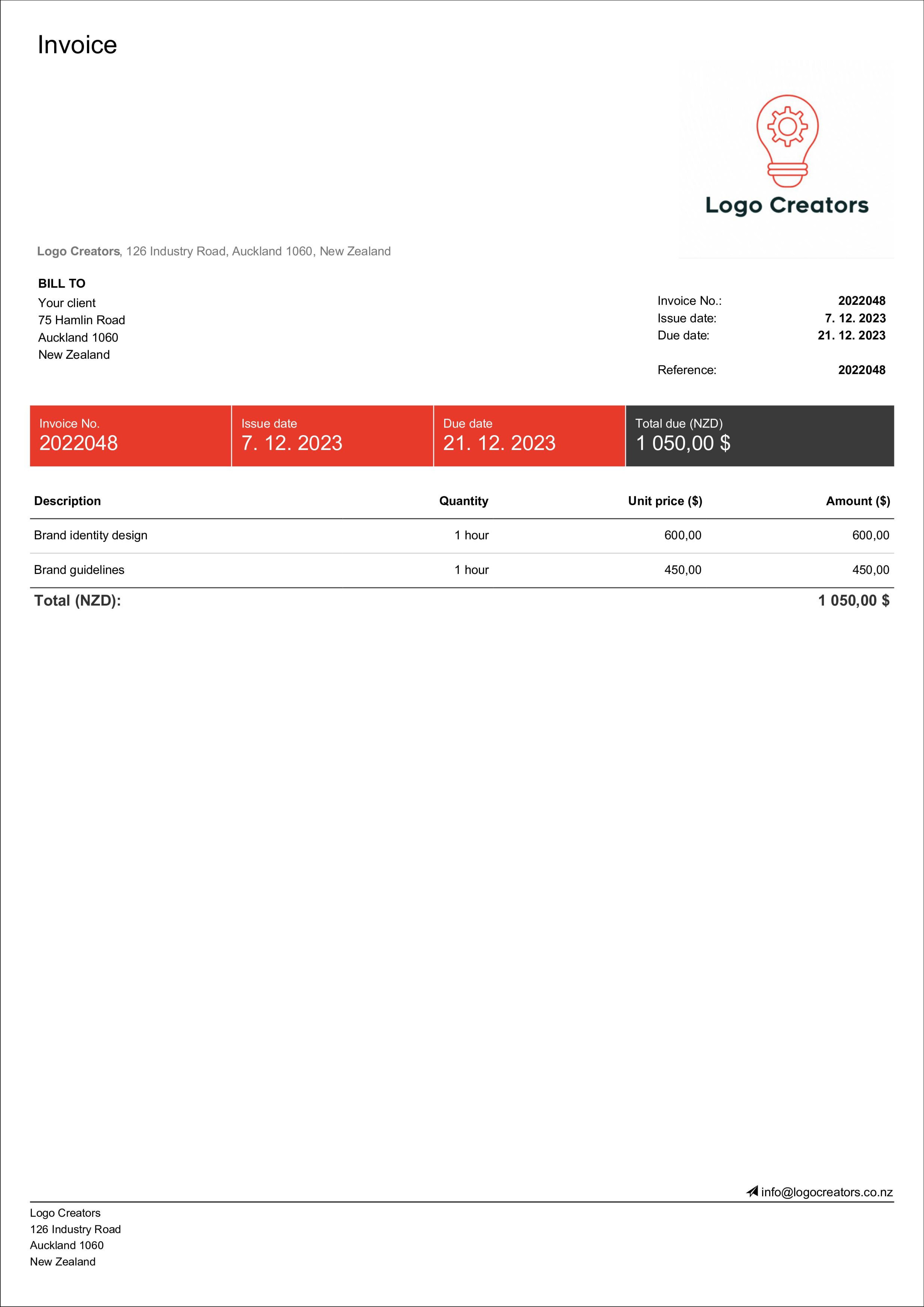
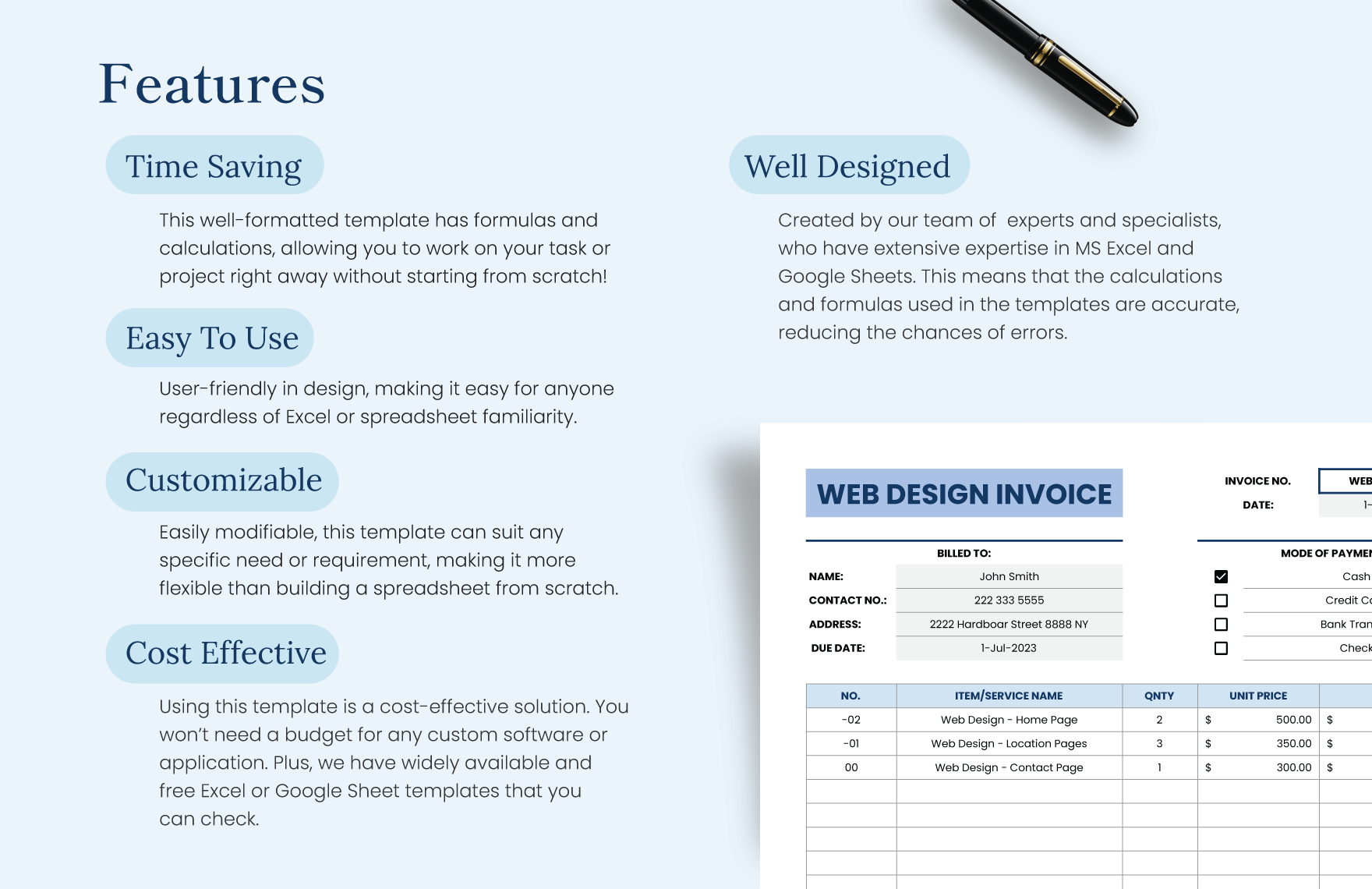
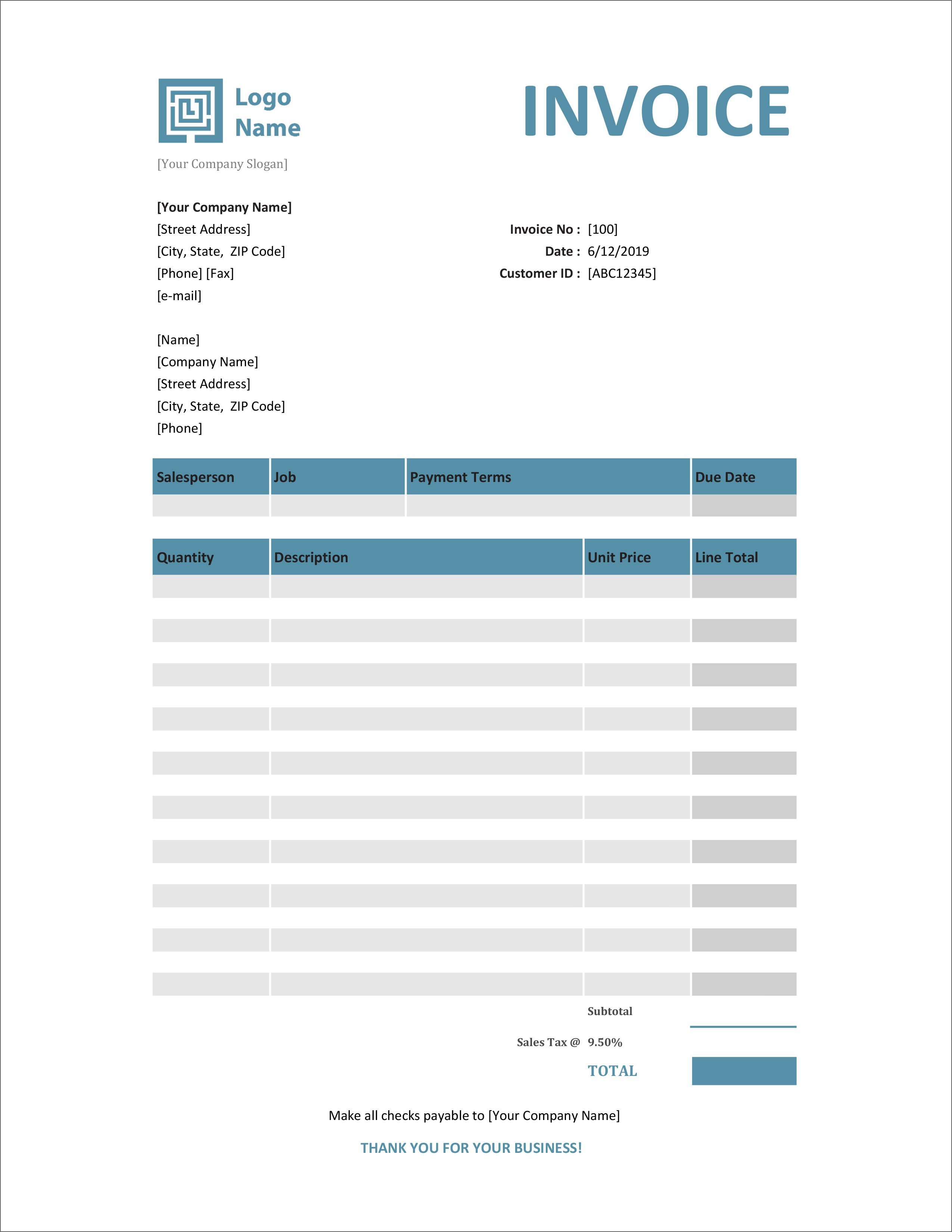
Customization: Look for templates that allow easy editing and customization. This includes adding your logo, business name, and other branding elements to create a professional and personalized invoice.
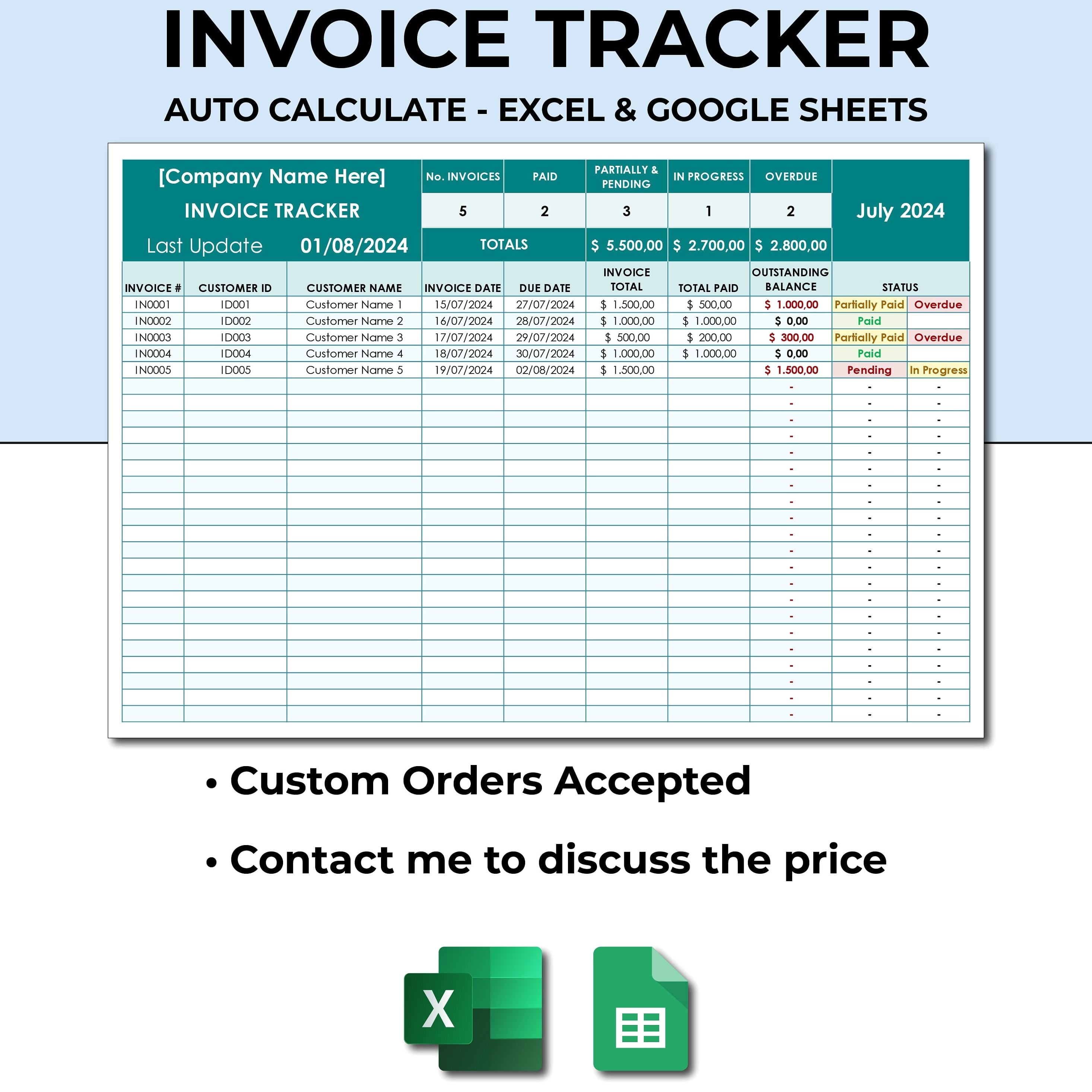
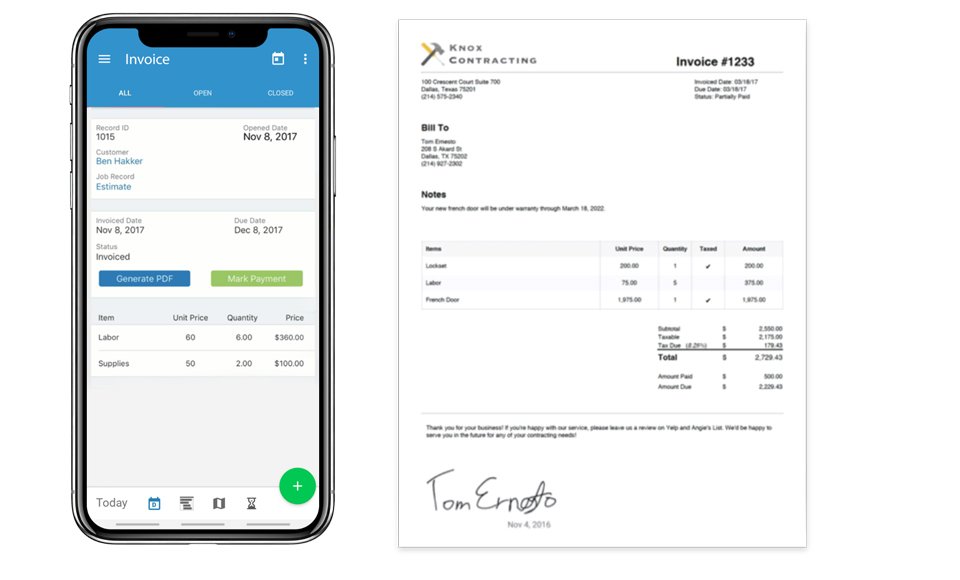
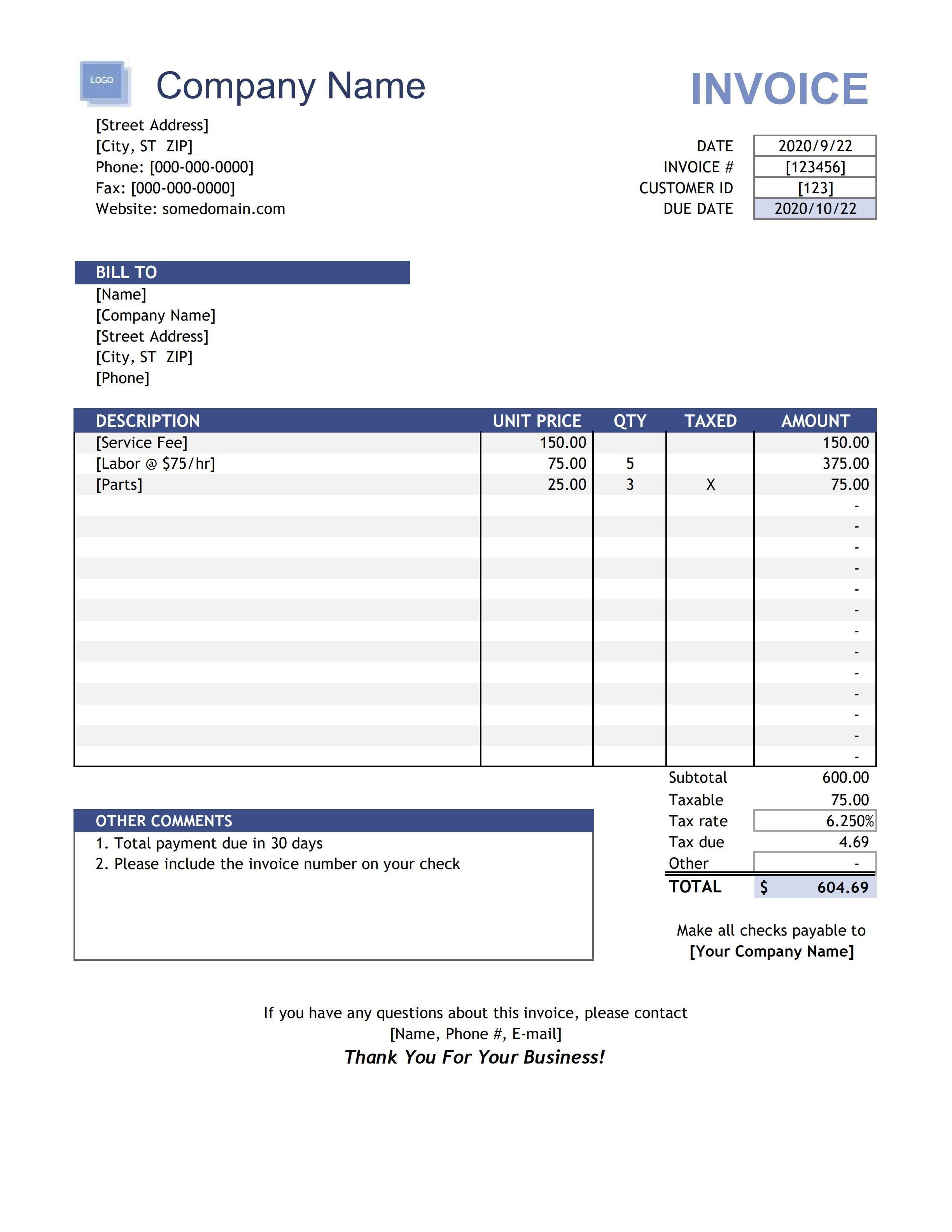
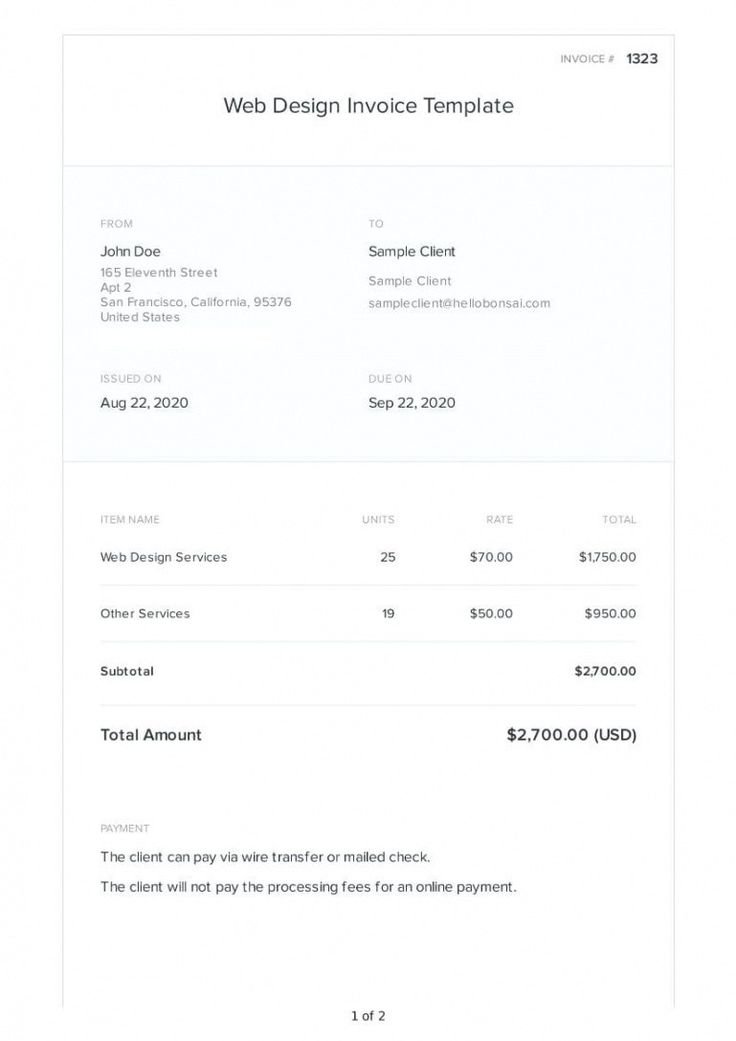
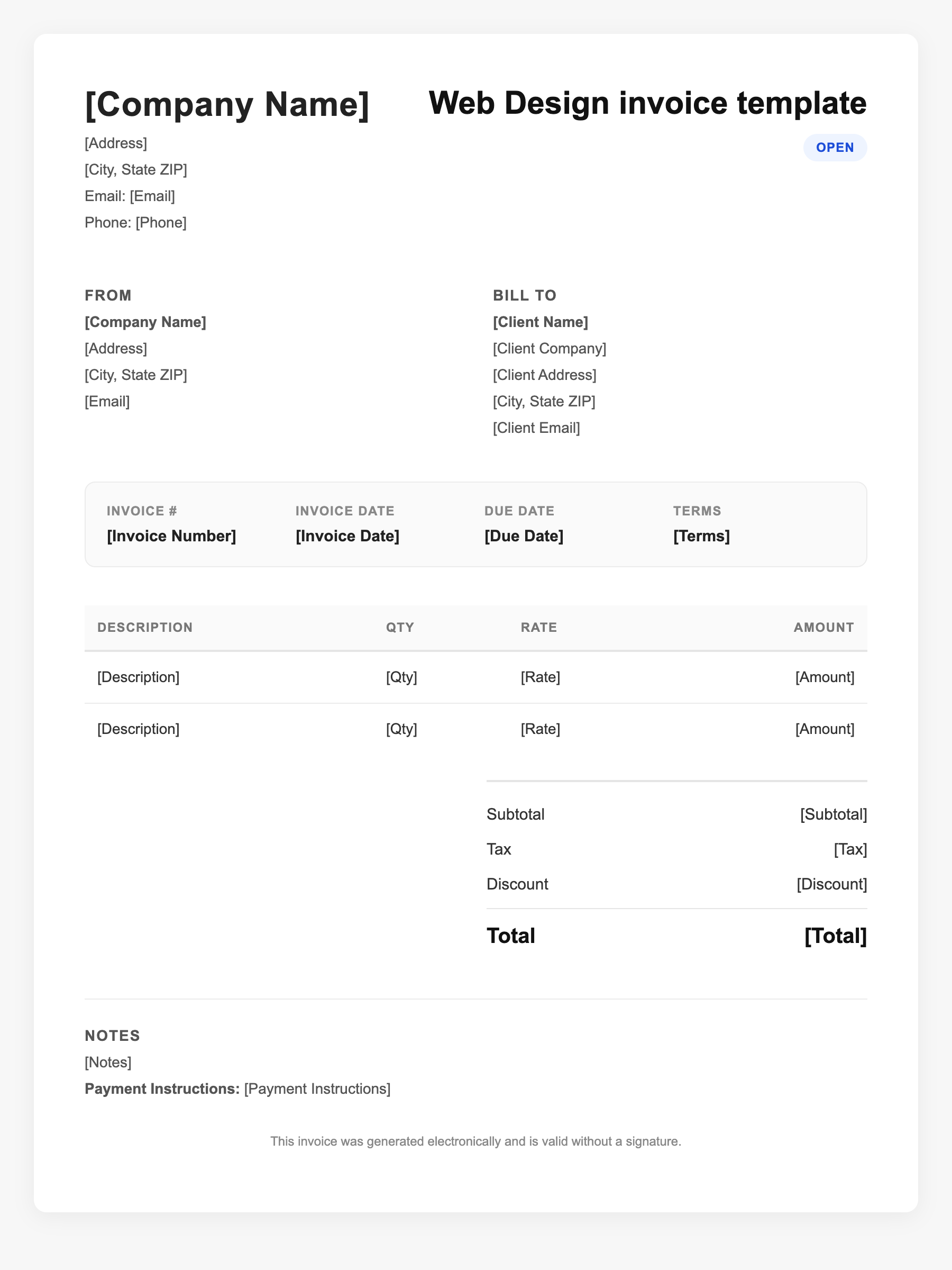
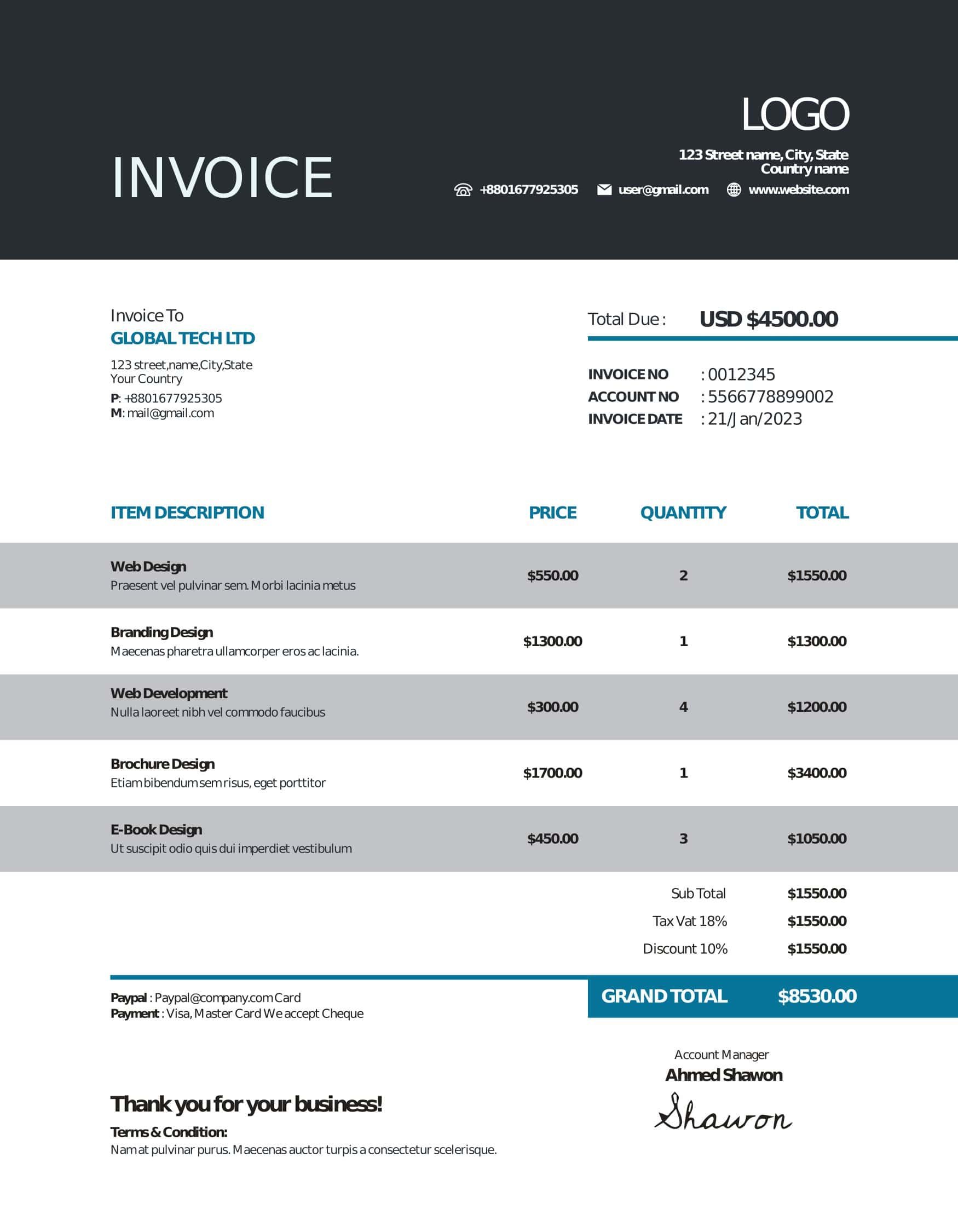
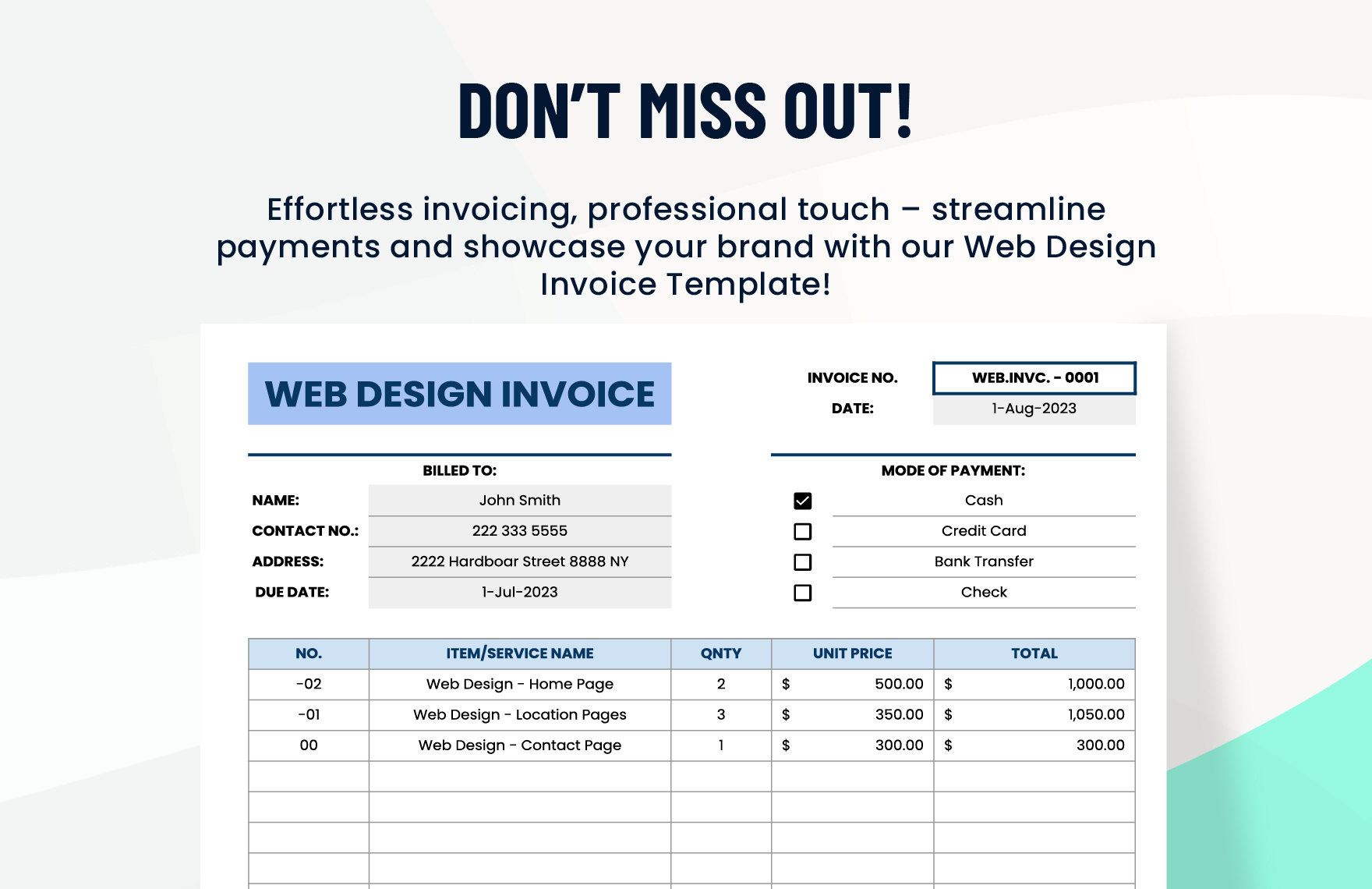
Invoicing Features: Check if the template includes essential fields like client and designer information, project details, billing period, and payment terms. Some advanced templates may also offer features like auto-calculation of taxes and discounts, making the invoicing process smoother. For a closer look at something similar, my post on design equipment for restaurants foodservice covers the details.
Placement and Usage
A well-designed invoice template should be easily accessible and ready to use. Here's how to utilize it effectively:
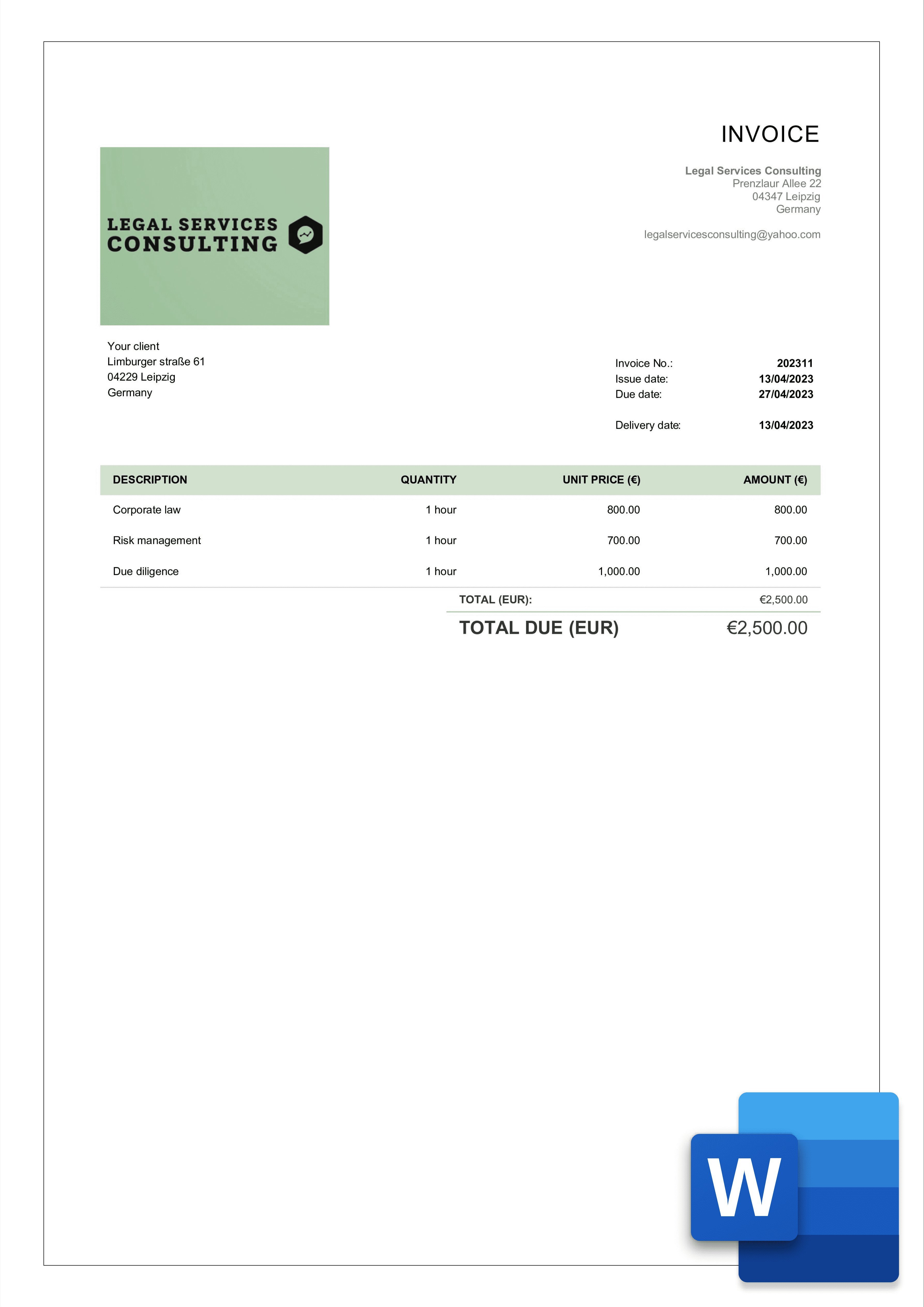
Storage: Save your chosen template in a designated folder on your computer or cloud storage, ensuring quick access when needed. For a closer look at something similar, my post on professional quotation template word covers the details.
Editing: Open the template in the appropriate software and customize it with your business details, logo, and any other relevant information.
Sending: Once the invoice is complete, you can print it, save it as a PDF, or send it directly to your client via email.
What to Check Before Using
Before finalizing your professional web design invoice template doc, ensure the following:
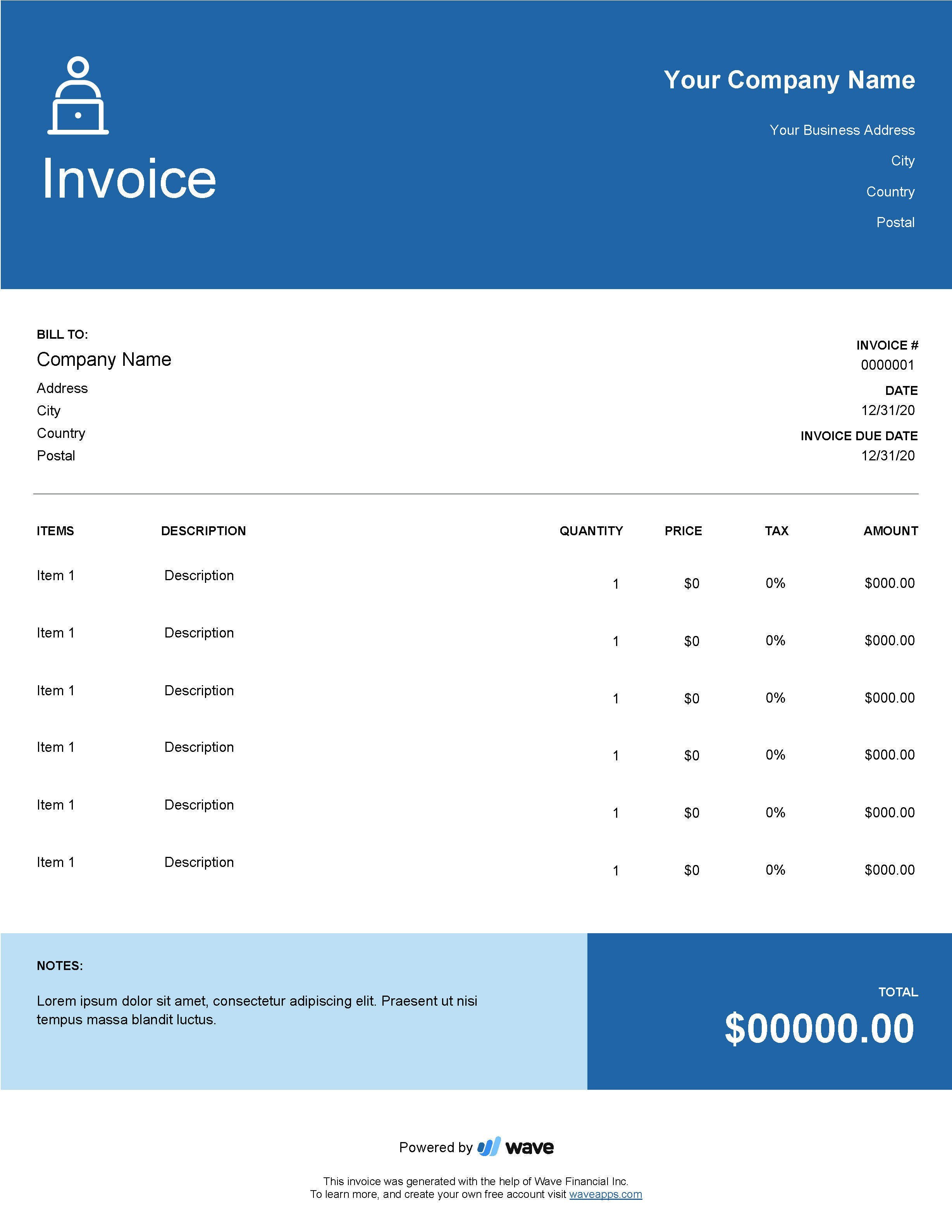
Accuracy: Double-check all the information, including client details, project specifications, and billing amounts. Accuracy is key to avoid any disputes or delays in payment.
Branding Consistency: Ensure your invoice template aligns with your overall branding and design aesthetic. This helps maintain a professional image and reinforces your brand identity.
Legal Compliance: Familiarize yourself with any legal requirements or regulations related to invoicing in your jurisdiction. Make sure your template includes all necessary information to comply with these standards.
Payment Options: Consider offering multiple payment methods to accommodate your clients' preferences. This could include bank transfers, credit card payments, or even digital wallet options.
Remember, a well-designed and organized invoice template not only reflects your professionalism but also streamlines your billing process, making it easier for clients to understand and pay their invoices promptly.