



Quotation Template Sample Word: A Quick Guide
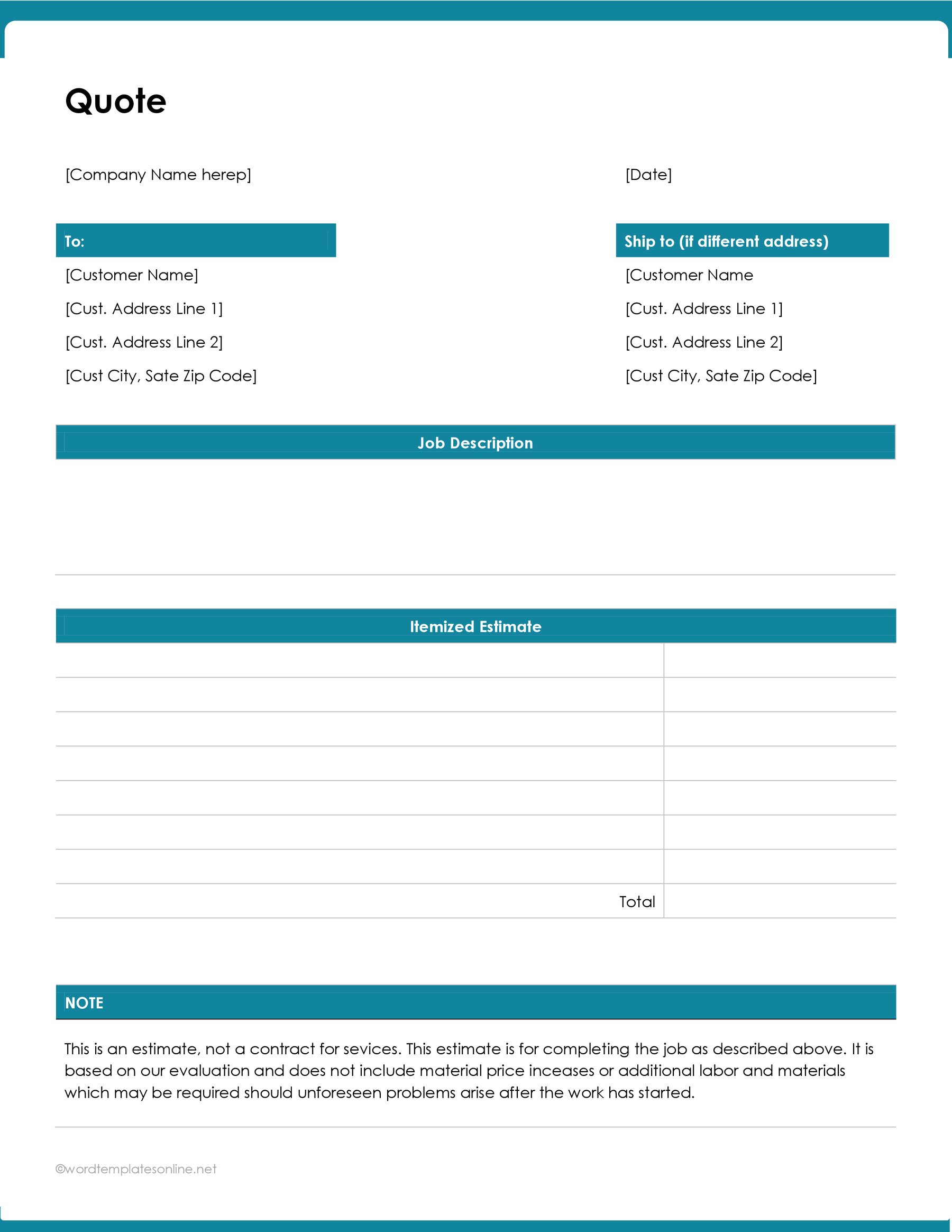
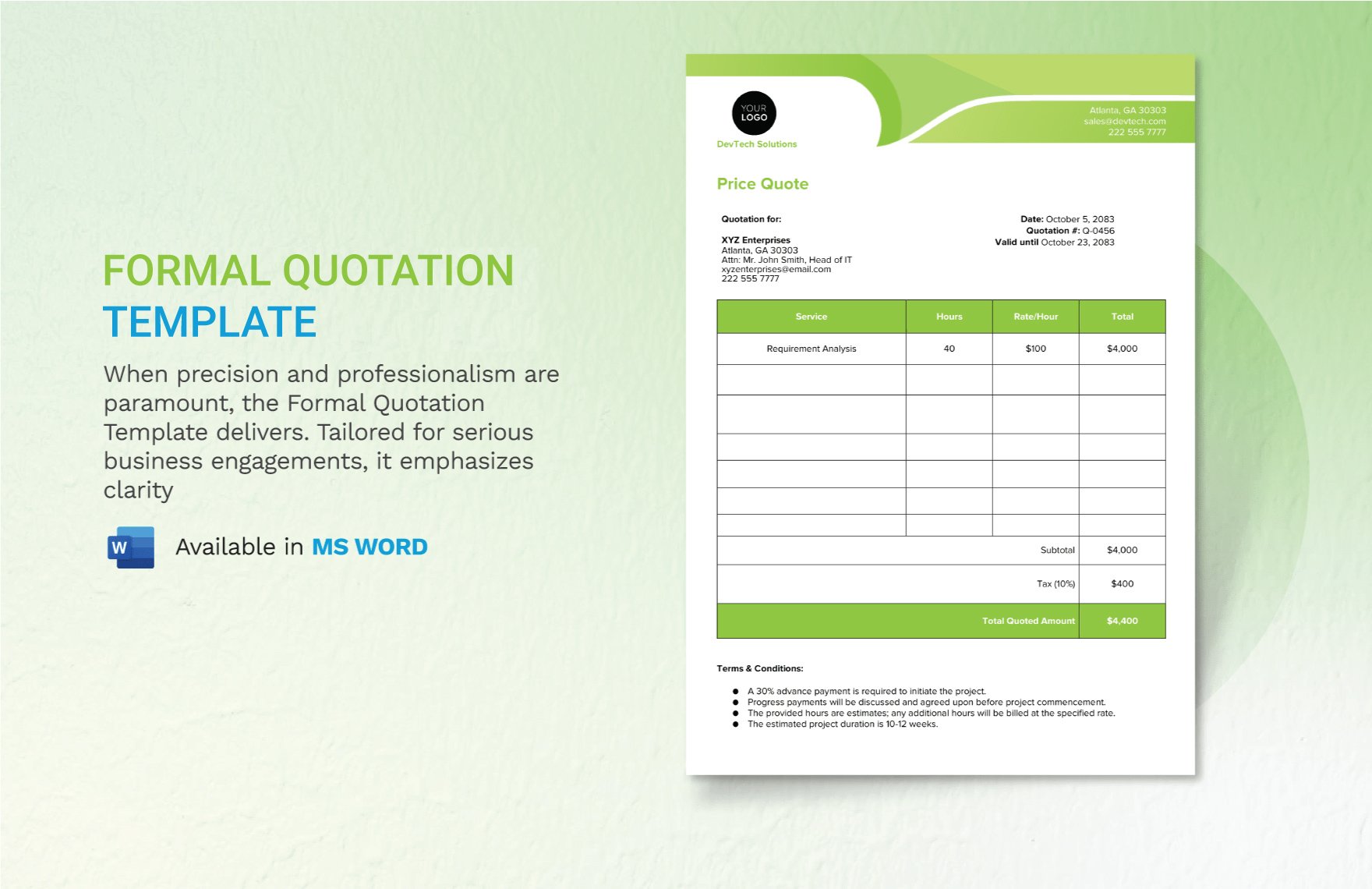
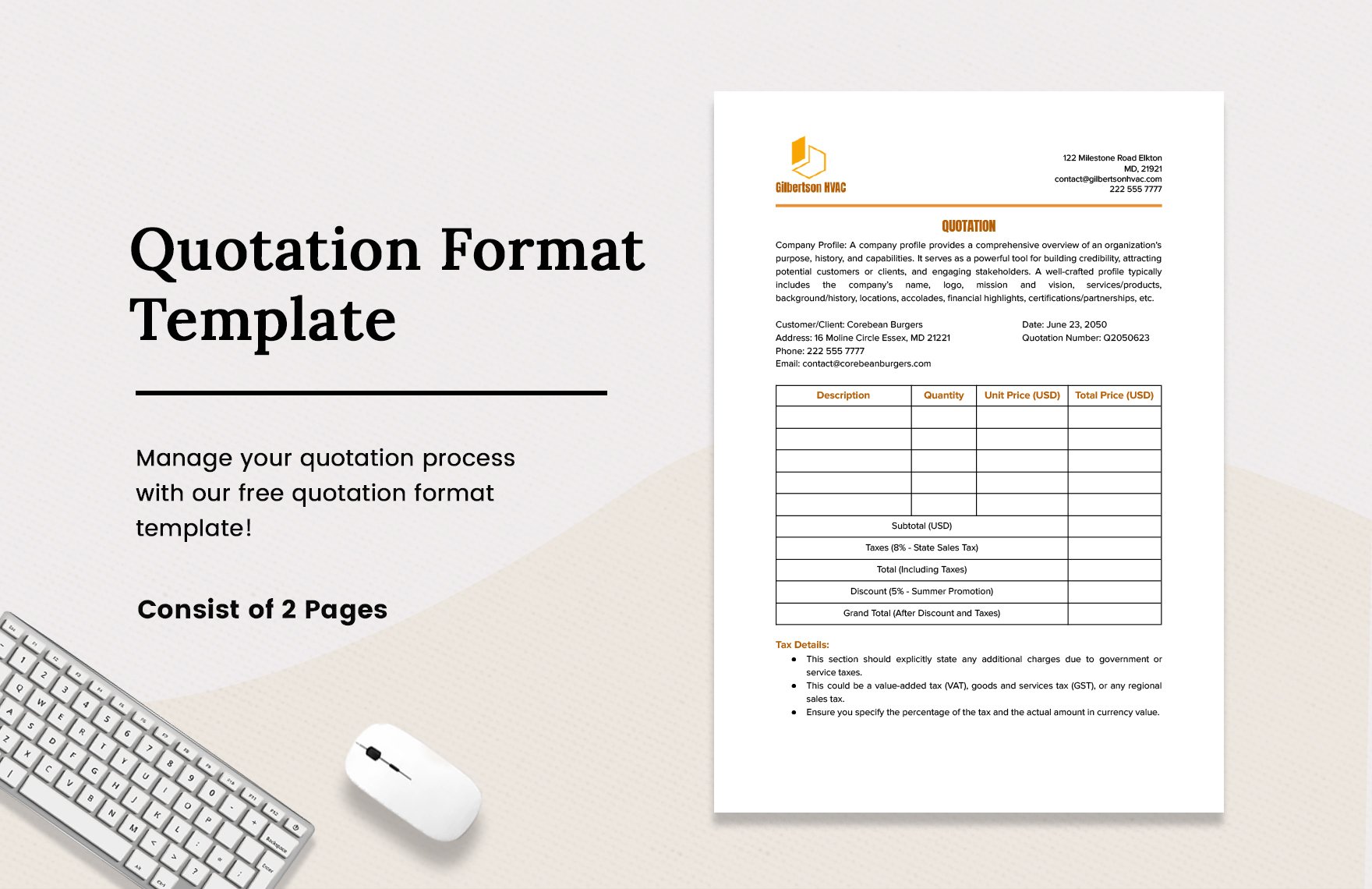
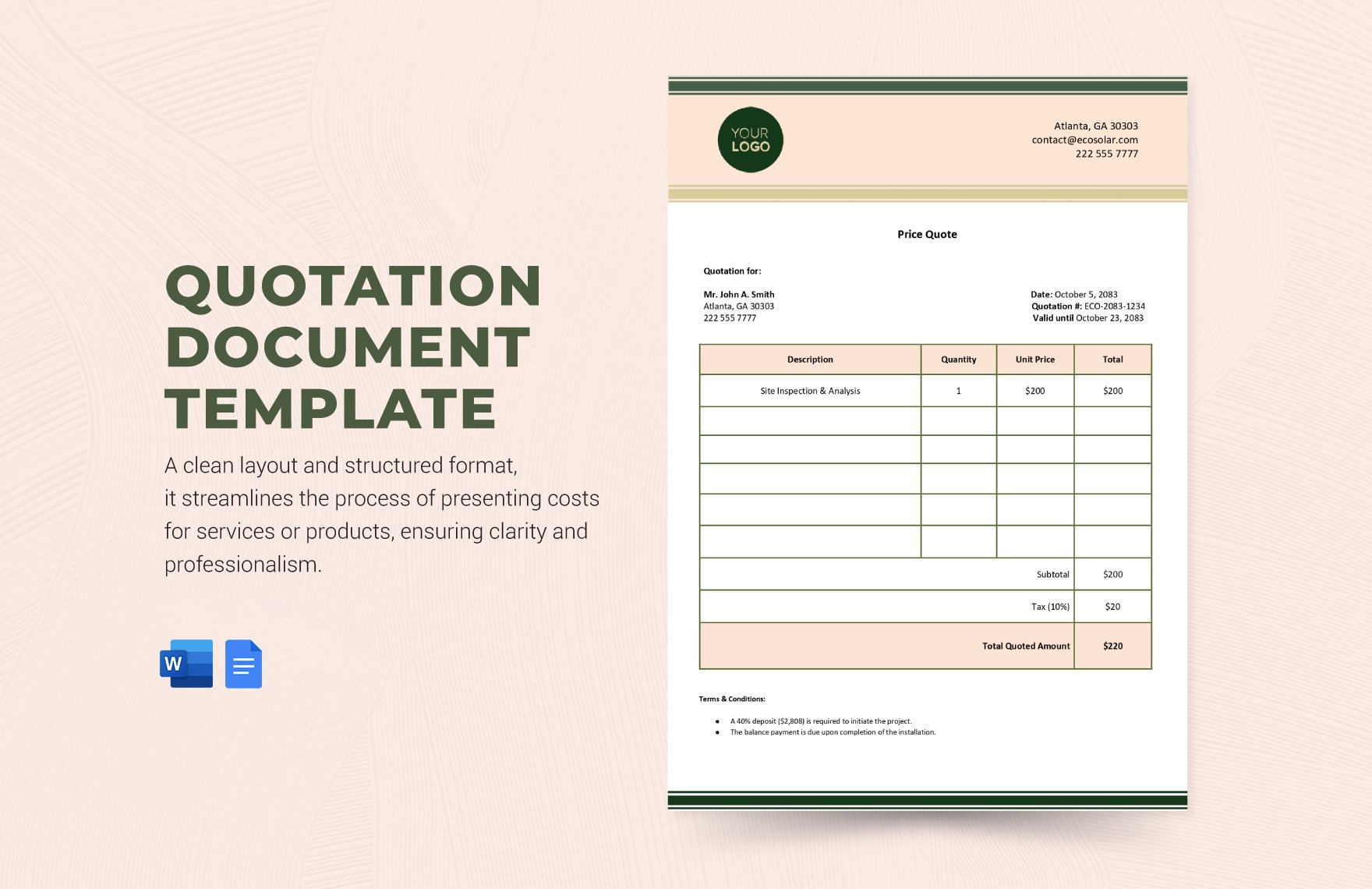
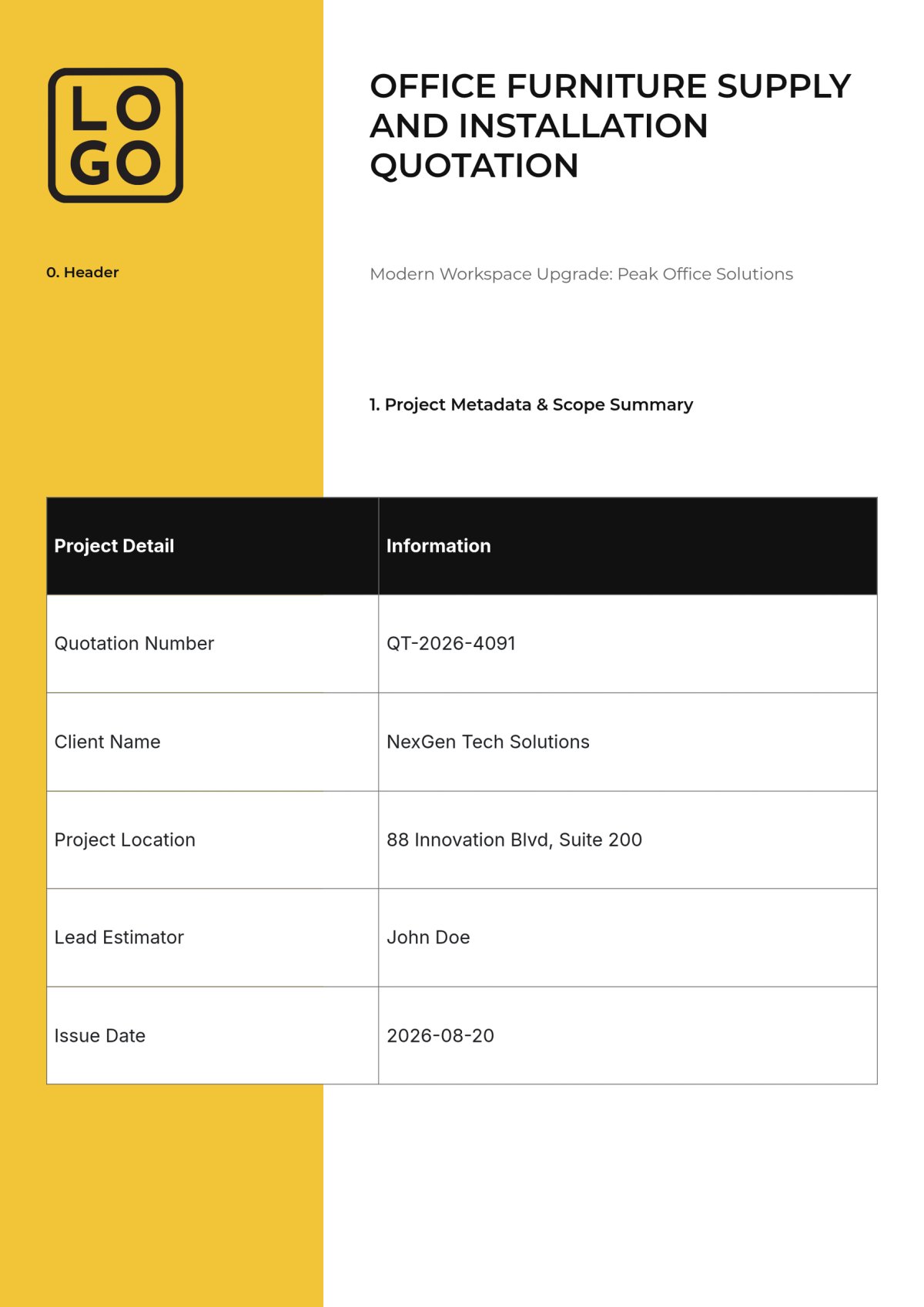
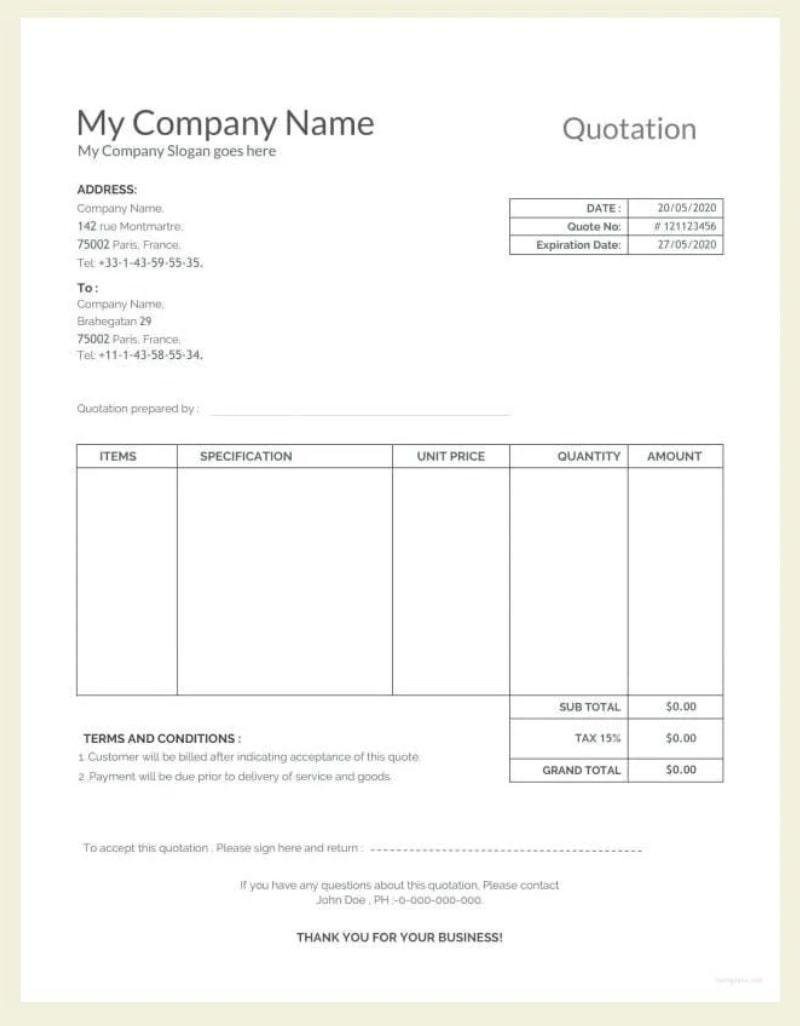
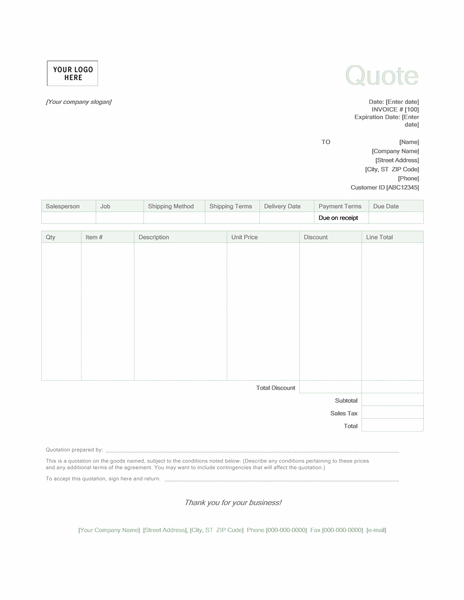
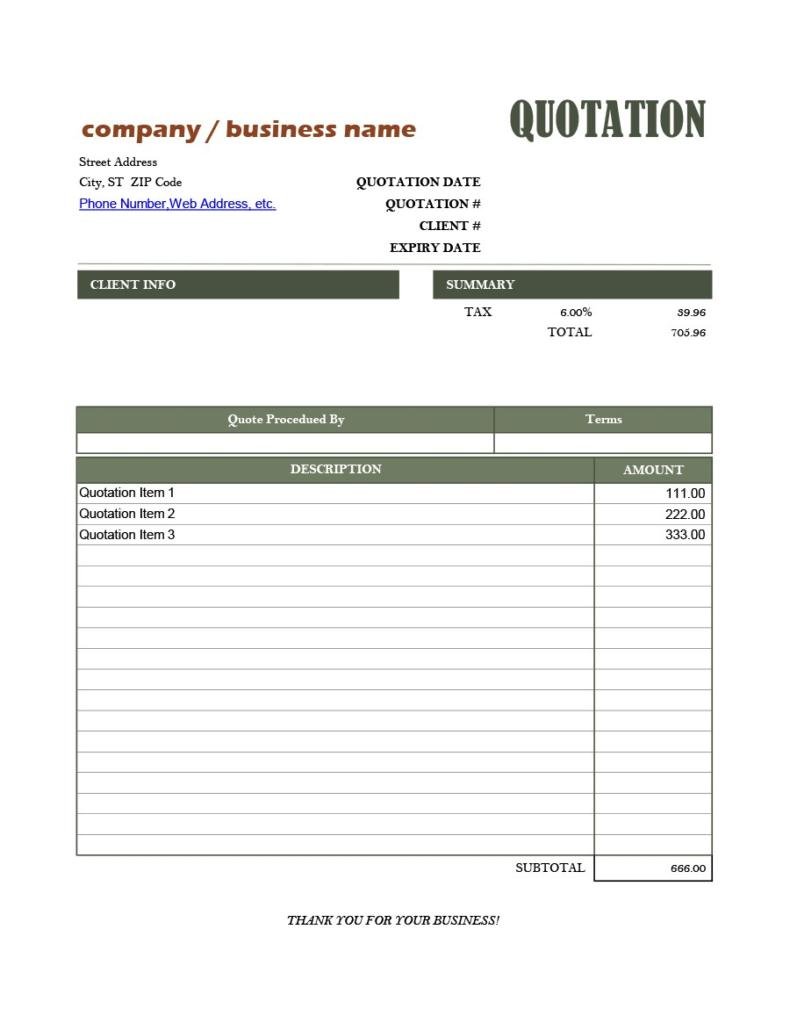
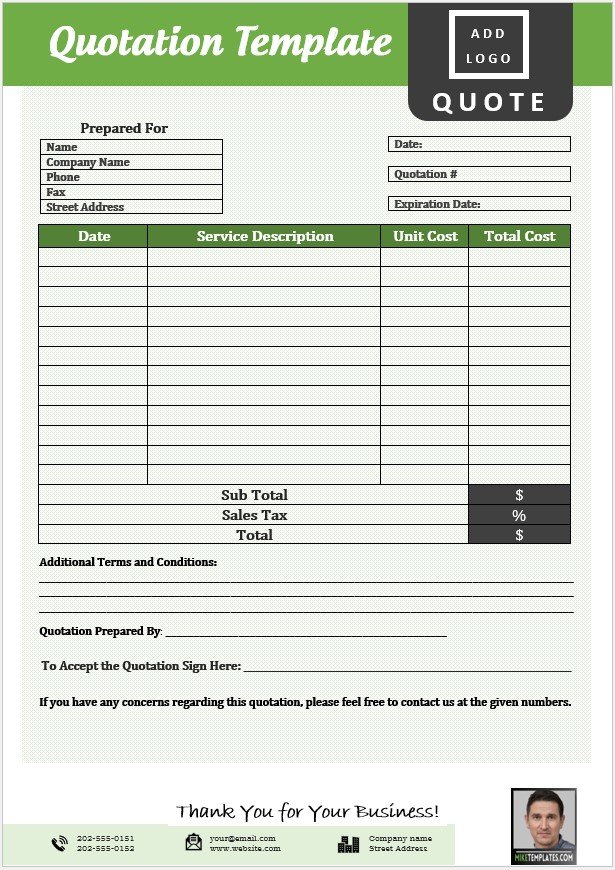
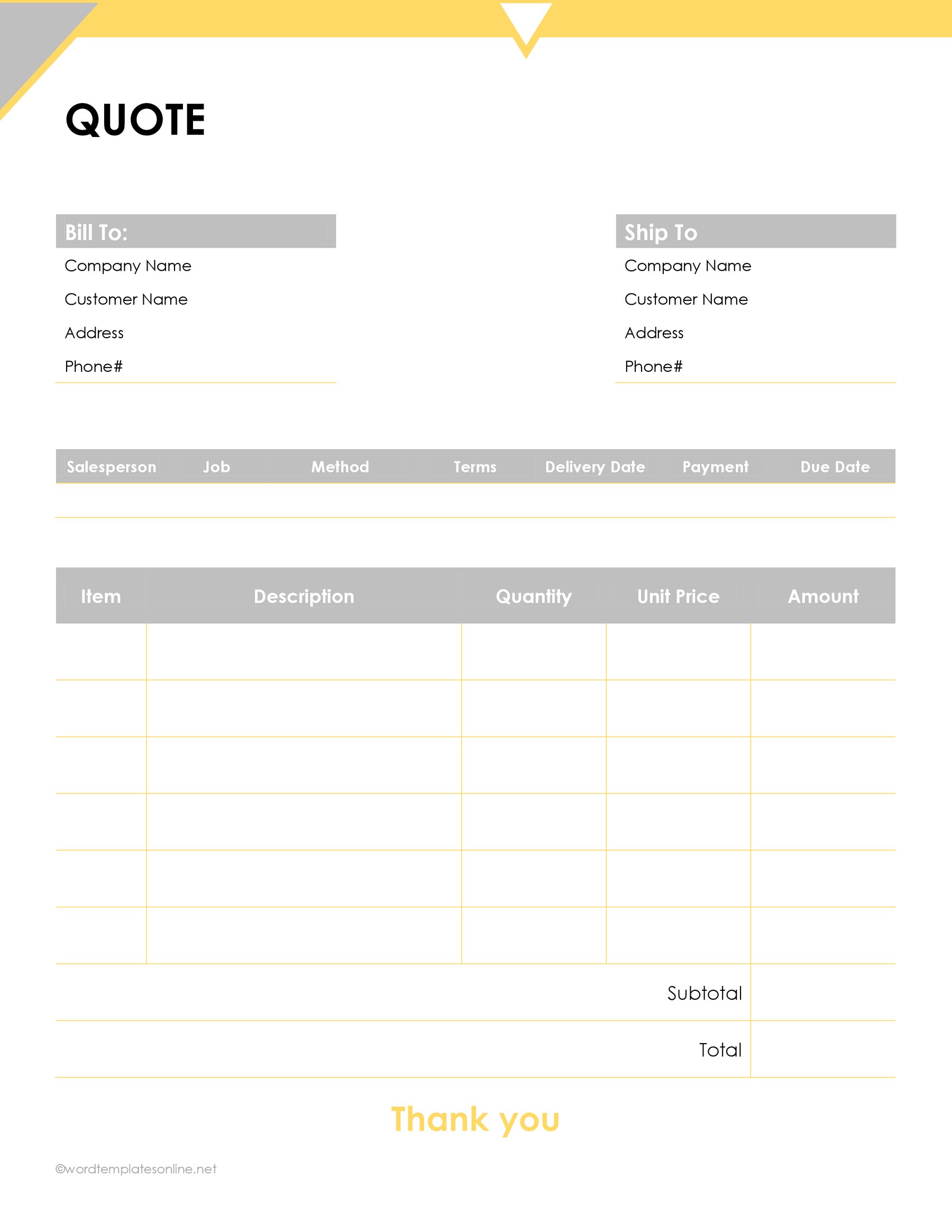
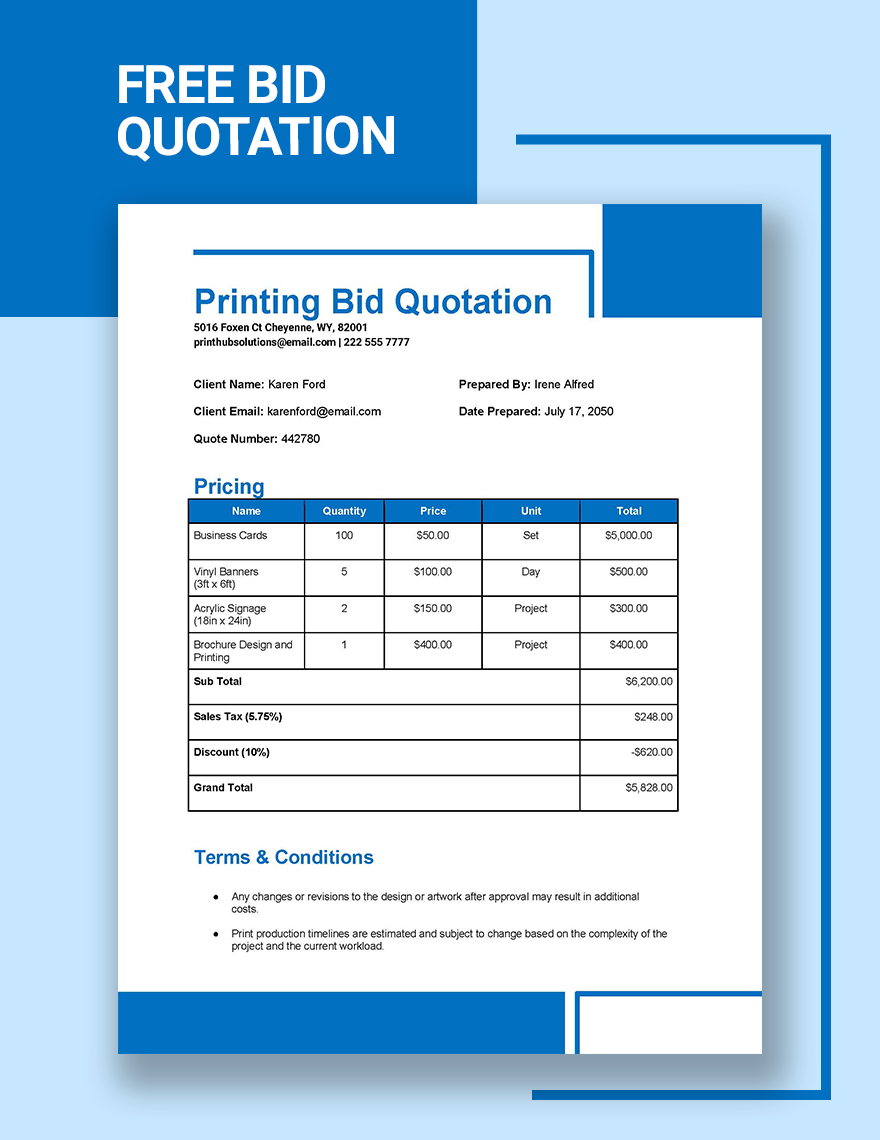
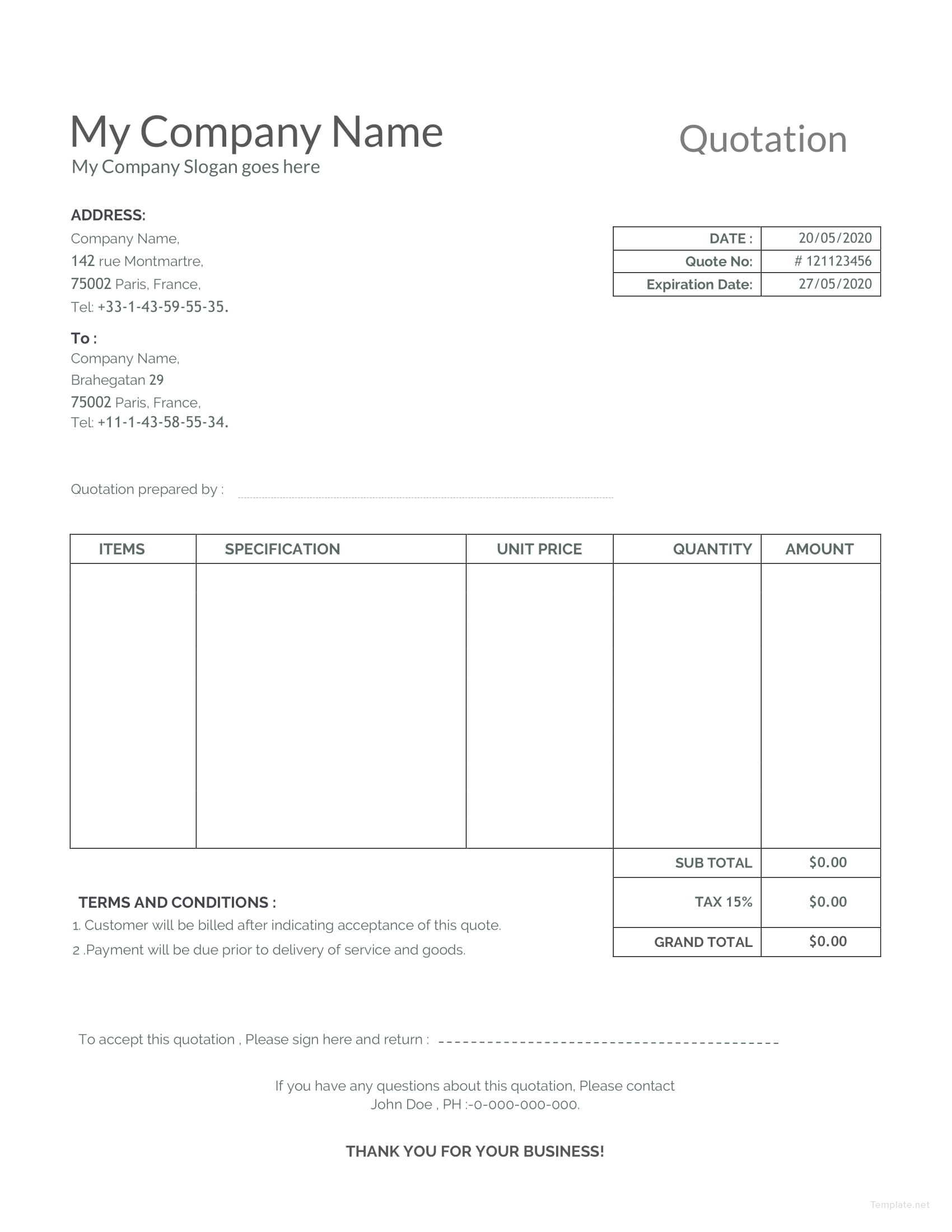
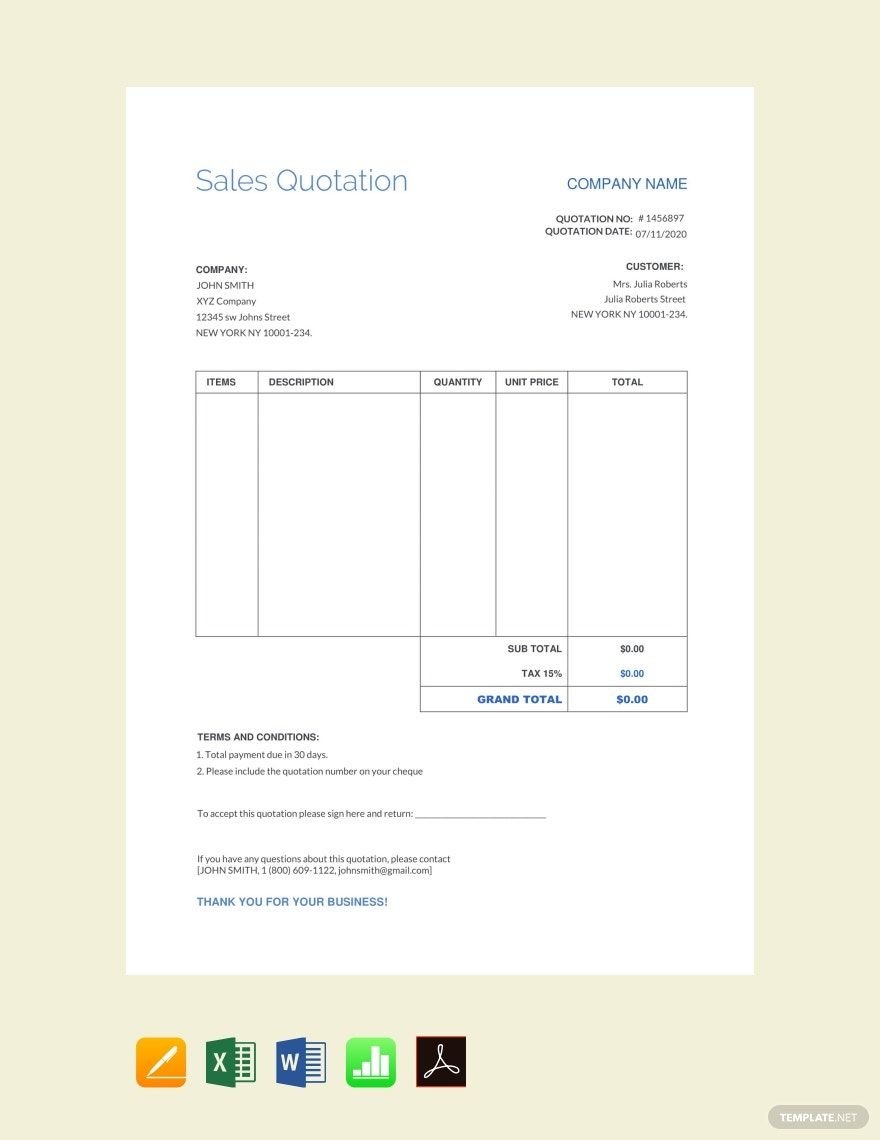
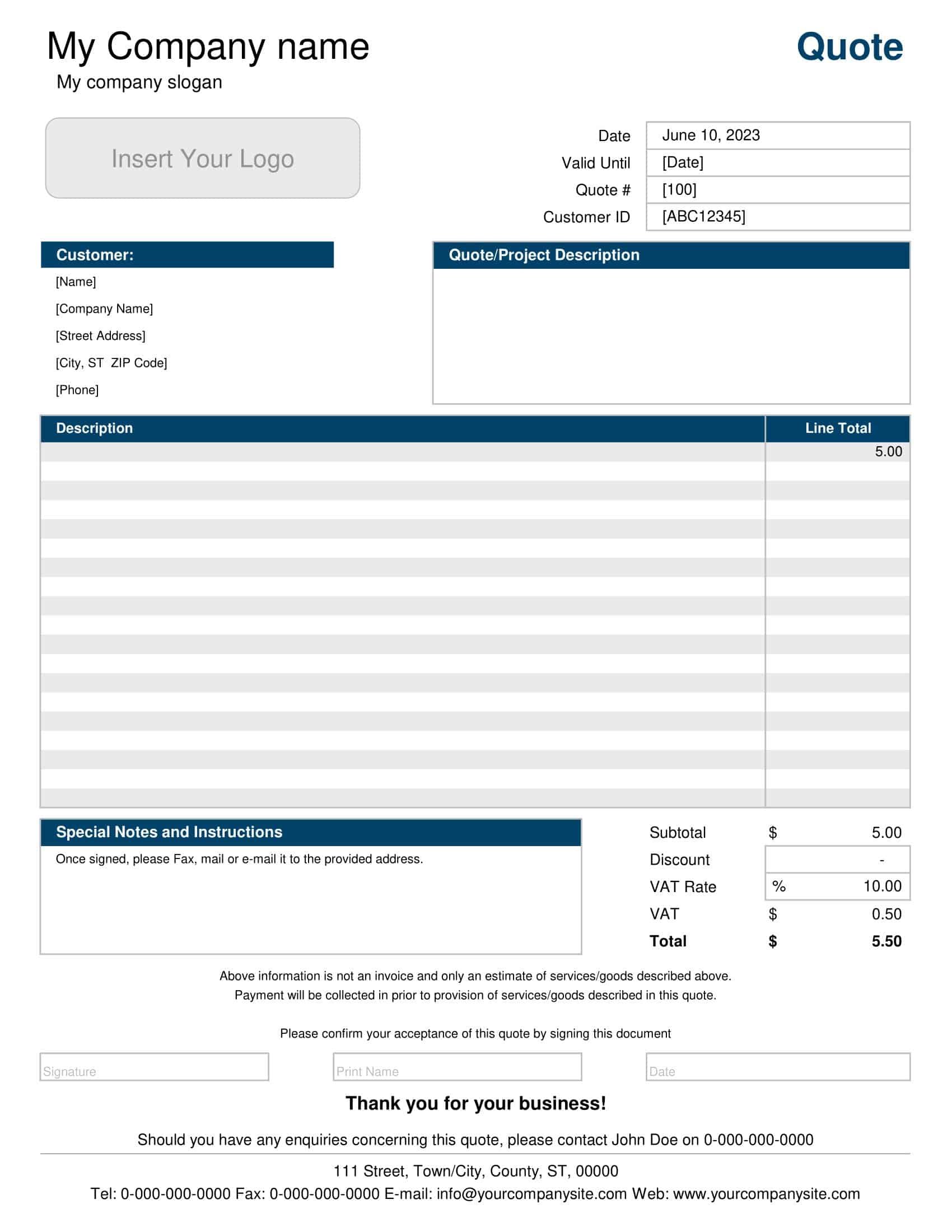
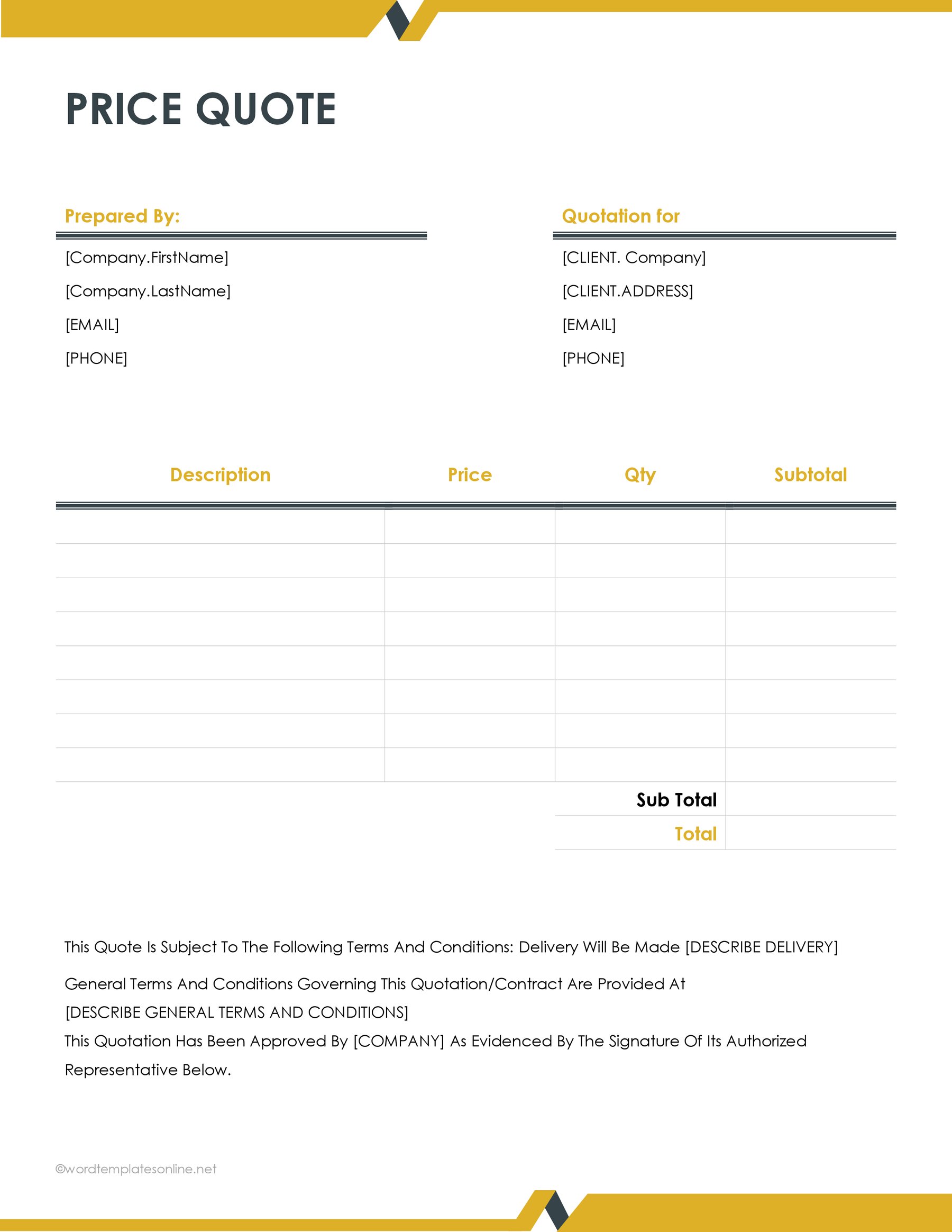
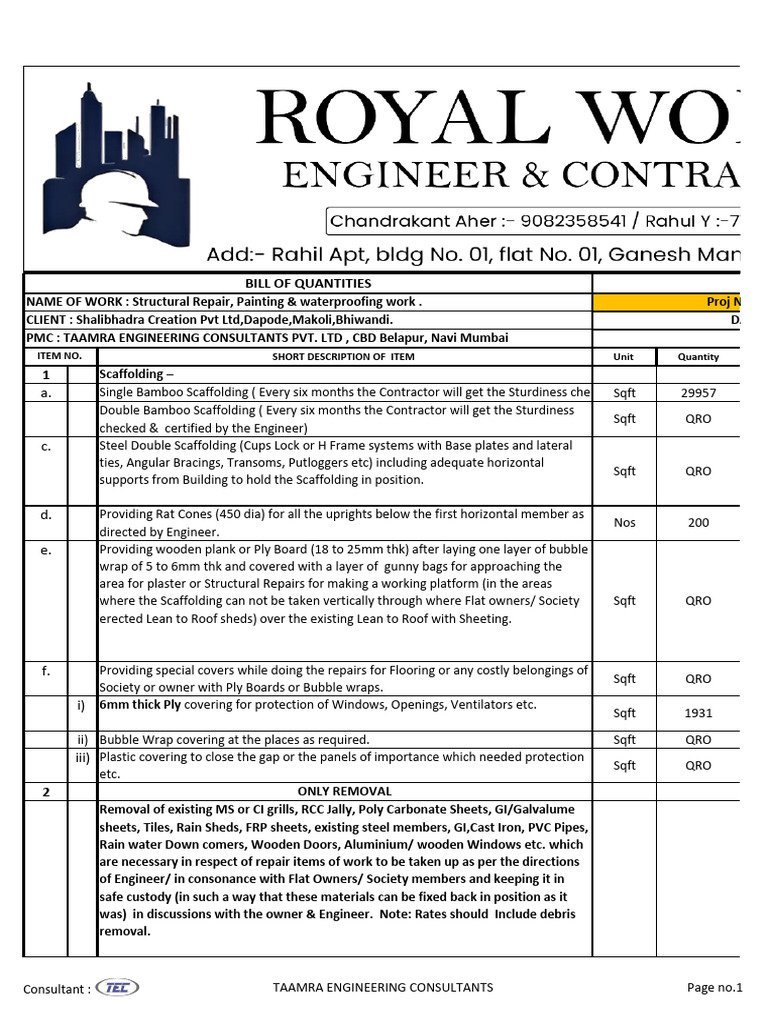
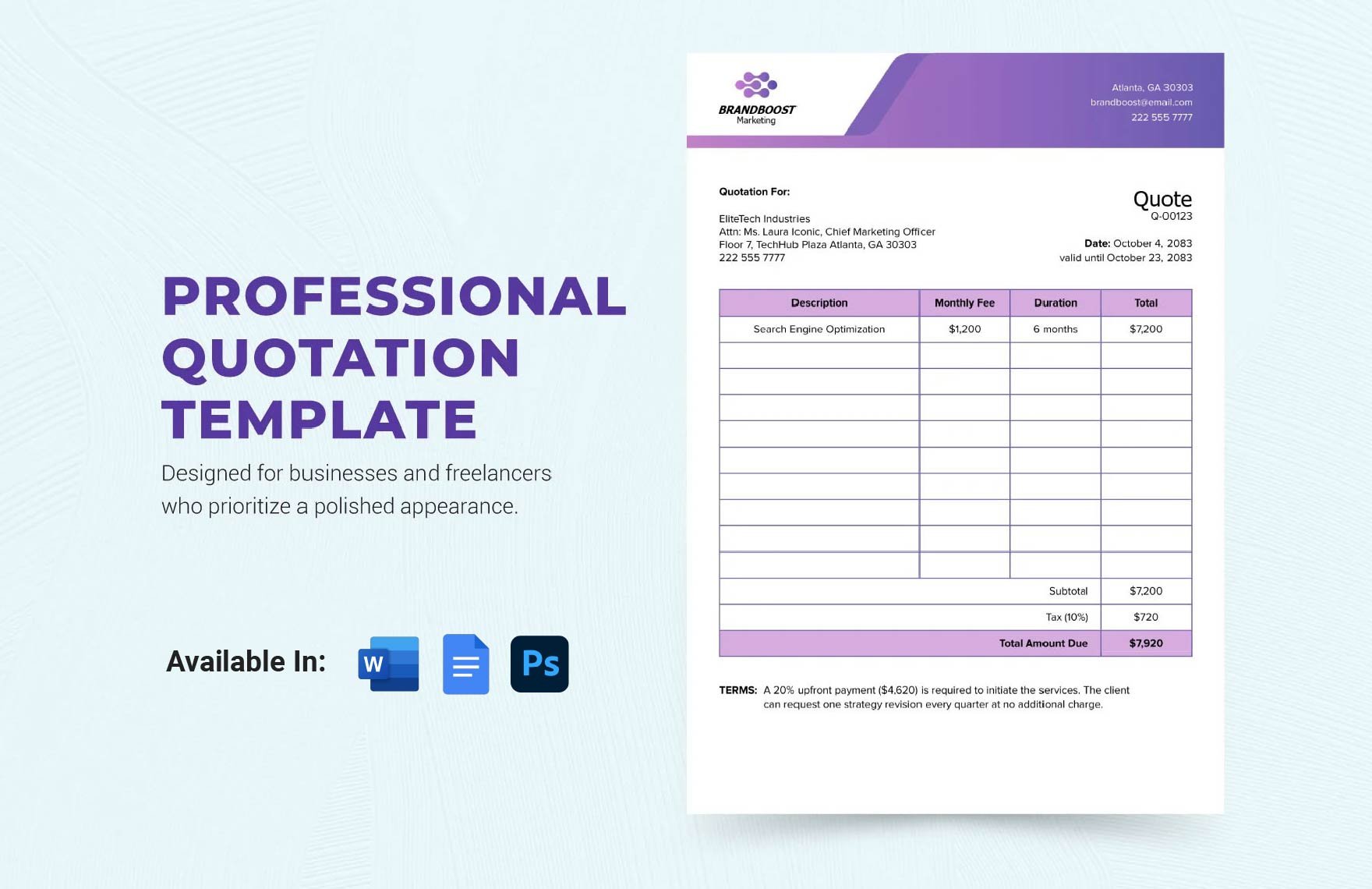
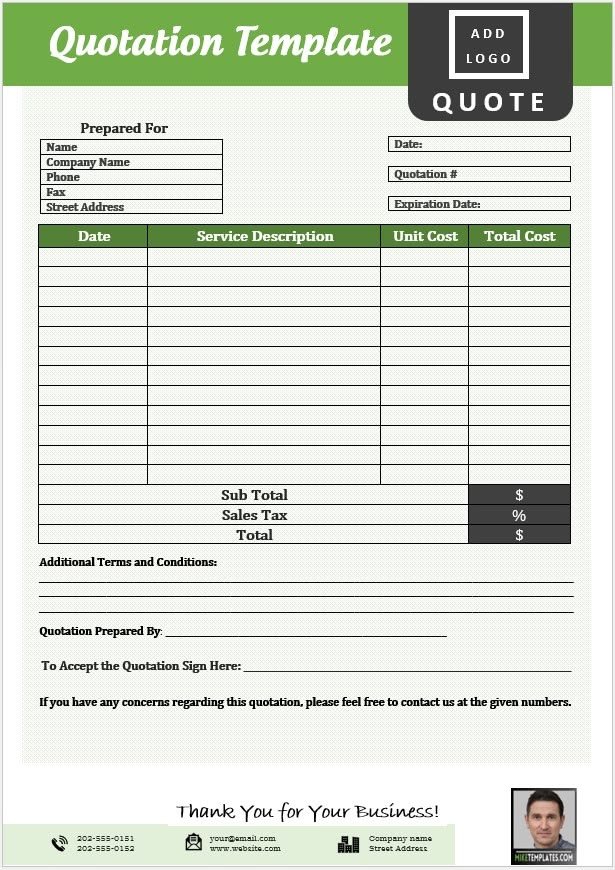
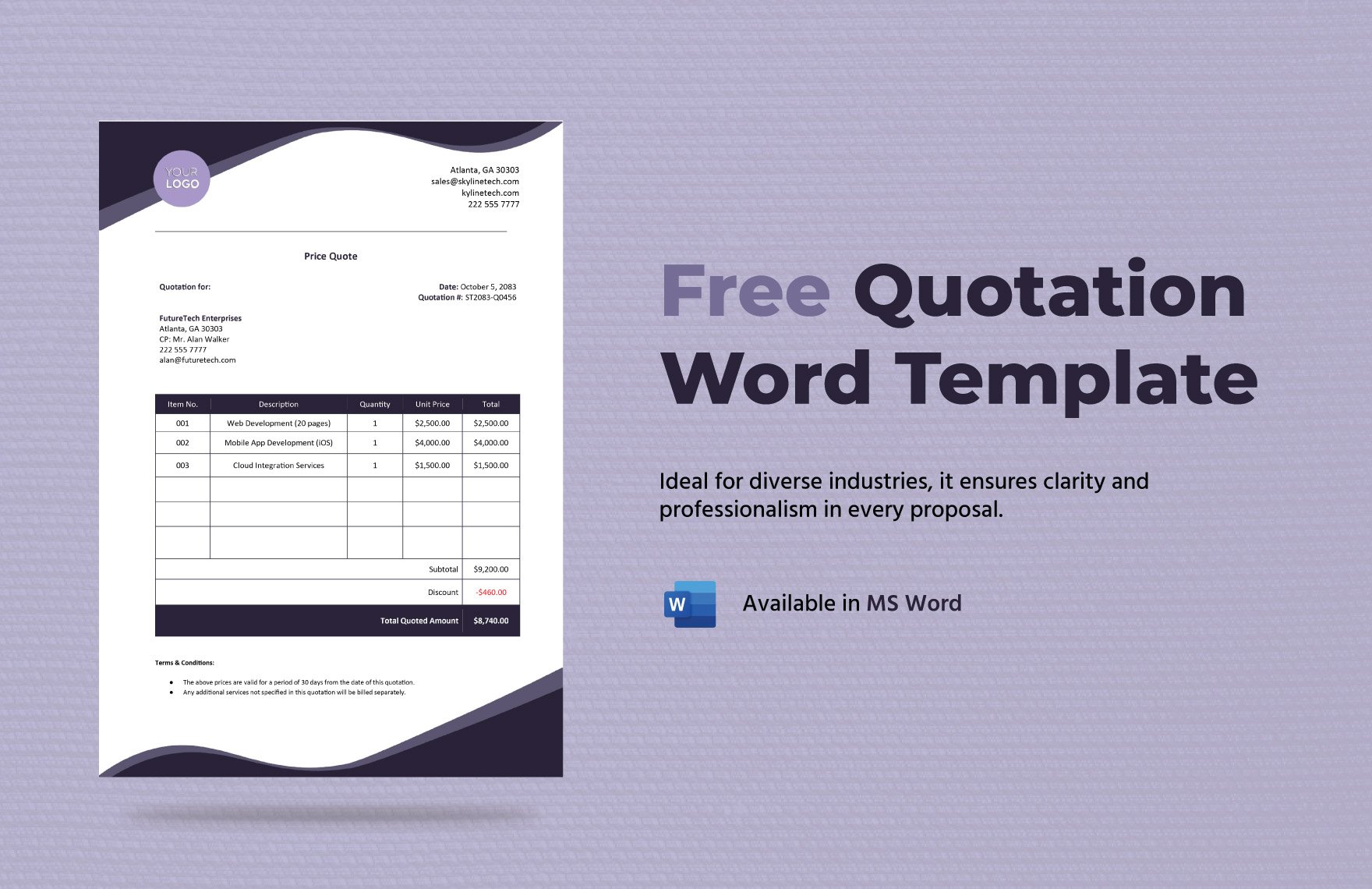
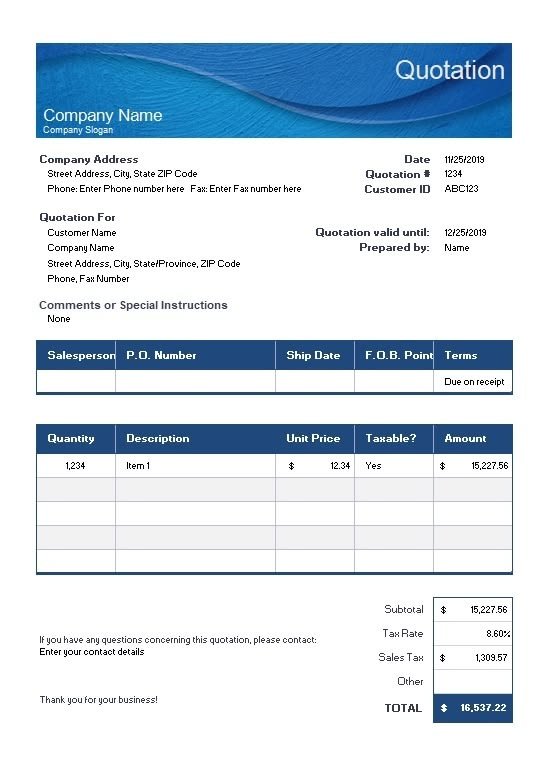
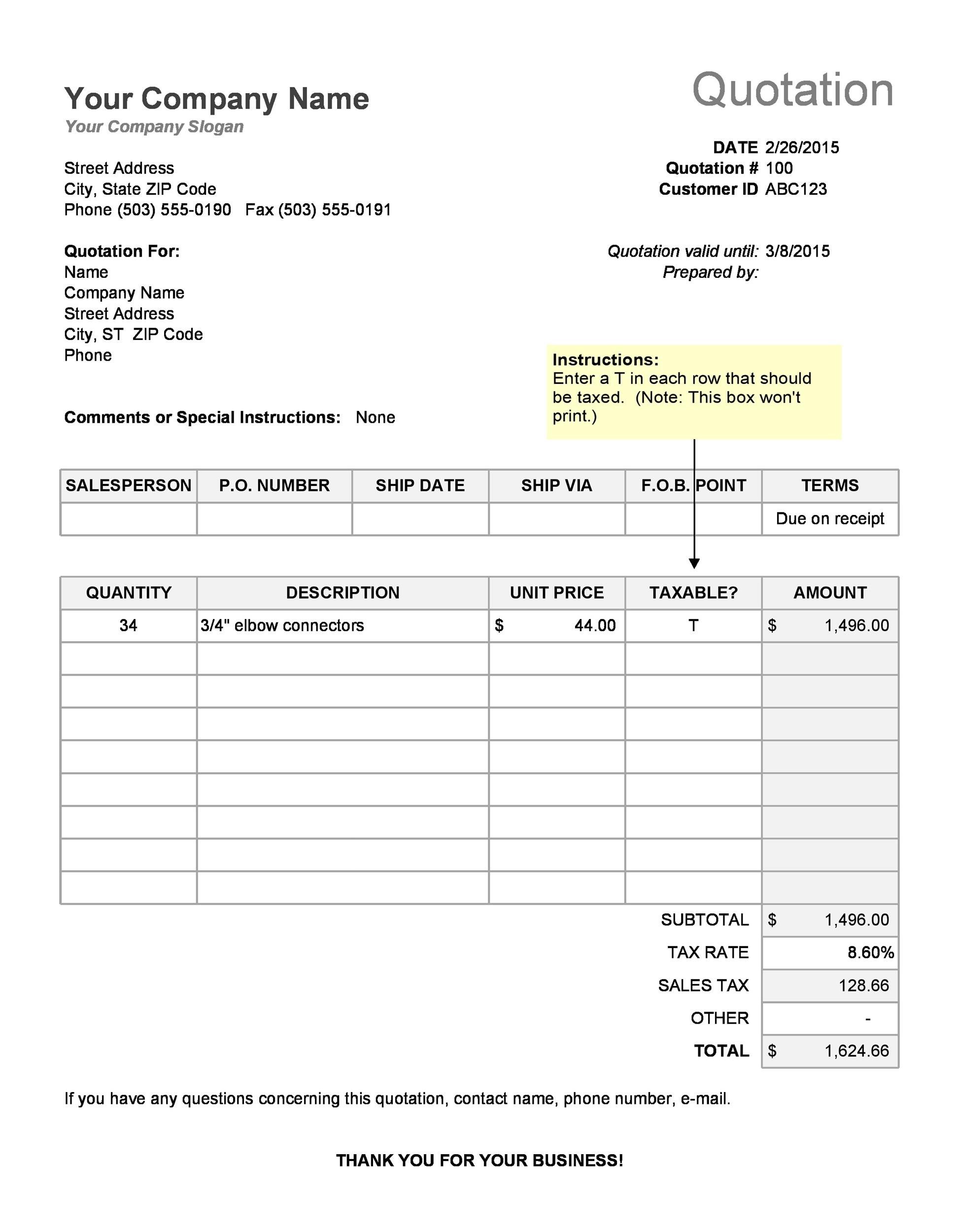
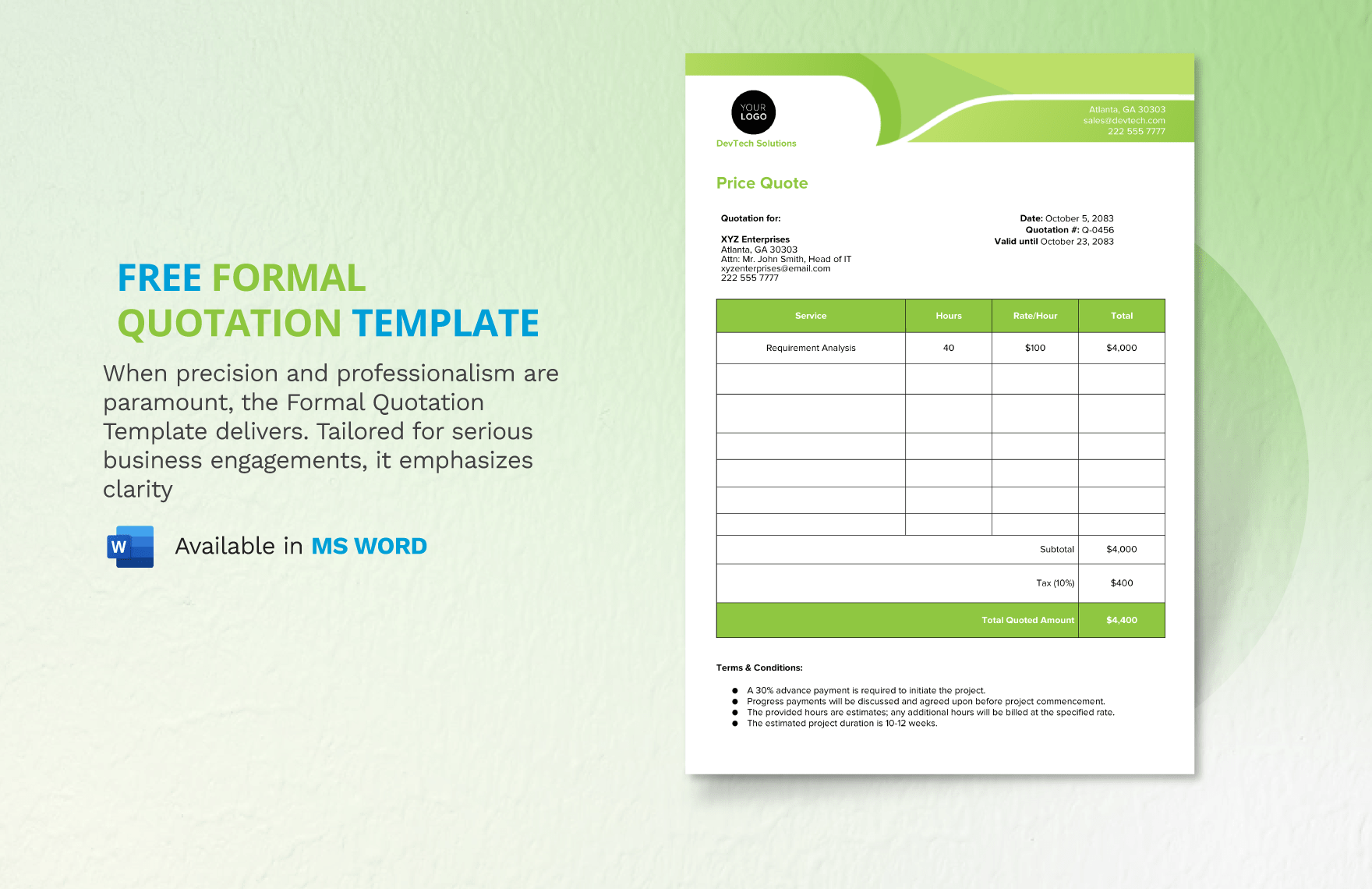
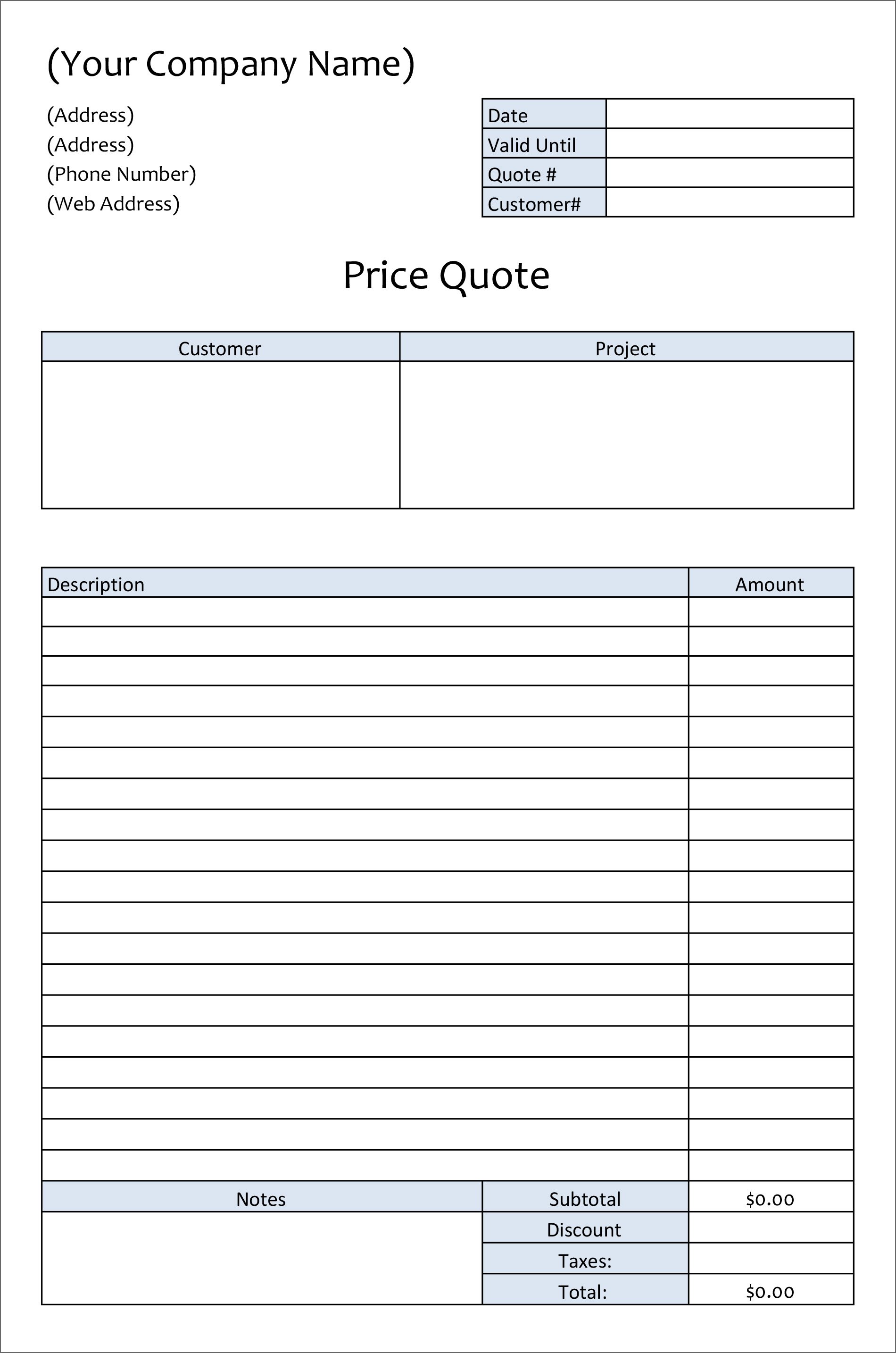
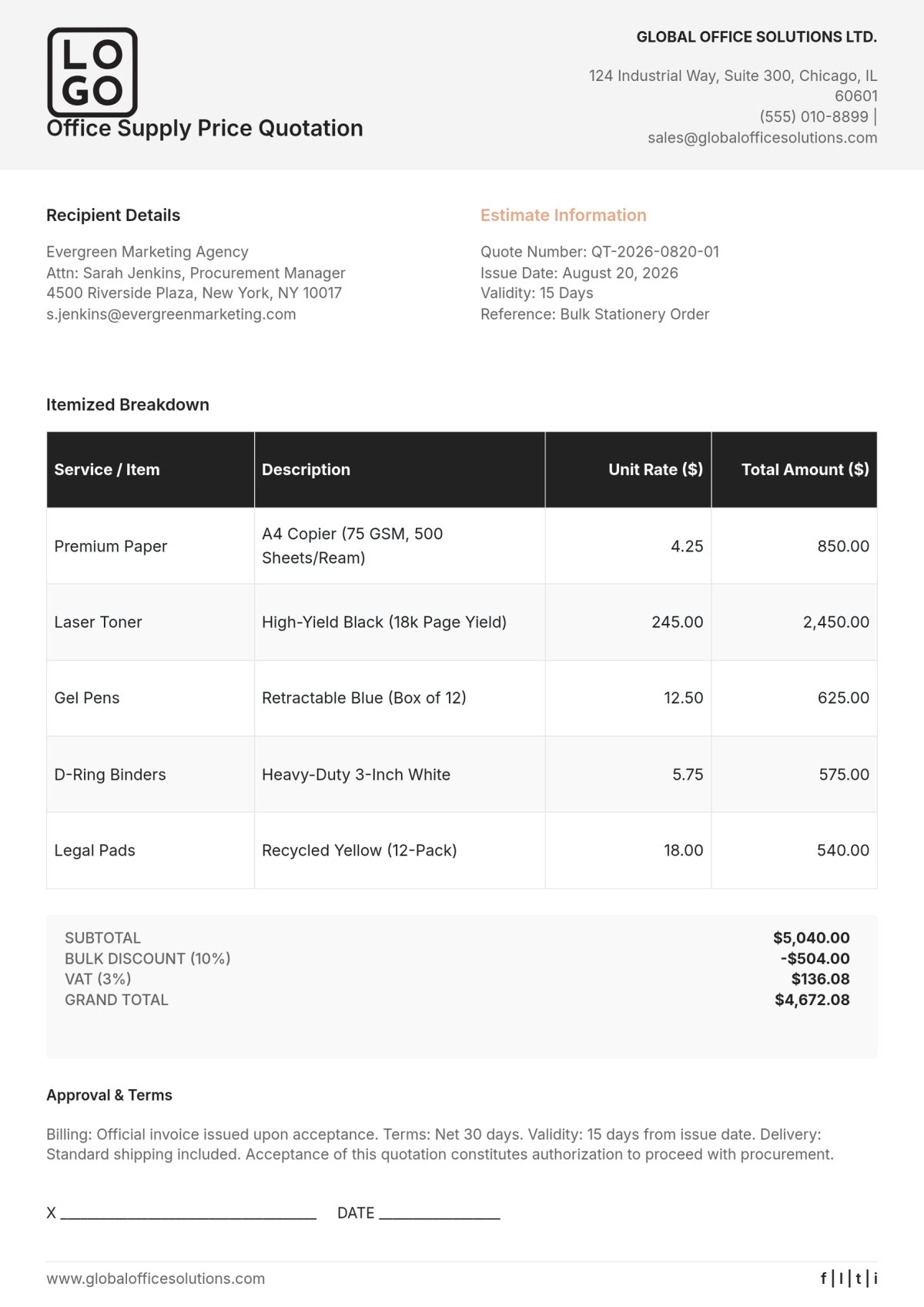
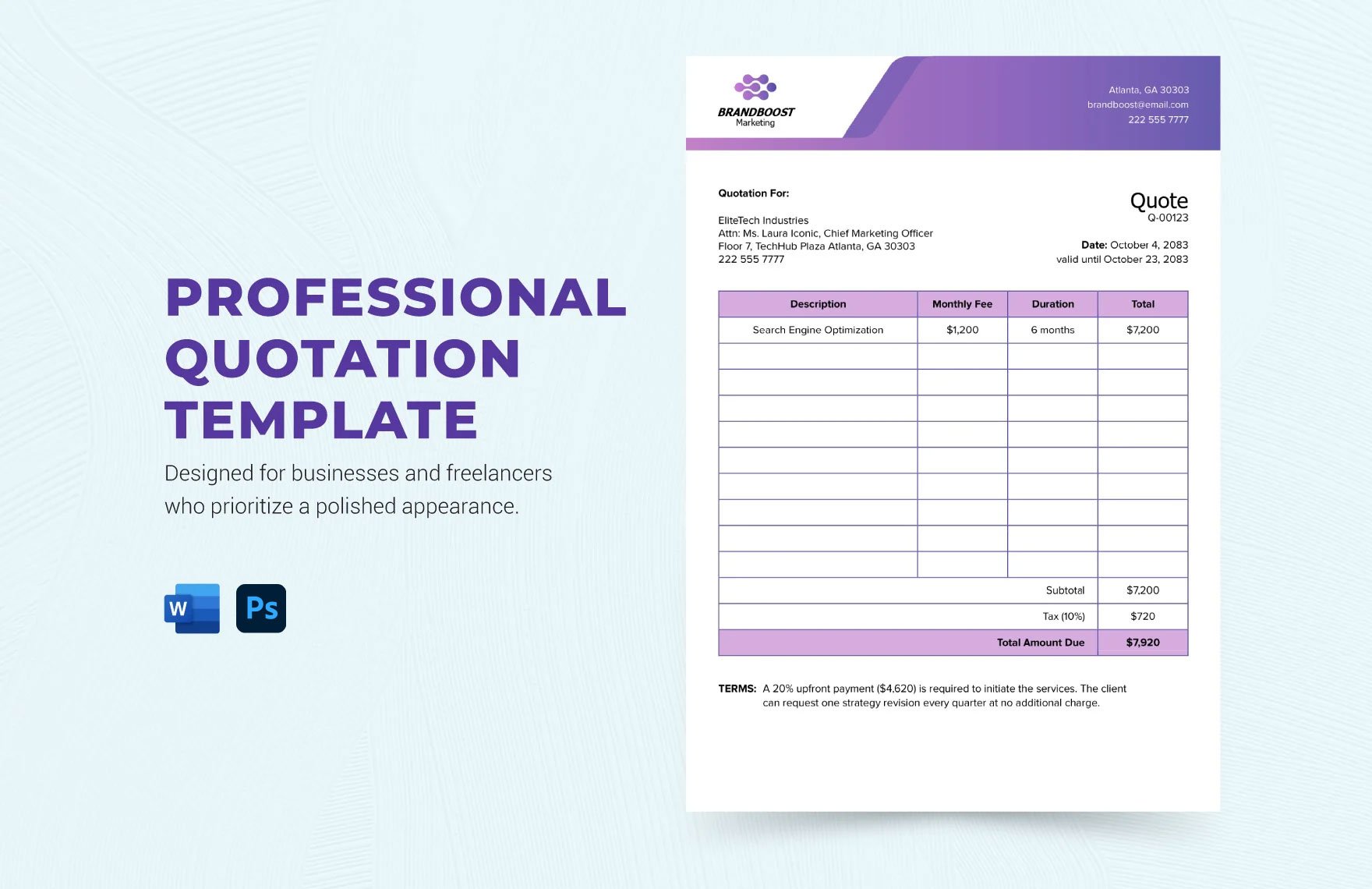
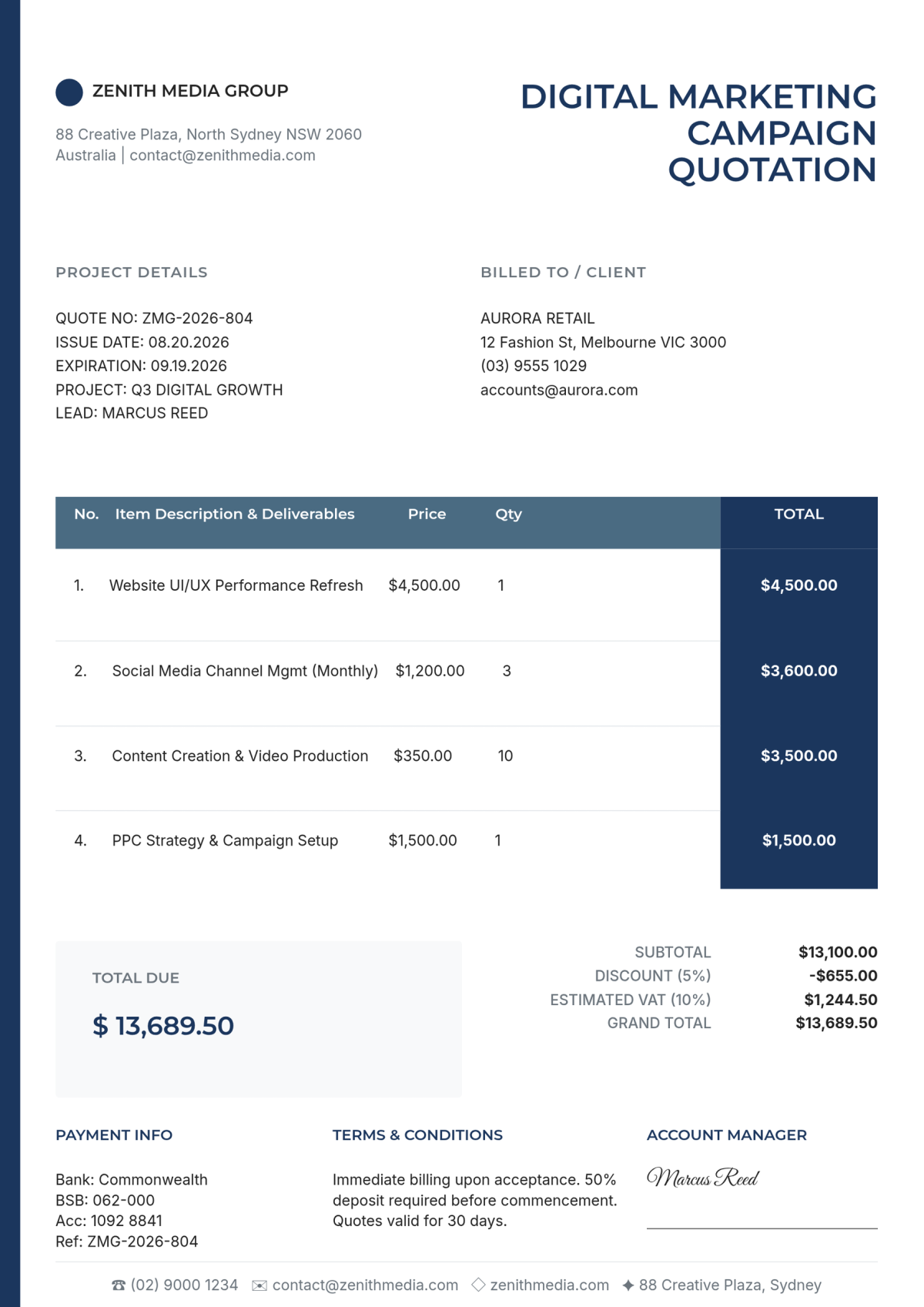
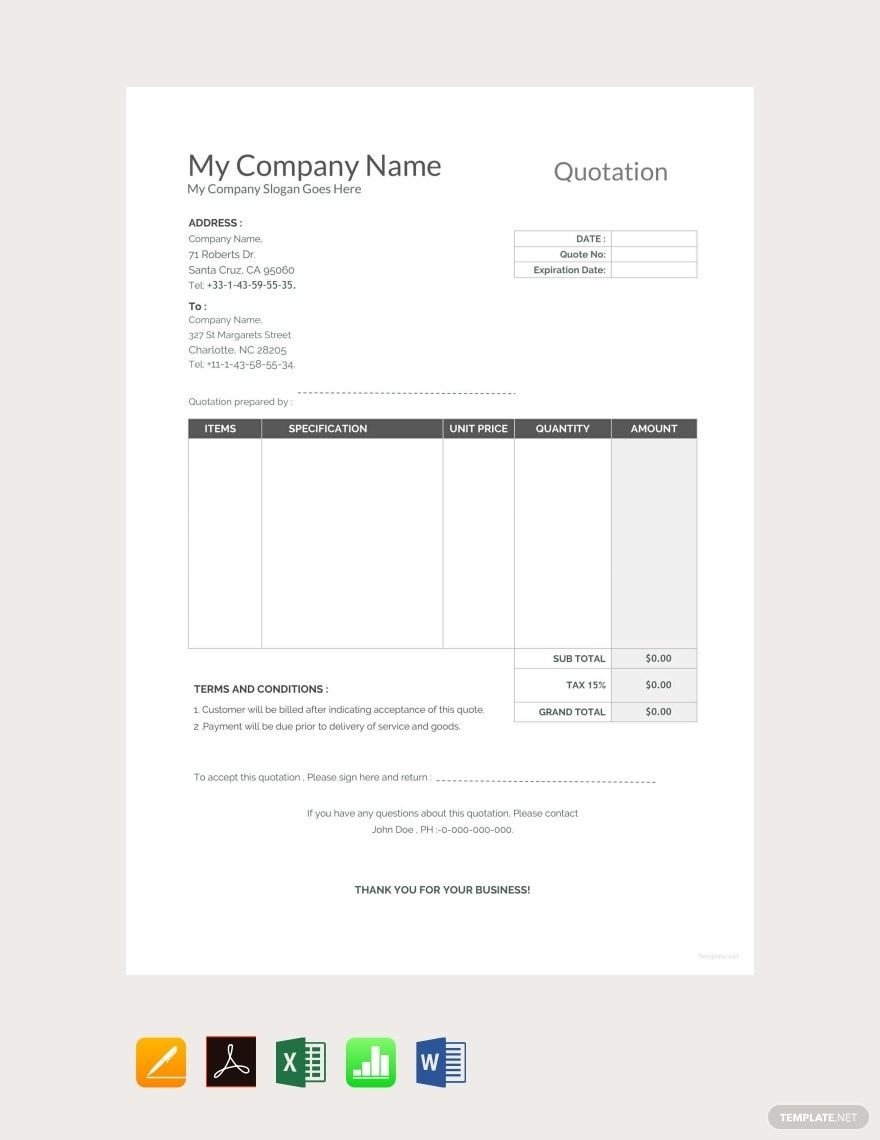
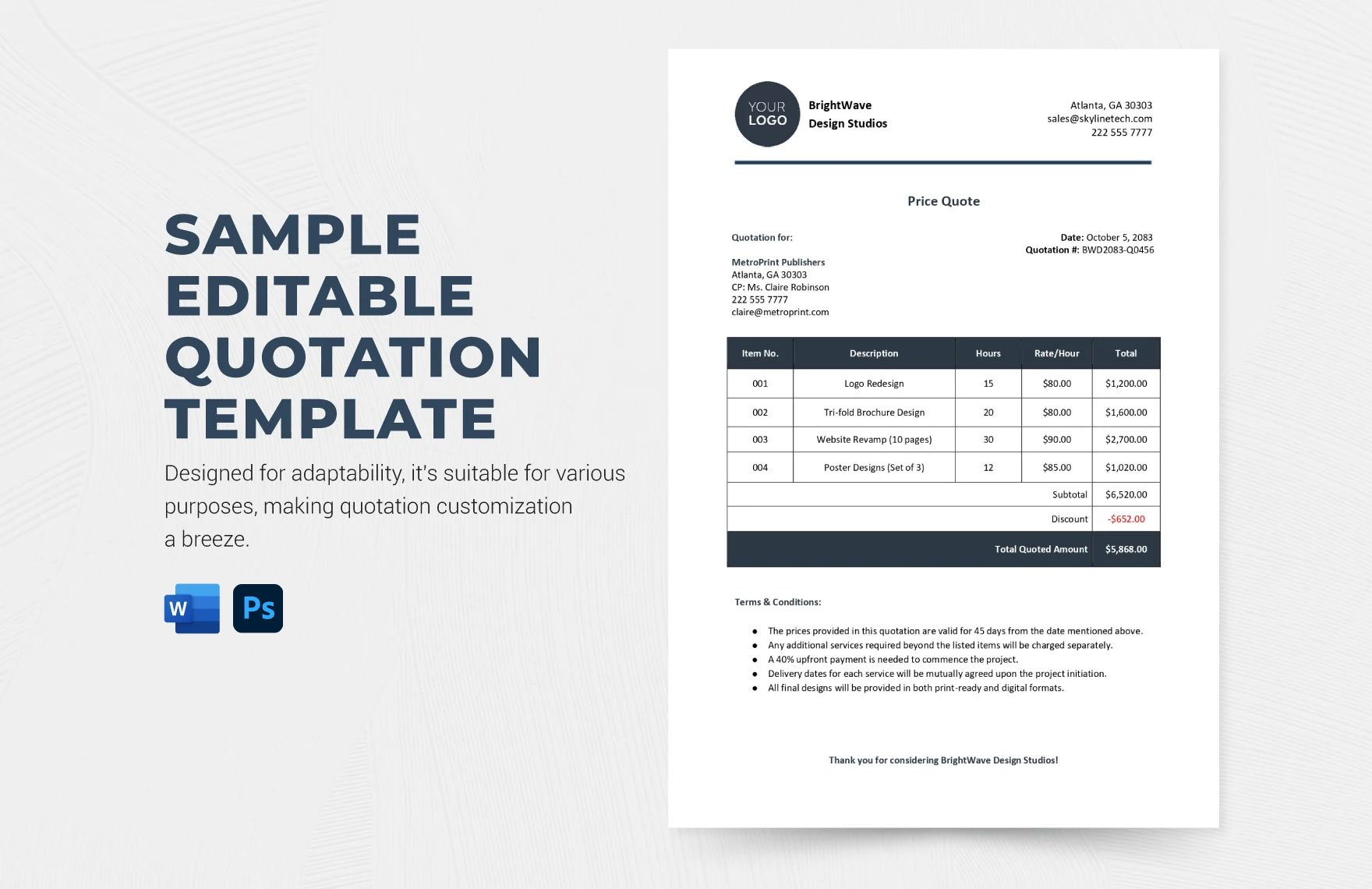
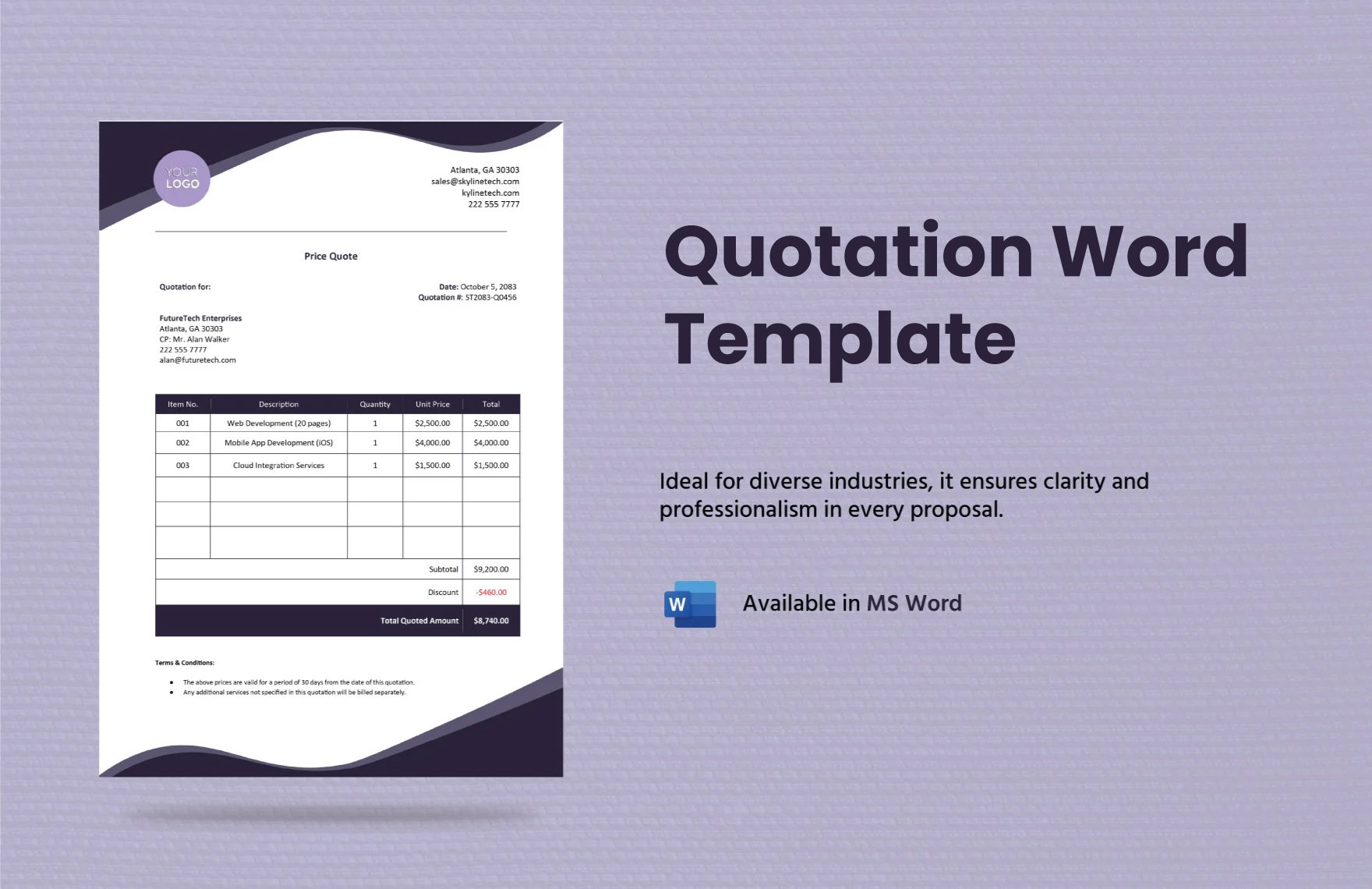
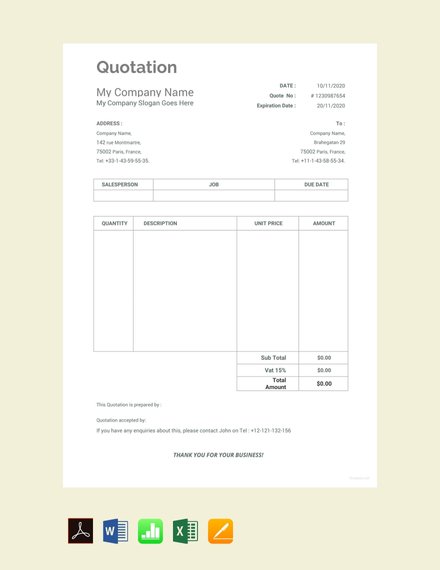
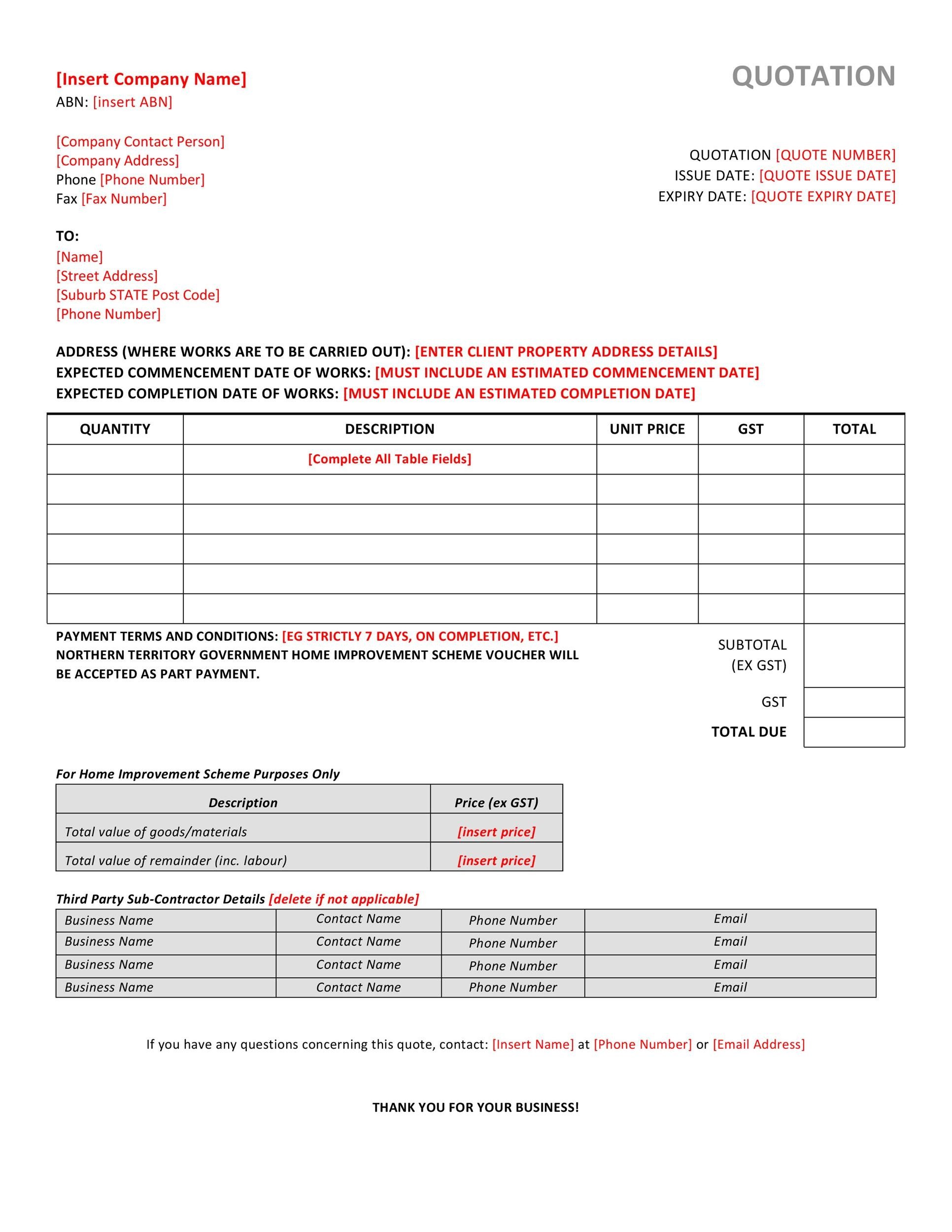
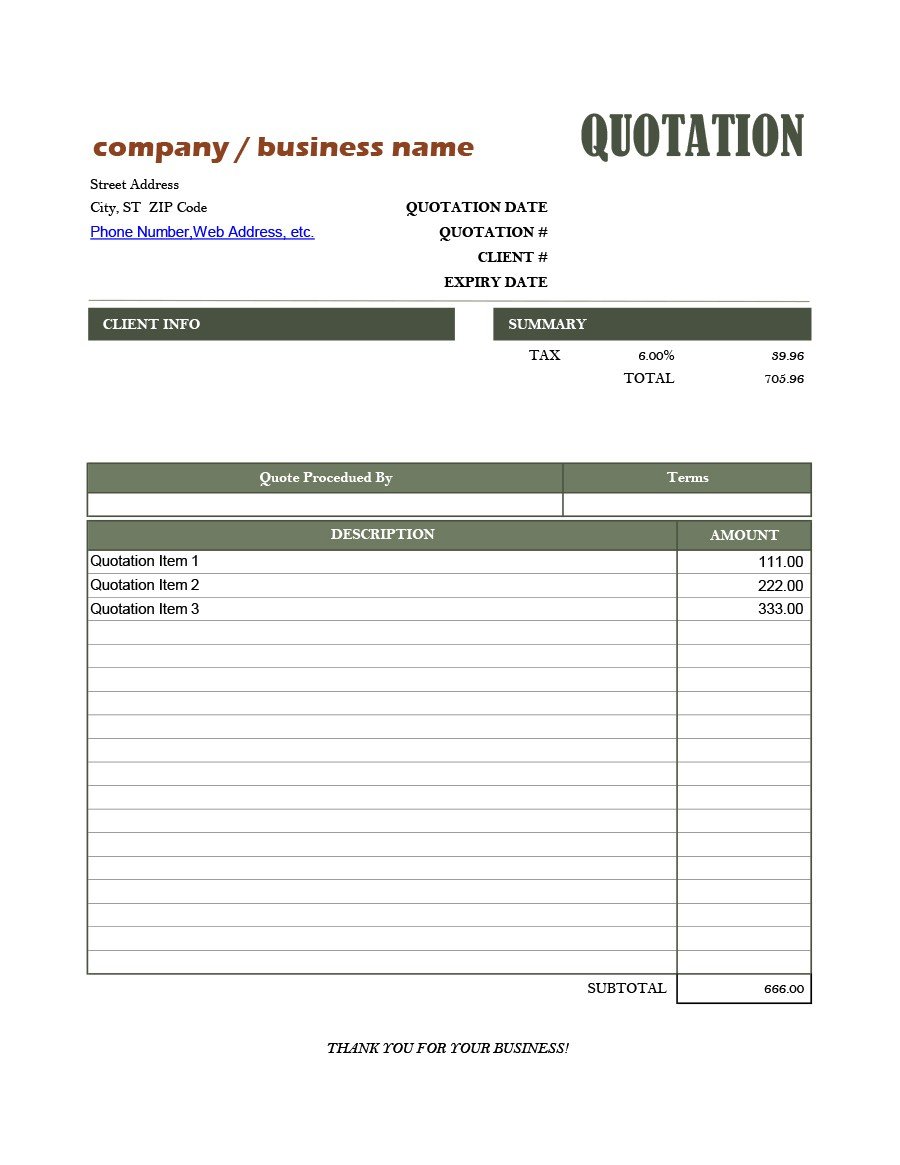
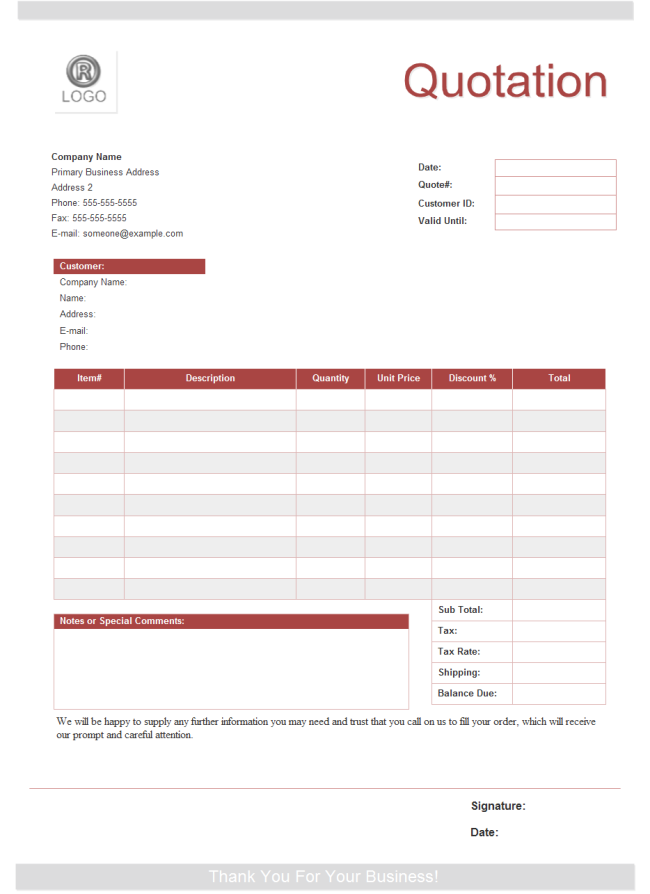
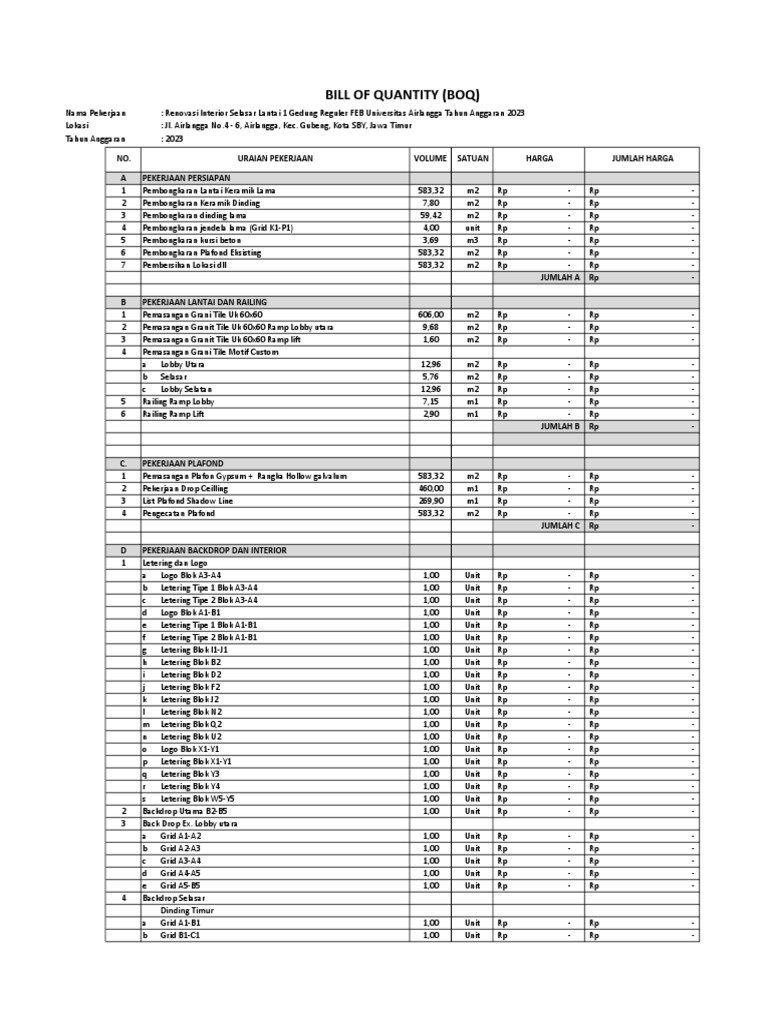
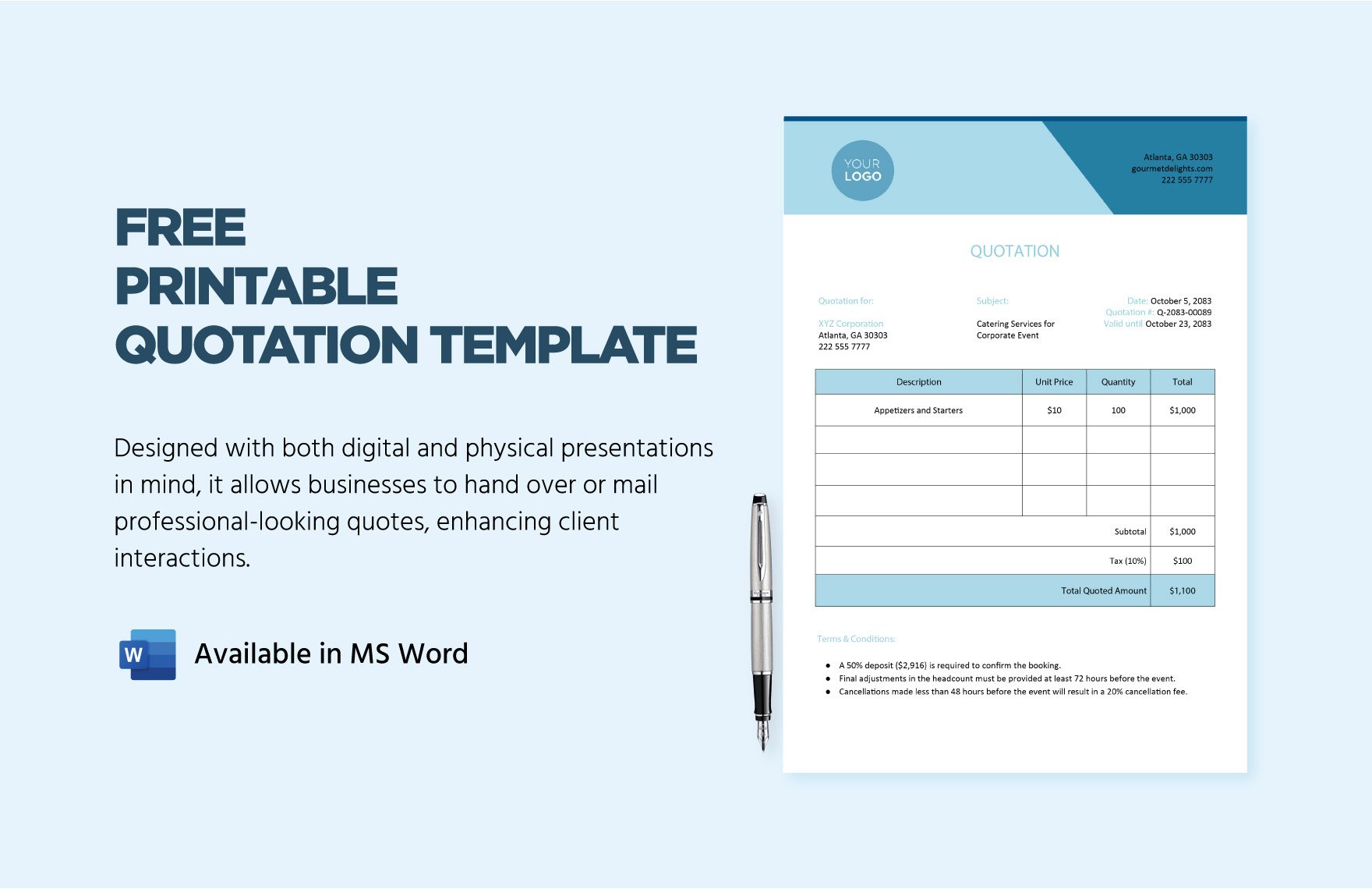
A quotation template sample in Word is a valuable tool for businesses, offering an efficient way to create professional quotes and estimates. When looking into quotation template sample word, the details quickly stand out. With the right template, you can streamline your quoting process, ensuring a consistent and impressive presentation. Here's a straightforward guide to help you navigate the world of quotation templates in Word.
Popular Options and Variations
When it comes to quotation template samples in Word, you'll find a range of options to suit different business needs:
- Editable Templates: These templates allow you to customize every aspect, from layout to content, ensuring a unique and tailored quote.
- Free Templates: Numerous resources offer free, customizable templates, saving you time and effort.
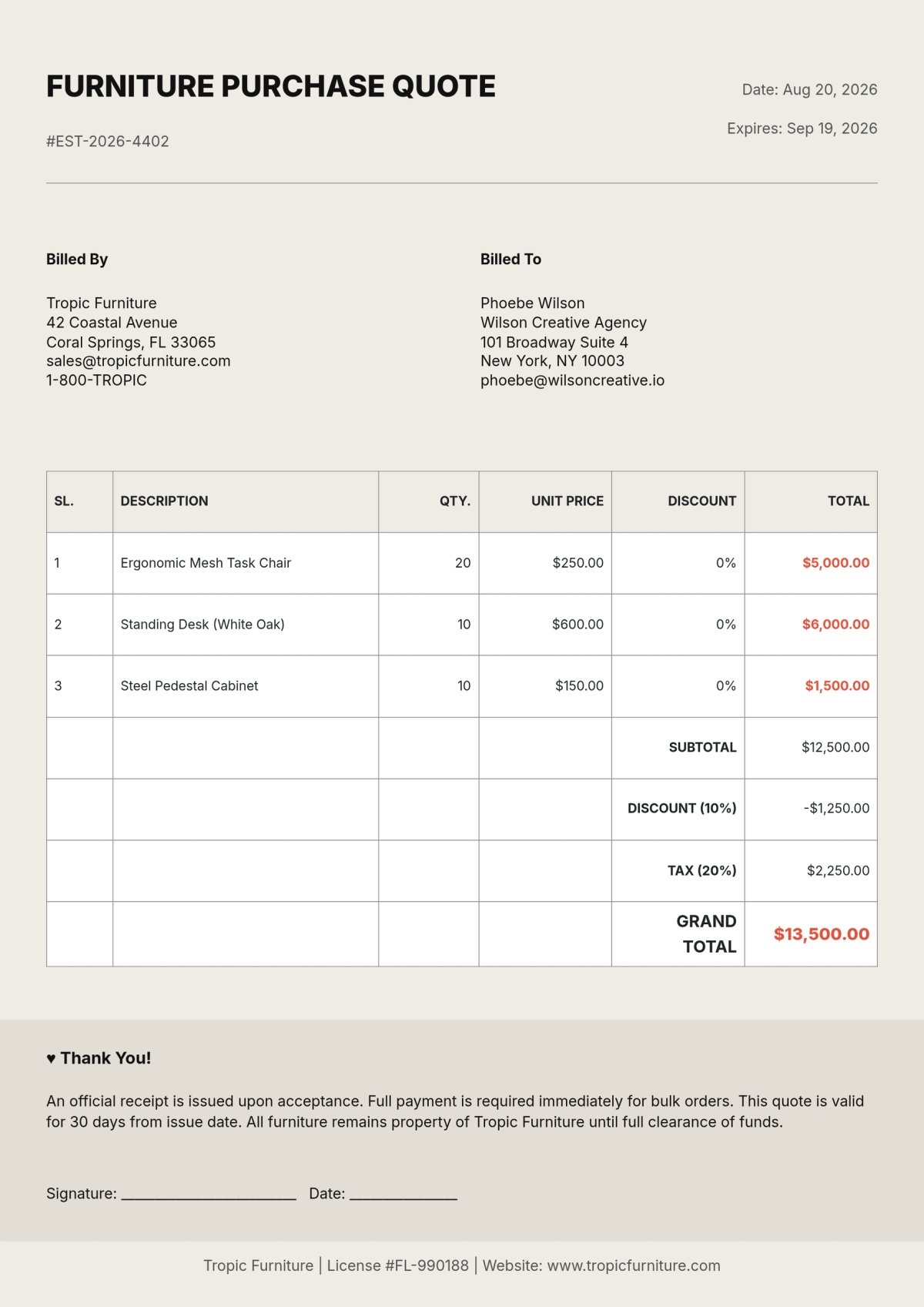
- Sales-Focused Templates: Specifically designed for sales quotations, these templates highlight key selling points and pricing.
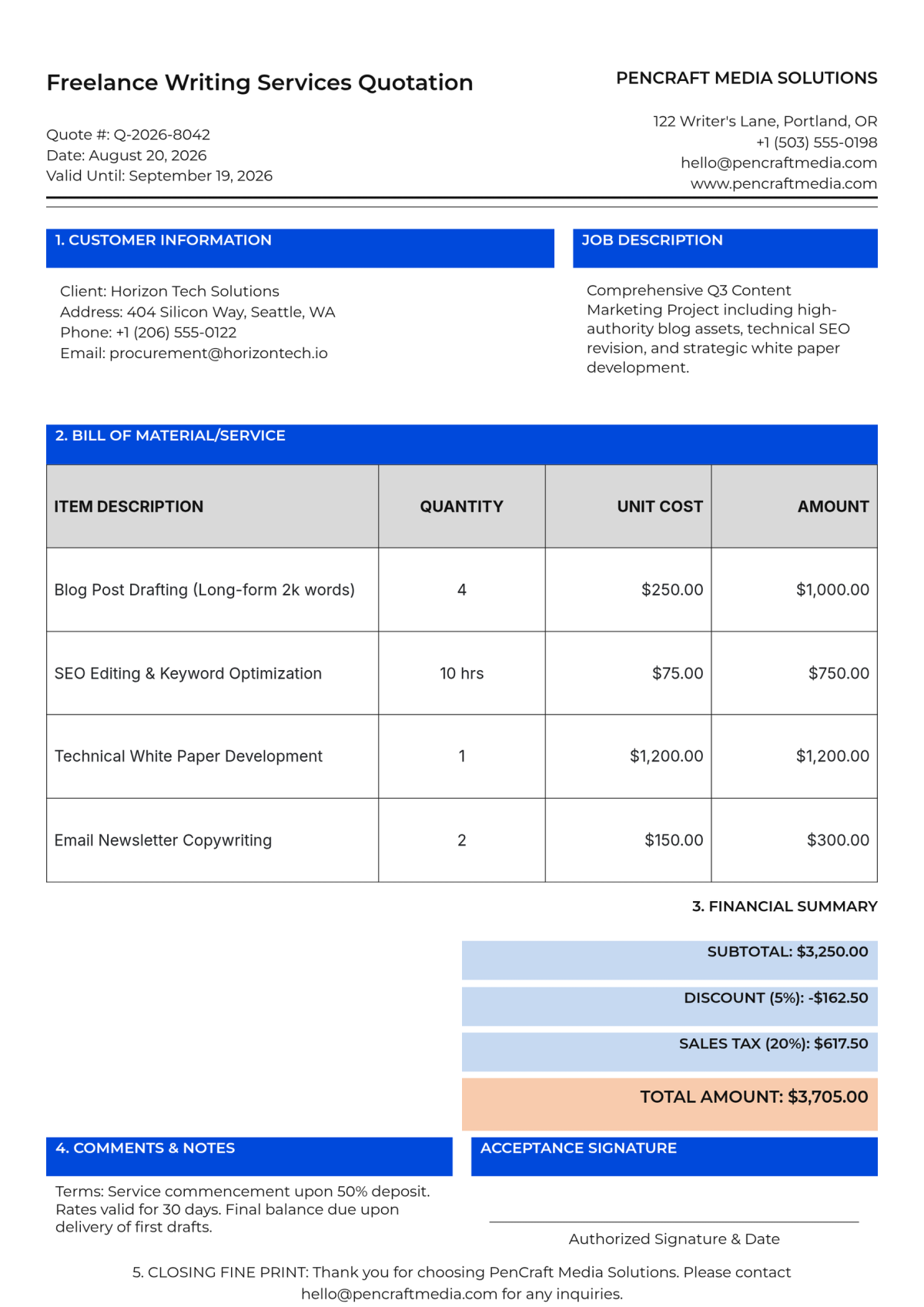
- Service-Oriented Templates: Ideal for service-based businesses, these templates emphasize the scope and terms of the service provided.
Key Features to Look For
Consider these essential features when choosing a quotation template in Word:
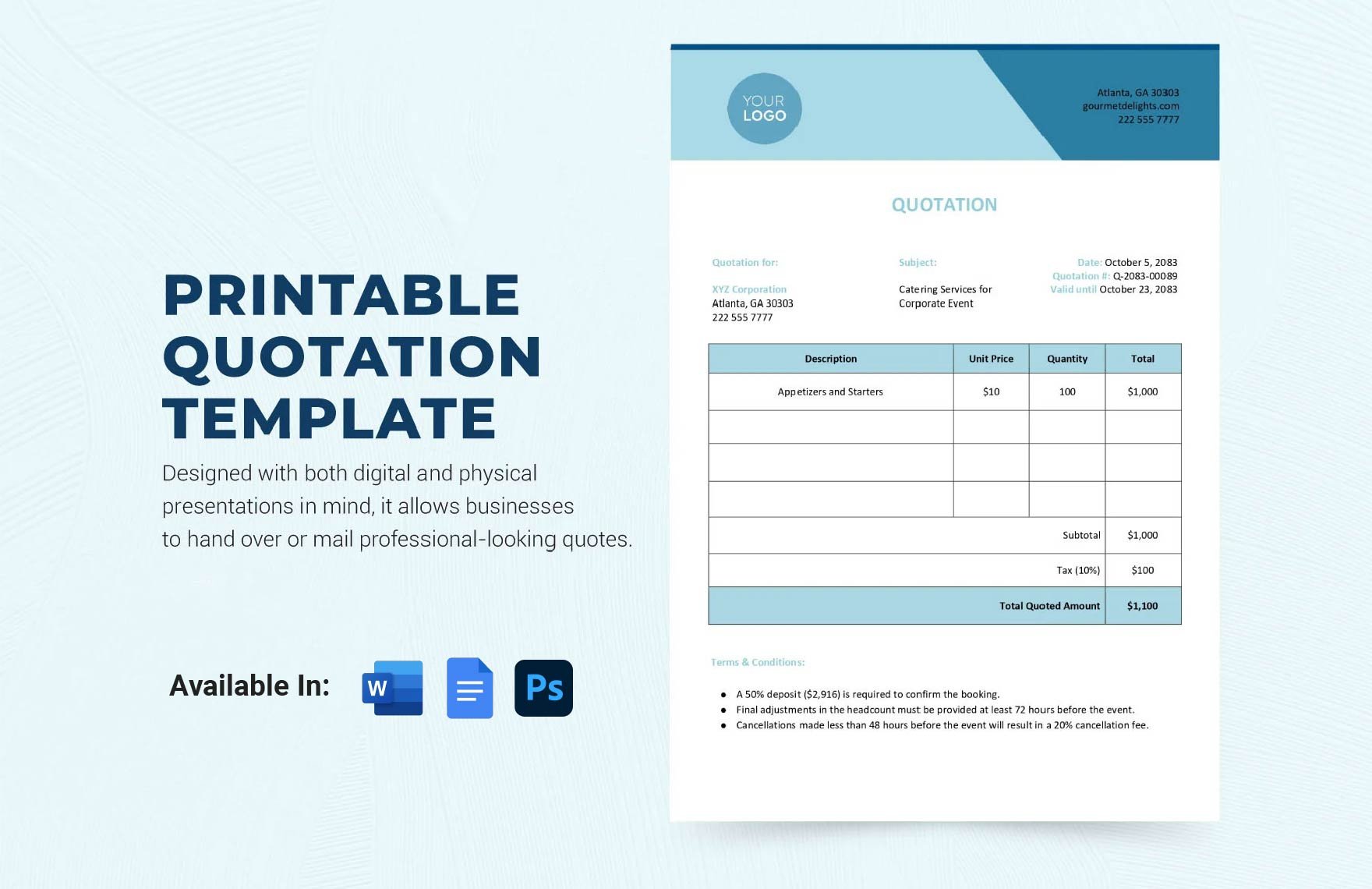
- Customization: Ensure the template is fully editable, allowing you to adapt it to your brand and specific requirements.
- Professional Appearance: Opt for templates with a clean, modern design to make a positive impression on your clients.
- Easy to Use: Select a template with a user-friendly interface, making the quoting process quick and efficient.
- One-Click Conversion: Look for templates that offer a smooth transition from quote to invoice, simplifying your workflow.
Downloadable Templates and Resources
There are plenty of resources available to help you create your own quotation template in Word:
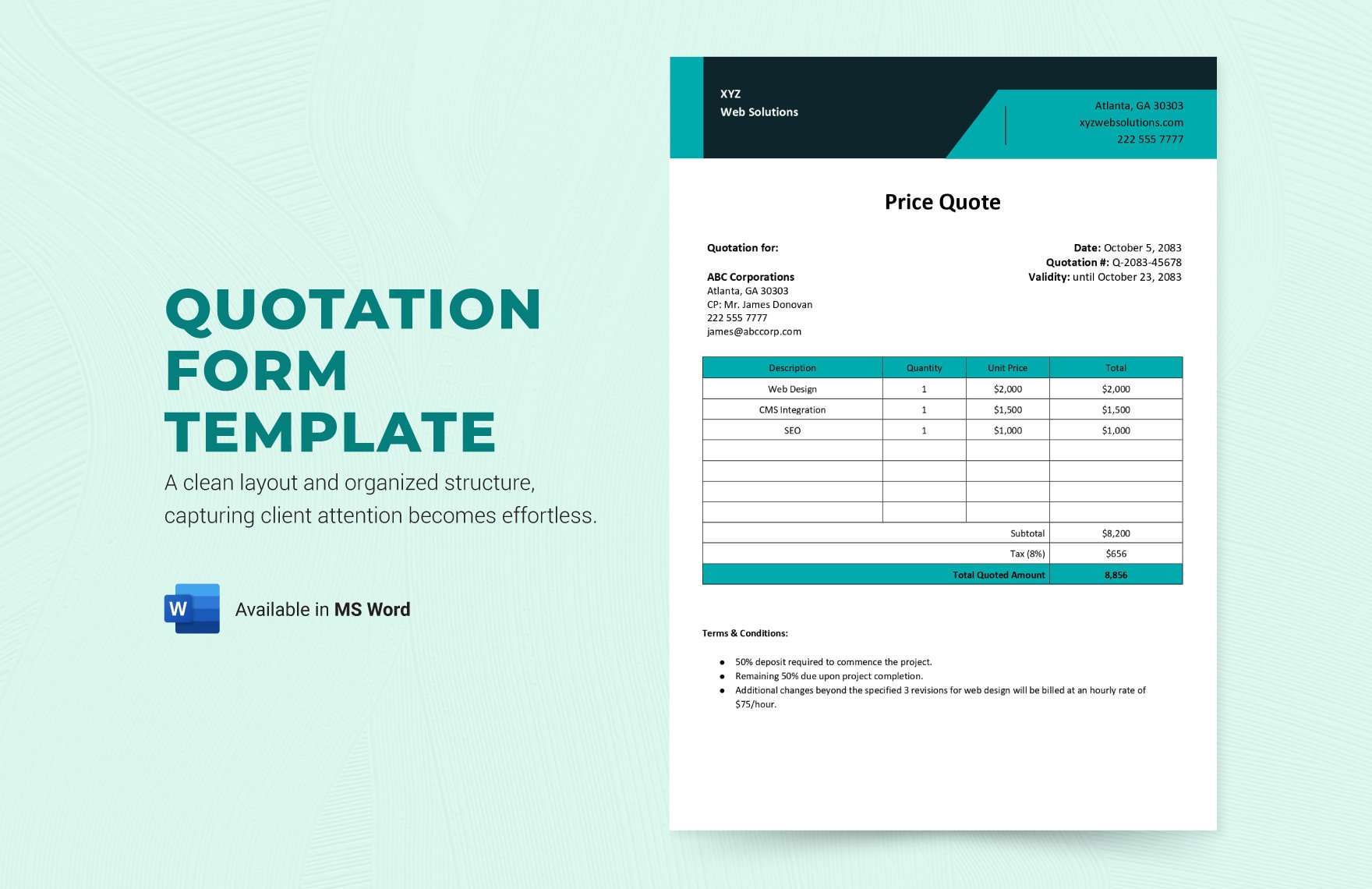
- Editable Quotation Templates in Word: Download customizable designs to create professional-quality quotes.
- Sales Quotation Template: Access free samples and formats to guide your sales quotations.
- Template Swift's Quotation Templates: Explore a collection of Excel and Word templates, including tips for writing effective quotes.
- Docelf's Word Quote Template: A user-friendly online tool to create and download quotes in Word format.
Tips for Effective Quoting
To make the most of your quotation template in Word, keep these tips in mind:
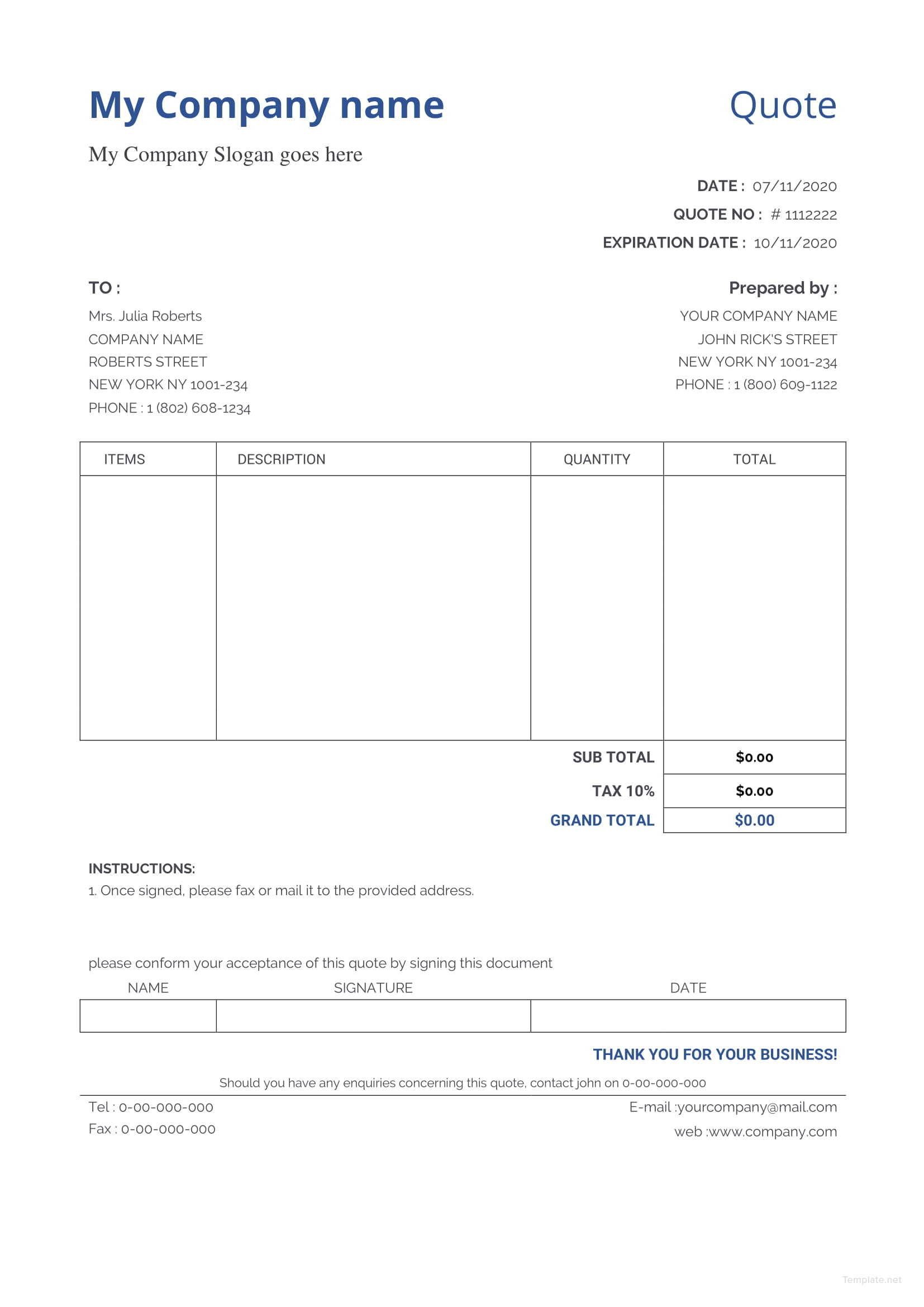
- Clarity: Ensure all terms, conditions, and pricing are clear and easy to understand.
- Personalization: Add a personal touch by including your brand's logo and colors.
- Consistency: Maintain a consistent format across all your quotes to build a recognizable brand identity.
- Follow-Up: Track when your quotes are sent, viewed, and accepted to optimize your sales process.
Further Resources
For more guidance on creating and managing quotes, consider exploring these related resources:
- Handyman Invoice Template Google Sheets: A handy tool for managing invoices and quotes for handyman services.
- Kindergarten Sight Word List Template: A useful template for educators, ensuring a consistent approach to teaching sight words.
Remember, a well-designed quotation template in Word can enhance your business's professionalism and efficiency. Choose a template that aligns with your specific needs and customize it to reflect your brand's unique identity.