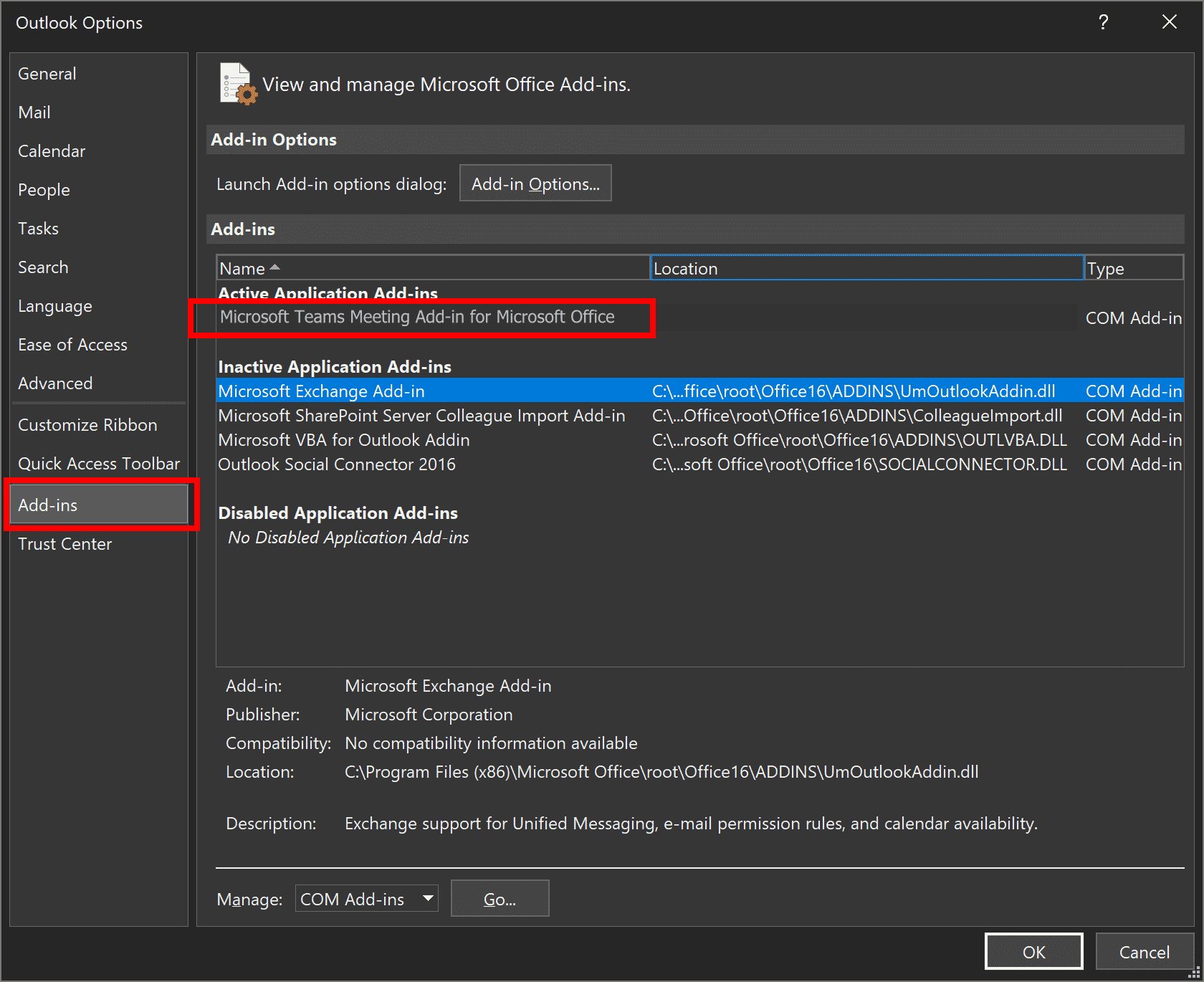
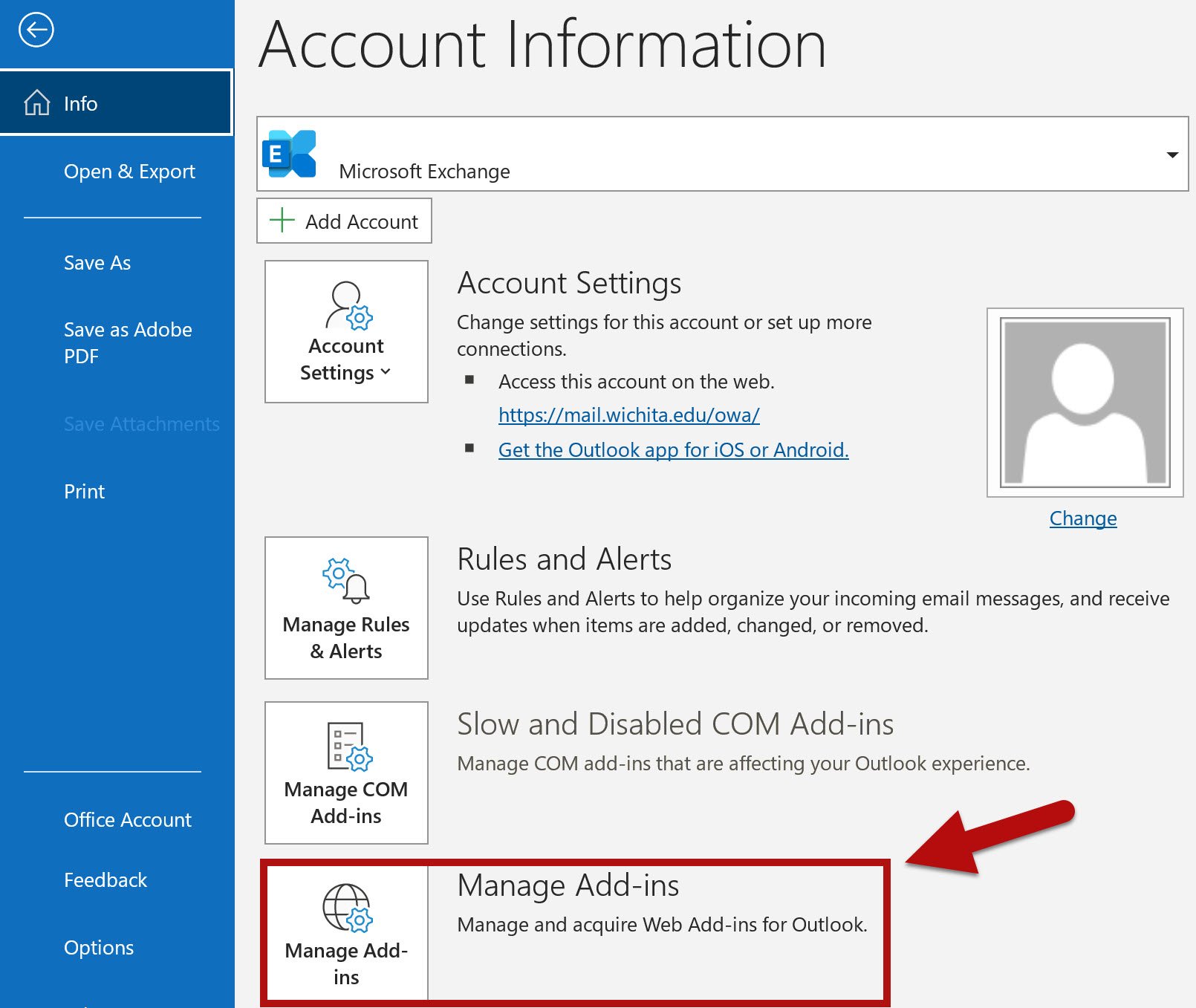
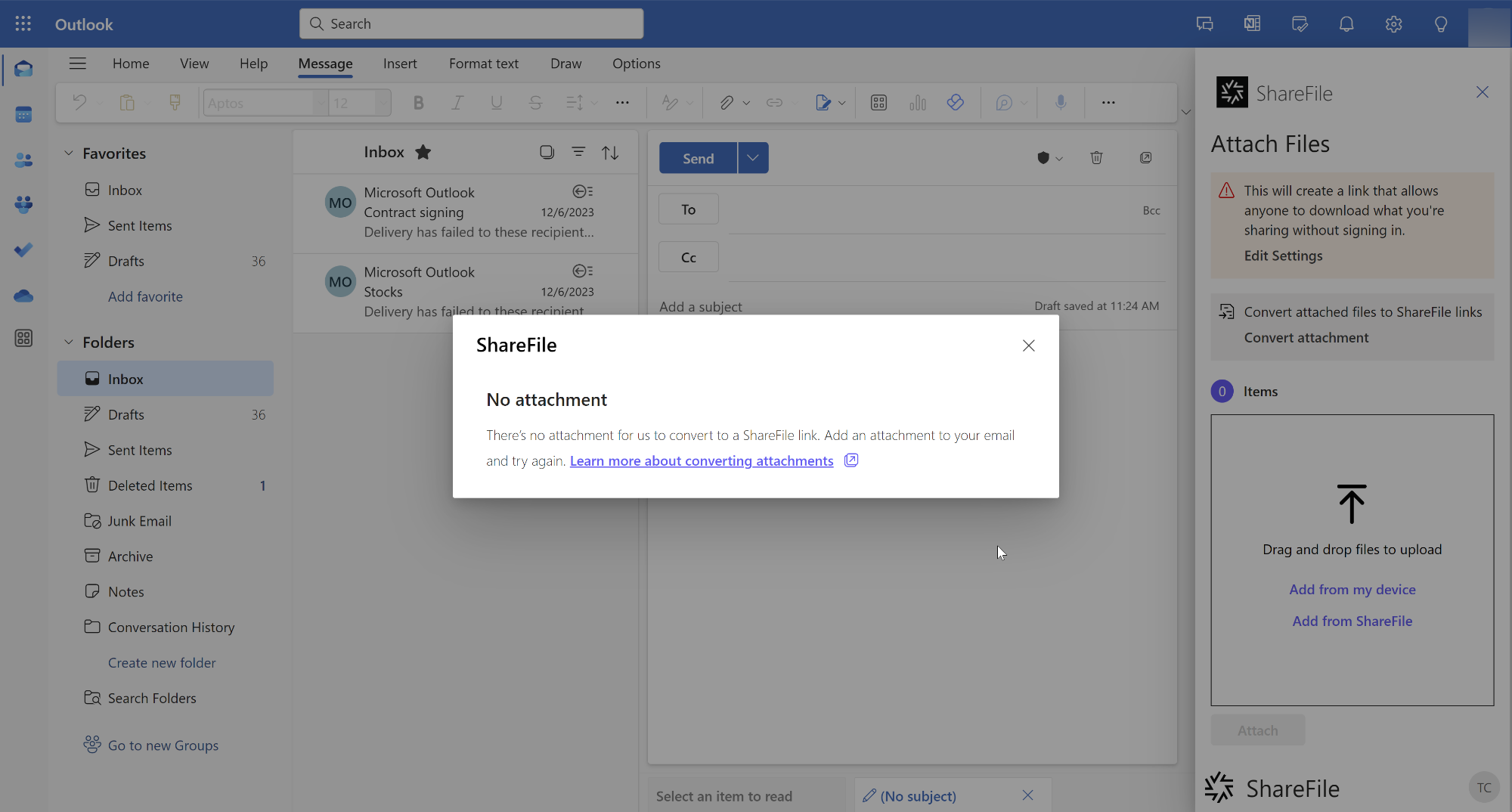
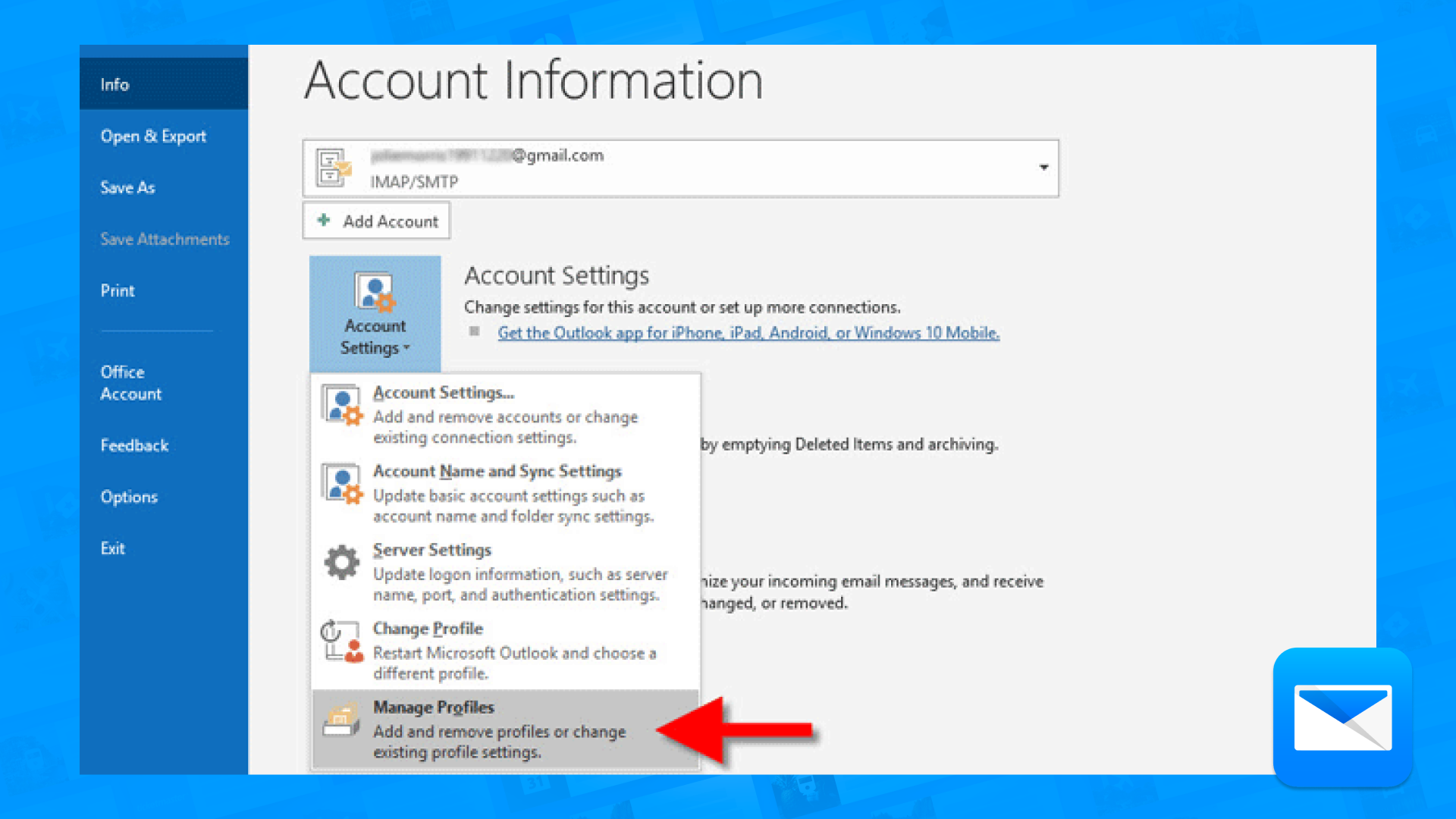
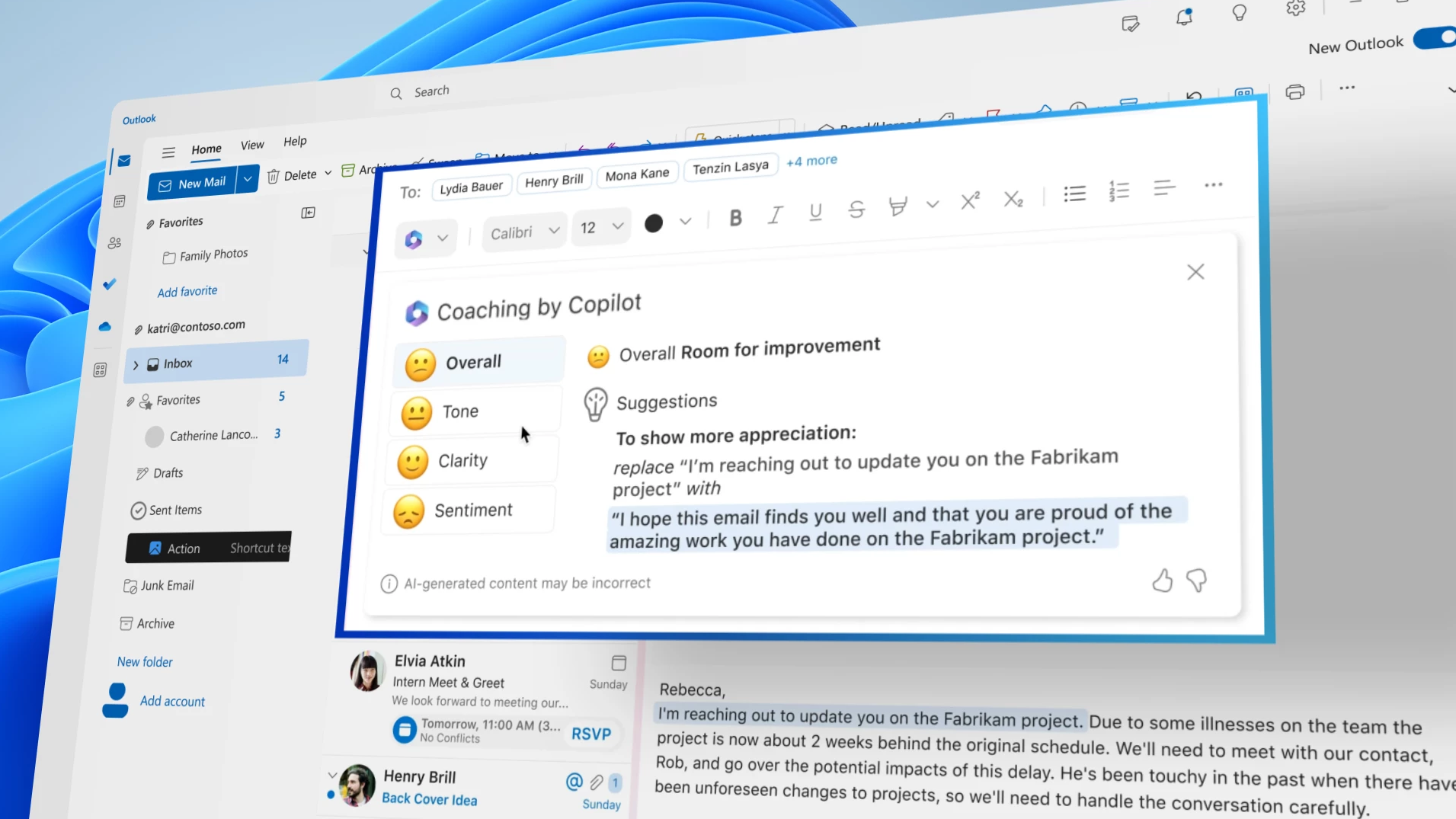
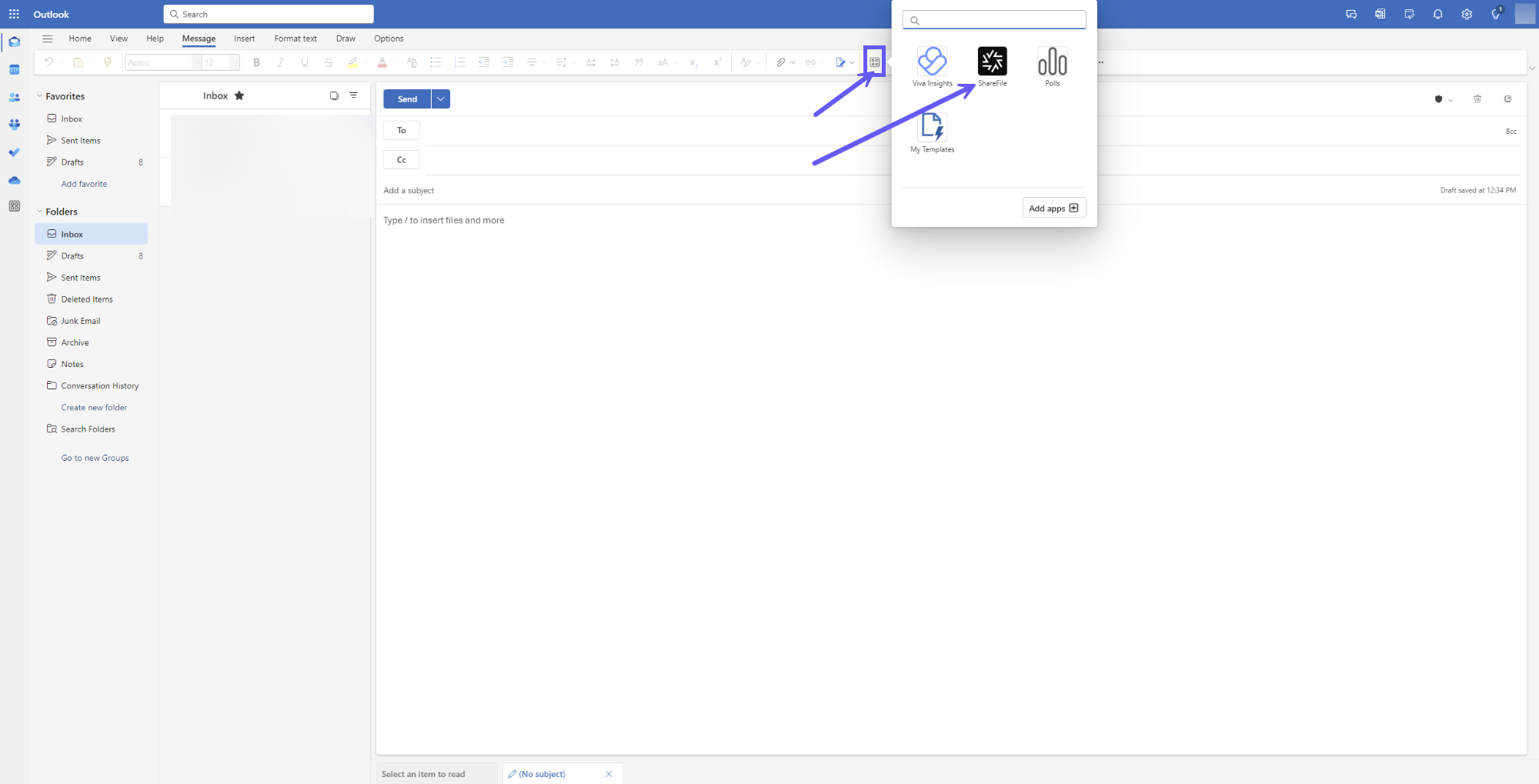
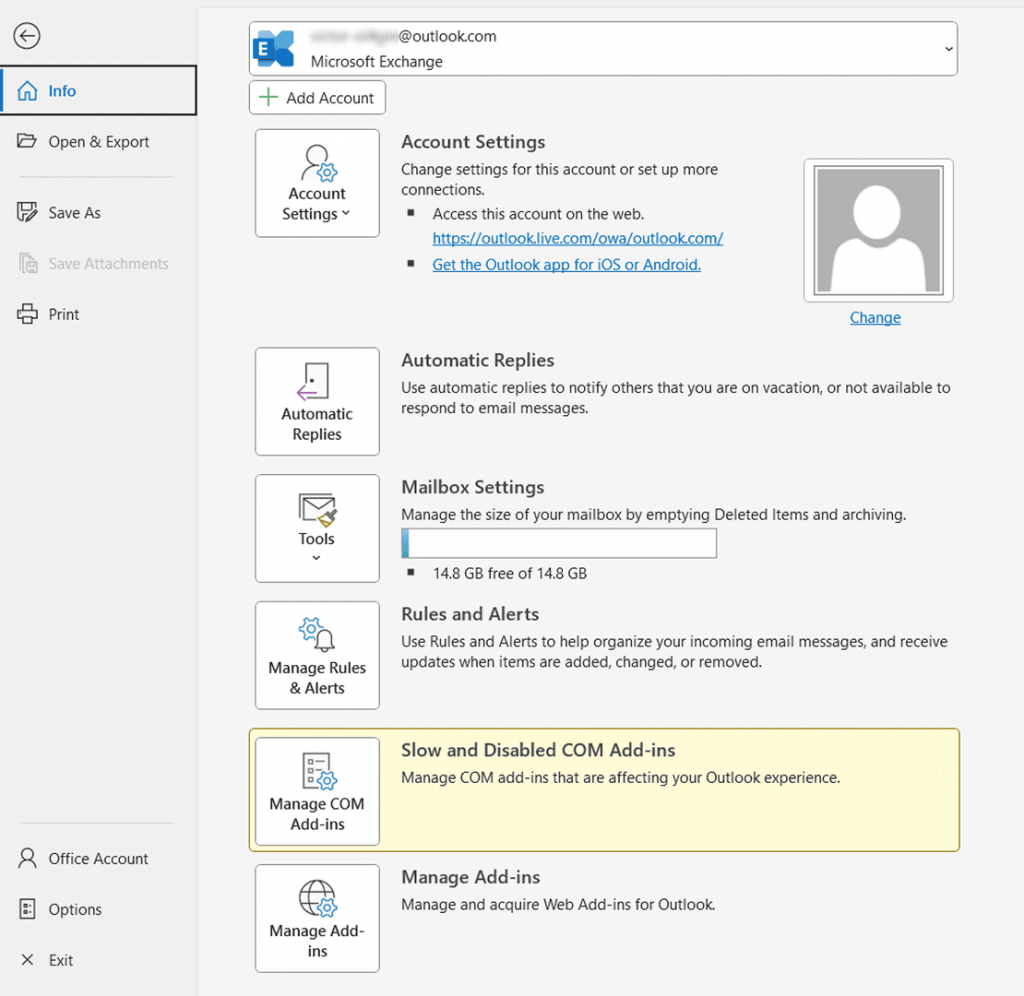
How To Manage Add Ins In — Change Default
Appears cleanly at the top edge when printed. Nothing is sent to a server.
Preparing print layout...
Appears cleanly at the top edge when printed. Nothing is sent to a server.
How To Manage Add Ins In — Change Default is a ready-to-print PNG sheet (1024×996, Square) from our sharefile add in for outlook letter size set.
Prints centered on either US Letter or A4 in Portrait mode with even margins. Use grayscale draft mode when printing multiple classroom copies to save ink, or click Download to keep the raw PNG file.
Collection Context: Part of the sharefile add in for outlook letter size printable set formatted for home and classroom printing. View every option in the full sharefile add in for outlook letter size gallery.
View full sharefile add in for outlook letter size collection