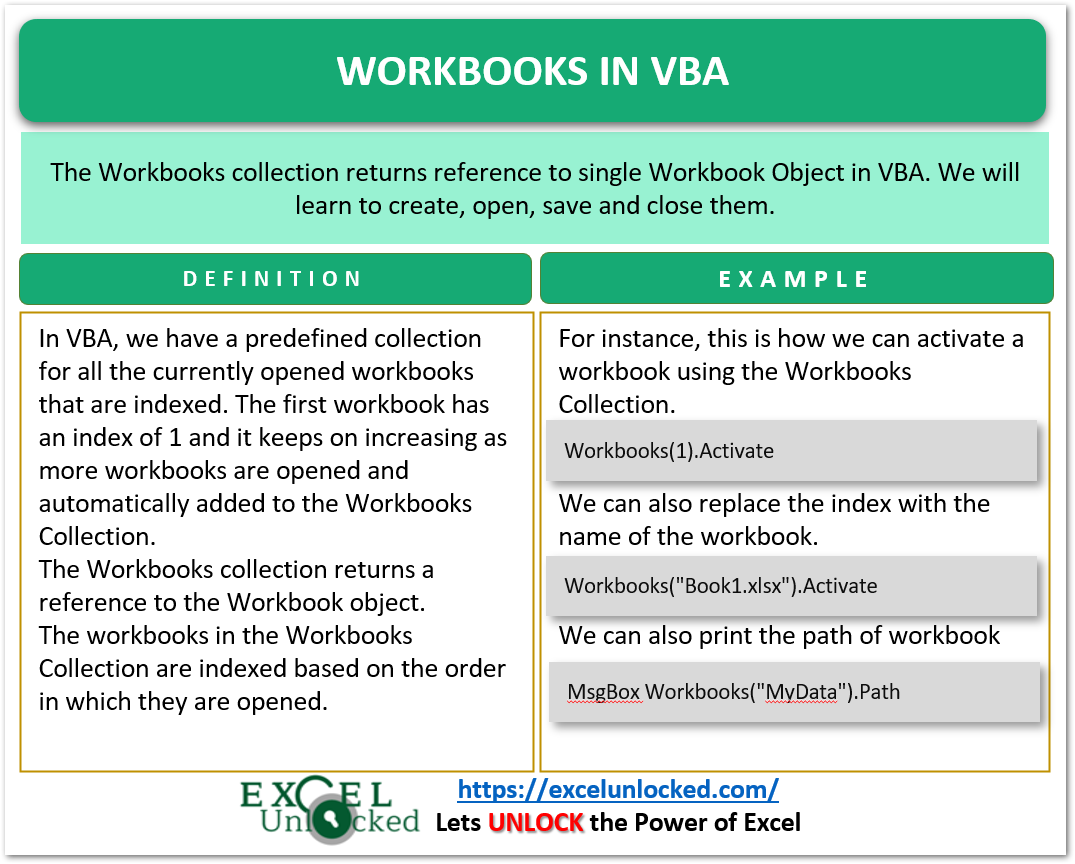
Excel VBA Save And Close Workbook — Excel Vba
Appears cleanly at the top edge when printed. Nothing is sent to a server.
Preparing print layout...
Appears cleanly at the top edge when printed. Nothing is sent to a server.
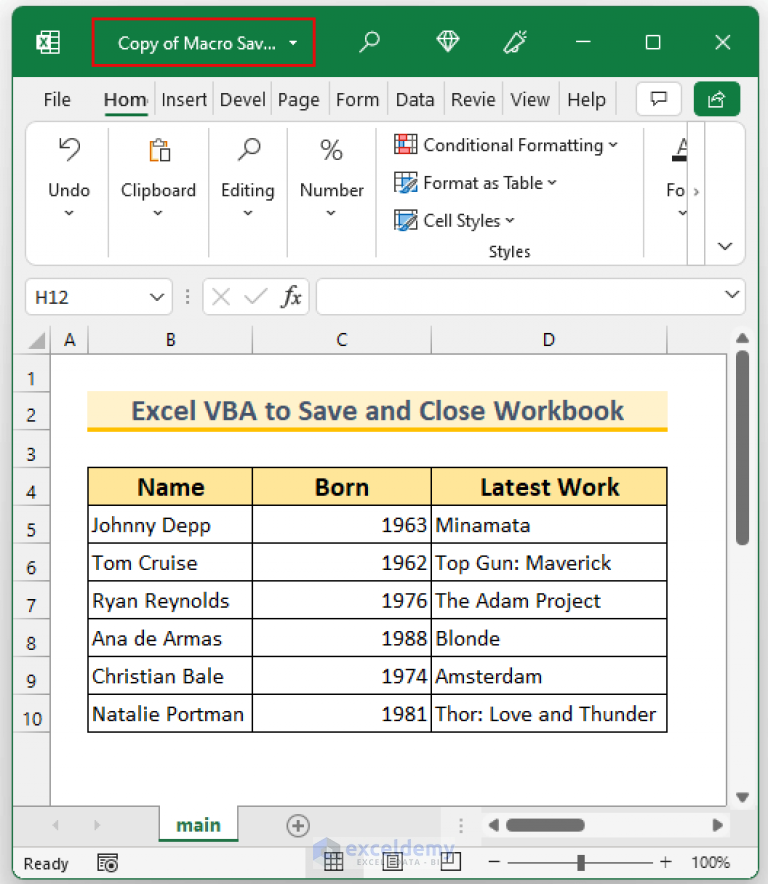
Sheet #KK from the close workbooks vba gallery uses a square frame layout at 768×884 px (PNG).
Keep Portrait orientation selected for clean alignment on US Letter (8.5 × 11 in) or A4 paper. Regular 80–100 GSM copy paper works fine for daily drills, while 160–200 GSM cardstock or a dry-erase pocket holds up for repeat sessions.
Collection Context: Part of the close workbooks vba printable set formatted for home and classroom printing. View every option in the full close workbooks vba gallery.
View full close workbooks vba collection