




The Evolution: Difference Between Outlook and Hotmail
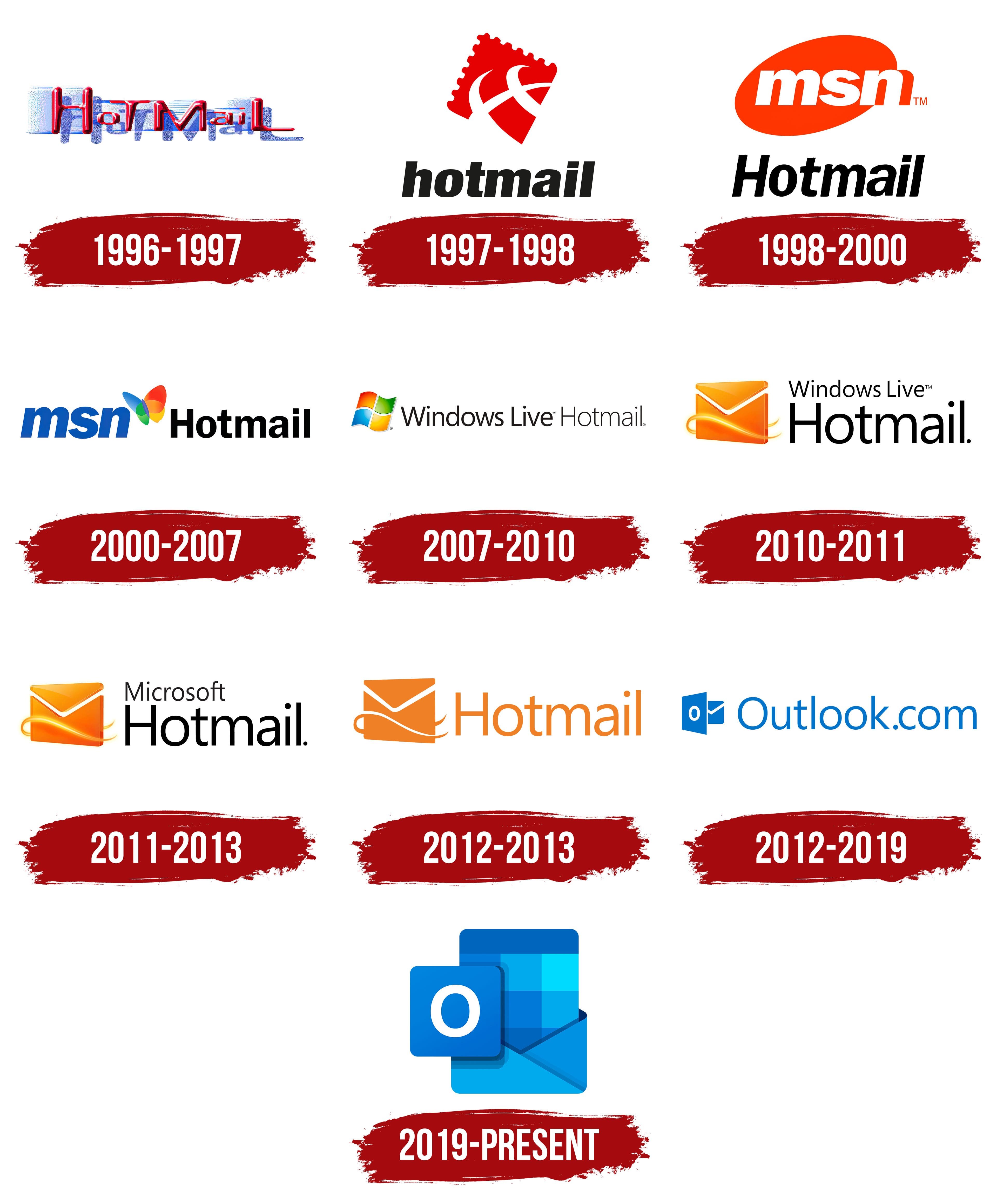
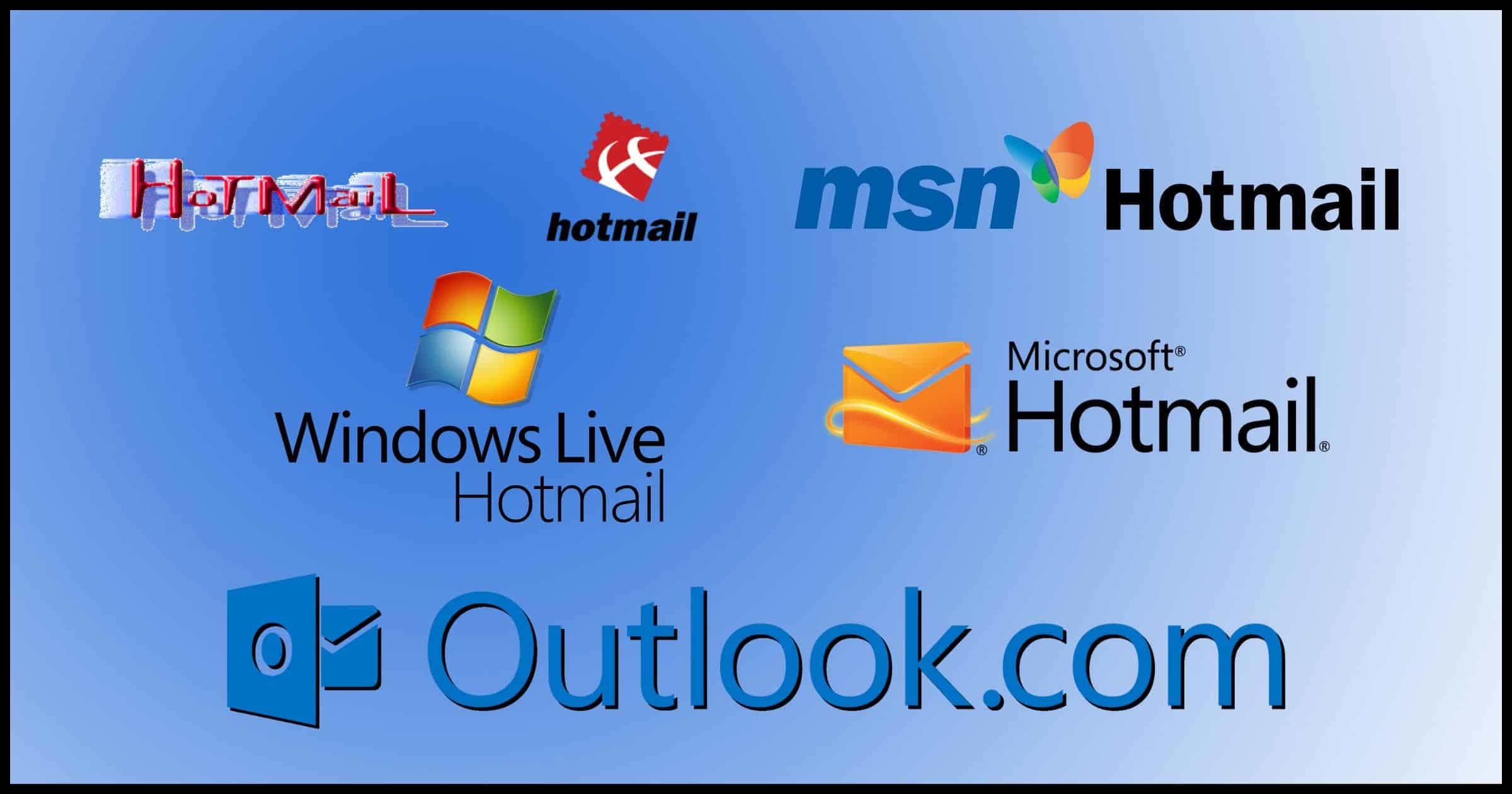
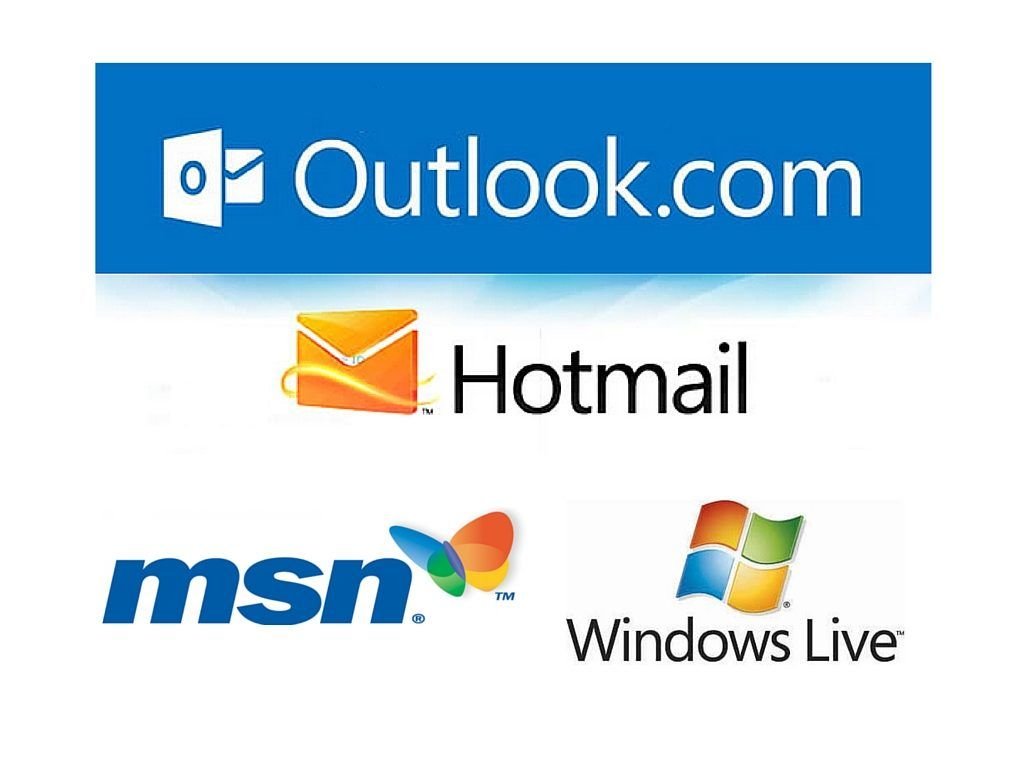
Microsoft's decision to retire Hotmail and move users to Outlook.com was a significant shift. Hotmail Outlook now provides a unified platform with enhanced features, but some differences remain. For a closer look at something similar, my post on books for kindergarteners to read covers the details.
- Email Addresses: Your Hotmail email address will still work, but it's now an Outlook email address. For example, [email protected] is now [email protected]
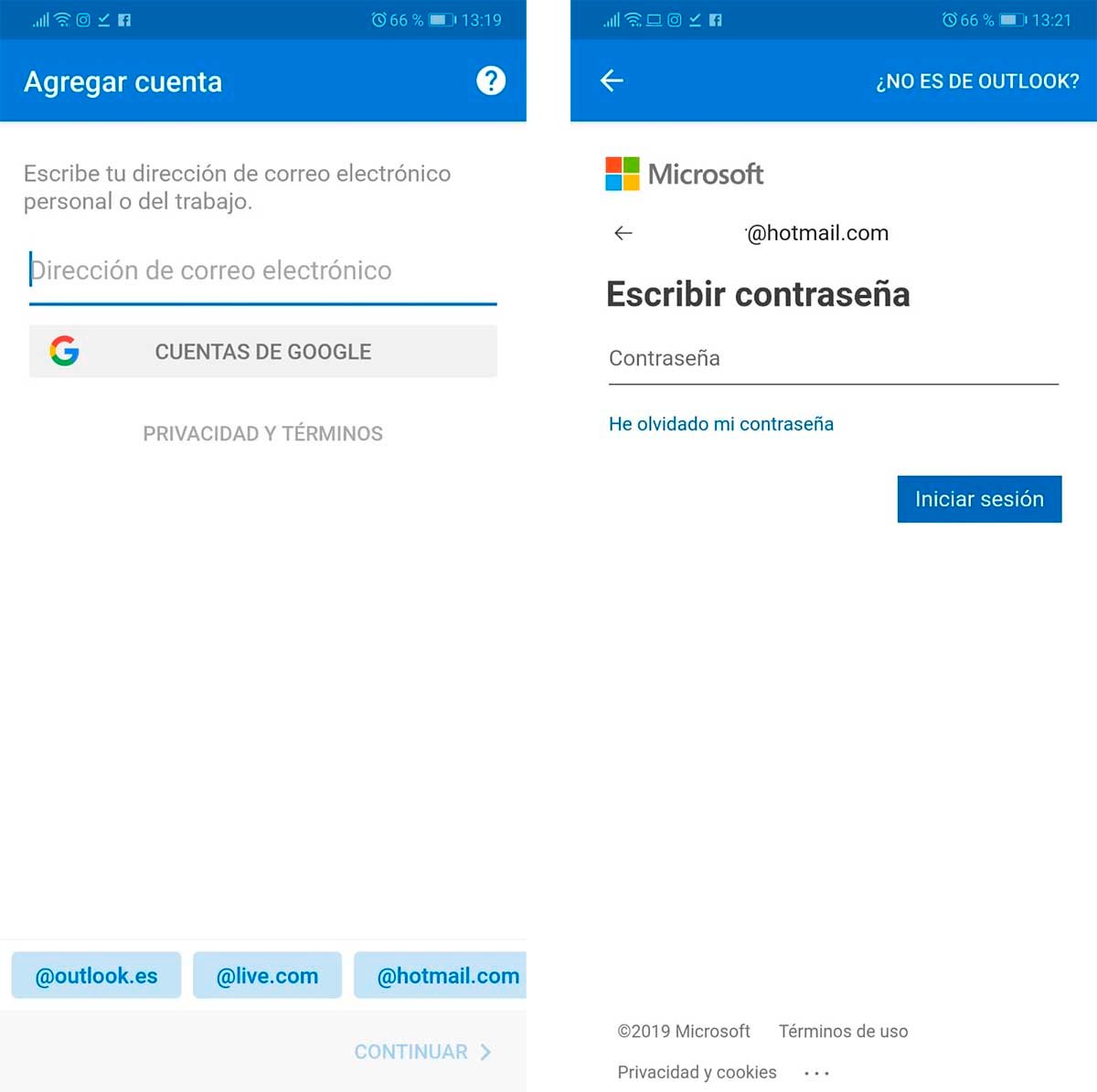
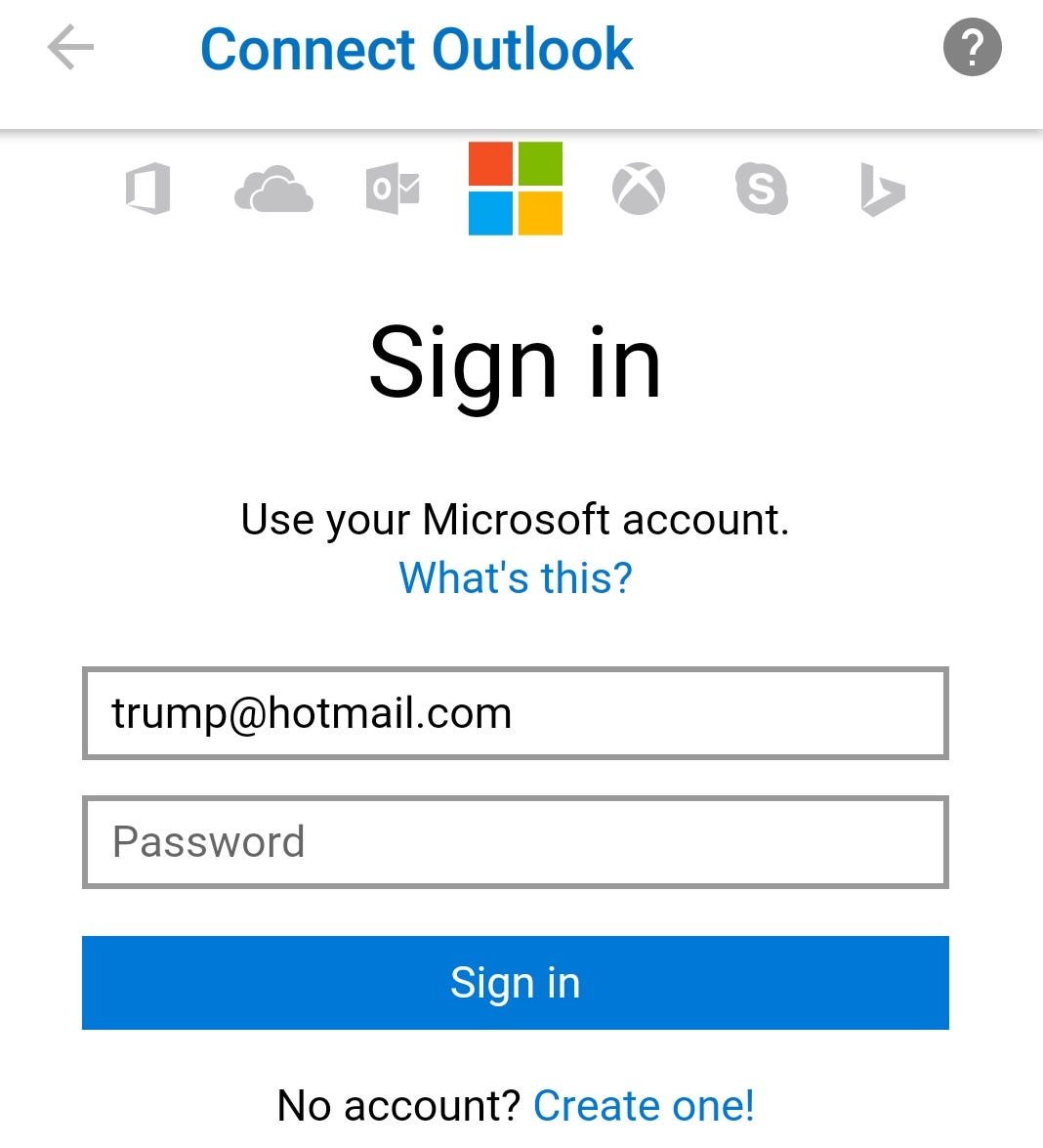
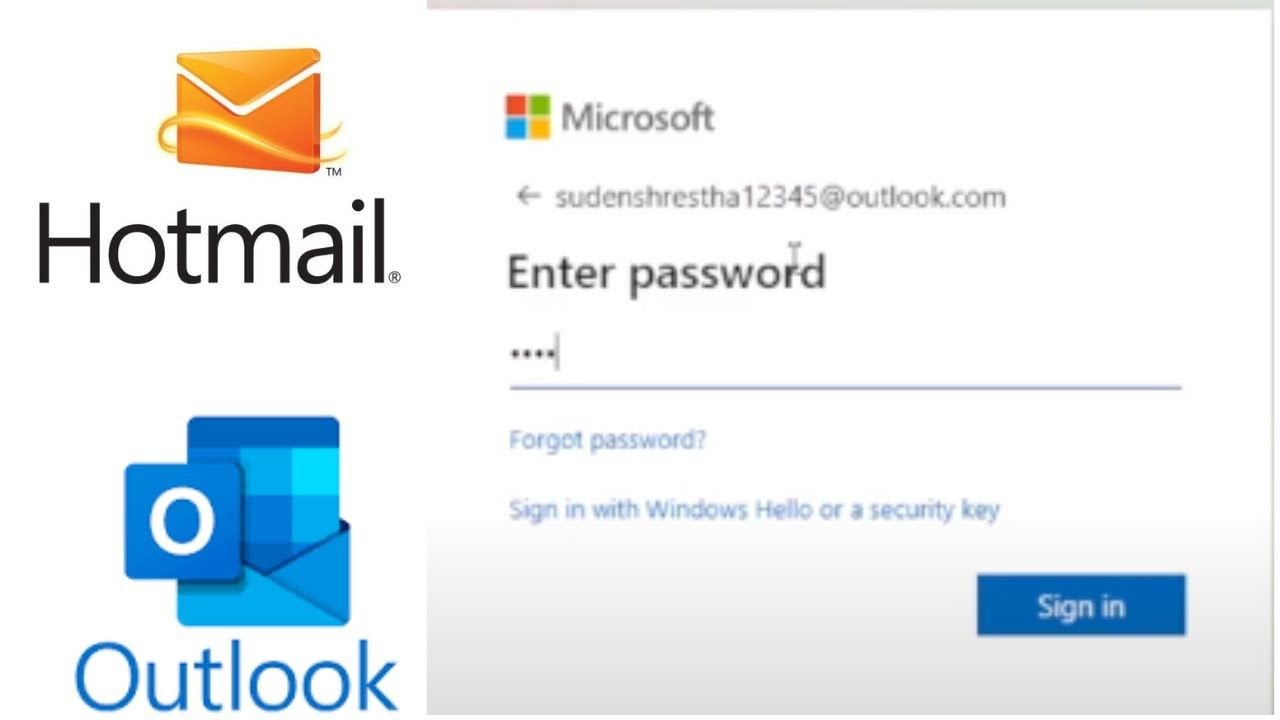
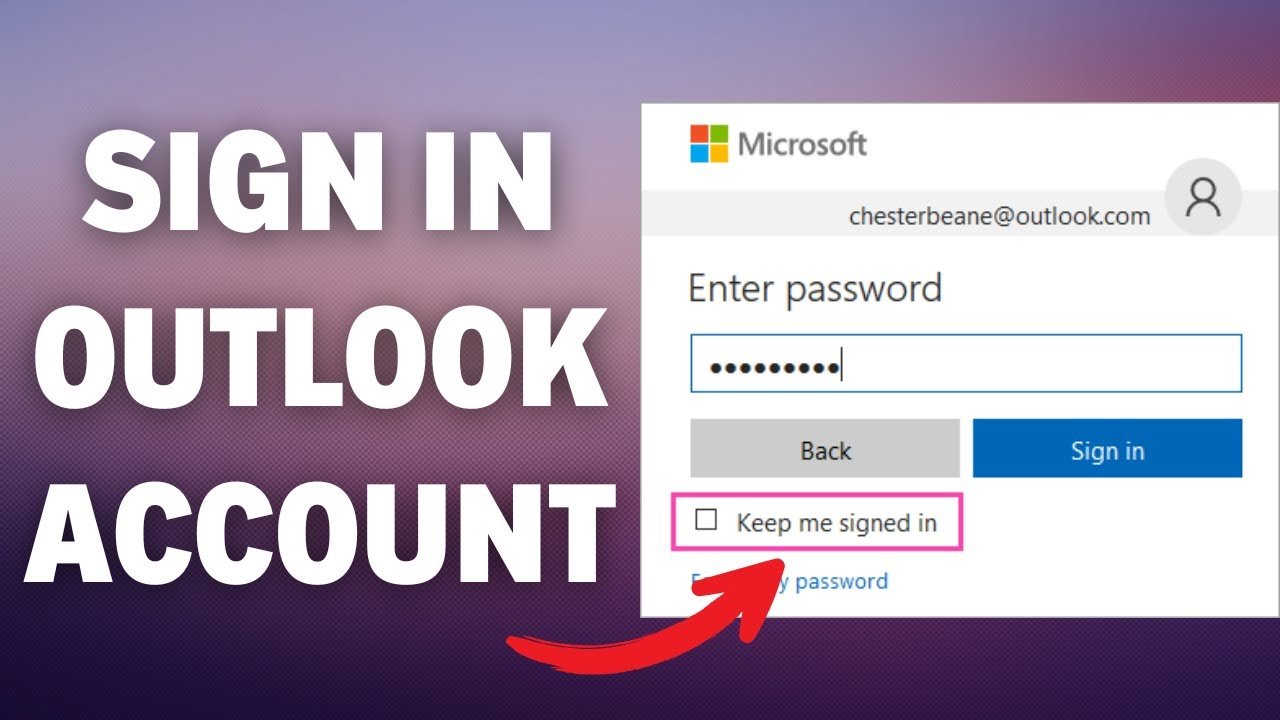
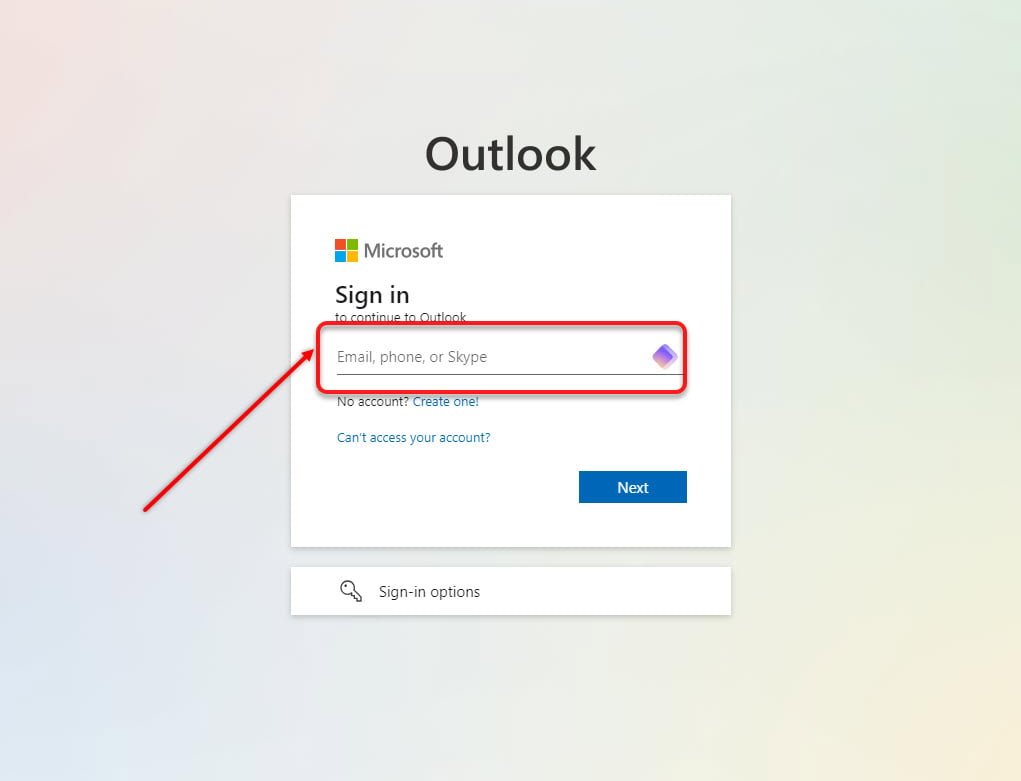
- Login Process: To sign in to Hotmail, you'll use the Outlook login page. Your Microsoft account credentials remain the same.
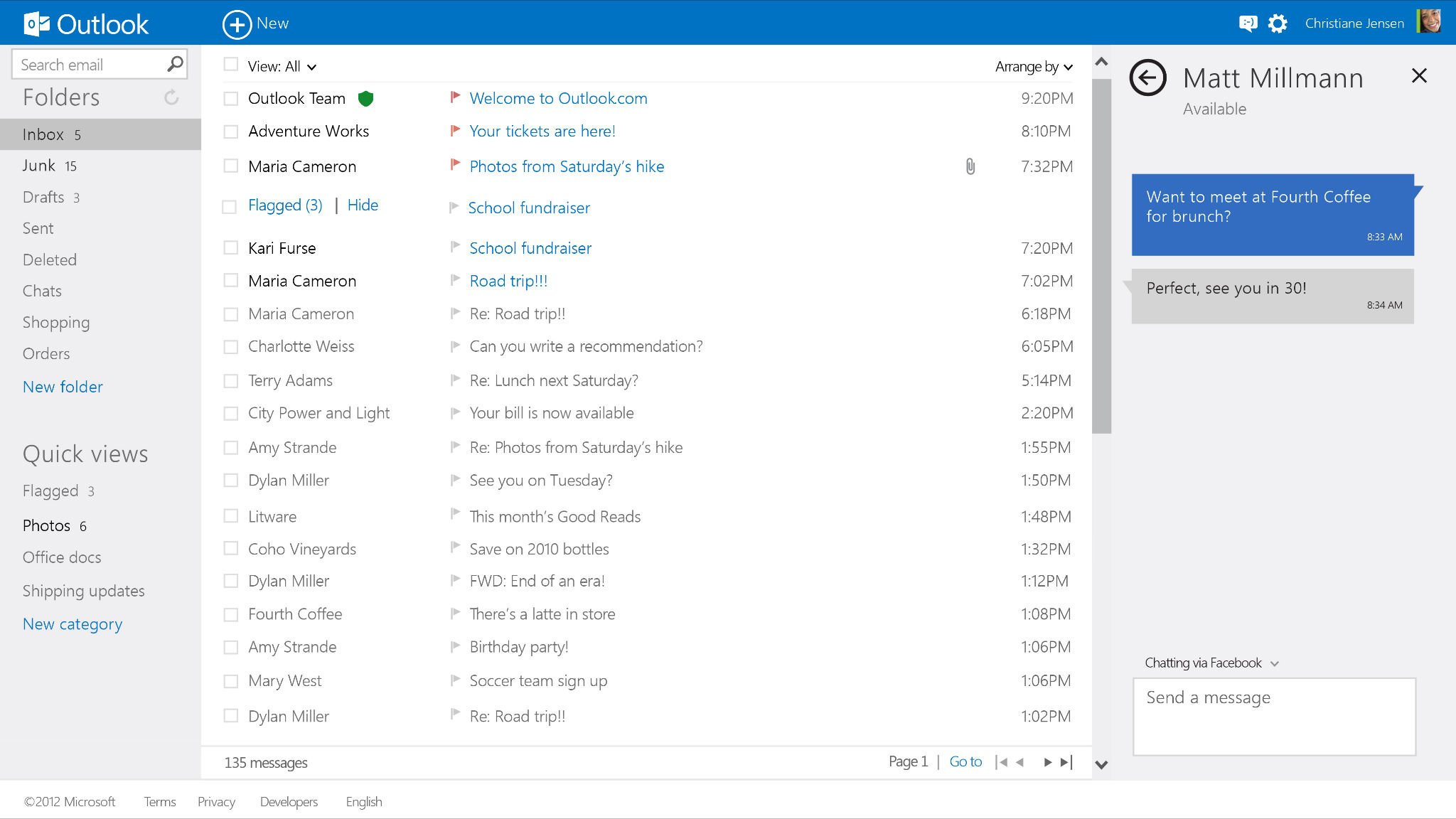
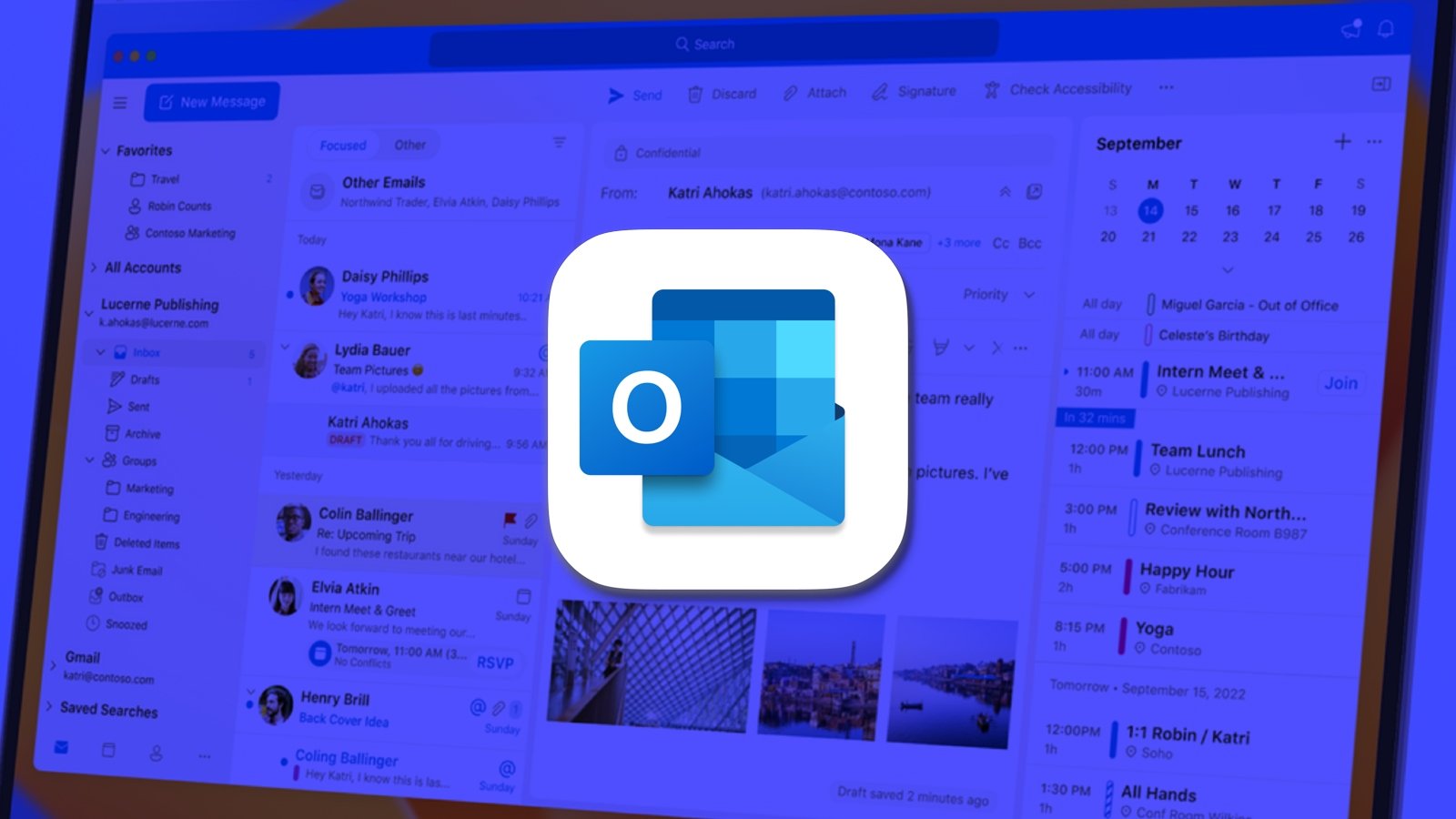
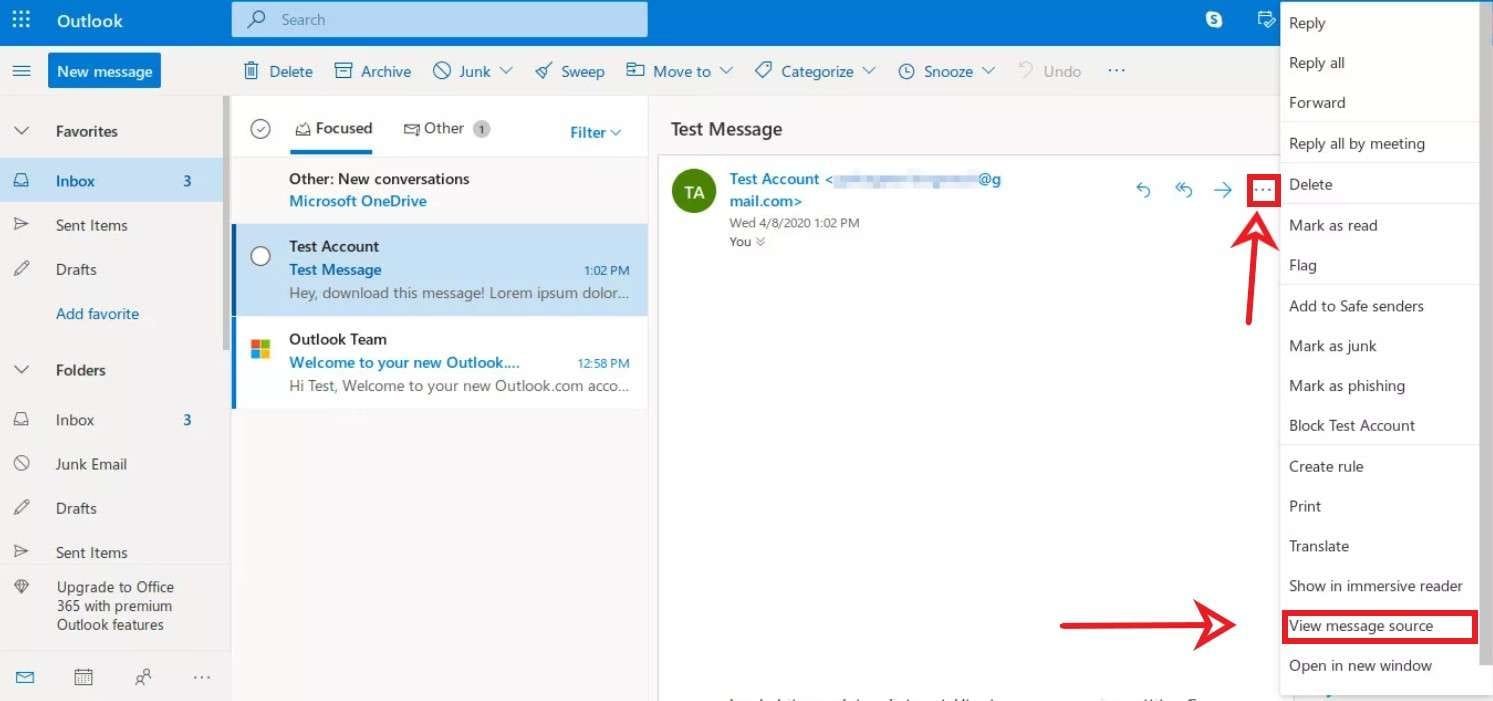
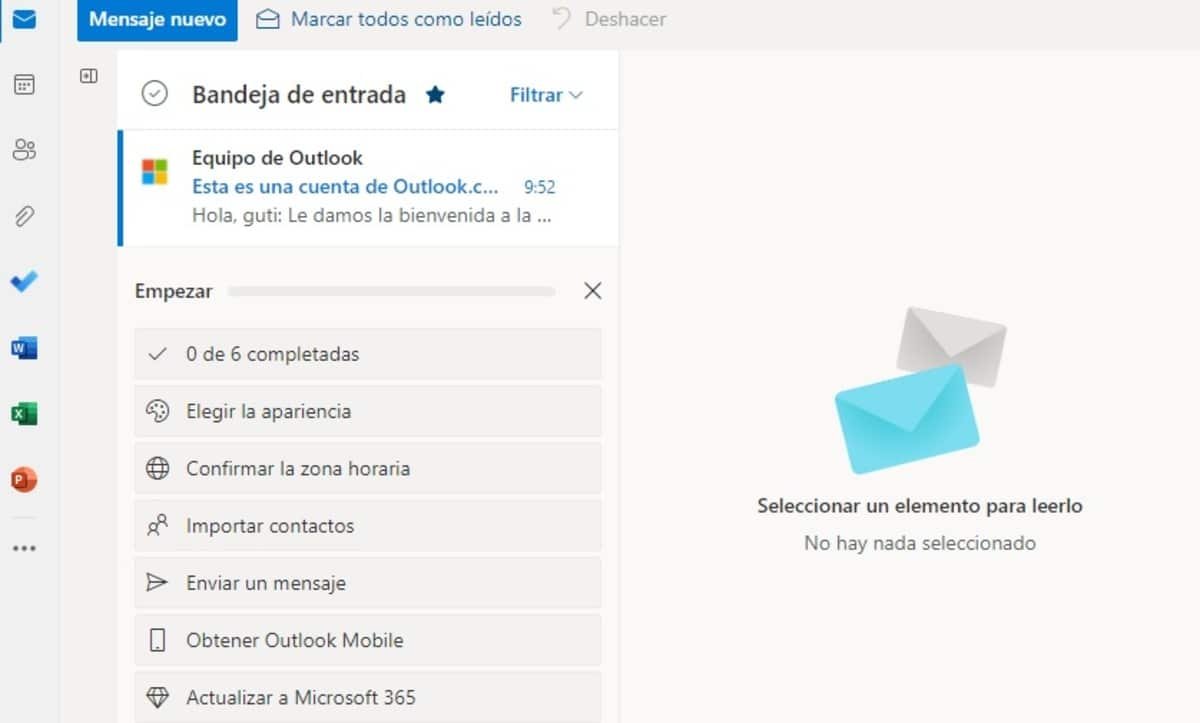
- Interface: Outlook.com offers a cleaner, more intuitive interface than Hotmail.
- Features: Outlook provides advanced features like AI-powered writing assistance and improved calendar integration.
Accessing Your Account: How to Access Hotmail
The transition to Outlook.com ensures your email and contacts are accessible. Here's how: You can also compare this directly with weekly calendar maker to see how they stack up.
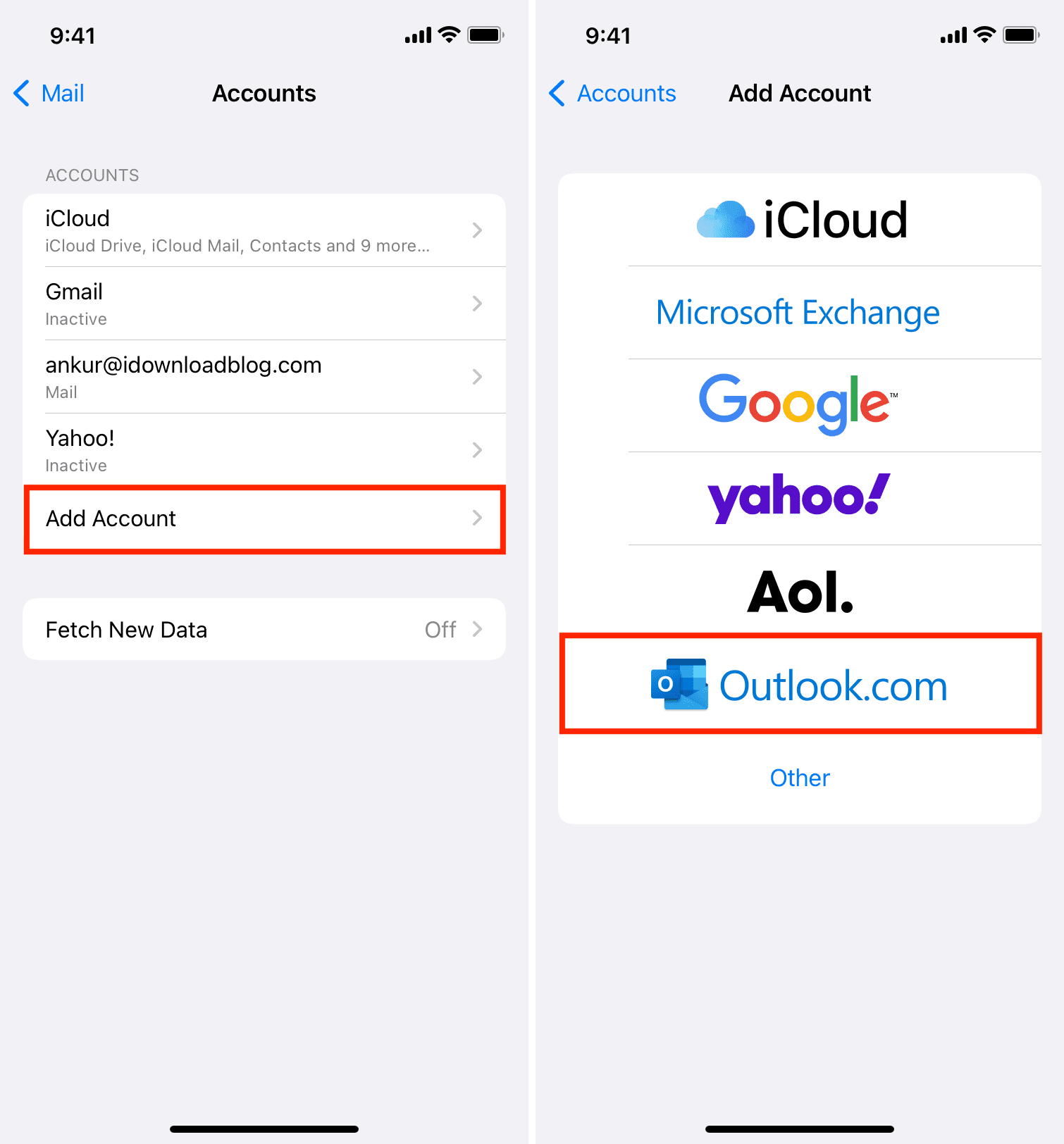
- Web Browser: Visit outlook.live.com and log in with your Microsoft account.
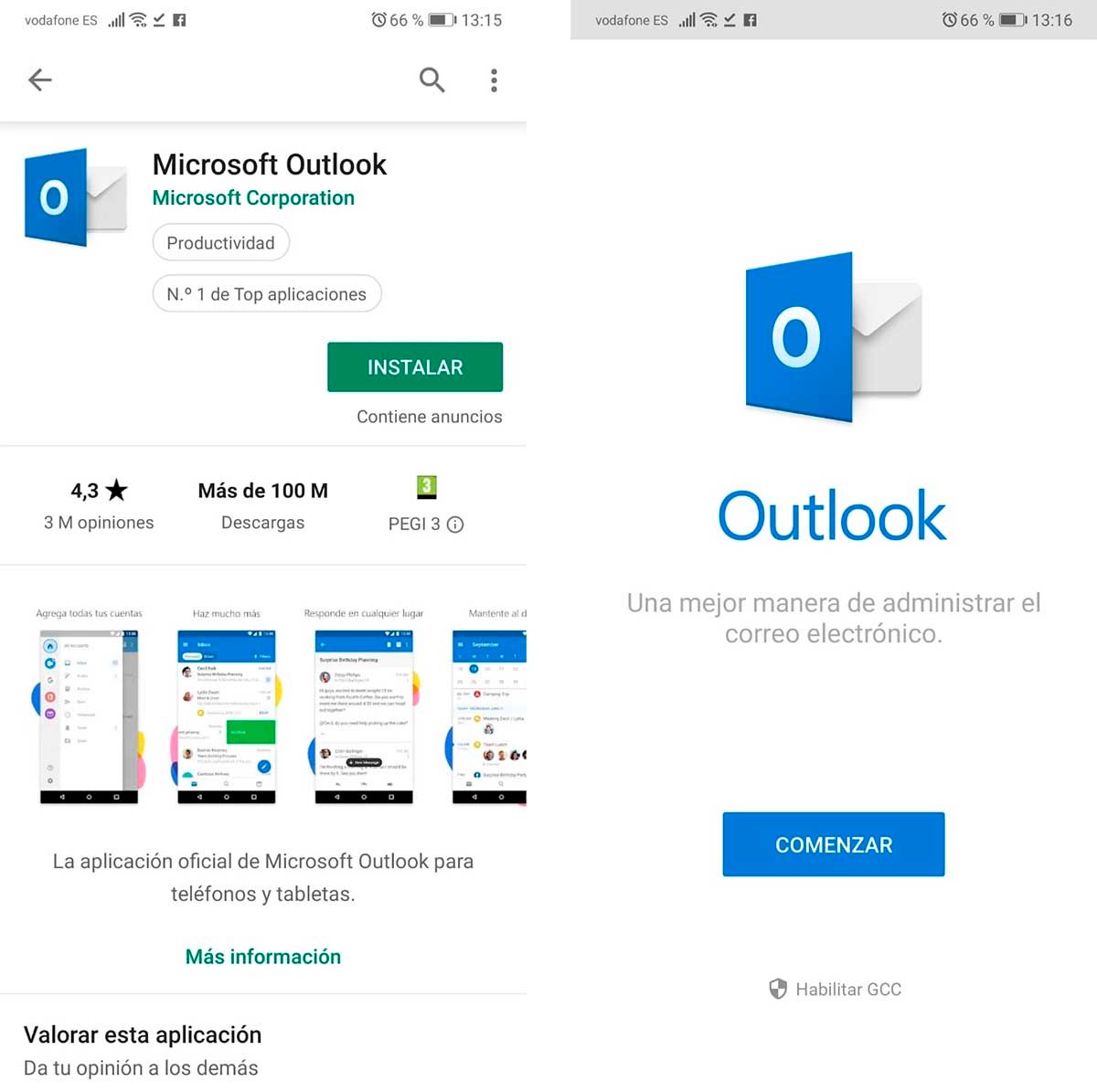
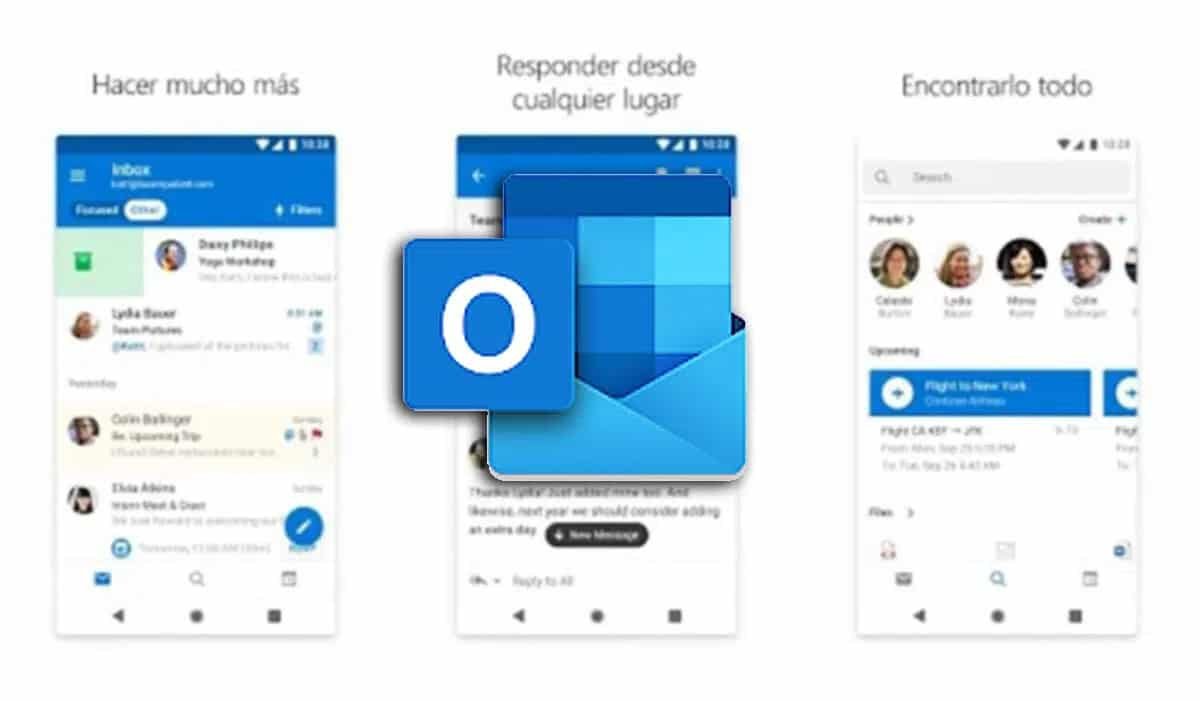
- Mobile Apps: Download the Outlook app on iOS or Android. Sign in with your Microsoft credentials.
- Microsoft 365: If you have a subscription, Outlook is included. Sign in to Microsoft 365 to access your email, calendar, and more.
Key Features and Benefits
Outlook.com offers a range of features to enhance your email experience: If you want another perspective, check out my notes on 1000 books before kindergarten as well.
- AI Writing Assistance: Get suggestions for better email composition.
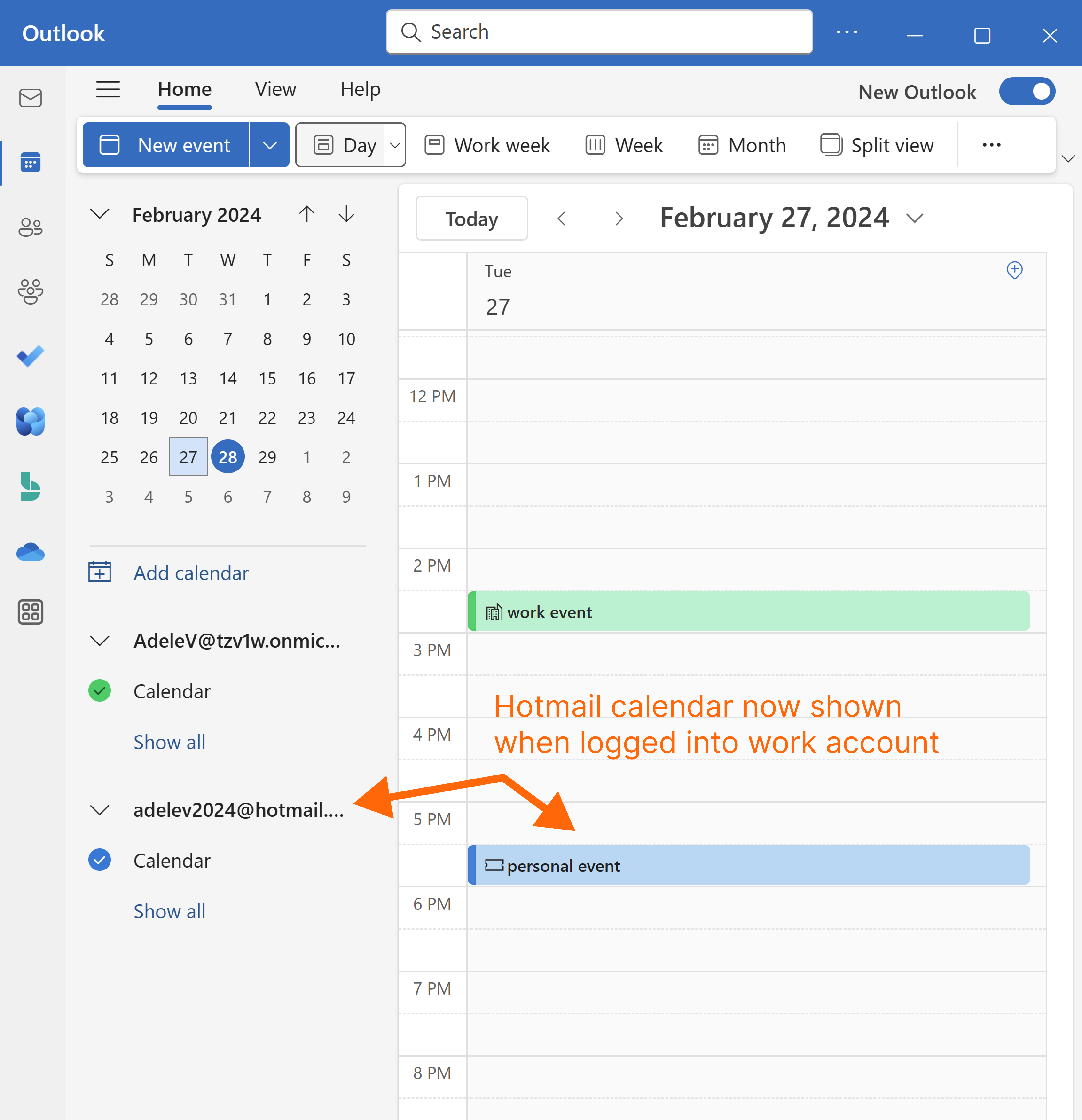
- Calendar Integration: Easily manage your schedule and events.
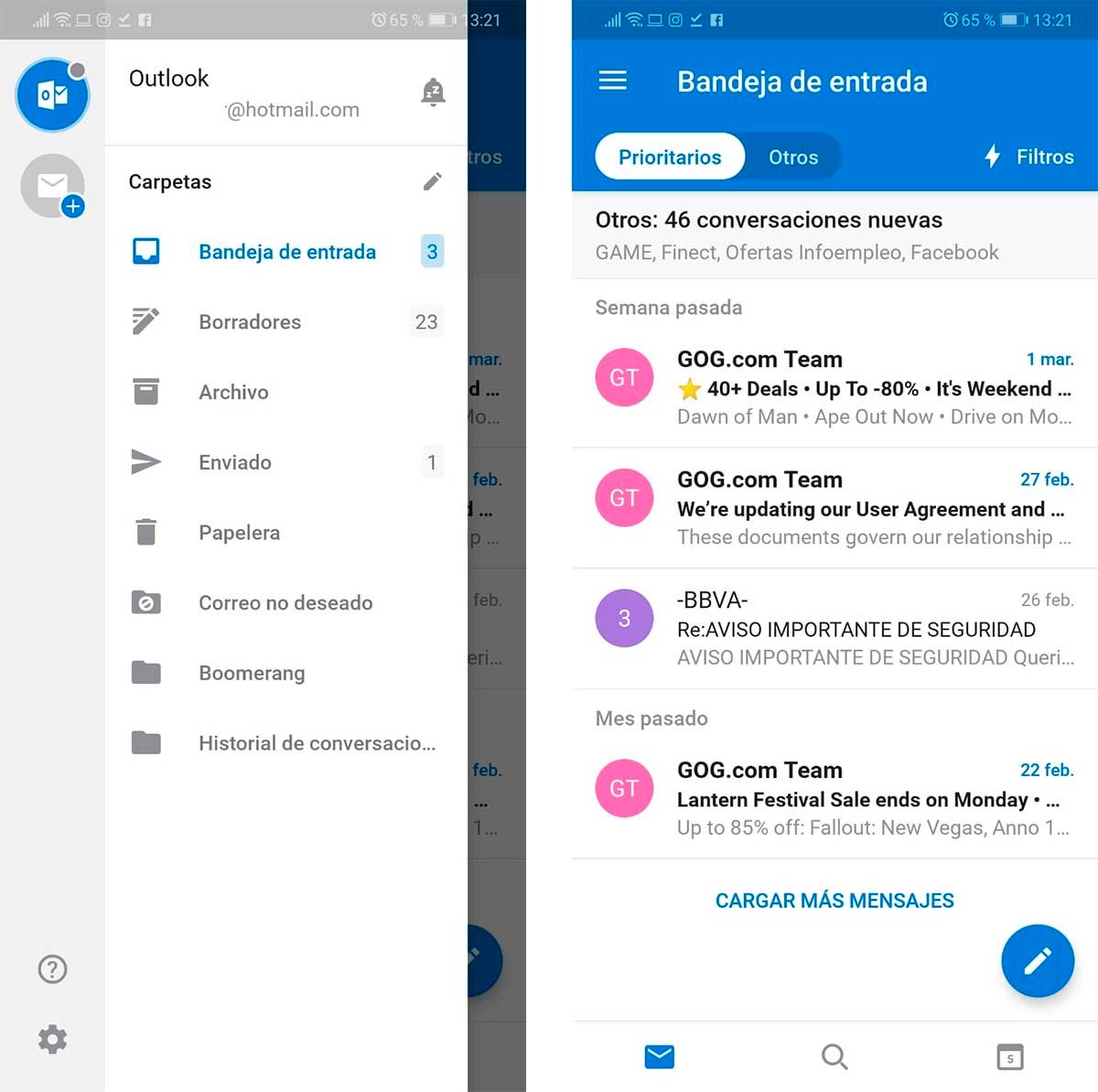
- Inbox Triage: Outlook's AI helps organize and prioritize your inbox.
- Enhanced Security: Outlook provides robust security features to protect your account.
- Mobile Accessibility: The Outlook app offers a smooth experience on the go.
Checking Your Hotmail Email
While the service is now Outlook, you can still easily check your Hotmail email: For a closer look at something similar, my post on 12872 cork board png sheet covers the details.
- Web Login: Visit outlook.live.com and sign in.
- Mobile App: Download the Outlook app and log in.
- Microsoft 365: If you have a subscription, access Outlook through Microsoft 365.
Managing Your Hotmail Account
To manage your Hotmail account settings and preferences: You can also compare this directly with whatwsa a ring bound flashcardd template to see how they stack up.
- Profile: Update your personal information and preferences.
- Security: Enhance your account security with two-factor authentication.
- Inbox Rules: Create rules to automate email organization.
- Contacts: Manage and organize your contacts list.
- Calendar: Sync and manage your calendar events.
The transition from Hotmail to Outlook.com offers a modern and feature-rich email experience. While some differences exist, your email, contacts, and calendar remain accessible. With Outlook's advanced features and smooth integration, you can stay organized and productive.