









Popular Options and Variations
Kaiser Permanente provides multiple ways to sign on, catering to different user needs: For a closer look at something similar, my post on 1st day of kindergarten sign covers the details.
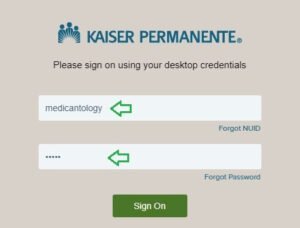
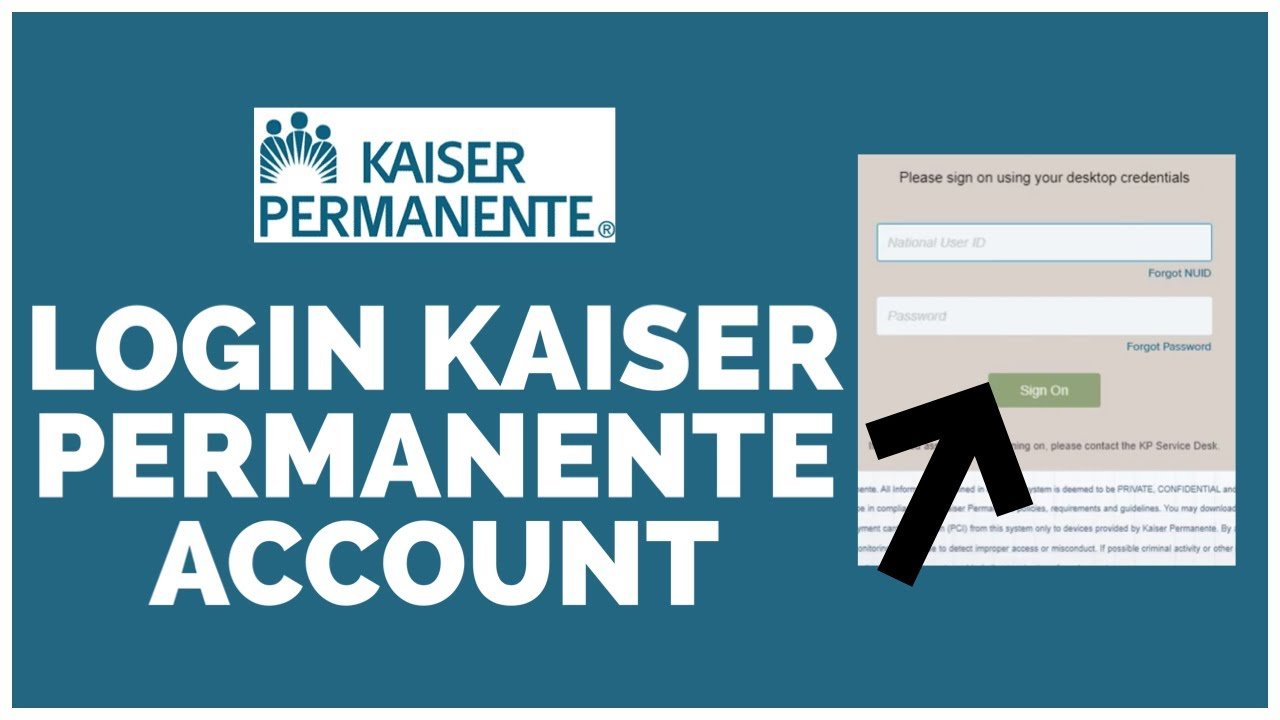
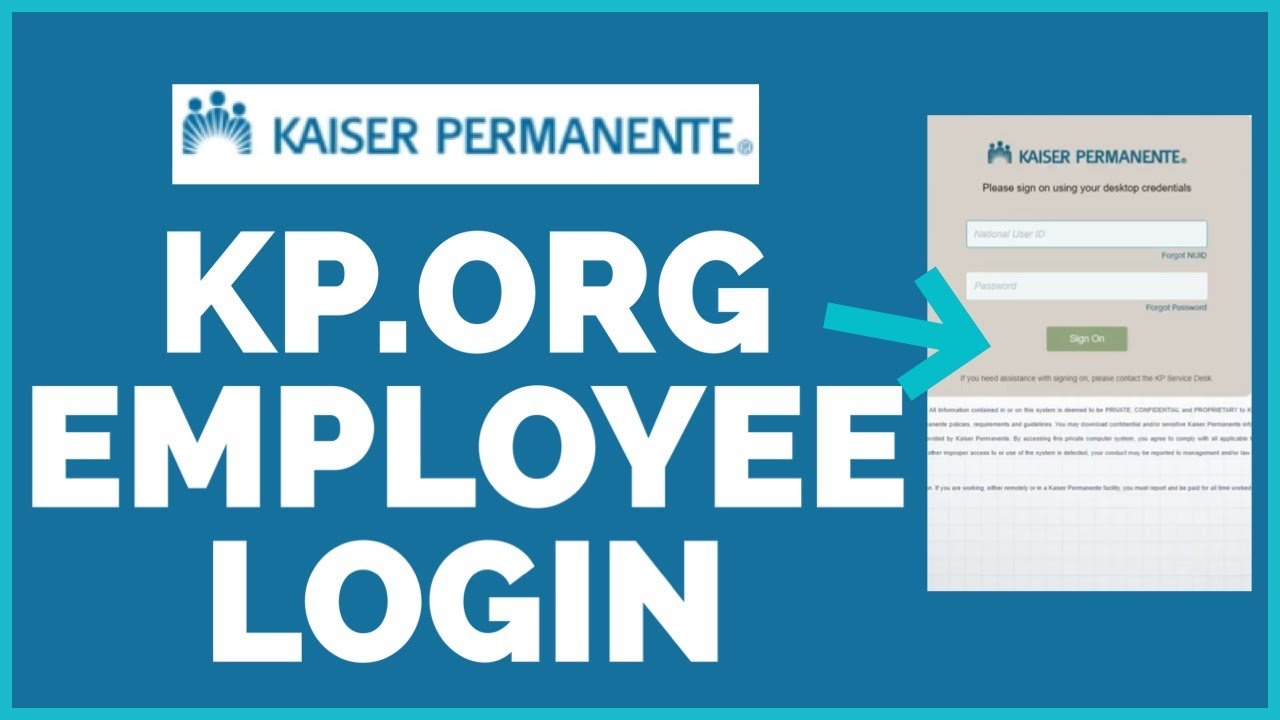
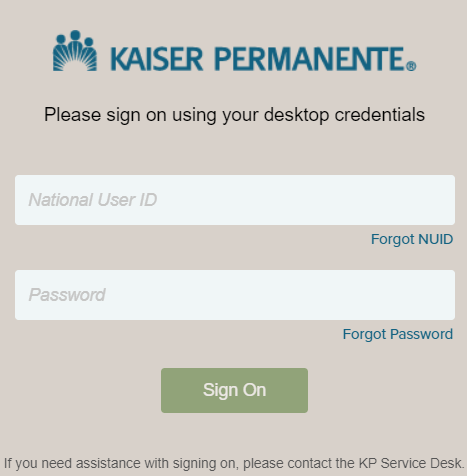
Kaiser Permanente Employee Sign-On: This option is for employees and is often accessed through an internal network. It grants access to work-related systems and resources.
Consumer Sign On: The primary method for members to manage their health and connect with their healthcare team. It offers a range of features to view and manage personal health records. For a closer look at something similar, my post on first day of kindergarten sign covers the details.
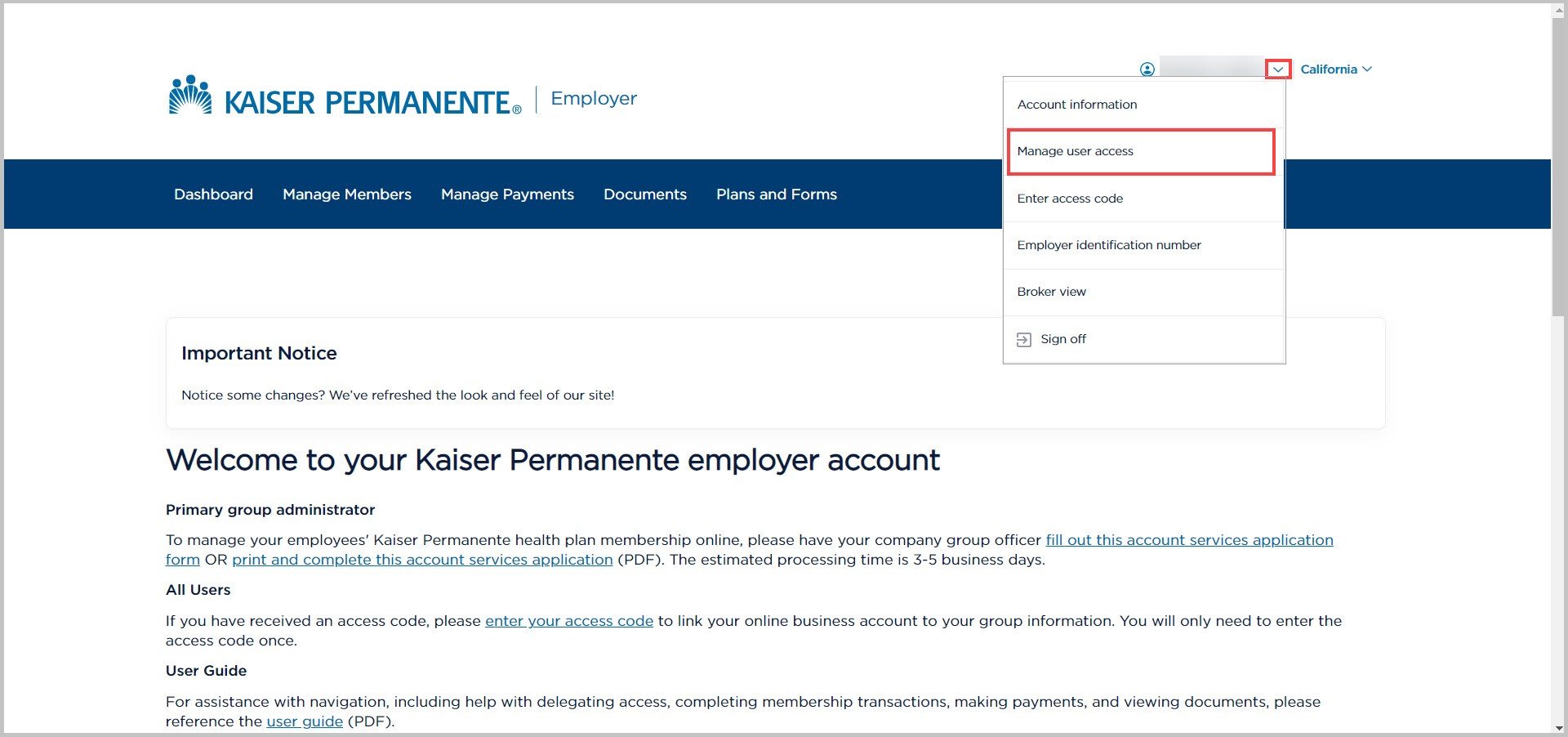
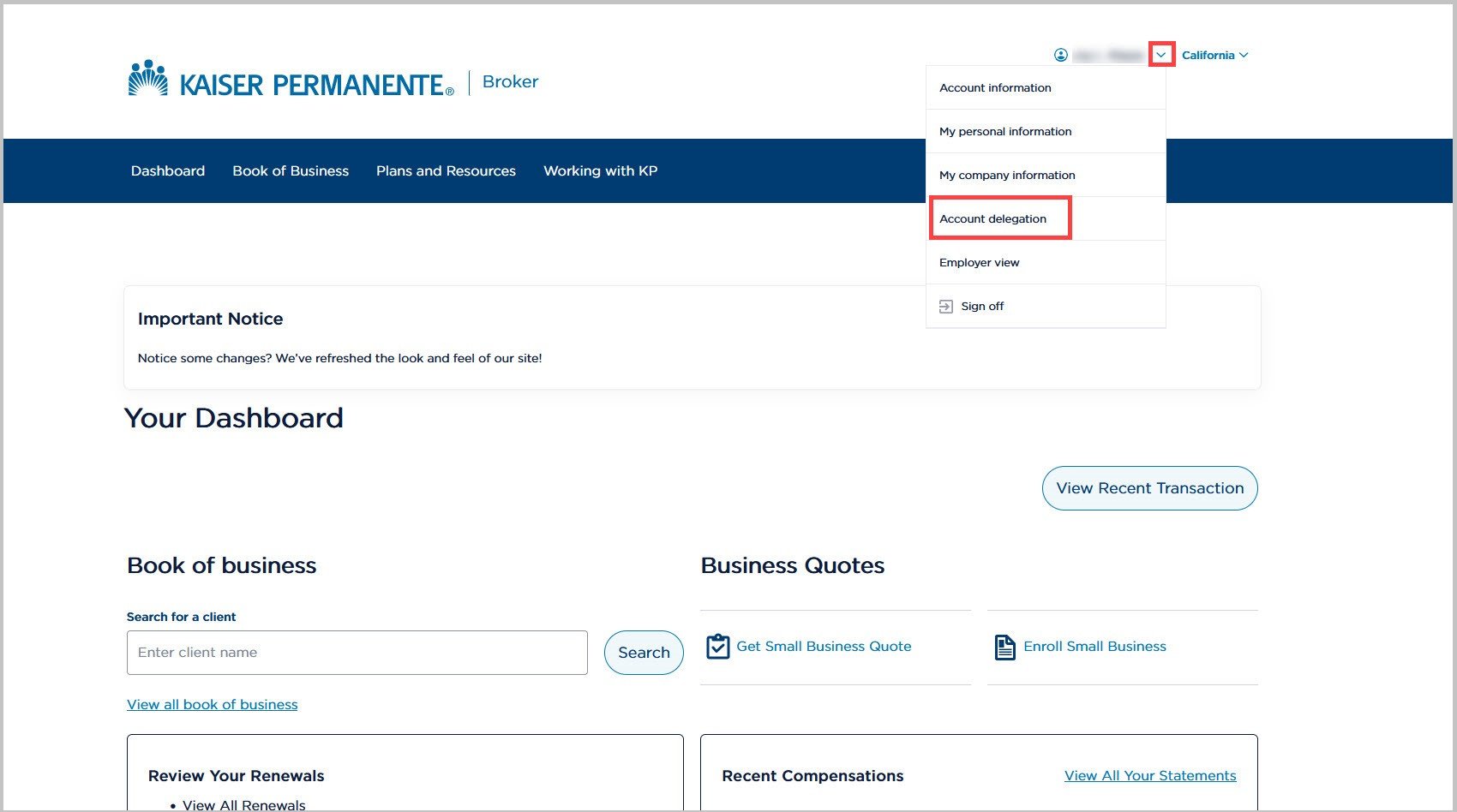
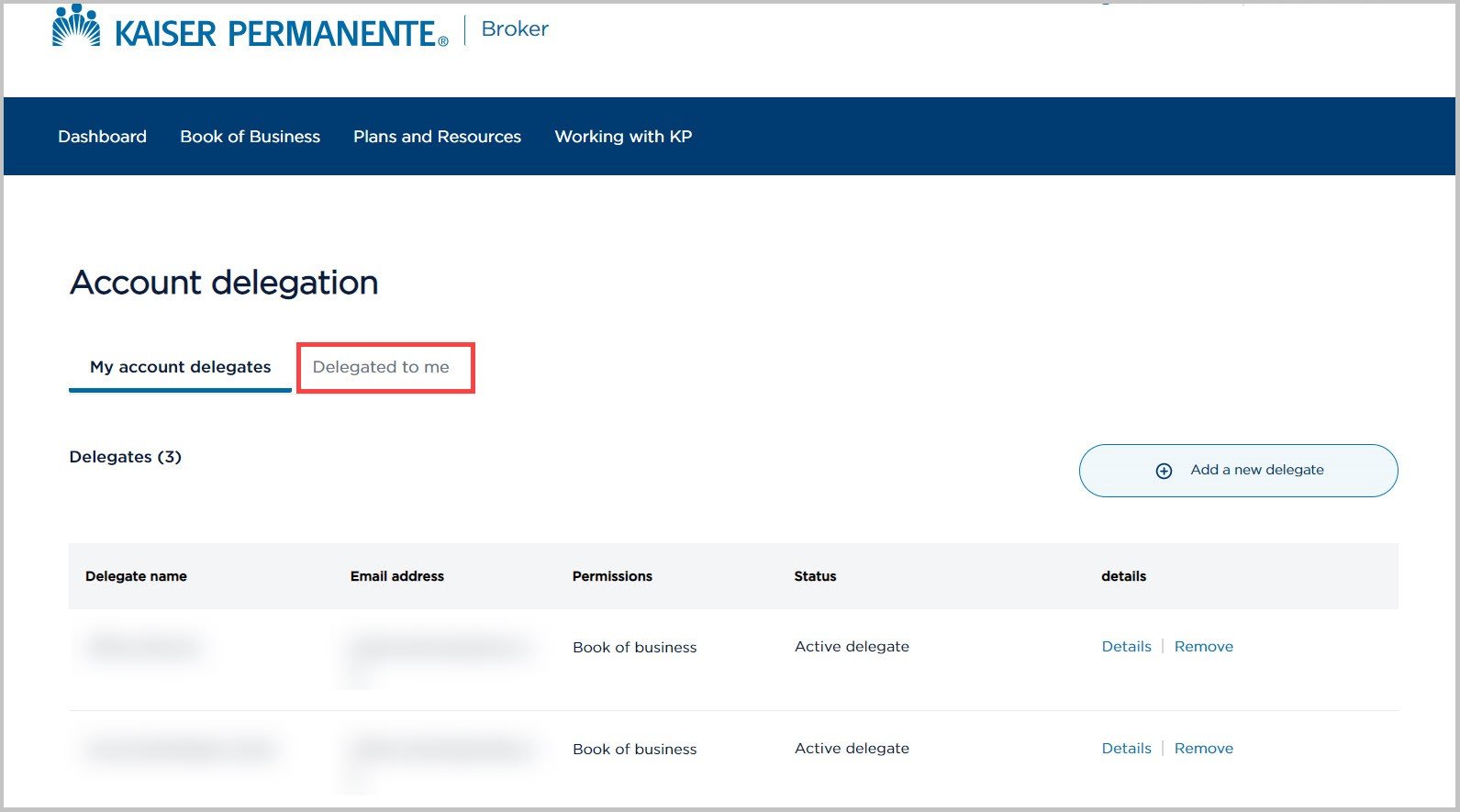
Broker/Producer and General Agent Sign-On: Designed for professionals working with Kaiser Permanente, offering access to tools and resources for their clients.
Accessing Your Kaiser Permanente Account
To sign on to your Kaiser Permanente account, follow these steps:
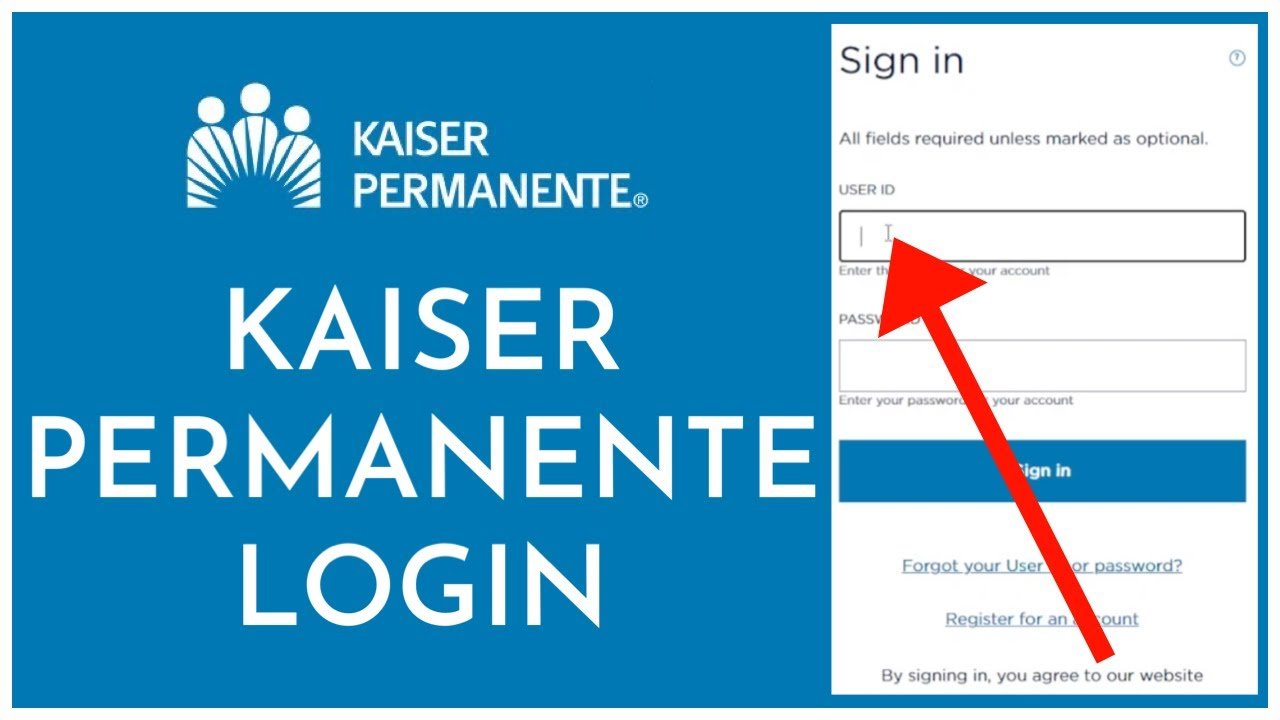
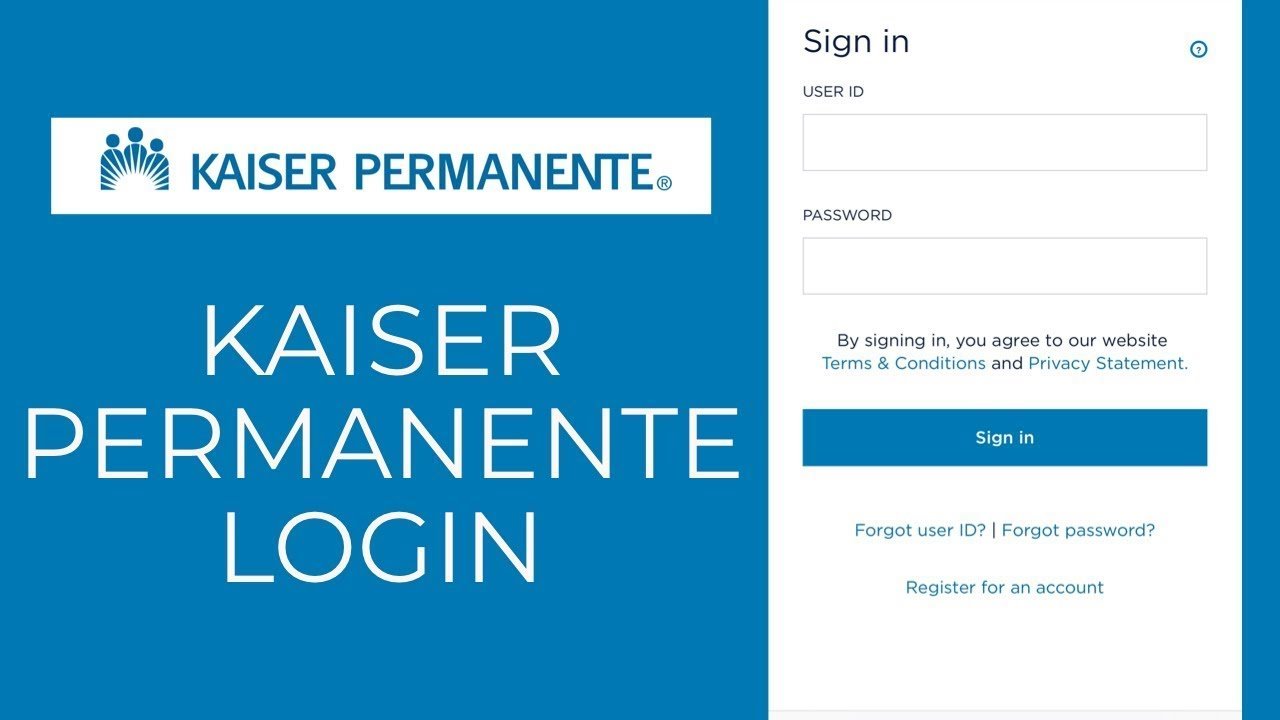
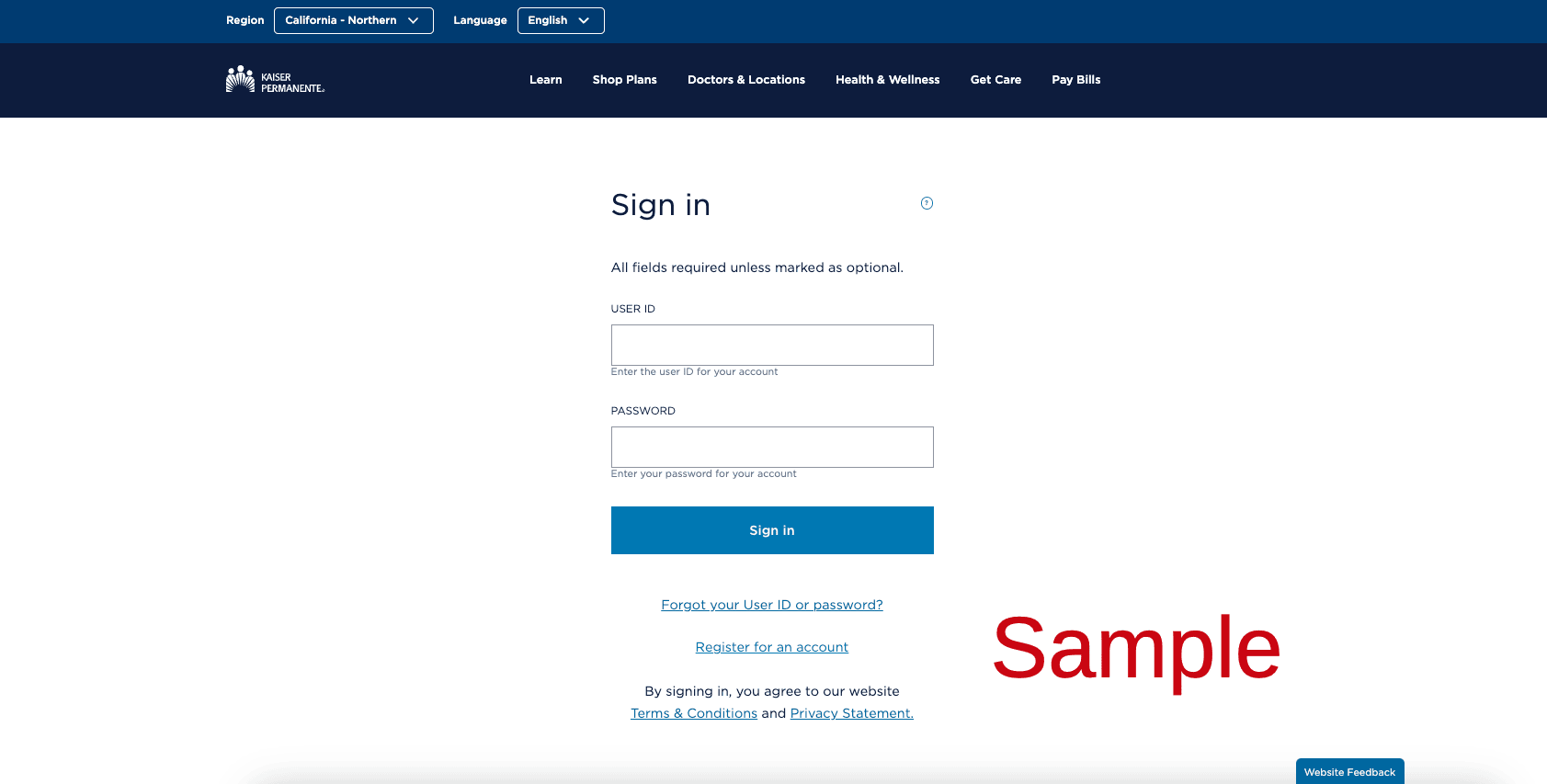
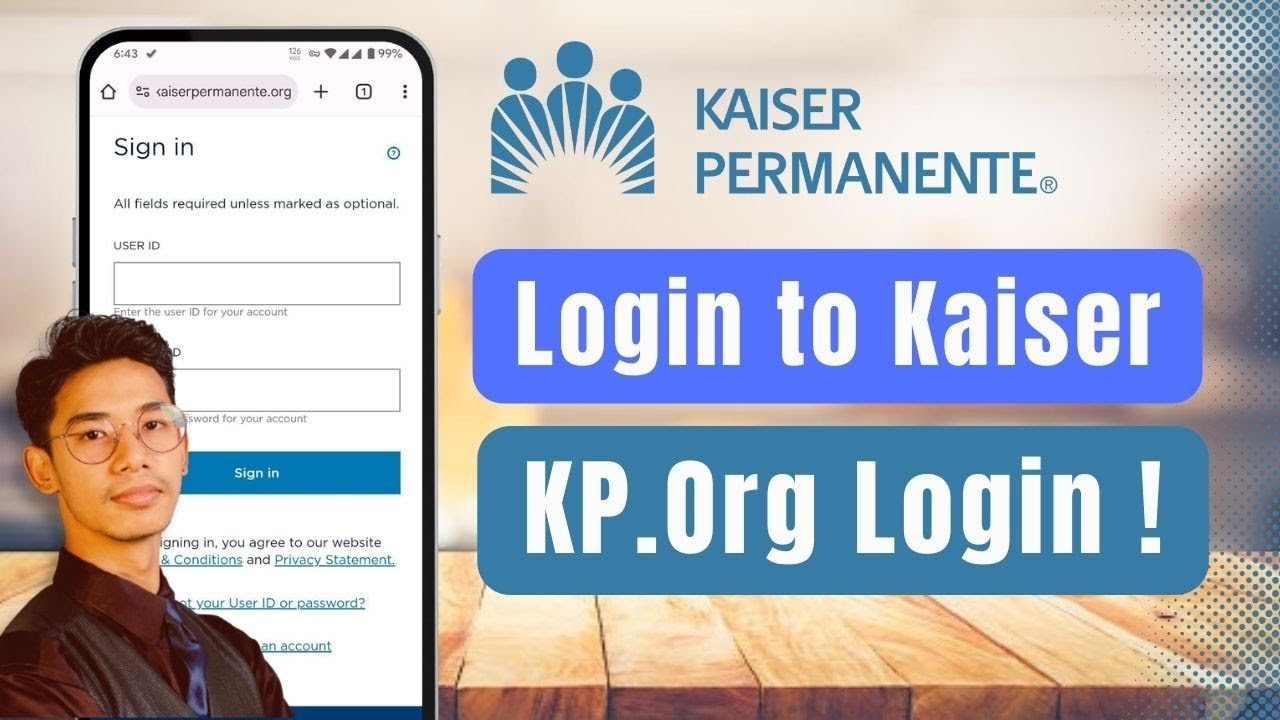
- Open a web browser and navigate to the official Kaiser Permanente website, kaiserpermanente.org.
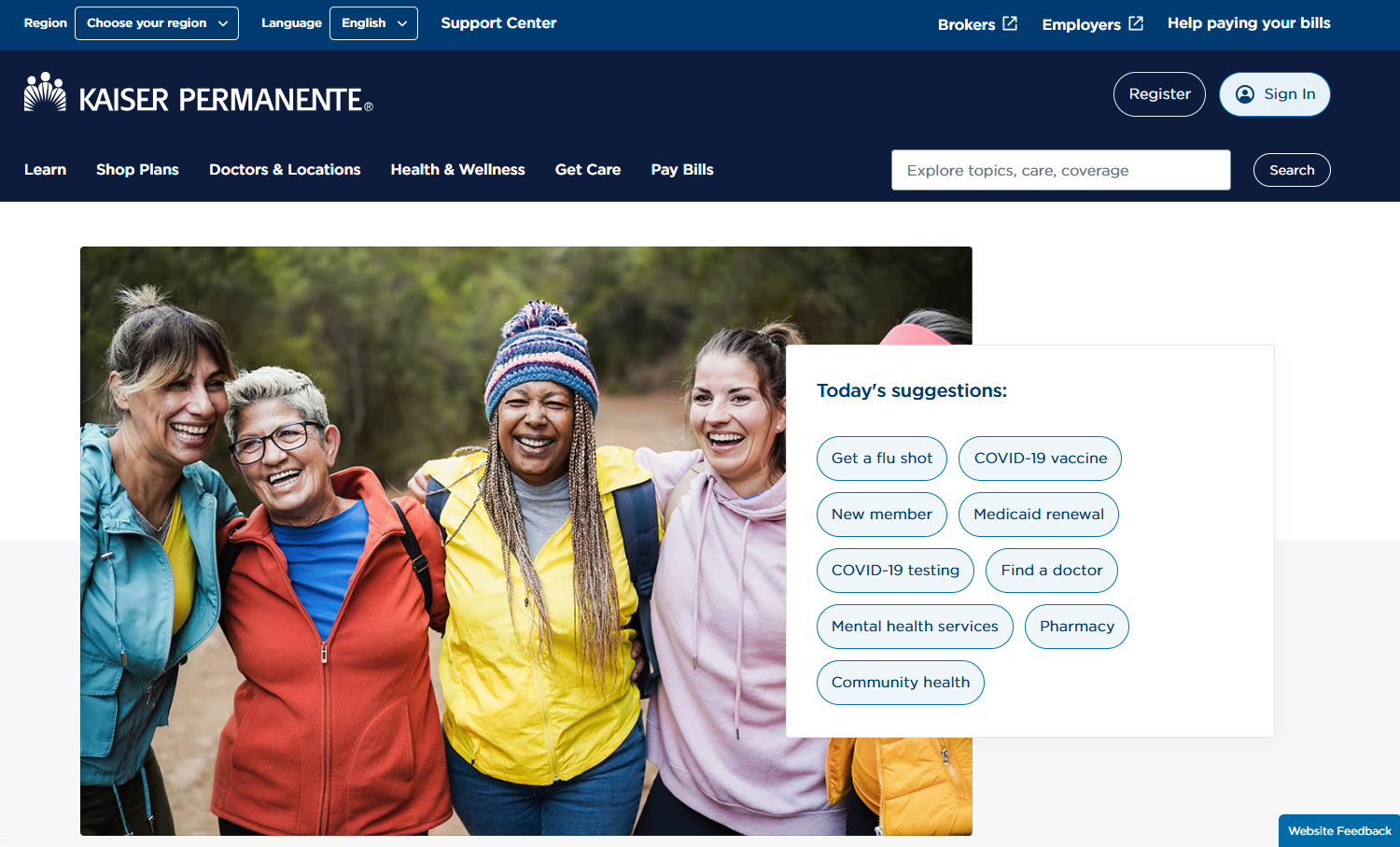
- Look for the "Sign In" or "Sign On" button, usually located in the top right corner of the homepage.
- Click on the button to initiate the sign-in process.
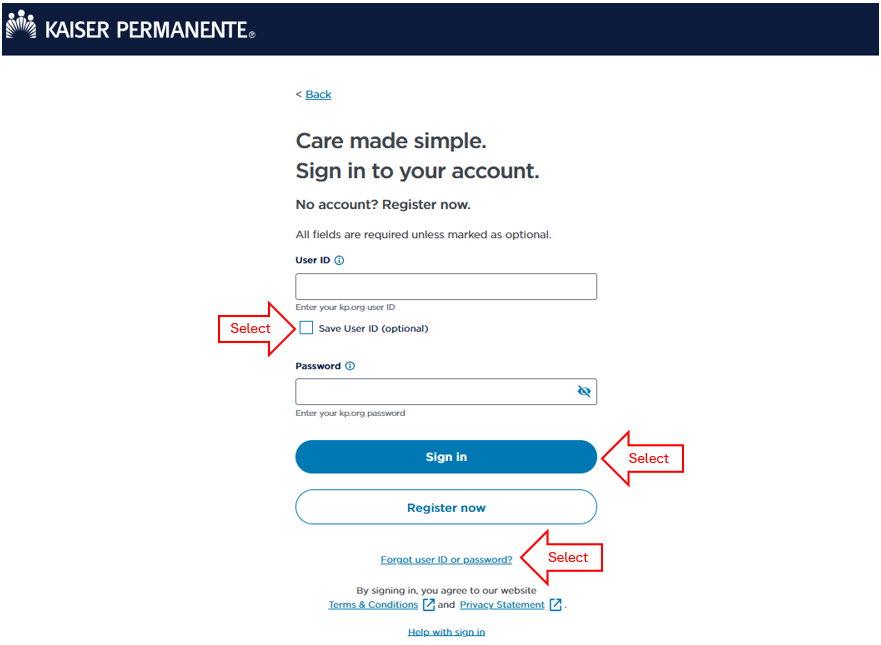
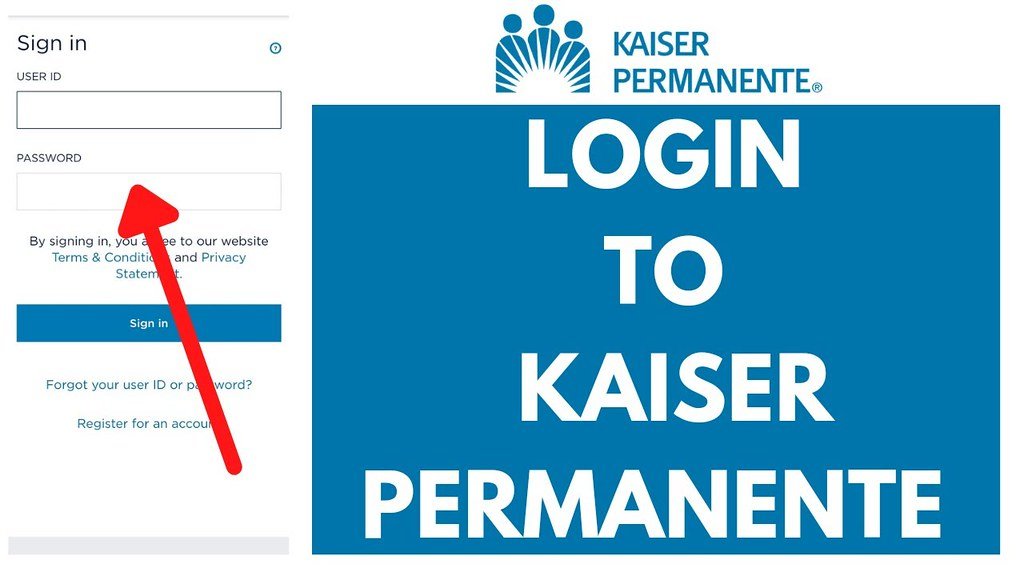
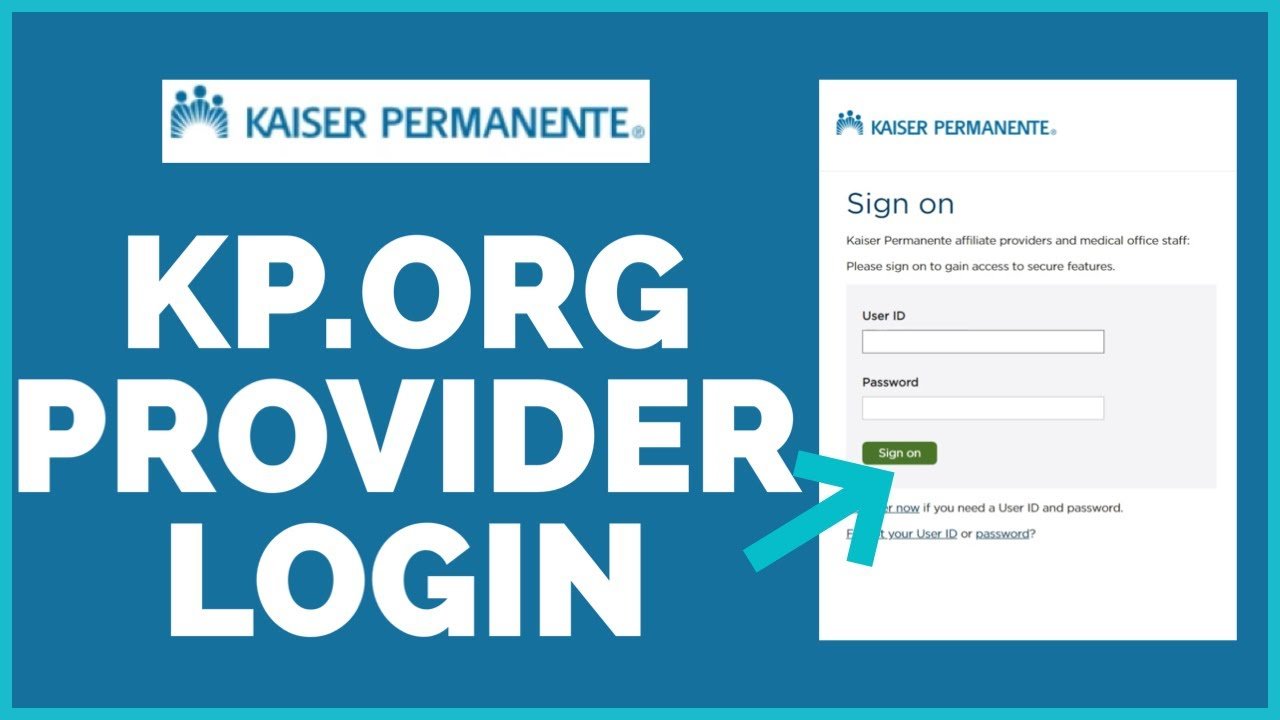
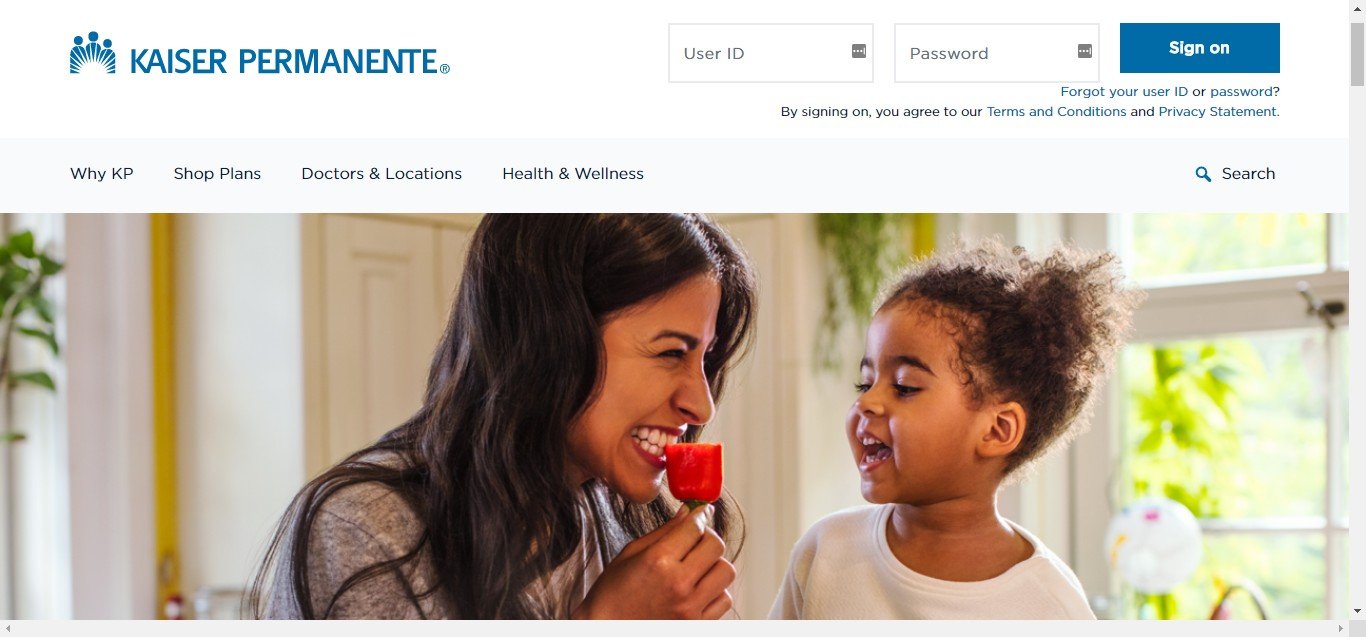
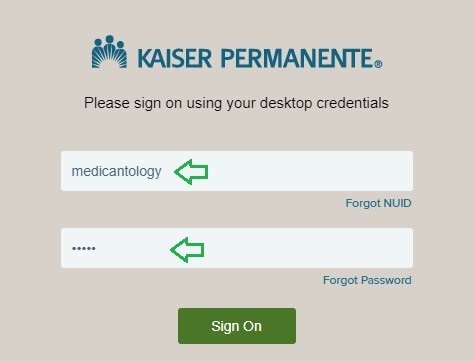
- You will be redirected to a secure login page. Enter your Kaiser Permanente org credentials, including your user ID and password.
- If you have two-factor authentication enabled, you may need to provide an additional verification code.
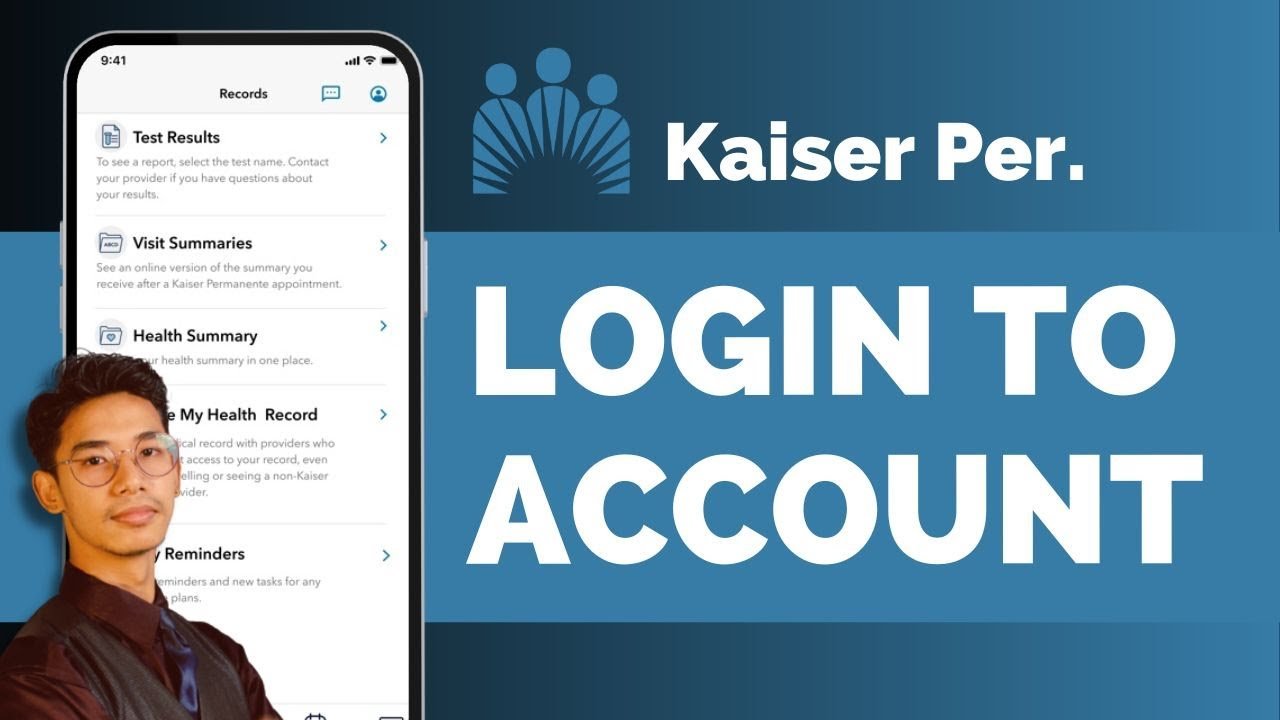
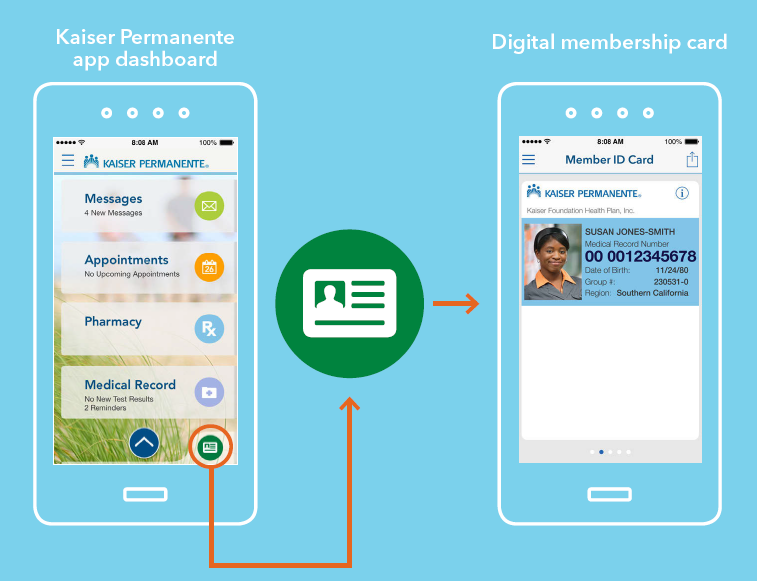
- Once authenticated, you will gain access to your personal health dashboard.
Managing Your Health Online
Once signed on, you can:
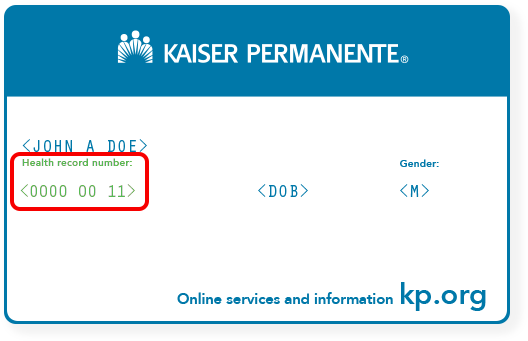
- View Your Health Records: Access detailed information about your medical history, test results, and prescriptions.
- Communicate with Your Doctor: Send secure messages to your healthcare team and receive timely responses.
- Schedule Appointments: Book and manage your appointments conveniently online.
- Request Prescription Refills: Easily refill your medications without a trip to the pharmacy.
- Access Educational Resources: Find valuable health information and stay informed about your well-being.
Additional Resources and Support
- If you encounter any issues during the sign-on process, Kaiser Permanente provides comprehensive support. You can find helpful guides and FAQs on their website.
- For further assistance, contact their IT Service Desk, who are ready to assist with any technical queries.
- Remember, staying informed about your health is a key aspect of your overall well-being. Disguise a Turkey Kindergarten Project offers a fun way to engage children in learning about health and safety.
Secure Sign-On Practices
Kaiser Permanente prioritizes security:
- Strong Passwords: Use unique and complex passwords to protect your account.
- Two-Factor Authentication: Enable this feature for an extra layer of security.
- Report Suspicious Activity: Stay vigilant and report any unusual behavior to the IT Service Desk.
Wrap-Up
Kaiserpermanente org sign on empowers you to take charge of your healthcare journey. With a simple sign-on process, you can access a wealth of resources and stay connected with your healthcare team.
Remember, your health is a priority, and Kaiser Permanente provides the tools to make managing it easier. SAP Self-Billing with Invoice Creation is another useful resource to explore for efficient healthcare management.