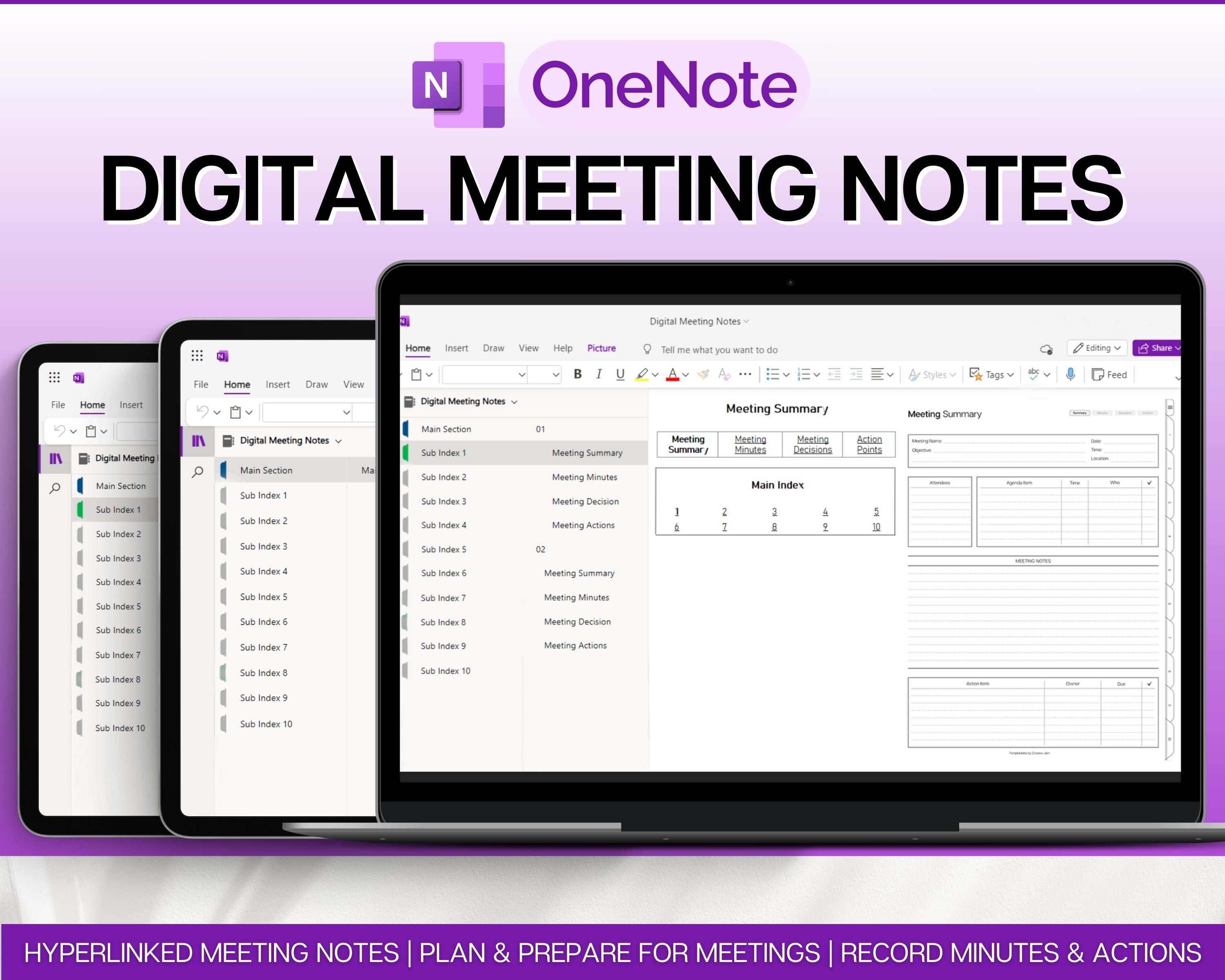
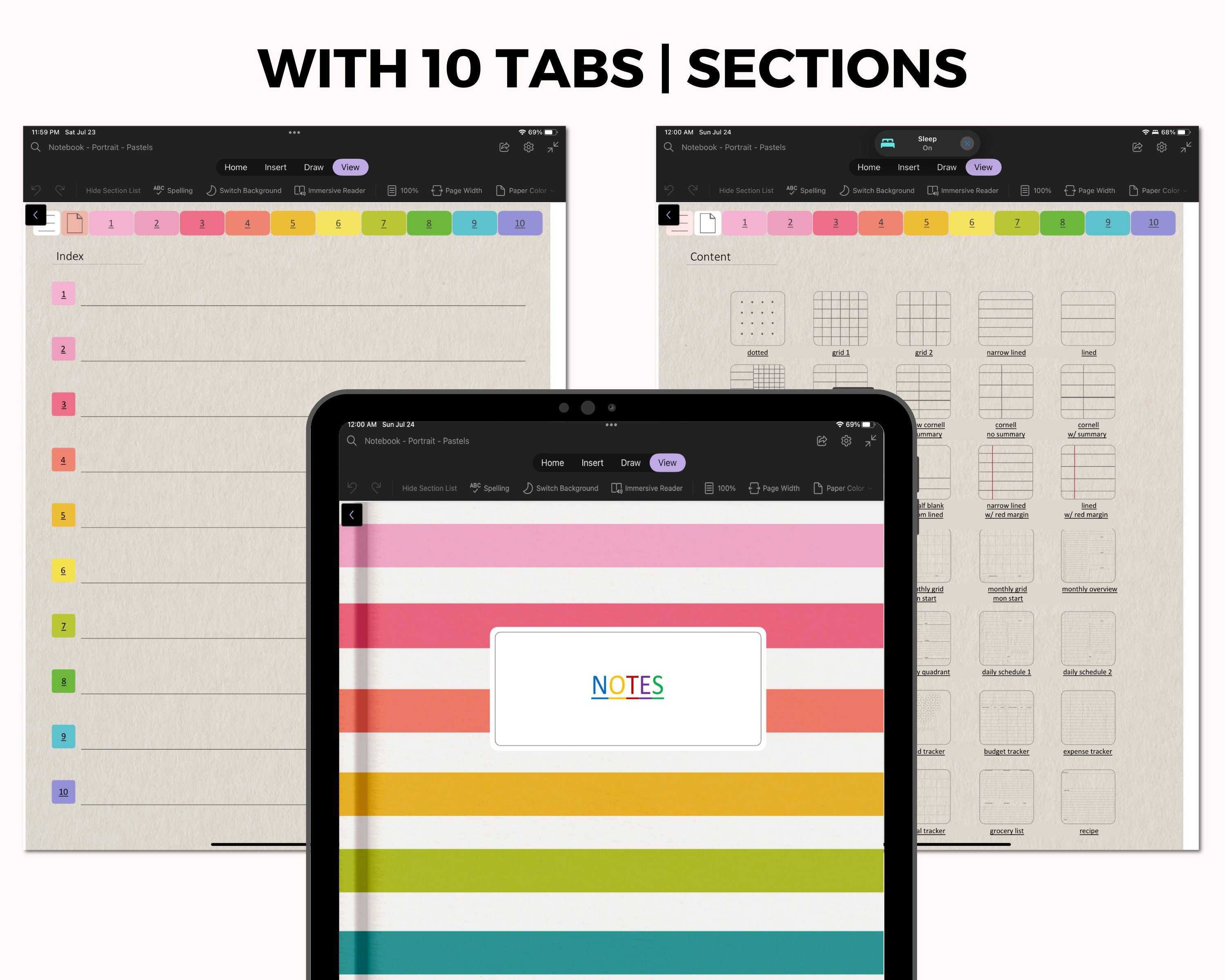
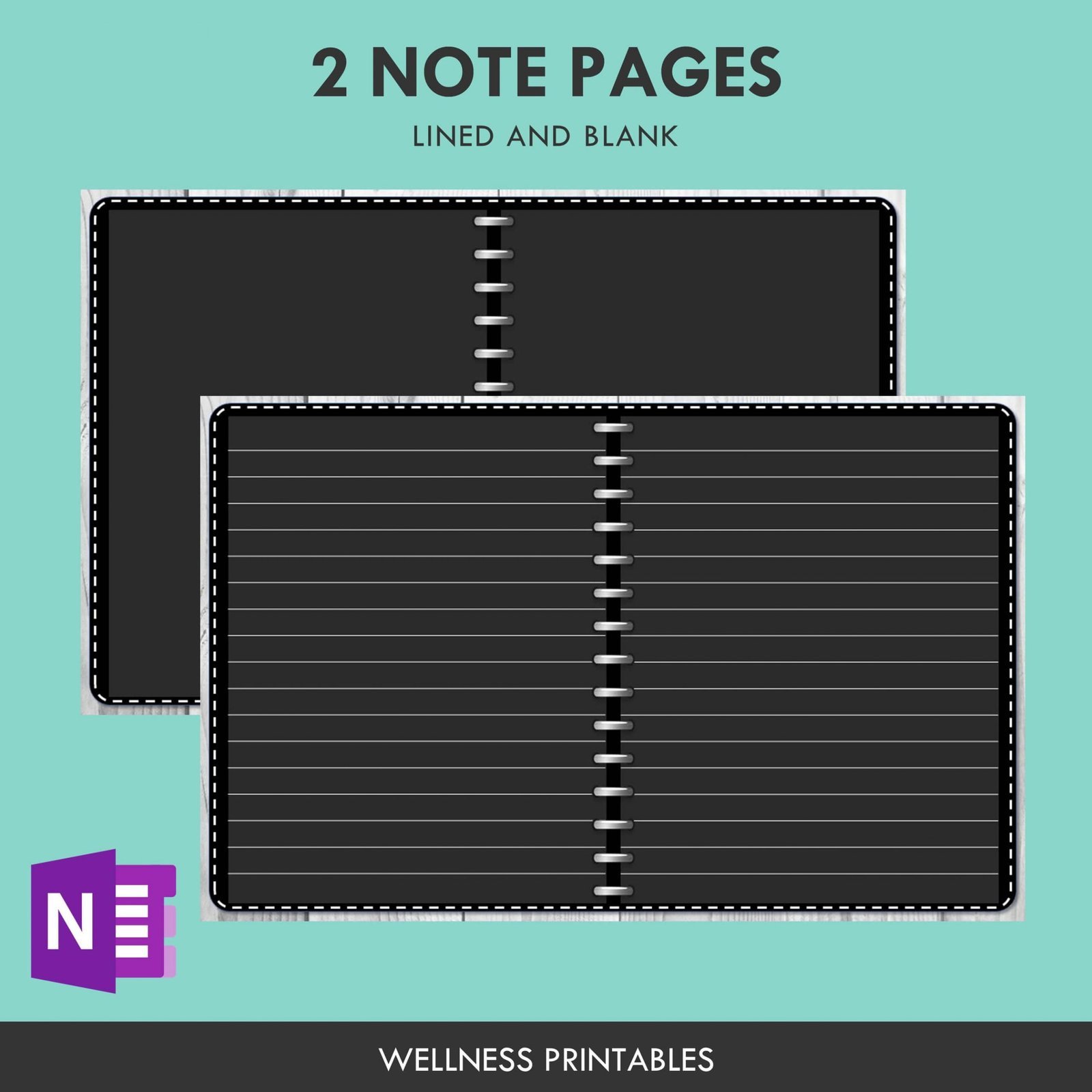
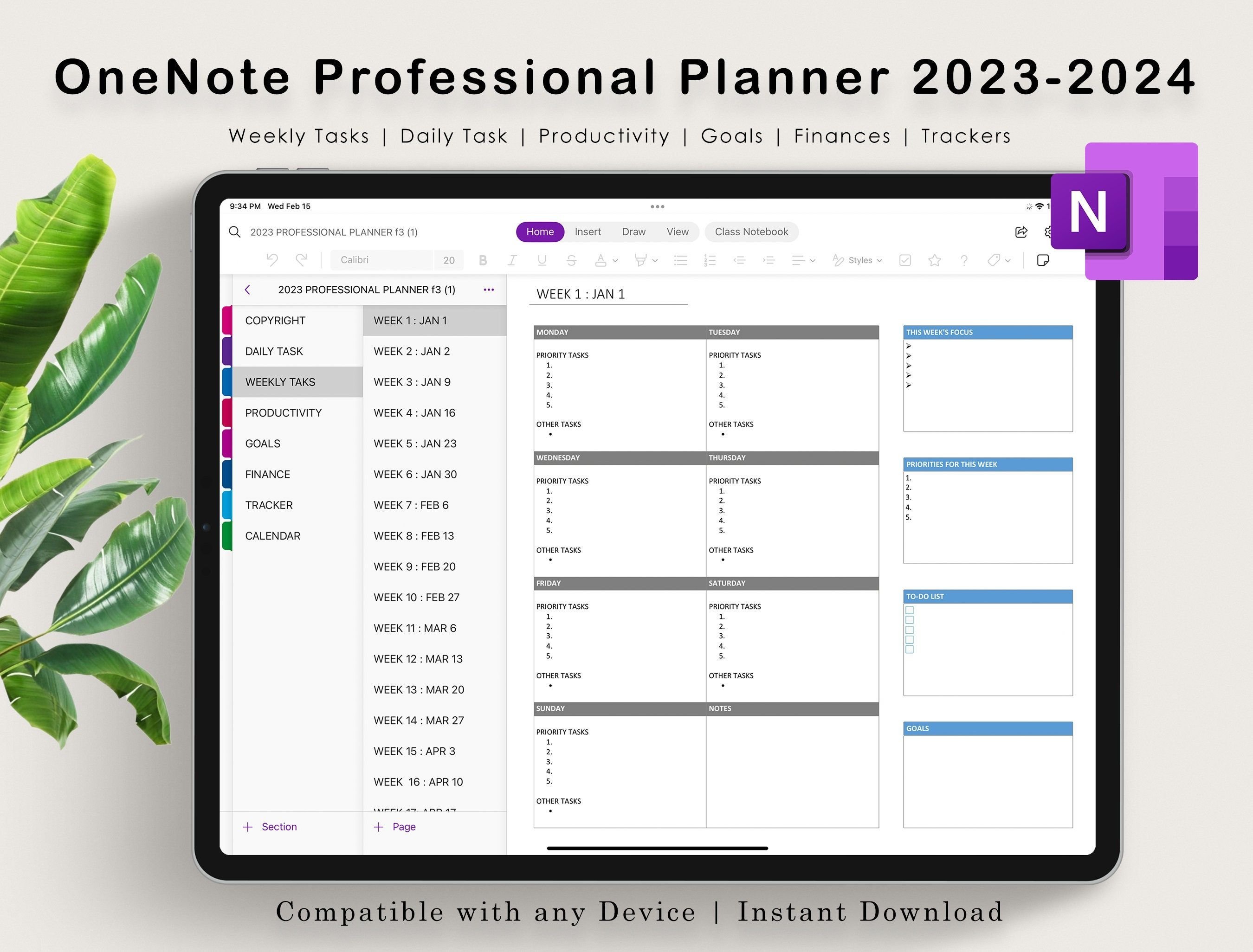
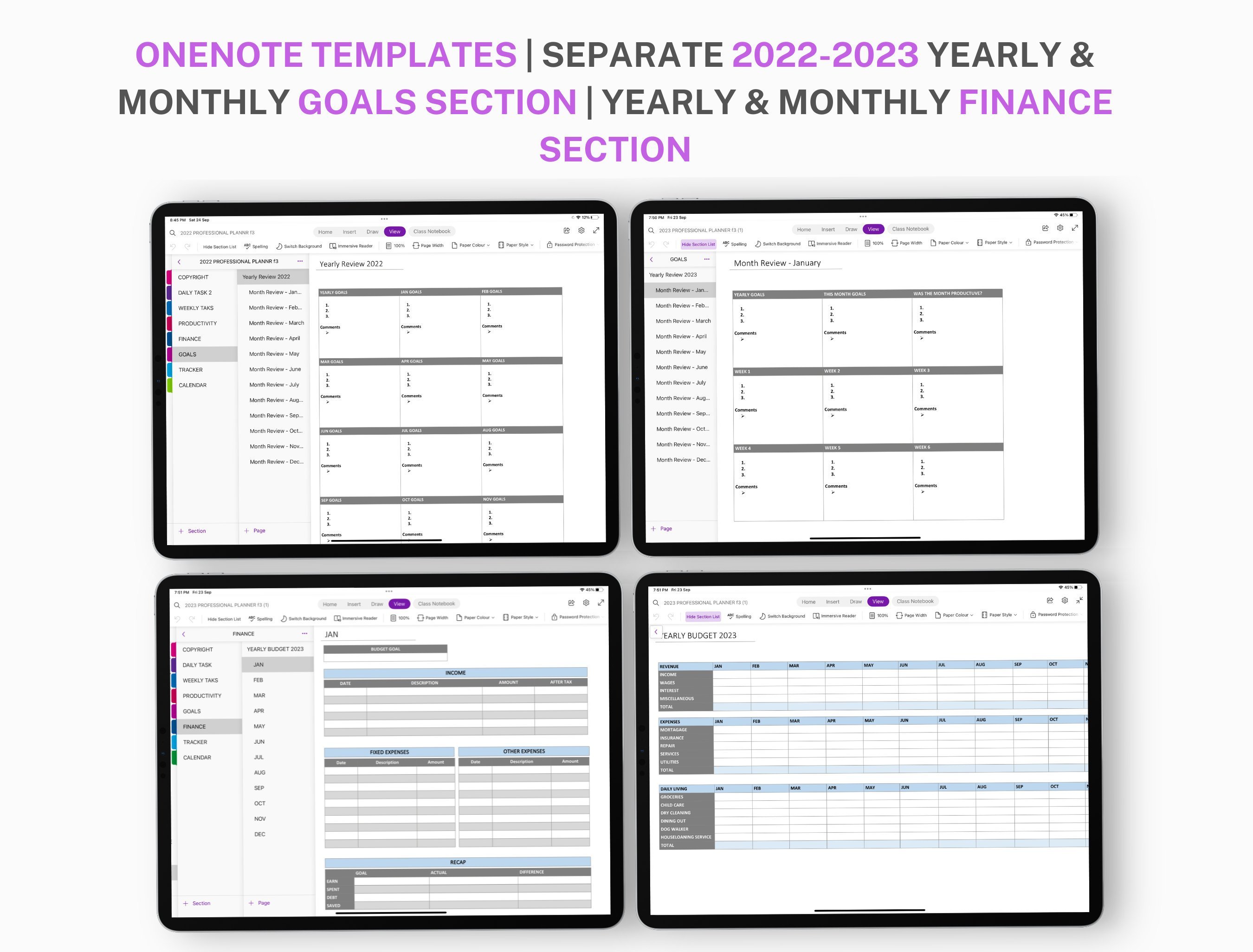
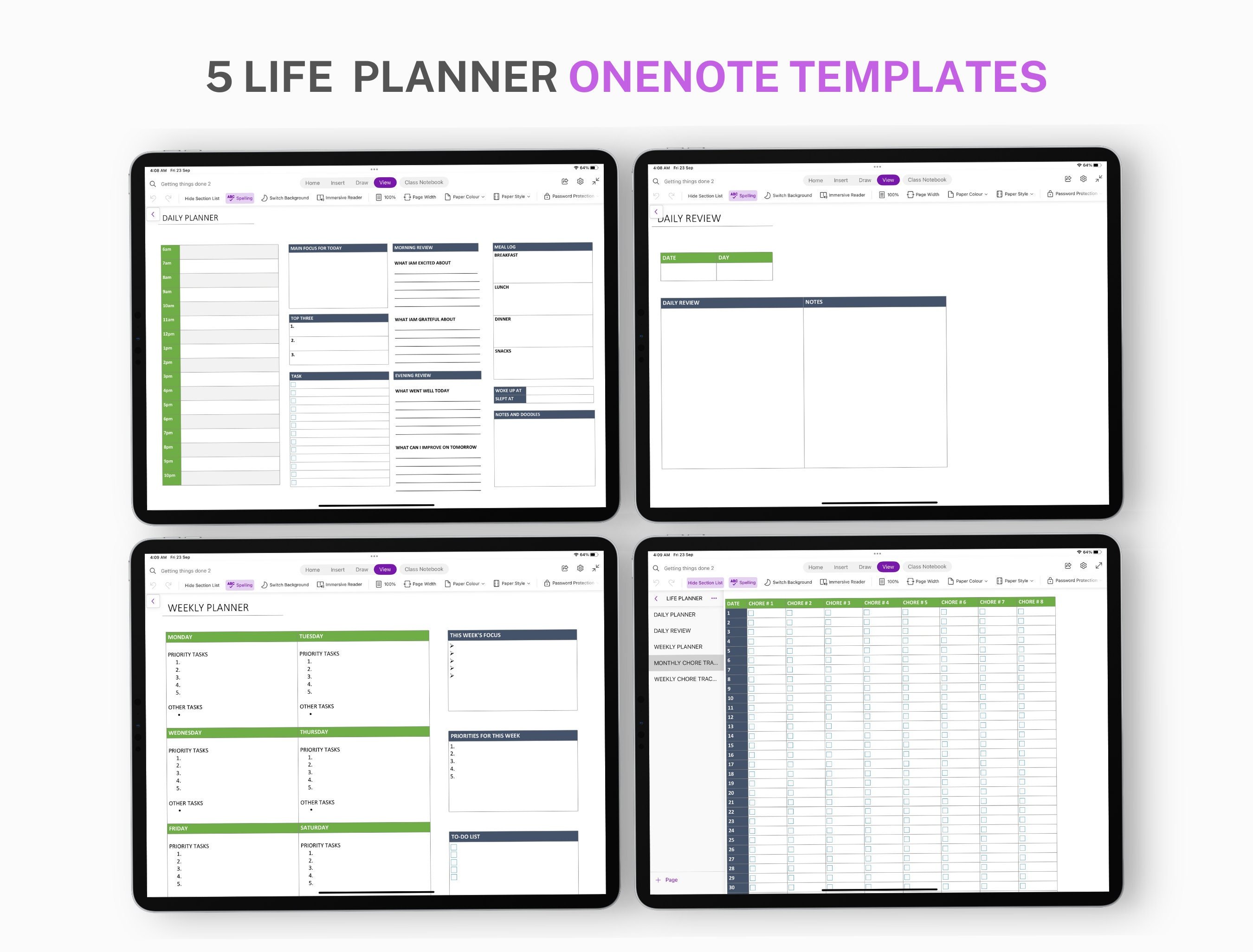
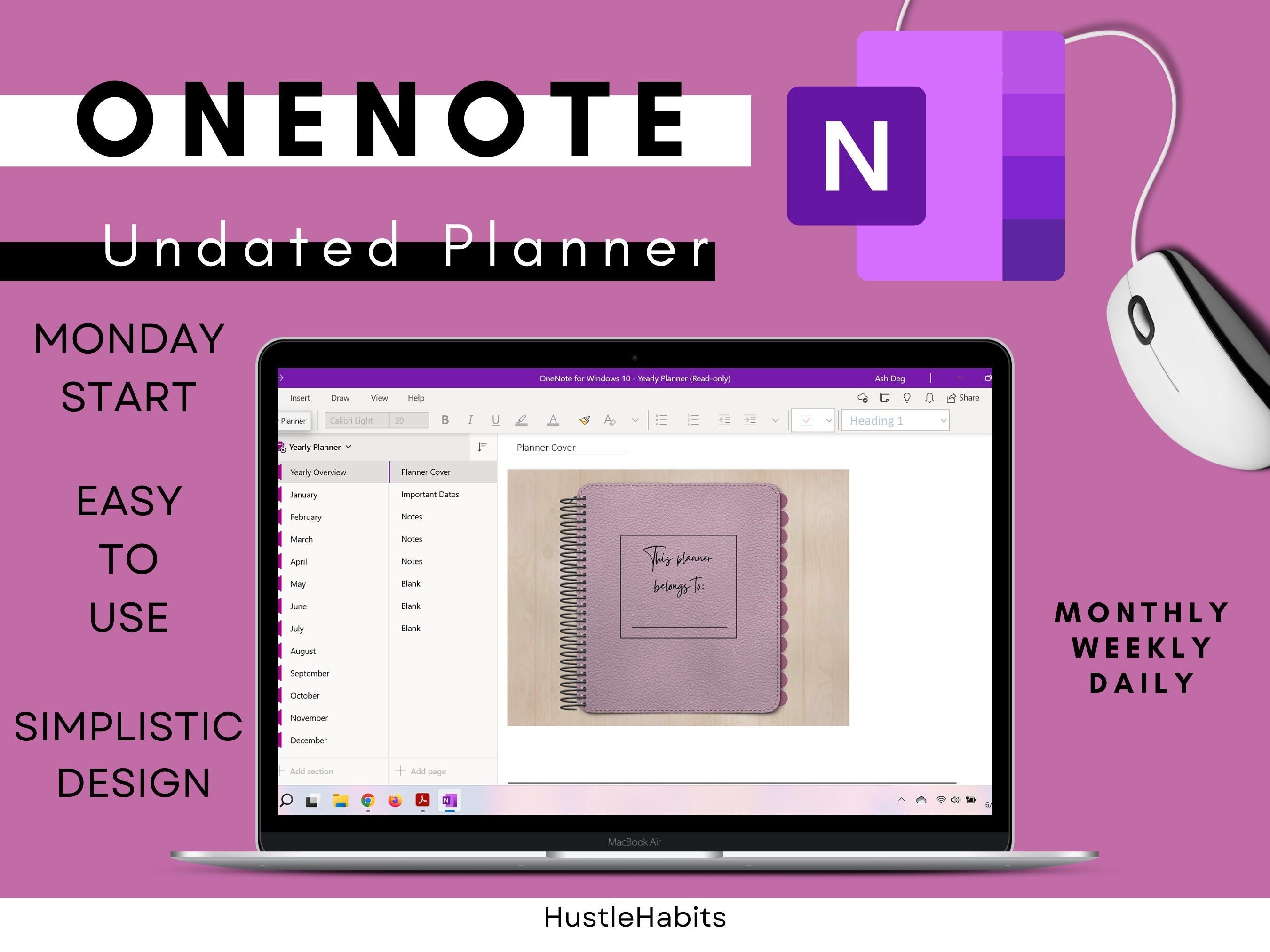
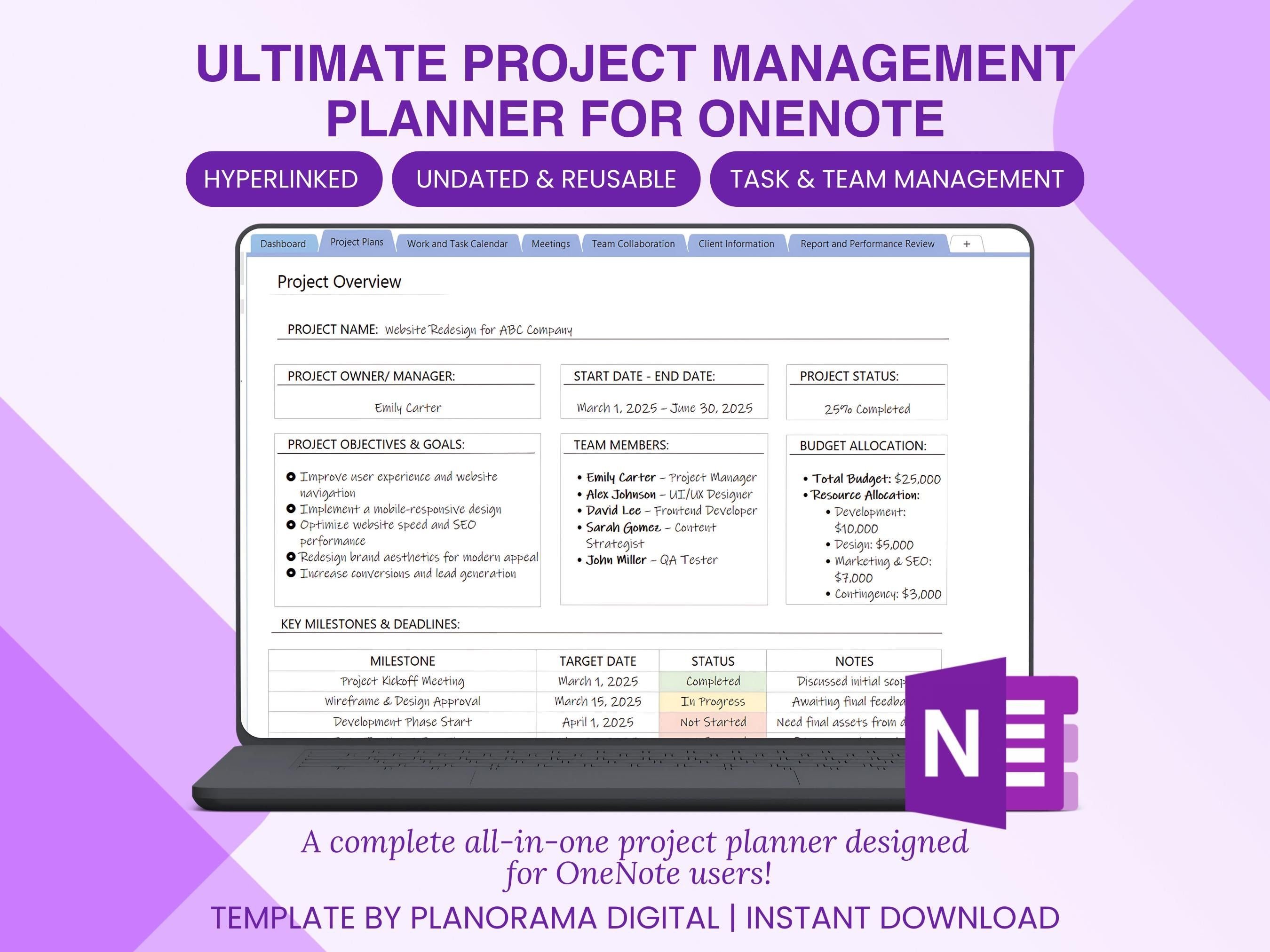
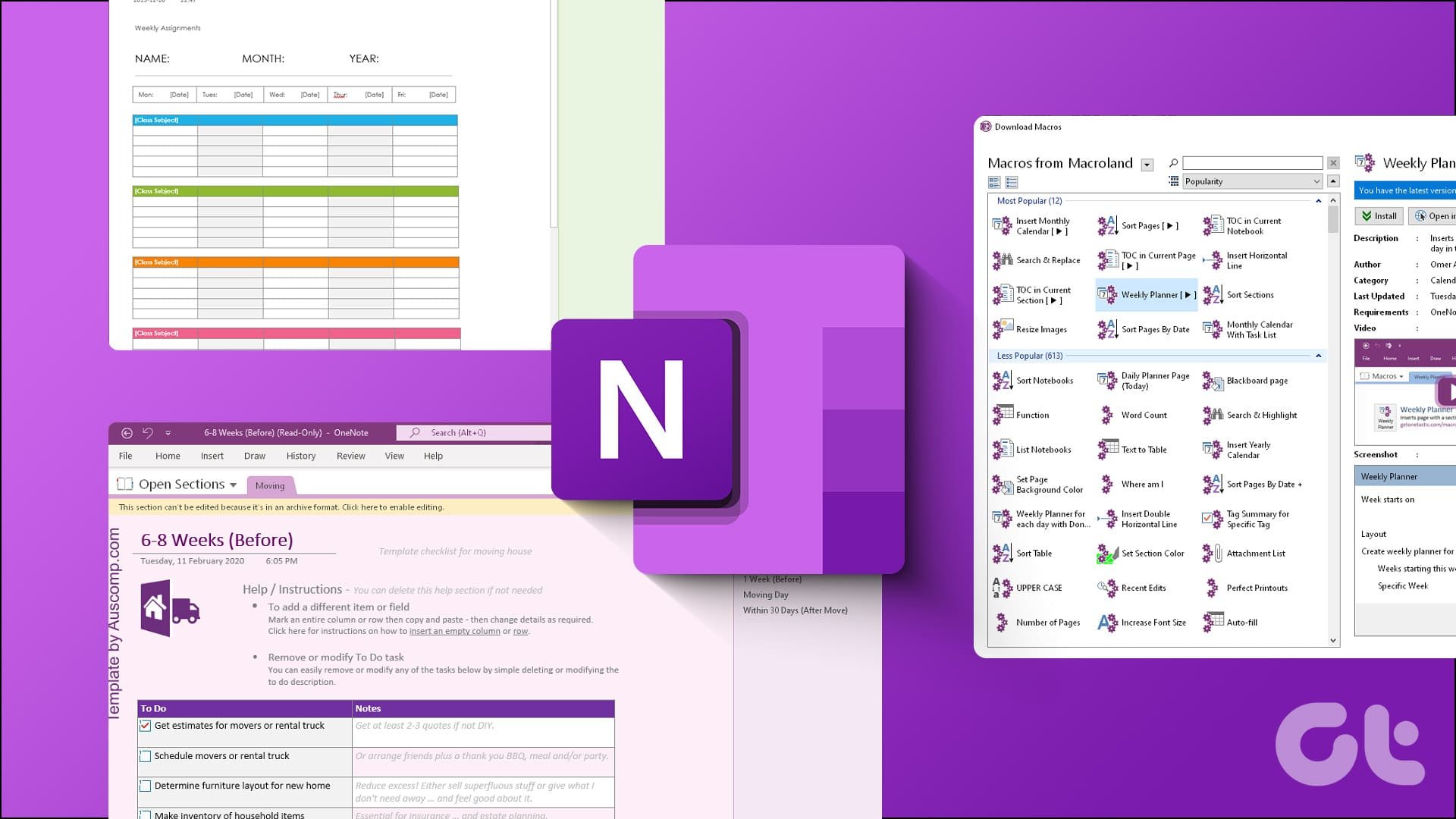
Planner Template Letter - How To Create Templates In OneNote
Appears cleanly at the top edge when printed. Nothing is sent to a server.
Preparing print layout...
Appears cleanly at the top edge when printed. Nothing is sent to a server.
Save or print Planner Template Letter - How To Create Templates In OneNote (#YE) at 1920×1080 resolution (JPG, Landscape).
Switch printer orientation to Landscape so the horizontal layout fills the sheet without shrinking. Check your browser preview before printing batches, or save the image file directly for slides and digital binders.
Collection Context: Part of the onenote templates free letter size printable set formatted for home and classroom printing. View every option in the full onenote templates free letter size gallery.
View full onenote templates free letter size collection