
Onenote Templates Free Letter Size: A Quick Guide
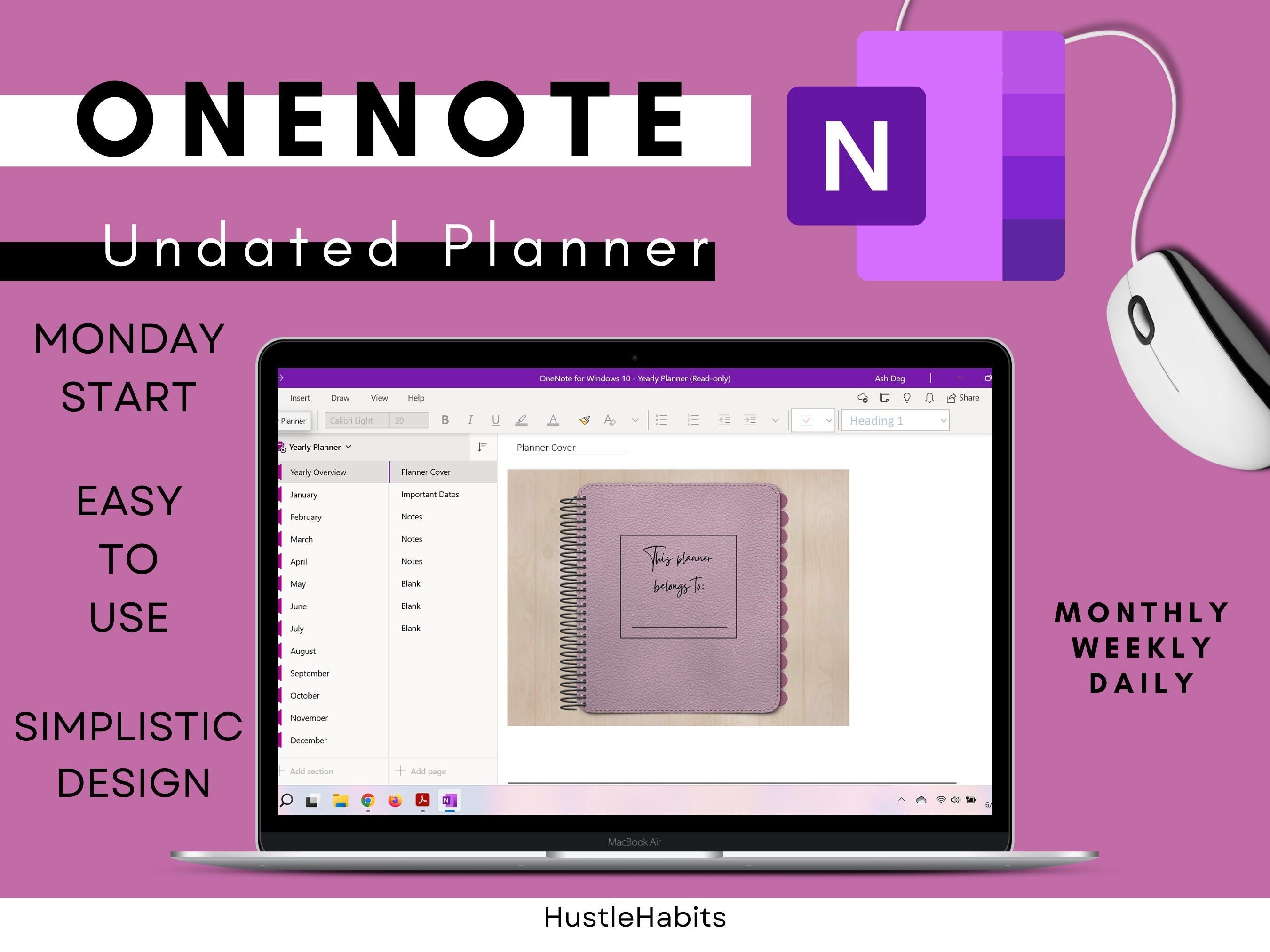
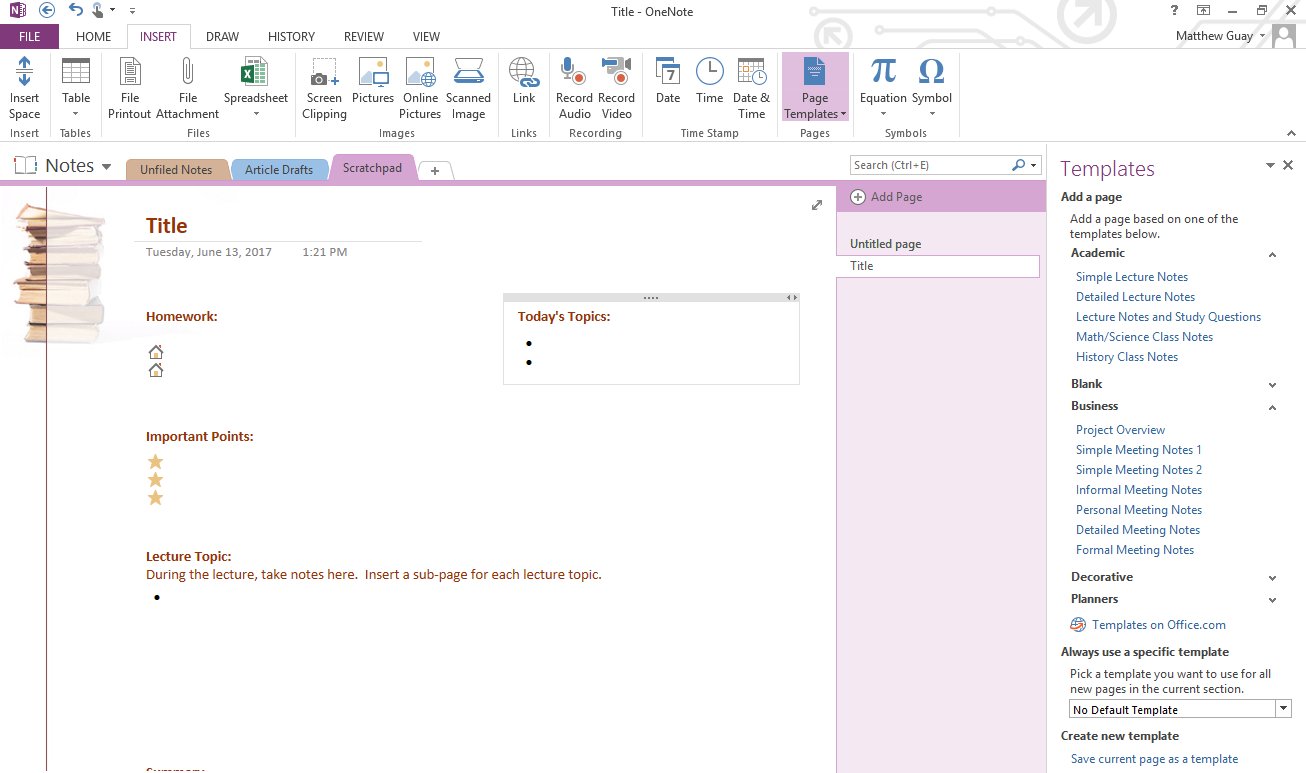
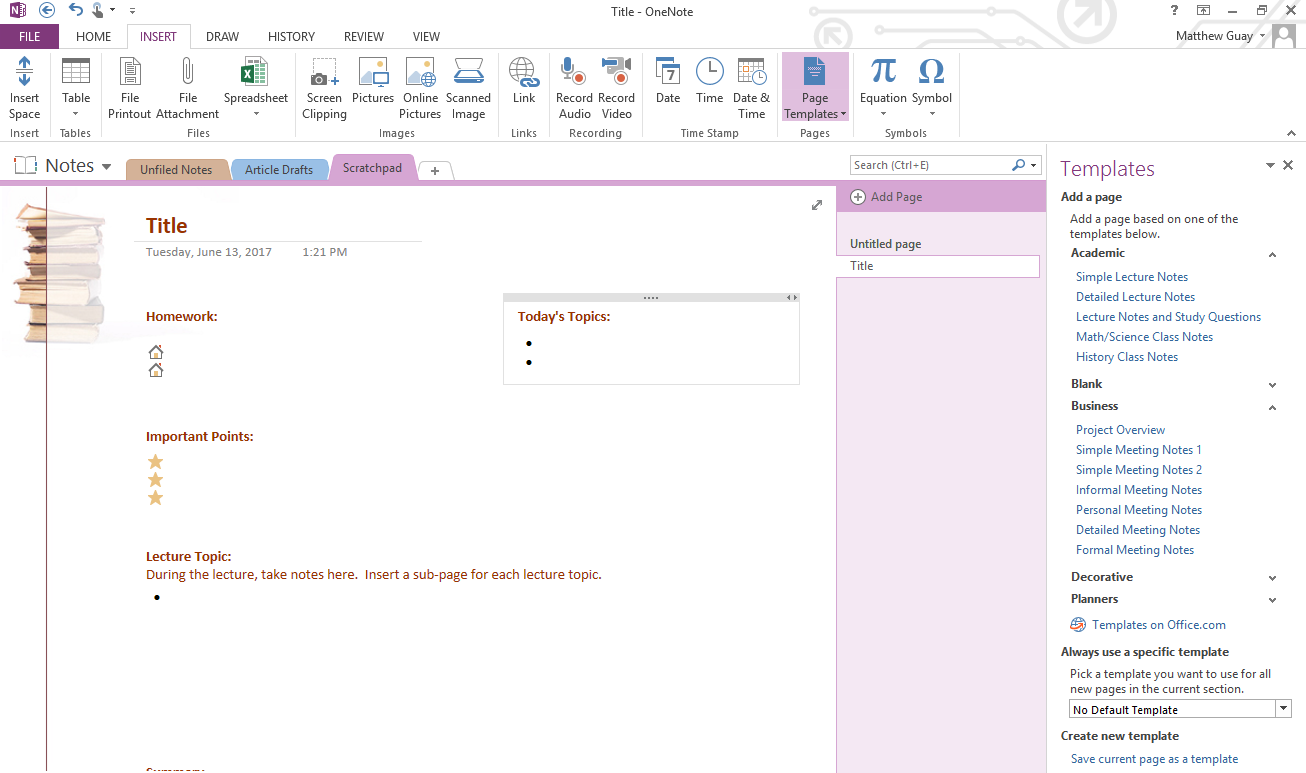
OneNote offers a range of templates to enhance your note-taking and planning, and many of these are available in letter size. These templates provide a structured layout to organize your thoughts, tasks, and ideas efficiently. Here's a concise guide to help you explore and utilize onenote templates free letter size.
Popular Options and Variations
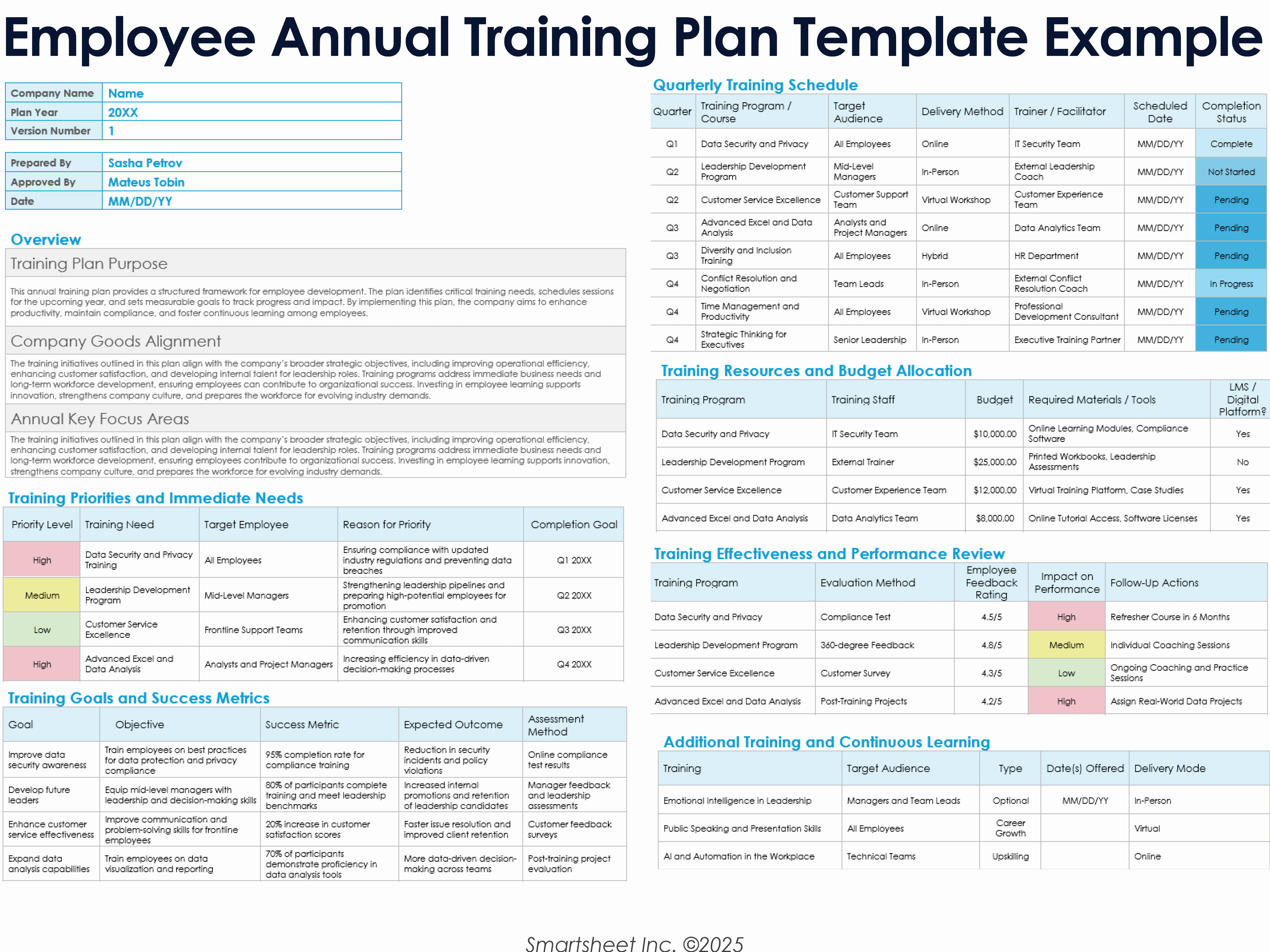
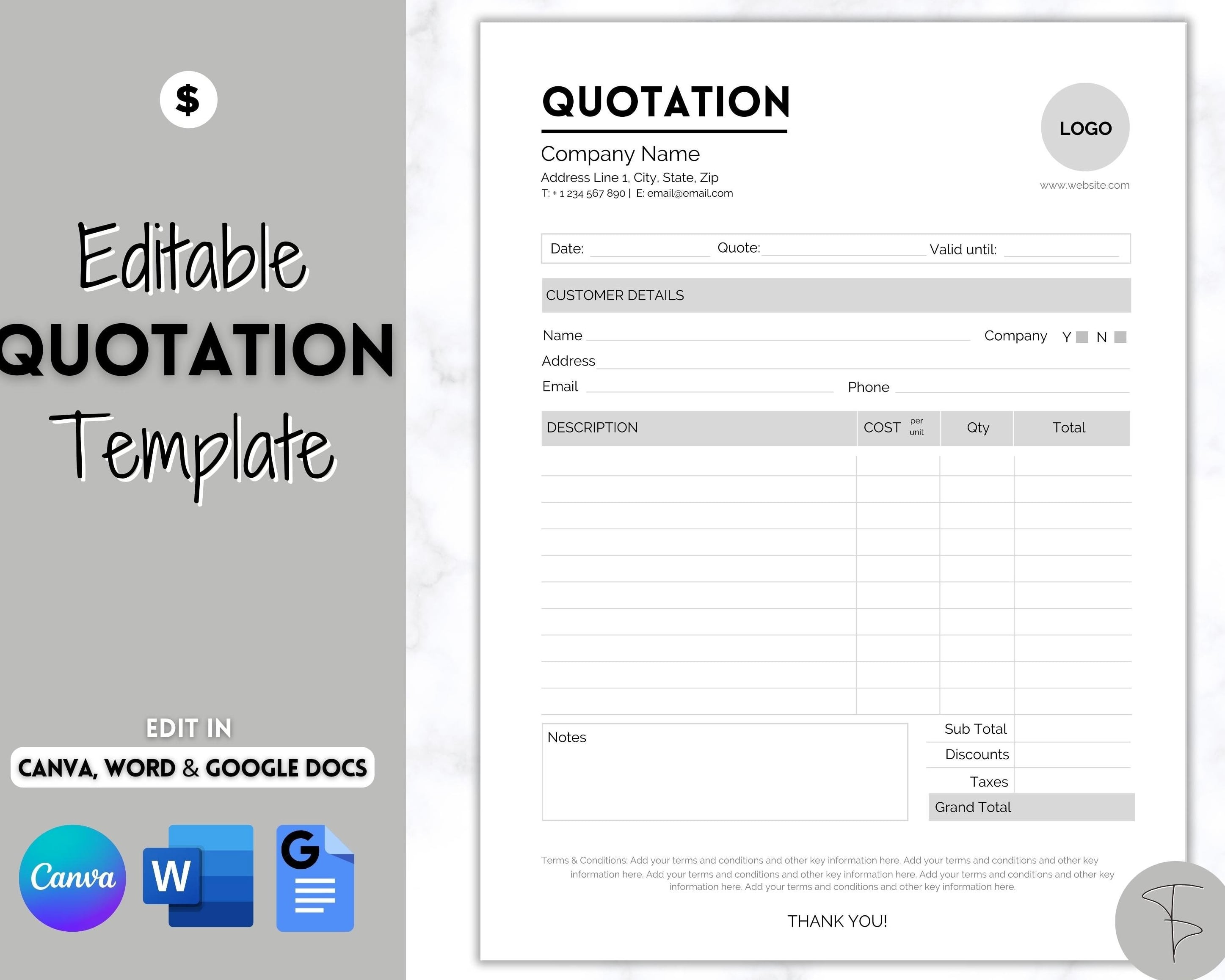
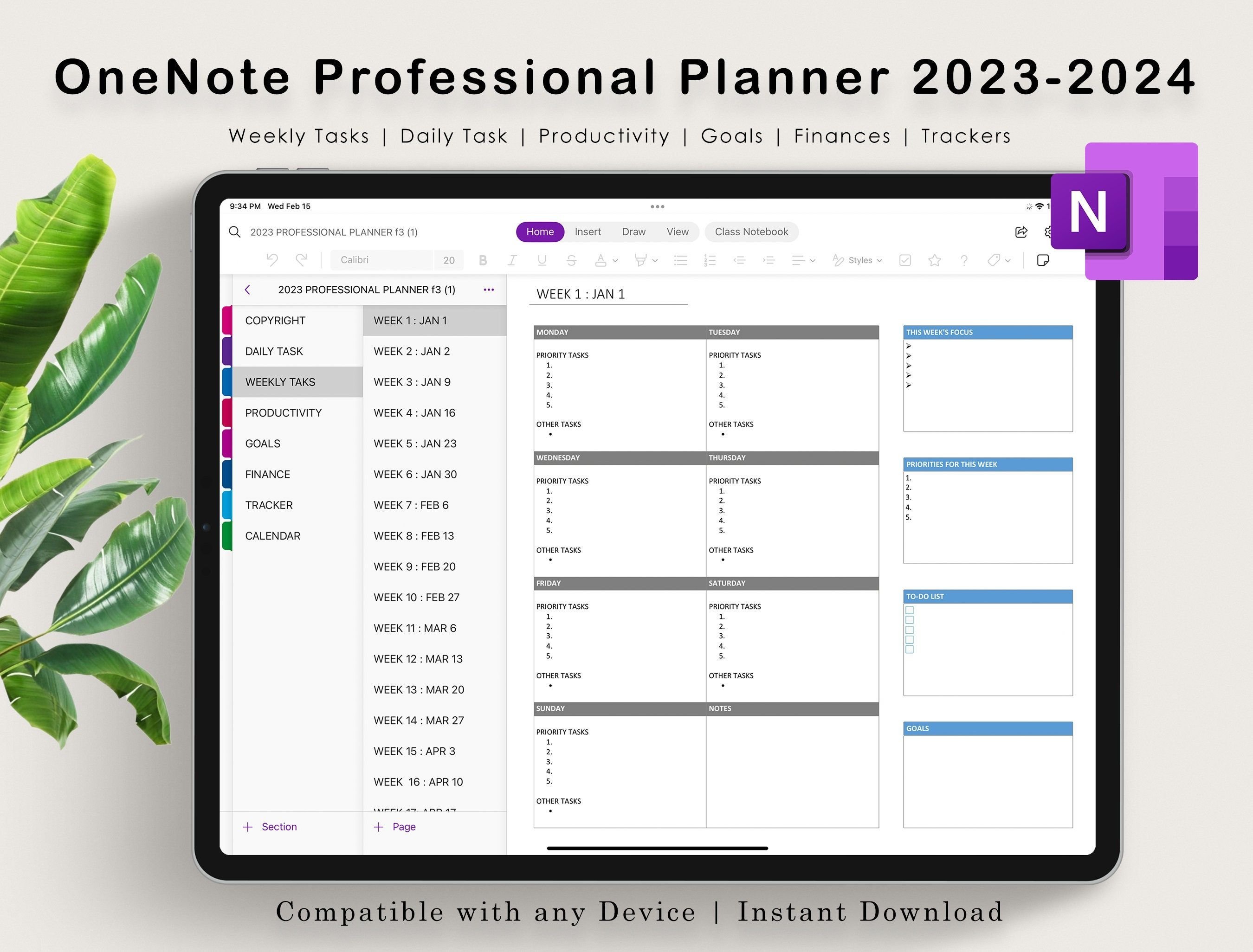
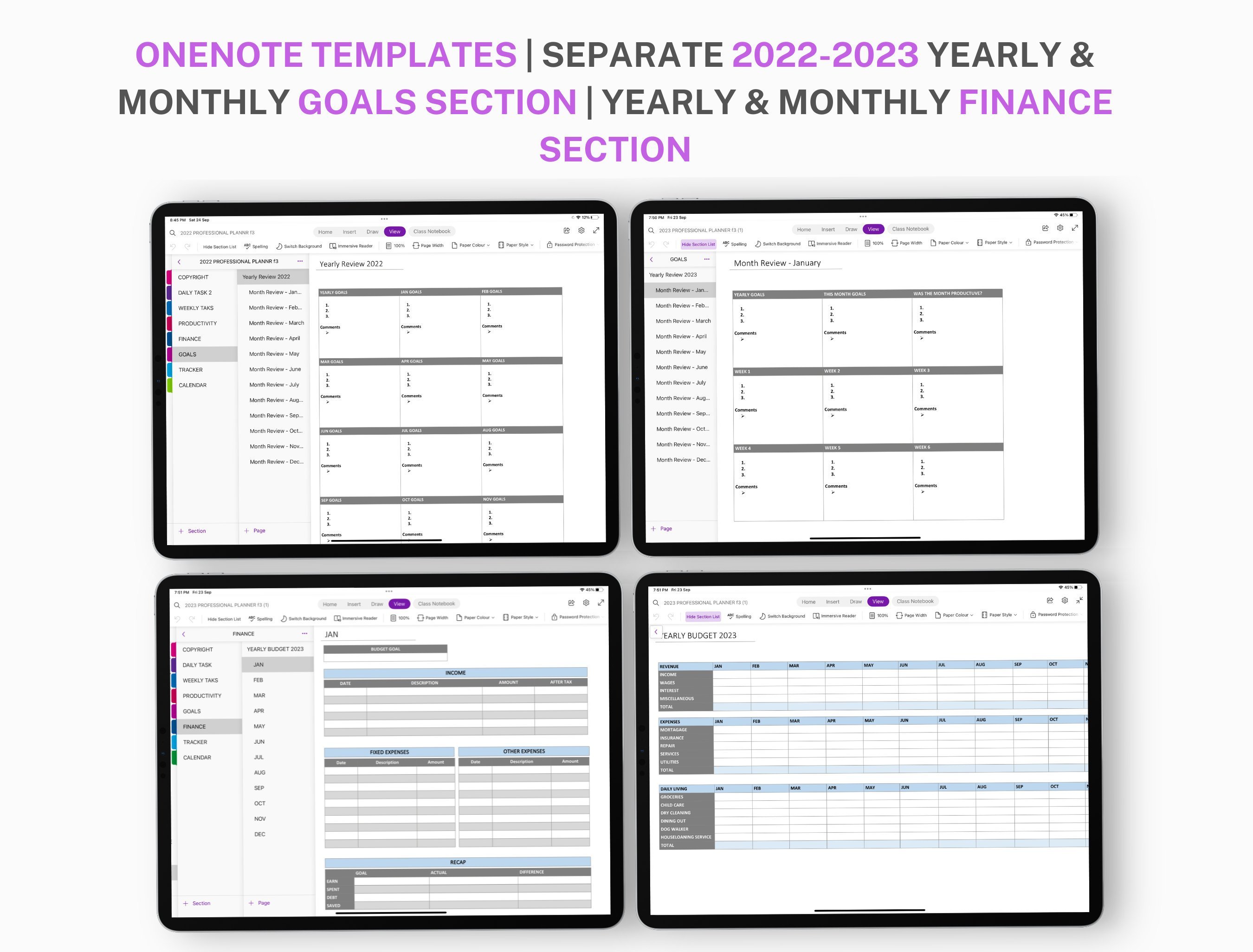
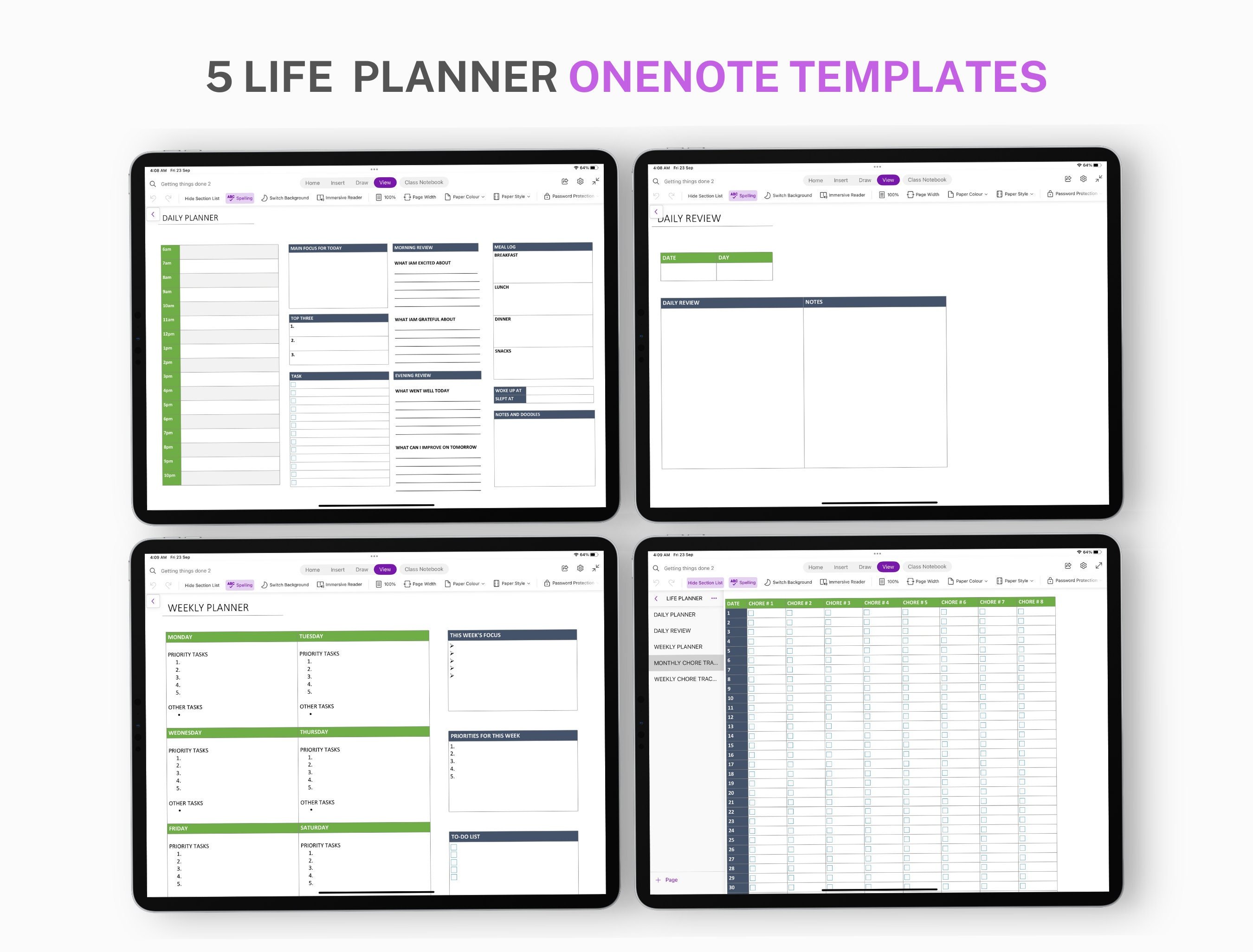
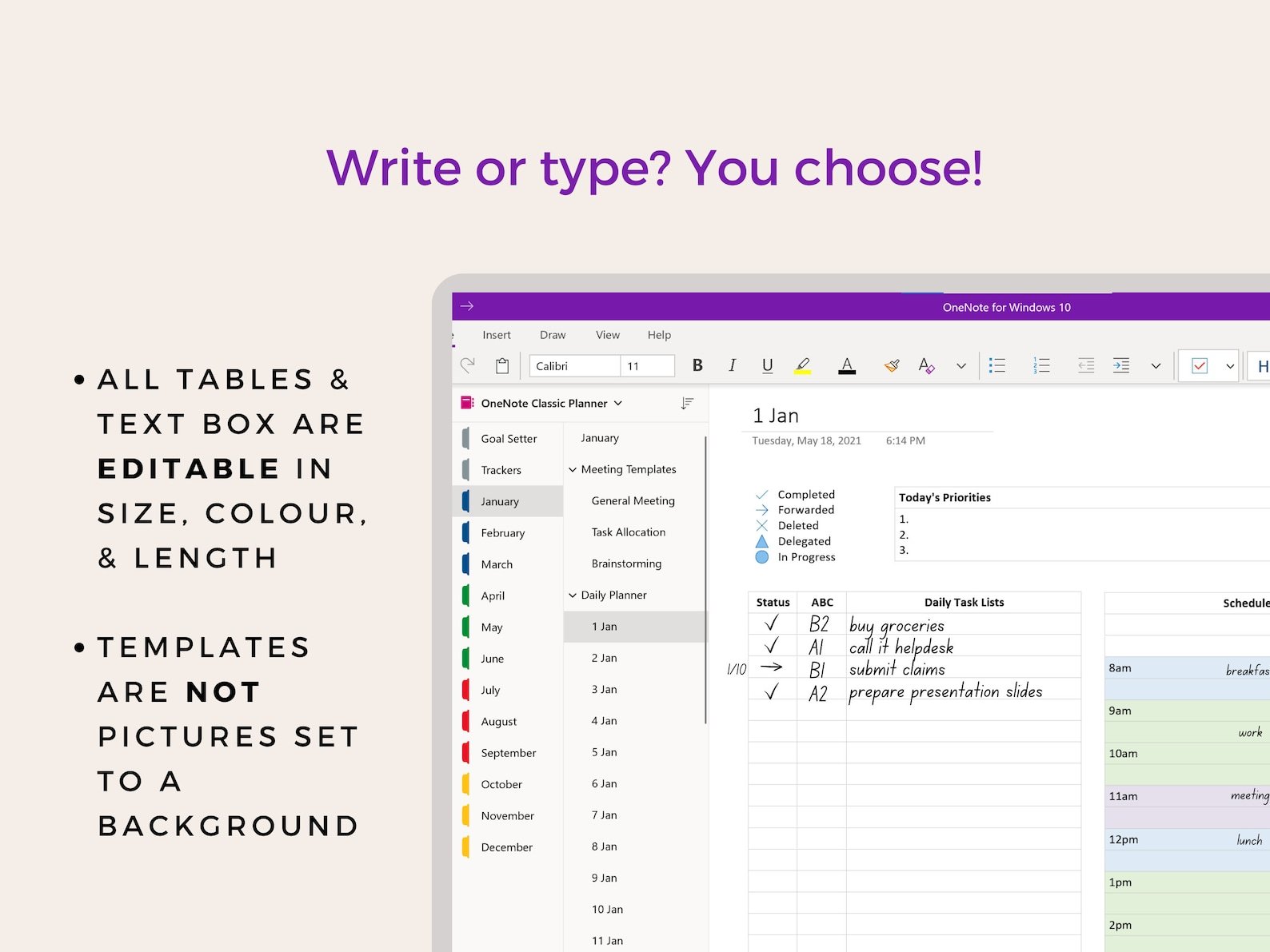
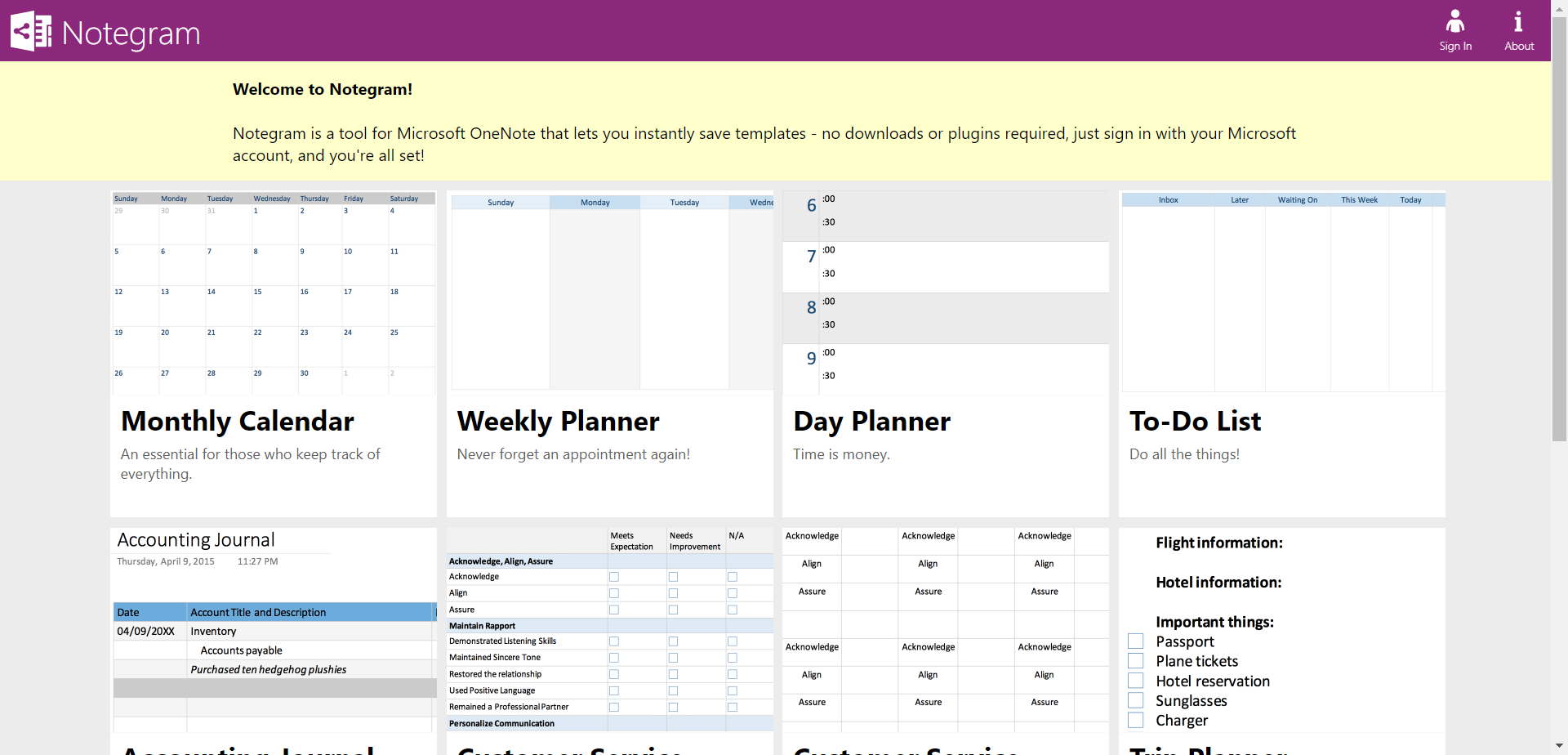
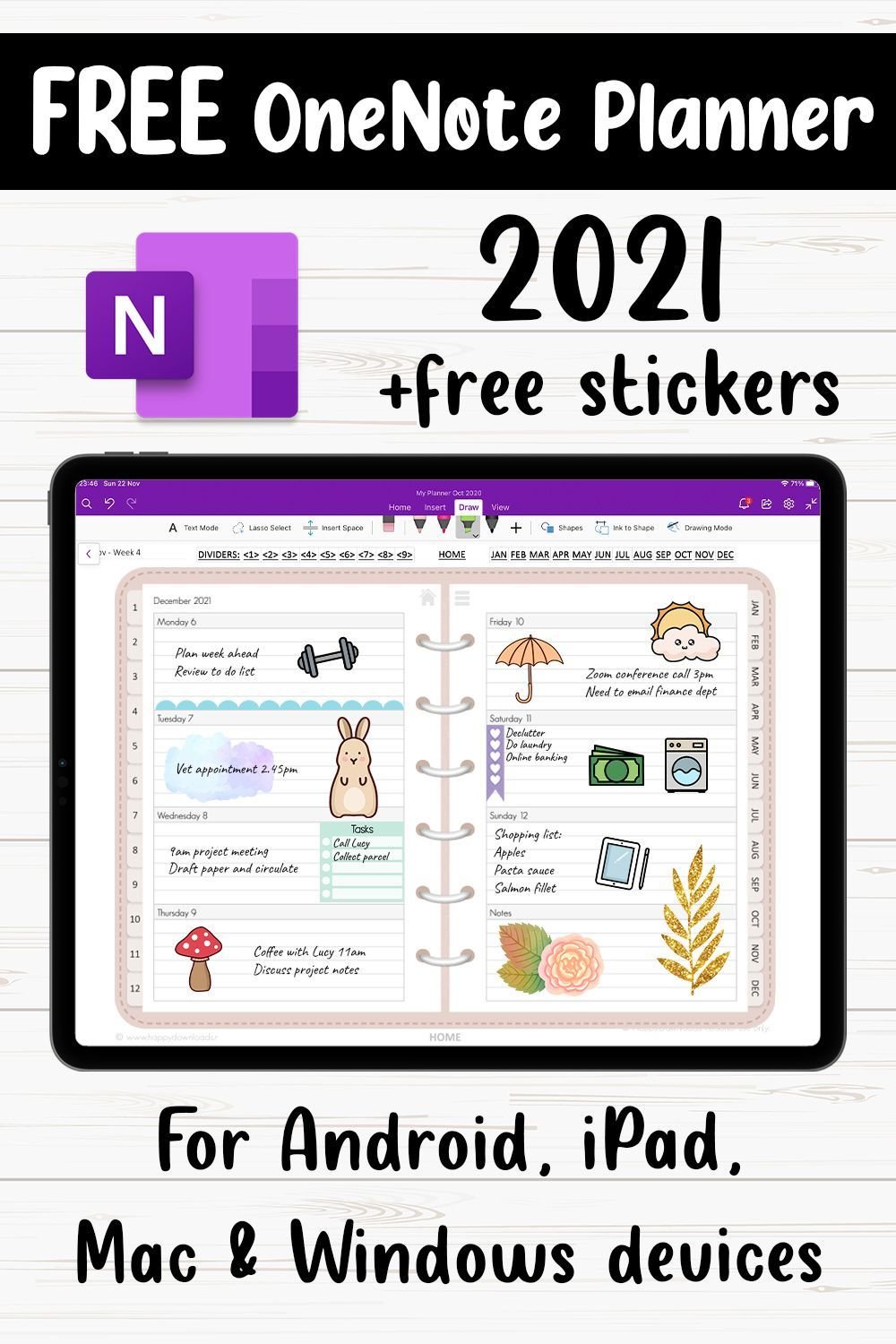
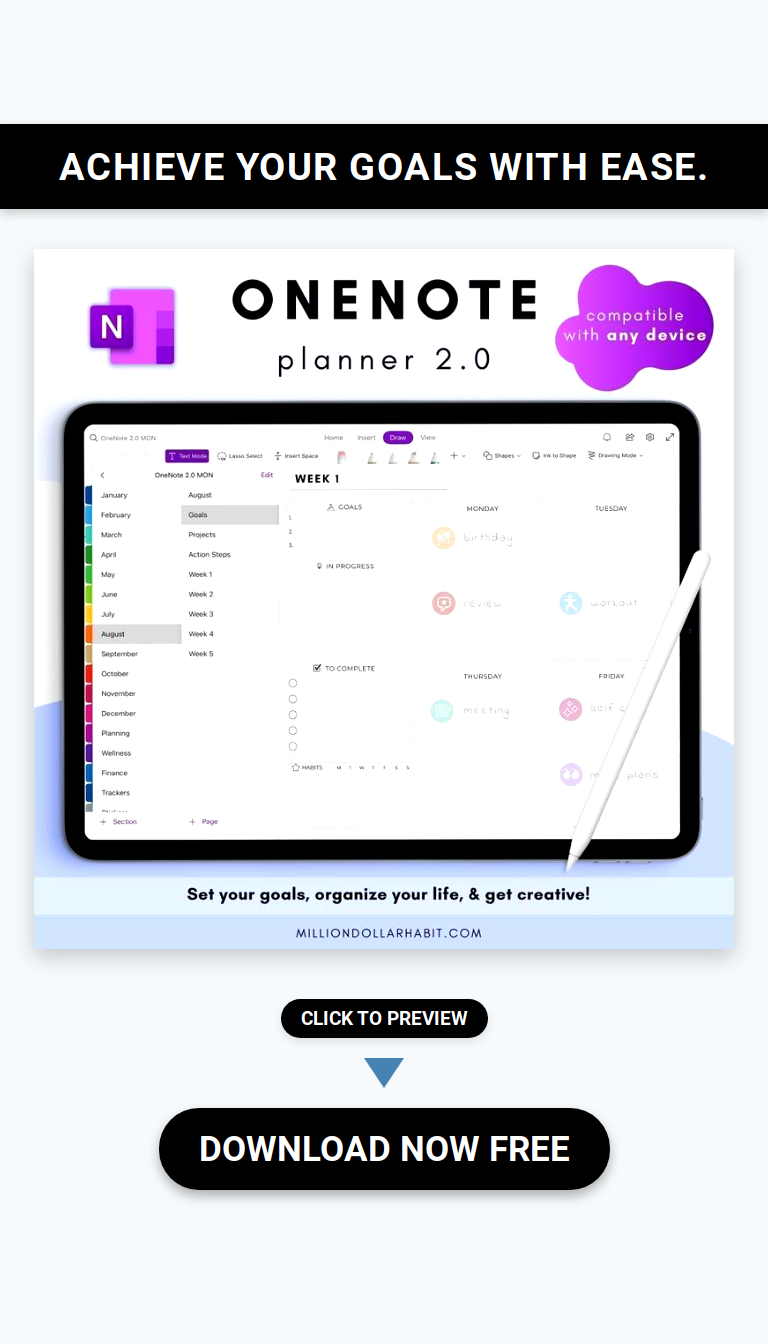
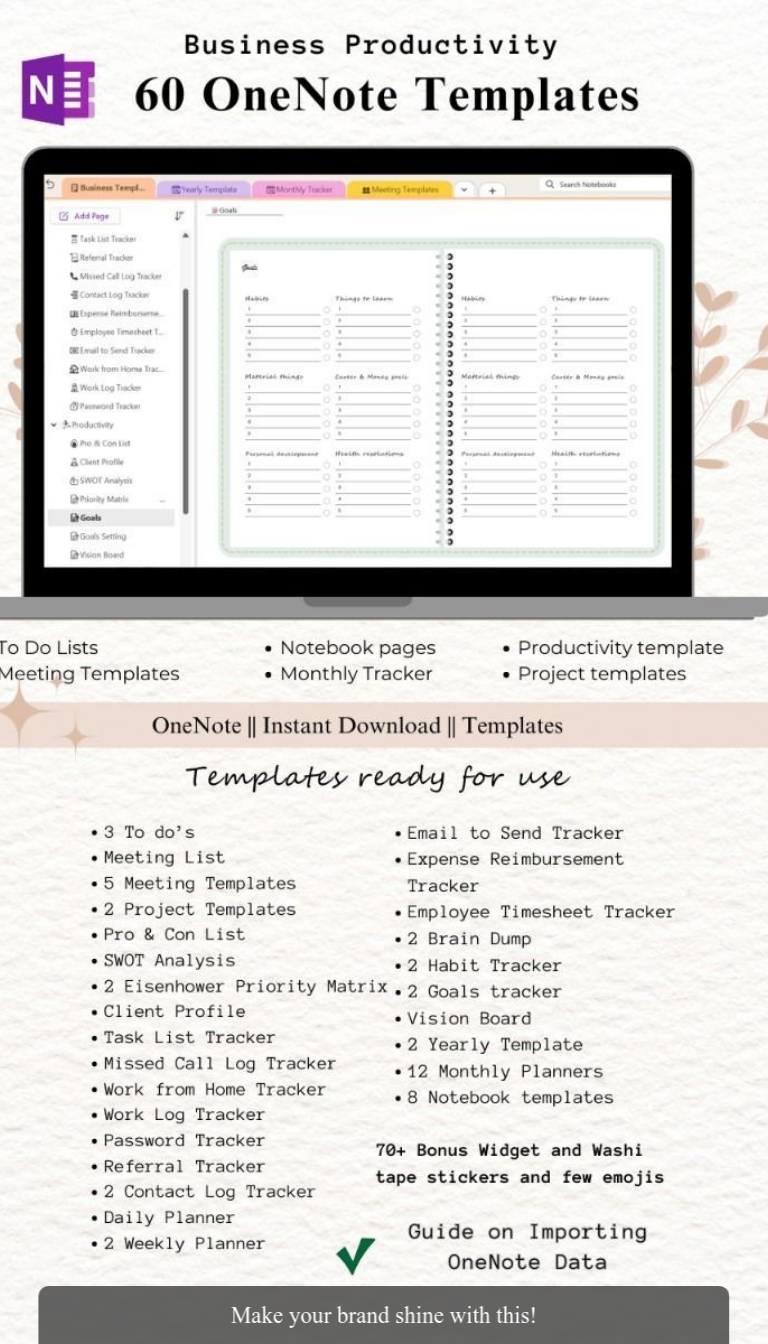
There's a diverse selection of onenote daily planner templates available for letter size, catering to various preferences and needs. From simple to-do lists to comprehensive daily planners, you can find templates that suit your productivity style. For a closer look at something similar, my post on free invoice template reddit editable covers the details.
Capig Printable offers a range of onenote daily planner templates in letter size, with 24 free options to choose from. These are ready to print and use, making them a convenient choice. You can also compare this directly with photography follow up xlsx free printable to see how they stack up.
Another popular option is the FREE Template for inserting different paper sizes into OneNote, including letter size. This template provides a flexible solution for those who need to work with various page formats. If you want another perspective, check out my notes on garabatoz a helping wing free printable as well.
Sizing and Specifications
When it comes to onenote templates free letter size, understanding the dimensions is key. Letter size, also known as US Letter, measures 8.5 inches by 11 inches (215.9 mm x 279.4 mm). This standard size is widely used in North America and is compatible with most printers and office equipment. For a closer look at something similar, my post on free printable gratitude worksheets grade 1 covers the details.
Materials and Styling
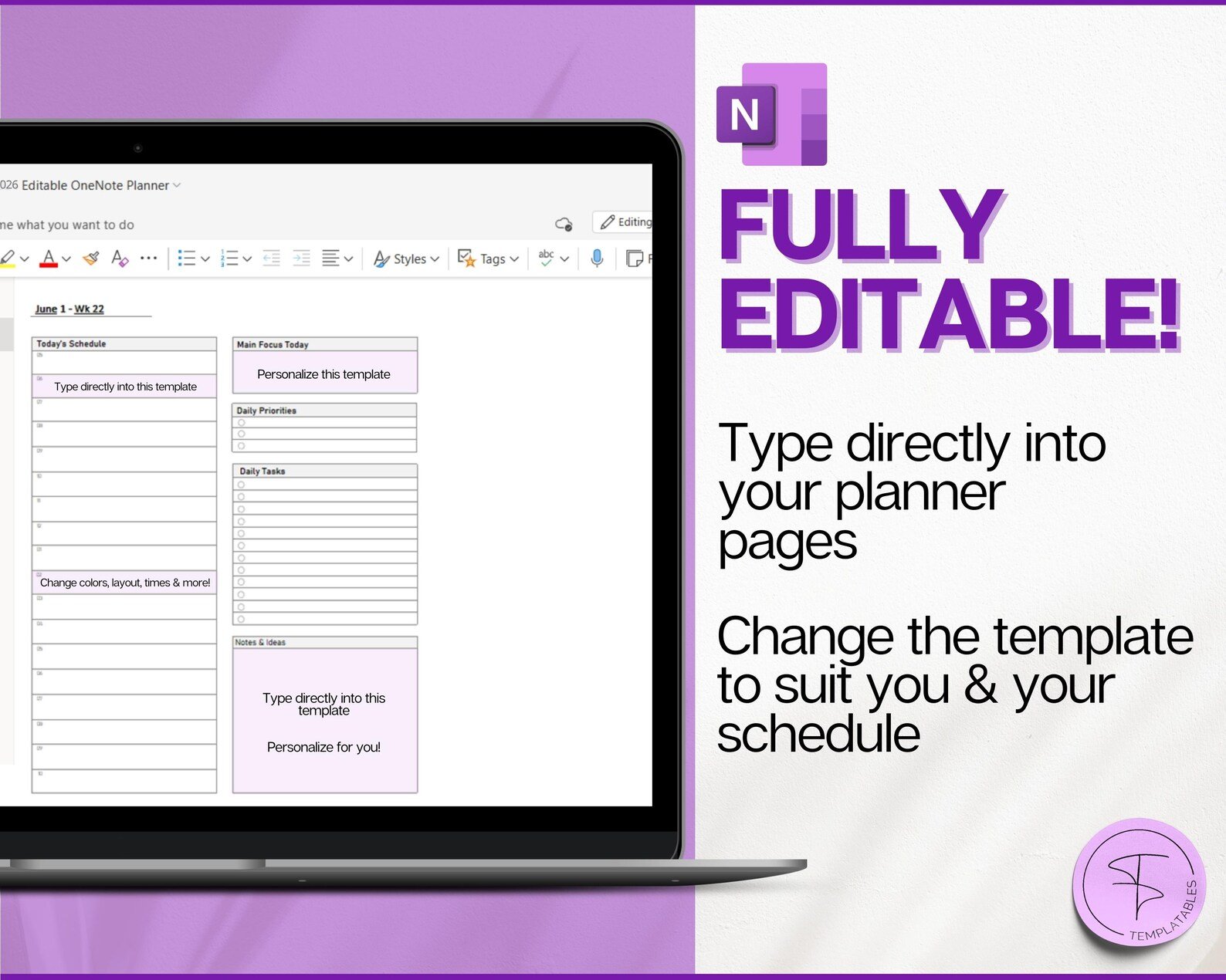
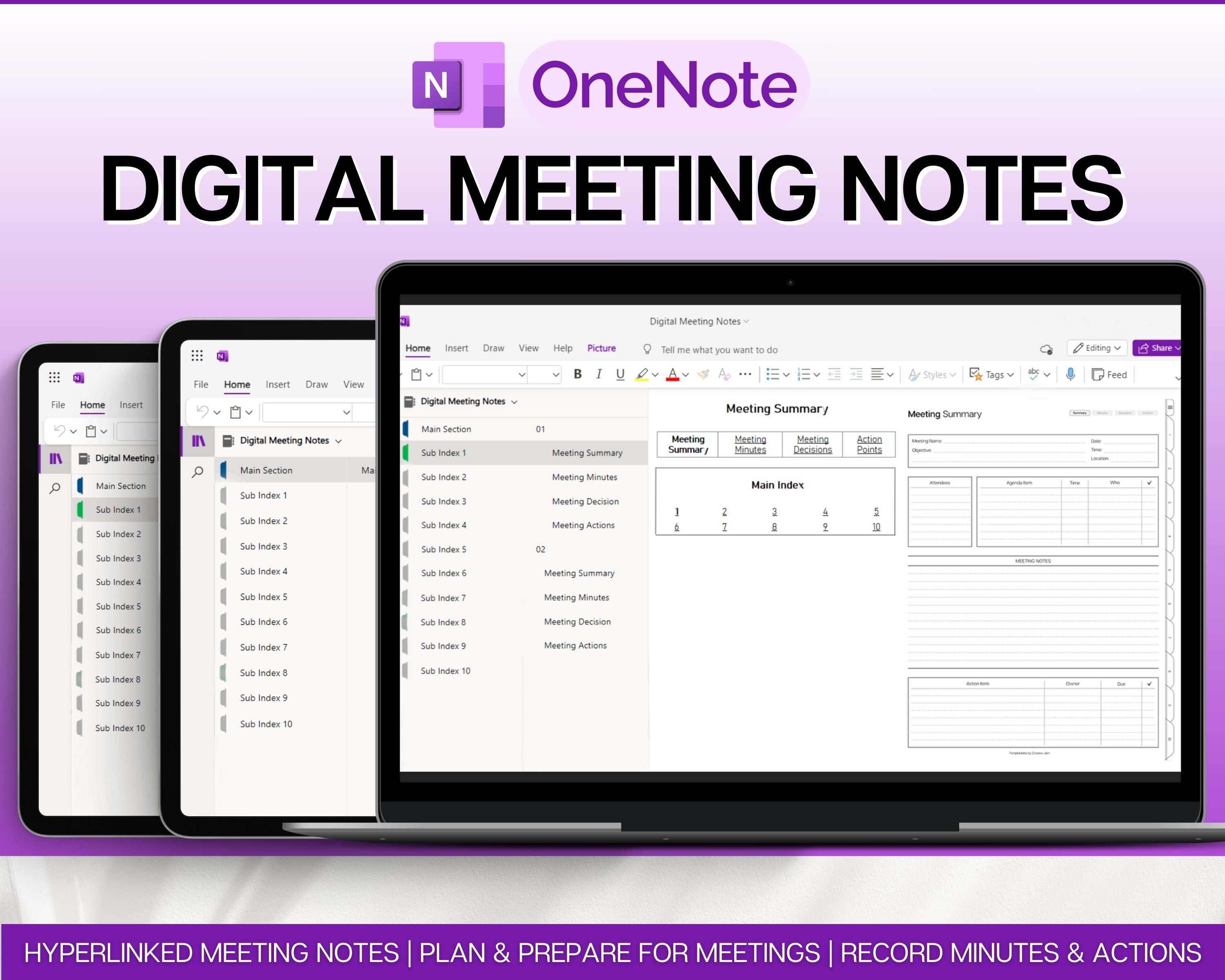
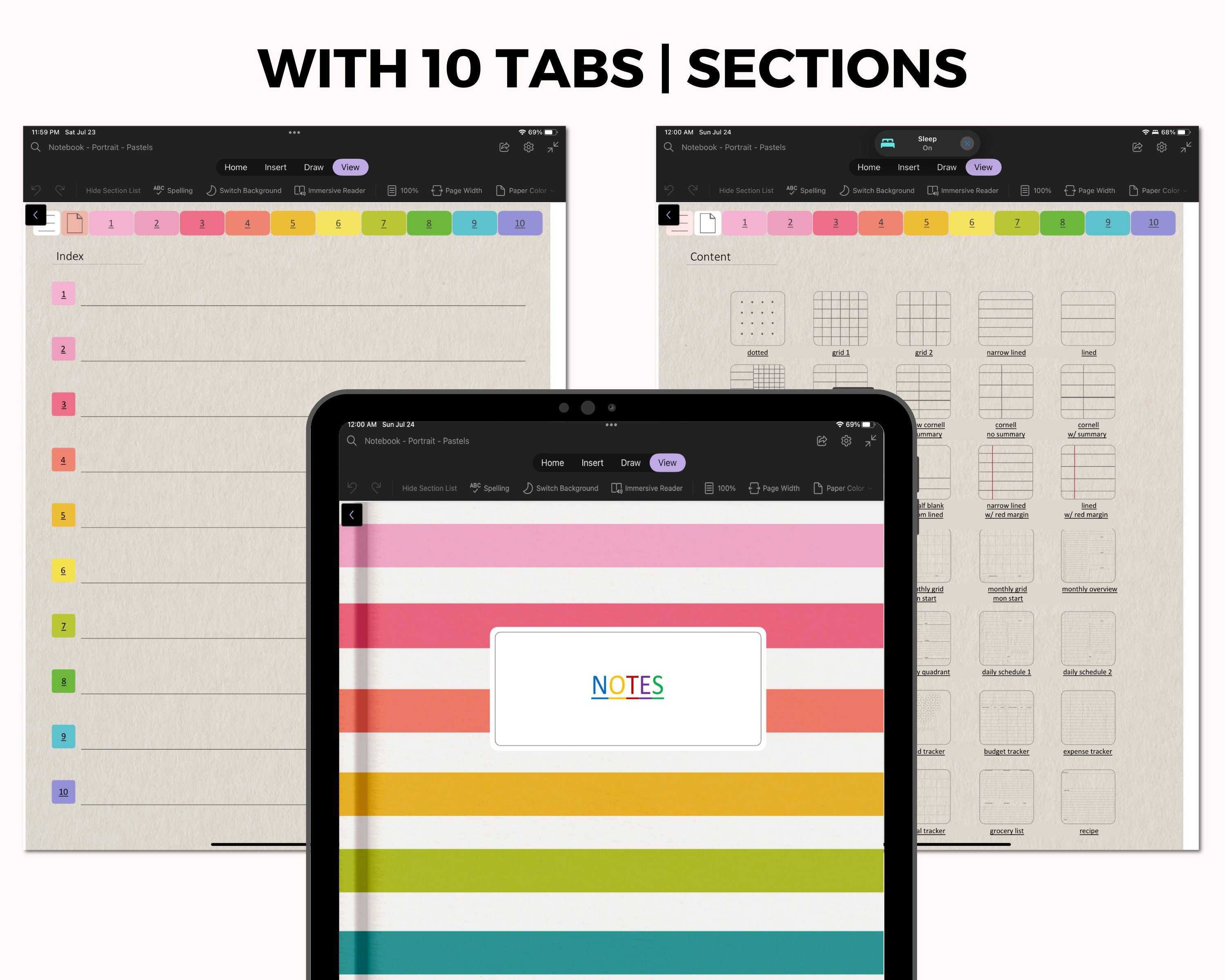
The templates themselves are typically digital, but the beauty of OneNote is that you can customize and personalize them to your heart's content. You can add your own branding, colors, and fonts to match your style or brand guidelines. You can also compare this directly with pixelated color by number game free printable to see how they stack up.
Placement and Usage
Onenote templates free letter size are versatile and can be used in various settings. Whether you're a student, professional, or simply someone who loves organization, these templates can be tailored to fit your needs.
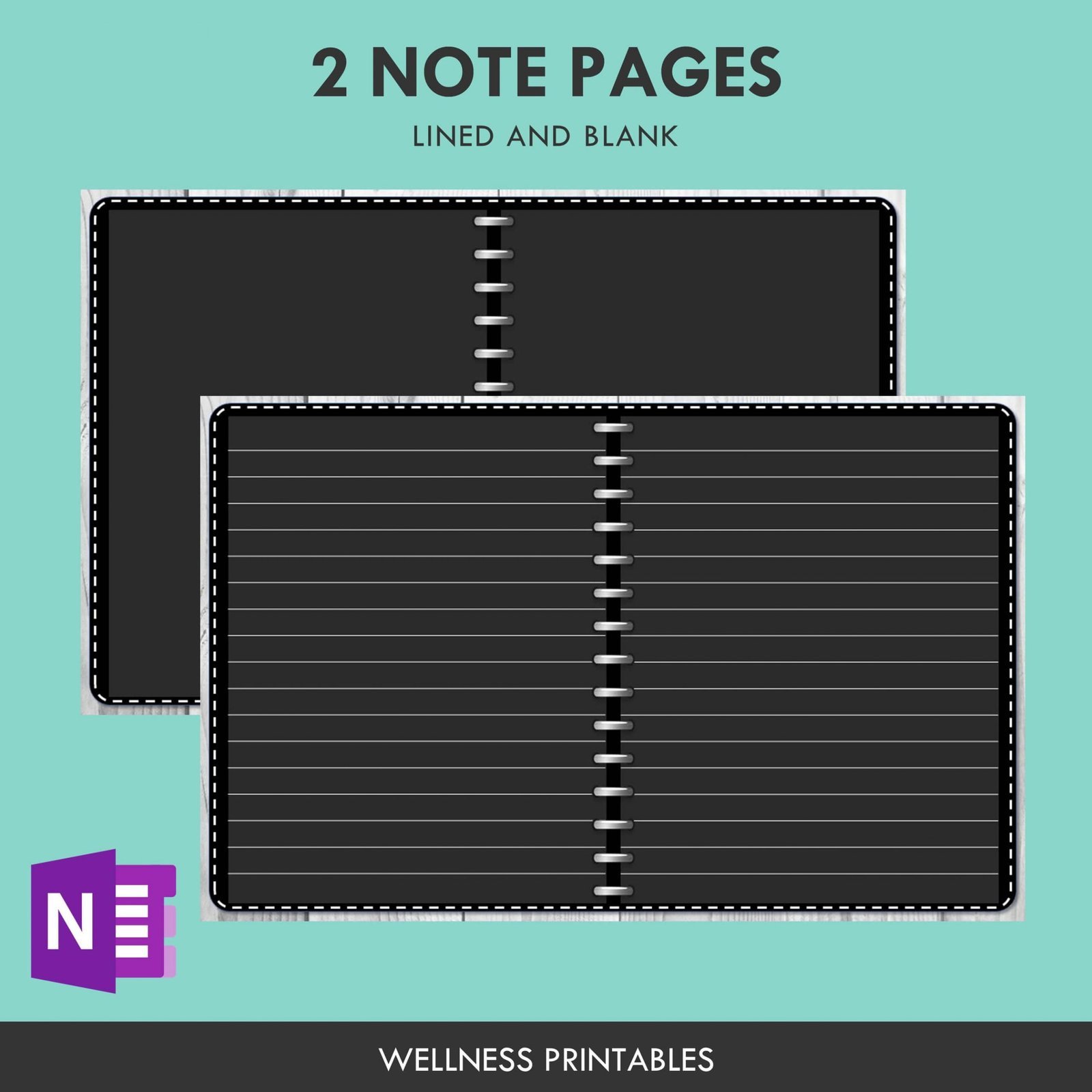
- Students can use letter-sized templates for class notes, homework planning, and project management.
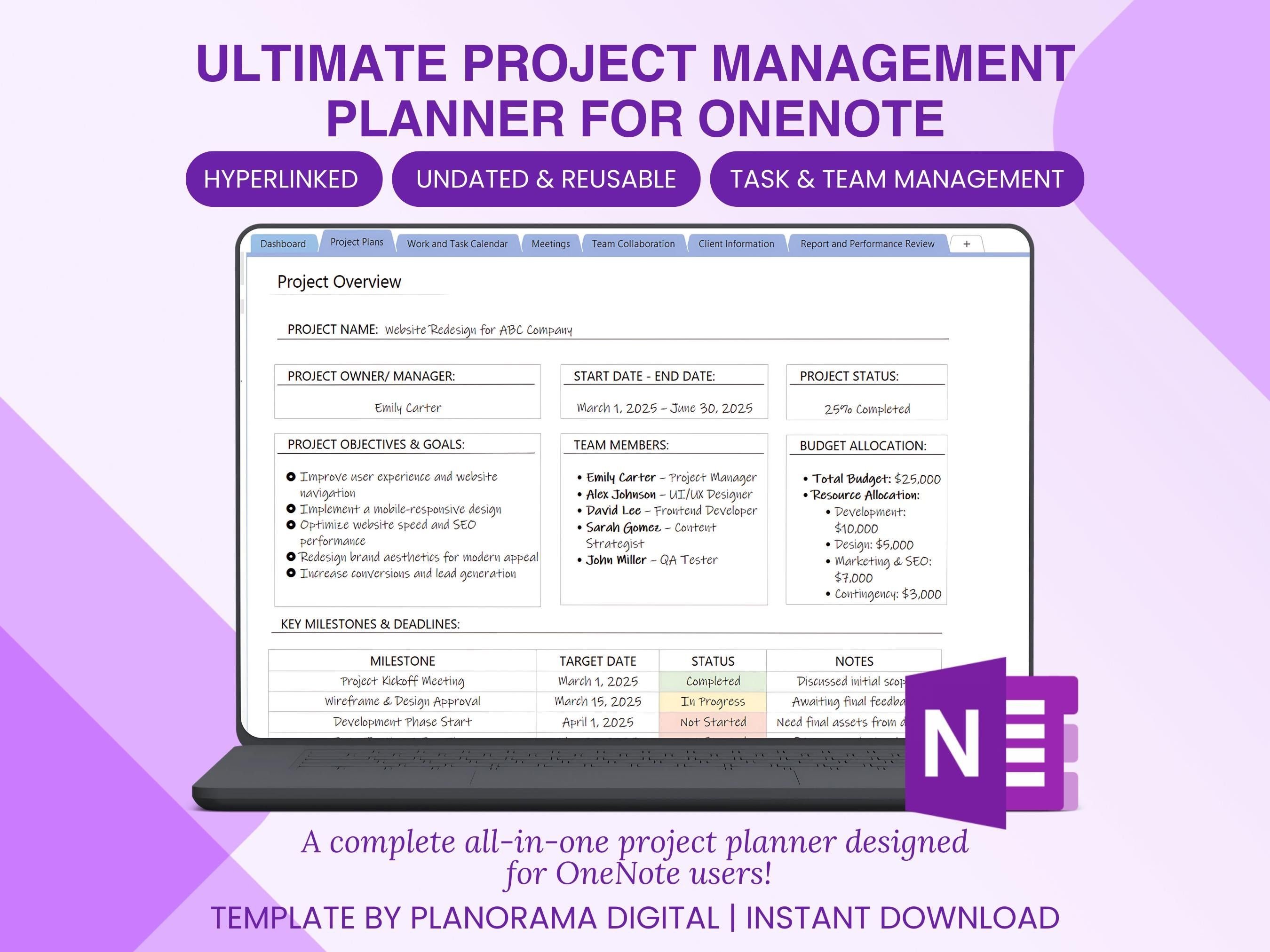
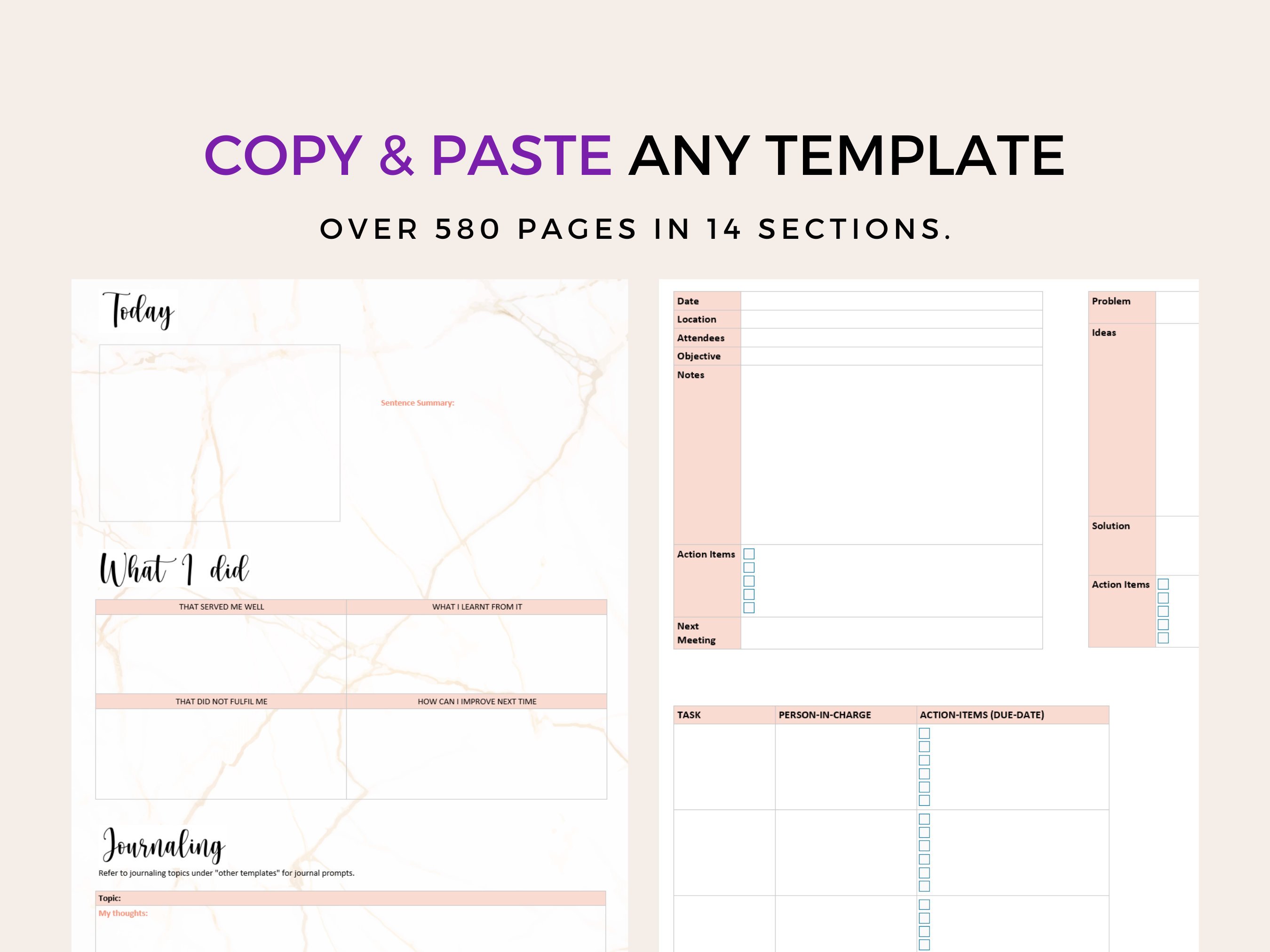
- Professionals can benefit from structured to-do lists, meeting agendas, and project tracking templates.
- For personal use, these templates can help with meal planning, budgeting, and goal tracking.
What to Check Before Downloading or Creating
Before you dive into using onenote daily planner templates, here are a few things to consider:
- Compatibility: Ensure your version of OneNote supports the template you wish to use.
- Printability: If you plan to print your templates, check the print settings and ensure your printer supports letter size.
- Customization: Explore the customization options within OneNote to see how you can personalize the template to your liking.
For more template inspiration and to explore other sizes, check out free event planning checklist template blank and free fillable PDF invoice templates.