




Photography Follow Up XLSX Editable: Practical Solutions
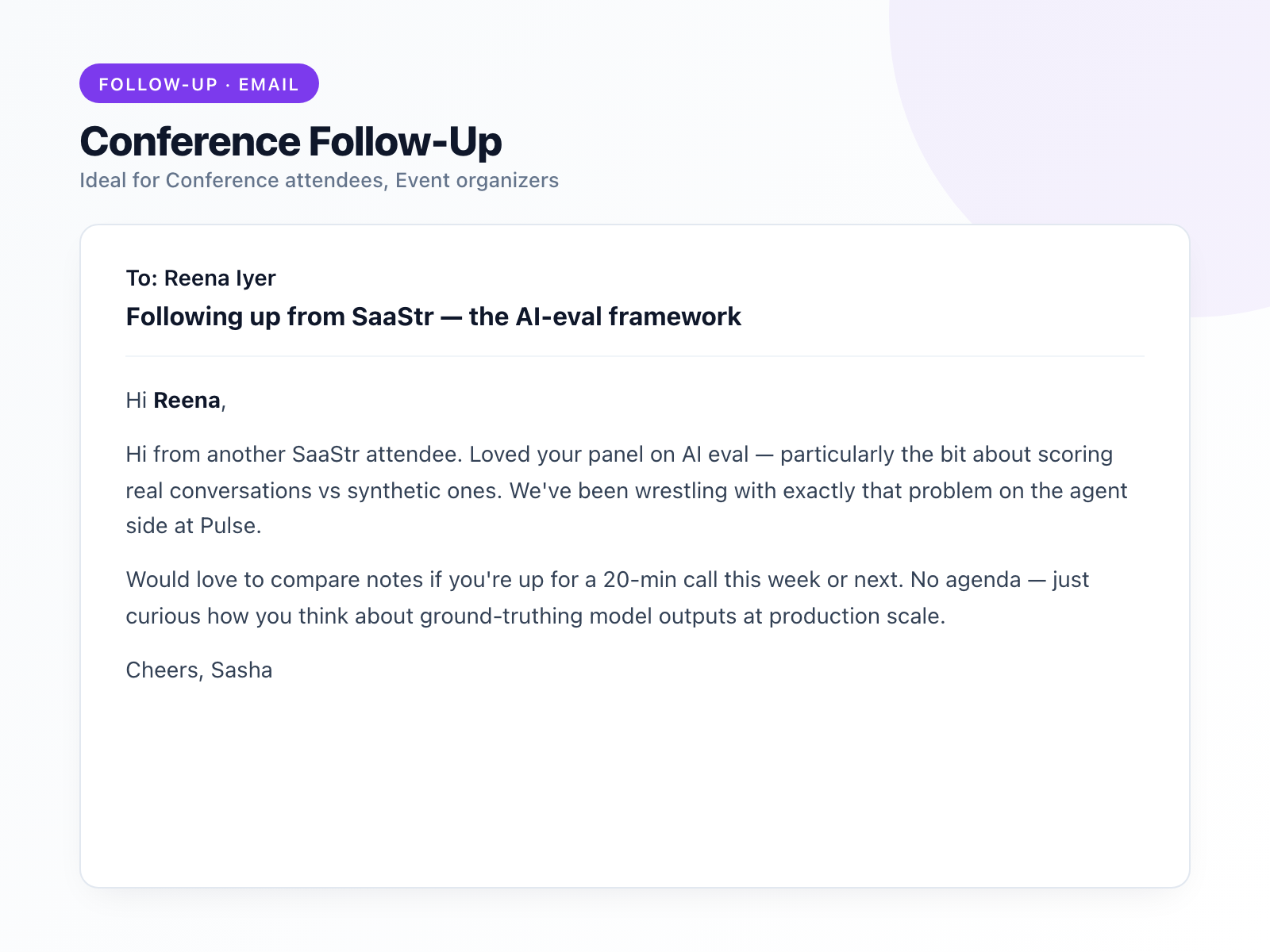
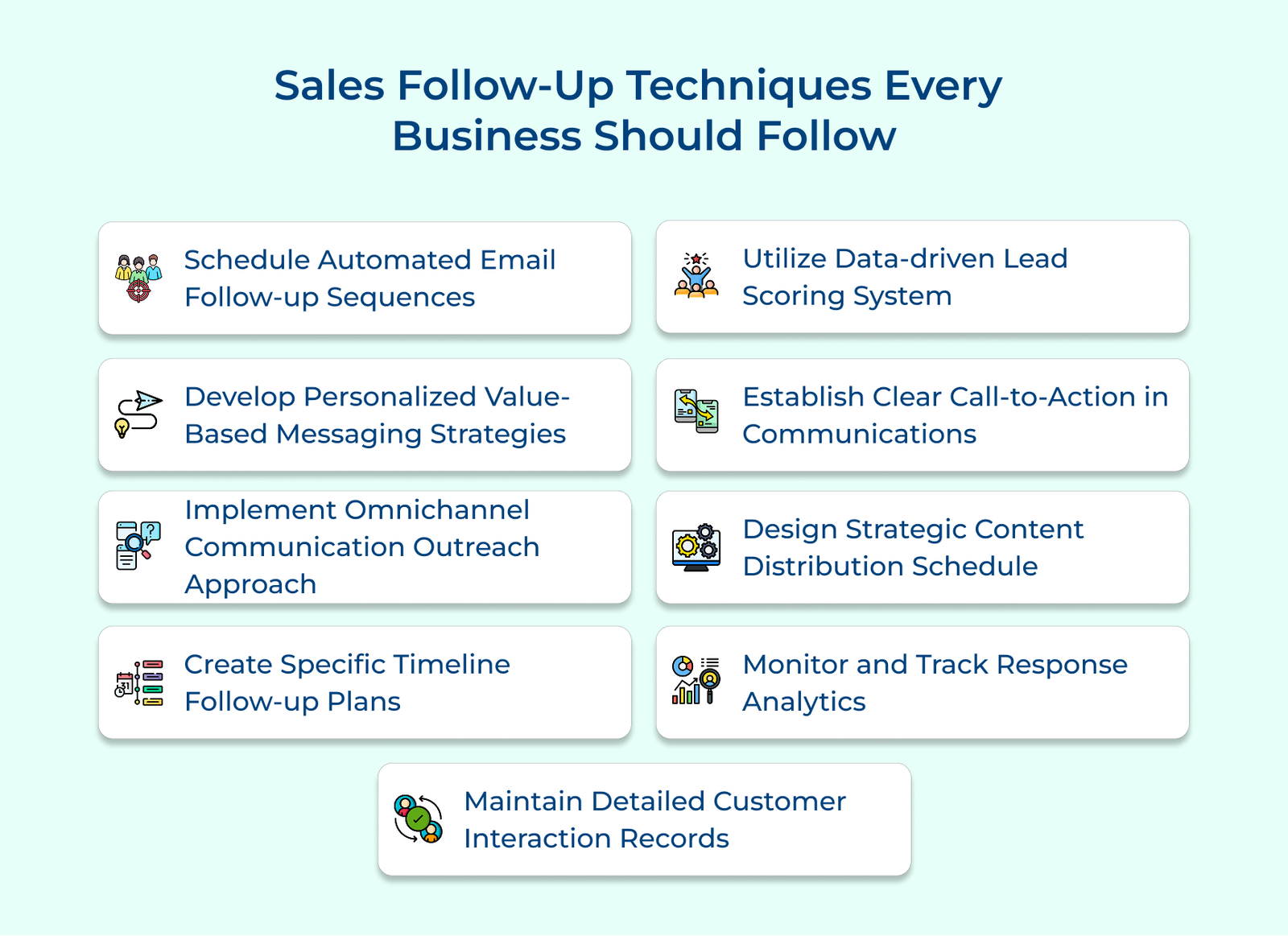
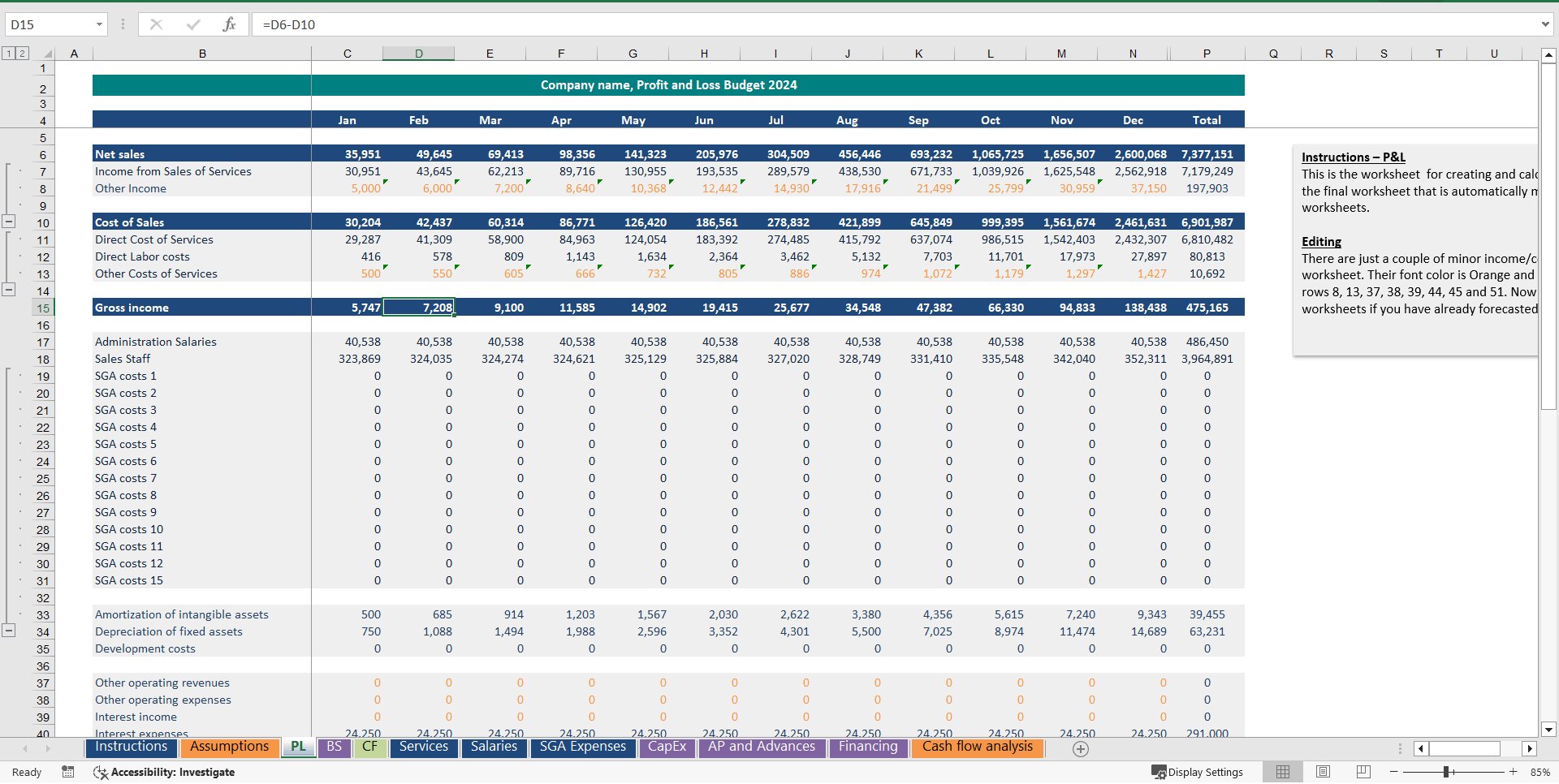
A photography follow-up XLSX spreadsheet is an invaluable tool for photographers to streamline their workflow and client management. When looking into photography follow up xlsx editable, the details quickly stand out. These editable templates offer a structured approach to tracking leads, managing budgets, and staying organized.
Popular Options and Variations
- Photography Client Spreadsheet: A comprehensive document to store client details, stats, and business data. It's an essential tool for scaling your photography business efficiently.
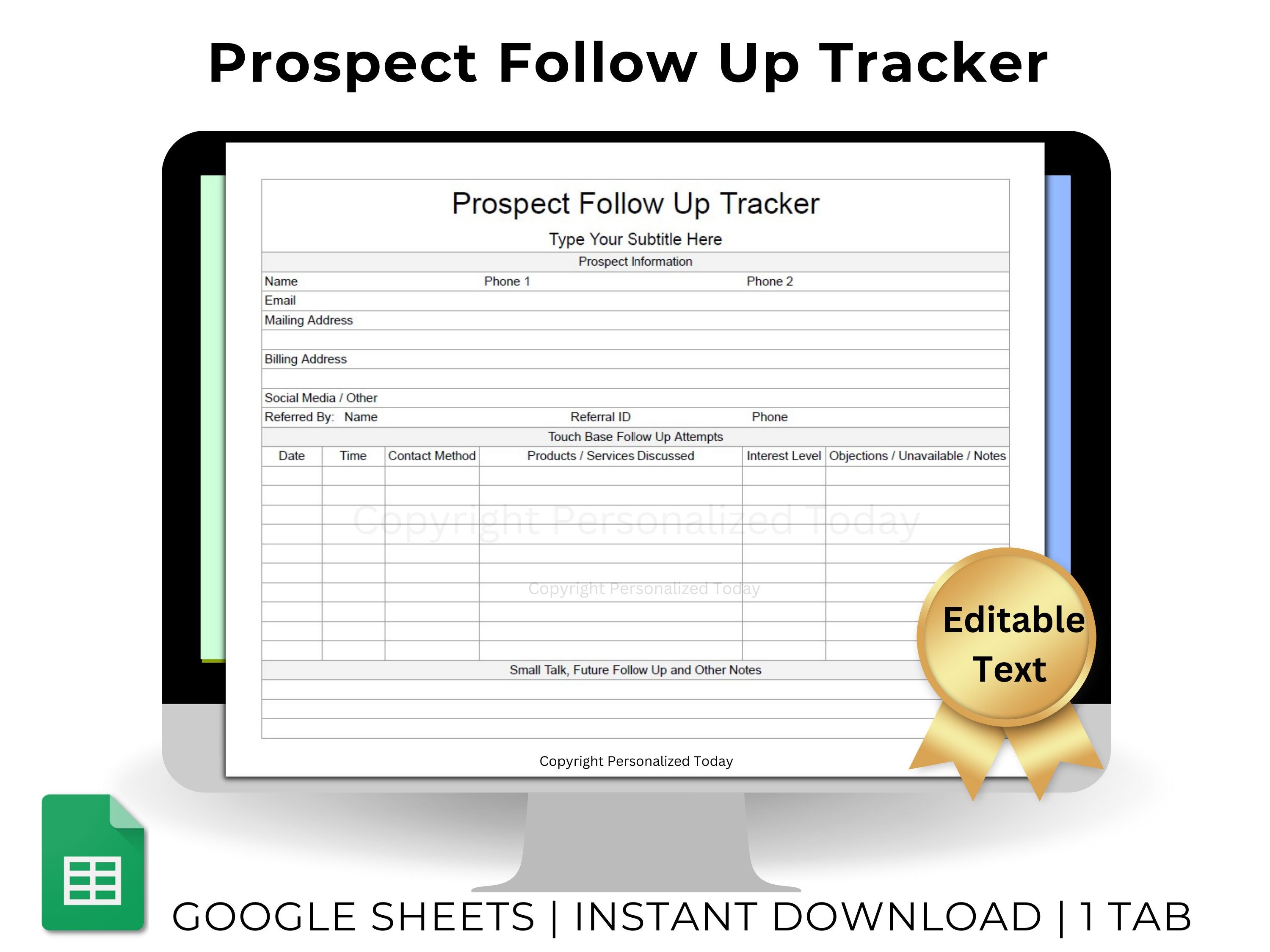
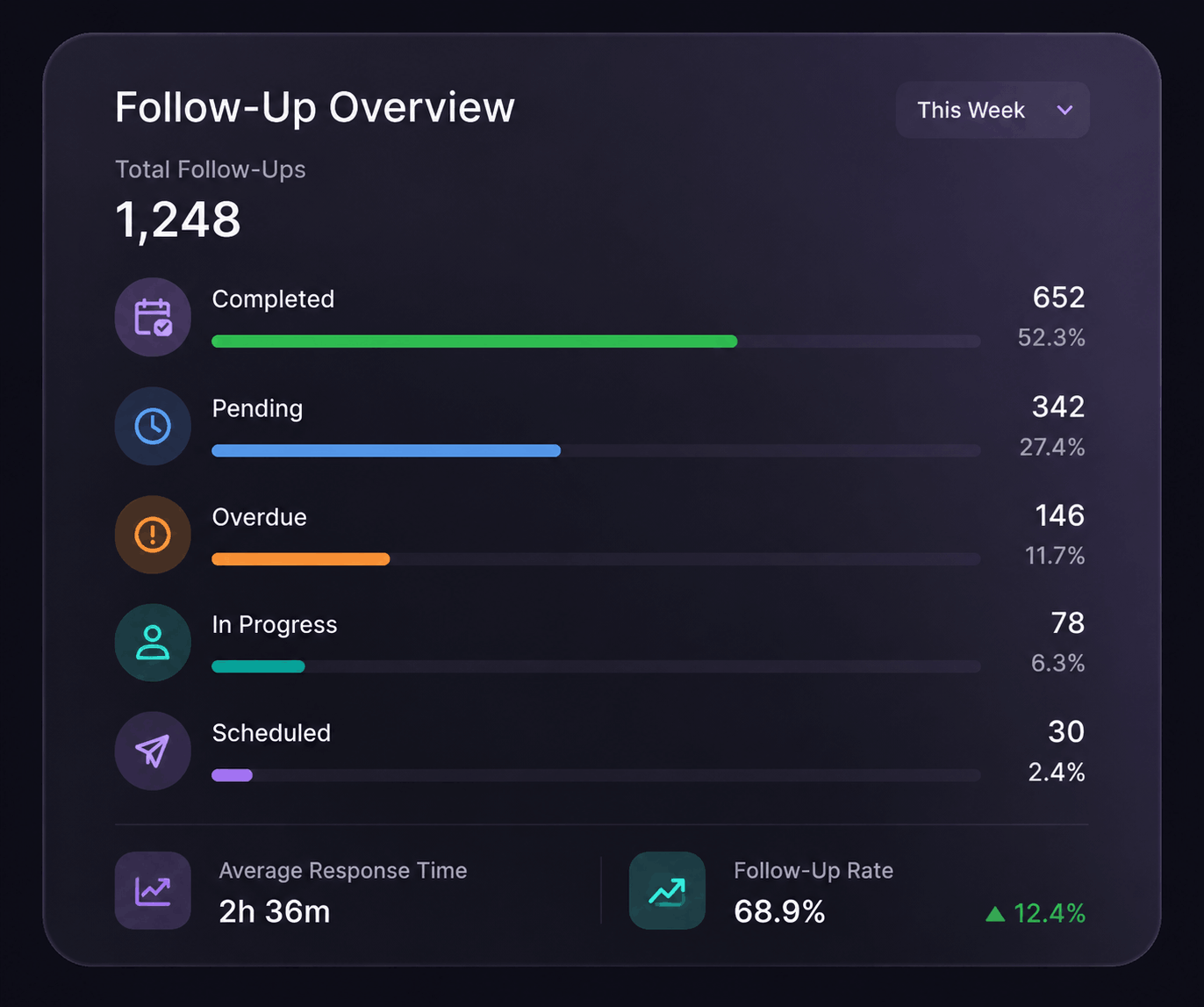
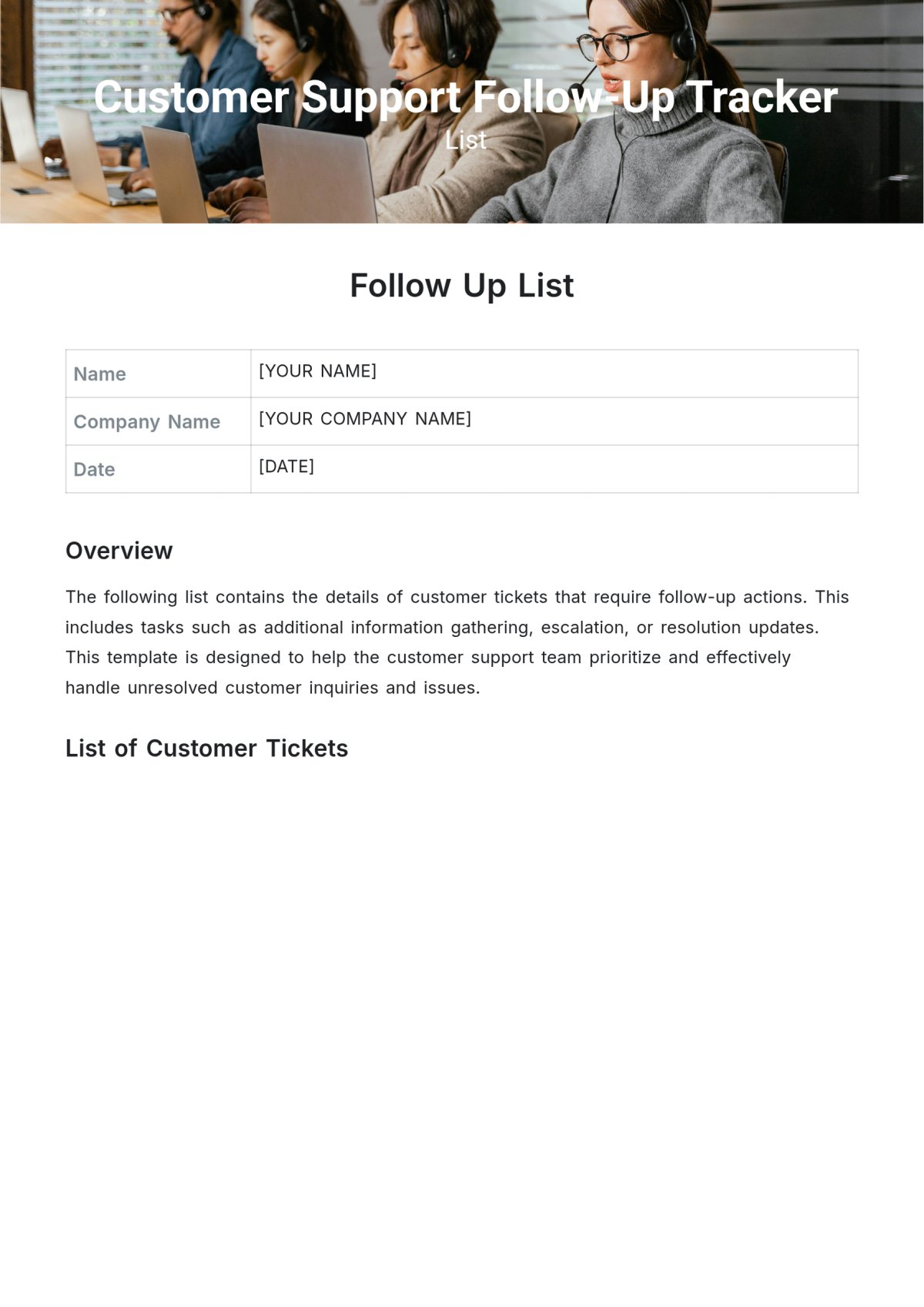
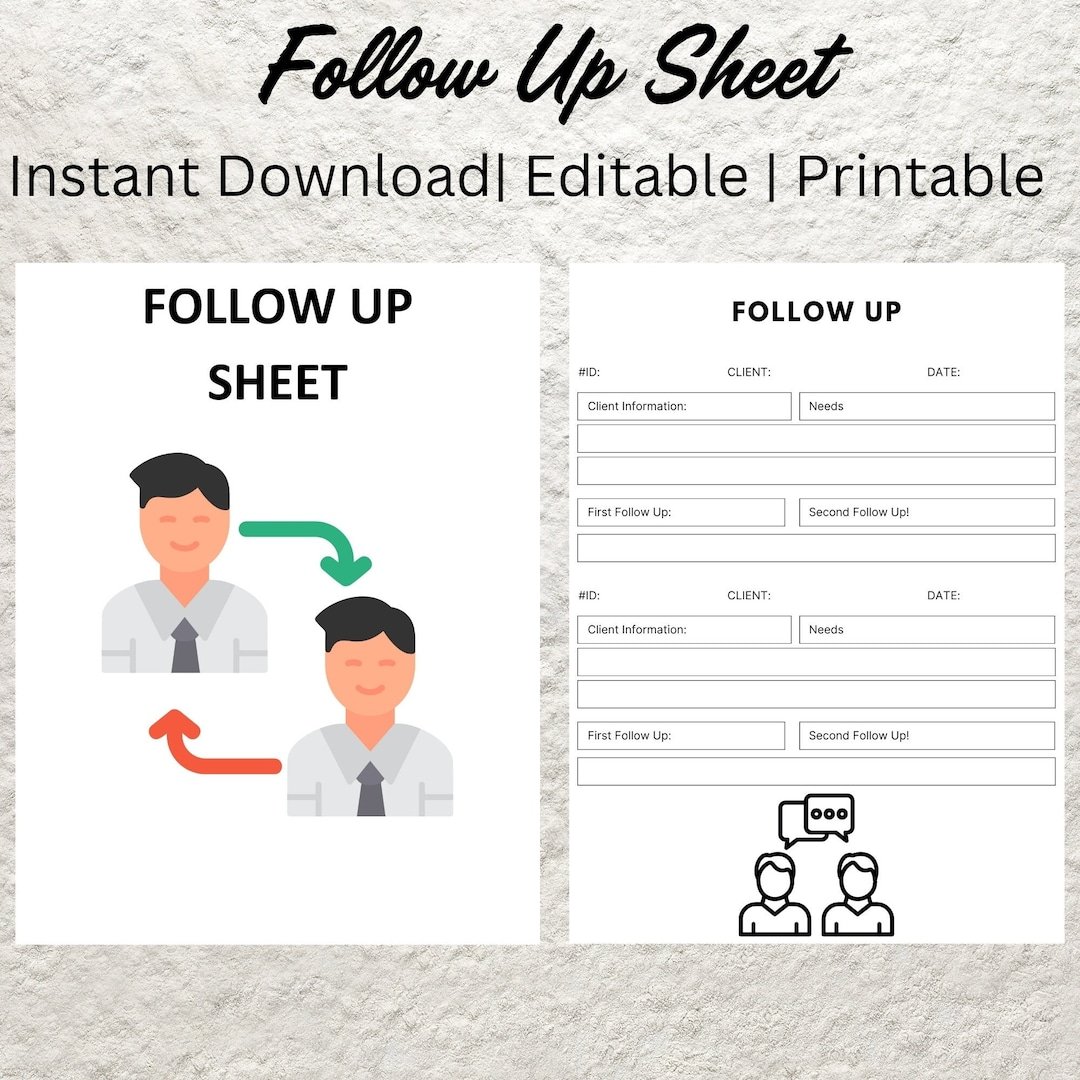
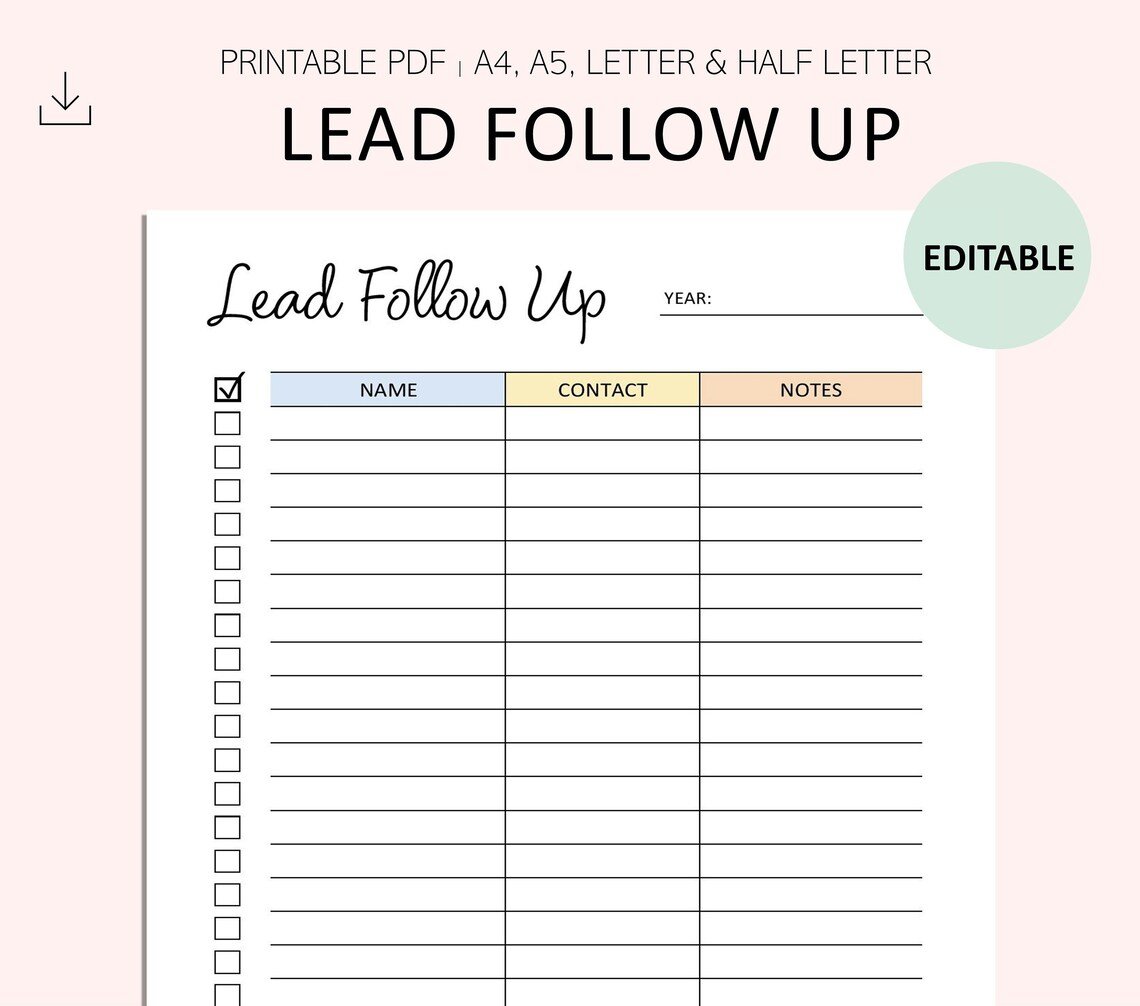
- Follow-Up Tracker Template: This template provides an overview of overdue follow-ups, tasks, and contacts, making it easy to stay on top of your workflow. It's compatible with both Excel and Google Sheets.
- Budget Spreadsheet: Specifically designed for photographers, this template helps monitor income, track cash flow, and manage expenses, ensuring financial control over your business.
Sizing and Specifications
When choosing a photography follow up xlsx editable template, consider the following:

- Sheet Size: Opt for a template that offers flexibility in terms of sheet size. A4 or US Letter formats are commonly used and easily printable.
- Cell Dimensions: Ensure the template has well-proportioned cells to accommodate your data comfortably.
- File Format: Look for templates in popular formats like XLSX or PDF, ensuring compatibility with your preferred software.
Materials and Styling
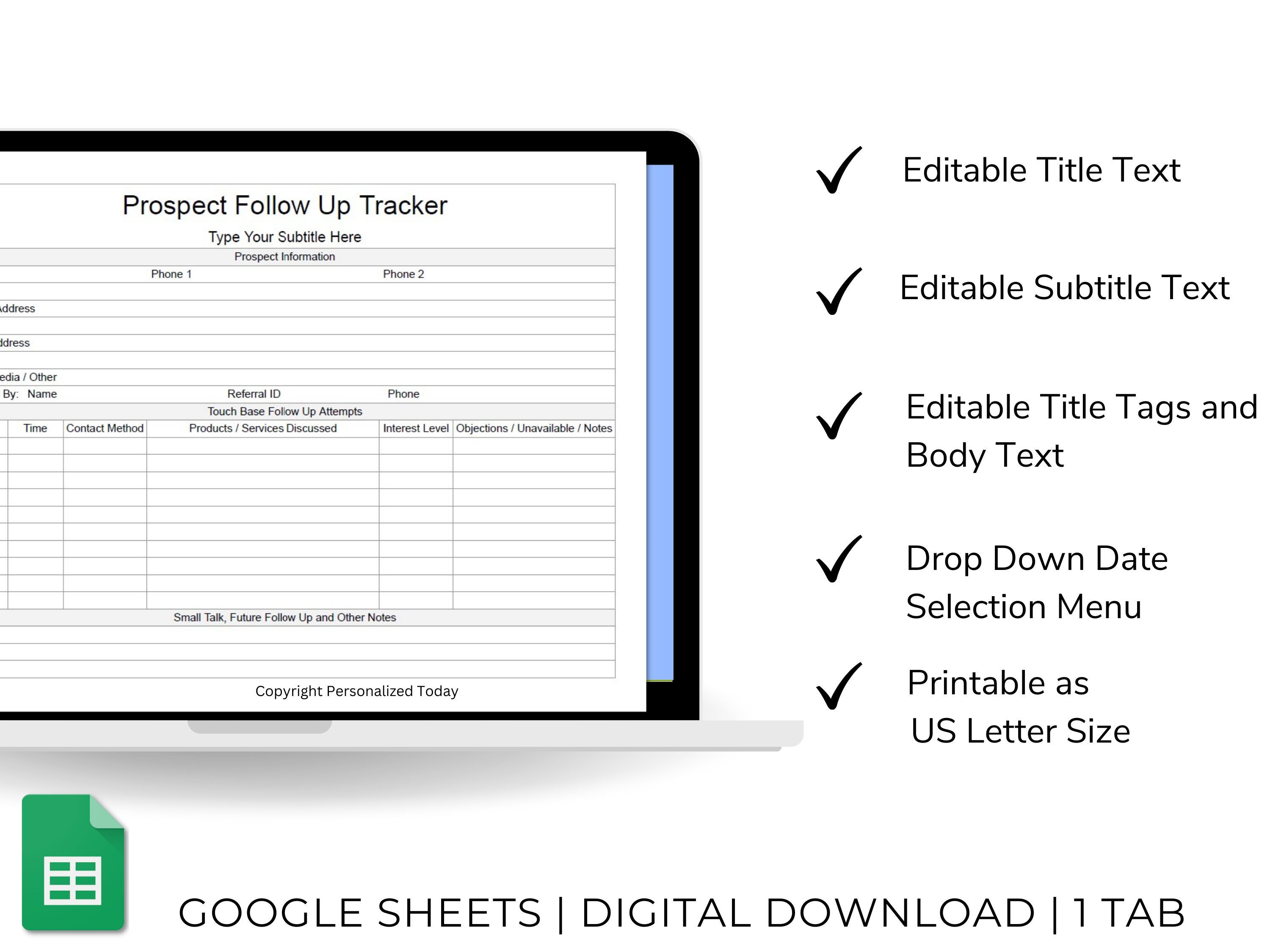
- Editable Templates: Choose templates that are fully customizable, allowing you to input your data and apply calculations effortlessly.
- Professional Design: Opt for templates with a clean, professional look, ensuring a polished appearance for your business.
- Print Quality: Select templates designed for high-resolution printing, ensuring clear and readable output.
Placement and Usage
- Desktop Access: Keep your photography follow up xlsx editable template easily accessible on your desktop for quick reference and updates.
- Cloud Storage: Consider storing your template in the cloud, allowing access from multiple devices and ensuring backup and security.
- Mobile Compatibility: Some templates are optimized for mobile devices, providing on-the-go access and updates.
What to Check Before Downloading or Creating
- Compatibility: Ensure the template is compatible with your preferred software, whether it's Excel, Google Sheets, or other programs.
- Customization: Check if the template is fully editable, allowing you to tailor it to your specific needs.
- Free vs. Paid: Decide whether a free template meets your requirements or if investing in a premium template offers additional features and support.
Additional Resources
- For a free, printable option, explore our photography follow up xlsx free printable guide.
- Need a quick and easy solution? Check out our photography follow up xlsx easy template.
- Stay organized with our photography follow up xlsx sheet template, designed for efficient client management.
- Keep up with the latest trends with our photography follow up xlsx 2026 template, offering a modern approach.