Professional Estimate Template Free: A Practical Guide
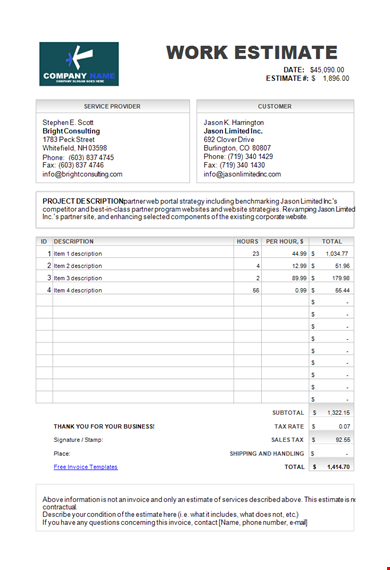
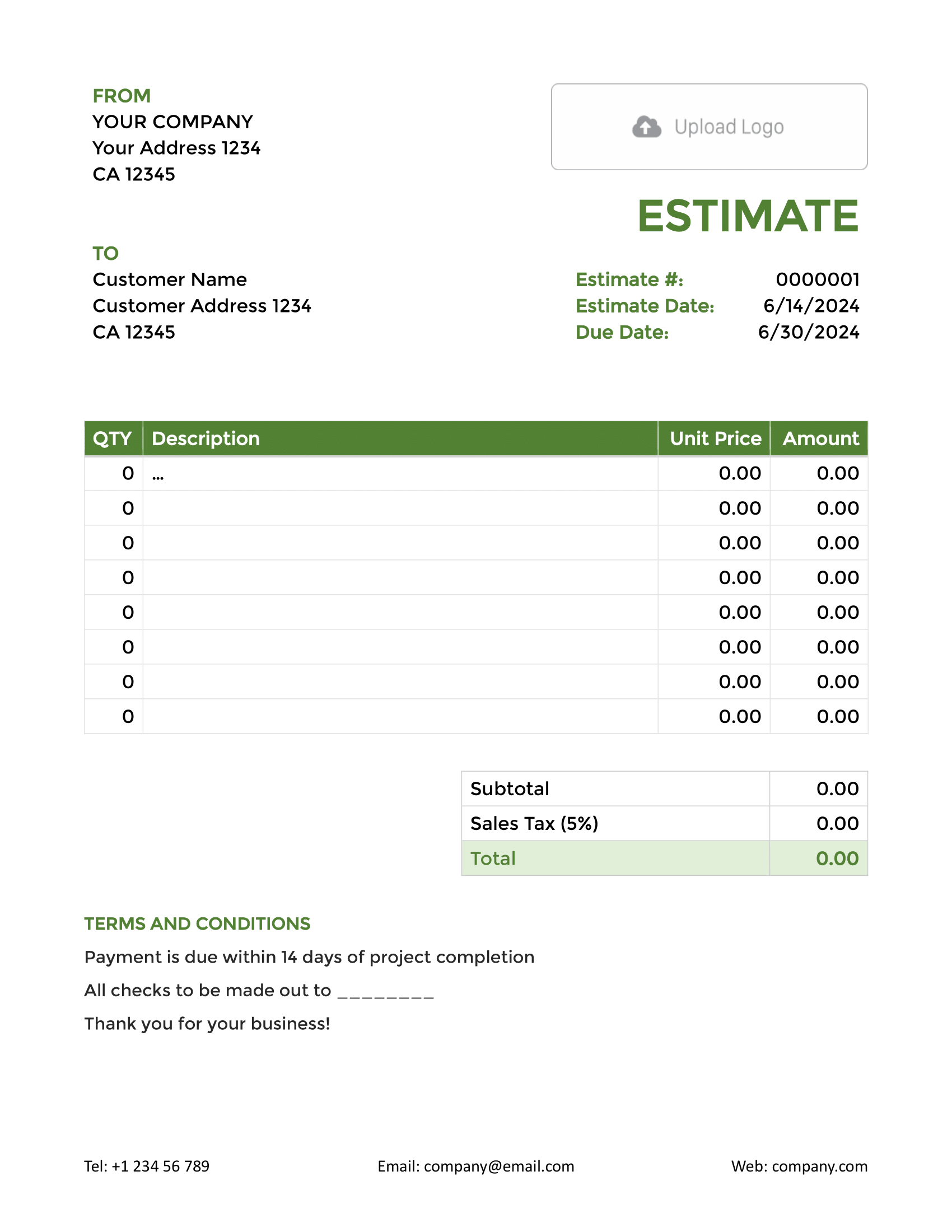
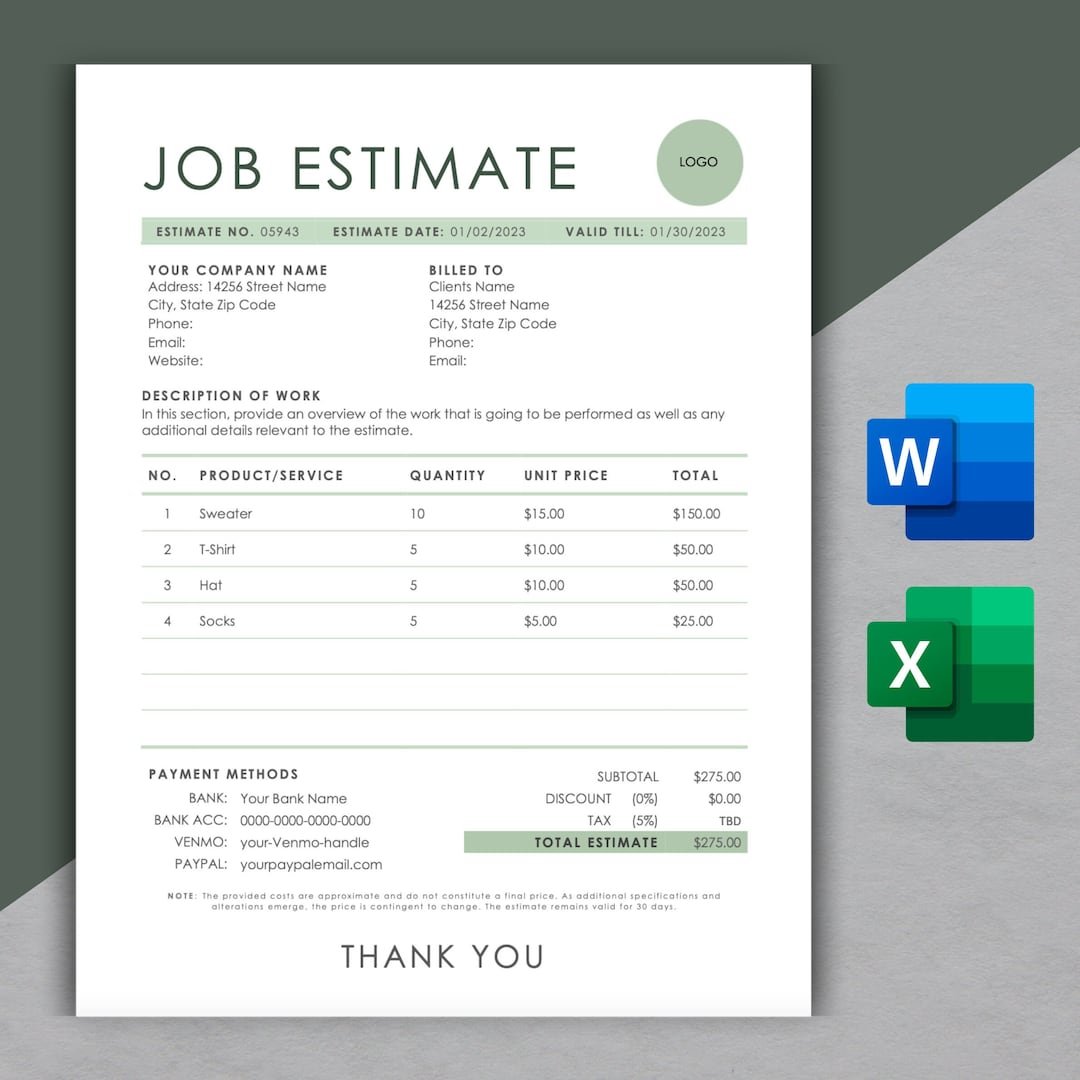
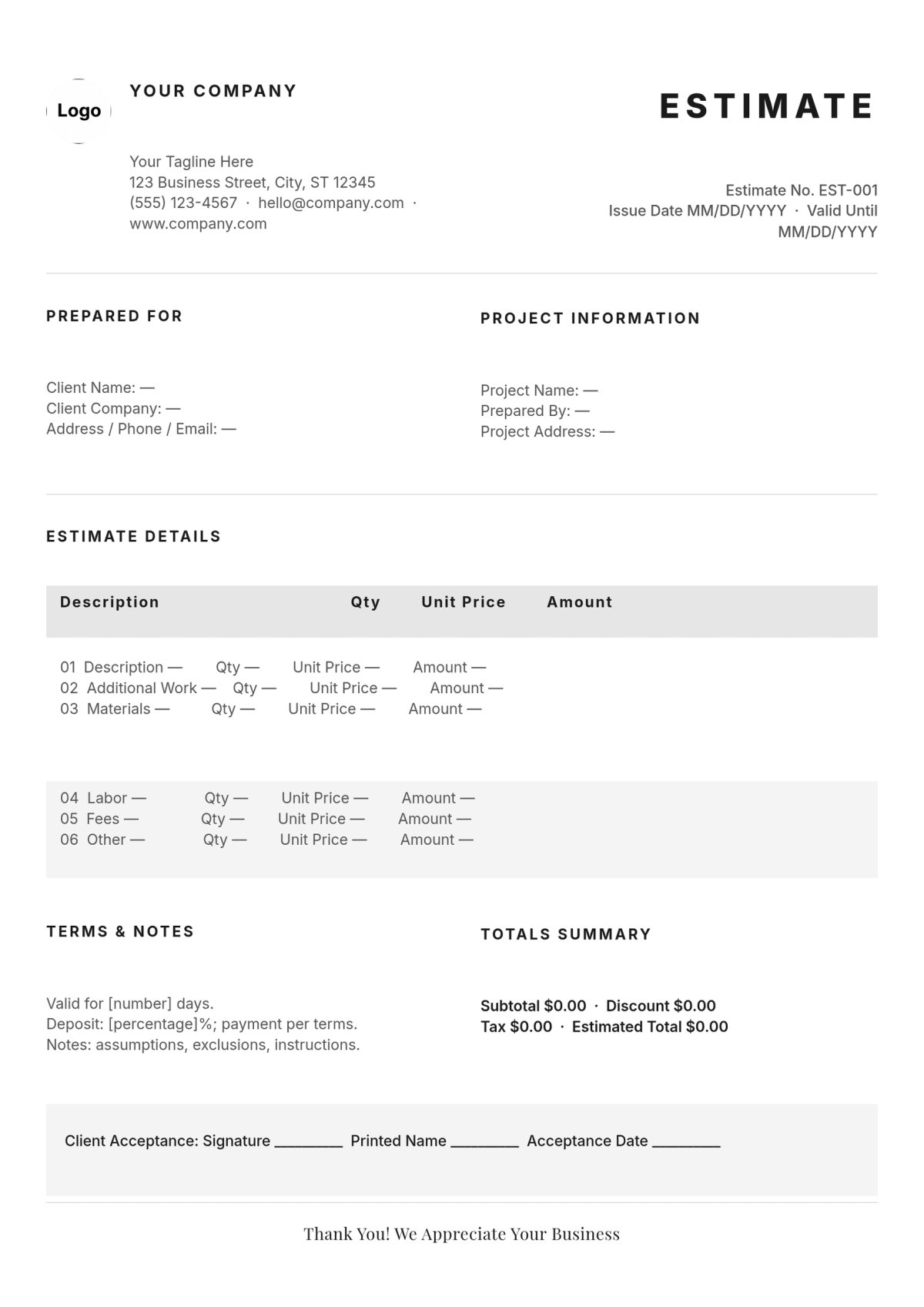
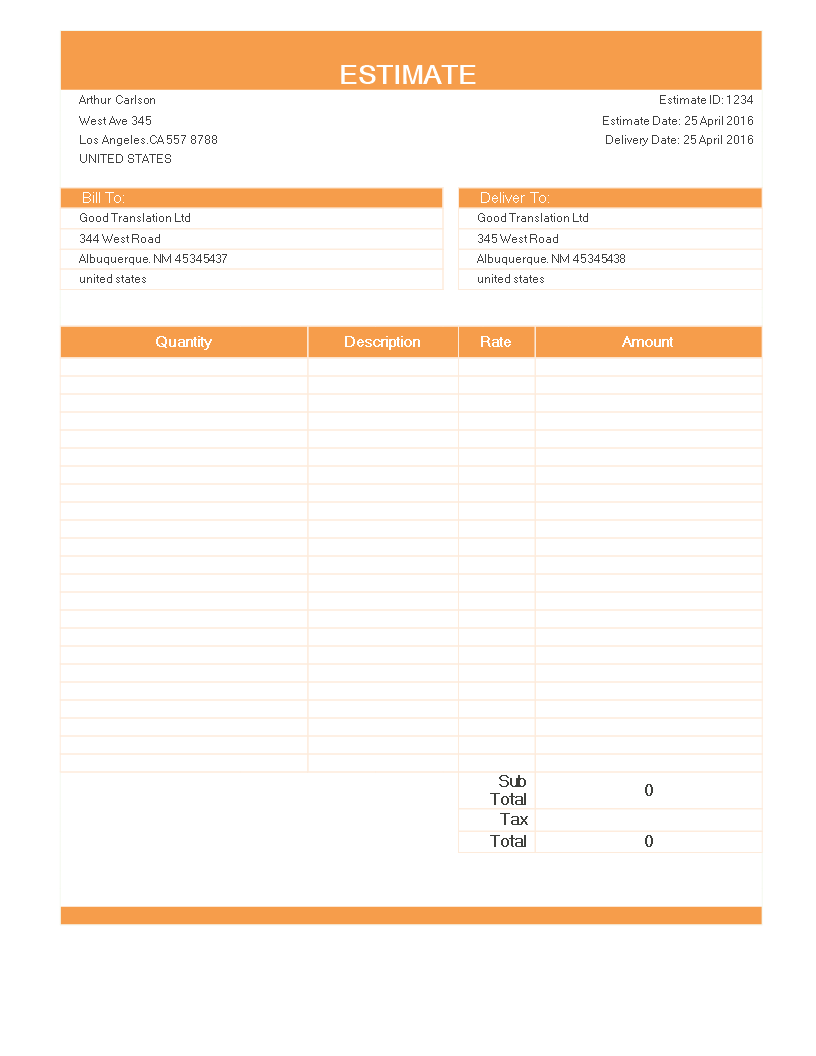
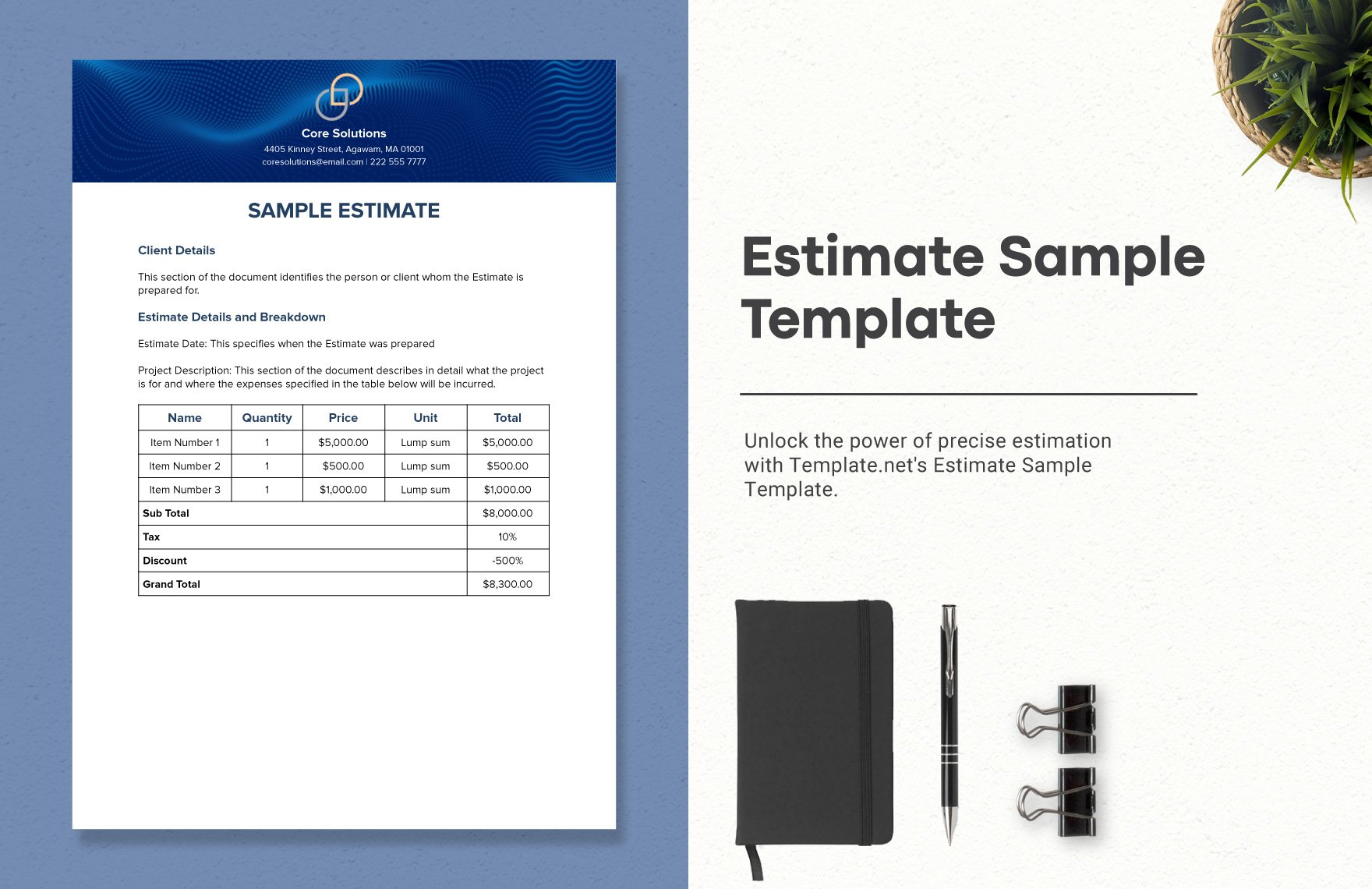
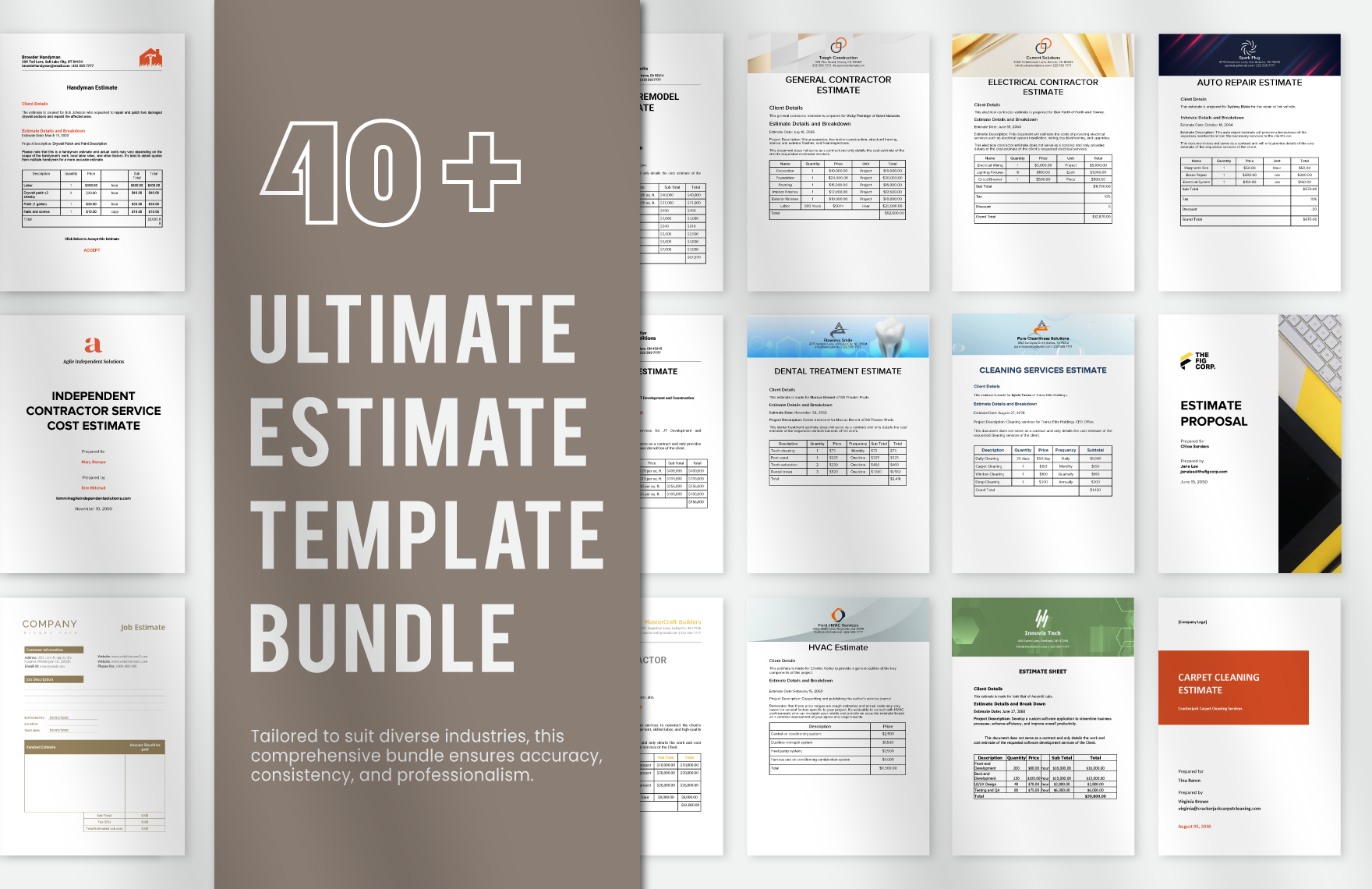
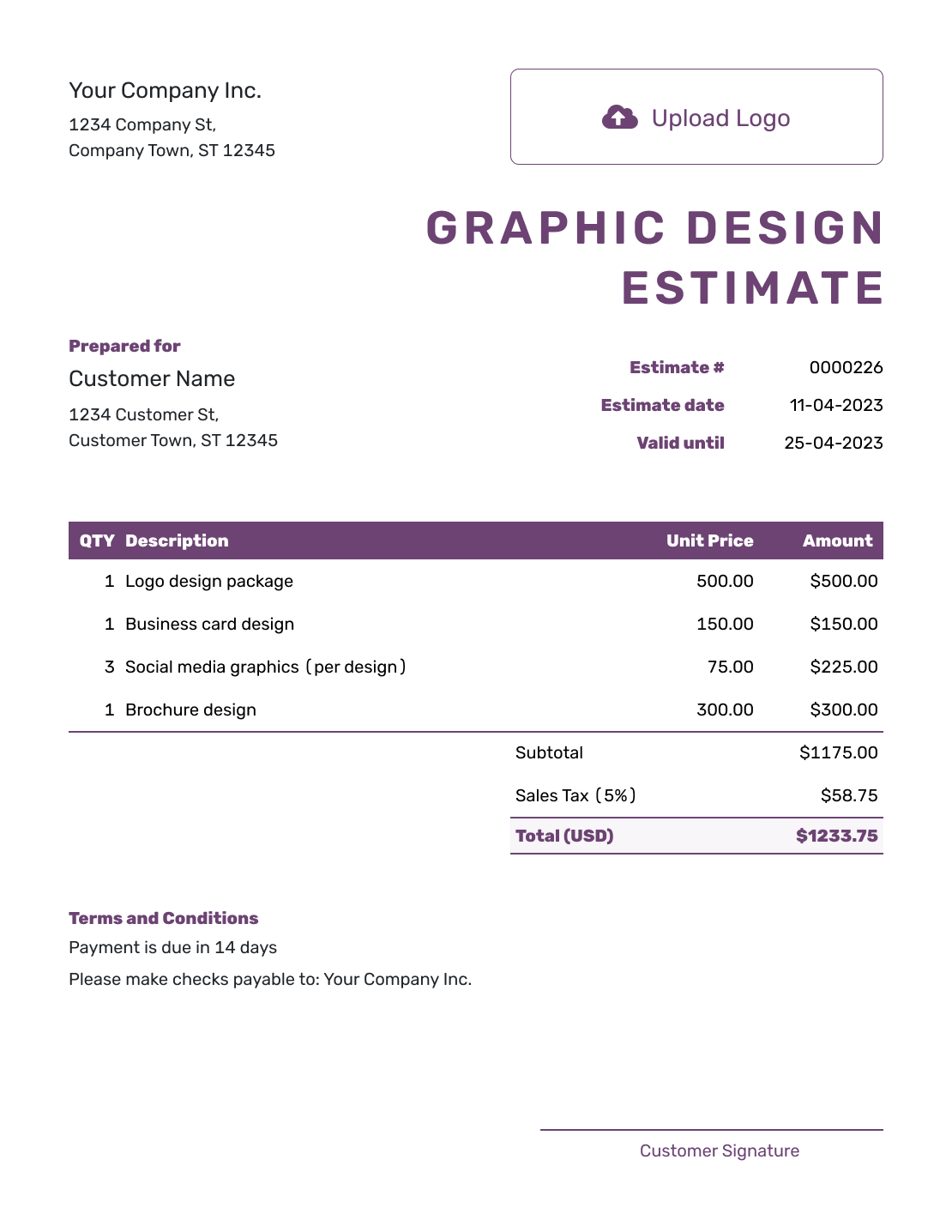
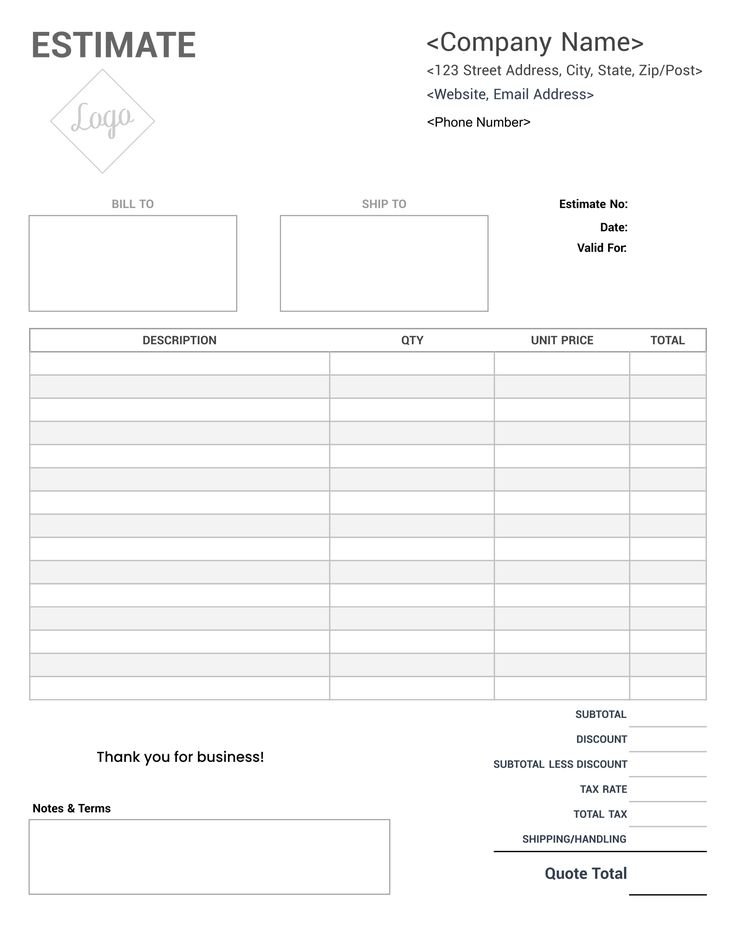
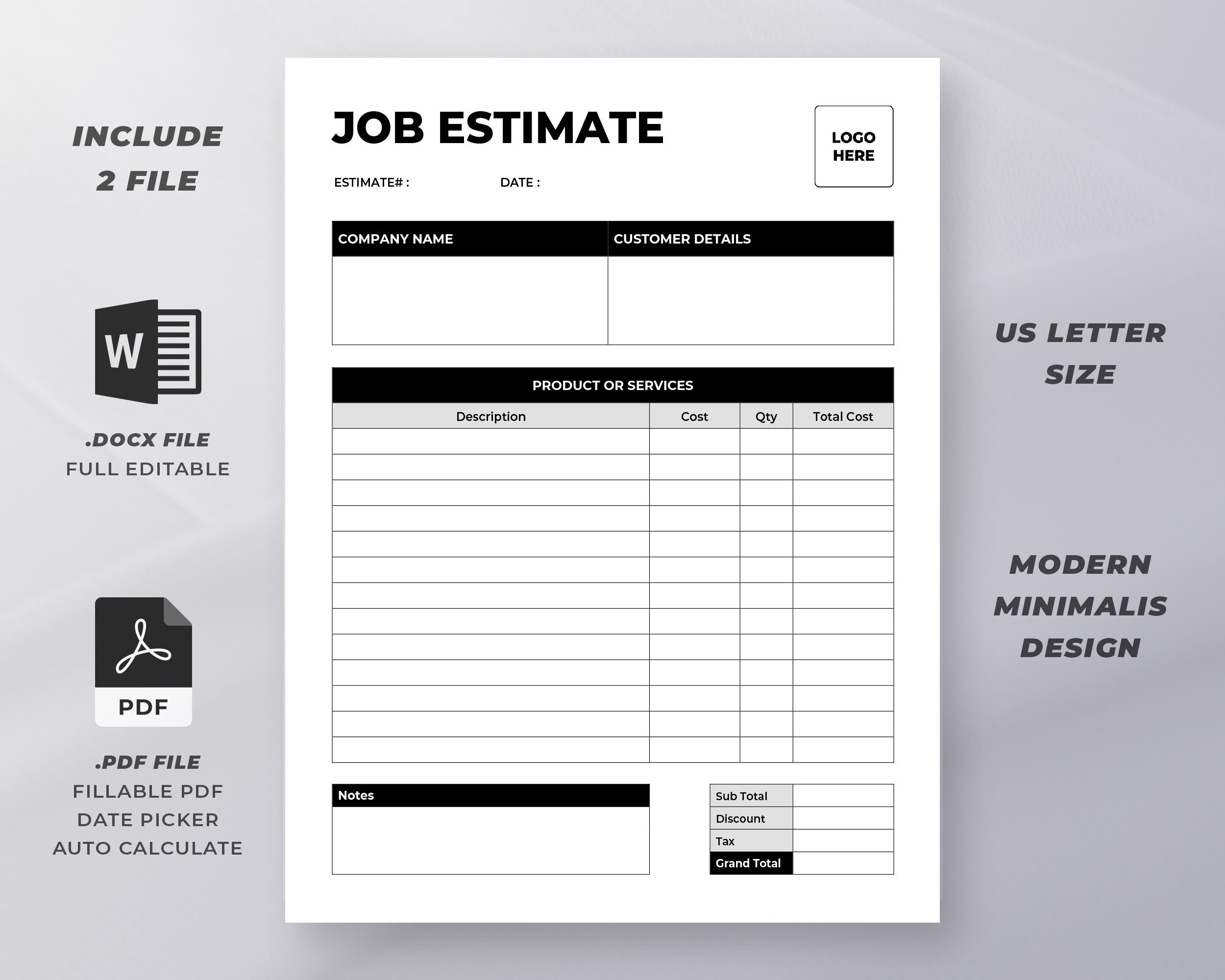
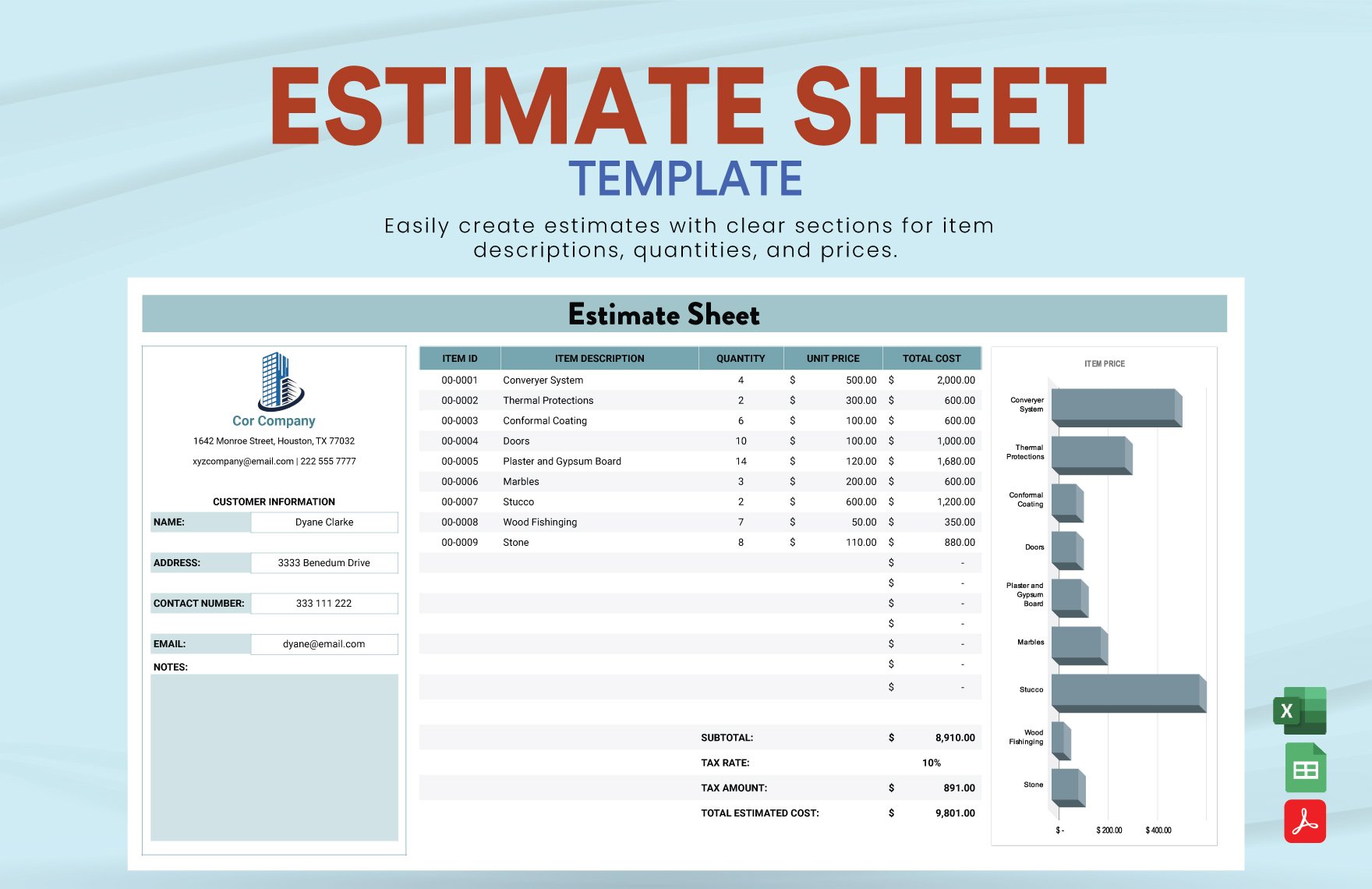
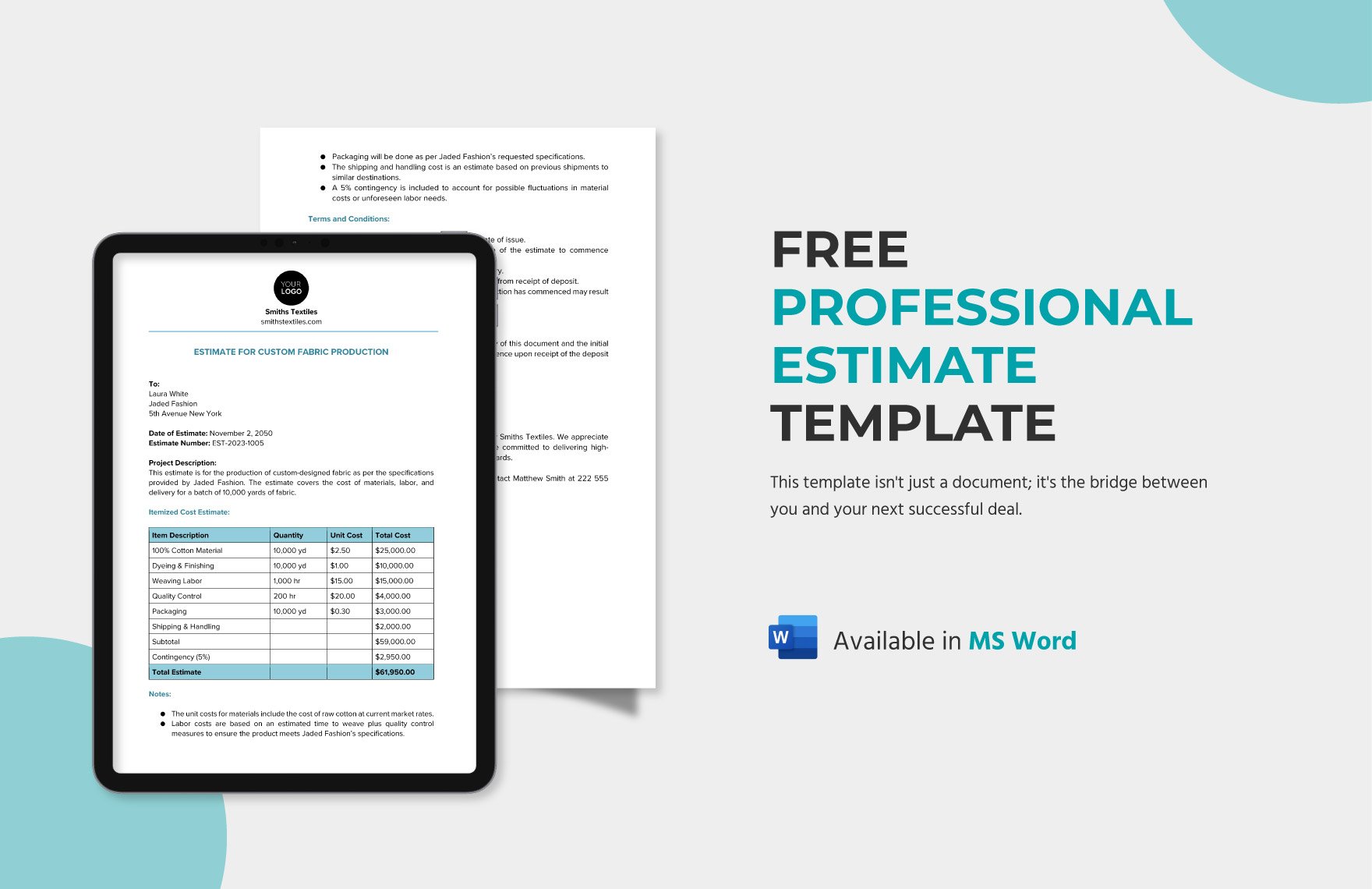
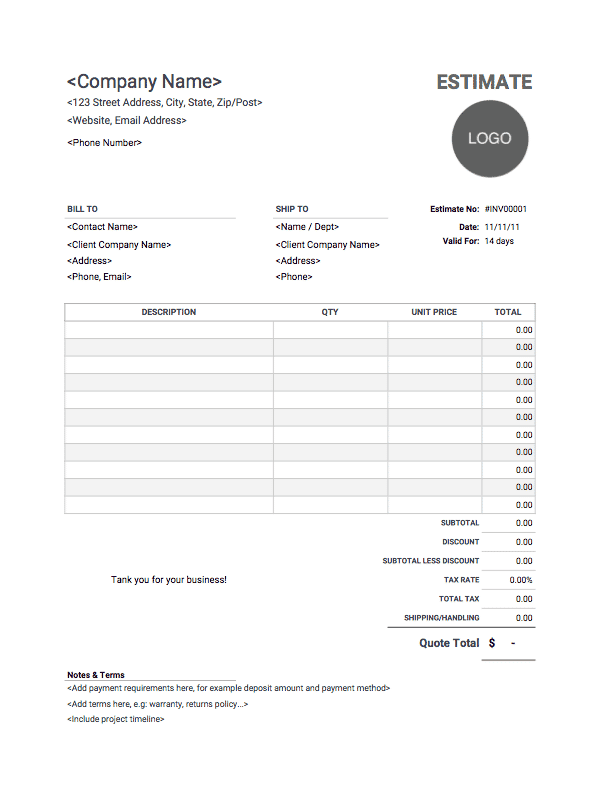
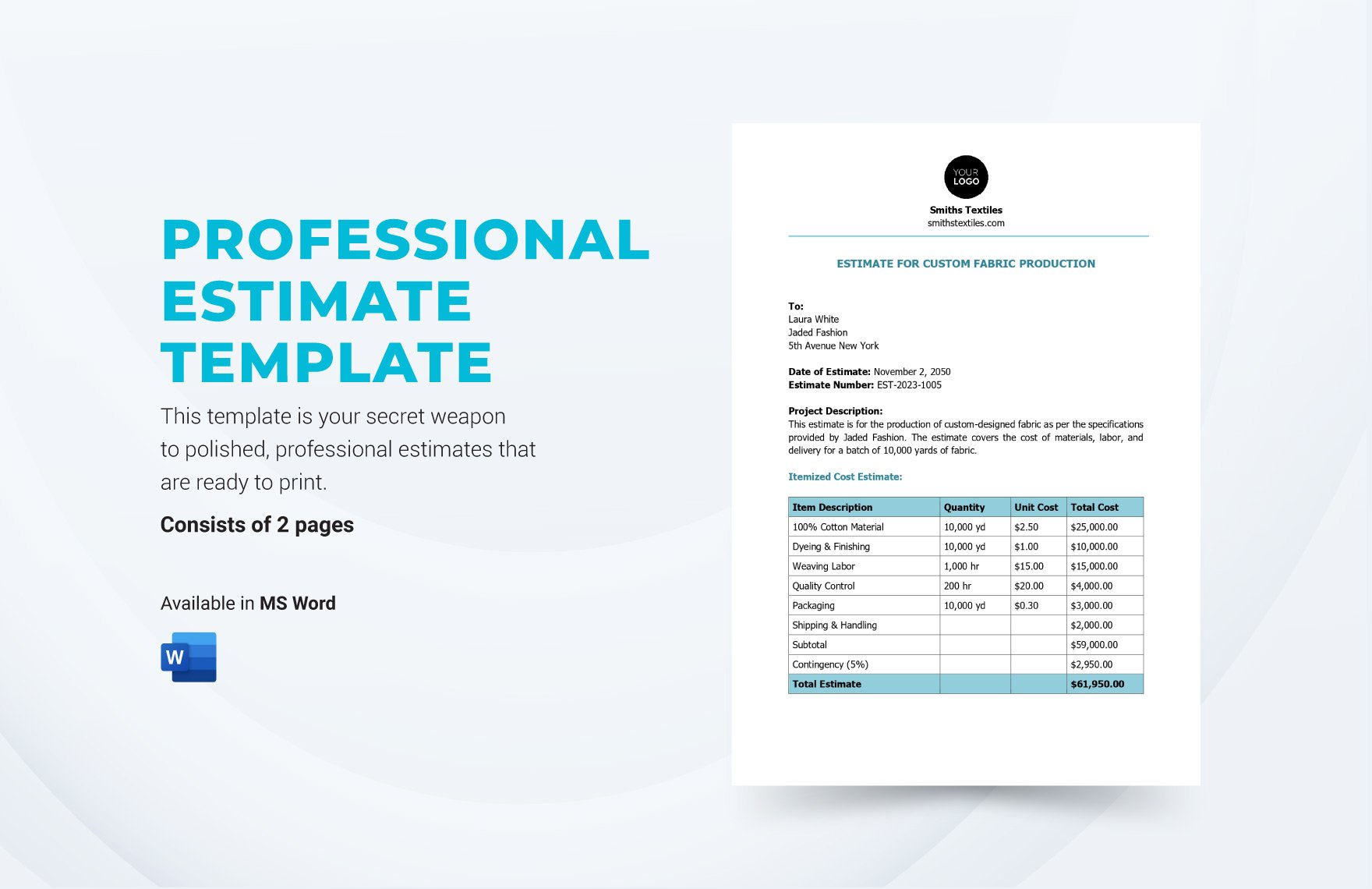
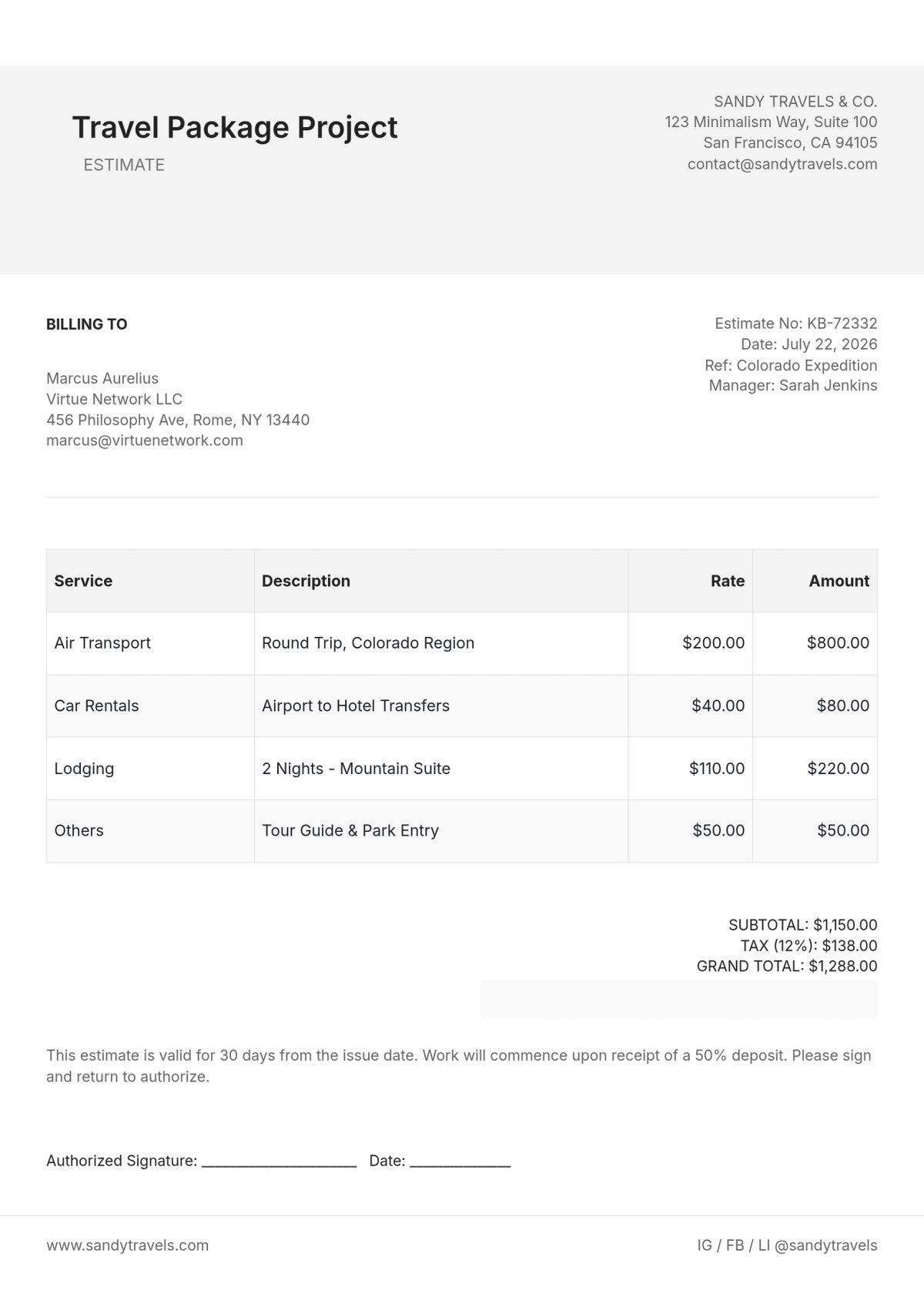
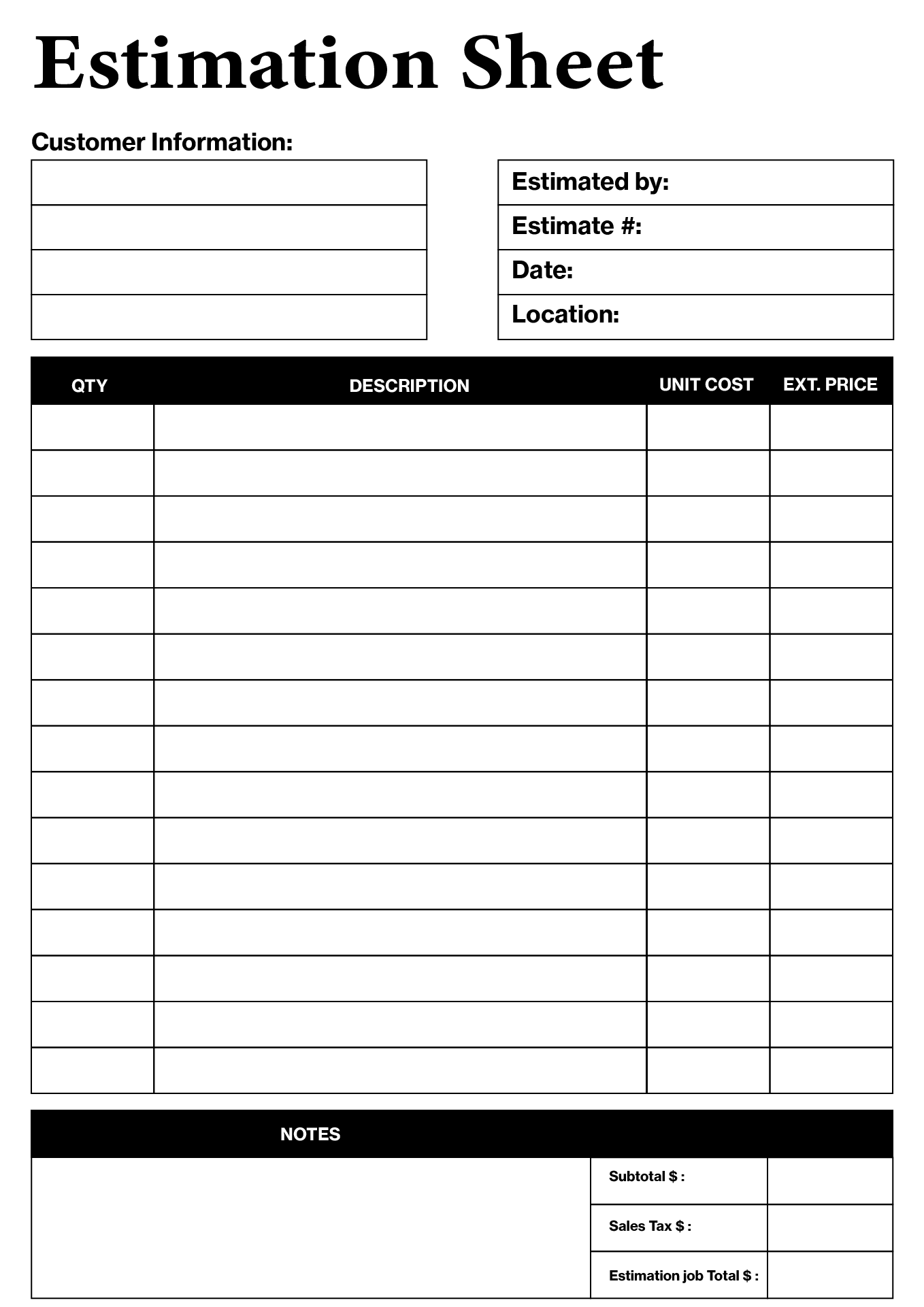
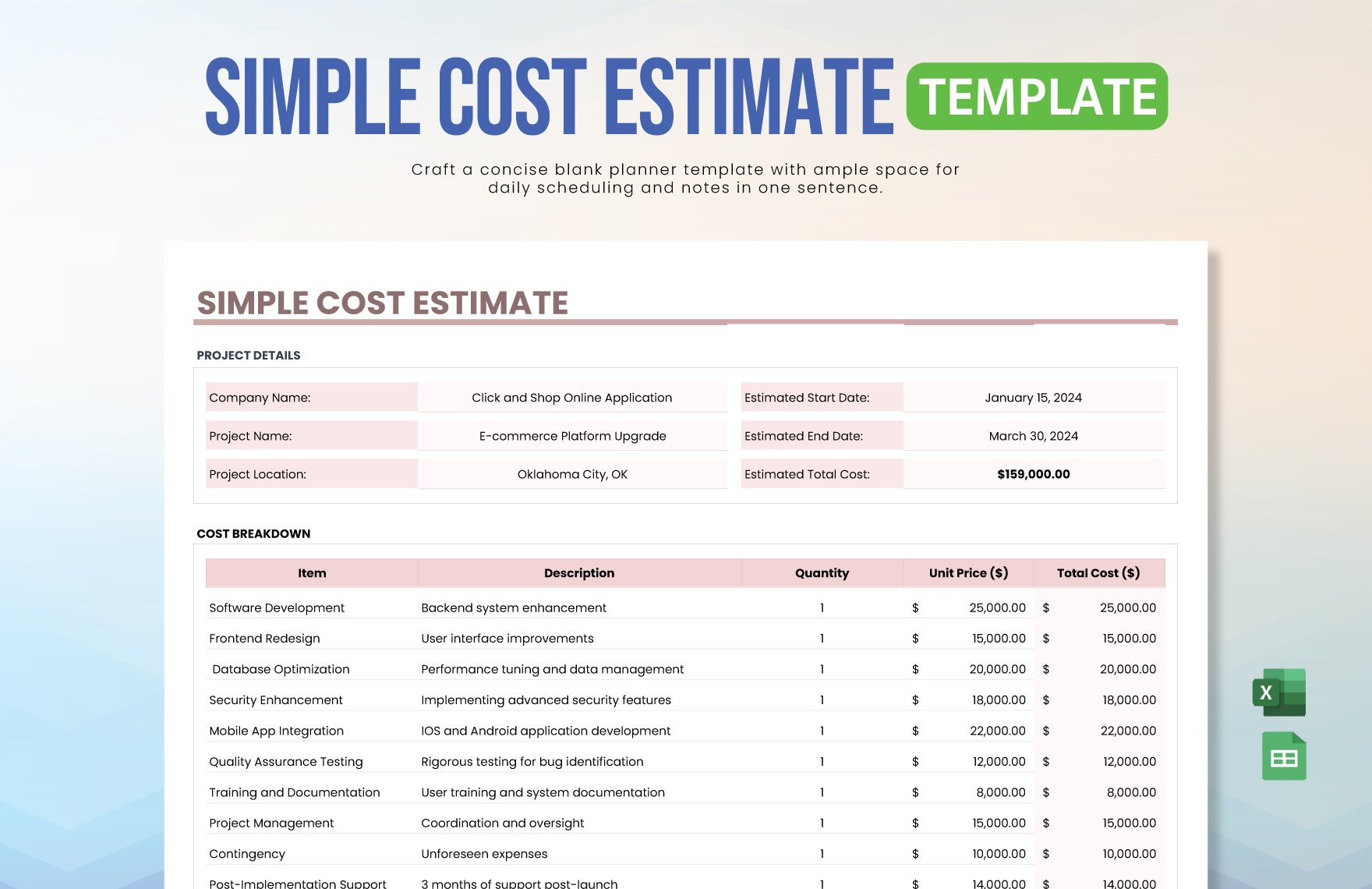
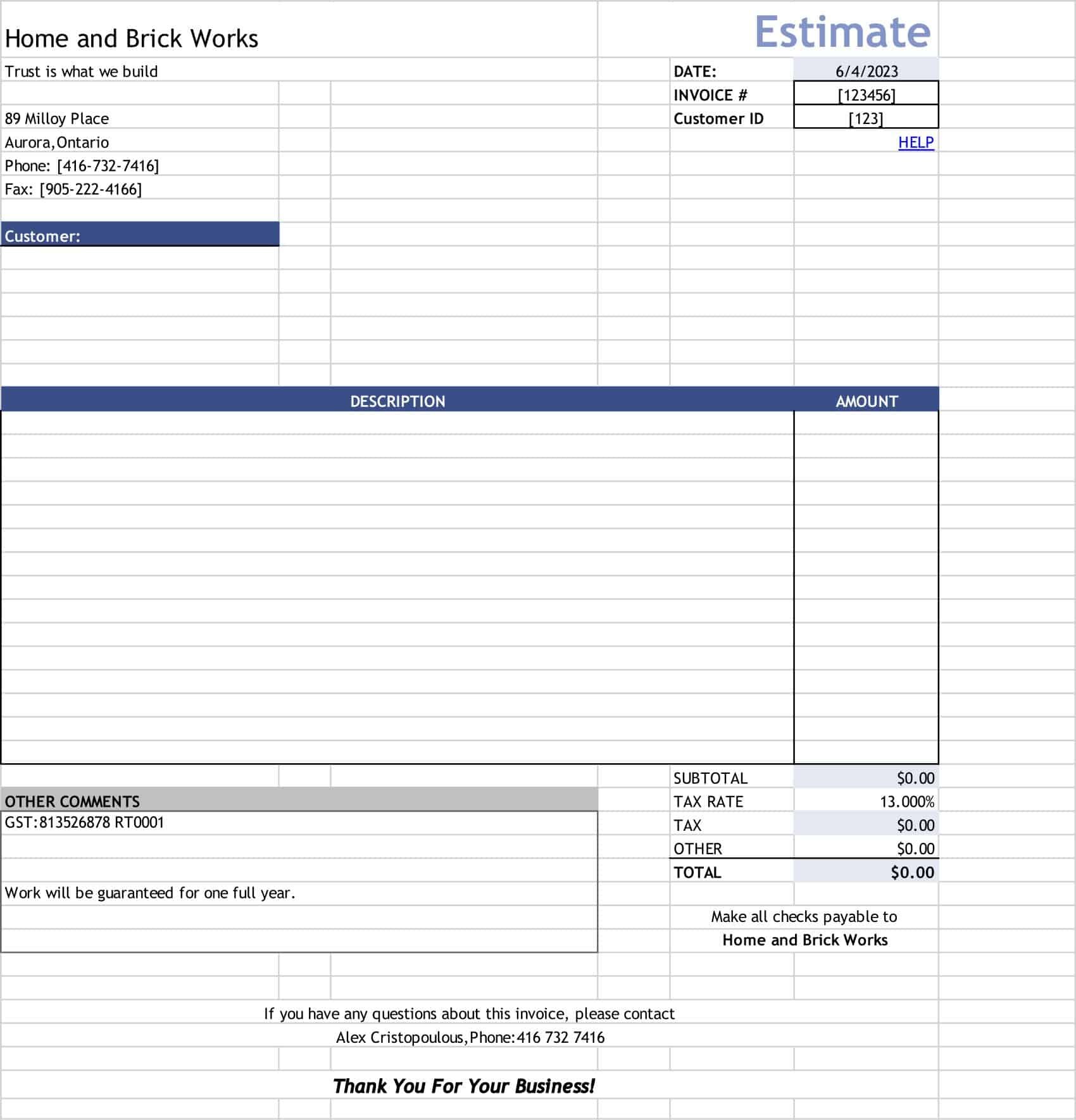
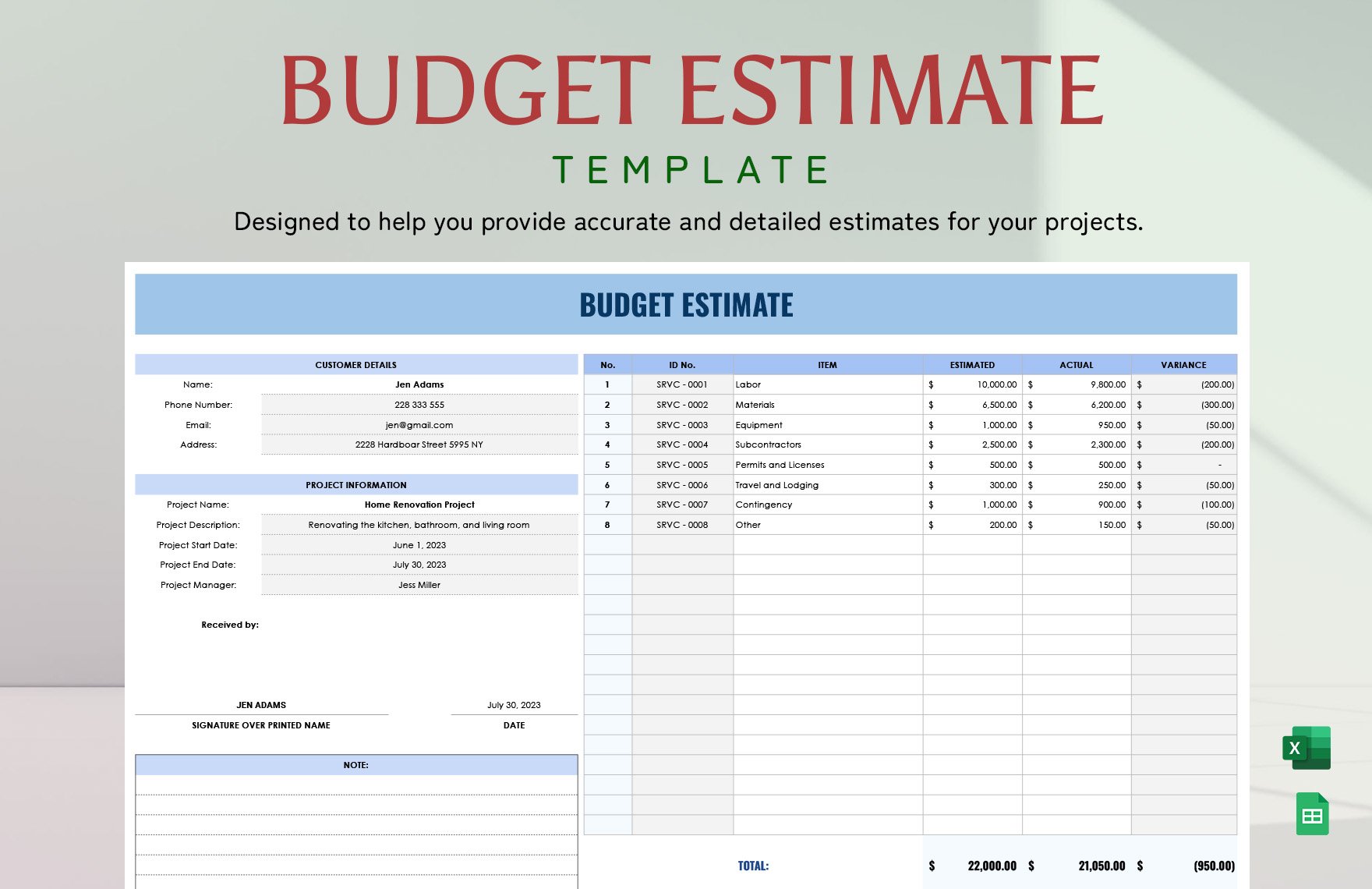
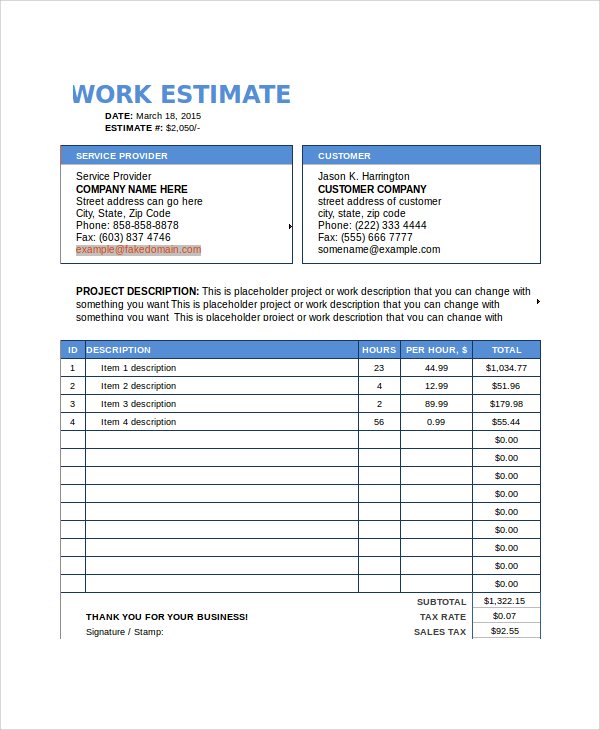
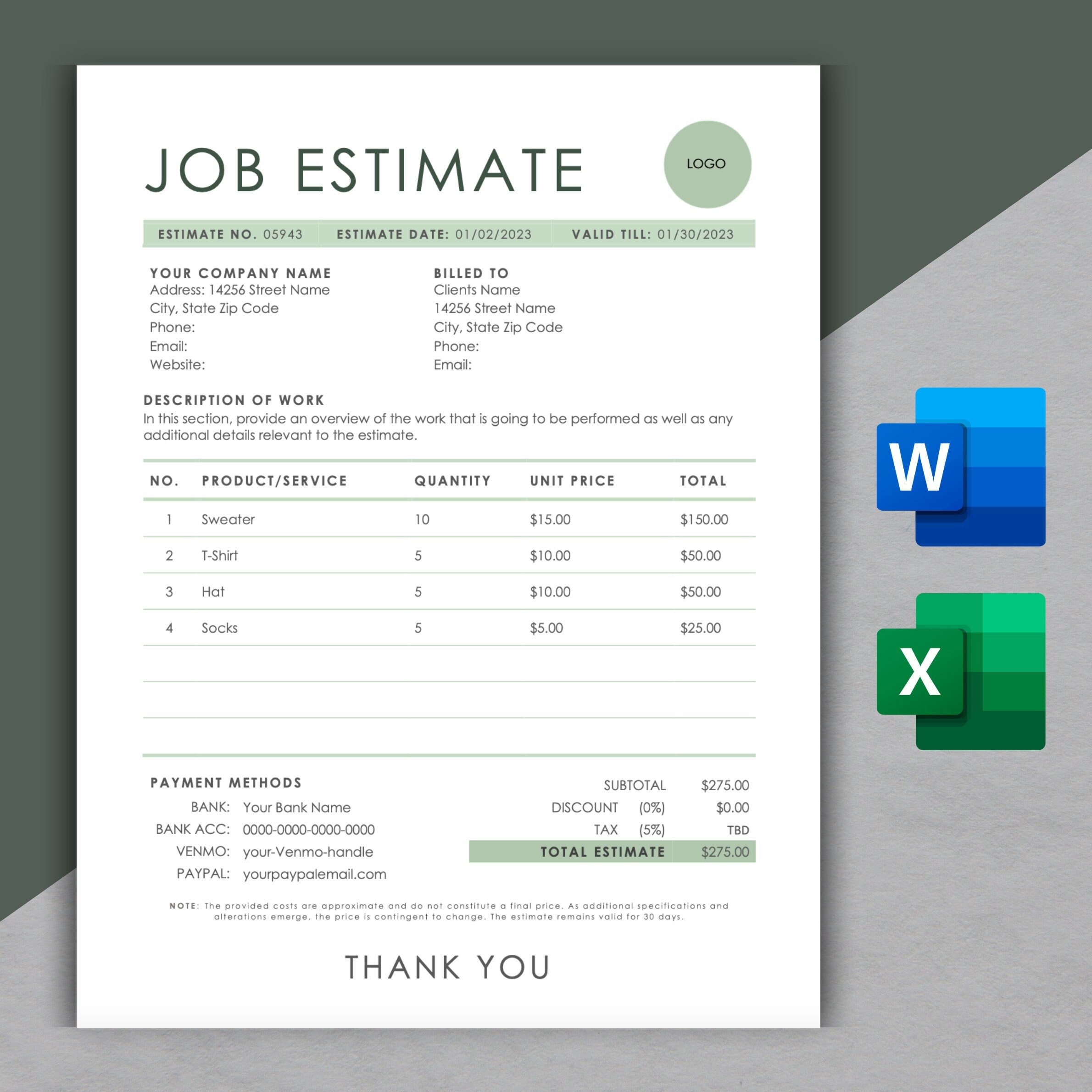
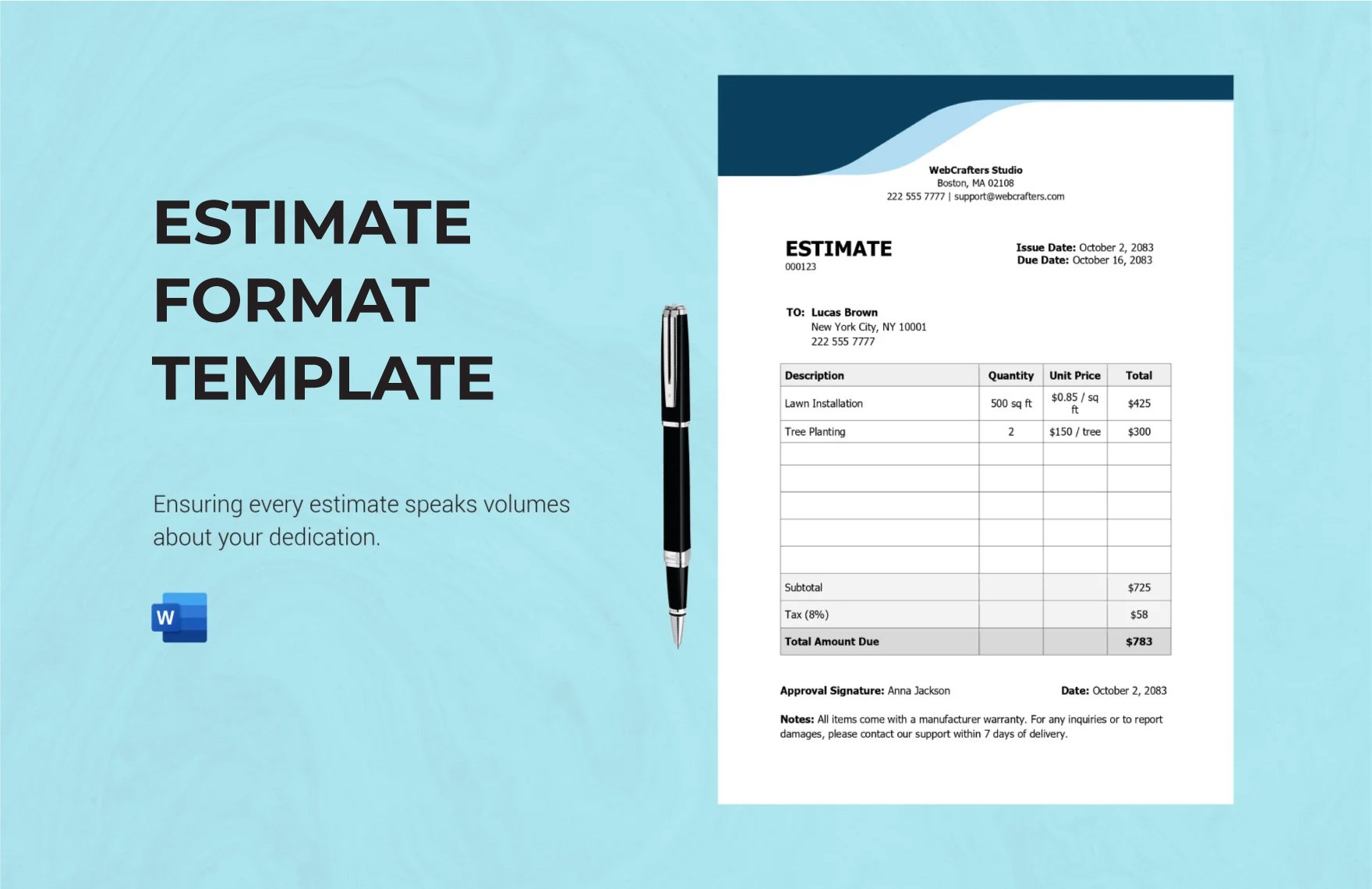
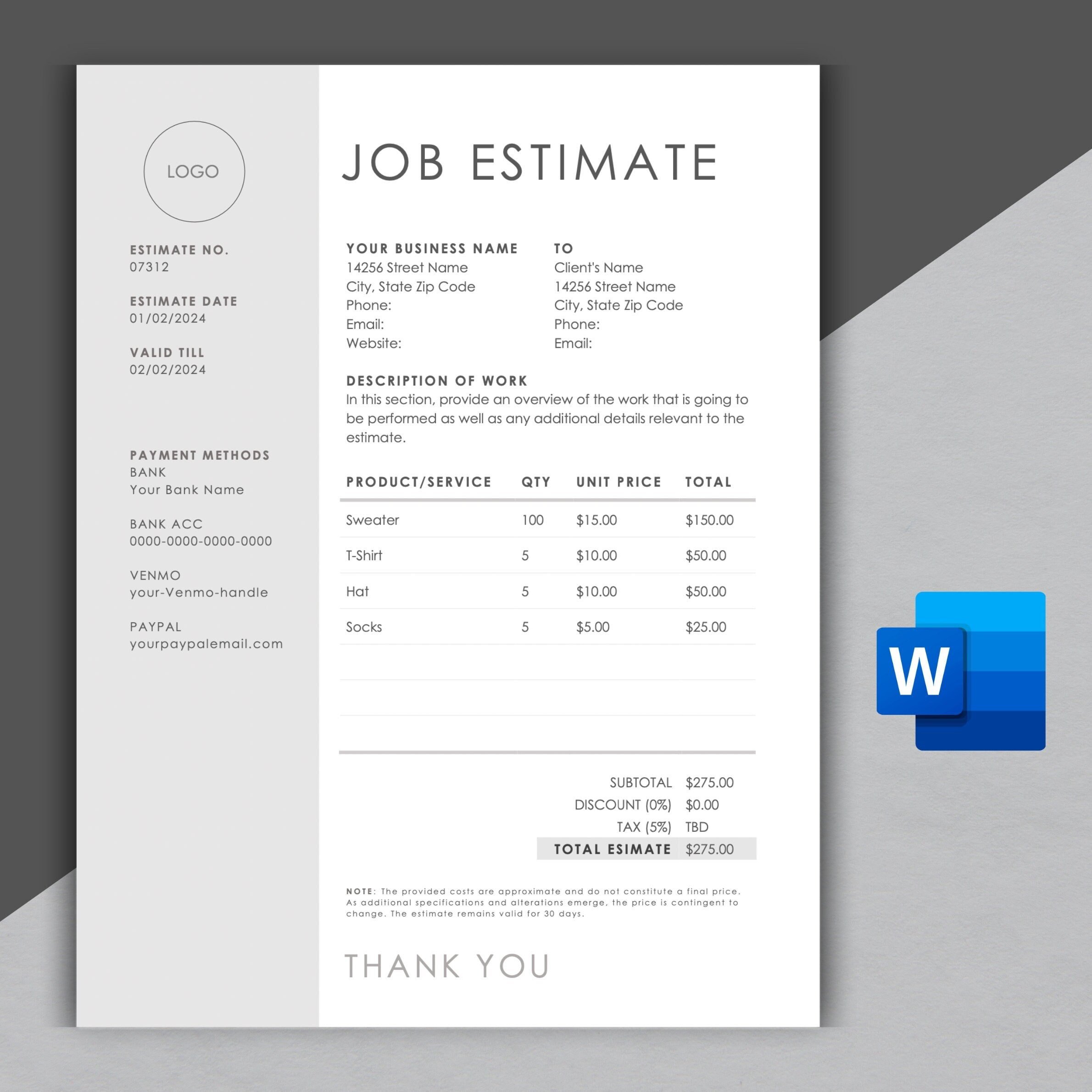
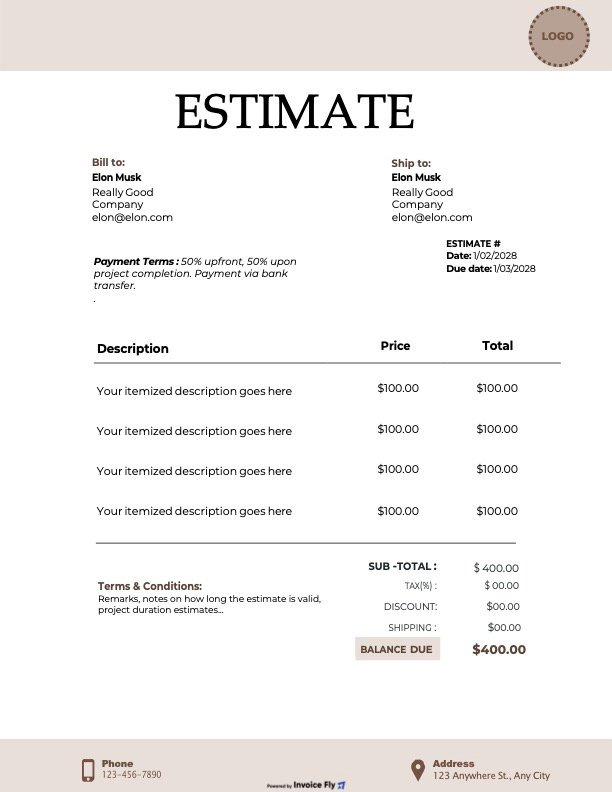
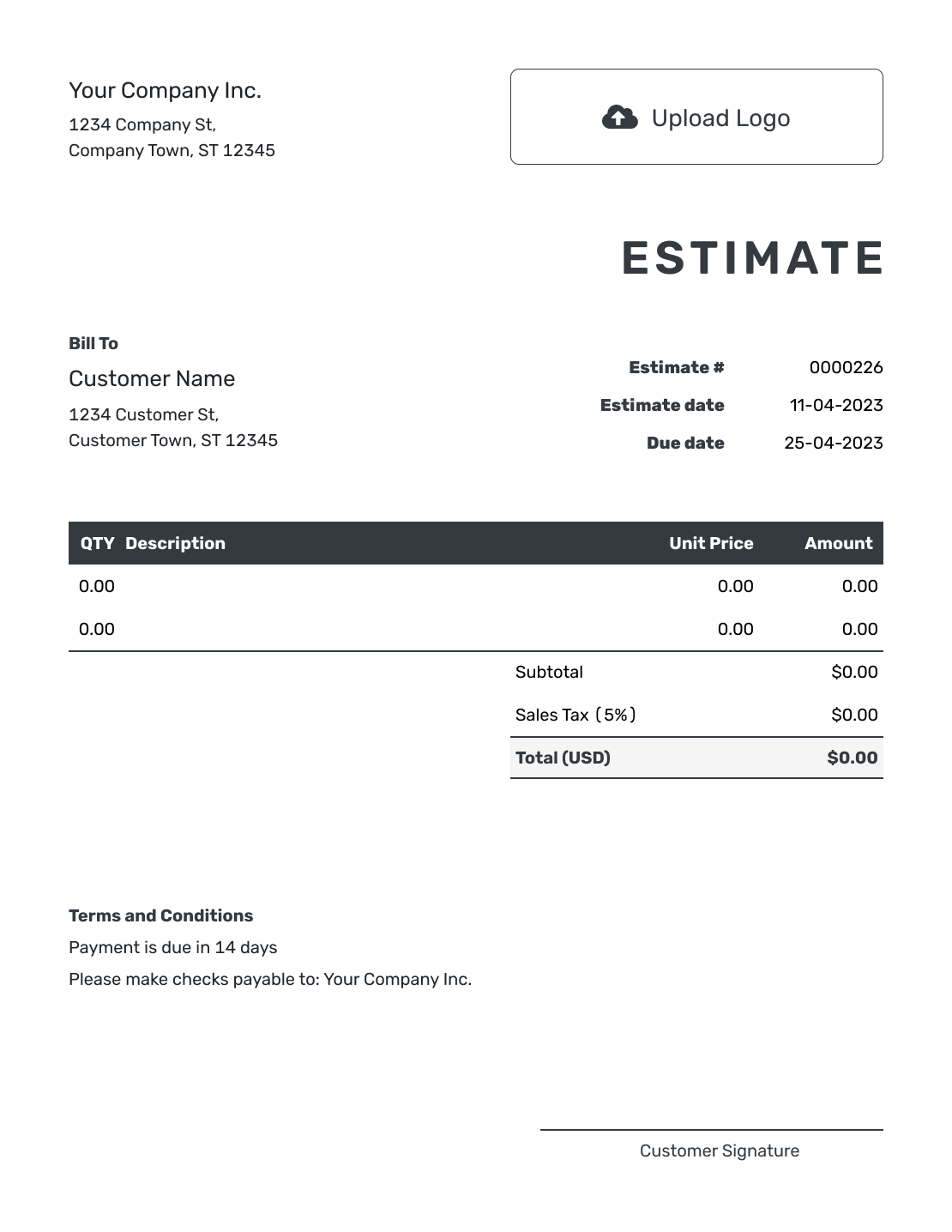
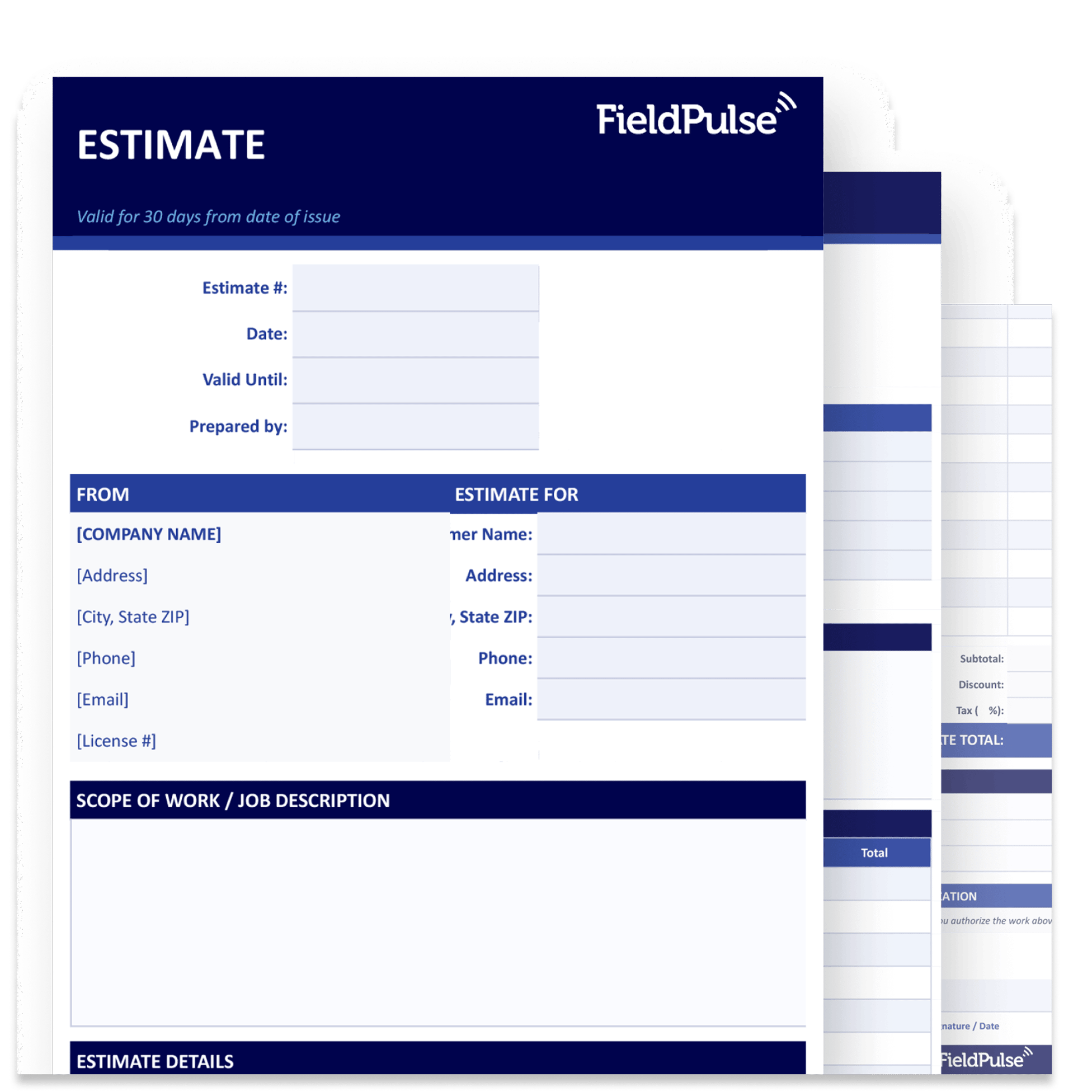
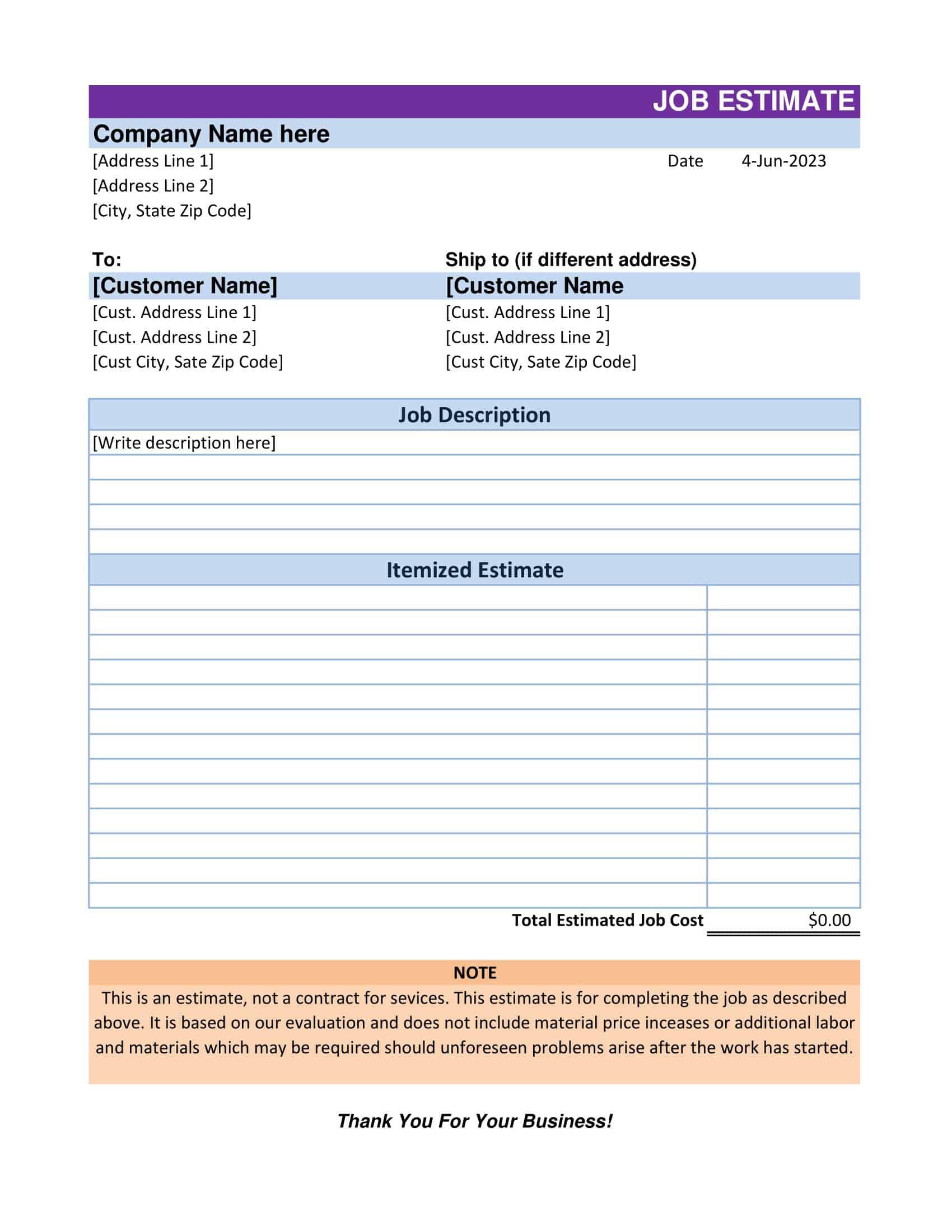
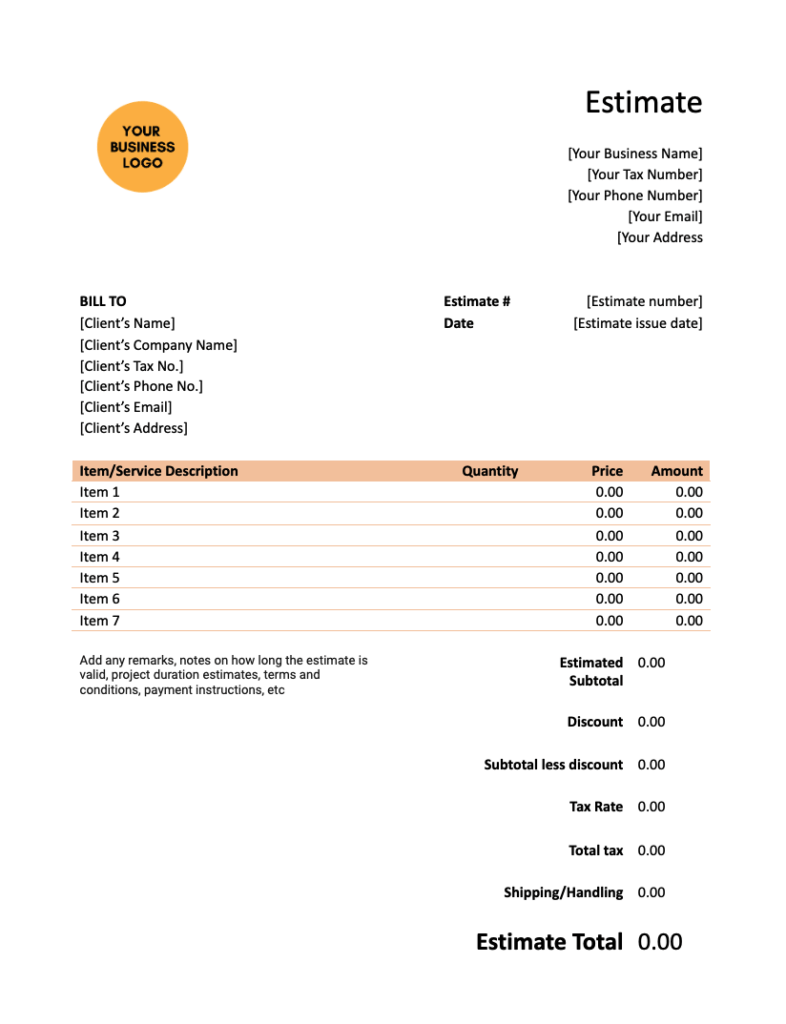
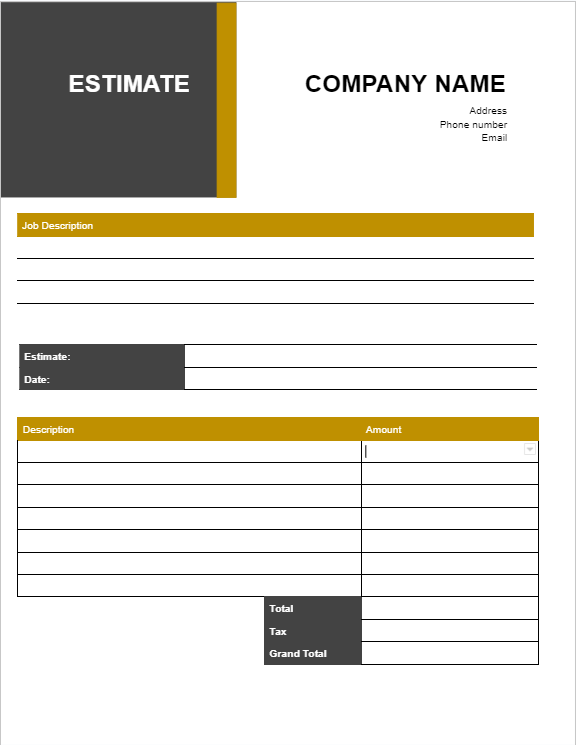
Accessing high-quality, professional estimate template free options is a straightforward process, offering a range of benefits for businesses and individuals. These templates streamline the quoting process, ensuring accuracy and a polished presentation. From estimate templates editable to templates editable printable, there are versatile solutions to suit various needs.
Popular Options and Variations
QuickBooks Estimate Templates: Download free estimate templates in Word, Excel, or PDF formats. QuickBooks provides user-friendly tools to create detailed, professional estimates for a variety of services. For a closer look at something similar, my post on receipt template word free printable covers the details.
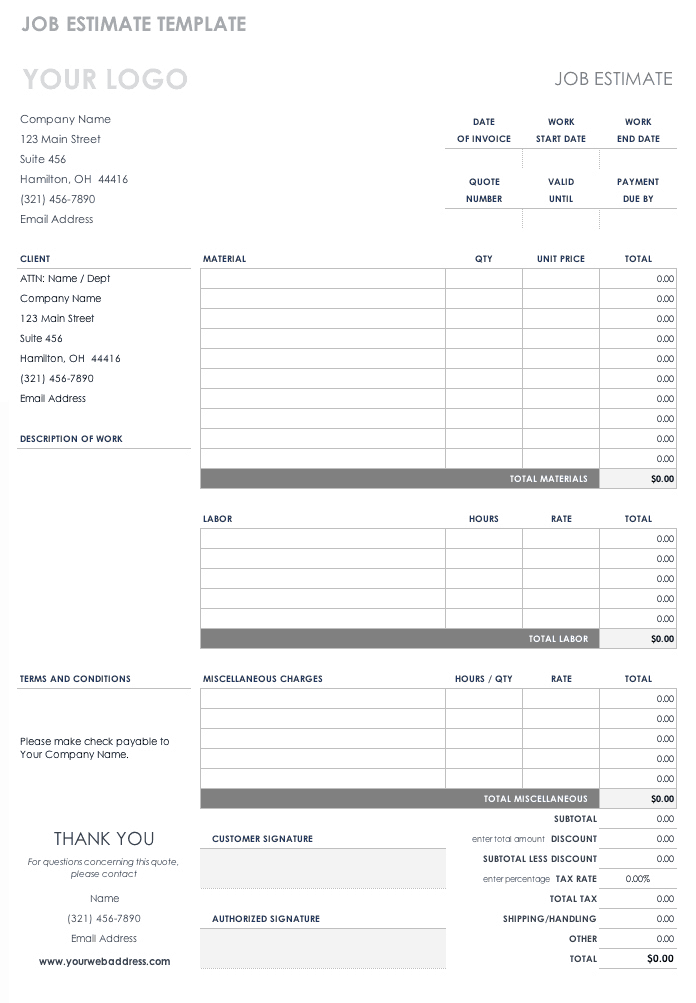
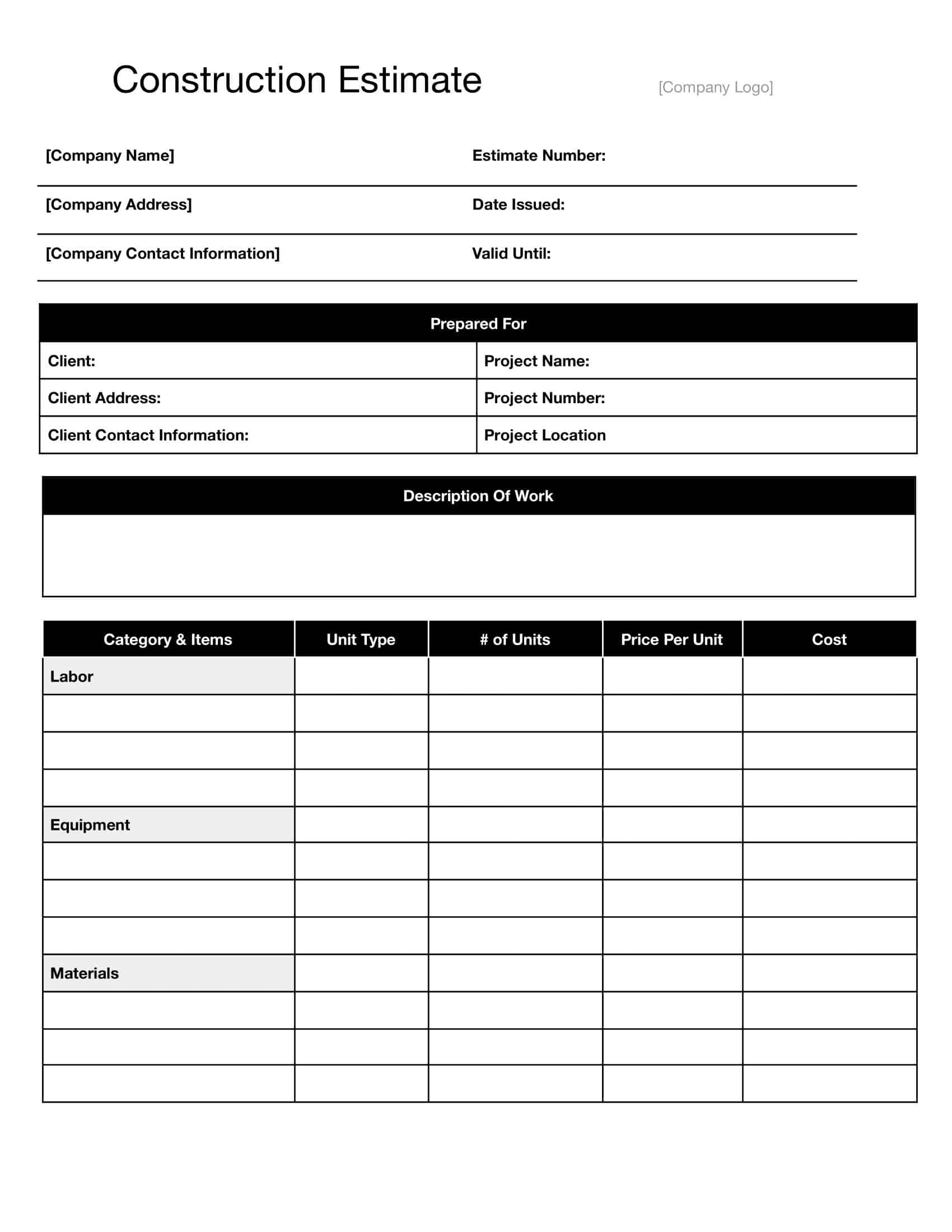
Smartsheet Estimate Templates: Explore a collection of free templates designed for different industries, including construction, auto repair, and landscaping. These templates are customizable and suitable for various job types.
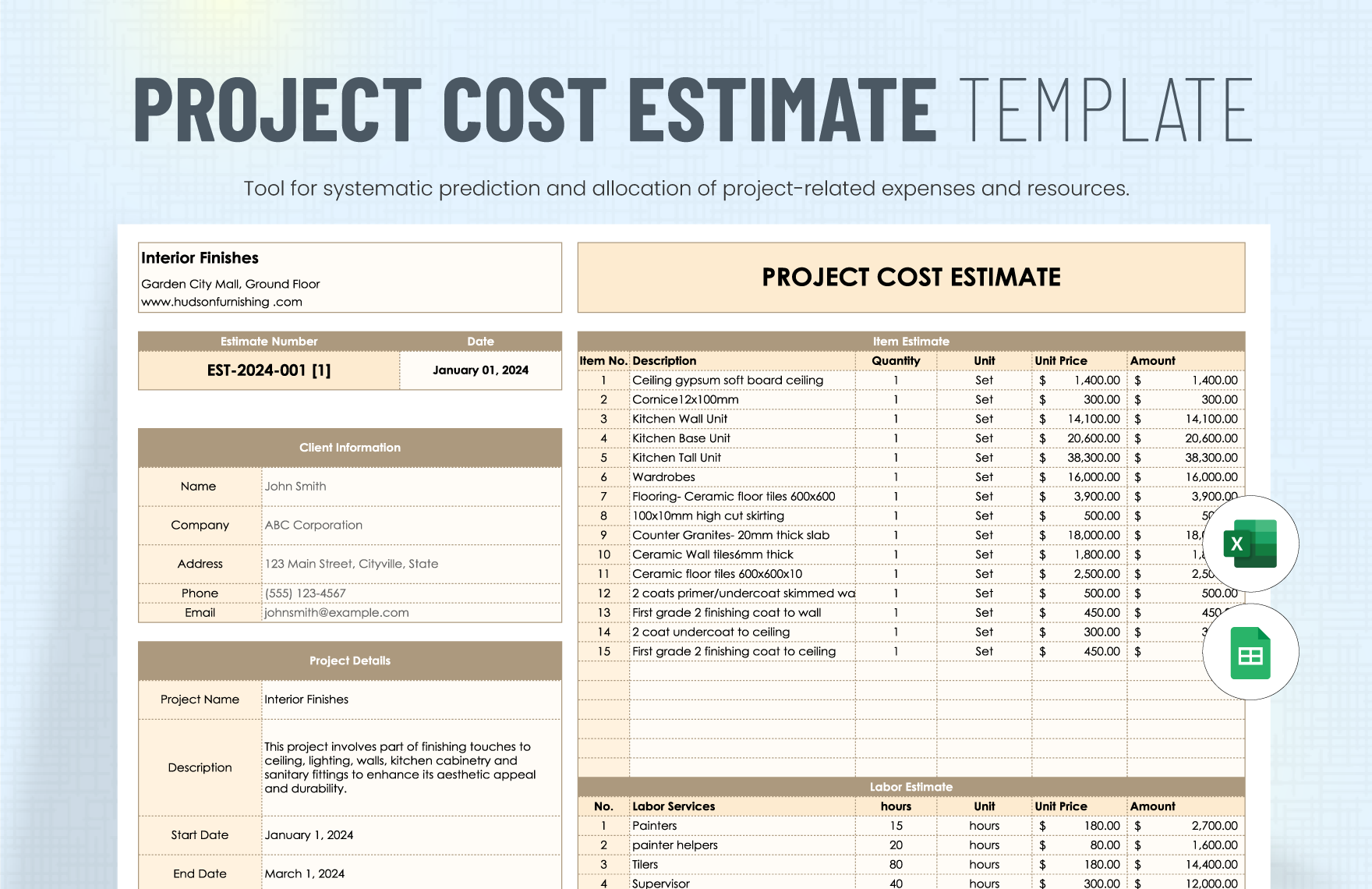
WPS Office Estimate Forms: Discover a range of free, customizable estimate templates in Word, Excel, and PPT formats. Perfect for small businesses and freelancers, these templates offer a professional look. For a closer look at something similar, my post on excel invoice template covers the details.
Canva Estimate Designs: Canva's platform offers a selection of professionally designed estimate templates that can be easily customized and shared. With a user-friendly interface, creating a unique estimate is simple.
Sizing, Specs, and Customization
When choosing a professional estimate template free, consider the following: For a closer look at something similar, my post on dean se entera de lo de hunter template covers the details.
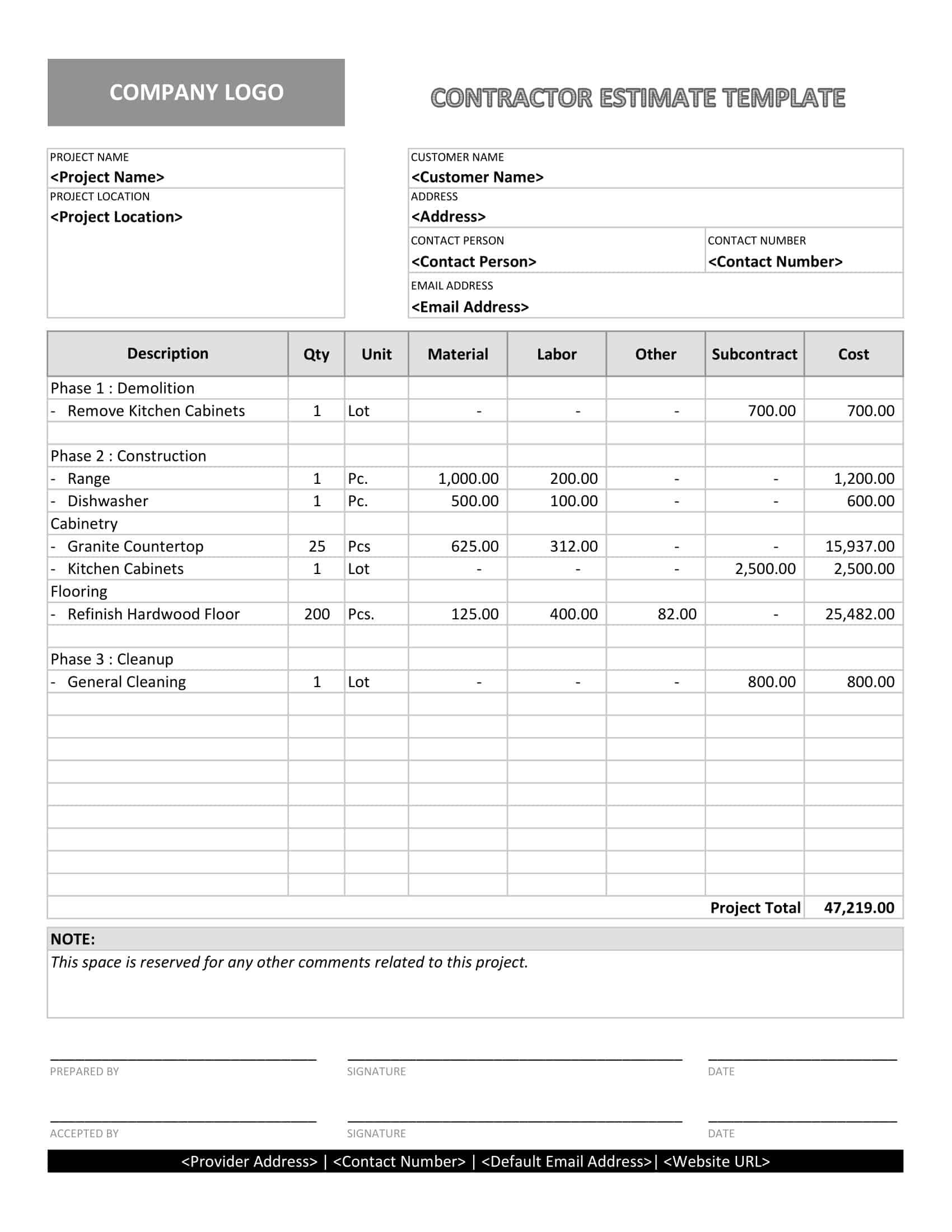
Template Flexibility: Look for templates that allow for easy customization. This ensures you can adapt the design to your specific needs, whether it's adding logo, changing color schemes, or modifying the layout.
File Compatibility: Ensure the template is compatible with your preferred software or platform. For instance, if you work primarily with Word or Excel, choose templates in those formats. For a closer look at something similar, my post on whatwsa a ring bound flashcardd template covers the details.
Printability: If you plan to print your estimates, check the template's print settings and margins. A well-designed template should provide clear, readable prints.
Materials and Styling
Professional Appearance: Opt for templates with a clean, modern design. A simple, elegant layout enhances the professionalism of your estimate. For a closer look at something similar, my post on samsung invoice pdf template covers the details.
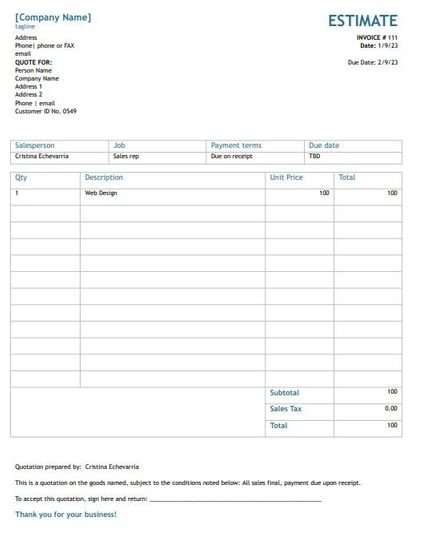
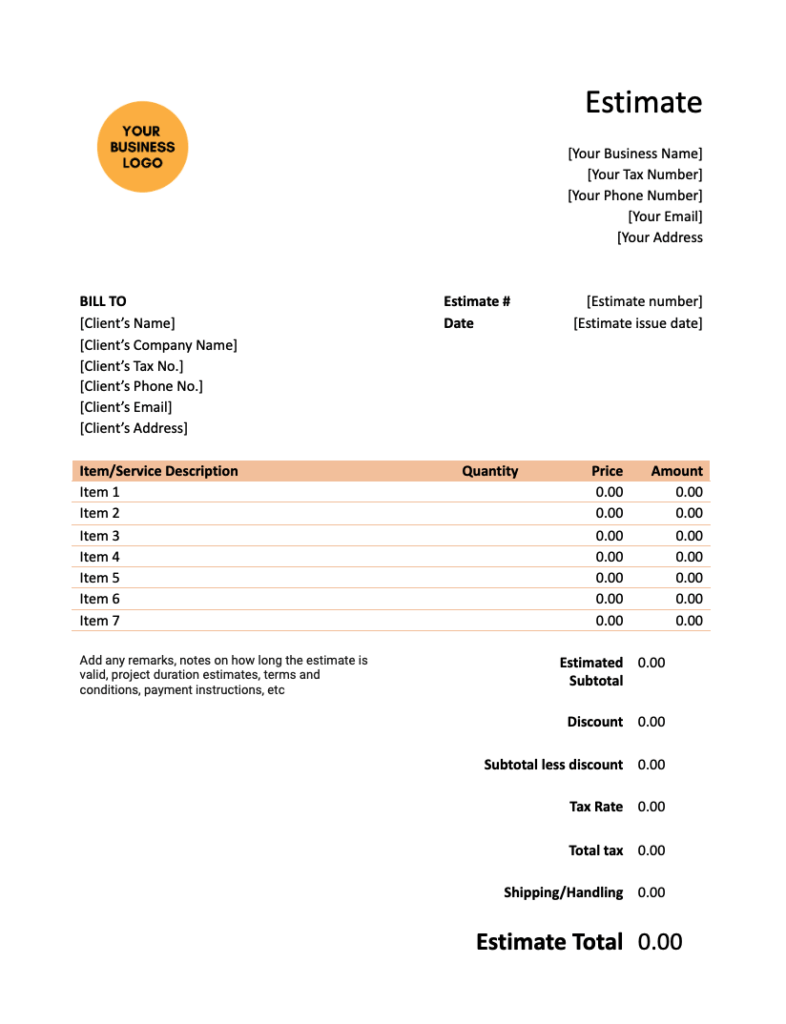
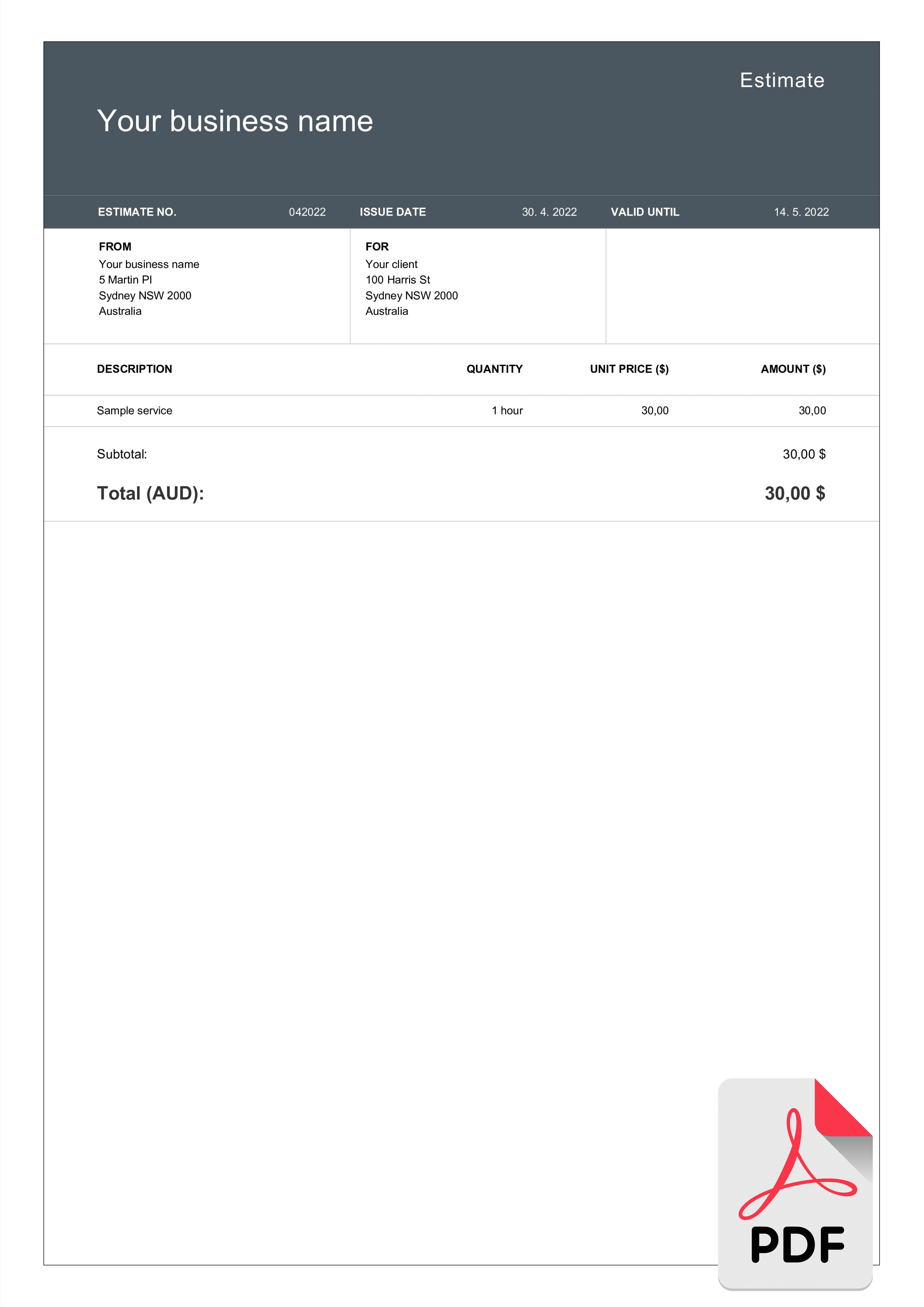
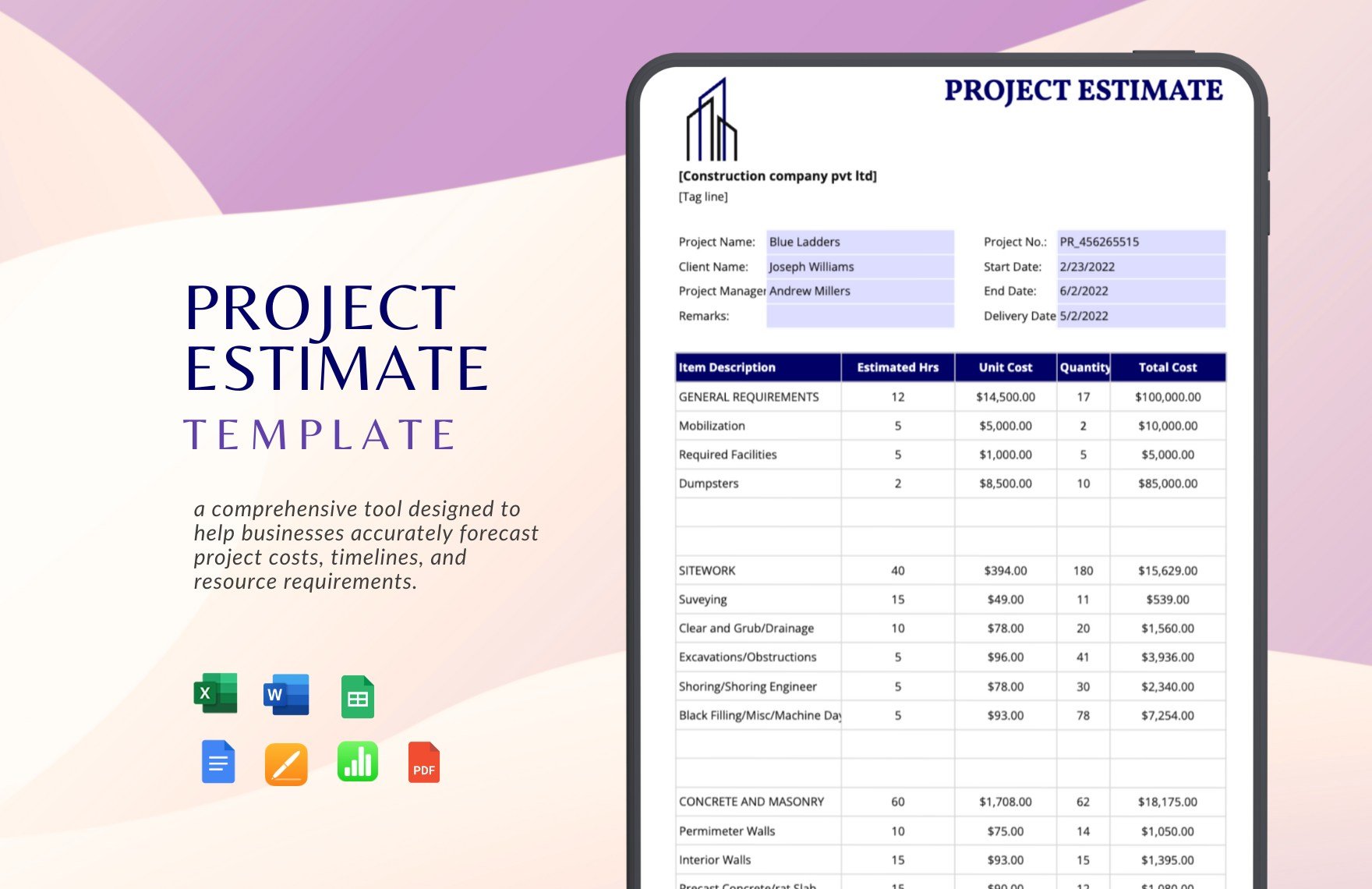
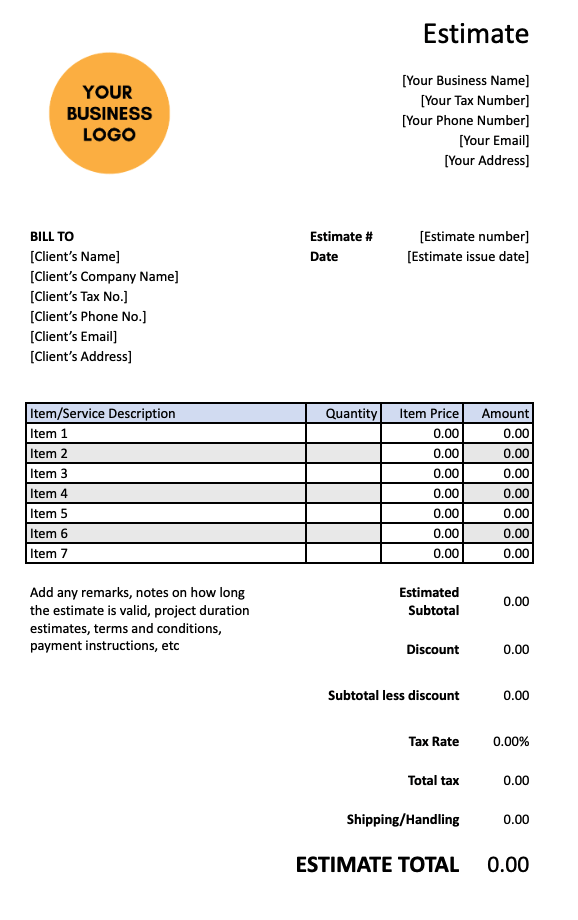
Free Estimate Templates Word Excel Format — Templates Editable Brand Consistency: If you have an established brand, select a template that allows you to incorporate your brand elements, such as colors, fonts, and logos. This maintains a consistent visual identity.
Visual Hierarchy: A good estimate template guides the reader's eye, highlighting important information. Use templates with a clear hierarchy to ensure key details stand out. For a closer look at something similar, my post on financial planning document template covers the details.
Placement and Usage
Online Estimates: Many estimate templates are designed for digital use, allowing you to send estimates via email or share them online. This is convenient for remote work and quick approvals.
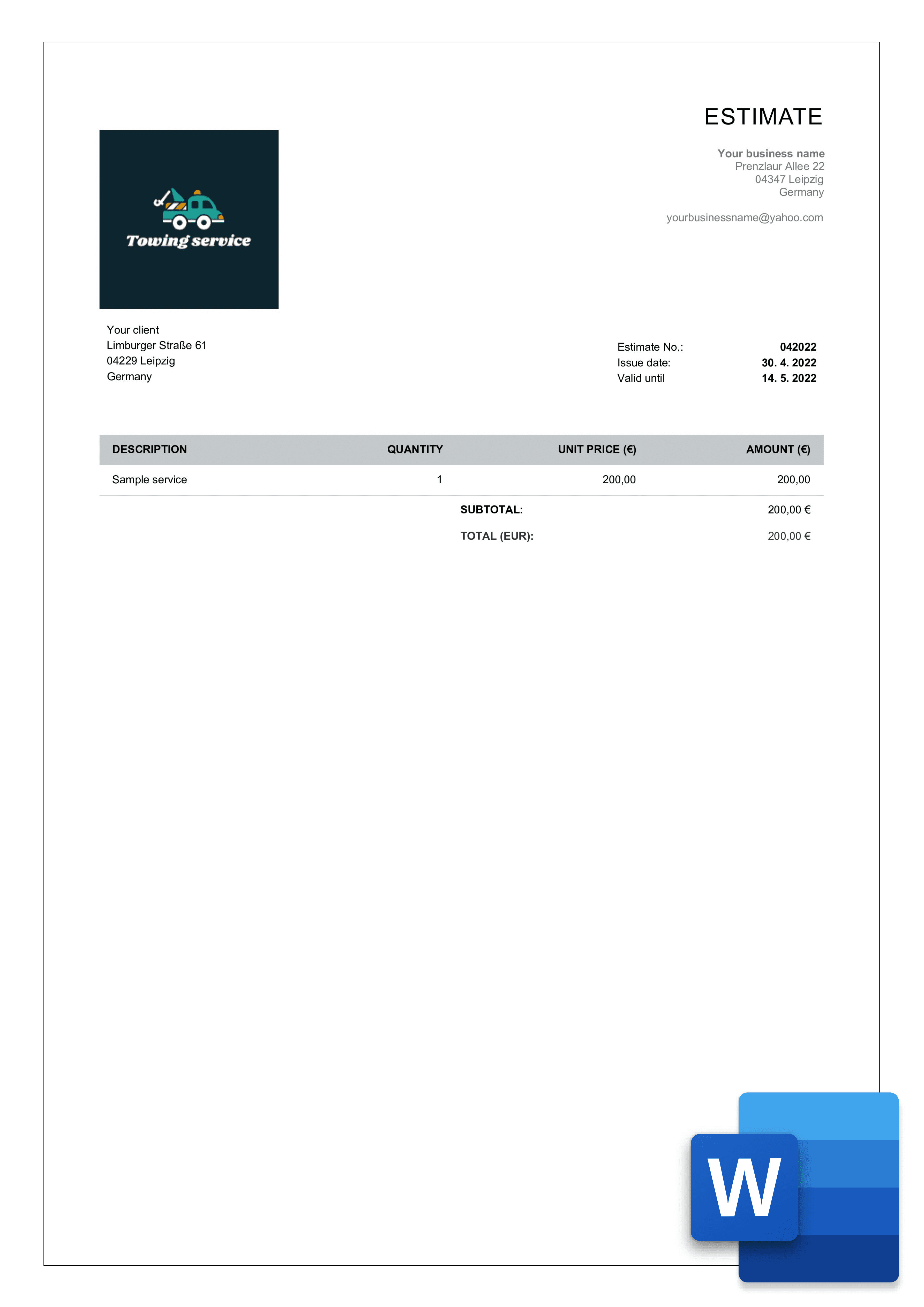
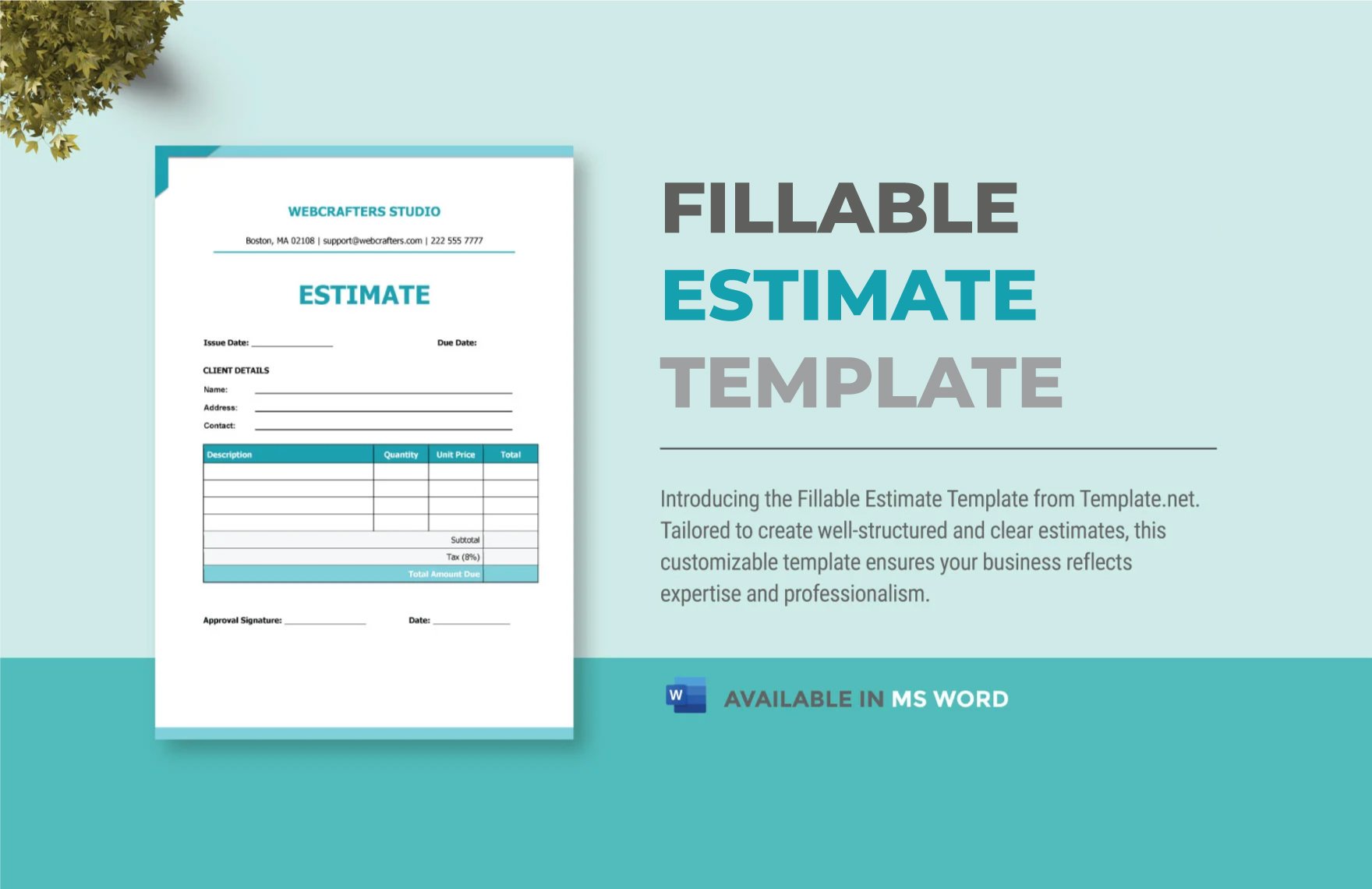
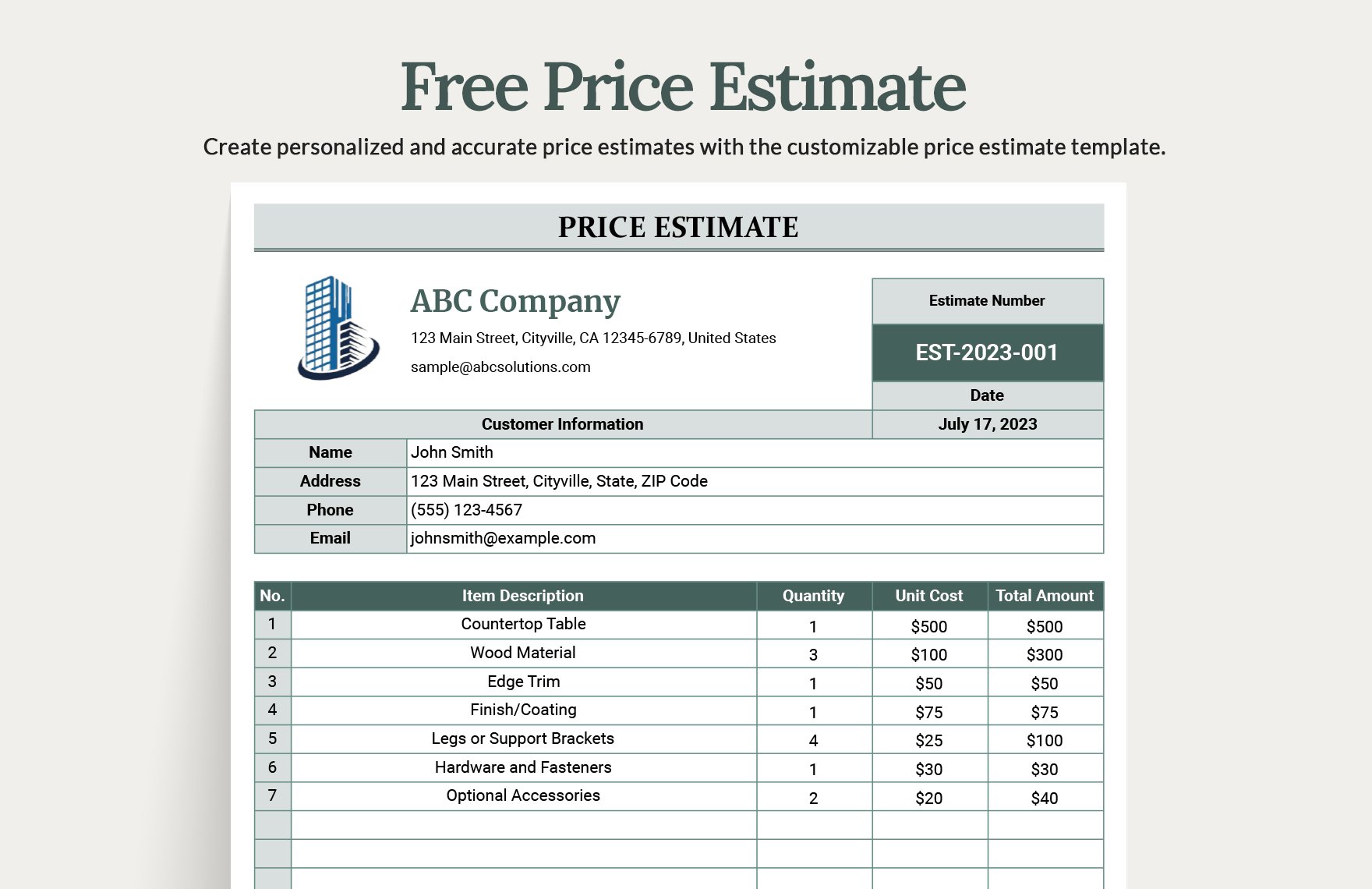
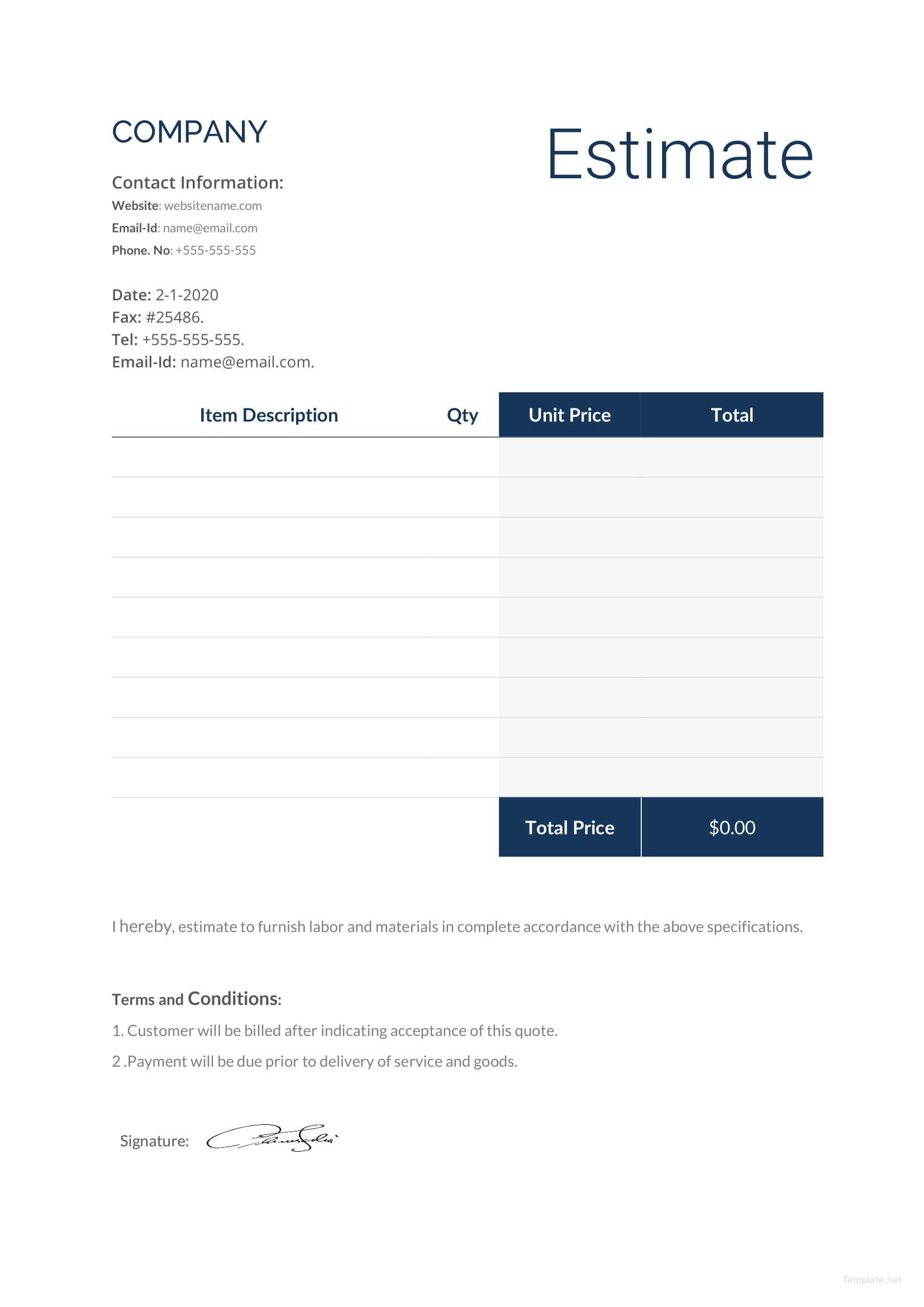
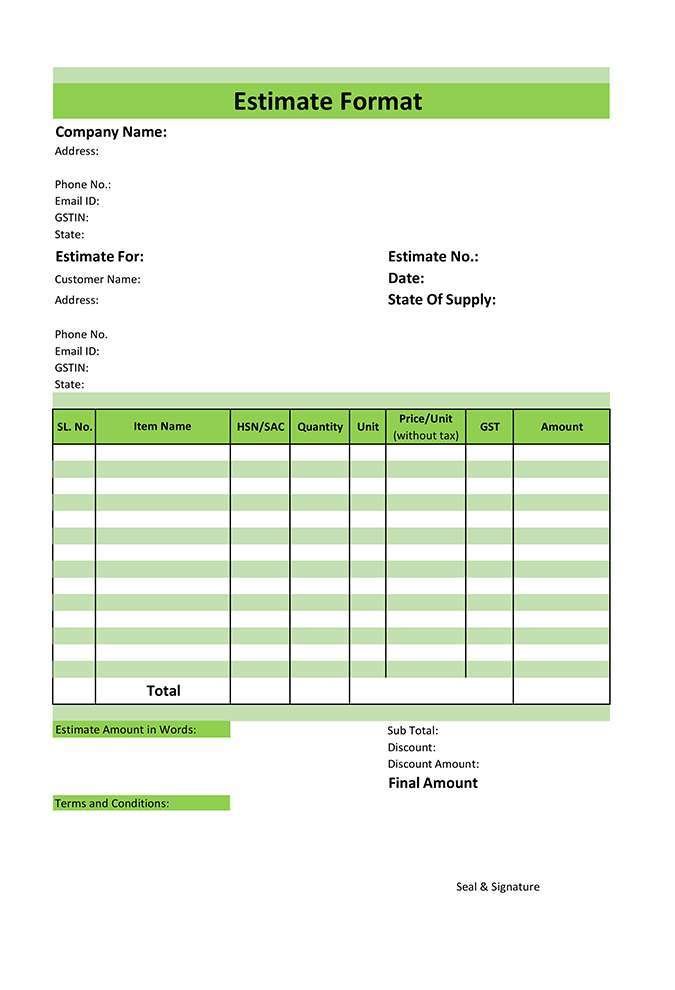
Estimate Templates In Word Free Editable — Templates Editable Printable Printed Estimates: For in-person meetings or traditional business practices, having a printed estimate is essential. Choose templates with a professional finish suitable for printing. For a closer look at something similar, my post on 12872 cork board png template covers the details.
Integration with Other Tools: Some estimate generators offer integration with other business software, such as invoicing or scheduling tools. This streamlines your workflow and reduces manual data entry.
What to Check Before Choosing
Template Compatibility: Ensure the template is compatible with your software and devices. Check system requirements and file formats.
Editable Features: Verify that the template allows for the level of customization you need. Can you edit text, add images, and adjust formatting easily?
Preview and Test: Before committing, preview the template and, if possible, test it with a sample estimate. This ensures it meets your expectations and functions as intended.
Reviews and Recommendations: Read user reviews and seek recommendations from trusted sources. Real-world feedback can provide valuable insights into a template's usability and effectiveness.