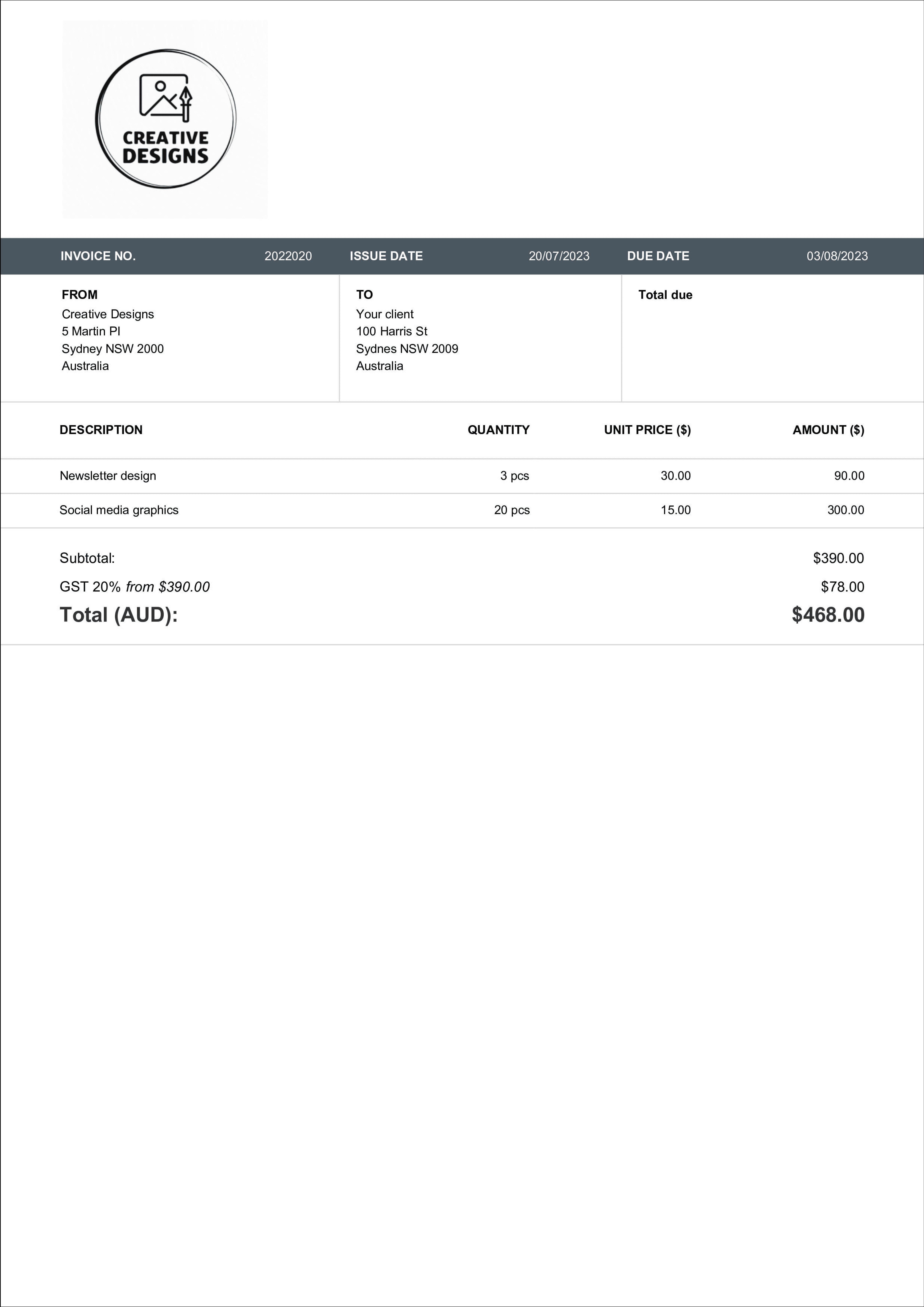
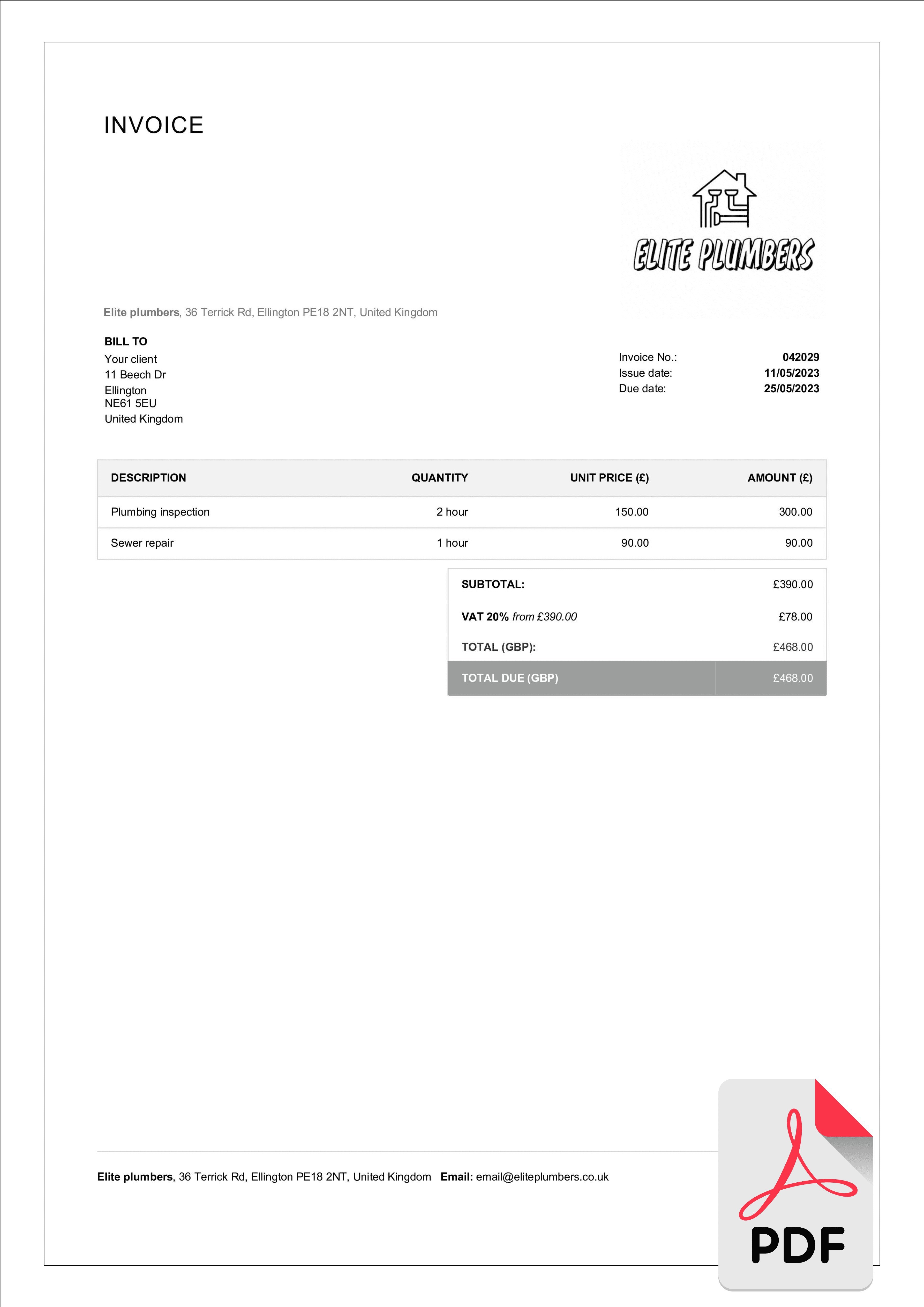
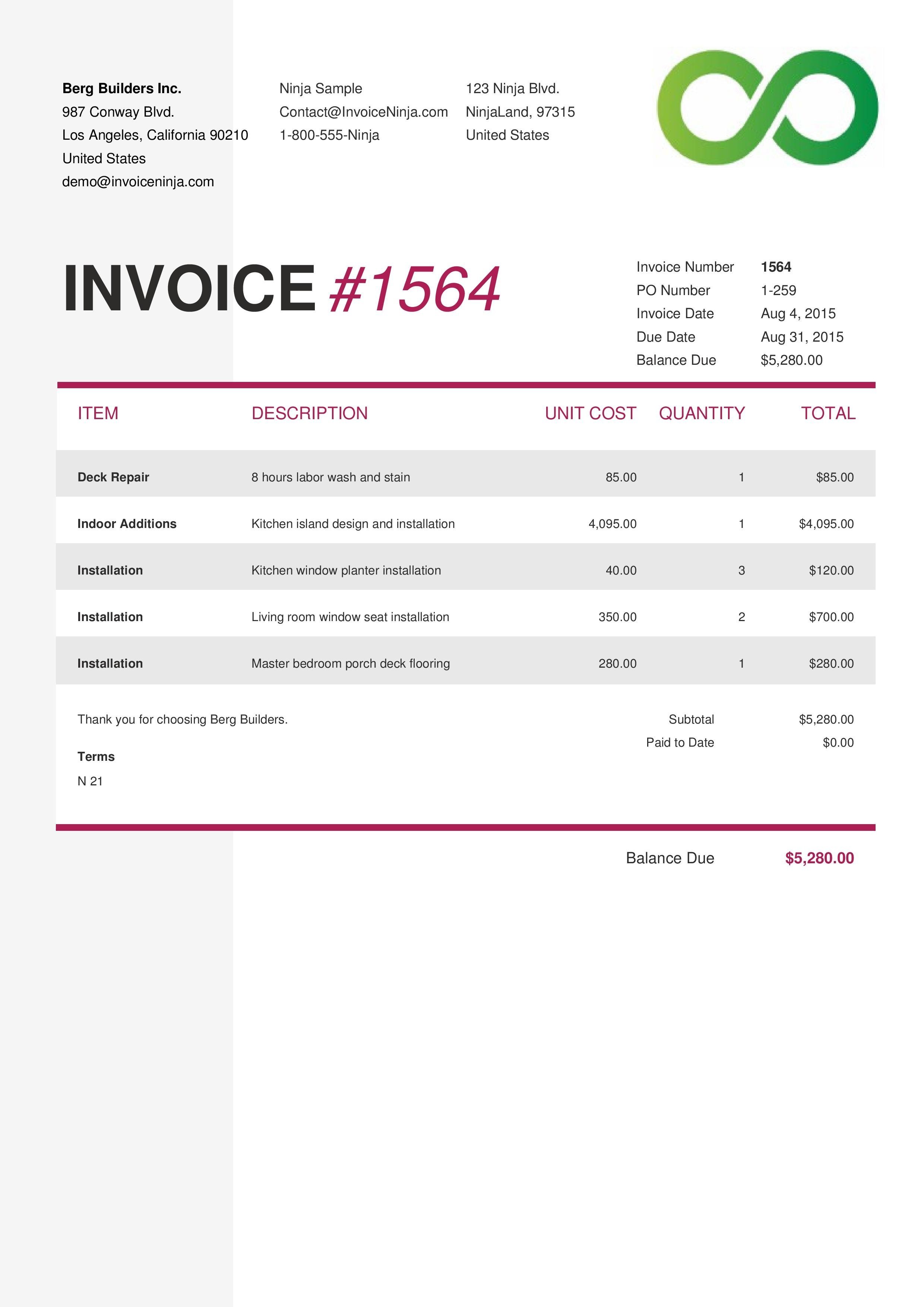
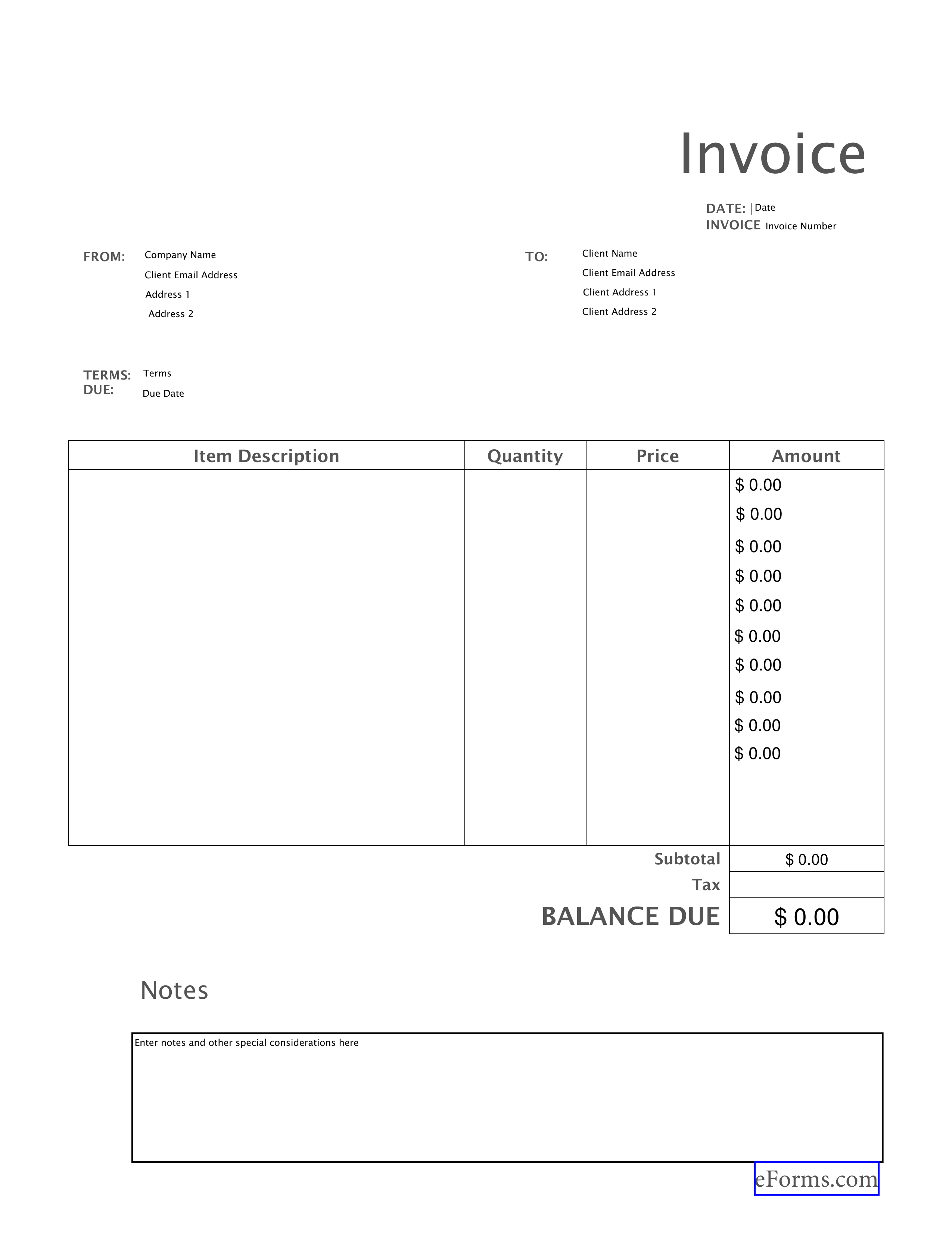
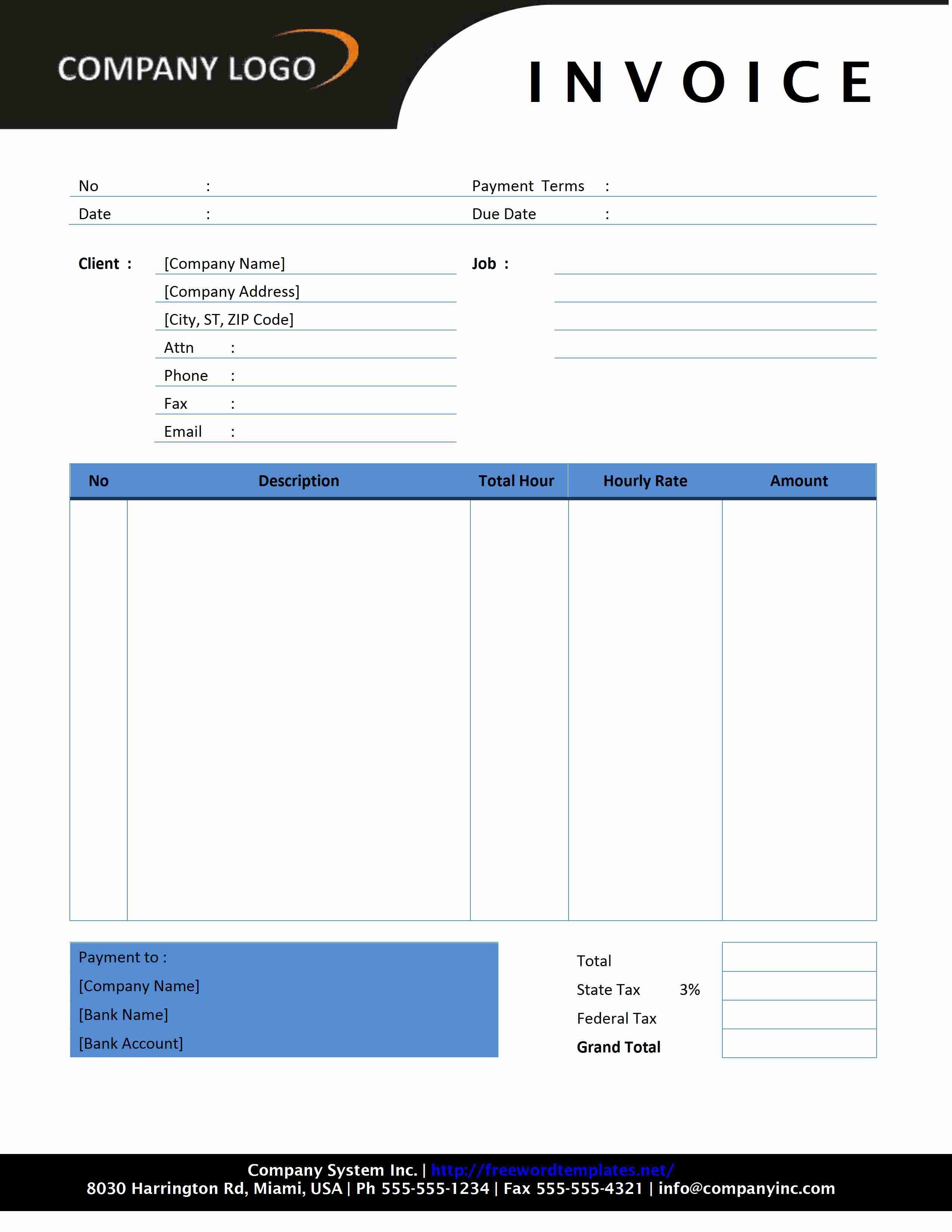
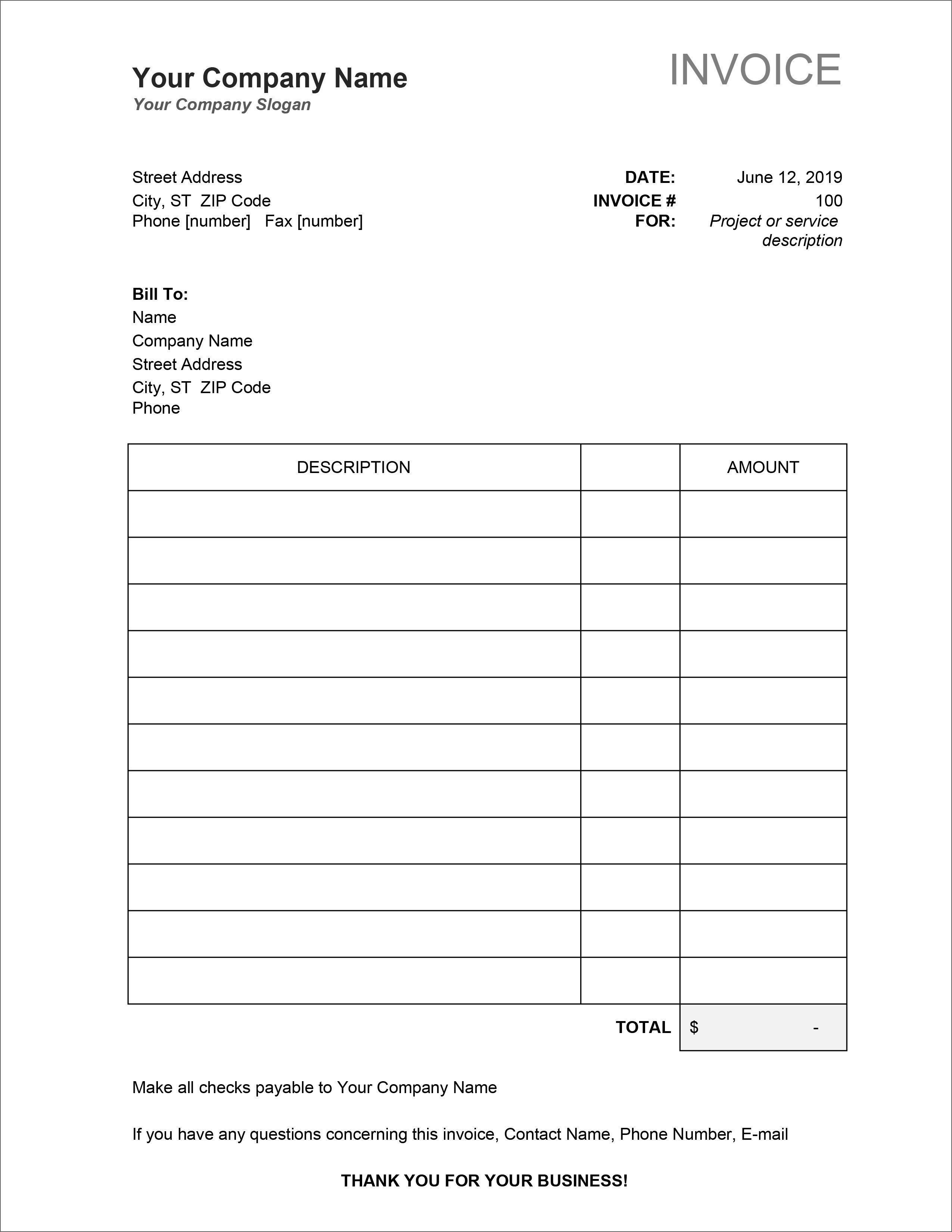
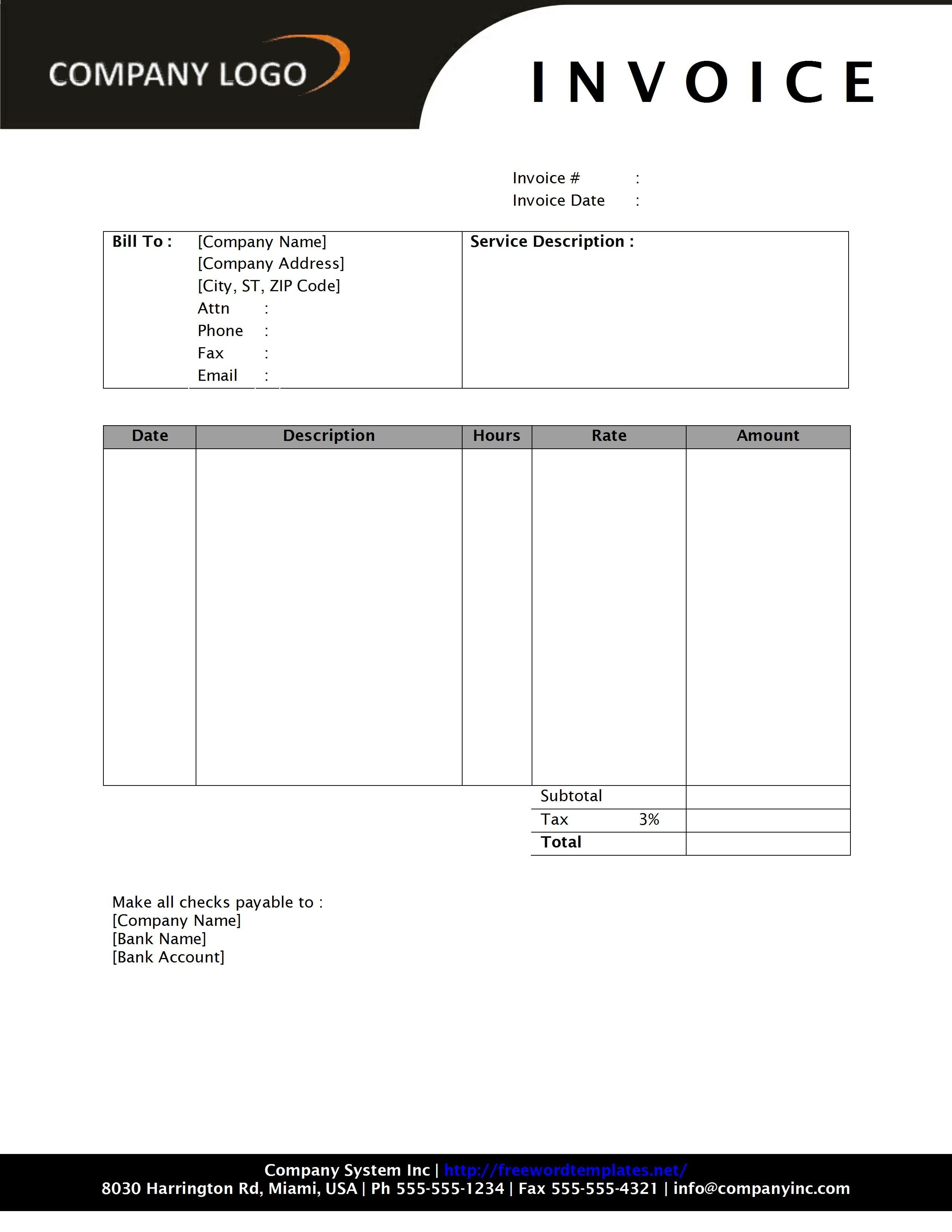
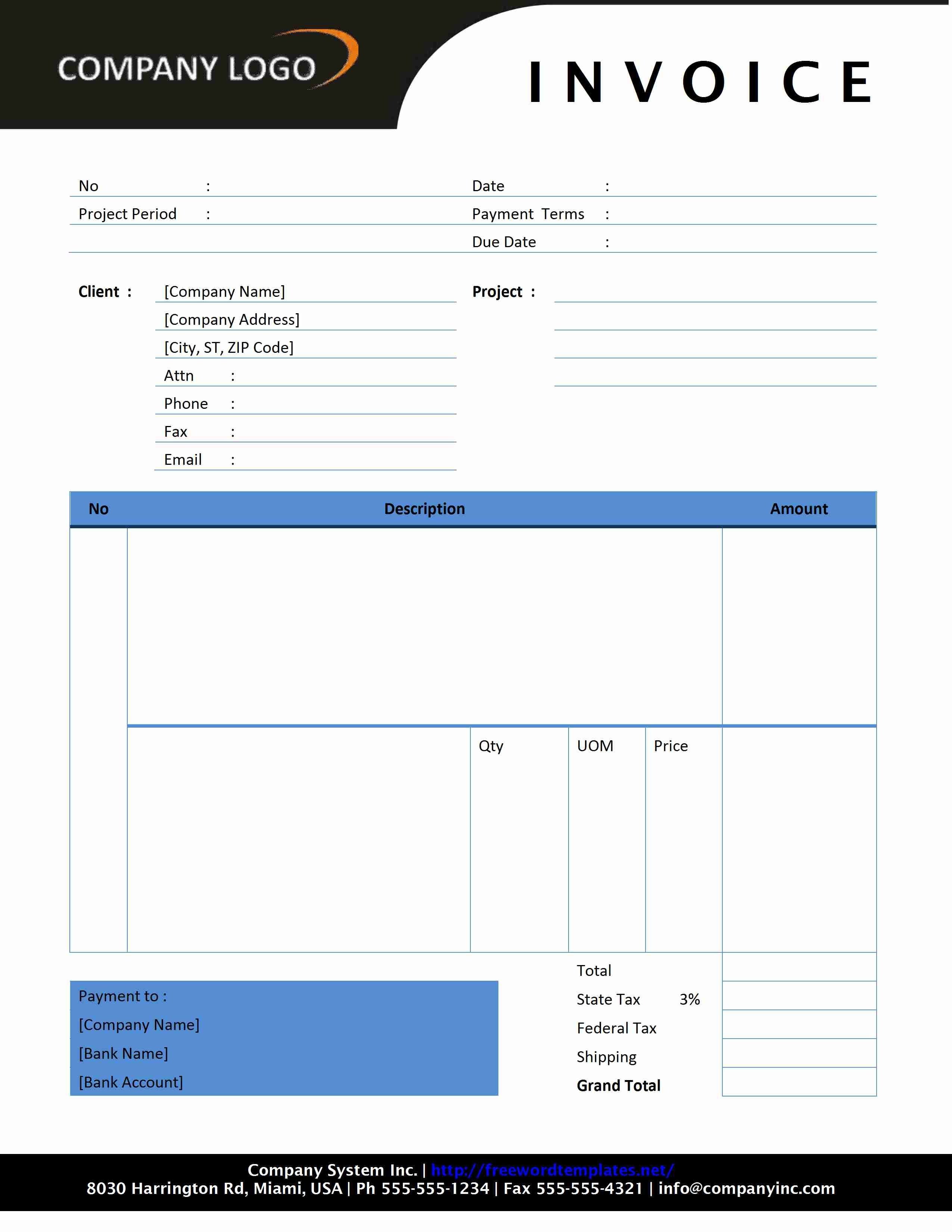
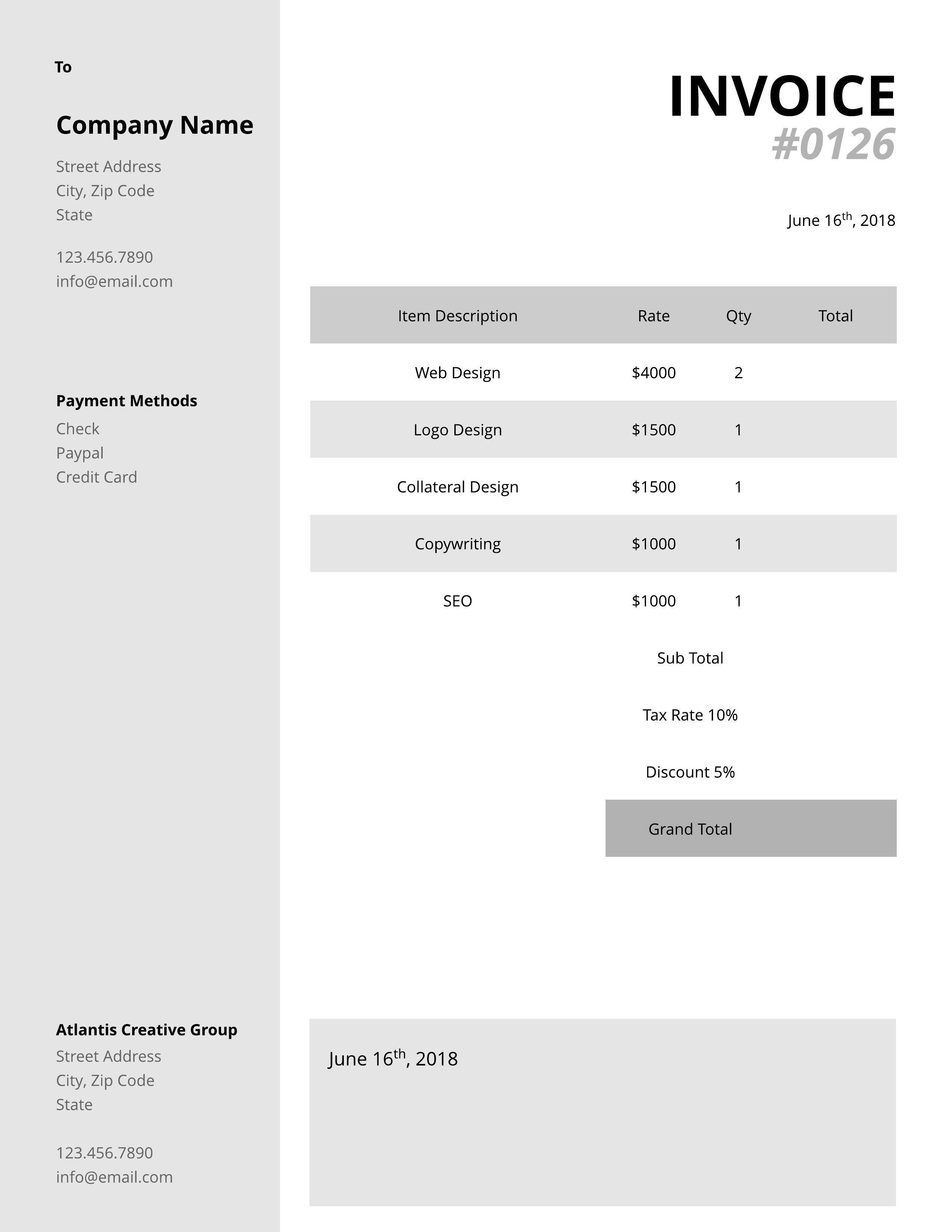
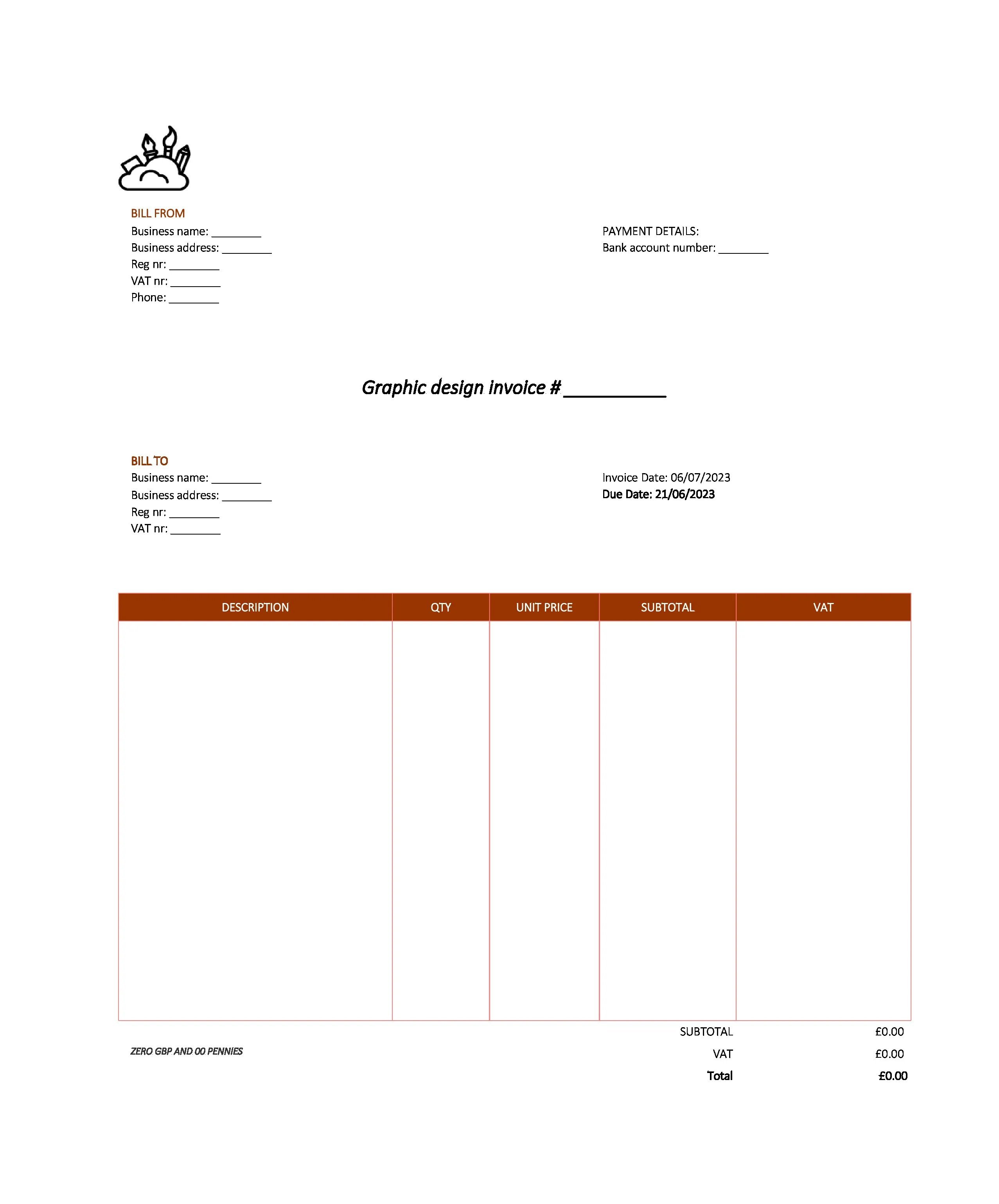
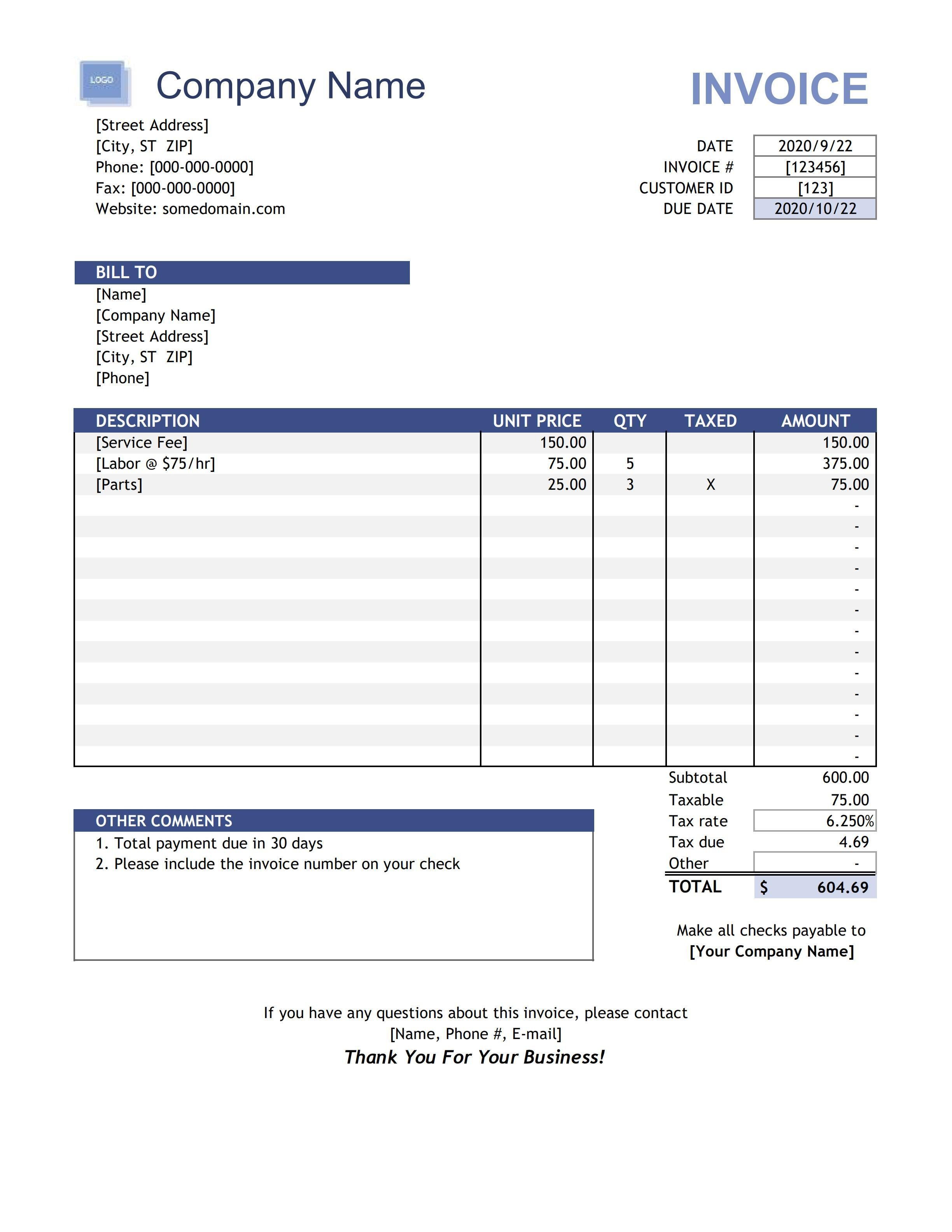
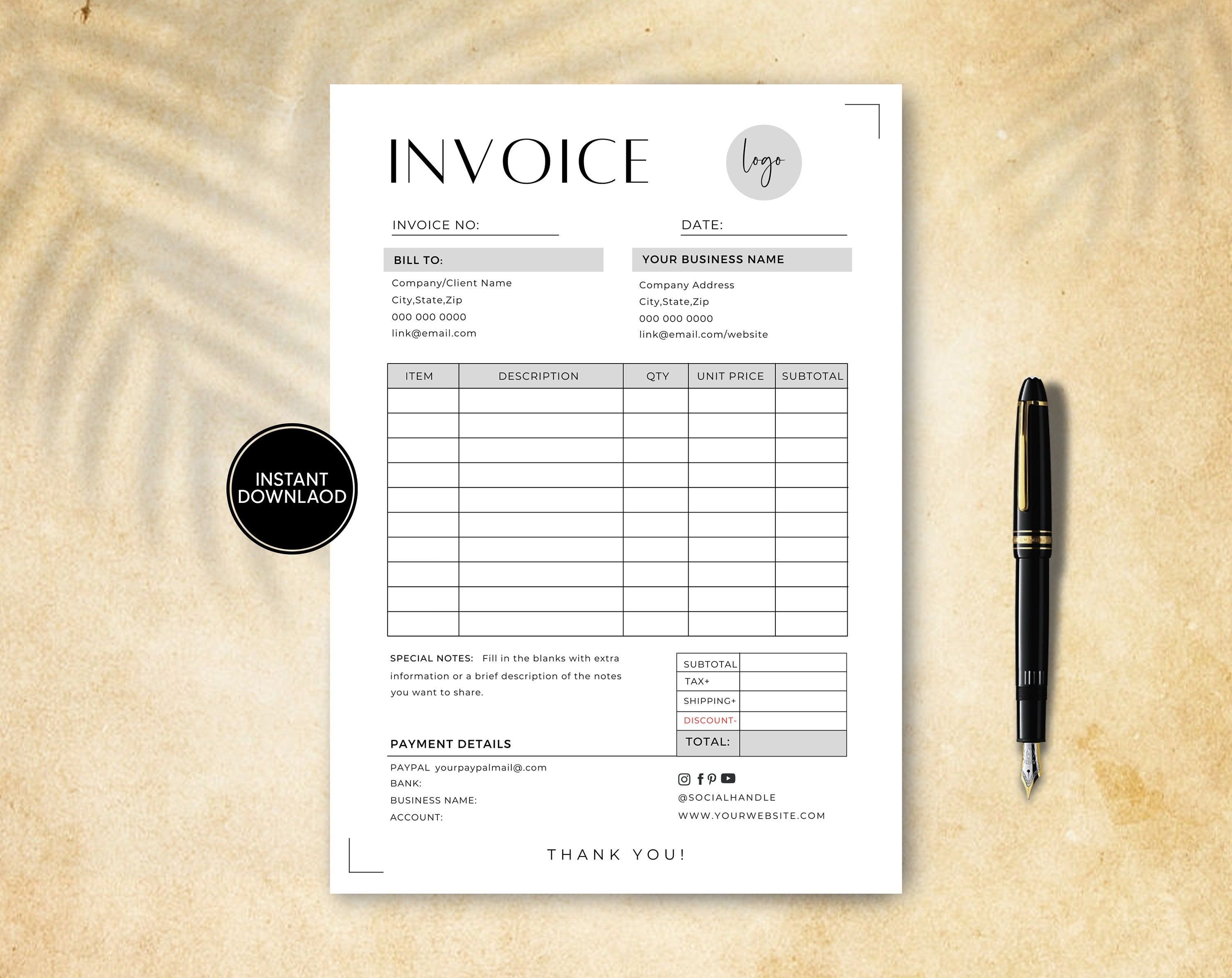
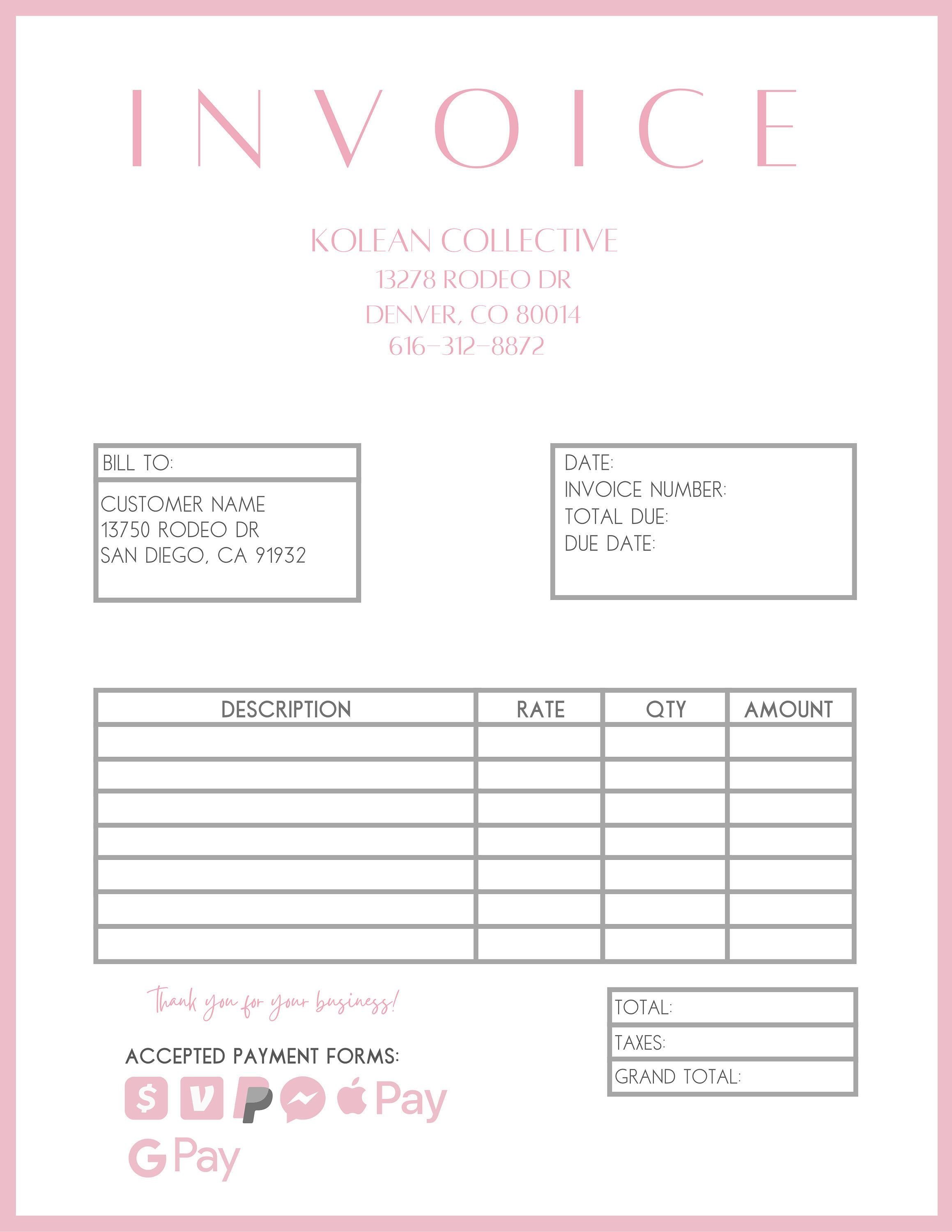
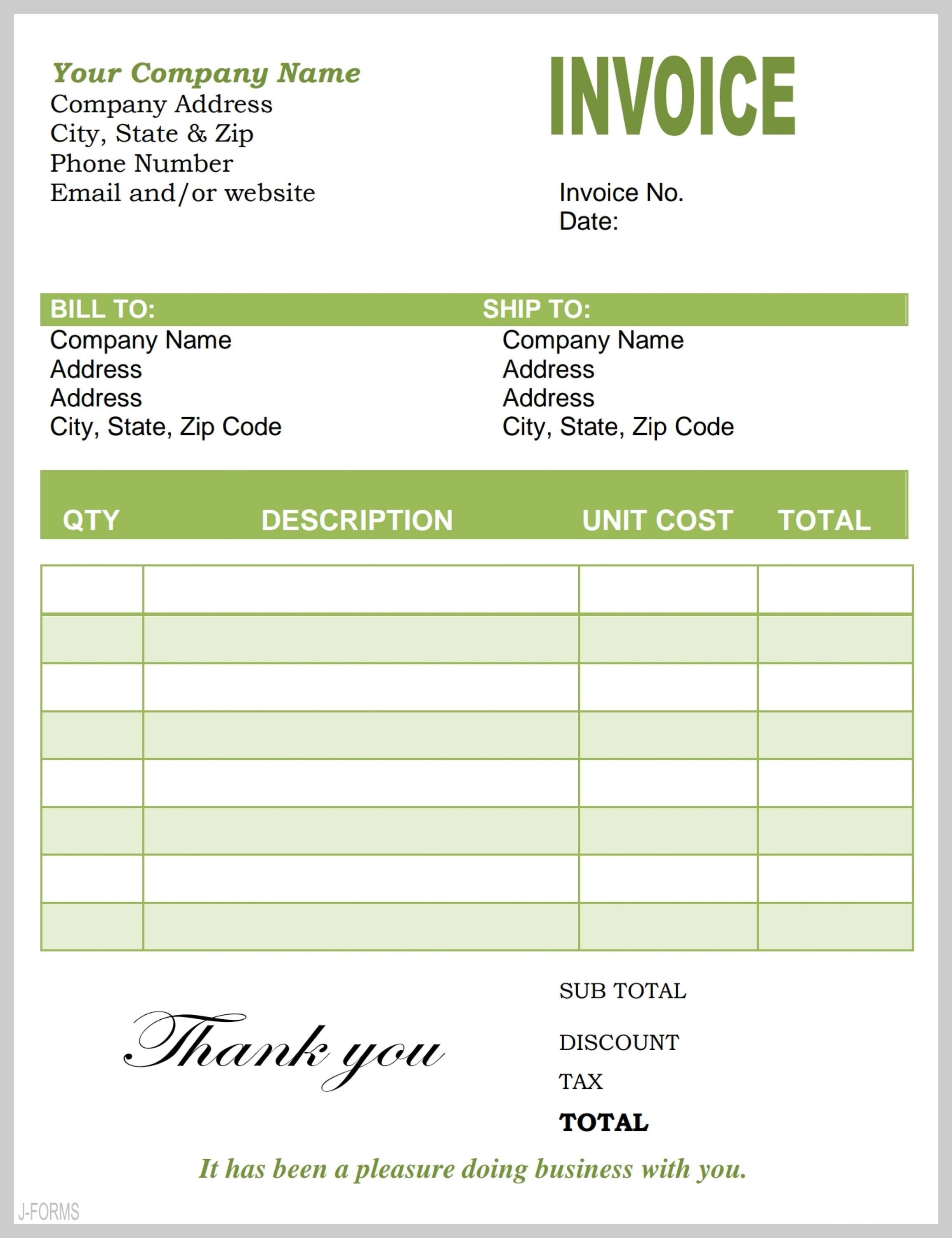
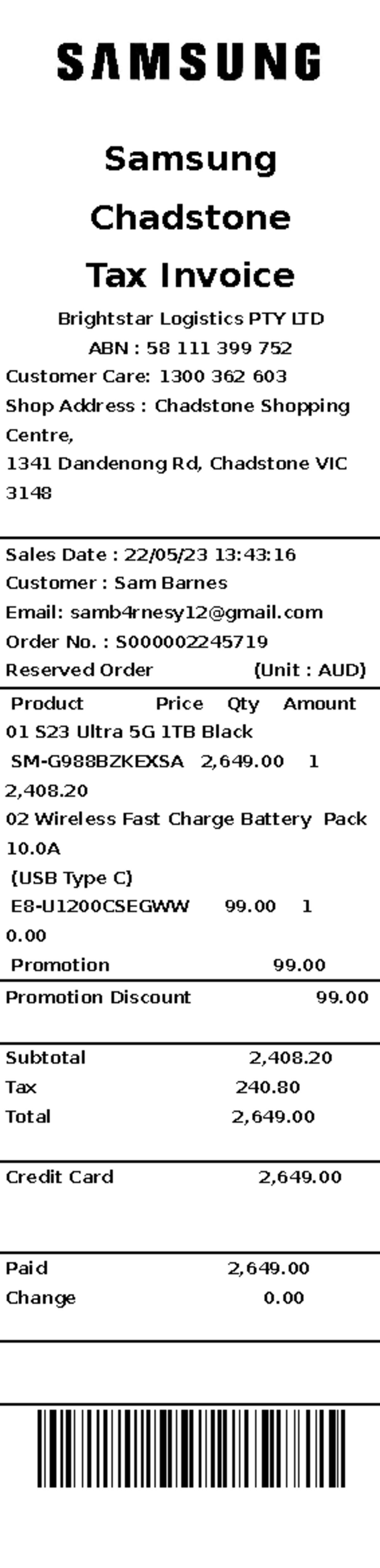
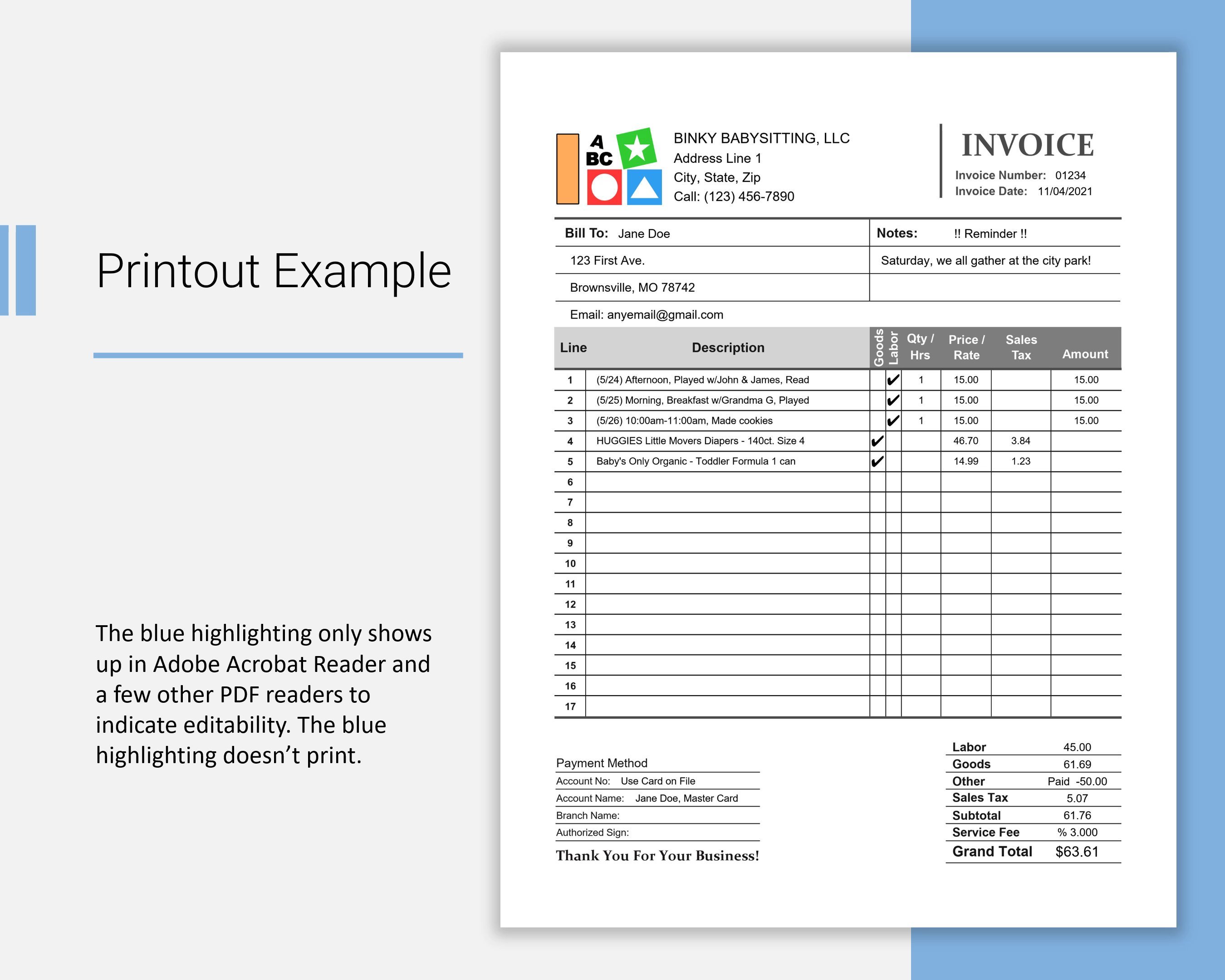
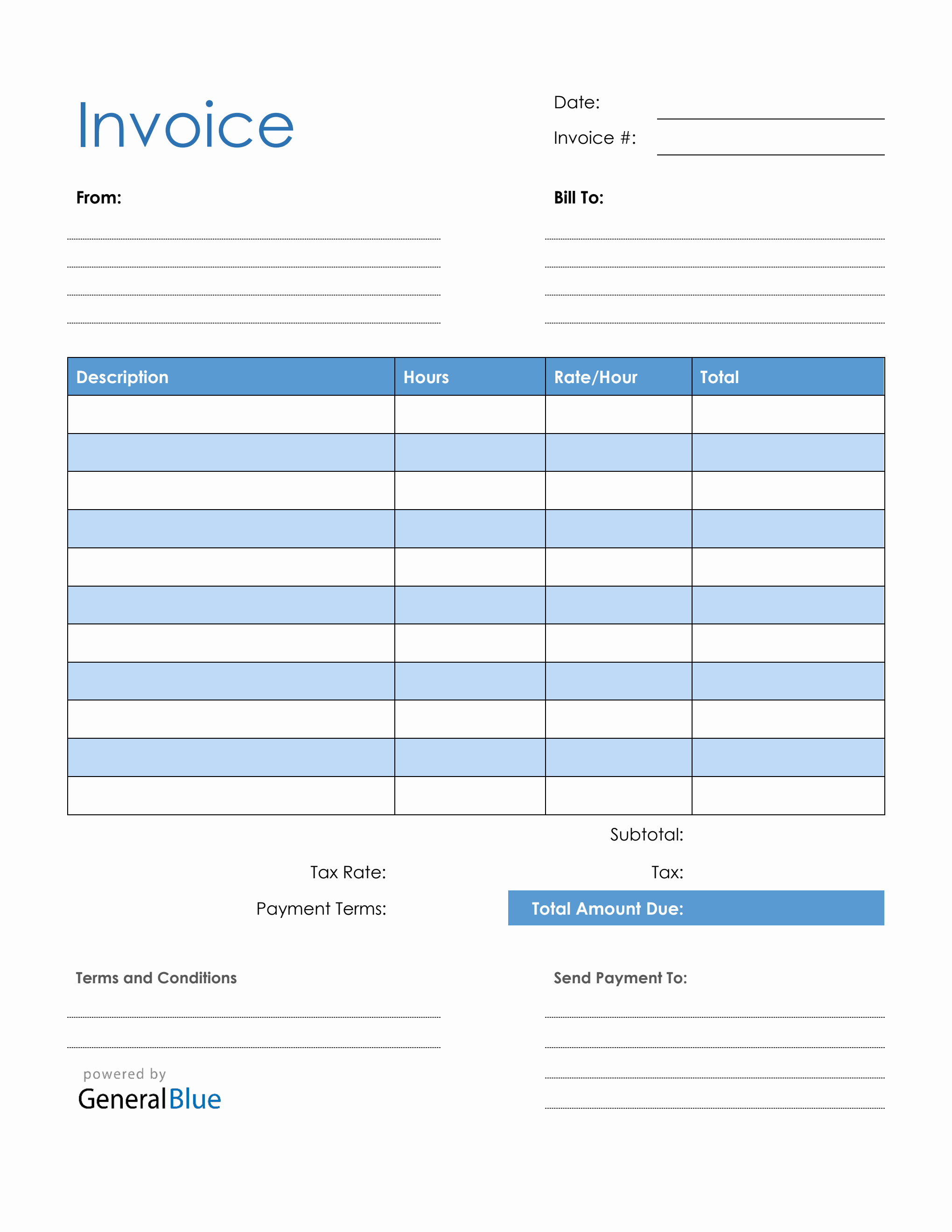
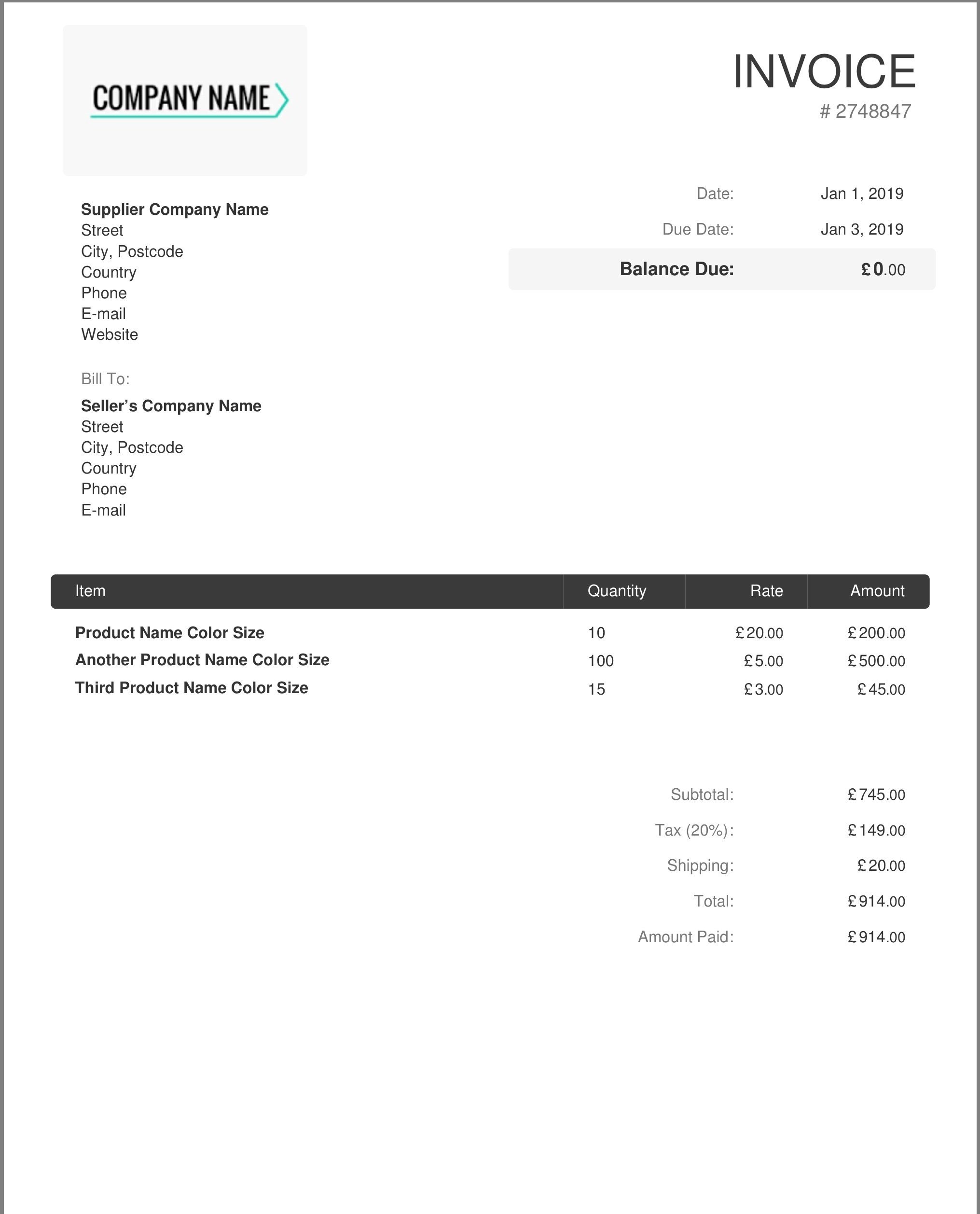
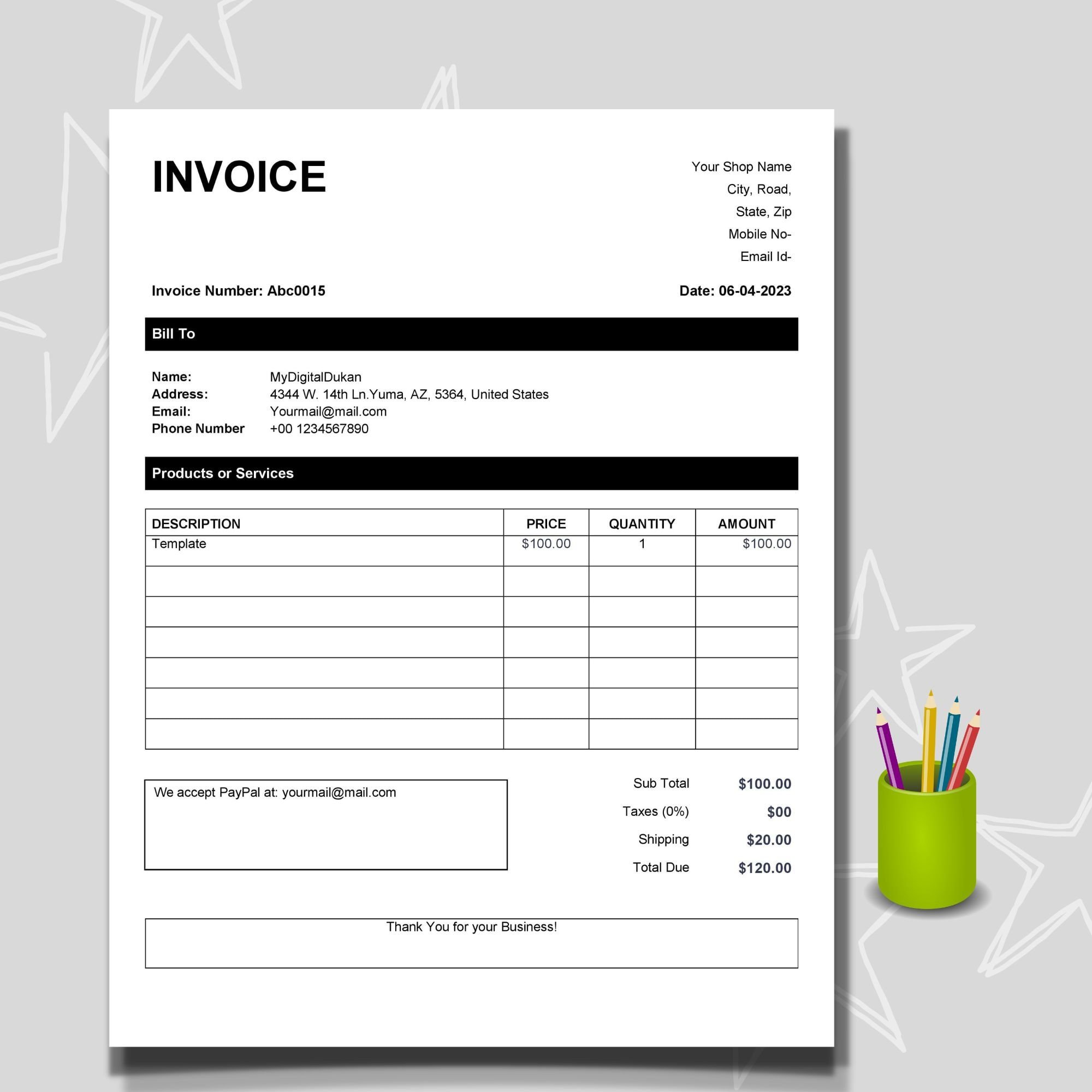
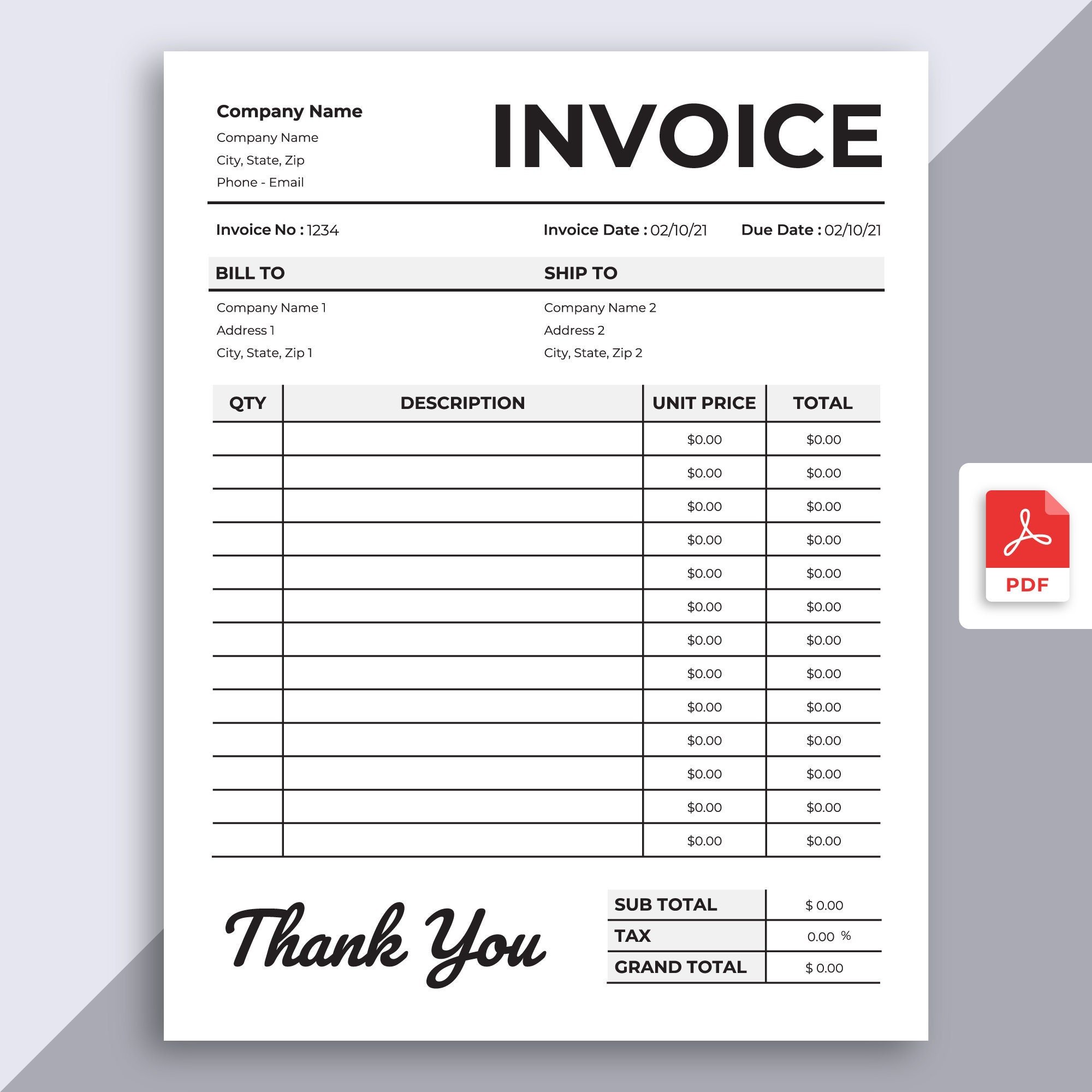
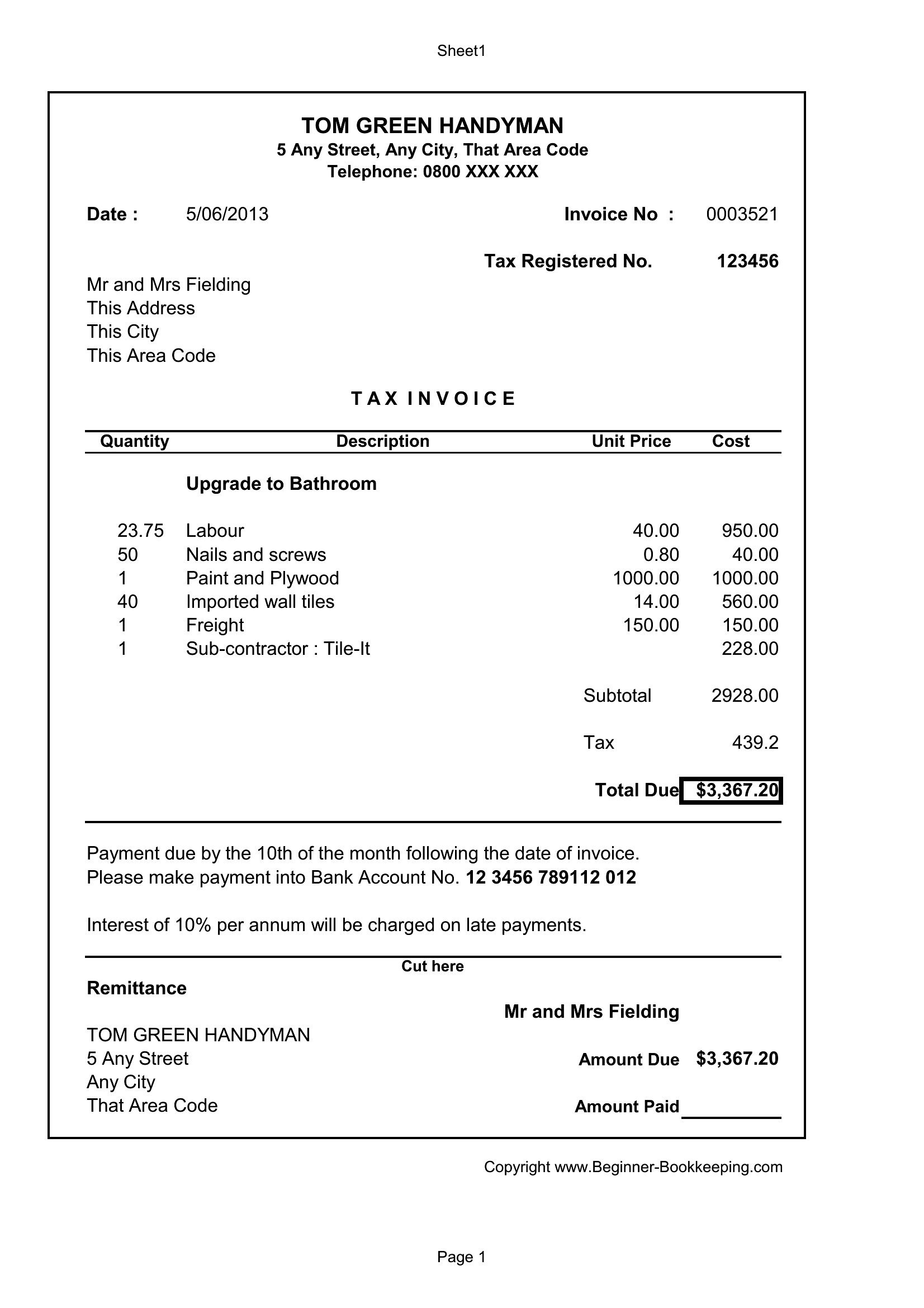
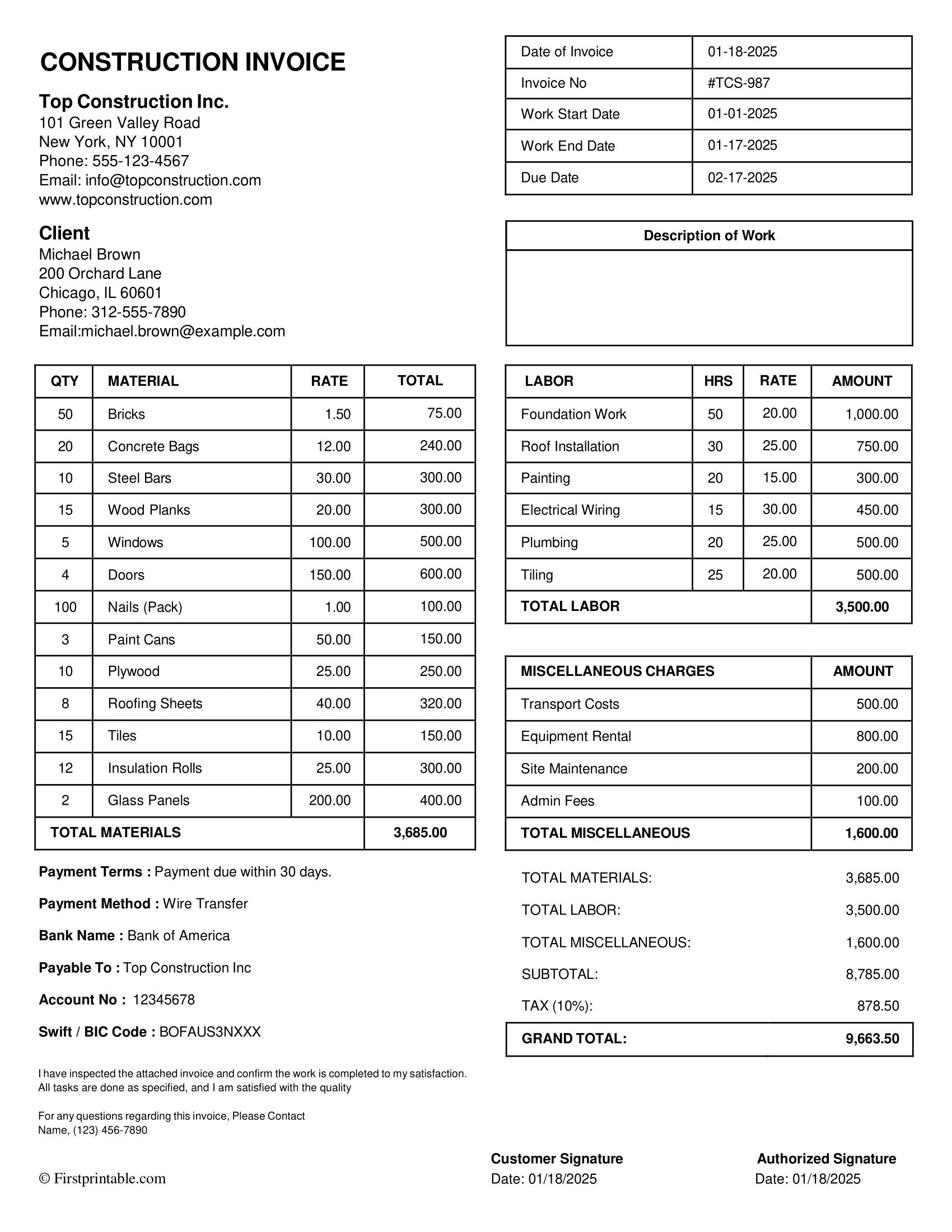
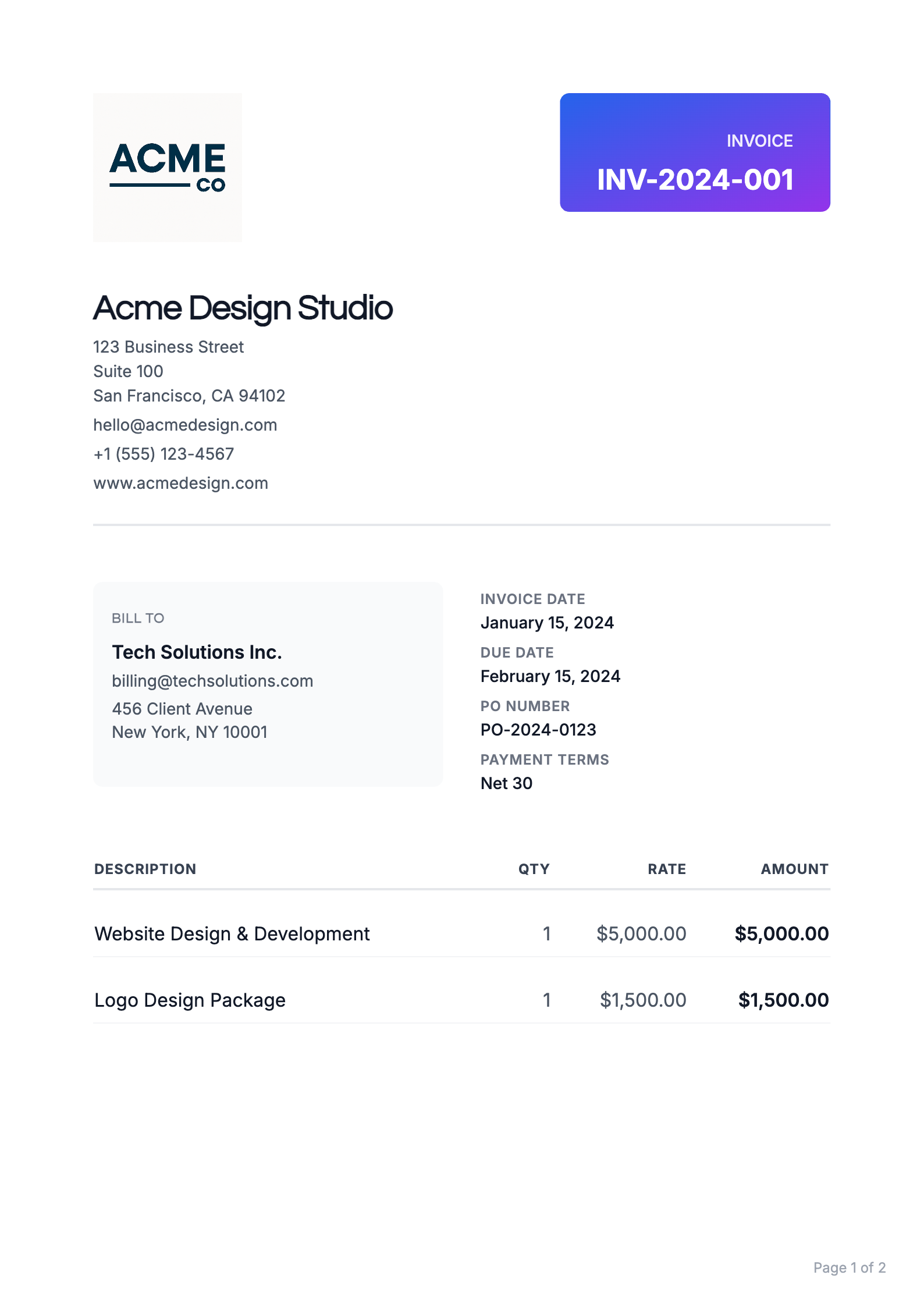
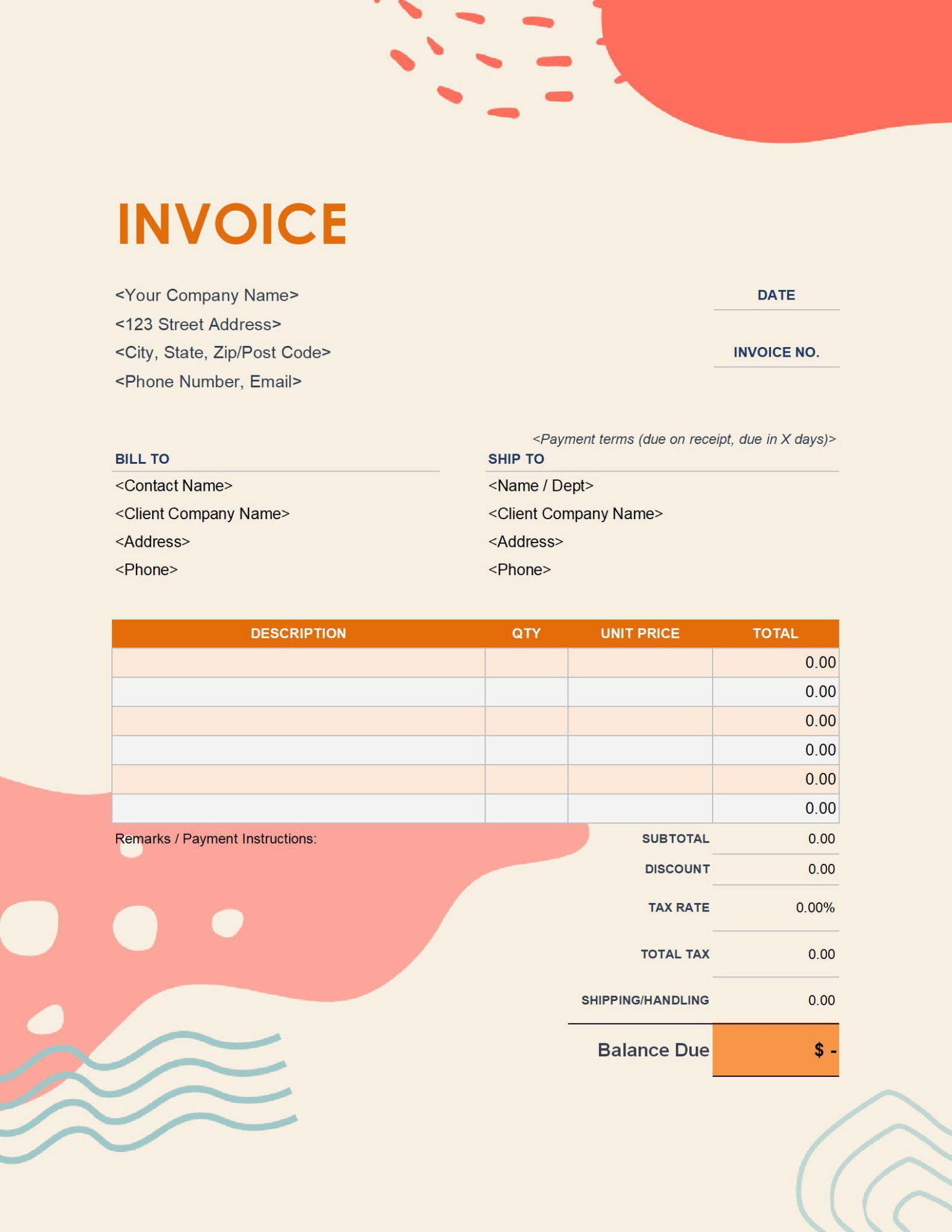
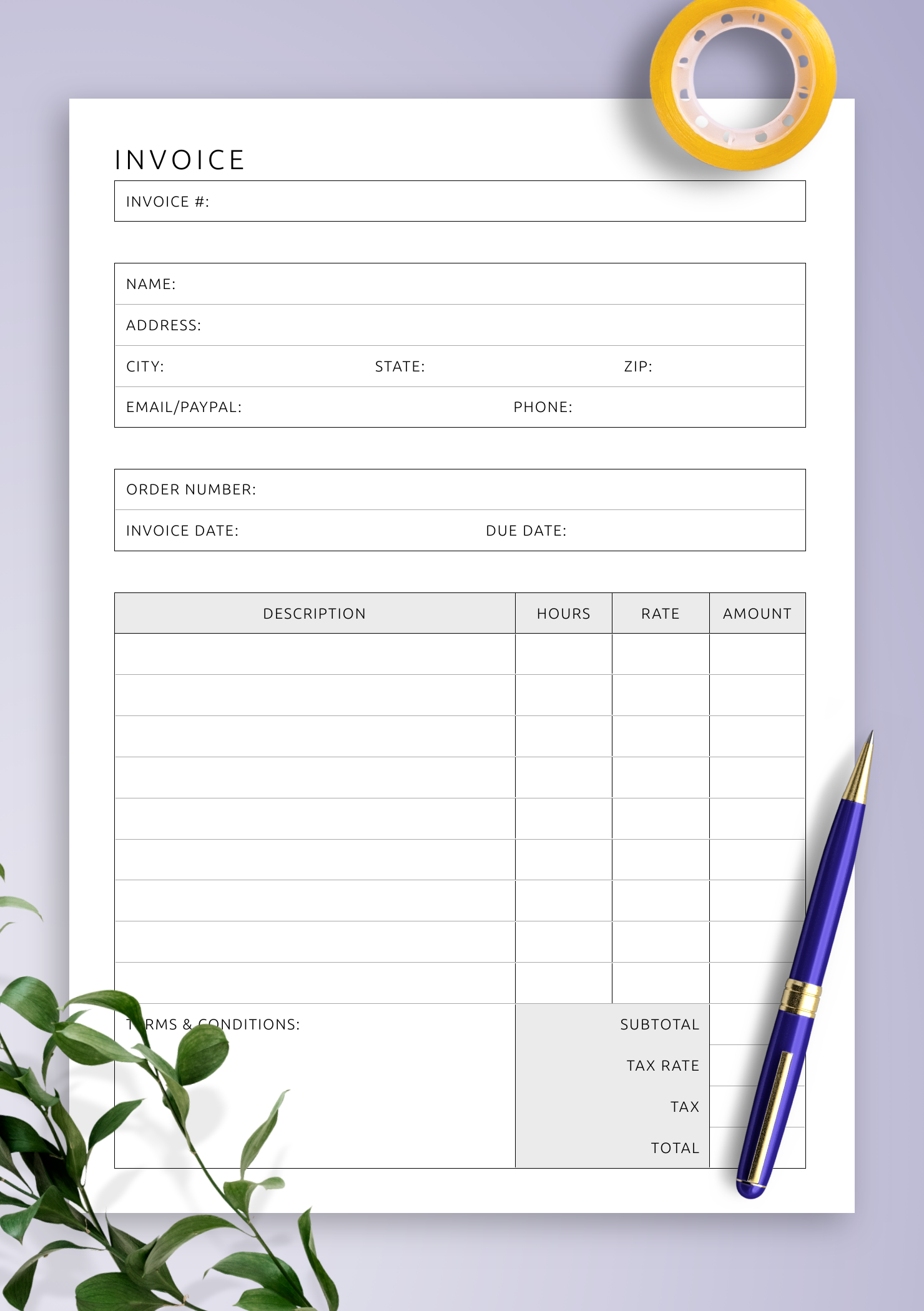
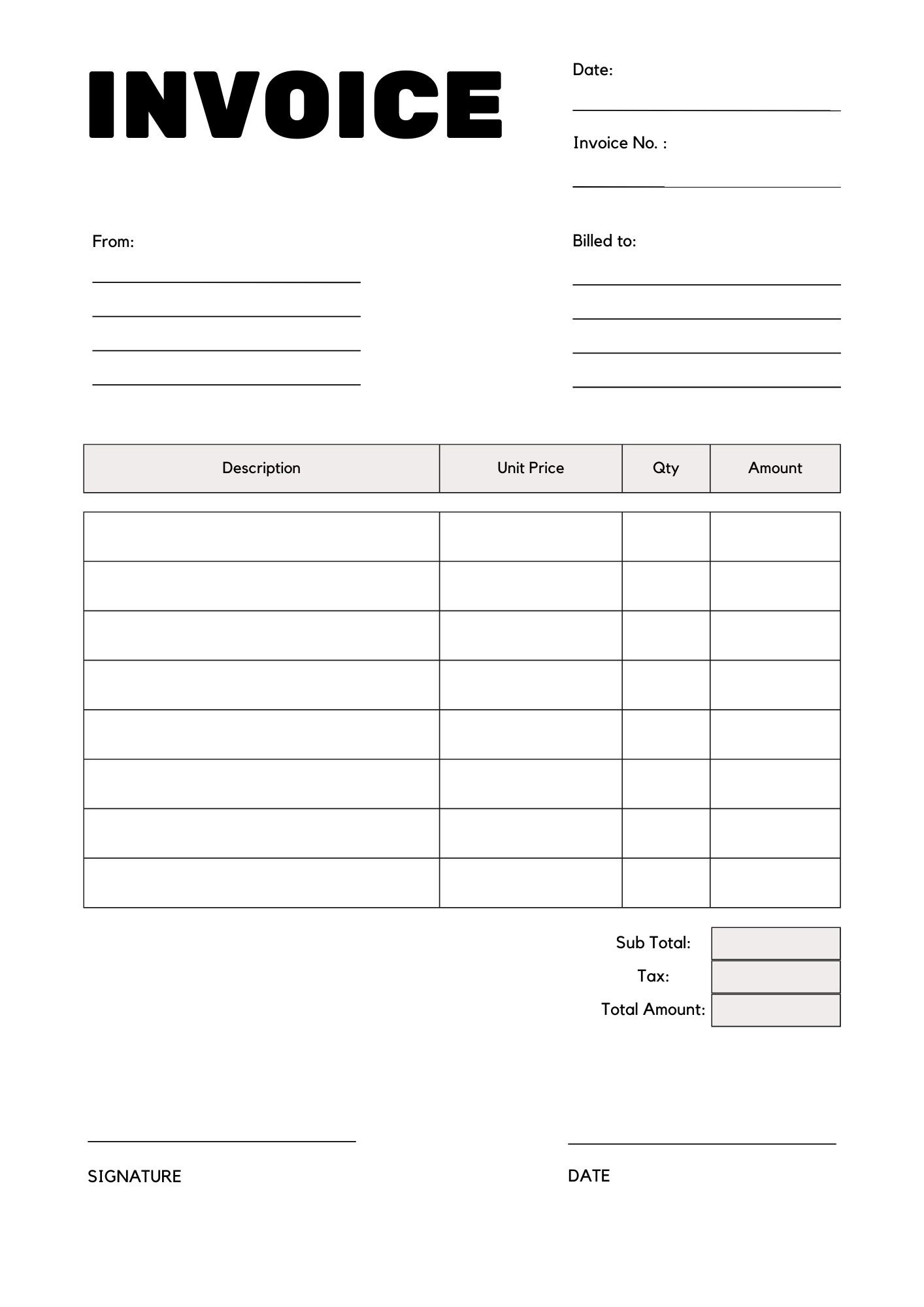
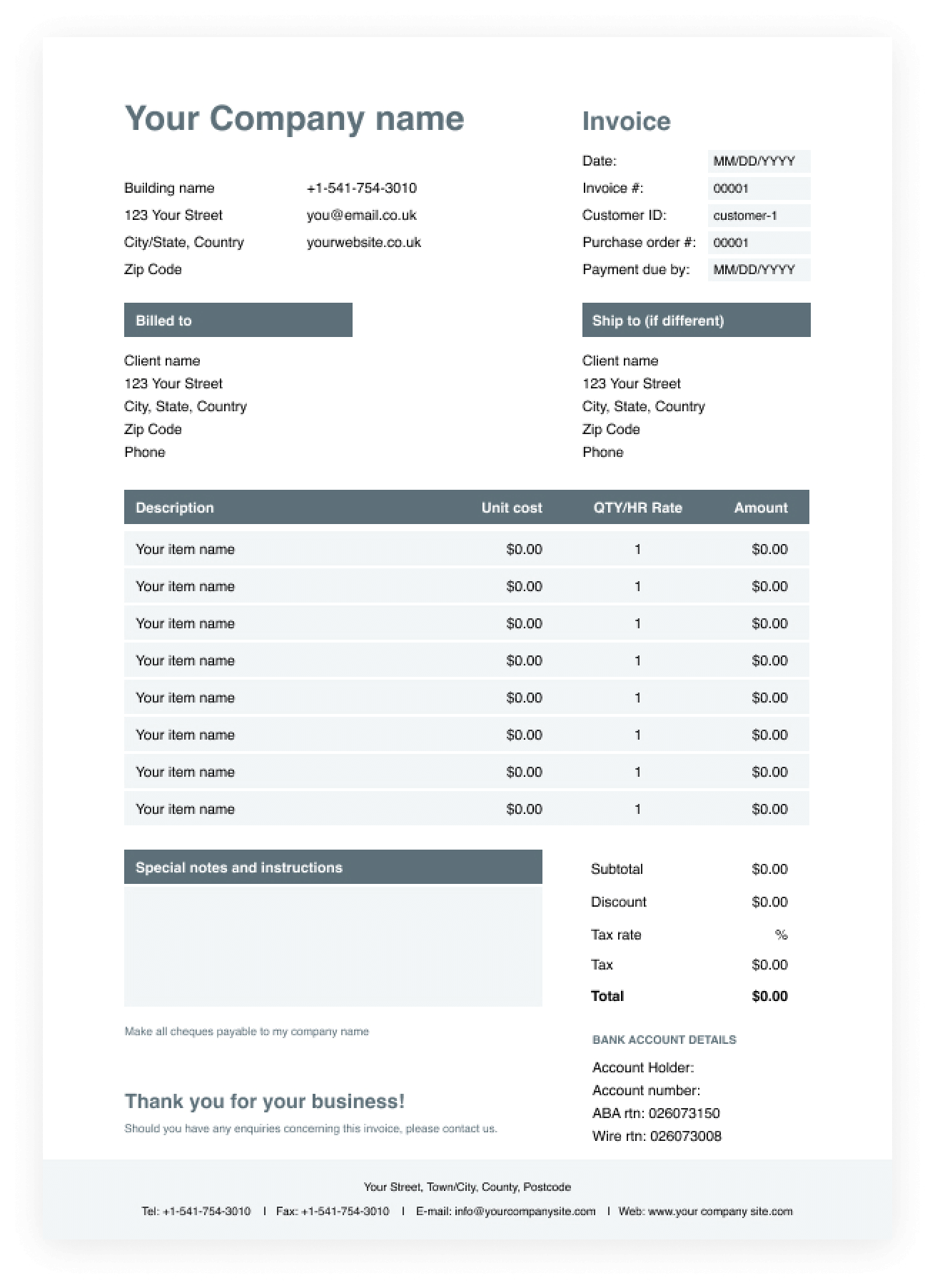
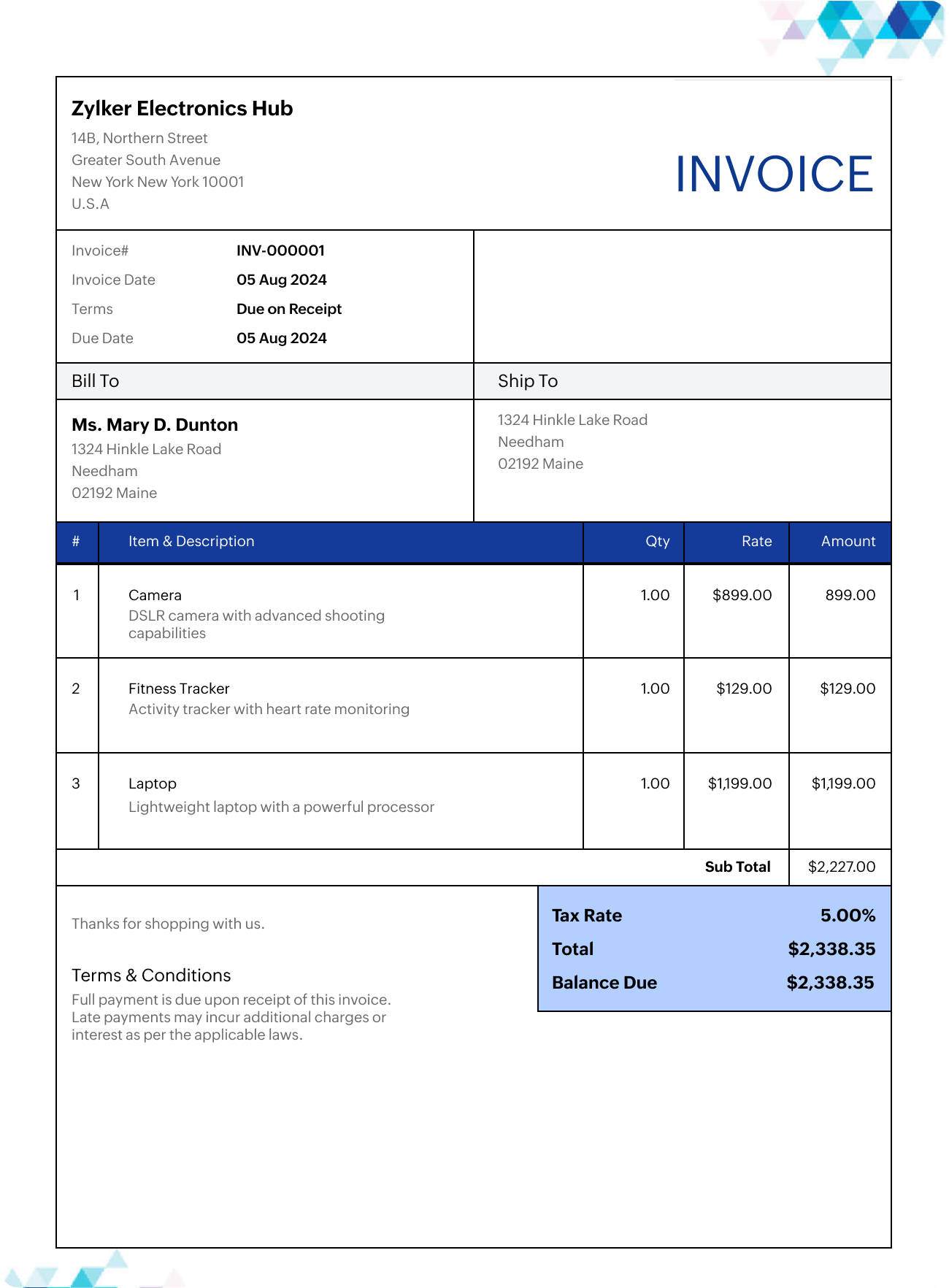
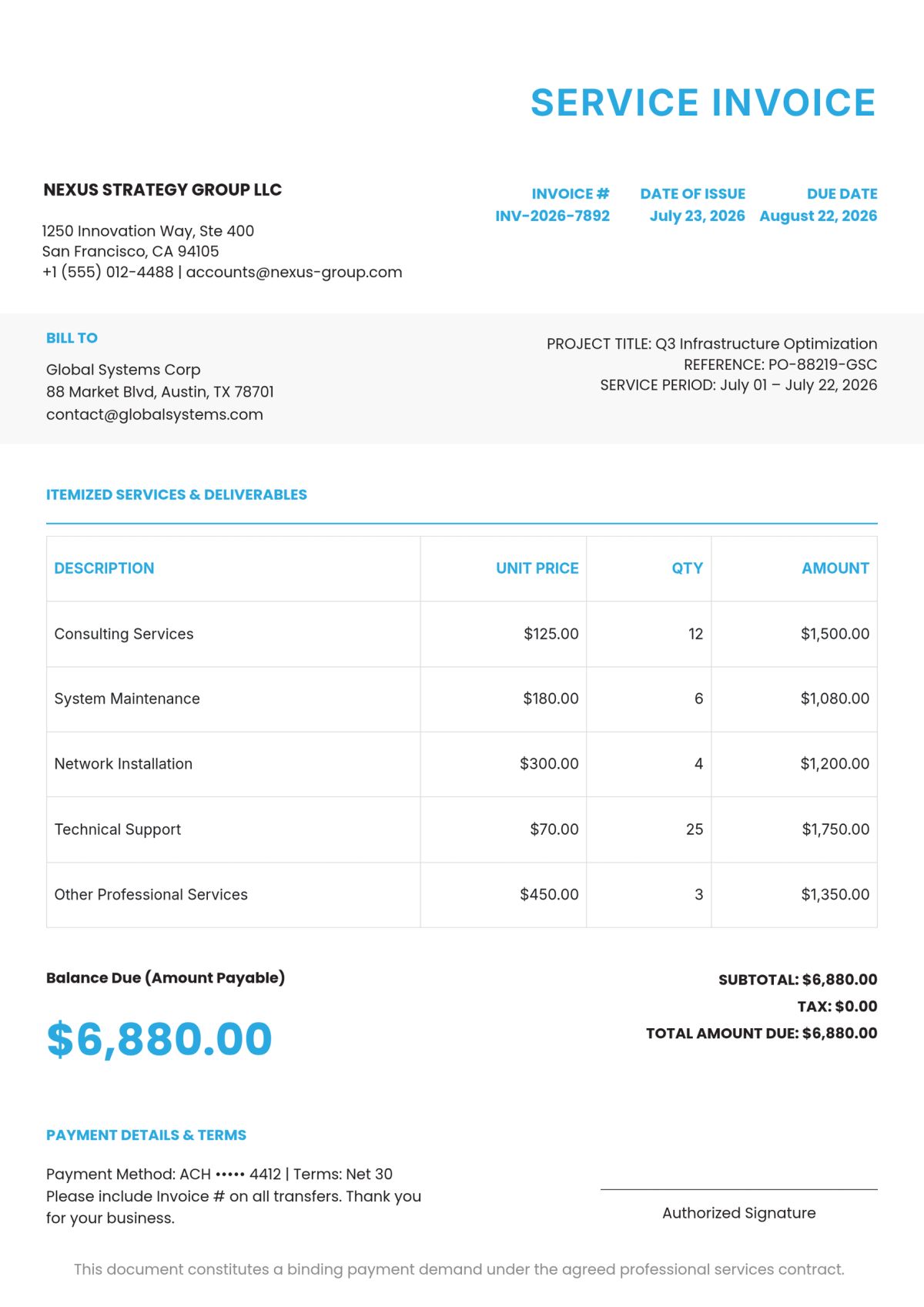
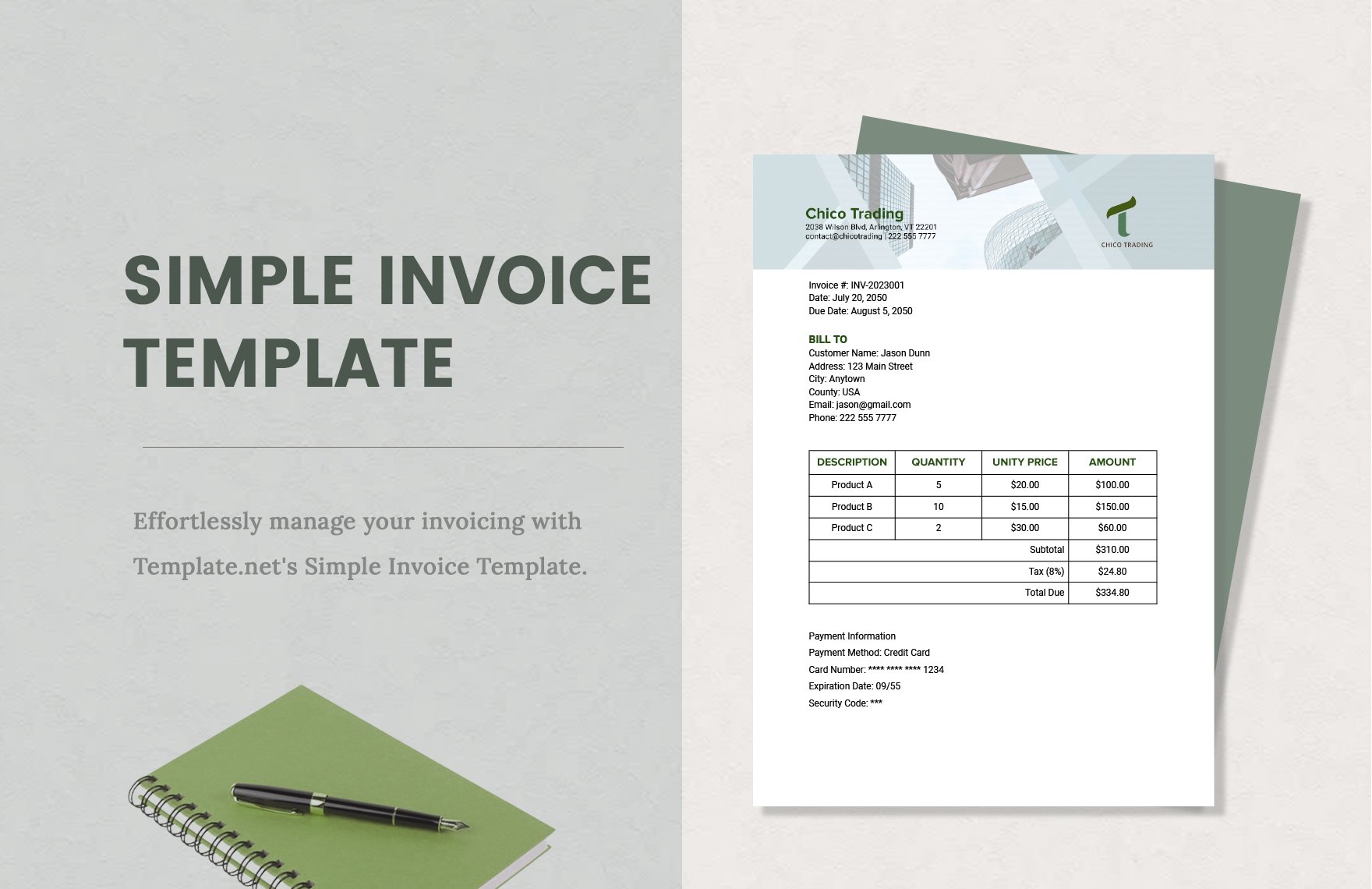
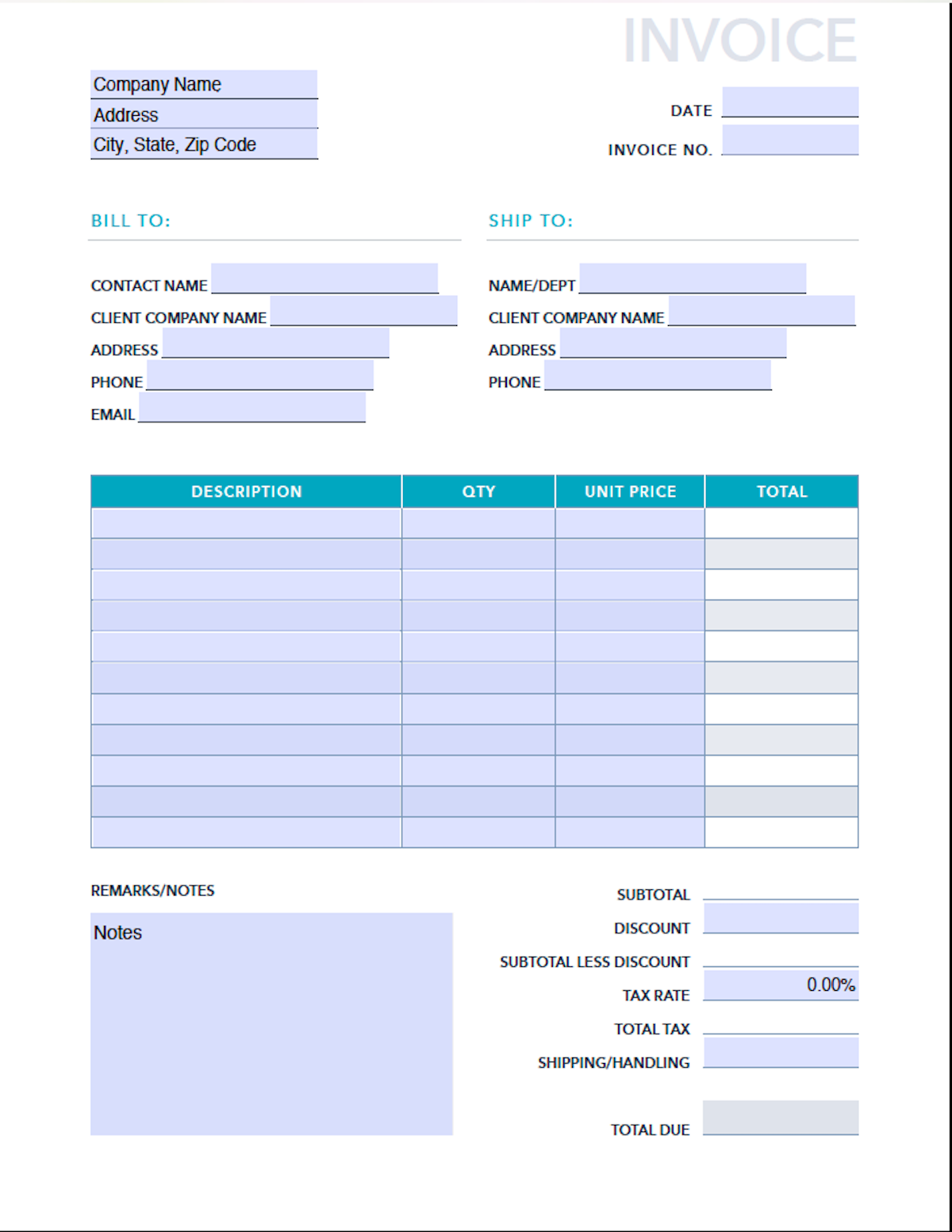
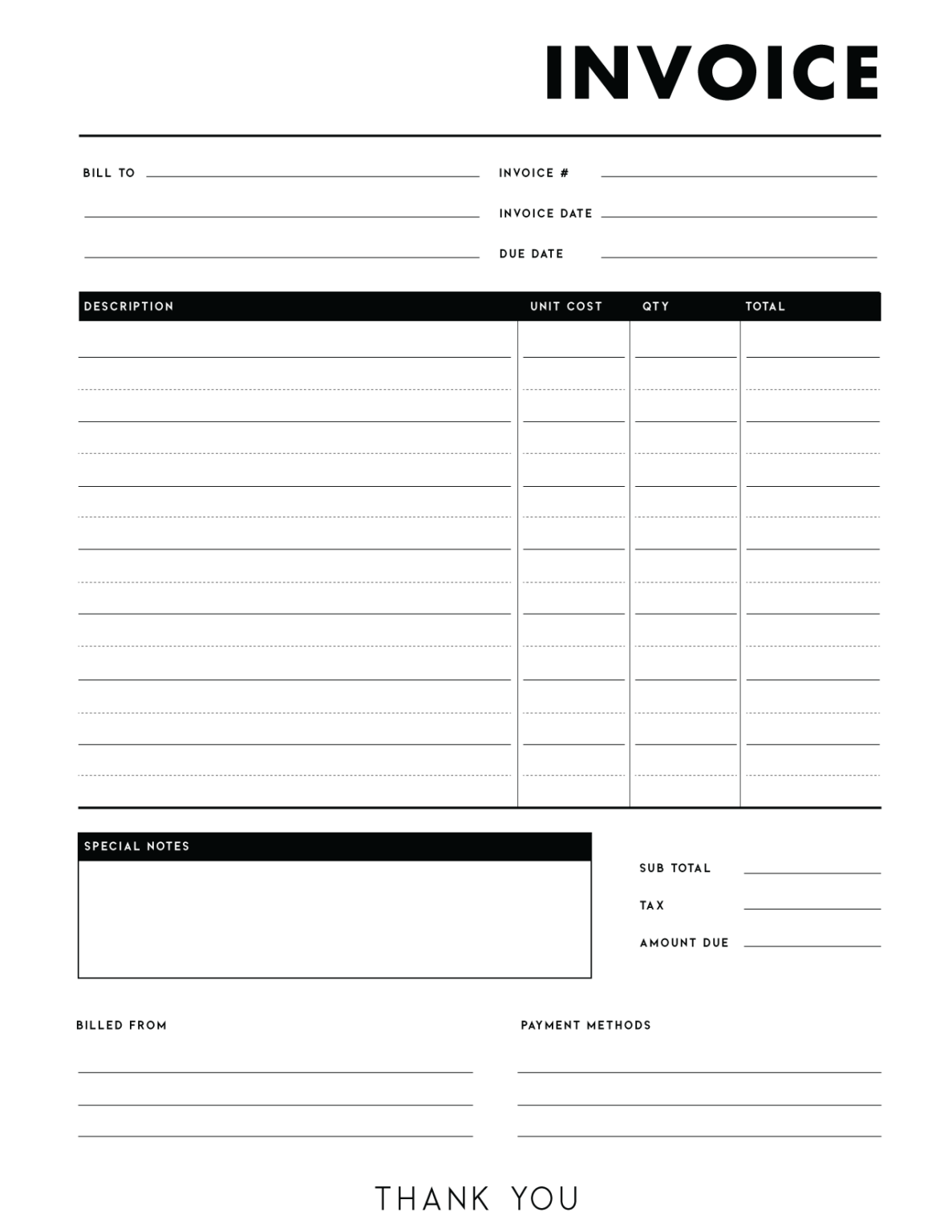
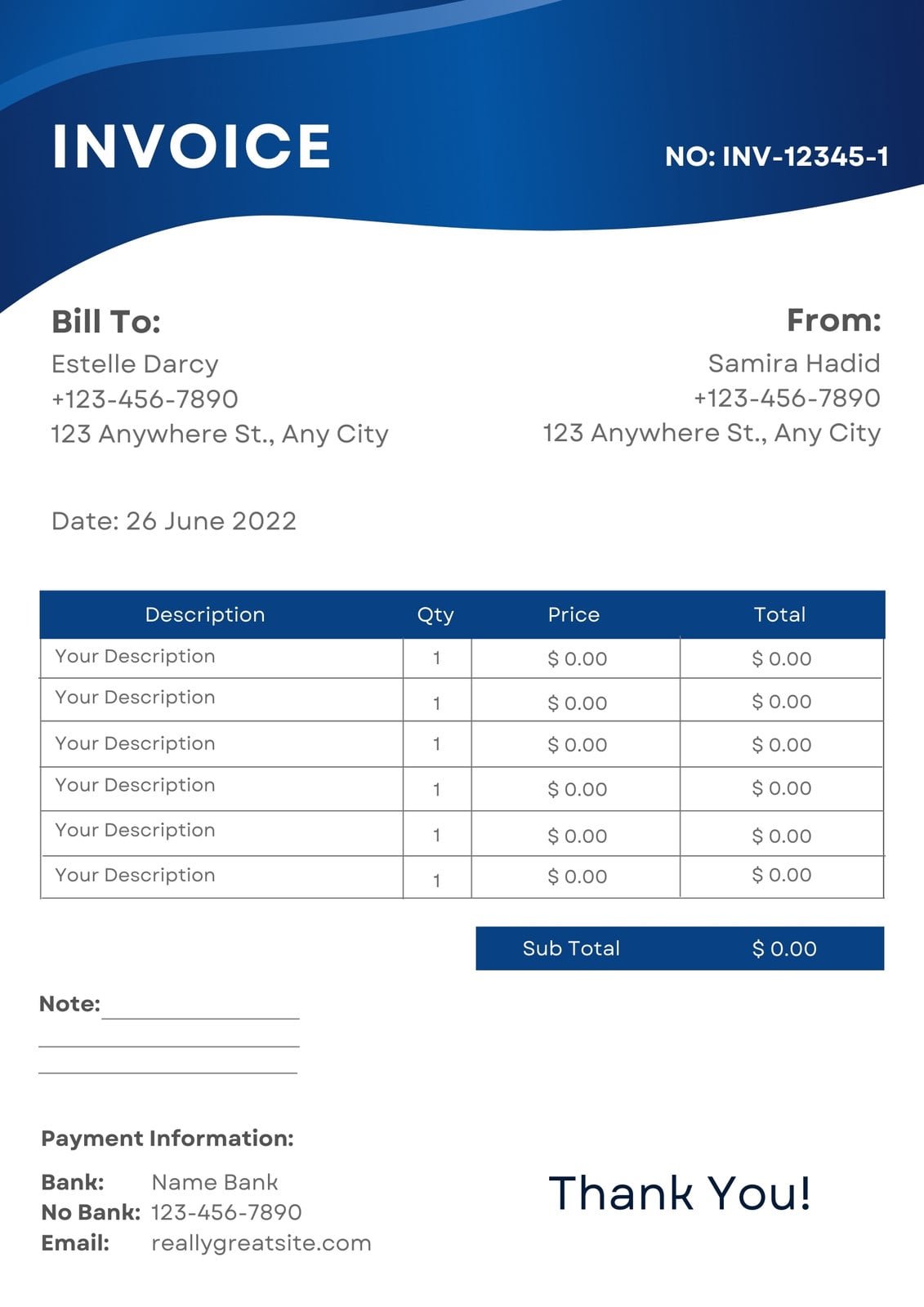
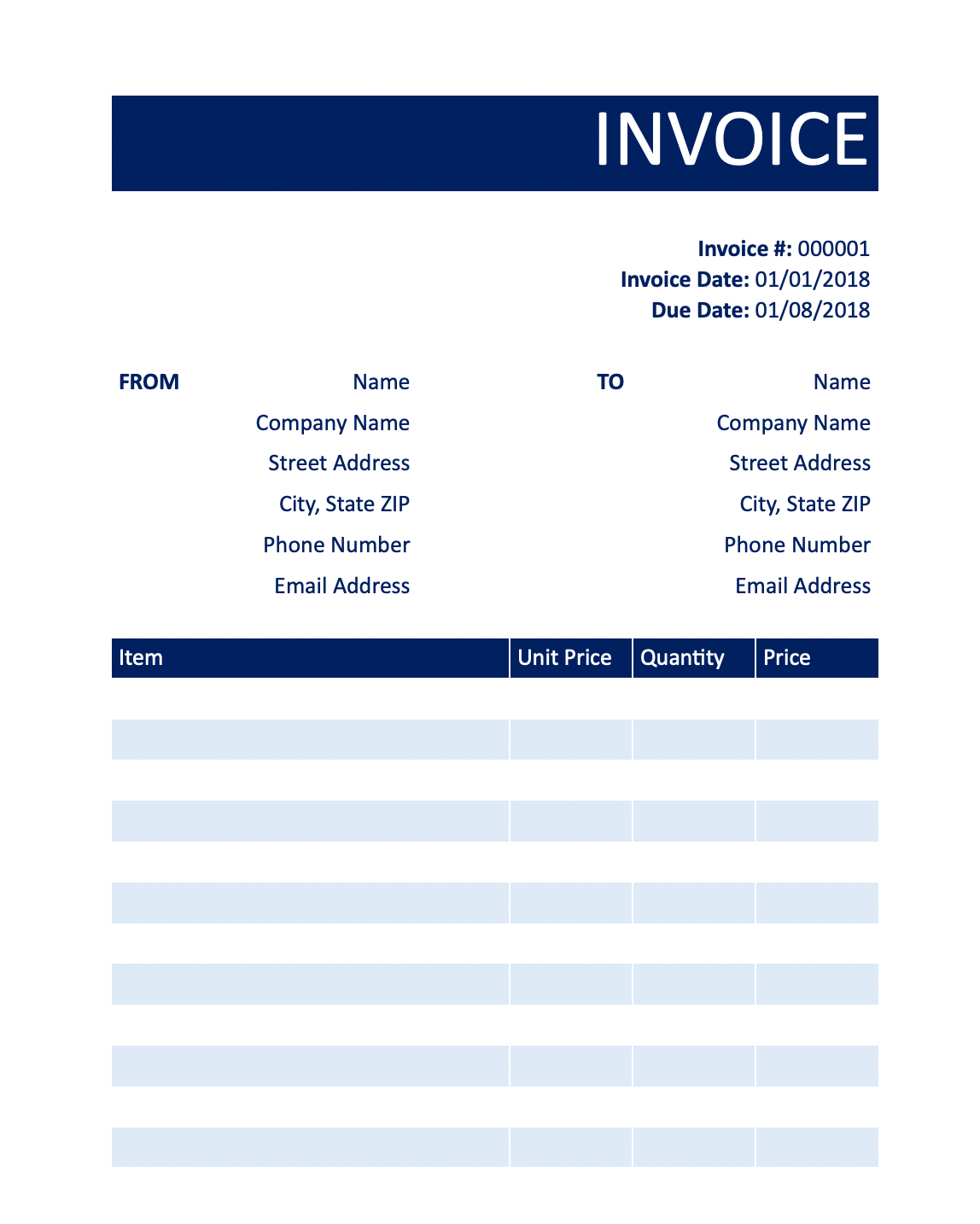
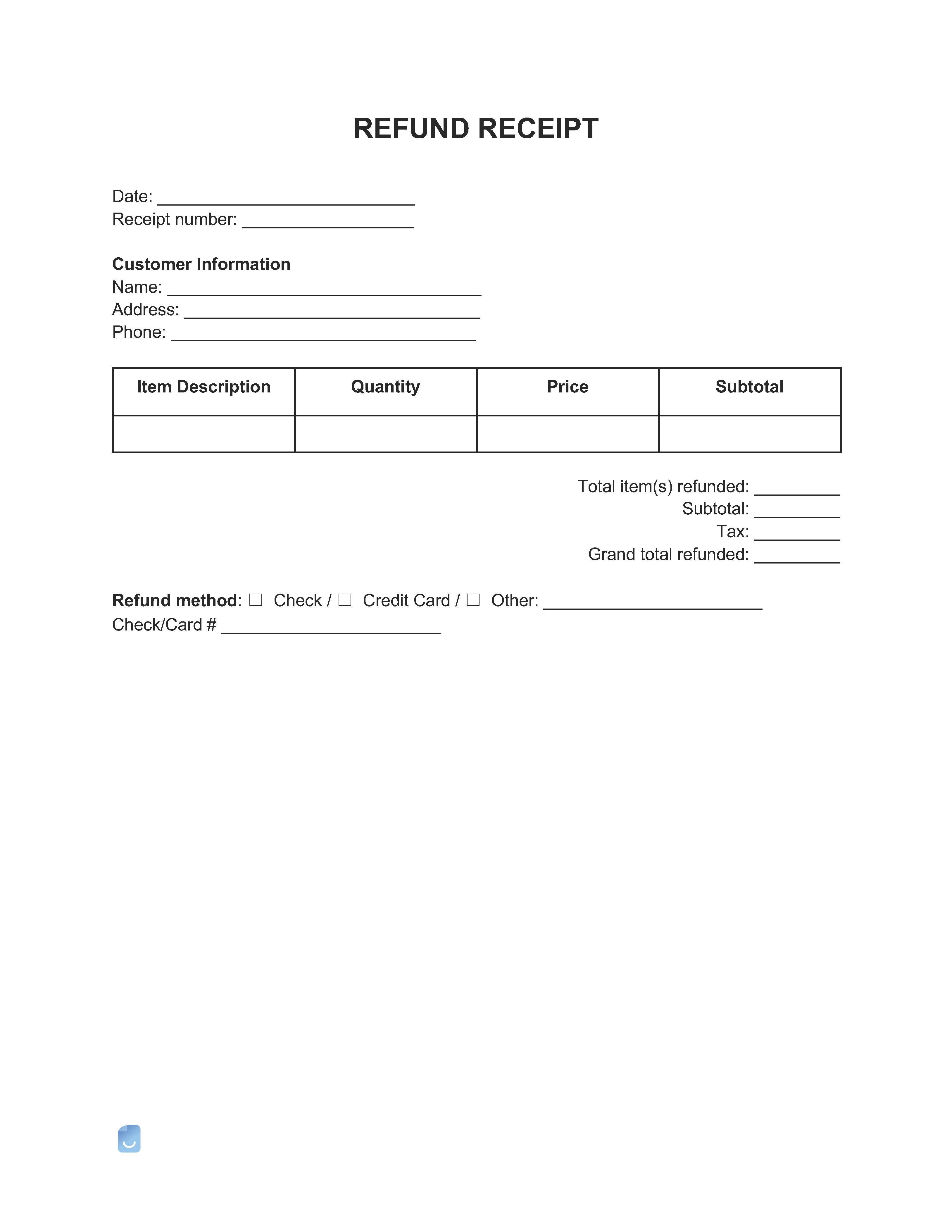
A Samsung invoice PDF template is a valuable tool for businesses and individuals alike, offering a professional and efficient way to create and manage invoices. These templates provide a structured framework for recording transactions, ensuring accuracy, and maintaining a consistent brand image. Here's a comprehensive guide to help you navigate the world of Samsung invoice templates.
When it comes to Samsung invoice PDF templates, you'll find a range of options to suit different needs. Some popular choices include:
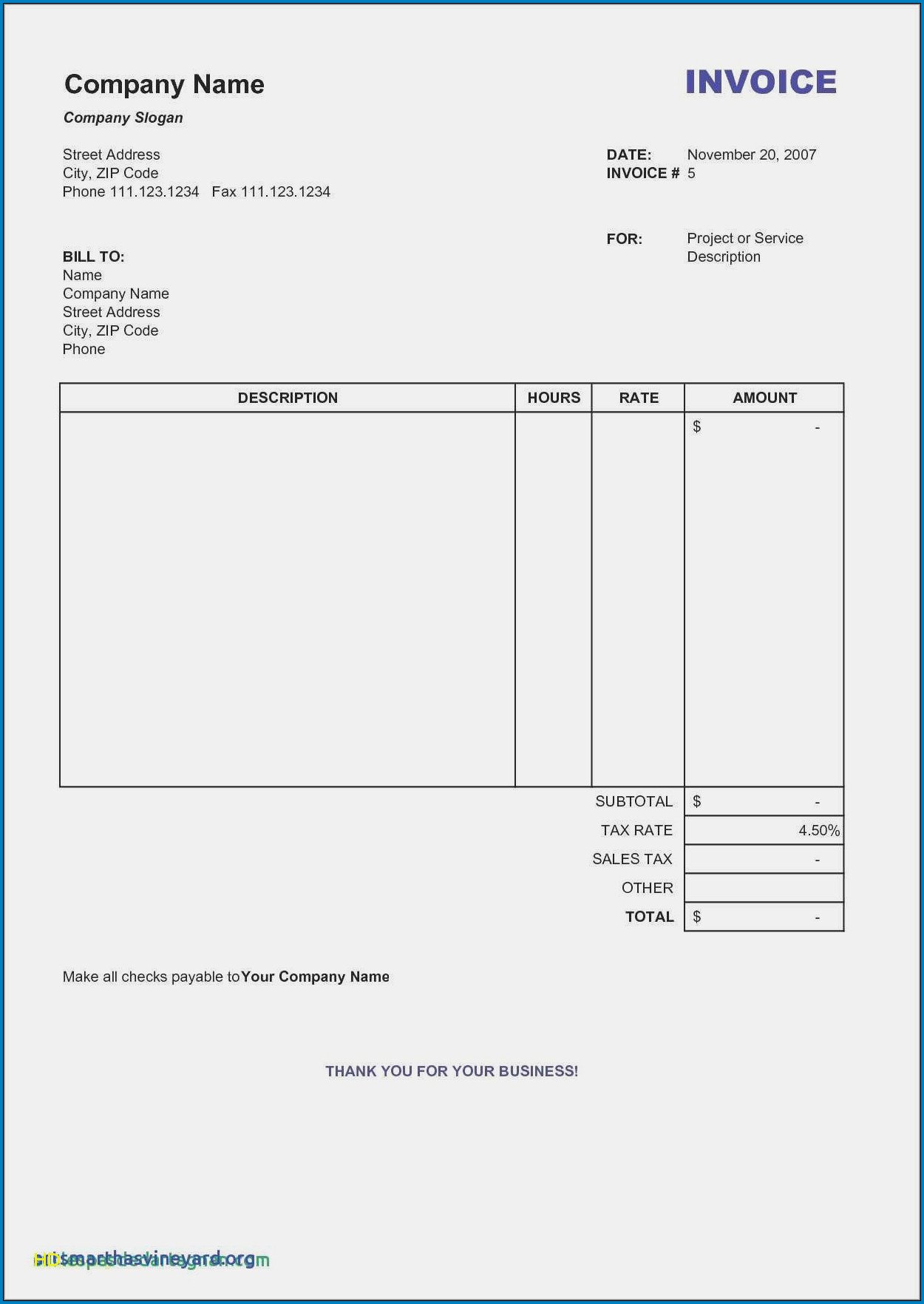
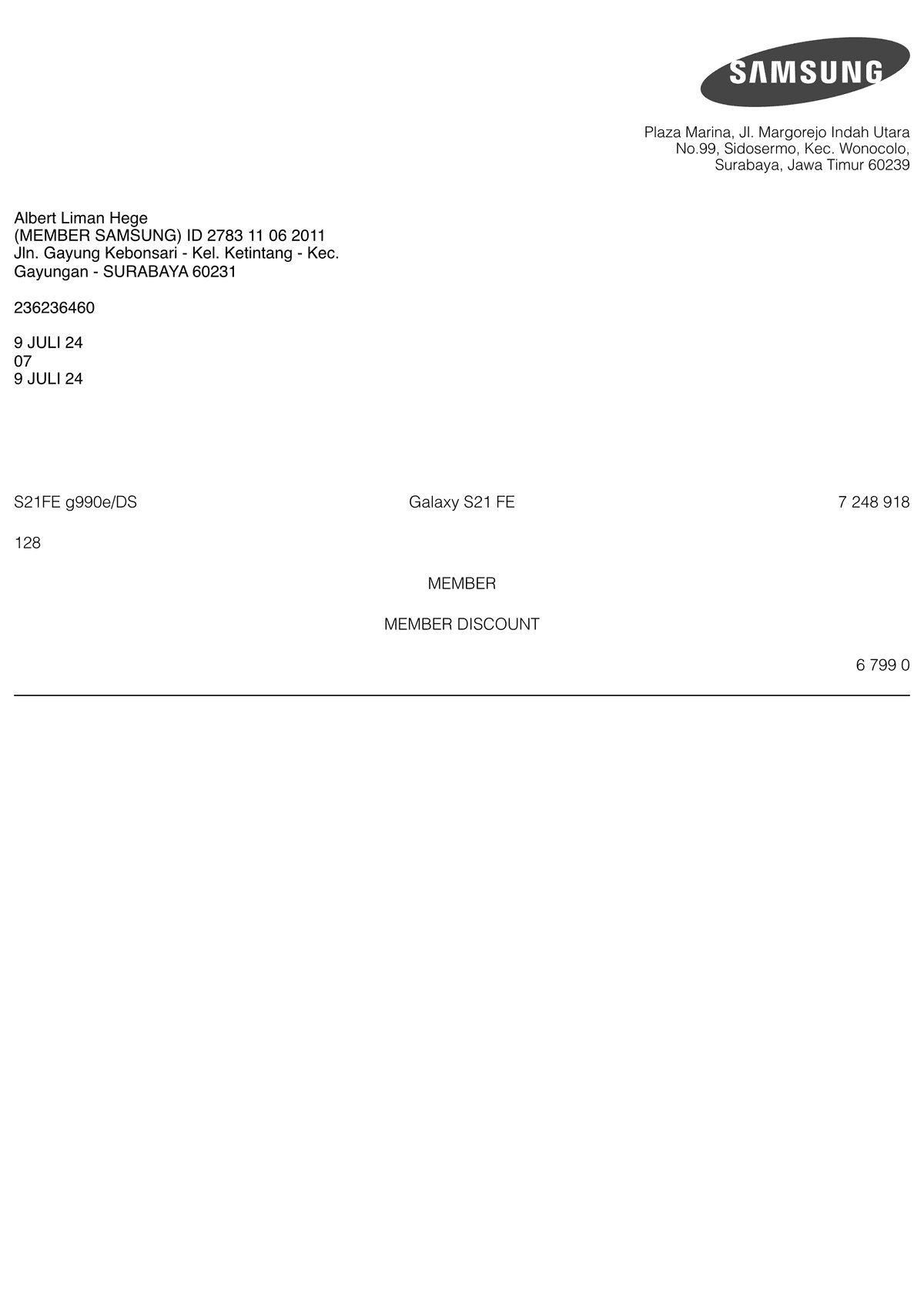
Pre-designed Templates: Opt for ready-made templates with a Samsung-inspired design. These often come with pre-filled sections for a quick and easy invoicing process.
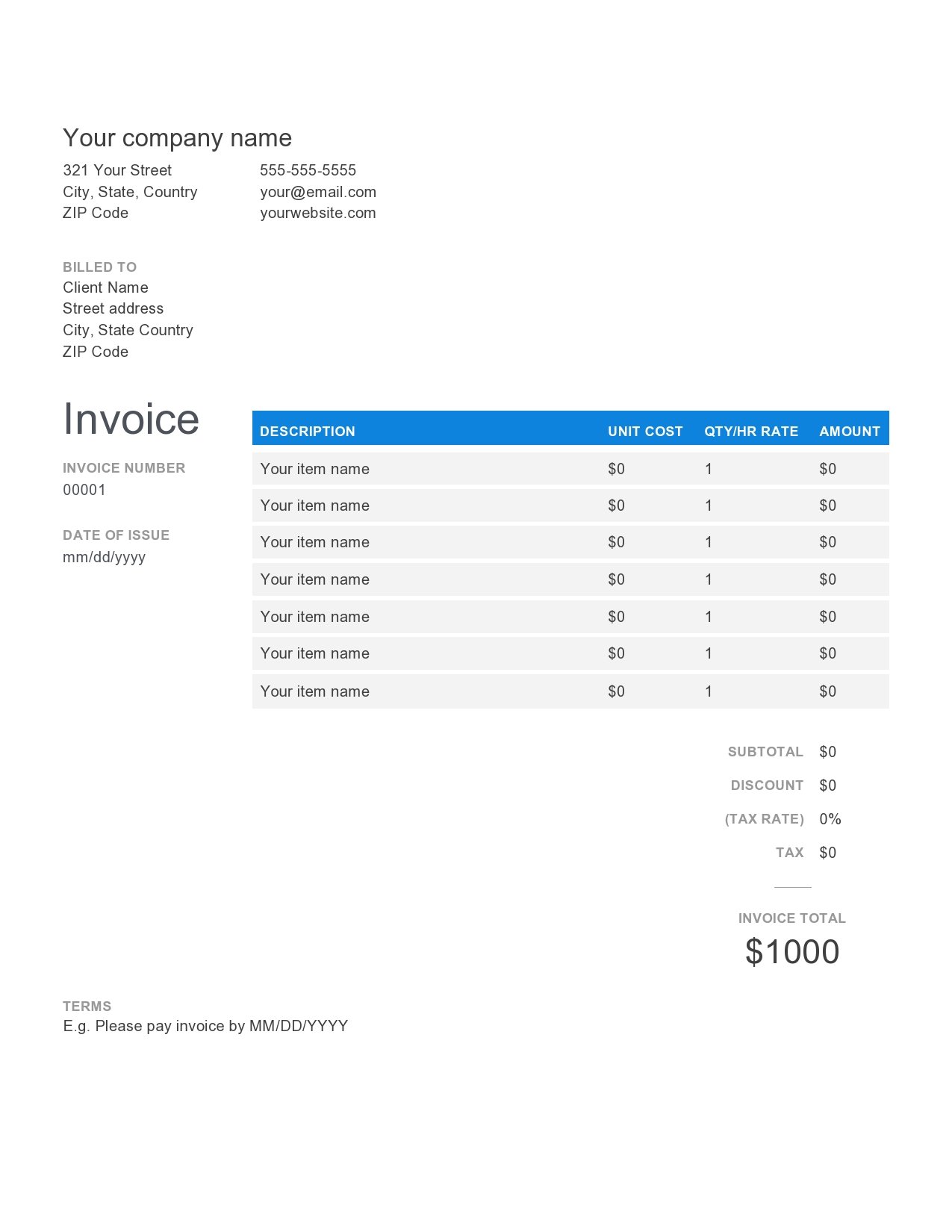
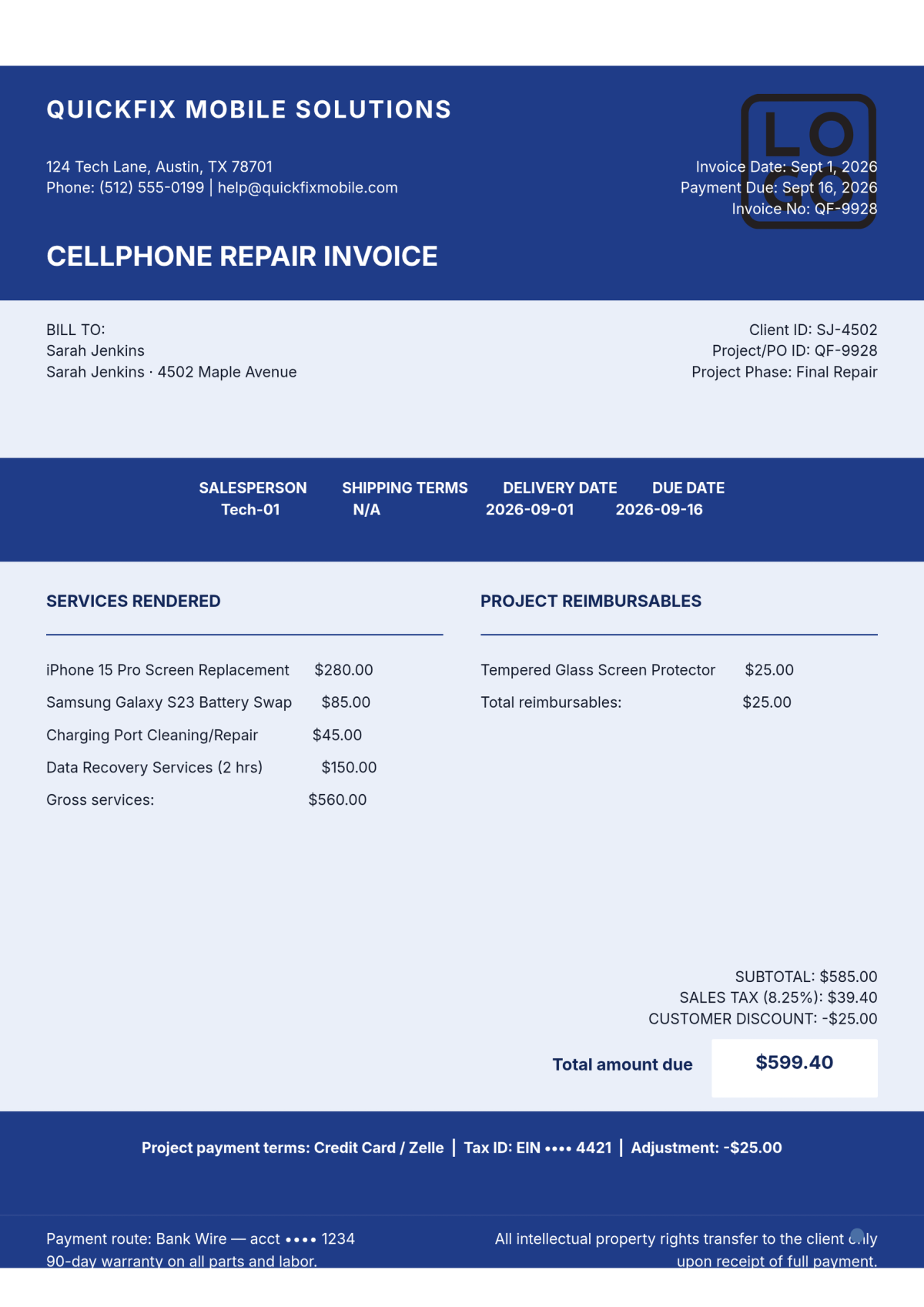
Customizable Templates: For a more personalized approach, customizable templates allow you to edit and adjust the layout, colors, and fonts to match your brand.
Invoice Template Independent: Explore templates that offer flexibility, allowing you to input your own logo, business details, and terms, giving you full control over the final invoice appearance.
Key Features and Specifications
Template Structure:
Editable Fields: Look for templates with easily editable fields, enabling you to input specific product details, quantities, prices, and tax information.
Automatic Calculations: Some advanced templates offer automatic calculations, ensuring accurate totals and tax amounts.
Design and Styling:
Samsung Branding: Choose templates that incorporate Samsung's iconic visual elements, such as its logo and color palette, for a professional and recognizable invoice.
Printable Invoice Template: Ensure the template is optimized for printing, with clear and readable text and a well-organized layout.
Creating and Customizing Your Invoice
To create a Samsung invoice PDF template, consider the following steps:
All samsung invoice pdf template sheets on Independent Classifieds are free for personal, home, and classroom printing. Commercial redistribution is not permitted under our terms of use.