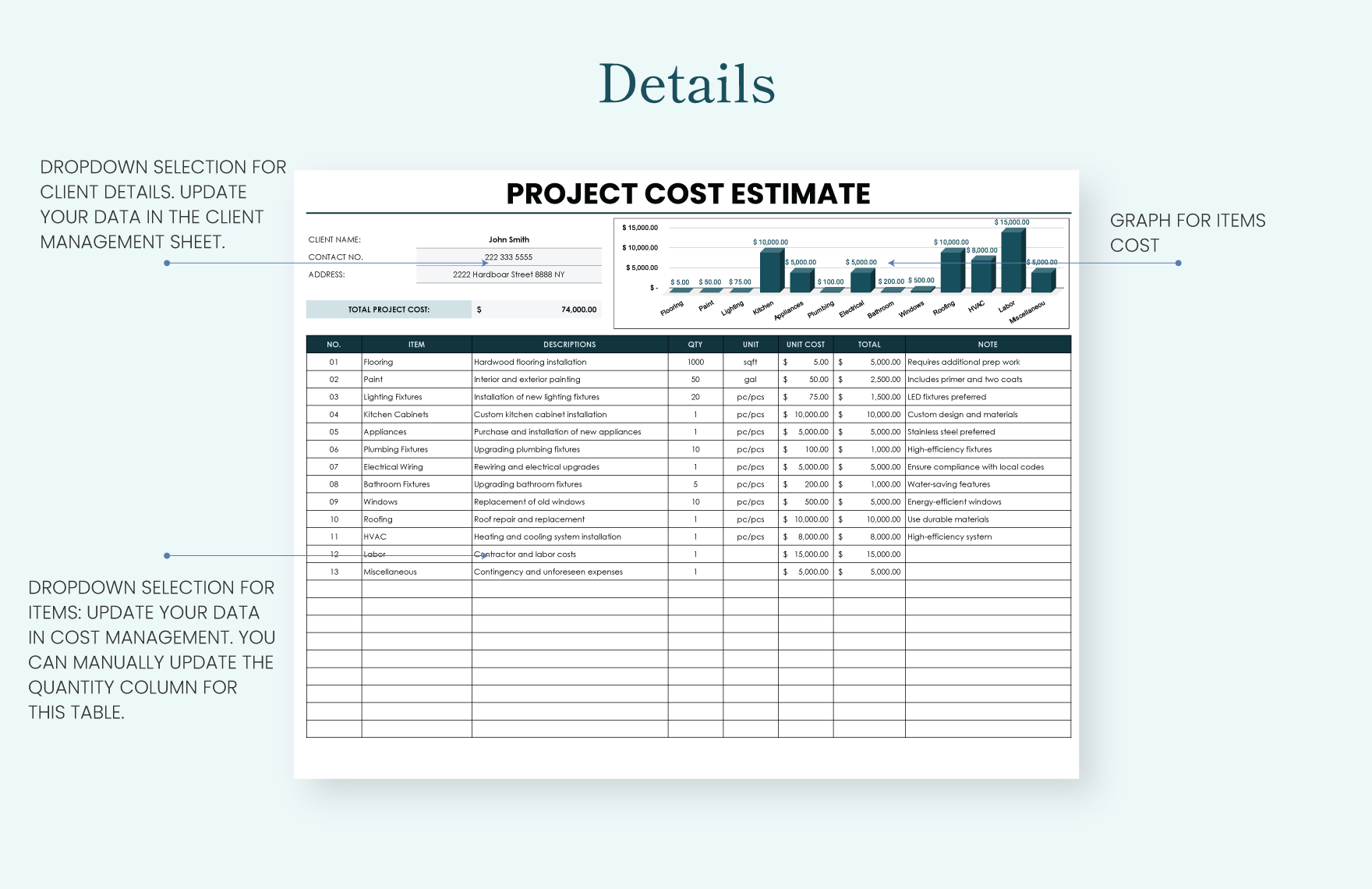
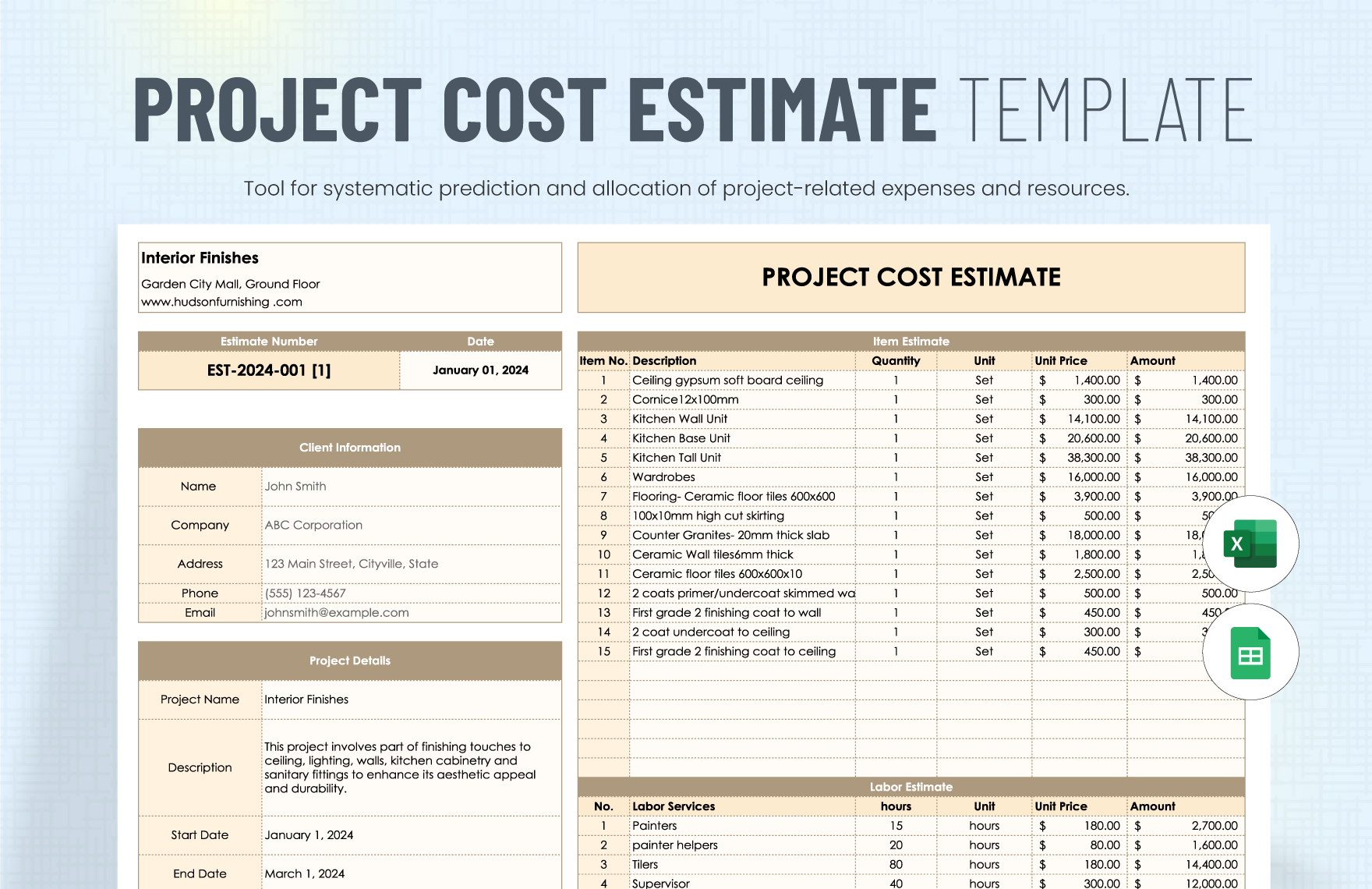
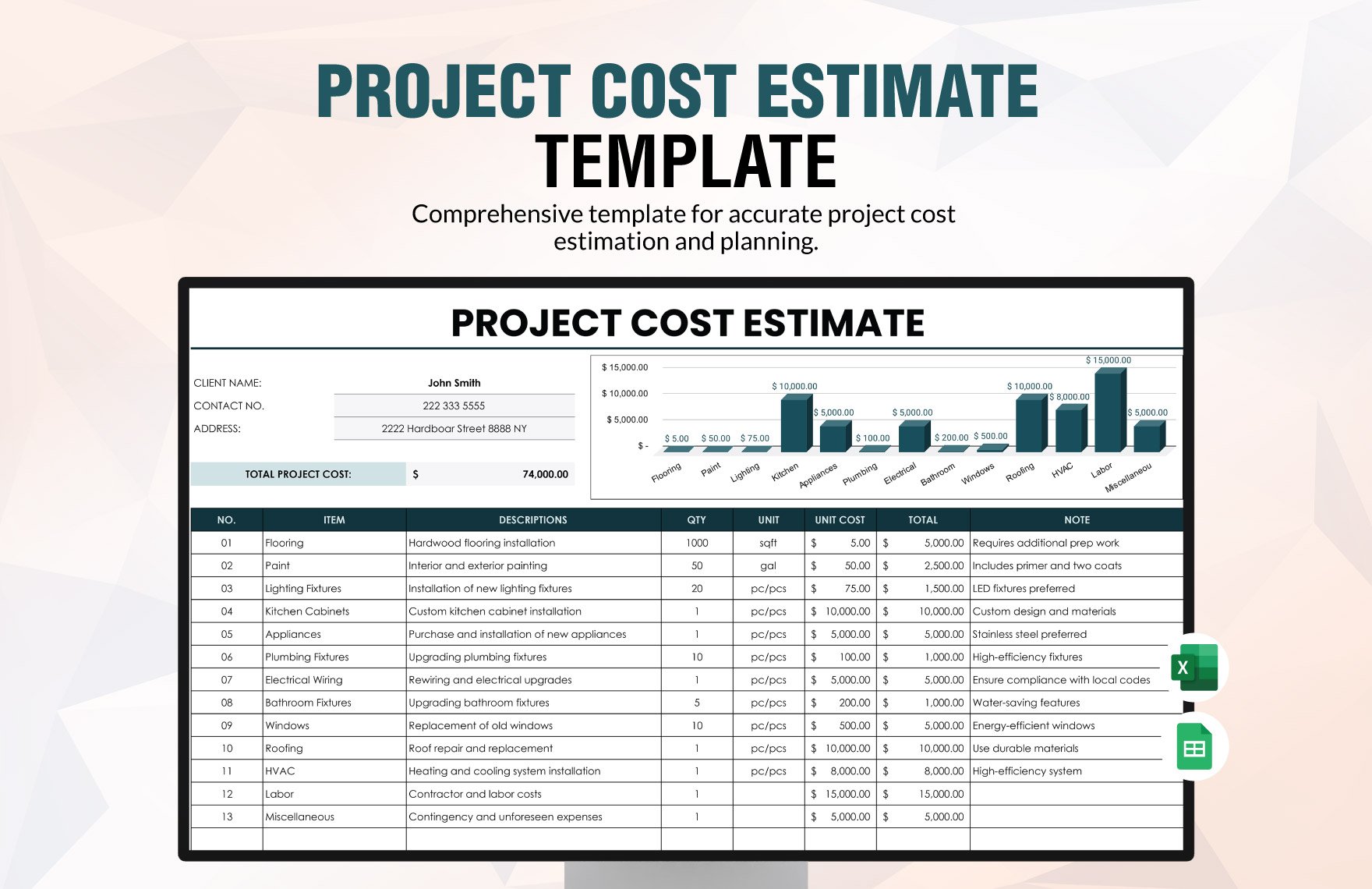
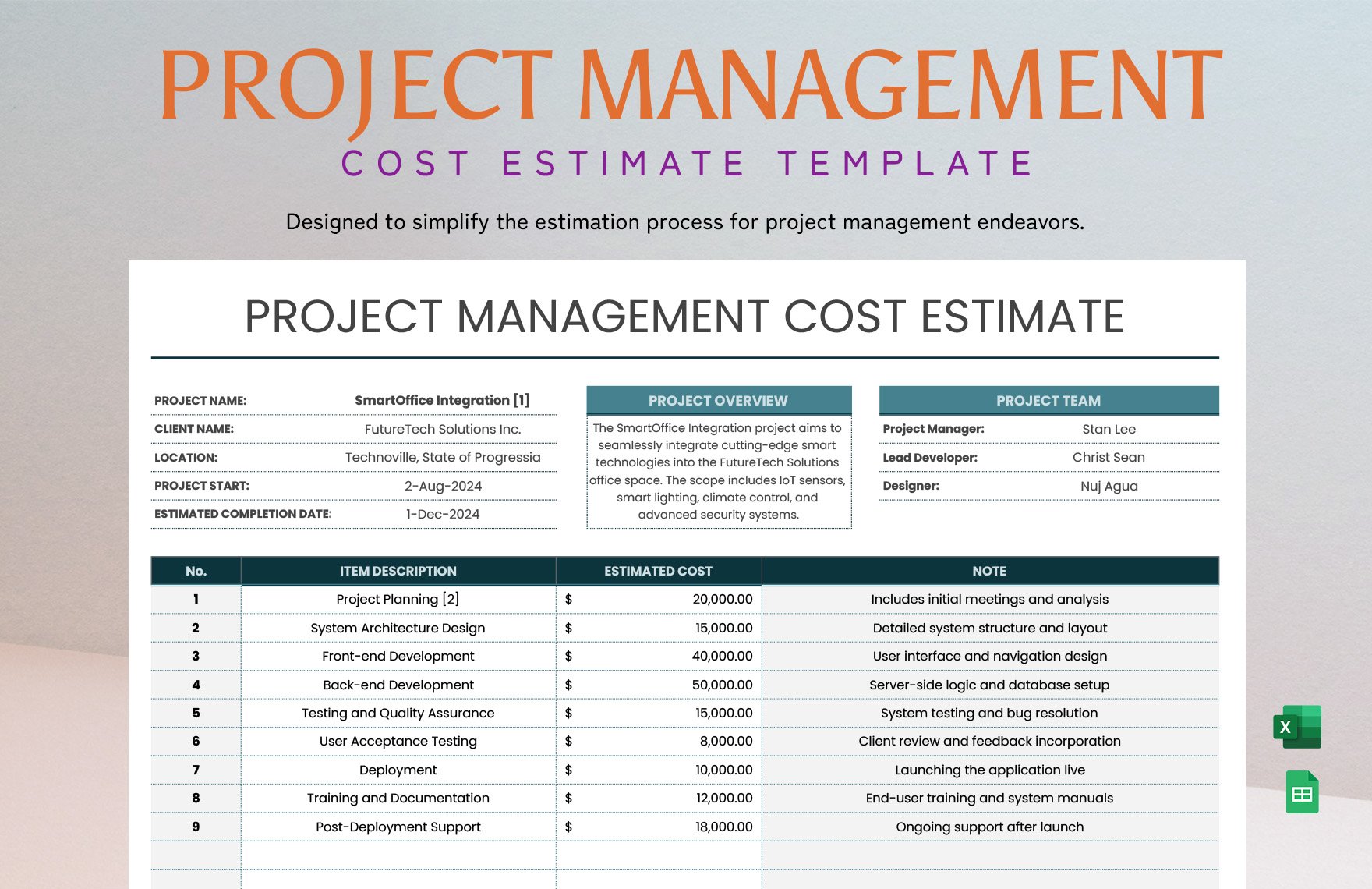
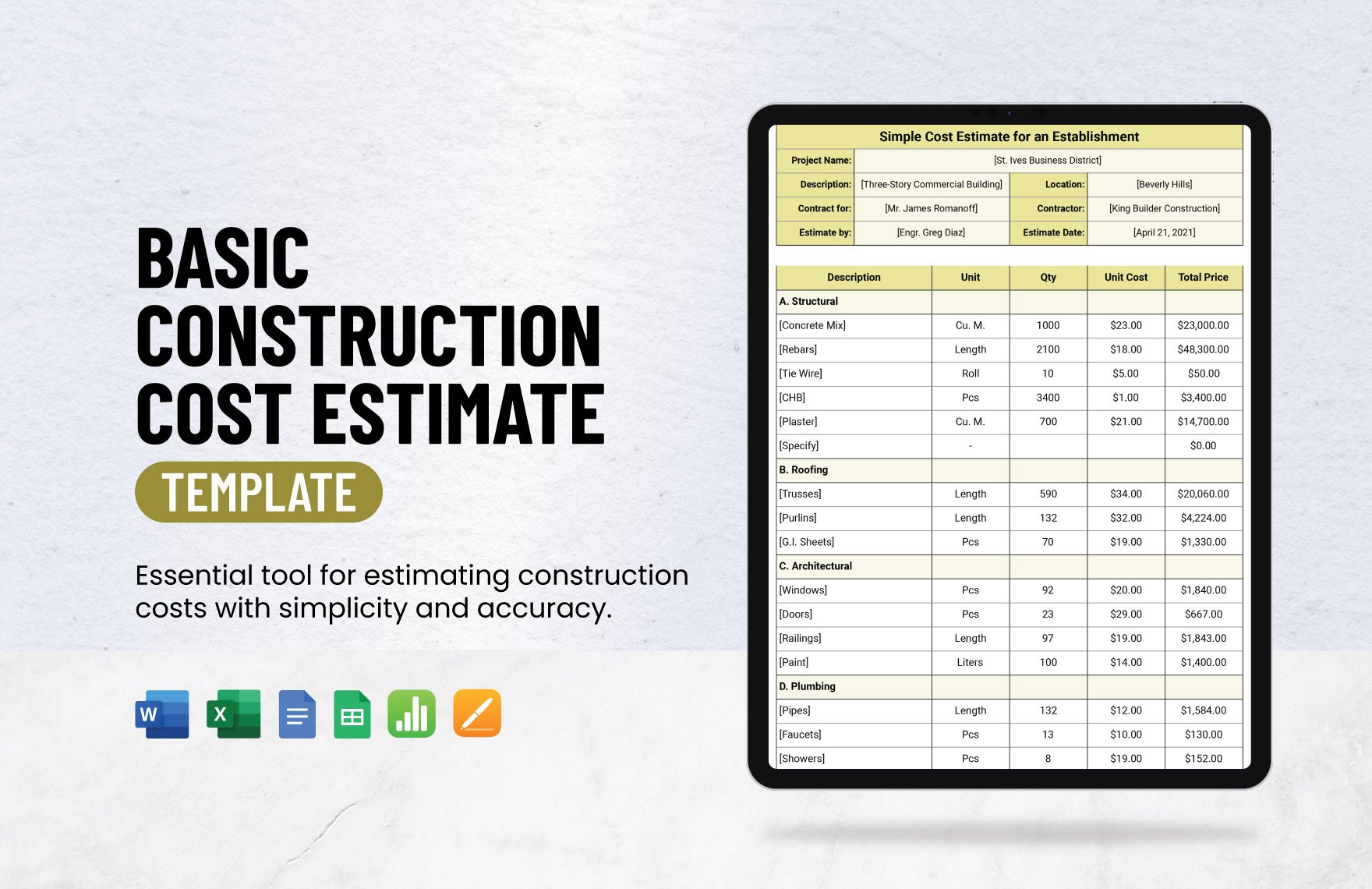
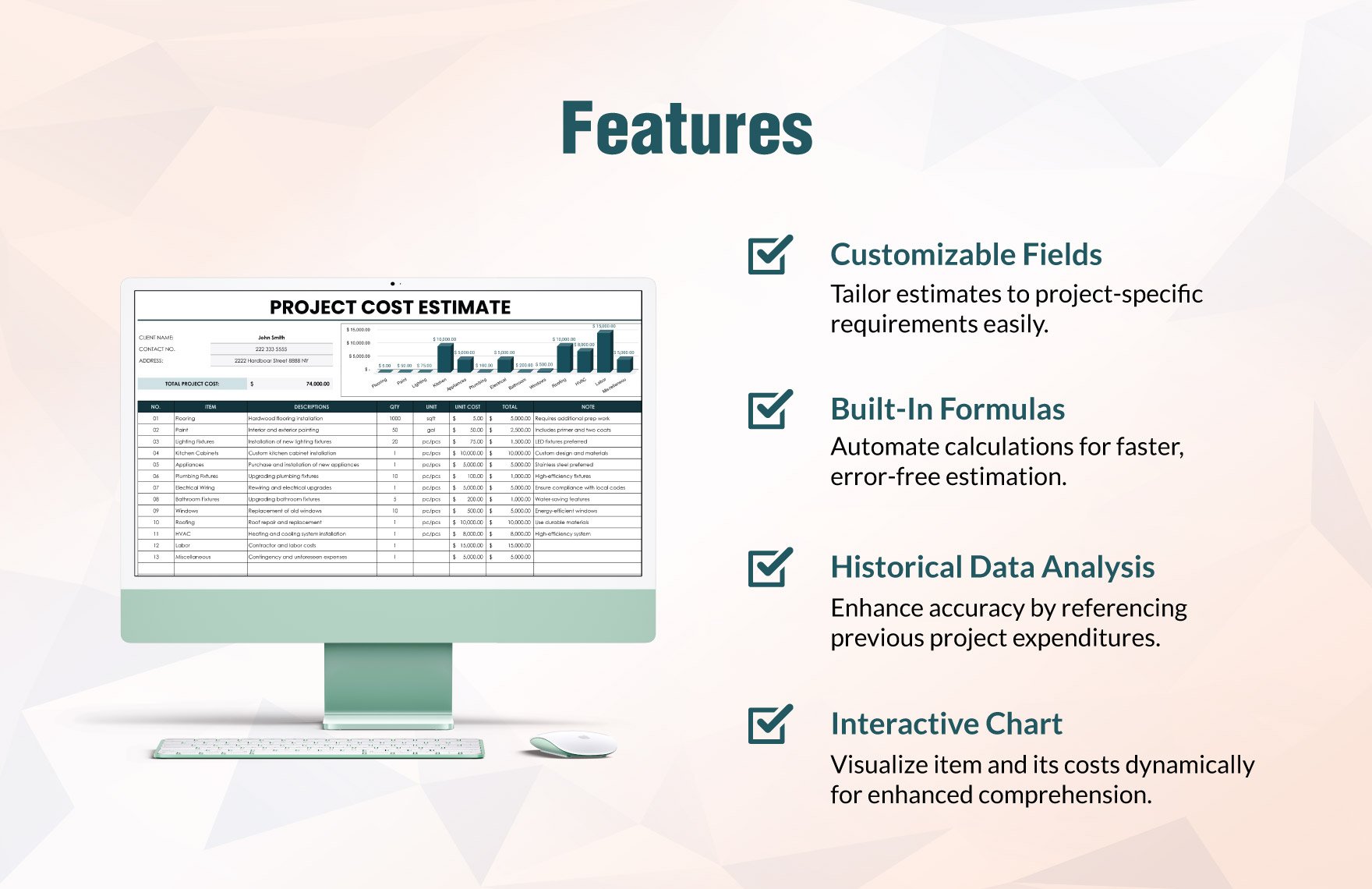
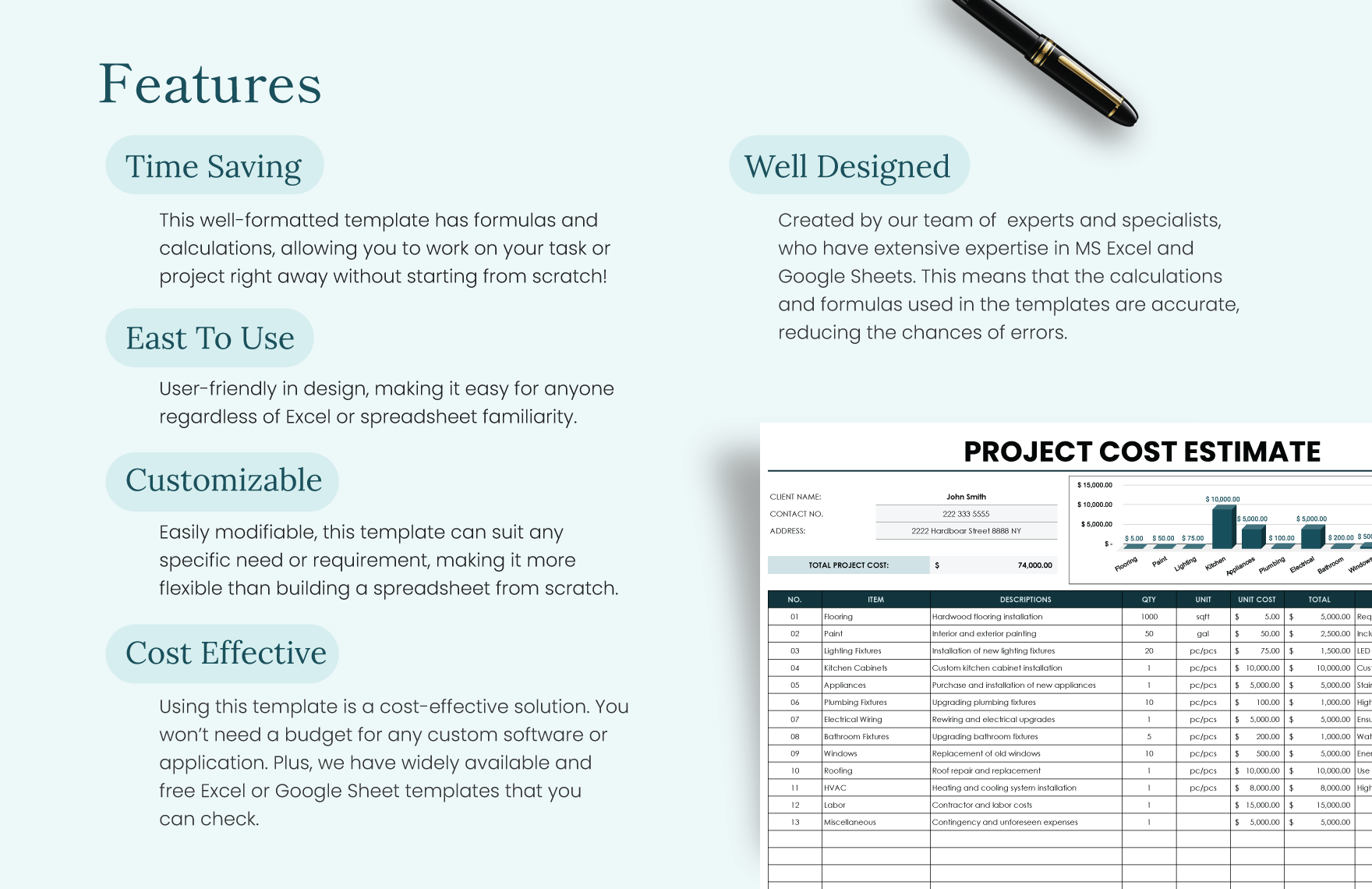
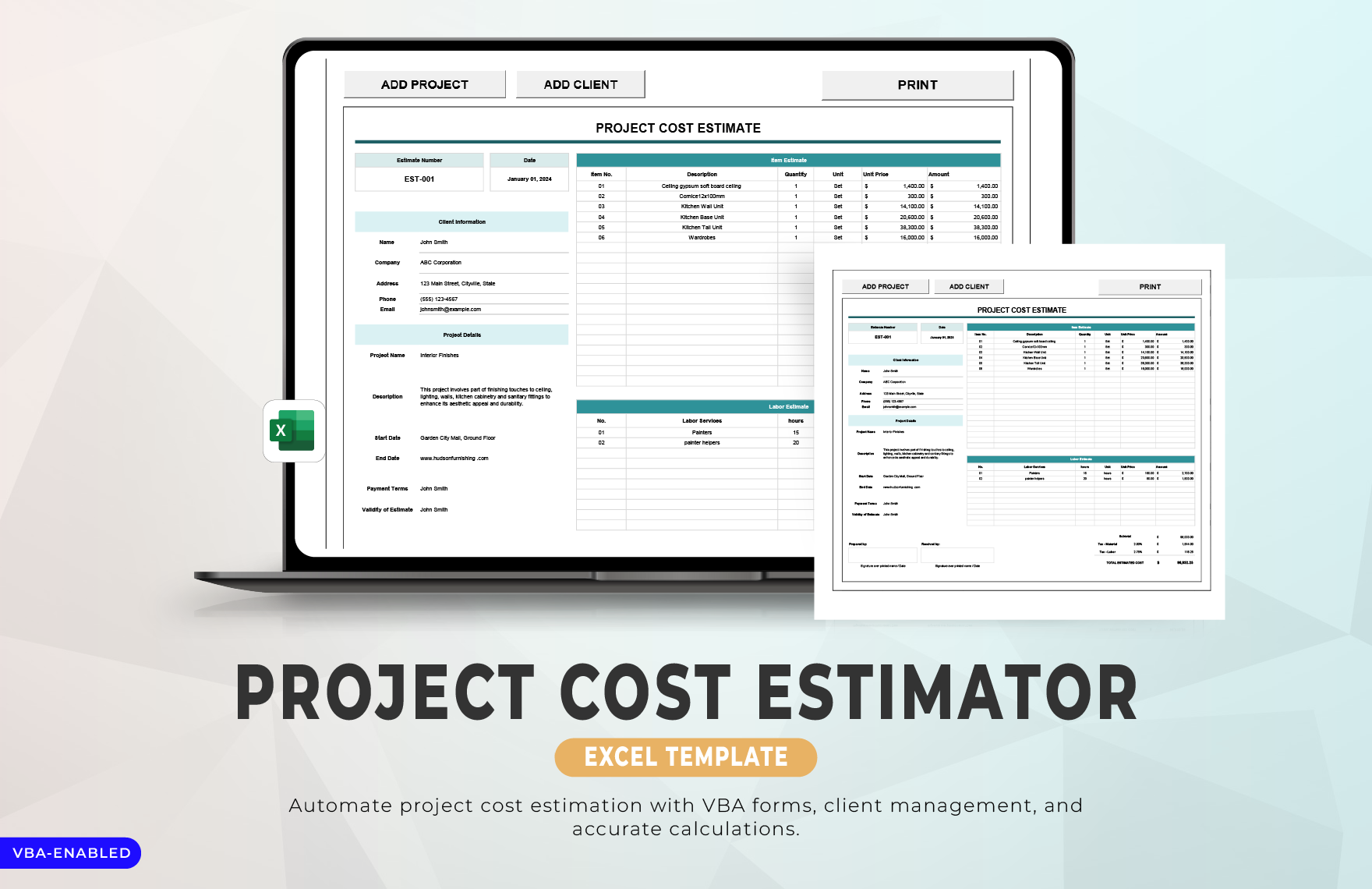
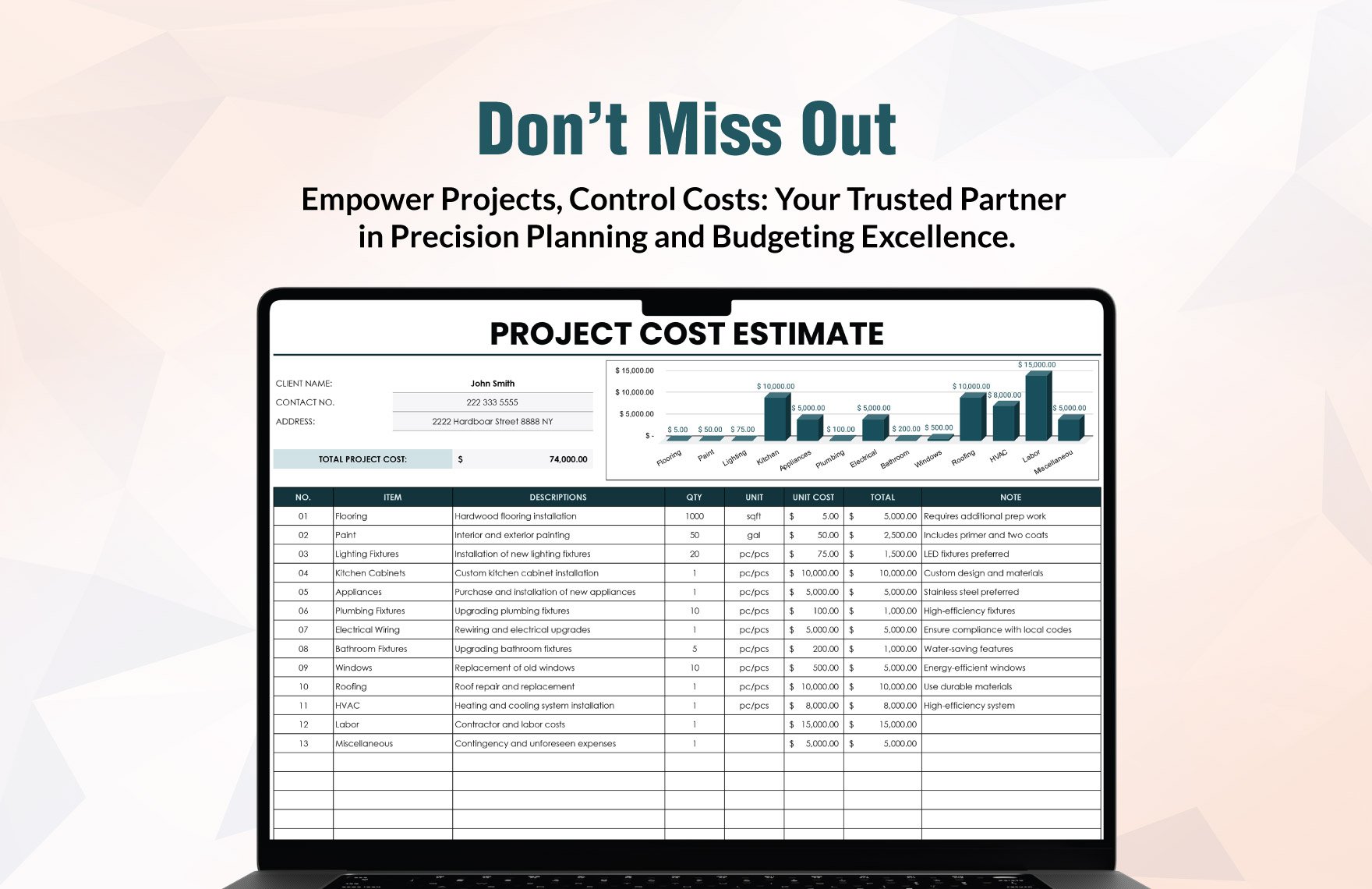
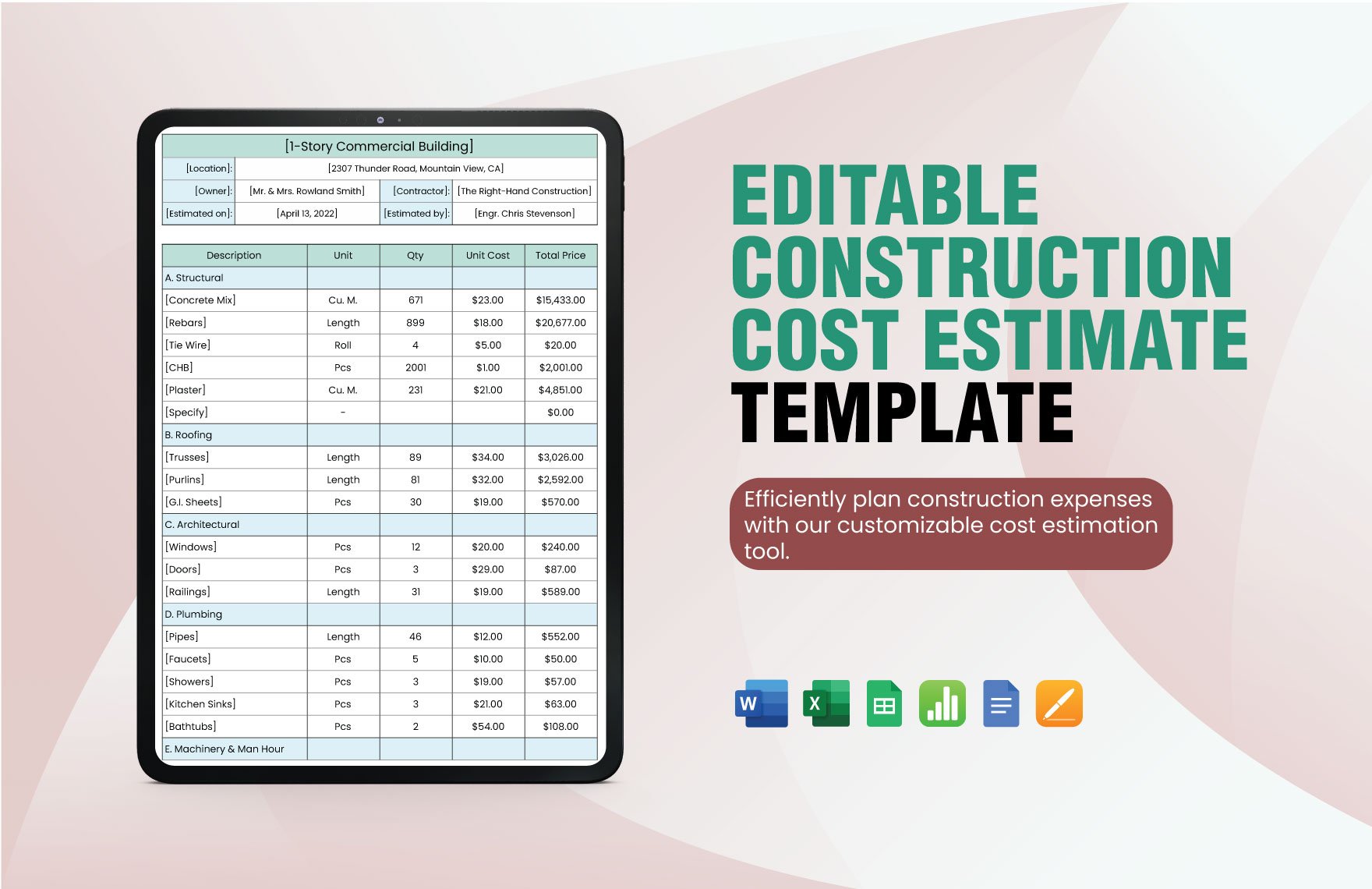
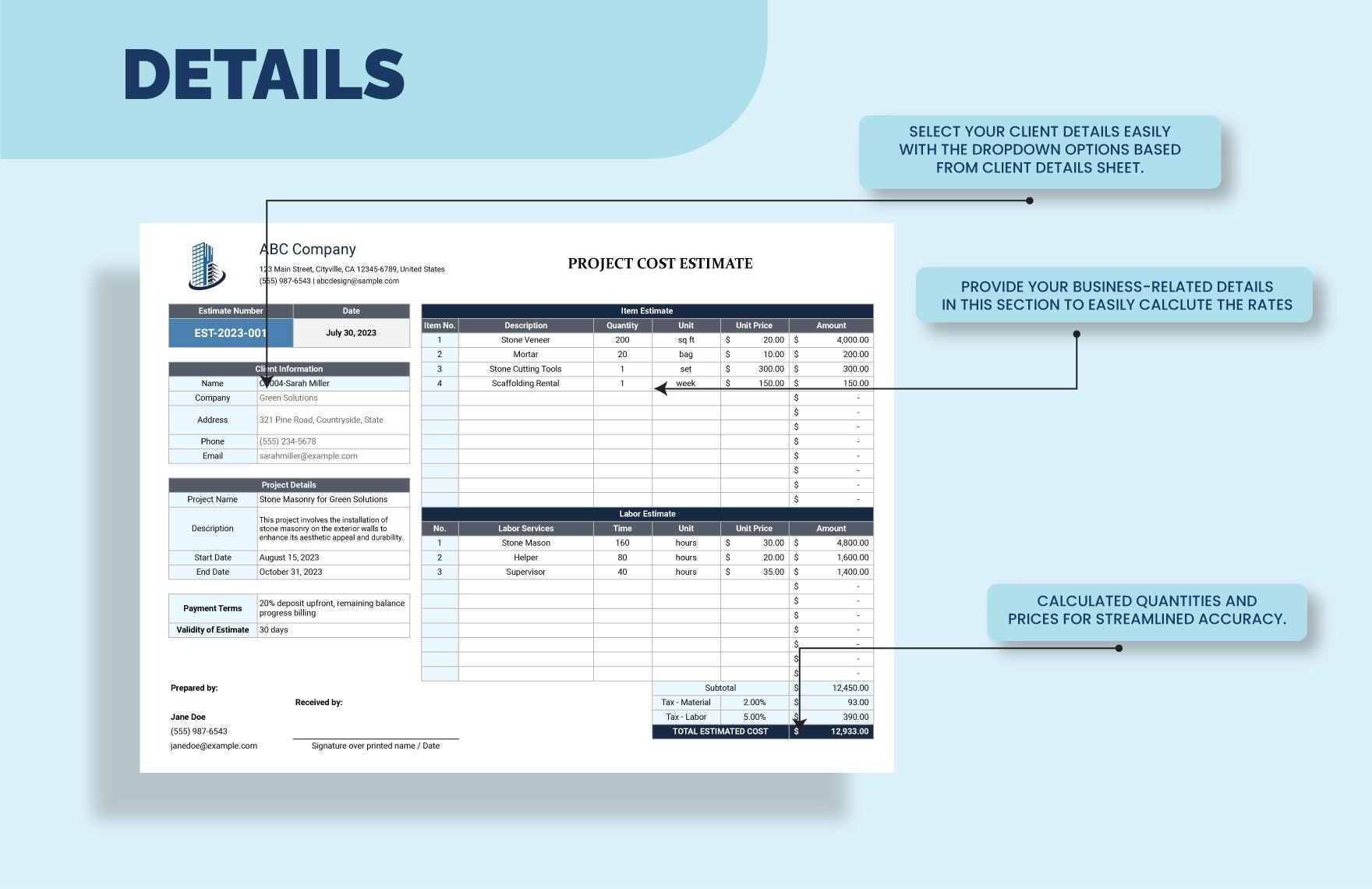
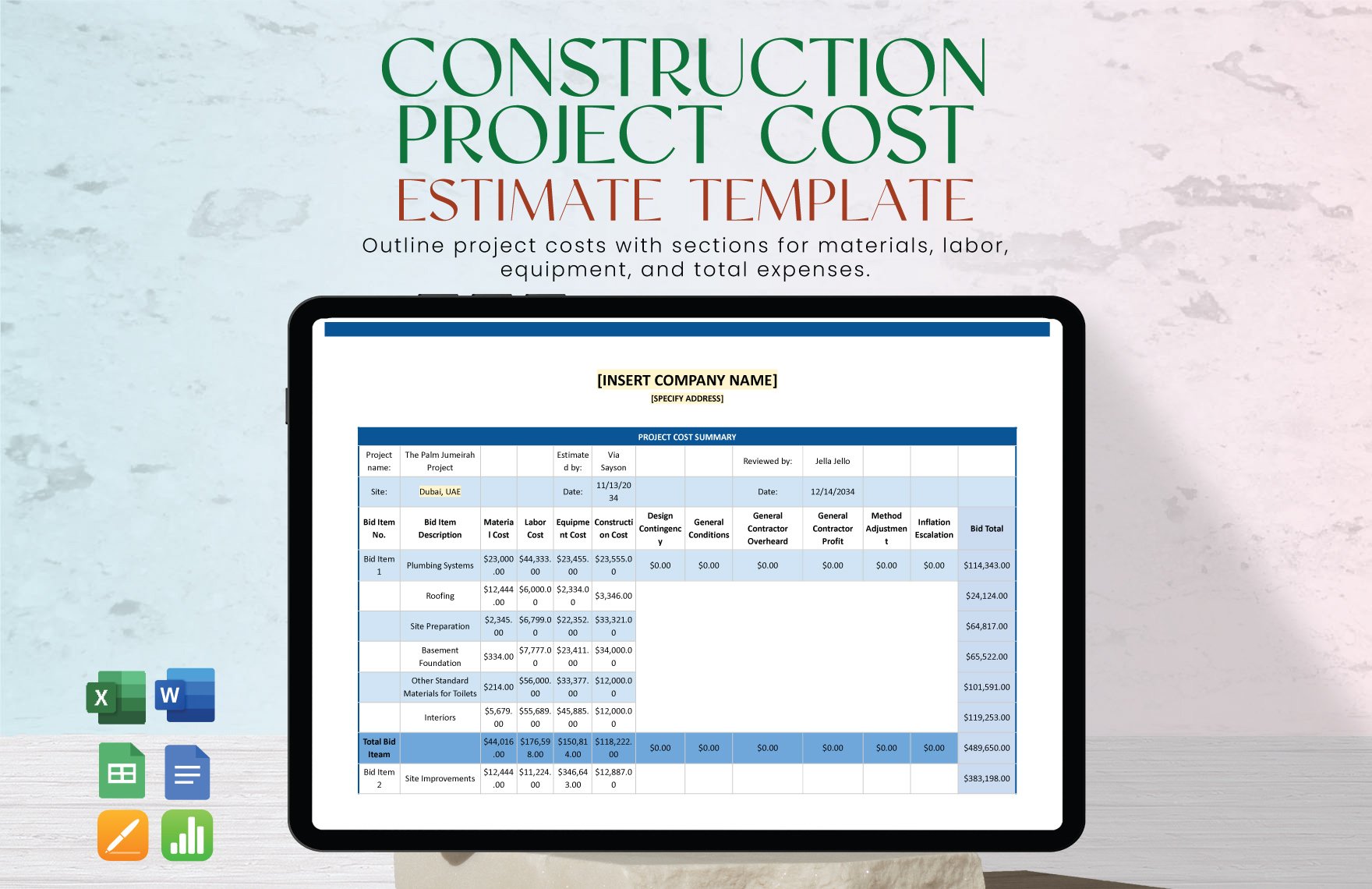
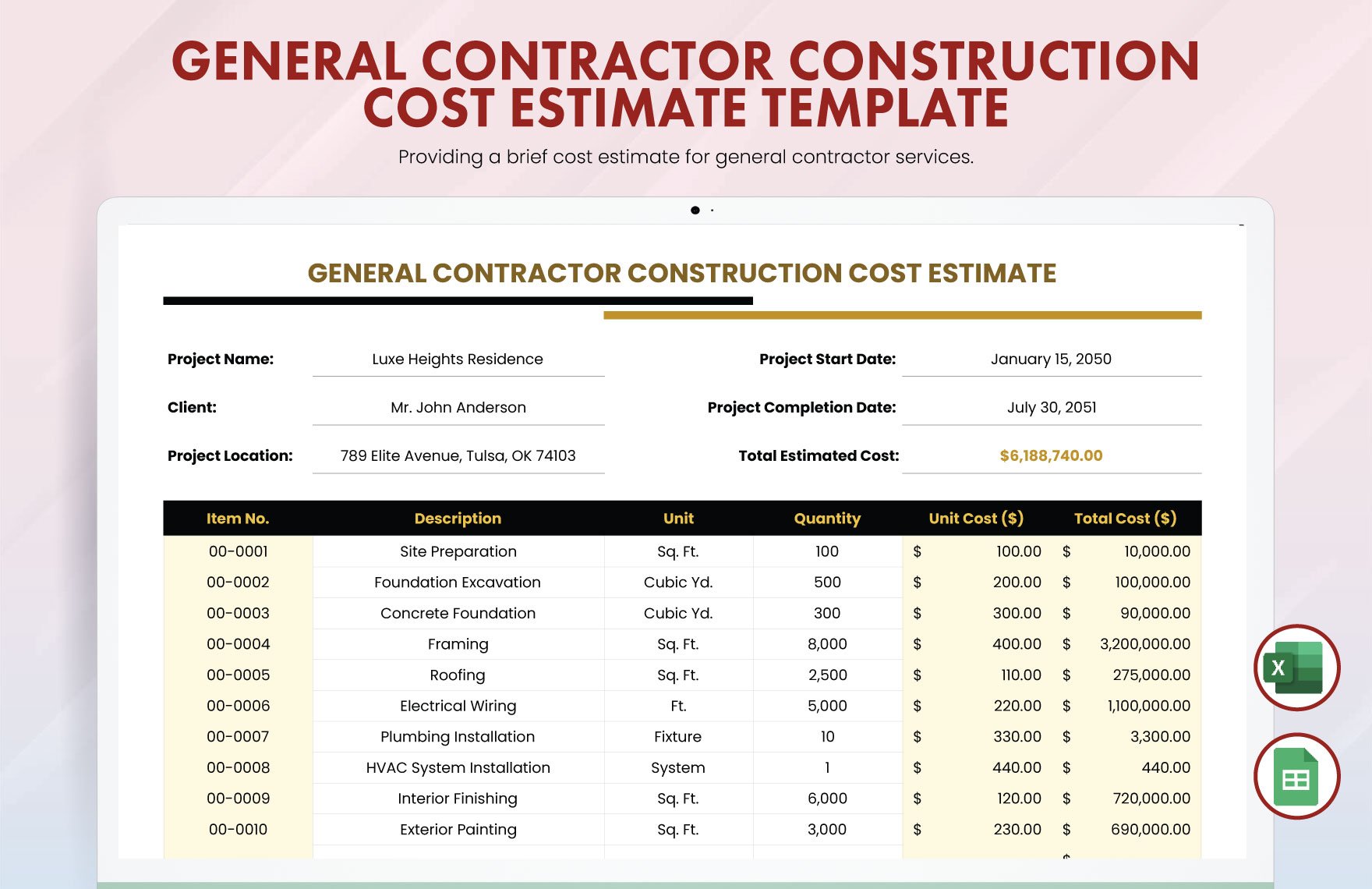
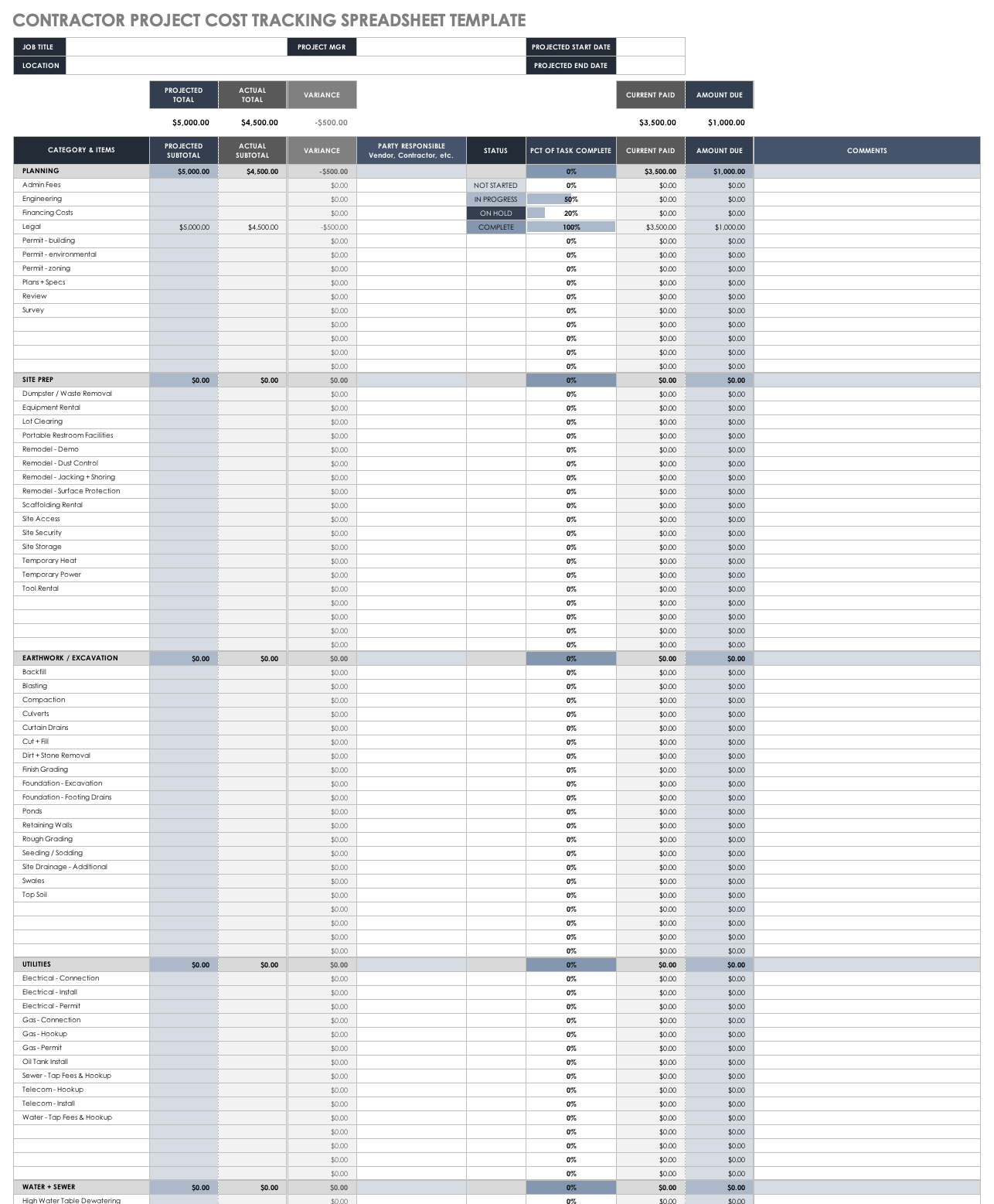
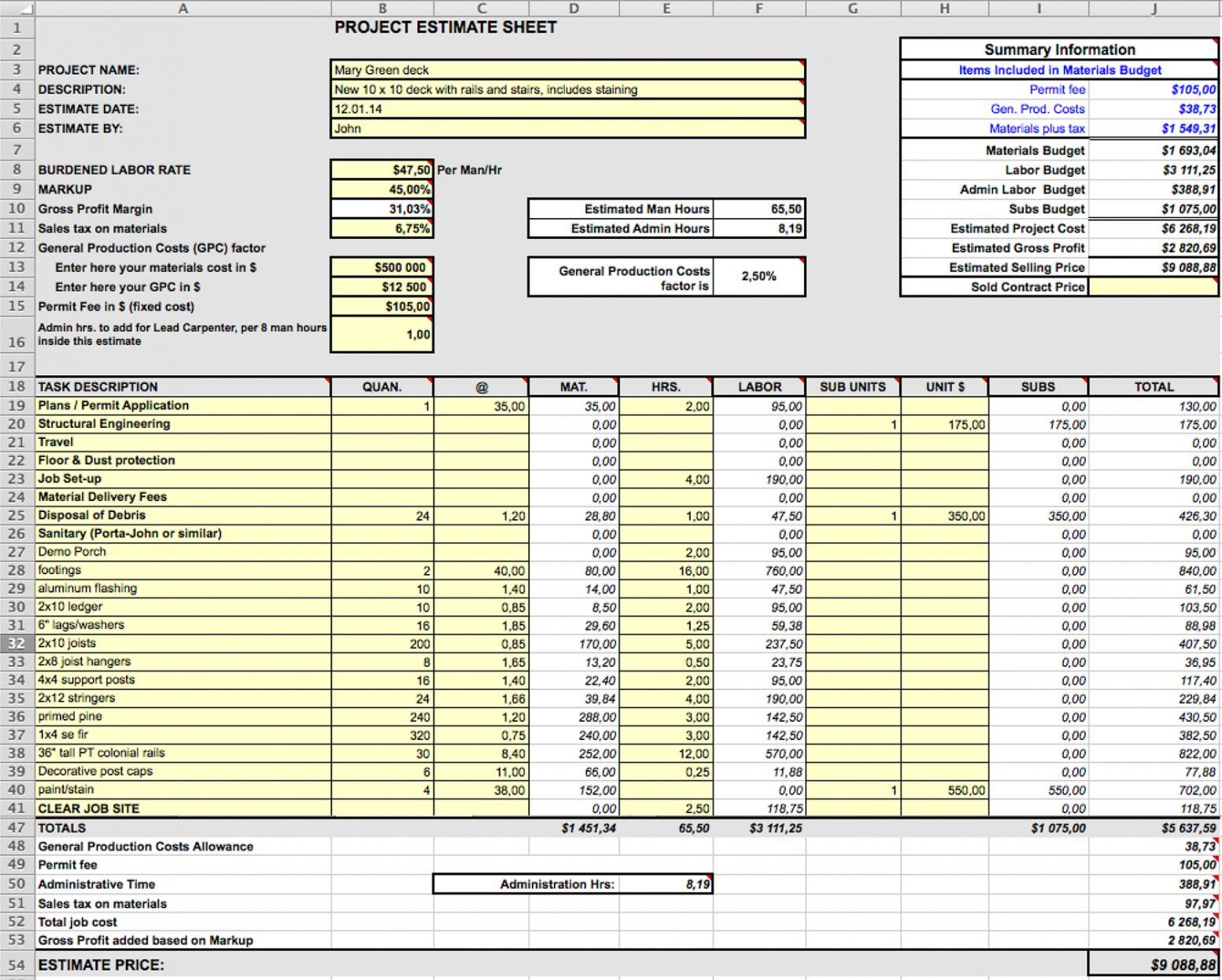
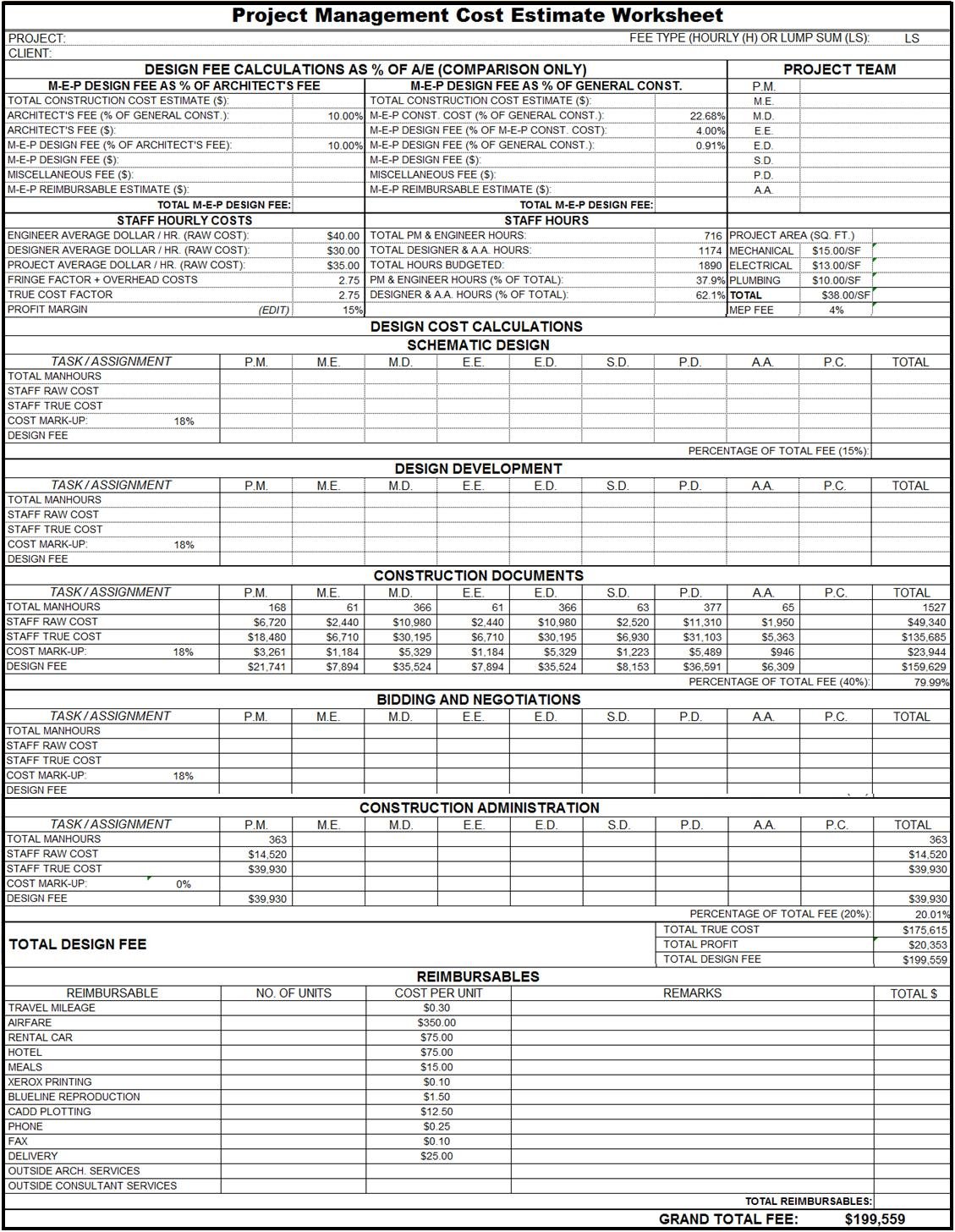
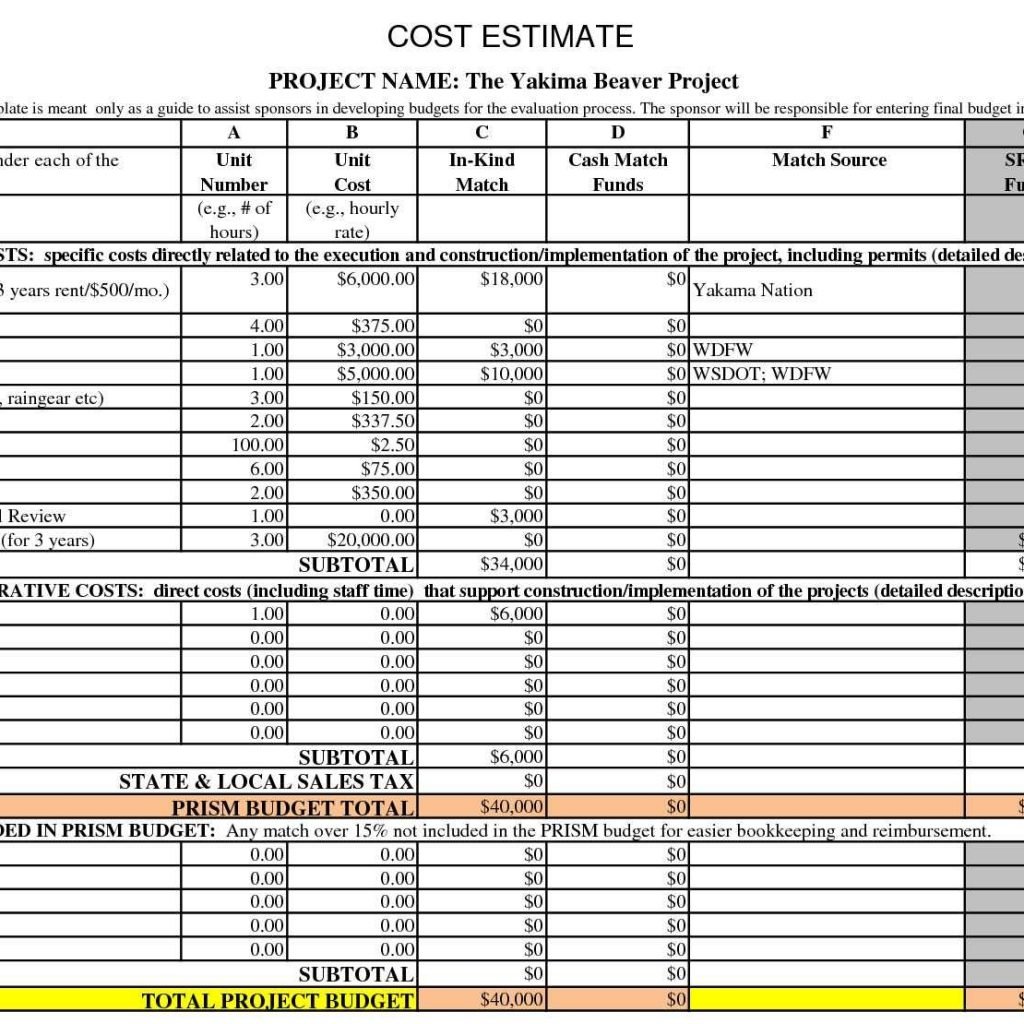
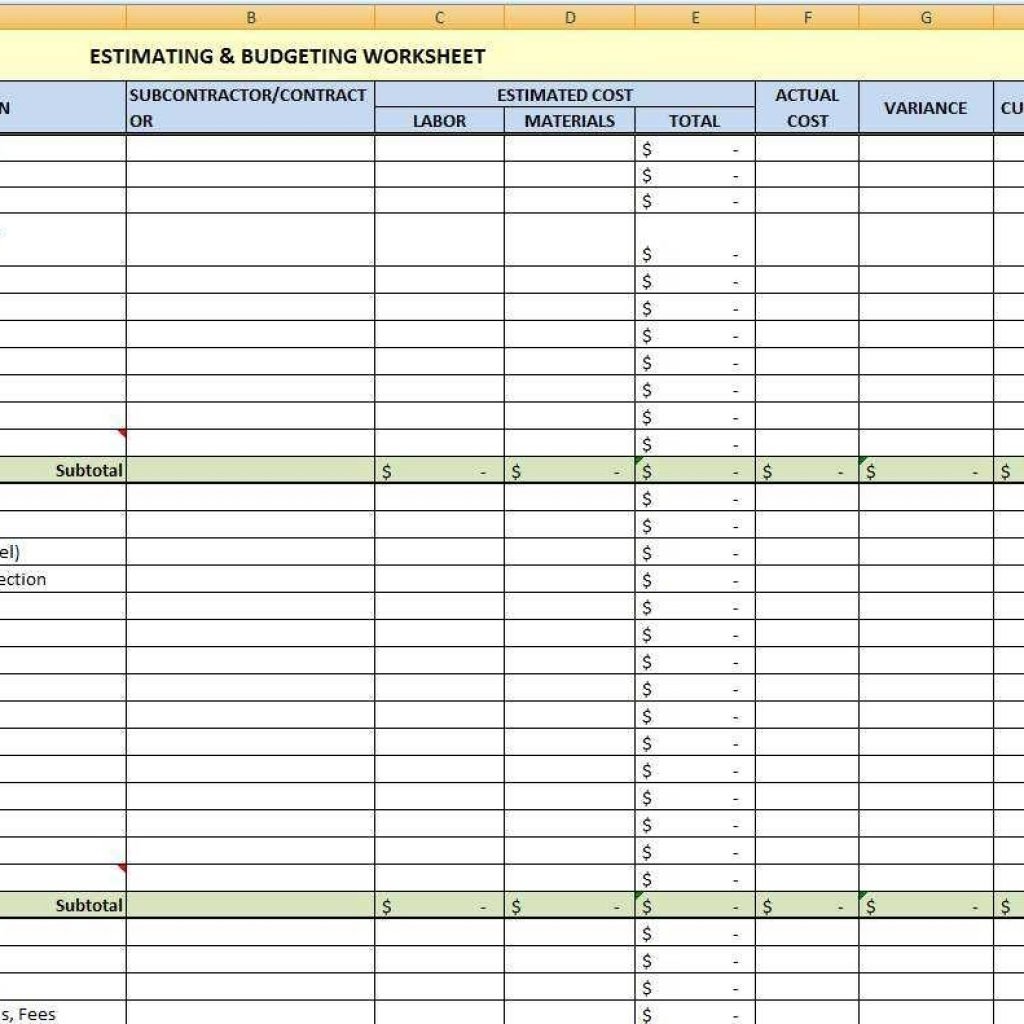
Popular Options and Variations
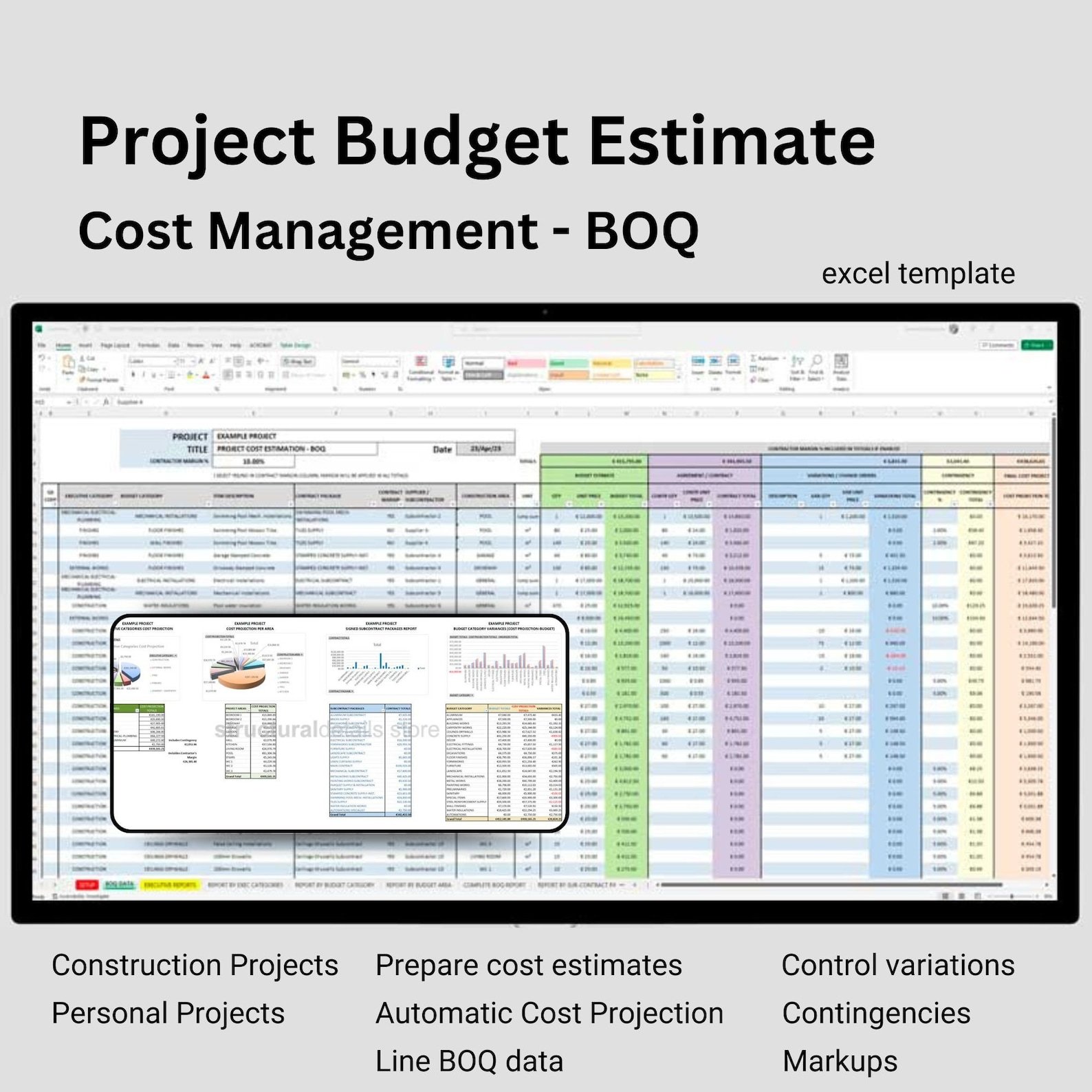
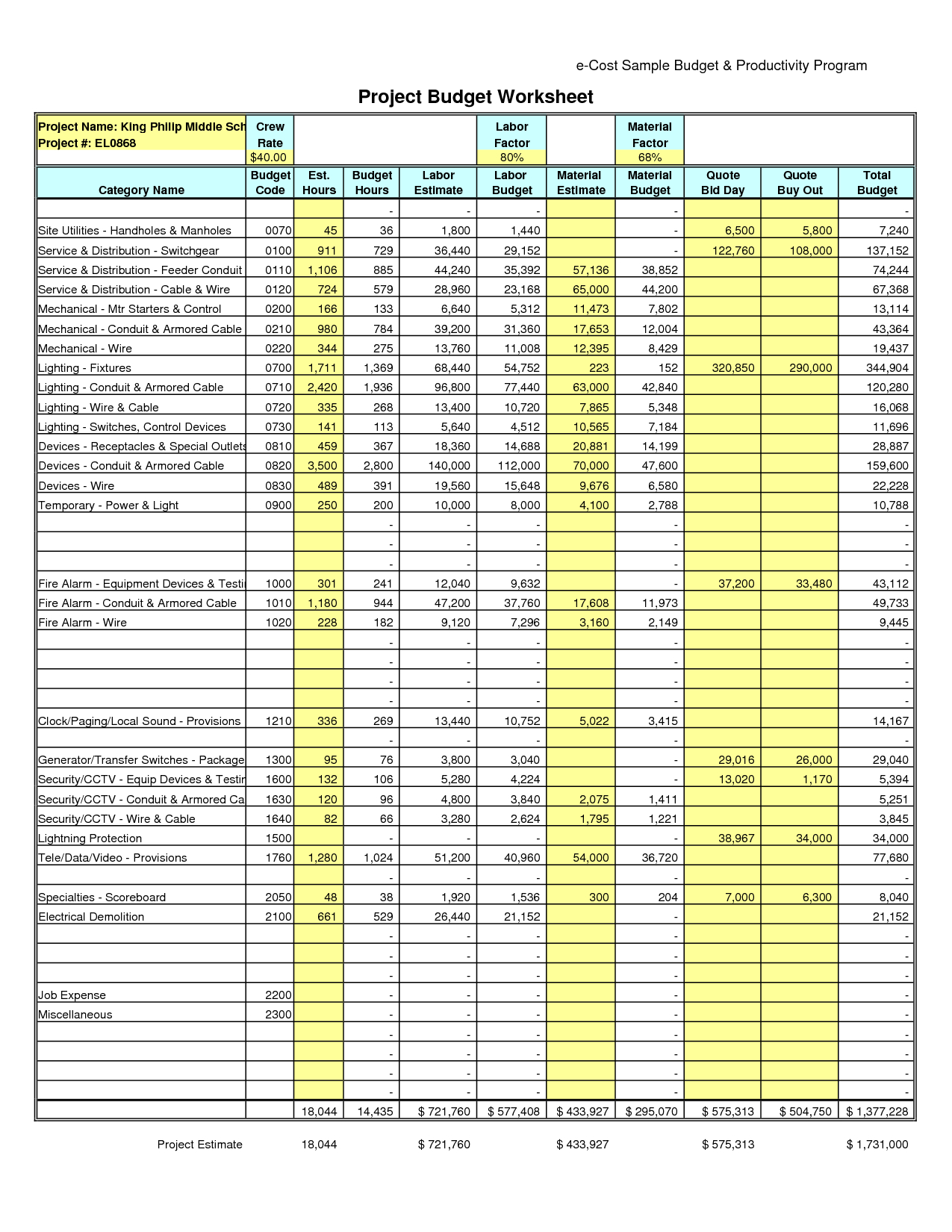
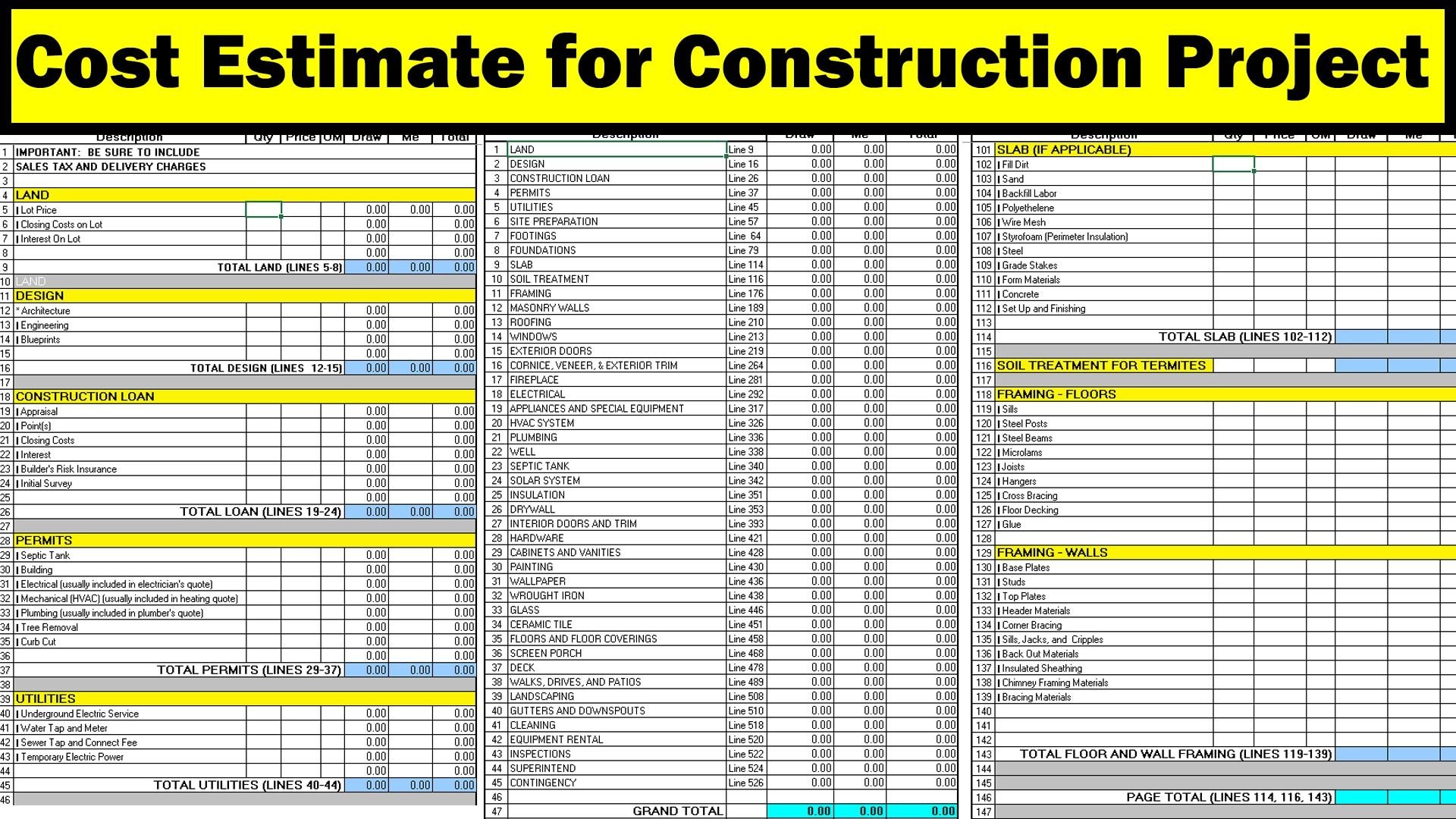
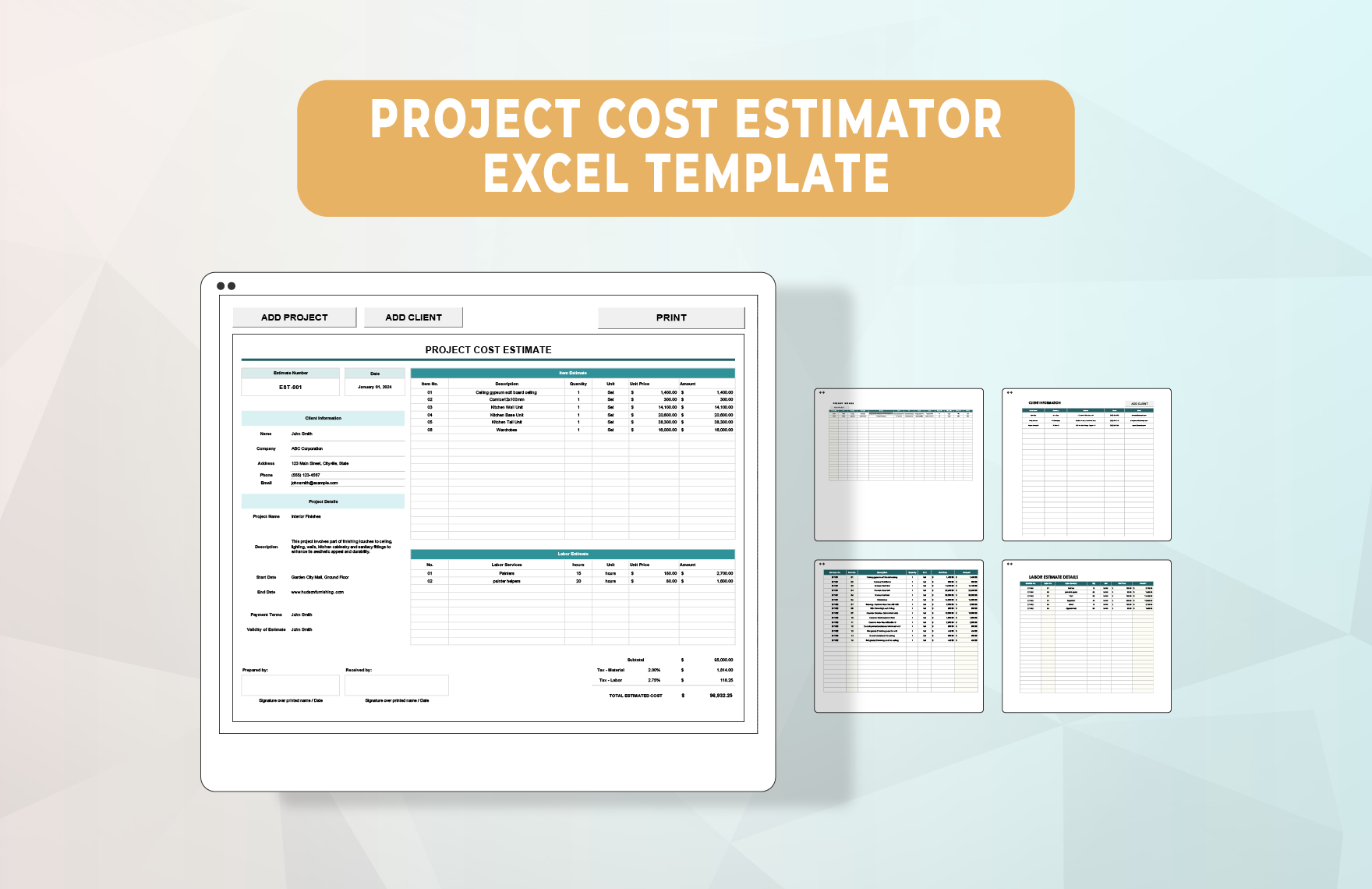
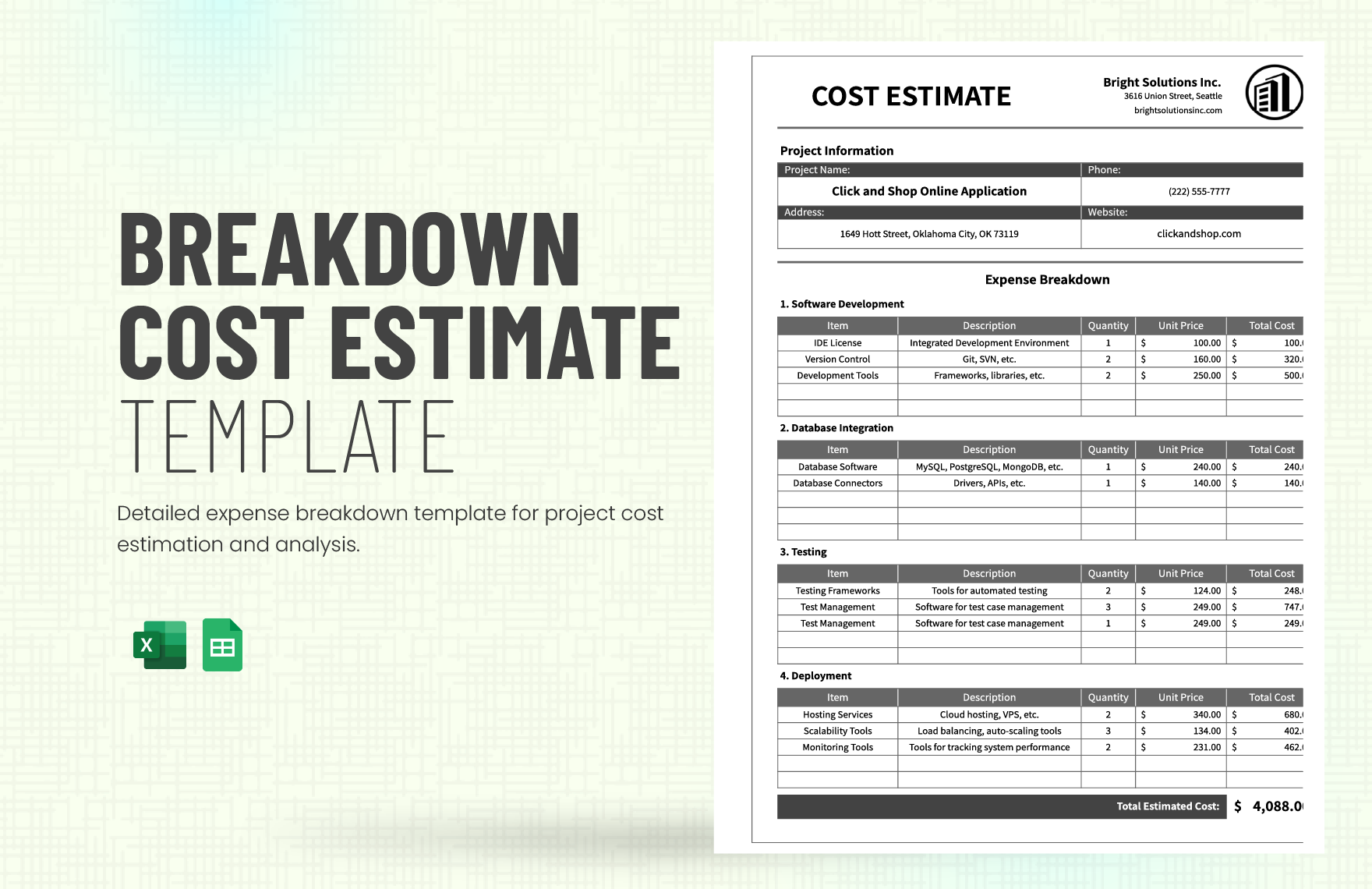
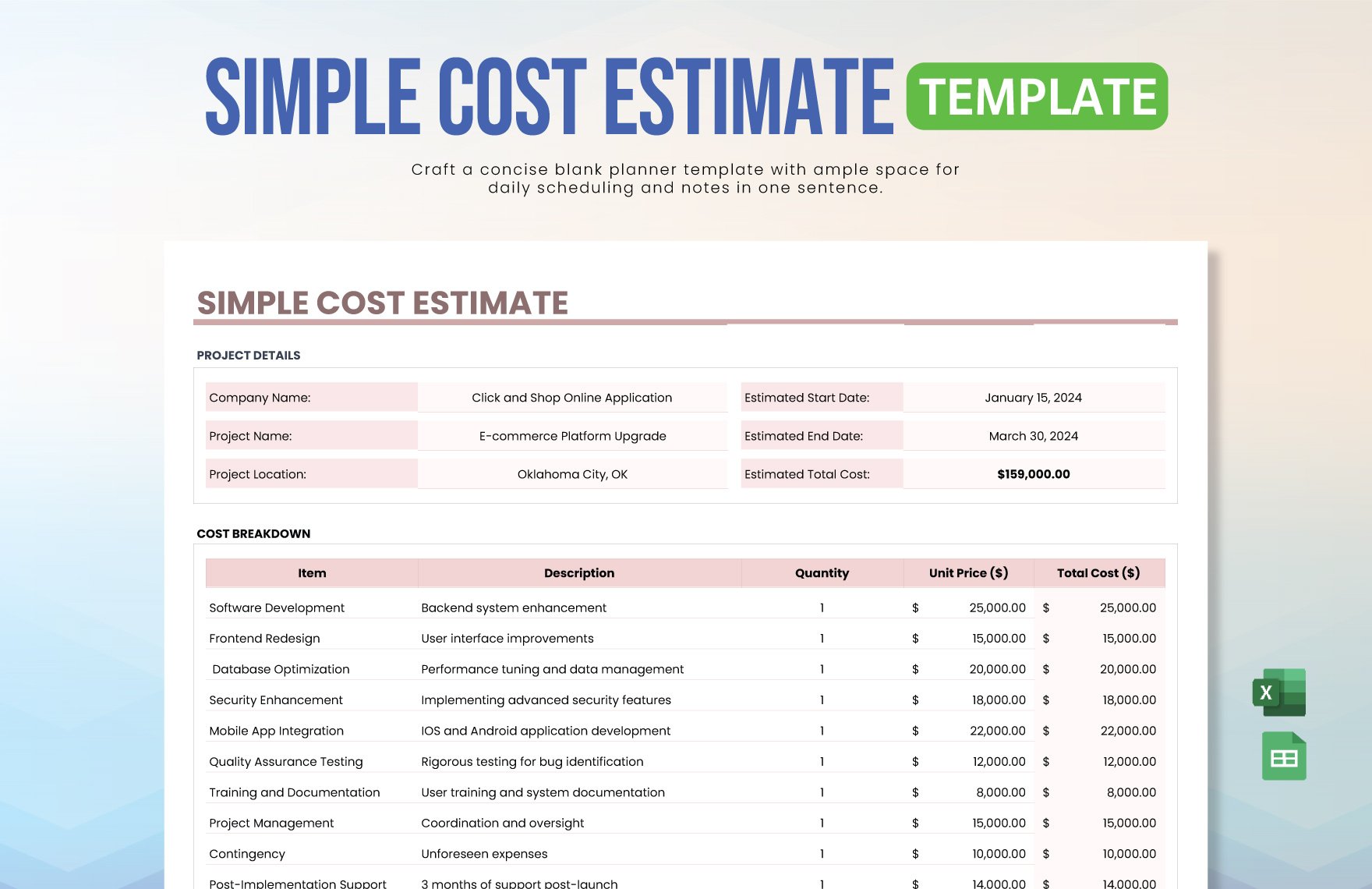
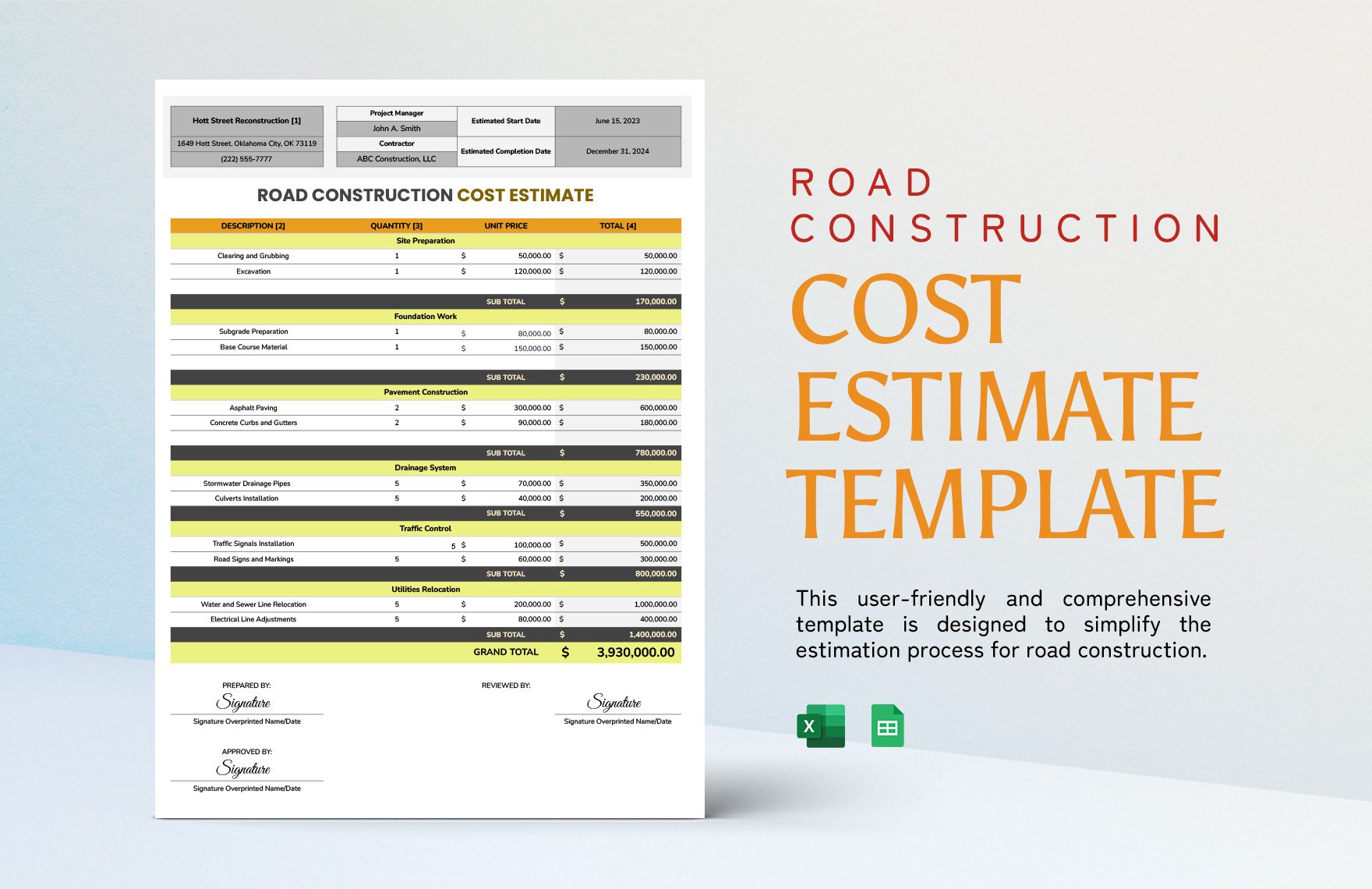
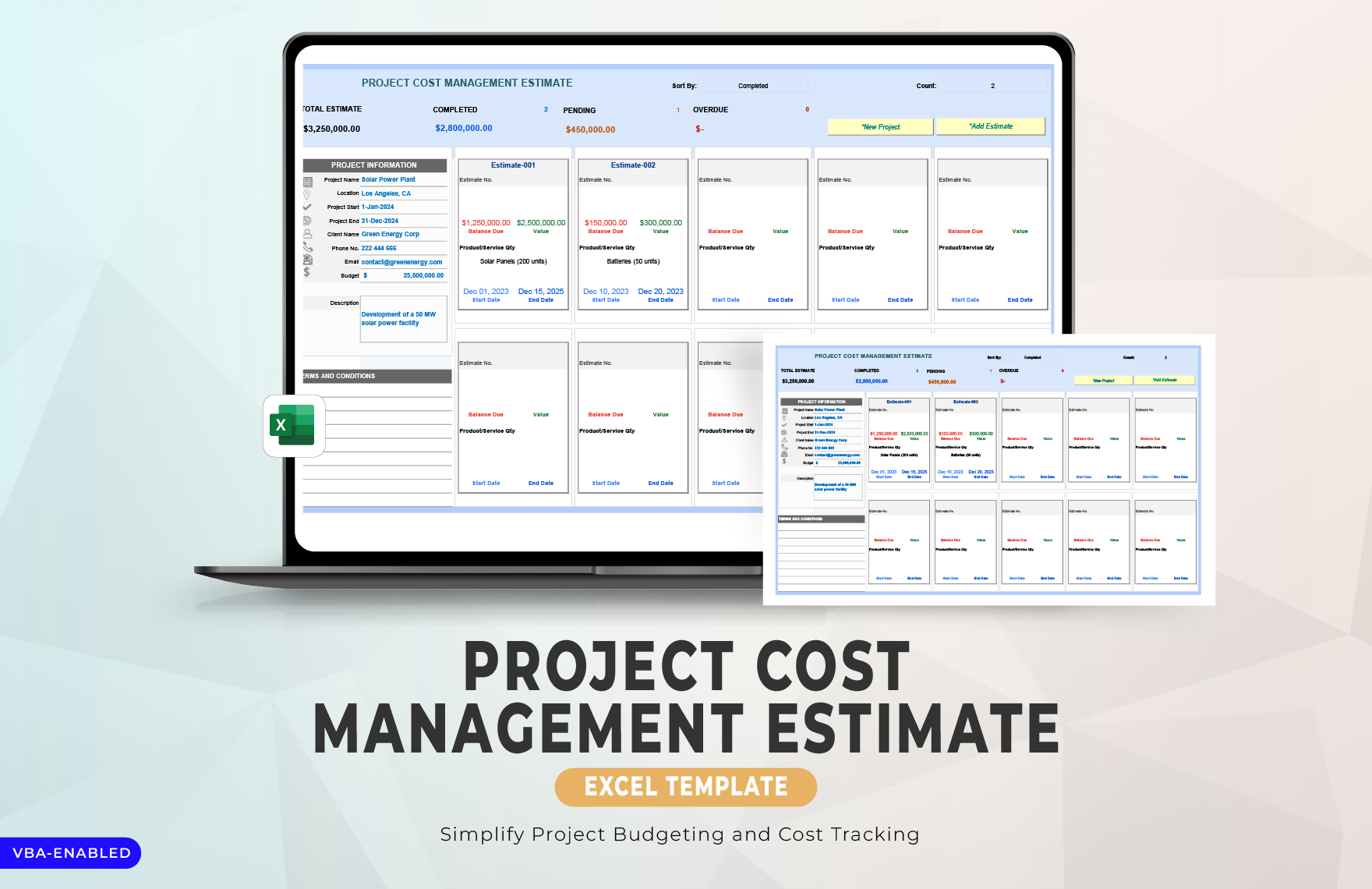
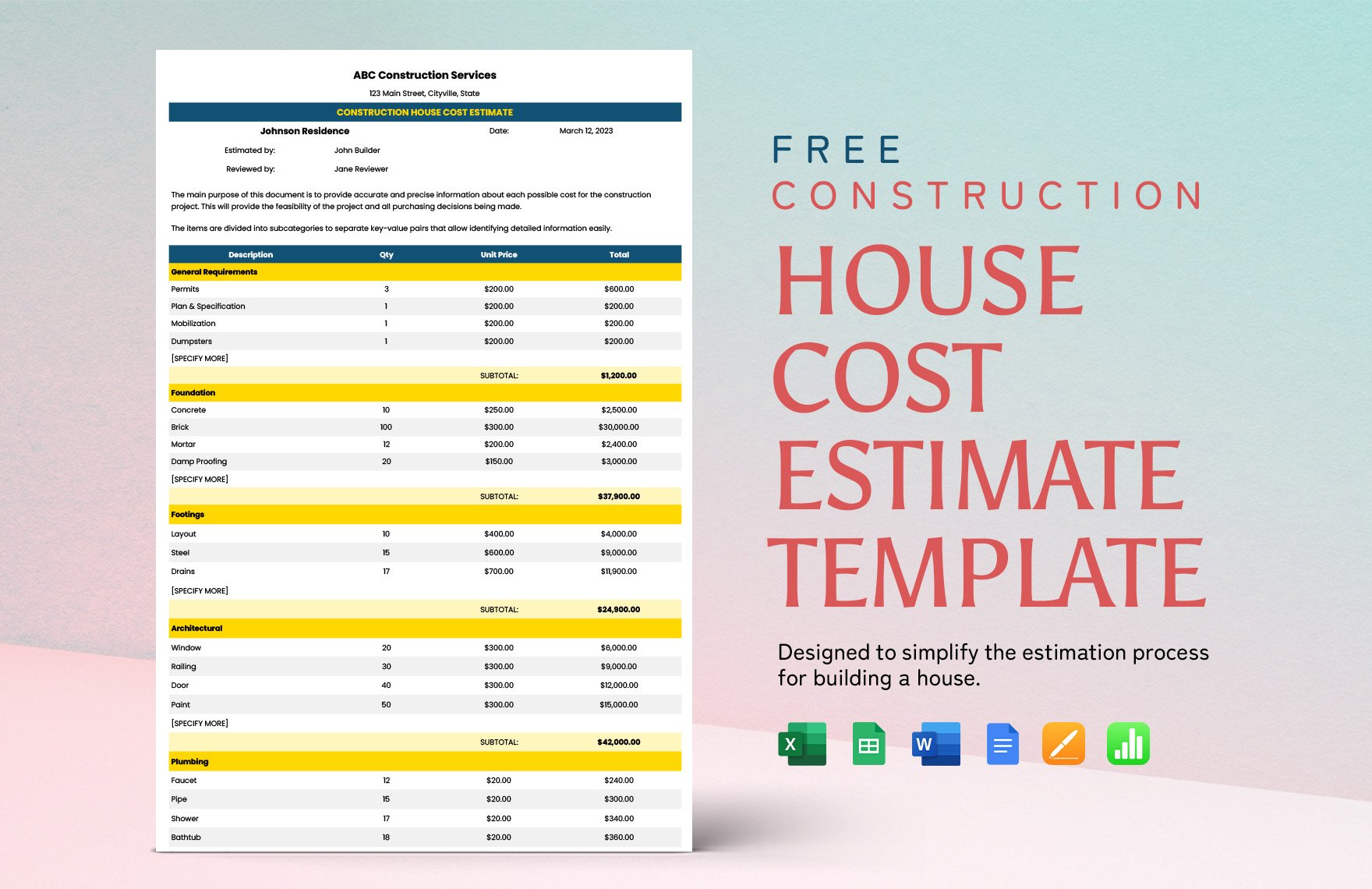
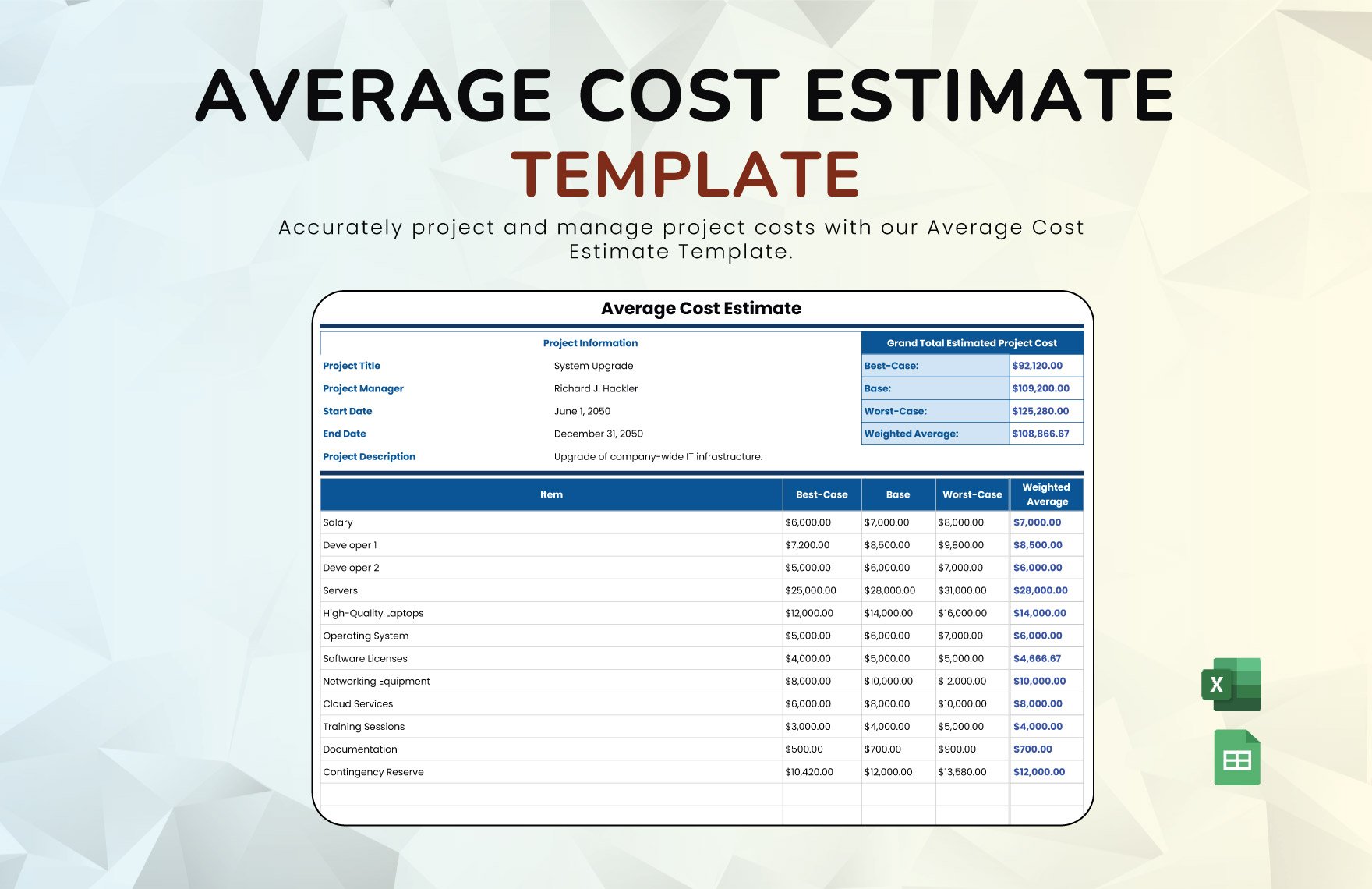
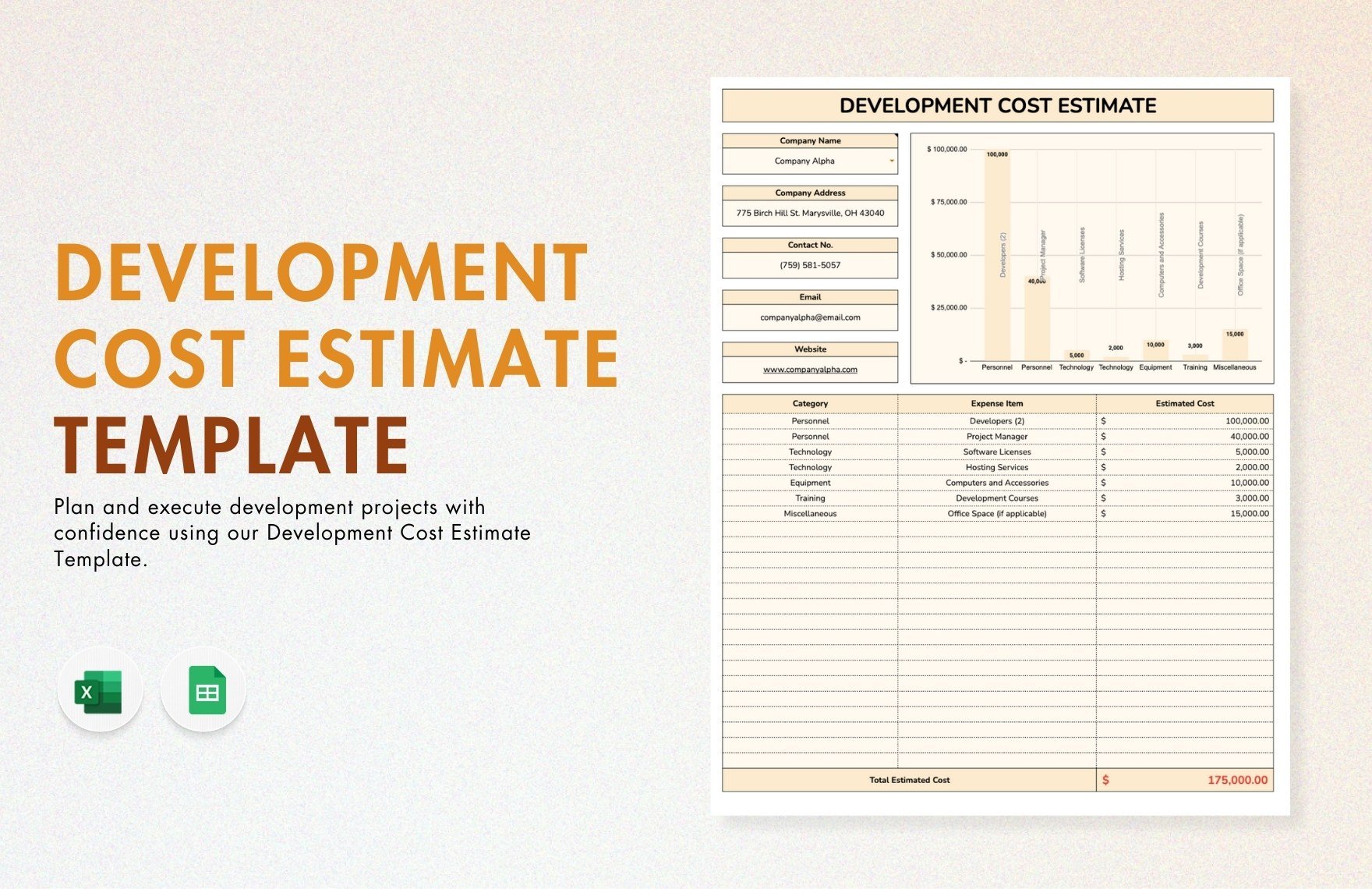
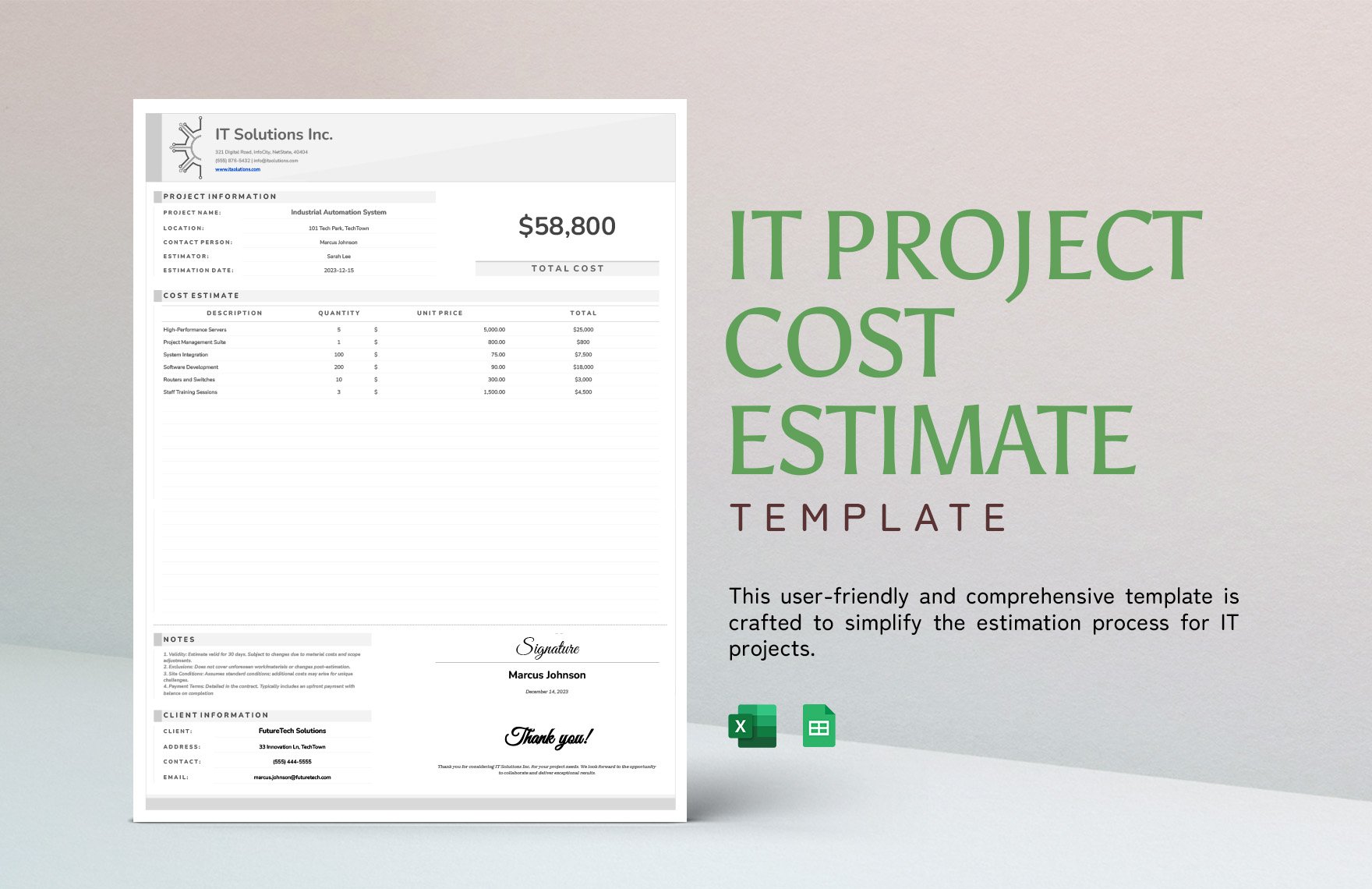
When it comes to project cost estimate spreadsheets, you'll find a range of options, each with its own advantages: For a closer look at something similar, my post on project cost estimate spreadsheet for kids covers the details.
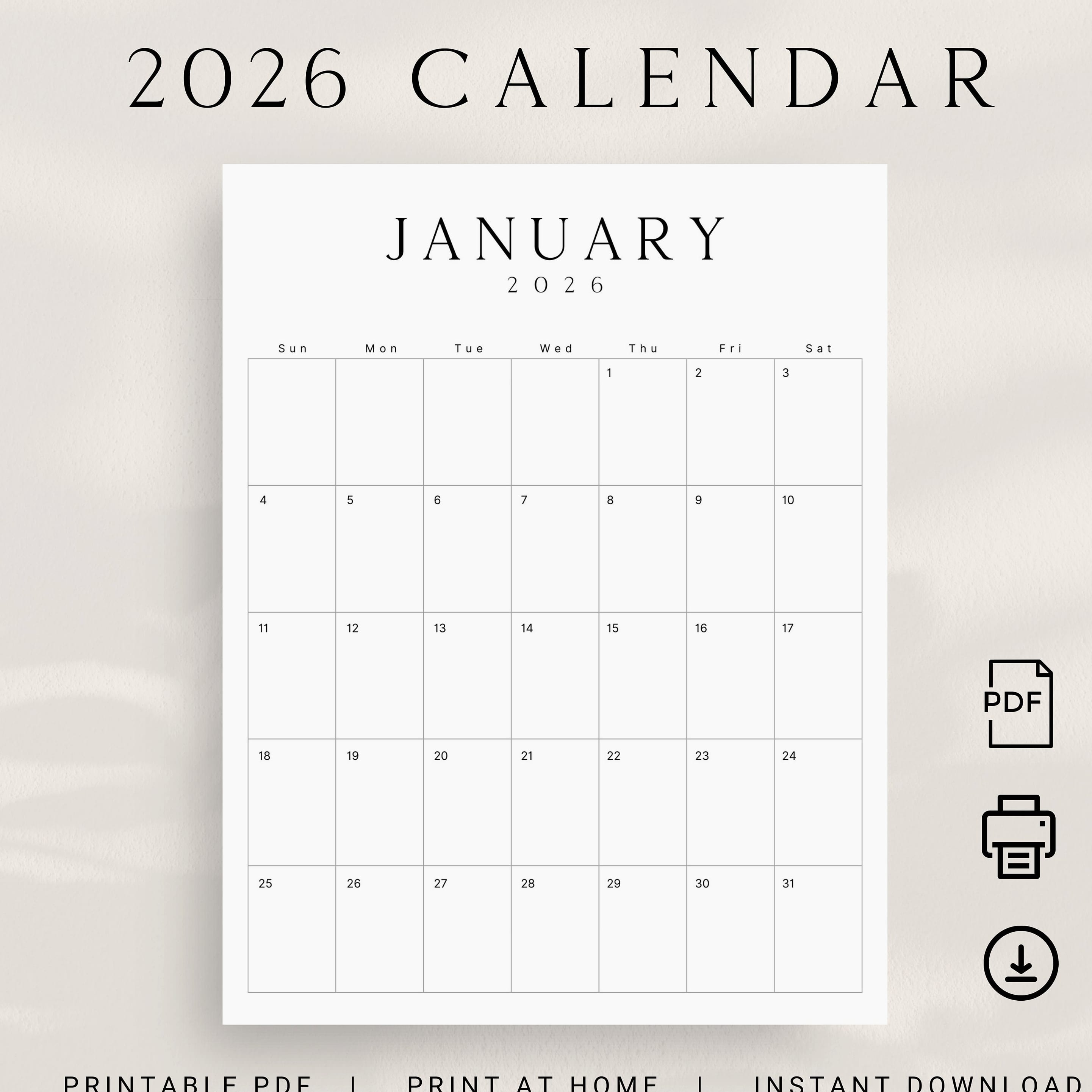
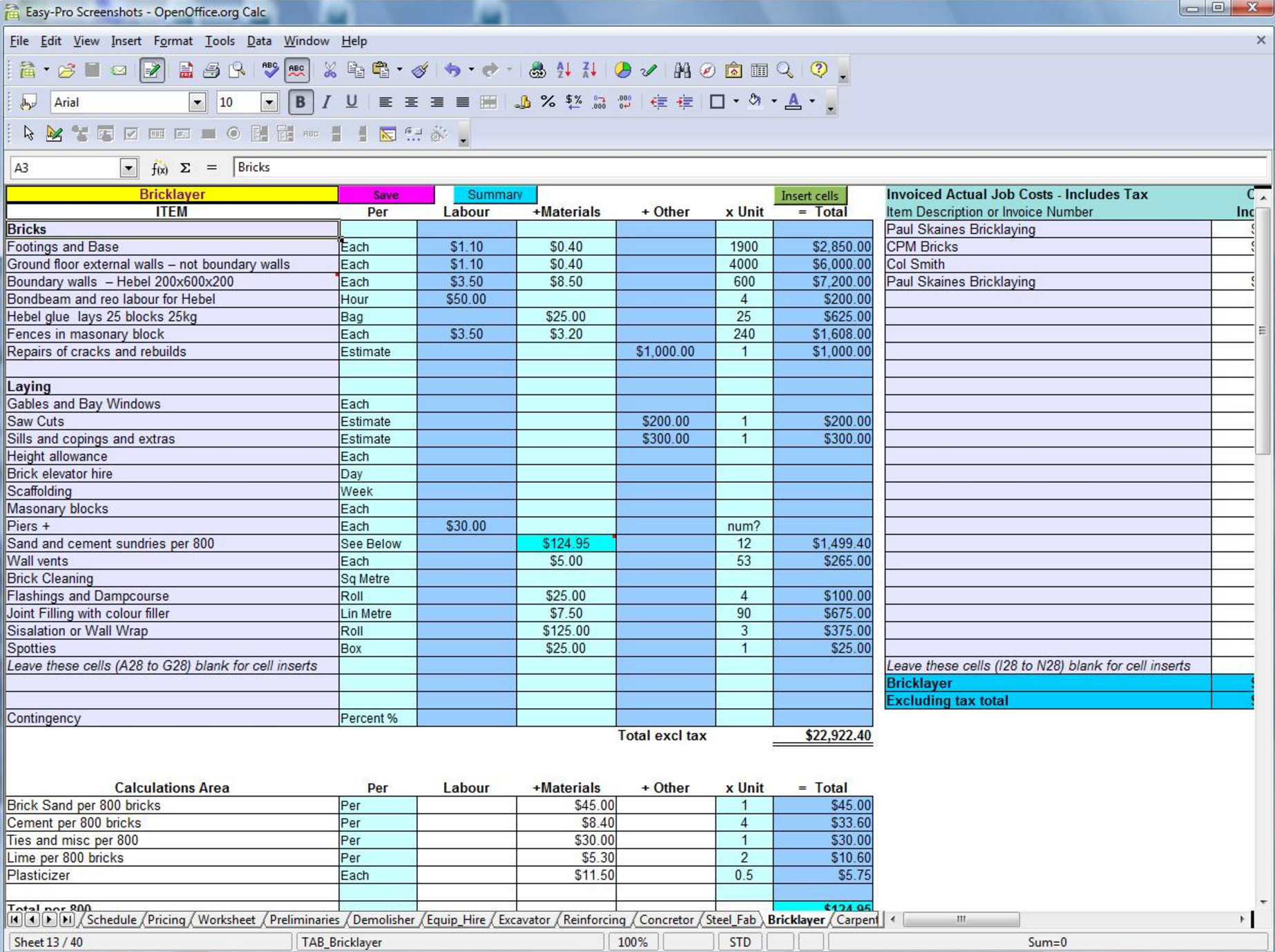
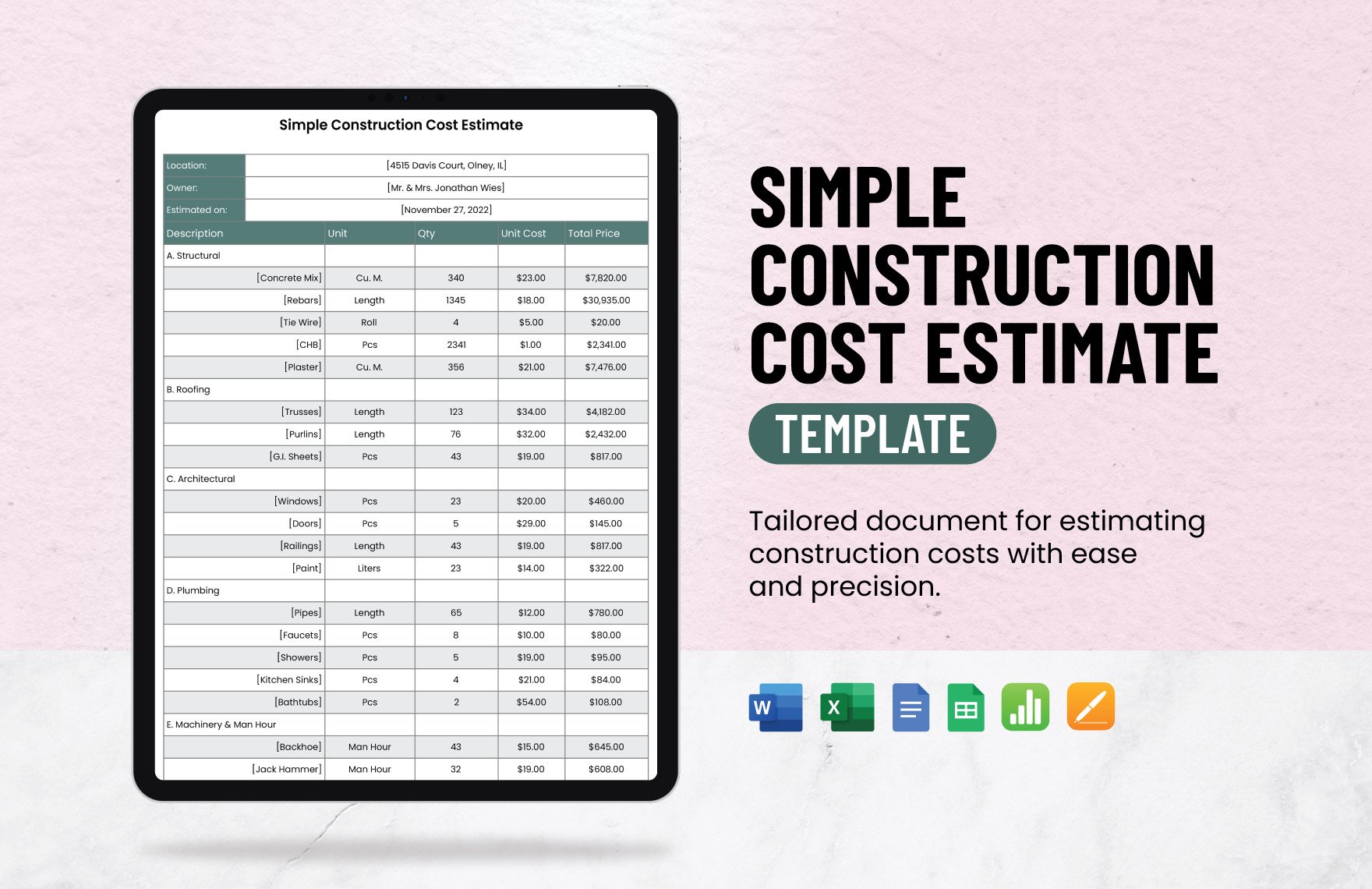
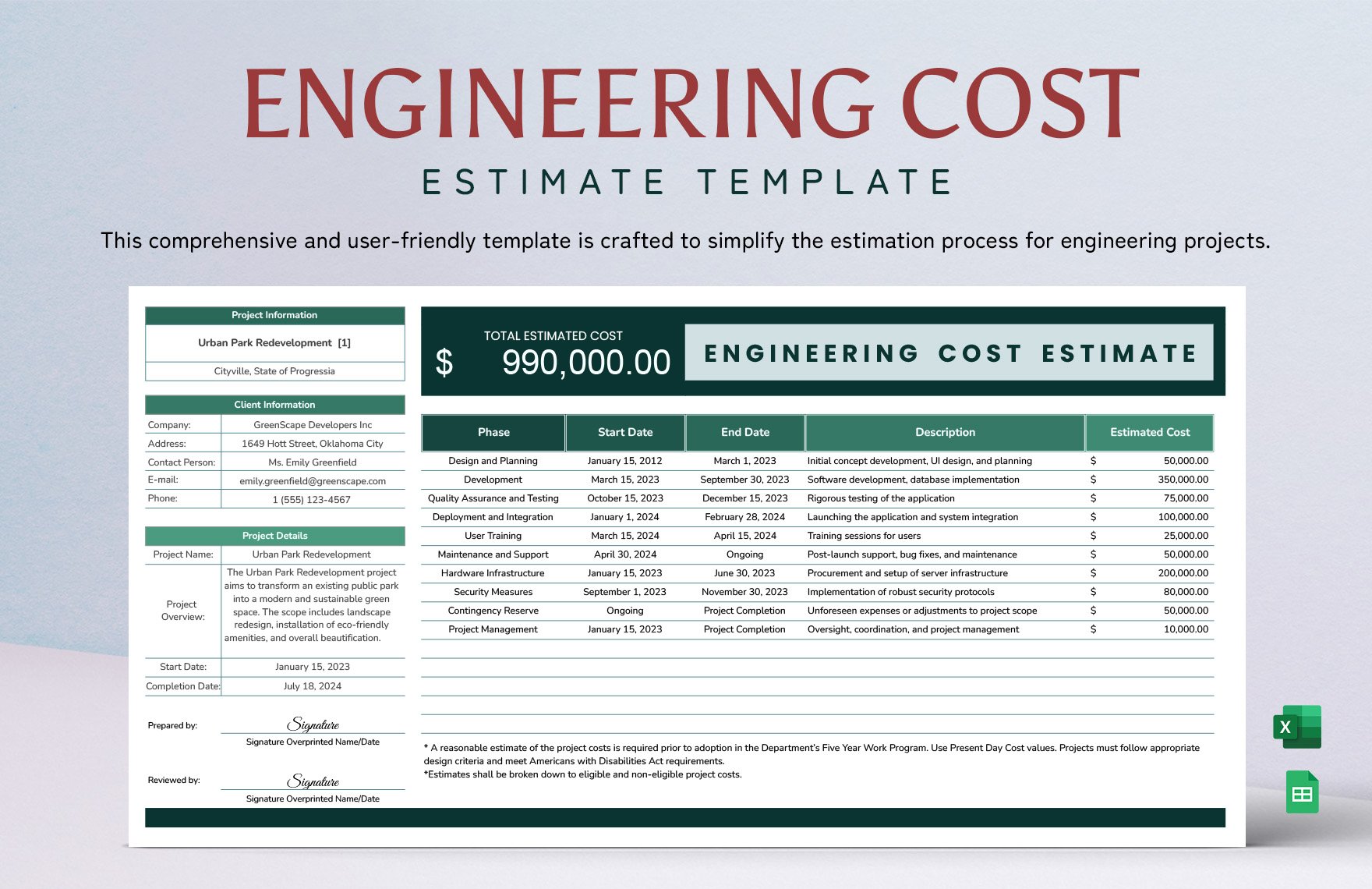
Standard Letter Size: This is a common choice, offering a balance between detail and readability. A4 or US Letter size (8.5" x 11") provides ample space for columns and rows, ensuring your estimates are clear and organized.
Custom Sizes: For more complex projects, you might opt for a larger custom size. This allows for more detailed breakdowns, especially when dealing with multiple cost categories and subcategories.
Sizing and Specifications
The size of your project cost estimate spreadsheet should be determined by the following factors:
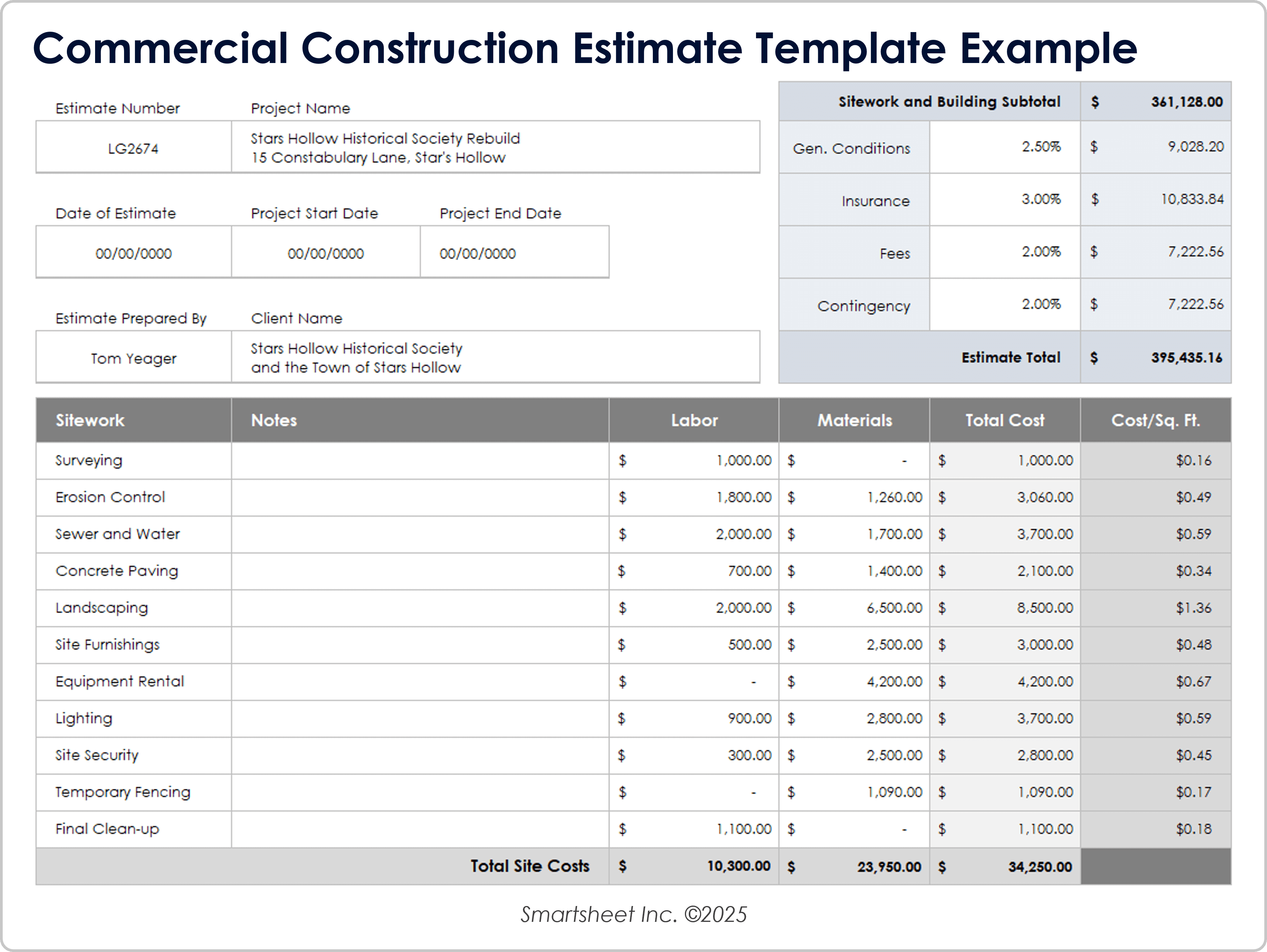
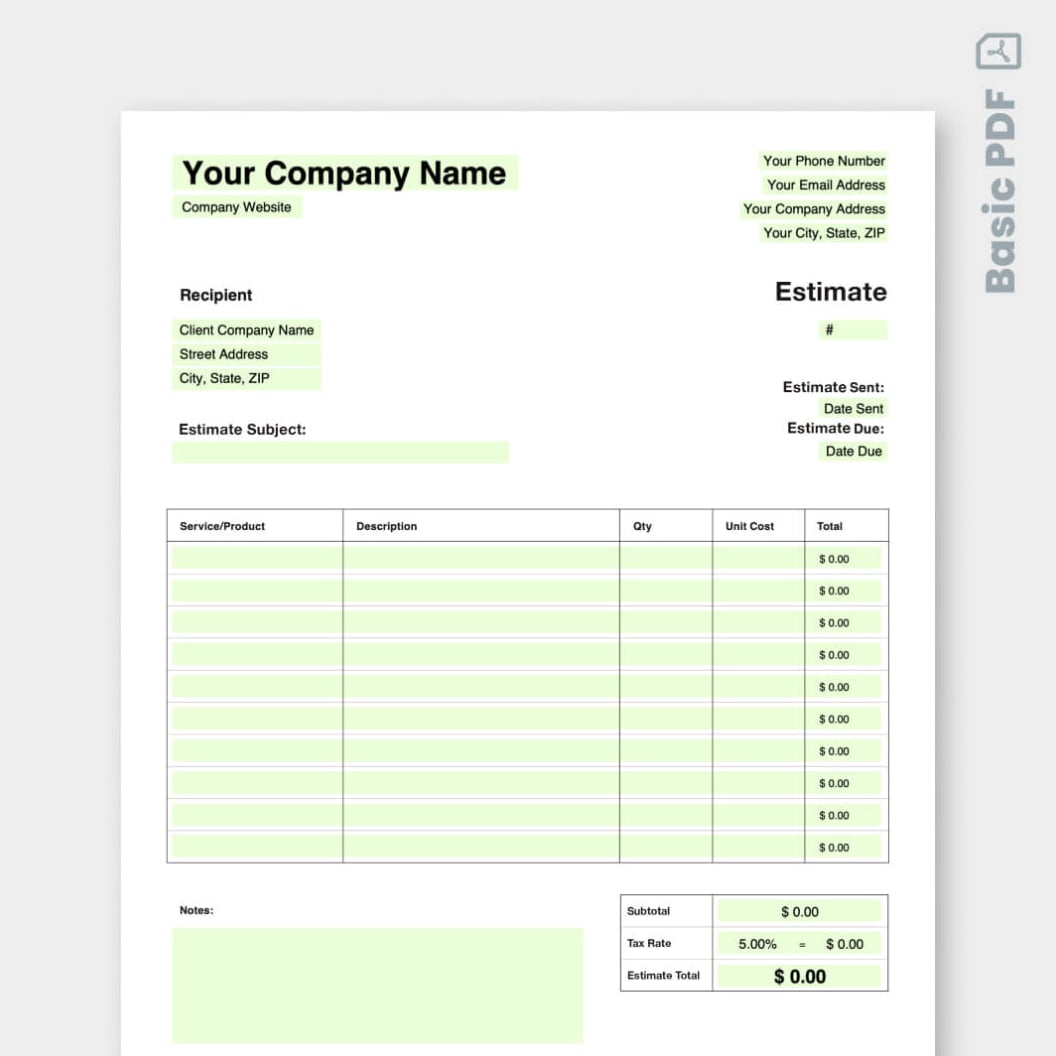
Project Complexity: The more intricate your project, the more space you'll need to capture all the necessary details. You can also compare this directly with professional estimate template free to see how they stack up.
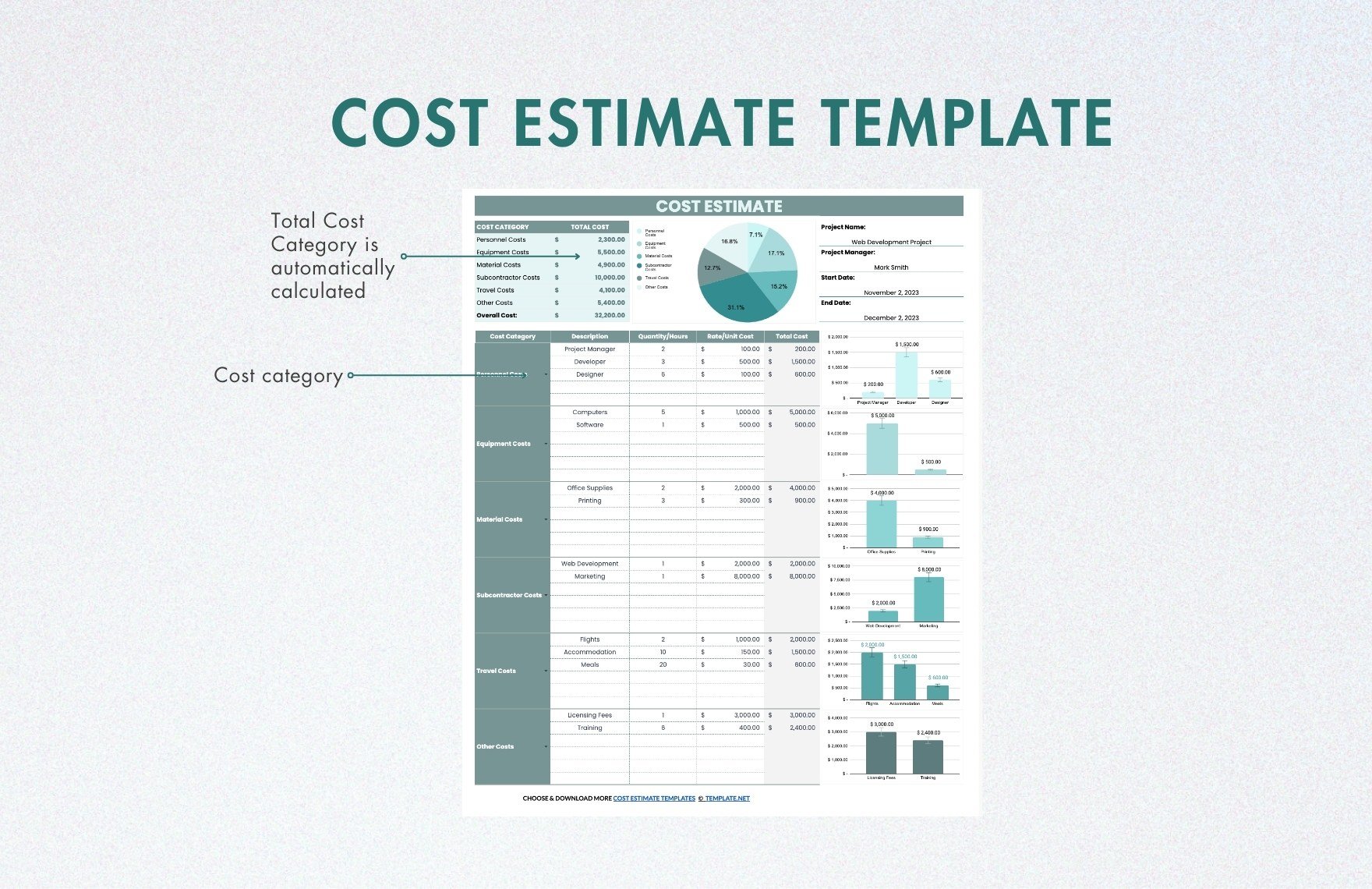
Number of Cost Categories: If you have a large number of cost categories, a larger spreadsheet size can provide the real estate needed to organize and present these categories effectively.
Detail Level: The level of detail required for your estimates will influence the spreadsheet size. For instance, a simple project with a few cost categories might fit well on a standard-sized sheet, while a detailed, comprehensive estimate might require a larger format.
Materials and Styling
The material and styling of your project cost estimate spreadsheet can impact its longevity and visual appeal:

Paper Quality: Opt for high-quality paper to ensure your estimates are durable and professional-looking. If you want another perspective, check out my notes on tinkercad restaurants 79697 as well.
Binding: Consider binding options, especially for larger spreadsheets, to keep your estimates organized and presentable.
Digital vs. Physical: While digital spreadsheets offer convenience and ease of sharing, physical copies can be beneficial for presentation and archival purposes.
Placement and Usage
The placement and usage of your project cost estimate spreadsheet are key for accessibility and collaboration:
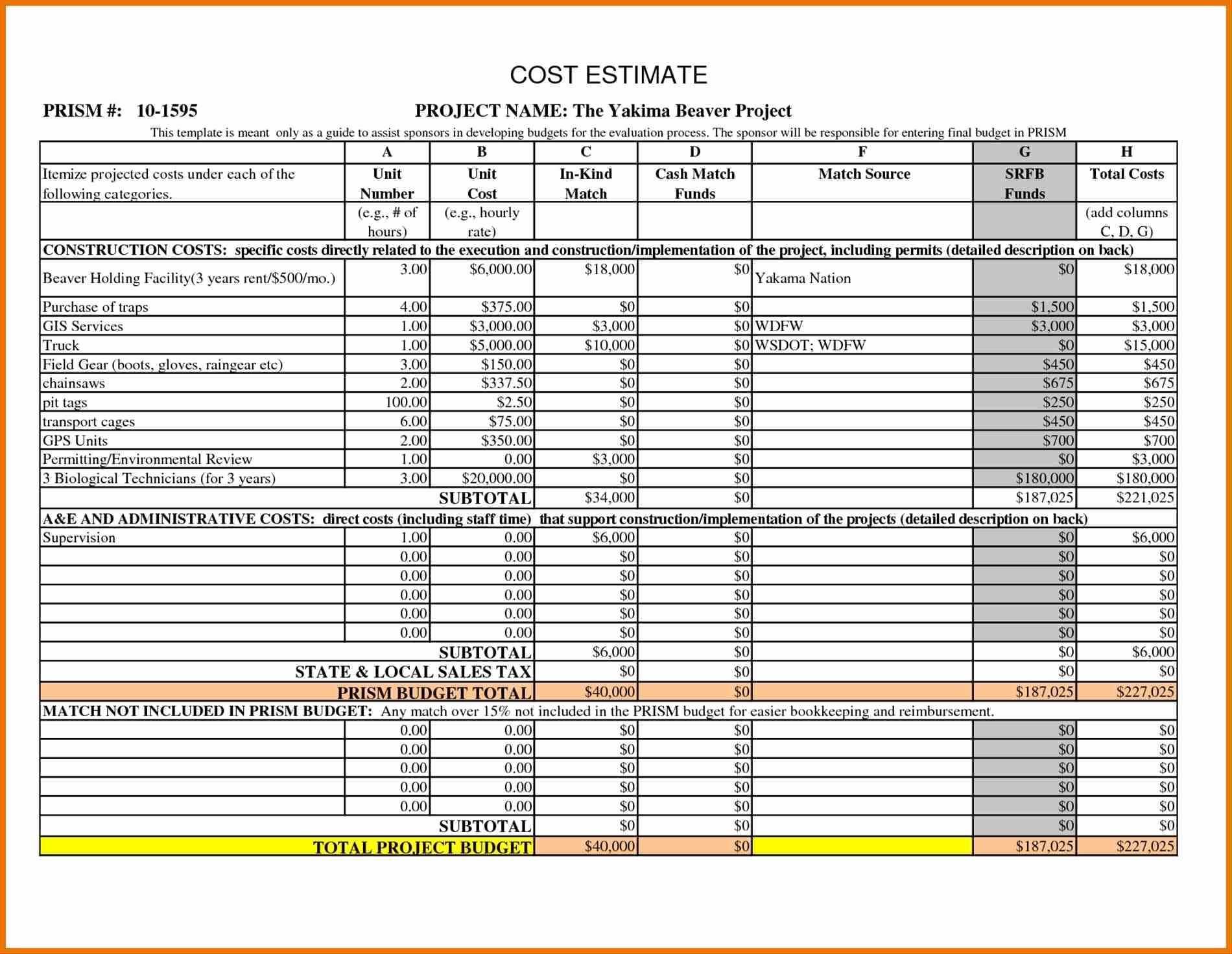
Storage: Ensure your spreadsheet is easily accessible, whether digitally or physically, for quick reference and updates. For a closer look at something similar, my post on flashcards jobs and professions black and white covers the details.
Collaboration: If multiple team members need to work on the estimate, consider a cloud-based solution or a shared drive to facilitate collaboration.
Presentation: When presenting your estimates to stakeholders, a well-organized and visually appealing spreadsheet can make a positive impression.
What to Check Before Buying or Making
Before finalizing your project cost estimate spreadsheet, consider these points:
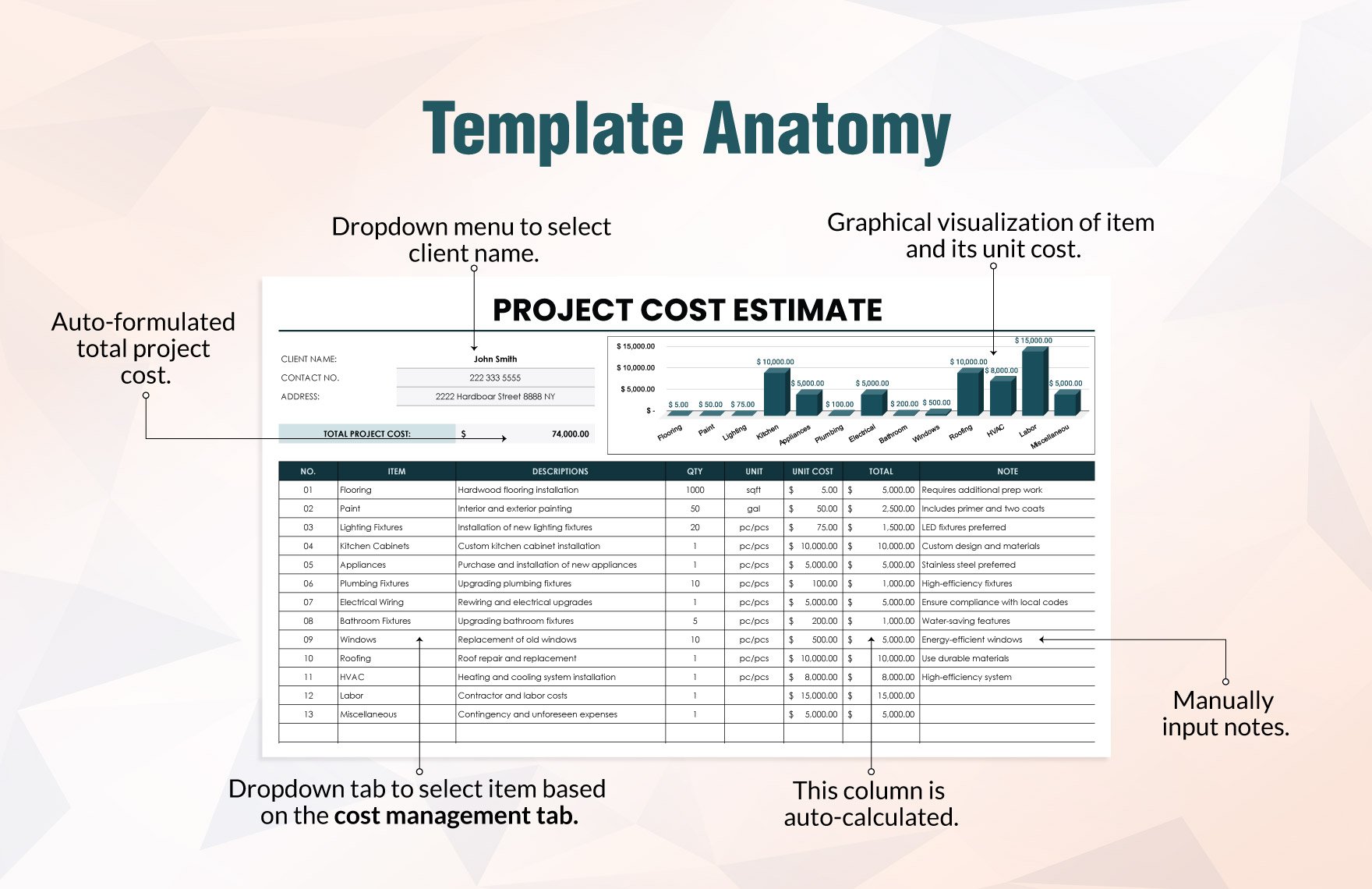
Compatibility: Ensure your spreadsheet is compatible with the software or platform you plan to use, whether it's Excel, Google Sheets, or another tool.
Customizability: Look for templates or tools that offer flexibility, allowing you to adapt the spreadsheet to your specific project needs.
Data Integrity: Verify that your spreadsheet can handle the volume of data you'll be entering and that it maintains accuracy and consistency.
Remember, the right project cost estimate spreadsheet can streamline your project planning, making it an essential tool for successful project management.