













emailucsfedu template: A Comprehensive Guide
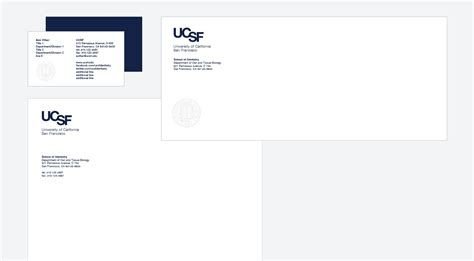
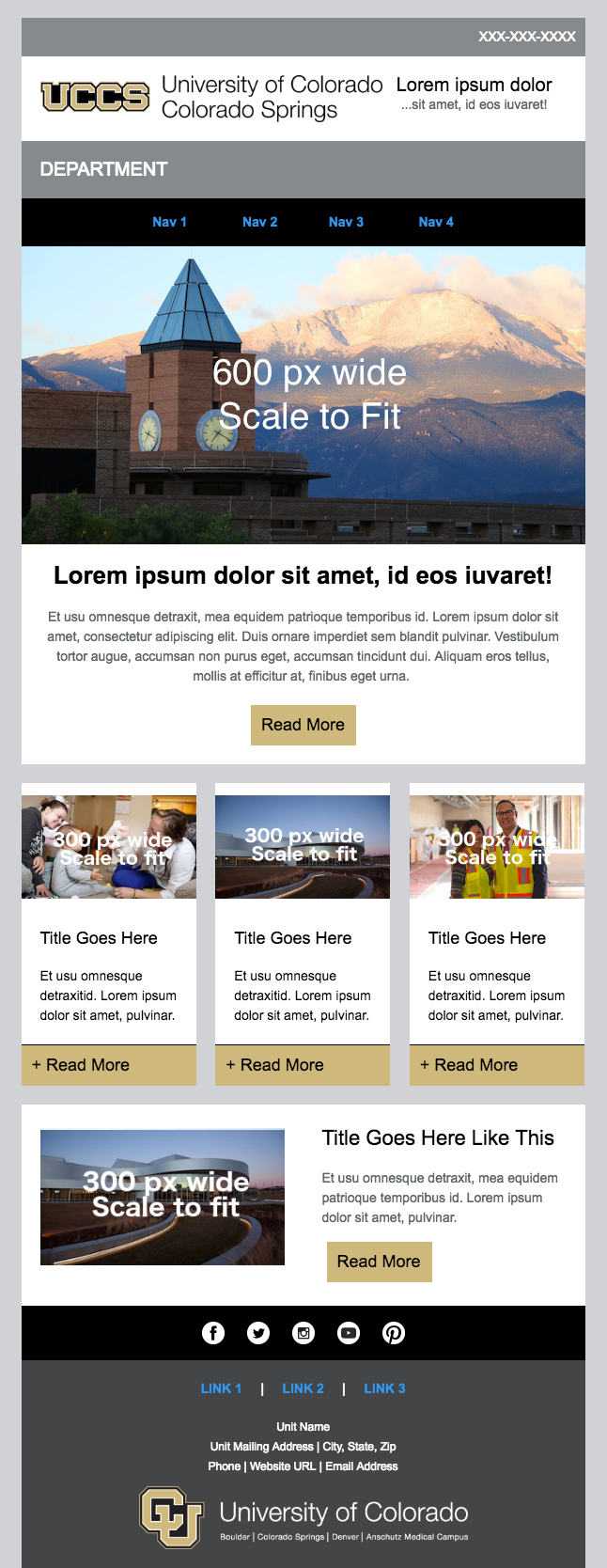
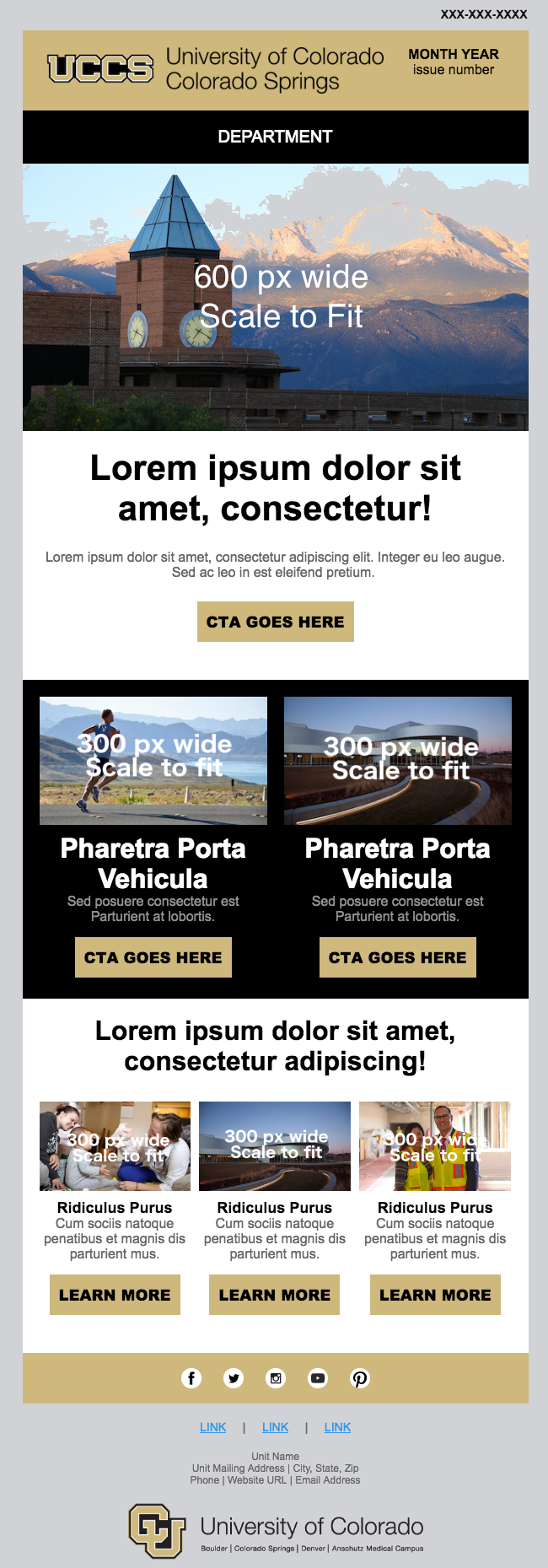
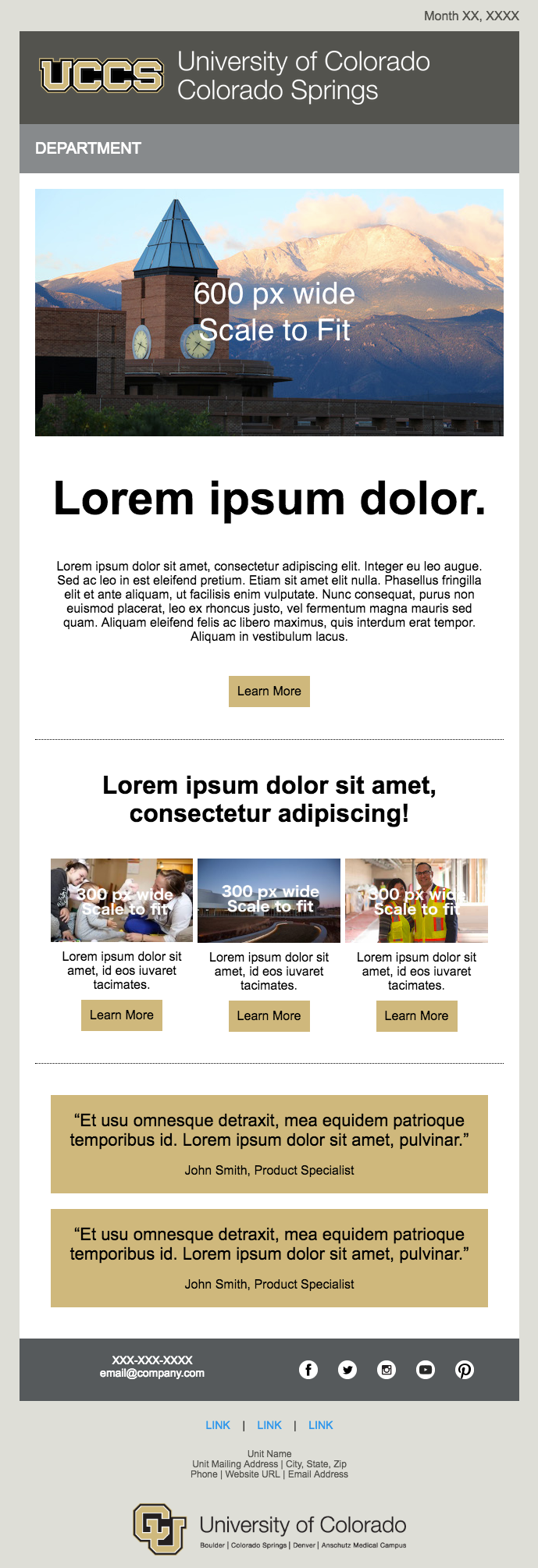
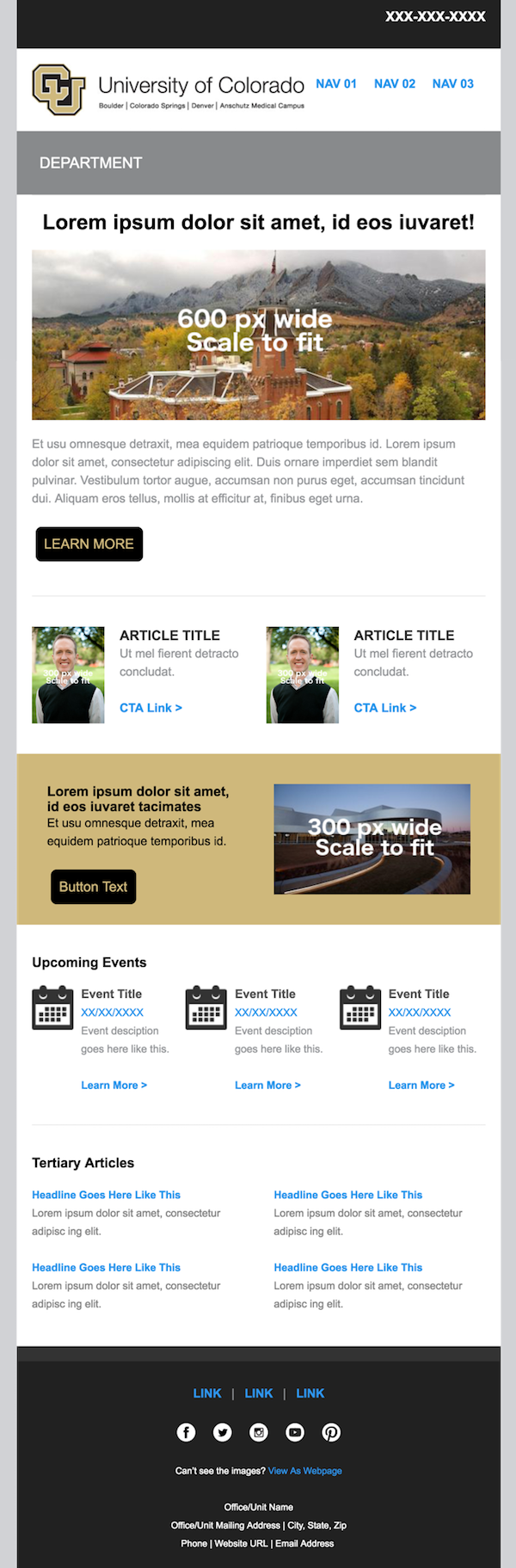
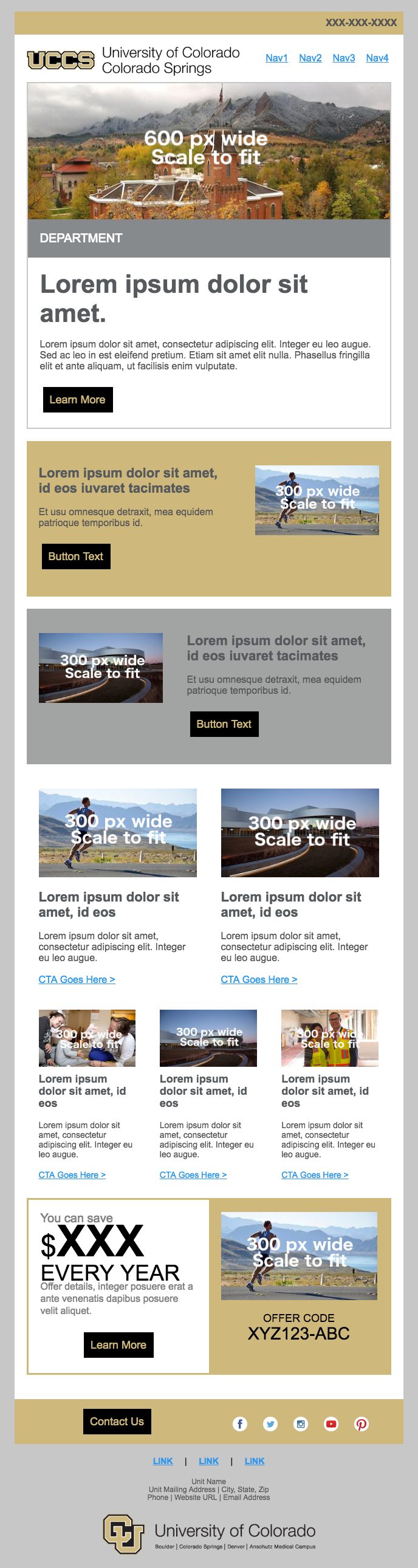
UCSF provides a range of approved templates for email communication, ensuring a consistent and professional brand image. When looking into emailucsfedu template, the details quickly stand out. These templates are accessible within Microsoft 365 applications, offering a convenient and standardized solution.
Popular Options and Variations
UCSF offers a selection of email templates to cater to different needs:
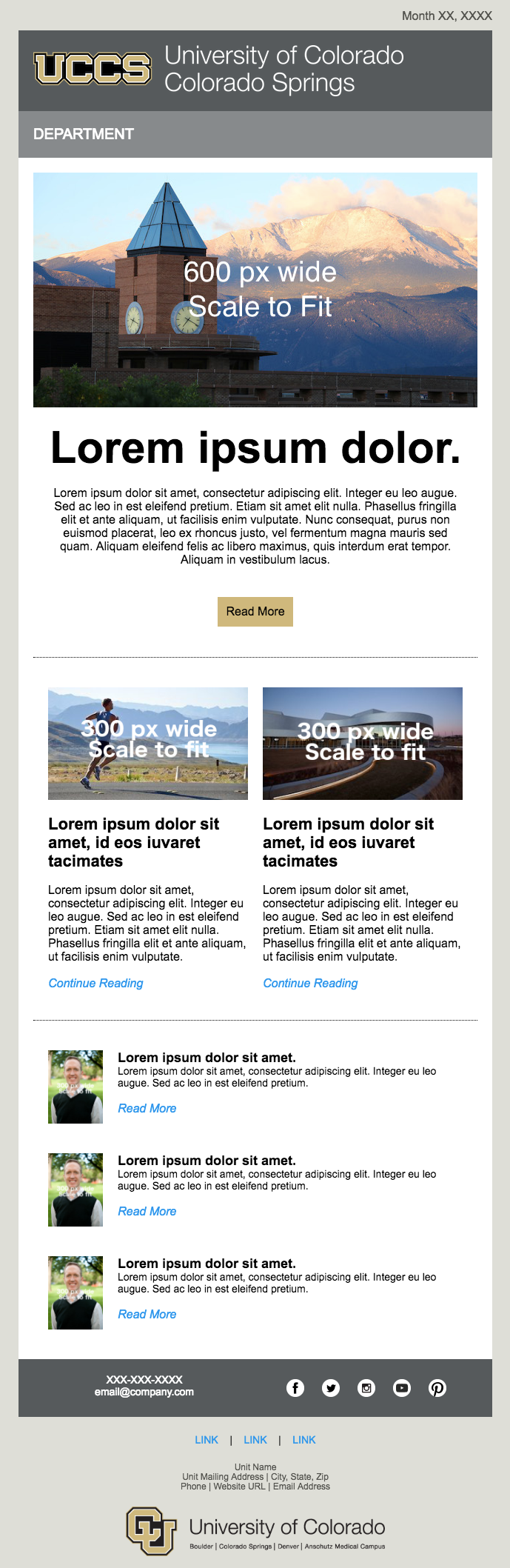
- Standard Email Template: A basic, professional design suitable for general communication.
- Health-Specific Template: Tailored for UCSF Health, including a signature with pronoun options.
- Controller's Office Template: Created for the Controller's Office, ensuring a standardized signature format.
Creating and Accessing Templates
To access and use the UCSF templates within Microsoft 365:

- Verify you are signed in with your UCSF Microsoft 365 account.
- Open the desired application (Word, Excel, or PowerPoint).
- Navigate to File > Account to confirm your login.
- If templates are not visible, restart the application and check again.
Integrating UCSF Branding and Accessibility
UCSF templates are designed to uphold brand identity and accessibility standards:

- Branding: Templates follow UCSF's visual guidelines, ensuring a consistent look.
- Accessibility: Documents and presentations meet accessibility requirements.
- Formatting: Approved templates provide a professional and standardized layout.
Customizing Your Email Signature
UCSF provides instructions for creating or updating your Outlook email signature:

- Controller's Office Standard: Follow the provided instructions to ensure a consistent signature.
- Pronoun Inclusion: The UCSF Health template allows you to include your pronouns in the signature.
- Copy and Paste: Edit the signature, then copy and paste it into Outlook Settings.
Further Resources and Support
For more information and guidance:
- Refer to the UCSF Microsoft 365: UCSF Templates page for detailed instructions and FAQs.
- Visit the UCSF IT website for additional resources on templates and branding.
- Contact the UCSF IT help desk for assistance with template access or customization.
Additional Template Examples
UCSF offers a variety of templates beyond email communication:
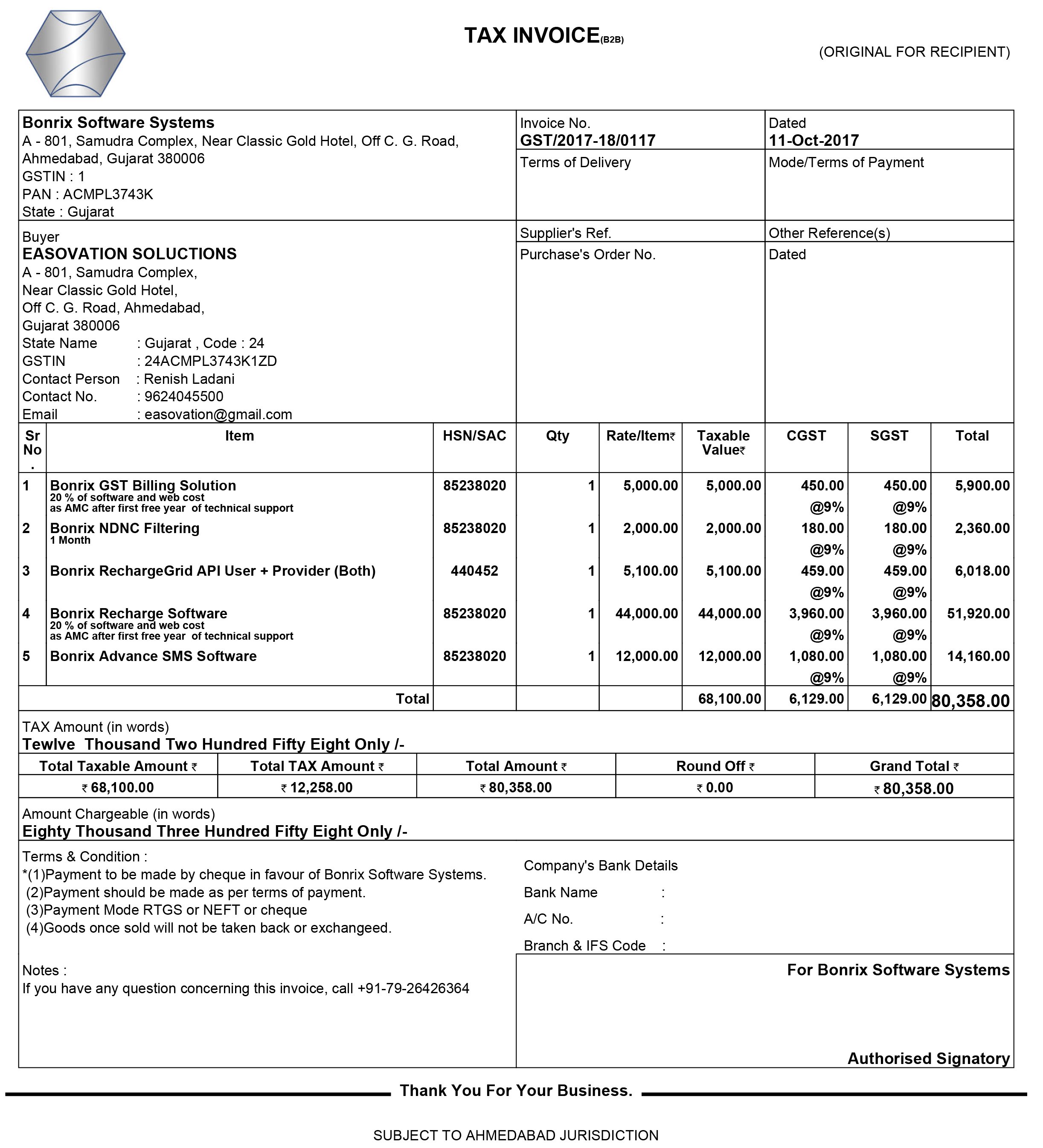
- Invoice Microsoft Word Template: A professional Word template for creating invoices.
- Free Event Planning Checklist Template: A blank checklist to organize and plan events.
- Last Planner System Template: An Excel template for project planning and tracking.
UCSF's approved templates provide a streamlined and professional approach to communication and document creation. By utilizing these resources, you can ensure your work aligns with UCSF's brand and accessibility standards.