




Popular Options and Variations
When it comes to freelance work invoices, there is a range of options available to suit different needs and preferences:
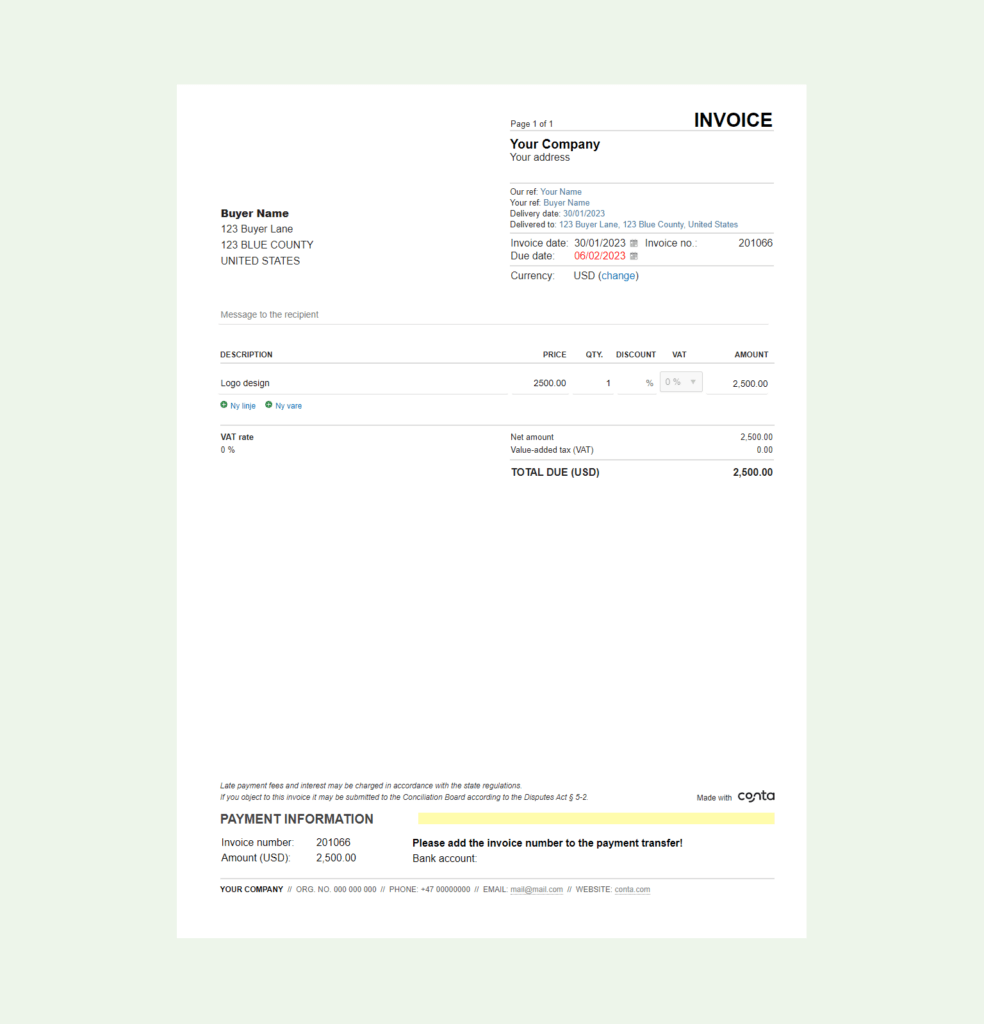
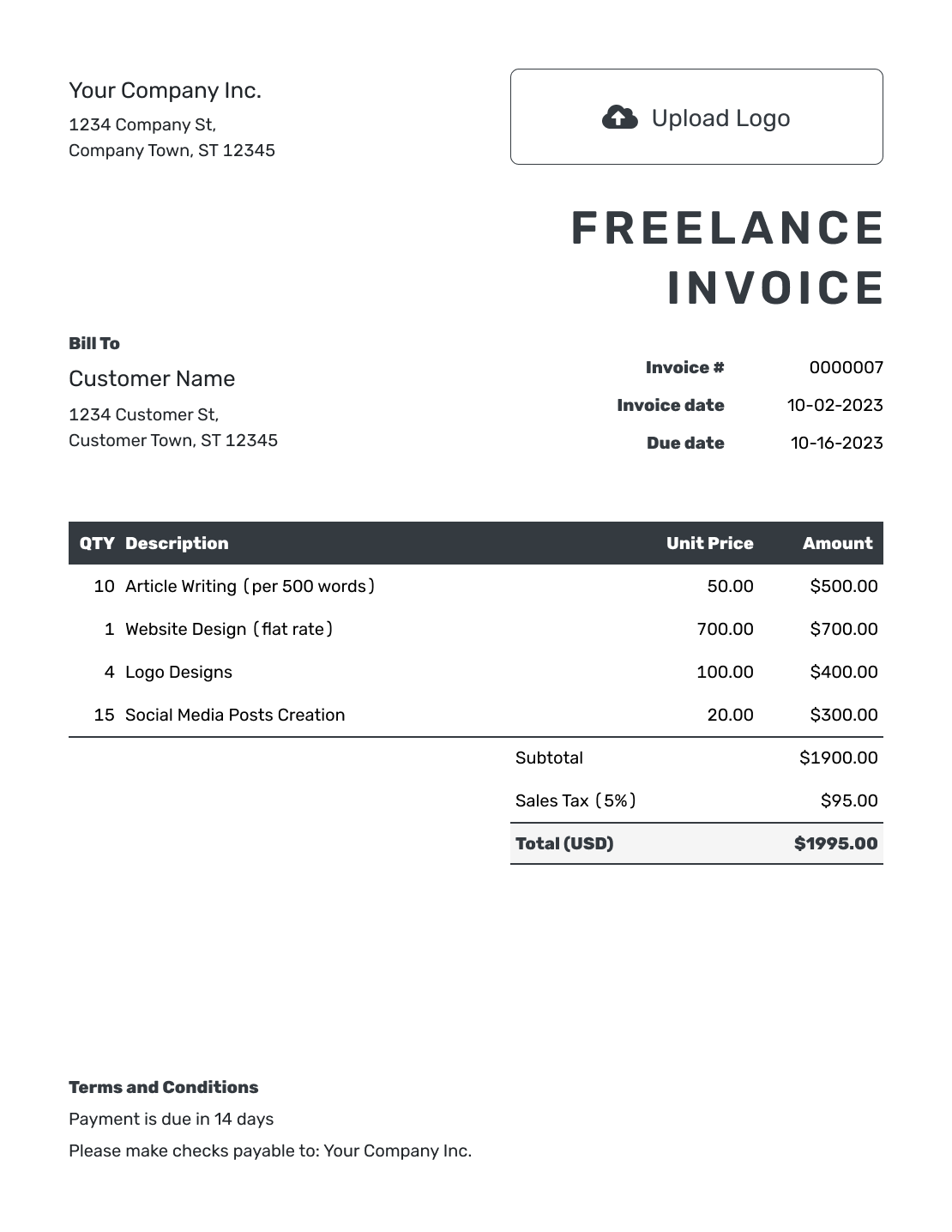
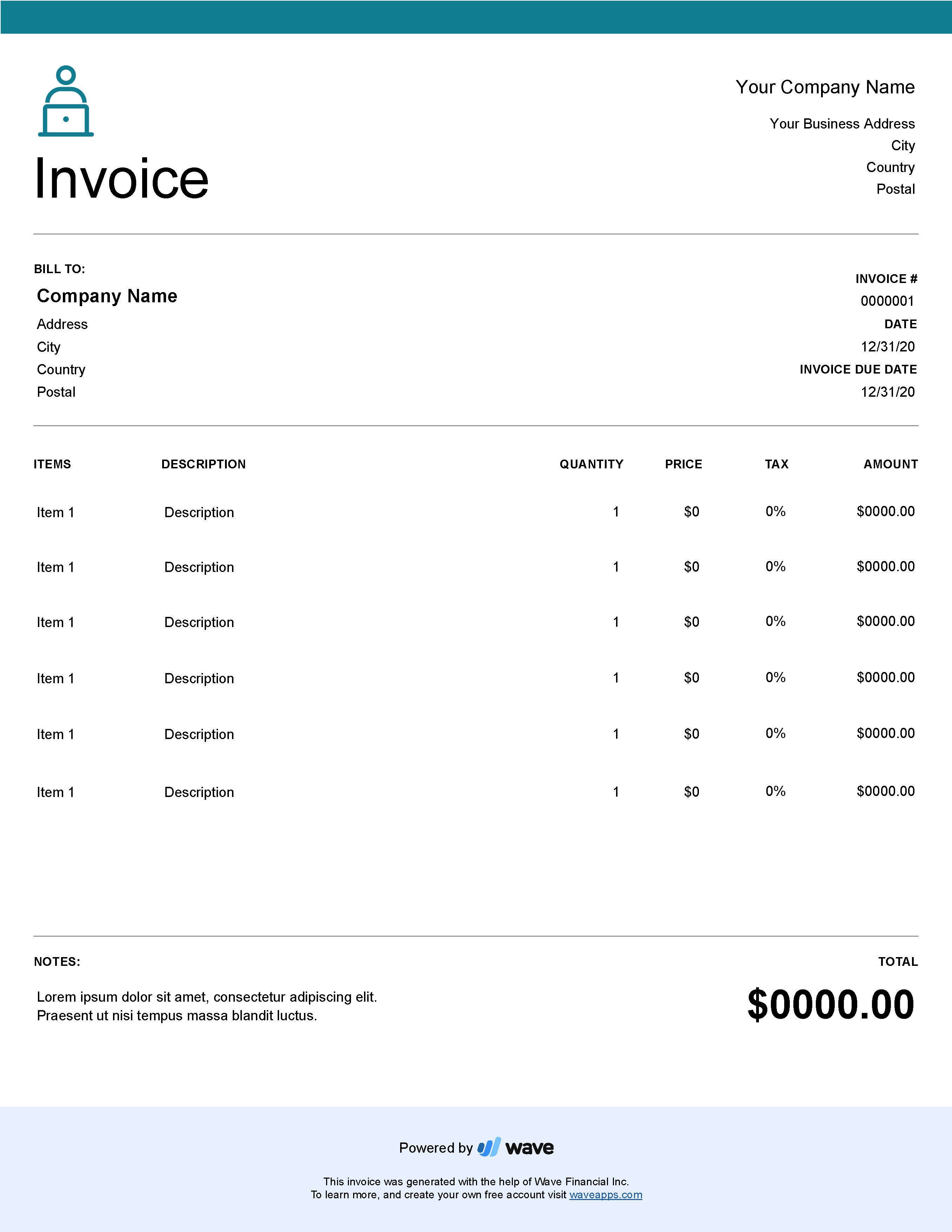
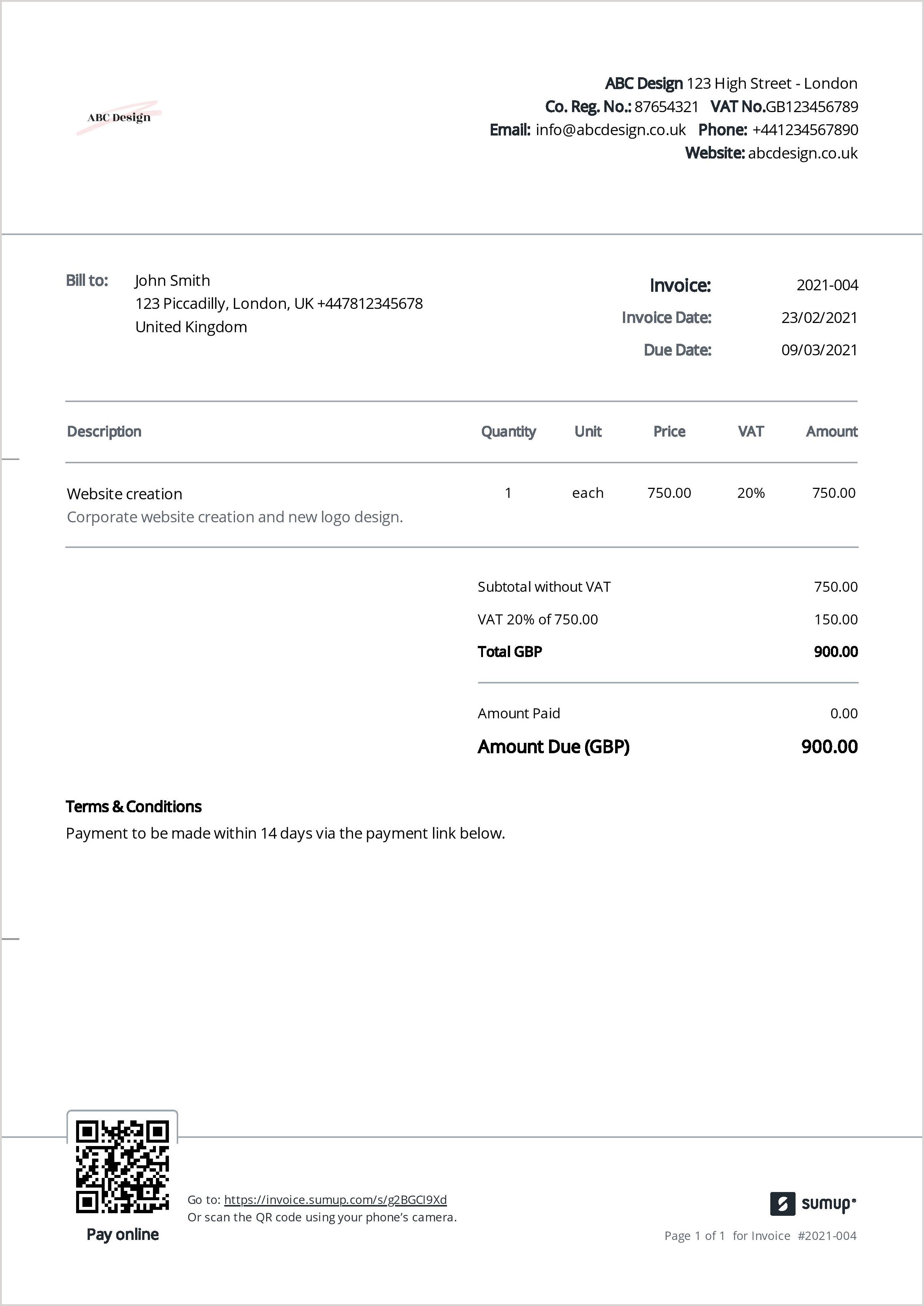
Online Invoicing Platforms: These platforms offer a convenient way to create, send, and manage invoices. They often provide customizable templates, payment integration, and automated reminders. Examples include Skynova and Upwork.
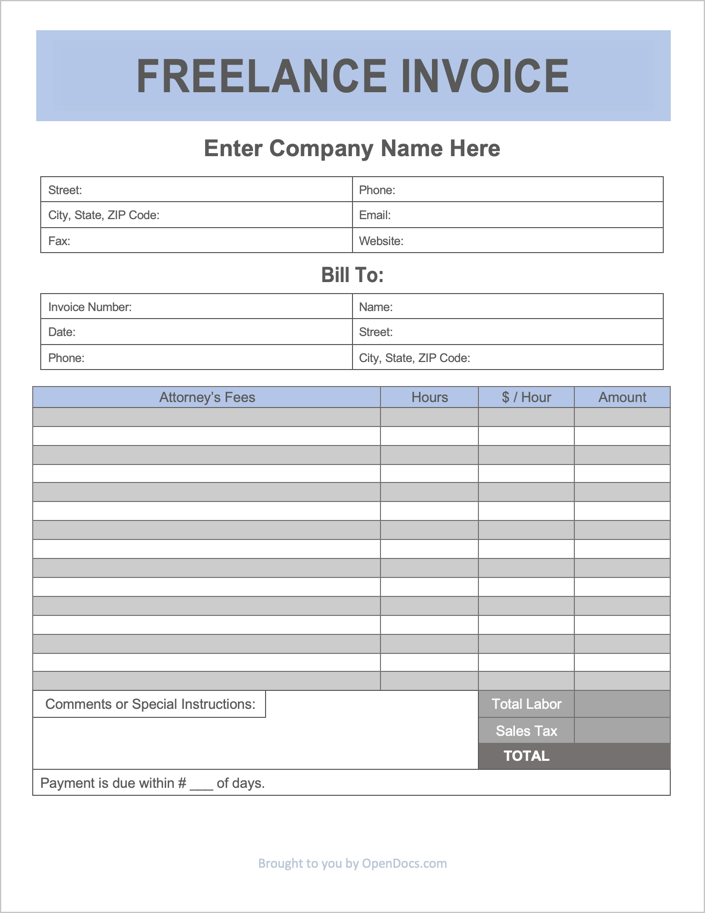
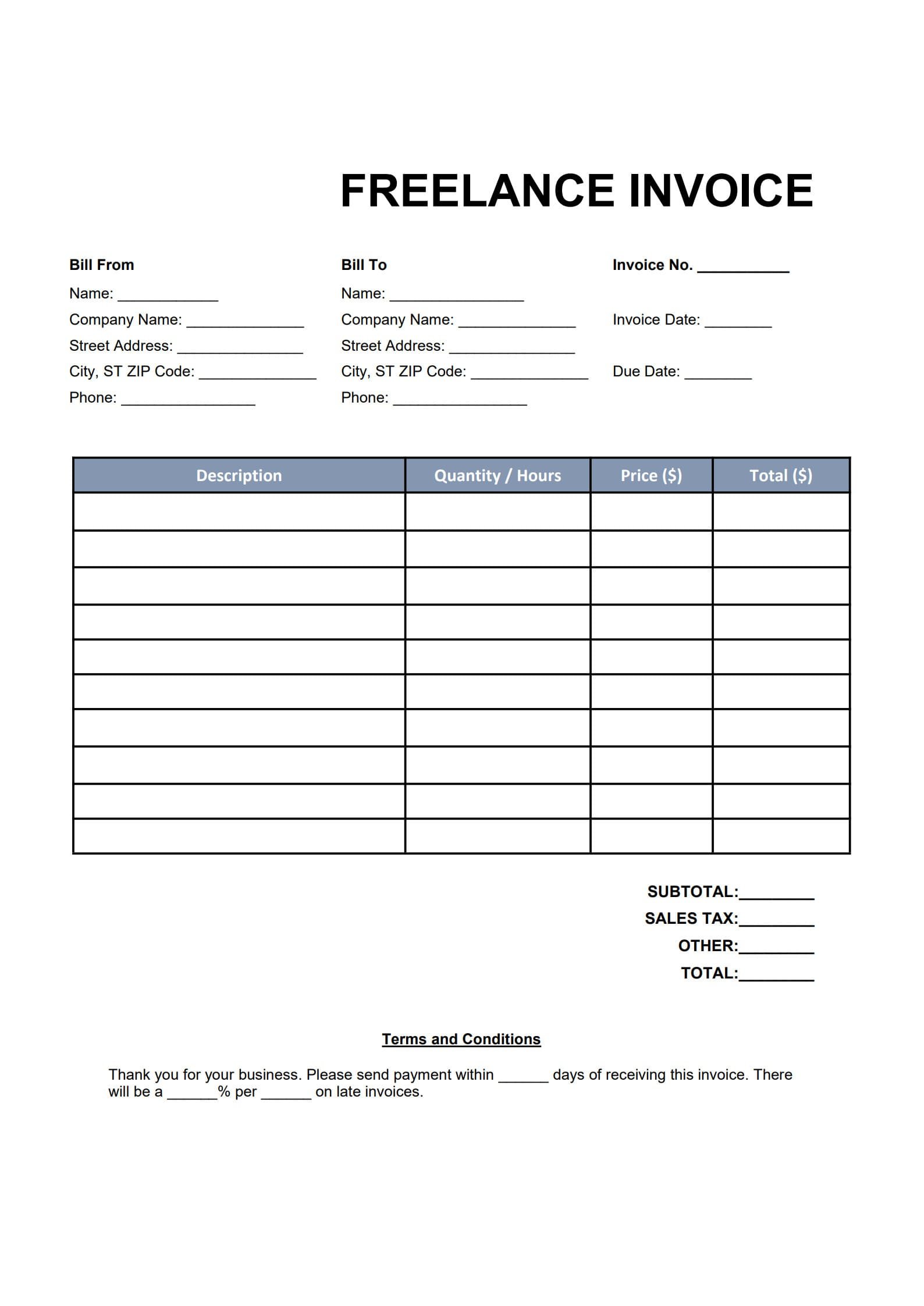
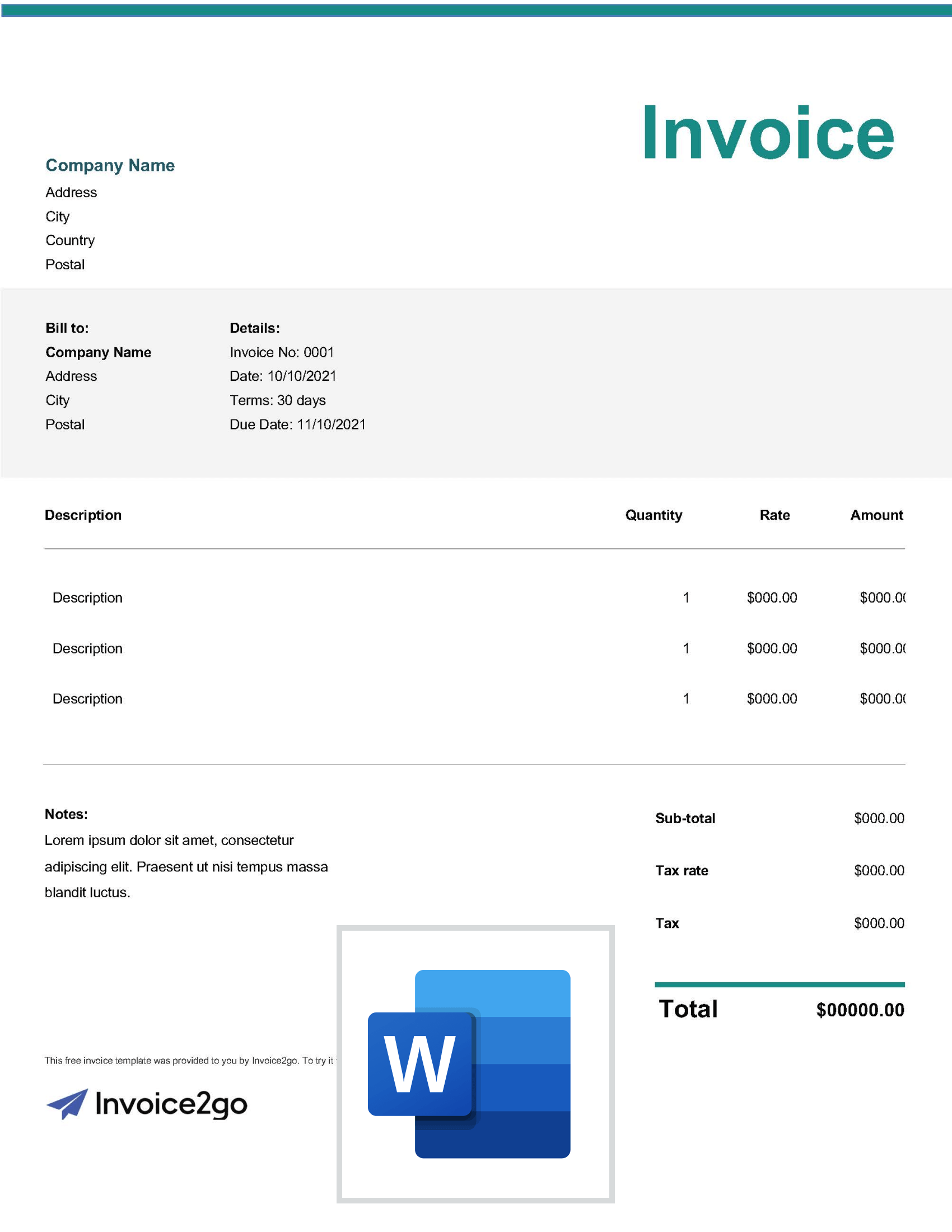
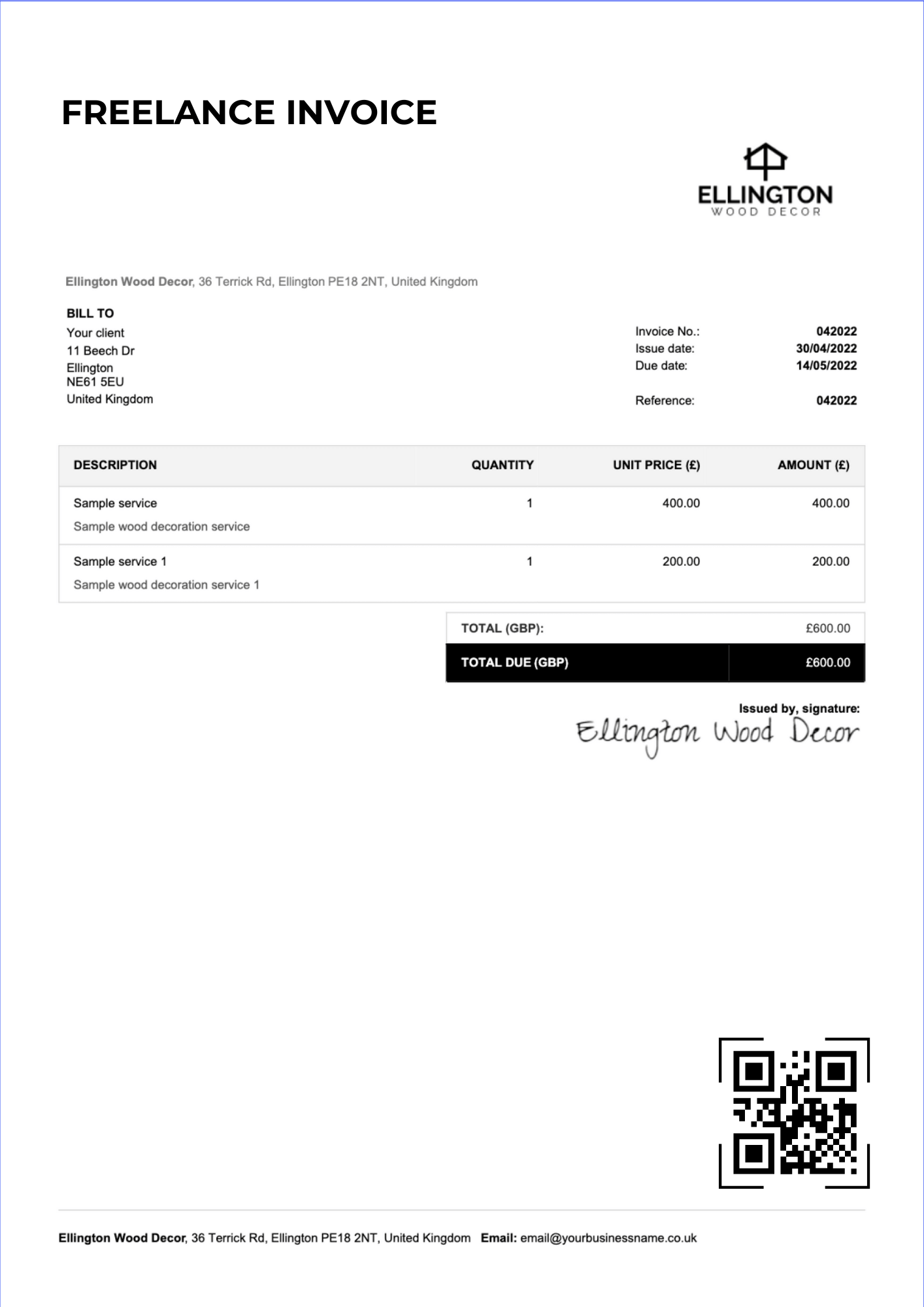
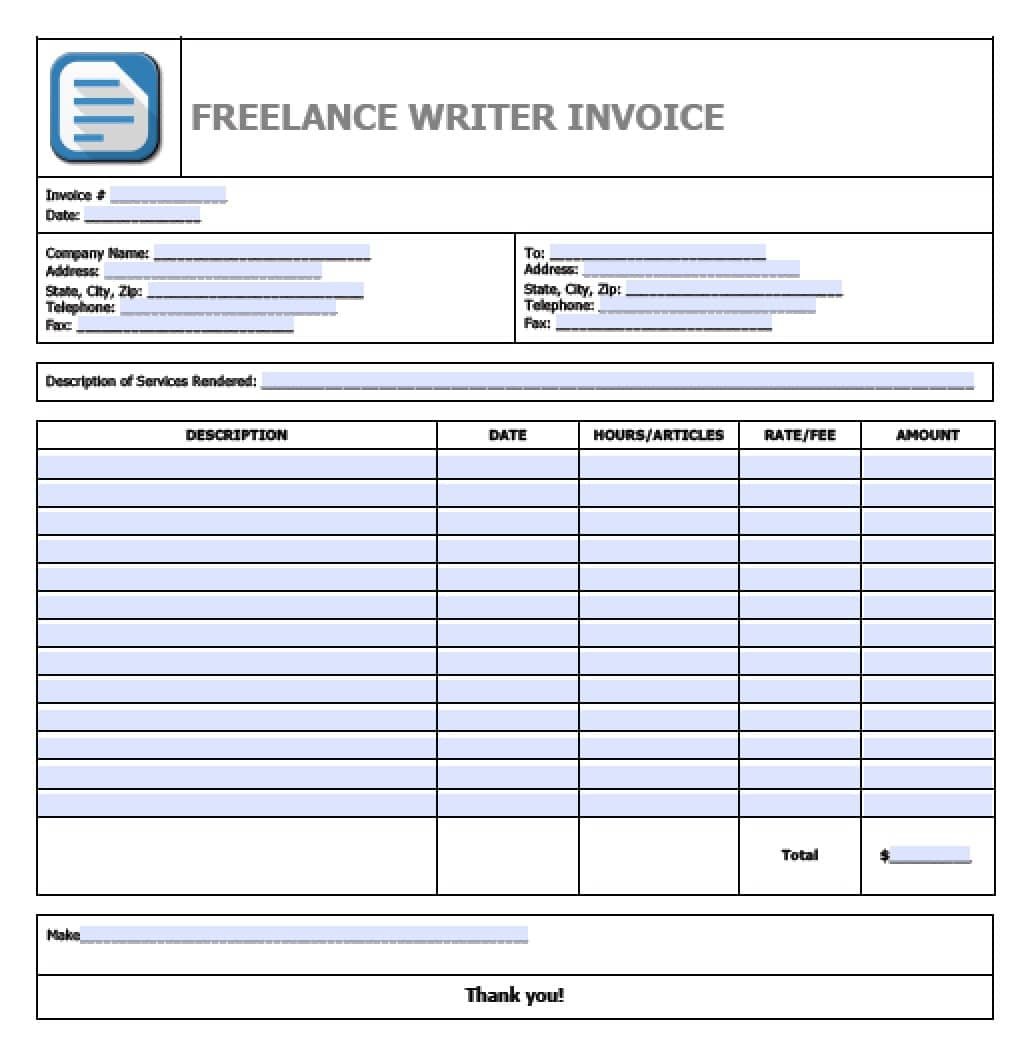
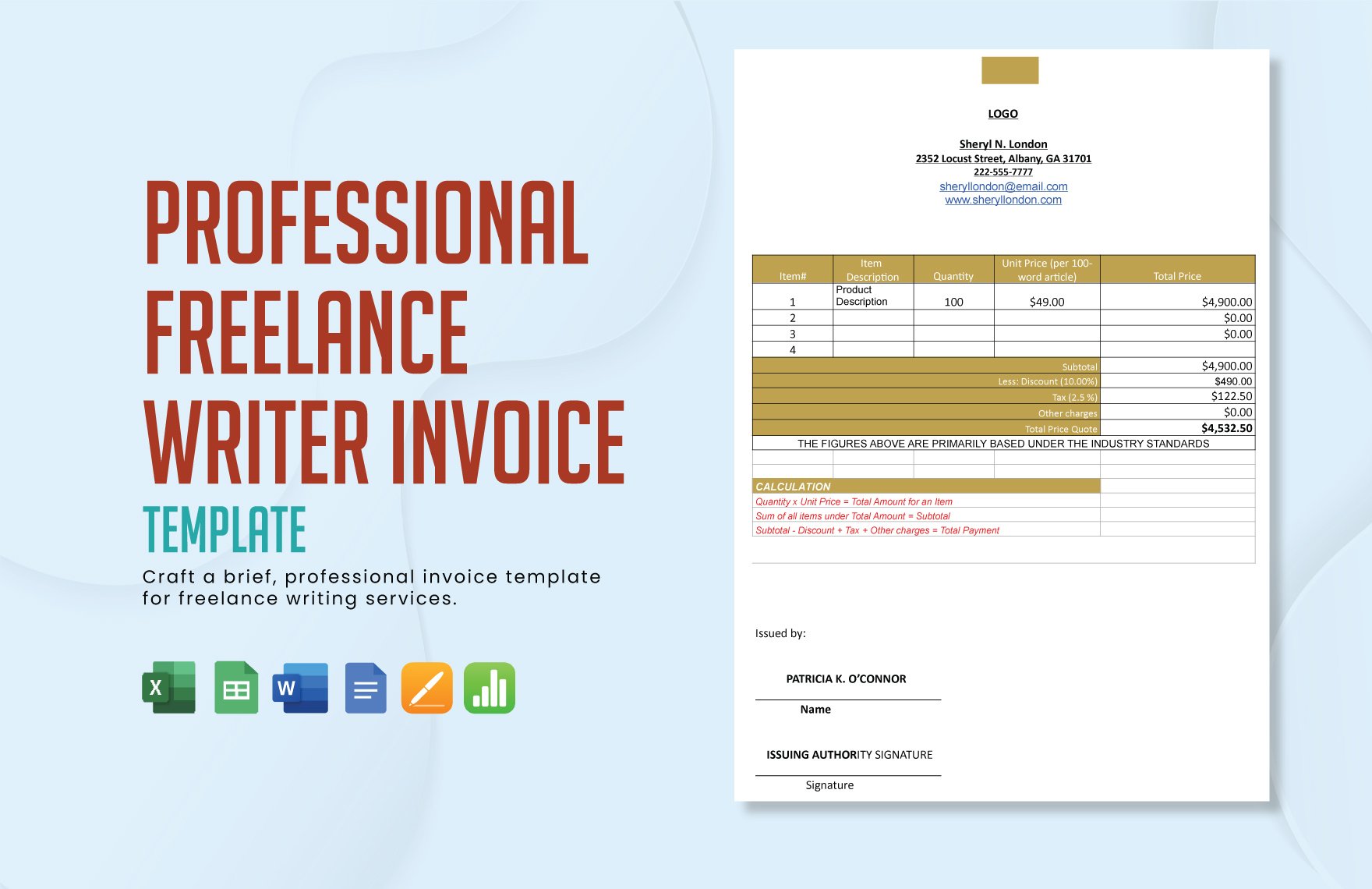
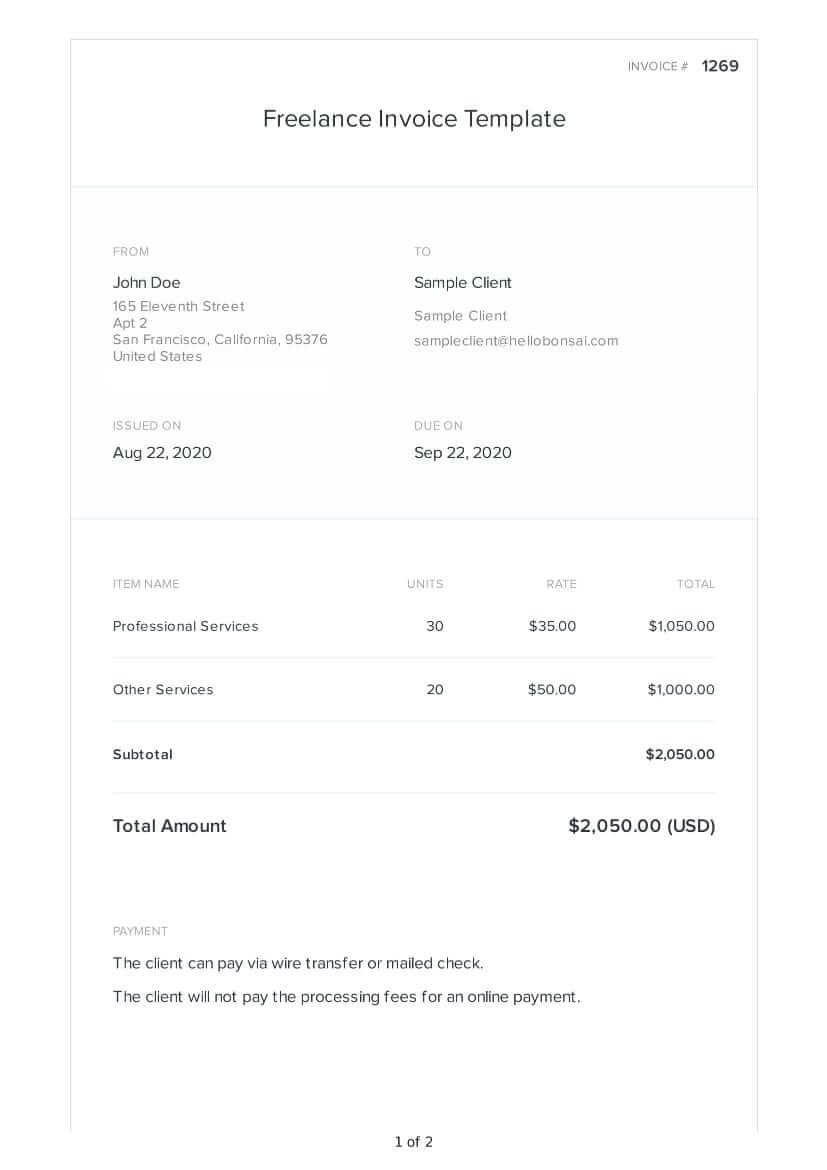
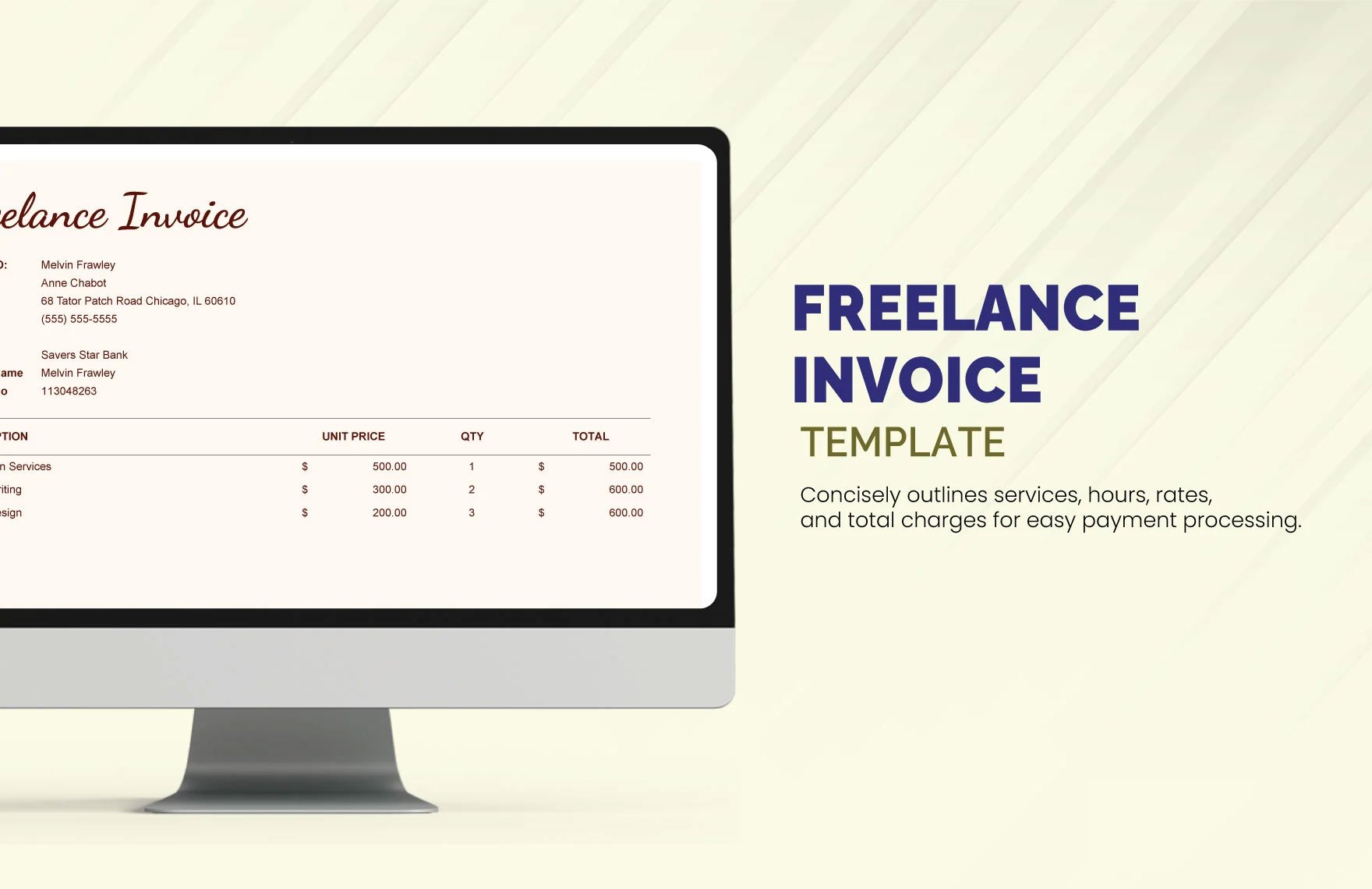
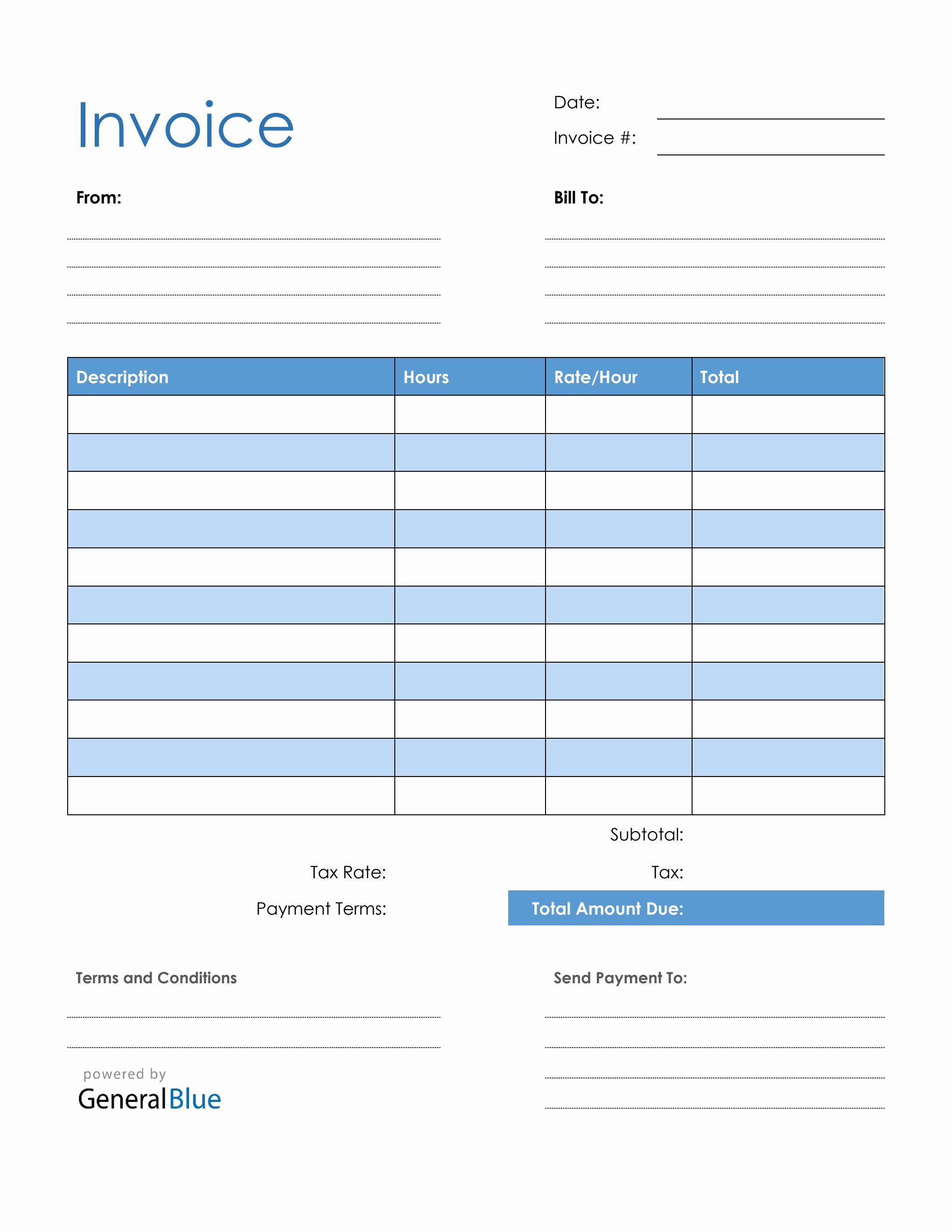
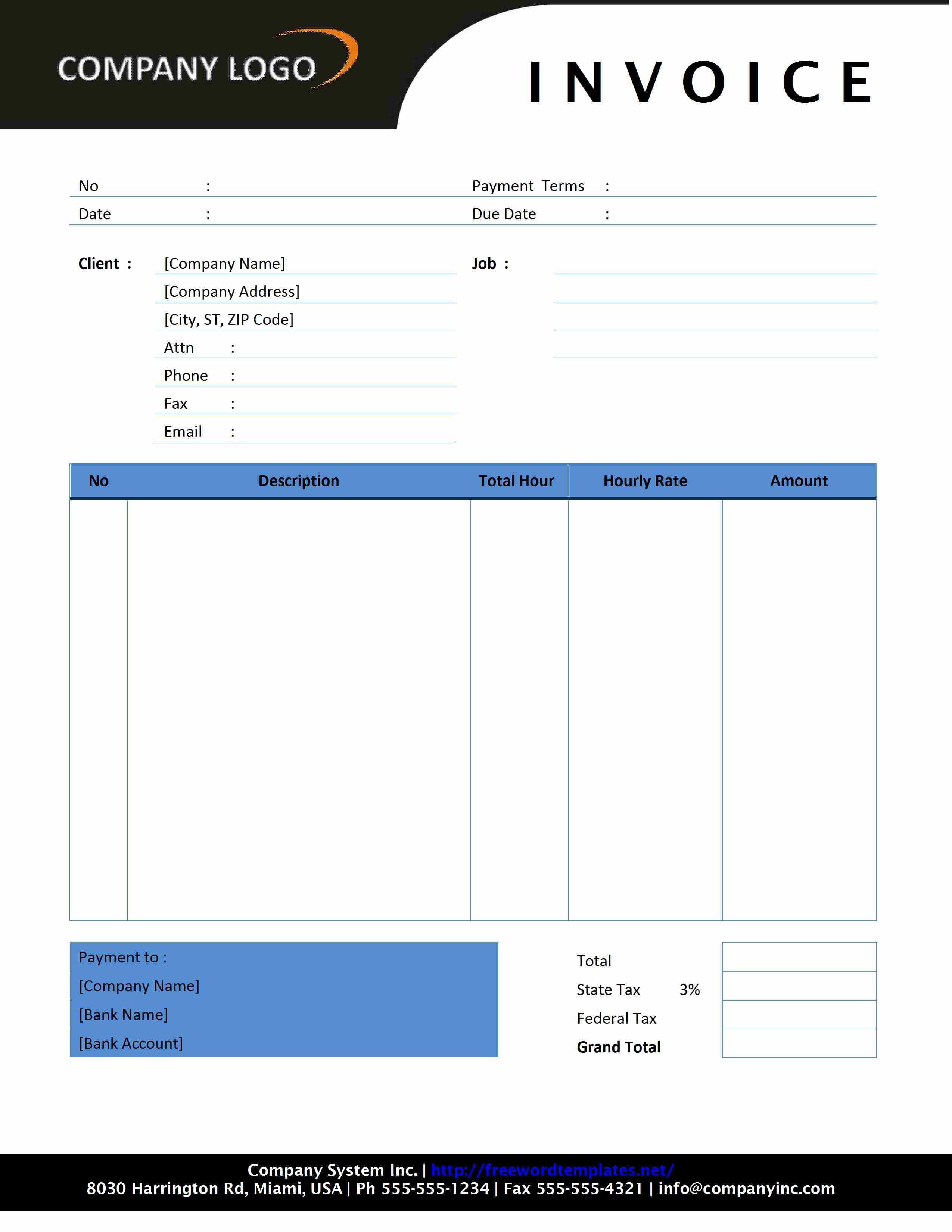
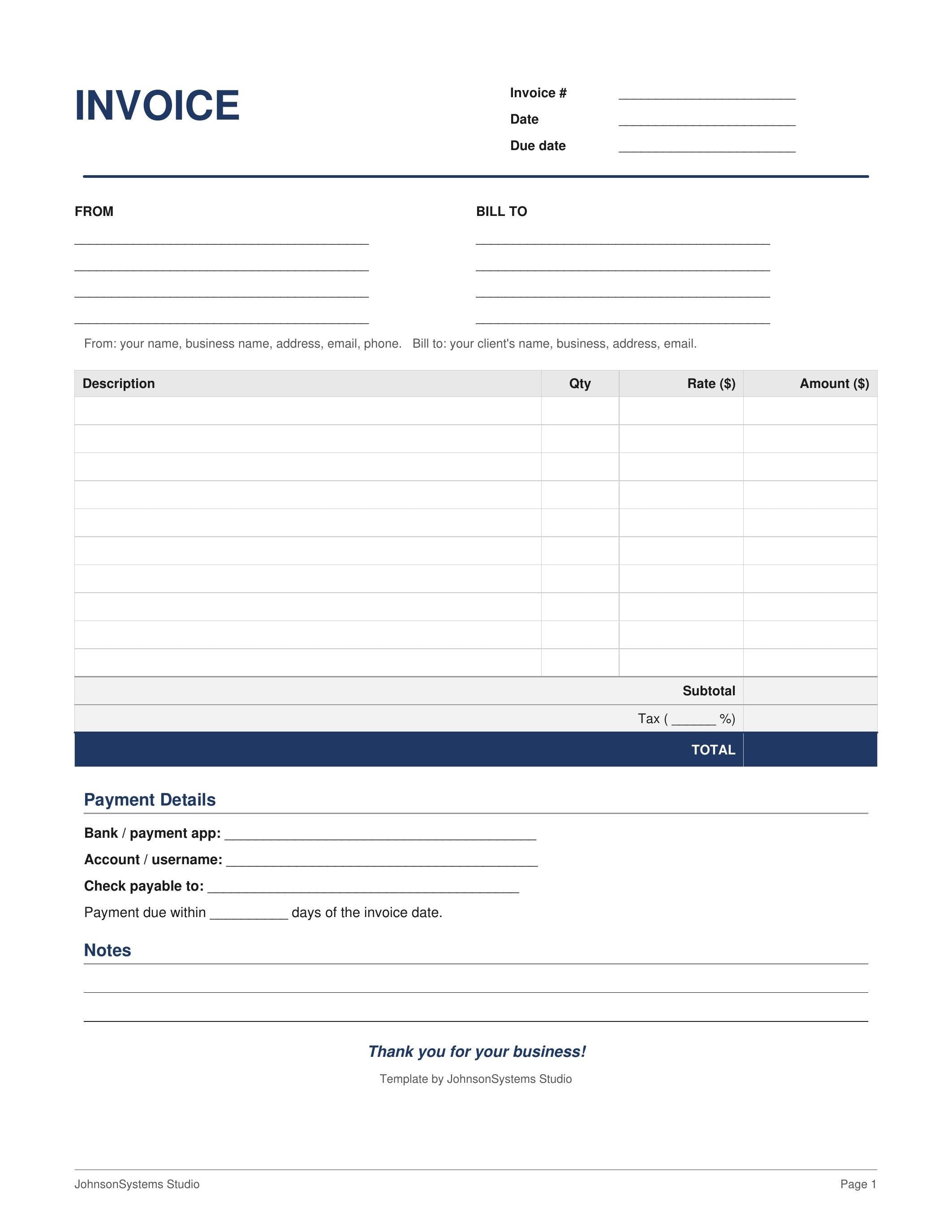
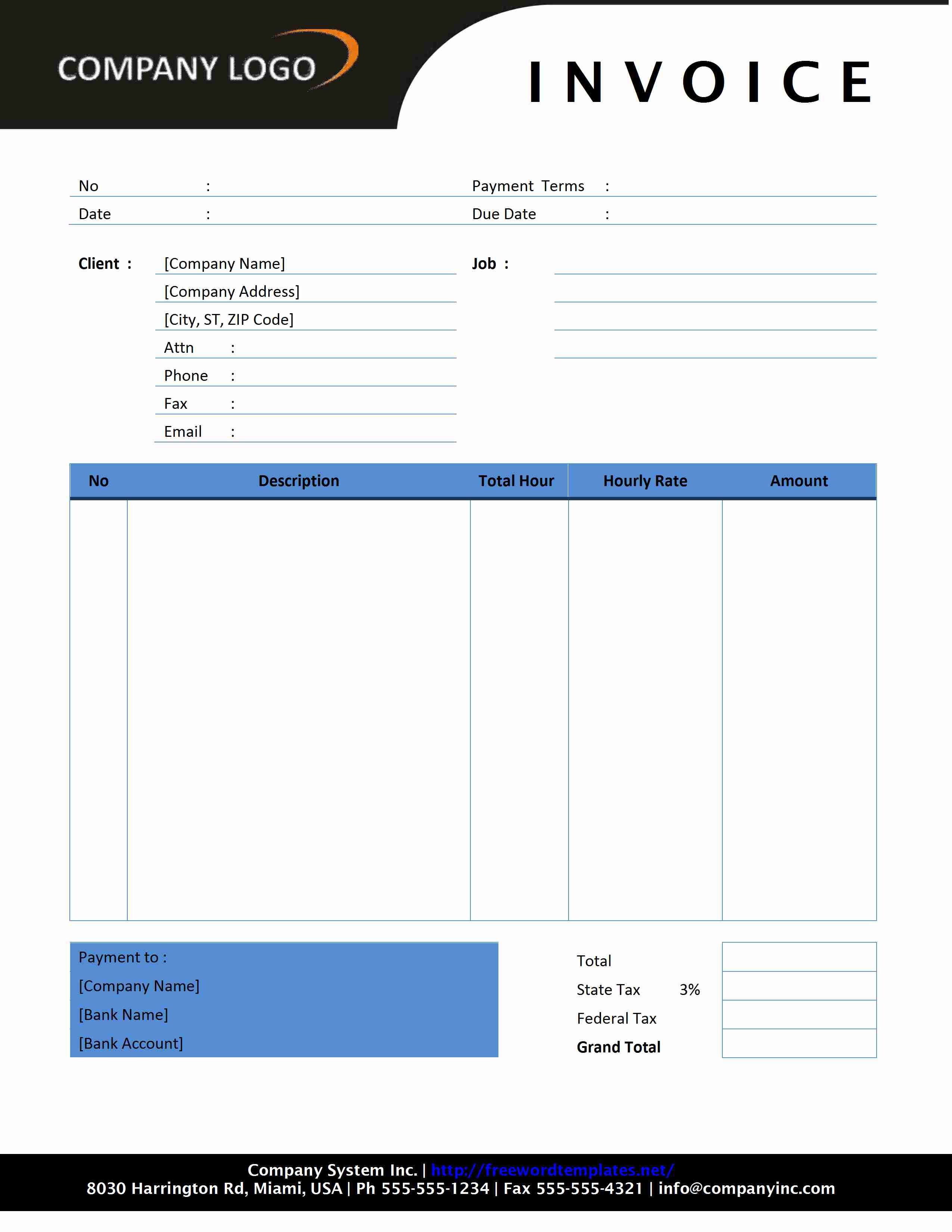
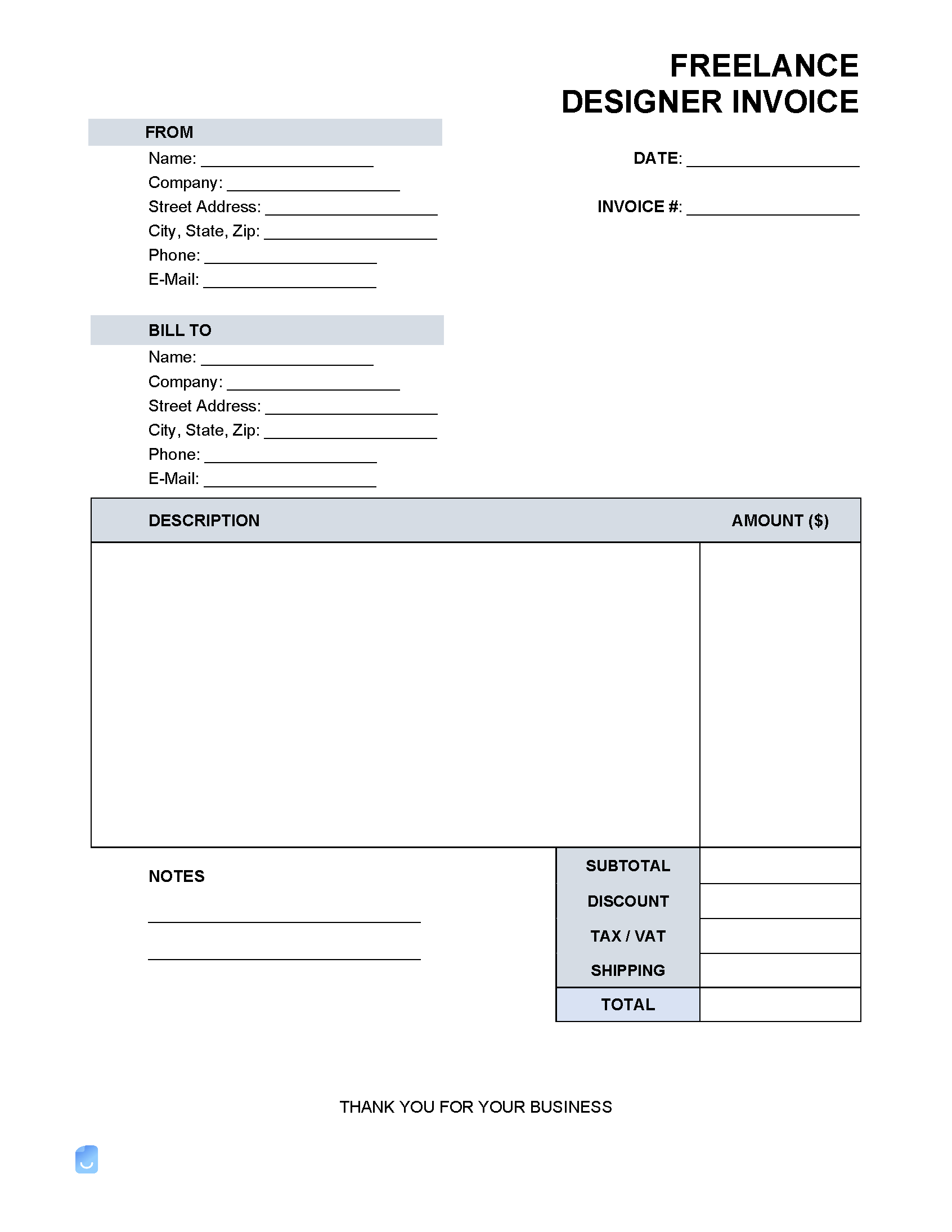
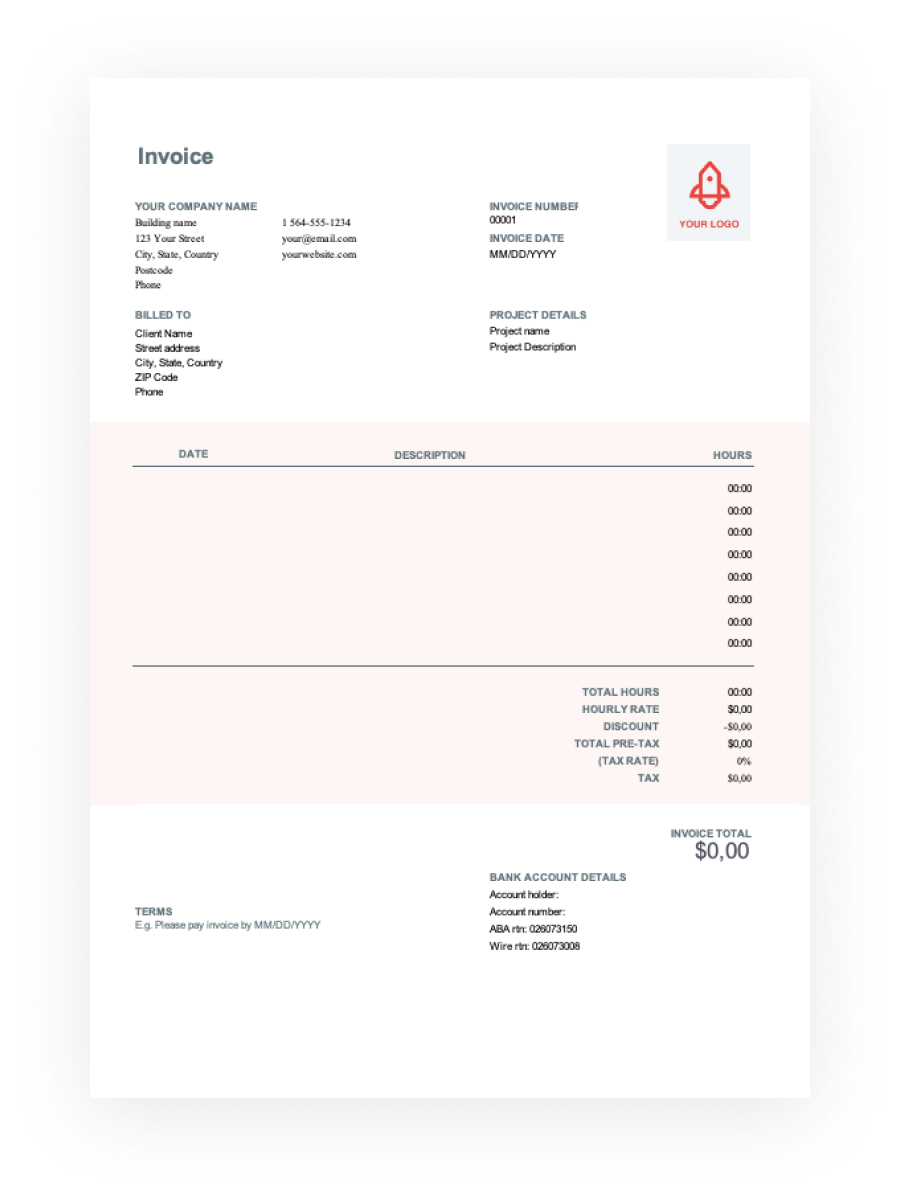
Word Processing Tools: Using software like Microsoft Word or Google Docs, you can create professional-looking invoices. There are freelance invoice templates available online that can be downloaded and customized.
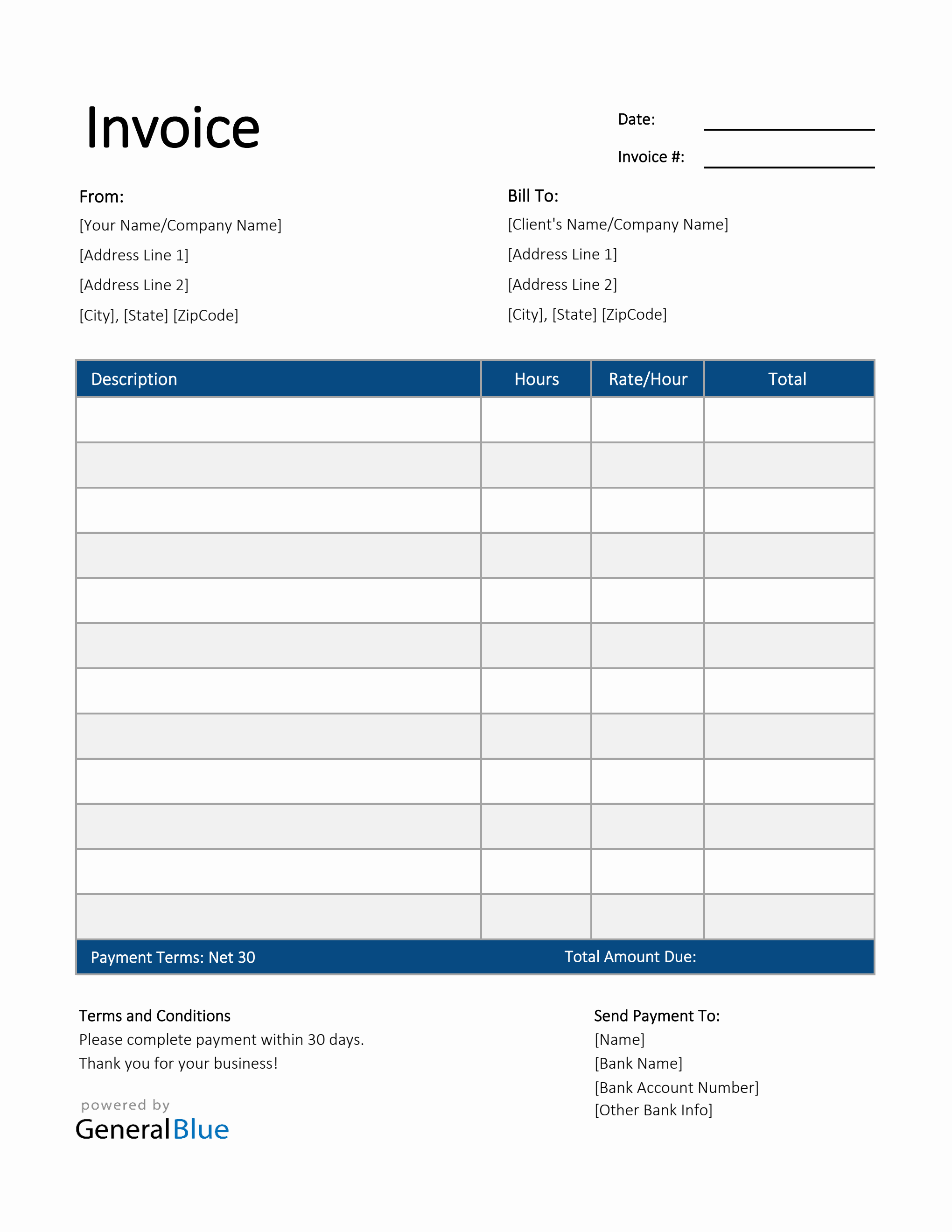
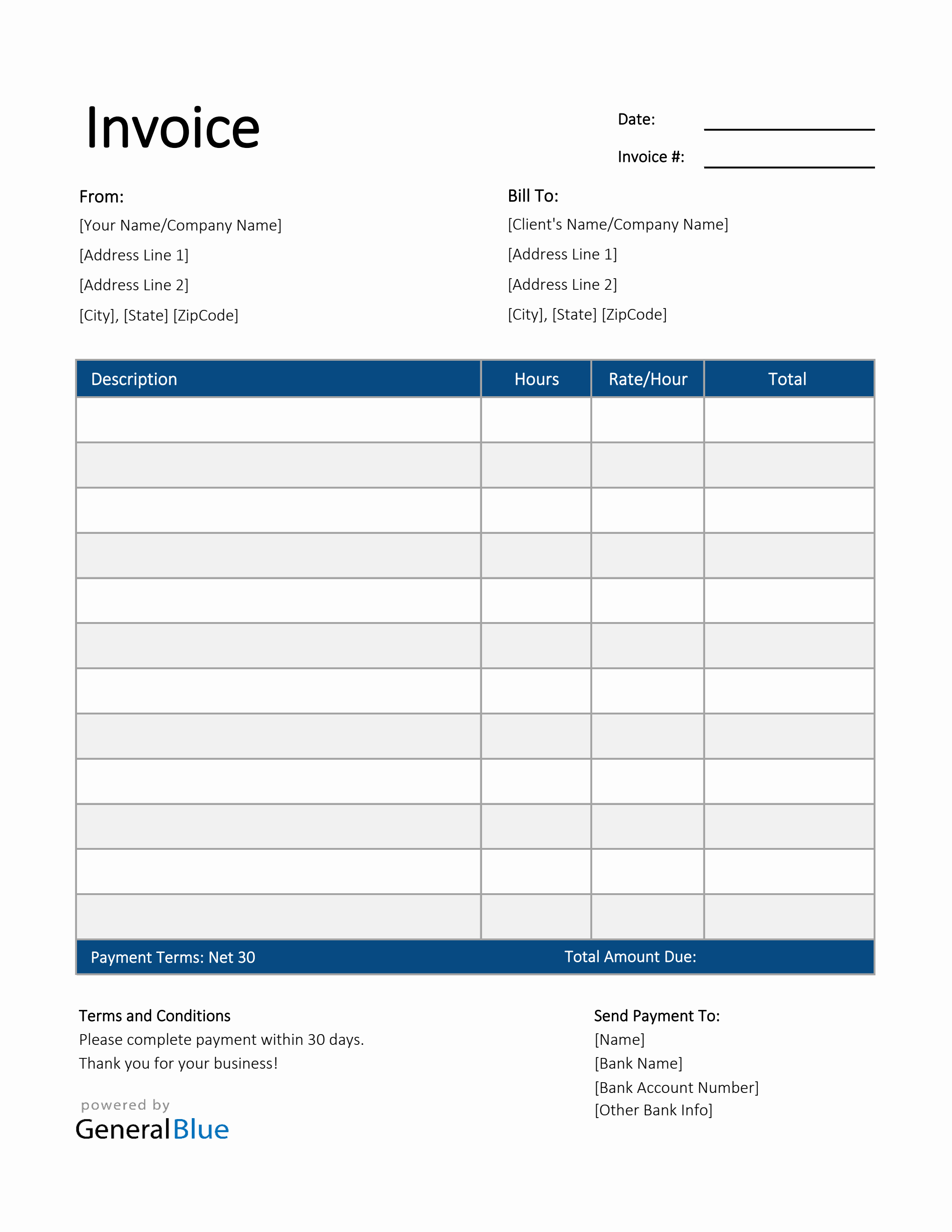
Excel or Google Sheets: If you prefer a more data-driven approach, spreadsheets can be used to create detailed invoices. These tools allow for easy calculation of totals, taxes, and discounts.
Template Customization and Personalization
To ensure your freelance work invoice stands out and reflects your brand:
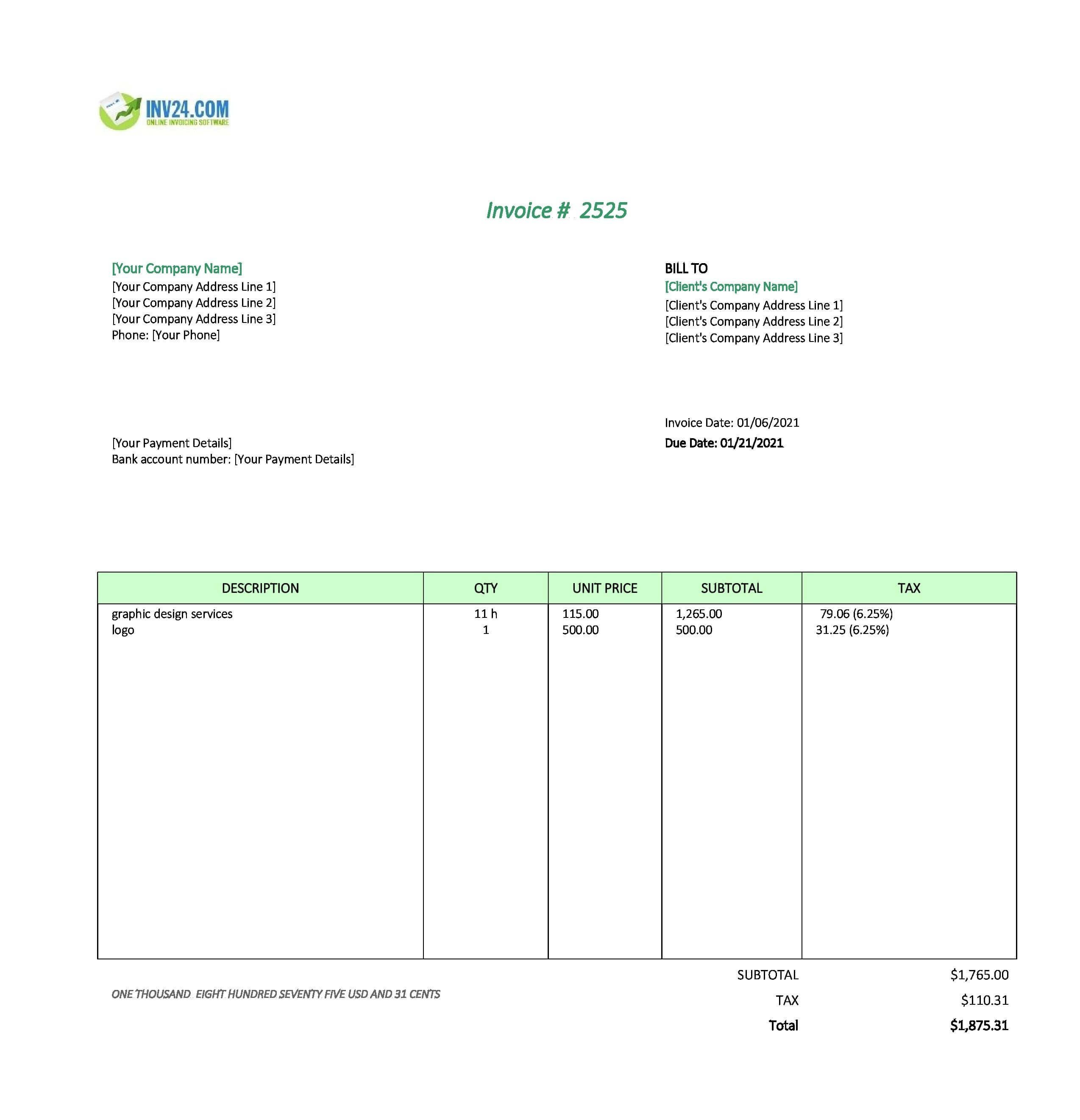
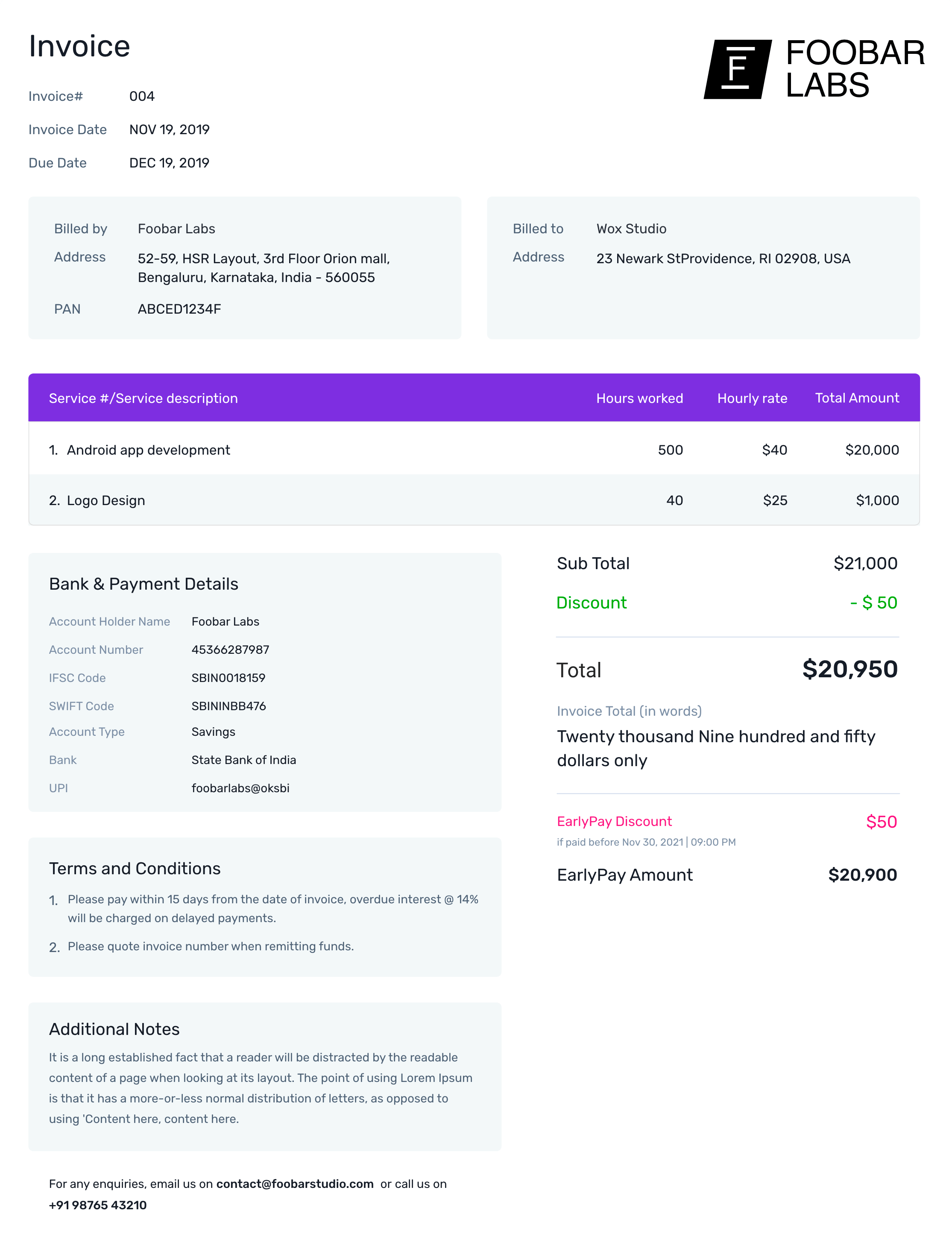
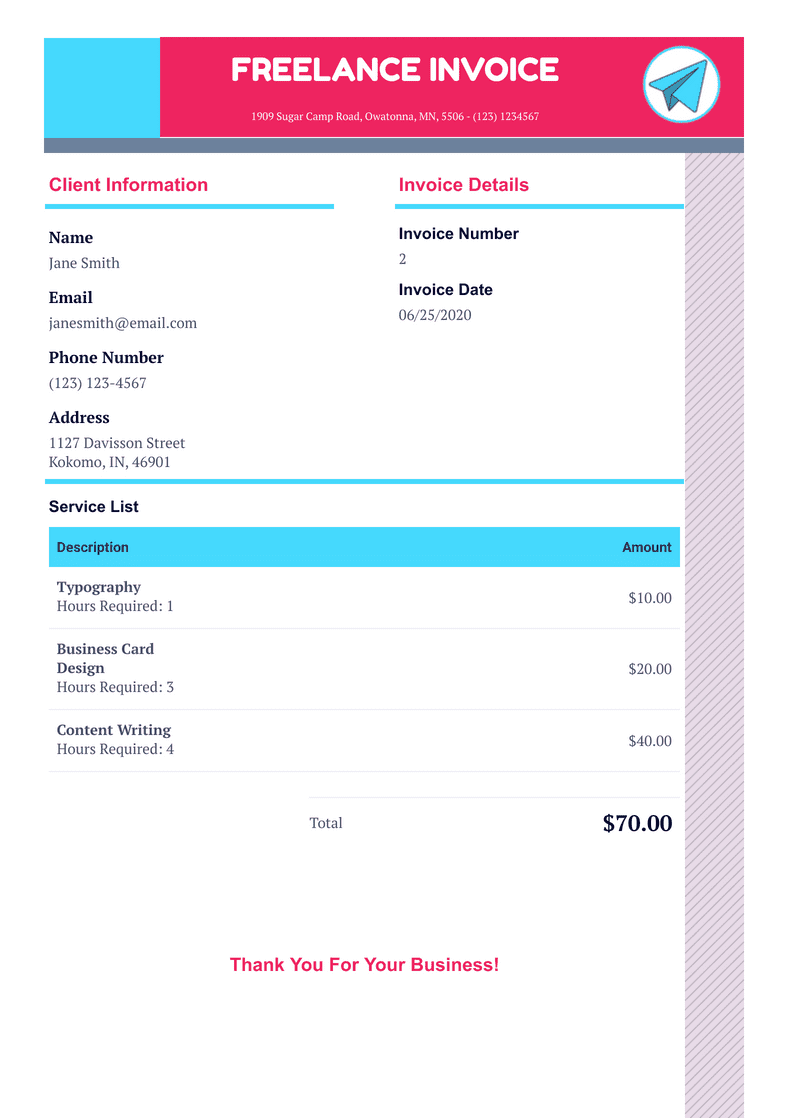
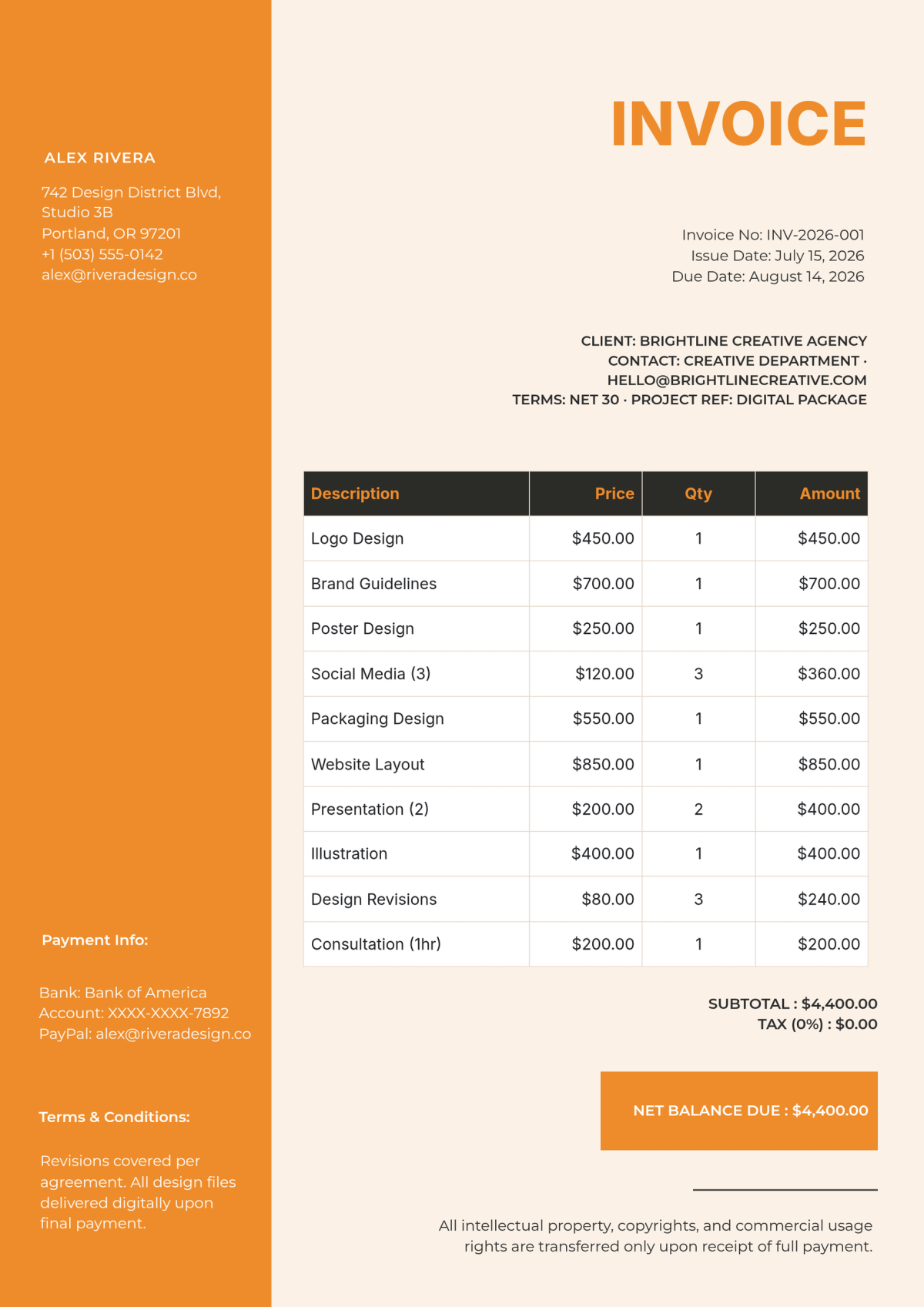
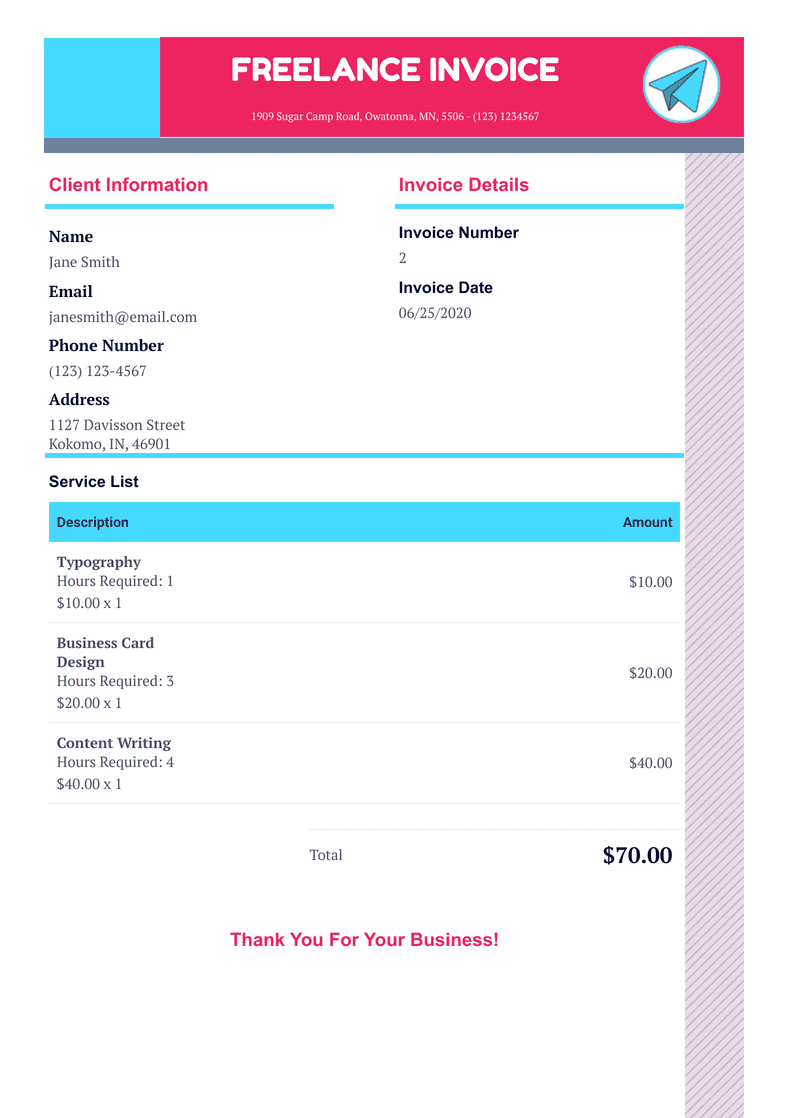
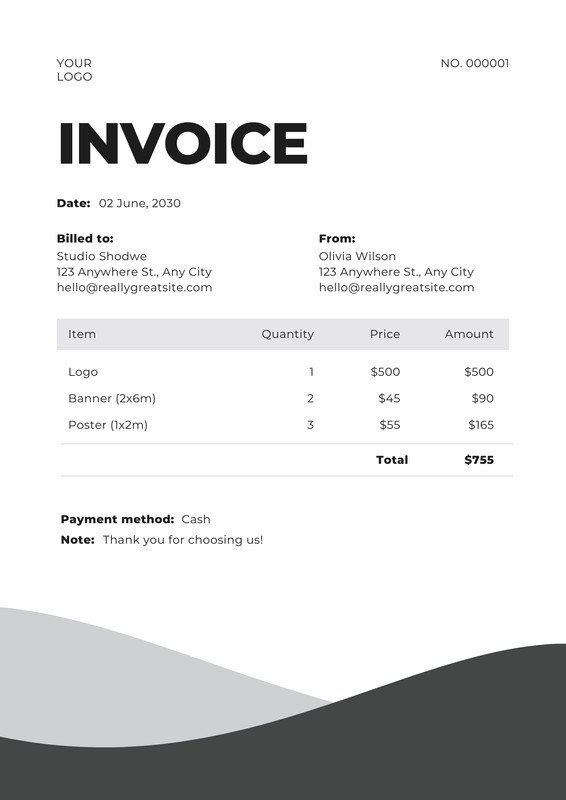
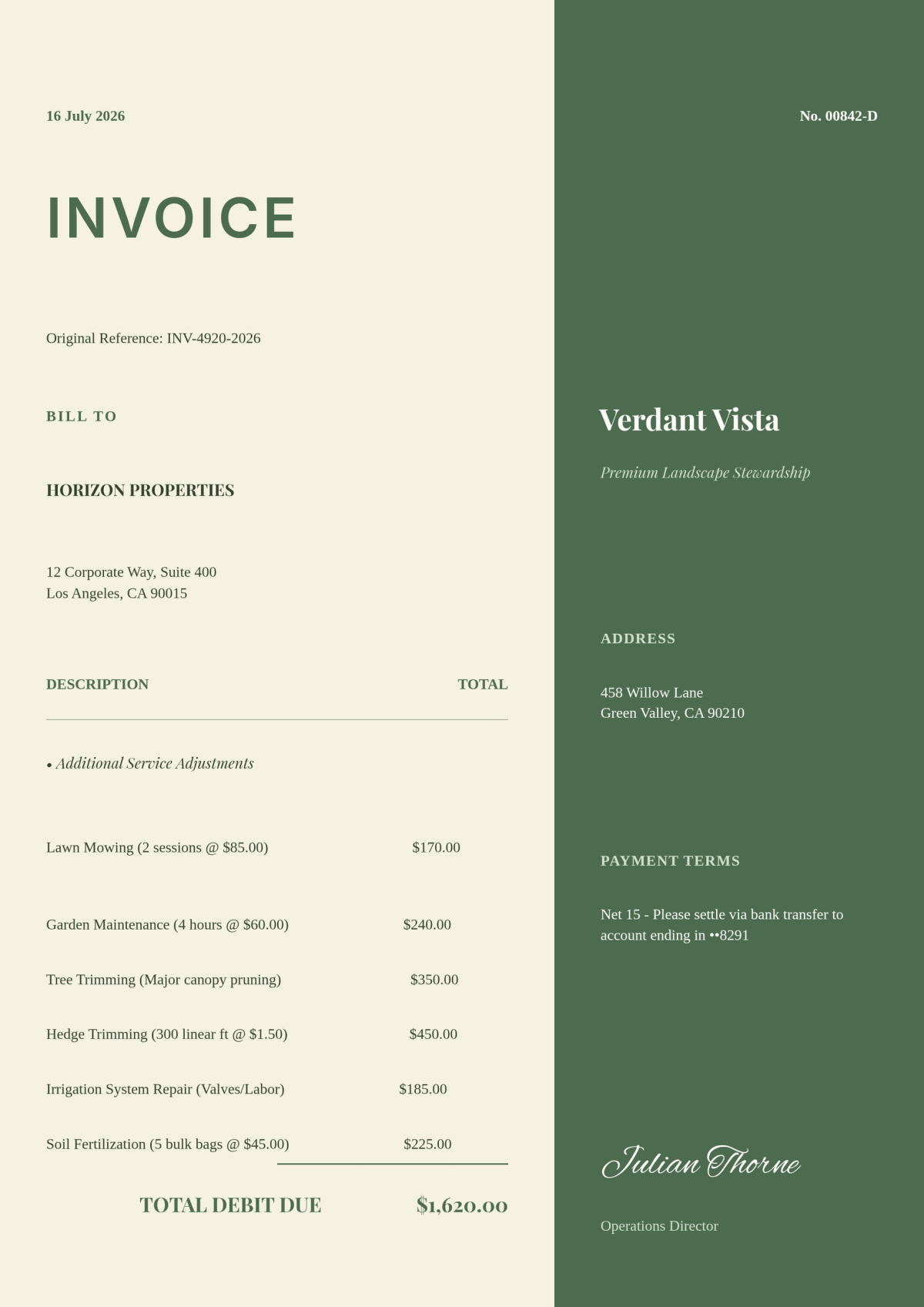
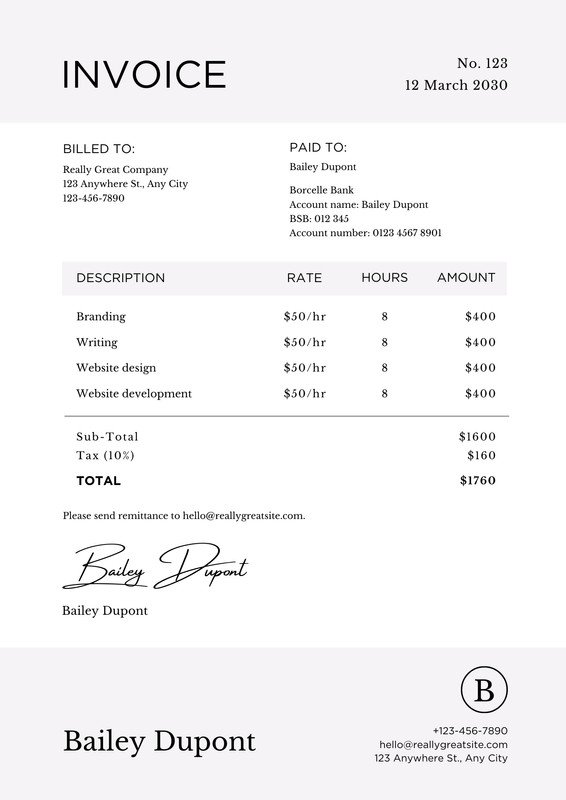
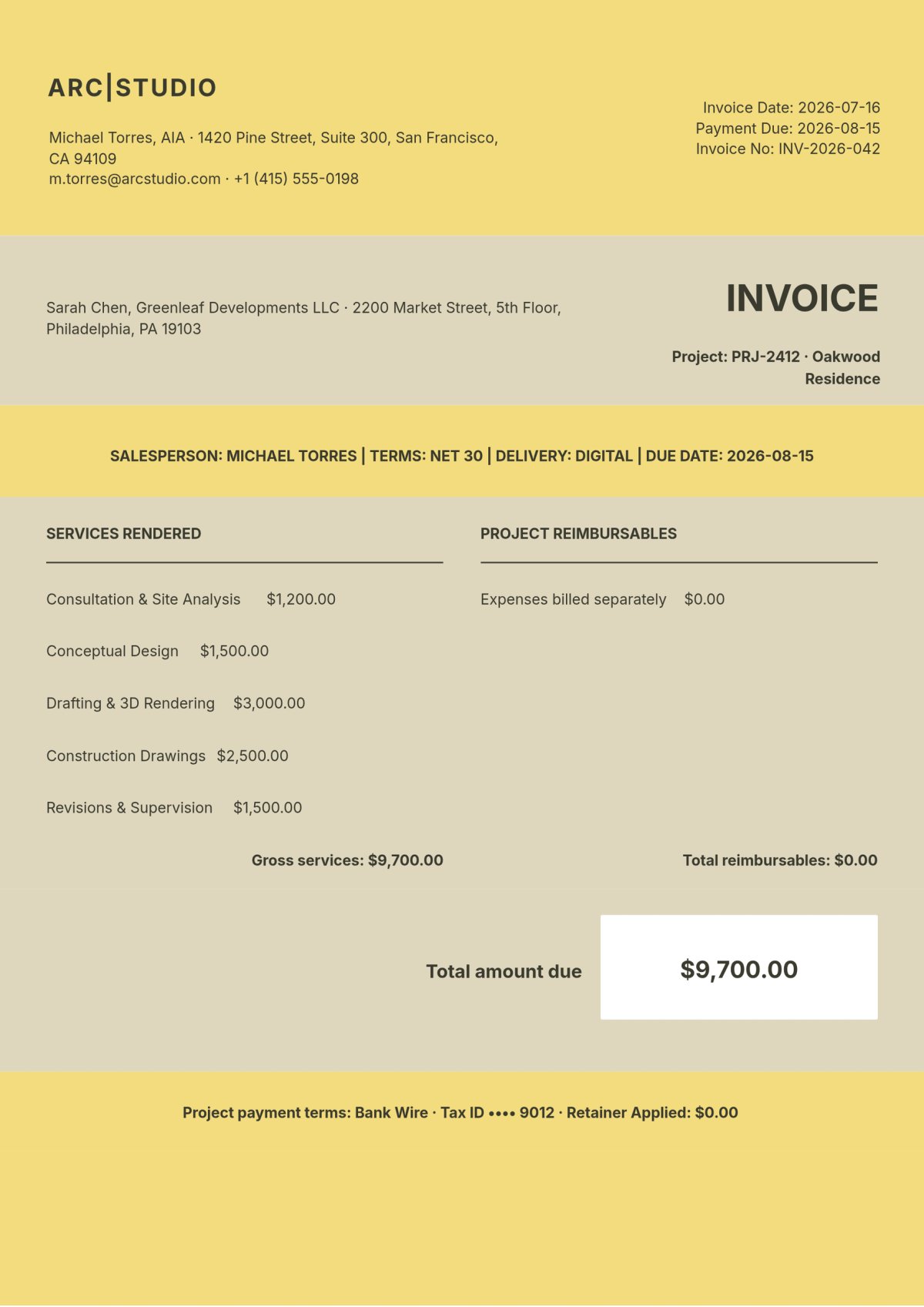
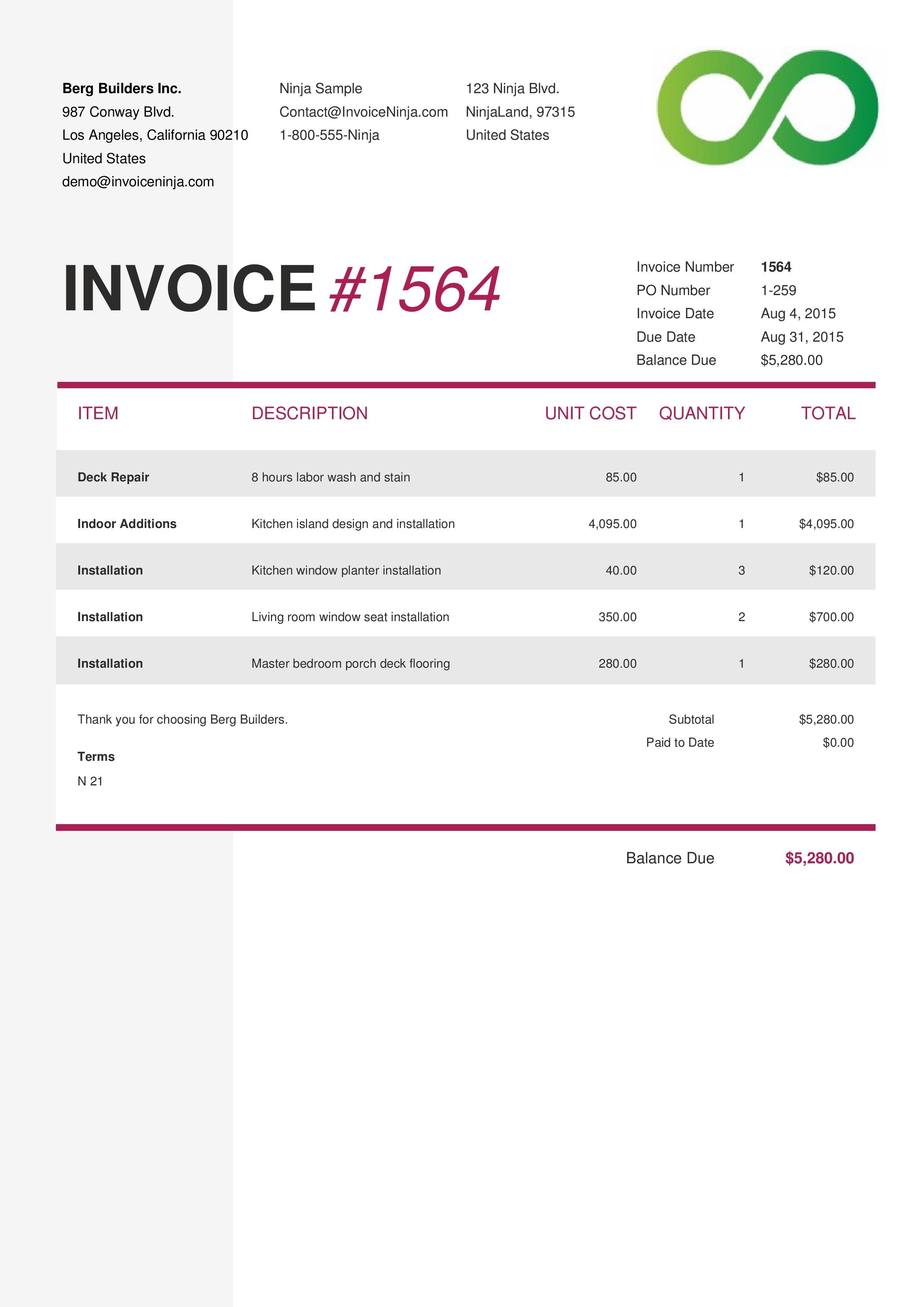
Branding and Design: Incorporate your logo, color scheme, and font choices to maintain a consistent visual identity. A well-designed invoice can leave a positive impression on your clients.
Client-Specific Details: Personalize each invoice with the client's name, contact information, and any project-specific details. This adds a touch of professionalism and makes it easier for clients to identify and process your invoice.
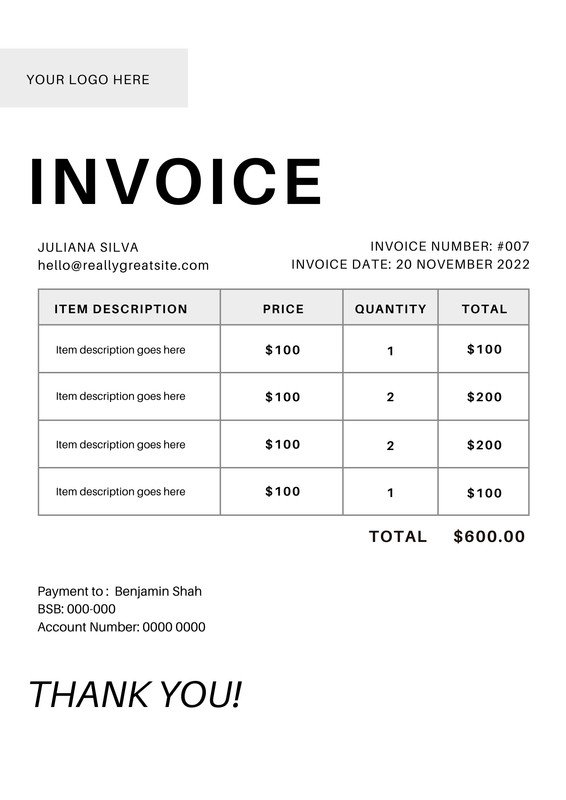
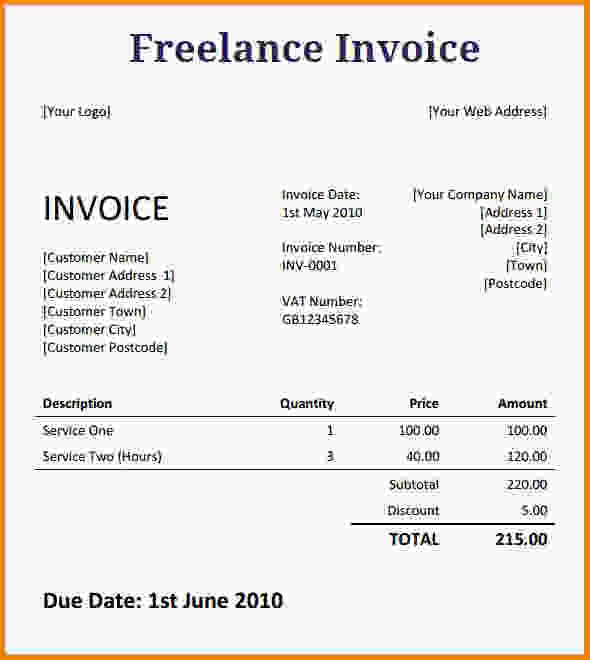
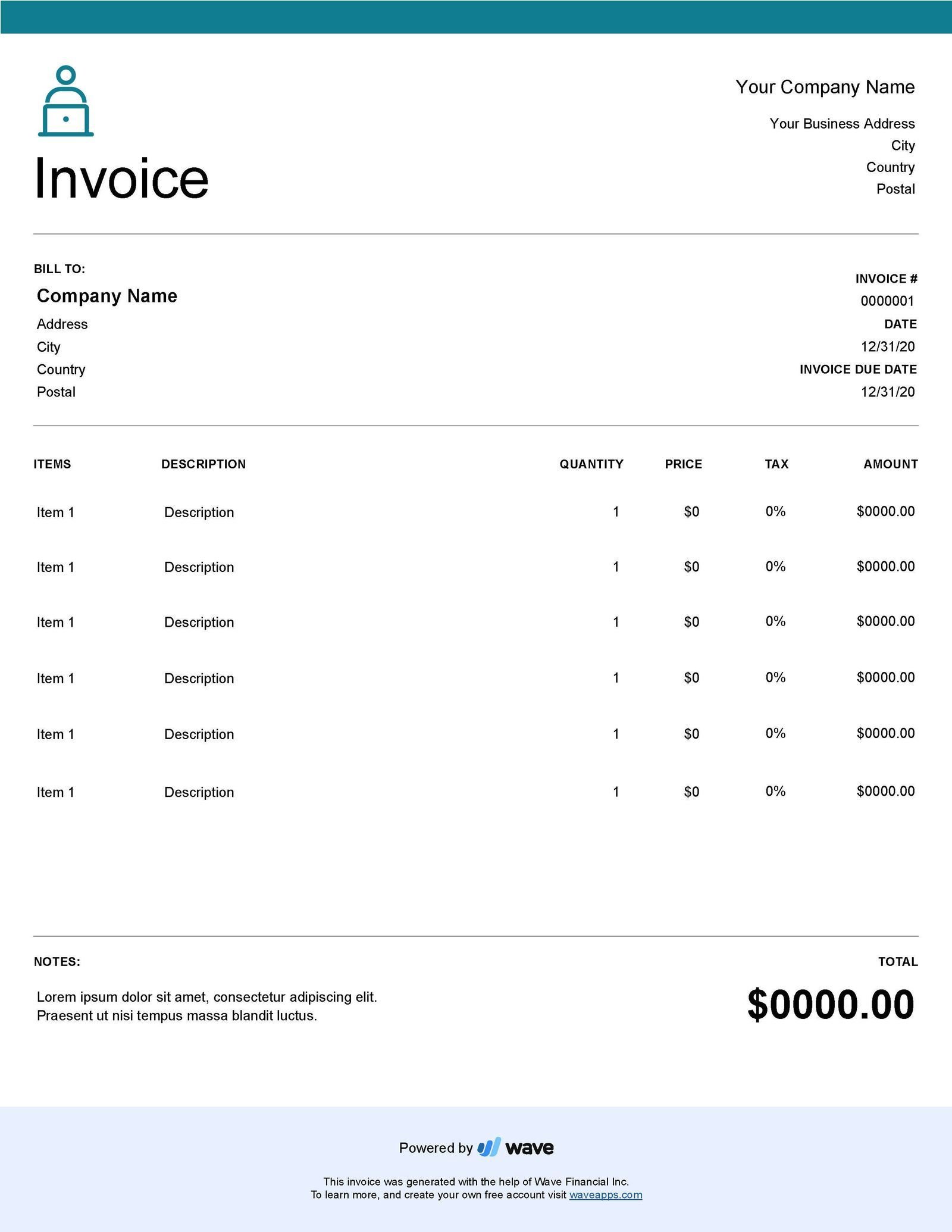
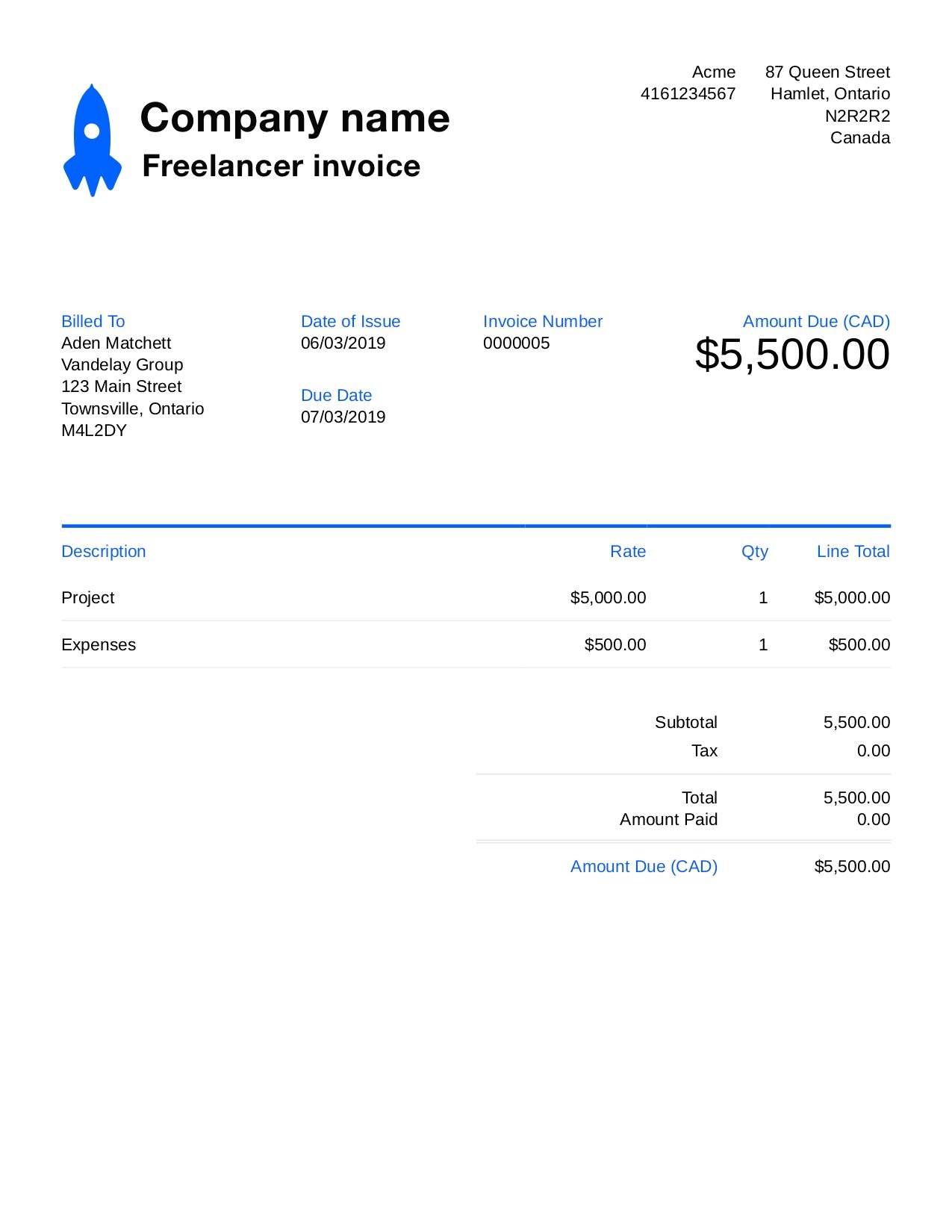
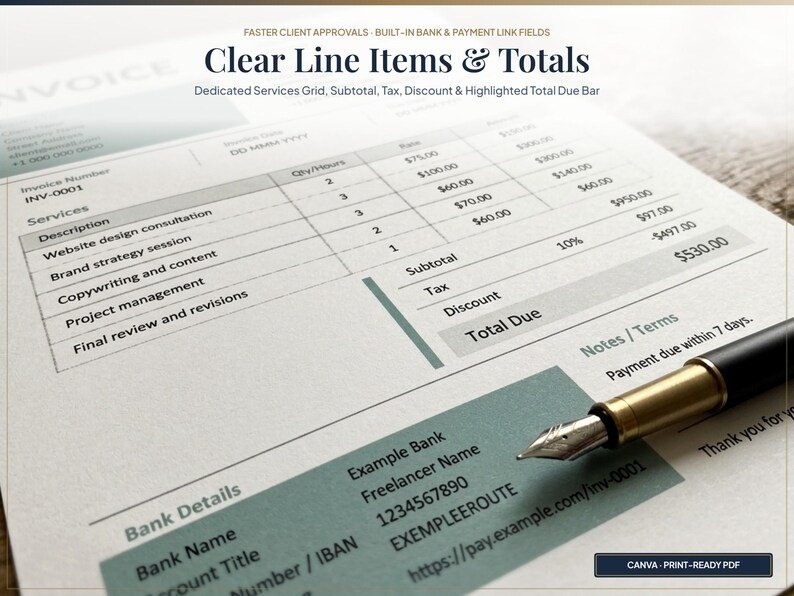
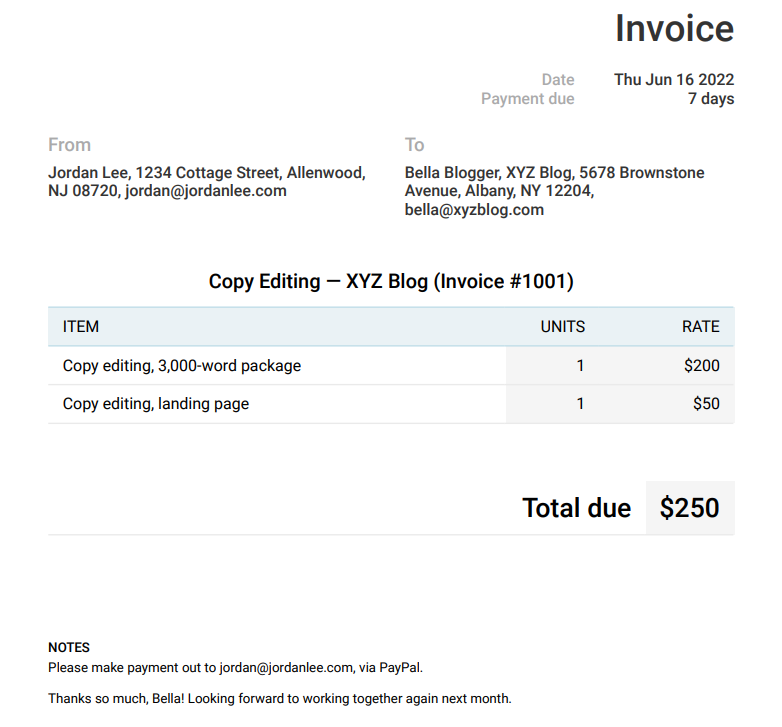
Clear Itemization: Break down the services provided, hours worked, rates, and any additional expenses. Providing clear and detailed information helps clients understand the value of your work and facilitates accurate payment.
Sending and Payment Options
Efficiently sending your freelance work invoice and offering convenient payment options is essential:
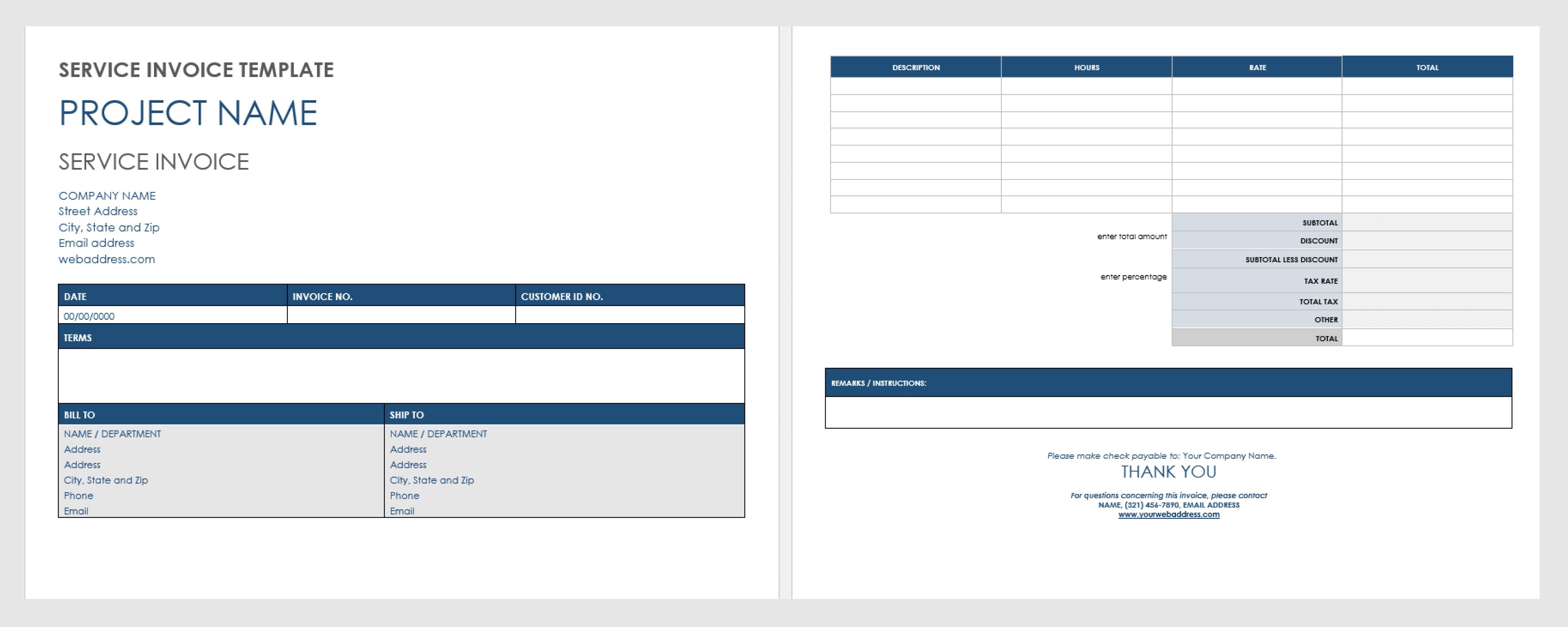
Email Delivery: Most invoicing platforms and software allow you to send invoices directly via email. Ensure your email subject line is clear and includes the invoice number or client reference.
Online Payment Integration: Look for platforms that offer payment gateways, such as PayPal or Stripe. This enables clients to pay directly through the invoice, making the process more streamlined.
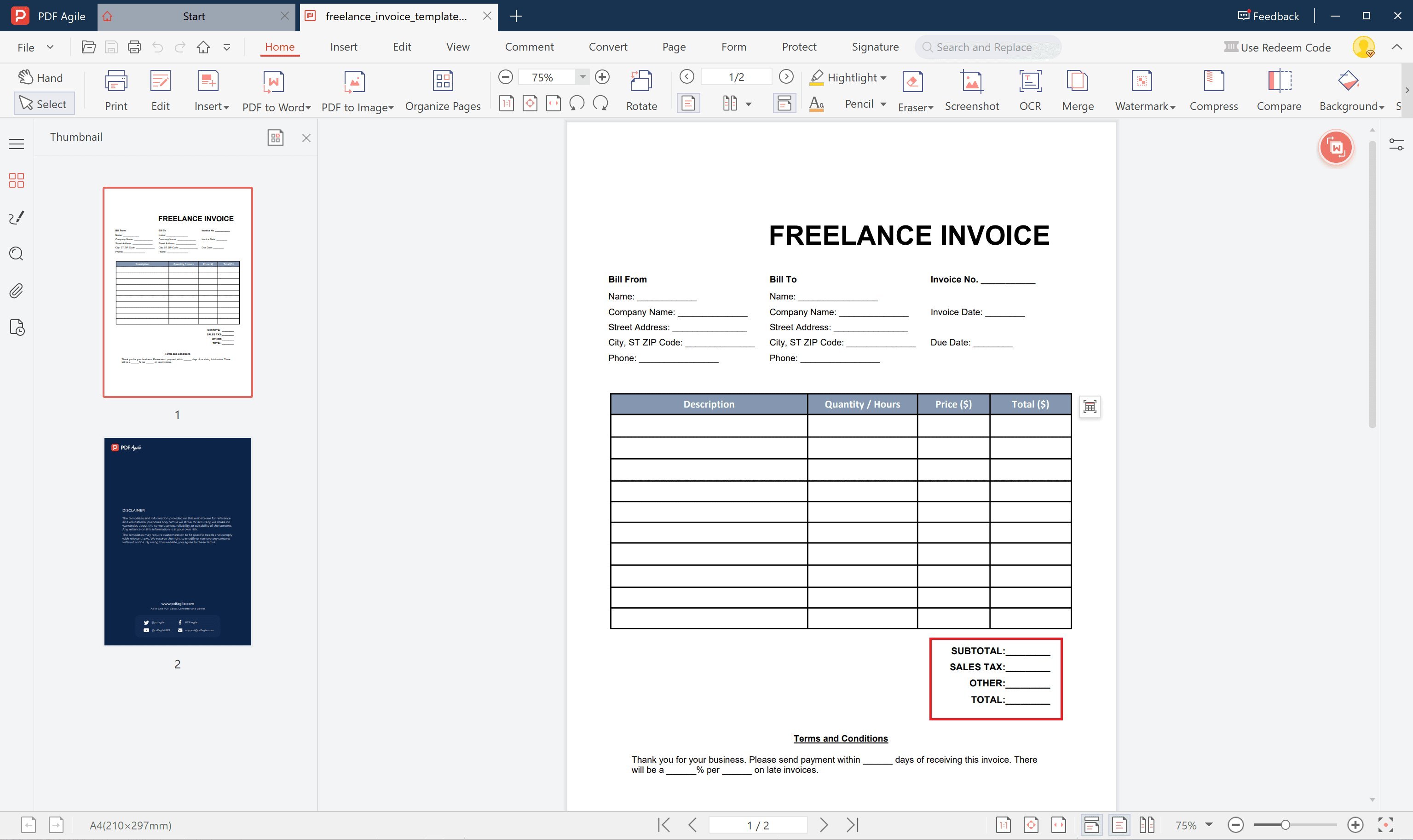
Printable Invoices: Some clients may prefer a physical copy. In such cases, ensure your invoice is printable and clearly presents all the necessary information.
Tracking and Record-Keeping
Effective record-keeping is key for tax purposes and financial management:
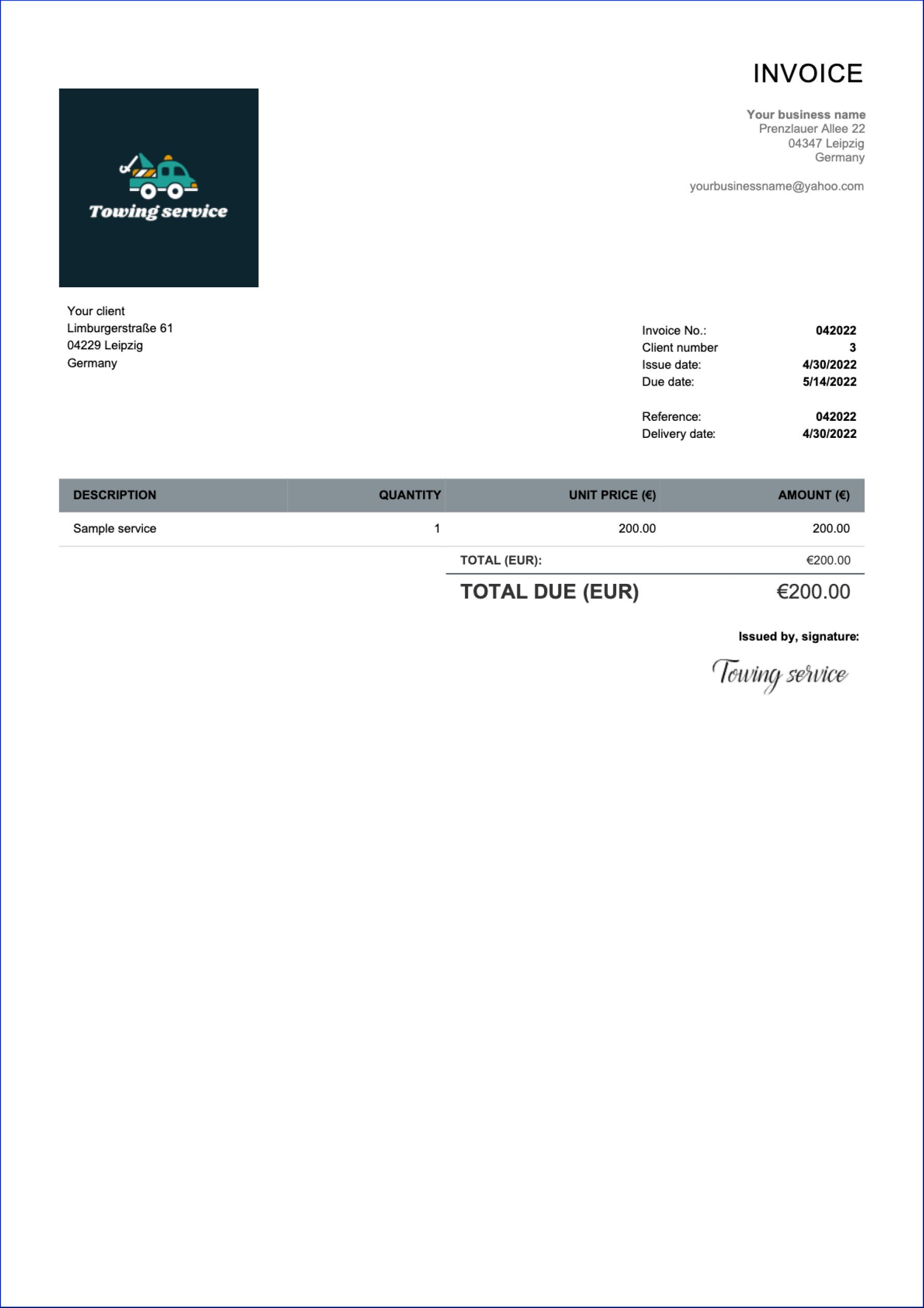
Invoicing Software: Consider using dedicated invoicing software that allows you to track sent invoices, payments received, and outstanding balances. This helps you stay organized and monitor your cash flow.
Backup and Storage: Regularly back up your invoices to ensure you have a record in case of data loss. Cloud storage or external hard drives can be useful for this purpose.
Tax Preparation: Keep track of your invoices and payments throughout the year to simplify your tax filing process. Consult a tax professional to ensure you meet all legal requirements.
Further Resources
For more guidance on creating and managing freelance work invoices, you can refer to these resources:
- How to Invoice for Freelance Work, With Template
- Free Printable Freelance Invoice Templates
- Free Freelance Invoice Templates (Word/Excel/PDF)
- Freelance Invoice Template
- Creating Invoices with Microsoft Word
Remember, a well-crafted and professionally presented freelance work invoice is key to getting paid promptly and maintaining a positive relationship with your clients.