

Simple Quotation Template Word Free Download PDF
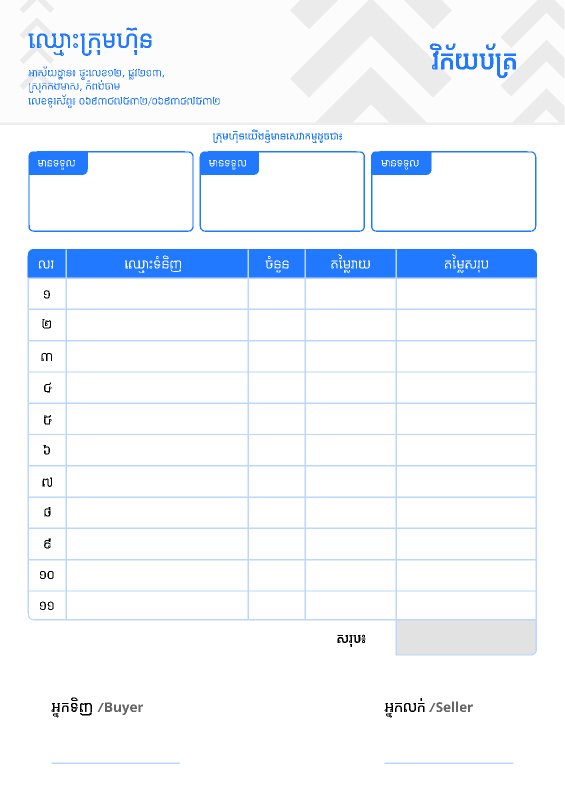
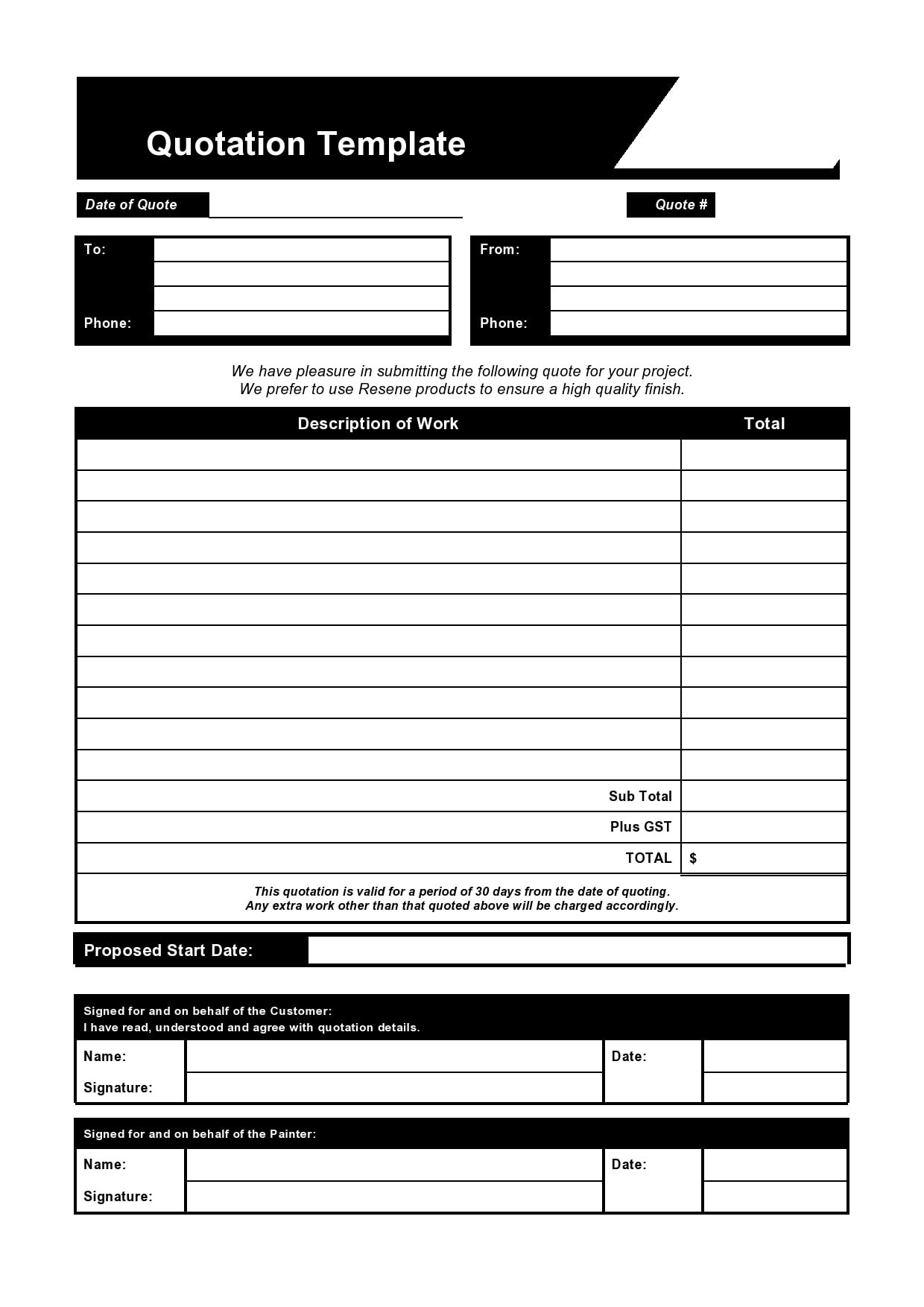
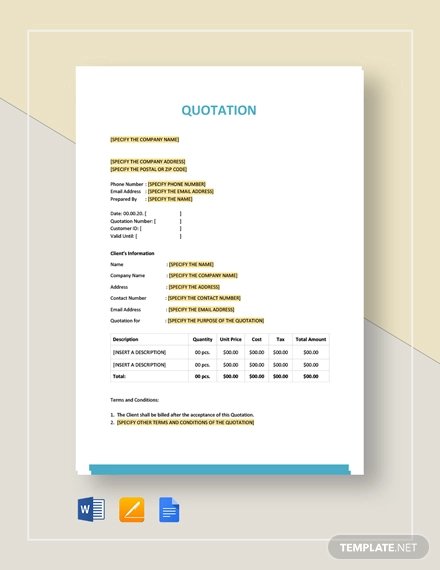
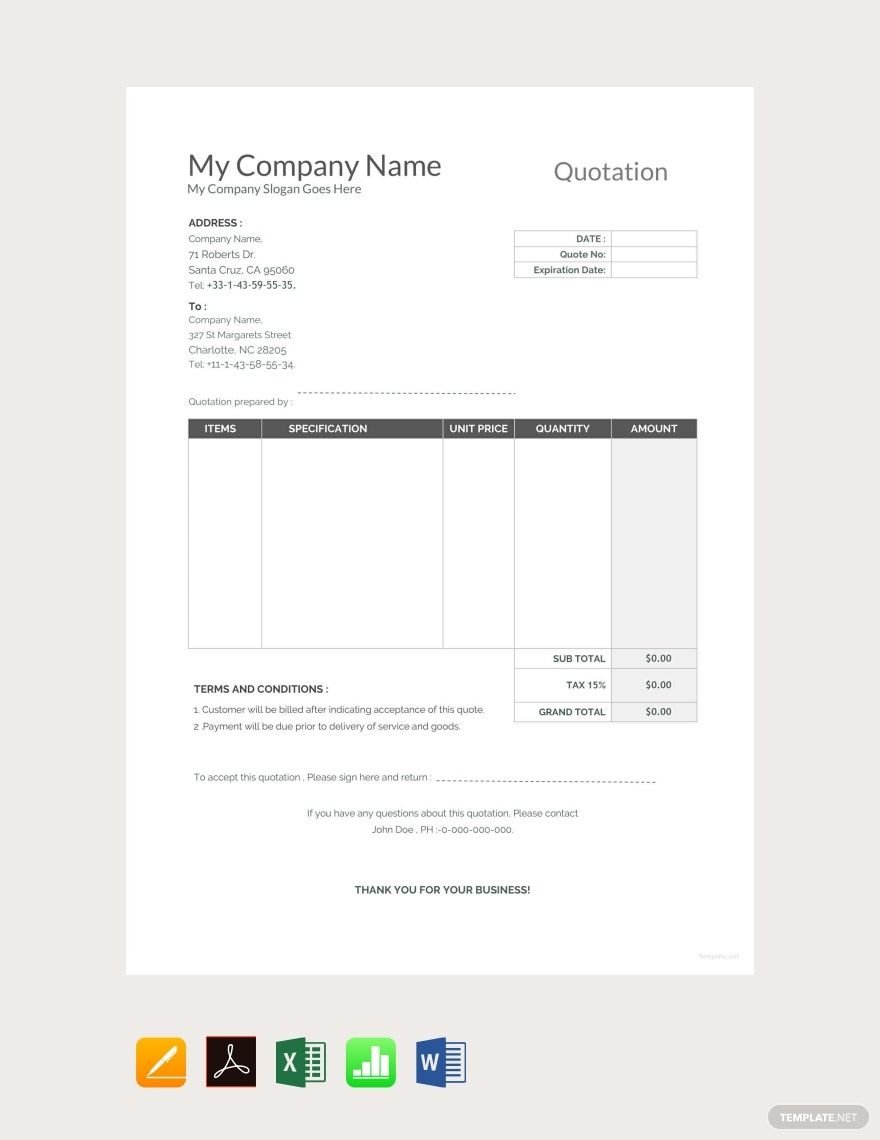
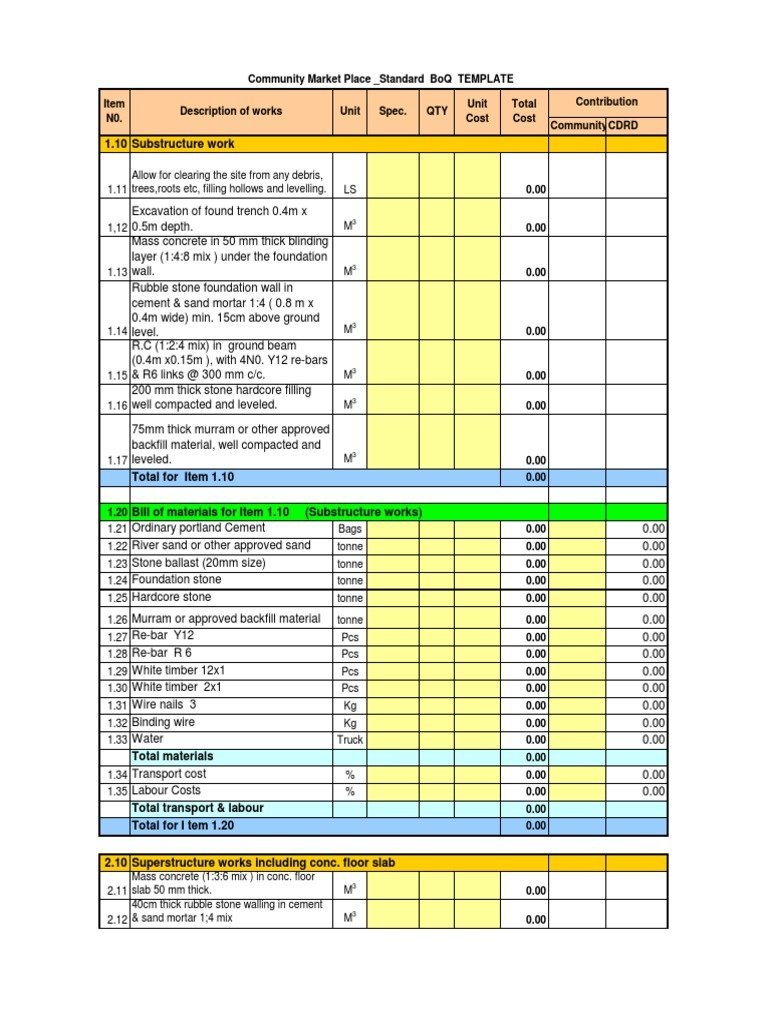
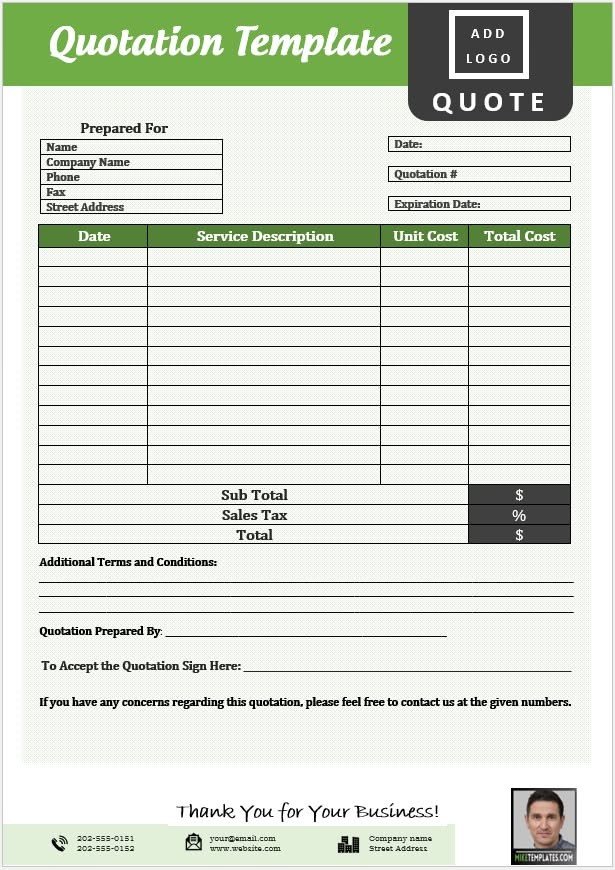
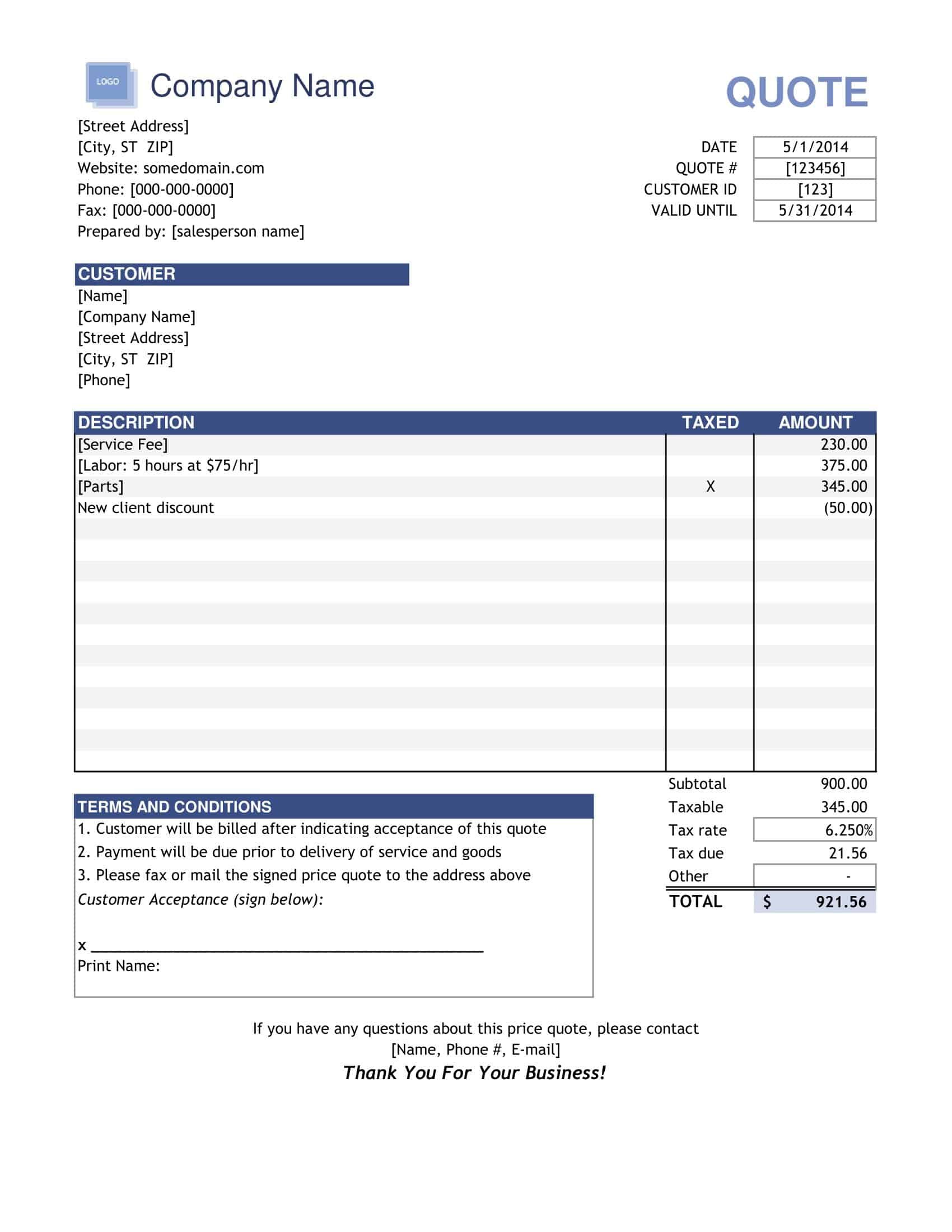
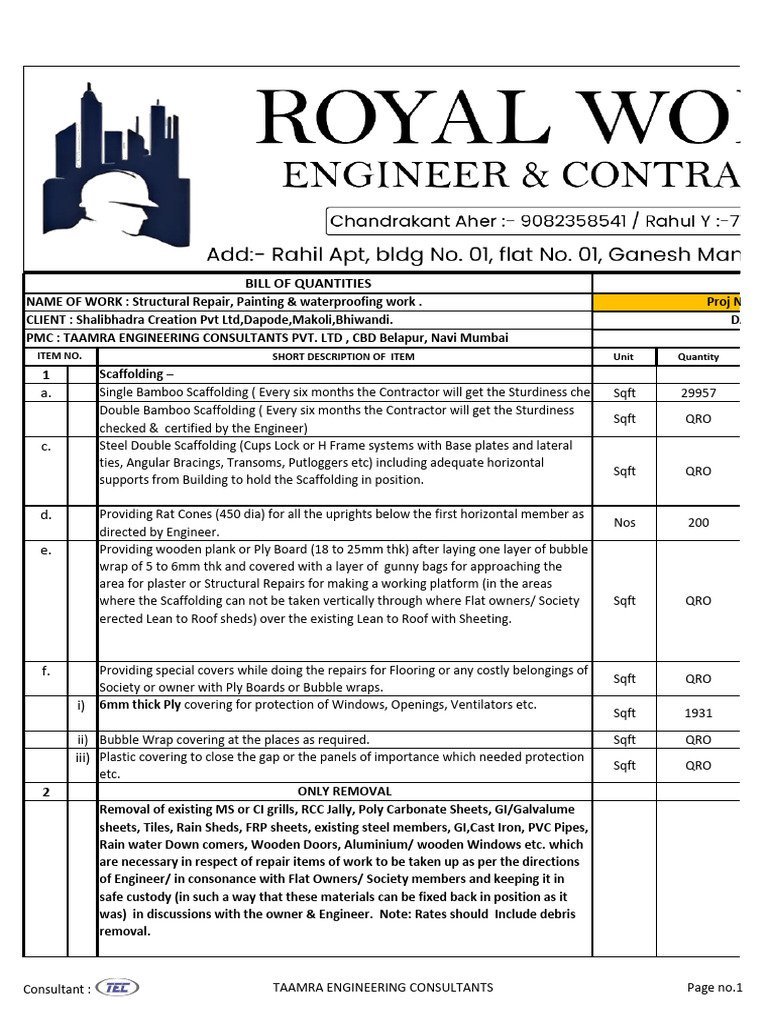
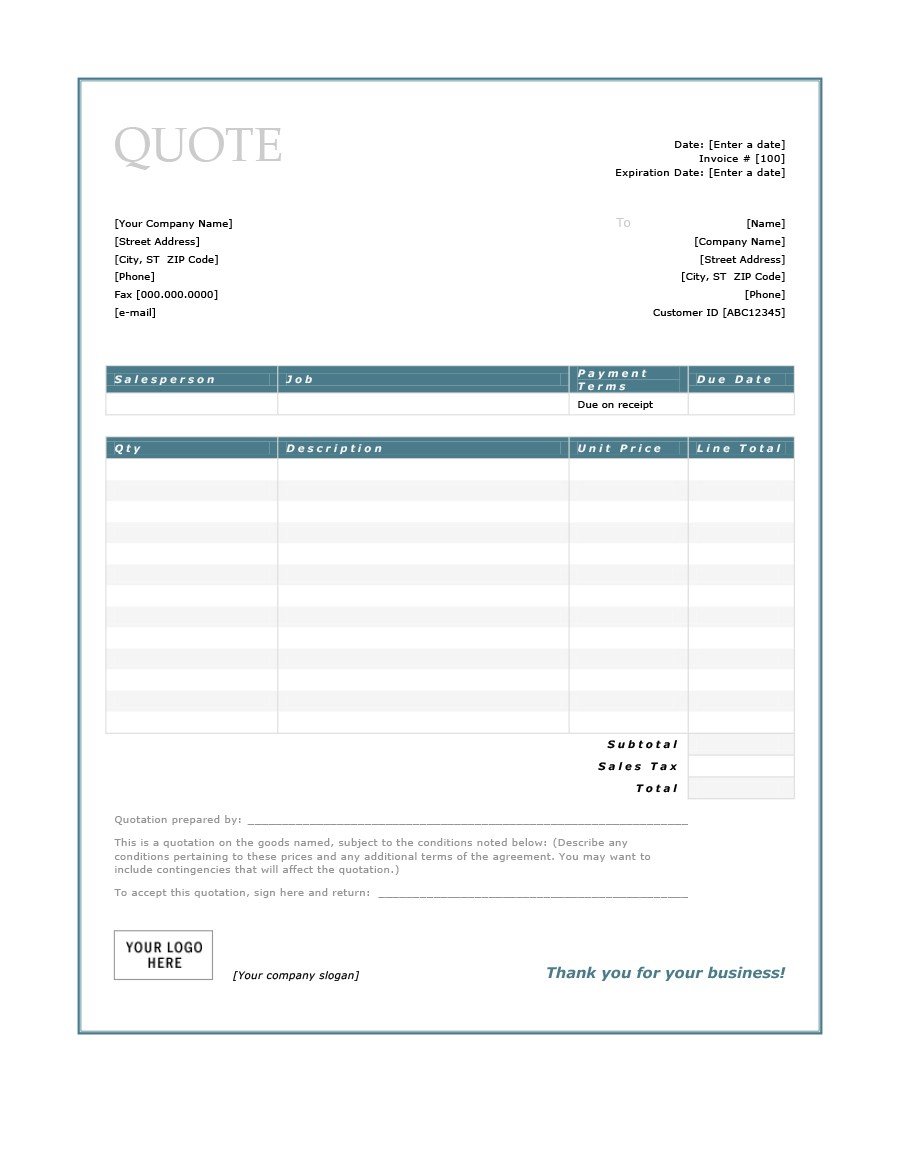
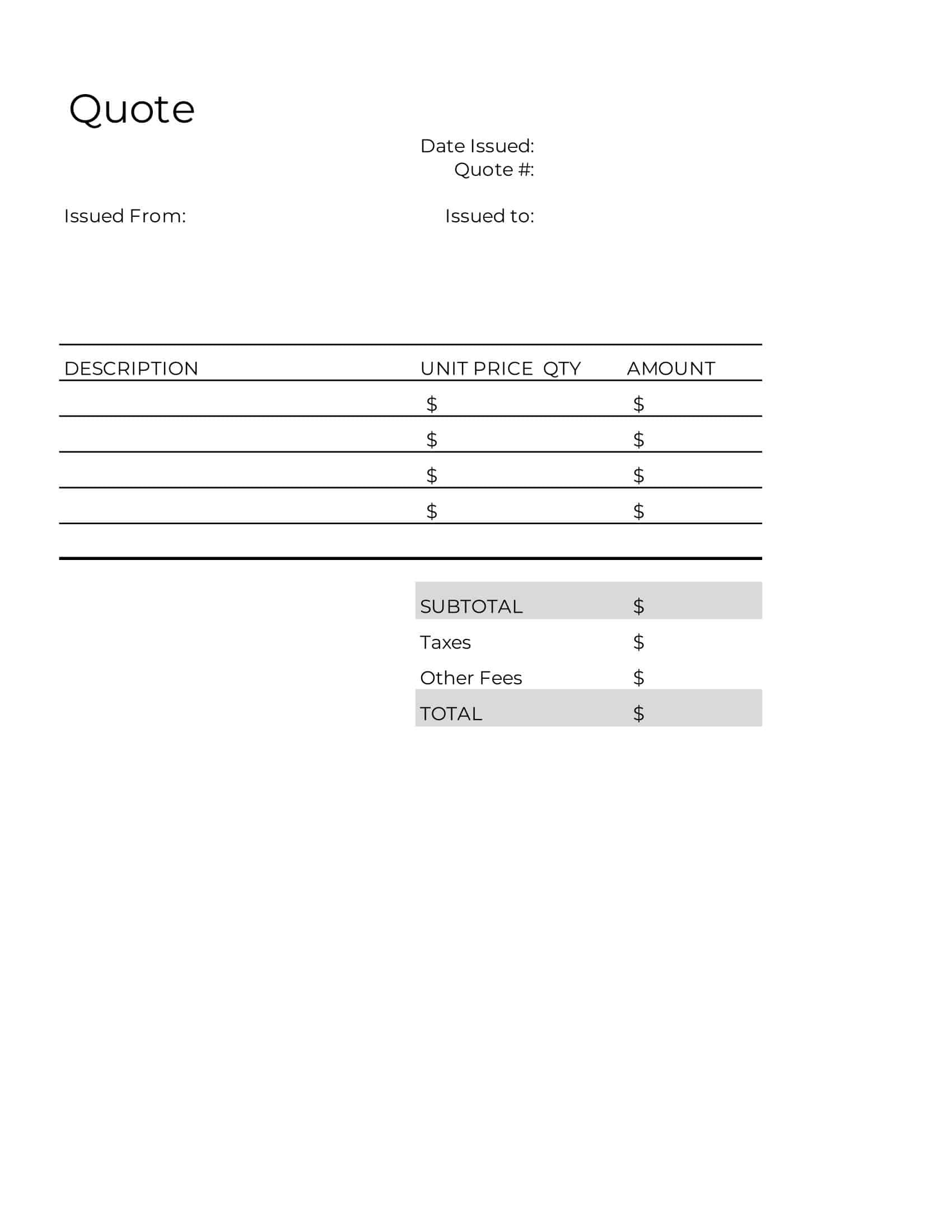
A simple quotation template in Word is a valuable tool for businesses and individuals, offering a quick and professional way to create quotes. When looking into simple quotation template word free download pdf, the details quickly stand out. These templates are often free to download and provide a structured format for detailing products or services, ensuring a consistent and appealing presentation.
Popular Options and Variations
There is a wide range of quotation templates available, catering to various industries and needs. Some key variations include:
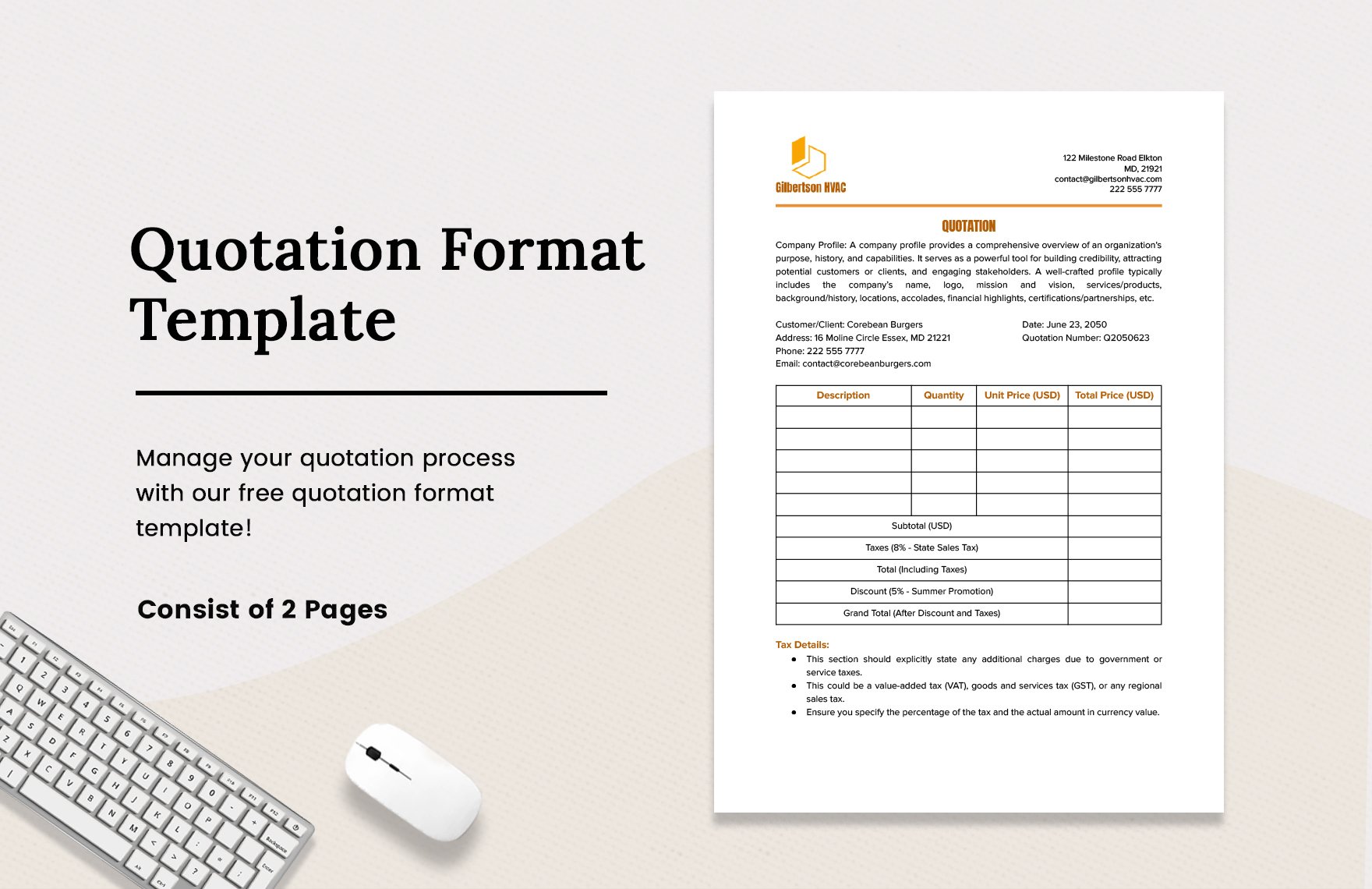
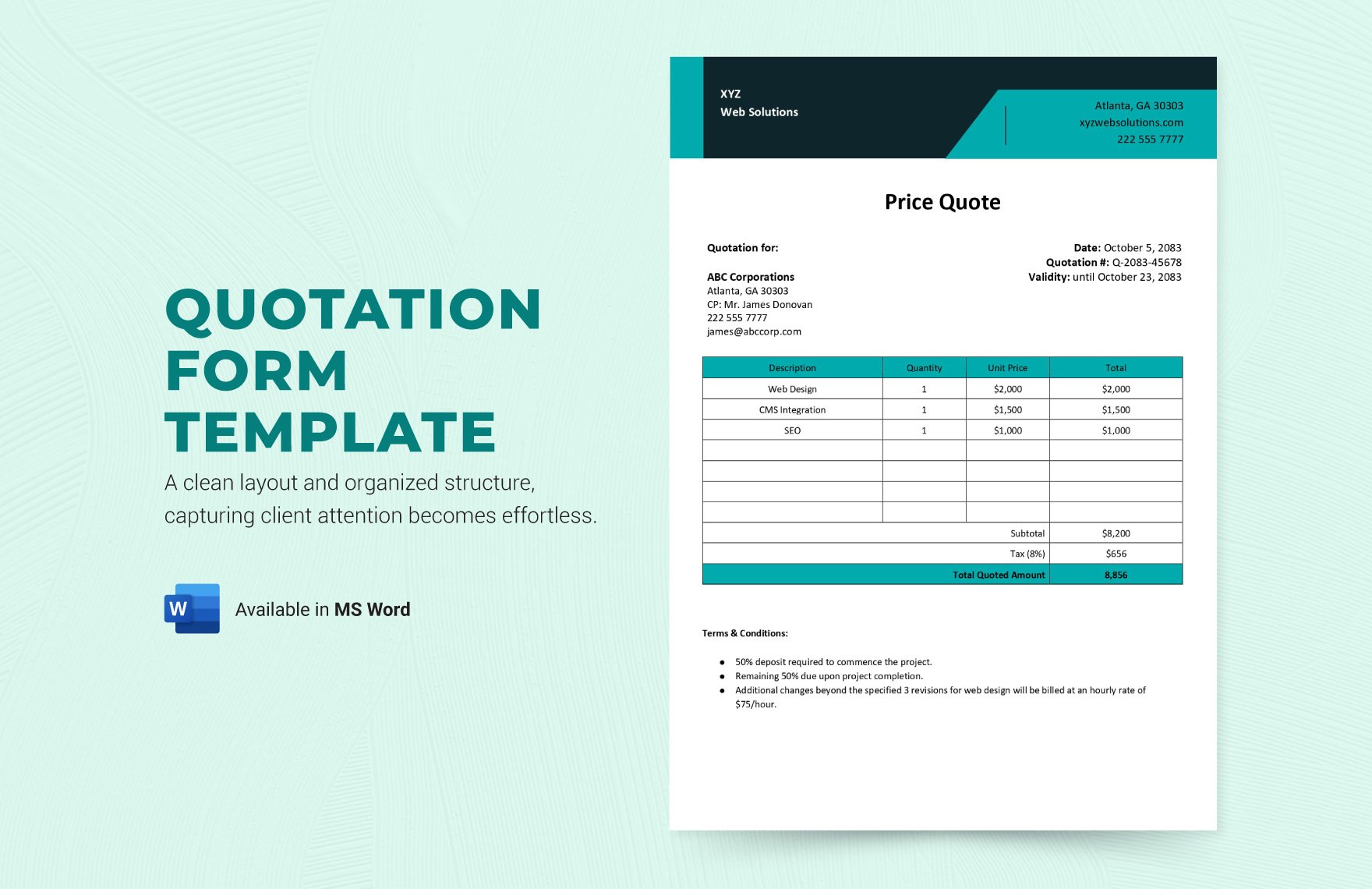
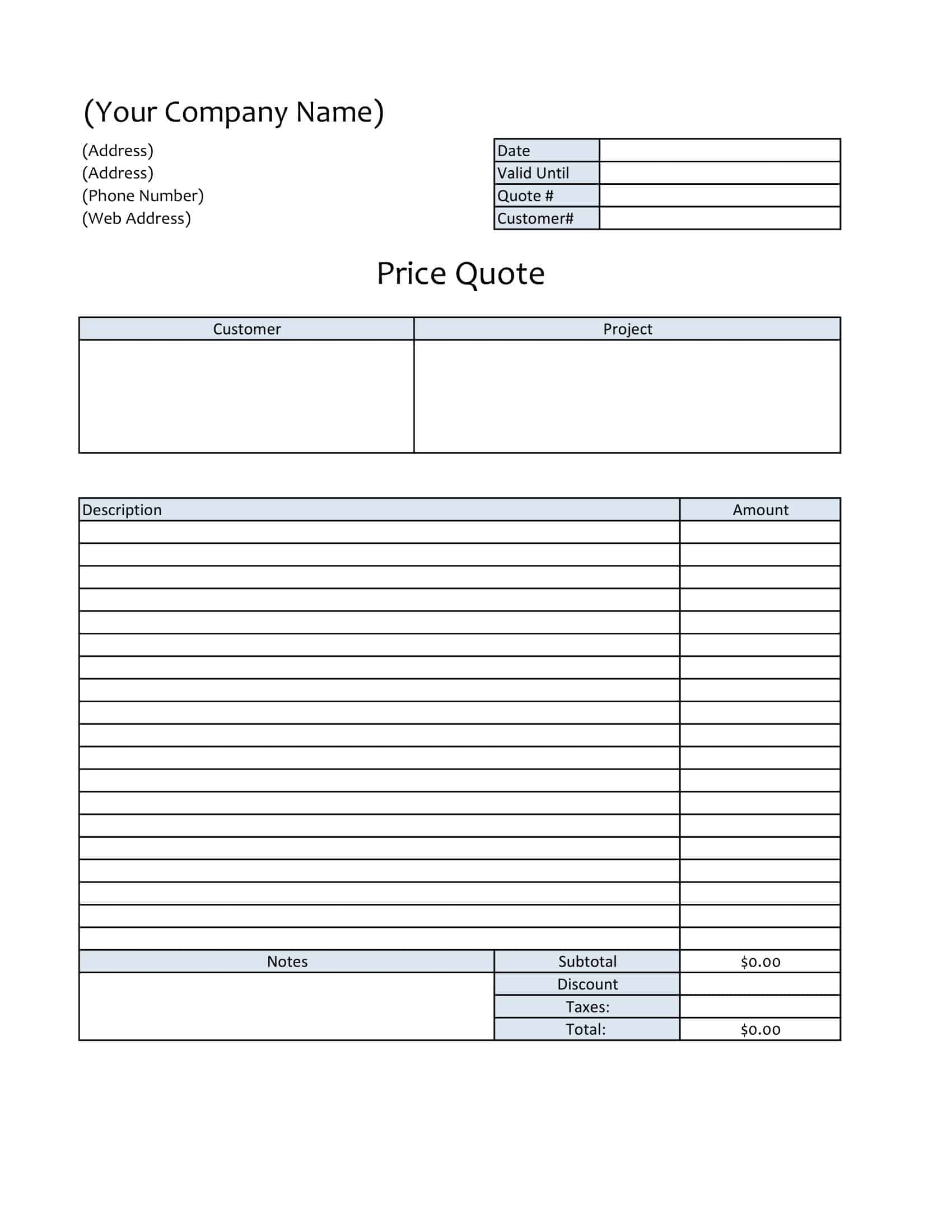
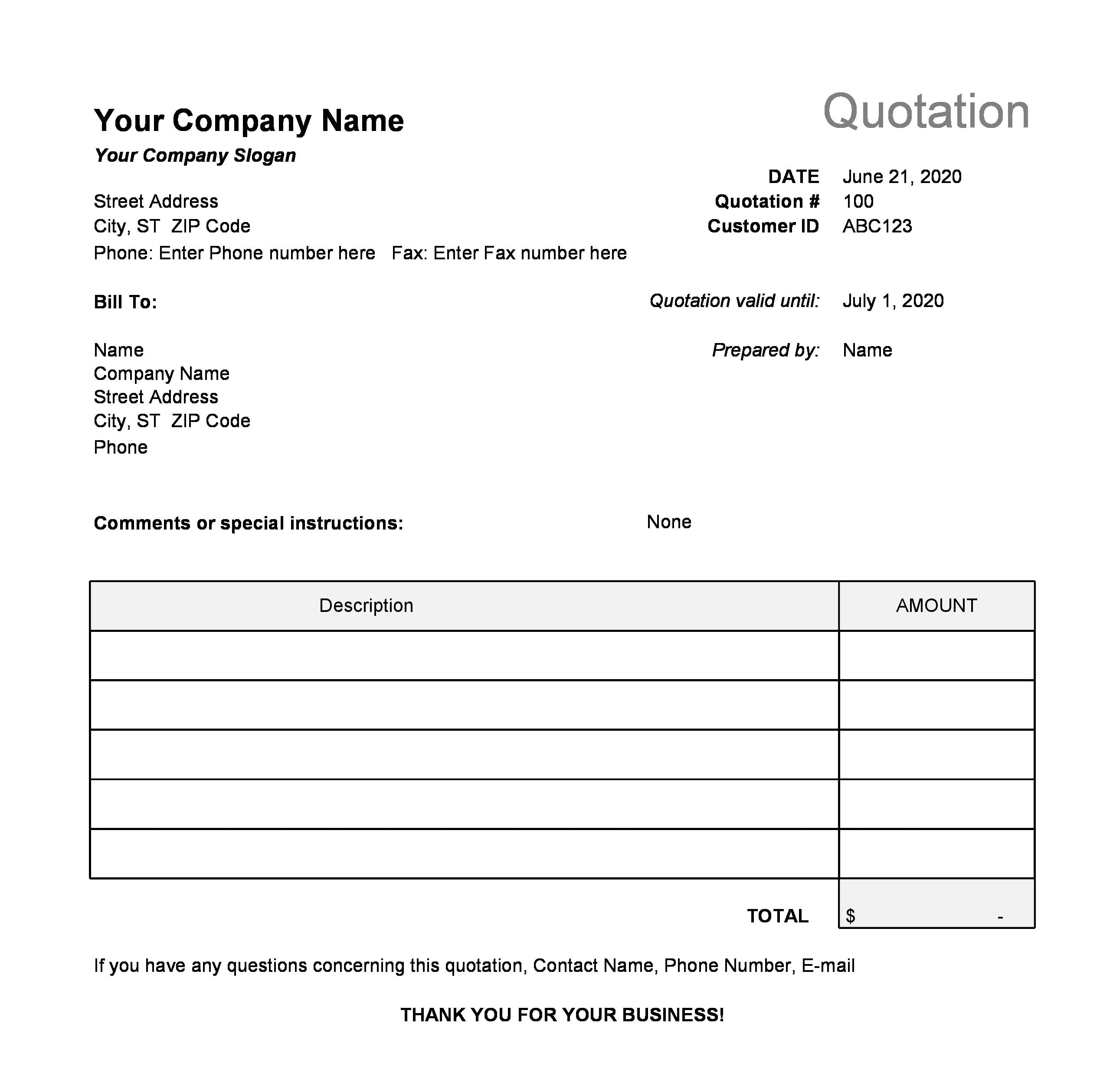
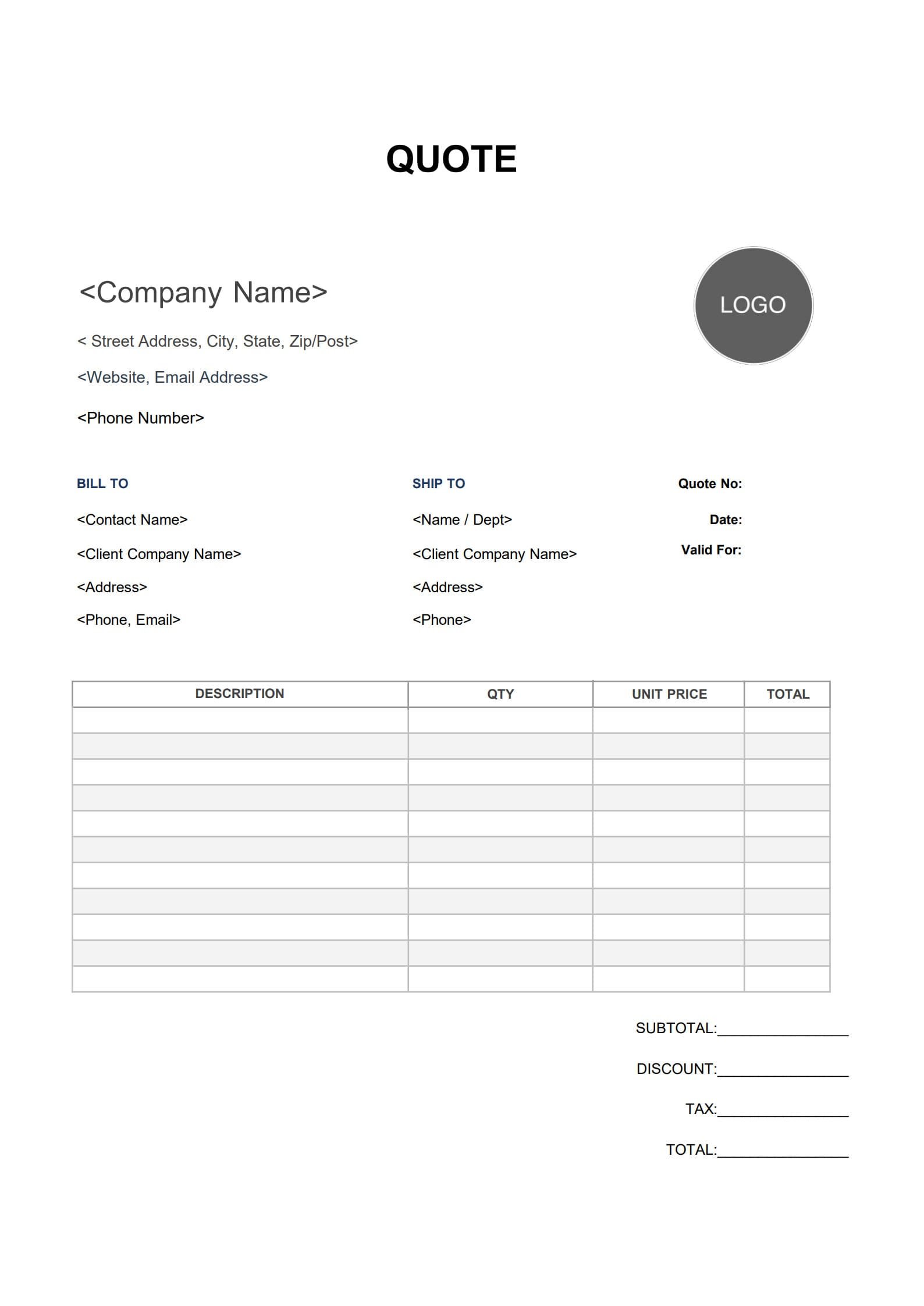
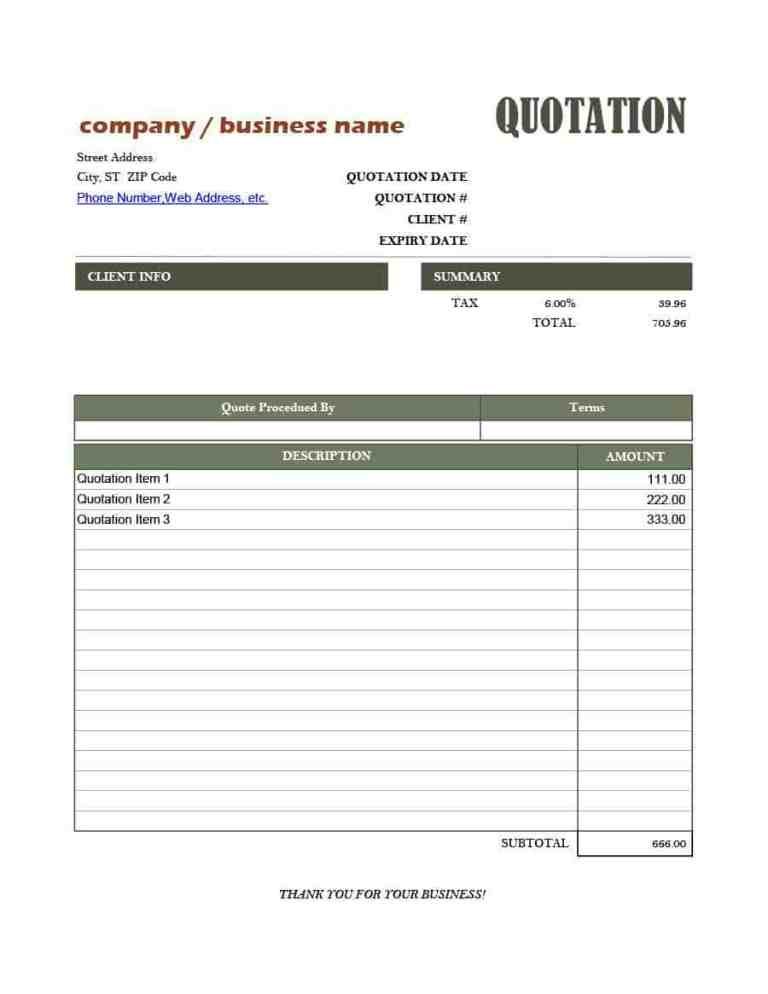
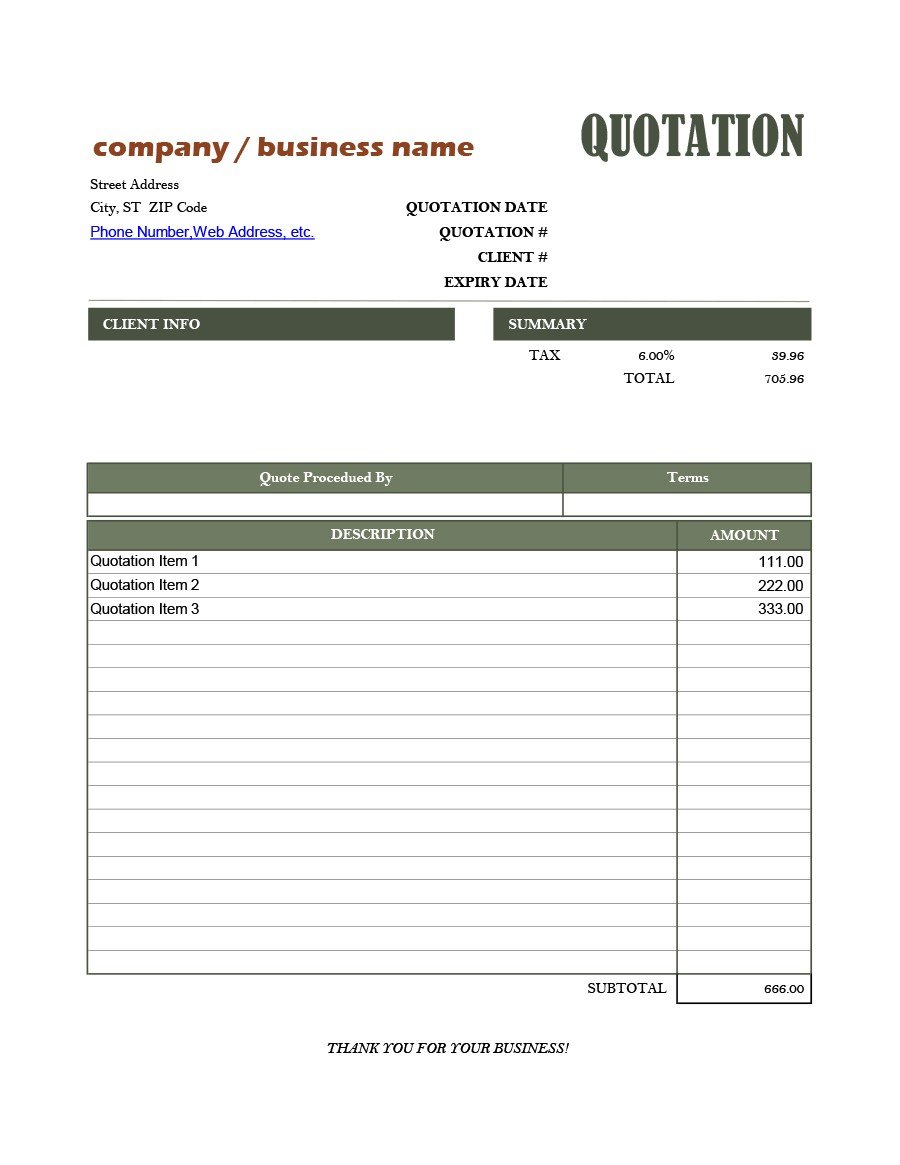
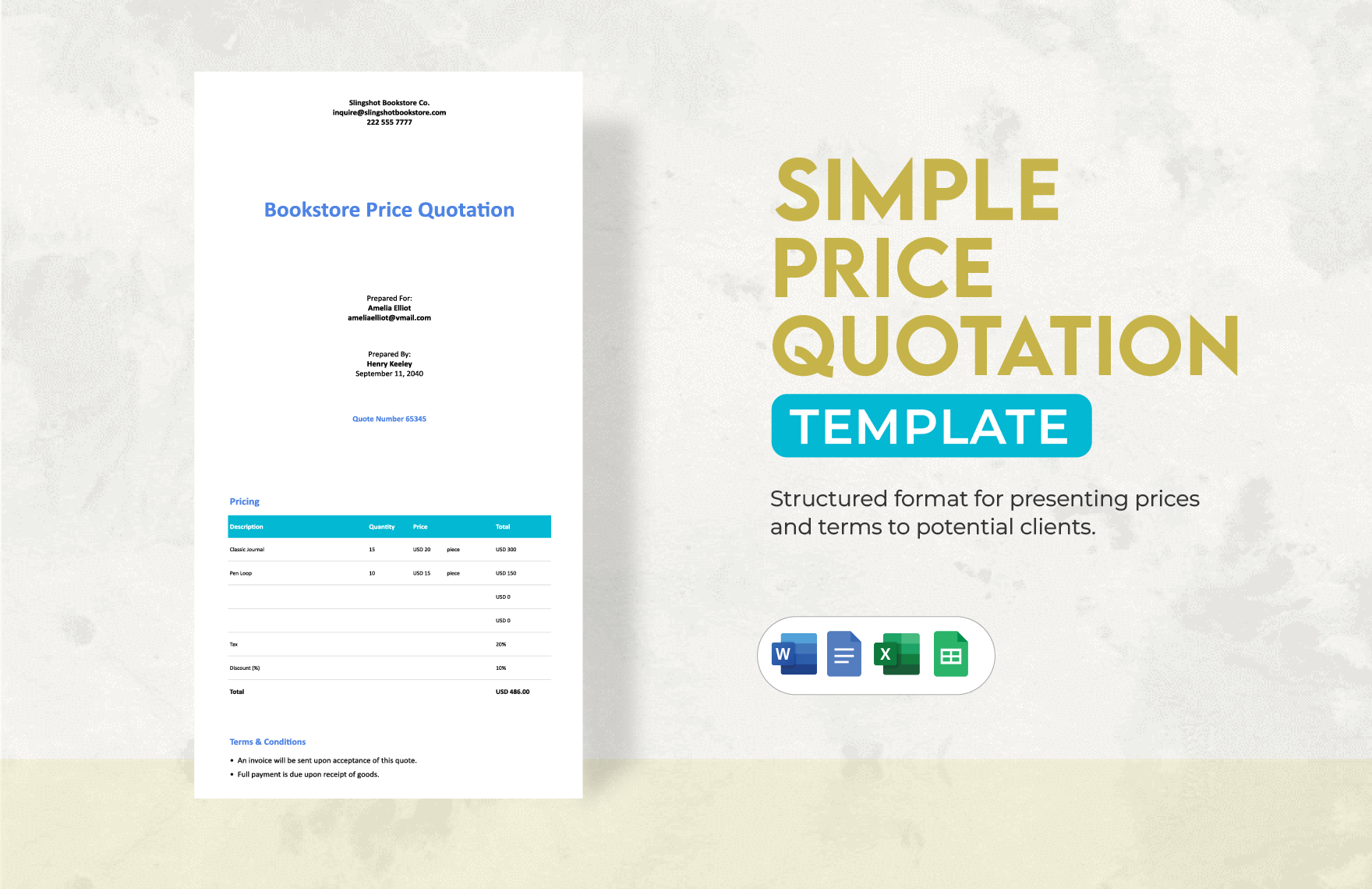
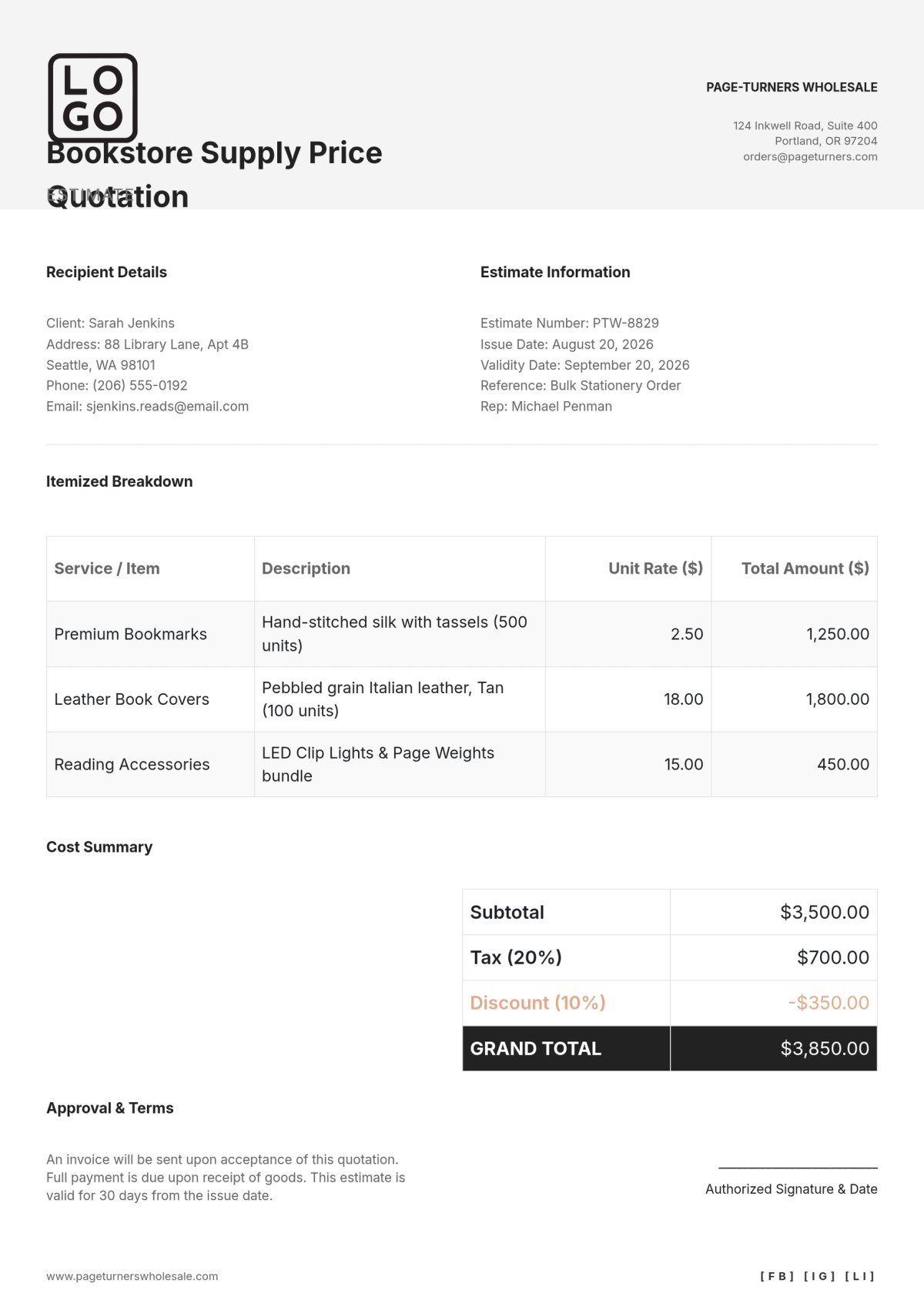
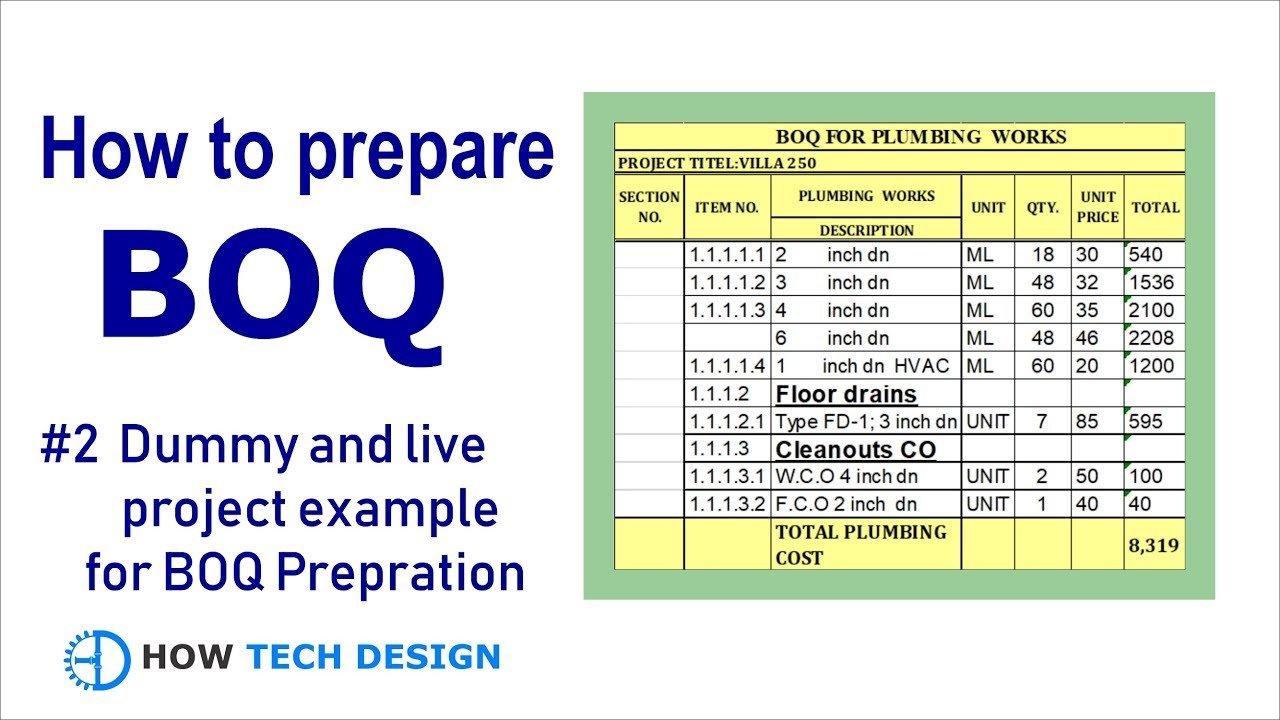
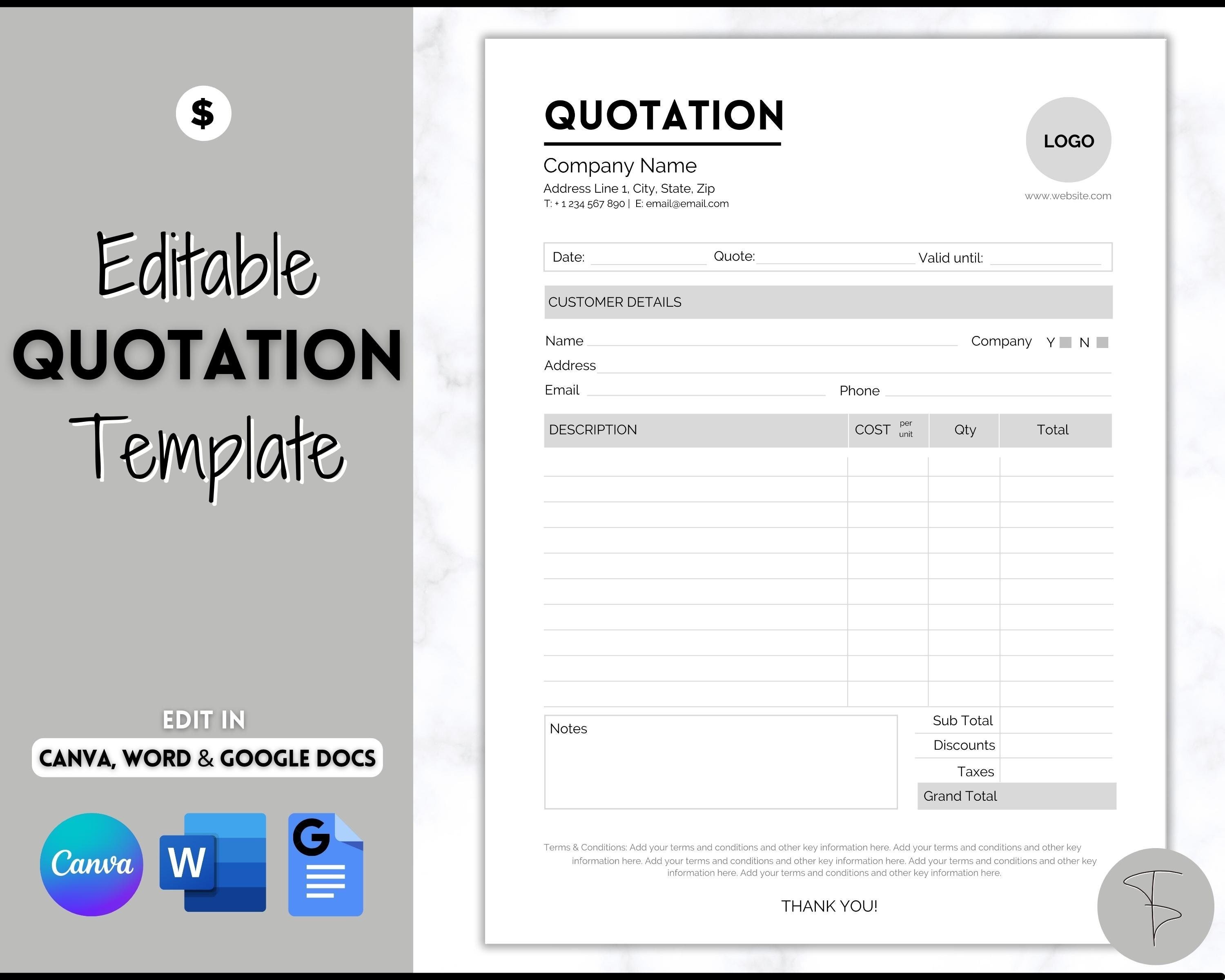
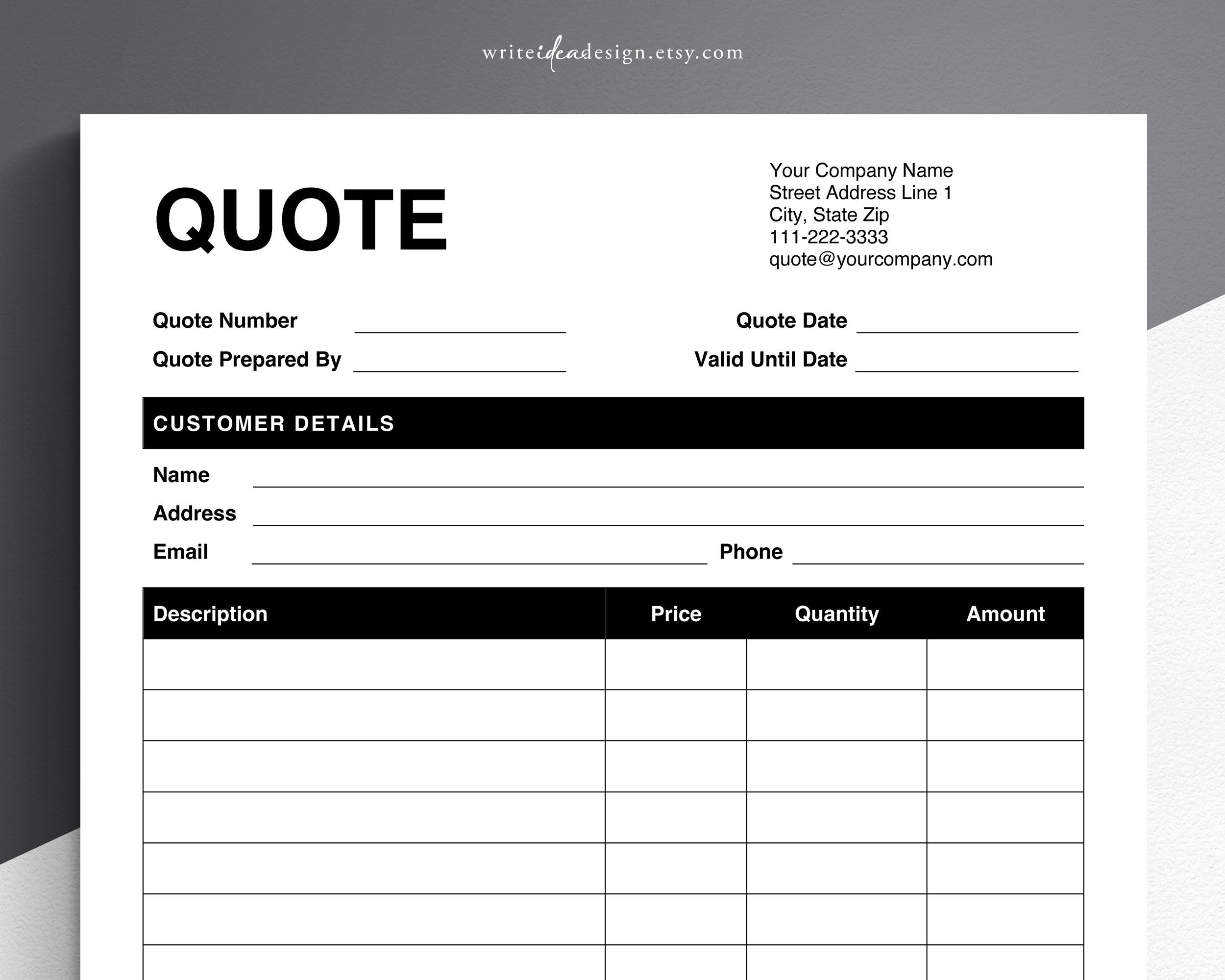
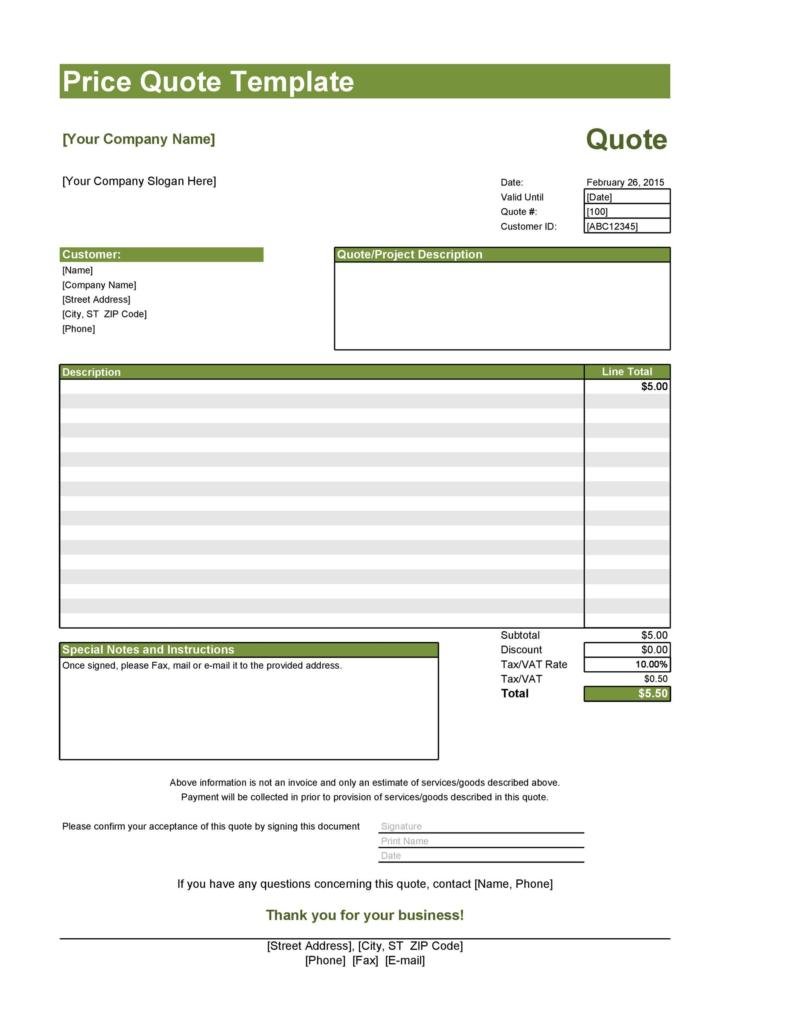
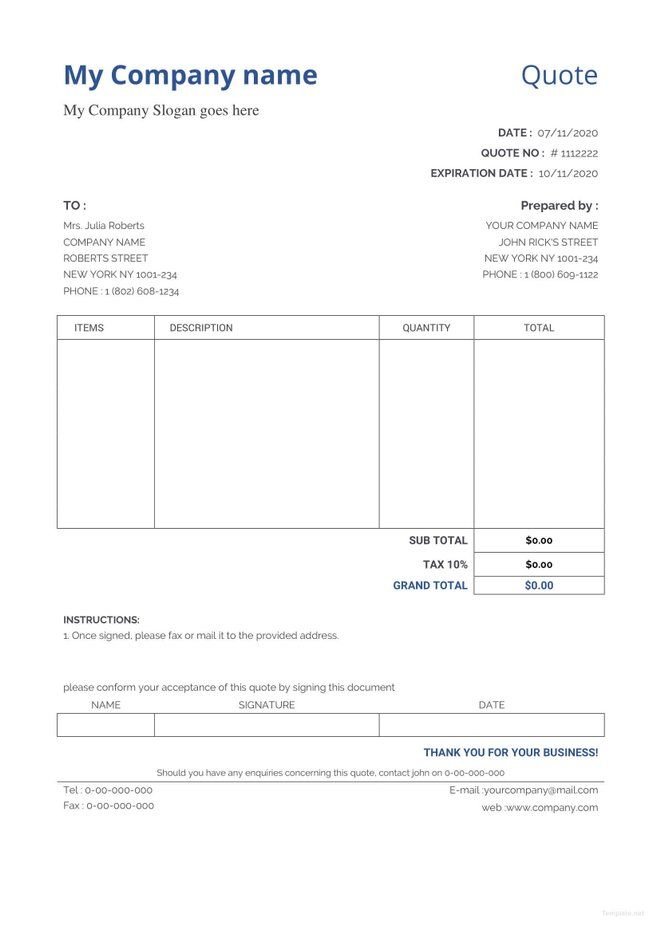
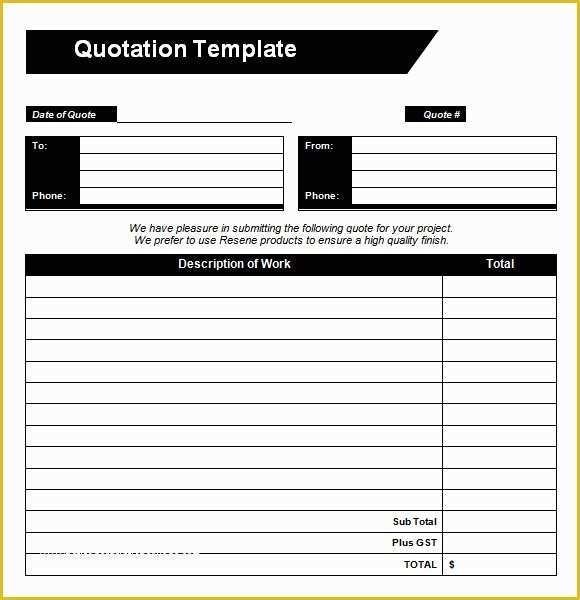
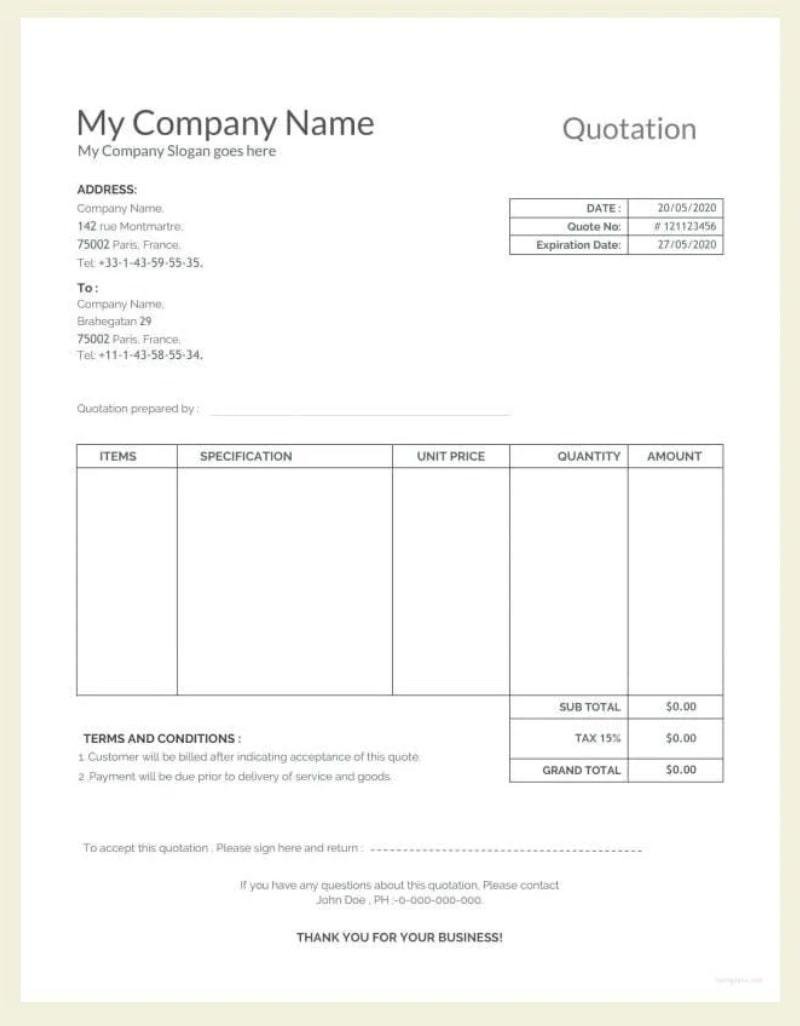
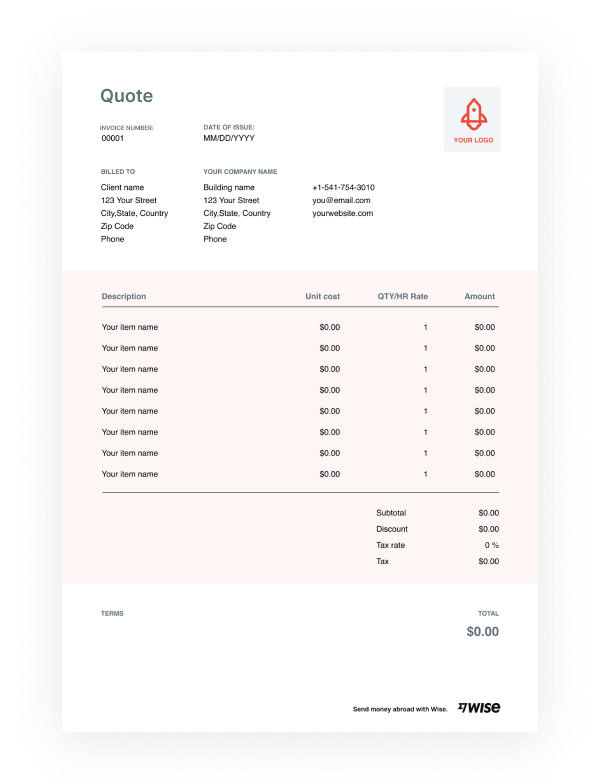
- Standard Quotation Template: A basic format suitable for most businesses, covering essential details like product/service description, quantity, price, and terms.
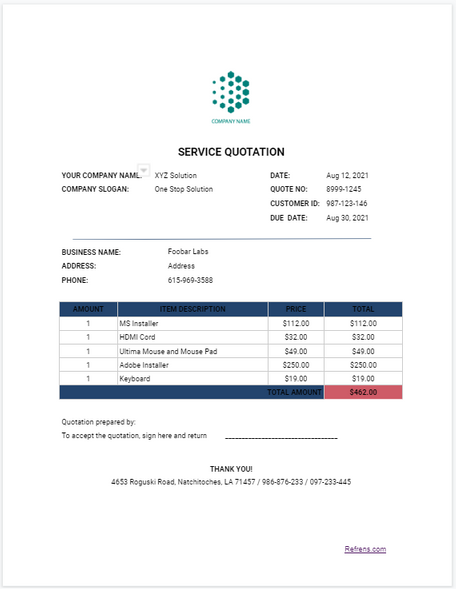
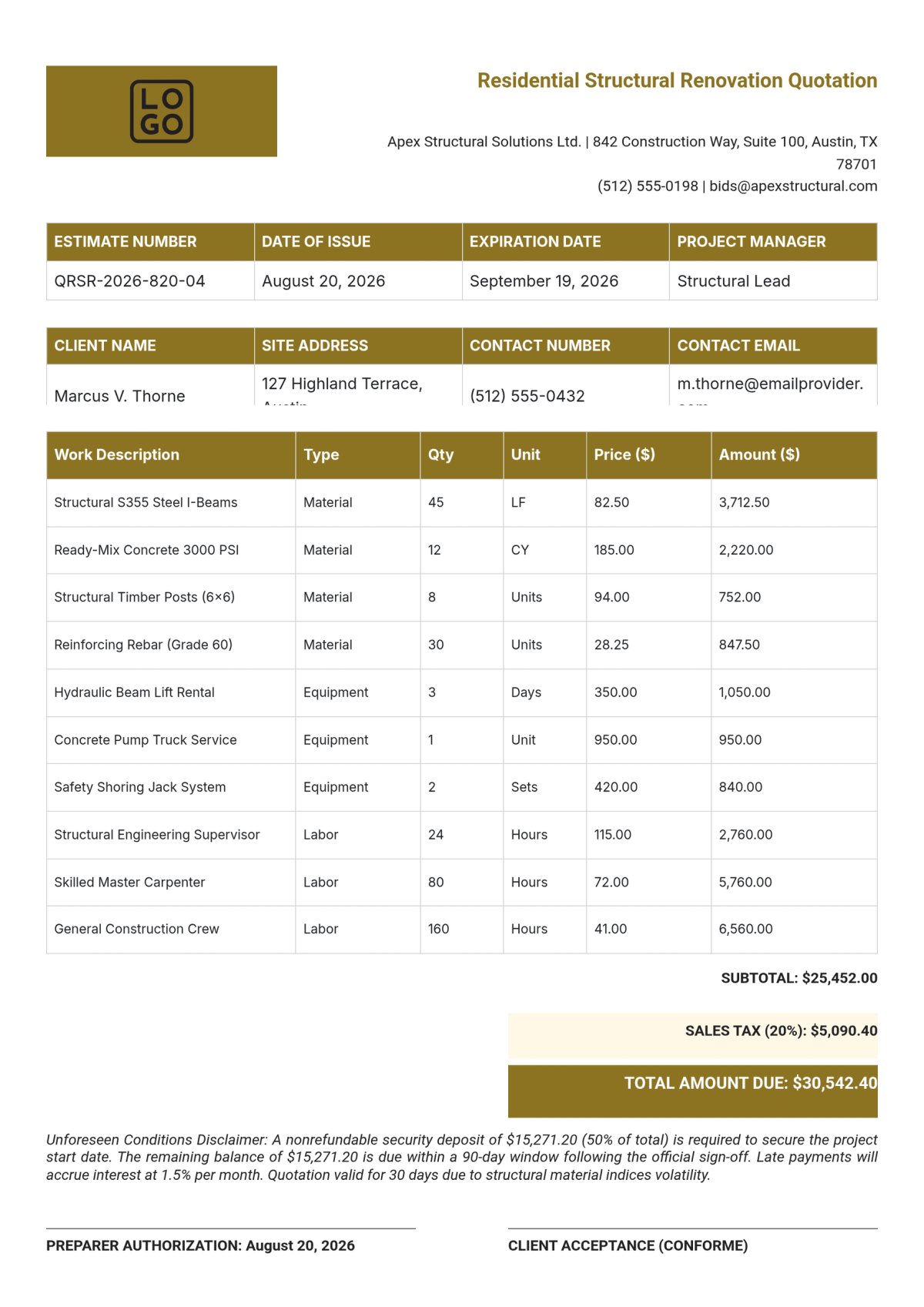
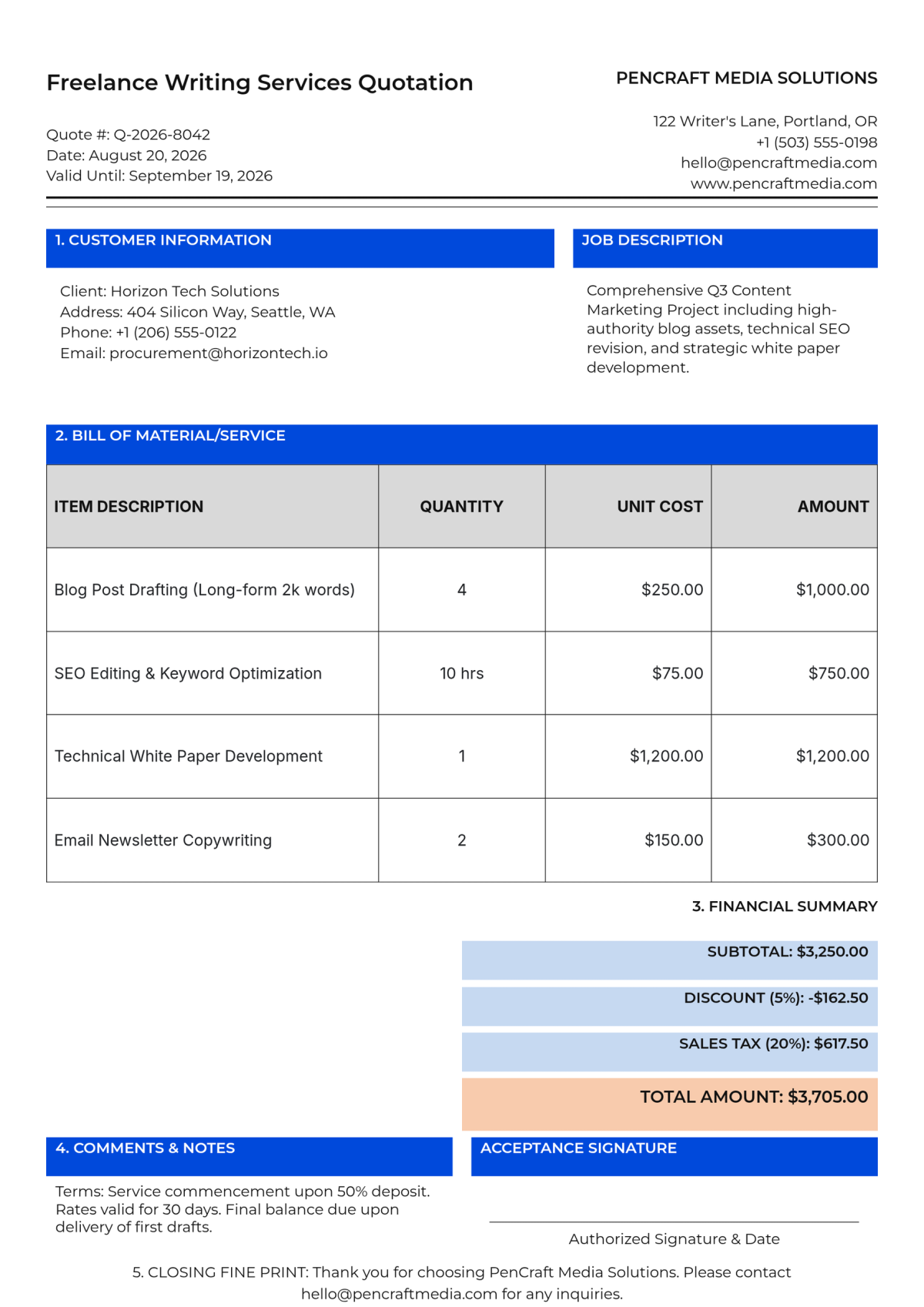
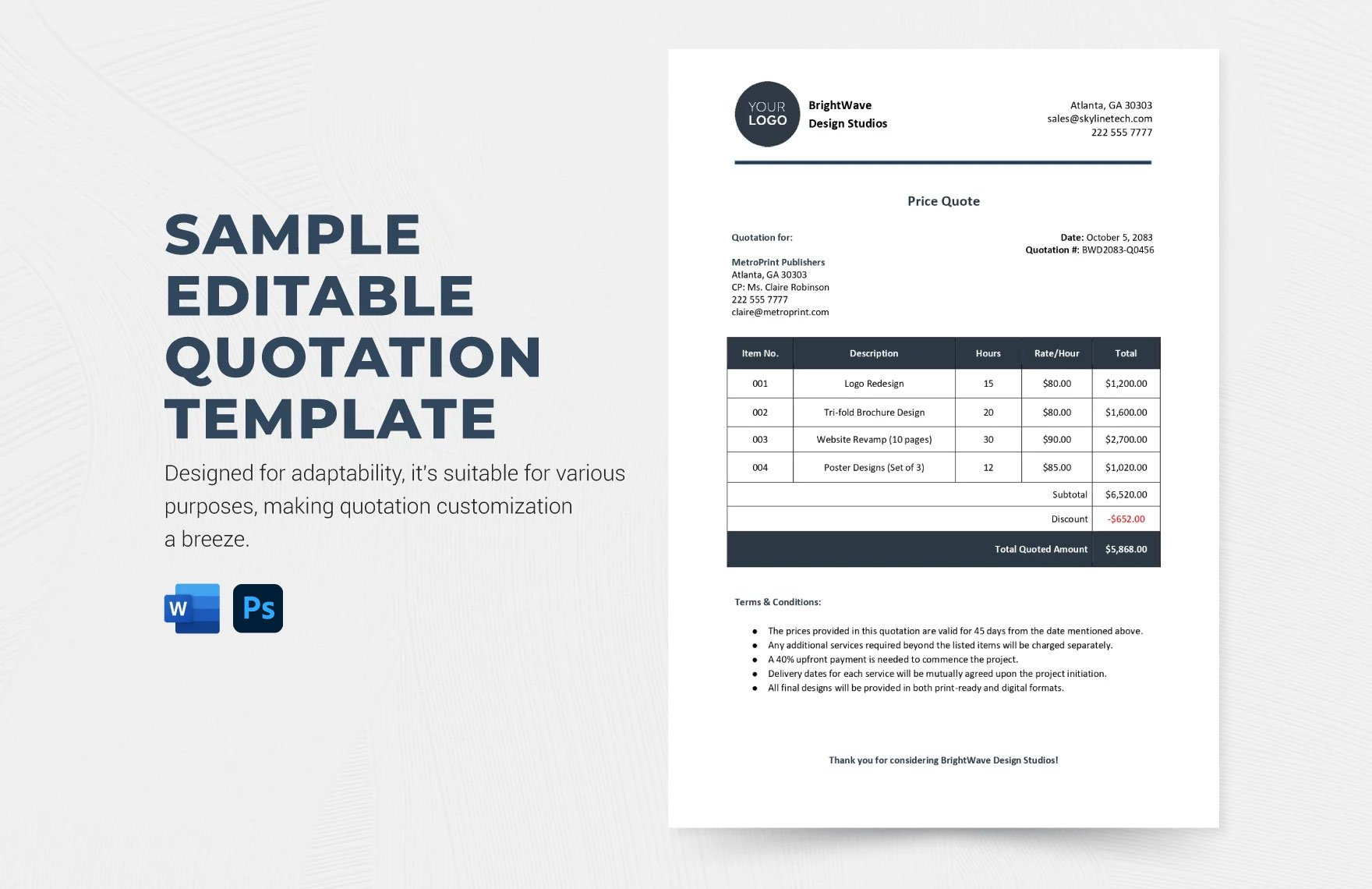
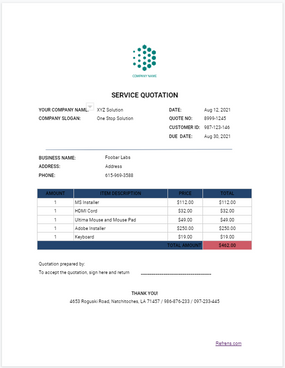
- Service Quotation: Specifically designed for service-based businesses, often including fields for labor rates, travel expenses, and other service-related costs.
- Sales Quotation: Targeted at sales teams, these templates might feature additional fields for discounts, promotions, or special offers.
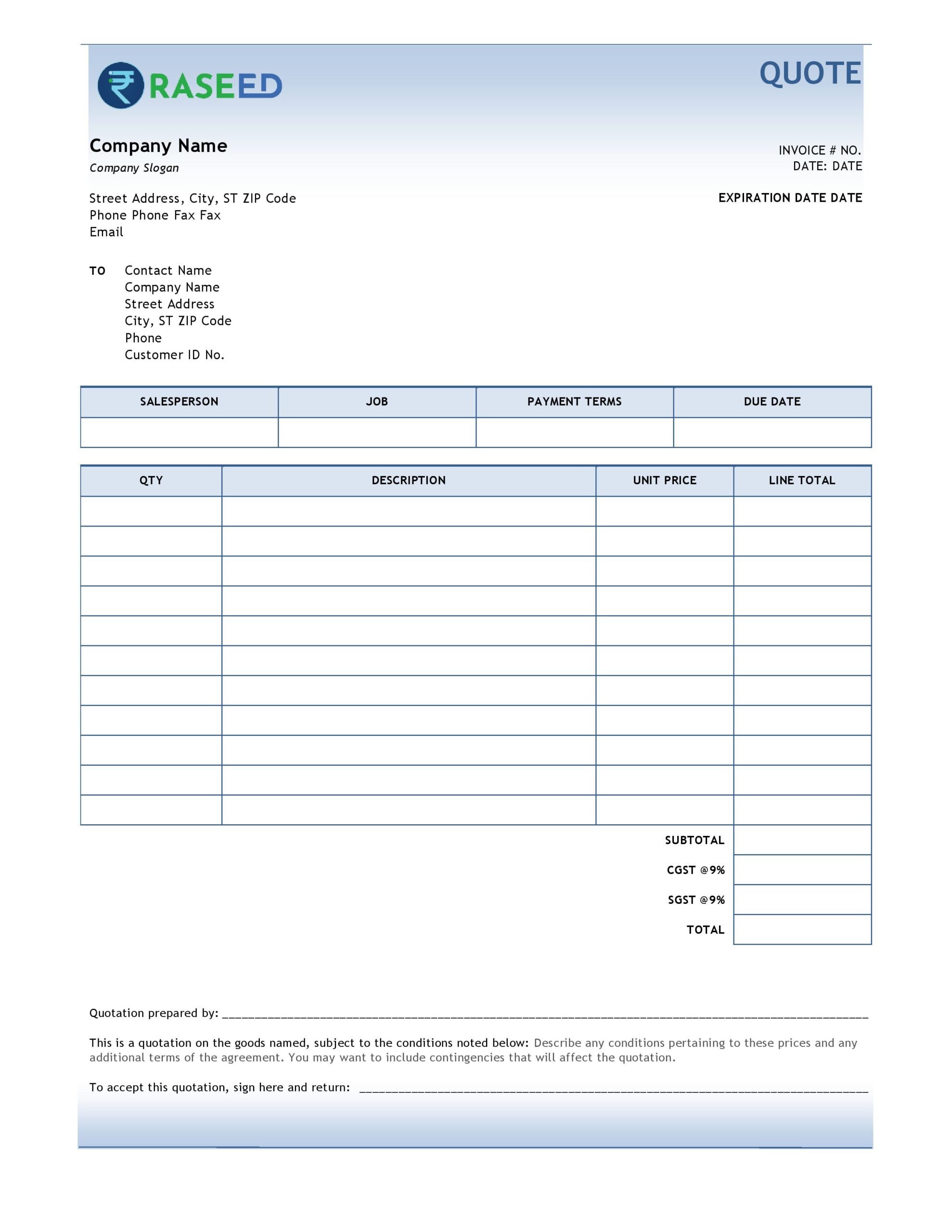
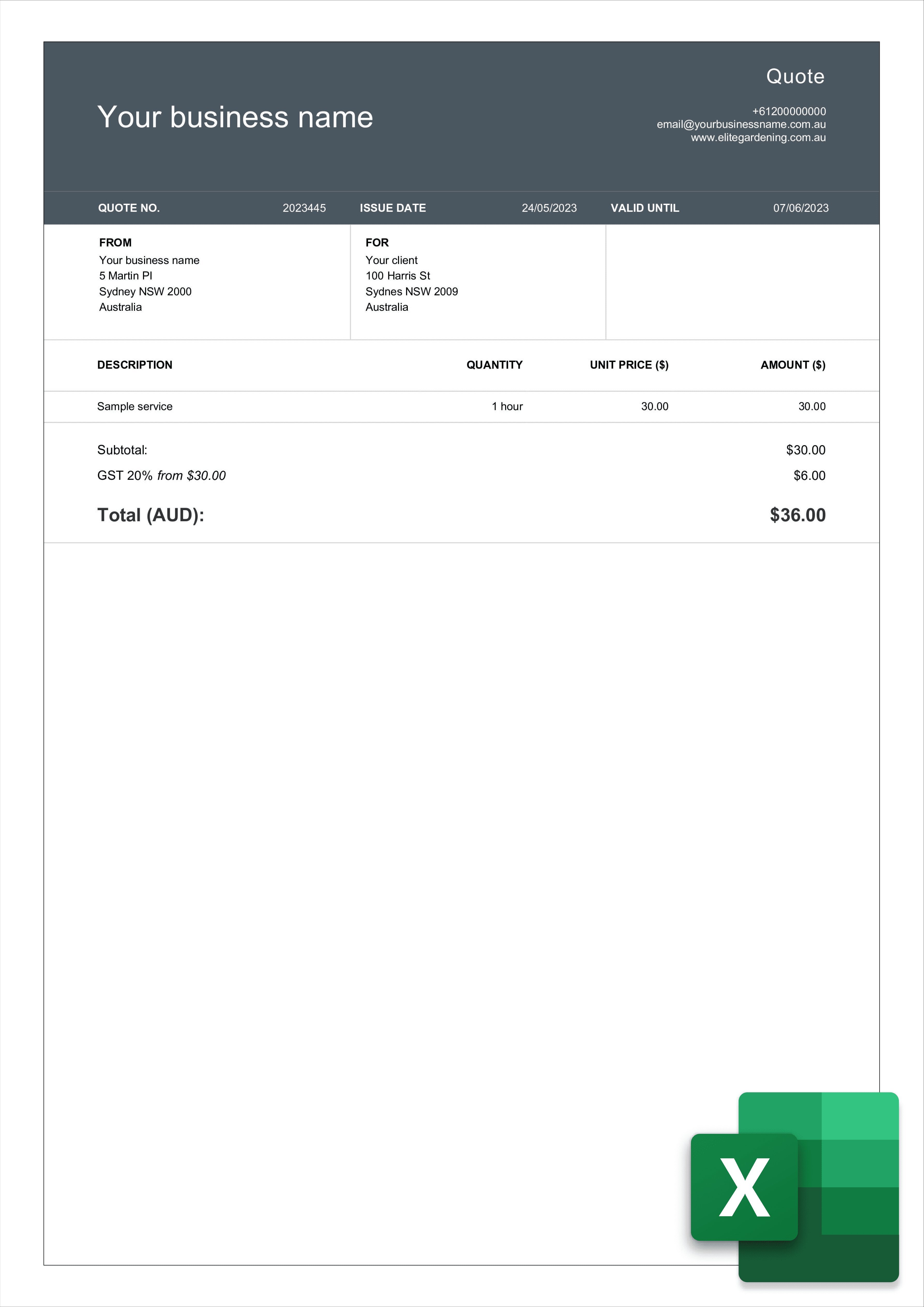
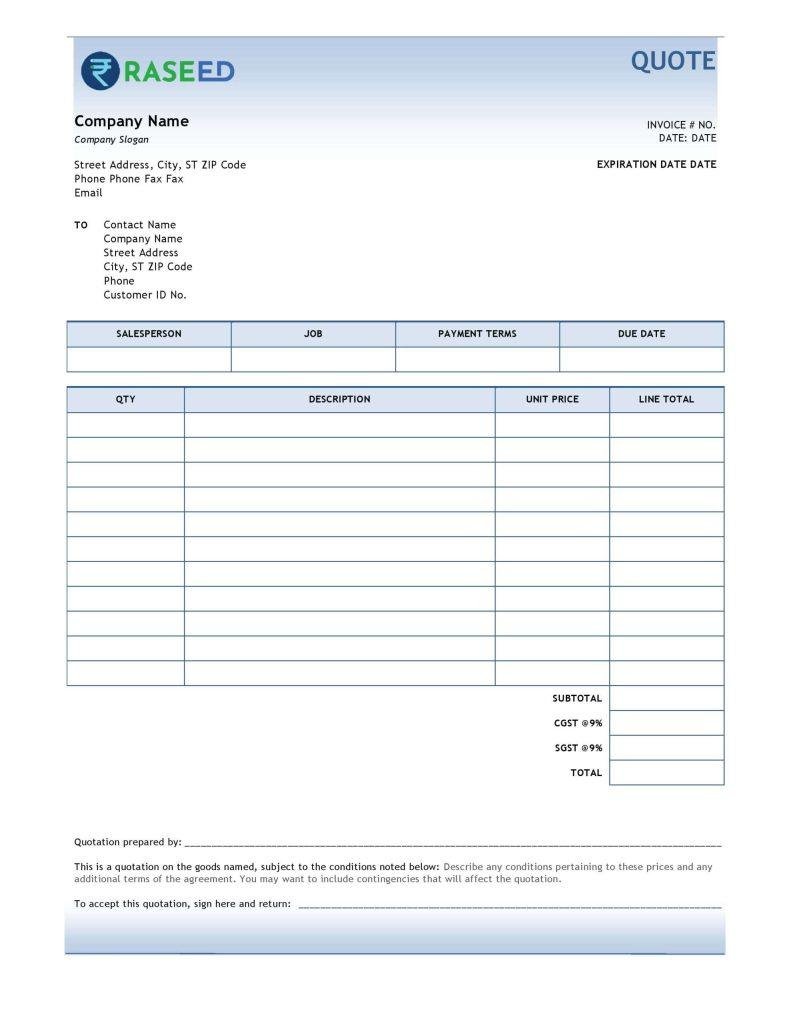
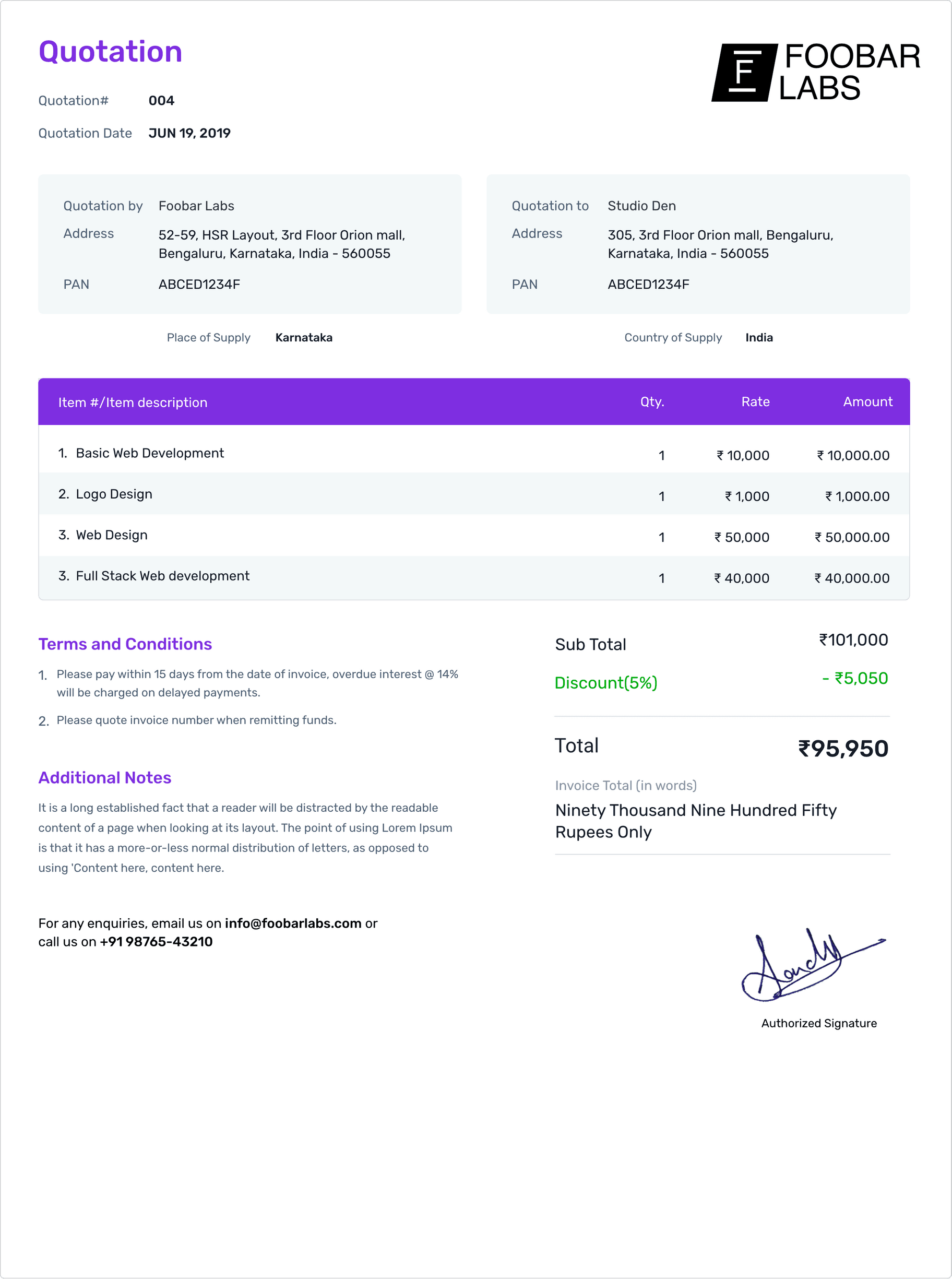
- GST Quotation: For businesses in regions with a Goods and Services Tax, these templates incorporate tax calculations, ensuring accurate pricing.
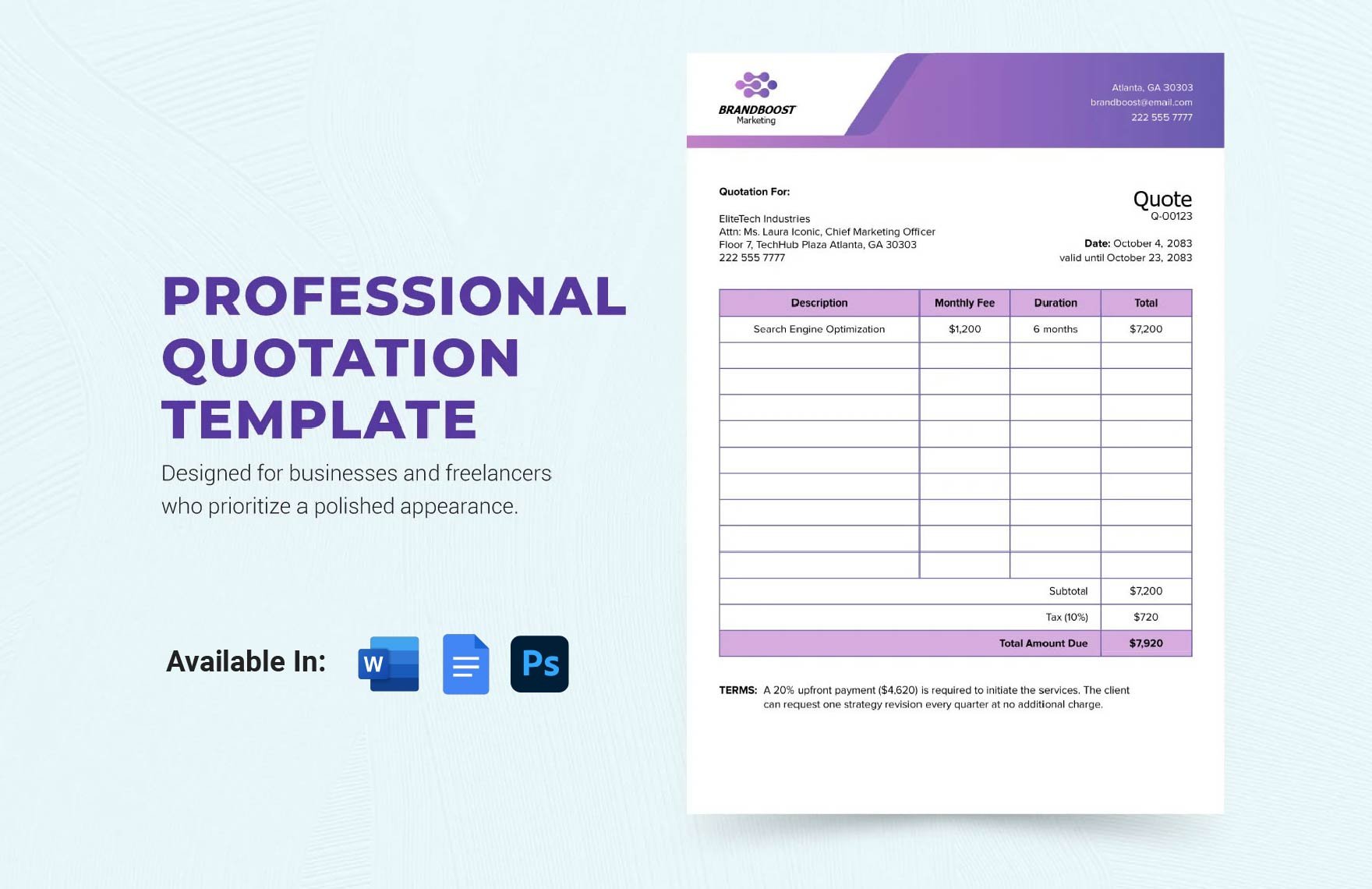
- Letterhead Quotation: A formal option, allowing businesses to incorporate their branded letterhead, presenting a professional and cohesive image.
Template Sources and Downloads
When searching for a quotation template in Word, several reliable sources offer free downloads:
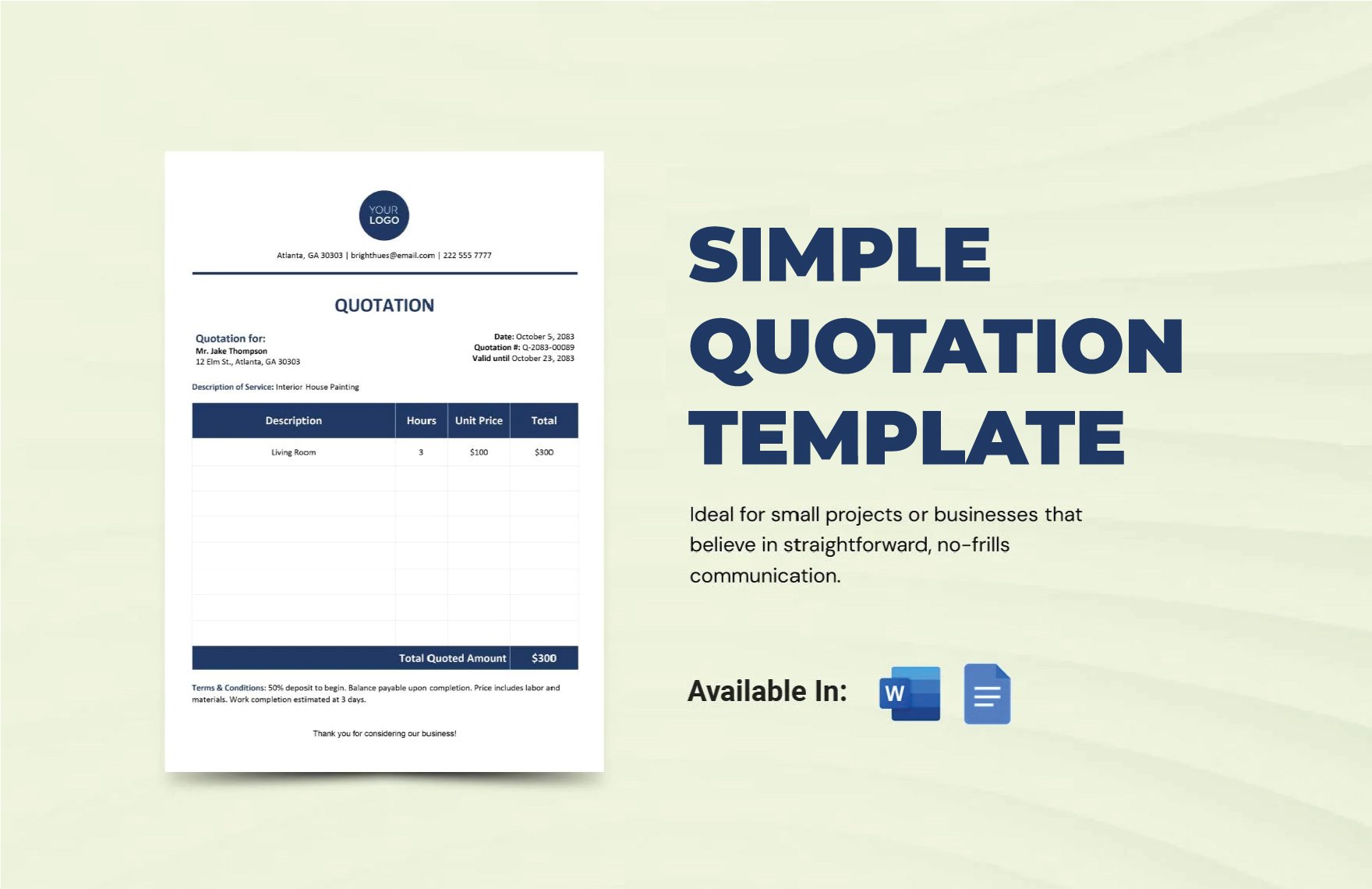
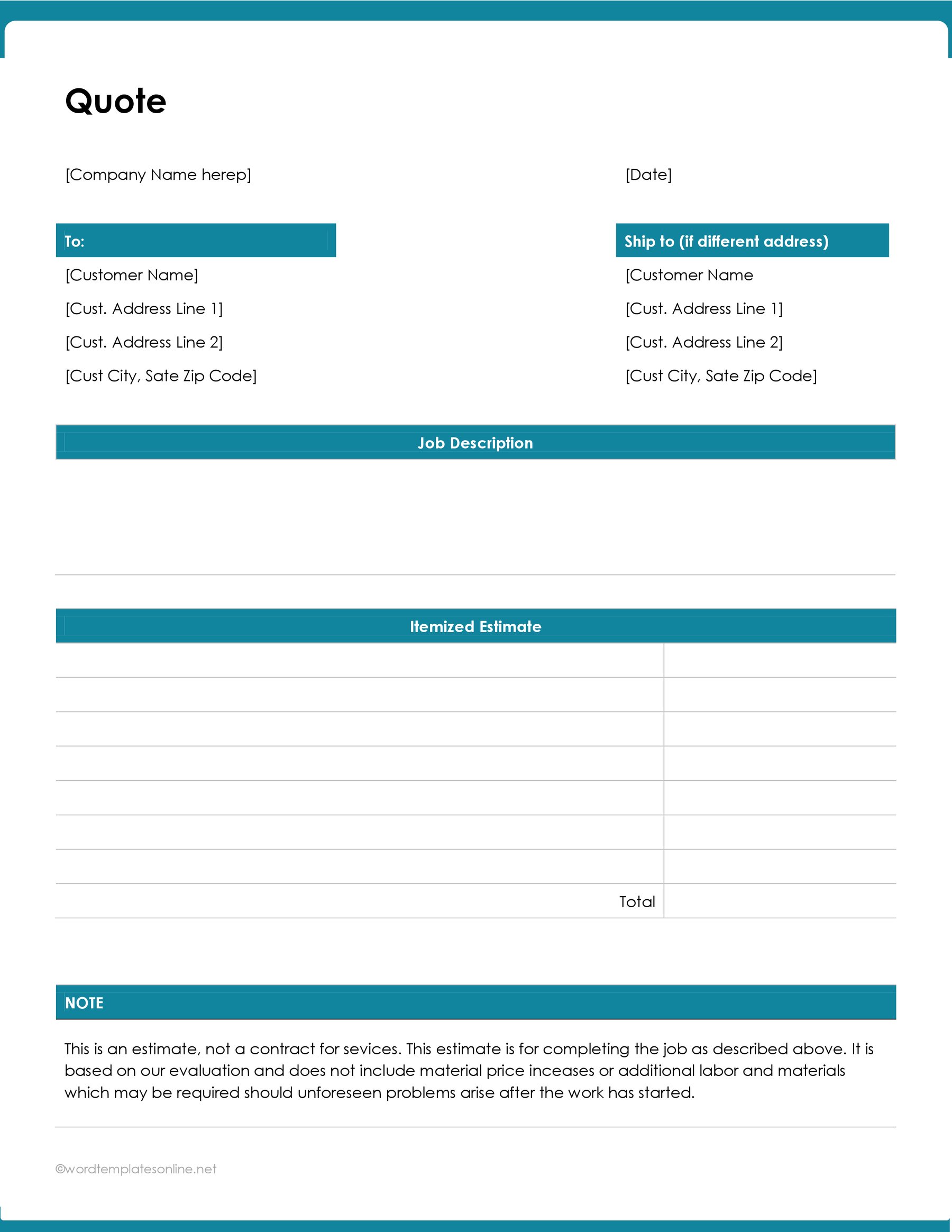
- Professional Estimate Template Free: This template provides a structured format for creating estimates, which can be easily adapted for quotations.
- Excel Invoice Template: While primarily an invoice template, this resource can be modified to create simple quotations, especially for those comfortable with Excel's functionalities.
- Free Fillable PDF Invoice Templates: Though designed for invoices, these templates can be a great starting point for creating PDF quotation forms.
Editable and Customizable Features
Many quotation templates offer flexibility, allowing users to:
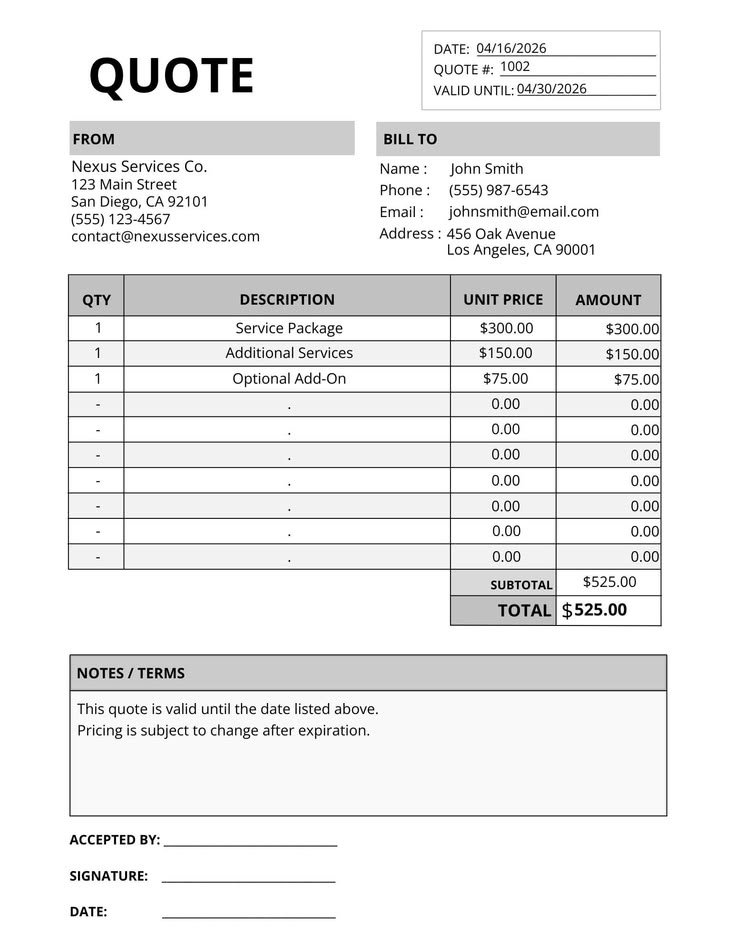
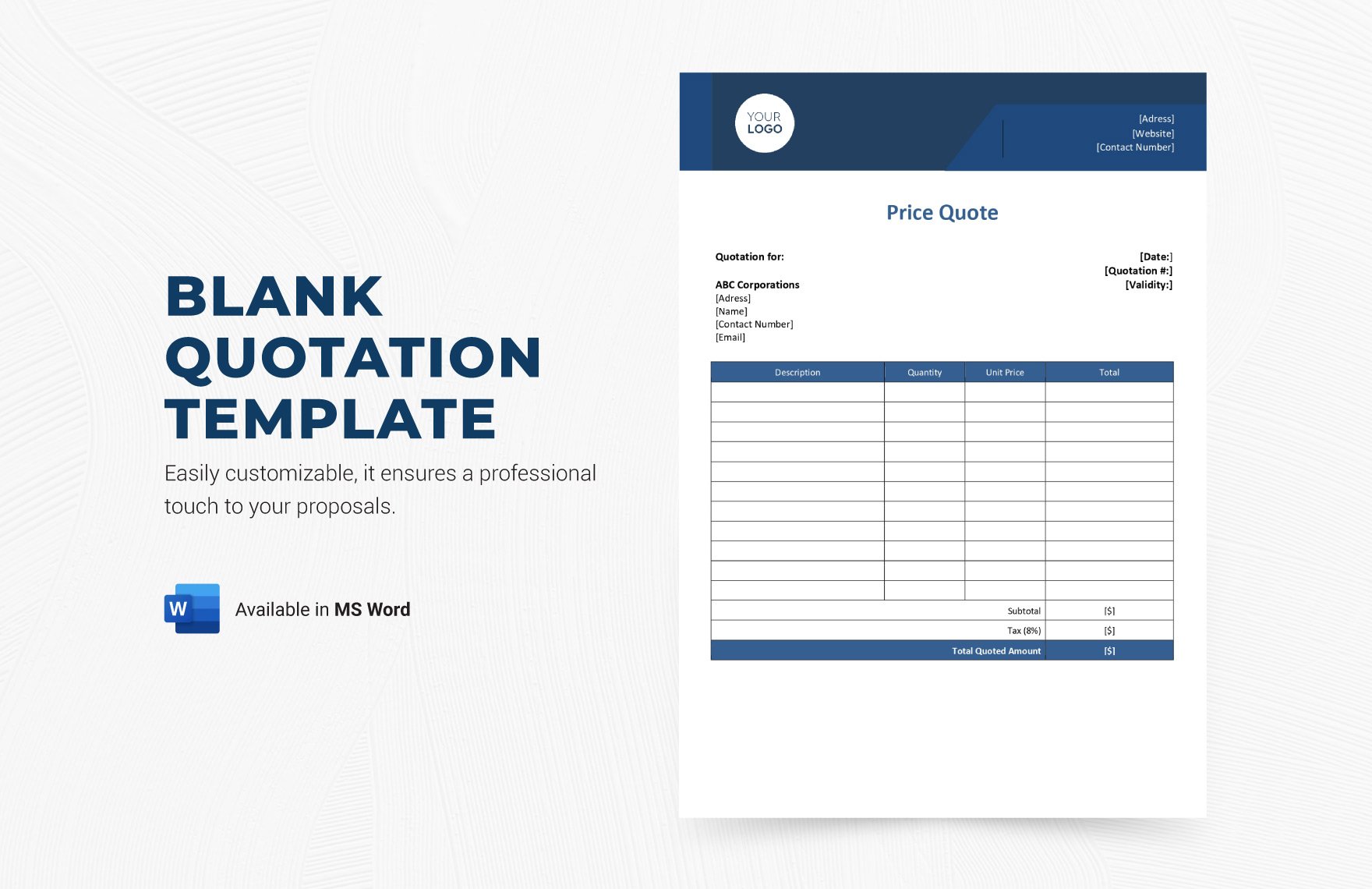
- Edit and Personalize: Add your business logo, change fonts, and adjust colors to align with your brand identity.
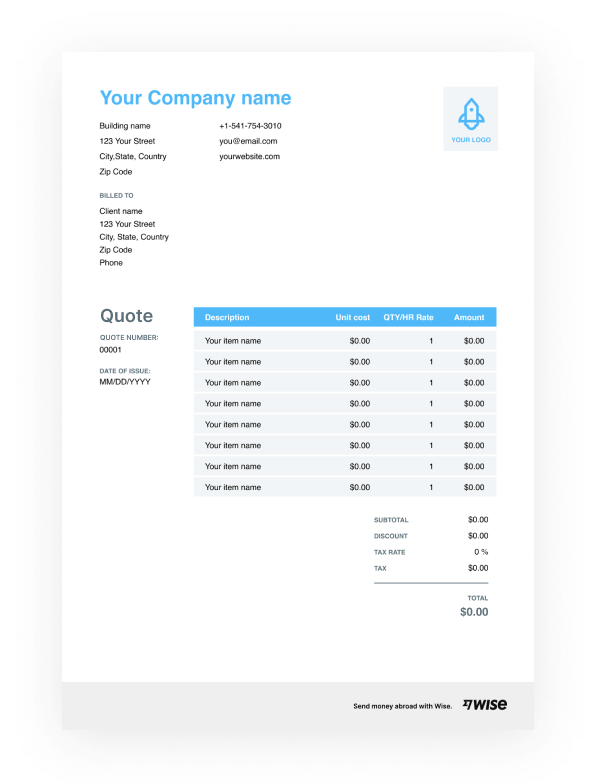
- Include Company Details: Input your business name, address, contact information, and any other relevant details to create a professional impression.
- Product/Service Specification: Provide comprehensive descriptions, quantities, and pricing for your offerings.
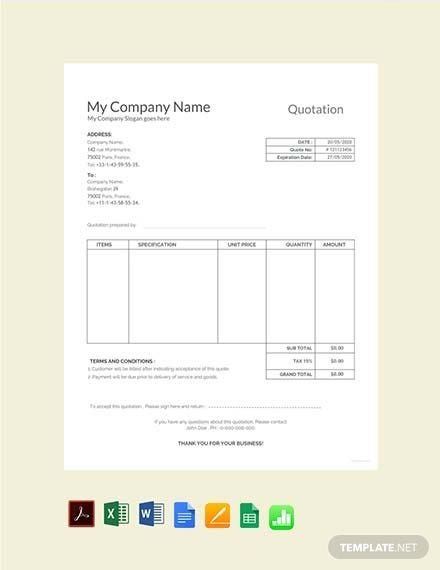
- Terms and Conditions: Include payment terms, delivery details, and any other relevant conditions specific to your business.
Additional Resources and Considerations
When working with quotation templates in Word, consider these additional resources and tips:
- Better Word to Use Than Dummy Invoice Template: Explore alternative terminology to ensure your quotations are professional and accurate.
- Template Word Excel: If you're comfortable with Excel, consider utilizing its features for advanced calculations and data management in your quotations.
- Google Docs Quotation Templates: For cloud-based collaboration, Google Docs offers a range of templates that can be easily shared and edited by multiple users.
- Editable Quotation Templates: Look for templates that are fully editable, allowing you to customize every aspect to suit your specific needs.