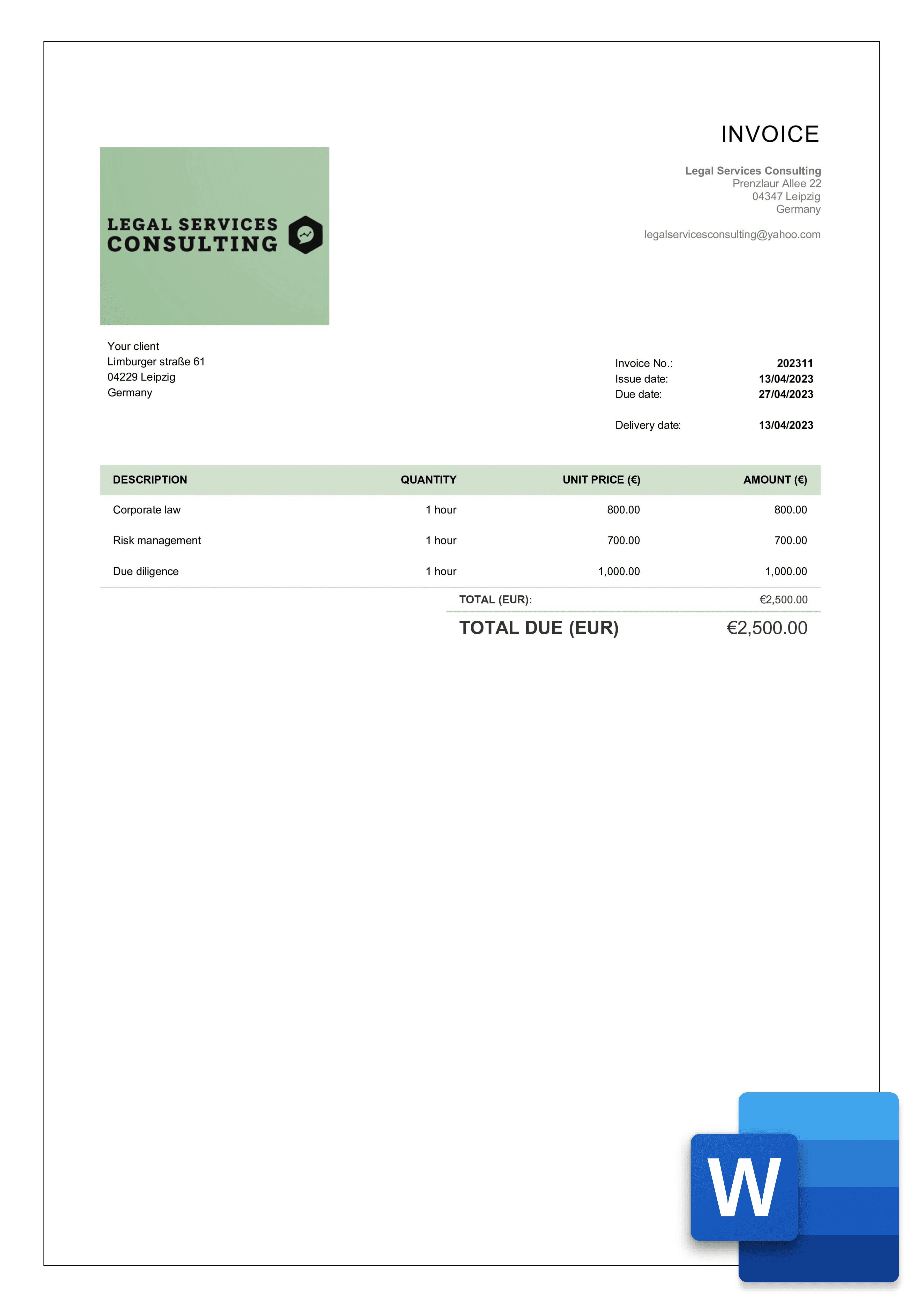
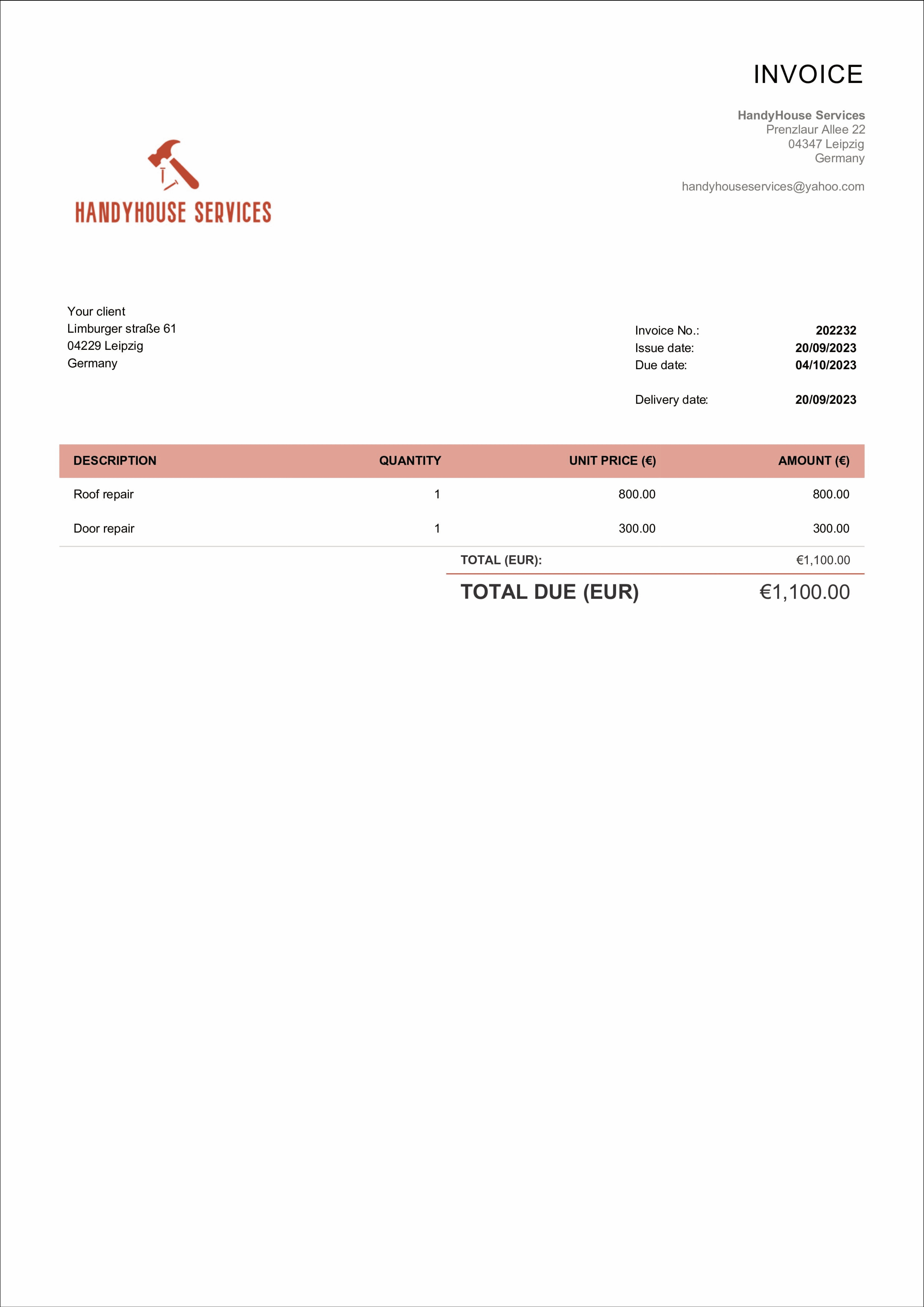
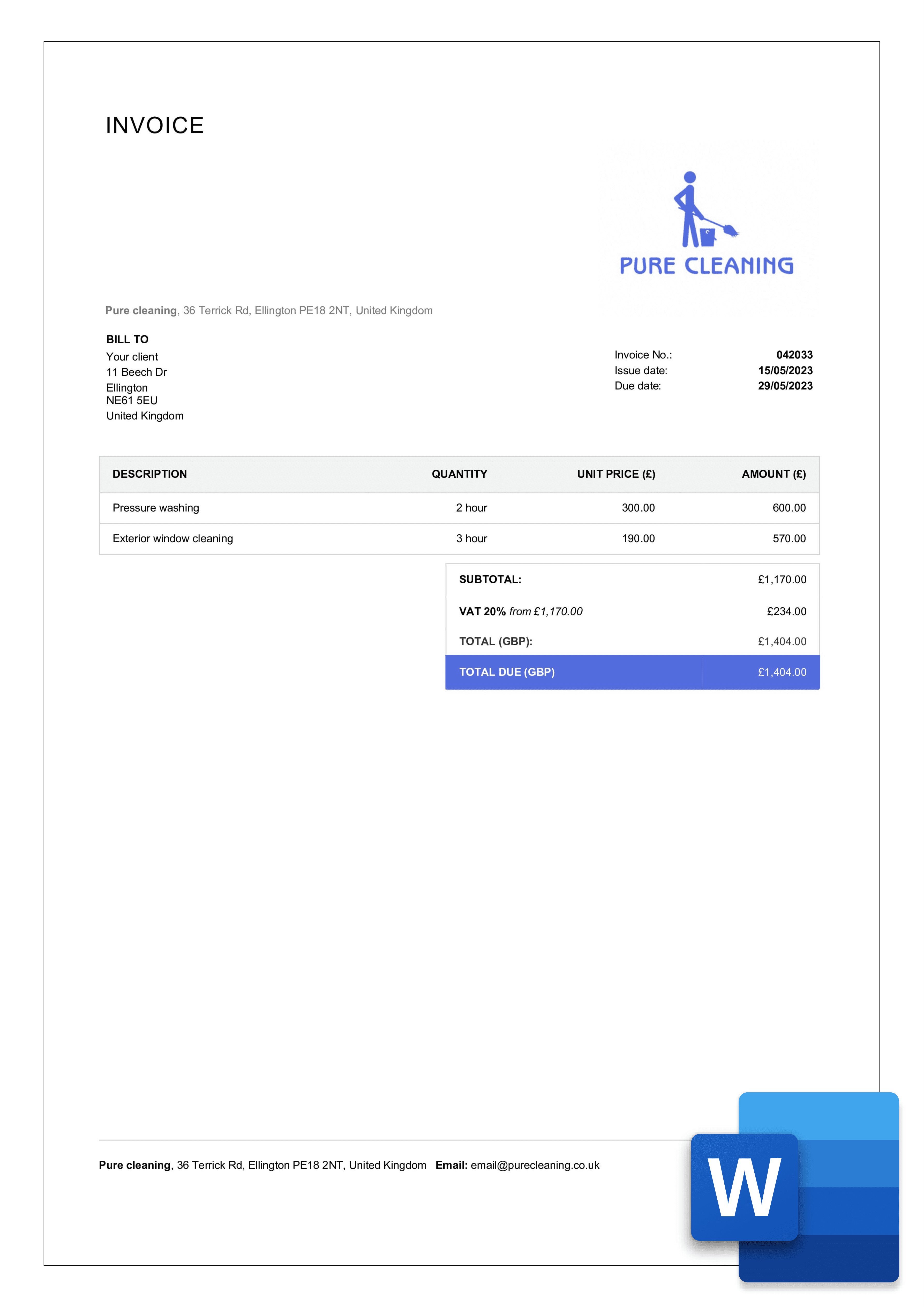
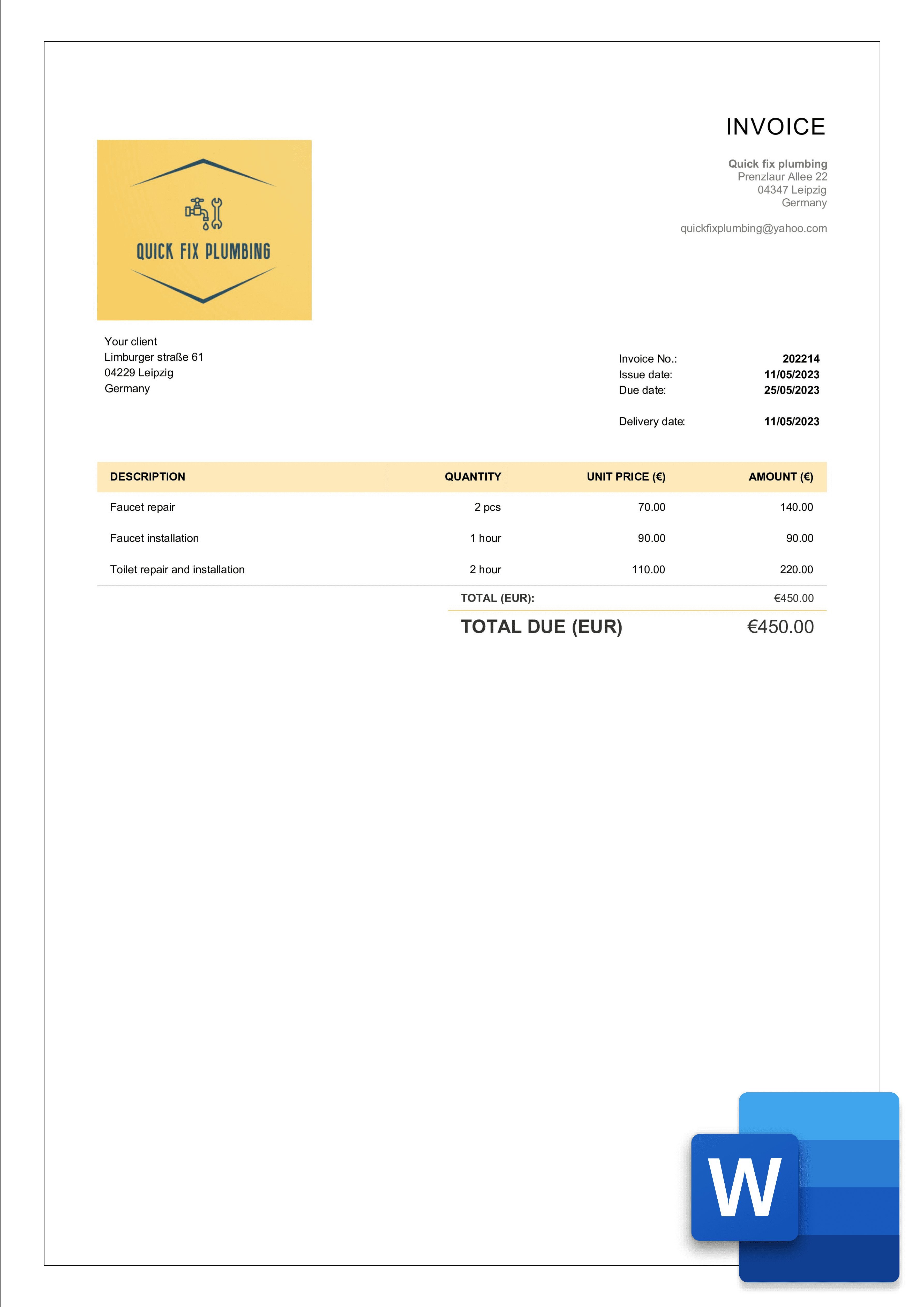
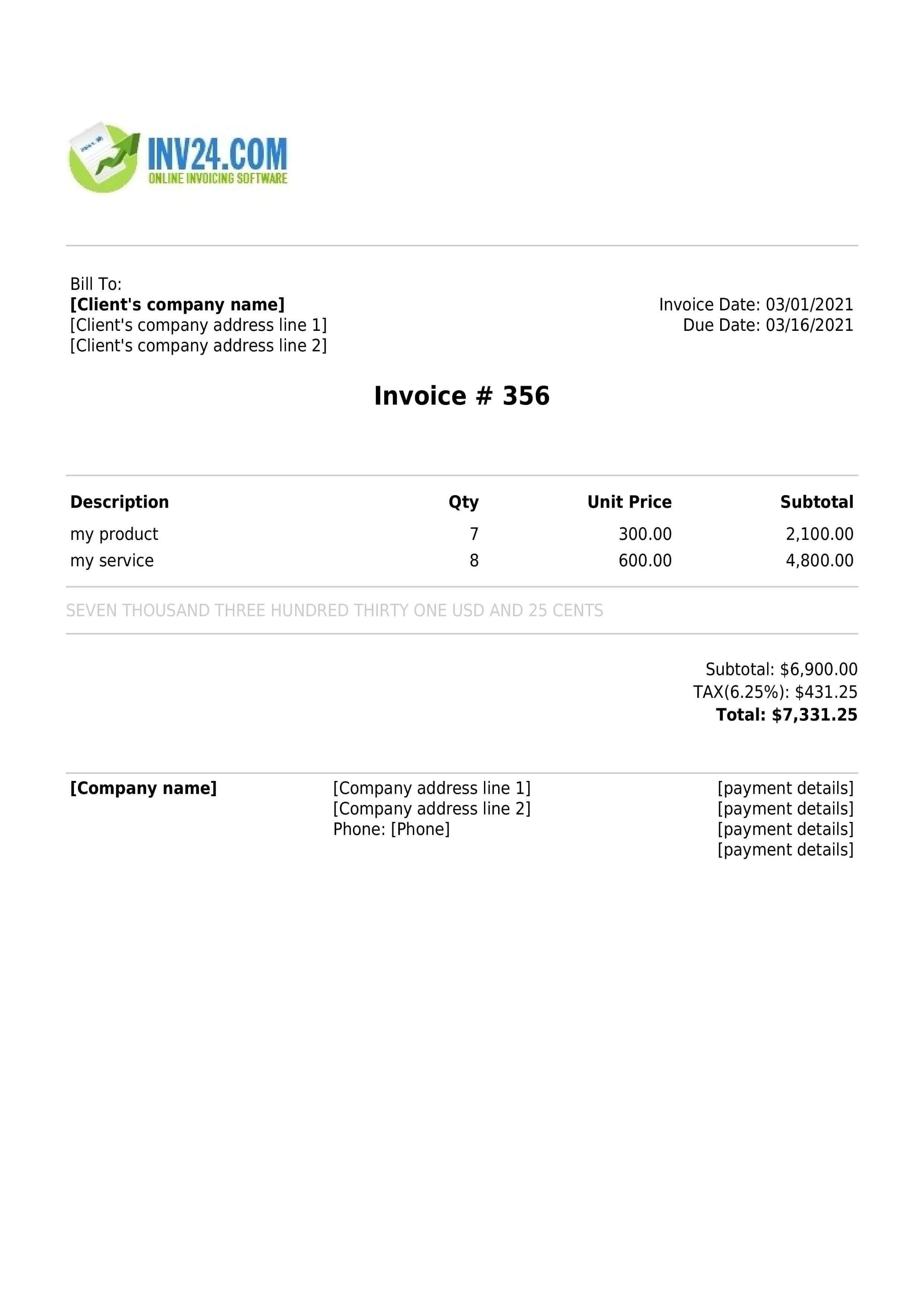
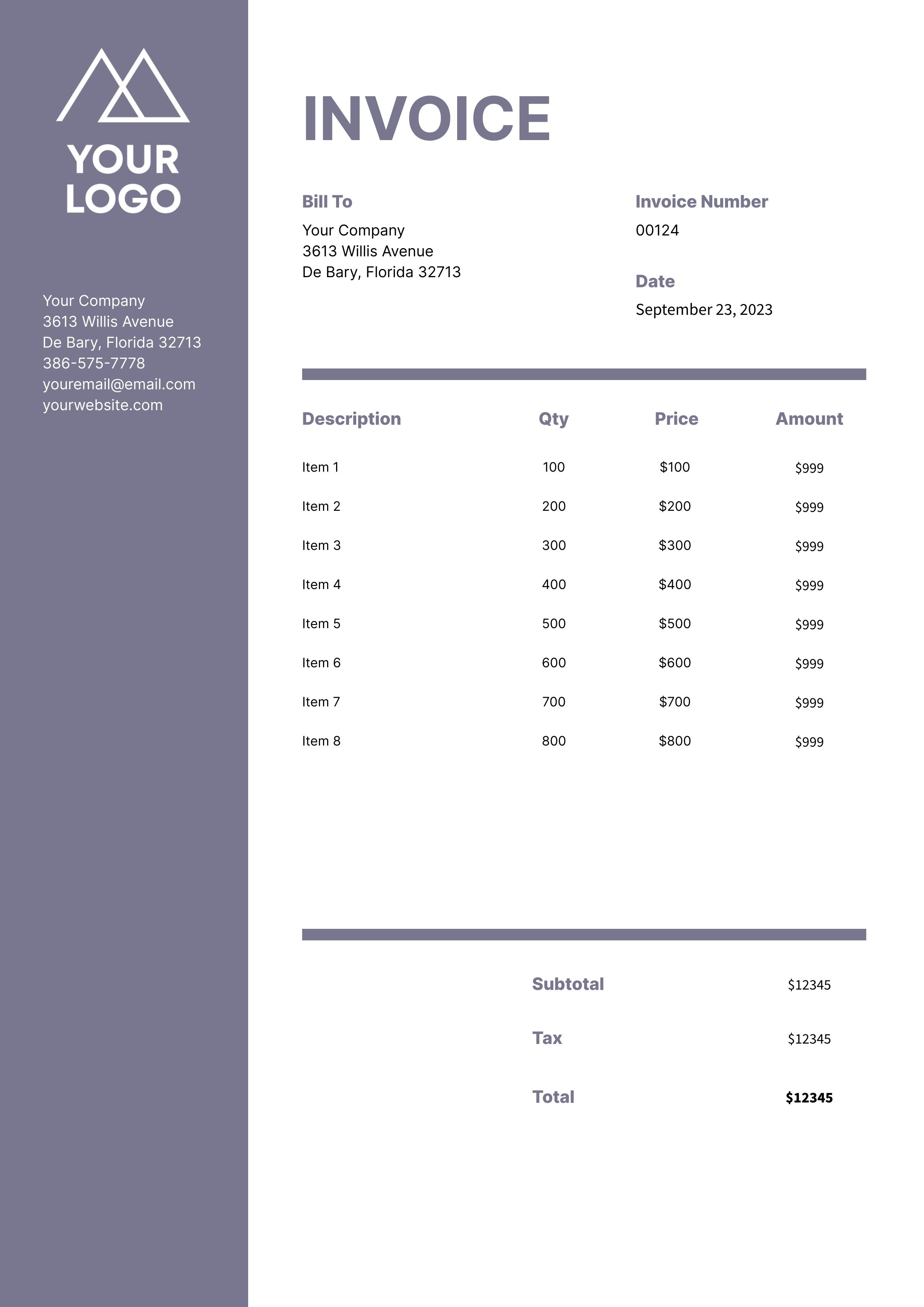
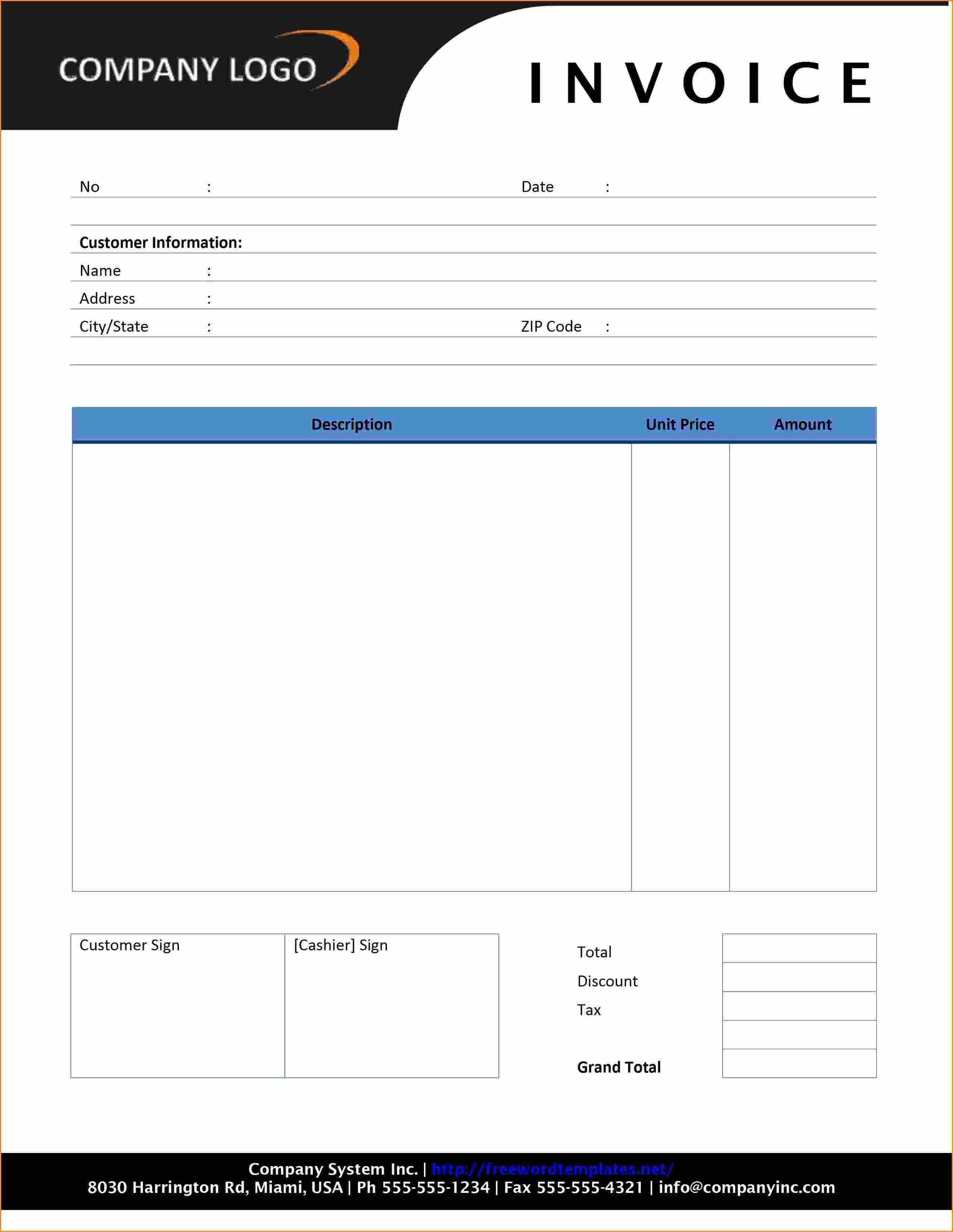
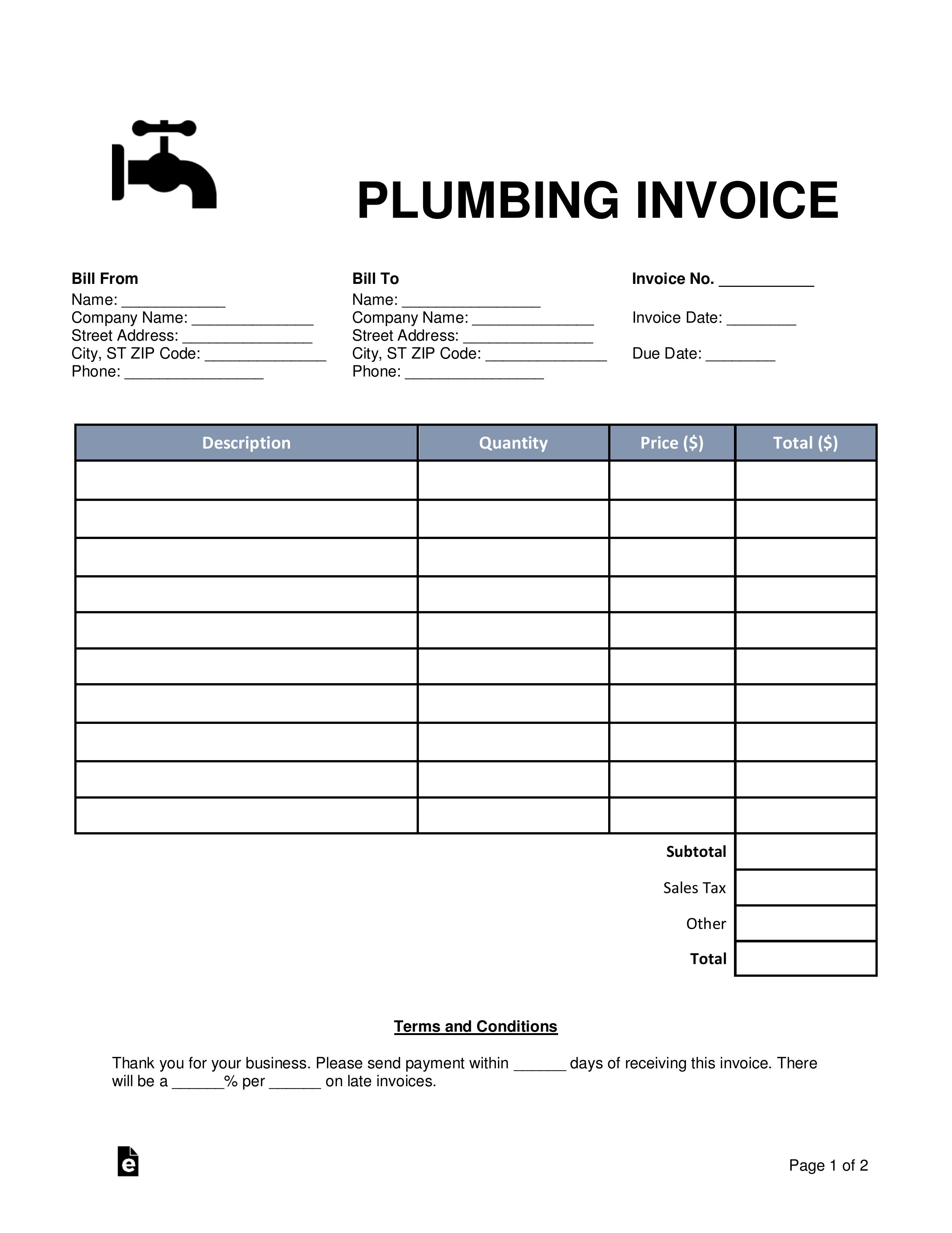
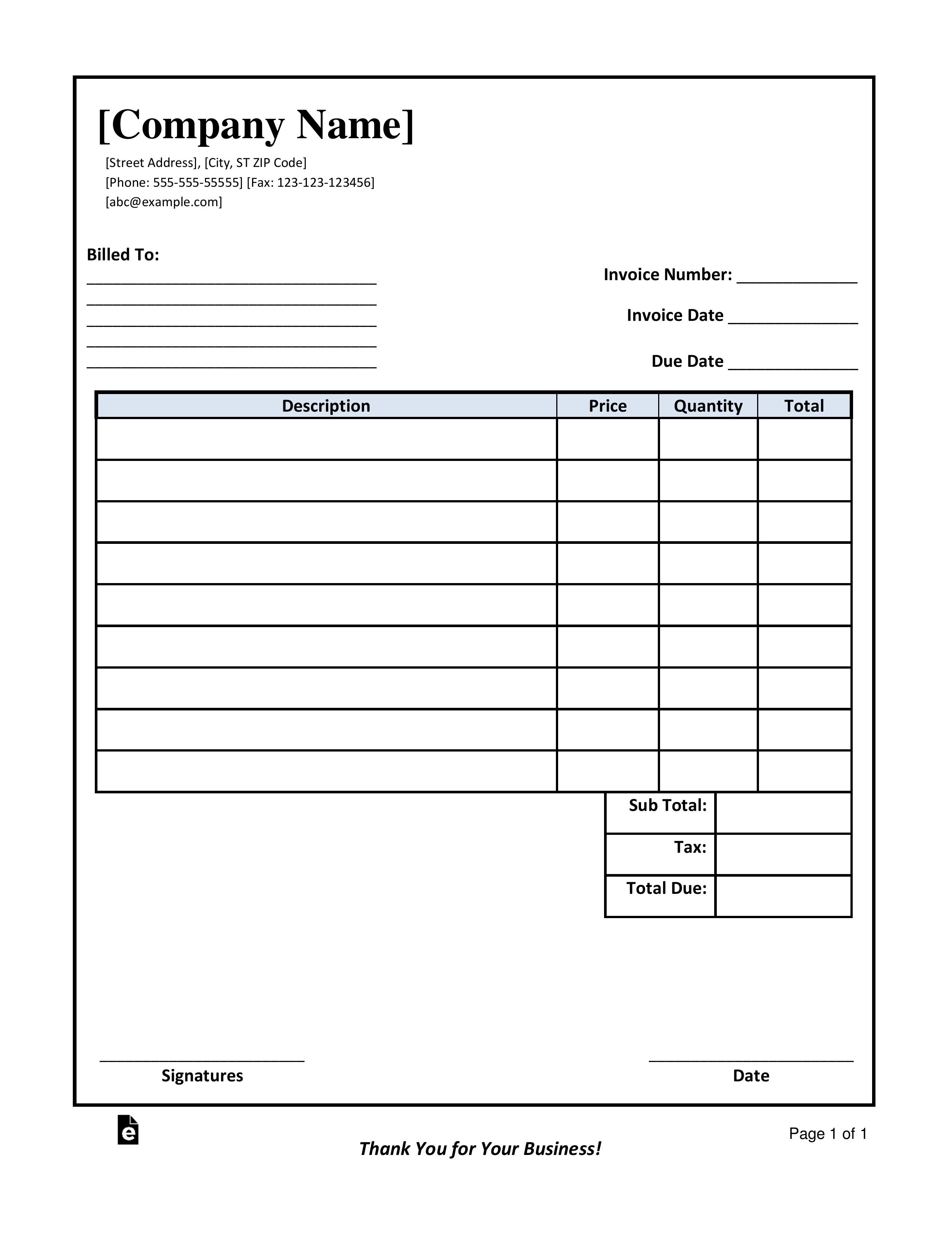
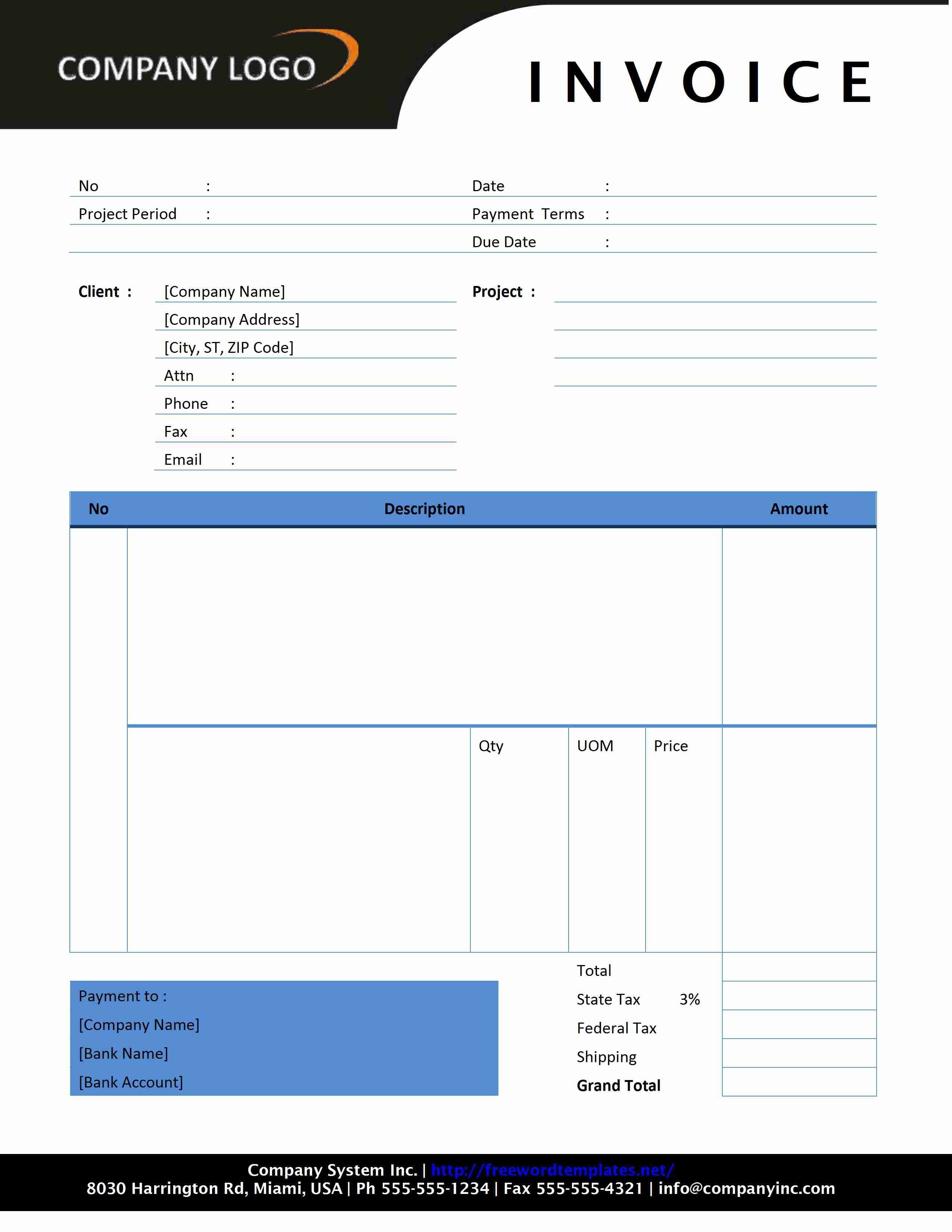
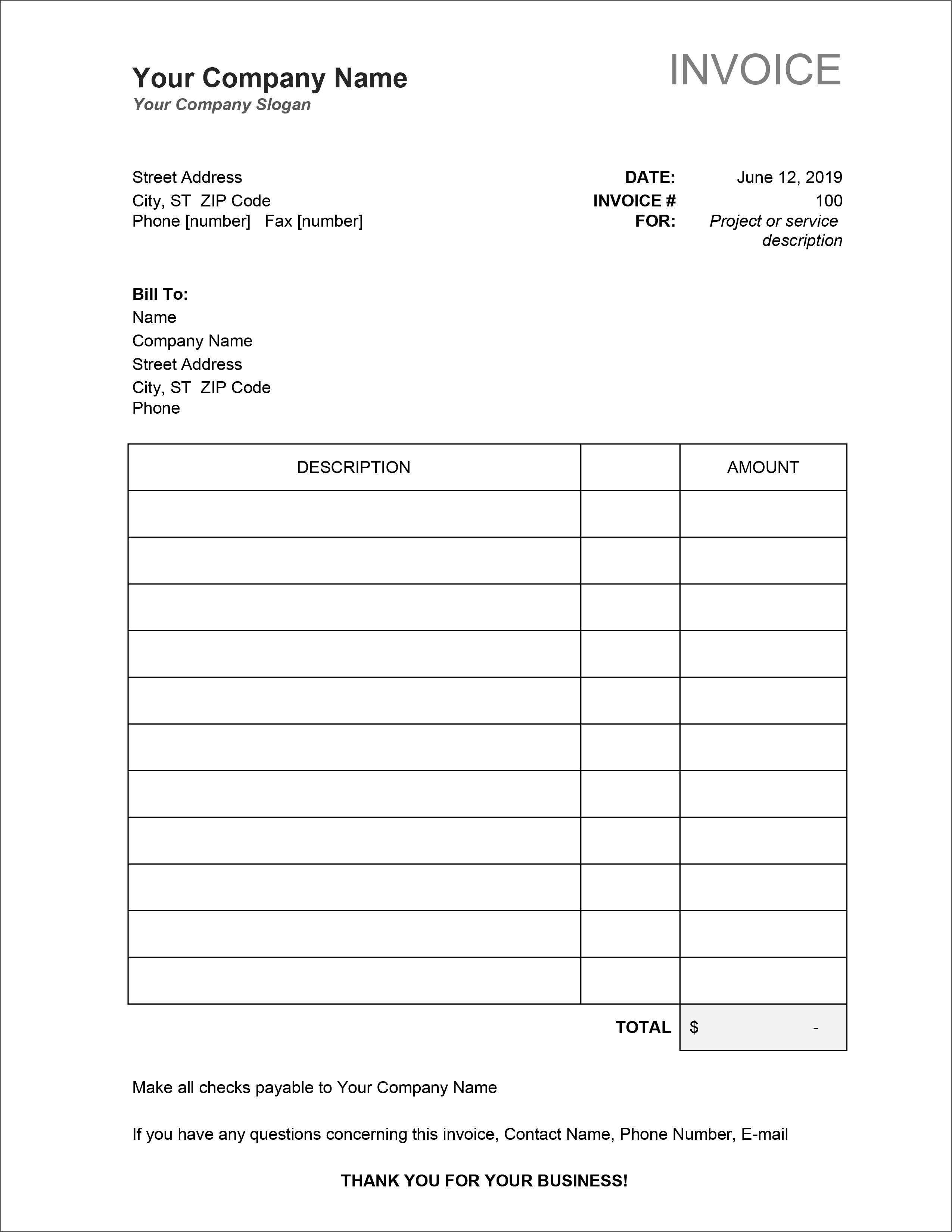
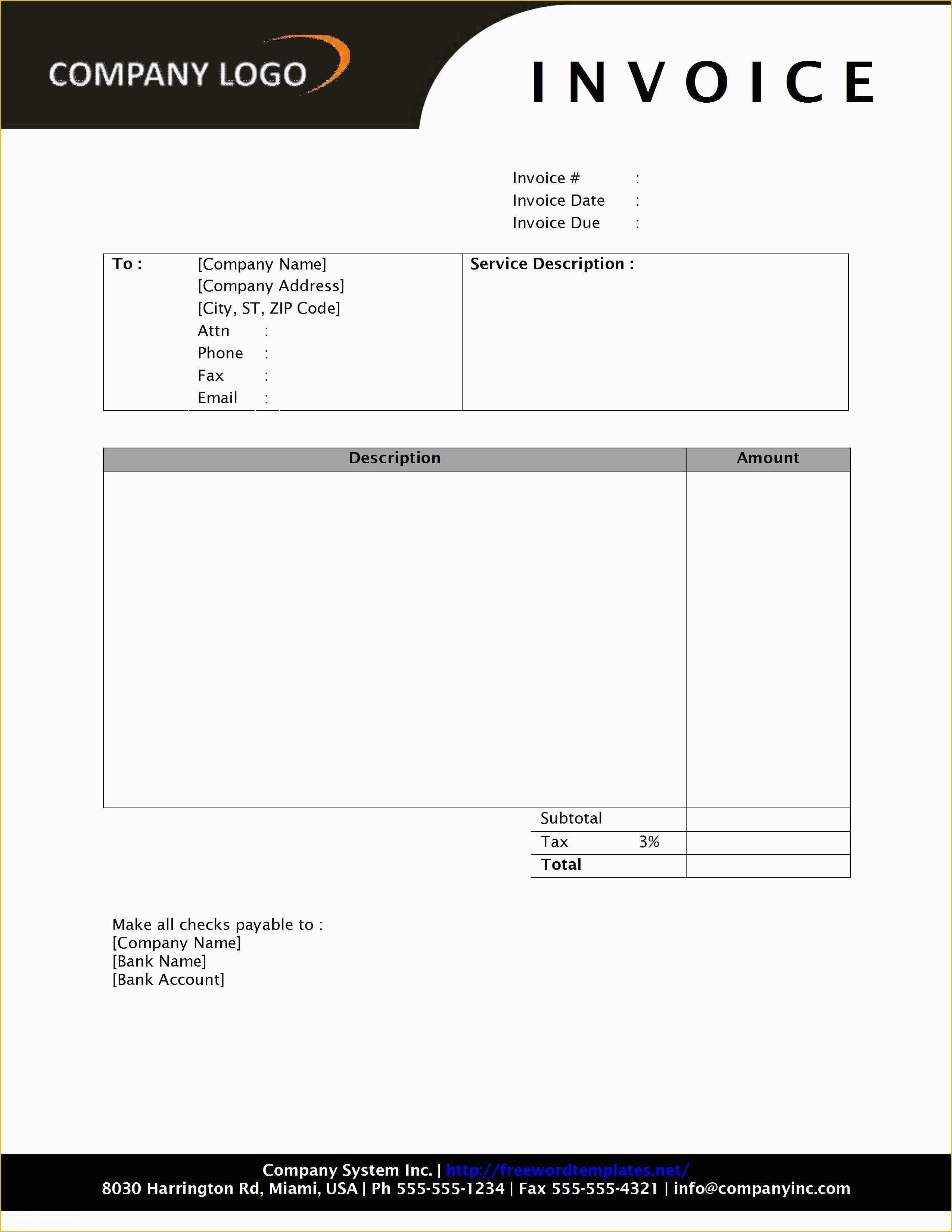
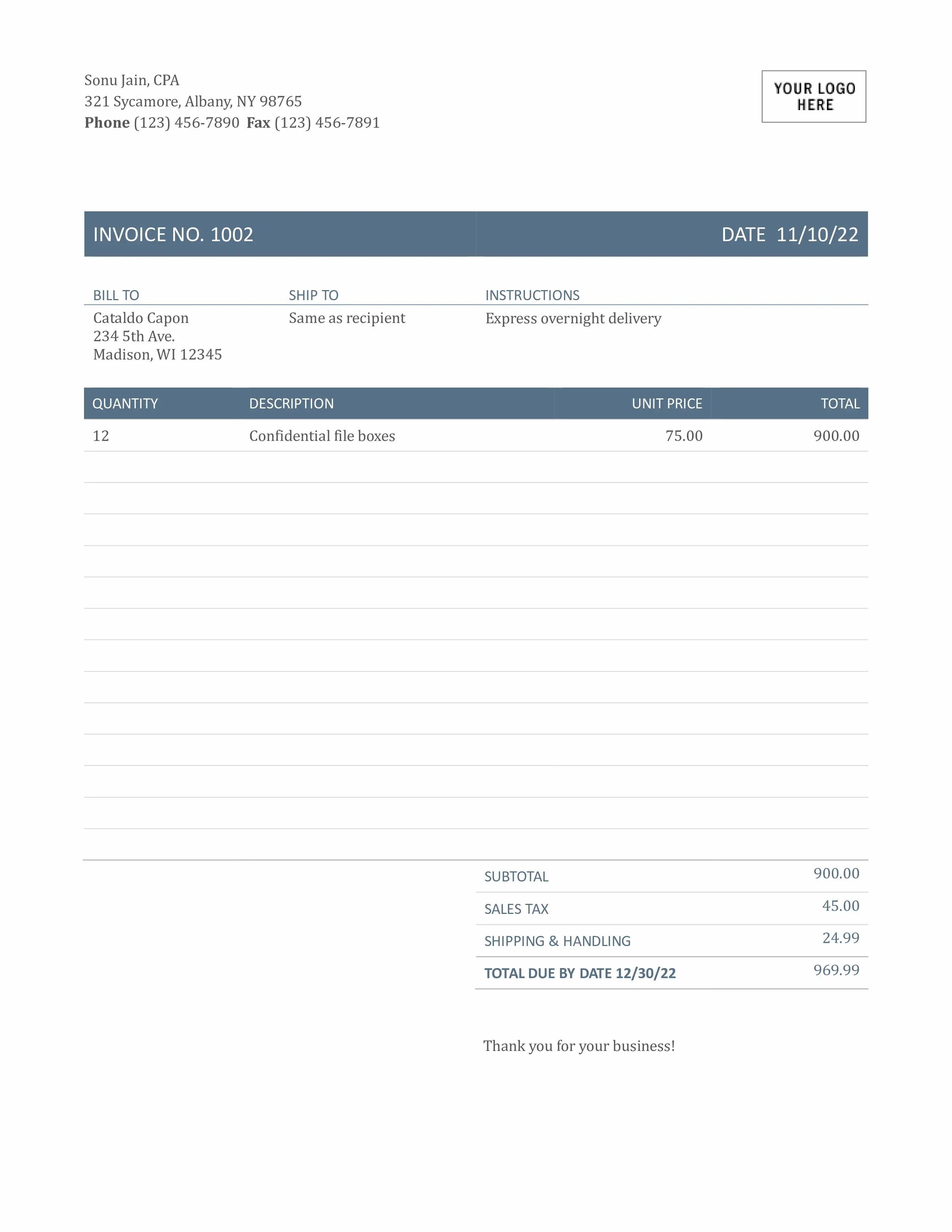
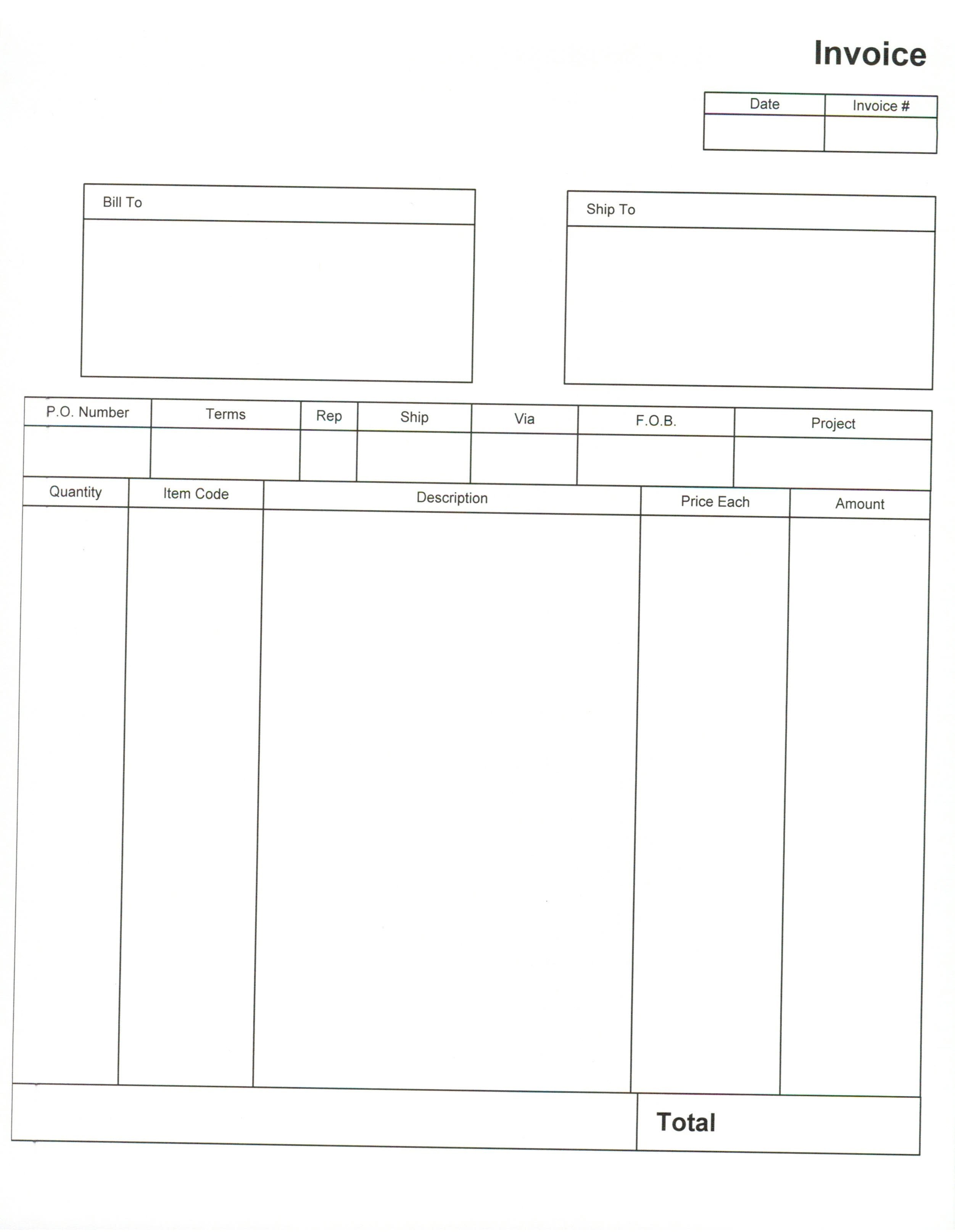
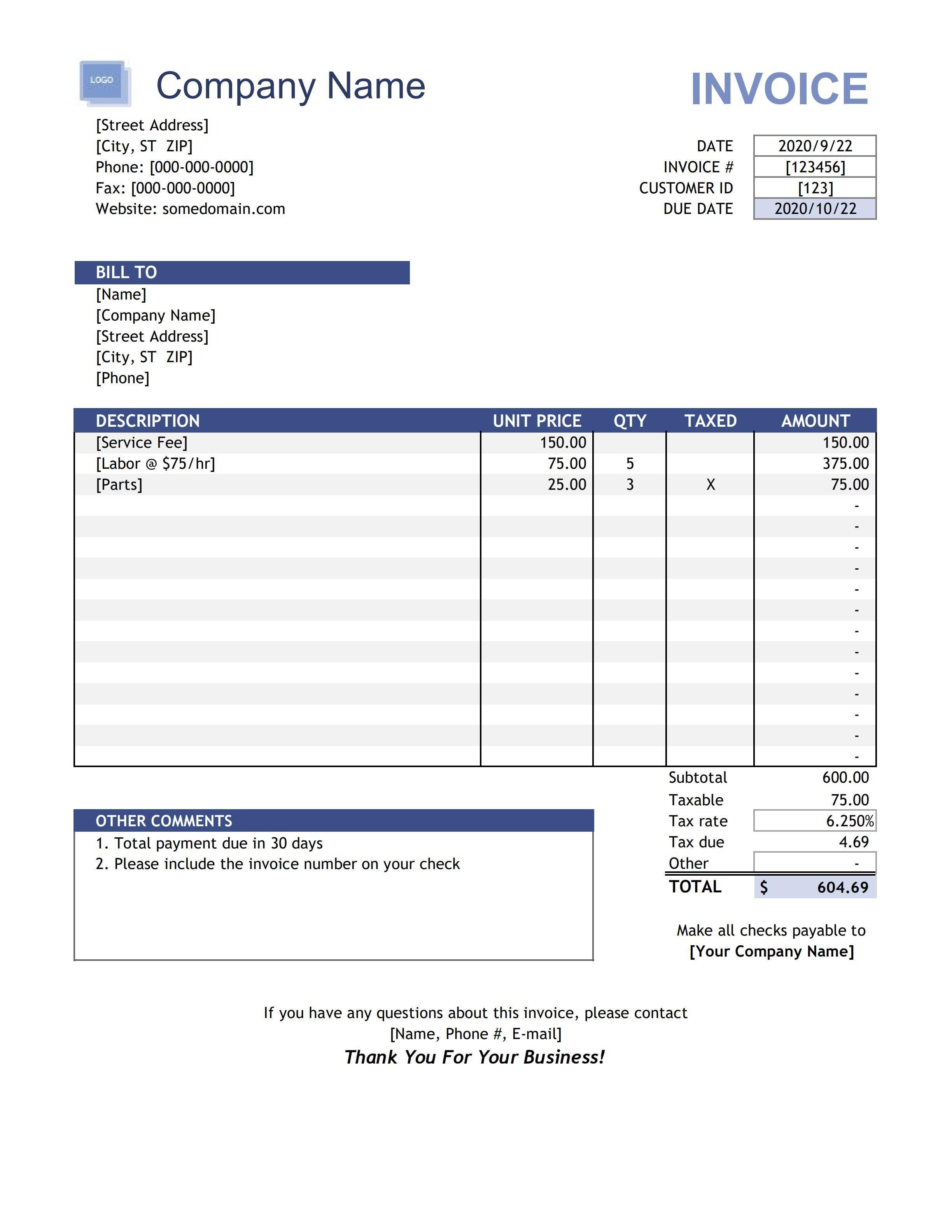
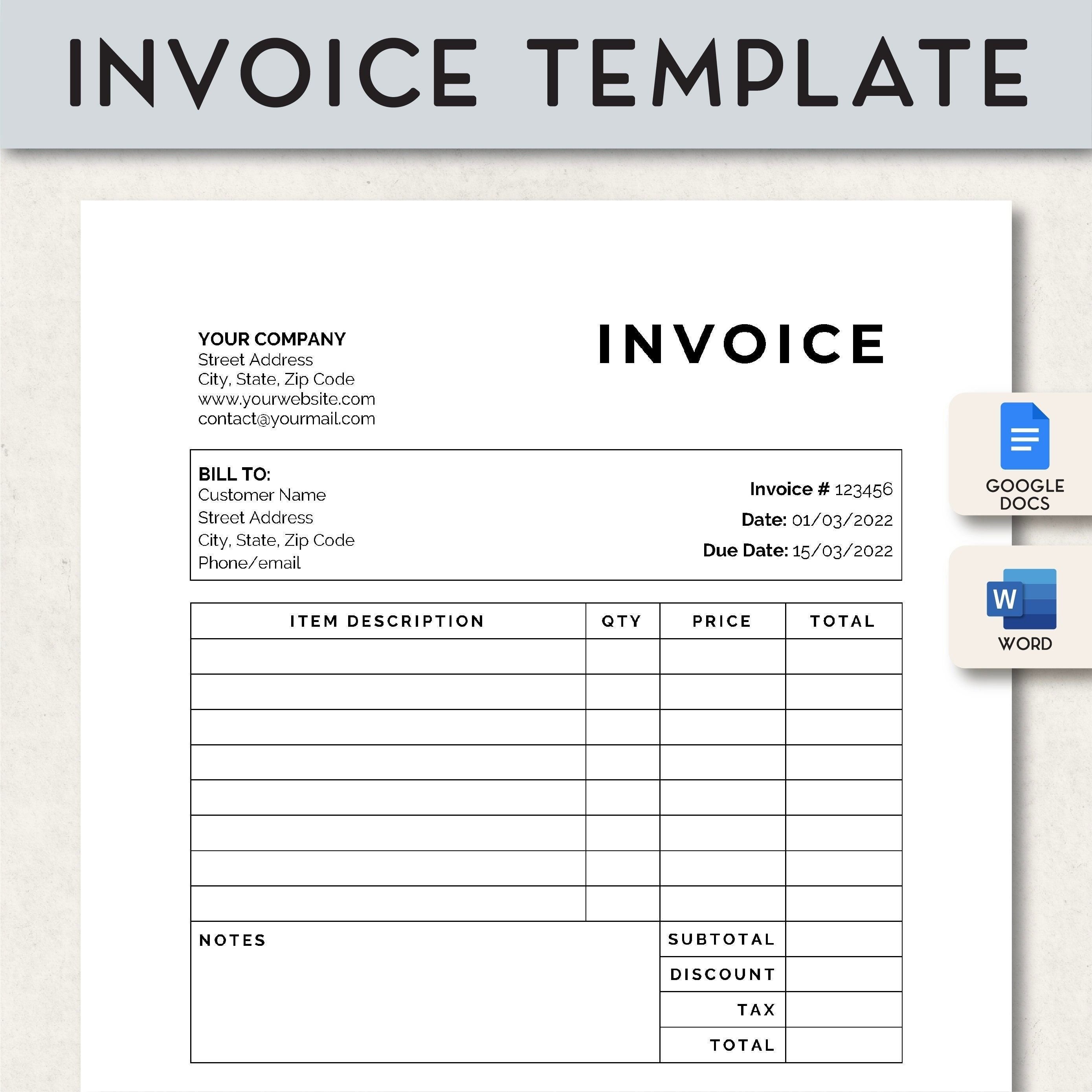
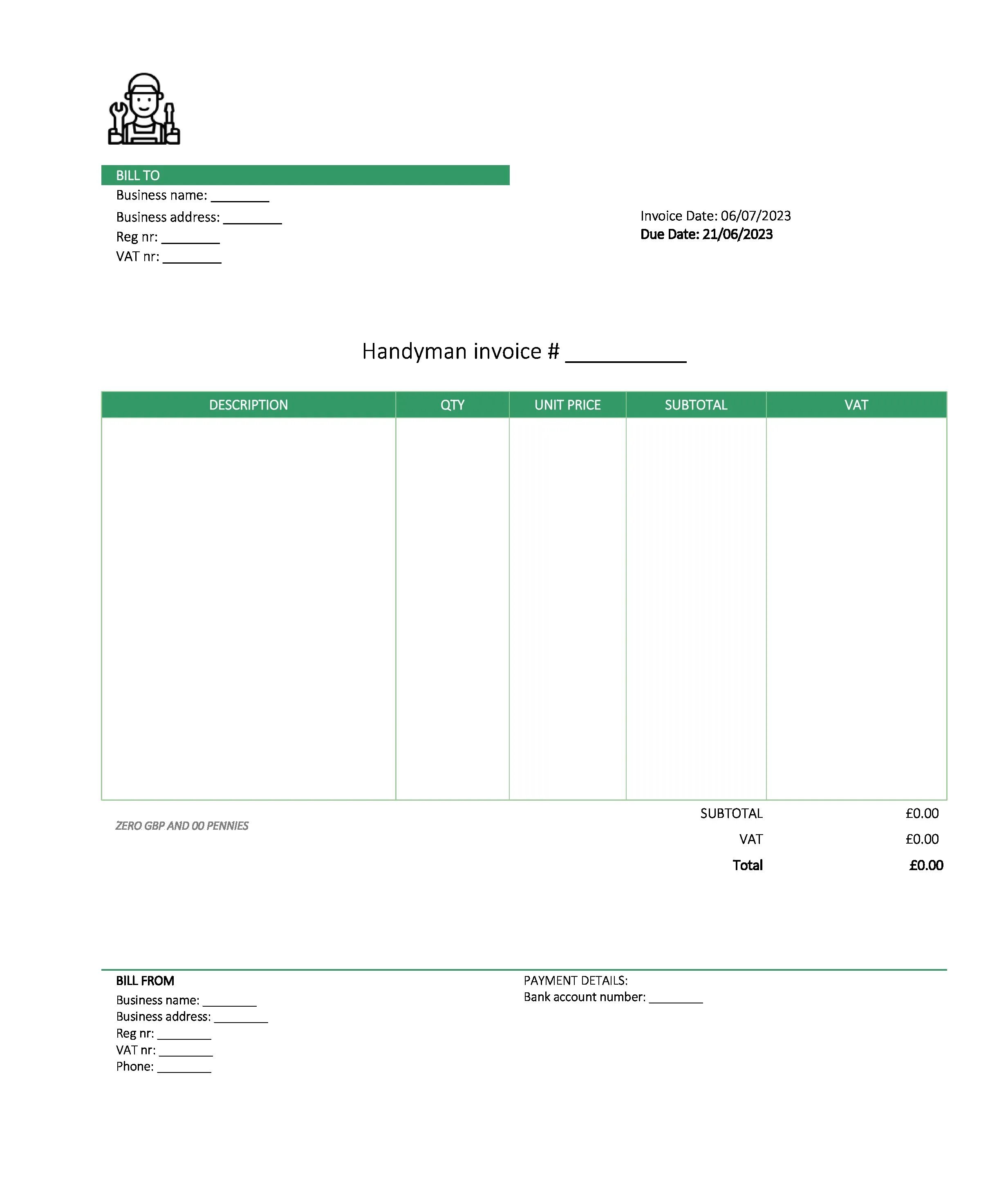
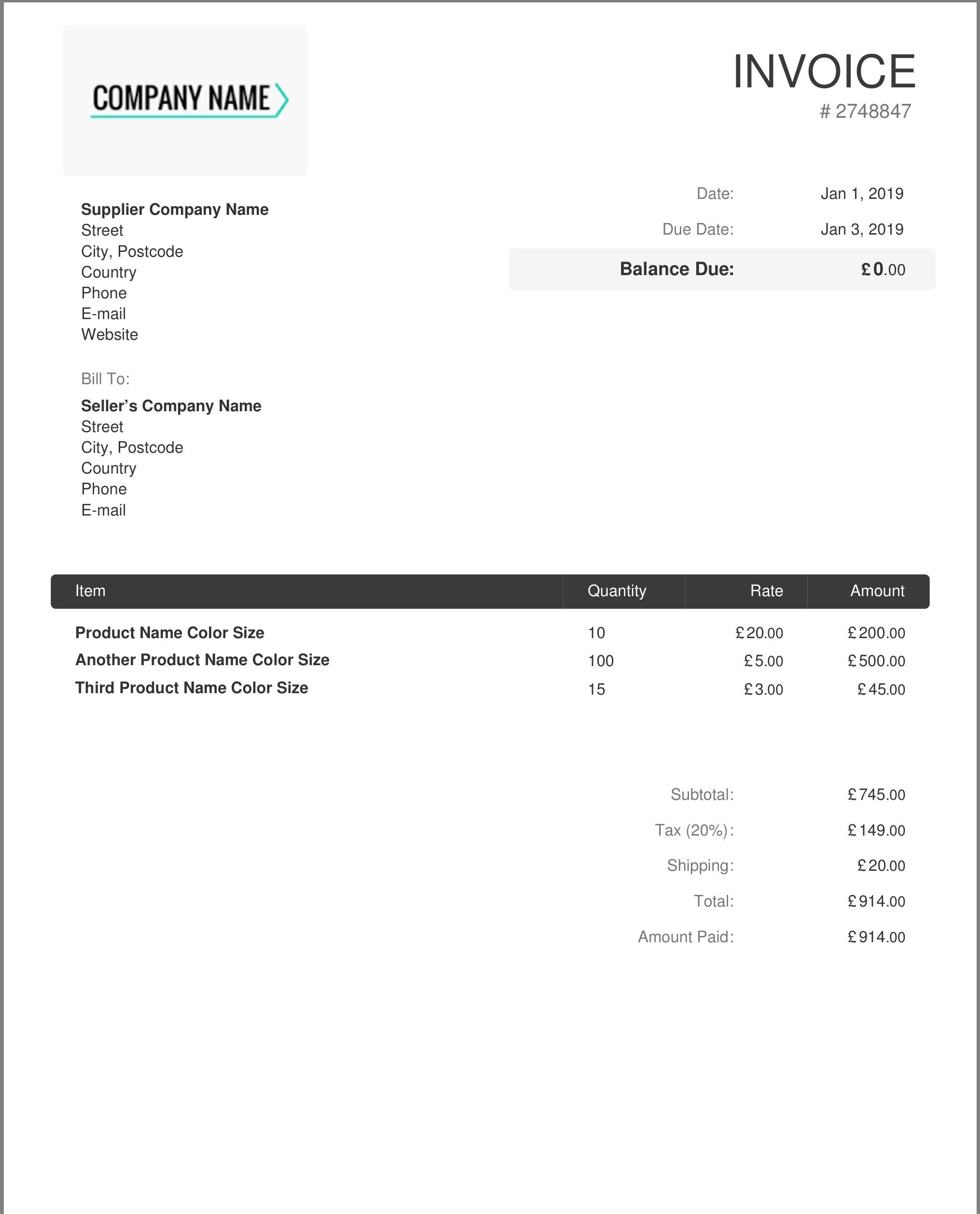
invoice with word Printable Collection (44 Sheets)
Invoicing with Word is a straightforward process, offering a range of options for creating professional and customizable invoices. When looking into invoice with word, the details quickly stand out. With various templates and tools available, you can efficiently generate invoices for your business needs. Here's a guide to help you navigate the process.
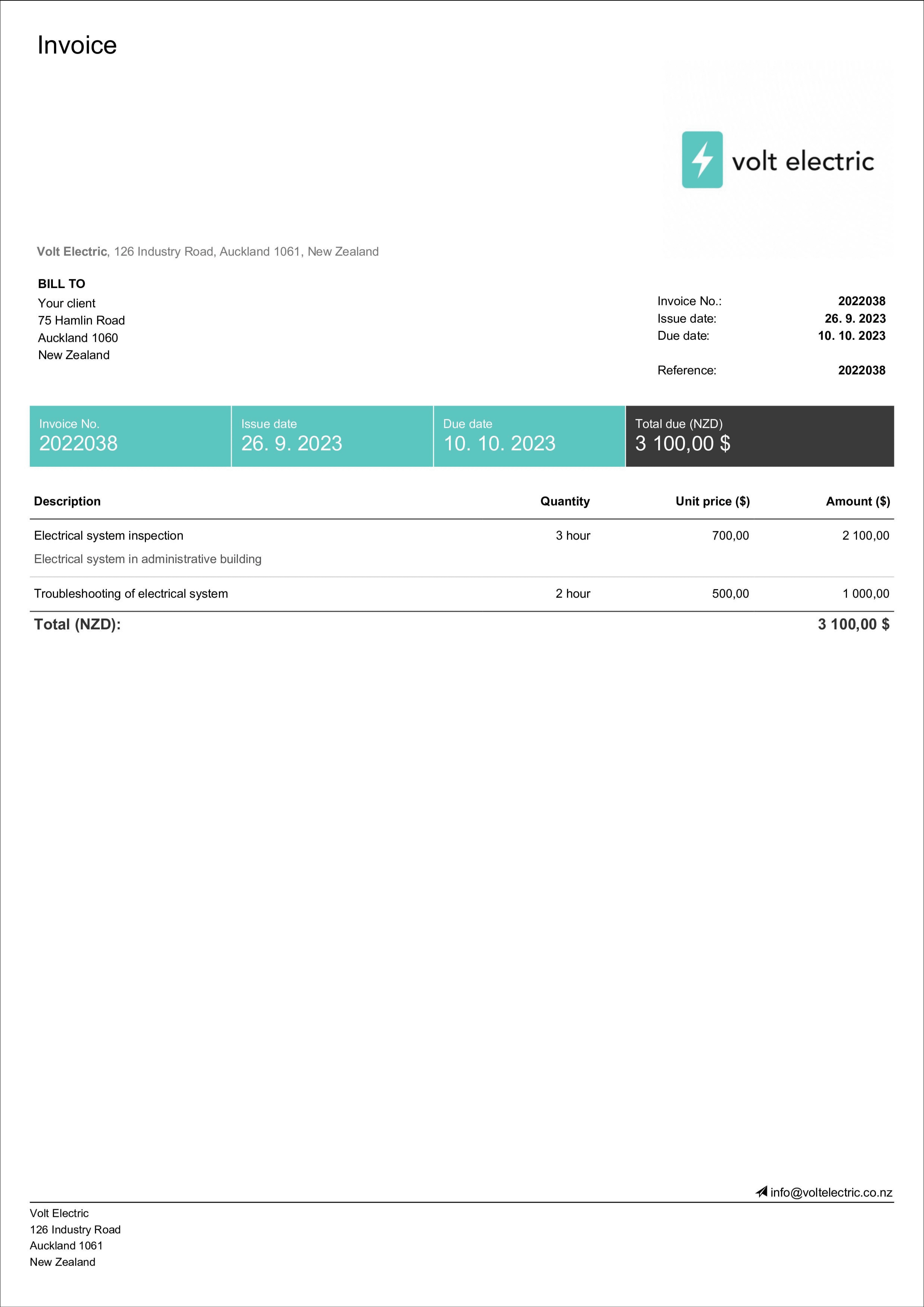
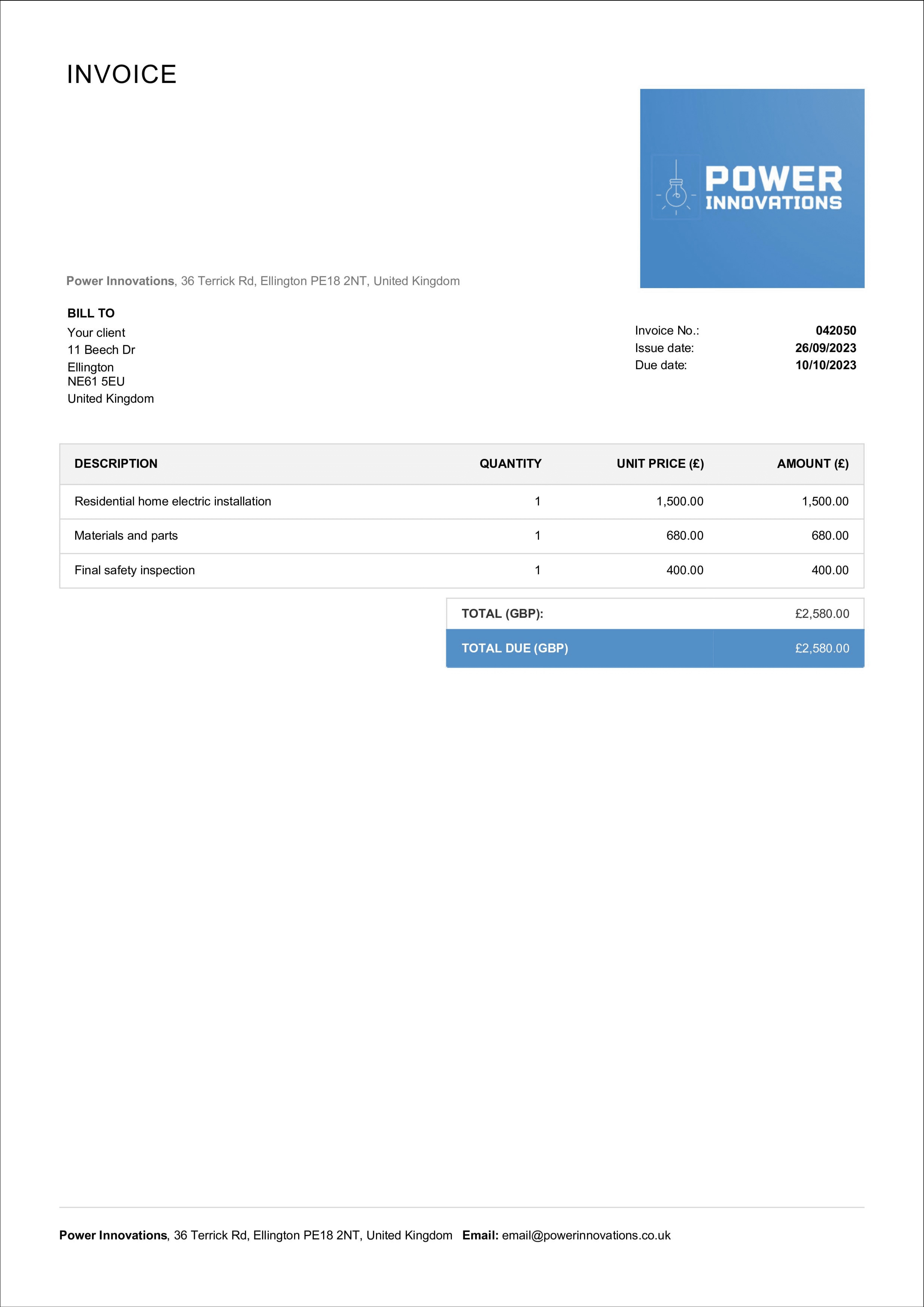
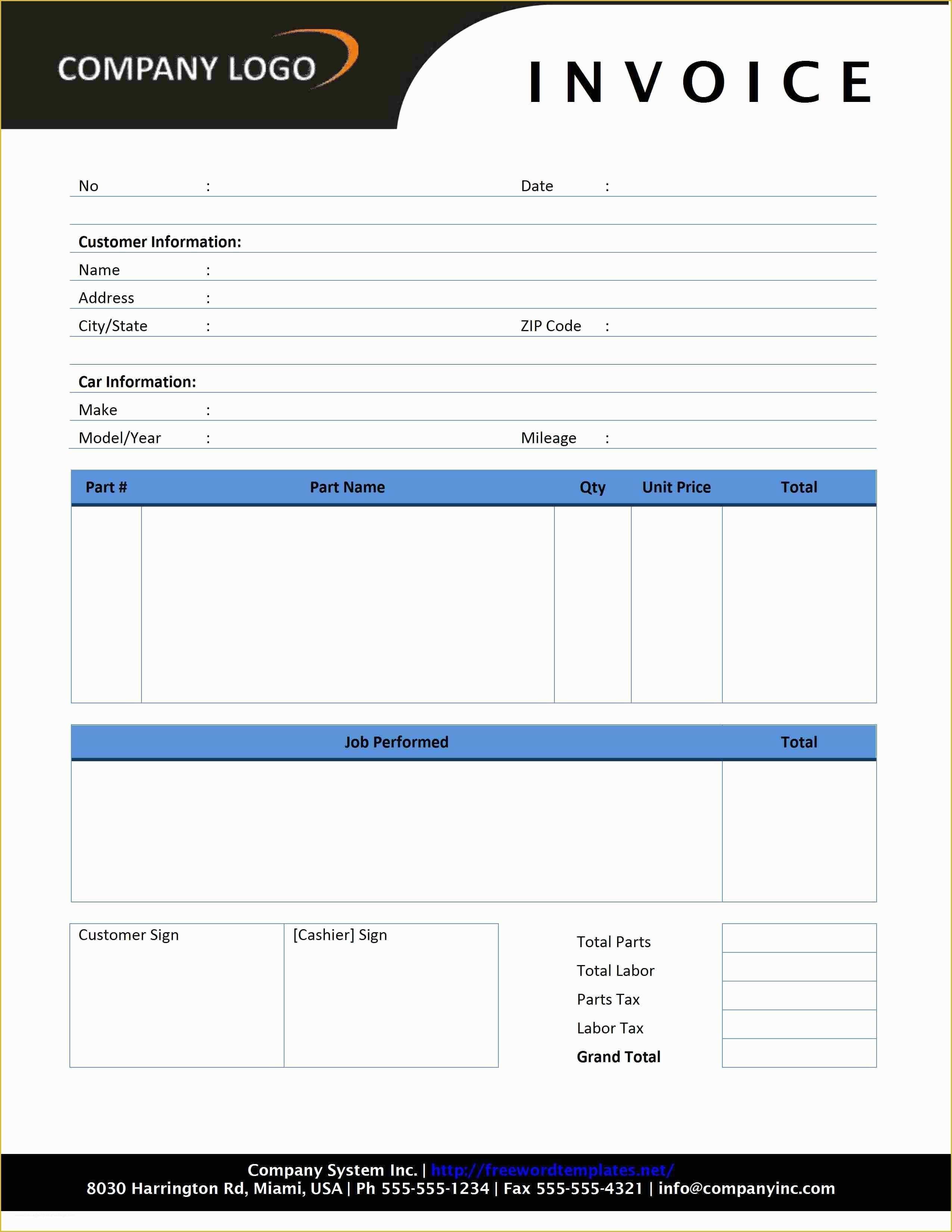
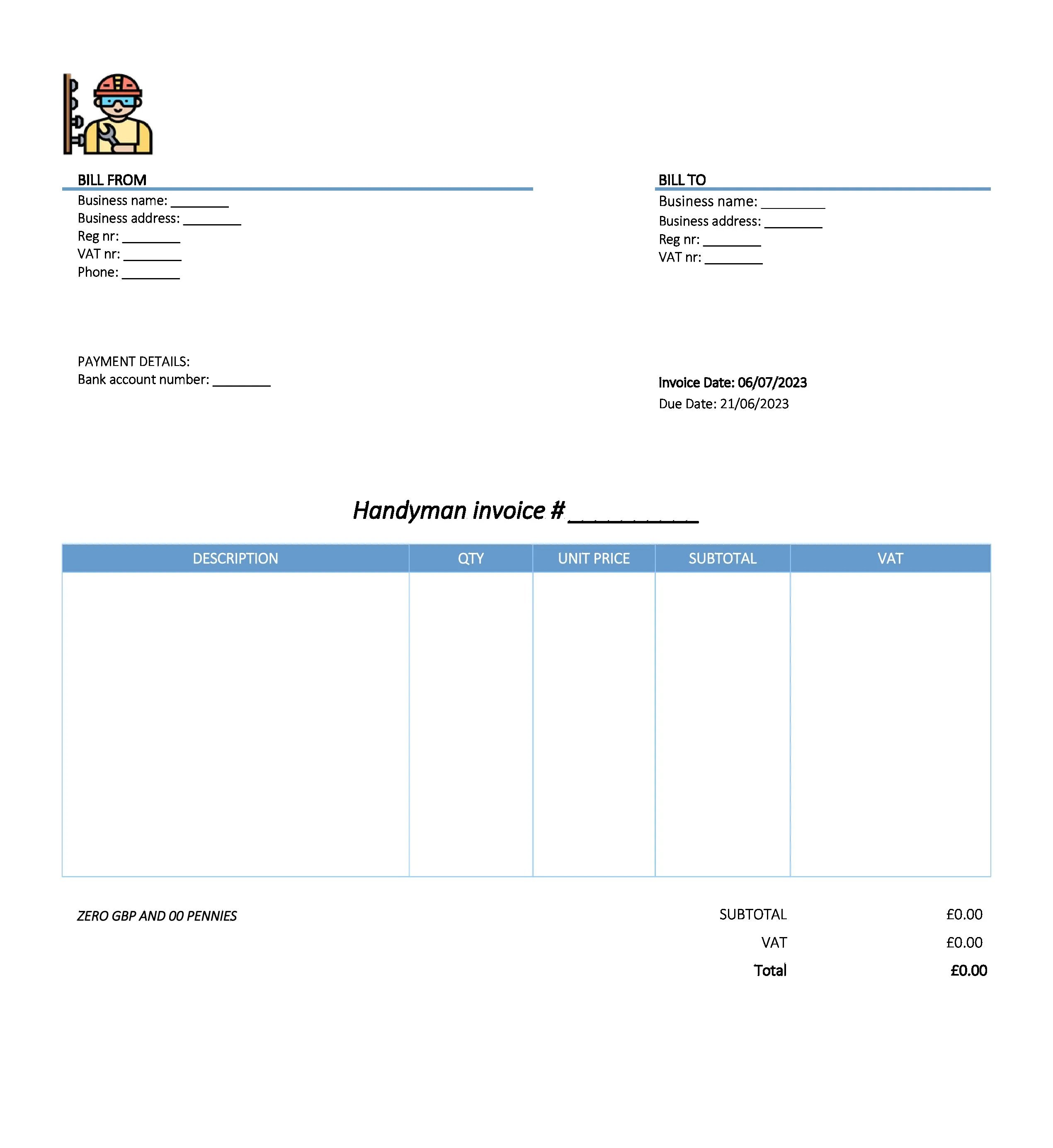
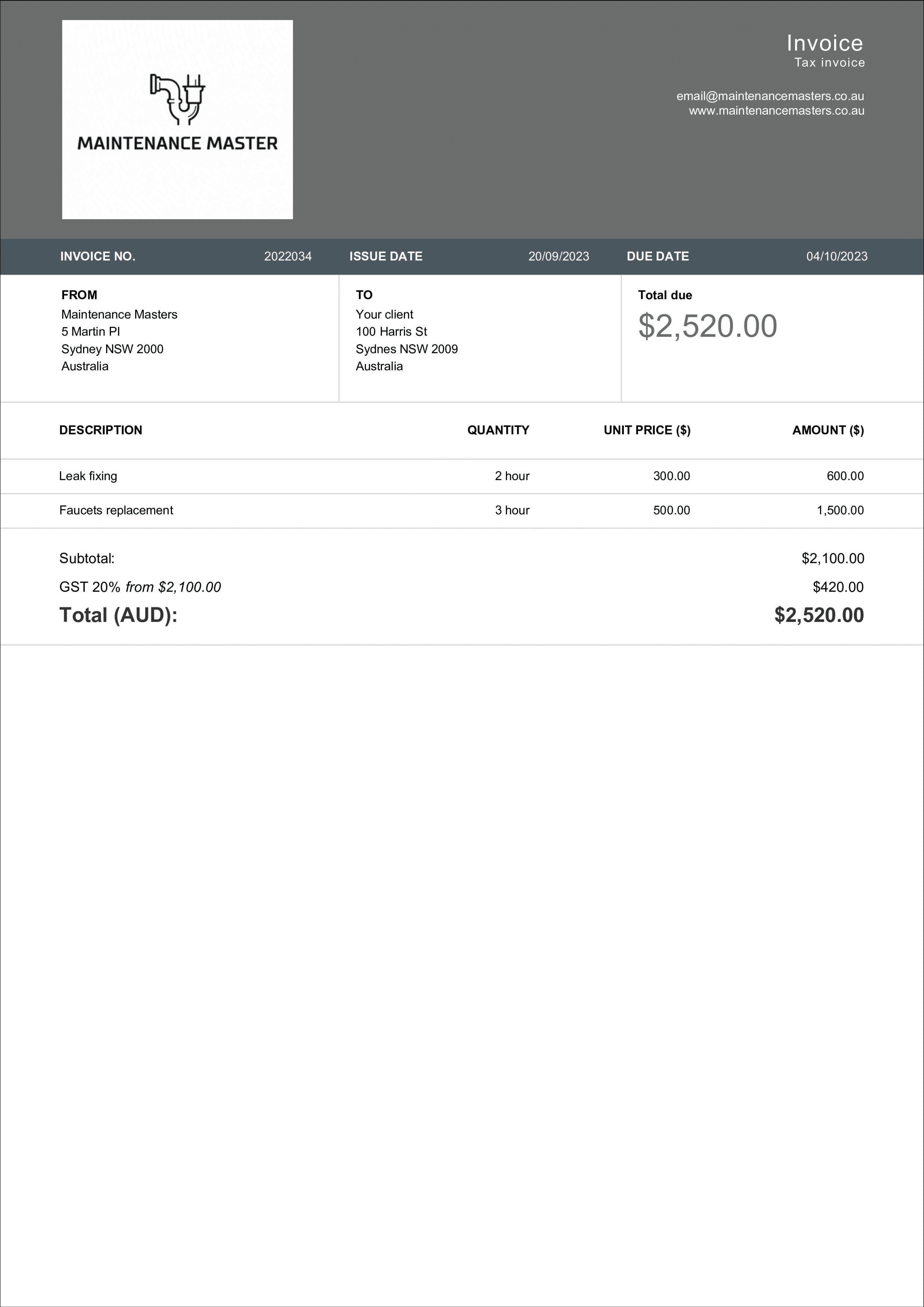
Electrician Invoice Template Word Doc Capig — Capig Printable
When it comes to invoicing with Word, you have a few avenues to explore:
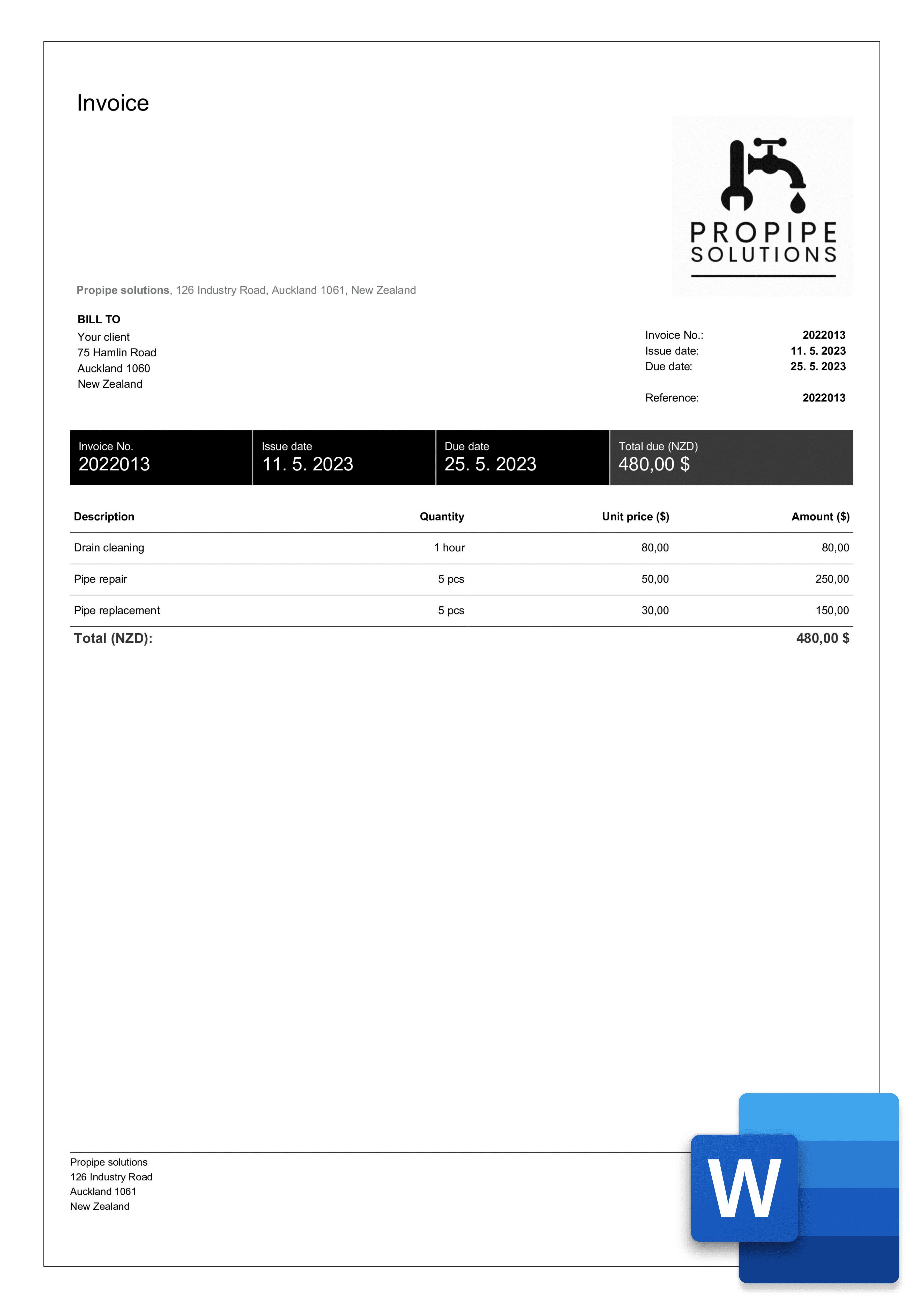
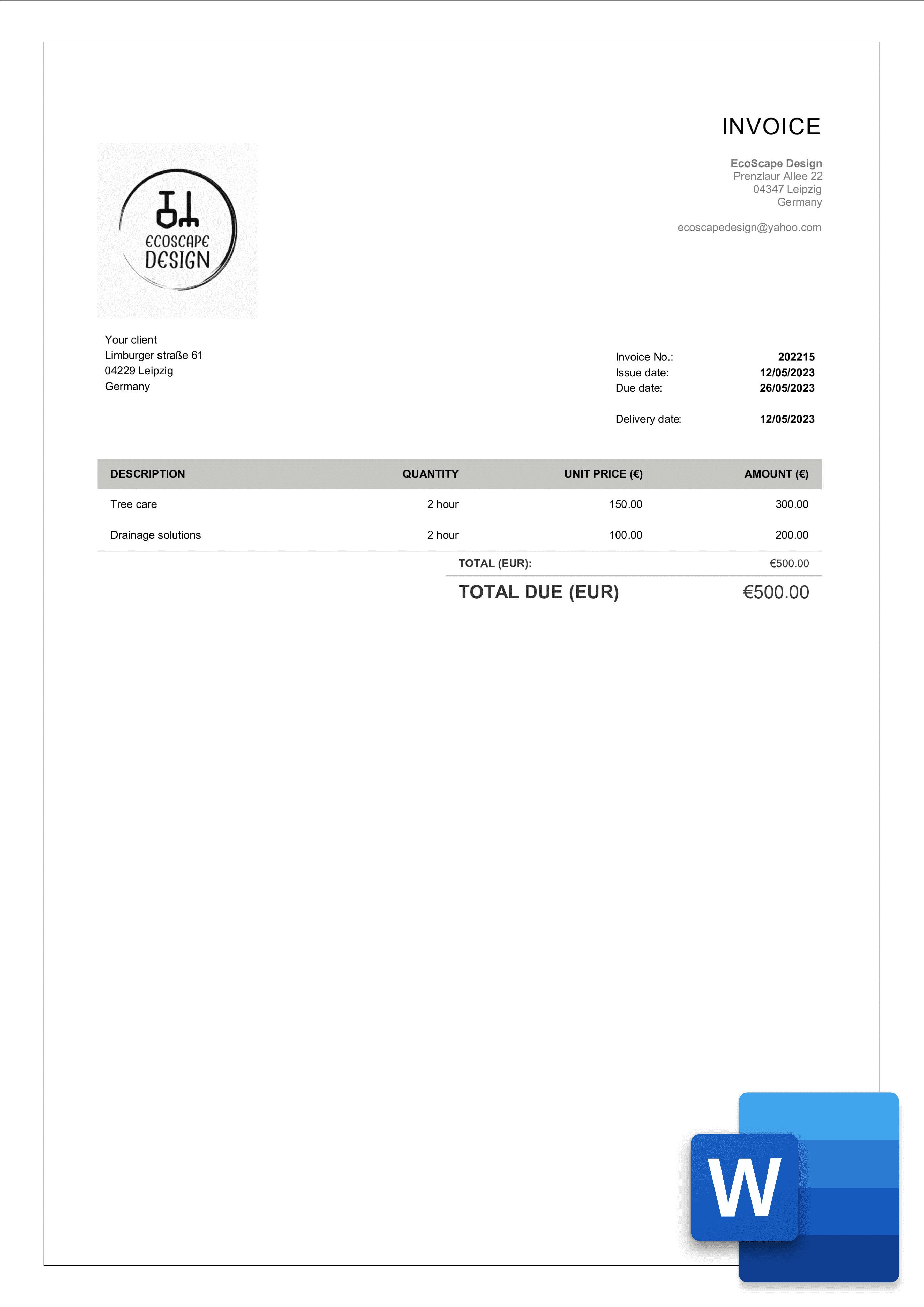
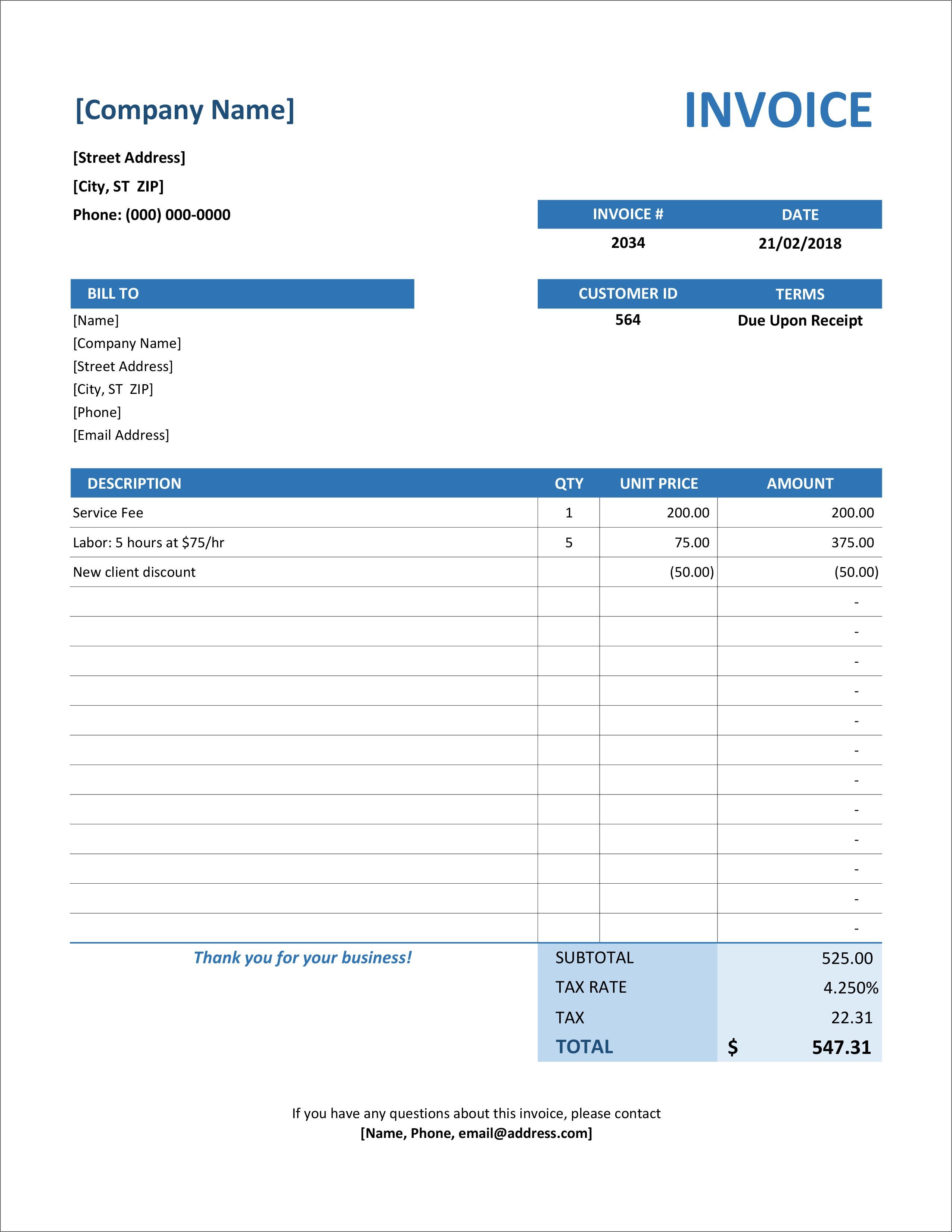
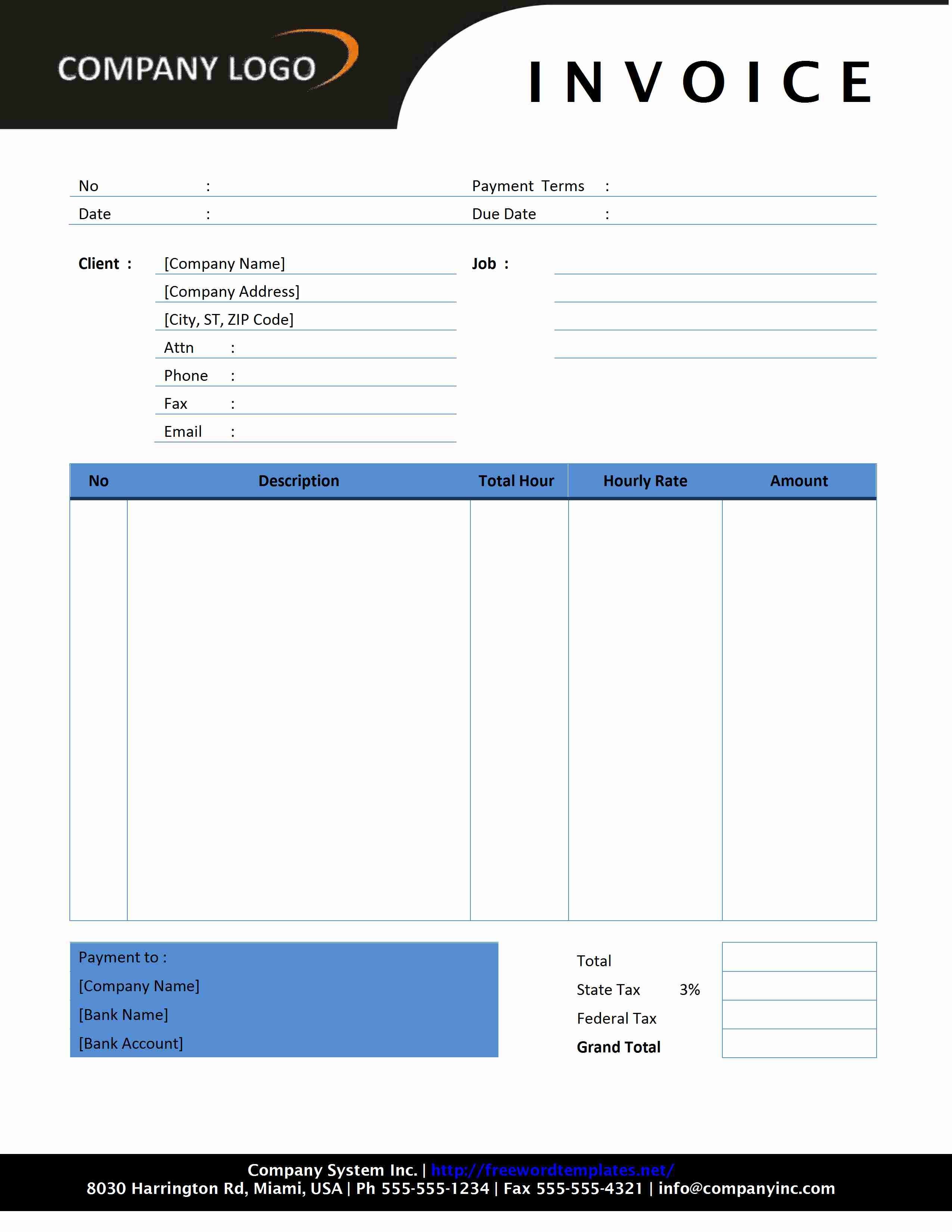
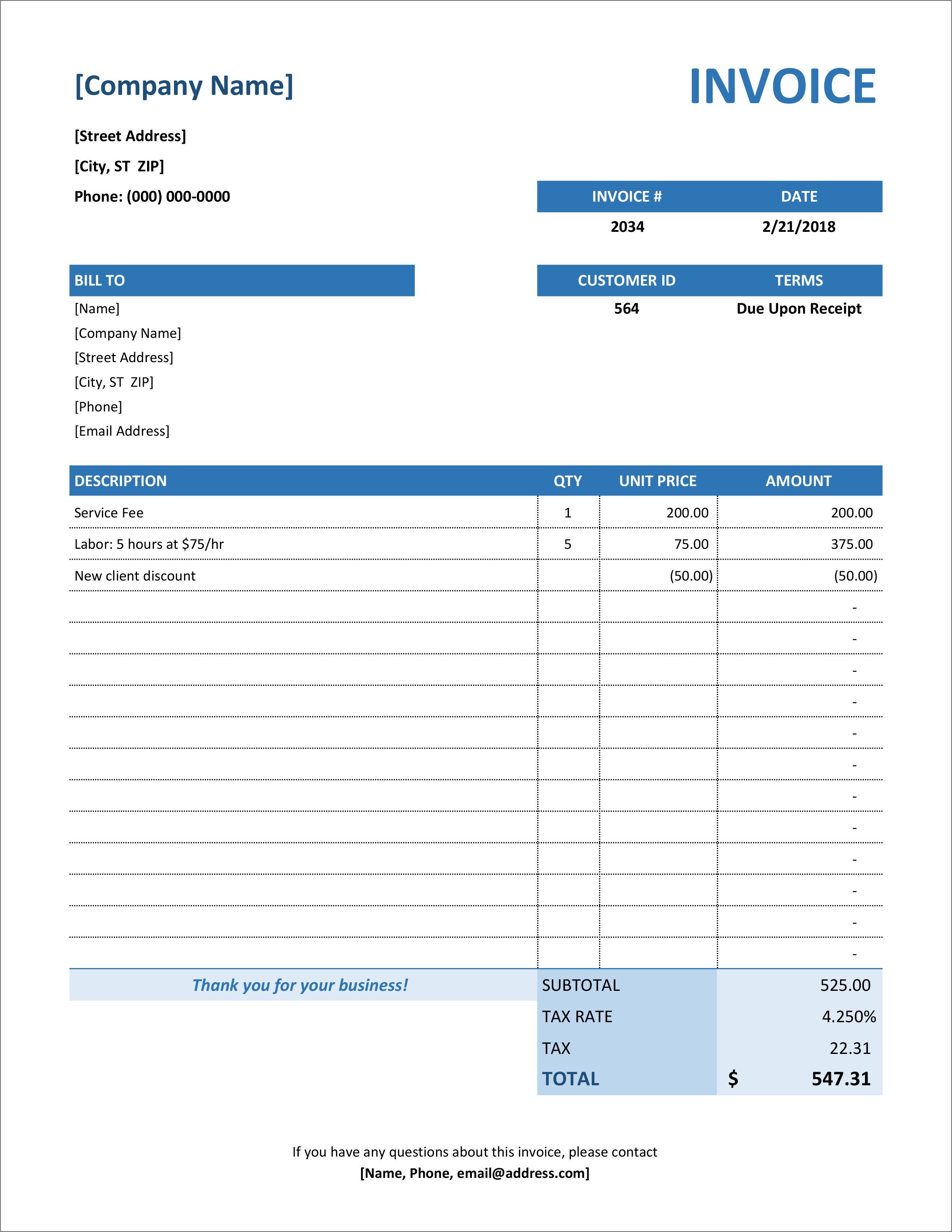
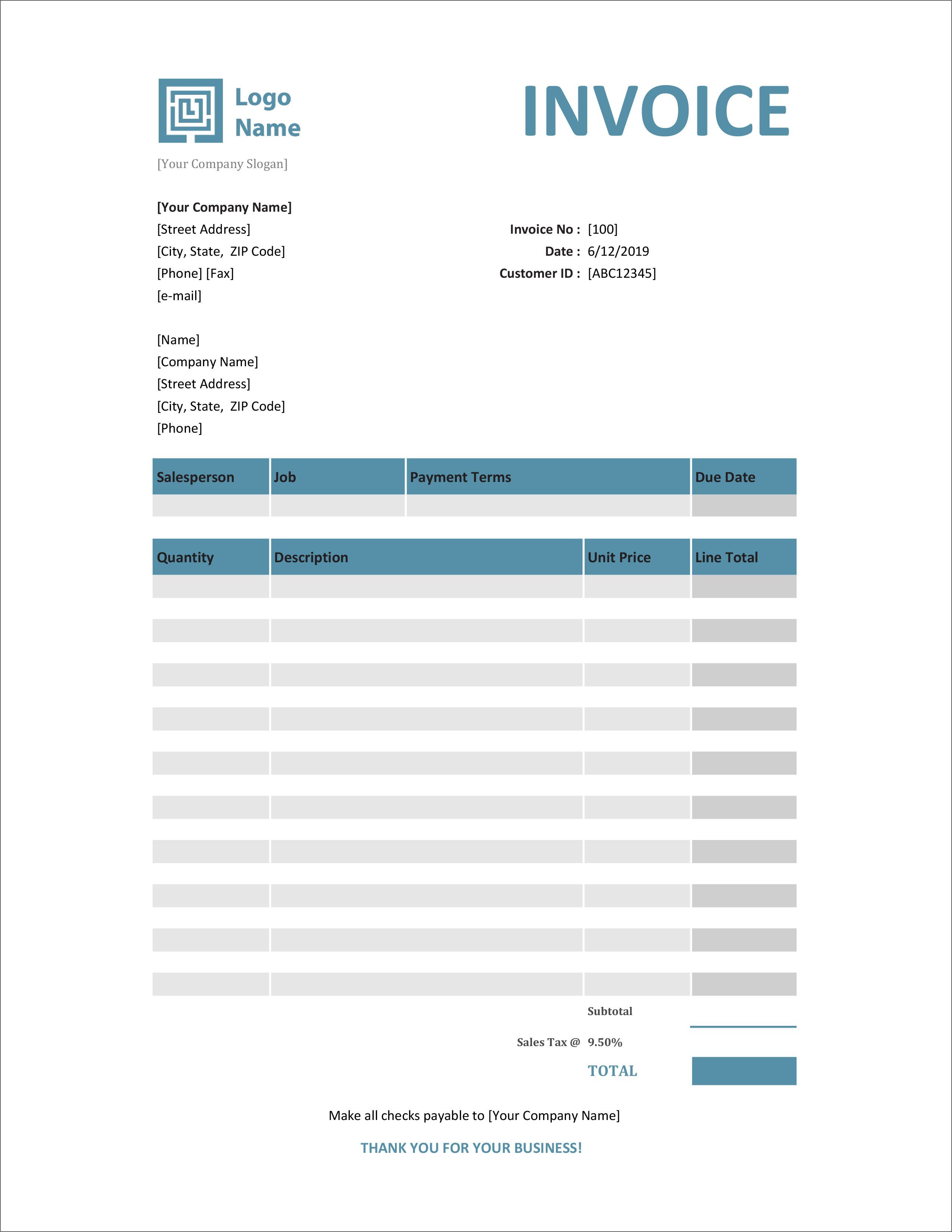
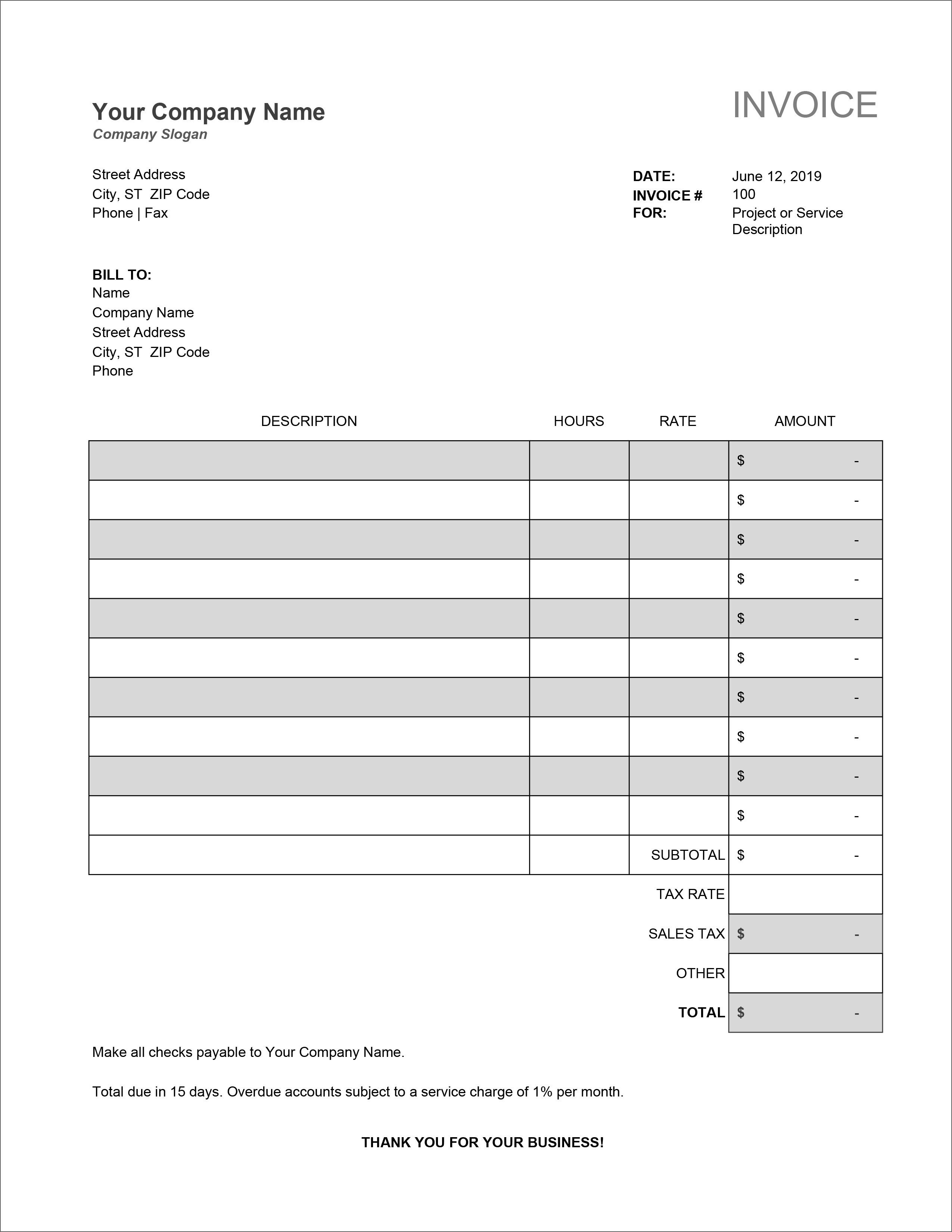
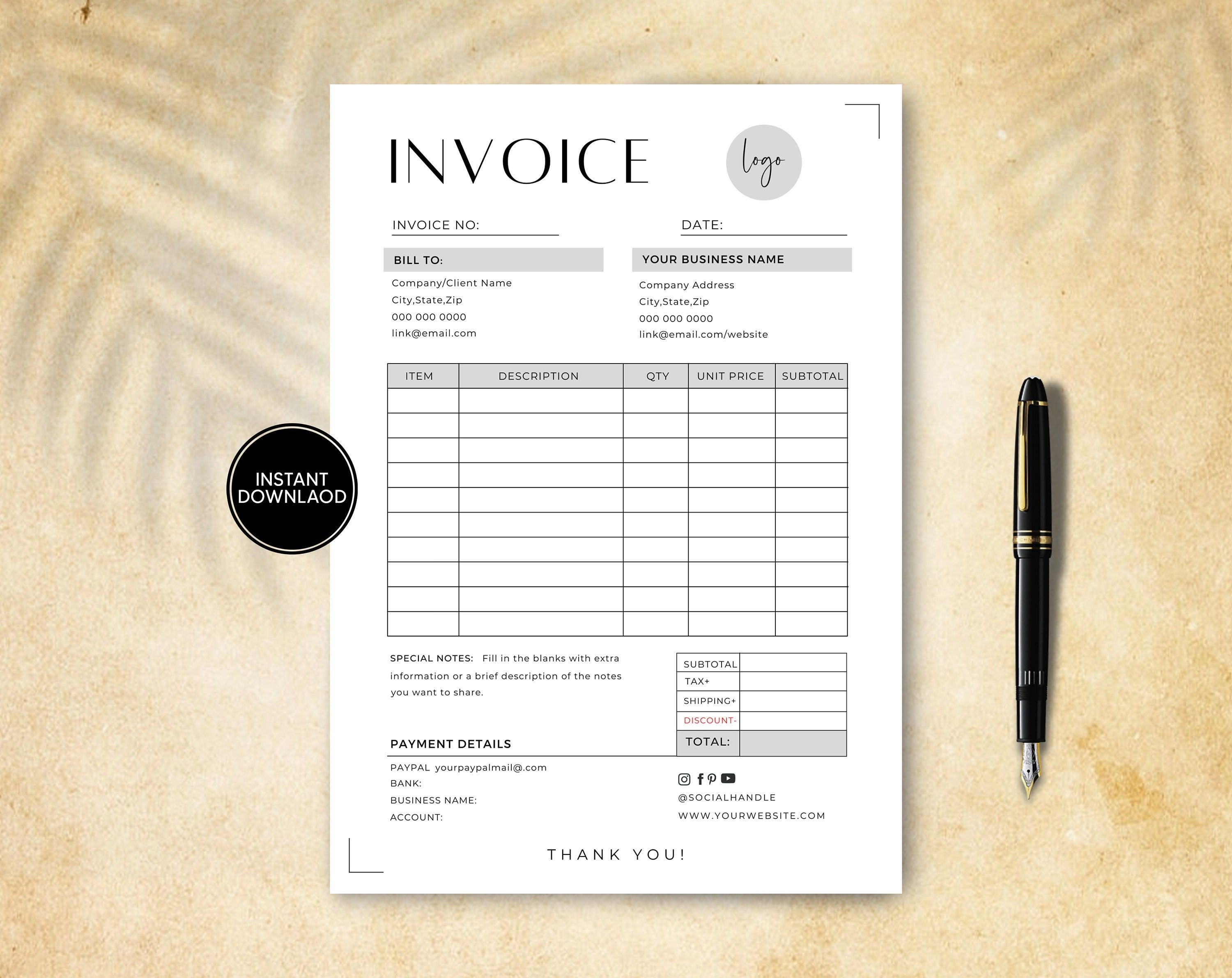
Microsoft Word Templates: Microsoft provides a selection of free invoice templates within Word. These templates offer a quick and easy way to create professional-looking invoices. Simply download and customize them to fit your brand and requirements.
Online Generators: Several online platforms offer free invoice template generators, including Skynova and LegalTemplates.net. These tools allow you to build, edit, and print customized invoices, often with additional features like auto-reminders and online payment options.
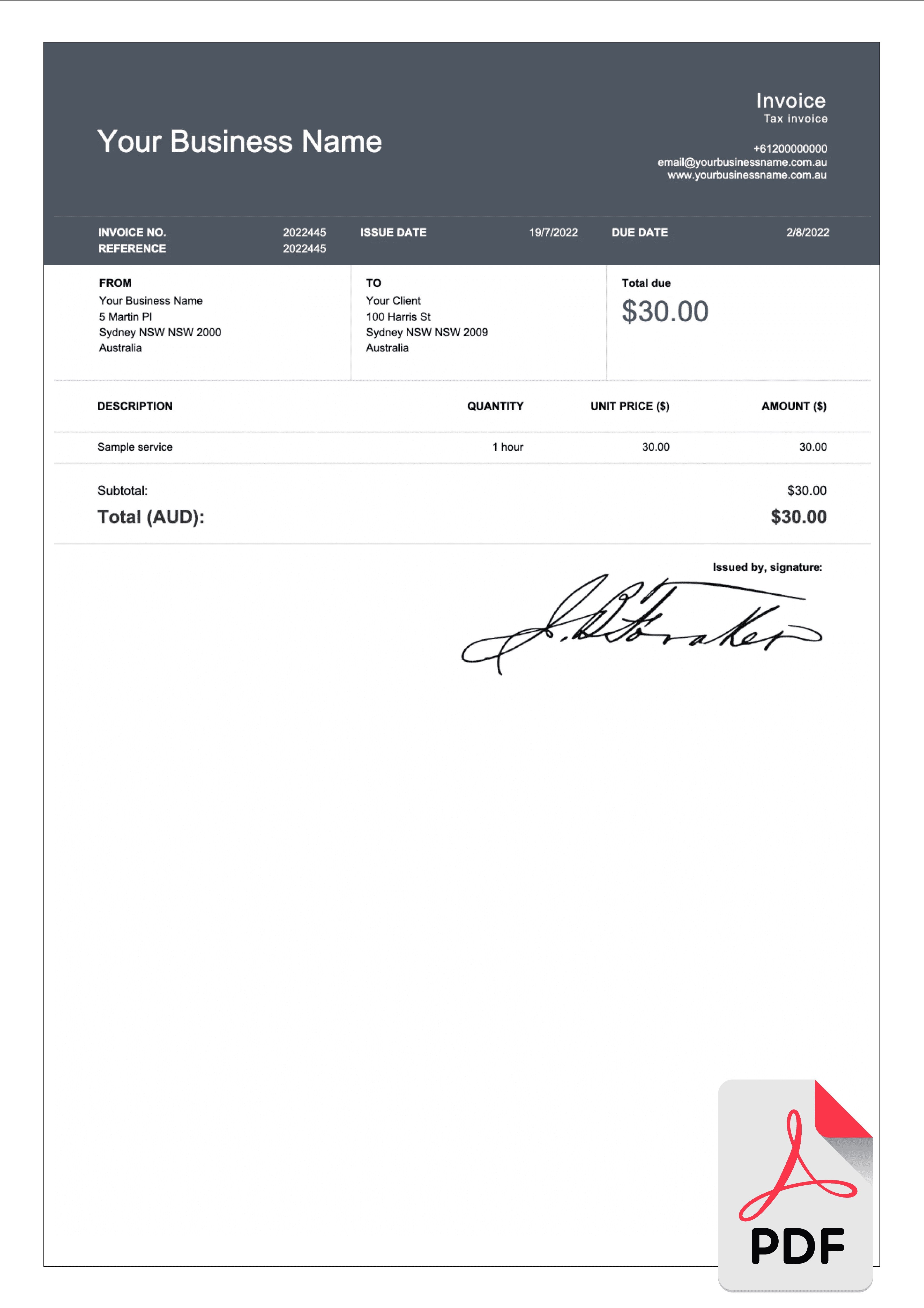
Adobe Acrobat: For a more advanced approach, Adobe Acrobat provides a guide on creating invoices directly in Word. This method lets you utilize templates, design original invoices, and even e-sign documents, making it a versatile option.
Downloadable and Printable Invoices
If you prefer a more hands-on approach, consider the following:
Downloadable Templates: Many websites offer free invoice templates in Word format (.DOCX). These templates can be downloaded, modified, and printed, giving you full control over the design and content.
Printable Invoices: Some platforms, like Skynova, provide printable invoice options. You can easily edit and print your invoices, ensuring a professional finish without the need for complex software.
Customization and Professionalism
To create invoices that reflect your business:
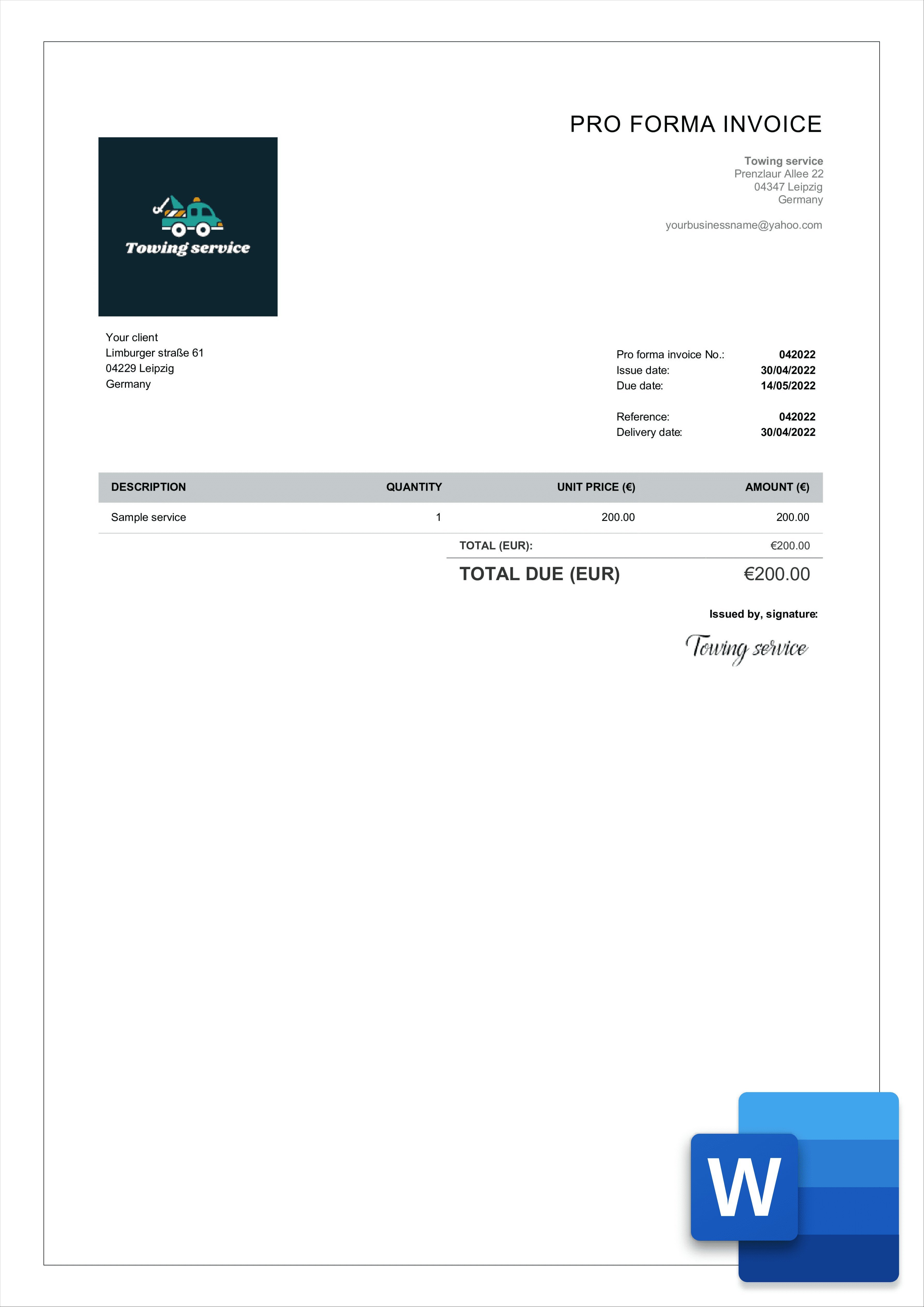
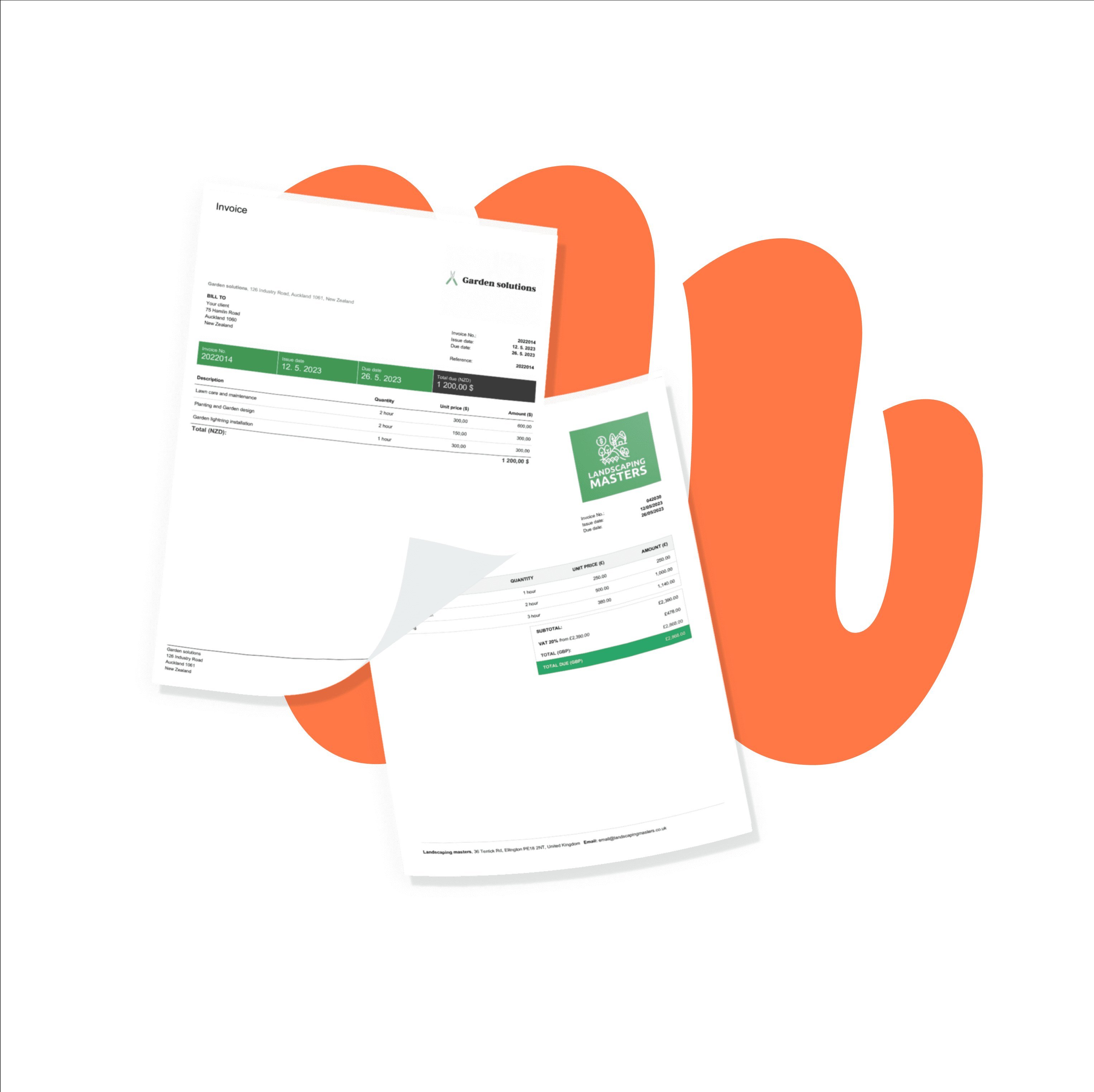
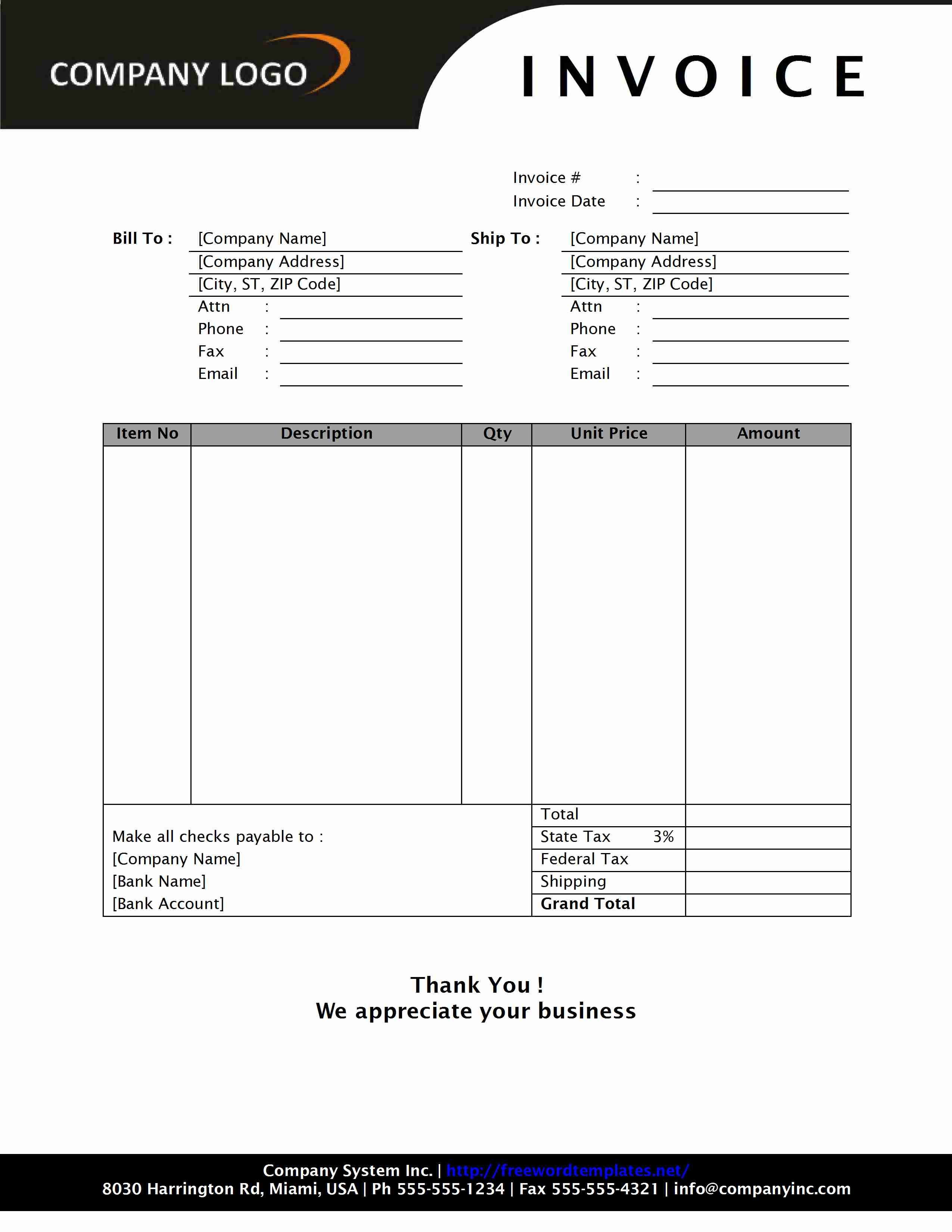
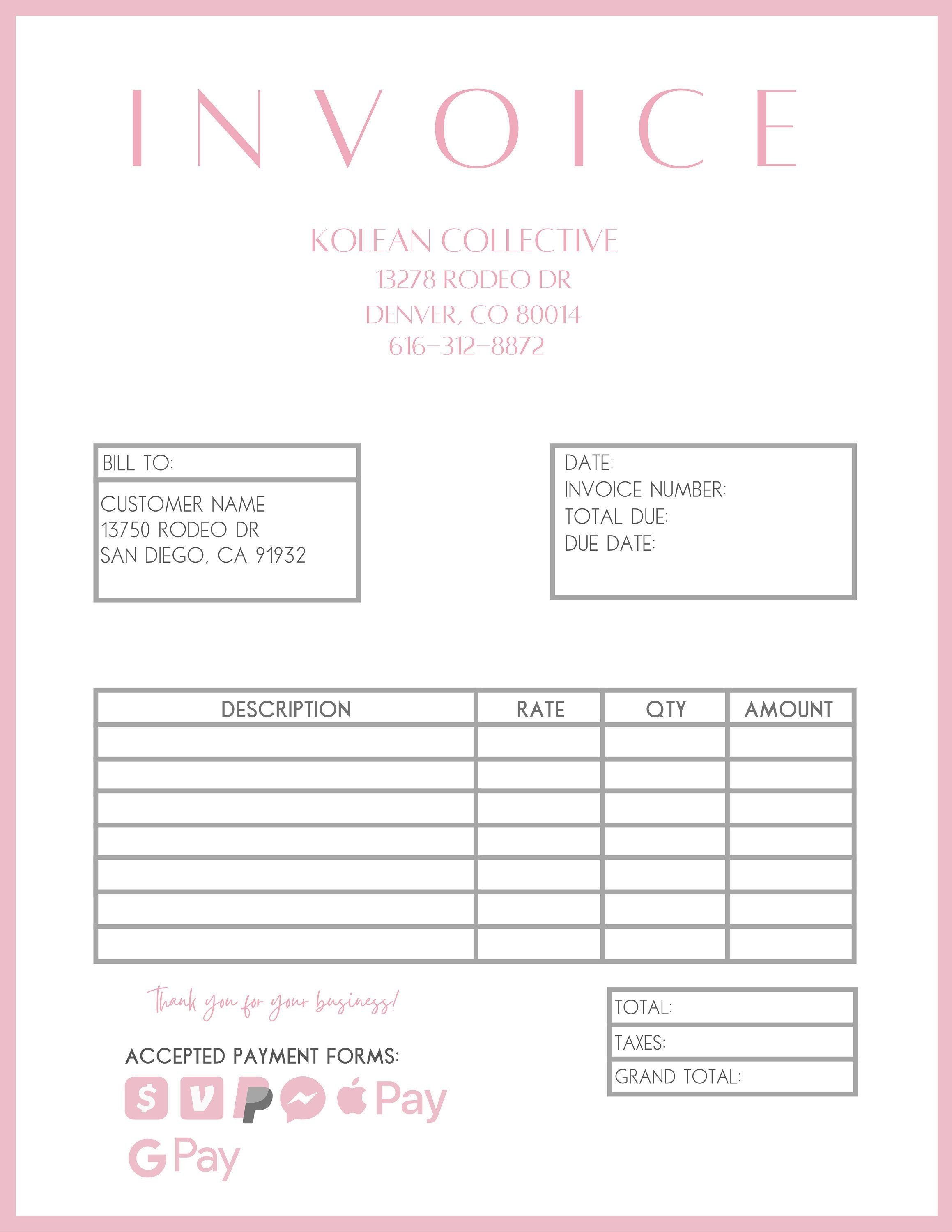
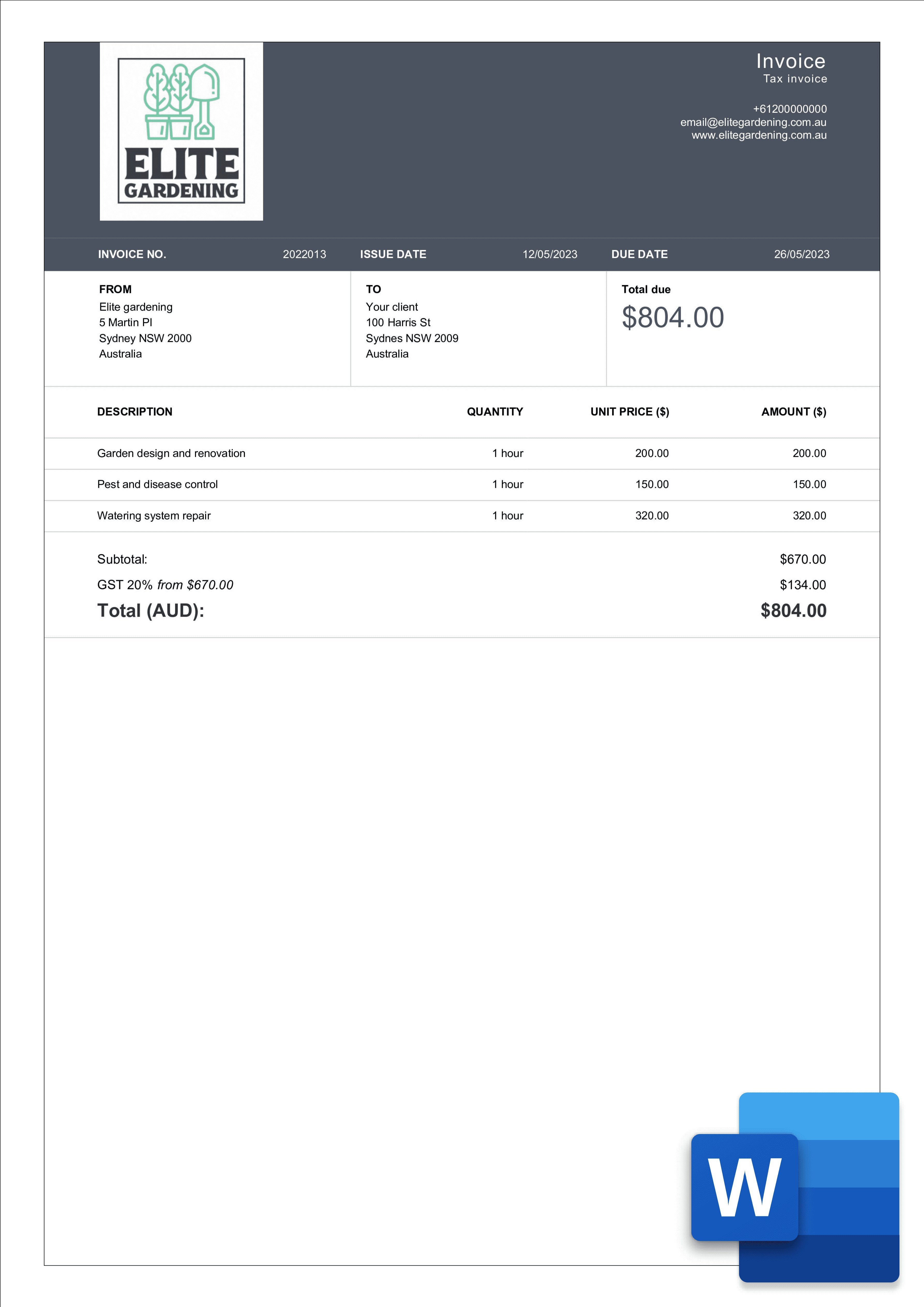
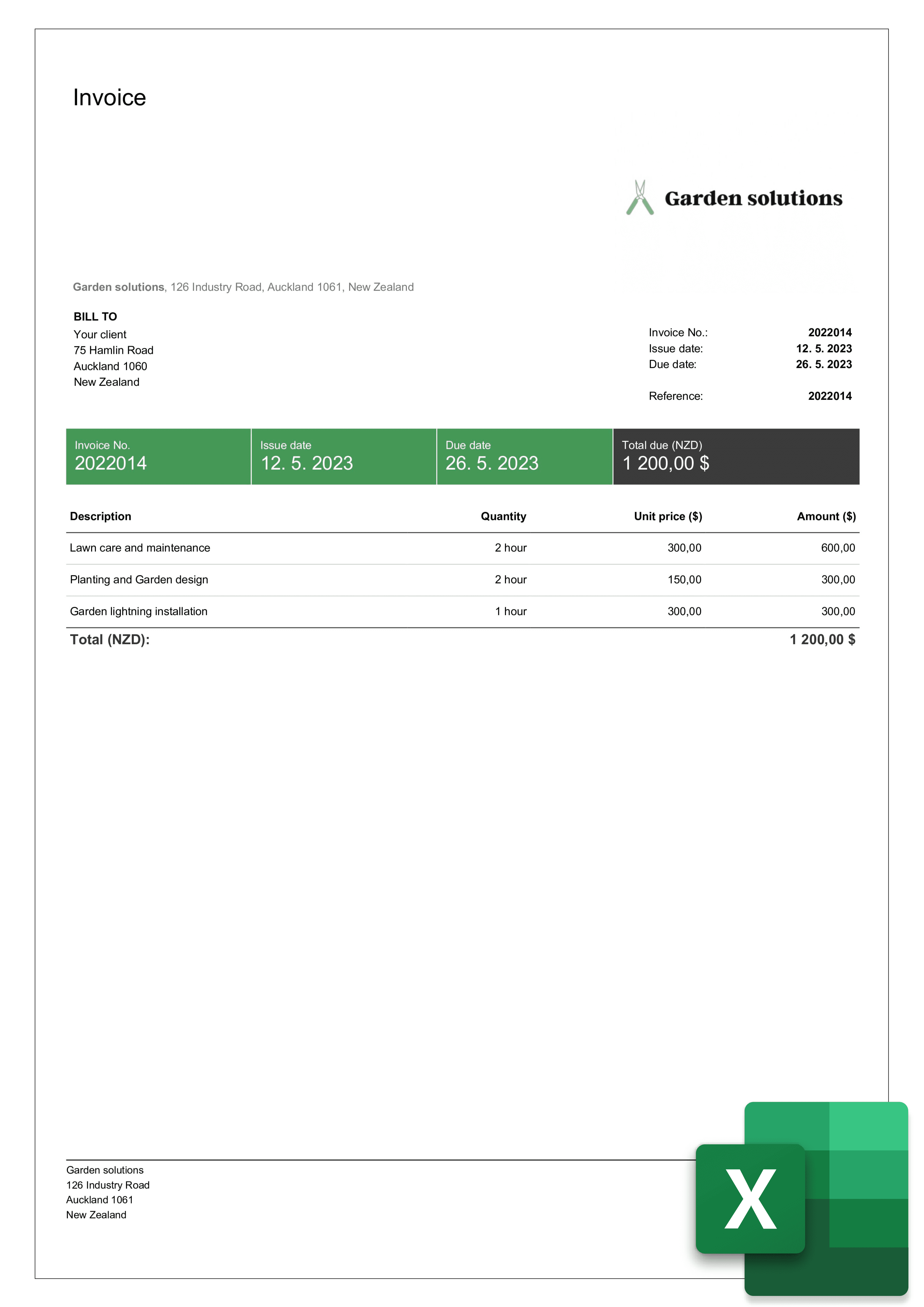
Free Landscaping Invoice Template Word Capig — Template Word
Add Your Logo: Personalize your invoices by inserting your business logo. This simple step enhances professionalism and brand recognition.
Edit and Format: Word's editing tools allow you to customize fonts, colors, and layouts. Ensure your invoice aligns with your brand's style guide for a consistent look.
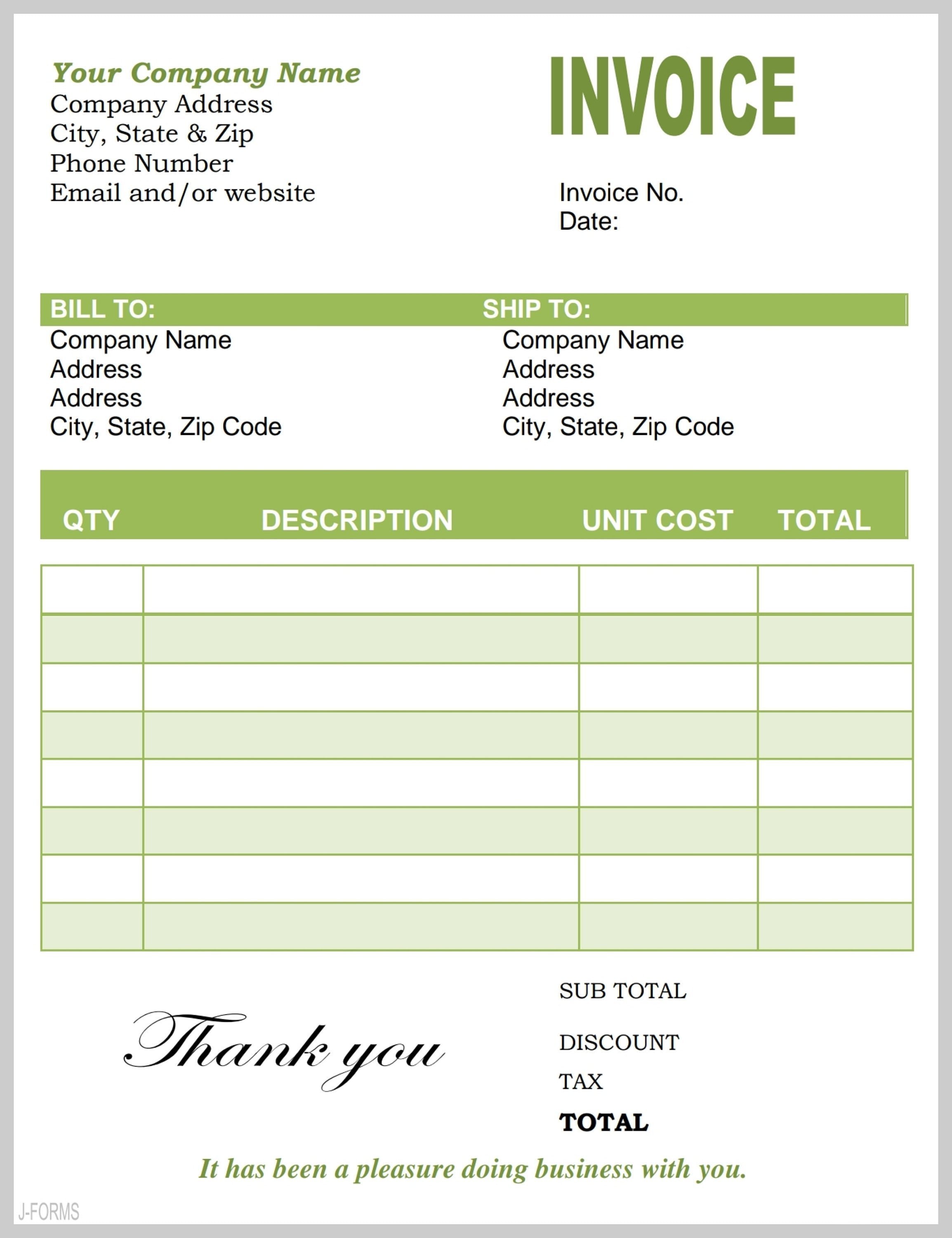
Include Essential Details: Remember to include key information like itemized lists, payment terms, and any applicable taxes. A comprehensive invoice provides clarity for both you and your clients.
All invoice with word sheets on Independent Classifieds are free for personal, home, and classroom printing. Commercial redistribution is not permitted under our terms of use.